There’s an app for that
By Emma Whitacre & Michael Cendrik
Canva
Rationale: I chose Canva as one of my top apps because all my students that I have
introduced it to me have loved using it both in class and outside of class. Many of
my students who have graduated have used it in college courses as well as their jobs
and on social media. This platform is a great design platform for people who don’t
really know what they’re doing to people who want to be graphic design majors.
Canva
b) Hyperlink to the APP: https://www.canva.com/
https://apps.apple.com/us/app/canva-graphic-design-video/id897446215
c) Specific uses in the classroom, does it provide student feedback? how? Canva allows students to create
presentations, brochures, posters, and any other type of media for in-classroom needs as well as out-of-
classroom needs.
d) What kind of higher learning thinking skills does the app encourage?
This app encourages the use of creation and synthesis. The reason I love this app because when I show it to
students, they start using it for other projects and areas of their lives. Not only can they create a visual
poem, they can also make graphics to put on Instagram or make custom cards for their mom. Students are
highly motivated to use this app.
e) Ease of use...is it intuitive? How?
Canva is not the easiest platform to create with, but I’m not sure how many editing and graphic design
platforms are easy to use simply because they are finicky. The platform is easy to navigate, but getting a
solid grasp of how the details work is a bit tricky. It is intuitive though, but takes a little while to navigate
f) What kind of privacy does it offer?
No one can see your designs unless you share your designs through a link or you are put on a team and you
switch your design setting so that your team can see it
G) are the skills reinforced connected to your curriculum standards/student outcomes?
This is the standard I am going off of:
W.11-12.6 Use technology, including the Internet, to produce, publish, and update individual or shared
writing products in response to ongoing feedback, including new arguments or information.
Students not only are using technology, but they are able to produce infographics, which is a skill of
synthesizing their work and produce other kinds of mixed media graphics as well as collaborate with their
classmates and gain feedback.
h) does the app provide easy-to-follow and comprehensive instructions? provide details
When you first join Canva, Canva asks if you’d like to receive a tour that helps you acclimate to the
platform.
Padlet
Rationale: I chose Padlet because students have a fun time organizing their notes on
Padlet, and its an interactive and engaging way for students to view a lesson and to
organize information from a lesson or from a unit. Students can gather all types of
media including videos, articles, websites, and pictures and house them in Padlet.
Students can also use Padlet as a way to present information in the future in the
workplace.
Padlet
#2-Padlet
b) Hyperlink to the APP: https://padlet.com/dashboard
c) Specific uses in the classroom, does it provide student feedback? how?
This app does not provide student feedback, but allows me to comment on student’s work
d) What kind of higher learning thinking skills does the app encourage?
Padlet can be used as a graphic organizer for students to store notes and other information such as links to
websites, texts, videos that we watch in class. These can be sent to students when they are absent from
e) Ease of use...is it intuitive? How?
For the complex system that Padlet is, I think it is intuitive and easy to use.
f) What kind of privacy does it offer?
No one can see the Padlet unless shared by a link
G) are the skills reinforced connected to your curriculum standards/student outcomes?
W.11-12.2.A Introduce a topic; organize complex ideas, concepts, and information so that each new element
builds on that which precedes it to create a unified whole; when useful, include headings, graphics, and
multimedia to aid in comprehension.
Examine a grade-appropriate informational text. ● Provide an objective summary of the text. ● Determine
or more central ideas of a text and analyze their development over the course of the text, including how
interact and build on one another to provide a complex analysis.
I have students read an informational text and organize ideas on Padlet
h) does the app provide easy-to-follow and comprehensive instructions? provide details
At the very beginning of signing up for the app, the provides a tutorial to show you around the platform
Membean
Rationale: I chose Membean because vocabulary usage has always been a debated topic in English
classrooms. Membean provides an interactive, easy to use, interface that helps students authentically
learn vocabulary at their own pace. Each student’s profile is crafted by the algorithm of the app to
adjust to the students’ needs and learning preferences. Quizzes are formed based on how the student
best learns.
Membean
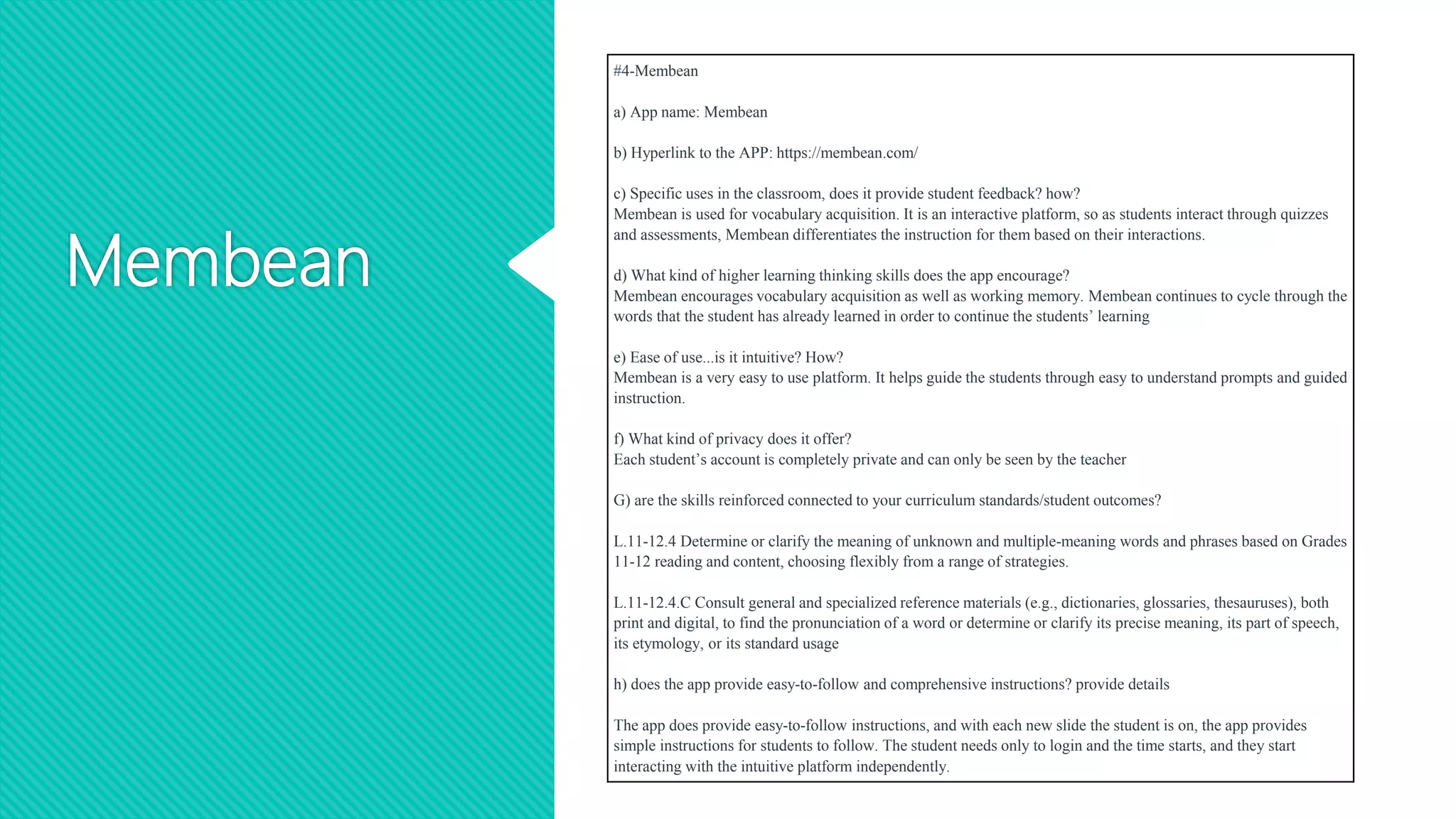
#4-Membean
a) App name: Membean
b) Hyperlink to the APP: https://membean.com/
c) Specific uses in the classroom, does it provide student feedback? how?
Membean is used for vocabulary acquisition. It is an interactive platform, so as students interact through quizzes
and assessments, Membean differentiates the instruction for them based on their interactions.
d) What kind of higher learning thinking skills does the app encourage?
Membean encourages vocabulary acquisition as well as working memory. Membean continues to cycle through the
words that the student has already learned in order to continue the students’ learning
e) Ease of use...is it intuitive? How?
Membean is a very easy to use platform. It helps guide the students through easy to understand prompts and guided
instruction.
f) What kind of privacy does it offer?
Each student’s account is completely private and can only be seen by the teacher
G) are the skills reinforced connected to your curriculum standards/student outcomes?
L.11-12.4 Determine or clarify the meaning of unknown and multiple-meaning words and phrases based on Grades
11-12 reading and content, choosing flexibly from a range of strategies.
L.11-12.4.C Consult general and specialized reference materials (e.g., dictionaries, glossaries, thesauruses), both
print and digital, to find the pronunciation of a word or determine or clarify its precise meaning, its part of speech,
its etymology, or its standard usage
h) does the app provide easy-to-follow and comprehensive instructions? provide details
The app does provide easy-to-follow instructions, and with each new slide the student is on, the app provides
simple instructions for students to follow. The student needs only to login and the time starts, and they start
interacting with the intuitive platform independently.
AdobeSpark
Rationale: I picked AdobeSpark because its a great tool to use for beginning
journalists who are beginning to learn about graphic design and creating online
platforms as well as the yearbook. AdobeSpark allows students to experiment in a
low-stakes environment and allows them to share their graphics with anyone they
want via social media or a link.
AdobeSpark
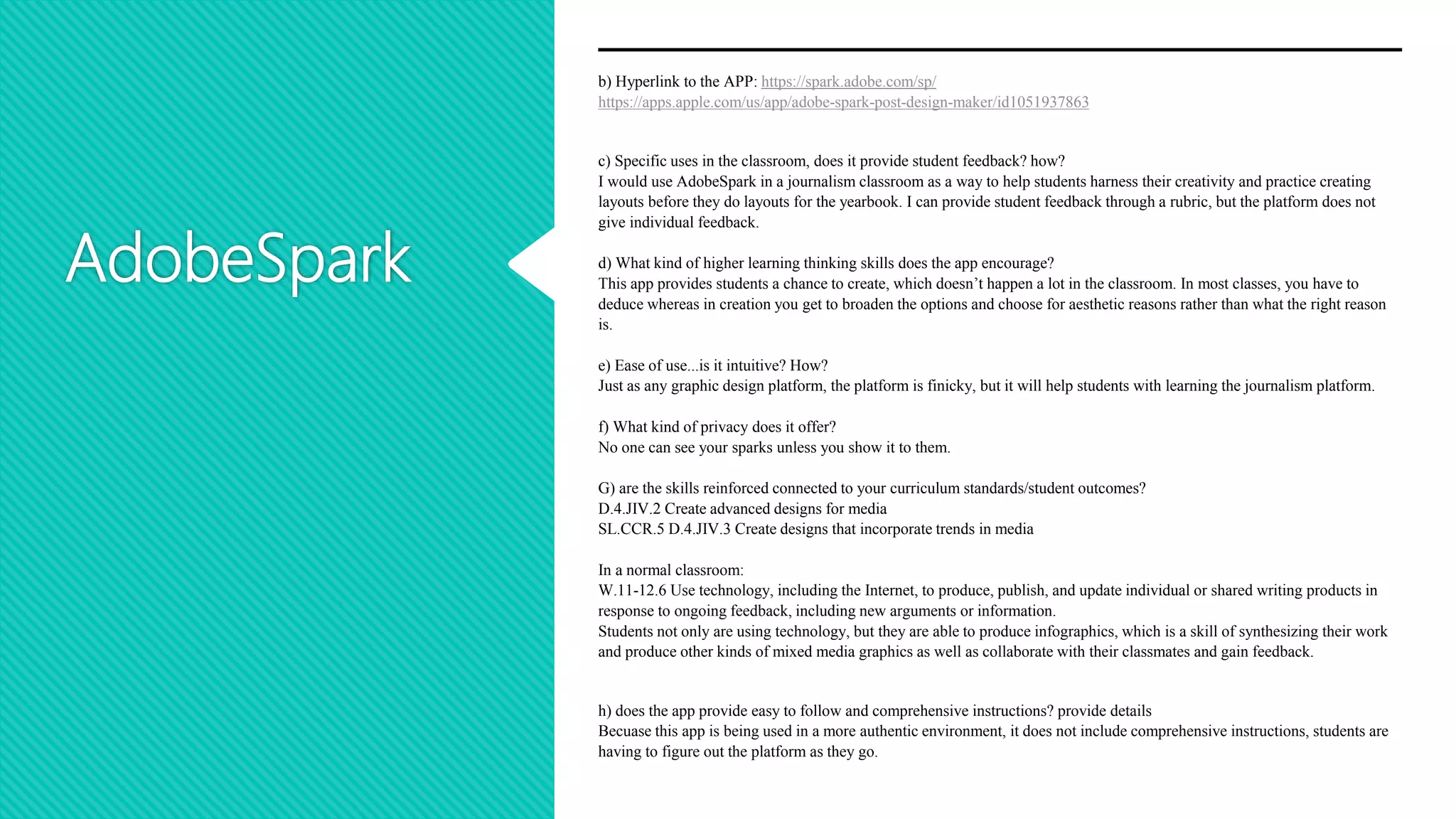
b) Hyperlink to the APP: https://spark.adobe.com/sp/
https://apps.apple.com/us/app/adobe-spark-post-design-maker/id1051937863
c) Specific uses in the classroom, does it provide student feedback? how?
I would use AdobeSpark in a journalism classroom as a way to help students harness their creativity and practice creating
layouts before they do layouts for the yearbook. I can provide student feedback through a rubric, but the platform does not
give individual feedback.
d) What kind of higher learning thinking skills does the app encourage?
This app provides students a chance to create, which doesn’t happen a lot in the classroom. In most classes, you have to
deduce whereas in creation you get to broaden the options and choose for aesthetic reasons rather than what the right reason
is.
e) Ease of use...is it intuitive? How?
Just as any graphic design platform, the platform is finicky, but it will help students with learning the journalism platform.
f) What kind of privacy does it offer?
No one can see your sparks unless you show it to them.
G) are the skills reinforced connected to your curriculum standards/student outcomes?
D.4.JIV.2 Create advanced designs for media
SL.CCR.5 D.4.JIV.3 Create designs that incorporate trends in media
In a normal classroom:
W.11-12.6 Use technology, including the Internet, to produce, publish, and update individual or shared writing products in
response to ongoing feedback, including new arguments or information.
Students not only are using technology, but they are able to produce infographics, which is a skill of synthesizing their work
and produce other kinds of mixed media graphics as well as collaborate with their classmates and gain feedback.
h) does the app provide easy to follow and comprehensive instructions? provide details
Becuase this app is being used in a more authentic environment, it does not include comprehensive instructions, students are
having to figure out the platform as they go.
Class Dojo
Rationale: I picked Class Dojo because I want my classroom to be a community of
learners. I want to encourage my students to share their work with each other, and I
love the idea of an online portfolio. As a teacher, I will also need access to
communicate with parents, and Class Dojo gives me that. This platform seems to be
equipped for elementary age, but as a high school teacher, I could make this fun!
Class Dojo
b) Hyperlink to the APP: https://www.classdojo.com/
c) Specific uses in the classroom, does it provide student feedback? how?
Class Dojo is a platform in which teachers, students, and parents can all be connected. As the teacher
posts on the platform, parents can be up to date on what their children are doing in the classroom.
d) What kind of higher learning thinking skills does the app encourage?
I think this app helps students start to learn how to navigate social media outlets in a safe environment
where their parents and teachers are their audience. This may seem petty, but social media is here to stay
and we need to be intentional about shaping their skills.
e) Ease of use...is it intuitive? How?
This seems to be a great platform for young students to take pictures of each other and post it onto their
classroom stream or onto their individual portfolios.
f) What kind of privacy does it offer? It offers excellent privacy.
Users must have a classroom code and can only see what is shared with them by the teacher and student.
G) Are the skills reinforced connected to your curriculum standards/student outcomes?
Part of the expectations for teachers is to have good communication with parents, and this app allows
direct communication from parents to teachers via direct messages.
h) does the app provide easy to follow and comprehensive instructions? provide details
This app seems to be very easy to use and intuitive as it shows all the students with icons and you click
on the students and it pulls up their profile.

There's an app for that

  • 1.
    There’s an appfor that By Emma Whitacre & Michael Cendrik
  • 2.
    Canva Rationale: I choseCanva as one of my top apps because all my students that I have introduced it to me have loved using it both in class and outside of class. Many of my students who have graduated have used it in college courses as well as their jobs and on social media. This platform is a great design platform for people who don’t really know what they’re doing to people who want to be graphic design majors.
  • 3.
    Canva b) Hyperlink tothe APP: https://www.canva.com/ https://apps.apple.com/us/app/canva-graphic-design-video/id897446215 c) Specific uses in the classroom, does it provide student feedback? how? Canva allows students to create presentations, brochures, posters, and any other type of media for in-classroom needs as well as out-of- classroom needs. d) What kind of higher learning thinking skills does the app encourage? This app encourages the use of creation and synthesis. The reason I love this app because when I show it to students, they start using it for other projects and areas of their lives. Not only can they create a visual poem, they can also make graphics to put on Instagram or make custom cards for their mom. Students are highly motivated to use this app. e) Ease of use...is it intuitive? How? Canva is not the easiest platform to create with, but I’m not sure how many editing and graphic design platforms are easy to use simply because they are finicky. The platform is easy to navigate, but getting a solid grasp of how the details work is a bit tricky. It is intuitive though, but takes a little while to navigate f) What kind of privacy does it offer? No one can see your designs unless you share your designs through a link or you are put on a team and you switch your design setting so that your team can see it G) are the skills reinforced connected to your curriculum standards/student outcomes? This is the standard I am going off of: W.11-12.6 Use technology, including the Internet, to produce, publish, and update individual or shared writing products in response to ongoing feedback, including new arguments or information. Students not only are using technology, but they are able to produce infographics, which is a skill of synthesizing their work and produce other kinds of mixed media graphics as well as collaborate with their classmates and gain feedback. h) does the app provide easy-to-follow and comprehensive instructions? provide details When you first join Canva, Canva asks if you’d like to receive a tour that helps you acclimate to the platform.
  • 4.
    Padlet Rationale: I chosePadlet because students have a fun time organizing their notes on Padlet, and its an interactive and engaging way for students to view a lesson and to organize information from a lesson or from a unit. Students can gather all types of media including videos, articles, websites, and pictures and house them in Padlet. Students can also use Padlet as a way to present information in the future in the workplace.
  • 5.
    Padlet #2-Padlet b) Hyperlink tothe APP: https://padlet.com/dashboard c) Specific uses in the classroom, does it provide student feedback? how? This app does not provide student feedback, but allows me to comment on student’s work d) What kind of higher learning thinking skills does the app encourage? Padlet can be used as a graphic organizer for students to store notes and other information such as links to websites, texts, videos that we watch in class. These can be sent to students when they are absent from e) Ease of use...is it intuitive? How? For the complex system that Padlet is, I think it is intuitive and easy to use. f) What kind of privacy does it offer? No one can see the Padlet unless shared by a link G) are the skills reinforced connected to your curriculum standards/student outcomes? W.11-12.2.A Introduce a topic; organize complex ideas, concepts, and information so that each new element builds on that which precedes it to create a unified whole; when useful, include headings, graphics, and multimedia to aid in comprehension. Examine a grade-appropriate informational text. ● Provide an objective summary of the text. ● Determine or more central ideas of a text and analyze their development over the course of the text, including how interact and build on one another to provide a complex analysis. I have students read an informational text and organize ideas on Padlet h) does the app provide easy-to-follow and comprehensive instructions? provide details At the very beginning of signing up for the app, the provides a tutorial to show you around the platform
  • 6.
    Membean Rationale: I choseMembean because vocabulary usage has always been a debated topic in English classrooms. Membean provides an interactive, easy to use, interface that helps students authentically learn vocabulary at their own pace. Each student’s profile is crafted by the algorithm of the app to adjust to the students’ needs and learning preferences. Quizzes are formed based on how the student best learns.
  • 7.
    Membean #4-Membean a) App name:Membean b) Hyperlink to the APP: https://membean.com/ c) Specific uses in the classroom, does it provide student feedback? how? Membean is used for vocabulary acquisition. It is an interactive platform, so as students interact through quizzes and assessments, Membean differentiates the instruction for them based on their interactions. d) What kind of higher learning thinking skills does the app encourage? Membean encourages vocabulary acquisition as well as working memory. Membean continues to cycle through the words that the student has already learned in order to continue the students’ learning e) Ease of use...is it intuitive? How? Membean is a very easy to use platform. It helps guide the students through easy to understand prompts and guided instruction. f) What kind of privacy does it offer? Each student’s account is completely private and can only be seen by the teacher G) are the skills reinforced connected to your curriculum standards/student outcomes? L.11-12.4 Determine or clarify the meaning of unknown and multiple-meaning words and phrases based on Grades 11-12 reading and content, choosing flexibly from a range of strategies. L.11-12.4.C Consult general and specialized reference materials (e.g., dictionaries, glossaries, thesauruses), both print and digital, to find the pronunciation of a word or determine or clarify its precise meaning, its part of speech, its etymology, or its standard usage h) does the app provide easy-to-follow and comprehensive instructions? provide details The app does provide easy-to-follow instructions, and with each new slide the student is on, the app provides simple instructions for students to follow. The student needs only to login and the time starts, and they start interacting with the intuitive platform independently.
  • 8.
    AdobeSpark Rationale: I pickedAdobeSpark because its a great tool to use for beginning journalists who are beginning to learn about graphic design and creating online platforms as well as the yearbook. AdobeSpark allows students to experiment in a low-stakes environment and allows them to share their graphics with anyone they want via social media or a link.
  • 9.
    AdobeSpark b) Hyperlink tothe APP: https://spark.adobe.com/sp/ https://apps.apple.com/us/app/adobe-spark-post-design-maker/id1051937863 c) Specific uses in the classroom, does it provide student feedback? how? I would use AdobeSpark in a journalism classroom as a way to help students harness their creativity and practice creating layouts before they do layouts for the yearbook. I can provide student feedback through a rubric, but the platform does not give individual feedback. d) What kind of higher learning thinking skills does the app encourage? This app provides students a chance to create, which doesn’t happen a lot in the classroom. In most classes, you have to deduce whereas in creation you get to broaden the options and choose for aesthetic reasons rather than what the right reason is. e) Ease of use...is it intuitive? How? Just as any graphic design platform, the platform is finicky, but it will help students with learning the journalism platform. f) What kind of privacy does it offer? No one can see your sparks unless you show it to them. G) are the skills reinforced connected to your curriculum standards/student outcomes? D.4.JIV.2 Create advanced designs for media SL.CCR.5 D.4.JIV.3 Create designs that incorporate trends in media In a normal classroom: W.11-12.6 Use technology, including the Internet, to produce, publish, and update individual or shared writing products in response to ongoing feedback, including new arguments or information. Students not only are using technology, but they are able to produce infographics, which is a skill of synthesizing their work and produce other kinds of mixed media graphics as well as collaborate with their classmates and gain feedback. h) does the app provide easy to follow and comprehensive instructions? provide details Becuase this app is being used in a more authentic environment, it does not include comprehensive instructions, students are having to figure out the platform as they go.
  • 10.
    Class Dojo Rationale: Ipicked Class Dojo because I want my classroom to be a community of learners. I want to encourage my students to share their work with each other, and I love the idea of an online portfolio. As a teacher, I will also need access to communicate with parents, and Class Dojo gives me that. This platform seems to be equipped for elementary age, but as a high school teacher, I could make this fun!
  • 11.
    Class Dojo b) Hyperlinkto the APP: https://www.classdojo.com/ c) Specific uses in the classroom, does it provide student feedback? how? Class Dojo is a platform in which teachers, students, and parents can all be connected. As the teacher posts on the platform, parents can be up to date on what their children are doing in the classroom. d) What kind of higher learning thinking skills does the app encourage? I think this app helps students start to learn how to navigate social media outlets in a safe environment where their parents and teachers are their audience. This may seem petty, but social media is here to stay and we need to be intentional about shaping their skills. e) Ease of use...is it intuitive? How? This seems to be a great platform for young students to take pictures of each other and post it onto their classroom stream or onto their individual portfolios. f) What kind of privacy does it offer? It offers excellent privacy. Users must have a classroom code and can only see what is shared with them by the teacher and student. G) Are the skills reinforced connected to your curriculum standards/student outcomes? Part of the expectations for teachers is to have good communication with parents, and this app allows direct communication from parents to teachers via direct messages. h) does the app provide easy to follow and comprehensive instructions? provide details This app seems to be very easy to use and intuitive as it shows all the students with icons and you click on the students and it pulls up their profile.