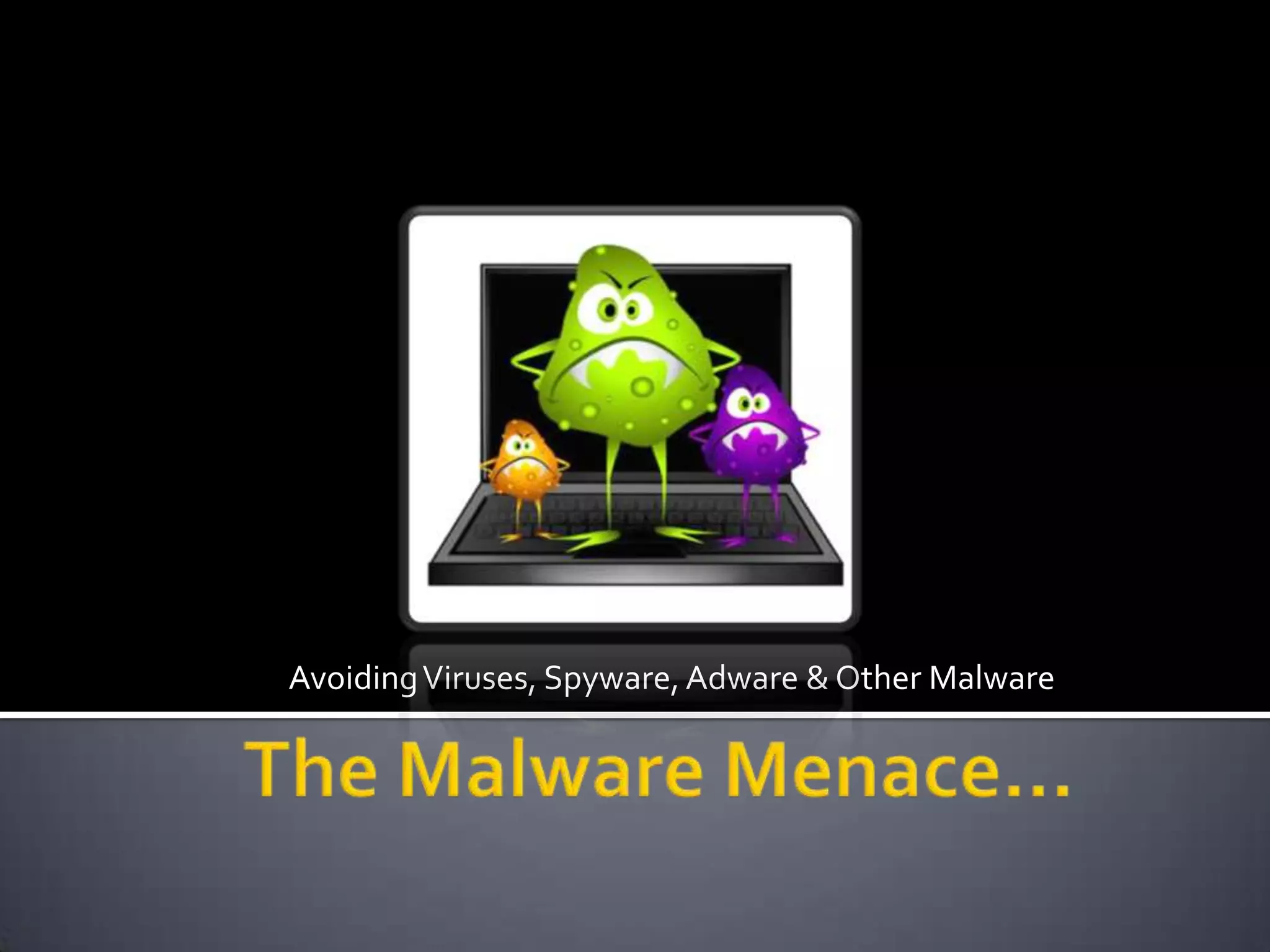
Avoiding Viruses, Spyware, Adware & Other MalwareThe Malware Menace…
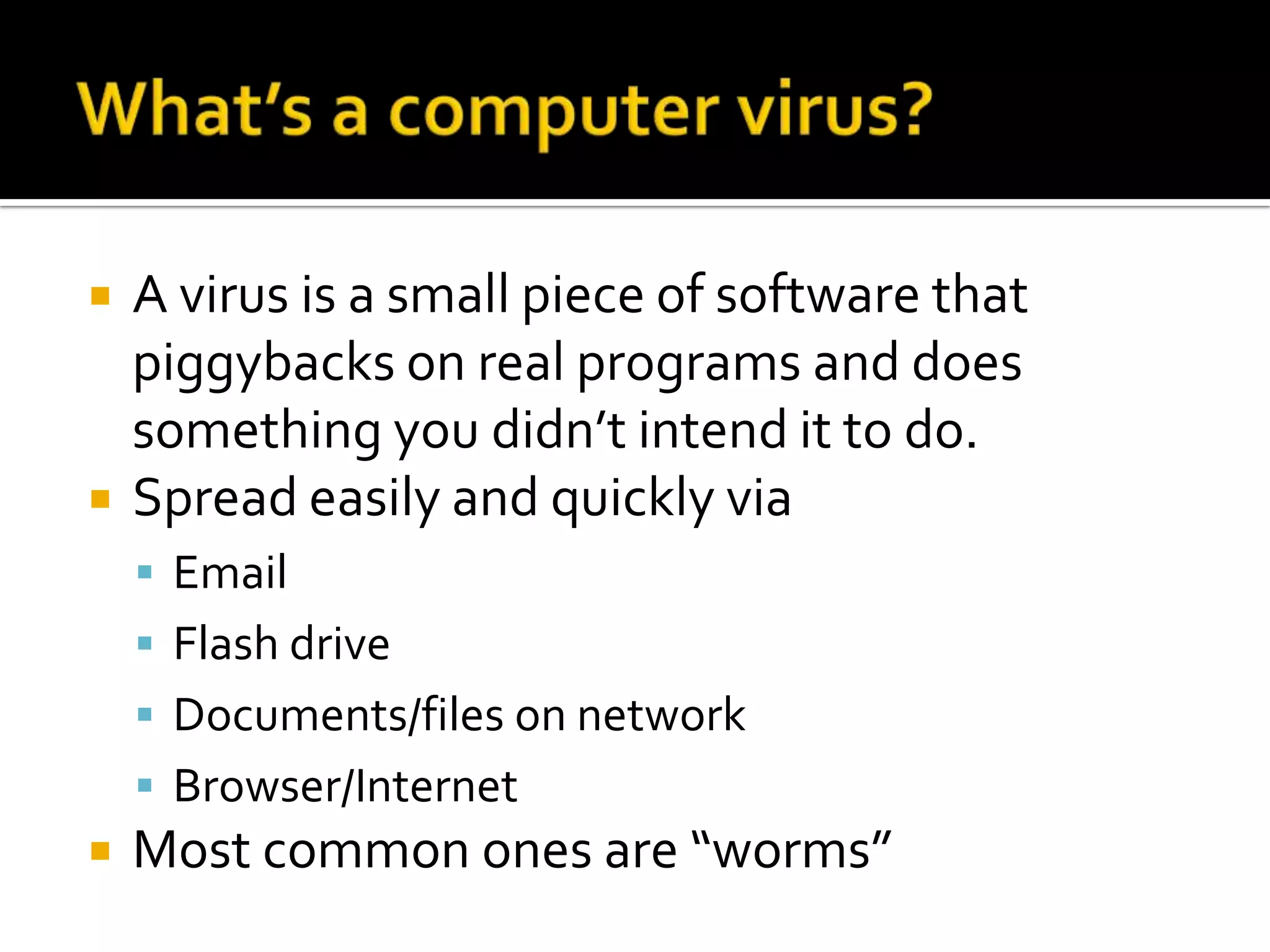
What’s a computer virus?A virus is a small piece of software that piggybacks on real programs and does something you didn’t intend it to do.Spread easily and quickly viaEmailFlash driveDocuments/files on networkBrowser/InternetMost common ones are “worms”
What is spyware?Like a virus but it monitors your actions and uses them against you laterPersonal infoPasswordsAccount infoIdentity theft
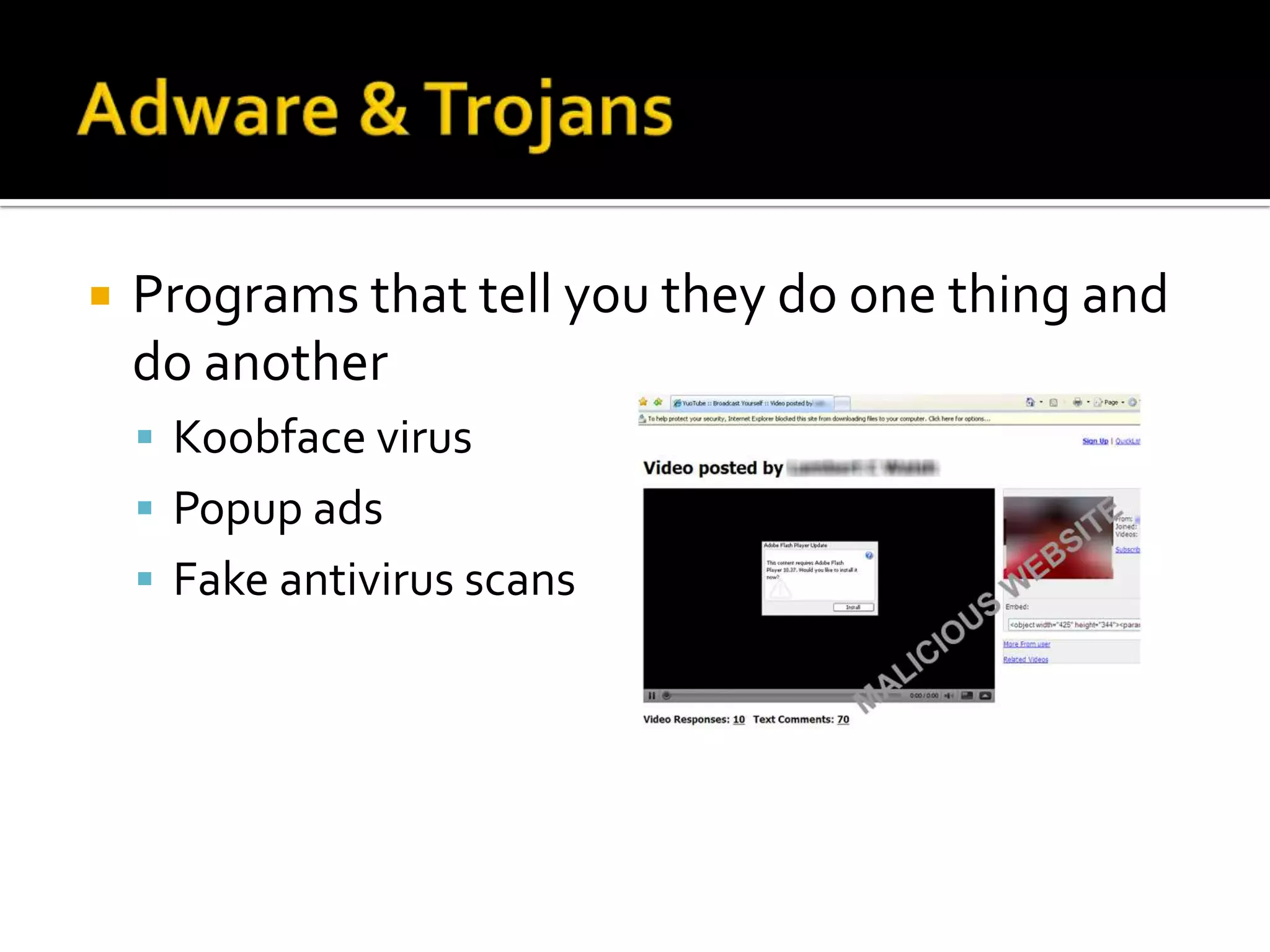
Adware & TrojansPrograms that tell you they do one thing and do anotherKoobface virusPopup adsFake antivirus scans
What protection do we have?Common sense!
Avoiding Malware on Your NobiAvoid “mindless surfing” on the InternetDon’t click on anything unless you KNOW what it is.Don’t use filesharing applications or websites.Don’t share flash drives.Don’t install software.Don’t open emails, especially attachments, from strangers.Run Panda & Windows defender scans (quick – weekly, full – monthly).
Avoiding Malware on Your NobiKeep pop-up blocker turned on in any browserAlways click the red “x” in the upper right corner. The “cancel” or “close” button in the pop-up might have unintended effects.Force quit (alt F4 or ctrl alt del  Task manager  application) if something suspicious pops up.If you get a message from your computer warning you that it is infected and you need to download software to remove the virus, don’t do it. Don’t mess w/security settings on ANY application.If you use sites like Facebook:Don’t install applications on pages.Don’t click on links, images, or videos

The Malware Menace

  • 1.
    Avoiding Viruses, Spyware,Adware & Other MalwareThe Malware Menace…
  • 3.
    What’s a computervirus?A virus is a small piece of software that piggybacks on real programs and does something you didn’t intend it to do.Spread easily and quickly viaEmailFlash driveDocuments/files on networkBrowser/InternetMost common ones are “worms”
  • 4.
    What is spyware?Likea virus but it monitors your actions and uses them against you laterPersonal infoPasswordsAccount infoIdentity theft
  • 5.
    Adware & TrojansProgramsthat tell you they do one thing and do anotherKoobface virusPopup adsFake antivirus scans
  • 6.
    What protection dowe have?Common sense!
  • 7.
    Avoiding Malware onYour NobiAvoid “mindless surfing” on the InternetDon’t click on anything unless you KNOW what it is.Don’t use filesharing applications or websites.Don’t share flash drives.Don’t install software.Don’t open emails, especially attachments, from strangers.Run Panda & Windows defender scans (quick – weekly, full – monthly).
  • 8.
    Avoiding Malware onYour NobiKeep pop-up blocker turned on in any browserAlways click the red “x” in the upper right corner. The “cancel” or “close” button in the pop-up might have unintended effects.Force quit (alt F4 or ctrl alt del  Task manager  application) if something suspicious pops up.If you get a message from your computer warning you that it is infected and you need to download software to remove the virus, don’t do it. Don’t mess w/security settings on ANY application.If you use sites like Facebook:Don’t install applications on pages.Don’t click on links, images, or videos