Spyware and  Adware
Contents What is Spyware? What is Adware? How does Spyware and Adware work? How to detect if your computer has Spyware/Adware? What programs are there to help get rid of them? Recommendations
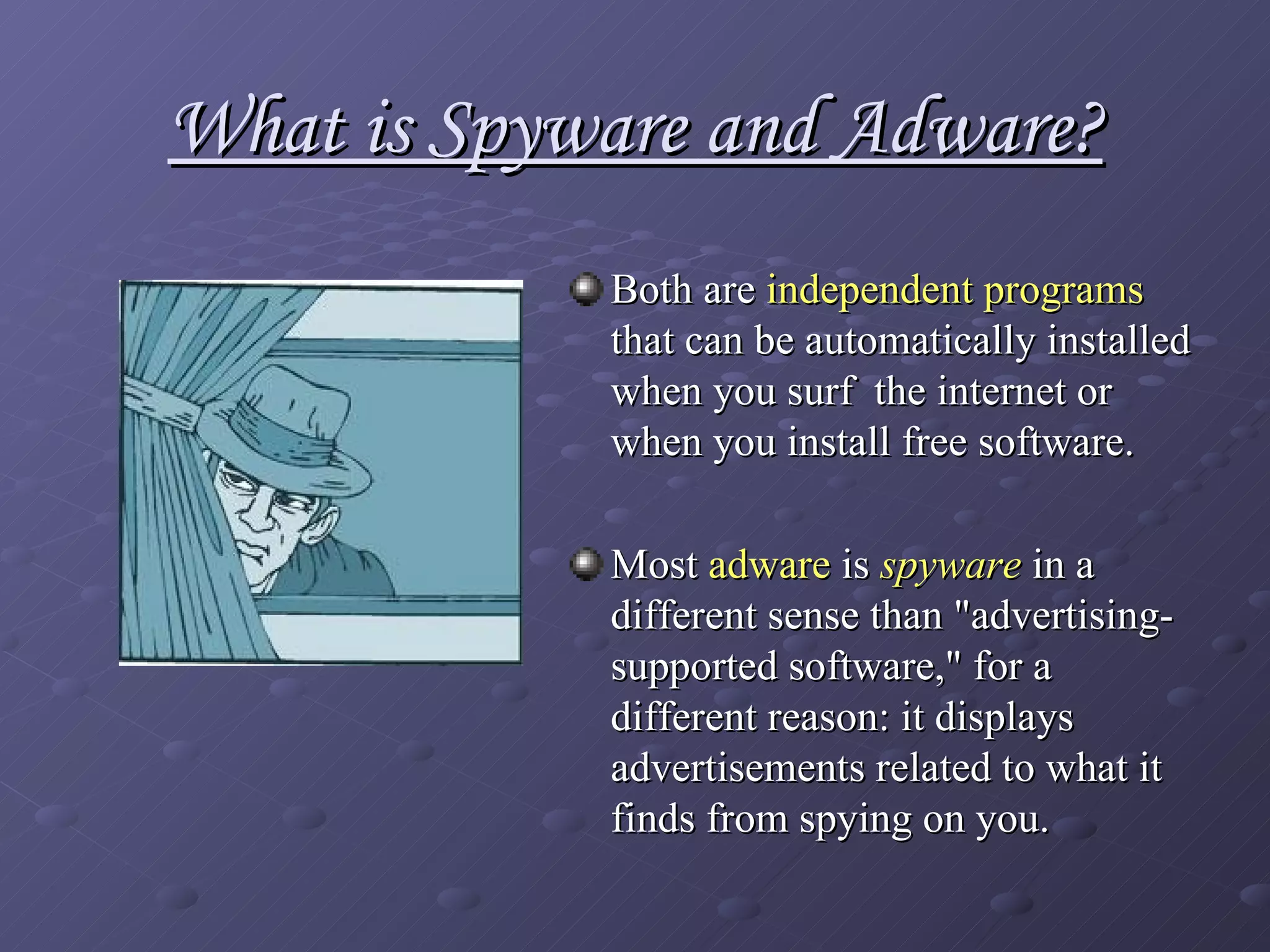
What is Spyware and Adware? Both are  independent programs  that can be automatically installed when you surf  the internet or when you install free software.  Most  adware  is  spyware  in a different sense than "advertising-supported software," for a different reason: it displays advertisements related to what it finds from spying on you.
What is Spyware? Spyware  - is computer software which is installed  surreptitiously  on a personal computer; it takes partial control over the user's computer,  without the user's informed consent . Collect various types of personal information  - such as Internet surfing habits, visited sites, can also interfere installing additional software   and redirecting Web browser activity. Spyware is known to change   computer settings , resulting in slow connection speeds, loss of Internet or functionality of other programs.
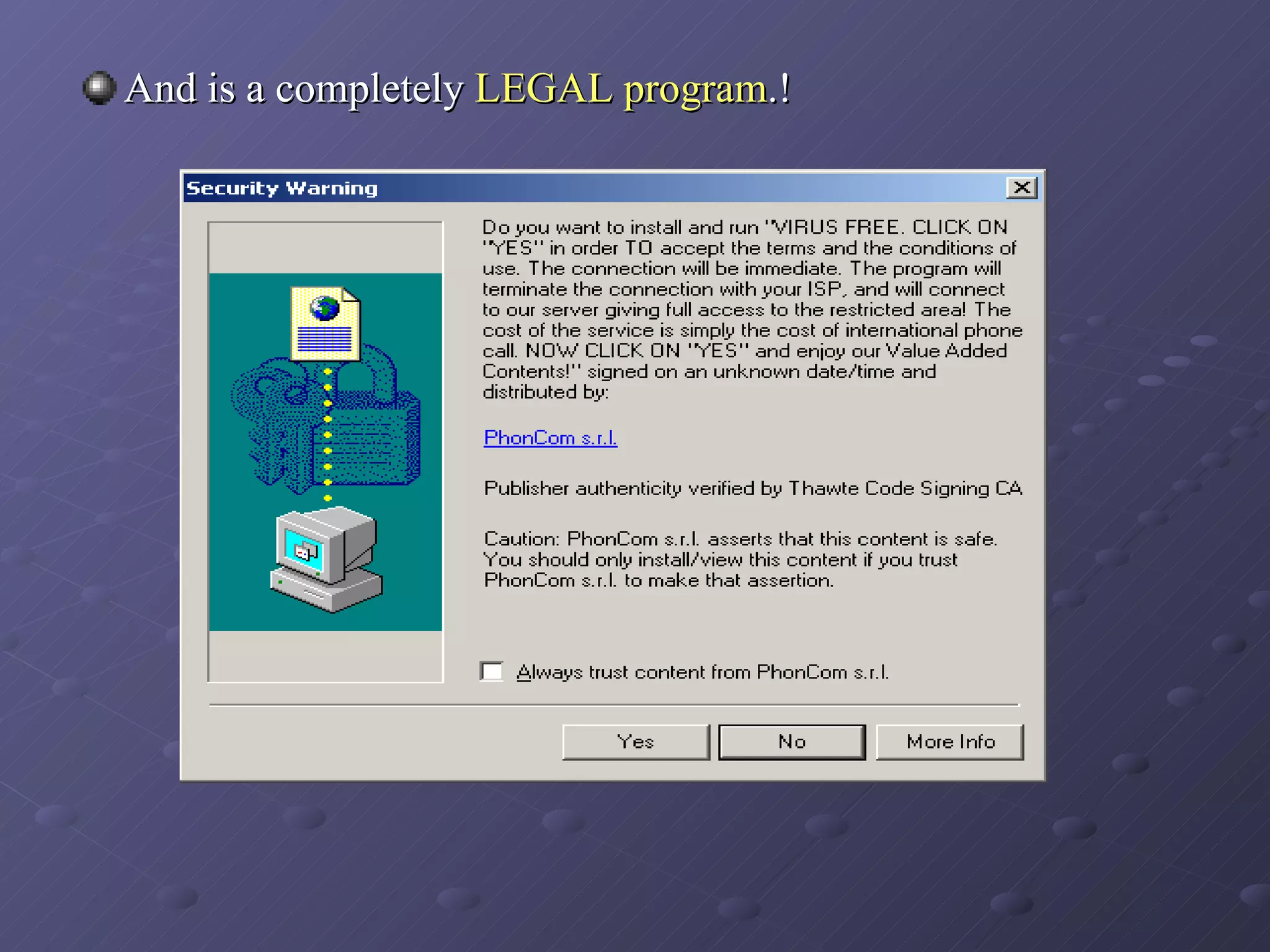
And is a completely  LEGAL program .!
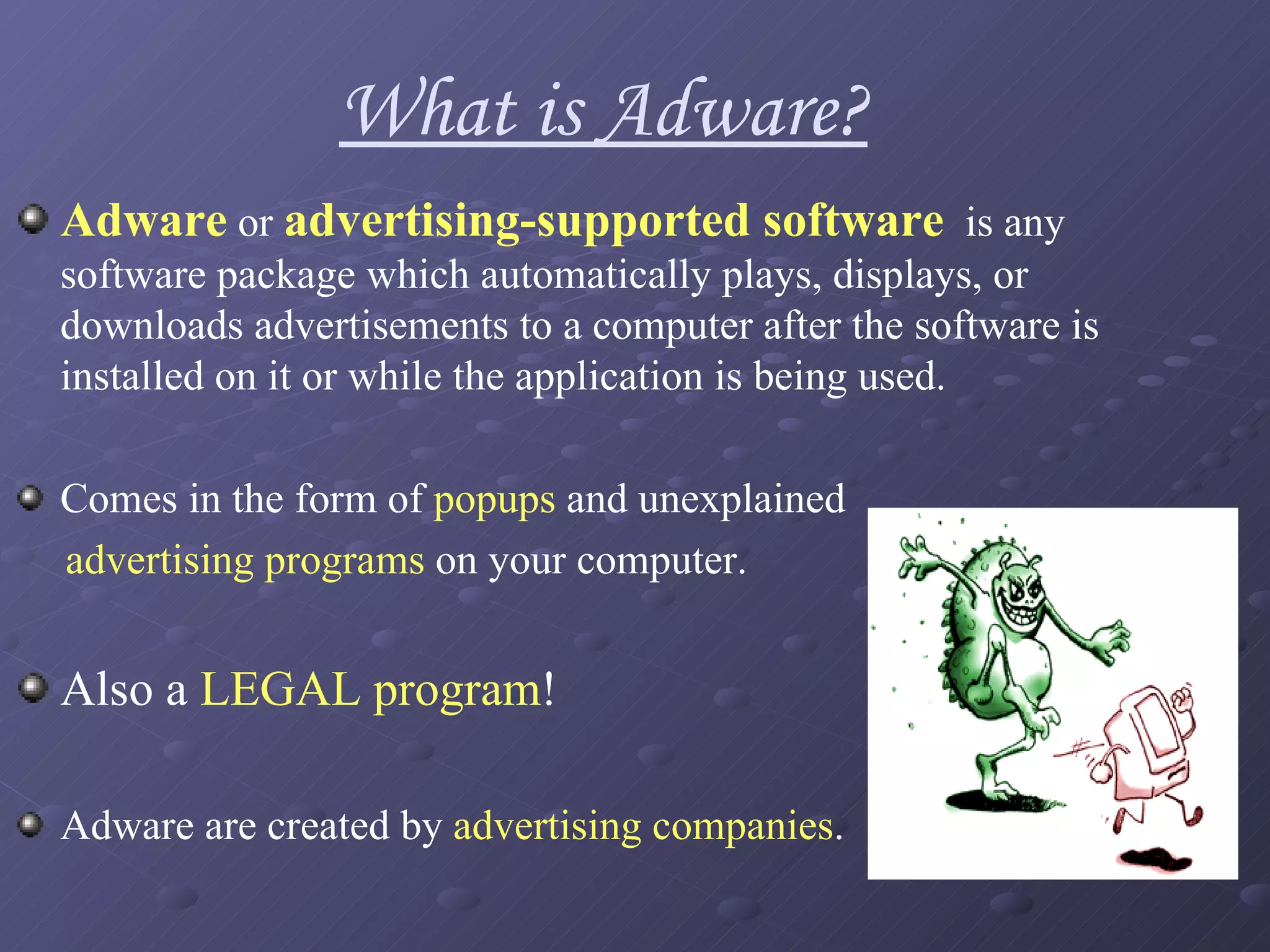
Adware  or  advertising-supported software   is any software package which automatically plays, displays, or downloads advertisements to a computer after the software is installed on it or while the application is being used.  Comes in the form of  popups  and unexplained  advertising programs  on your computer.  Also a  LEGAL program ! Adware are created by  advertising companies . What is Adware?
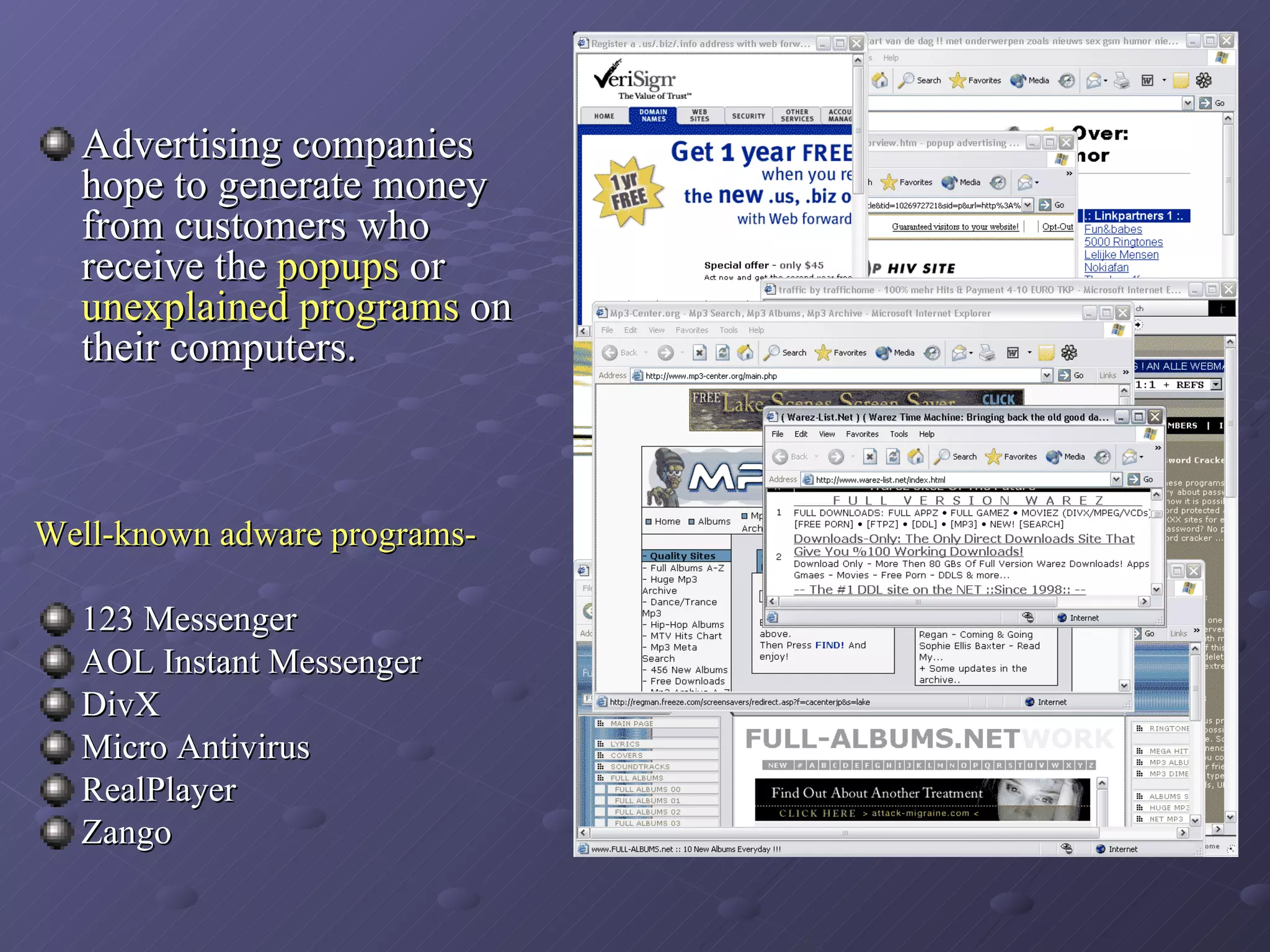
Advertising companies hope to generate money from customers who receive the  popups  or  unexplained programs  on their computers. Well-known adware programs- 123 Messenger  AOL Instant Messenger  DivX  Micro Antivirus  RealPlayer Zango
Routes of infection Spyware and Adware programs have a tendency to hide as  cookie  or  temporary internet files .   Ways- Malicious websites  install spyware on readers' computers. Another way of distributing spyware involves tricking users by  manipulating security features  designed to prevent unwanted installations.  In a few cases, a  worm  or  virus  has delivered a  spyware payload . Some attackers used the Spybot worm to install spyware that put pornographic pop-ups on the infected system's screen. By directing traffic to ads, the spyware-makers funds author of website, which profits them personally.
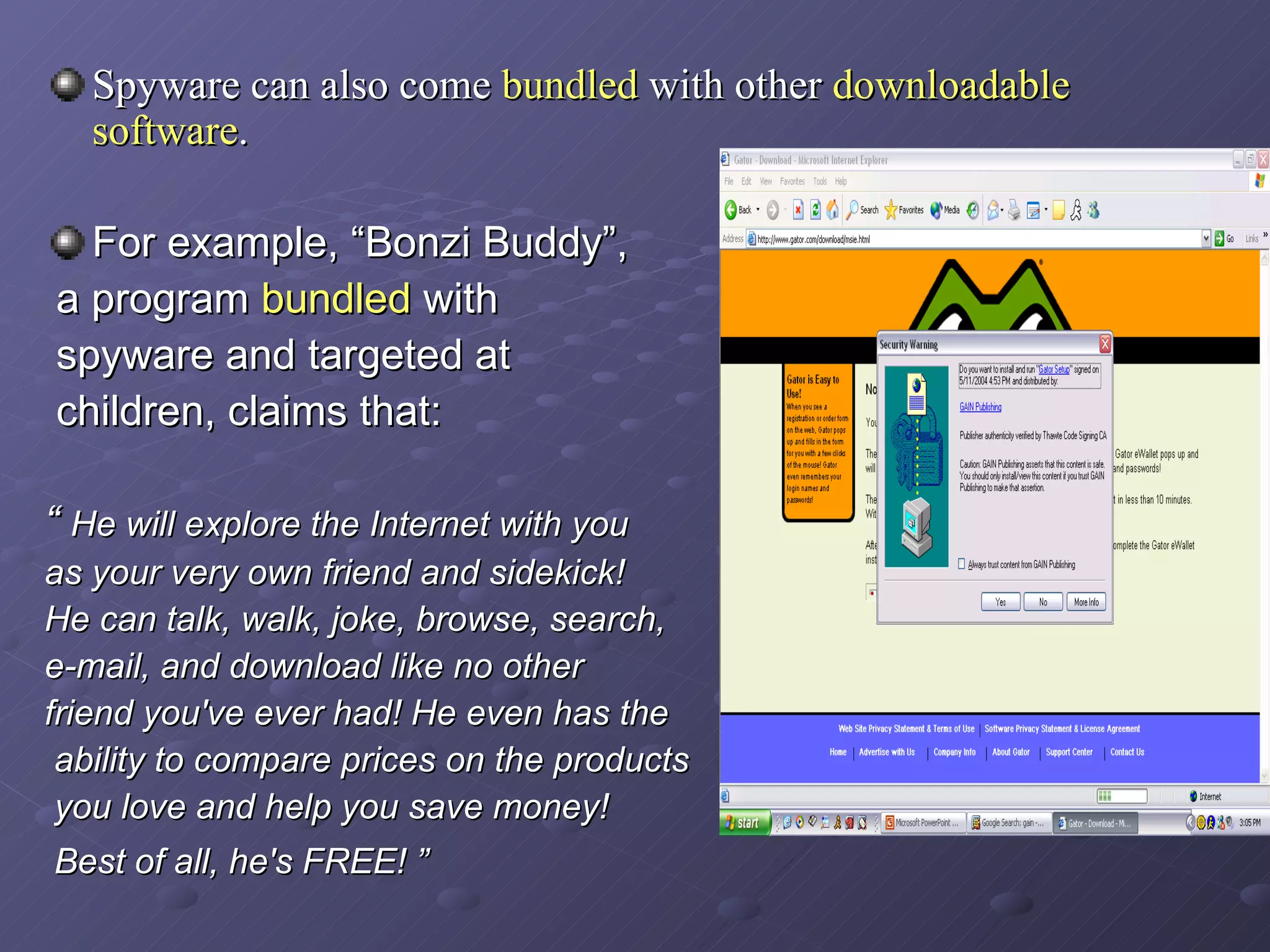
Spyware can also come  bundled  with other  downloadable software .   For example, “Bonzi Buddy”, a program  bundled  with spyware and targeted at children, claims that: “  He will explore the Internet with you  as your very own friend and sidekick!  He can talk, walk, joke, browse, search,  e-mail, and download like no other  friend you've ever had! He even has the ability to compare prices on the products you love and help you save money! Best of all, he's FREE! ”
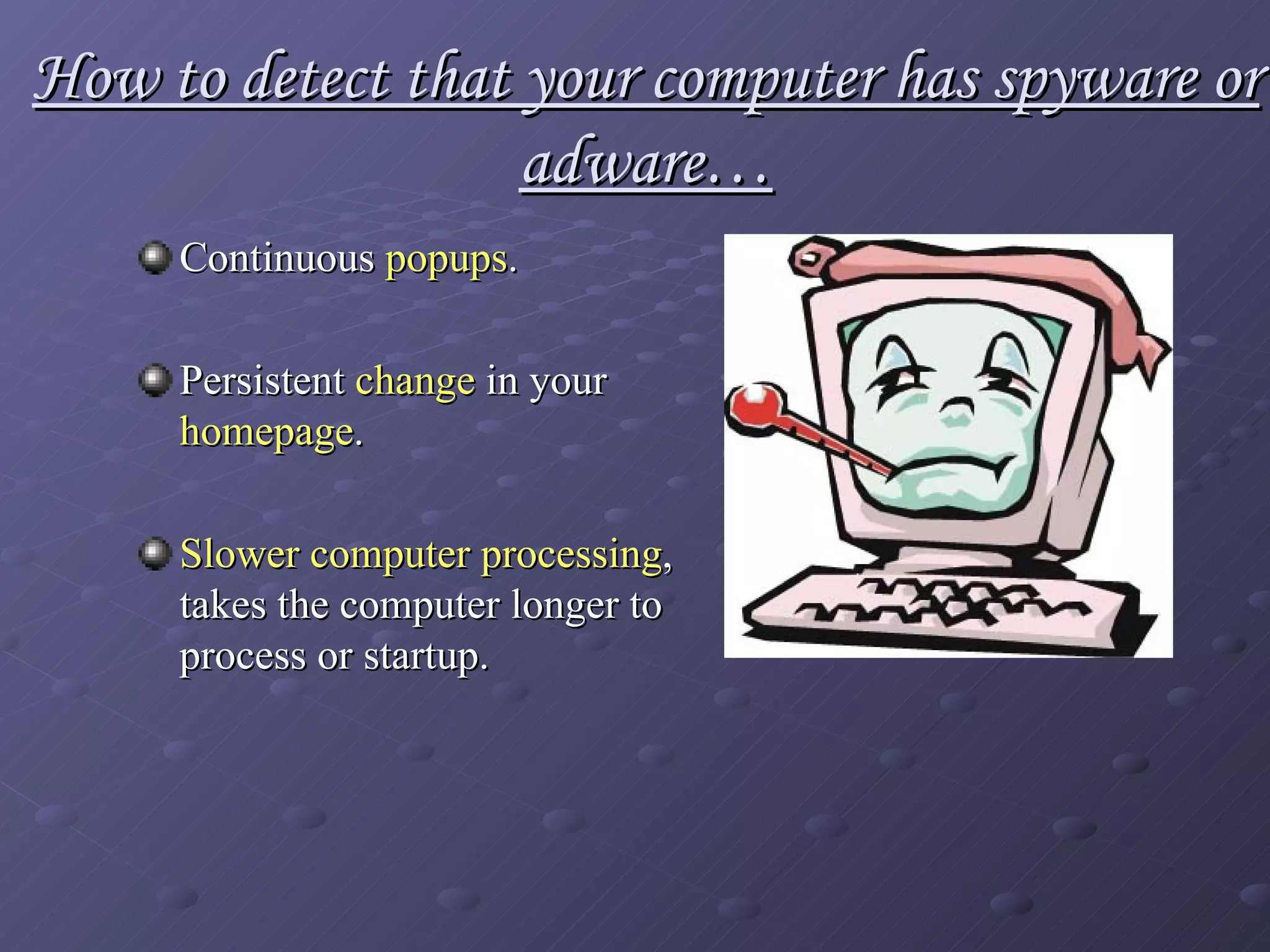
How to detect that your computer has spyware or adware… Continuous  popups .   Persistent  change  in your  homepage . Slower computer processing , takes the computer longer to process or startup.
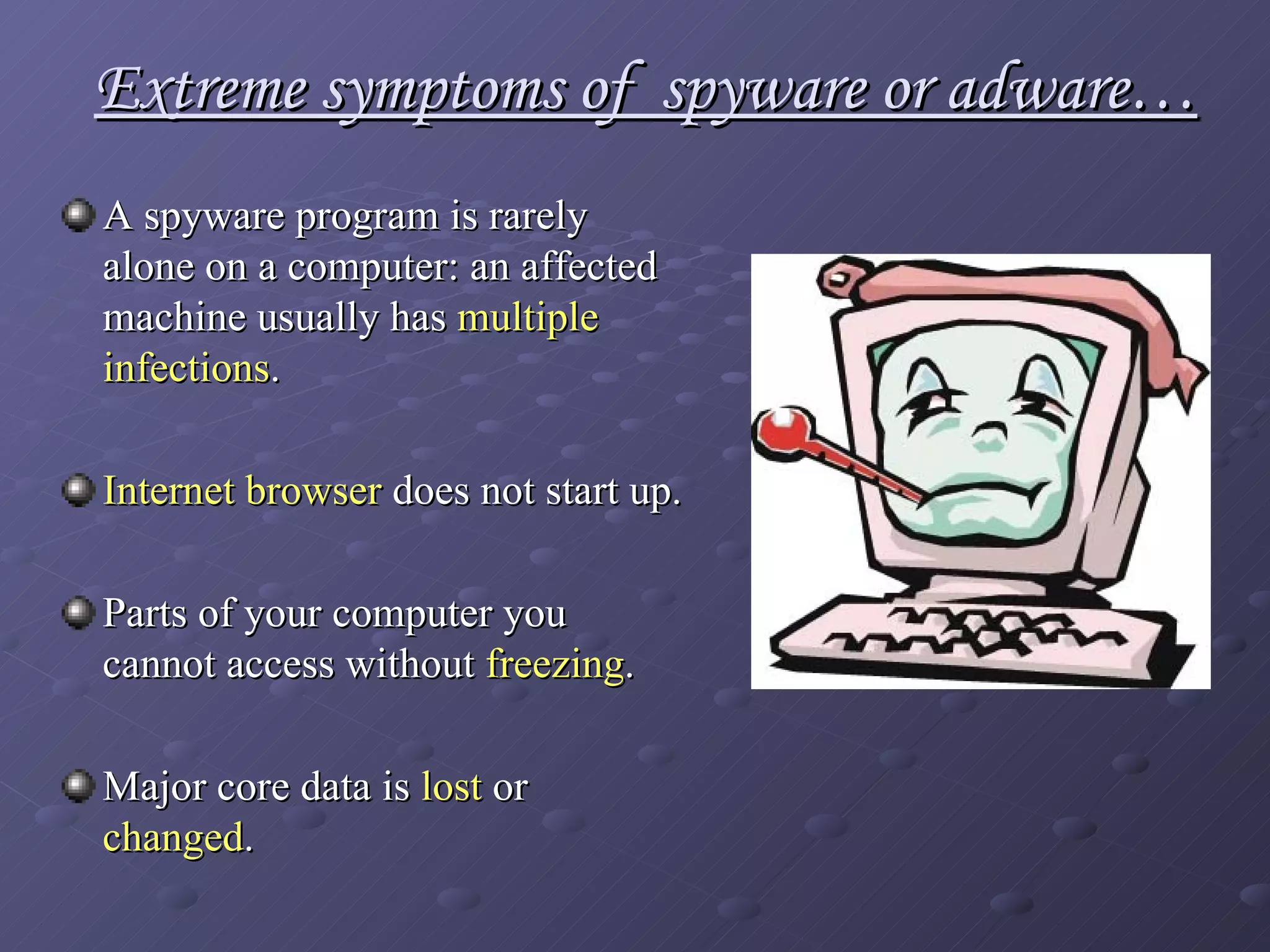
Extreme symptoms of  spyware or adware… A spyware program is rarely alone on a computer: an affected machine usually has  multiple infections .   Internet browser  does not start up. Parts of your computer you cannot access without  freezing . Major core data is  lost  or  changed .
What programs are there to help get rid of  spyware/adware ? Out of many programs out in the internet that were created to detect spyware/adware, four programs were chosen for this presentation.. They are: Spybot Search and Destroy Spysweeper Symantec AntiVirus  Ad-aware 6.0
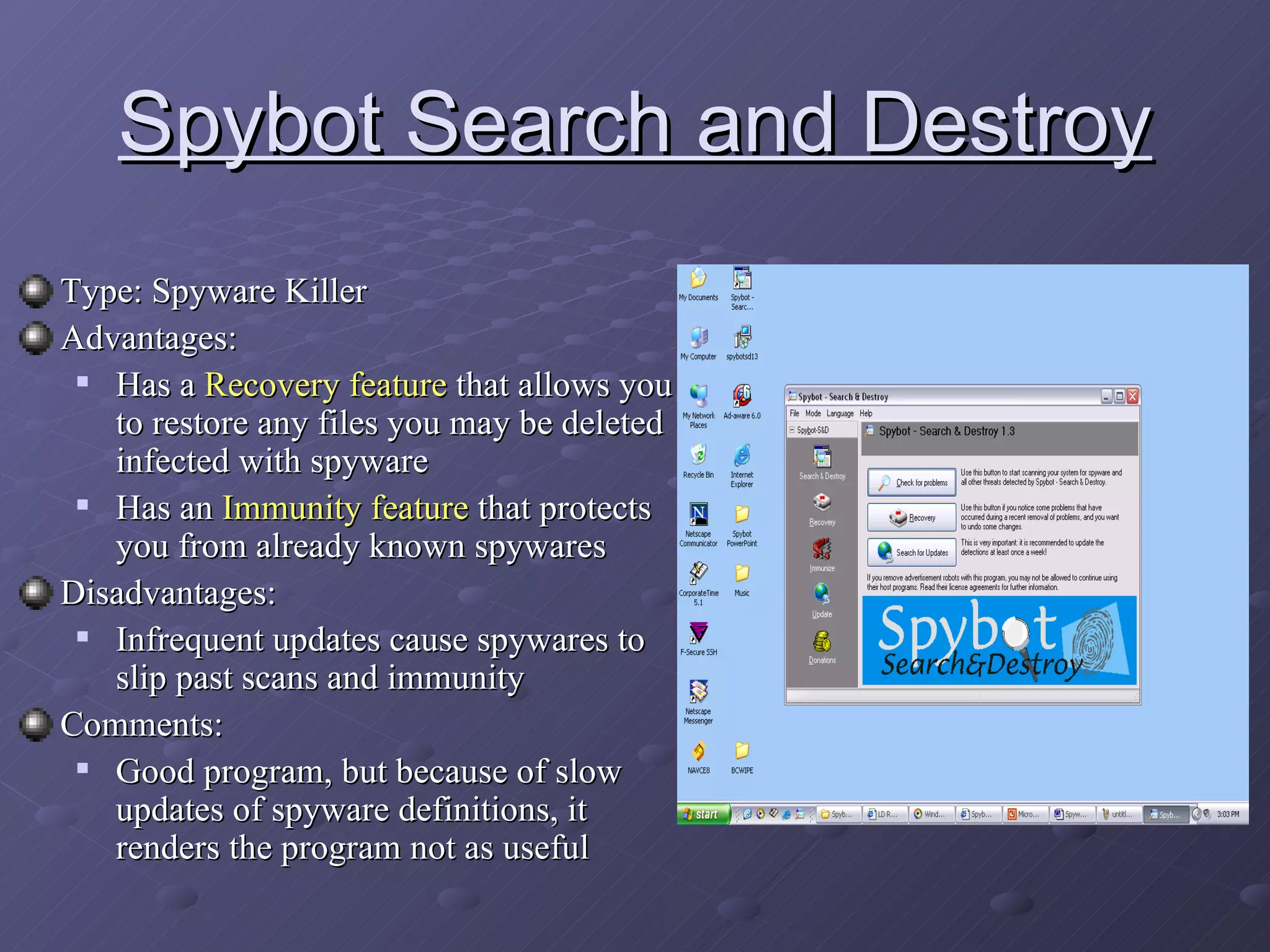
Spybot Search and Destroy Type: Spyware Killer  Advantages:  Has a  Recovery feature  that allows you to restore any files you may be deleted infected with spyware Has an  Immunity feature  that protects you from already known spywares Disadvantages: Infrequent updates cause spywares to slip past scans and immunity Comments: Good program, but because of slow updates of spyware definitions, it renders the program not as useful
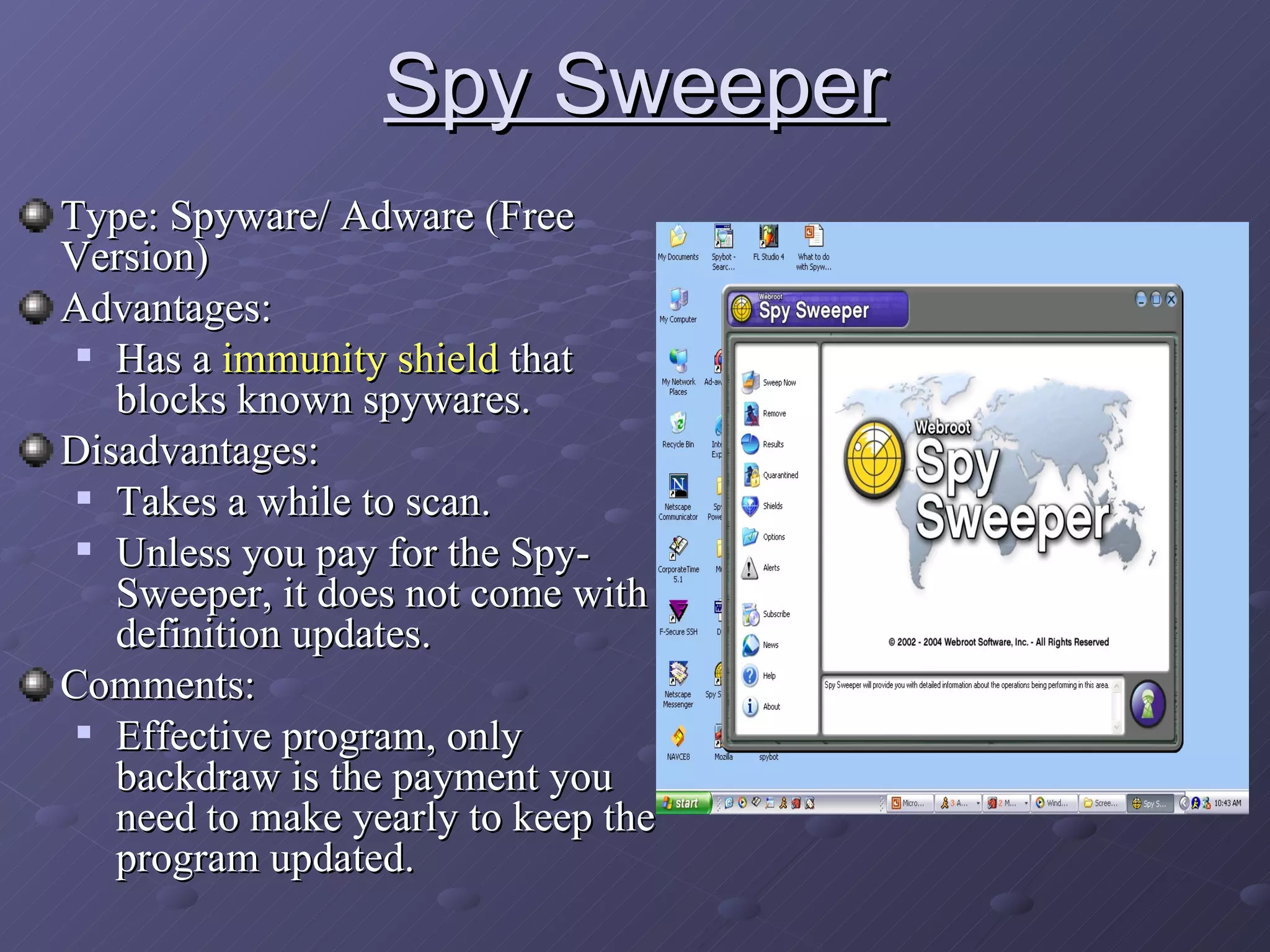
Spy Sweeper Type: Spyware/ Adware (Free Version) Advantages:  Has a  immunity shield  that blocks known spywares. Disadvantages: Takes a while to scan. Unless you pay for the Spy-Sweeper, it does not come with definition updates. Comments: Effective program, only backdraw is the payment you need to make yearly to keep the program updated.
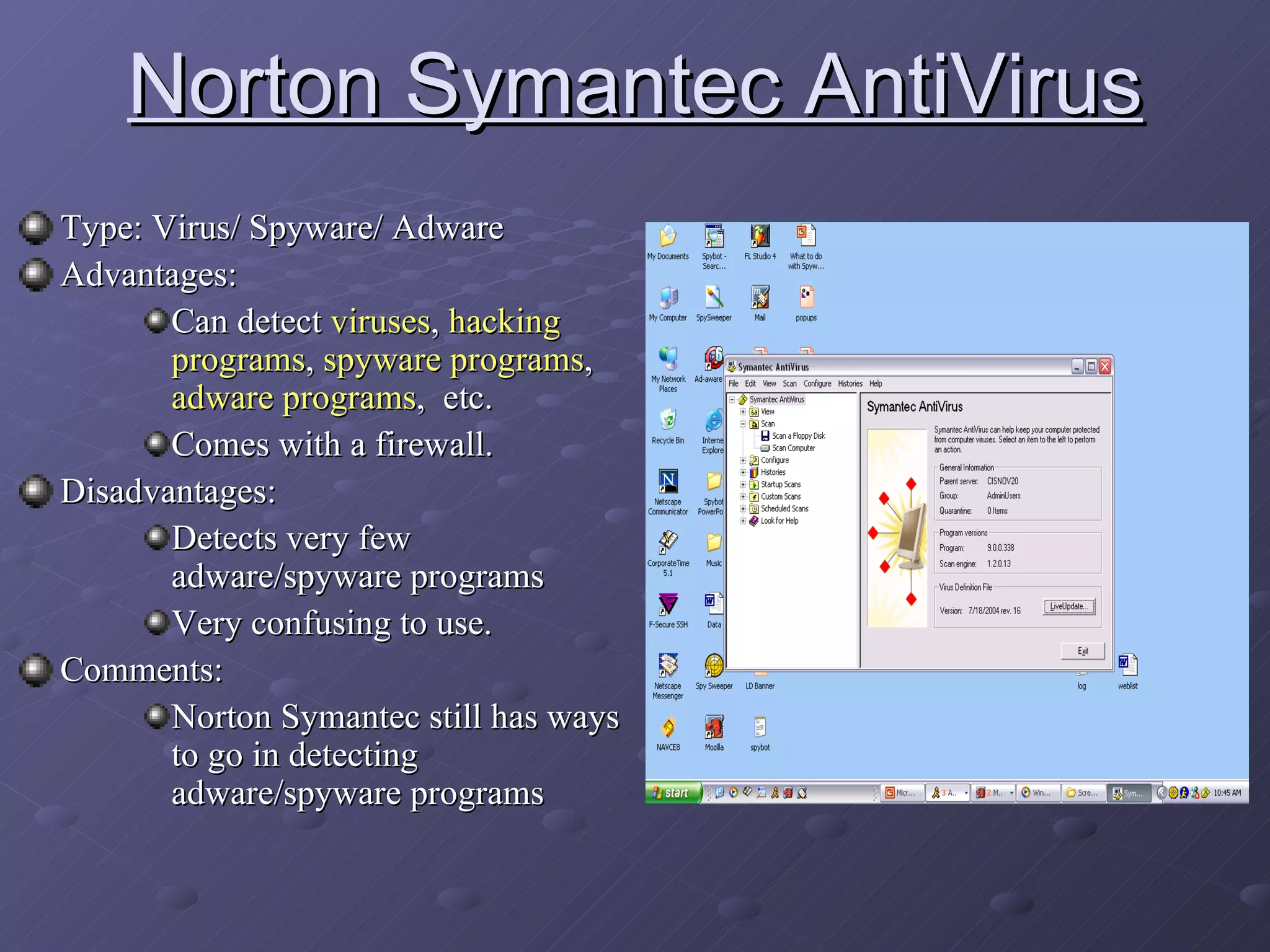
Norton Symantec AntiVirus Type: Virus/ Spyware/ Adware Advantages:  Can detect  viruses ,  hacking programs ,  spyware programs ,  adware programs ,  etc.  Comes with a firewall. Disadvantages: Detects very few adware/spyware programs Very confusing to use. Comments: Norton Symantec still has ways to go in detecting adware/spyware programs
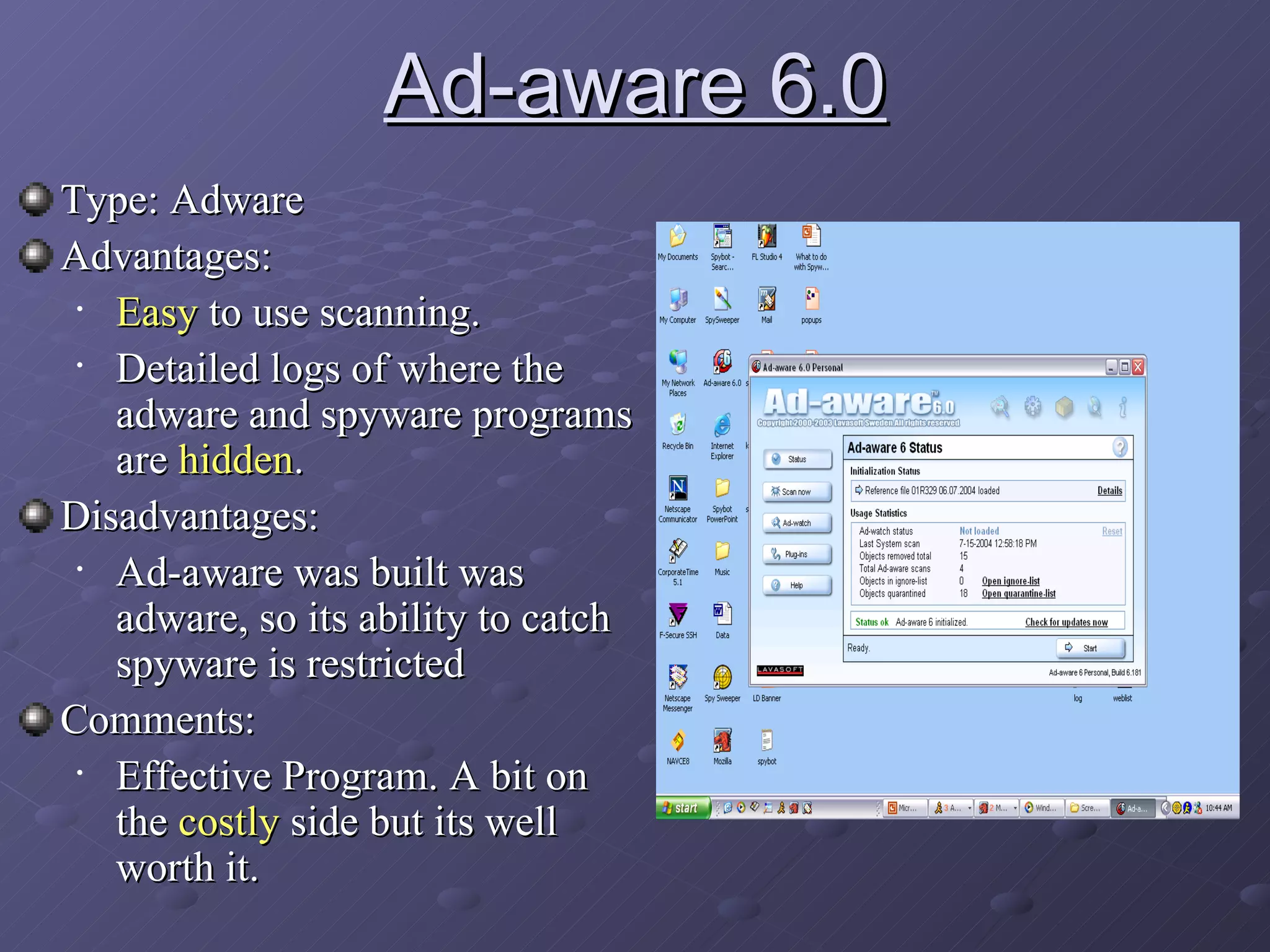
Ad-aware 6.0 Type: Adware Advantages:  Easy  to use scanning.  Detailed logs of where the adware and spyware programs are  hidden . Disadvantages: Ad-aware was built was adware, so its ability to catch spyware is restricted Comments: Effective Program. A bit on the  costly  side but its well worth it.
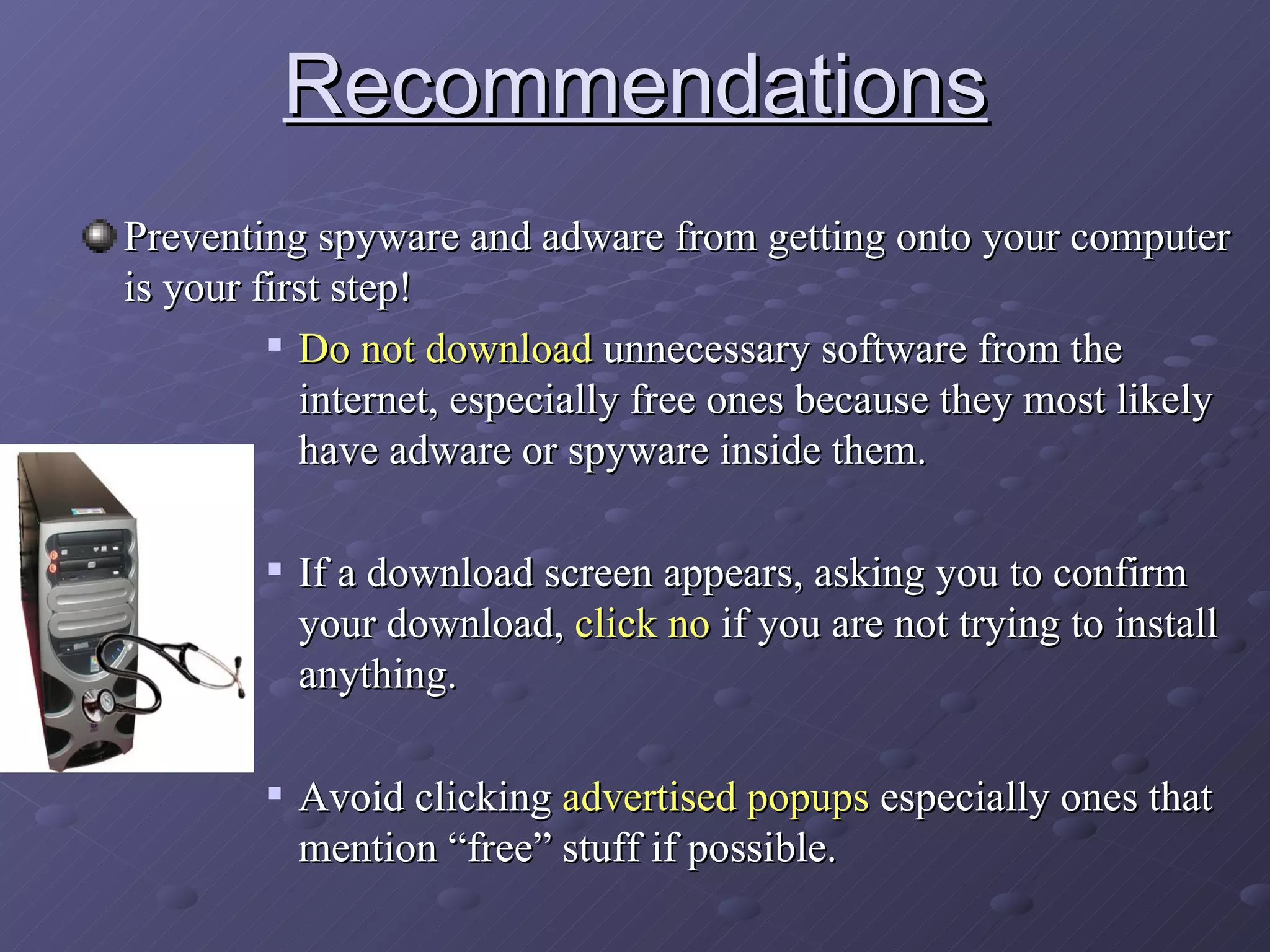
Recommendations Preventing spyware and adware from getting onto your computer is your first step! Do not   download  unnecessary software from the internet, especially free ones because they most likely have adware or spyware inside them.  If a download screen appears, asking you to confirm your download,  click no  if you are not trying to install anything. Avoid clicking  advertised popups  especially ones that mention “free” stuff if possible.
Recommendations Technical Recommendations Some adware/spyware files like to hide in the  temporary internet folders . Disable saving of temporary files  by going to Program Files, Control Panel, Network and Internet Connections, Internet Options, Temporary Internet Files Settings, Check Never under “Check for Newer Version of Stored Pages”. Constantly  delete old temporary files  and  cookies  by going to Program Files, Control Panel, Network and Internet Connections,  Internet Options, Delete Cookies and Delete Temporary Files. Remember though, adware and spyware can be tricky, no matter how cautious you are, there are bound to be adware or spyware programs that install into your computer. Always constantly  scan  your  computer  for adware and spyware and keep your Adware/Spyware killer programs fully updated at all times.
Recommendations Recommended Spyware/ Adware Killers  without any restraints Ad-aware 6.0 Professional Edition: Primary scanner Spy-sweeper paid version: Primary scanner and use their immune guards. Spybot Free Edition: Scan for any spyware Spy-Sweeper may have missed. Recommended Spyware/ Adware Killers  with a price restraints Ad-aware 6.0 Free Edition: Primary Scanner Spy-Sweeper paid version: Primary Scanner Spybot Free Edition: Scan for any spyware Spy-Sweeper may have missed Recommended Spyware/ Adware Killers  with a time restraints   (not recommended) Ad-aware 6.0 Free Edition: Primary Scanner: Fast Scan Mode Spybot Free Edition  Suggestion: Spyware/ Adware killers are suppose to take time to scan, if you have time restraints, turn on the scanners, leave them running and go do something.
References http://www.symantecstore.com/dr/sat1/ec_Main.Entry?SP=10007&SID=27674&CID=0&DSP=0&CUR=840&PGRP=0&CACHE_ID=39910 http://www.lavasoftusa.com/software/adaware/ http://www.webroot.com/wb/products/spysweeper/index.php http://www.safer-networking.org/en/index.html http://www.wikipedia.com For those interesting more in this topic, here are some links:
Thank you for watching!

Spyware Adware1

  • 1.
  • 2.
    Contents What isSpyware? What is Adware? How does Spyware and Adware work? How to detect if your computer has Spyware/Adware? What programs are there to help get rid of them? Recommendations
  • 3.
    What is Spywareand Adware? Both are independent programs that can be automatically installed when you surf the internet or when you install free software. Most adware is spyware in a different sense than "advertising-supported software," for a different reason: it displays advertisements related to what it finds from spying on you.
  • 4.
    What is Spyware?Spyware - is computer software which is installed surreptitiously on a personal computer; it takes partial control over the user's computer, without the user's informed consent . Collect various types of personal information - such as Internet surfing habits, visited sites, can also interfere installing additional software and redirecting Web browser activity. Spyware is known to change computer settings , resulting in slow connection speeds, loss of Internet or functionality of other programs.
  • 5.
    And is acompletely LEGAL program .!
  • 6.
    Adware or advertising-supported software is any software package which automatically plays, displays, or downloads advertisements to a computer after the software is installed on it or while the application is being used. Comes in the form of popups and unexplained advertising programs on your computer. Also a LEGAL program ! Adware are created by advertising companies . What is Adware?
  • 7.
    Advertising companies hopeto generate money from customers who receive the popups or unexplained programs on their computers. Well-known adware programs- 123 Messenger AOL Instant Messenger DivX Micro Antivirus RealPlayer Zango
  • 8.
    Routes of infectionSpyware and Adware programs have a tendency to hide as cookie or temporary internet files . Ways- Malicious websites install spyware on readers' computers. Another way of distributing spyware involves tricking users by manipulating security features designed to prevent unwanted installations. In a few cases, a worm or virus has delivered a spyware payload . Some attackers used the Spybot worm to install spyware that put pornographic pop-ups on the infected system's screen. By directing traffic to ads, the spyware-makers funds author of website, which profits them personally.
  • 9.
    Spyware can alsocome bundled with other downloadable software . For example, “Bonzi Buddy”, a program bundled with spyware and targeted at children, claims that: “ He will explore the Internet with you as your very own friend and sidekick! He can talk, walk, joke, browse, search, e-mail, and download like no other friend you've ever had! He even has the ability to compare prices on the products you love and help you save money! Best of all, he's FREE! ”
  • 10.
    How to detectthat your computer has spyware or adware… Continuous popups . Persistent change in your homepage . Slower computer processing , takes the computer longer to process or startup.
  • 11.
    Extreme symptoms of spyware or adware… A spyware program is rarely alone on a computer: an affected machine usually has multiple infections . Internet browser does not start up. Parts of your computer you cannot access without freezing . Major core data is lost or changed .
  • 12.
    What programs arethere to help get rid of spyware/adware ? Out of many programs out in the internet that were created to detect spyware/adware, four programs were chosen for this presentation.. They are: Spybot Search and Destroy Spysweeper Symantec AntiVirus Ad-aware 6.0
  • 13.
    Spybot Search andDestroy Type: Spyware Killer Advantages: Has a Recovery feature that allows you to restore any files you may be deleted infected with spyware Has an Immunity feature that protects you from already known spywares Disadvantages: Infrequent updates cause spywares to slip past scans and immunity Comments: Good program, but because of slow updates of spyware definitions, it renders the program not as useful
  • 14.
    Spy Sweeper Type:Spyware/ Adware (Free Version) Advantages: Has a immunity shield that blocks known spywares. Disadvantages: Takes a while to scan. Unless you pay for the Spy-Sweeper, it does not come with definition updates. Comments: Effective program, only backdraw is the payment you need to make yearly to keep the program updated.
  • 15.
    Norton Symantec AntiVirusType: Virus/ Spyware/ Adware Advantages: Can detect viruses , hacking programs , spyware programs , adware programs , etc. Comes with a firewall. Disadvantages: Detects very few adware/spyware programs Very confusing to use. Comments: Norton Symantec still has ways to go in detecting adware/spyware programs
  • 16.
    Ad-aware 6.0 Type:Adware Advantages: Easy to use scanning. Detailed logs of where the adware and spyware programs are hidden . Disadvantages: Ad-aware was built was adware, so its ability to catch spyware is restricted Comments: Effective Program. A bit on the costly side but its well worth it.
  • 17.
    Recommendations Preventing spywareand adware from getting onto your computer is your first step! Do not download unnecessary software from the internet, especially free ones because they most likely have adware or spyware inside them. If a download screen appears, asking you to confirm your download, click no if you are not trying to install anything. Avoid clicking advertised popups especially ones that mention “free” stuff if possible.
  • 18.
    Recommendations Technical RecommendationsSome adware/spyware files like to hide in the temporary internet folders . Disable saving of temporary files by going to Program Files, Control Panel, Network and Internet Connections, Internet Options, Temporary Internet Files Settings, Check Never under “Check for Newer Version of Stored Pages”. Constantly delete old temporary files and cookies by going to Program Files, Control Panel, Network and Internet Connections, Internet Options, Delete Cookies and Delete Temporary Files. Remember though, adware and spyware can be tricky, no matter how cautious you are, there are bound to be adware or spyware programs that install into your computer. Always constantly scan your computer for adware and spyware and keep your Adware/Spyware killer programs fully updated at all times.
  • 19.
    Recommendations Recommended Spyware/Adware Killers without any restraints Ad-aware 6.0 Professional Edition: Primary scanner Spy-sweeper paid version: Primary scanner and use their immune guards. Spybot Free Edition: Scan for any spyware Spy-Sweeper may have missed. Recommended Spyware/ Adware Killers with a price restraints Ad-aware 6.0 Free Edition: Primary Scanner Spy-Sweeper paid version: Primary Scanner Spybot Free Edition: Scan for any spyware Spy-Sweeper may have missed Recommended Spyware/ Adware Killers with a time restraints (not recommended) Ad-aware 6.0 Free Edition: Primary Scanner: Fast Scan Mode Spybot Free Edition Suggestion: Spyware/ Adware killers are suppose to take time to scan, if you have time restraints, turn on the scanners, leave them running and go do something.
  • 20.
    References http://www.symantecstore.com/dr/sat1/ec_Main.Entry?SP=10007&SID=27674&CID=0&DSP=0&CUR=840&PGRP=0&CACHE_ID=39910 http://www.lavasoftusa.com/software/adaware/http://www.webroot.com/wb/products/spysweeper/index.php http://www.safer-networking.org/en/index.html http://www.wikipedia.com For those interesting more in this topic, here are some links:
  • 21.
    Thank you forwatching!