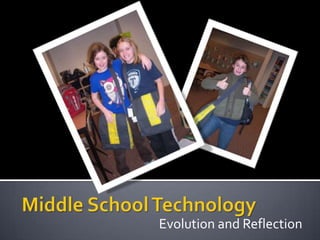
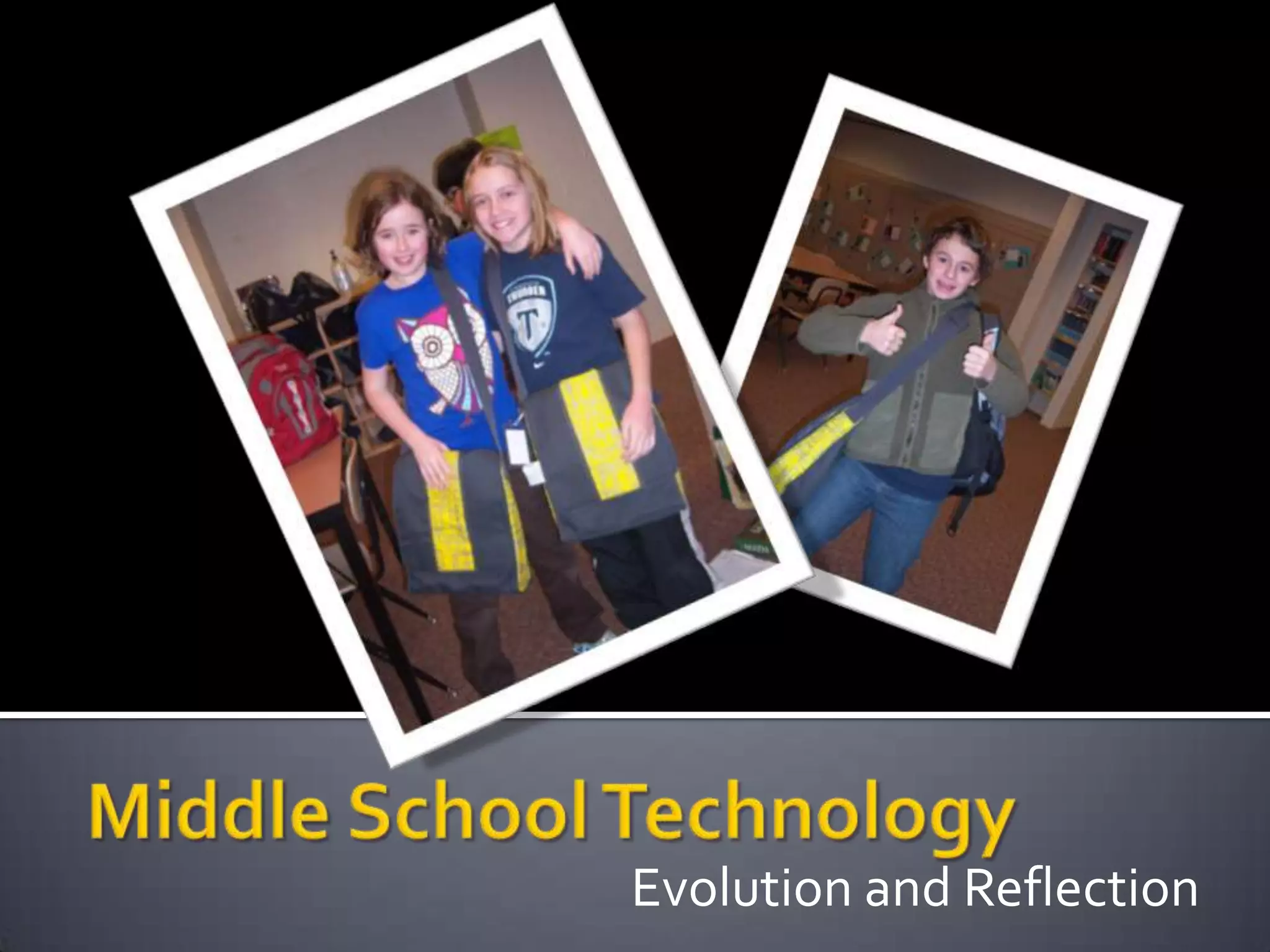
Middle School TechnologyEvolution and Reflection
EvolvingPilot in 2001-02 in 7th grade; now in year 9Parent feedback & surveysFewer bells and whistles (just enough for classwork)Smaller, lighterDurable, “ruggedized”Lower costSchool-owned & managedLoaner pool & school supporting repairTraining for kids
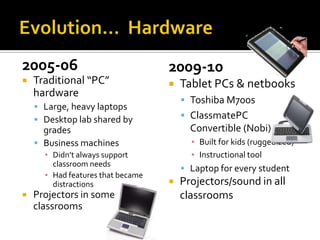
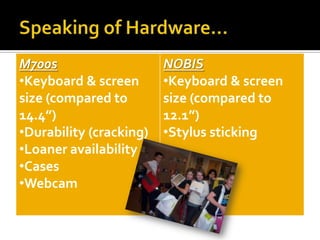
Evolution…  Hardware2005-06Traditional “PC” hardwareLarge, heavy laptopsDesktop lab shared by gradesBusiness machines Didn’t always support classroom needsHad features that became distractionsProjectors in some classrooms2009-10Tablet PCs & netbooksToshiba M700sClassmatePC Convertible (Nobi) Built for kids (ruggedized)Instructional toolLaptop for every studentProjectors/sound in all classrooms
Speaking of Hardware…
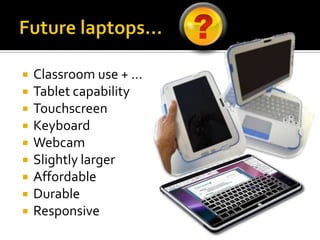
Future laptops…Classroom use + …Tablet capabilityTouchscreenKeyboardWebcamSlightly largerAffordableDurableResponsive
Evolution…  Access2005-06Spotty wireless accessNovell networkLimited use of shared foldersSlow, unreliable Internet2-3 printers per floor2009-10Standardized wireless Windows NetworkIncreased bandwidthExtensive use of shared folders for electronic file exchangeImproved supportZ drive access to docs at home1 printer per floor
Evolution…  Training2005-06Student trainingStart of the yearWhen issues arose2009-10Student trainingStart of the year6th grade – advisory rotation7th grade – rotation class 1x per cycleAll grades – in classes to support curriculumNew student immersionAs needed when issues ariseParent/student/advisor request
What is Wellnology?Proactive technology trainingAddress the issues in a timely manner (or before they become a problem)Backing up dataComputer care & feedingBalanced approach to technologyHealthy habits in and out of schoolBridge the gap between ideal use and realistic use by middle school studentsCoping with distractions and temptationsHelping kids understand why we have limits
What do we do in Wellnology?Back up dataBurning issuesDiscussion of personal use & habitsFacebook, YouTube, etc.VirusesInternet safetyPersonal responsibilityPasswords/privacySkills instructionTyping PalGaggle emailOneNoteNew toolsMaintenance, Care & feedingConfiguration (calibration, custom settings, printing…)
Evolution…  Instructional Impact2005-06Word processingHeavy printingResearchDesktop publishingPockets of innovation2009-10Word processingPeer editingExtensive revisionCollaborative writingPrinting when appropriateExtensive ResearchMultimedia resourcesAudio/video recording & projectsChoiceShared notebooks on serverConsistent integration across teaching teamsShared innovation
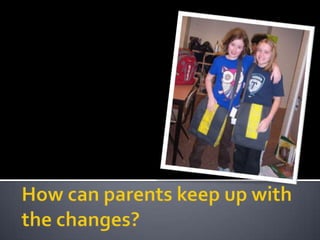
How can parents keep up with the changes?
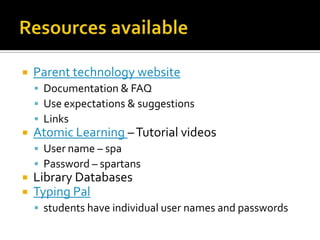
Resources availableParent technology websiteDocumentation & FAQUse expectations & suggestionsLinksAtomic Learning – Tutorial videosUser name – spaPassword – spartansLibrary DatabasesTyping Palstudents have individual user names and passwords
Questions???

Middle School Technology

  • 1.
  • 2.
    EvolvingPilot in 2001-02in 7th grade; now in year 9Parent feedback & surveysFewer bells and whistles (just enough for classwork)Smaller, lighterDurable, “ruggedized”Lower costSchool-owned & managedLoaner pool & school supporting repairTraining for kids
  • 3.
    Evolution… Hardware2005-06Traditional“PC” hardwareLarge, heavy laptopsDesktop lab shared by gradesBusiness machines Didn’t always support classroom needsHad features that became distractionsProjectors in some classrooms2009-10Tablet PCs & netbooksToshiba M700sClassmatePC Convertible (Nobi) Built for kids (ruggedized)Instructional toolLaptop for every studentProjectors/sound in all classrooms
  • 4.
  • 5.
    Future laptops…Classroom use+ …Tablet capabilityTouchscreenKeyboardWebcamSlightly largerAffordableDurableResponsive
  • 6.
    Evolution… Access2005-06Spottywireless accessNovell networkLimited use of shared foldersSlow, unreliable Internet2-3 printers per floor2009-10Standardized wireless Windows NetworkIncreased bandwidthExtensive use of shared folders for electronic file exchangeImproved supportZ drive access to docs at home1 printer per floor
  • 7.
    Evolution… Training2005-06StudenttrainingStart of the yearWhen issues arose2009-10Student trainingStart of the year6th grade – advisory rotation7th grade – rotation class 1x per cycleAll grades – in classes to support curriculumNew student immersionAs needed when issues ariseParent/student/advisor request
  • 8.
    What is Wellnology?Proactivetechnology trainingAddress the issues in a timely manner (or before they become a problem)Backing up dataComputer care & feedingBalanced approach to technologyHealthy habits in and out of schoolBridge the gap between ideal use and realistic use by middle school studentsCoping with distractions and temptationsHelping kids understand why we have limits
  • 9.
    What do wedo in Wellnology?Back up dataBurning issuesDiscussion of personal use & habitsFacebook, YouTube, etc.VirusesInternet safetyPersonal responsibilityPasswords/privacySkills instructionTyping PalGaggle emailOneNoteNew toolsMaintenance, Care & feedingConfiguration (calibration, custom settings, printing…)
  • 10.
    Evolution… InstructionalImpact2005-06Word processingHeavy printingResearchDesktop publishingPockets of innovation2009-10Word processingPeer editingExtensive revisionCollaborative writingPrinting when appropriateExtensive ResearchMultimedia resourcesAudio/video recording & projectsChoiceShared notebooks on serverConsistent integration across teaching teamsShared innovation
  • 11.
    How can parentskeep up with the changes?
  • 12.
    Resources availableParent technologywebsiteDocumentation & FAQUse expectations & suggestionsLinksAtomic Learning – Tutorial videosUser name – spaPassword – spartansLibrary DatabasesTyping Palstudents have individual user names and passwords
  • 13.