Where we have been and
where we are going
Vic Laurie
http://vlaurie.com
Making predictions is hard
- especially about the future
Attributed to many sources including
Niels Bohr and Yogi Berra
 A lot of discussion goes on about “what is a
PC?”
 A PC is a computing device used by normal,
average people
 Not a mainframe or a server or a business
machine
 Personal computing is what you do with a PC
 Computing devices are inextricably
intertwined in modern life
 Central role of hardware
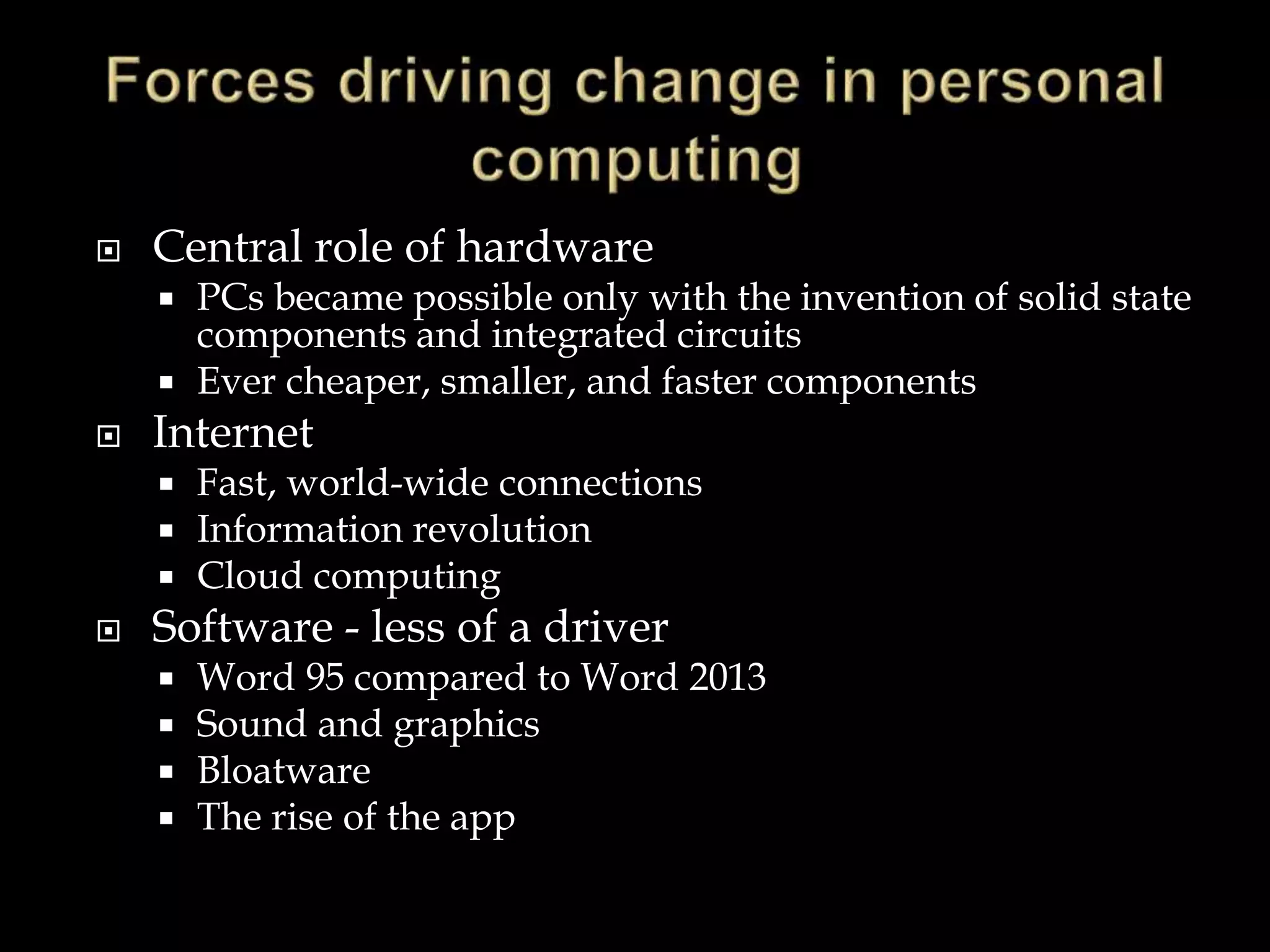
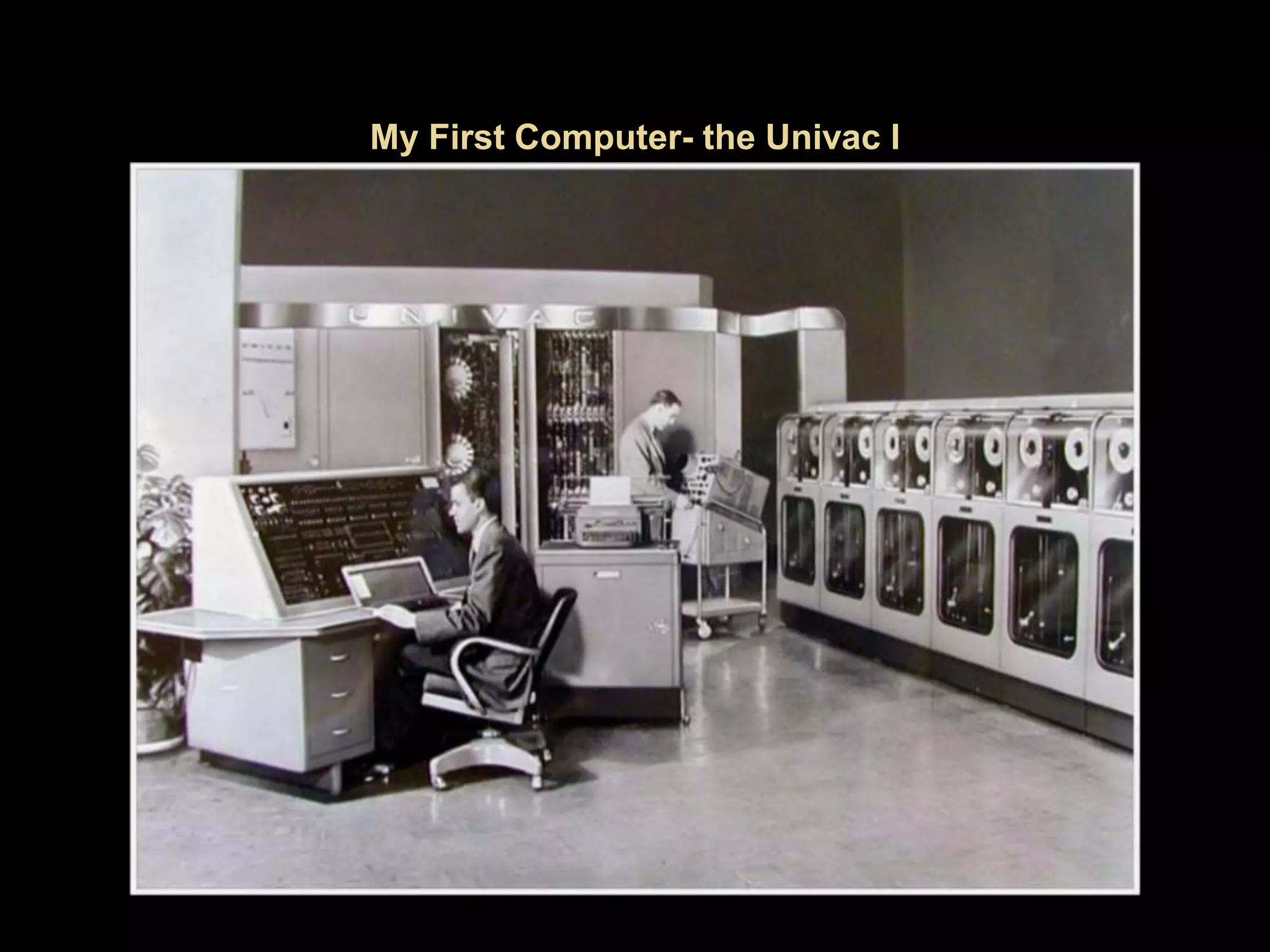
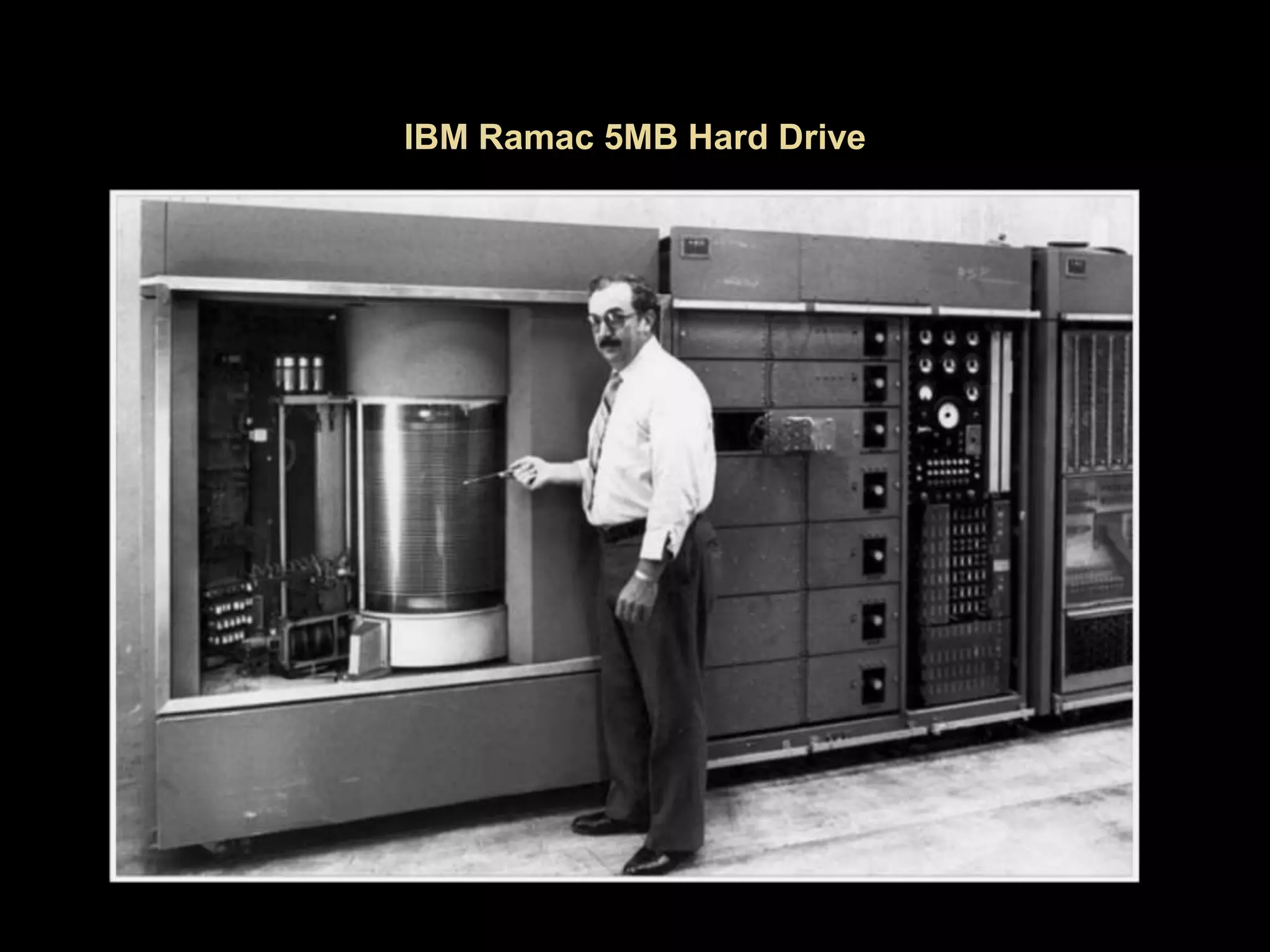
 PCs became possible only with the invention of solid state
components and integrated circuits
 Ever cheaper, smaller, and faster components
 Internet
 Fast, world-wide connections
 Information revolution
 Cloud computing
 Software - less of a driver
 Word 95 compared to Word 2013
 Sound and graphics
 Bloatware
 The rise of the app
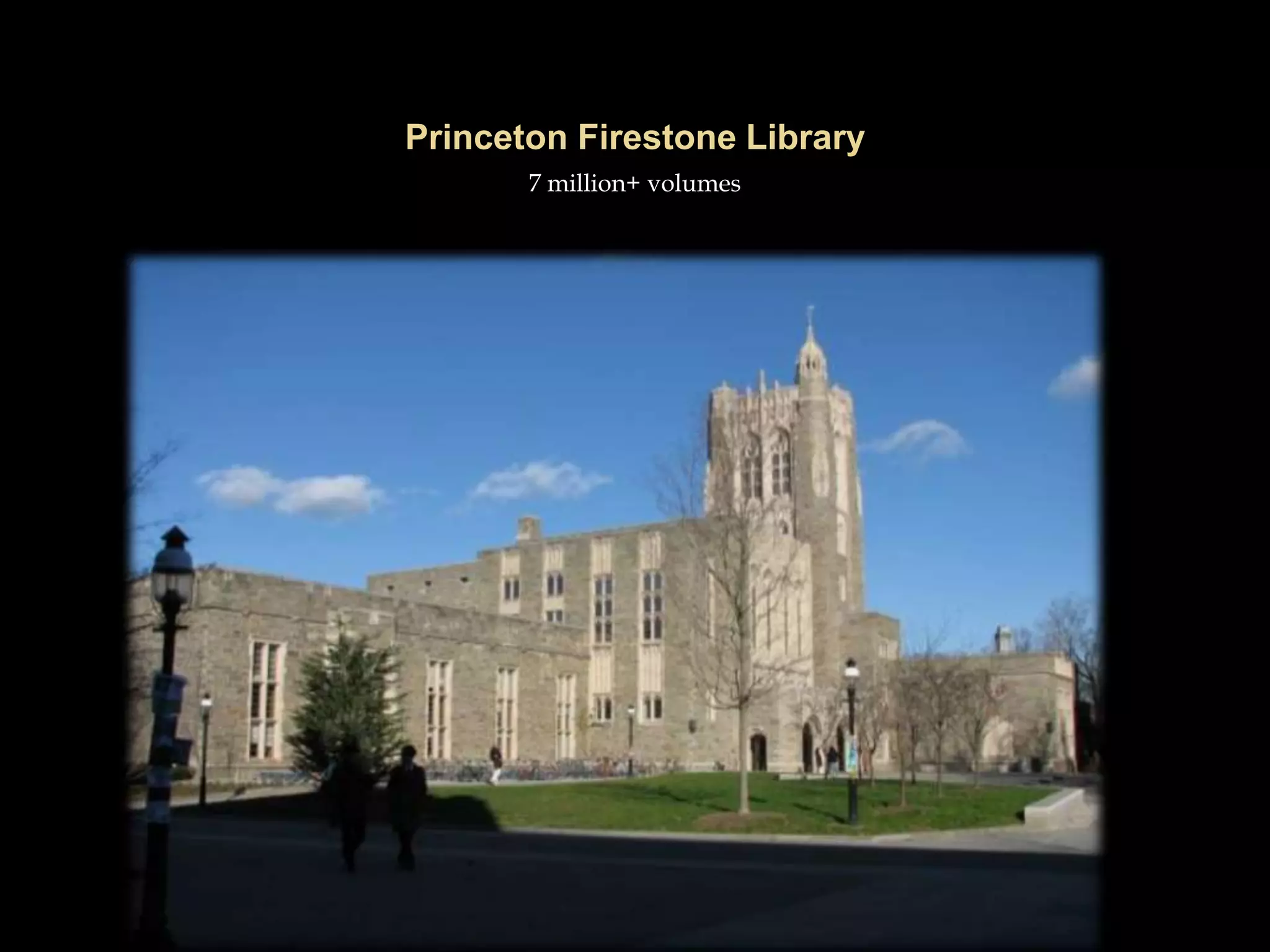
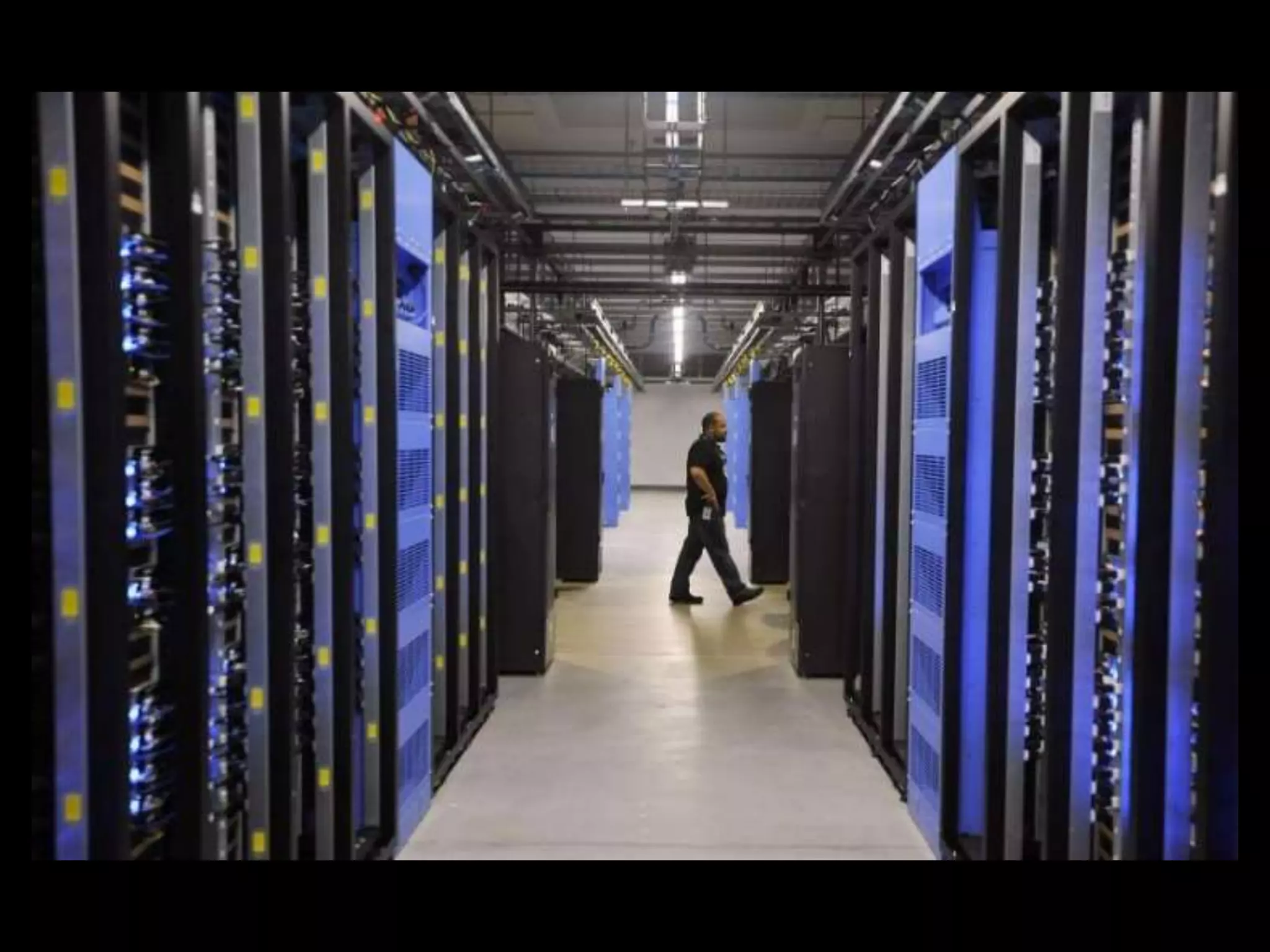
7 million+ volumes
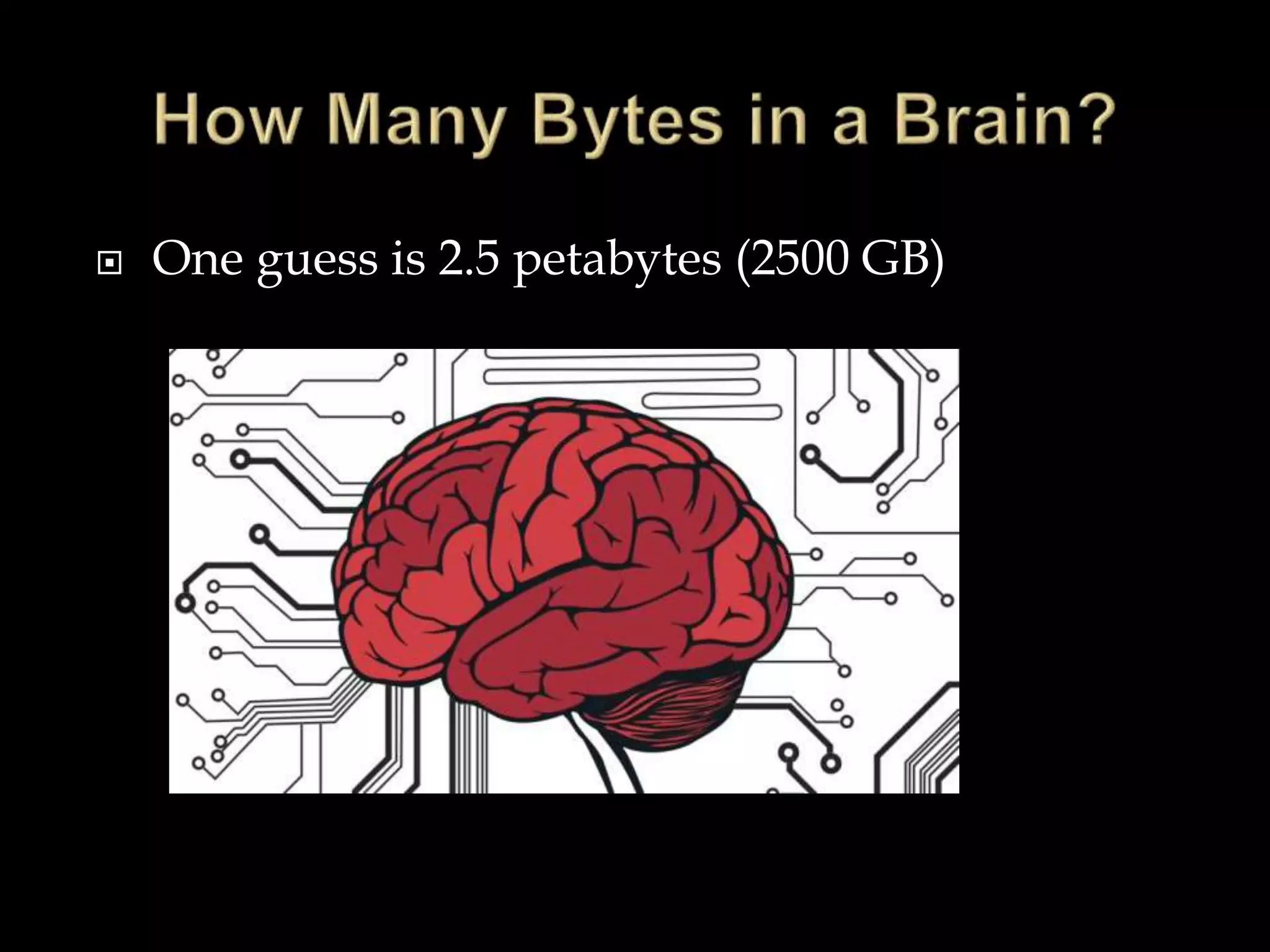
 One guess is 2.5 petabytes (2500 GB)
 Point and click
 Mouse
 Keyboard
 Graphical User Interface (GUI)
 Douglas Englebart at Stanford Research
Institute (1963)
 In 1968, Englebart demonstrated text editing, video
conferencing, hypertext and windowing
 Not until the late 1980’s did the GUI and mouse
become common
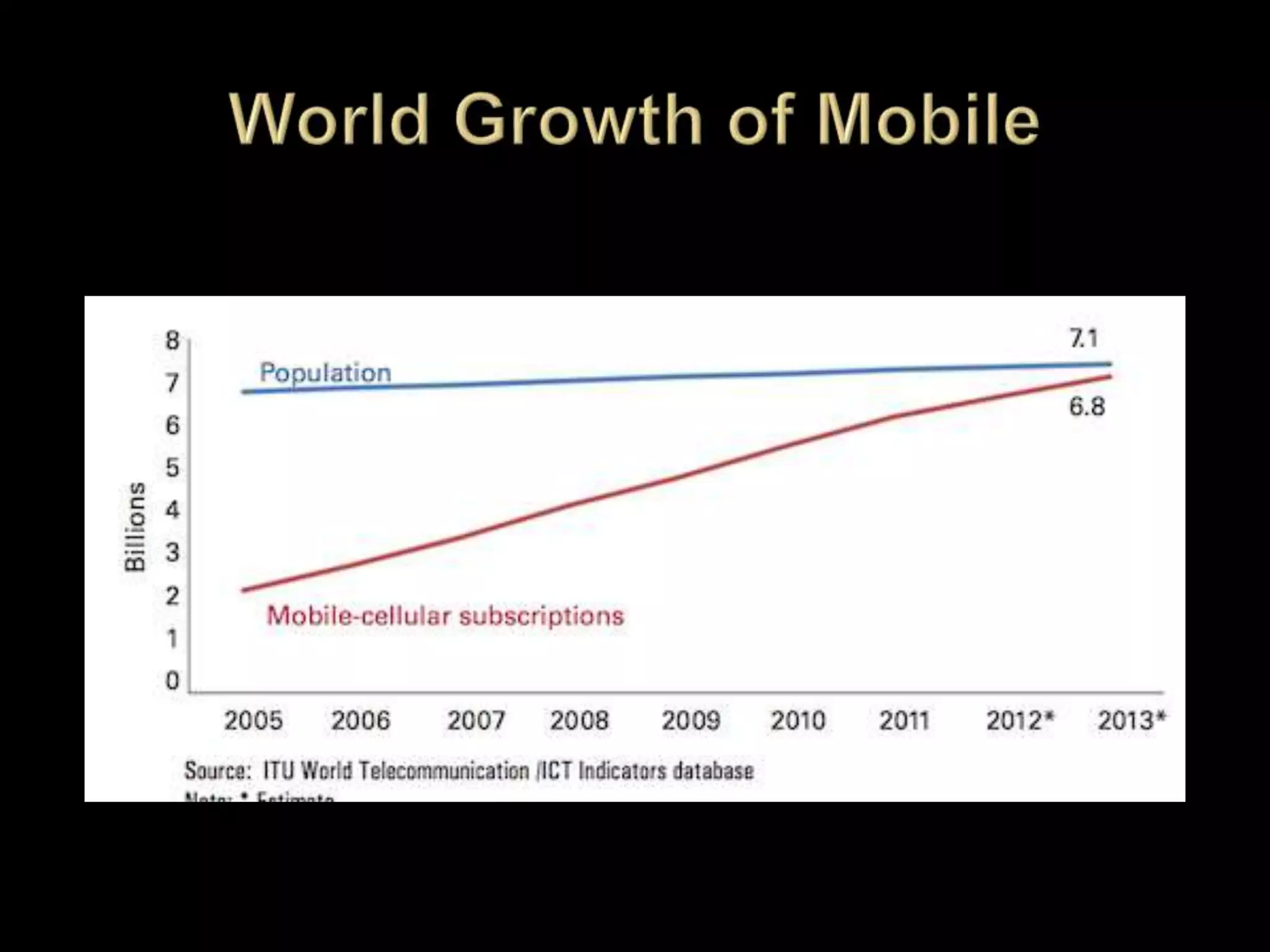
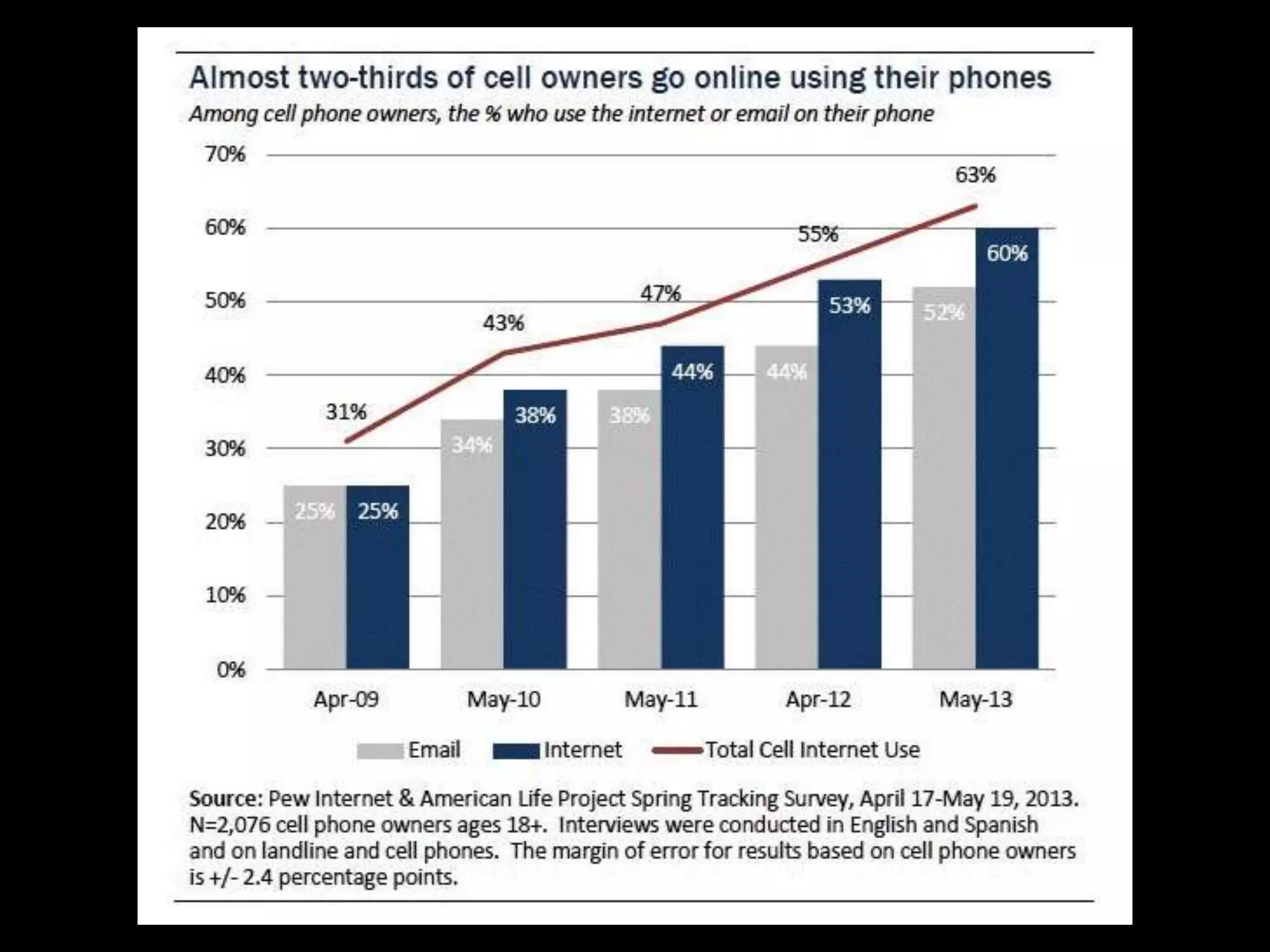
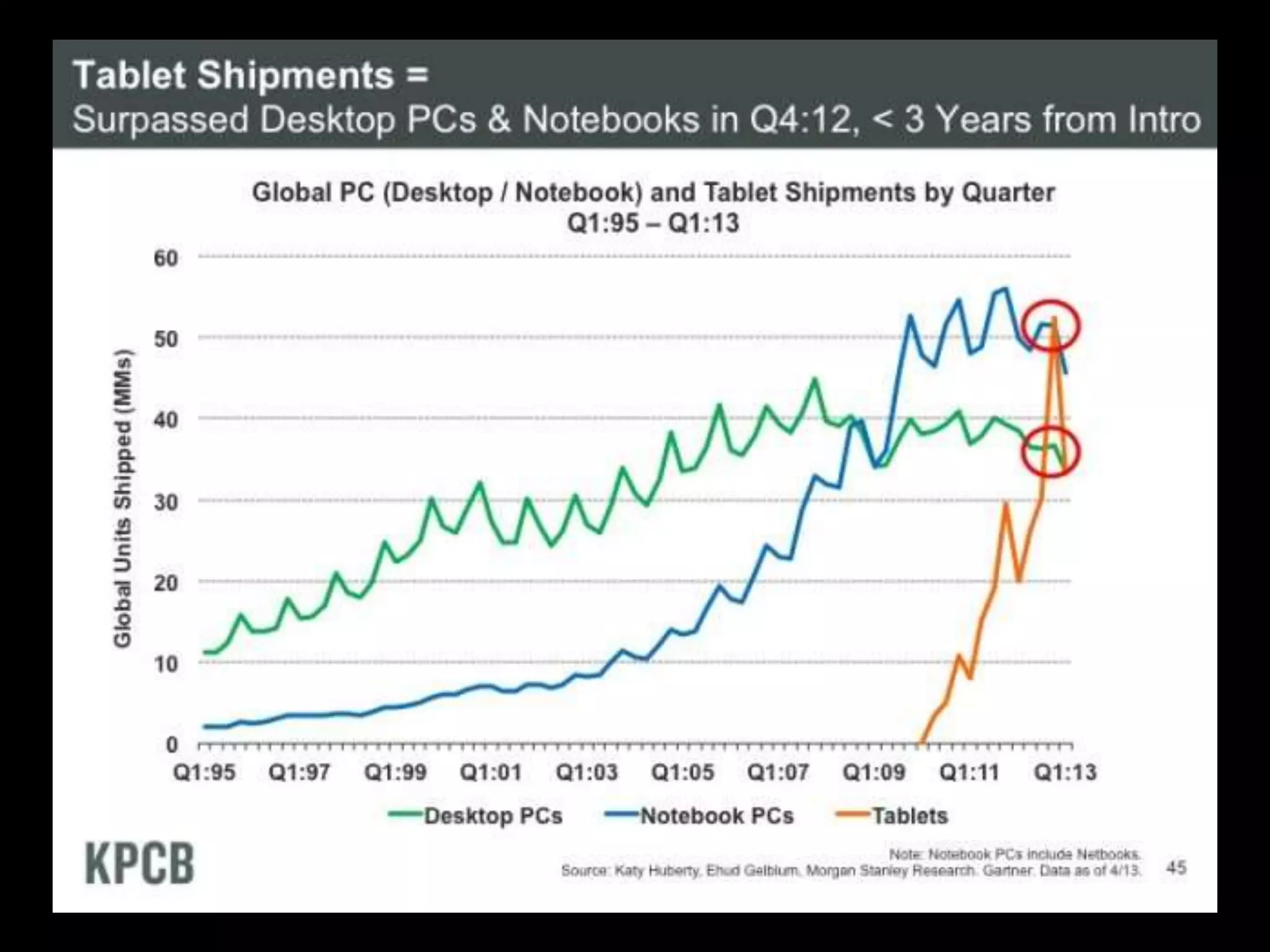
 The new construct of mobility
 Anytime-anywhere-computing
 Breaking away from the iron grip of Windows
 Simpler consumer devices
 Replacement of the point-and-click paradigm
 New interfaces
 The conversion of the Internet into a social
place – a worldwide community
 “Big data” –an emergent phenomenon
 Loss of privacy
 Surprising new kinds of information
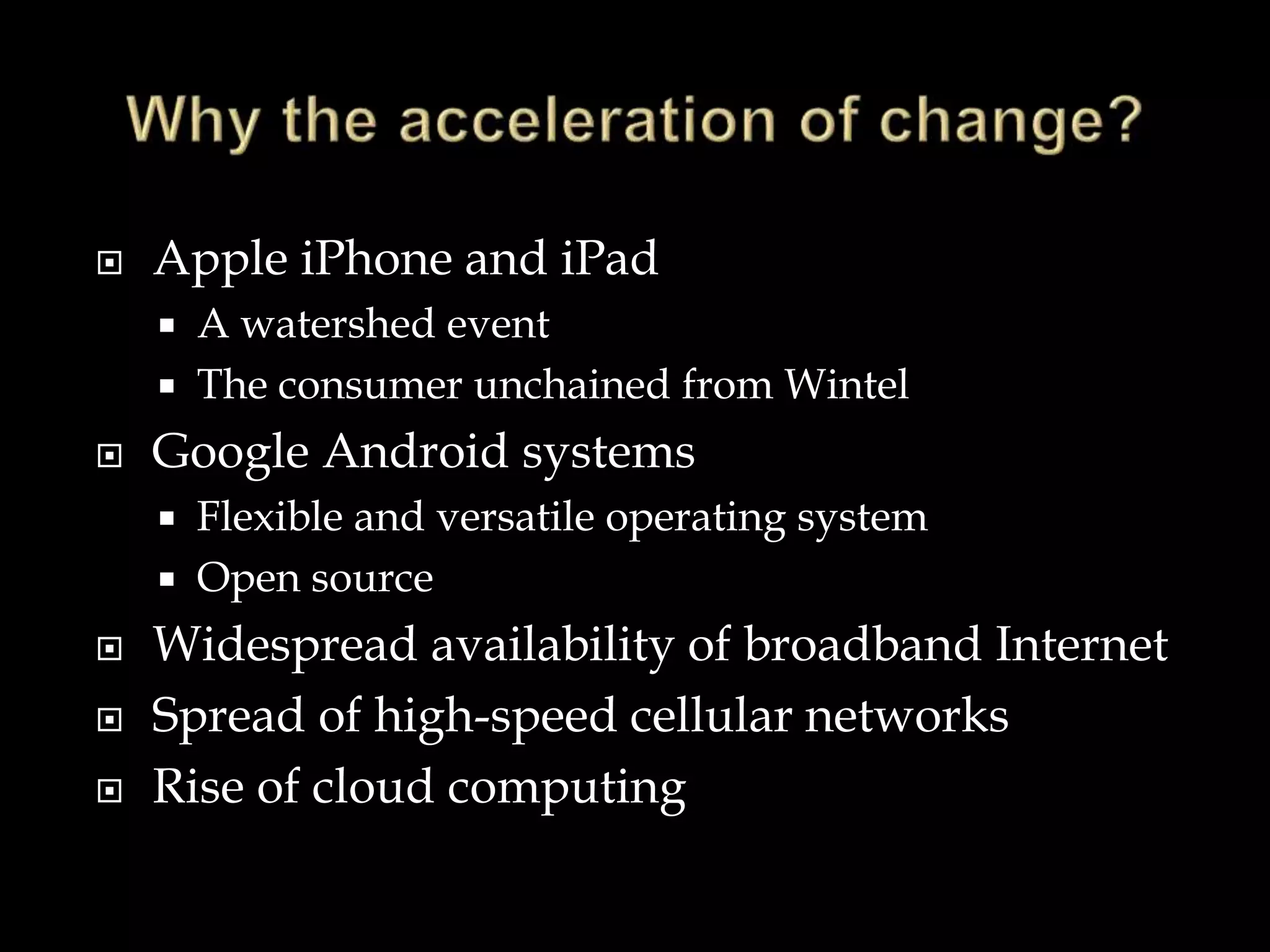
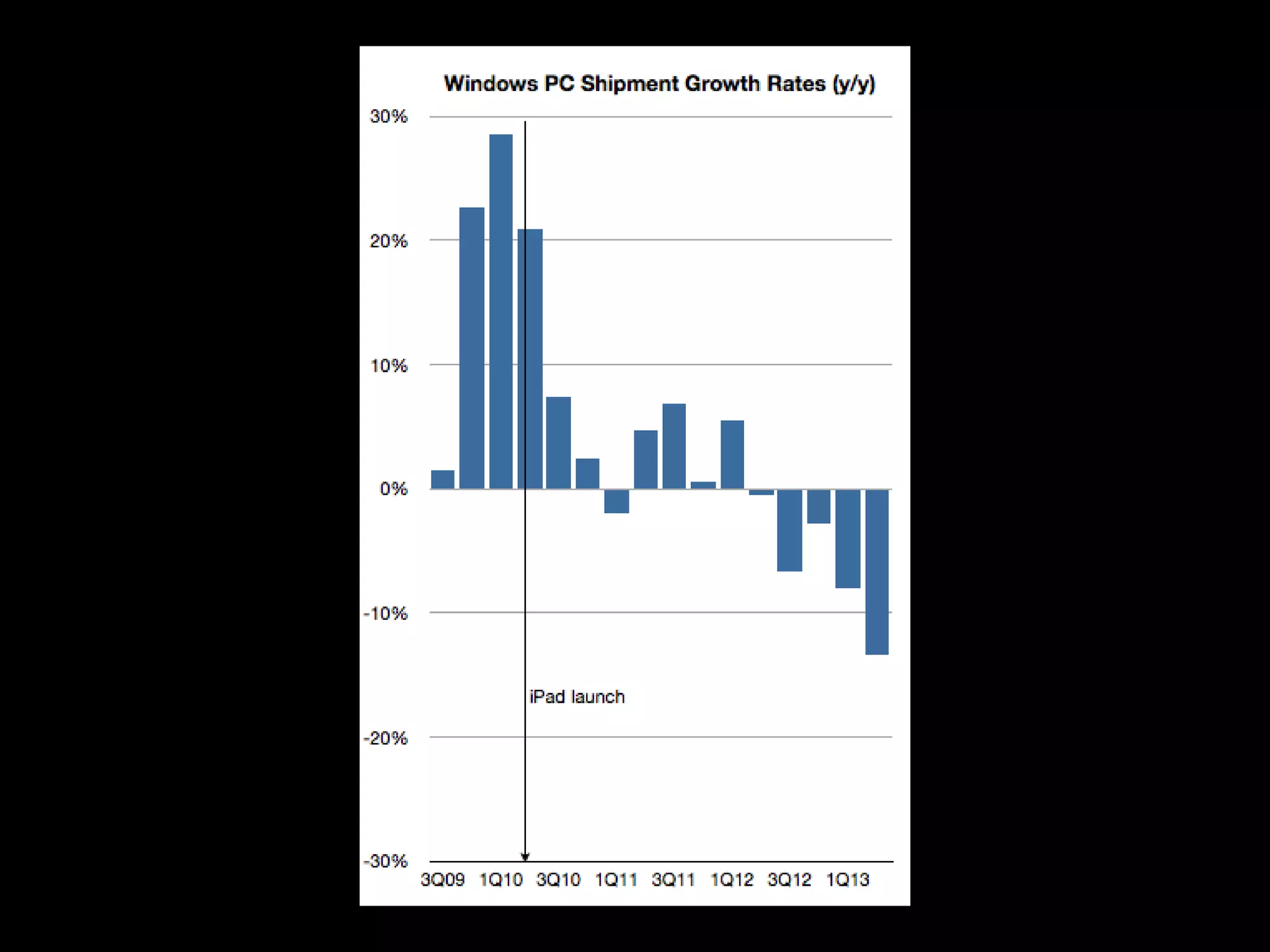
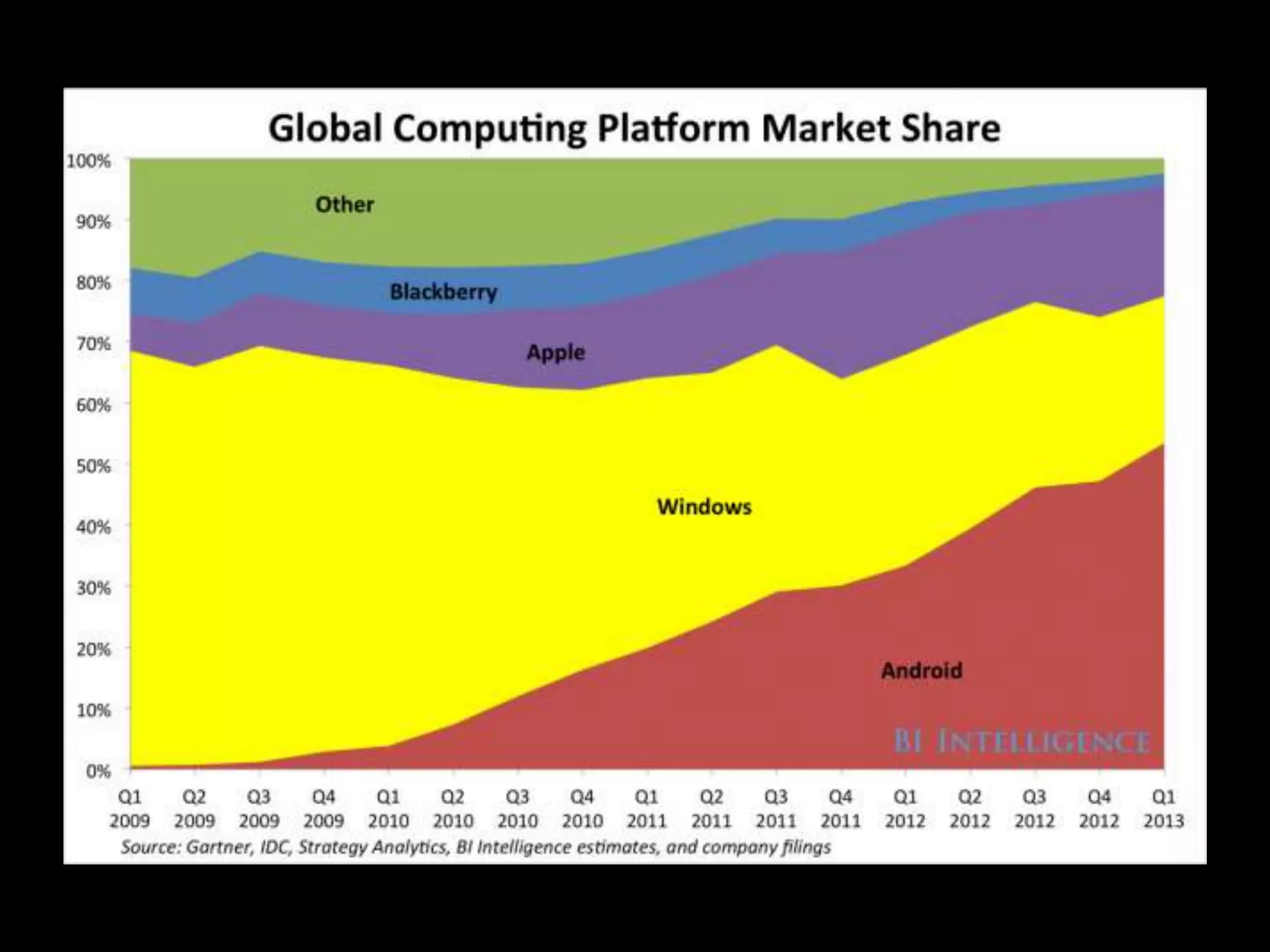
 Apple iPhone and iPad
 A watershed event
 The consumer unchained from Wintel
 Google Android systems
 Flexible and versatile operating system
 Open source
 Widespread availability of broadband Internet
 Spread of high-speed cellular networks
 Rise of cloud computing
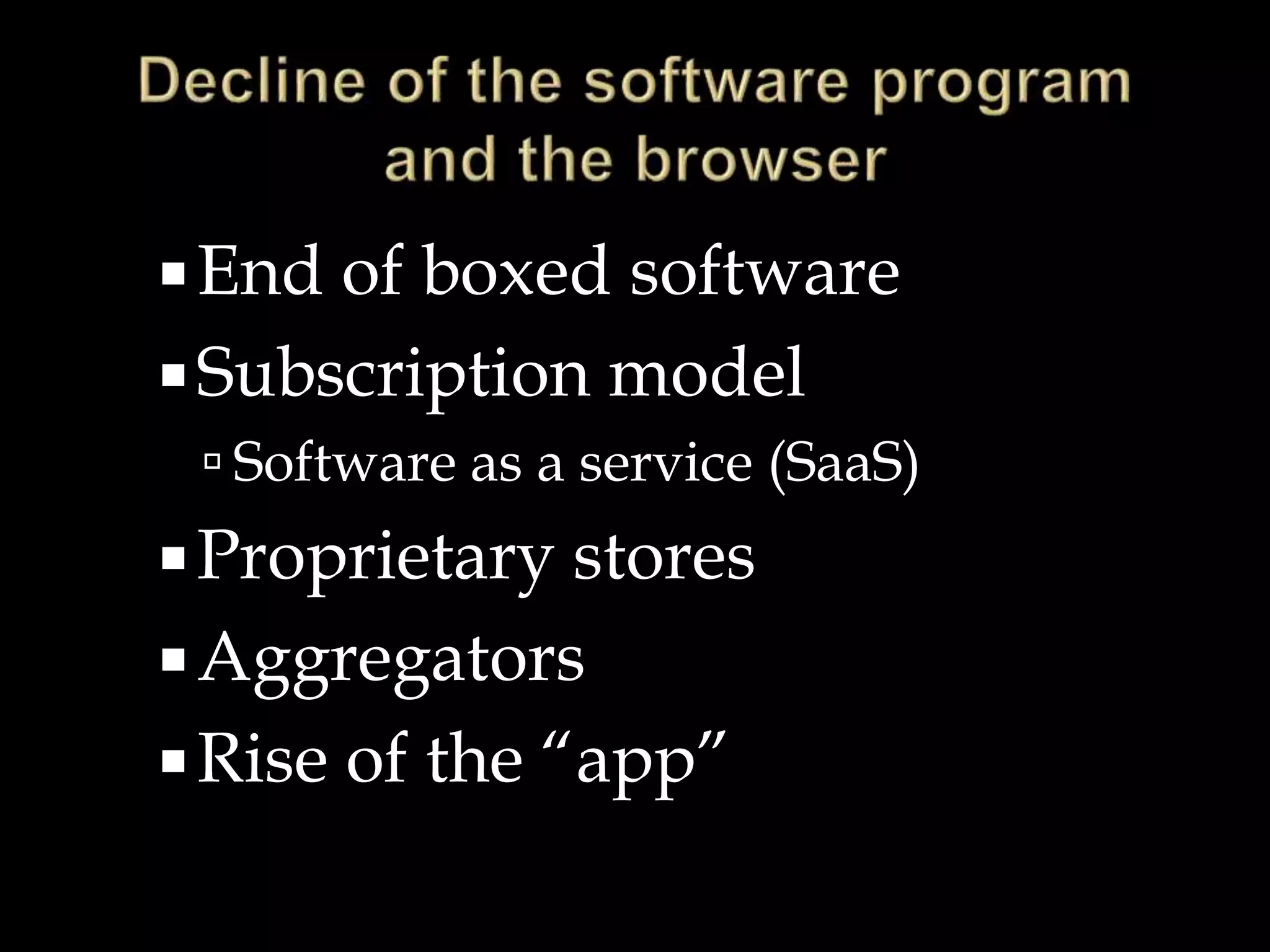
End of boxed software
Subscription model
 Software as a service (SaaS)
Proprietary stores
Aggregators
Rise of the “app”
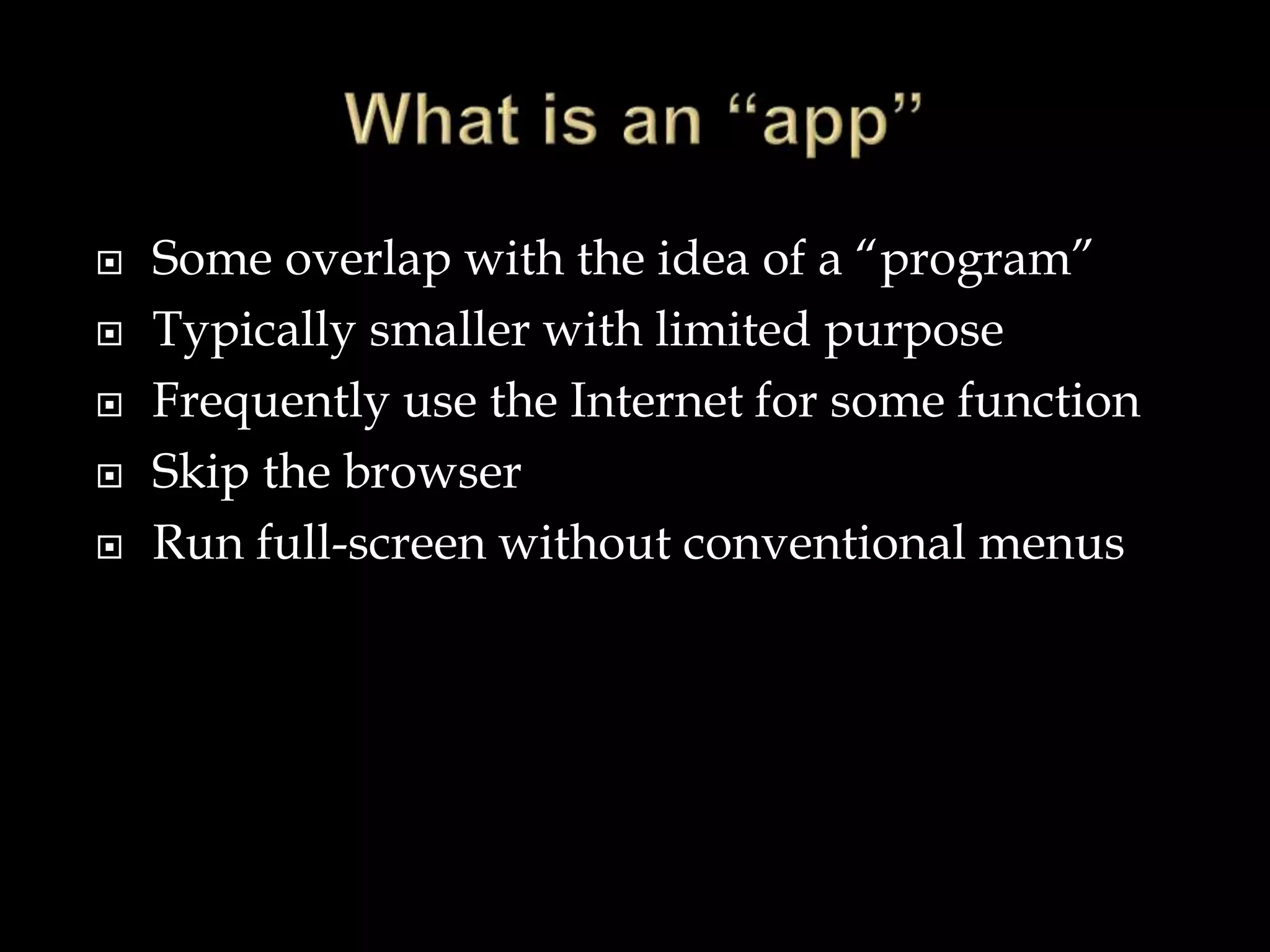
 Some overlap with the idea of a “program”
 Typically smaller with limited purpose
 Frequently use the Internet for some function
 Skip the browser
 Run full-screen without conventional menus
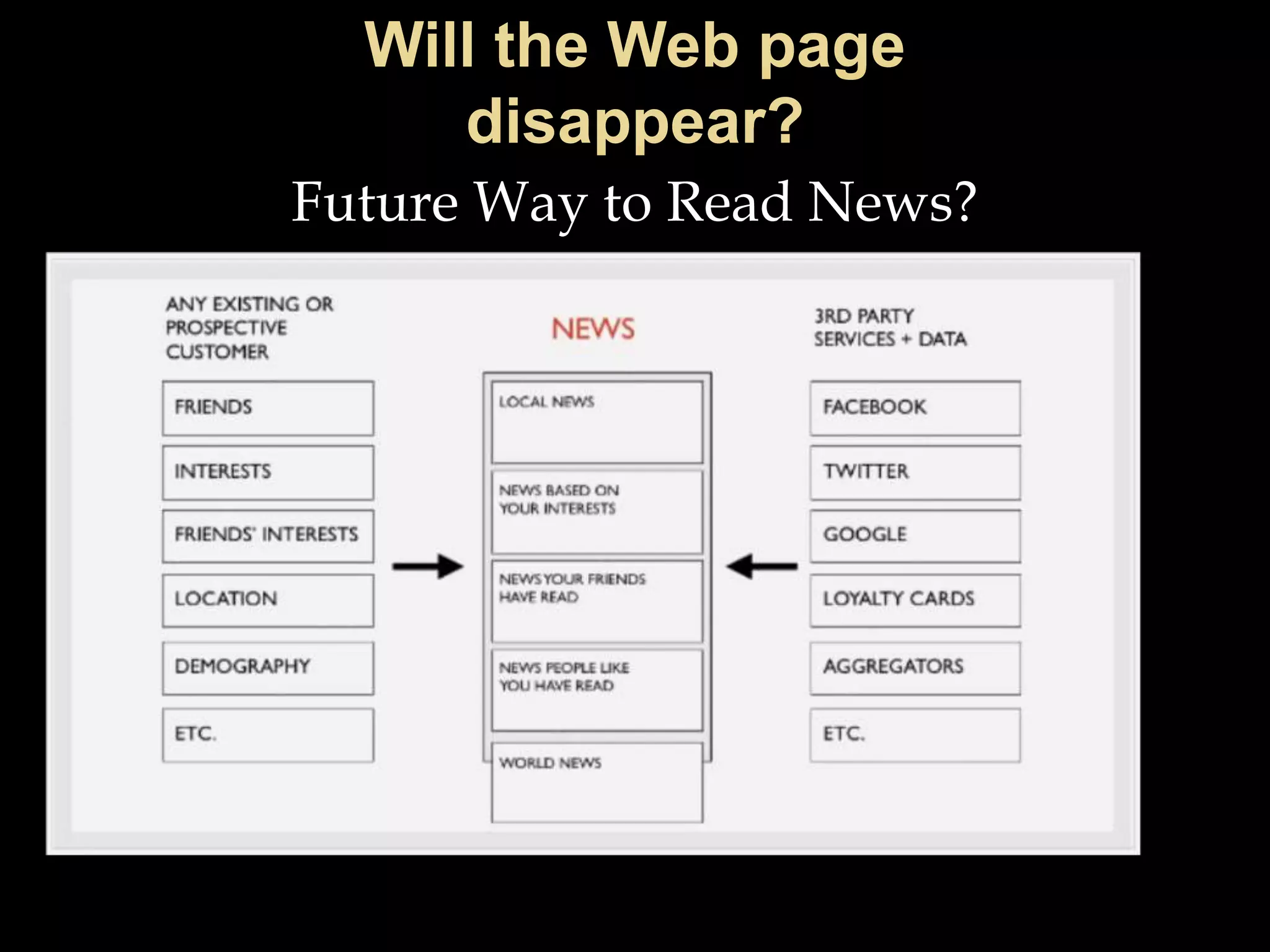
Future Way to Read News?
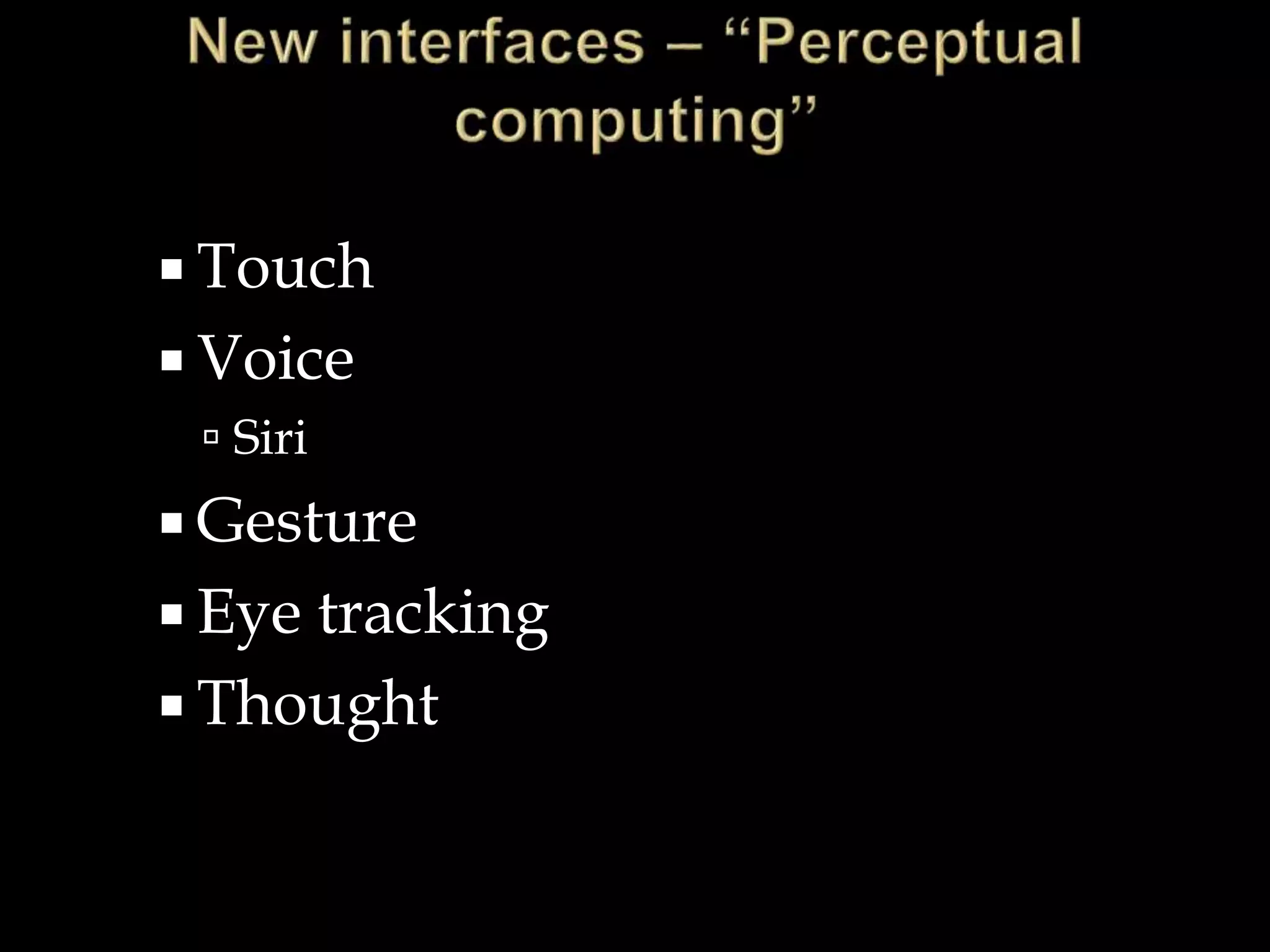
 Touch
 Voice
 Siri
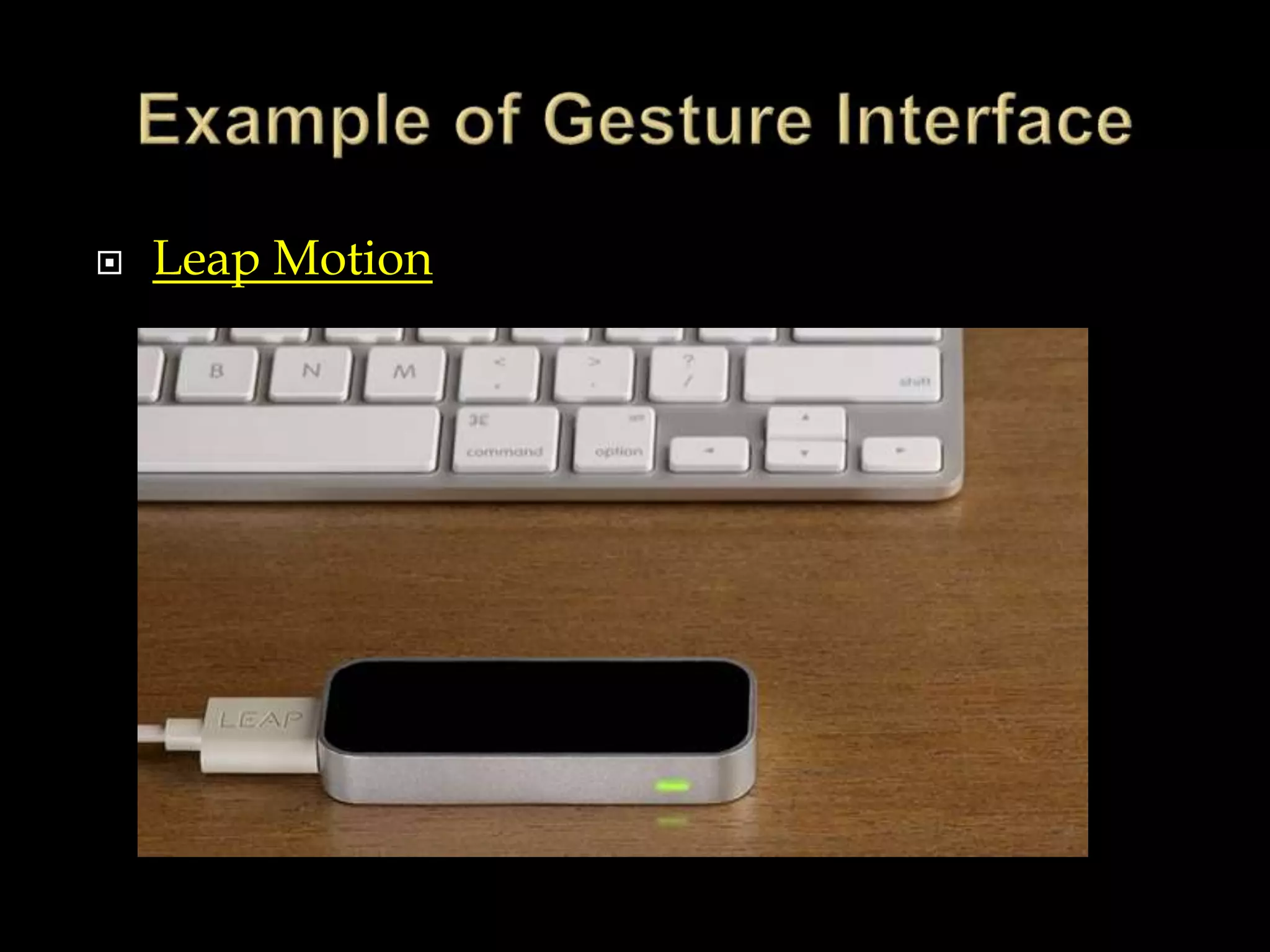
 Gesture
 Eye tracking
 Thought
 Leap Motion
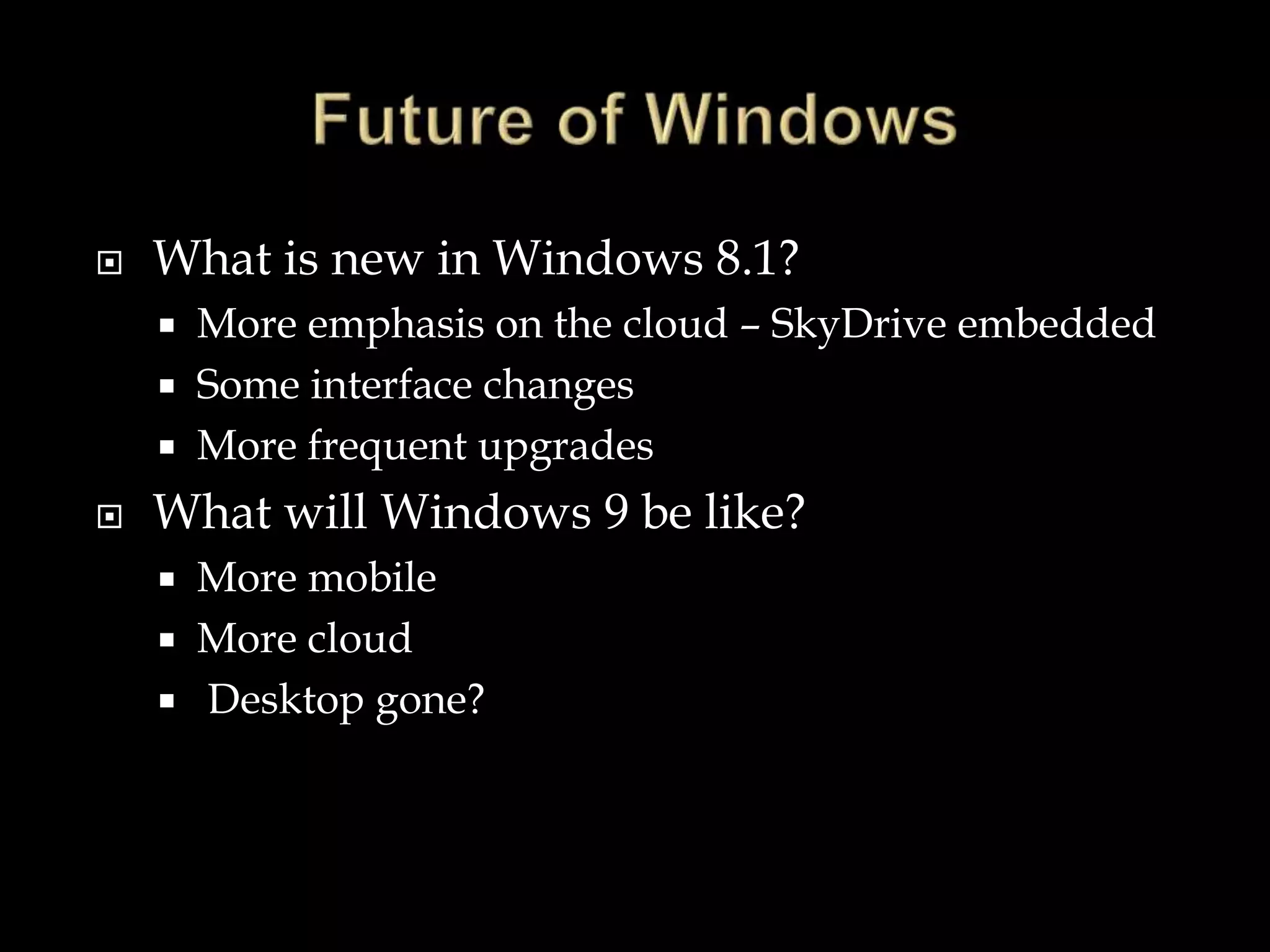
 What is new in Windows 8.1?
 More emphasis on the cloud – SkyDrive embedded
 Some interface changes
 More frequent upgrades
 What will Windows 9 be like?
 More mobile
 More cloud
 Desktop gone?
 New materials
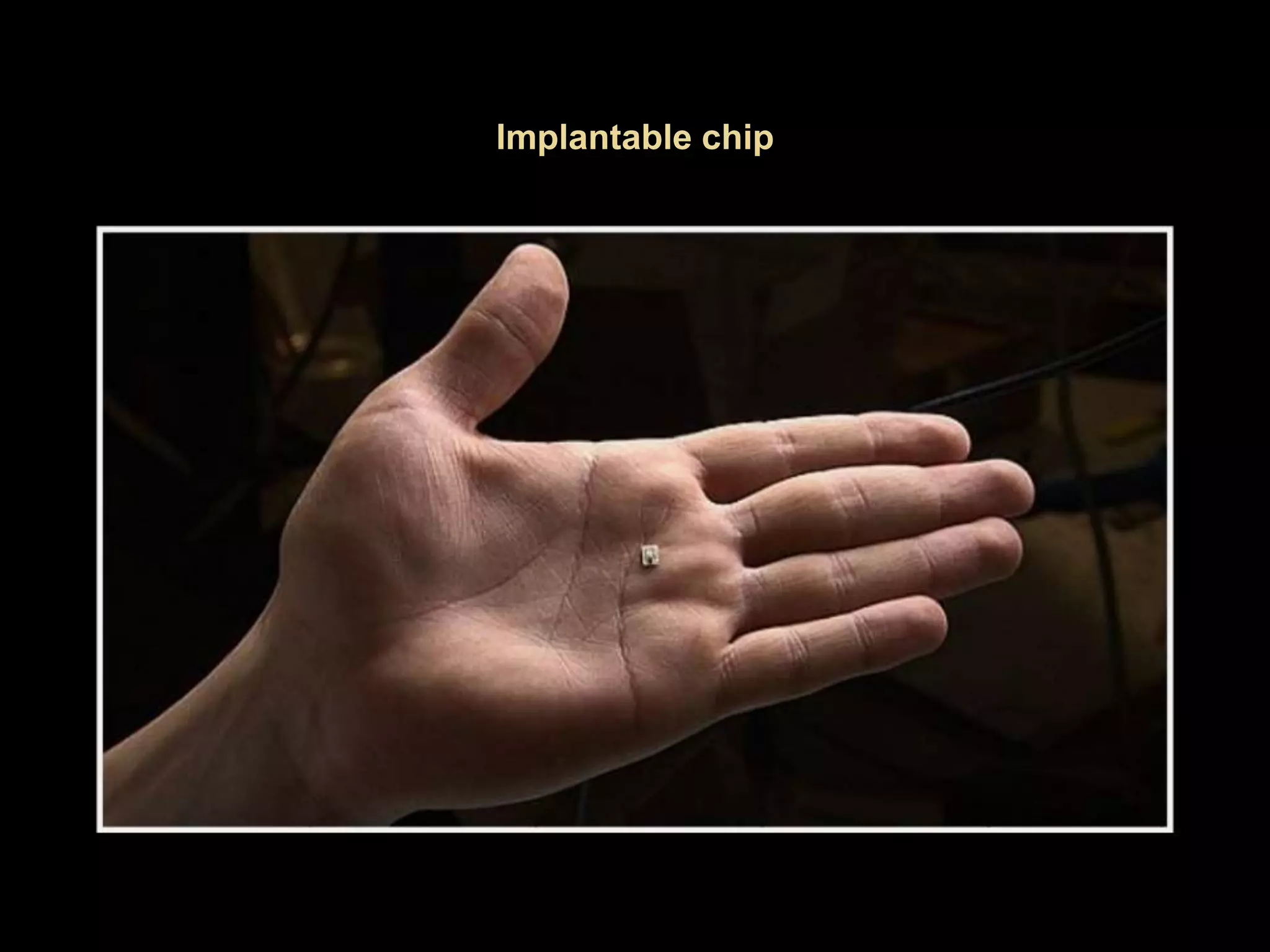
 Miniaturization and low power devices
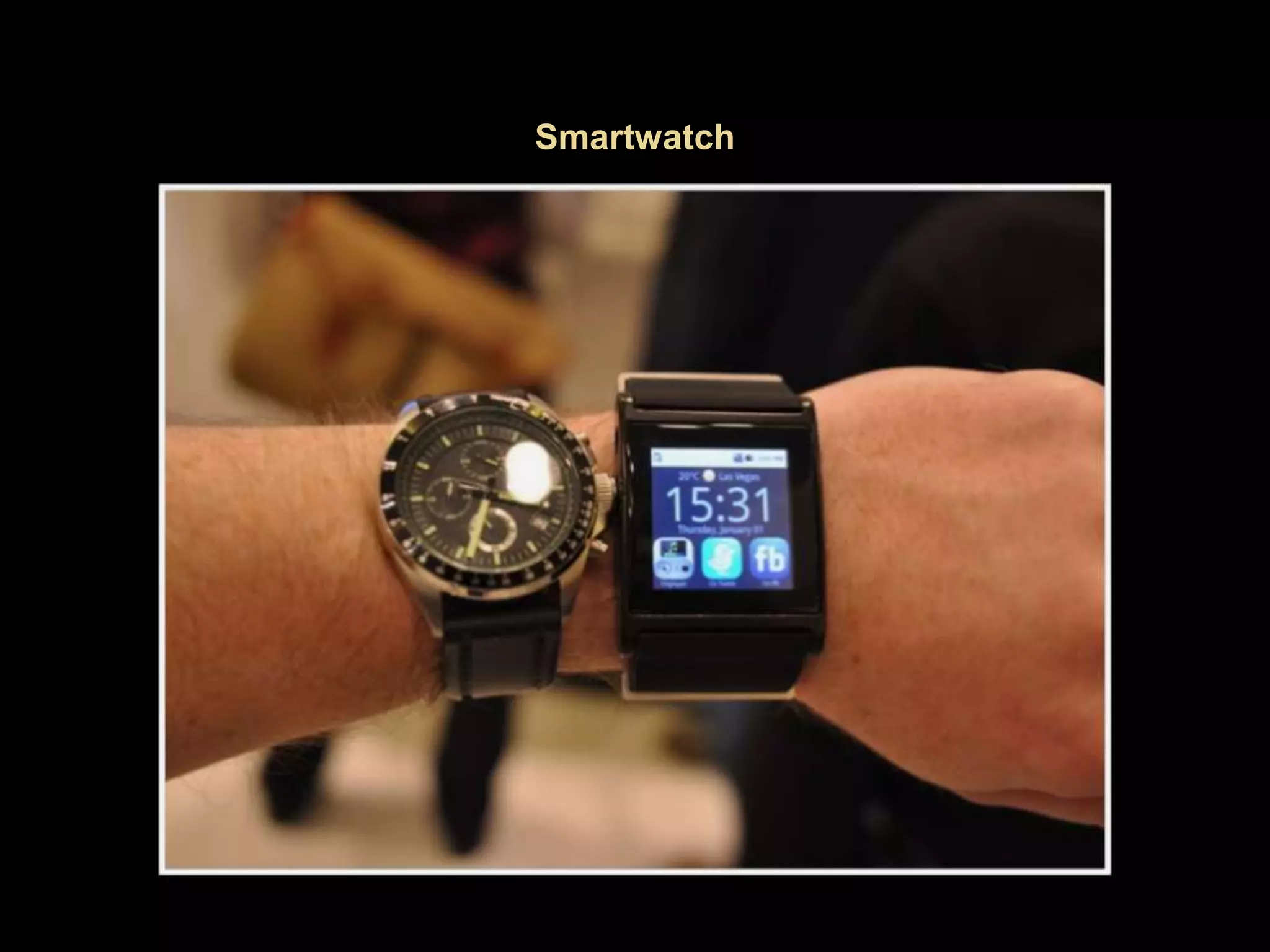
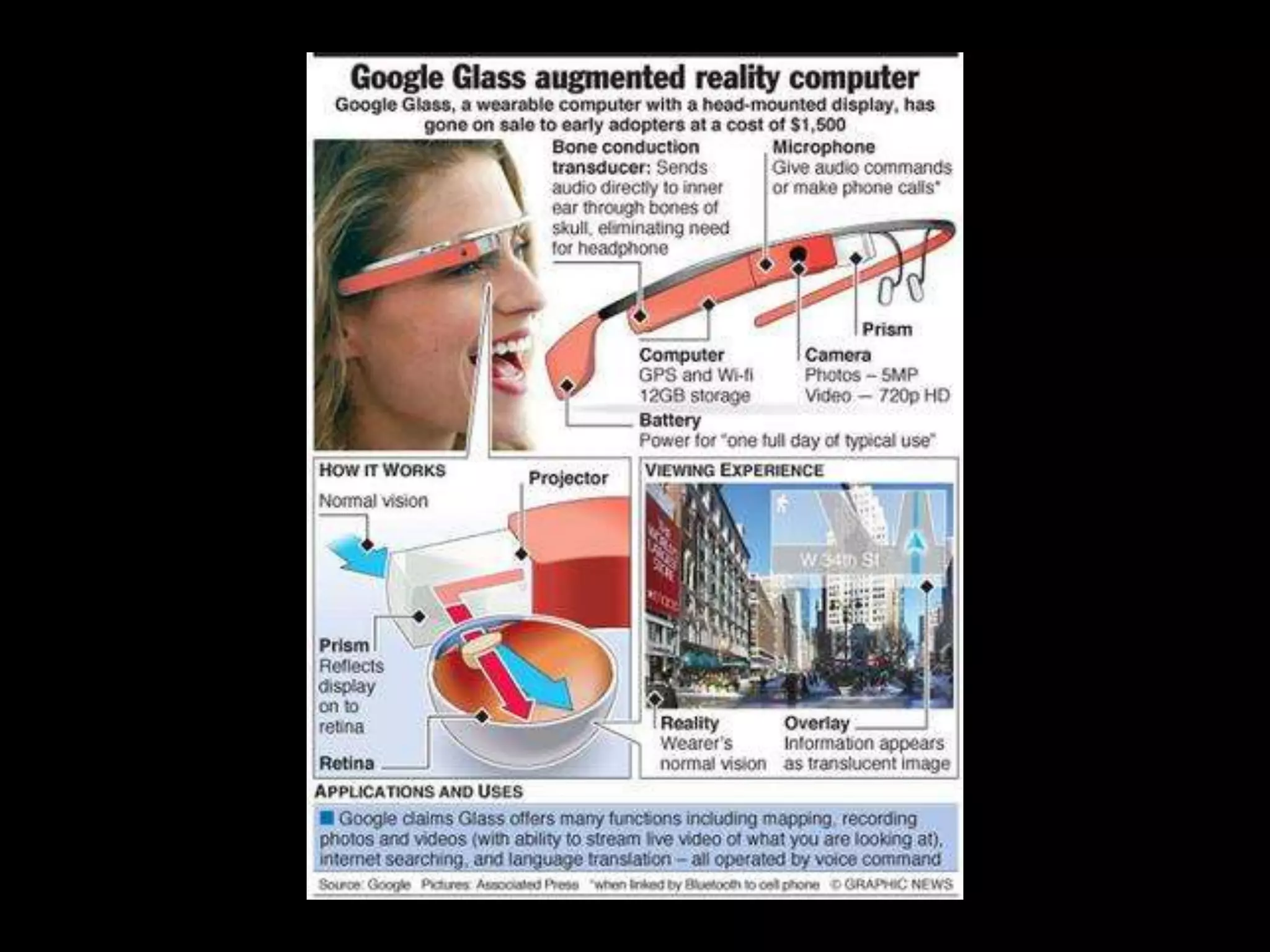
 Wearable computing
 Smart watches
 Google glass
 Internet of things
 75 billion devices connected by 2020 - Cisco
 Medical devices
 Line between personal computing and life
activities is blurred and disappearing
 Computing devices present in a multitude of
everyday activities
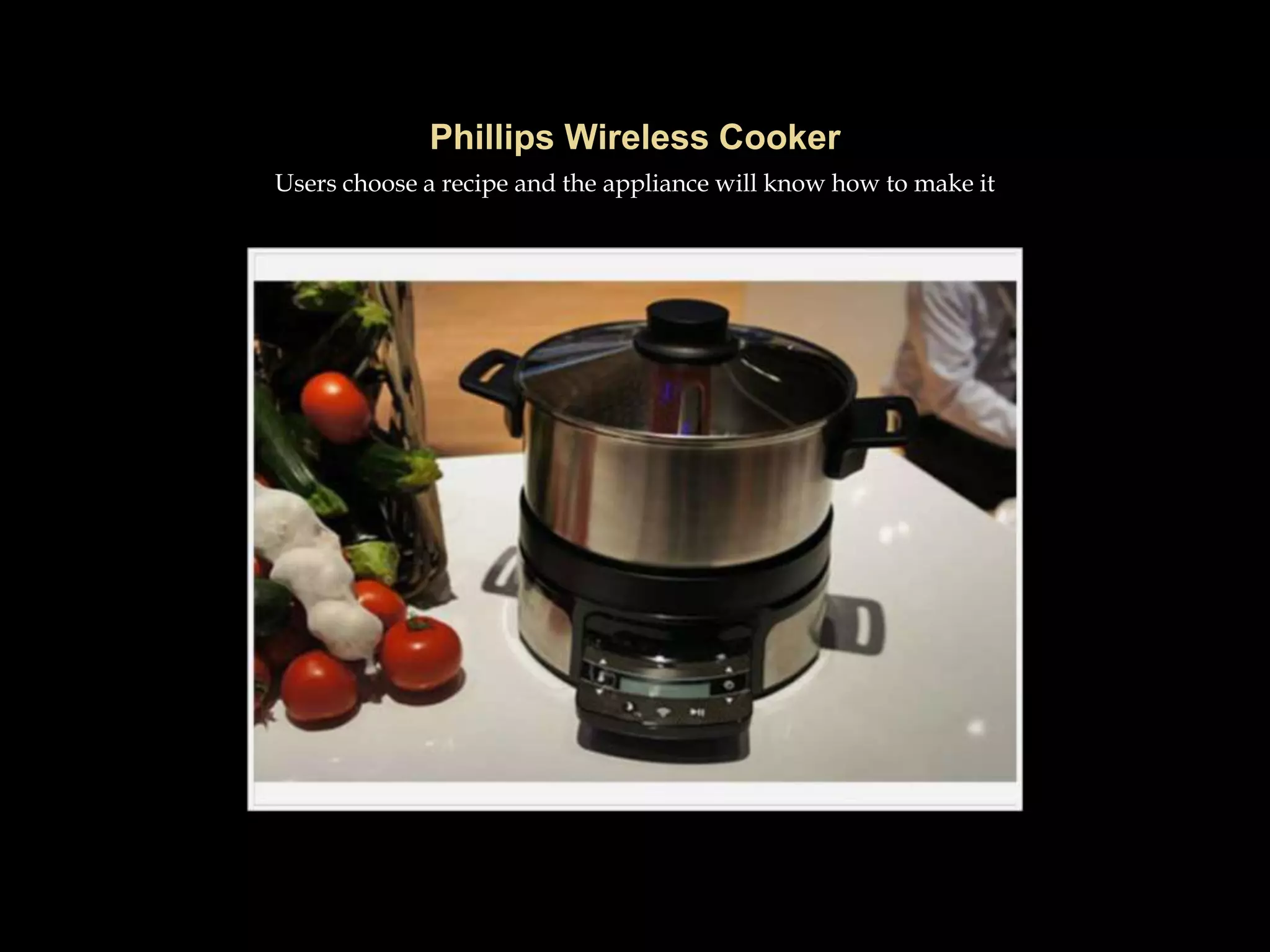
 Smart appliances
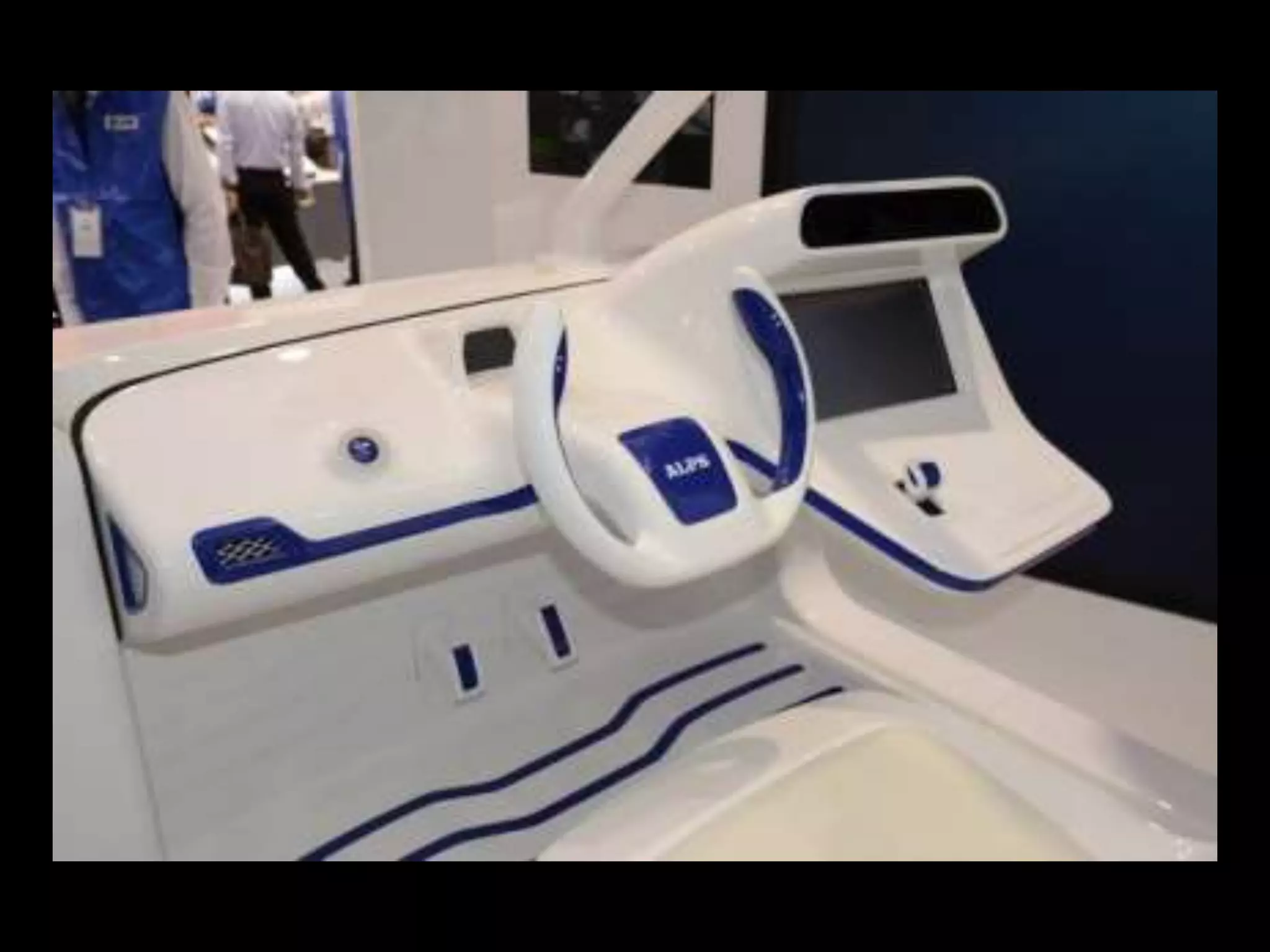
 Automobile software
 Future cars will be networked, personalized, and
connected to the cloud … and collecting personal data
about our preferences and our whereabouts —Dan Tynan
at PCWorld
Users choose a recipe and the appliance will know how to make it
 New security devices
 Fingerprint, retinal, face recognition
 Merging of PC and TV
 Interactive shopping
 Personal assistants
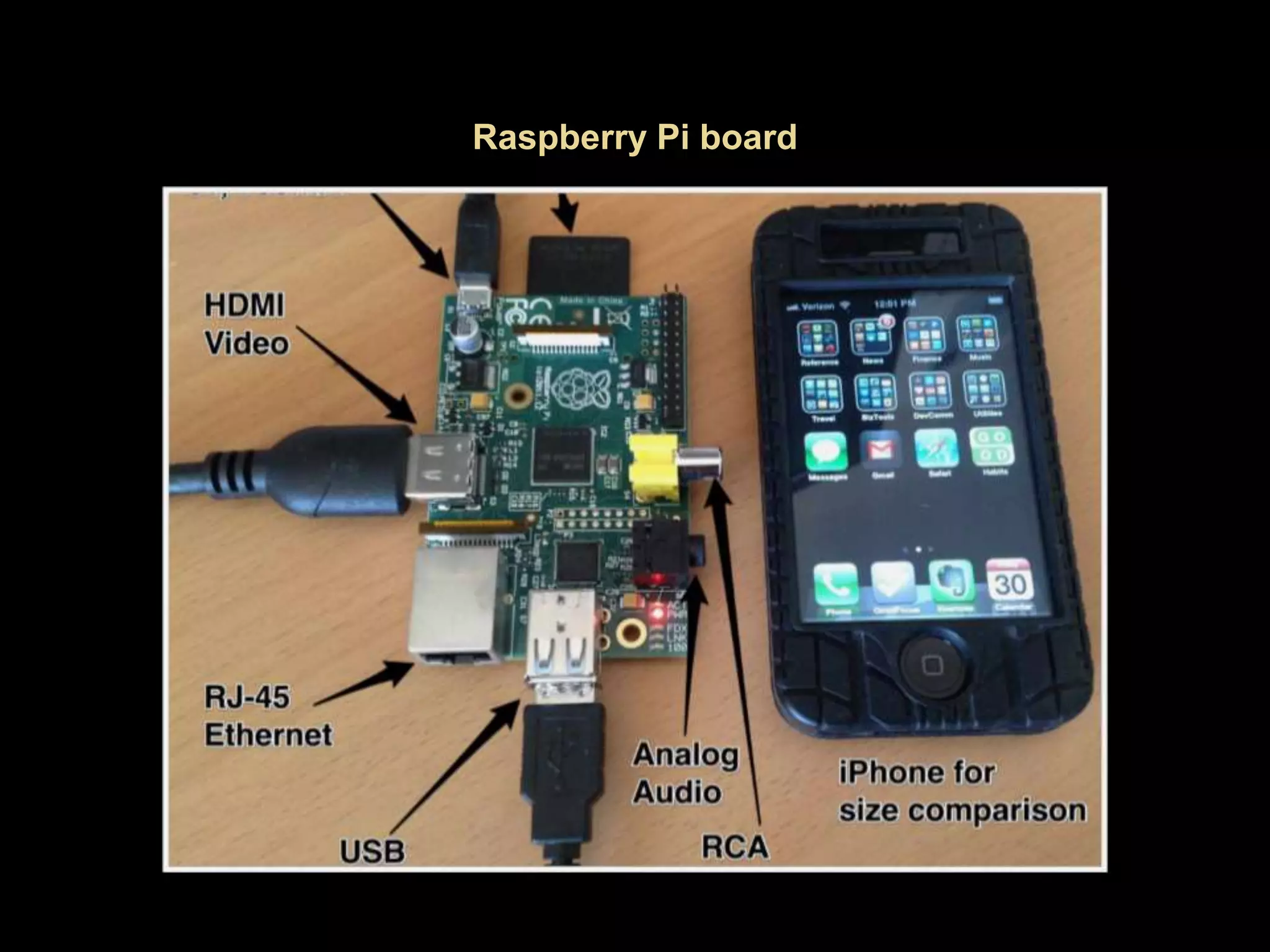
 Inexpensive basic computer kits
 Raspberry Pi
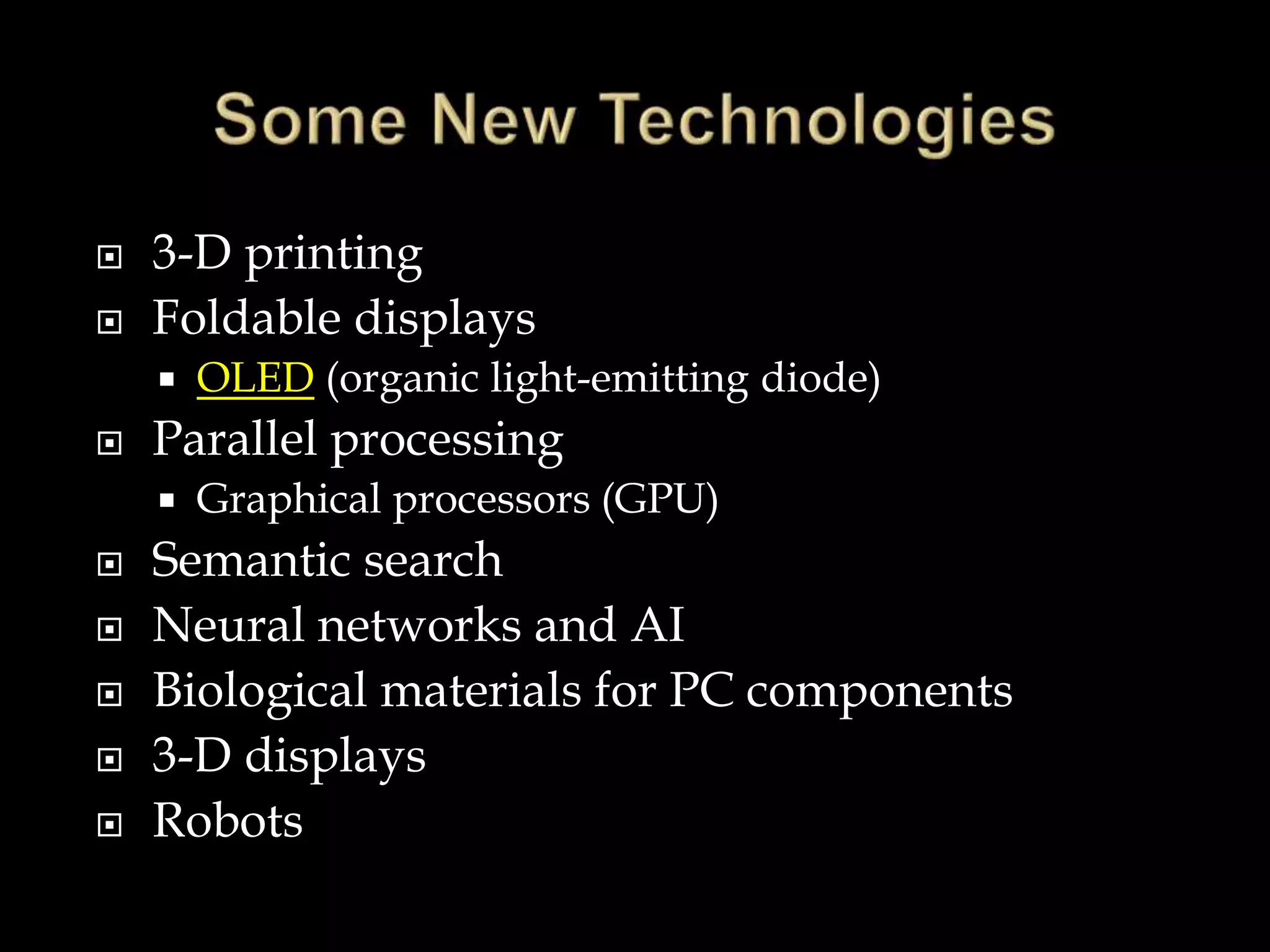
 3-D printing
 Foldable displays
 OLED (organic light-emitting diode)
 Parallel processing
 Graphical processors (GPU)
 Semantic search
 Neural networks and AI
 Biological materials for PC components
 3-D displays
 Robots
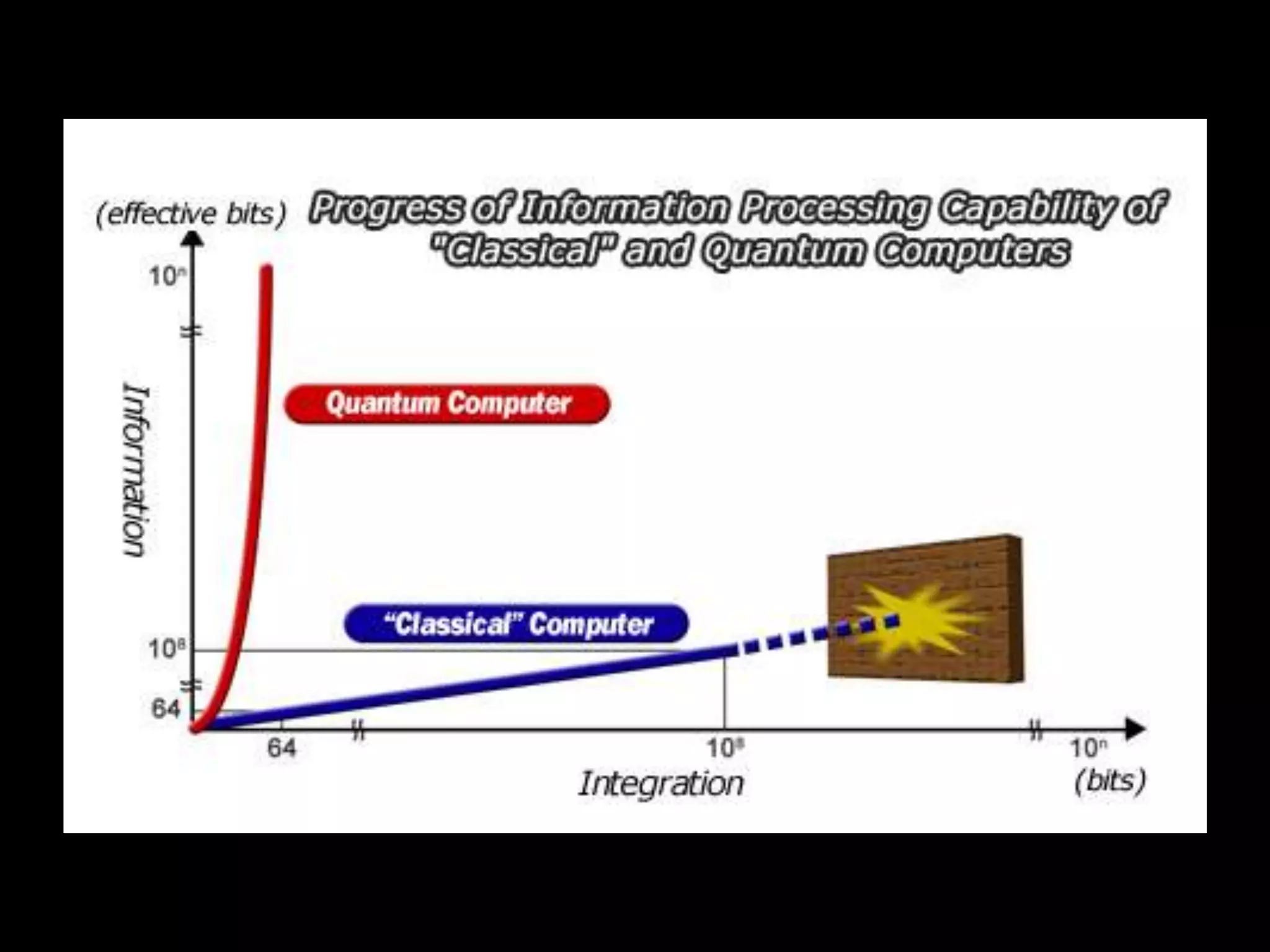
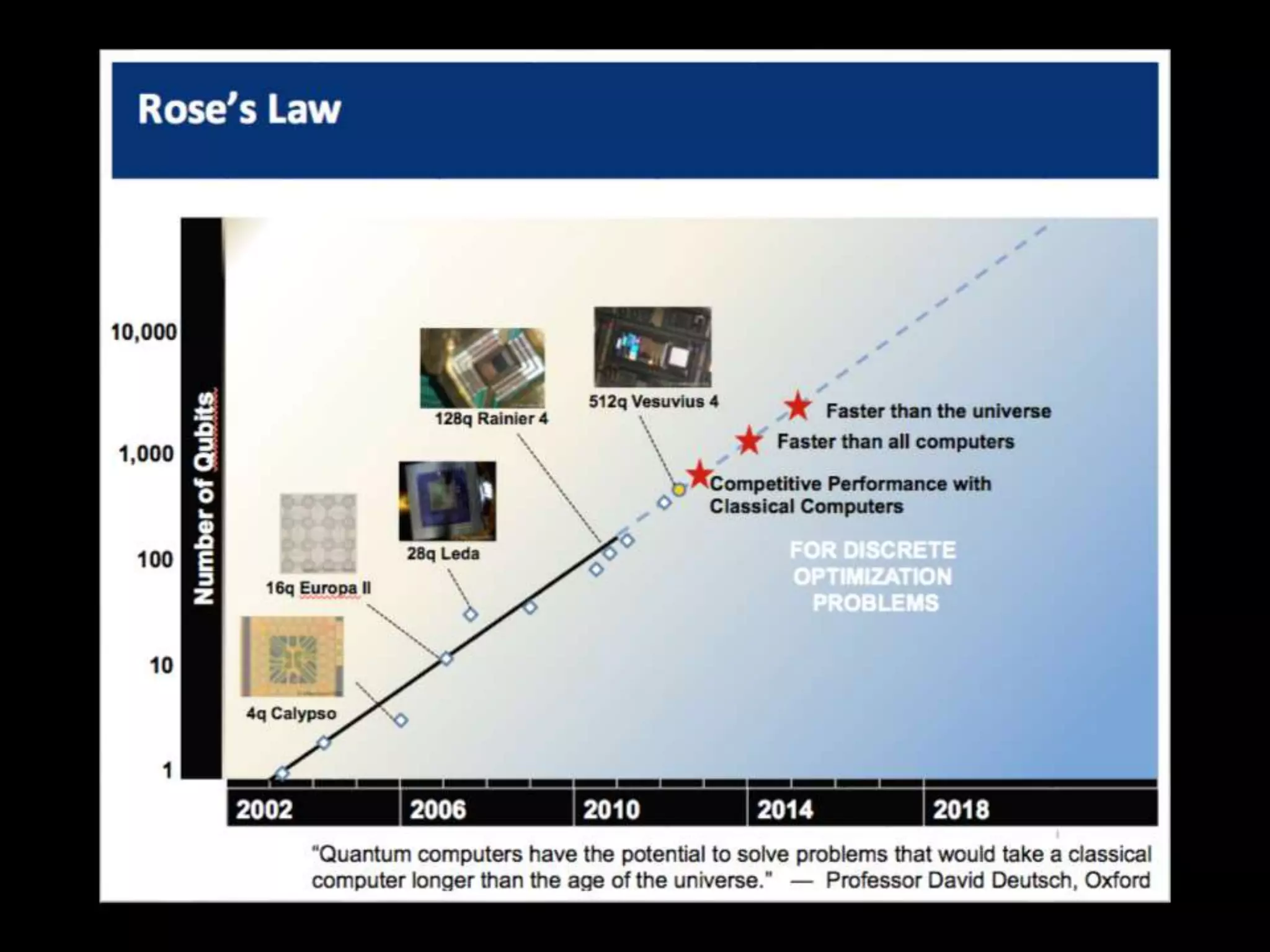
 Instead of bits, use “quantum states” (qubits)
 Very difficult technical problems but
technology is advancing rapidly
 Would increase computing power enormously
 Small commercial device already exists (D-
Wave)
 The Microsoft model of one operating system
everywhere and for everything is broken
 Different devices for different purposes
 Consumers and home PC users no longer have
to use the same kind of computers suitable to
business and big organizations
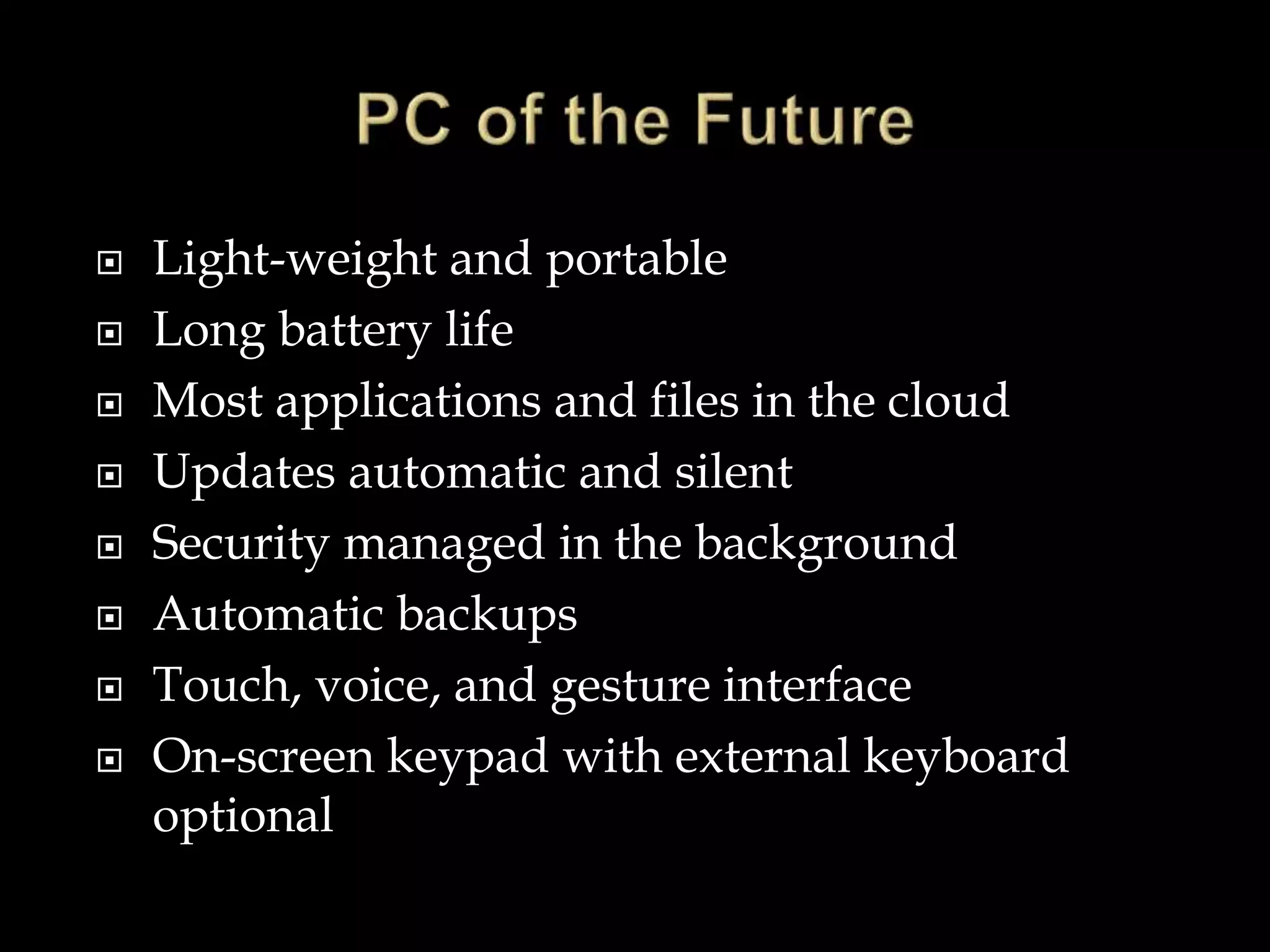
 Light-weight and portable
 Long battery life
 Most applications and files in the cloud
 Updates automatic and silent
 Security managed in the background
 Automatic backups
 Touch, voice, and gesture interface
 On-screen keypad with external keyboard
optional
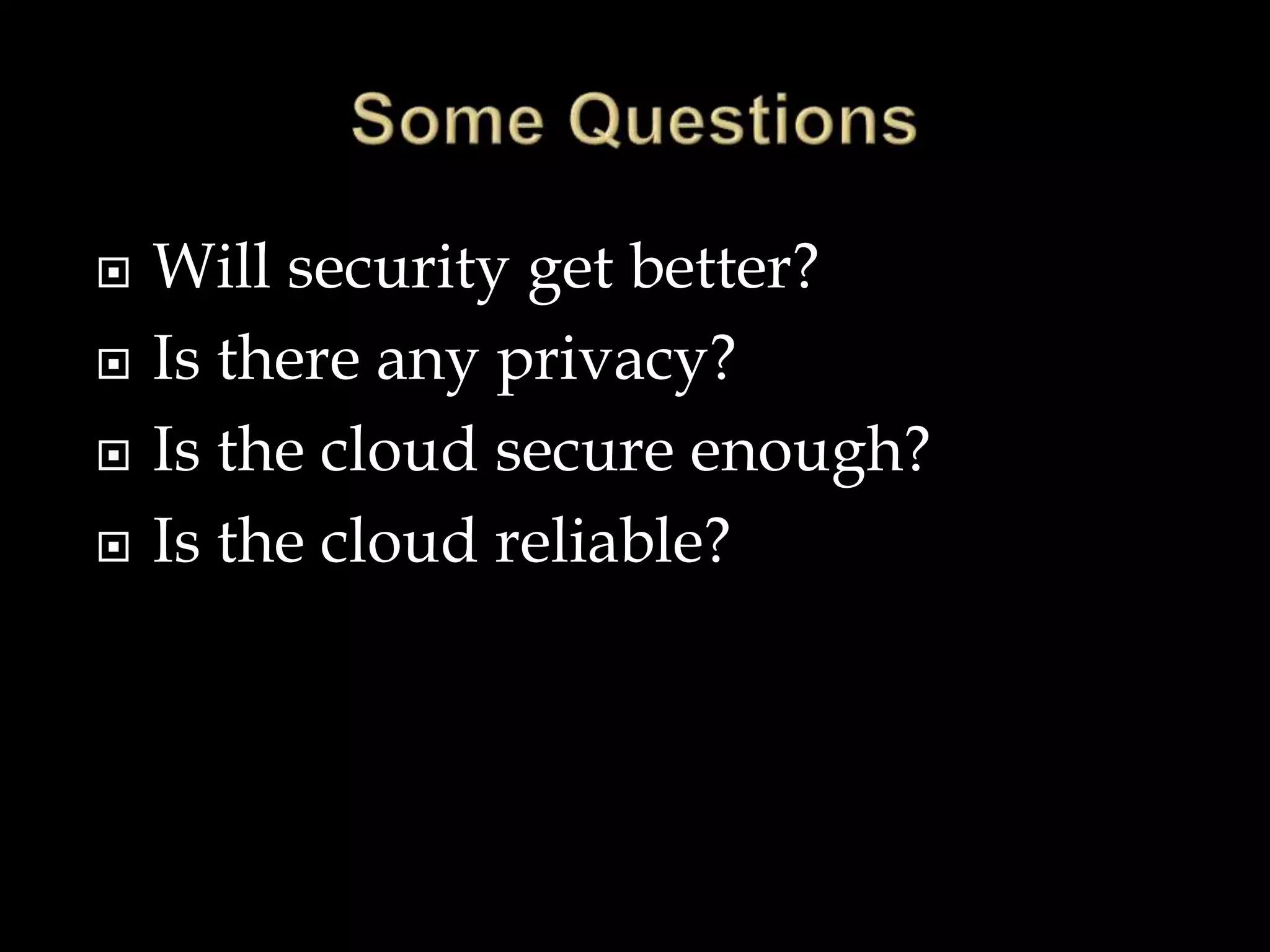
 Will security get better?
 Is there any privacy?
 Is the cloud secure enough?
 Is the cloud reliable?
 Social
 Economic
 Political
 Societal attitudes, politics, and vested economic
interests often slow or even block the
application of new ideas and discoveries.
 Some basic facts about how to use computers
taught to all schoolchildren
 Security
 Some basic facts about how technology works
as part of school curriculum
 Teach how to evaluate information
 We can say for sure - Things we never thought
of will come along
 There will be no end of surprises
 But this presentation is at
The End

The future-of-personal-computing

  • 1.
    Where we havebeen and where we are going Vic Laurie http://vlaurie.com
  • 3.
    Making predictions ishard - especially about the future Attributed to many sources including Niels Bohr and Yogi Berra
  • 4.
     A lotof discussion goes on about “what is a PC?”  A PC is a computing device used by normal, average people  Not a mainframe or a server or a business machine  Personal computing is what you do with a PC  Computing devices are inextricably intertwined in modern life
  • 5.
     Central roleof hardware  PCs became possible only with the invention of solid state components and integrated circuits  Ever cheaper, smaller, and faster components  Internet  Fast, world-wide connections  Information revolution  Cloud computing  Software - less of a driver  Word 95 compared to Word 2013  Sound and graphics  Bloatware  The rise of the app
  • 8.
  • 10.
     One guessis 2.5 petabytes (2500 GB)
  • 11.
     Point andclick  Mouse  Keyboard  Graphical User Interface (GUI)  Douglas Englebart at Stanford Research Institute (1963)  In 1968, Englebart demonstrated text editing, video conferencing, hypertext and windowing  Not until the late 1980’s did the GUI and mouse become common
  • 12.
     The newconstruct of mobility  Anytime-anywhere-computing  Breaking away from the iron grip of Windows  Simpler consumer devices  Replacement of the point-and-click paradigm  New interfaces  The conversion of the Internet into a social place – a worldwide community  “Big data” –an emergent phenomenon  Loss of privacy  Surprising new kinds of information
  • 15.
     Apple iPhoneand iPad  A watershed event  The consumer unchained from Wintel  Google Android systems  Flexible and versatile operating system  Open source  Widespread availability of broadband Internet  Spread of high-speed cellular networks  Rise of cloud computing
  • 19.
    End of boxedsoftware Subscription model  Software as a service (SaaS) Proprietary stores Aggregators Rise of the “app”
  • 20.
     Some overlapwith the idea of a “program”  Typically smaller with limited purpose  Frequently use the Internet for some function  Skip the browser  Run full-screen without conventional menus
  • 21.
    Future Way toRead News?
  • 22.
     Touch  Voice Siri  Gesture  Eye tracking  Thought
  • 23.
  • 24.
     What isnew in Windows 8.1?  More emphasis on the cloud – SkyDrive embedded  Some interface changes  More frequent upgrades  What will Windows 9 be like?  More mobile  More cloud  Desktop gone?
  • 25.
     New materials Miniaturization and low power devices  Wearable computing  Smart watches  Google glass  Internet of things  75 billion devices connected by 2020 - Cisco  Medical devices
  • 29.
     Line betweenpersonal computing and life activities is blurred and disappearing  Computing devices present in a multitude of everyday activities  Smart appliances  Automobile software  Future cars will be networked, personalized, and connected to the cloud … and collecting personal data about our preferences and our whereabouts —Dan Tynan at PCWorld
  • 31.
    Users choose arecipe and the appliance will know how to make it
  • 32.
     New securitydevices  Fingerprint, retinal, face recognition  Merging of PC and TV  Interactive shopping  Personal assistants  Inexpensive basic computer kits  Raspberry Pi
  • 34.
     3-D printing Foldable displays  OLED (organic light-emitting diode)  Parallel processing  Graphical processors (GPU)  Semantic search  Neural networks and AI  Biological materials for PC components  3-D displays  Robots
  • 35.
     Instead ofbits, use “quantum states” (qubits)  Very difficult technical problems but technology is advancing rapidly  Would increase computing power enormously  Small commercial device already exists (D- Wave)
  • 39.
     The Microsoftmodel of one operating system everywhere and for everything is broken  Different devices for different purposes  Consumers and home PC users no longer have to use the same kind of computers suitable to business and big organizations
  • 40.
     Light-weight andportable  Long battery life  Most applications and files in the cloud  Updates automatic and silent  Security managed in the background  Automatic backups  Touch, voice, and gesture interface  On-screen keypad with external keyboard optional
  • 41.
     Will securityget better?  Is there any privacy?  Is the cloud secure enough?  Is the cloud reliable?
  • 42.
     Social  Economic Political  Societal attitudes, politics, and vested economic interests often slow or even block the application of new ideas and discoveries.
  • 43.
     Some basicfacts about how to use computers taught to all schoolchildren  Security  Some basic facts about how technology works as part of school curriculum  Teach how to evaluate information
  • 44.
     We cansay for sure - Things we never thought of will come along  There will be no end of surprises  But this presentation is at The End