
New Technologies
and their role in the workplace


          Russell Feldhausen
     Computer Support Specialist
  russfeld@ksu.edu        @russfeld
  AGCOM 590       October 27, 2011
New Technologies
• How can I use new technologies at work?

• What new technologies are there?

• What are the new technologies of the future?
Technology at Work
• 20 years ago – Computers were only at work
• 10 years ago – Internet was mainly at work
• Today…
  – People have iPads
  – People have Smartphones
  – People use Dropbox
  – People download Music, Movies, and Software
  – People use Social Media all the time
The times, they are a changin’
• Old and busted:
  – Your employer provides you with technology
  – Everything is locked down and controlled centrally
  – You have very little input in the process
• New hotness:
  – Employees bringing their own devices to work
  – Everything is in the cloud
  – You decide what you think will work for you
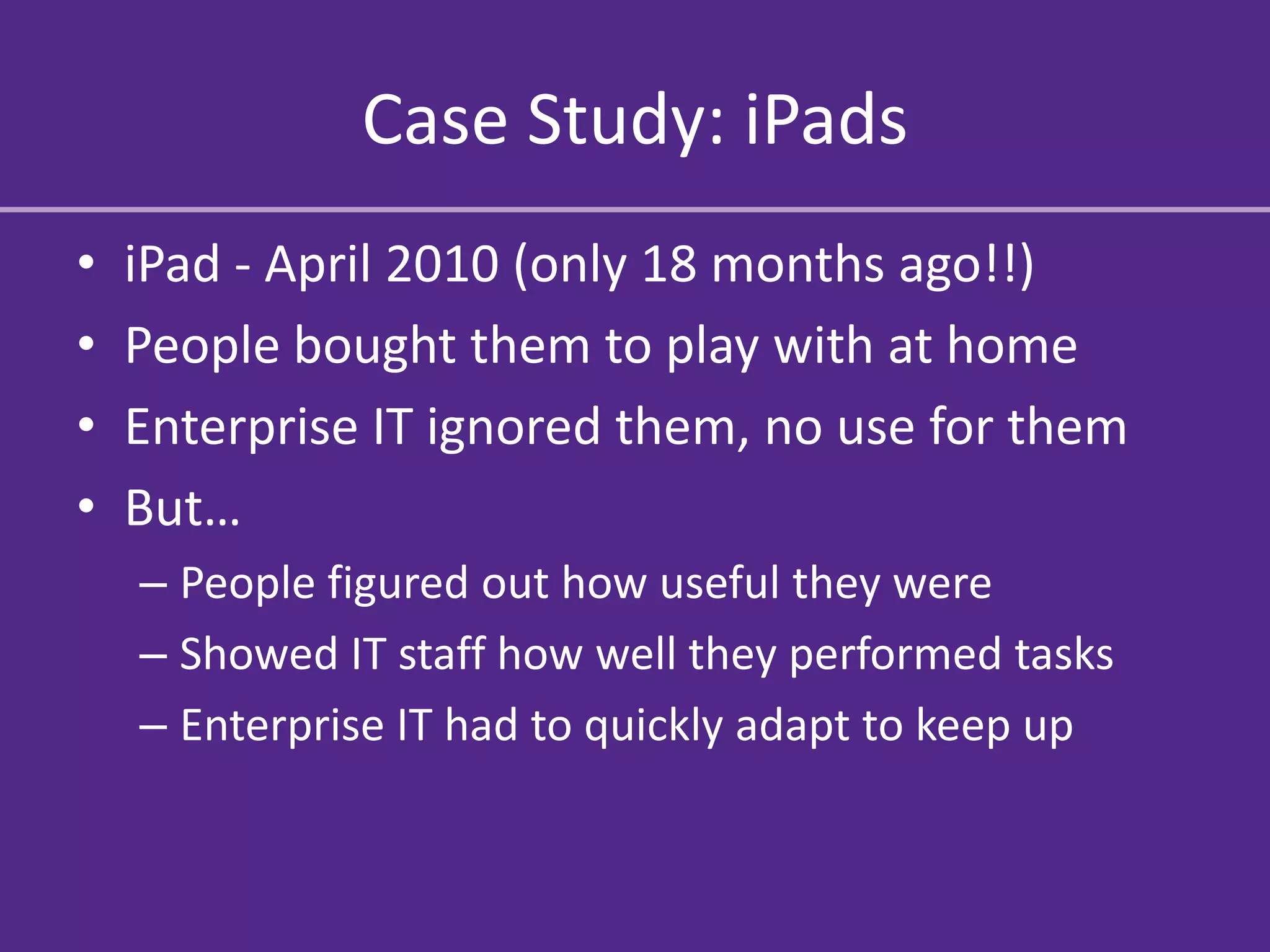
Case Study: iPads
•   iPad - April 2010 (only 18 months ago!!)
•   People bought them to play with at home
•   Enterprise IT ignored them, no use for them
•   But…
    – People figured out how useful they were
    – Showed IT staff how well they performed tasks
    – Enterprise IT had to quickly adapt to keep up
So… what happened?
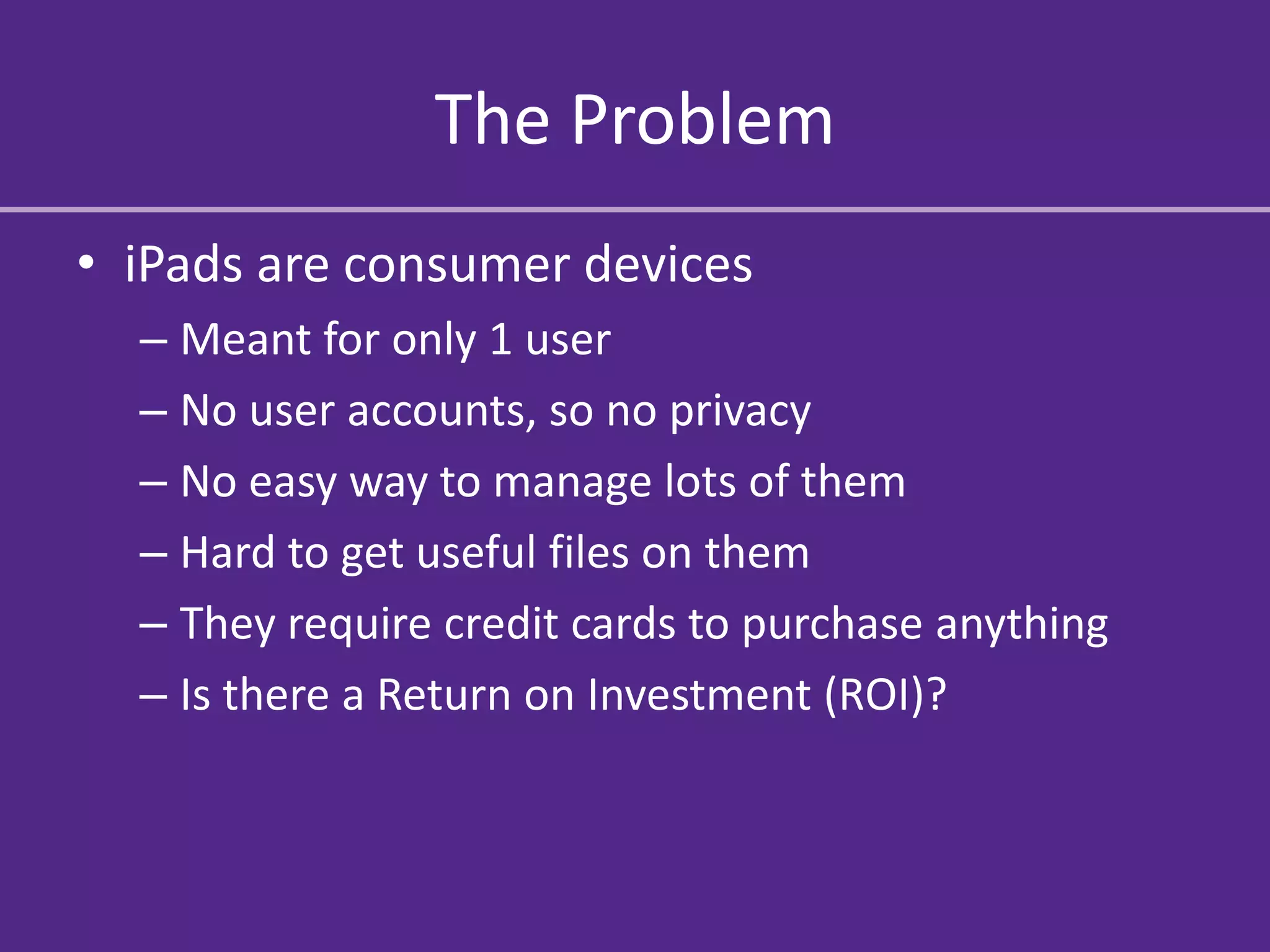
The Problem
• iPads are consumer devices
  – Meant for only 1 user
  – No user accounts, so no privacy
  – No easy way to manage lots of them
  – Hard to get useful files on them
  – They require credit cards to purchase anything
  – Is there a Return on Investment (ROI)?
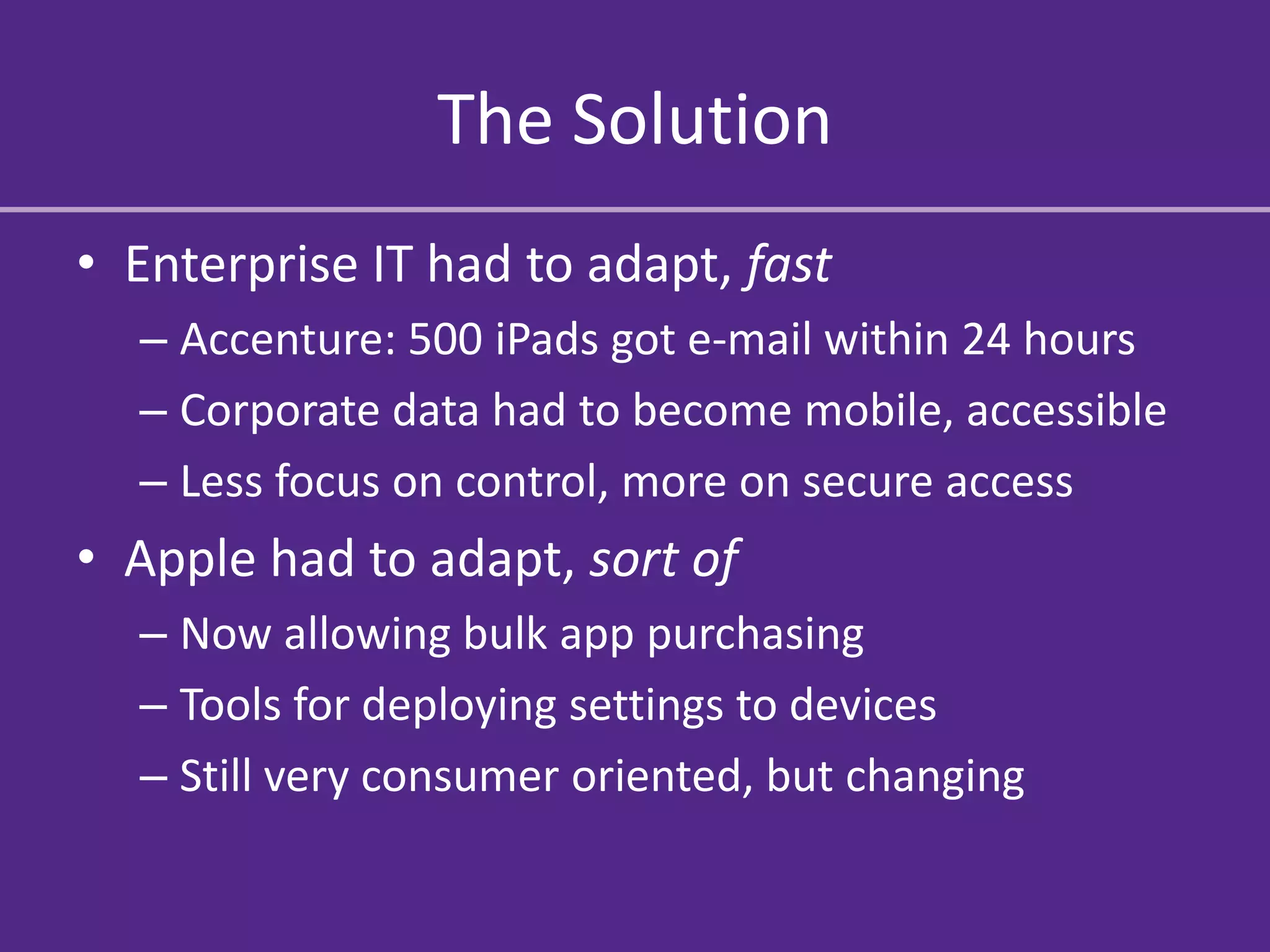
The Solution
• Enterprise IT had to adapt, fast
  – Accenture: 500 iPads got e-mail within 24 hours
  – Corporate data had to become mobile, accessible
  – Less focus on control, more on secure access
• Apple had to adapt, sort of
  – Now allowing bulk app purchasing
  – Tools for deploying settings to devices
  – Still very consumer oriented, but changing
The Result
•   25 Million iPads sold in first 14 months
•   11.1 Million sold last quarter alone!
•   People quickly adopted iPads at home, work
•   Everything is going to the cloud
•   Websites are becoming mobile friendly
•   Everyone wants to have their own app
Why did it work?
iPads are:
• Cheap (cheaper than a laptop but not
  throwaway)
• Easy to use, no user training required
• Fit a unfilled (and unknown) need better than
  current technology
• TONS of apps for everything

• Just darn cool!
The Good
• Keep up with the latest and greatest out there
• Save time (and maybe even money)
• Stay relevant in a changing world
• Help people do their jobs better, more
  efficiently
• Make things easier for the client
The Bad
•   Need to train staff (and clients) each time
•   Always spending money to keep up
•   No proven track record of success
•   Constantly changing just to keep up
The Ugly
• More Open = Less Secure
• Current infrastructure may not be enough
• Resistance to change from IT, Execs, Staff,
  Clients
• Some people may be left behind due to
  – Slow Internet
  – Old Devices
  – Lack of technology expertise
  – Cultural / ideological inhibitions
Evaluating New Technology
•   Think about business goals, not new devices
•   Look at ways to improve current practices
•   Calculate the Return on Investment (ROI)
•   Its not about WHAT people work on, but
    – HOW they work
    – WHEN they work
    – WHERE they work
    – WHO they work with
Warning Signs
•   Lack of a user / developer / hacker community
•   Vendor lock-in – can you change later?
•   Poor user reviews / lack of user reviews
•   Resistance to change
•   Dramatic price reductions
•   Too good to be true
Adopting New Technology
•   Start with a few “early adopters”
•   Have a clear and concise goal in mind
•   Spend lots of time training and learning
•   Encourage people to experiment
•   Move quickly, but not too quickly
What aren’t we talking about
•   Security – Does it keep your data safe?
•   Privacy – Does it expose information?
•   Sustainability – What is the cost of upkeep?
•   Redundancy – What if it breaks or goes away?
•   Copyright – Who owns it and how can I use it?
•   Long-term – Will it last long enough to use?
•   Neutrality – Does it favor a certain group?
What new technologies
 can I use right now?
The Internet
•   It’s everywhere
•   Speeds are increasing all the time
•   Websites are becoming mobile
•   Everything is at your fingertips…

• …if only you could get to it
Mobile Devices
•   Tablets, smartphones and eReaders
•   Instant, always-on access to the internet
•   Never have to “not know” again
•   Never get lost again
•   A camera in every pocket
•   Save money while shopping
The Cloud
• Computing resources sold as a service and not
  a product
• They own the computers and you use them
• Crashplan, Dropbox, Slideshare
• Shazam, Gmail, Paypal
• All the Internet could be “the cloud”
Internet TV
• Small box connected to the internet
• Access to
  – Hulu
  – Youtube
  – Netflix
  – Pandora
• Who needs cable TV anymore?
Other Stuff
•   MacBook Air
•   SLR Cameras
•   Nintendo 3DS
•   Intel Core Processors
What’s next in technology?
The Internet
•   IPv6 – 2^128 IP addresses
•   What is the future of Electricity? Internet?
•   Websites = mobile websites = apps
•   Completely connected homes

• Fragmented – Multiple networks??
• Tiered system – pay to play??
Powerful Small Devices
•   Ultrabooks – Powerful, light, long battery life
•   Quad-core phones – Full-on gaming devices
•   iPad2 - Top 30 supercomputer in 1993
•   PS Vita – PS3 power in your pocket
•   Nest Thermostat – It learns what you like
•   Amazon Kindle Fire – Tablet + Amazon :^)
Cars: The Final Frontier
•   Cars are becoming the next mobile device
•   Voice Commands
•   Wifi Hotspot
•   Car to Car communication
•   Interface with phones, laptops, homes
•   Personal Recognition
E-Ink
•   Display Screens everywhere
•   No power / no light needed
•   Screens on clothes, cars, people
•   Everything is a touchscreen
•   End of the traditional newspaper
•   Buy it once, always has the latest news
3D Printers
• Need a new part for something? Print one
• Rapid prototyping of new ideas
• Print things that would be impossible to
  actually manufacture
• Printer in every kids room? (Think: Legos)
• Space travel – just print what you need
Light Field Cameras
• Captures not only light color and intensity, but
  angle at which it is received
• Refocus the picture after it is taken
• No longer have to worry about shutter
  speed, aperture, ISO, etc.
End of Physical Media
•   VHS & Audio Tapes – Gone
•   DVDs and CDs – Going
•   Blu-ray – Already on the way out…?
•   Video Game Discs – Disappearing…?

• Everyone downloads everything now
• How do you establish ownership?
Trusted Computing
• You can’t trust any computer anymore
• Create a system to verify exactly what the
  computer is doing and who is doing it
• Only allow access to data from systems that
  are “trusted”
• Want to run your own systems… tough luck!
• Secure and Private vs. Open and Available
Voice Commands
• Siri – Apple’s new iPhone 4S
• Need something? Just ask it! …or ask her…

• Coming soon to
  cars, computers, elevators, TVs, McDonalds, St
  arbucks,
Things are changing so fast!!!
    How can I keep up?
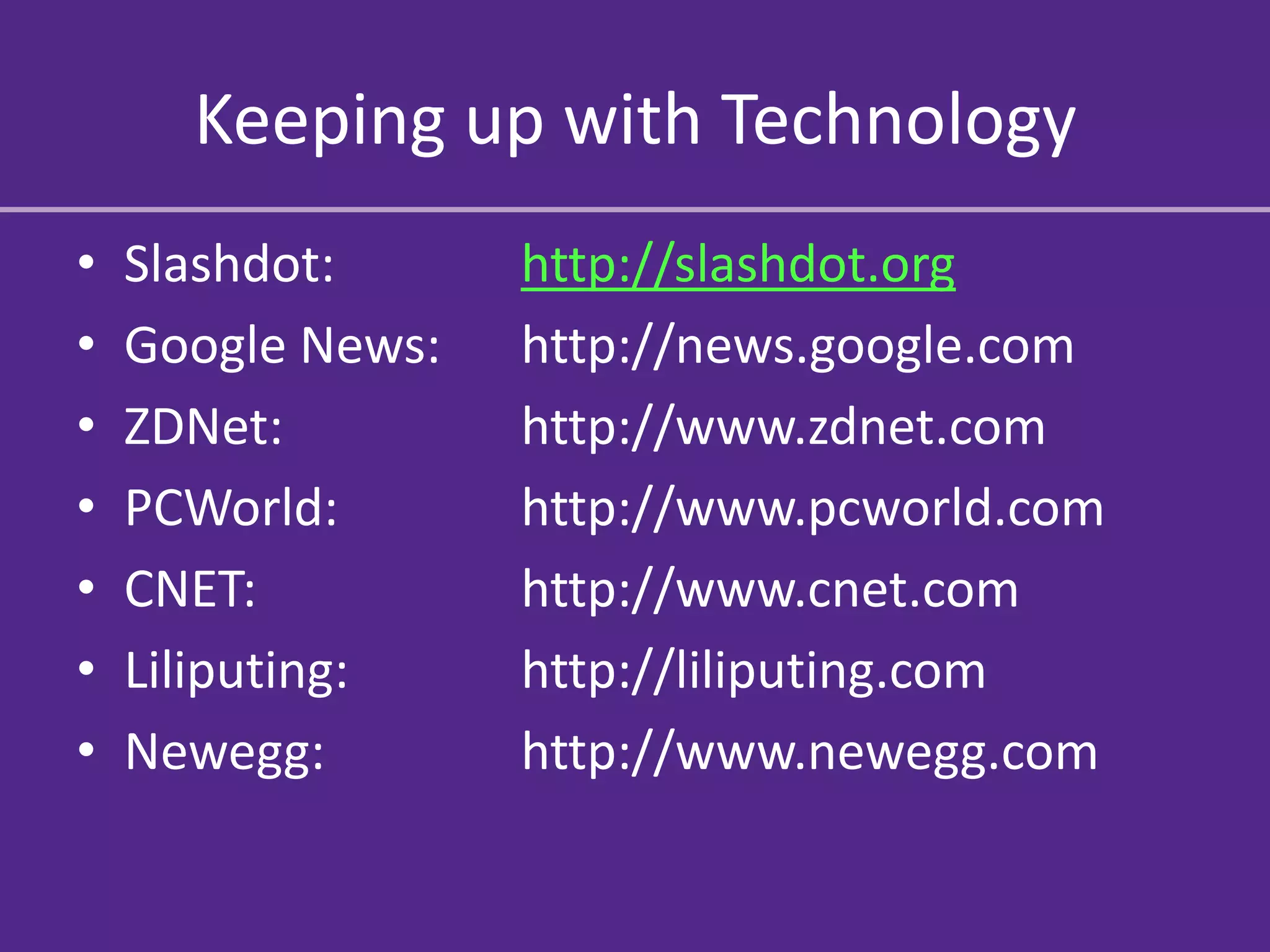
Keeping up with Technology
•   Slashdot:      http://slashdot.org
•   Google News:   http://news.google.com
•   ZDNet:         http://www.zdnet.com
•   PCWorld:       http://www.pcworld.com
•   CNET:          http://www.cnet.com
•   Liliputing:    http://liliputing.com
•   Newegg:        http://www.newegg.com
Keeping up with Technology
• Ask your IT person (if he or she is helpful)
    – If not, find one that is
    – Think “tech evangelist” and not “tech czar”
•   Talk to colleagues & industry professionals
•   Conferences & Conventions & Tradeshows
•   Communicate with vendors (if others aren’t)
•   Try things yourself!
Any Questions?
Discussion Time!
• How can what we learned today help our
  client and/or the client’s target audience?
• Is there something we should include in our
  client report/proposal?
• Is there something we should include on our
  WordPress site?
• Is there something we need to research
  further based on Today’s discussion?
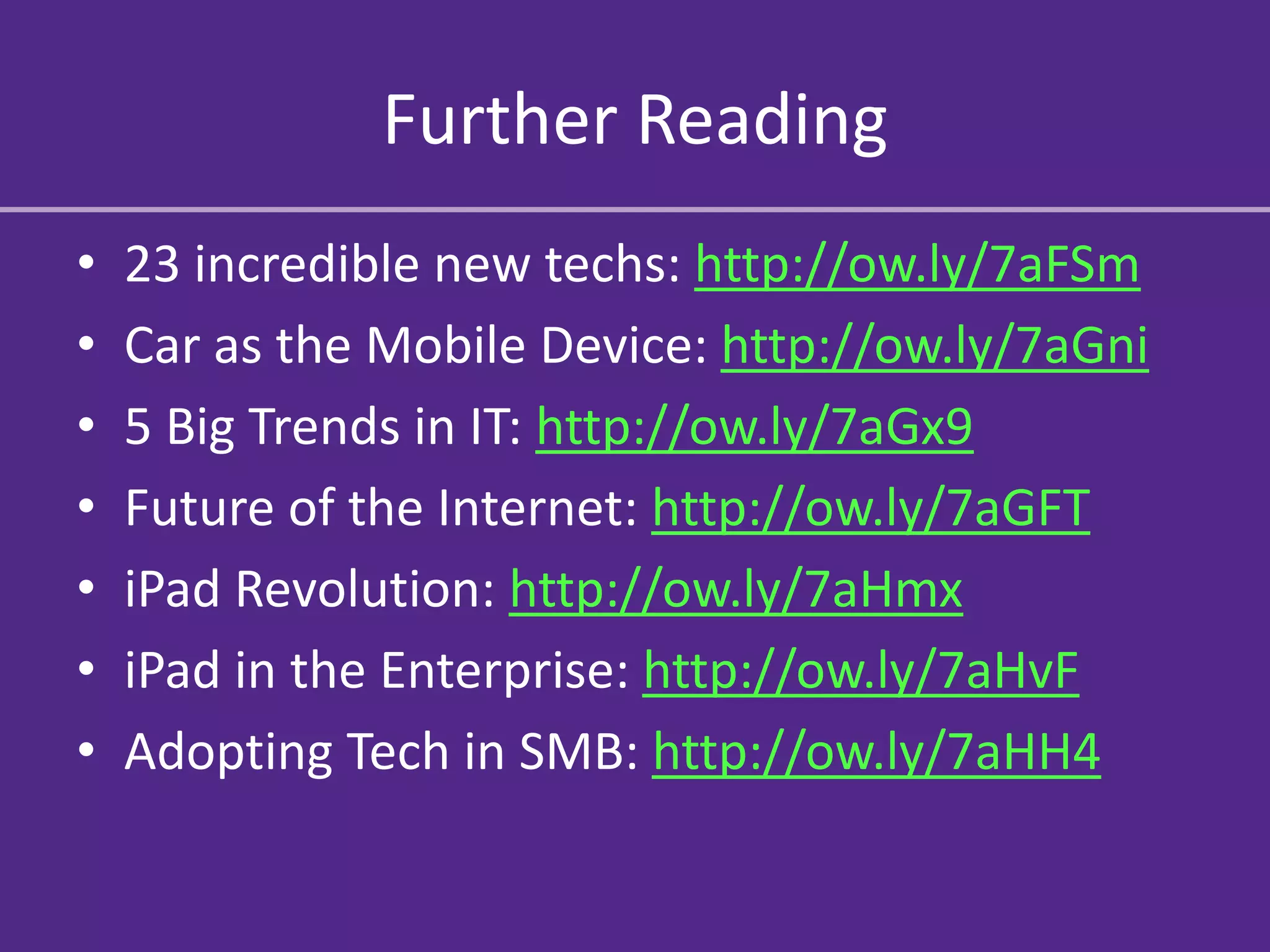
Further Reading
•   23 incredible new techs: http://ow.ly/7aFSm
•   Car as the Mobile Device: http://ow.ly/7aGni
•   5 Big Trends in IT: http://ow.ly/7aGx9
•   Future of the Internet: http://ow.ly/7aGFT
•   iPad Revolution: http://ow.ly/7aHmx
•   iPad in the Enterprise: http://ow.ly/7aHvF
•   Adopting Tech in SMB: http://ow.ly/7aHH4

New Technologies and their role in the workplace

  • 1.
    New Technologies and theirrole in the workplace Russell Feldhausen Computer Support Specialist russfeld@ksu.edu @russfeld AGCOM 590 October 27, 2011
  • 2.
    New Technologies • Howcan I use new technologies at work? • What new technologies are there? • What are the new technologies of the future?
  • 3.
    Technology at Work •20 years ago – Computers were only at work • 10 years ago – Internet was mainly at work • Today… – People have iPads – People have Smartphones – People use Dropbox – People download Music, Movies, and Software – People use Social Media all the time
  • 4.
    The times, theyare a changin’ • Old and busted: – Your employer provides you with technology – Everything is locked down and controlled centrally – You have very little input in the process • New hotness: – Employees bringing their own devices to work – Everything is in the cloud – You decide what you think will work for you
  • 5.
    Case Study: iPads • iPad - April 2010 (only 18 months ago!!) • People bought them to play with at home • Enterprise IT ignored them, no use for them • But… – People figured out how useful they were – Showed IT staff how well they performed tasks – Enterprise IT had to quickly adapt to keep up
  • 6.
  • 7.
    The Problem • iPadsare consumer devices – Meant for only 1 user – No user accounts, so no privacy – No easy way to manage lots of them – Hard to get useful files on them – They require credit cards to purchase anything – Is there a Return on Investment (ROI)?
  • 8.
    The Solution • EnterpriseIT had to adapt, fast – Accenture: 500 iPads got e-mail within 24 hours – Corporate data had to become mobile, accessible – Less focus on control, more on secure access • Apple had to adapt, sort of – Now allowing bulk app purchasing – Tools for deploying settings to devices – Still very consumer oriented, but changing
  • 9.
    The Result • 25 Million iPads sold in first 14 months • 11.1 Million sold last quarter alone! • People quickly adopted iPads at home, work • Everything is going to the cloud • Websites are becoming mobile friendly • Everyone wants to have their own app
  • 10.
    Why did itwork? iPads are: • Cheap (cheaper than a laptop but not throwaway) • Easy to use, no user training required • Fit a unfilled (and unknown) need better than current technology • TONS of apps for everything • Just darn cool!
  • 11.
    The Good • Keepup with the latest and greatest out there • Save time (and maybe even money) • Stay relevant in a changing world • Help people do their jobs better, more efficiently • Make things easier for the client
  • 12.
    The Bad • Need to train staff (and clients) each time • Always spending money to keep up • No proven track record of success • Constantly changing just to keep up
  • 13.
    The Ugly • MoreOpen = Less Secure • Current infrastructure may not be enough • Resistance to change from IT, Execs, Staff, Clients • Some people may be left behind due to – Slow Internet – Old Devices – Lack of technology expertise – Cultural / ideological inhibitions
  • 14.
    Evaluating New Technology • Think about business goals, not new devices • Look at ways to improve current practices • Calculate the Return on Investment (ROI) • Its not about WHAT people work on, but – HOW they work – WHEN they work – WHERE they work – WHO they work with
  • 15.
    Warning Signs • Lack of a user / developer / hacker community • Vendor lock-in – can you change later? • Poor user reviews / lack of user reviews • Resistance to change • Dramatic price reductions • Too good to be true
  • 16.
    Adopting New Technology • Start with a few “early adopters” • Have a clear and concise goal in mind • Spend lots of time training and learning • Encourage people to experiment • Move quickly, but not too quickly
  • 17.
    What aren’t wetalking about • Security – Does it keep your data safe? • Privacy – Does it expose information? • Sustainability – What is the cost of upkeep? • Redundancy – What if it breaks or goes away? • Copyright – Who owns it and how can I use it? • Long-term – Will it last long enough to use? • Neutrality – Does it favor a certain group?
  • 18.
    What new technologies can I use right now?
  • 19.
    The Internet • It’s everywhere • Speeds are increasing all the time • Websites are becoming mobile • Everything is at your fingertips… • …if only you could get to it
  • 20.
    Mobile Devices • Tablets, smartphones and eReaders • Instant, always-on access to the internet • Never have to “not know” again • Never get lost again • A camera in every pocket • Save money while shopping
  • 21.
    The Cloud • Computingresources sold as a service and not a product • They own the computers and you use them • Crashplan, Dropbox, Slideshare • Shazam, Gmail, Paypal • All the Internet could be “the cloud”
  • 22.
    Internet TV • Smallbox connected to the internet • Access to – Hulu – Youtube – Netflix – Pandora • Who needs cable TV anymore?
  • 23.
    Other Stuff • MacBook Air • SLR Cameras • Nintendo 3DS • Intel Core Processors
  • 24.
    What’s next intechnology?
  • 25.
    The Internet • IPv6 – 2^128 IP addresses • What is the future of Electricity? Internet? • Websites = mobile websites = apps • Completely connected homes • Fragmented – Multiple networks?? • Tiered system – pay to play??
  • 26.
    Powerful Small Devices • Ultrabooks – Powerful, light, long battery life • Quad-core phones – Full-on gaming devices • iPad2 - Top 30 supercomputer in 1993 • PS Vita – PS3 power in your pocket • Nest Thermostat – It learns what you like • Amazon Kindle Fire – Tablet + Amazon :^)
  • 27.
    Cars: The FinalFrontier • Cars are becoming the next mobile device • Voice Commands • Wifi Hotspot • Car to Car communication • Interface with phones, laptops, homes • Personal Recognition
  • 28.
    E-Ink • Display Screens everywhere • No power / no light needed • Screens on clothes, cars, people • Everything is a touchscreen • End of the traditional newspaper • Buy it once, always has the latest news
  • 29.
    3D Printers • Needa new part for something? Print one • Rapid prototyping of new ideas • Print things that would be impossible to actually manufacture • Printer in every kids room? (Think: Legos) • Space travel – just print what you need
  • 30.
    Light Field Cameras •Captures not only light color and intensity, but angle at which it is received • Refocus the picture after it is taken • No longer have to worry about shutter speed, aperture, ISO, etc.
  • 31.
    End of PhysicalMedia • VHS & Audio Tapes – Gone • DVDs and CDs – Going • Blu-ray – Already on the way out…? • Video Game Discs – Disappearing…? • Everyone downloads everything now • How do you establish ownership?
  • 32.
    Trusted Computing • Youcan’t trust any computer anymore • Create a system to verify exactly what the computer is doing and who is doing it • Only allow access to data from systems that are “trusted” • Want to run your own systems… tough luck! • Secure and Private vs. Open and Available
  • 33.
    Voice Commands • Siri– Apple’s new iPhone 4S • Need something? Just ask it! …or ask her… • Coming soon to cars, computers, elevators, TVs, McDonalds, St arbucks,
  • 34.
    Things are changingso fast!!! How can I keep up?
  • 35.
    Keeping up withTechnology • Slashdot: http://slashdot.org • Google News: http://news.google.com • ZDNet: http://www.zdnet.com • PCWorld: http://www.pcworld.com • CNET: http://www.cnet.com • Liliputing: http://liliputing.com • Newegg: http://www.newegg.com
  • 36.
    Keeping up withTechnology • Ask your IT person (if he or she is helpful) – If not, find one that is – Think “tech evangelist” and not “tech czar” • Talk to colleagues & industry professionals • Conferences & Conventions & Tradeshows • Communicate with vendors (if others aren’t) • Try things yourself!
  • 37.
  • 38.
    Discussion Time! • Howcan what we learned today help our client and/or the client’s target audience? • Is there something we should include in our client report/proposal? • Is there something we should include on our WordPress site? • Is there something we need to research further based on Today’s discussion?
  • 39.
    Further Reading • 23 incredible new techs: http://ow.ly/7aFSm • Car as the Mobile Device: http://ow.ly/7aGni • 5 Big Trends in IT: http://ow.ly/7aGx9 • Future of the Internet: http://ow.ly/7aGFT • iPad Revolution: http://ow.ly/7aHmx • iPad in the Enterprise: http://ow.ly/7aHvF • Adopting Tech in SMB: http://ow.ly/7aHH4