














The Accidental (Mobile) Instructional Designer
#mLearnCon 2014
Cammy Bean, VP of Learning Design
Kineo
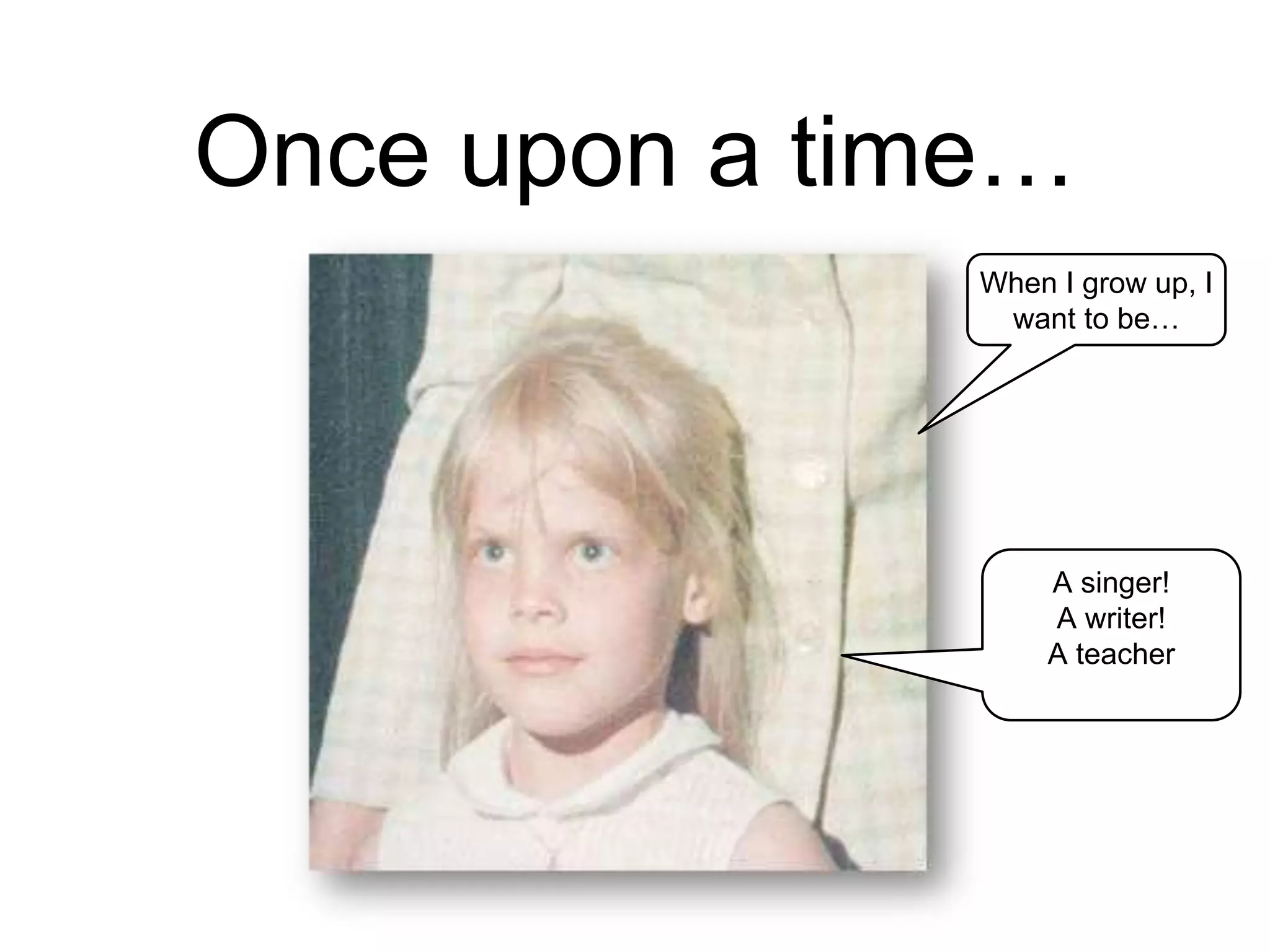
Once upon a time…
When I grow up, I
want to be…
A singer!
A writer!
A teacher
But instead, I became an
instructional designer.
What’s that,
Mommy?
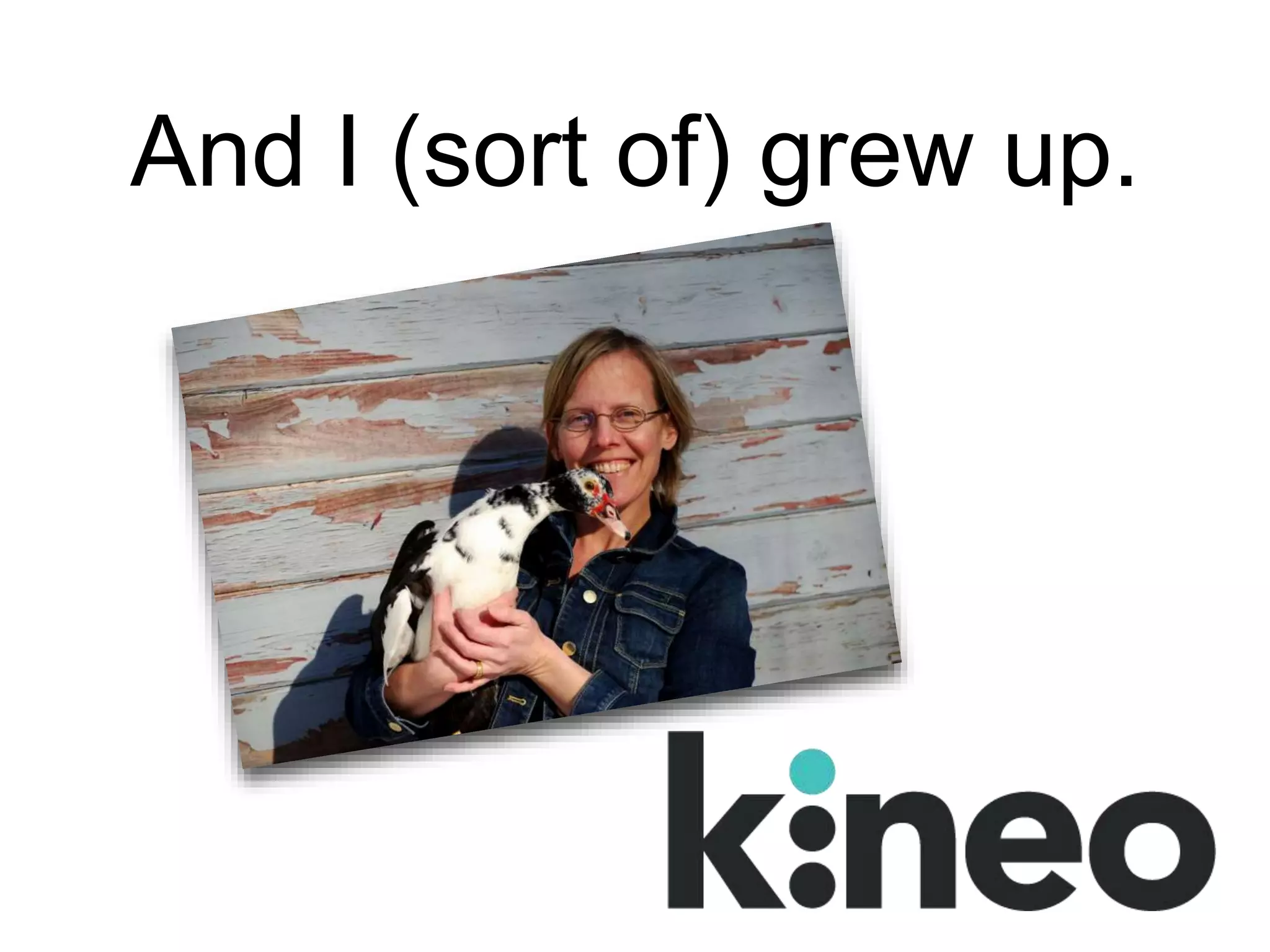
And I (sort of) grew up.
It was all completely by
accident.
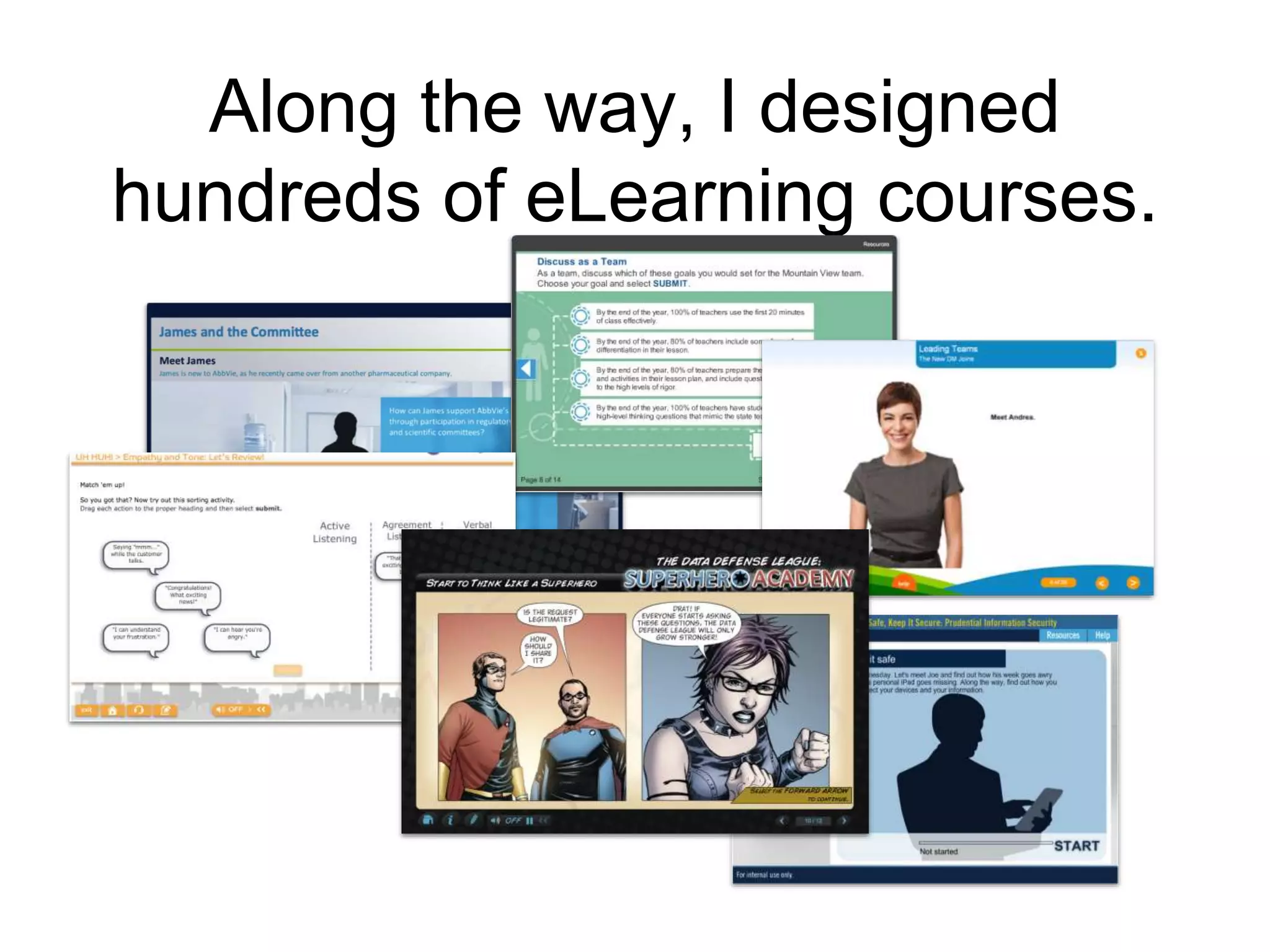
Along the way, I designed
hundreds of eLearning courses.
Until one day, someone said, “Hey, this
needs to run on tablets and phones.”
As I’ve moved
from accidental to
intentional, I like
to eat —and
talk— about
pie!
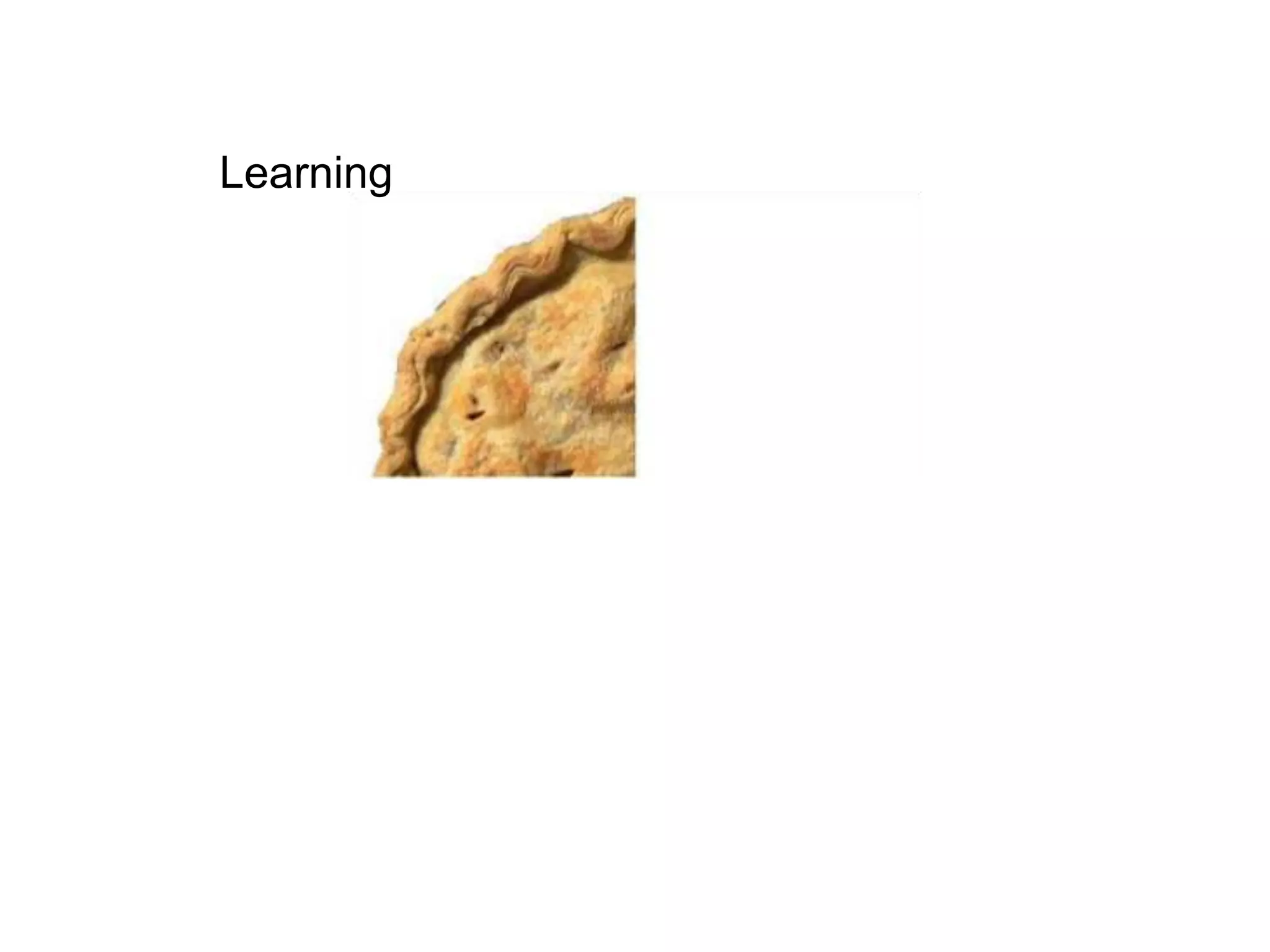
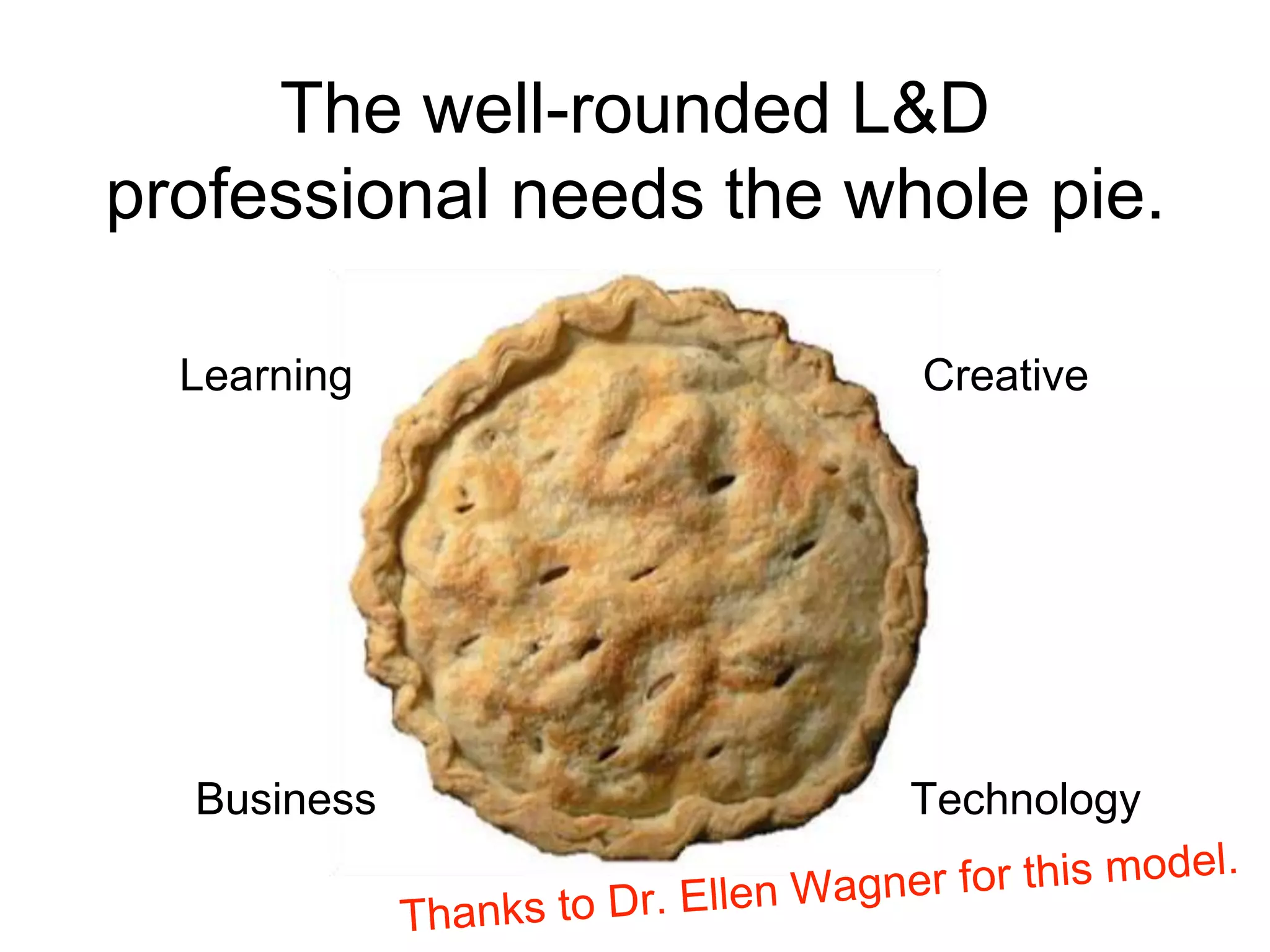
Learning
Creative
Business
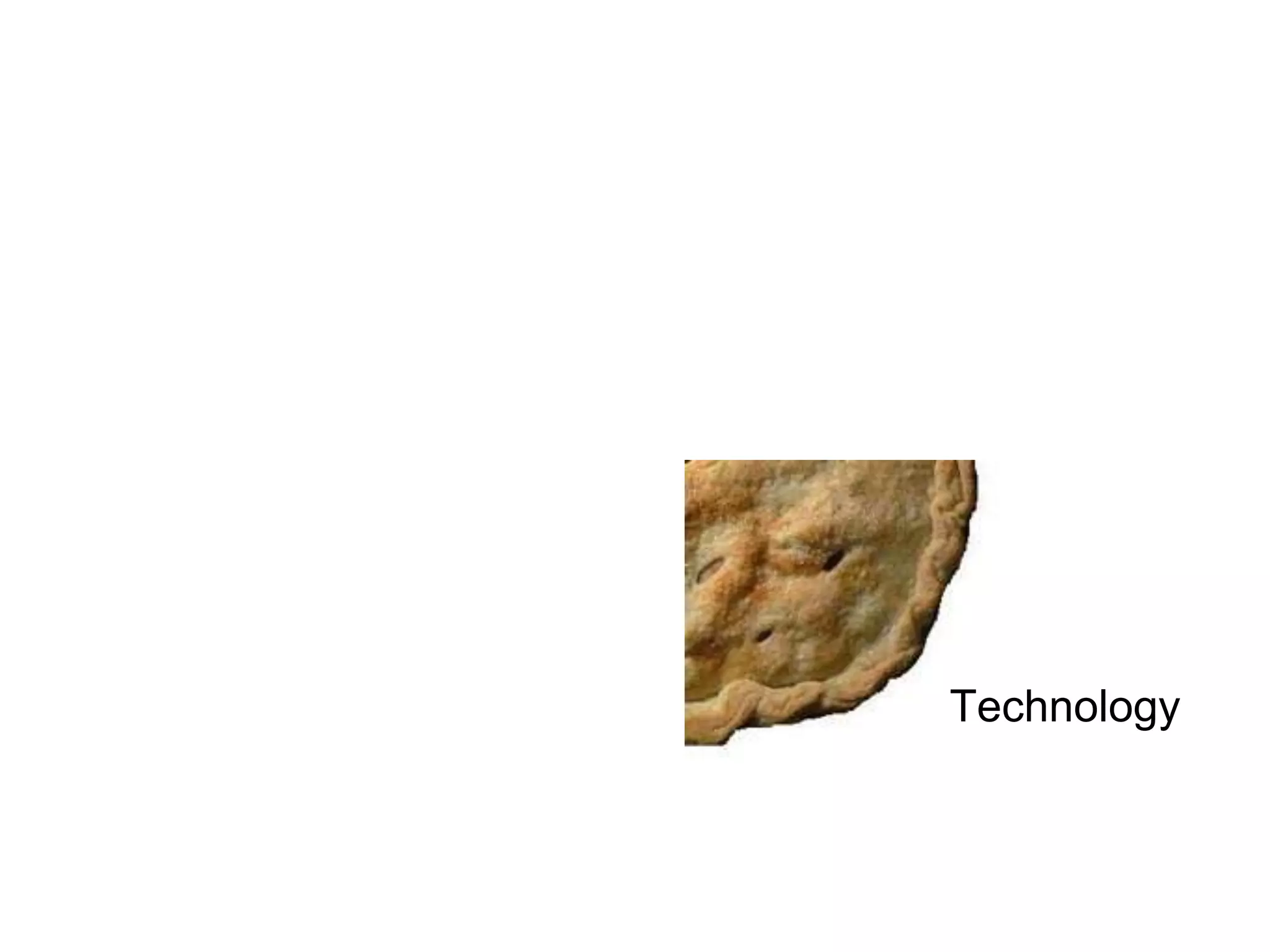
Technology
Learning Creative
TechnologyBusiness
The well-rounded L&D
professional needs the whole pie.
Those who do it all, look like
this…
…although the reality may
look more like this.
Photo credit: http://www.flickr.com/photos/creative_tools/4324925700/
What’s your favorite piece of
pie? What’s your sweet spot?
To continue the food
metaphor…let’s stop thinking
like bartenders…
And start thinking like mixologists.
Said in various forms by lots of people.
When you embed learning in the workflow, when
you put the information people need at their
fingertips, you move from FORMAL solutions to a
more NATURAL learning that’s in the FLOW.
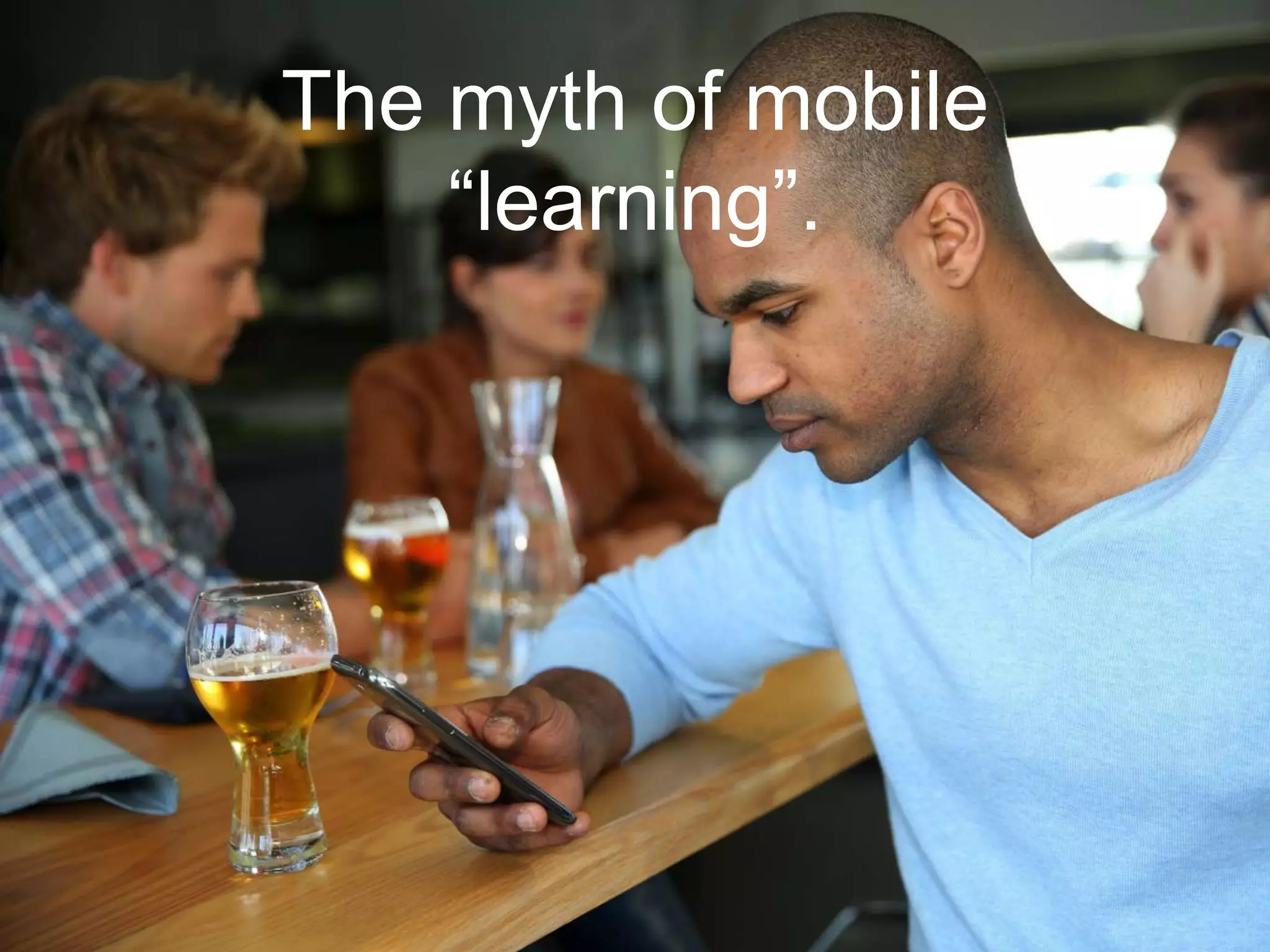
The myth of mobile
“learning”.
Jennifer Neibert, in Learning Solutions Magazine
http://www.learningsolutionsmag.com/articles/1416/mobile-learning-for-talent-development-
critical-questions-for-learning-leaders
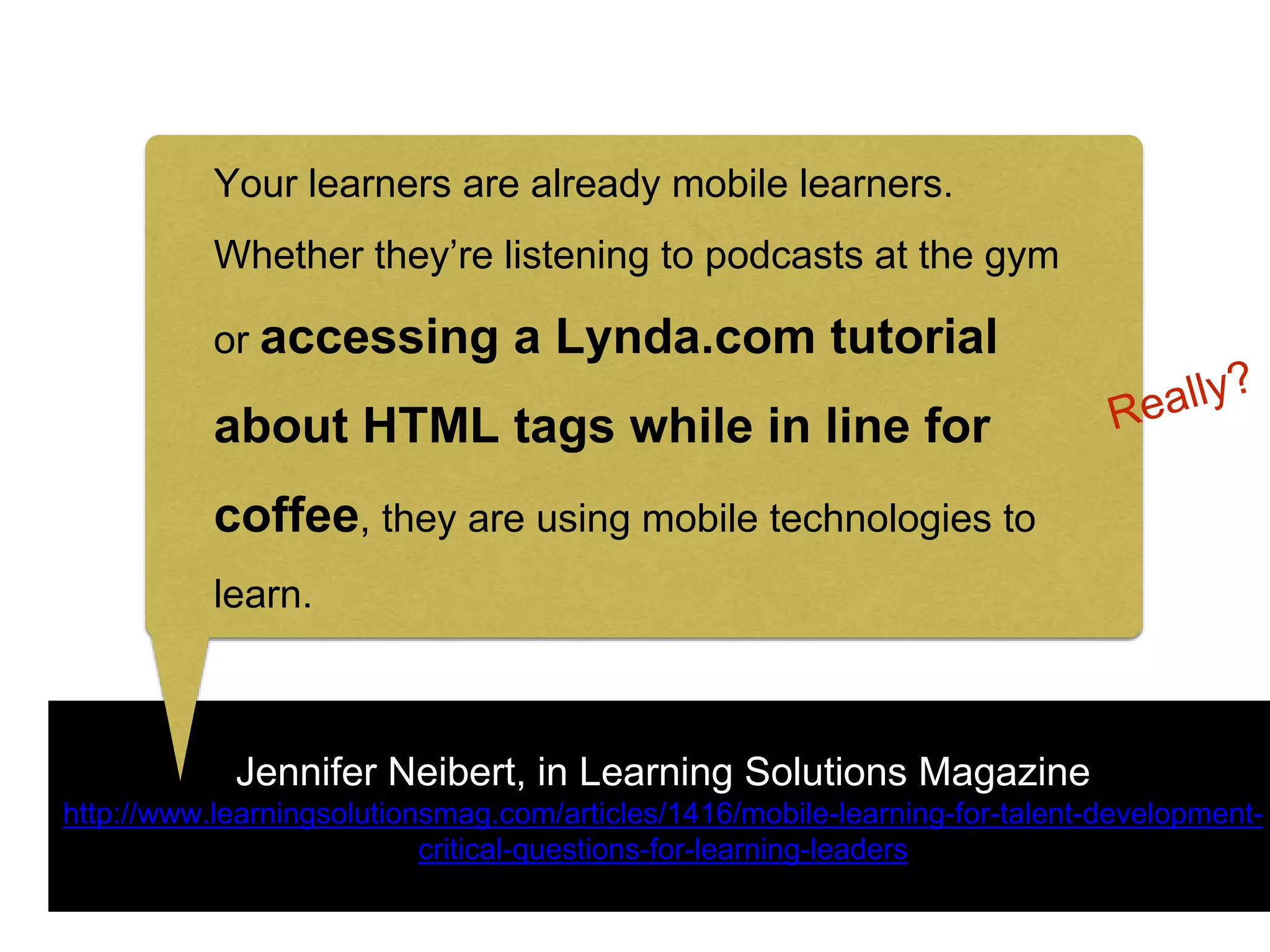
Your learners are already mobile learners.
Whether they’re listening to podcasts at the gym
or accessing a Lynda.com tutorial about HTML
tags while in line for coffee, they are using mobile
technologies to learn.
Jennifer Neibert, in Learning Solutions Magazine
http://www.learningsolutionsmag.com/articles/1416/mobile-learning-for-talent-development-
critical-questions-for-learning-leaders
Your learners are already mobile learners.
Whether they’re listening to podcasts at the gym
or accessing a Lynda.com tutorial
about HTML tags while in line for
coffee, they are using mobile technologies to
learn.
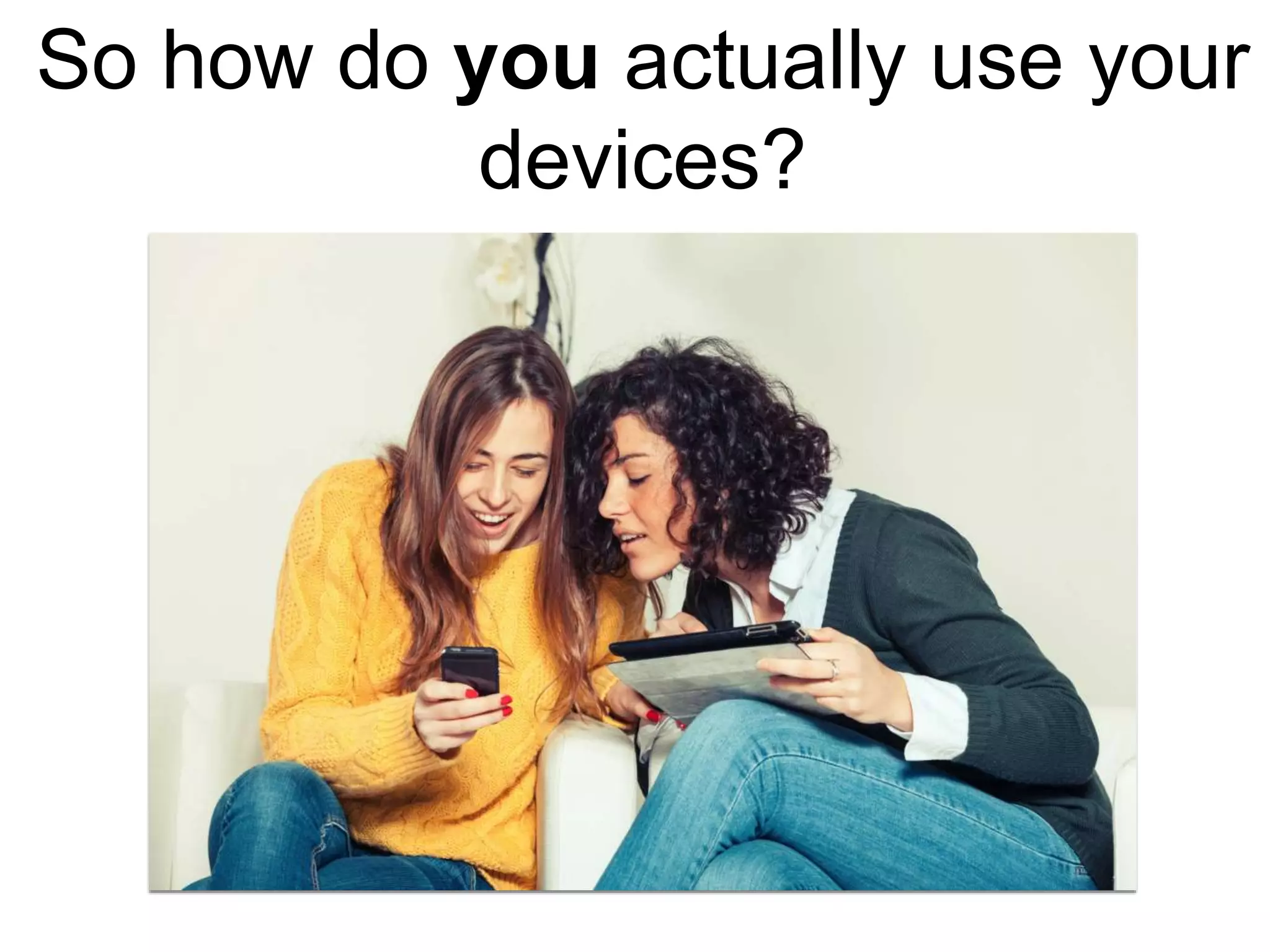
So how do you actually use your
devices?
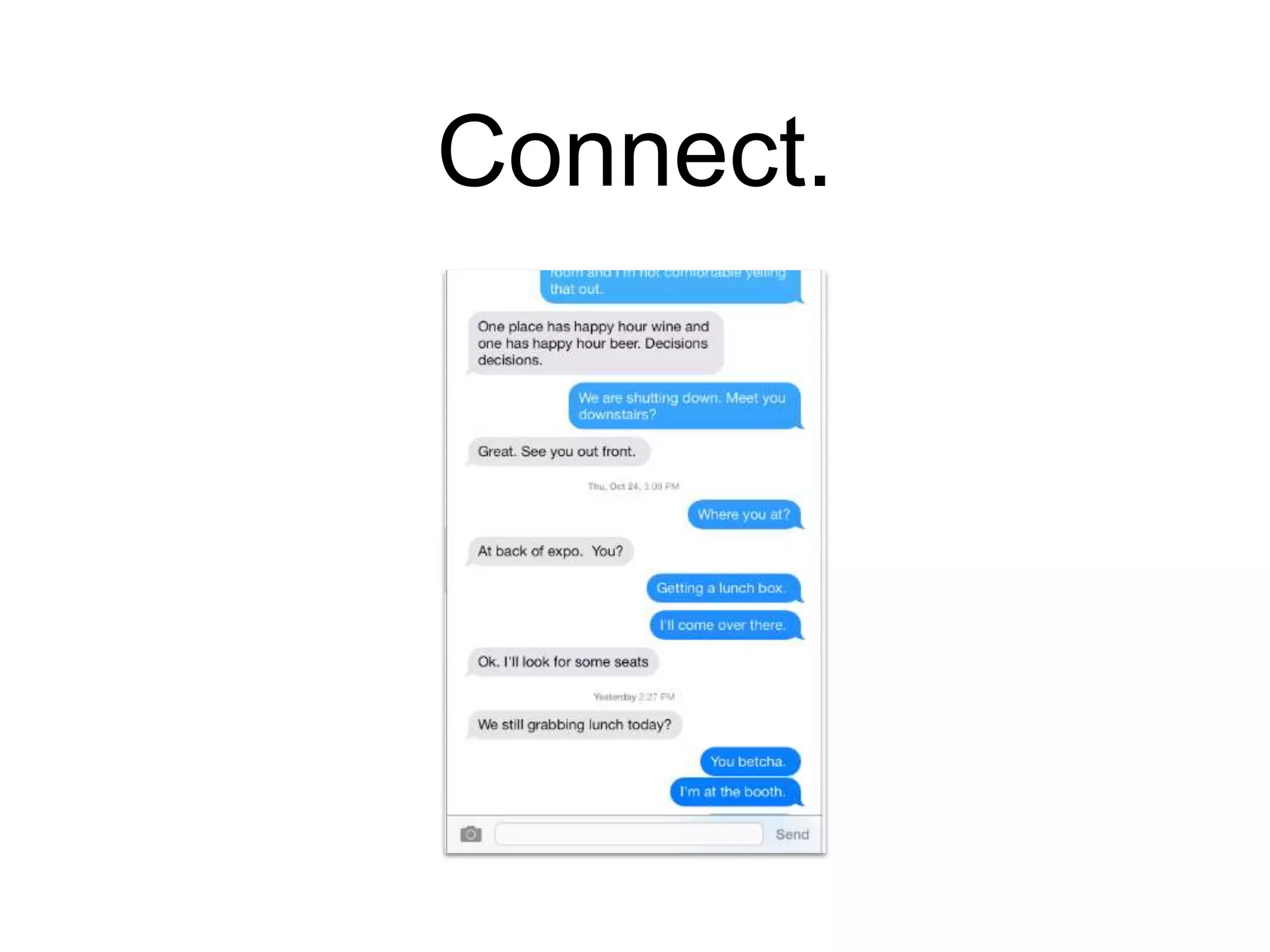
Connect.
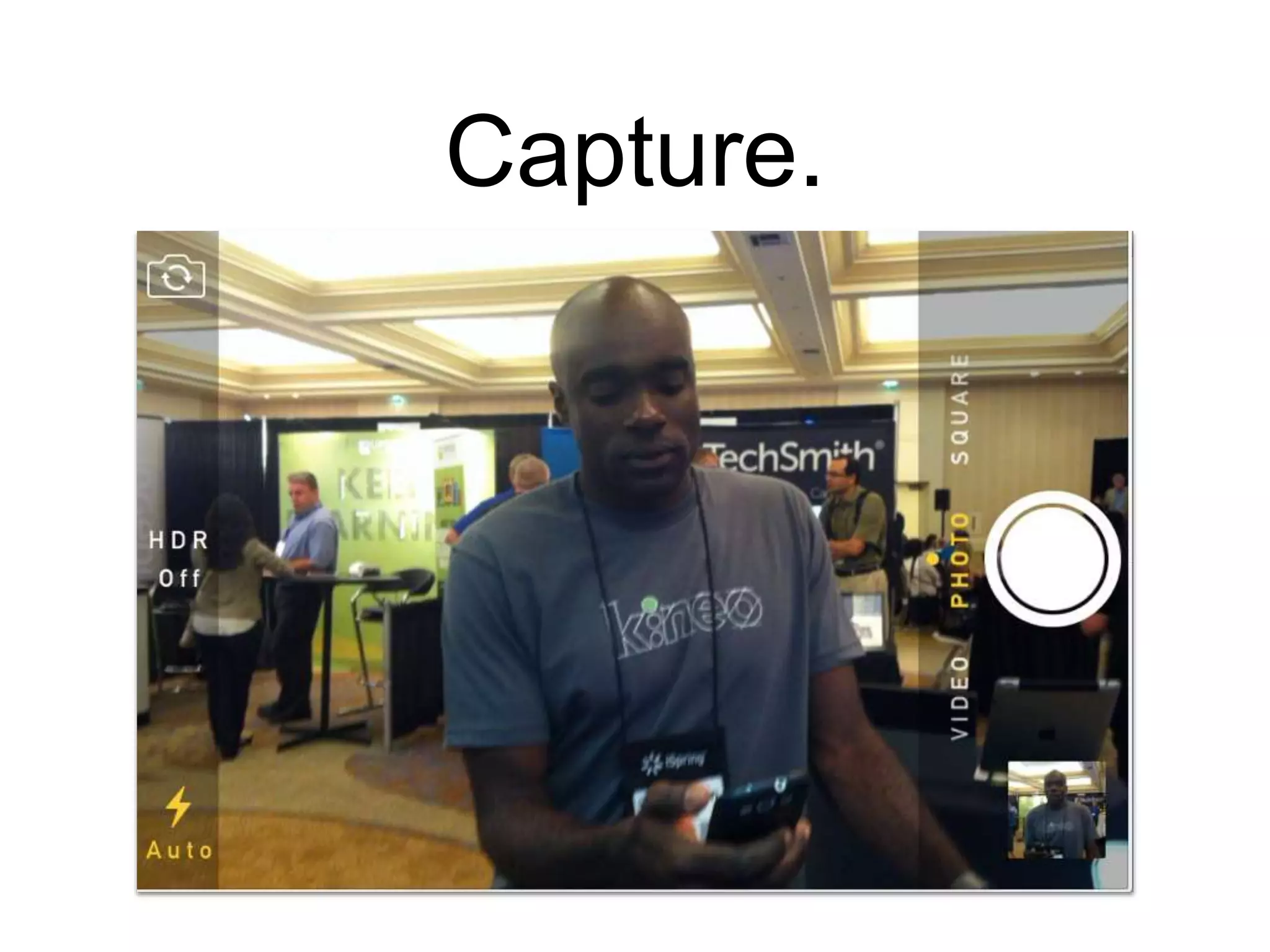
Capture.
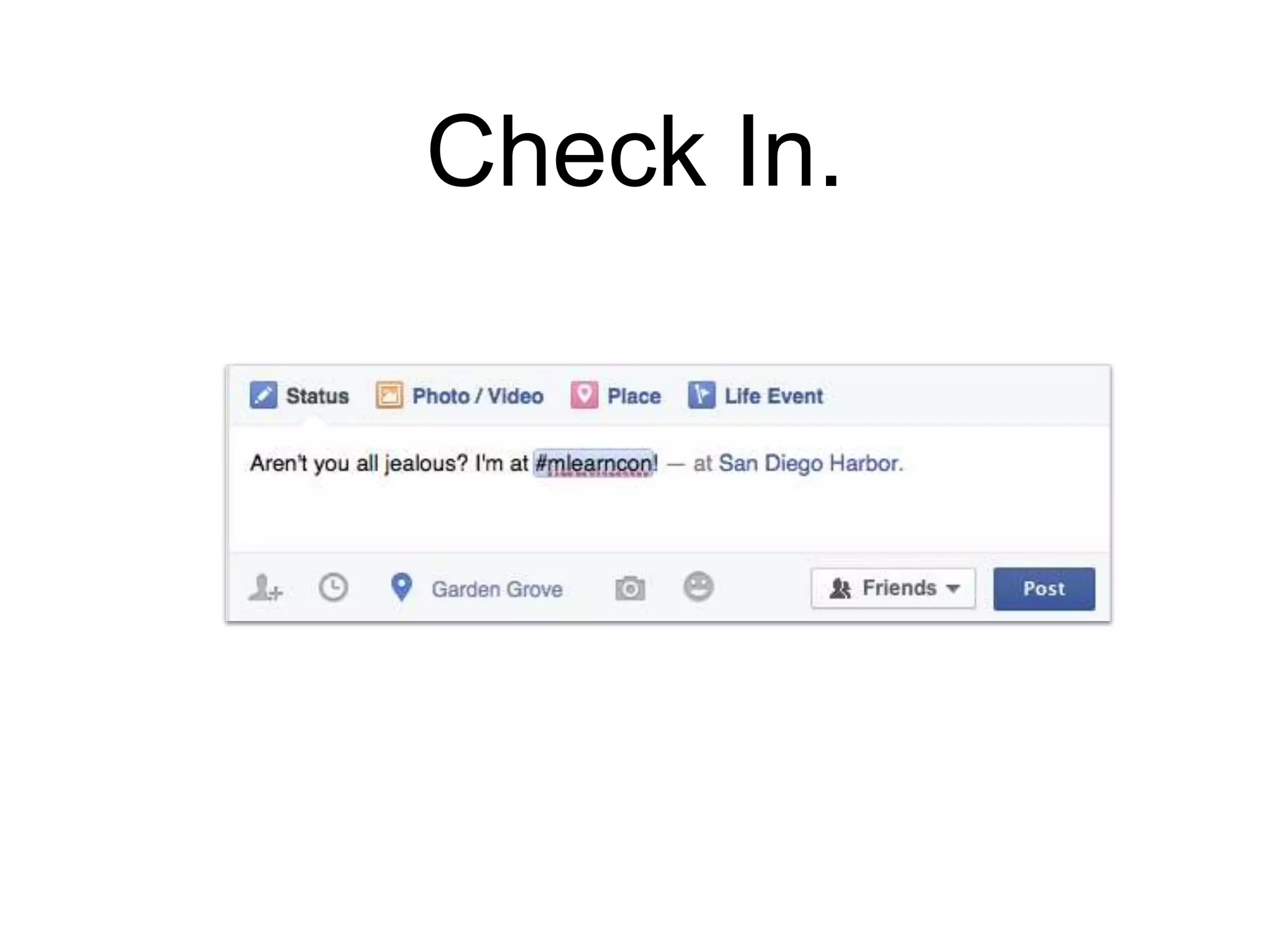
Check In.
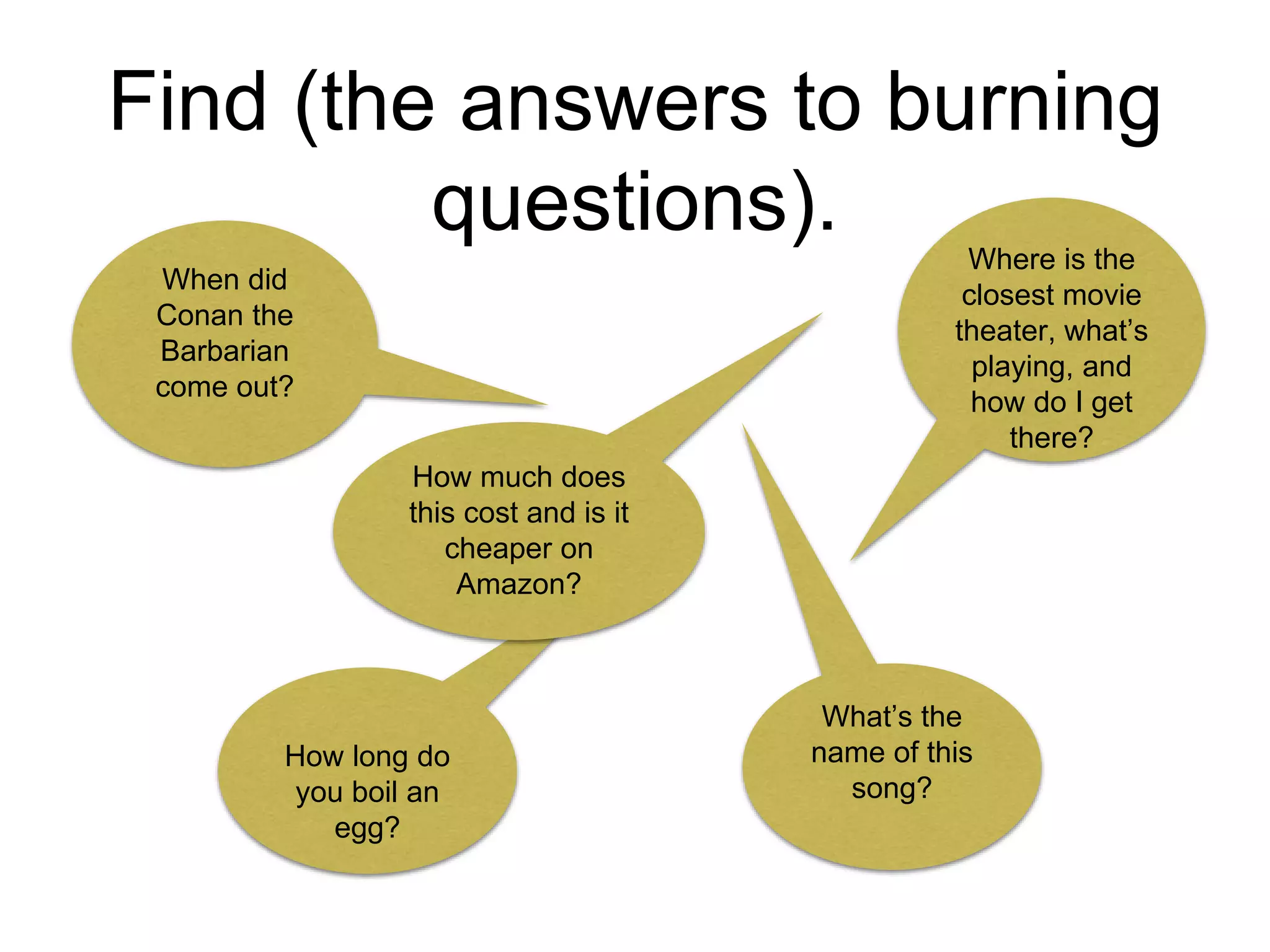
Find (the answers to burning
questions).
When did
Conan the
Barbarian
come out?
How long do
you boil an
egg?
Where is the
closest movie
theater, what’s
playing, and
how do I get
there?
What’s the
name of this
song?
How much does
this cost and is it
cheaper on
Amazon?
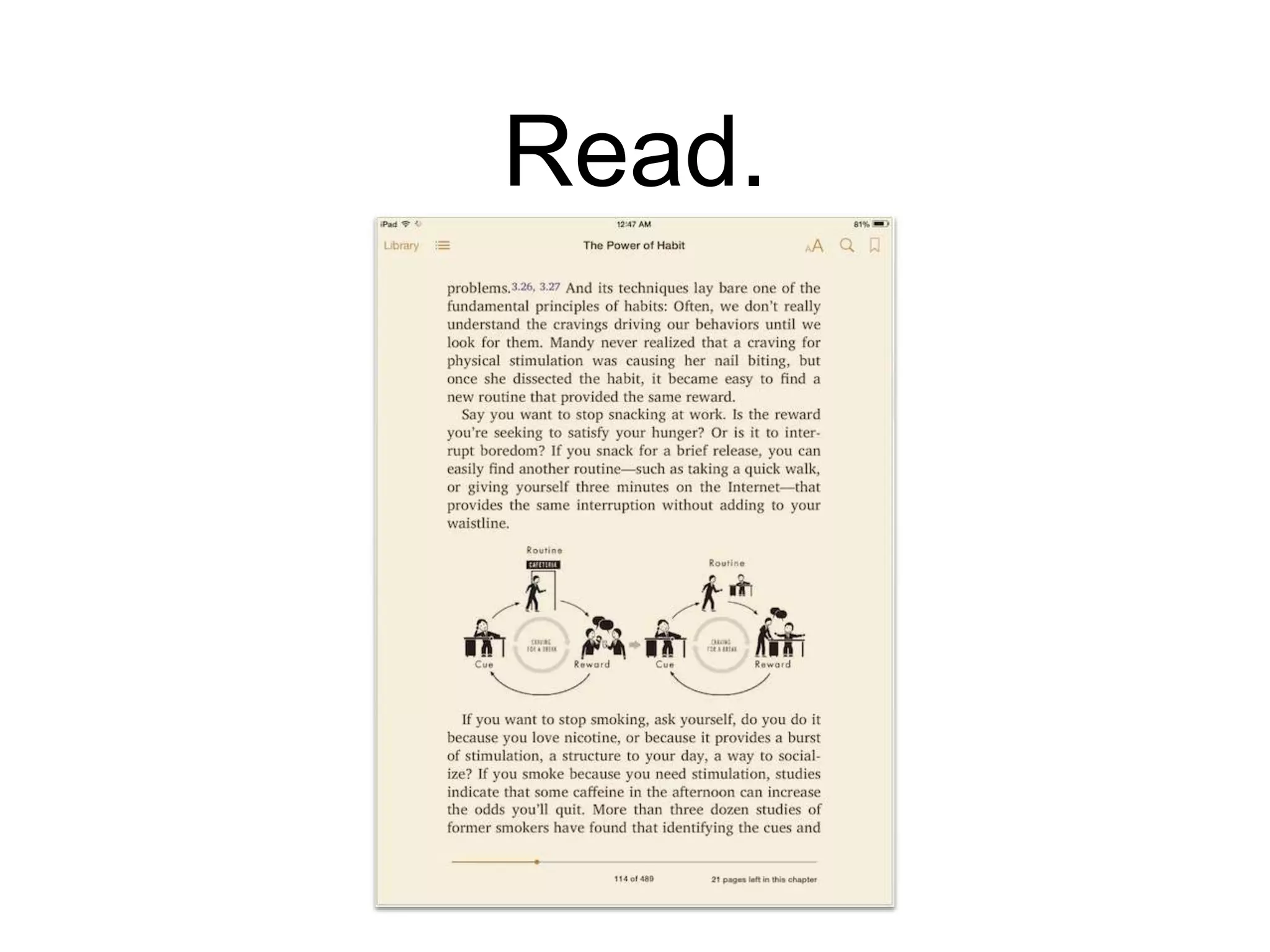
Read.
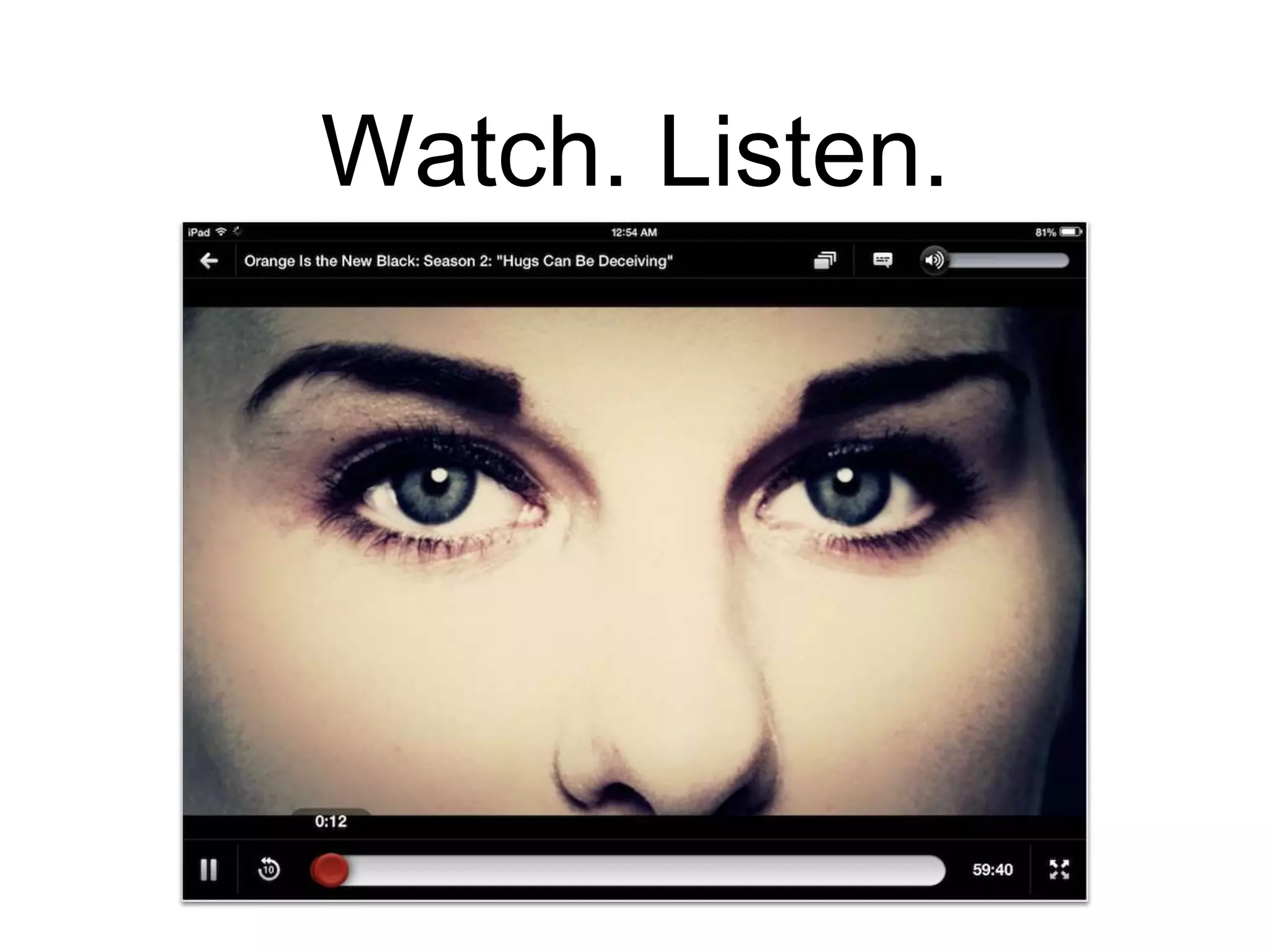
Watch. Listen.
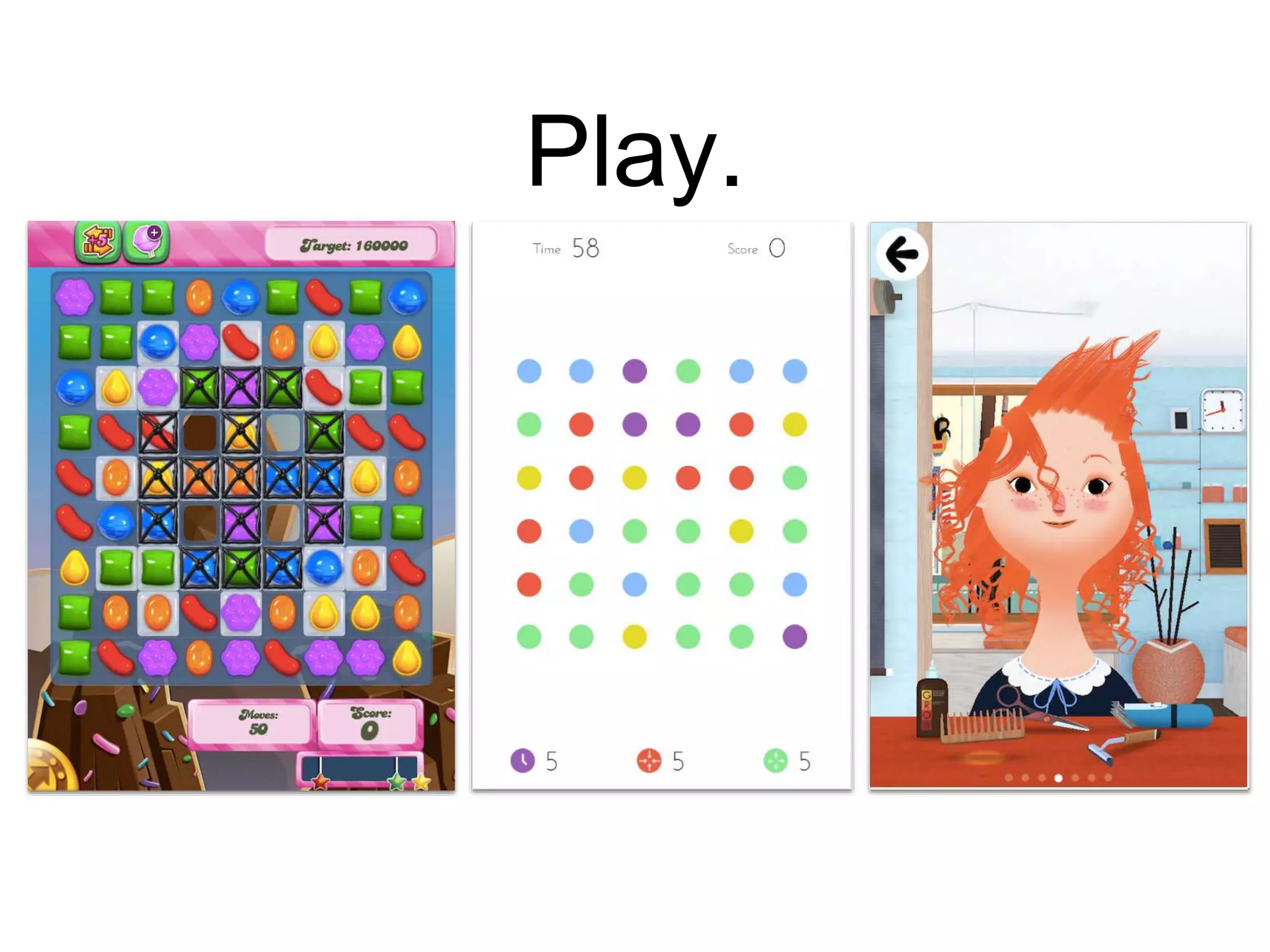
Play.
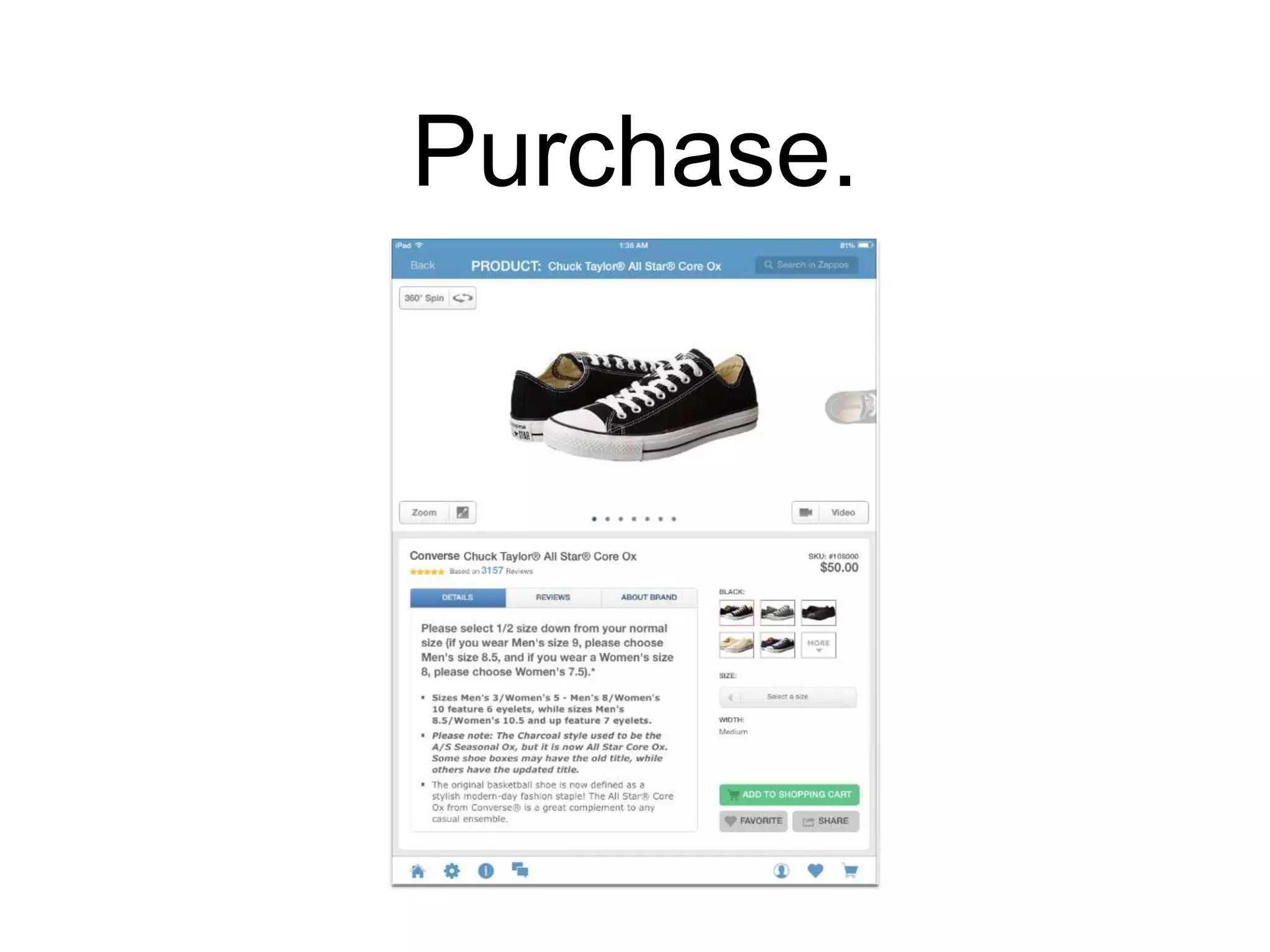
Purchase.
Create.
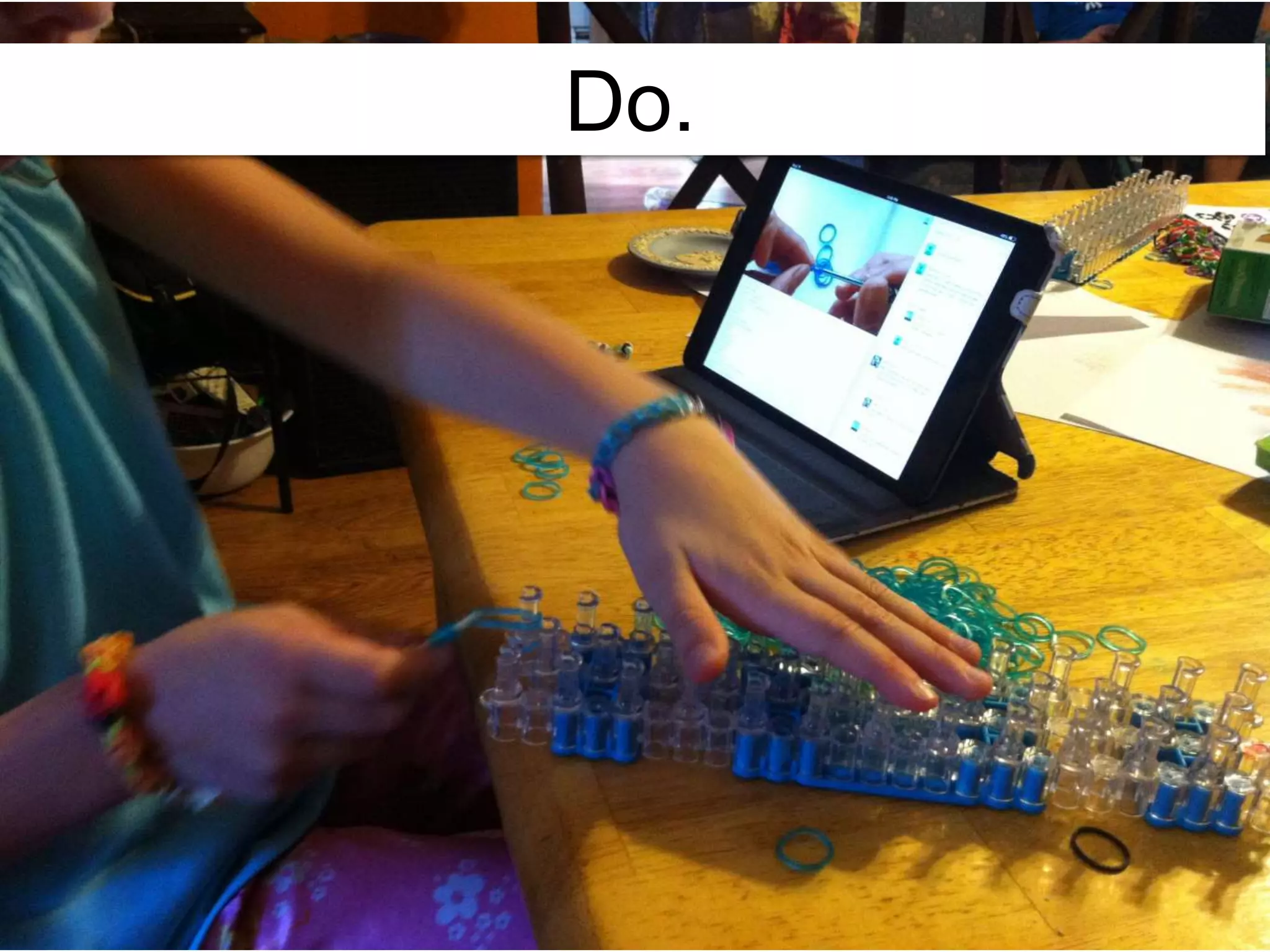
Do.
Are you using mobile in these ways
to support your people? How?
Connect.
Capture.
Check In
Find.
Read.
Watch.
Listen.
Play.
Purchase.
Create.
For what devices are you
creating content?
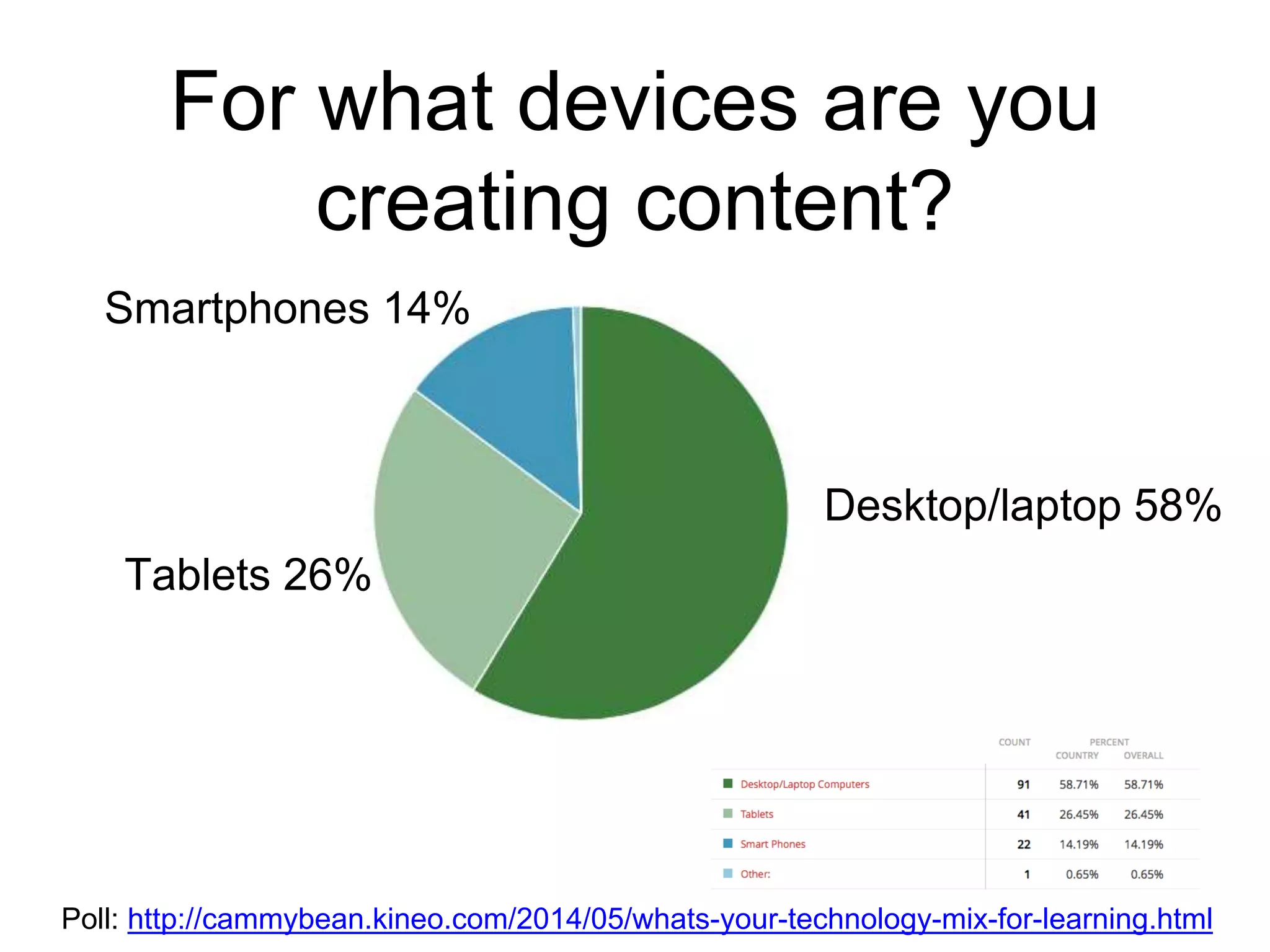
For what devices are you
creating content?
Poll: http://cammybean.kineo.com/2014/05/whats-your-technology-mix-for-learning.html
Desktop/laptop 58%
Tablets 26%
Smartphones 14%
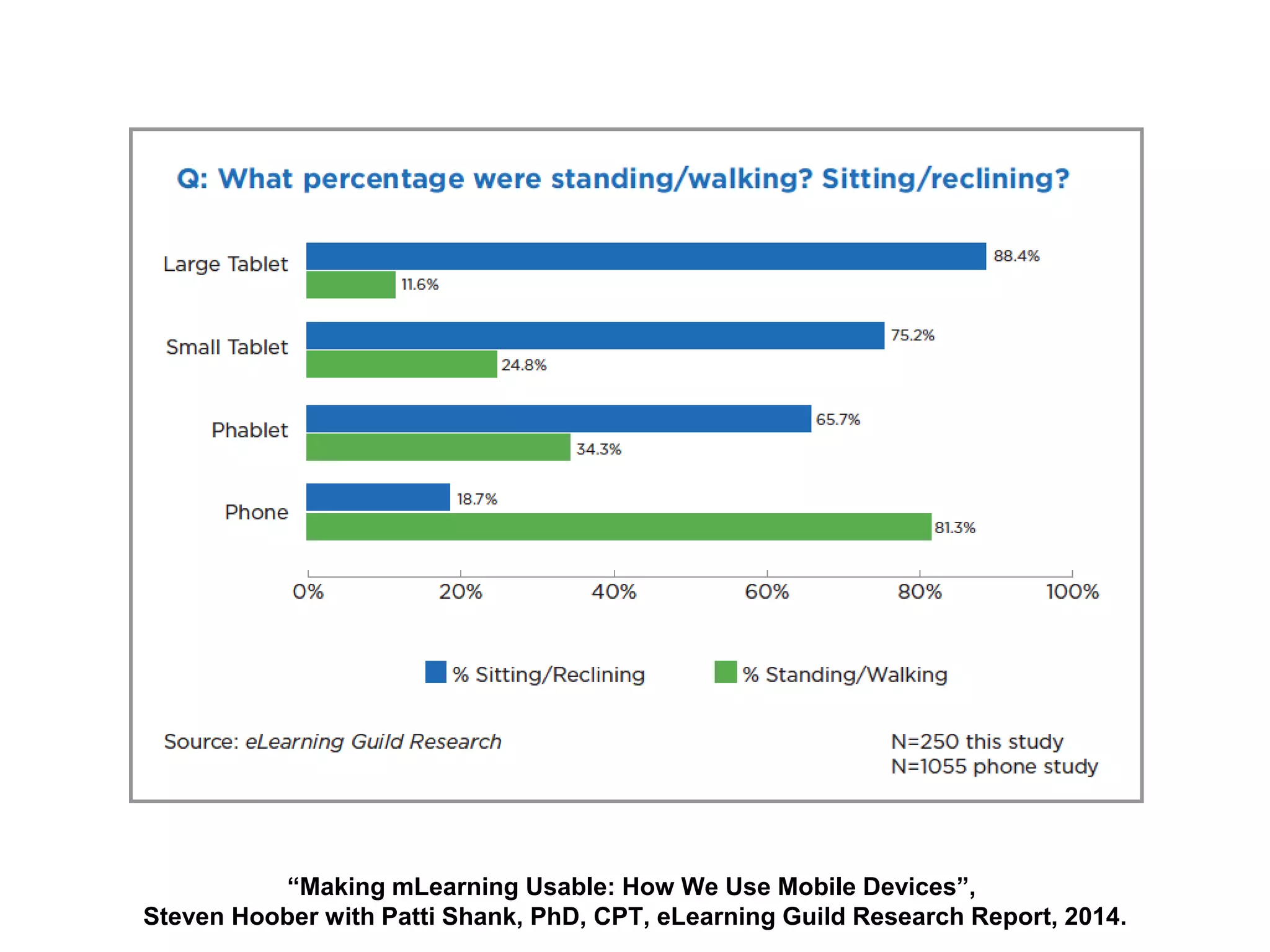
How will your audience use their
devices? Know your use cases.
It’s a grand convergence: smart phones,
large phones (phablets), tablets with
keyboards, laptops with touch screens.
“Making mLearning Usable: How We Use Mobile Devices”,
Steven Hoober with Patti Shank, PhD, CPT, eLearning Guild Research Report, 2014.
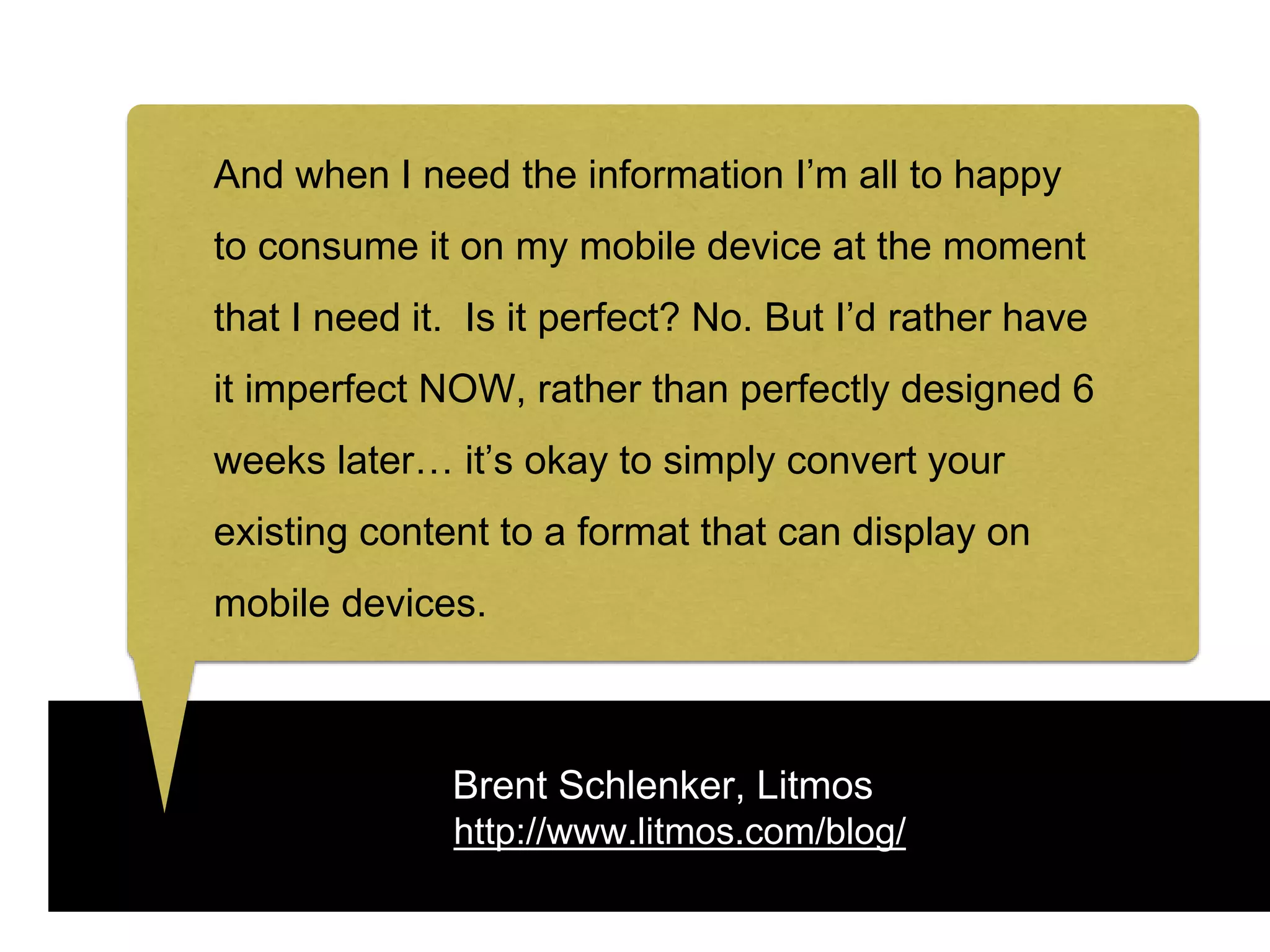
Brent Schlenker, Litmos
http://www.litmos.com/blog/
And when I need the information I’m all to happy
to consume it on my mobile device at the moment
that I need it. Is it perfect? No. But I’d rather have
it imperfect NOW, rather than perfectly designed 6
weeks later… it’s okay to simply convert your
existing content to a format that can display on
mobile devices.
So what dev
tools are you
already using?
And can you use
them for mobile?
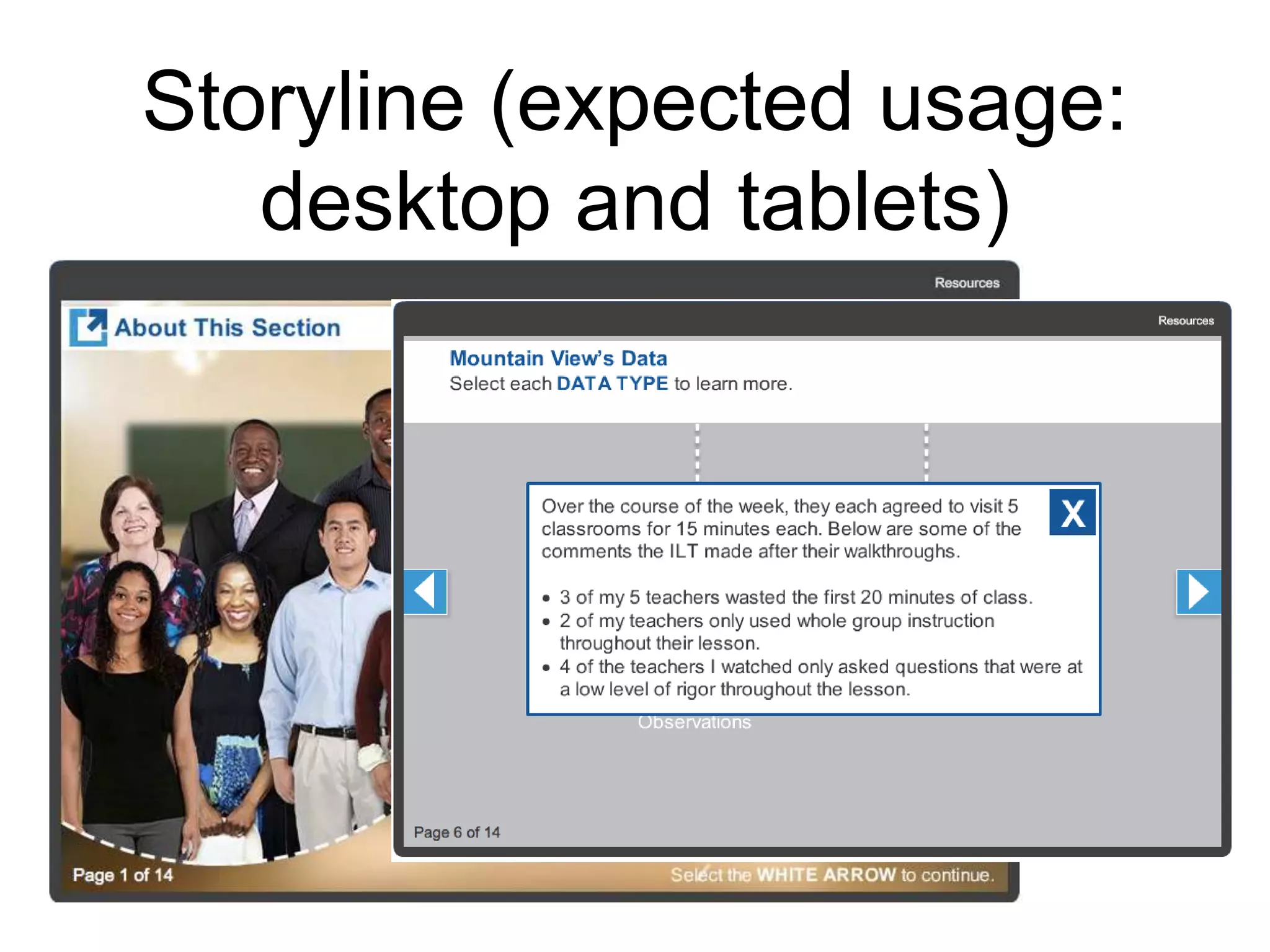
Storyline (expected usage:
desktop and tablets)
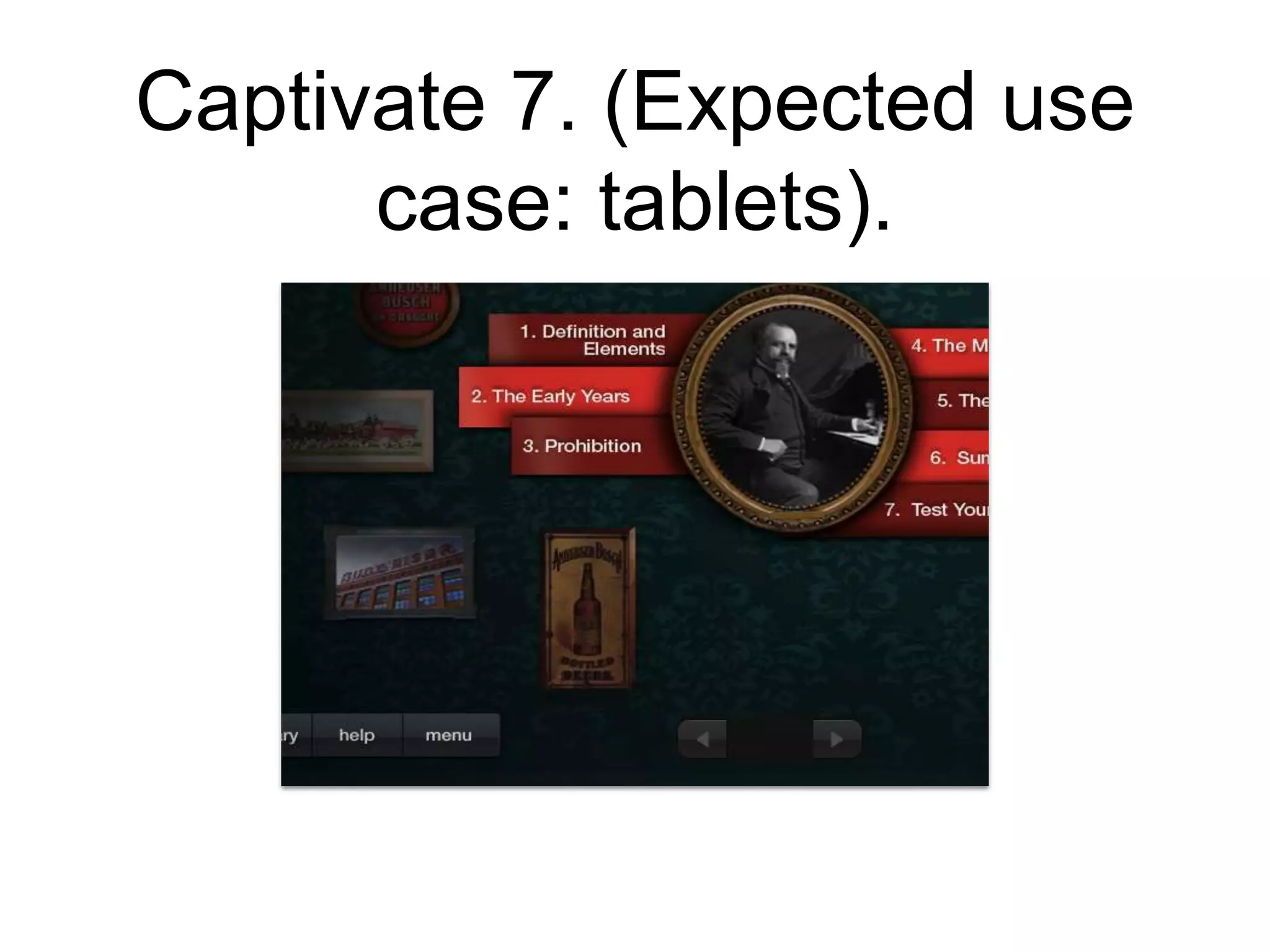
Captivate 7. (Expected use
case: tablets).
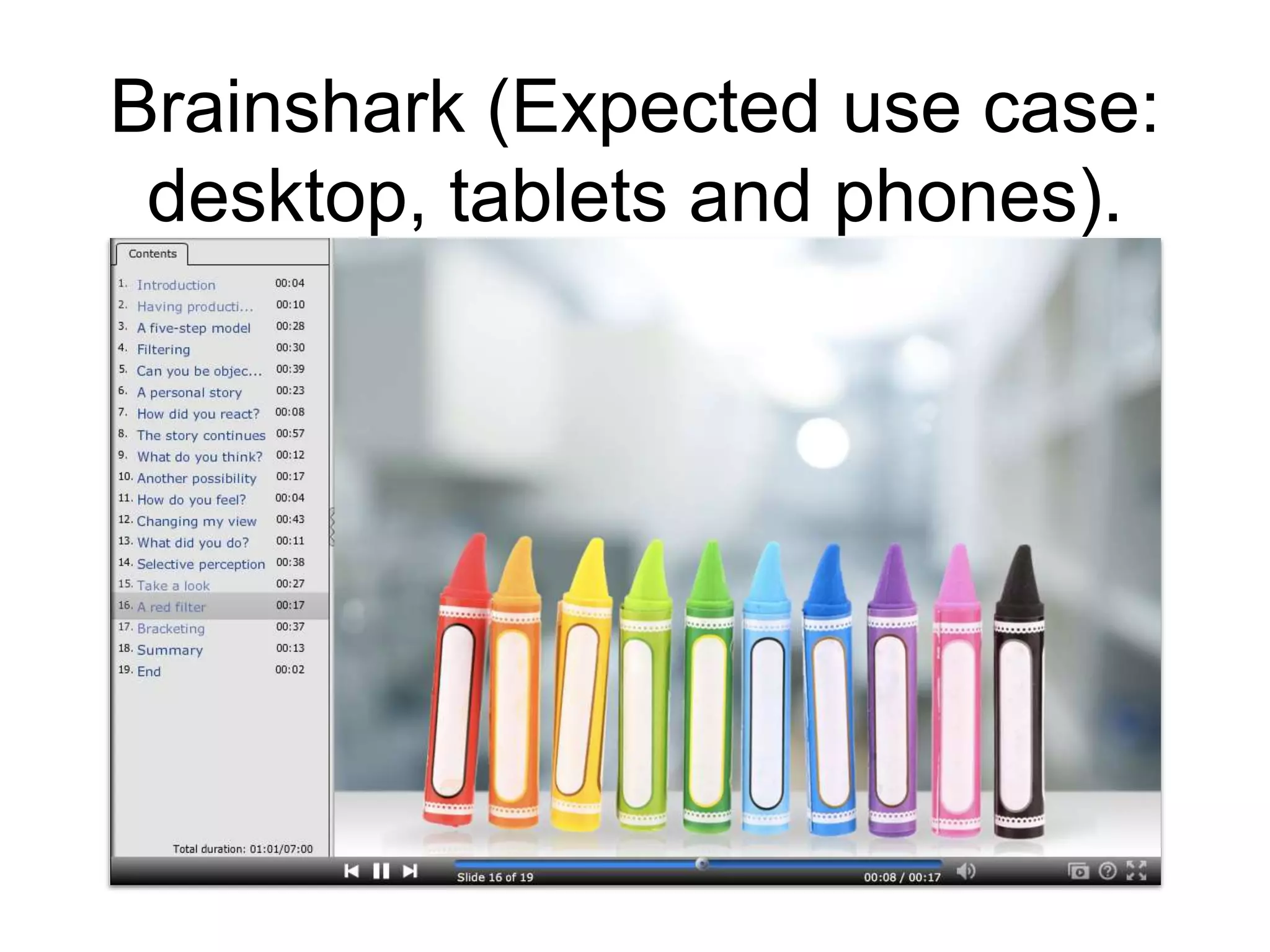
Brainshark (Expected use case:
desktop, tablets and phones).
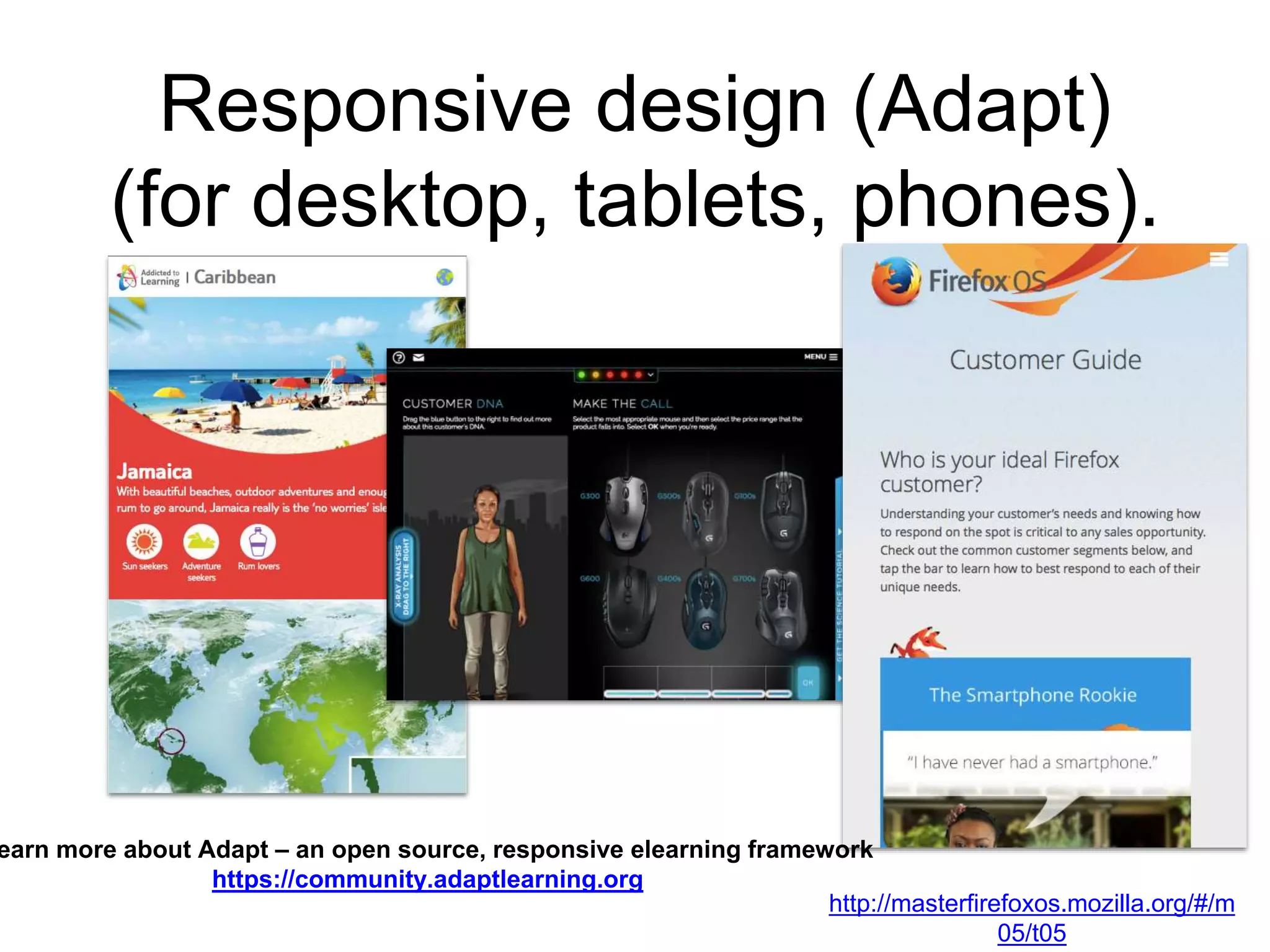
Responsive design (Adapt)
(for desktop, tablets, phones).
http://masterfirefoxos.mozilla.org/#/m
05/t05
earn more about Adapt – an open source, responsive elearning framework
https://community.adaptlearning.org
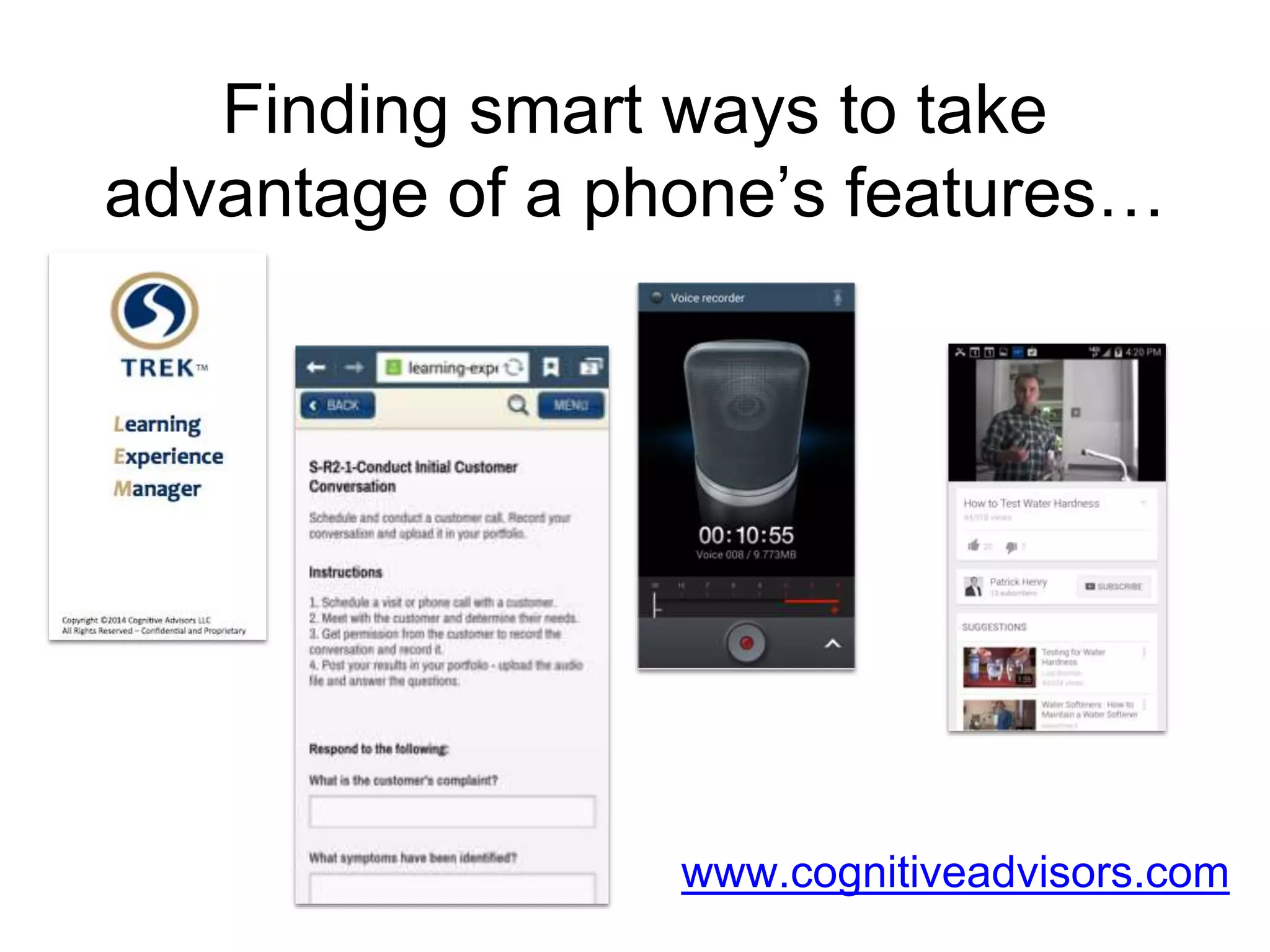
Finding smart ways to take
advantage of a phone’s features…
www.cognitiveadvisors.com
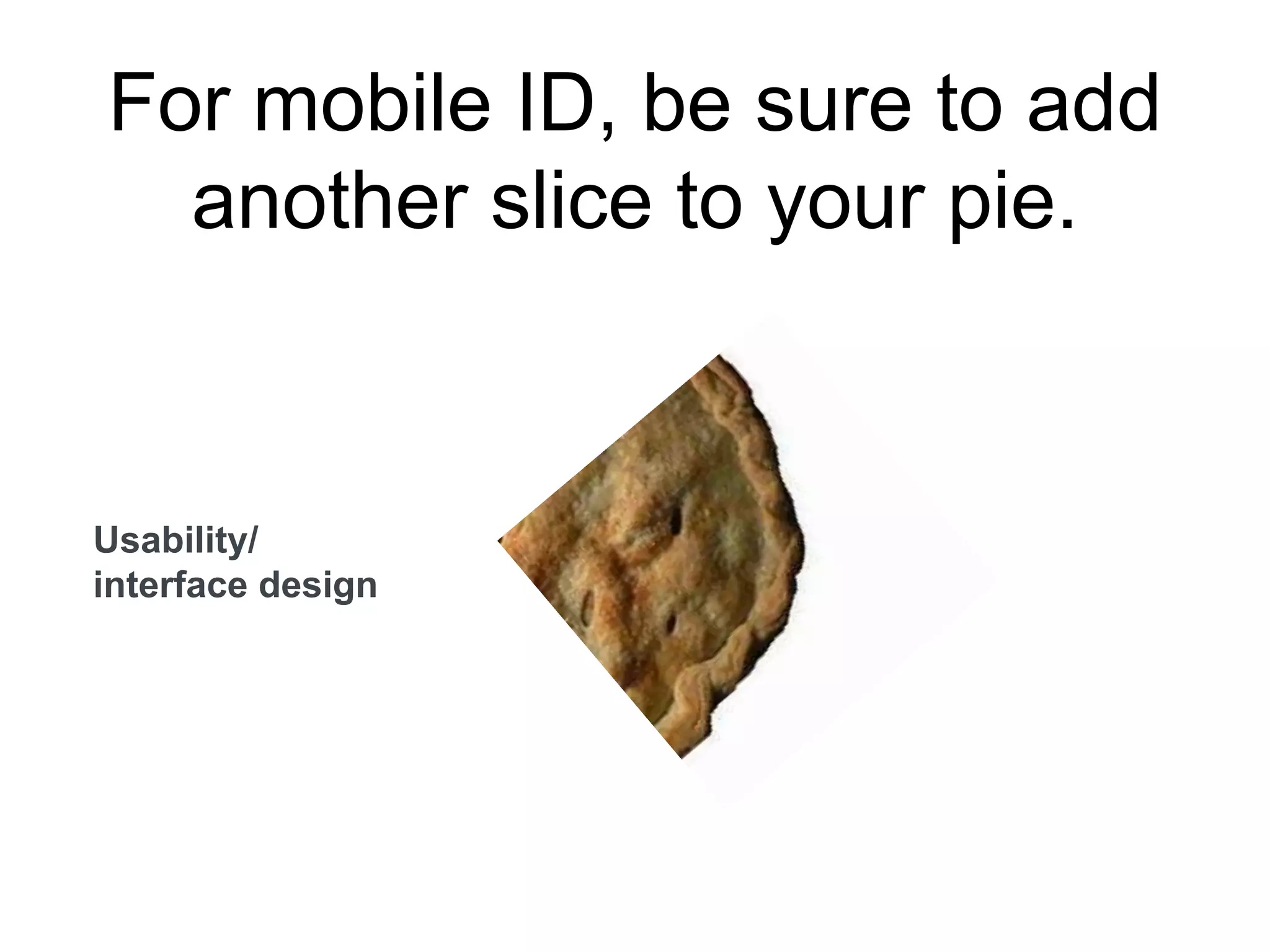
For mobile ID, be sure to add
another slice to your pie.
Usability/
interface design
Questions?
Controversy?
Big ideas?
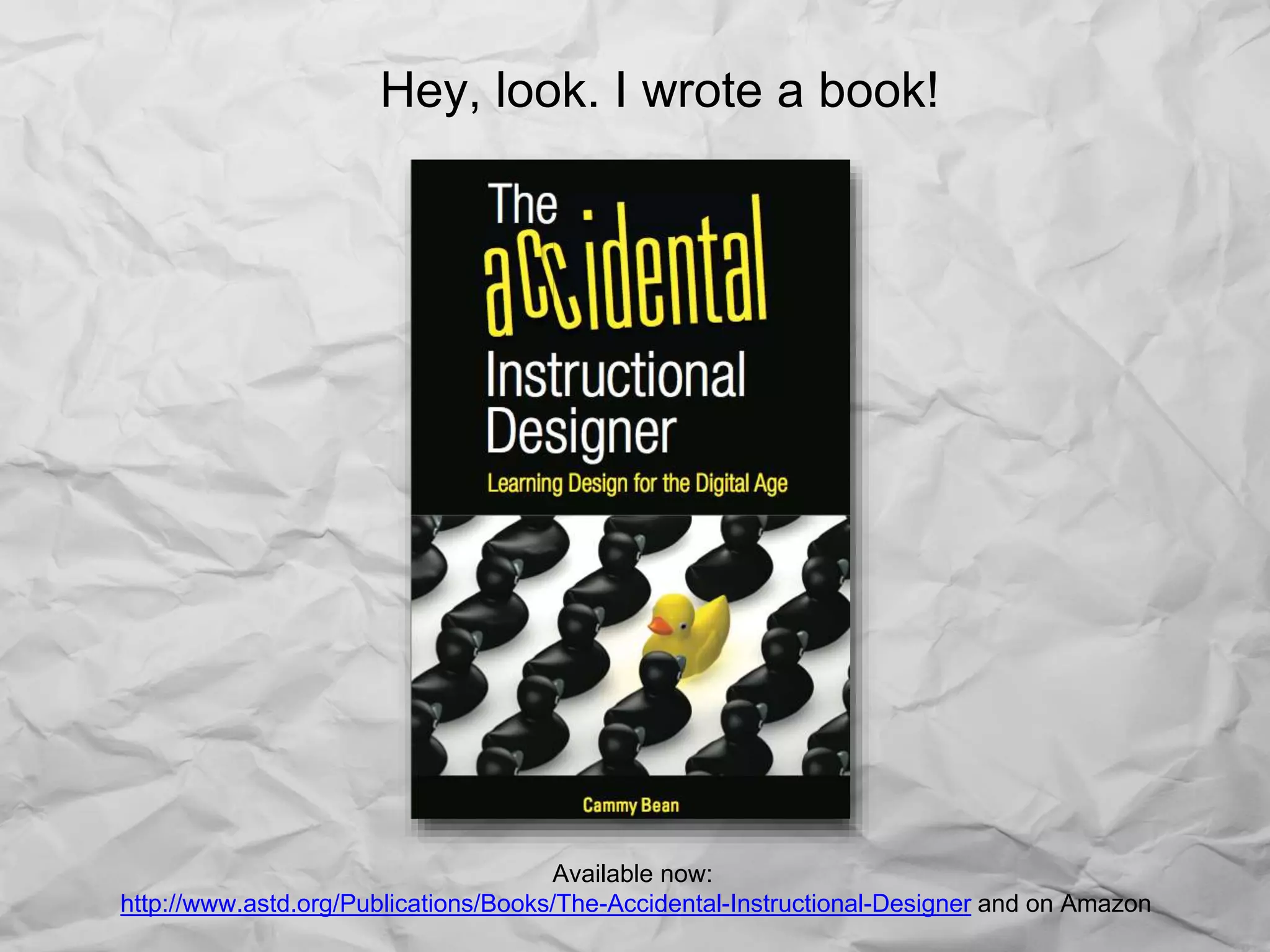
Hey, look. I wrote a book!
Available now:
http://www.astd.org/Publications/Books/The-Accidental-Instructional-Designer and on Amazon
Cammy Bean
twitter: @cammybean
blog: http://cammybean.kineo.com
References and more on design:
http://www.diigo.com/list/cammybean/design
The Accidental Instructional Designer:
http://www.astd.org/Publications/Books/The-Accidental-
Instructional-Designer
The Accidental Mobile Instructional Designer #mlearncon

The Accidental Mobile Instructional Designer #mlearncon

  • 1.
    The Accidental (Mobile)Instructional Designer #mLearnCon 2014 Cammy Bean, VP of Learning Design Kineo
  • 2.
    Once upon atime… When I grow up, I want to be… A singer! A writer! A teacher
  • 3.
    But instead, Ibecame an instructional designer. What’s that, Mommy?
  • 4.
    And I (sortof) grew up.
  • 5.
    It was allcompletely by accident.
  • 6.
    Along the way,I designed hundreds of eLearning courses.
  • 7.
    Until one day,someone said, “Hey, this needs to run on tablets and phones.”
  • 9.
    As I’ve moved fromaccidental to intentional, I like to eat —and talk— about pie!
  • 10.
  • 11.
  • 12.
  • 13.
  • 14.
    Learning Creative TechnologyBusiness The well-roundedL&D professional needs the whole pie.
  • 15.
    Those who doit all, look like this…
  • 16.
    …although the realitymay look more like this. Photo credit: http://www.flickr.com/photos/creative_tools/4324925700/
  • 17.
    What’s your favoritepiece of pie? What’s your sweet spot?
  • 18.
    To continue thefood metaphor…let’s stop thinking like bartenders…
  • 19.
    And start thinkinglike mixologists.
  • 20.
    Said in variousforms by lots of people. When you embed learning in the workflow, when you put the information people need at their fingertips, you move from FORMAL solutions to a more NATURAL learning that’s in the FLOW.
  • 21.
    The myth ofmobile “learning”.
  • 22.
    Jennifer Neibert, inLearning Solutions Magazine http://www.learningsolutionsmag.com/articles/1416/mobile-learning-for-talent-development- critical-questions-for-learning-leaders Your learners are already mobile learners. Whether they’re listening to podcasts at the gym or accessing a Lynda.com tutorial about HTML tags while in line for coffee, they are using mobile technologies to learn.
  • 23.
    Jennifer Neibert, inLearning Solutions Magazine http://www.learningsolutionsmag.com/articles/1416/mobile-learning-for-talent-development- critical-questions-for-learning-leaders Your learners are already mobile learners. Whether they’re listening to podcasts at the gym or accessing a Lynda.com tutorial about HTML tags while in line for coffee, they are using mobile technologies to learn.
  • 24.
    So how doyou actually use your devices?
  • 25.
  • 26.
  • 27.
  • 28.
    Find (the answersto burning questions). When did Conan the Barbarian come out? How long do you boil an egg? Where is the closest movie theater, what’s playing, and how do I get there? What’s the name of this song? How much does this cost and is it cheaper on Amazon?
  • 29.
  • 30.
  • 31.
  • 32.
  • 33.
  • 34.
  • 35.
    Are you usingmobile in these ways to support your people? How? Connect. Capture. Check In Find. Read. Watch. Listen. Play. Purchase. Create.
  • 36.
    For what devicesare you creating content?
  • 37.
    For what devicesare you creating content? Poll: http://cammybean.kineo.com/2014/05/whats-your-technology-mix-for-learning.html Desktop/laptop 58% Tablets 26% Smartphones 14%
  • 38.
    How will youraudience use their devices? Know your use cases.
  • 39.
    It’s a grandconvergence: smart phones, large phones (phablets), tablets with keyboards, laptops with touch screens.
  • 40.
    “Making mLearning Usable:How We Use Mobile Devices”, Steven Hoober with Patti Shank, PhD, CPT, eLearning Guild Research Report, 2014.
  • 41.
    Brent Schlenker, Litmos http://www.litmos.com/blog/ Andwhen I need the information I’m all to happy to consume it on my mobile device at the moment that I need it. Is it perfect? No. But I’d rather have it imperfect NOW, rather than perfectly designed 6 weeks later… it’s okay to simply convert your existing content to a format that can display on mobile devices.
  • 42.
    So what dev toolsare you already using? And can you use them for mobile?
  • 43.
  • 44.
    Captivate 7. (Expecteduse case: tablets).
  • 45.
    Brainshark (Expected usecase: desktop, tablets and phones).
  • 46.
    Responsive design (Adapt) (fordesktop, tablets, phones). http://masterfirefoxos.mozilla.org/#/m 05/t05 earn more about Adapt – an open source, responsive elearning framework https://community.adaptlearning.org
  • 47.
    Finding smart waysto take advantage of a phone’s features… www.cognitiveadvisors.com
  • 48.
    For mobile ID,be sure to add another slice to your pie. Usability/ interface design
  • 49.
  • 50.
    Hey, look. Iwrote a book! Available now: http://www.astd.org/Publications/Books/The-Accidental-Instructional-Designer and on Amazon
  • 51.
    Cammy Bean twitter: @cammybean blog:http://cammybean.kineo.com References and more on design: http://www.diigo.com/list/cammybean/design The Accidental Instructional Designer: http://www.astd.org/Publications/Books/The-Accidental- Instructional-Designer

Editor's Notes

  • #41 guildresearch_mobile2014.pdf page 17 of 49
  • #42 “Your learners are already mobile learners. Whether they’re listening to podcasts at the gym or accessing a Lynda.com tutorial about HTML tags while in line for coffee, they are using mobile technologies to learn. In general, giving your learners access to content on-demand allows them to learn when it is most convenient for their schedules. And in terms of effective performance support, mobile technologies are a natural way to provide our learners what they need, when they need it.” Jennifer Neibert, http://www.learningsolutionsmag.com/articles/1416/mobile-learning-for-talent-development-critical-questions-for-learning-leaders Although I’m skeptical of these things, I asked Koreen Olbrish, Product Manager at lynda.com for some stats and she said, “about 20% of all lynda.com traffic is through our mobile apps, with the highest segment accessed by mobile being the Developer segment, which was a surprise to us, since we assumed developers would be on desktop so they could simultaneously code/practice…” But are they really doing an HTML5 lesson while waiting in line for coffee? Really?
  • #47 http://masterfirefoxos.mozilla.org/#/m05/t05
  • #48 Capturing real, on-the-job experience with embedded coaching. Capturing the real things that happen in line that aren’t online!
  • #49 DESIGN for mobile – a big piece of this is UX design, usability, interface. Find the right partner – or quickly upskill your own talent…