Teams, there’s no place like home
SharePoint Saturday Belgium 2018Sharing is caring: #SPSBE
Platinum
Gold
Silver
SharePint
Community
Thanks to our sponsors!
Teams, there’s no place like home
SharePoint Saturday Belgium 2018Sharing is caring: #SPSBE
Facts
• my name is Pieter
• Teams ≠ teams
• 50 minutes (max.)
• no surprise act ;-(
• great insights
• +/- 80 slides (keep count)
Microsoft Teams & me
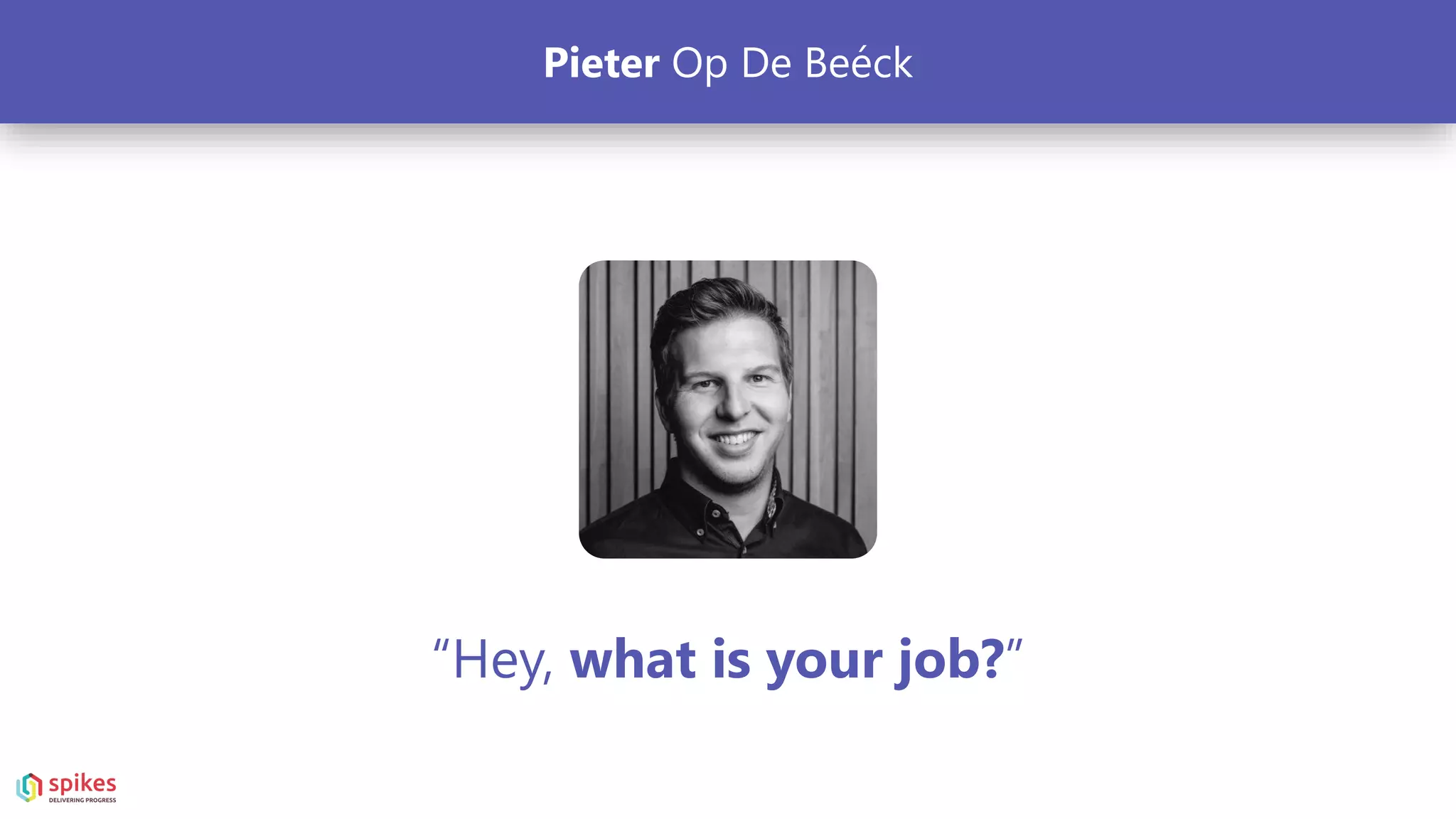
“Hey, what is your job?”
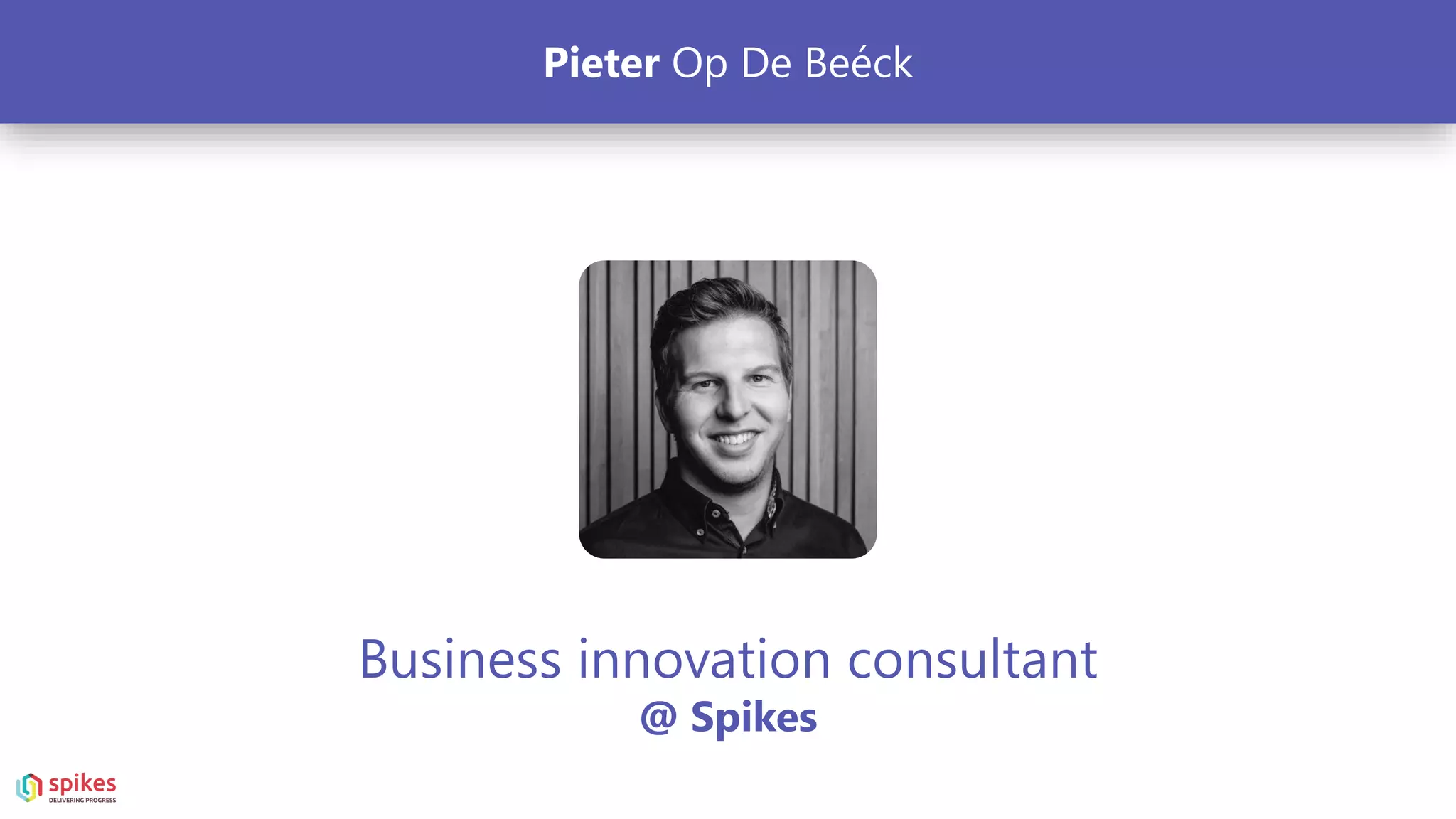
Pieter Op De Beéck
Business innovation consultant
@ Spikes
Pieter Op De Beéck
What my friends think I do What my mom thinks I do What society (and relatives) thinks I do
What my clients think I do What I think I do What I actually do
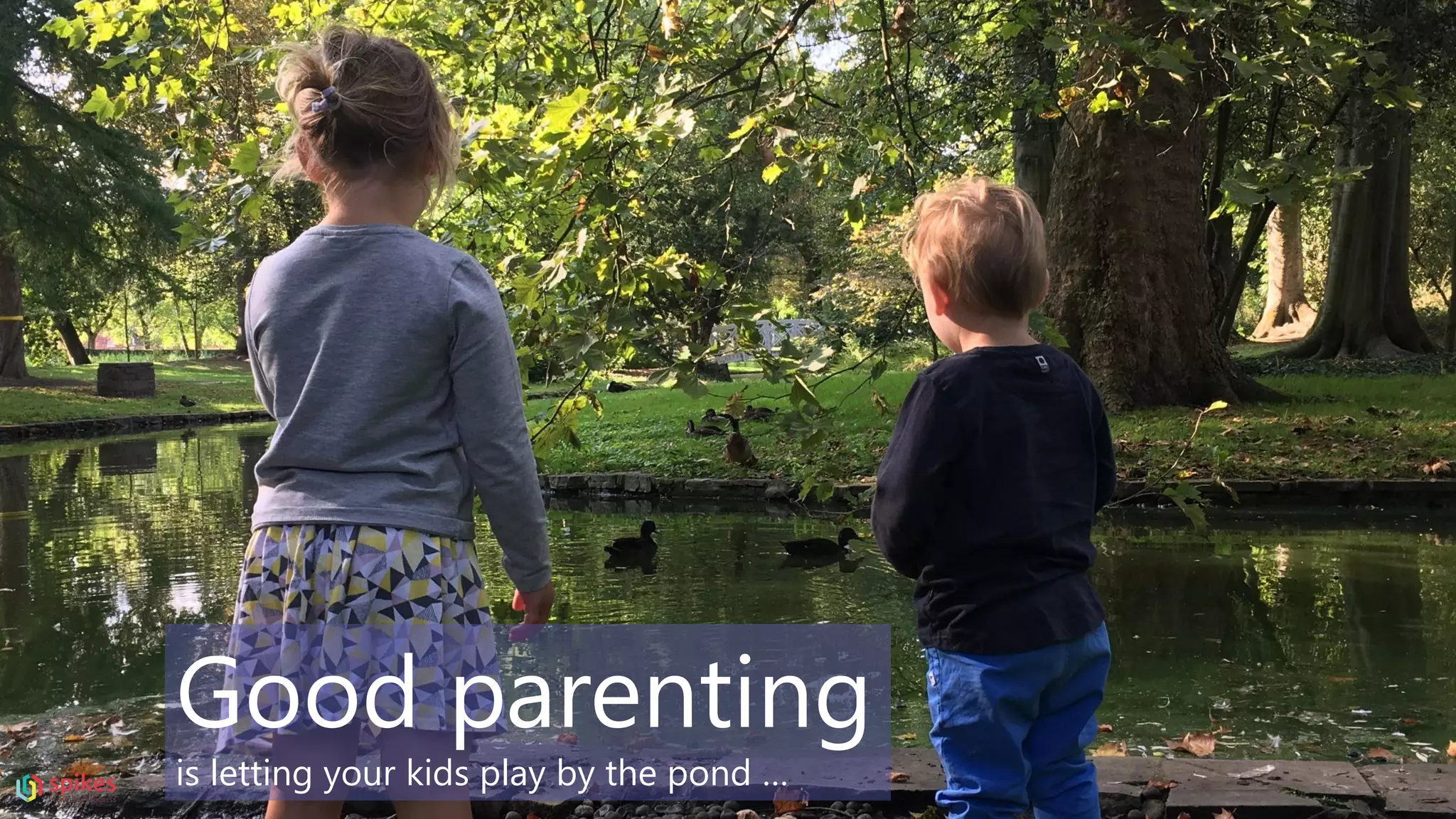
Good parenting
is letting your kids play by the pond …
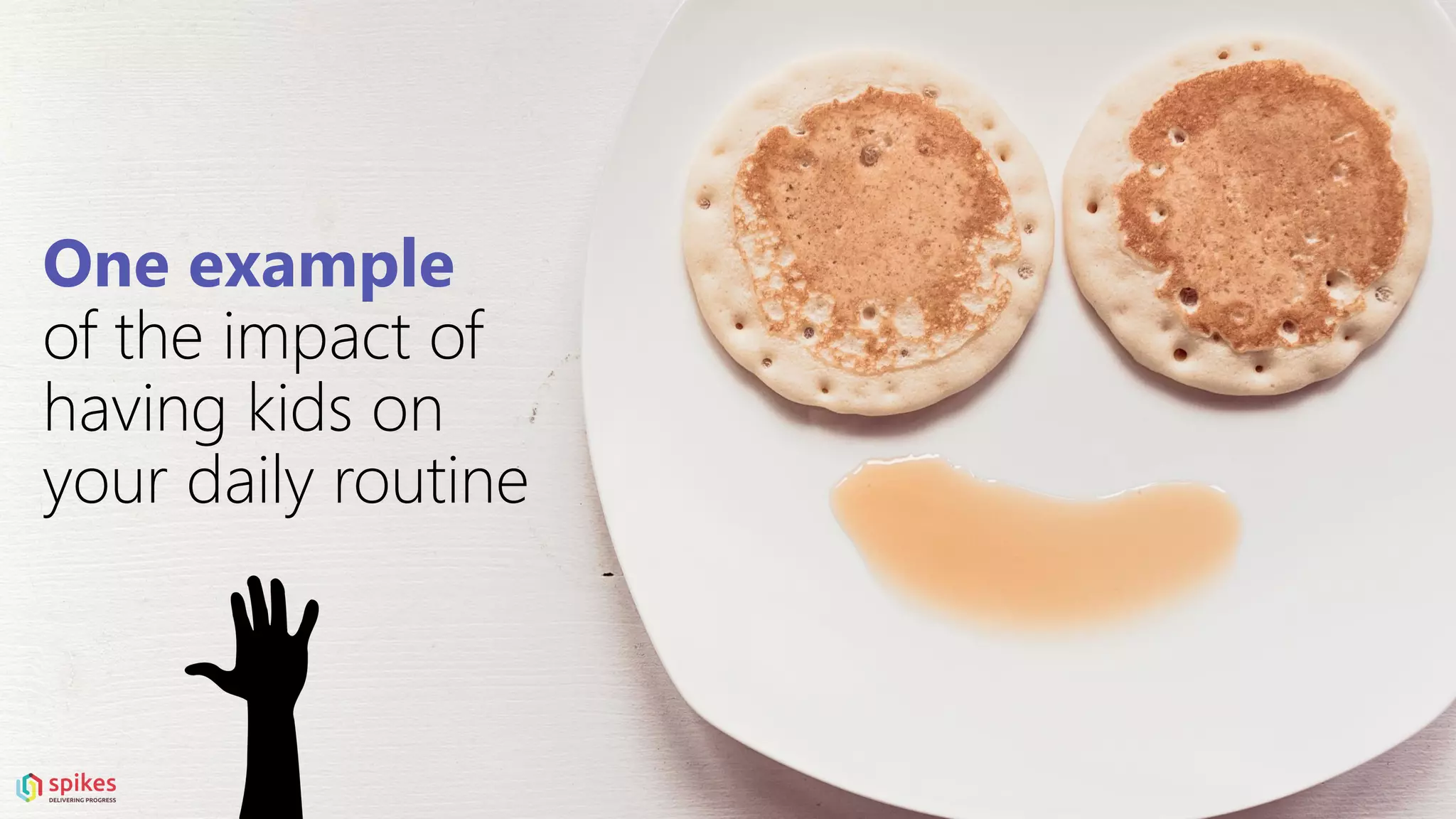
One example
of the impact of
having kids on
your daily routine
7:50 pm
Bed time stories
8:00 pm
Sleeping schedule
Kid #1 Kid #2
8:00 pm - Bed time
8:15 Sleeping
8:30 Sleeping
9:30 Wide awake
9:31 Awake because of
Kid #2
9:45 Sleeping 9:45 Sleeping
10:30 Awake because of
monsters
10:30 Awake because
yelling monsters
do not exist
… … … …
“Some kids simply don’t
sleep – they just don’t.”
- Pieter Op De Beéck
4:59 am
This is me at 5am
working on my
slide show
(wearing a Cookie Monster onesie)
Persistent chat
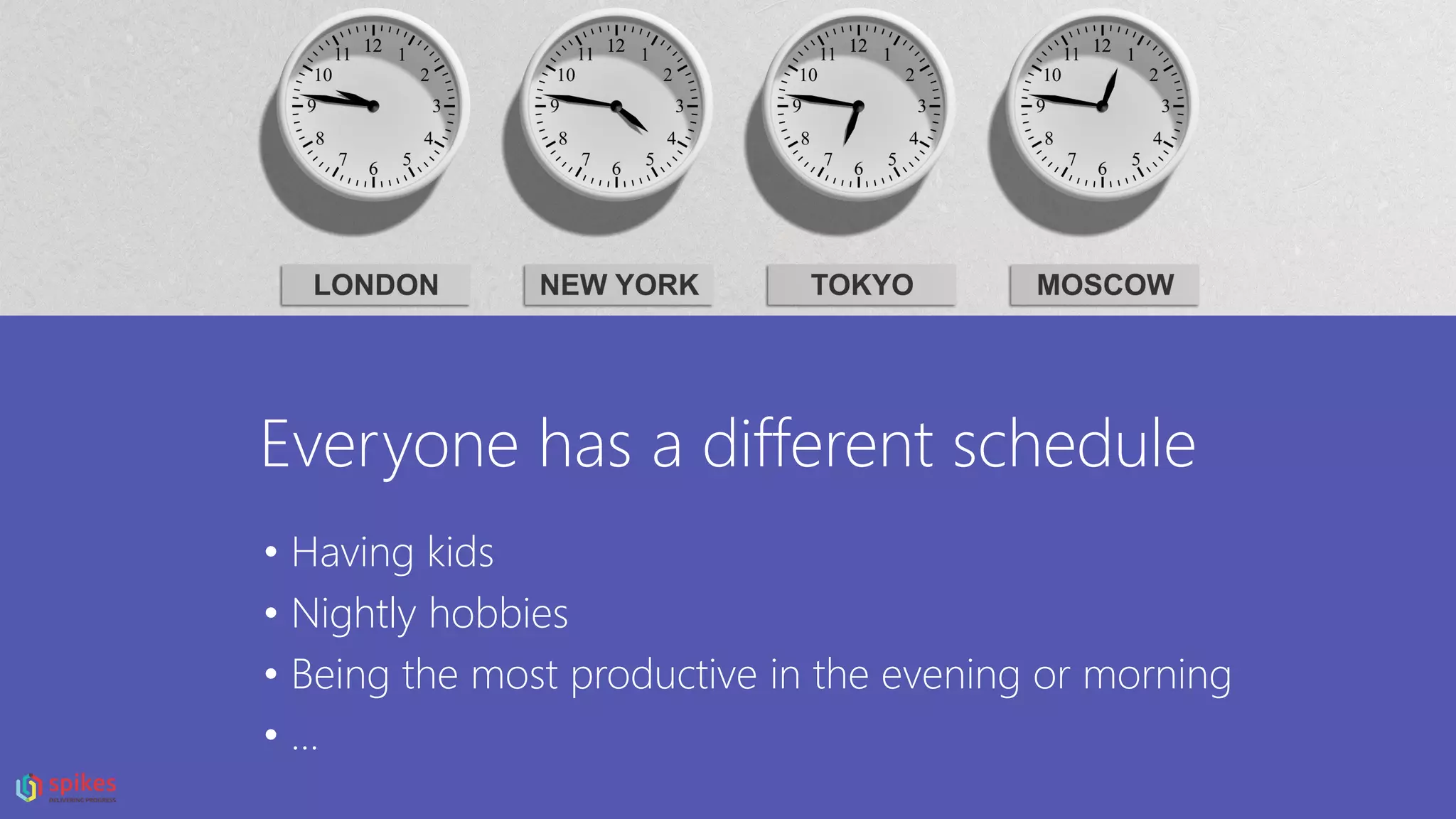
Everyone has a different schedule
• Having kids
• Nightly hobbies
• Being the most productive in the evening or morning
• …
Microsoft Teams cool!
Why a new
a couple of reasons …
tool?
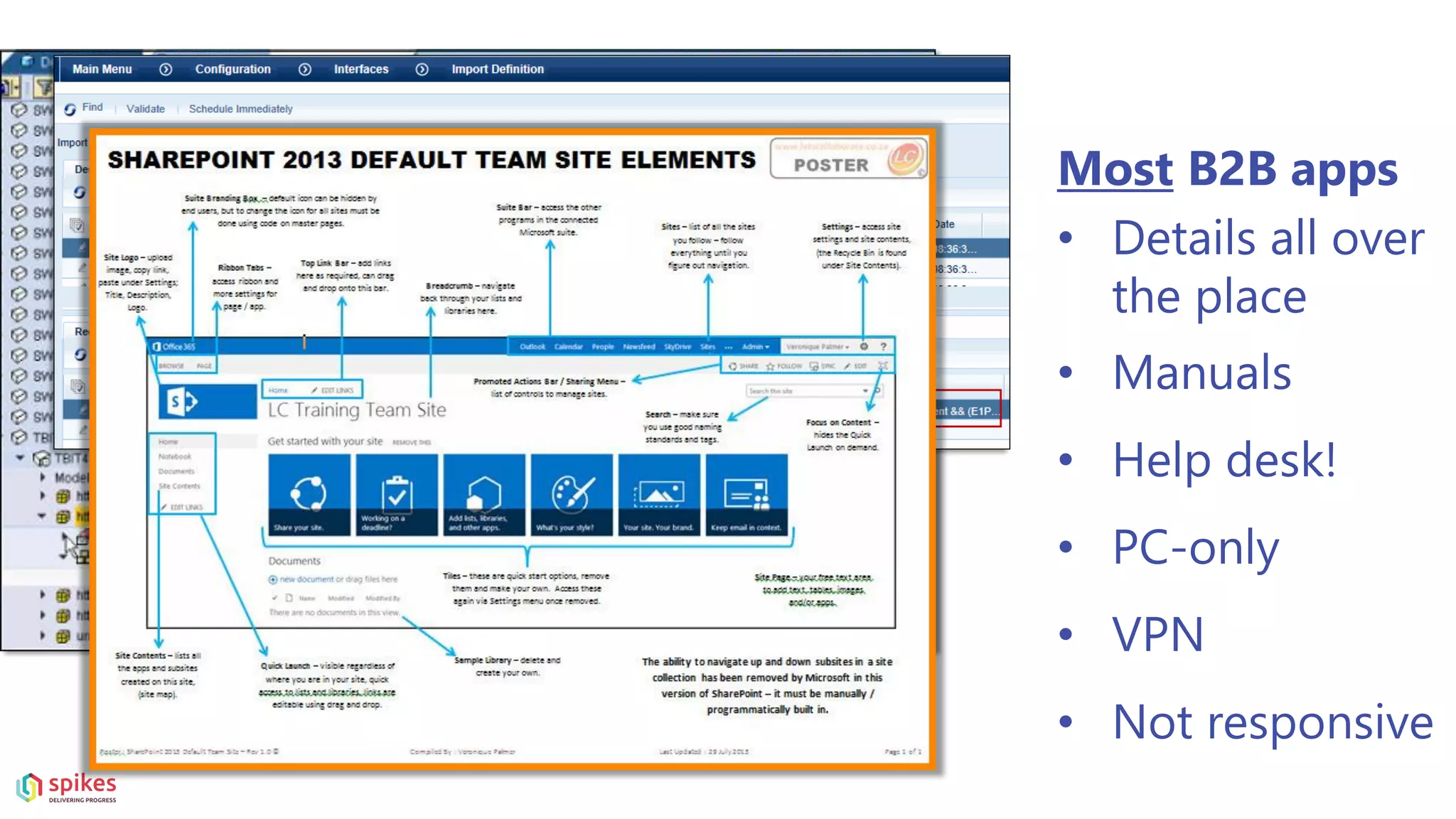
Most B2B apps
• Details all over
the place
• Manuals
• Help desk!
• PC-only
• VPN
• Not responsive
We are quite spoiled …
B2C
• Modern
• Responsive
• No manual
• No support
• Easy!
Who thinks meetings are a pain in the as
Microsoft Teams adoption
Quick question:
Who has an adoption plan
for Microsoft Teams?
For the people who have one:
How successful is it so far?
How do people find
new tools?
Product Adoption curve
Tech Enthusiasts
2% Vissionaries
13%
Pragmatists
35%
Conservatives
34%
Skeptics
16%
Tech Enthusiasts Vissionaries Pragmatists Conservatives Skeptics
Product Adoption by audience
The 7 most expensive words in business
“We have always done it that way!”
“To improve is to change. To be
perfect is to change constantly.”
Winston Churchill
Let’s talk adoption
& change management
“You can’t have one
without the other”
The Prosci ADKAR® Model is a goal-
oriented change management model
that guides individual and
organizational change.
Making adoption happen with change
management
A
D
K
A
R
AWARENESS OF THE NEED FOR CHANGE
DESIRE TO PARTICIPATE AND SUPPORT THE CHANGE
KNOWLEDGE ON HOW TO CHANGE
ABILITY TO IMPLEMENT REQUIRED SKILLS & BEHAVIOURS
REINFORCEMENT TO SUSTAIN THE CHANGE / MAKE IT STICK
Real-life examples of actual “full-blown” launch-
scenarios for Microsoft Teams (I kid you not ☺)
• IT enabled it for everyone so they will find it (by accident)
• Send employees a quick “welcome text” with a link to the
Teams manual
• Hang out a “self explanatory” poster a the coffee machine
Never start from the tool
Start from a simple process
Keeping your team up to date
Manage meeting minutes and actions
Manage team communication, internally and with external
parties
…
Target specific process
Marketing example …
Marketing
“MANAGE YOUR MARKETING EVENT” IN MICROSOFT
TEAMS
Activities translated to channels
1. Marketing Channel
2. Budget Channel
3. Logistics and Scheduling Channel
4. Venue Channel
Marketing
“MANAGE YOUR MARKETING EVENT” IN MICROSOFT
TEAMS
Activities translated to channels
1. Marketing Channel
2. Budget Channel
3. Logistics and Scheduling Channel
4. Venue Channel
Marketing
MANAGE YOUR MARKETING EVENT
4. Venue Channel
• Conversations
• A PDF tab
to show the venue Maps
• The Files tab
to share the Venue pricing documents
• An Excel tab
to easily access the Venue contact information
Don’t forget to
measure adoption success!
A mix of qualitative and quantitative results
Microsoft Teams governance
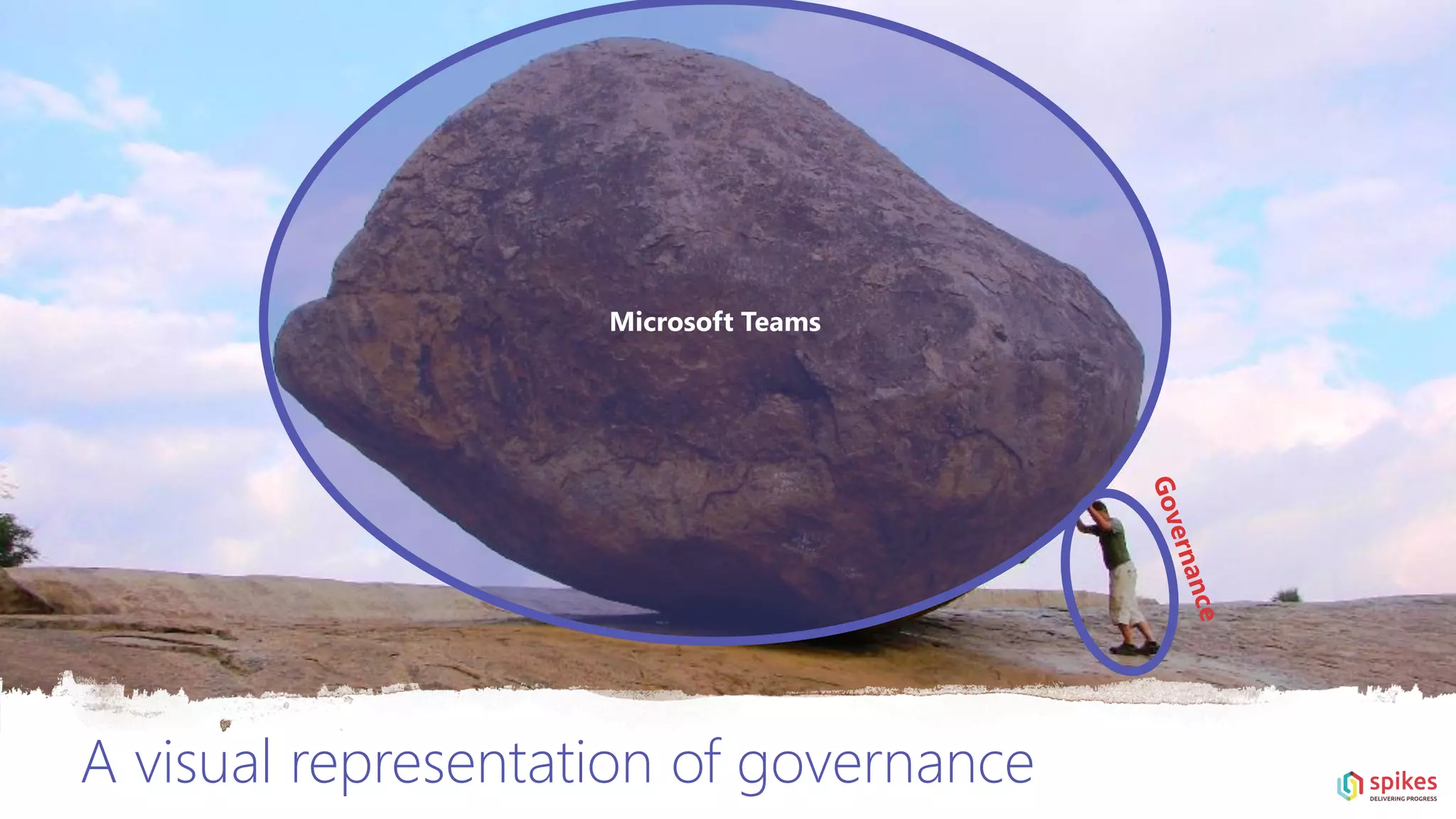
If you don’t “do” governance,
you will get chaos.
If you get chaos, you’ve lost the battle.
A visual representation of governance
Microsoft Teams
Before you start a Governance workshop
•Gather your dream team
(roadmap strategist, technical architect & functional lead)
•Make sure you meet with the right people
(mix of IT and business / ideally at group-level)
5 pillars of a Microsoft Teams governance workshop:
Roles and
responsibilities
Compliance
Security
&
Access
management
Provisioning &
Life cycle
Retention
1. Roles and
responsibilities
• Who is the Microsoft Teams admin?
• Who is taking final decision in the Governance team?
• Who is the business owner of a Microsoft Team?
(no, not “IT”)
• If self-service (OOTB) is not enabled, which role will
provision Teams?
• Who will be responsible for ongoing evaluation of
usage statistics and whether the solution meets
business specificiations?
• Who is the owner of the underlying SharePoint
site? (permissions can differ)
…
2. Compliance
• Corporate policies in terms of information
management?
• Is content subject to GDPR compliancy?
• What content should (not) be stored in Microsoft
Teams (policies)?
• How are these policies enforced in Teams?
• Who is accountable that these policies are followed?
• How will accountability be evaluated? (How often? By
who?)
• What kind or types of reporting is available or
needs to be created to monitor compliance?
…
3. Security & Access
management
• Should external sharing be enabled?
(anonymous, authenticated external users,
external in directory?)
• Enable guest users at admin level?
• Allow or block guest access of a specific domain?
• Is it allowed to disable guest users per Team?
• What are members allowed to do?
(Teams/SharePoint)
• Should data classificiation be enabled on
Teams level?
• Who is able to change/set the classificiation per
Team?
• Who is able to change/revise policies linked
to certain classification labels?
…
4. Provisioning & life
cycle
• “Standard” self-service enabled?
• If not, what account is used for provisioning?
• What is the provisioning process?
• Where will new Teams be created/requested from?
• Are there different types of “Teams” with
impact on metadata or Teams templates?
• Should some changes be made manually at
provisioning? (replace “Wiki” tab with “OneNote”,
add a “Teams 101” tab, …)
• What about naming conventions?
• Should the provisioning mechanism propose
an existing Team similar to the proposed
Team-name instead immediately provisioning
a new Team?
…
5. Retention
• Should content get retained/deleted based on
labels/policies?
• What should happen if a Team gets deleted but
had data classification applied on underlying
documents?
• How should Teams be able to become archived?
• Should users only be able to create up to “10”
Teams? (and otherwise be redirected to a
corporate instructions page)
• Should you have retention policies on Teams
channel messages or Teams chats?
• How long should Teams exist before they need to be
‘re-confirmed’ as active Team?
…
Cool (new) stuff in Microsoft Teams (13)
Who remembers “the BBC guy”?
Background blurrrrr
Background blurrrrr
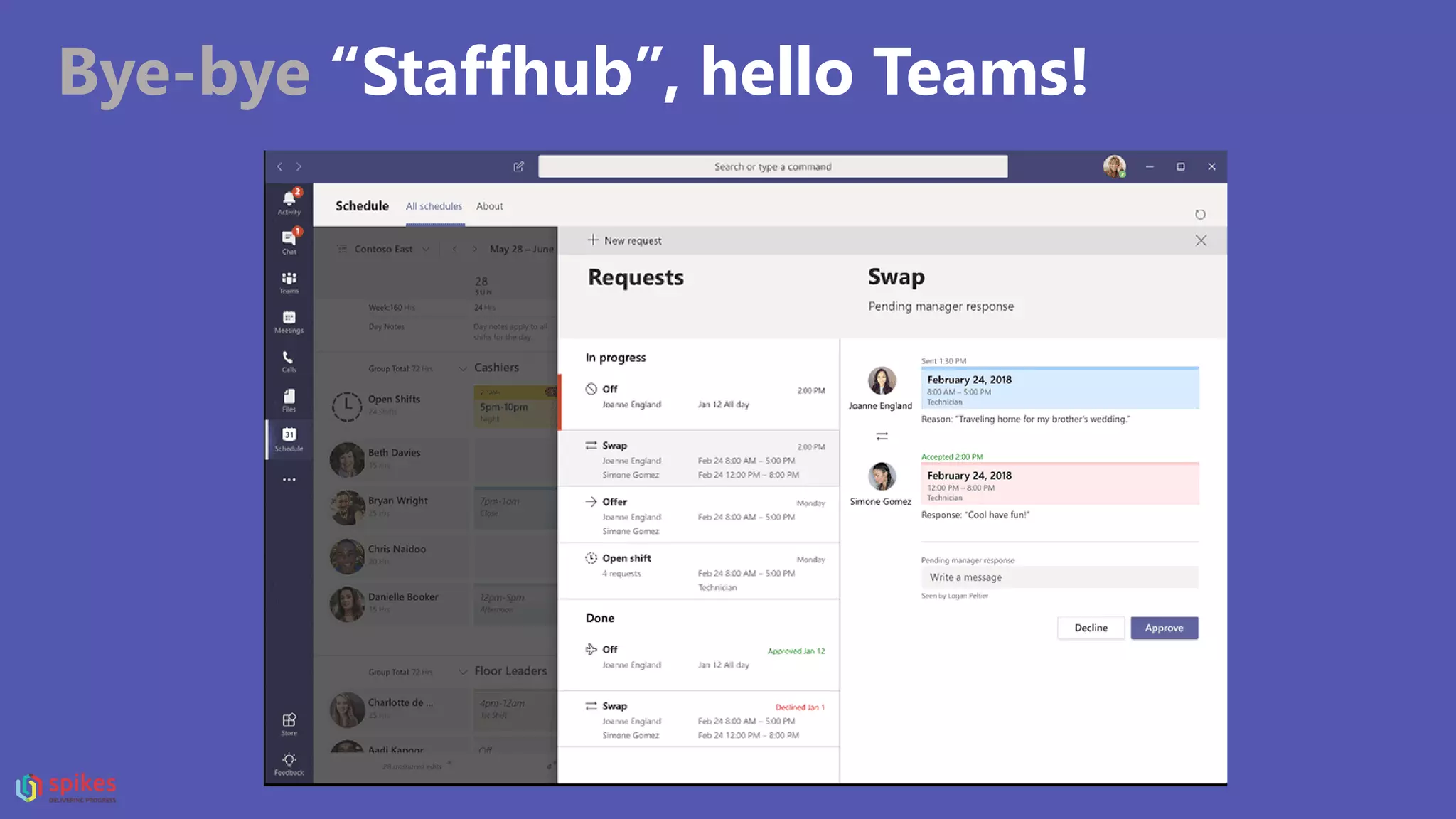
Bye-bye “Staffhub”, hello Teams!
Your shift ends
October 1, 2019
Bye-bye “Staffhub”, hello Teams!
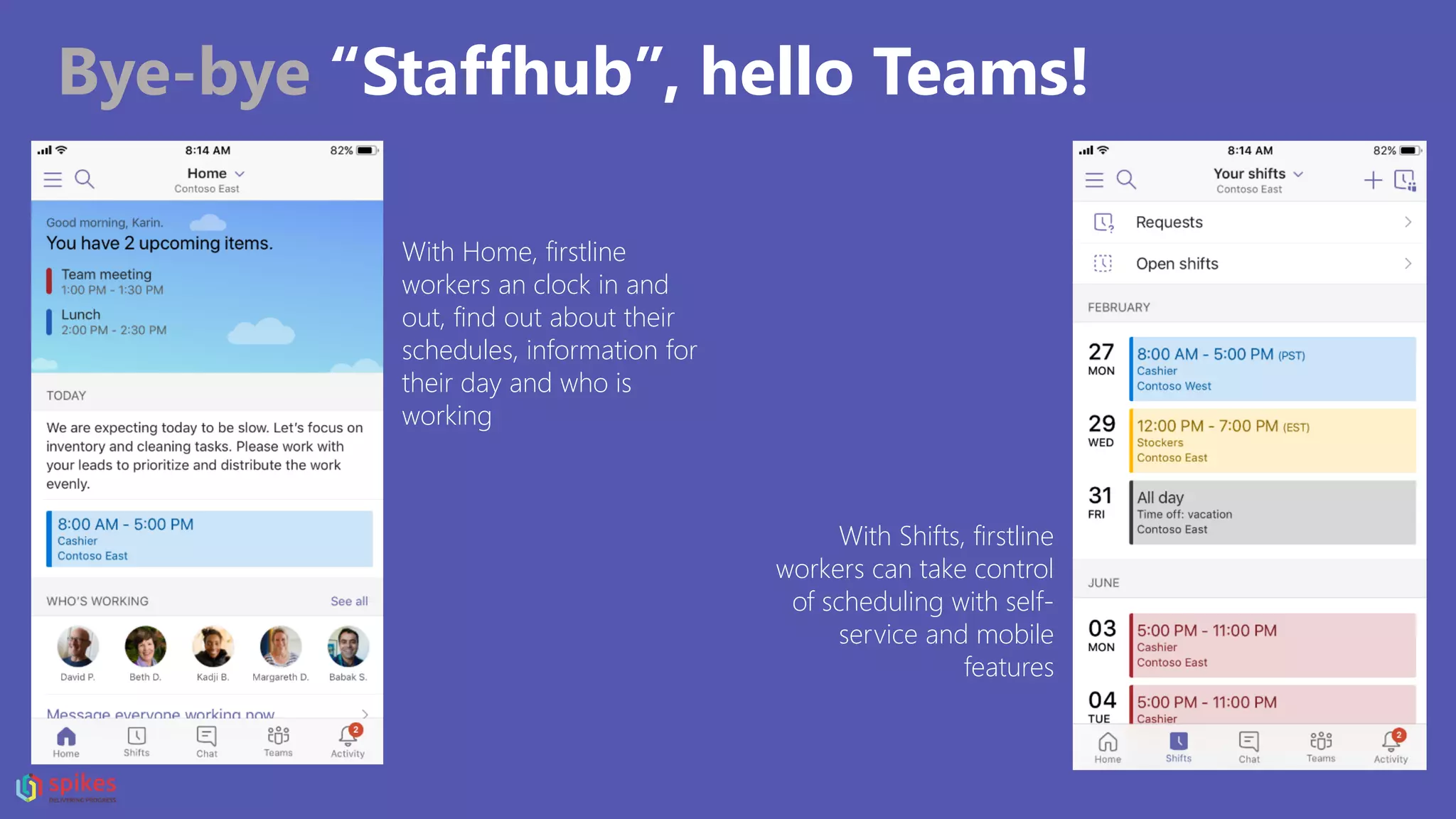
With Home, firstline
workers an clock in and
out, find out about their
schedules, information for
their day and who is
working
With Shifts, firstline
workers can take control
of scheduling with self-
service and mobile
features
Bye-bye “Staffhub”, hello Teams!
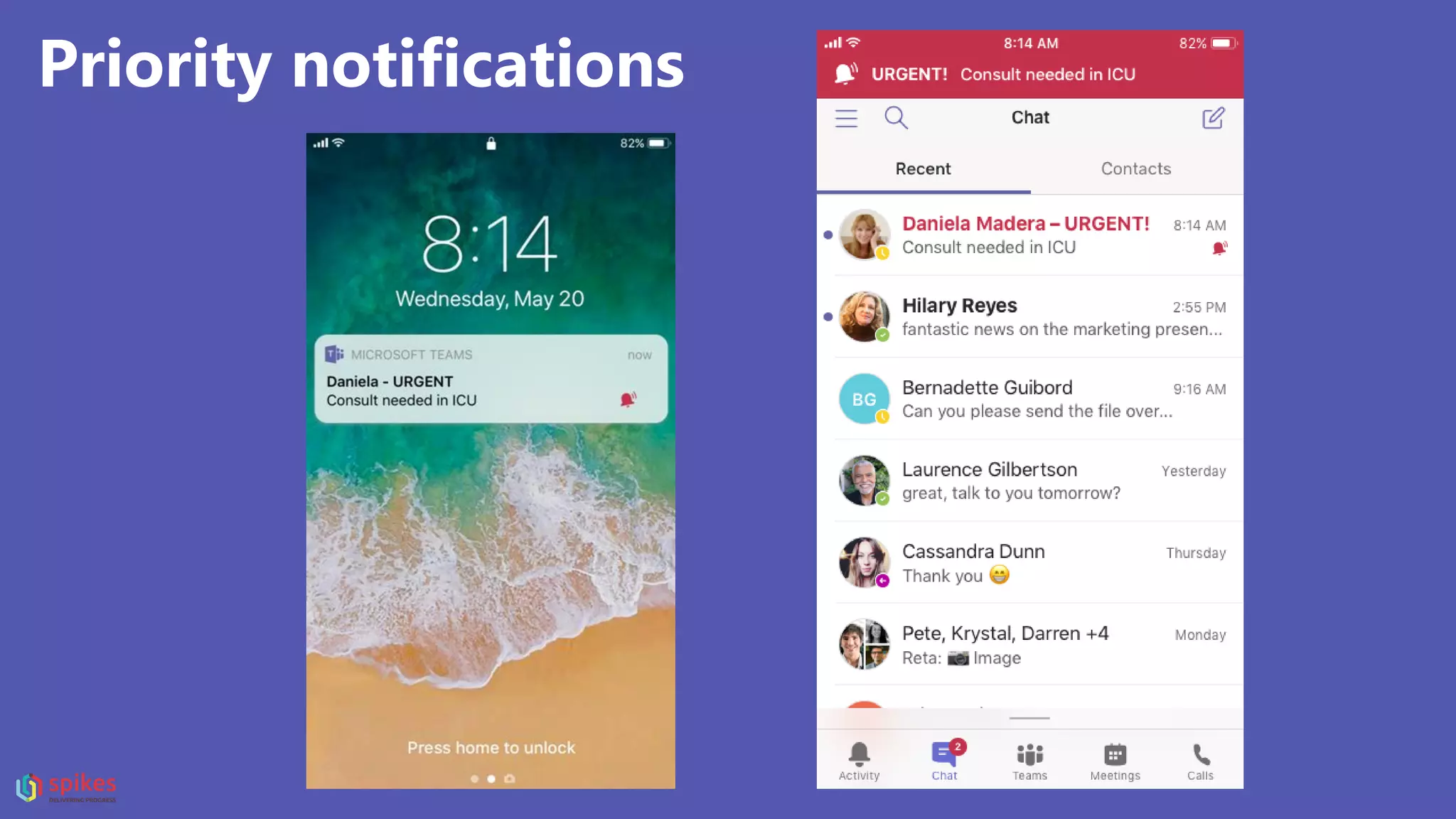
Priority notifications
Meeting recording
+ auto-captions!
Live Events
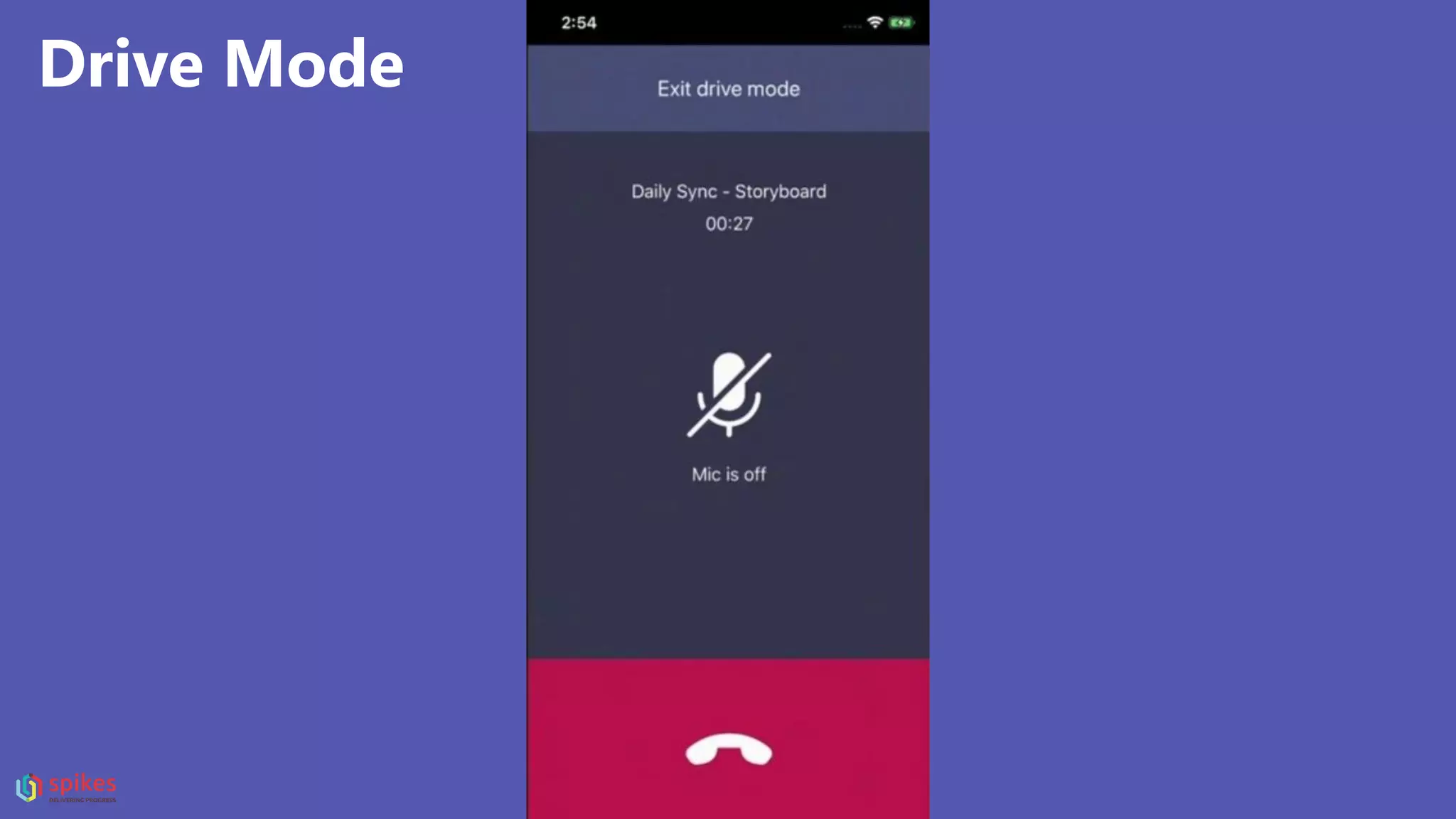
Drive Mode
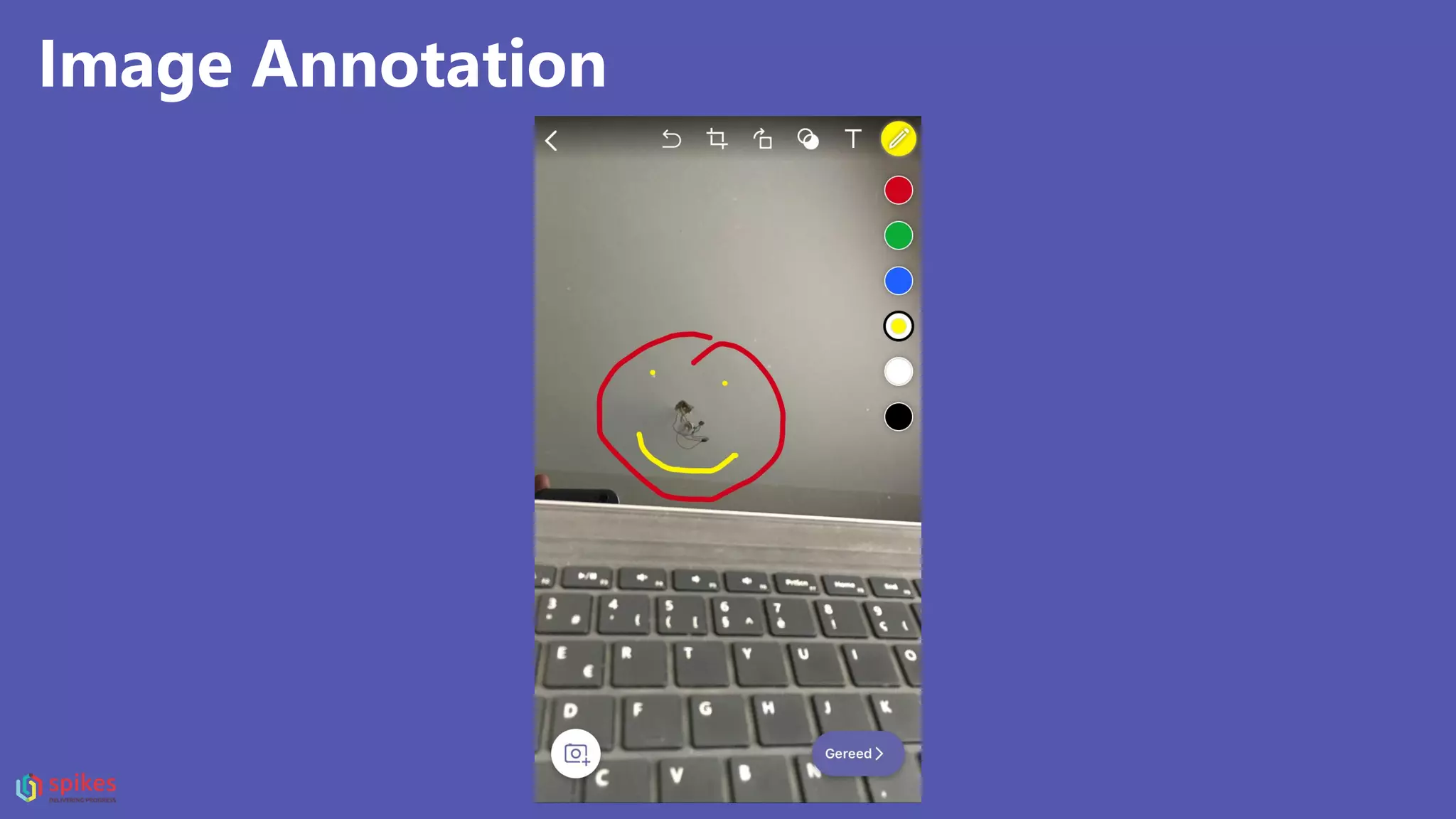
Image Annotation
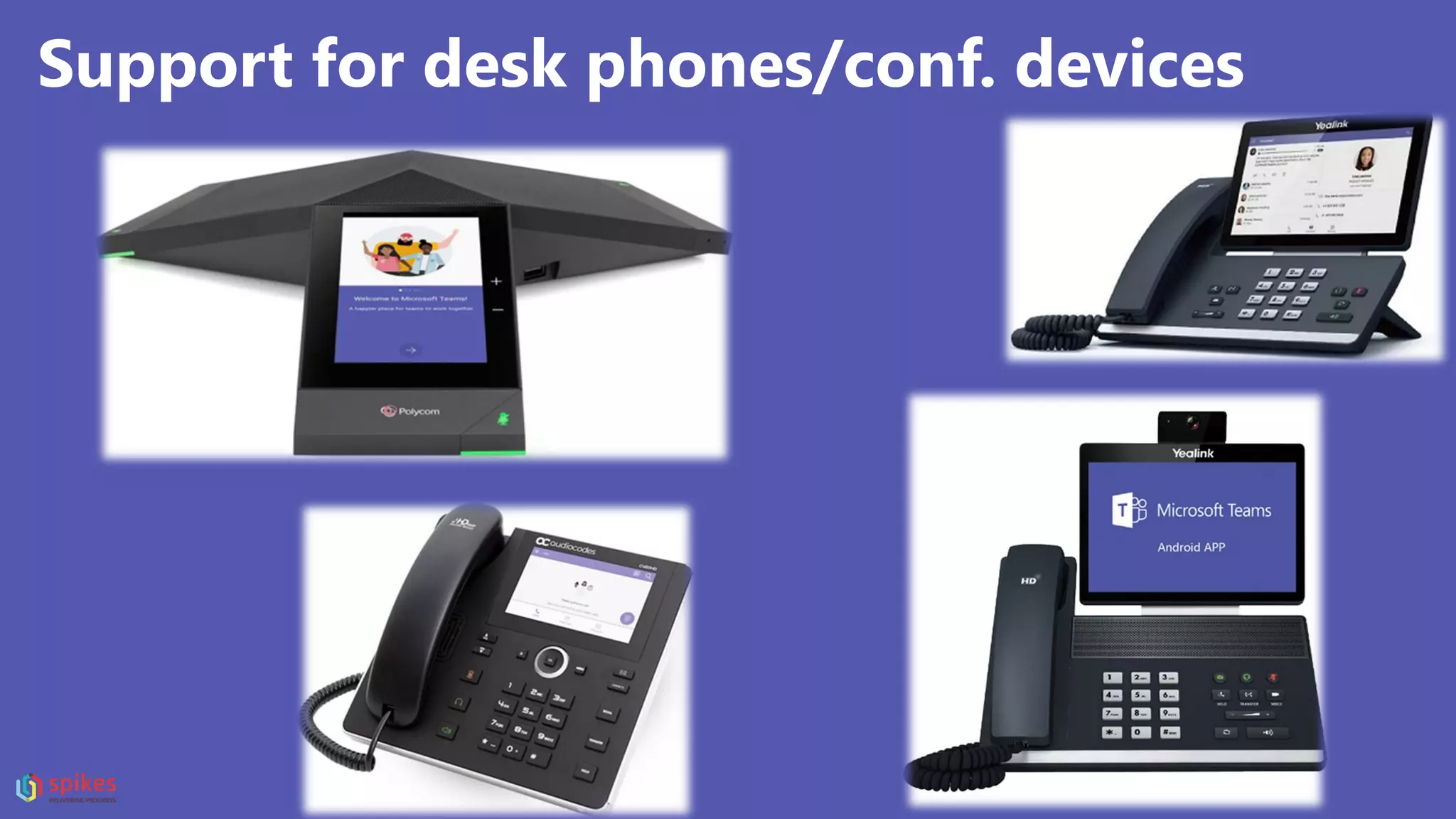
Support for desk phones/conf. devices
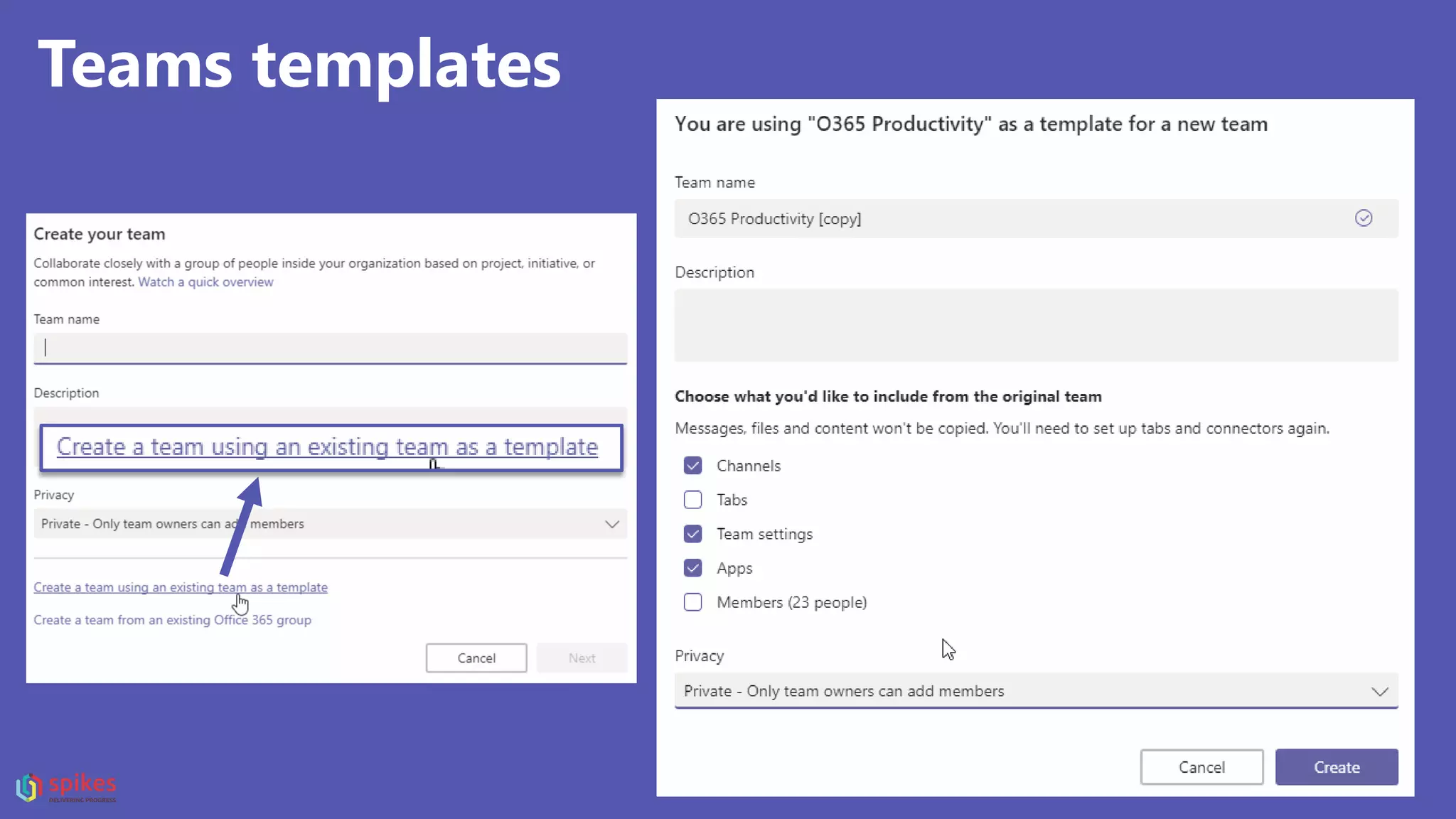
Teams templates
Teams archiving
1
2
3
Teams archiving
1
2
Manage your team membership
with dynamic groups
Translate conversations
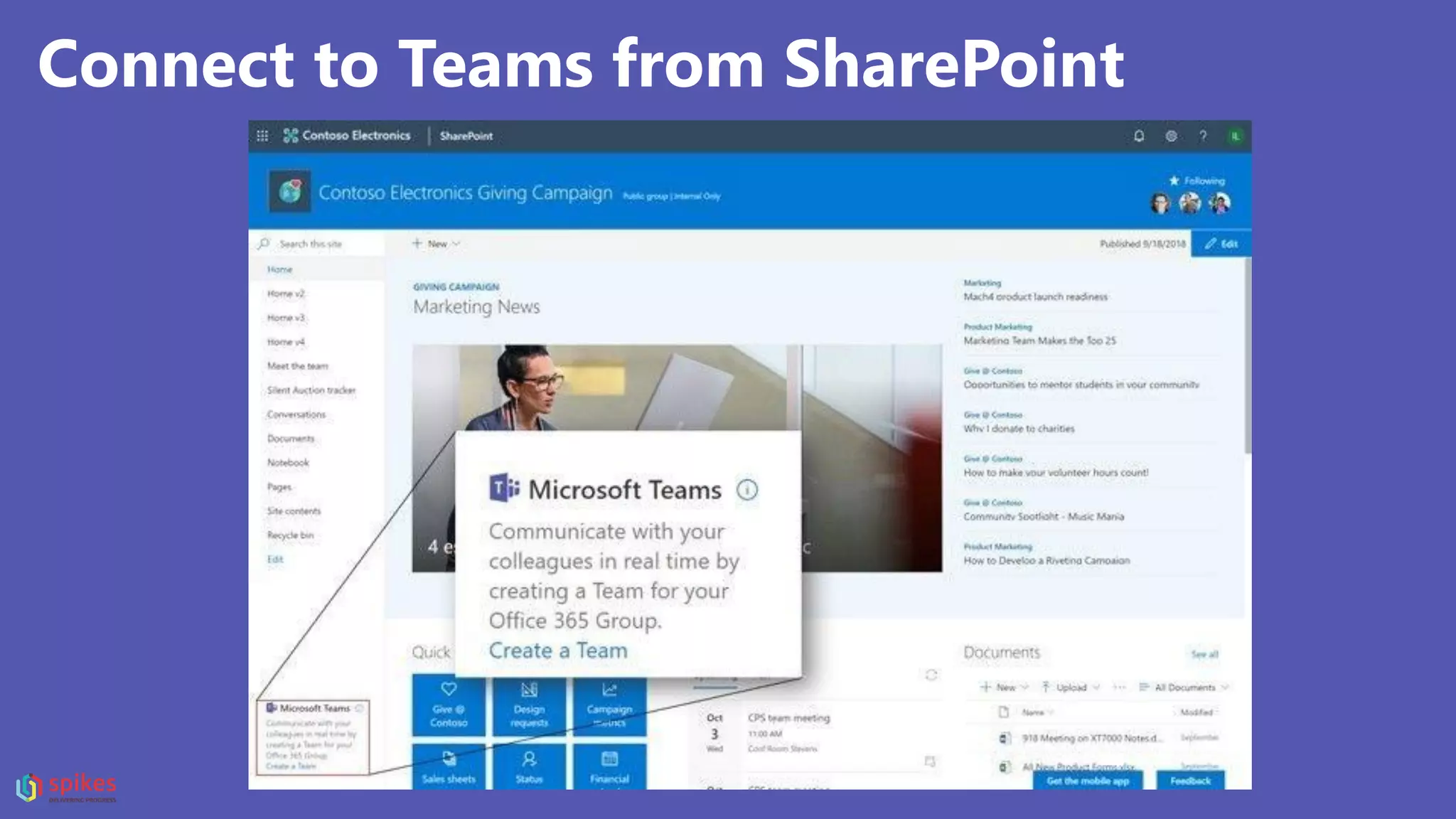
Connect to Teams from SharePoint
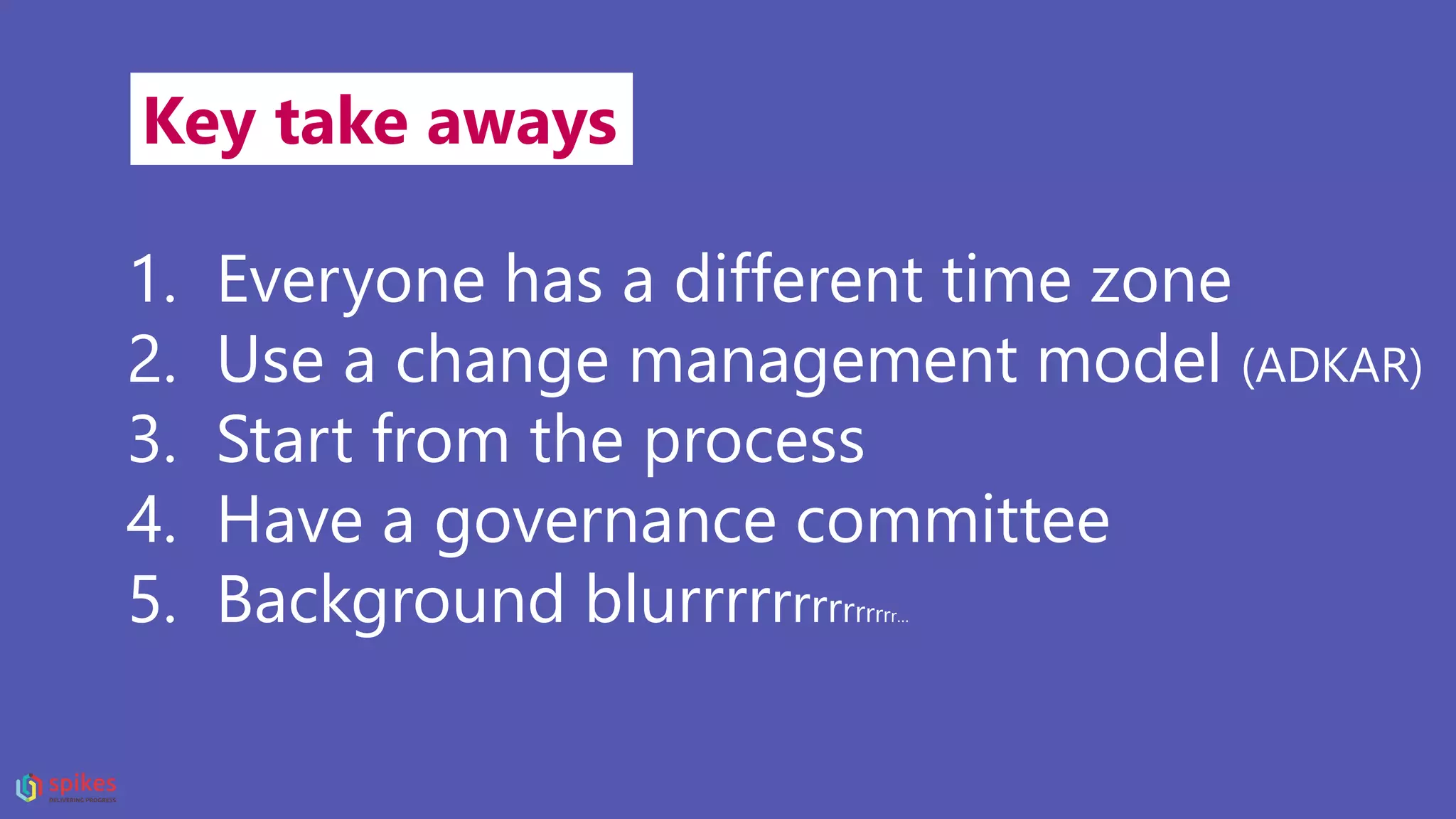
Key take aways
1. Everyone has a different time zone
2. Use a change management model (ADKAR)
3. Start from the process
4. Have a governance committee
5. Background blurrrrrrrrrrrrrr…
“Feedback is the
breakfast of
champions.”
Thank you.
@pieterodb
Linkedin.com/in/pieteropdebeeck
Follow me
or go to http://spsbe.be

Teams - There's no place like home

  • 1.
    Teams, there’s noplace like home SharePoint Saturday Belgium 2018Sharing is caring: #SPSBE
  • 2.
  • 3.
    Teams, there’s noplace like home SharePoint Saturday Belgium 2018Sharing is caring: #SPSBE
  • 4.
    Facts • my nameis Pieter • Teams ≠ teams • 50 minutes (max.) • no surprise act ;-( • great insights • +/- 80 slides (keep count)
  • 5.
  • 6.
    “Hey, what isyour job?” Pieter Op De Beéck
  • 7.
    Business innovation consultant @Spikes Pieter Op De Beéck
  • 8.
    What my friendsthink I do What my mom thinks I do What society (and relatives) thinks I do What my clients think I do What I think I do What I actually do
  • 9.
    Good parenting is lettingyour kids play by the pond …
  • 10.
    One example of theimpact of having kids on your daily routine
  • 11.
  • 12.
  • 13.
    Sleeping schedule Kid #1Kid #2 8:00 pm - Bed time 8:15 Sleeping 8:30 Sleeping 9:30 Wide awake 9:31 Awake because of Kid #2 9:45 Sleeping 9:45 Sleeping 10:30 Awake because of monsters 10:30 Awake because yelling monsters do not exist … … … … “Some kids simply don’t sleep – they just don’t.” - Pieter Op De Beéck
  • 14.
  • 15.
    This is meat 5am working on my slide show (wearing a Cookie Monster onesie)
  • 16.
  • 17.
    Everyone has adifferent schedule • Having kids • Nightly hobbies • Being the most productive in the evening or morning • …
  • 18.
  • 19.
    Why a new acouple of reasons … tool?
  • 20.
    Most B2B apps •Details all over the place • Manuals • Help desk! • PC-only • VPN • Not responsive
  • 21.
    We are quitespoiled …
  • 22.
    B2C • Modern • Responsive •No manual • No support • Easy!
  • 23.
    Who thinks meetingsare a pain in the as
  • 28.
  • 29.
    Quick question: Who hasan adoption plan for Microsoft Teams?
  • 30.
    For the peoplewho have one: How successful is it so far?
  • 31.
    How do peoplefind new tools?
  • 32.
  • 33.
    Tech Enthusiasts 2% Vissionaries 13% Pragmatists 35% Conservatives 34% Skeptics 16% TechEnthusiasts Vissionaries Pragmatists Conservatives Skeptics Product Adoption by audience
  • 34.
    The 7 mostexpensive words in business “We have always done it that way!”
  • 35.
    “To improve isto change. To be perfect is to change constantly.” Winston Churchill
  • 36.
    Let’s talk adoption &change management “You can’t have one without the other”
  • 37.
    The Prosci ADKAR®Model is a goal- oriented change management model that guides individual and organizational change. Making adoption happen with change management
  • 38.
    A D K A R AWARENESS OF THENEED FOR CHANGE DESIRE TO PARTICIPATE AND SUPPORT THE CHANGE KNOWLEDGE ON HOW TO CHANGE ABILITY TO IMPLEMENT REQUIRED SKILLS & BEHAVIOURS REINFORCEMENT TO SUSTAIN THE CHANGE / MAKE IT STICK
  • 39.
    Real-life examples ofactual “full-blown” launch- scenarios for Microsoft Teams (I kid you not ☺) • IT enabled it for everyone so they will find it (by accident) • Send employees a quick “welcome text” with a link to the Teams manual • Hang out a “self explanatory” poster a the coffee machine
  • 40.
  • 41.
    Start from asimple process Keeping your team up to date Manage meeting minutes and actions Manage team communication, internally and with external parties …
  • 42.
  • 43.
    Marketing “MANAGE YOUR MARKETINGEVENT” IN MICROSOFT TEAMS Activities translated to channels 1. Marketing Channel 2. Budget Channel 3. Logistics and Scheduling Channel 4. Venue Channel
  • 44.
    Marketing “MANAGE YOUR MARKETINGEVENT” IN MICROSOFT TEAMS Activities translated to channels 1. Marketing Channel 2. Budget Channel 3. Logistics and Scheduling Channel 4. Venue Channel
  • 45.
    Marketing MANAGE YOUR MARKETINGEVENT 4. Venue Channel • Conversations • A PDF tab to show the venue Maps • The Files tab to share the Venue pricing documents • An Excel tab to easily access the Venue contact information
  • 46.
    Don’t forget to measureadoption success! A mix of qualitative and quantitative results
  • 47.
  • 48.
    If you don’t“do” governance, you will get chaos. If you get chaos, you’ve lost the battle.
  • 49.
    A visual representationof governance Microsoft Teams
  • 50.
    Before you starta Governance workshop •Gather your dream team (roadmap strategist, technical architect & functional lead) •Make sure you meet with the right people (mix of IT and business / ideally at group-level)
  • 51.
    5 pillars ofa Microsoft Teams governance workshop: Roles and responsibilities Compliance Security & Access management Provisioning & Life cycle Retention
  • 52.
    1. Roles and responsibilities •Who is the Microsoft Teams admin? • Who is taking final decision in the Governance team? • Who is the business owner of a Microsoft Team? (no, not “IT”) • If self-service (OOTB) is not enabled, which role will provision Teams? • Who will be responsible for ongoing evaluation of usage statistics and whether the solution meets business specificiations? • Who is the owner of the underlying SharePoint site? (permissions can differ) …
  • 53.
    2. Compliance • Corporatepolicies in terms of information management? • Is content subject to GDPR compliancy? • What content should (not) be stored in Microsoft Teams (policies)? • How are these policies enforced in Teams? • Who is accountable that these policies are followed? • How will accountability be evaluated? (How often? By who?) • What kind or types of reporting is available or needs to be created to monitor compliance? …
  • 54.
    3. Security &Access management • Should external sharing be enabled? (anonymous, authenticated external users, external in directory?) • Enable guest users at admin level? • Allow or block guest access of a specific domain? • Is it allowed to disable guest users per Team? • What are members allowed to do? (Teams/SharePoint) • Should data classificiation be enabled on Teams level? • Who is able to change/set the classificiation per Team? • Who is able to change/revise policies linked to certain classification labels? …
  • 55.
    4. Provisioning &life cycle • “Standard” self-service enabled? • If not, what account is used for provisioning? • What is the provisioning process? • Where will new Teams be created/requested from? • Are there different types of “Teams” with impact on metadata or Teams templates? • Should some changes be made manually at provisioning? (replace “Wiki” tab with “OneNote”, add a “Teams 101” tab, …) • What about naming conventions? • Should the provisioning mechanism propose an existing Team similar to the proposed Team-name instead immediately provisioning a new Team? …
  • 56.
    5. Retention • Shouldcontent get retained/deleted based on labels/policies? • What should happen if a Team gets deleted but had data classification applied on underlying documents? • How should Teams be able to become archived? • Should users only be able to create up to “10” Teams? (and otherwise be redirected to a corporate instructions page) • Should you have retention policies on Teams channel messages or Teams chats? • How long should Teams exist before they need to be ‘re-confirmed’ as active Team? …
  • 57.
    Cool (new) stuffin Microsoft Teams (13)
  • 58.
    Who remembers “theBBC guy”? Background blurrrrr
  • 59.
  • 60.
    Bye-bye “Staffhub”, helloTeams! Your shift ends October 1, 2019
  • 61.
    Bye-bye “Staffhub”, helloTeams! With Home, firstline workers an clock in and out, find out about their schedules, information for their day and who is working With Shifts, firstline workers can take control of scheduling with self- service and mobile features
  • 62.
  • 63.
  • 64.
  • 65.
  • 66.
  • 67.
  • 68.
  • 69.
    Support for deskphones/conf. devices
  • 70.
  • 71.
  • 72.
  • 73.
    Manage your teammembership with dynamic groups
  • 74.
  • 75.
    Connect to Teamsfrom SharePoint
  • 76.
    Key take aways 1.Everyone has a different time zone 2. Use a change management model (ADKAR) 3. Start from the process 4. Have a governance committee 5. Background blurrrrrrrrrrrrrr…
  • 77.
    “Feedback is the breakfastof champions.” Thank you. @pieterodb Linkedin.com/in/pieteropdebeeck Follow me or go to http://spsbe.be