Underwritten by: Presented by:
#AIIMYour Digital Transformation Begins with
Intelligent Information Management
Presented DATE
Driving Digital Change With MS O365 &
Intelligent Information Management –
Don't Get Left Behind
An AIIM Webinar presented November 20, 2019
Underwritten by: Presented by:
#AIIMYour Digital Transformation Begins with
Intelligent Information ManagementYour Digital Transformation begins with
Intelligent Information Management
Underwritten by: Presented by:
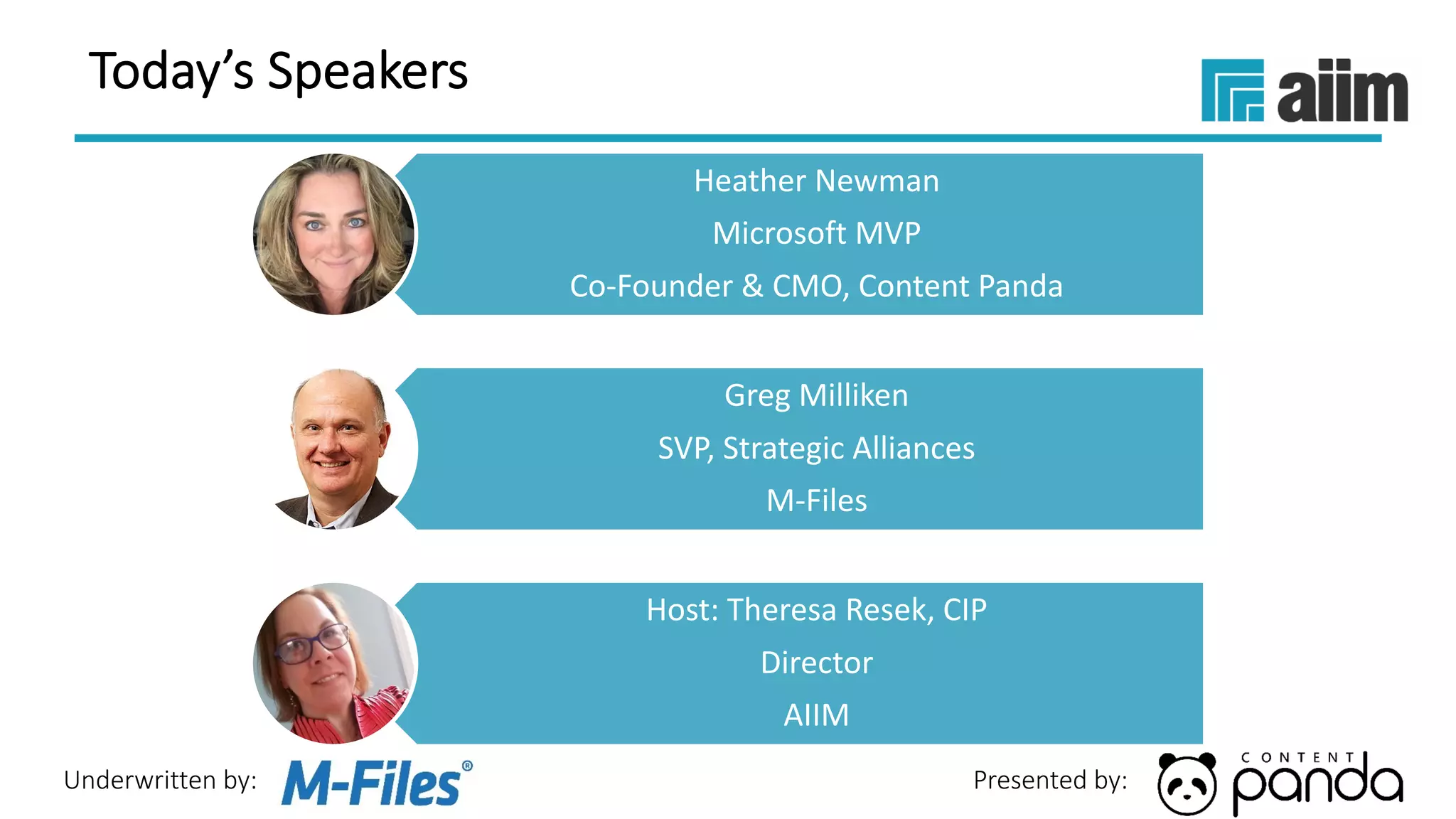
Today’s Speakers
Heather Newman
Microsoft MVP
Co-Founder & CMO, Content Panda
Greg Milliken
SVP, Strategic Alliances
M-Files
Host: Theresa Resek, CIP
Director
AIIM
Underwritten by: Presented by:
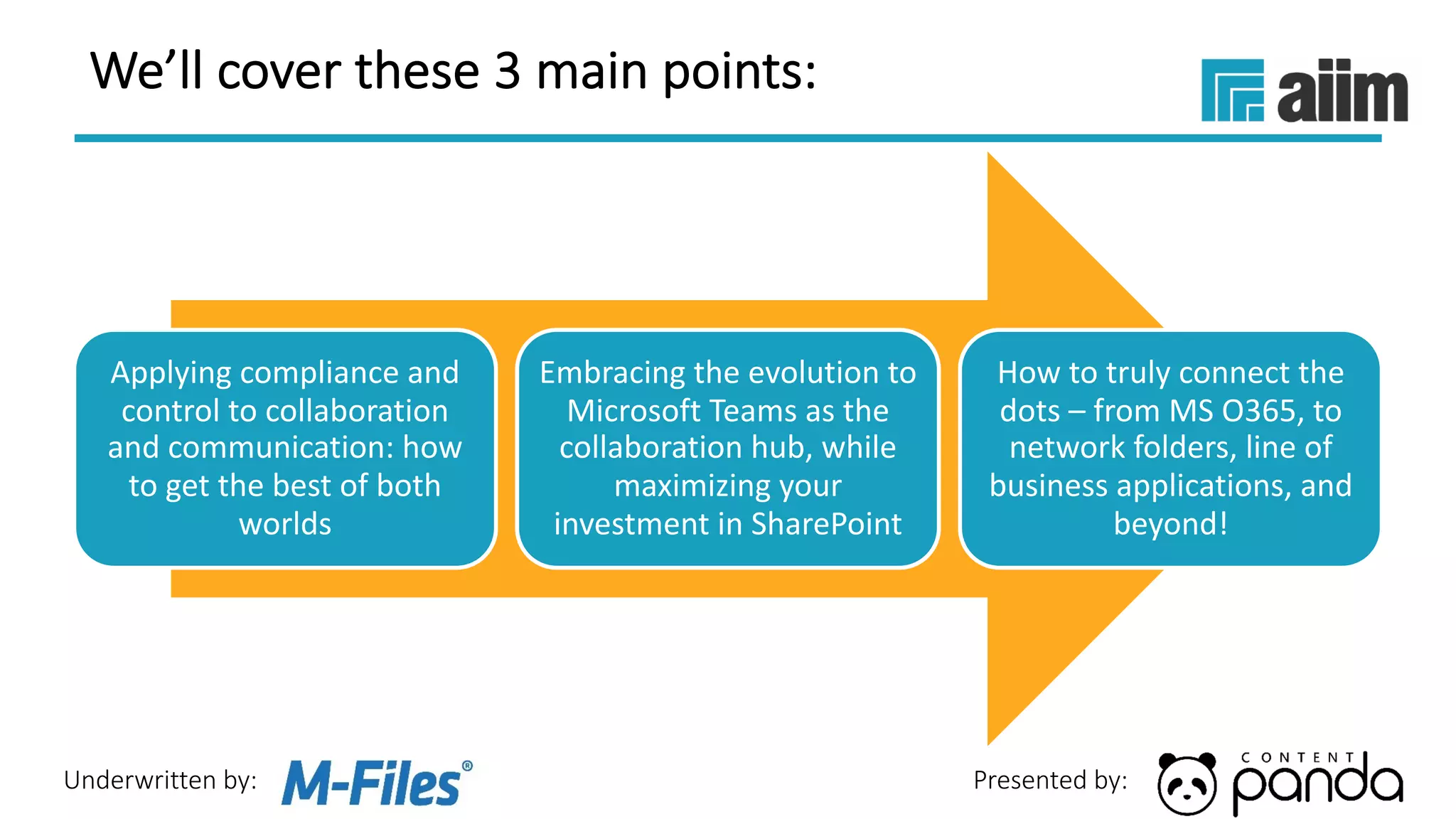
We’ll cover these 3 main points:
Applying compliance and
control to collaboration
and communication: how
to get the best of both
worlds
Embracing the evolution to
Microsoft Teams as the
collaboration hub, while
maximizing your
investment in SharePoint
How to truly connect the
dots – from MS O365, to
network folders, line of
business applications, and
beyond!
Underwritten by: Presented by:
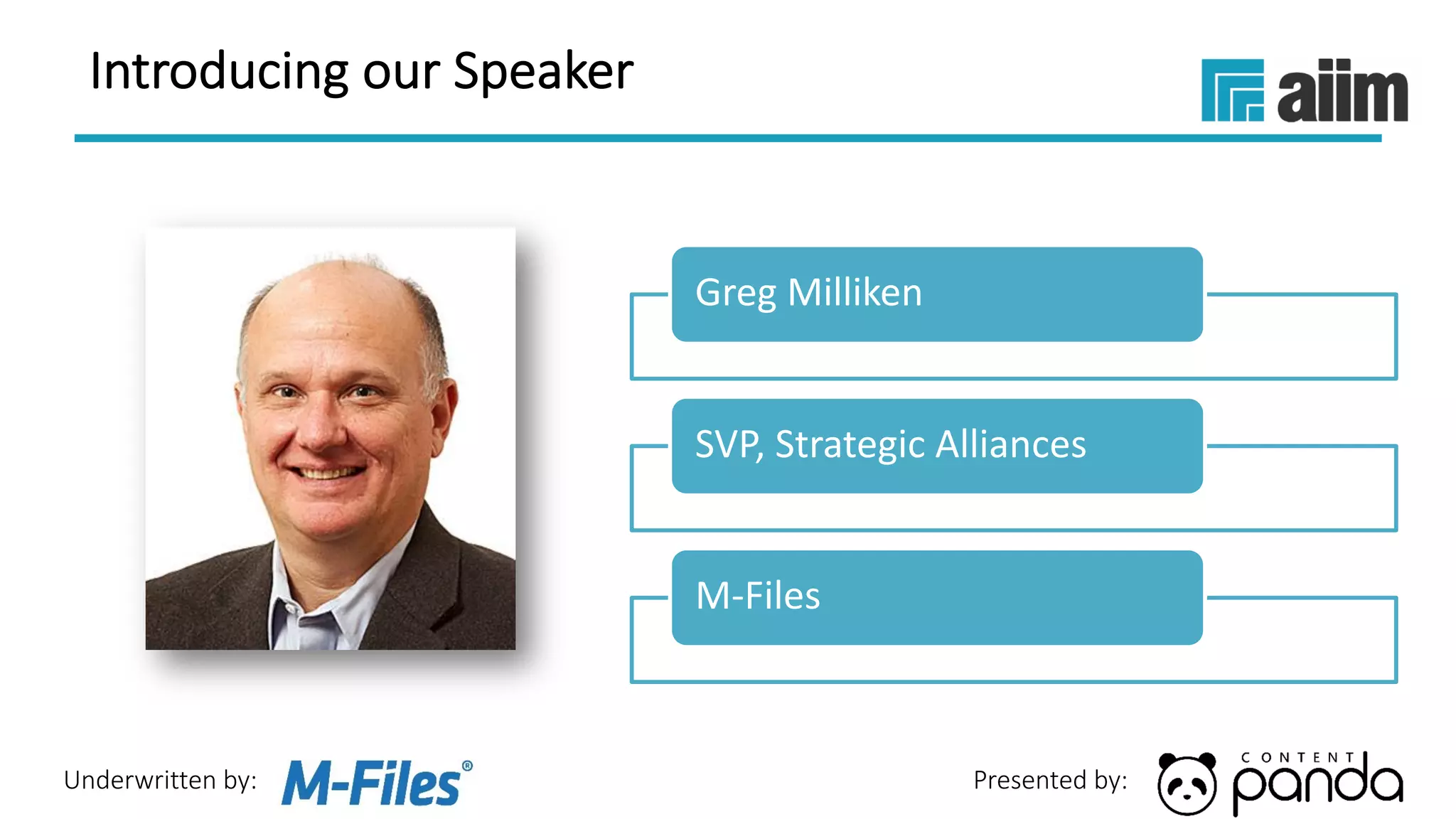
Greg Milliken
SVP, Strategic Alliances
M-Files
Introducing our Speaker
Underwritten by: Presented by:
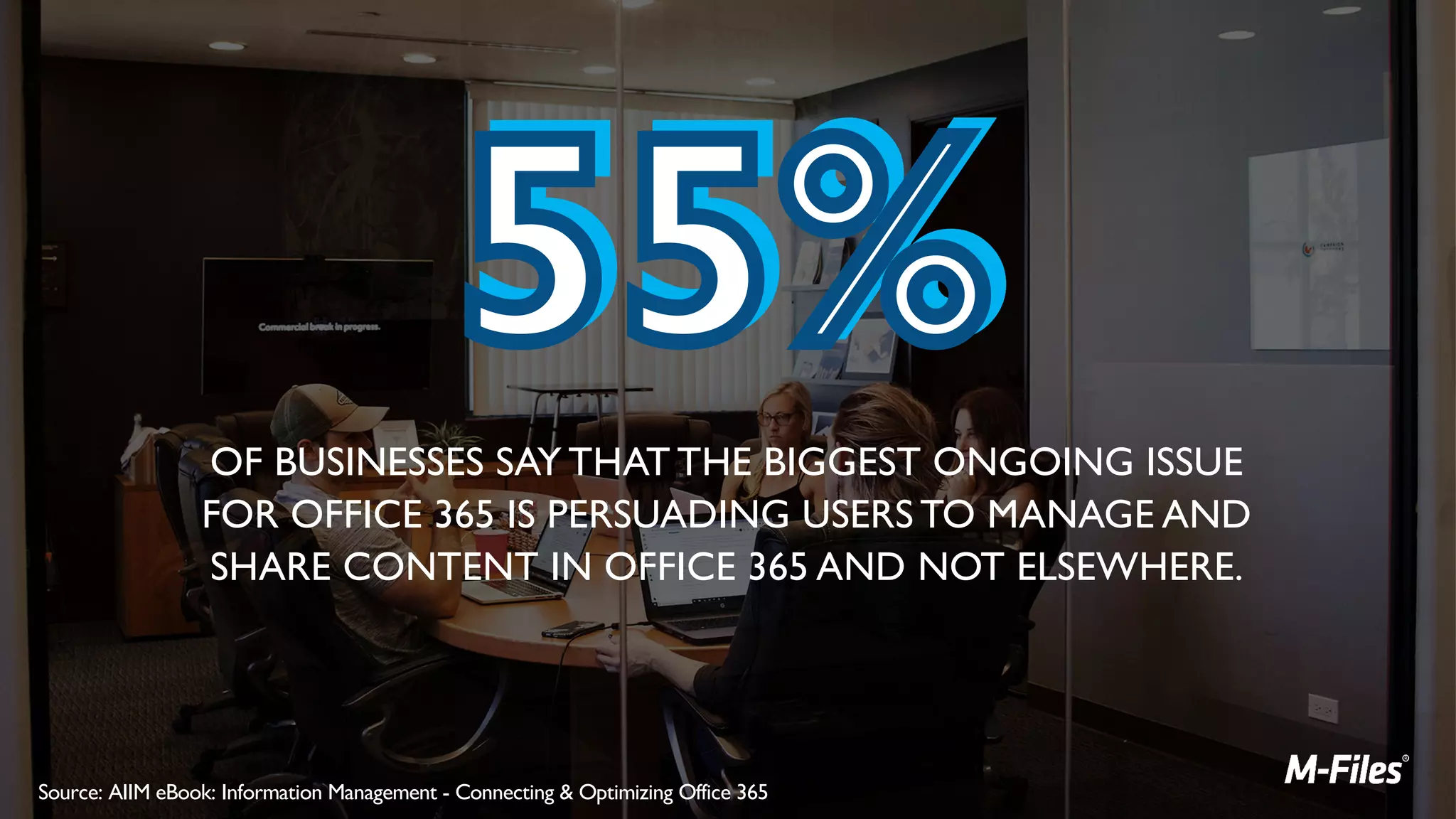
OF BUSINESSES SAY THAT THE BIGGEST ONGOING ISSUE
FOR OFFICE 365 IS PERSUADING USERS TO MANAGE AND
SHARE CONTENT IN OFFICE 365 AND NOT ELSEWHERE.
Source: AIIM eBook: Information Management - Connecting & Optimizing Office 365
Underwritten by: Presented by:
POLL
Underwritten by: Presented by:
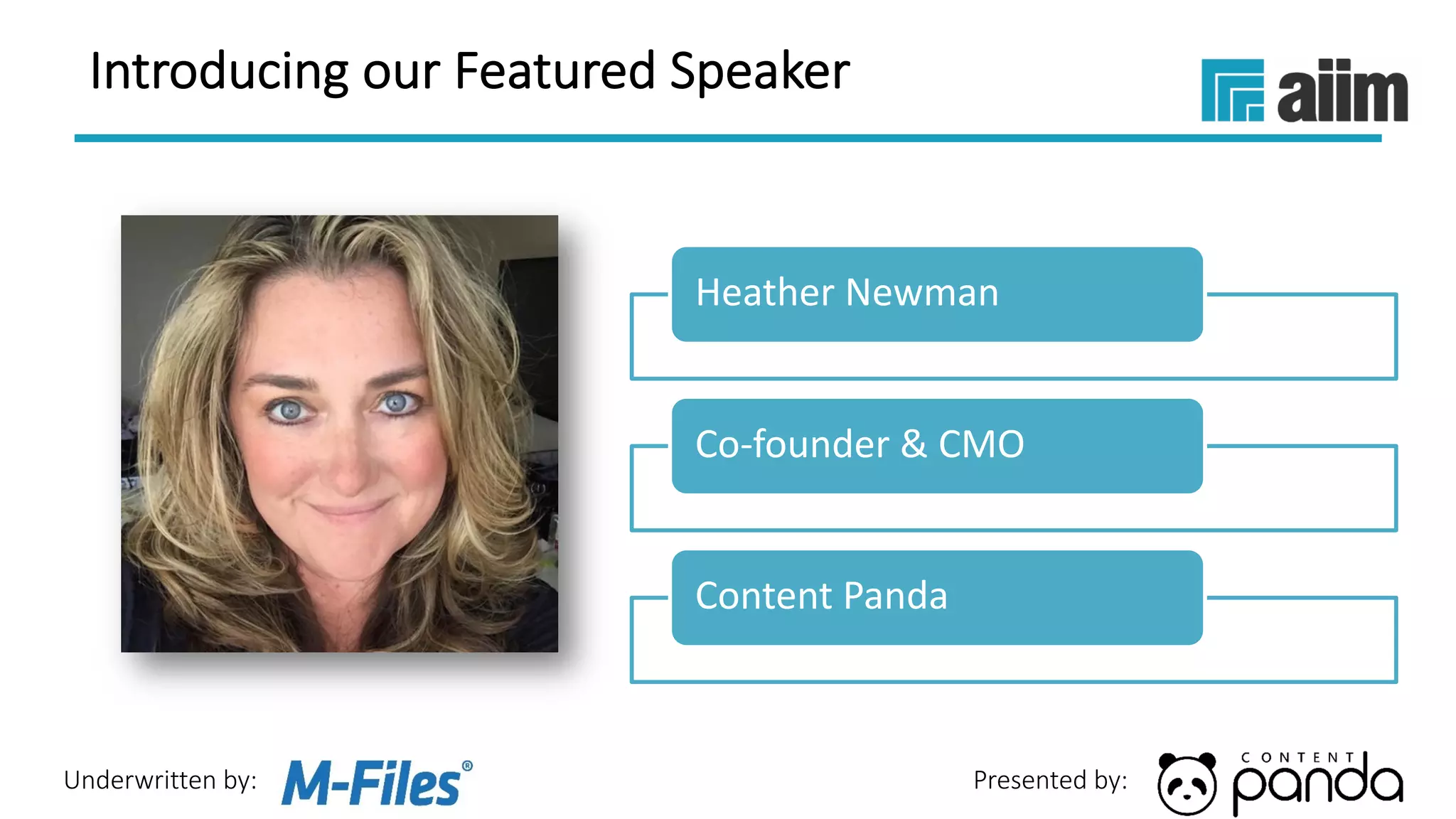
Heather Newman
Co-founder & CMO
Content Panda
Introducing our Featured Speaker
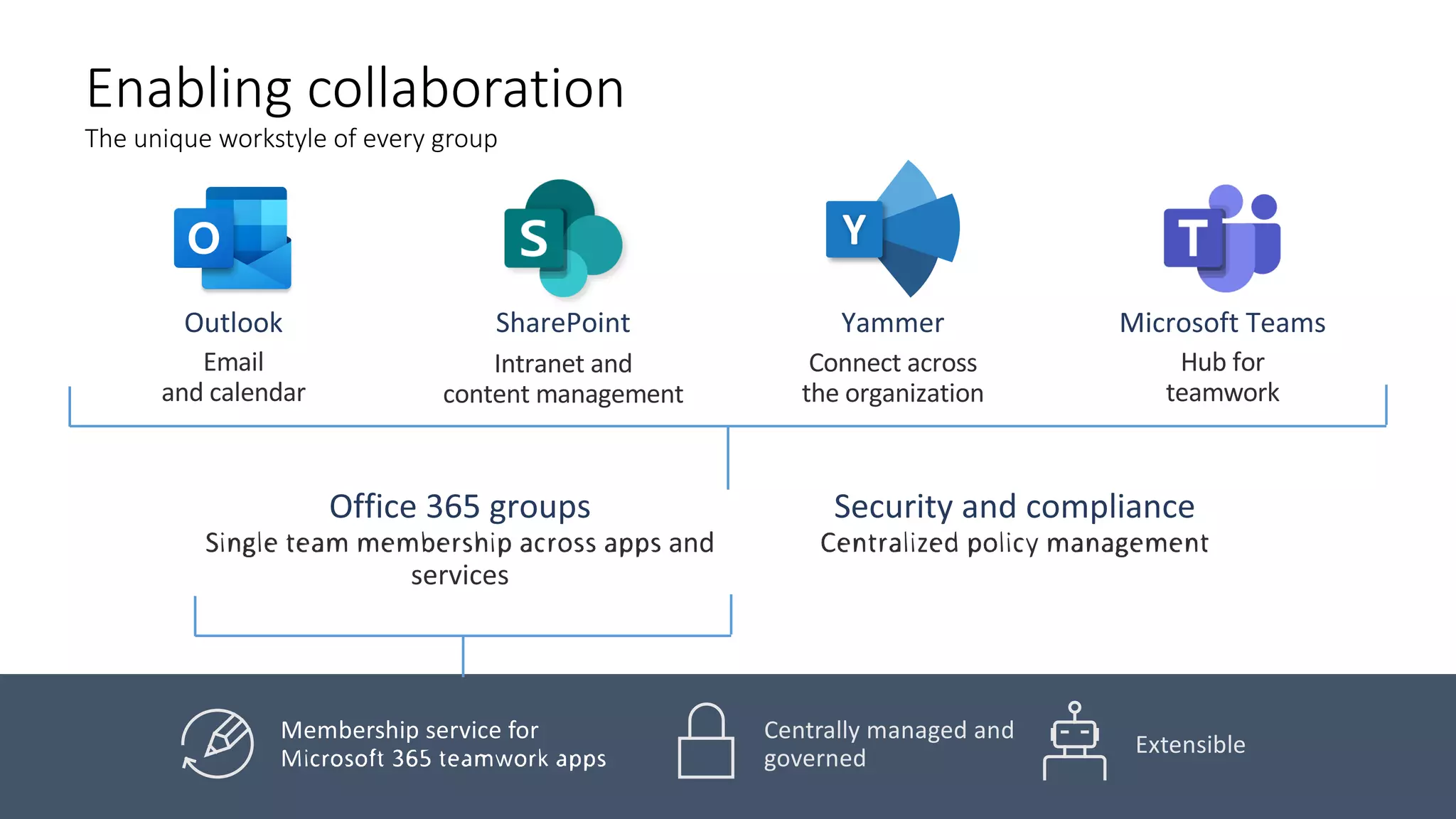
Enabling collaboration
The unique workstyle of every group
Centrally managed and
governed
Extensible
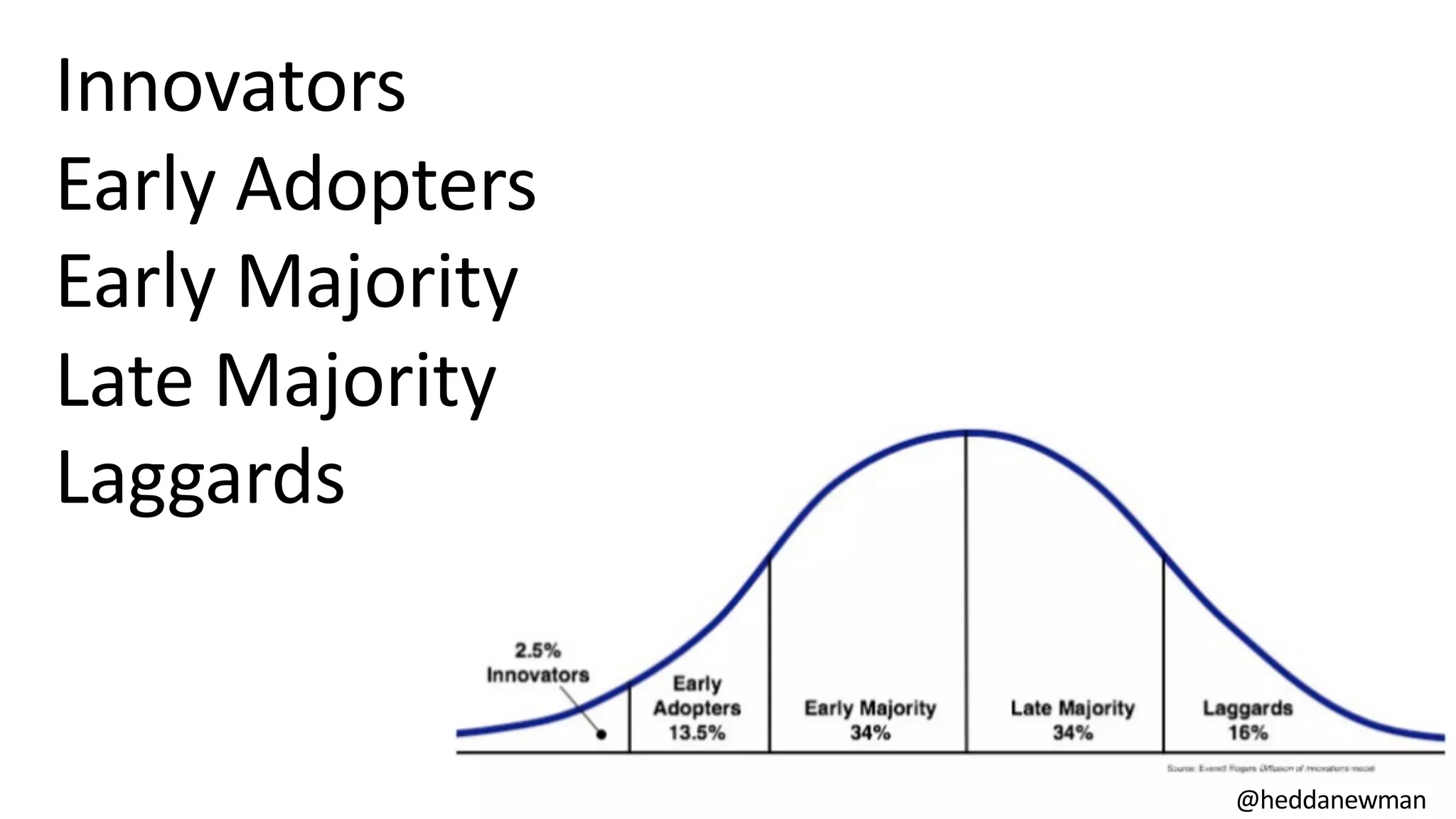
Innovators
Early Adopters
Early Majority
Late Majority
Laggards
@heddanewman
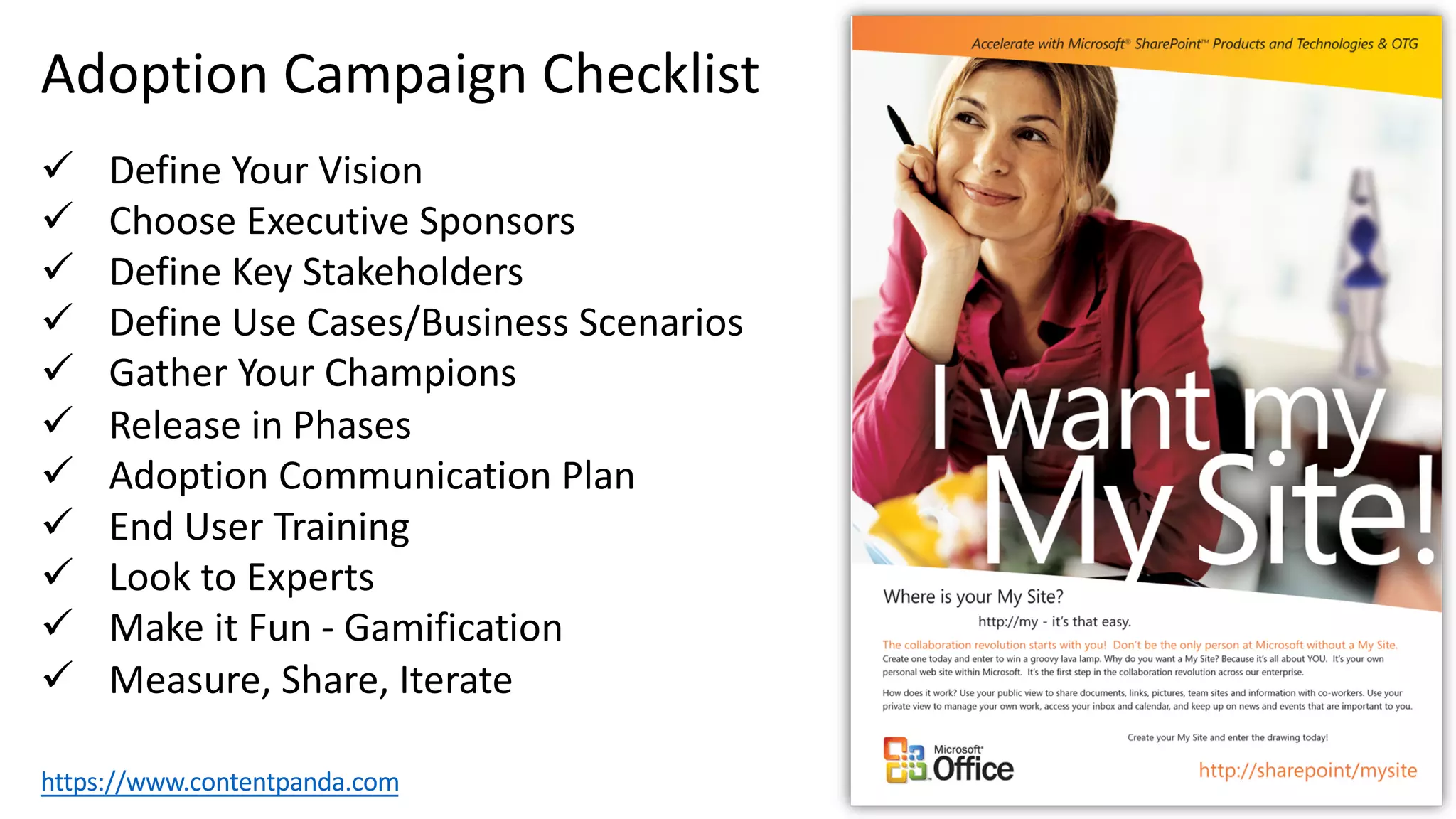
Adoption Campaign Checklist
ü Define Your Vision
ü Choose Executive Sponsors
ü Define Key Stakeholders
ü Define Use Cases/Business Scenarios
ü Gather Your Champions
ü Release in Phases
ü Adoption Communication Plan
ü End User Training
ü Look to Experts
ü Make it Fun - Gamification
ü Measure, Share, Iterate
https://www.contentpanda.com
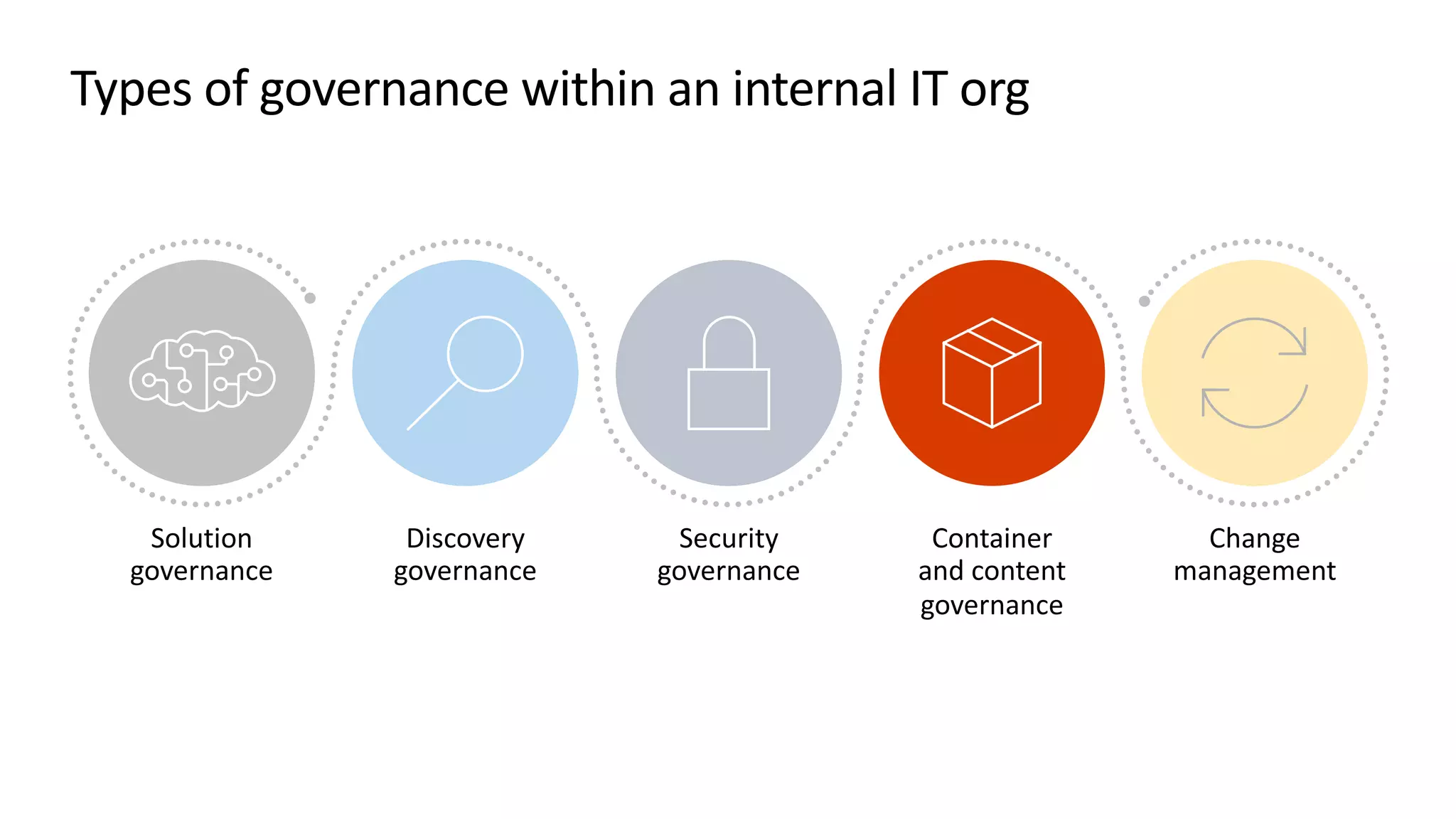
Types of governance within an internal IT org
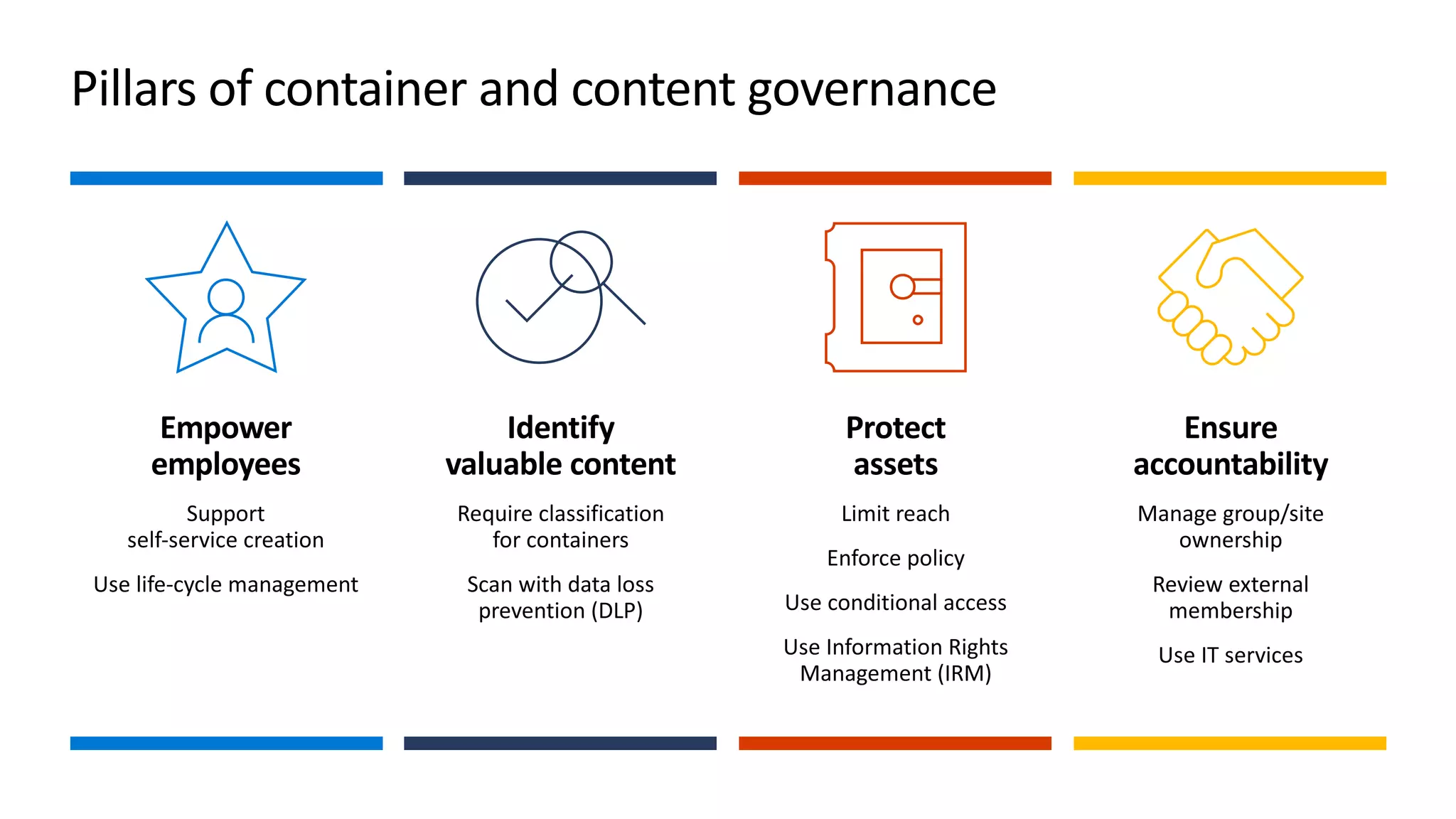
Pillars of container and content governance
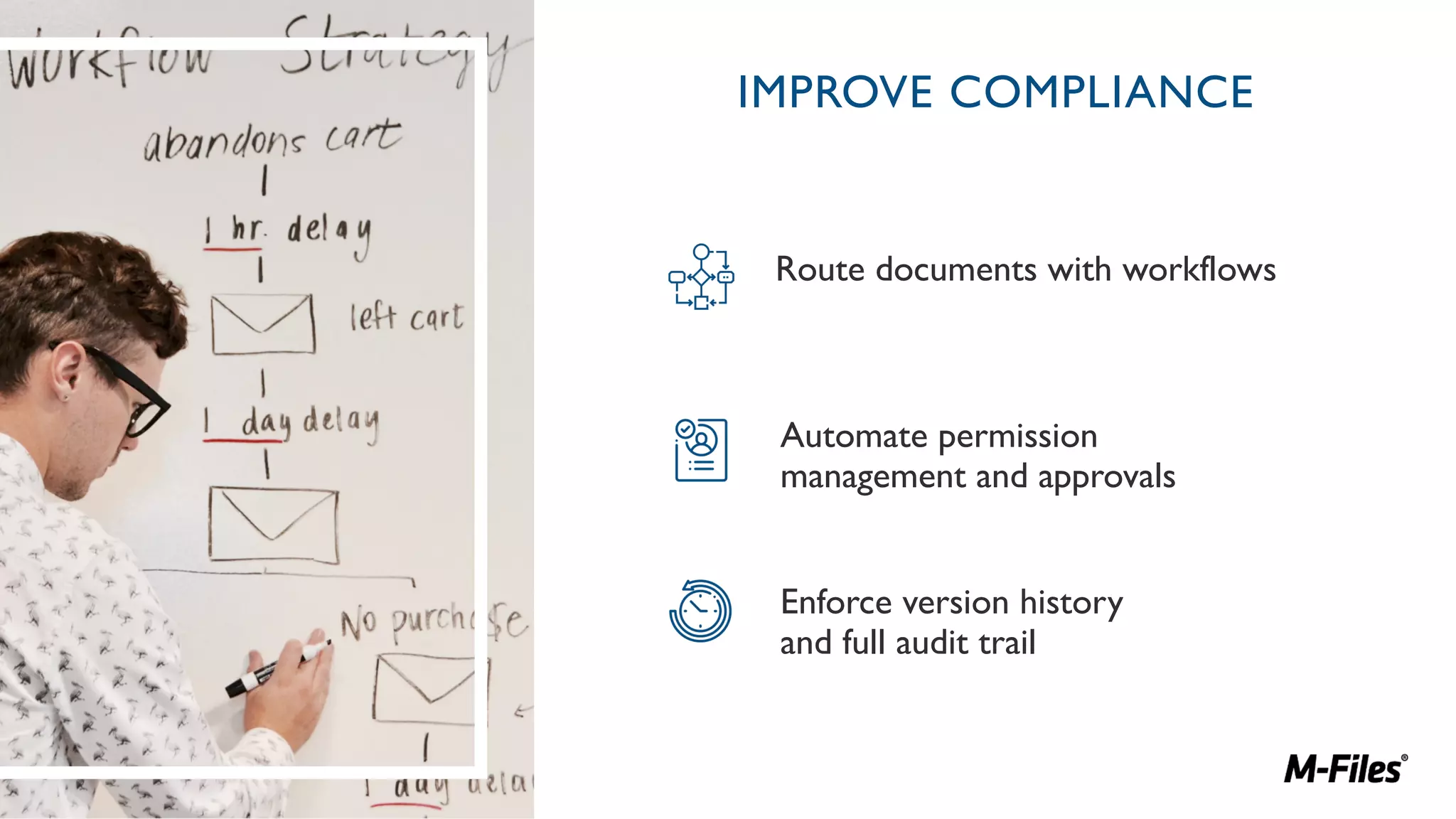
IMPROVE COMPLIANCE
Route documents with workflows
Automate permission
management and approvals
Enforce version history
and full audit trail
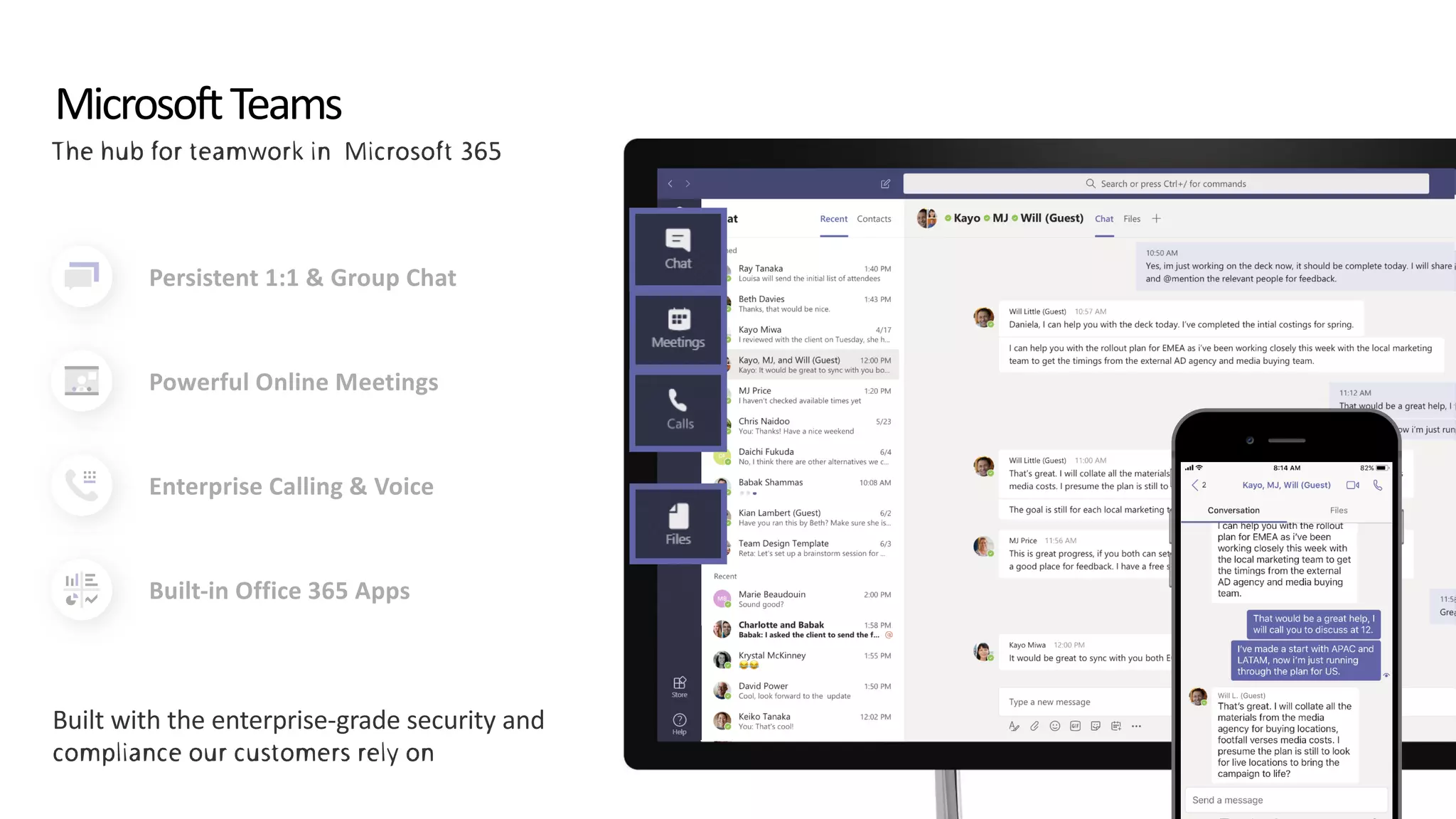
MicrosoftTeams
Persistent 1:1 & Group Chat
Powerful Online Meetings
Enterprise Calling & Voice
Built-in Office 365 Apps
ITPro: Top 10 Microsoft Teams Best Practices for Adoption
1.
2.
3.
4.
5.
6.
7.
8.
9.
10.
MEETING THE DEMANDS OF
THE DIGITAL NATIVES
33% of the workforce are
currently digital natives – by
2025 this will be 75%
They can be impatient and
ambitious – so businesses
need to get it right or face
losing top talent
83% admit to sleeping
with their smart phones!
They are ALWAYS
connected
They demand the same
user experience at work,
as they get as a
consumer
1 2
3 4
5
They expect flexible
working & access to
information anywhere
6 But it's not all about
them!
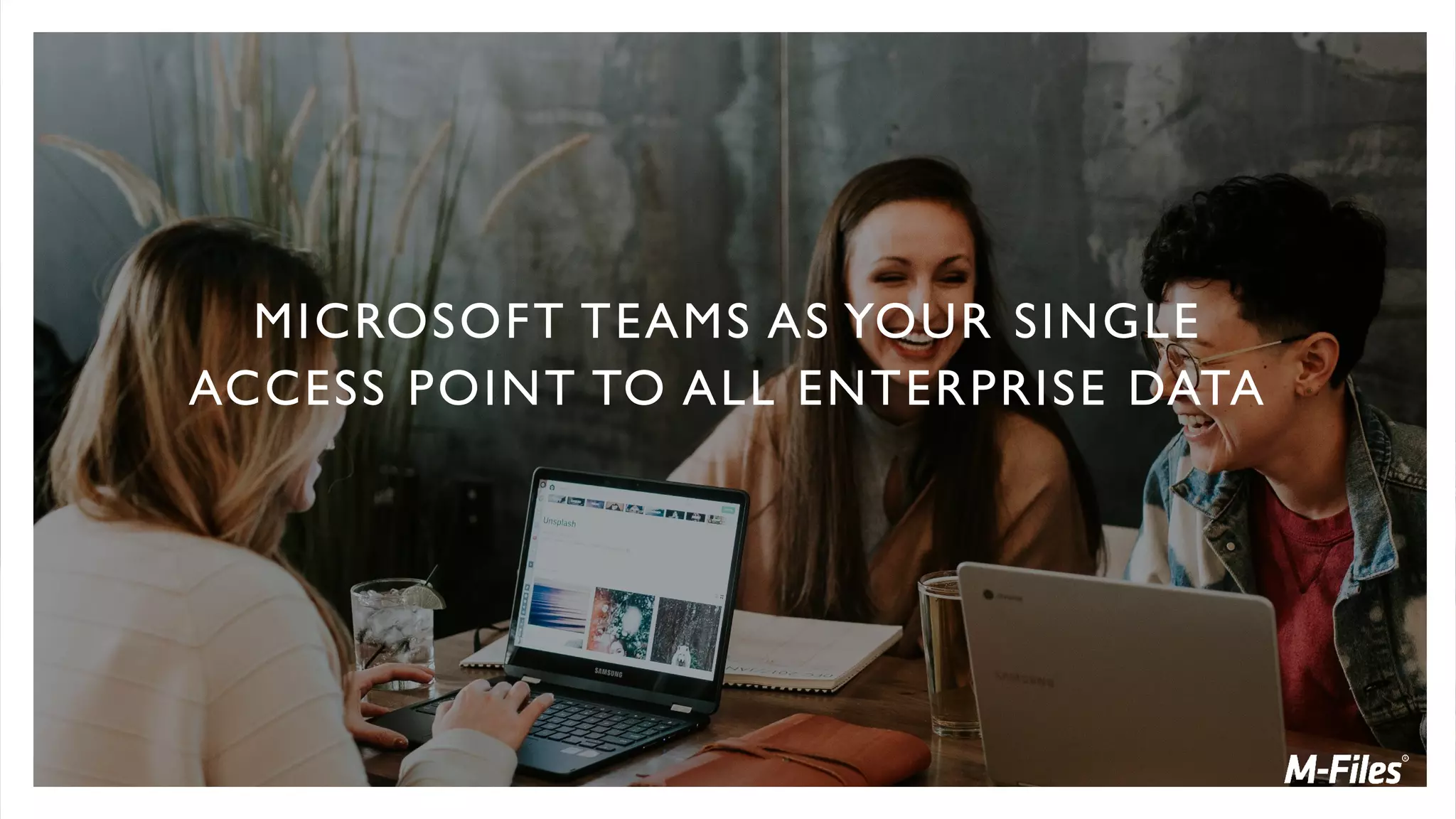
MICROSOFT TEAMS AS YOUR SINGLE
ACCESS POINT TO ALL ENTERPRISE DATA
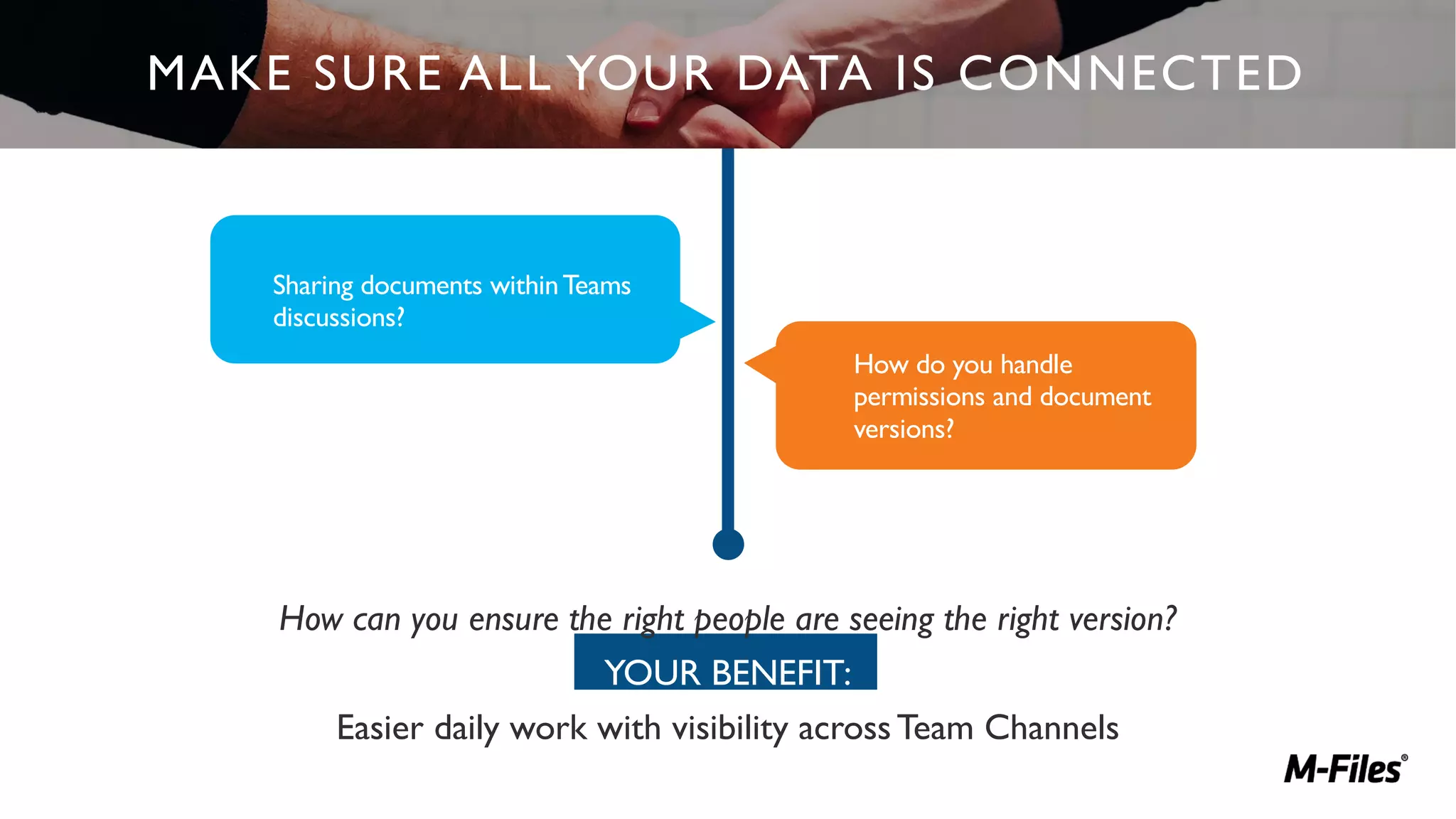
How can you ensure the right people are seeing the right version?
YOUR BENEFIT:
Easier daily work with visibility acrossTeam Channels
MAKE SURE ALL YOUR DATA IS CONNECTED
Sharing documents withinTeams
discussions?
How do you handle
permissions and document
versions?
Underwritten by: Presented by:
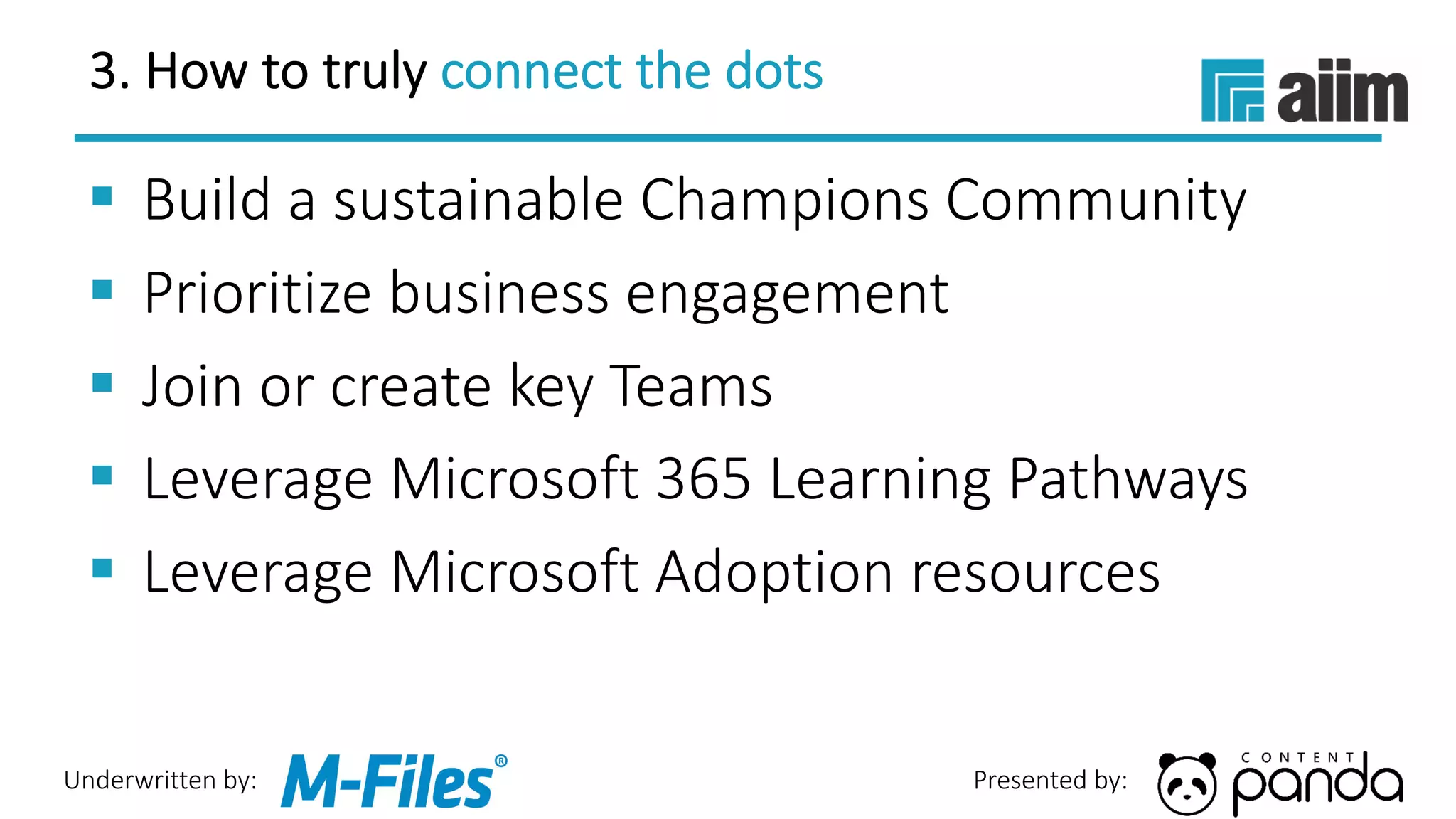
3. How to truly connect the dots
§ Build a sustainable Champions Community
§ Prioritize business engagement
§ Join or create key Teams
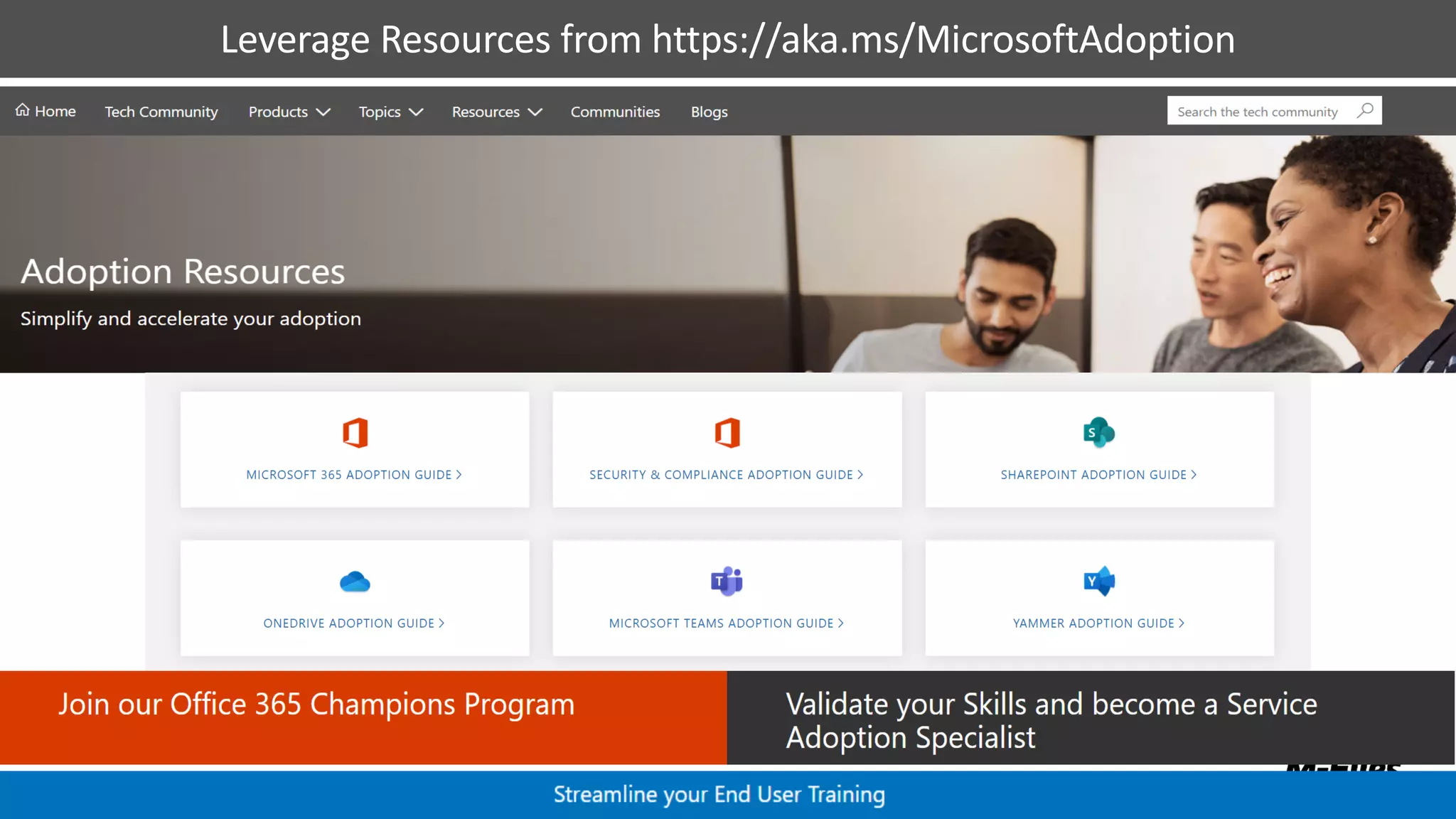
§ Leverage Microsoft 365 Learning Pathways
§ Leverage Microsoft Adoption resources
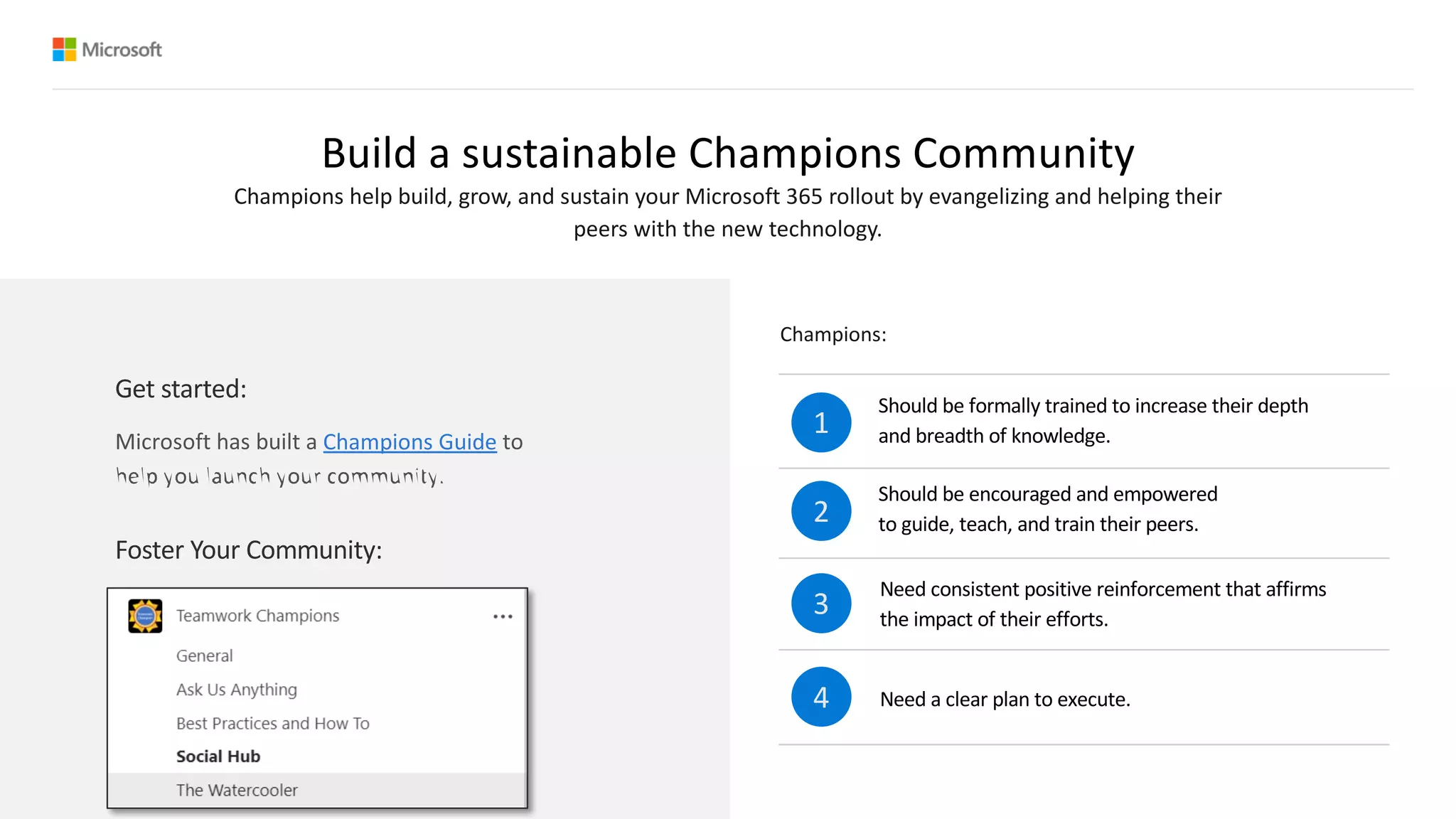
Build a sustainable Champions Community
Should be formally trained to increase their depth
and breadth of knowledge.
Should be encouraged and empowered
to guide, teach, and train their peers.
Need consistent positive reinforcement that affirms
the impact of their efforts.
Need a clear plan to execute.
1
2
3
4
Champions help build, grow, and sustain your Microsoft 365 rollout by evangelizing and helping their
peers with the new technology.
Foster Your Community:
Champions:
Get started:
Champions Guide
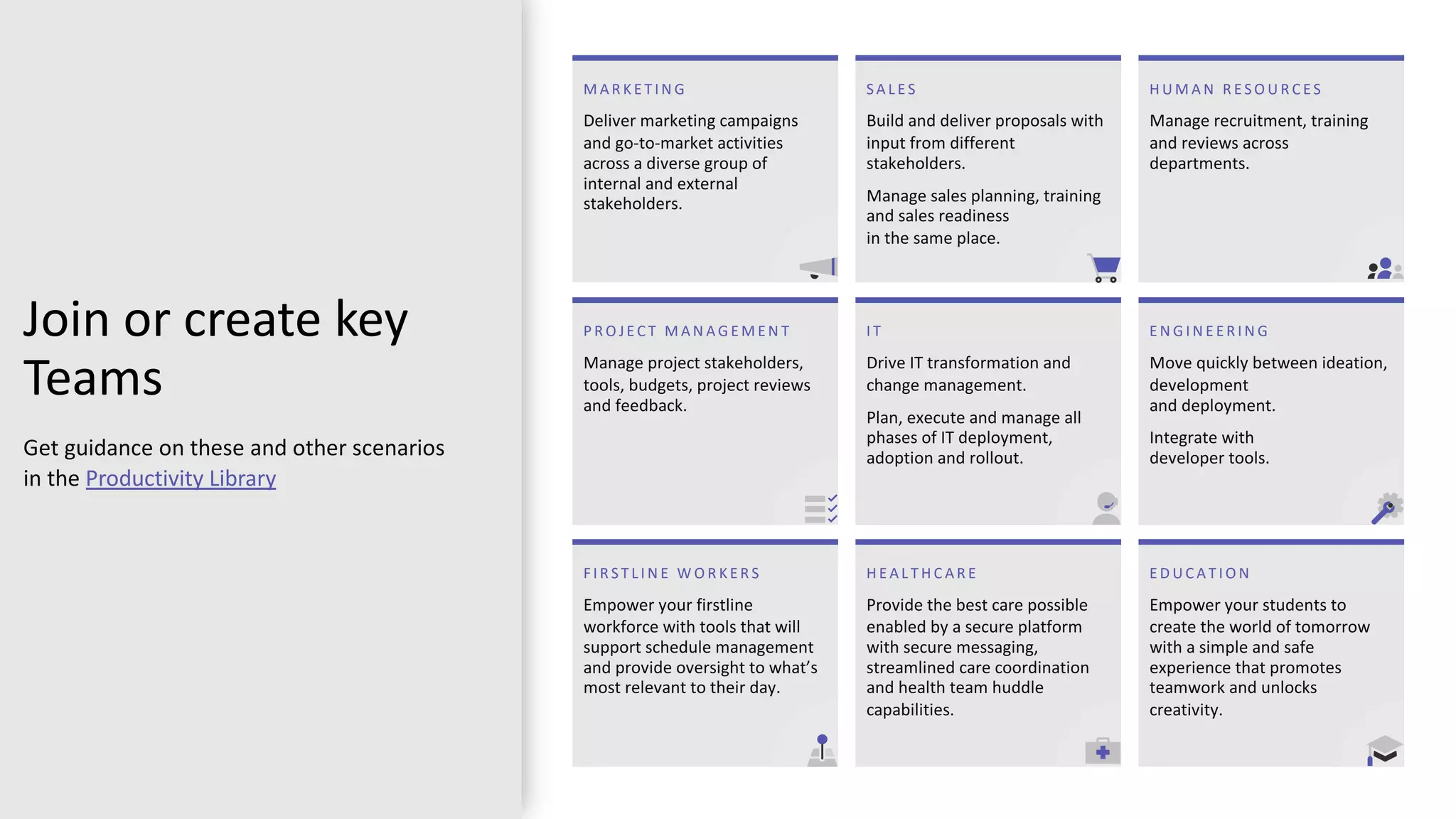
Join or create key
Teams
Get guidance on these and other scenarios
in the Productivity Library
S A L E S
Build and deliver proposals with
input from different
stakeholders.
Manage sales planning, training
and sales readiness
in the same place.
I T
Drive IT transformation and
change management.
Plan, execute and manage all
phases of IT deployment,
adoption and rollout.
H E A L T H C A R E
Provide the best care possible
enabled by a secure platform
with secure messaging,
streamlined care coordination
and health team huddle
capabilities.
E D U C A T I O N
Empower your students to
create the world of tomorrow
with a simple and safe
experience that promotes
teamwork and unlocks
creativity.
E N G I N E E R I N G
Move quickly between ideation,
development
and deployment.
Integrate with
developer tools.
H U M A N R E S O U R C E S
Manage recruitment, training
and reviews across
departments.
F I R S T L I N E W O R K E R S
Empower your firstline
workforce with tools that will
support schedule management
and provide oversight to what’s
most relevant to their day.
M A R K E T I N G
Deliver marketing campaigns
and go-to-market activities
across a diverse group of
internal and external
stakeholders.
P R O J E C T M A N A G E M E N T
Manage project stakeholders,
tools, budgets, project reviews
and feedback.
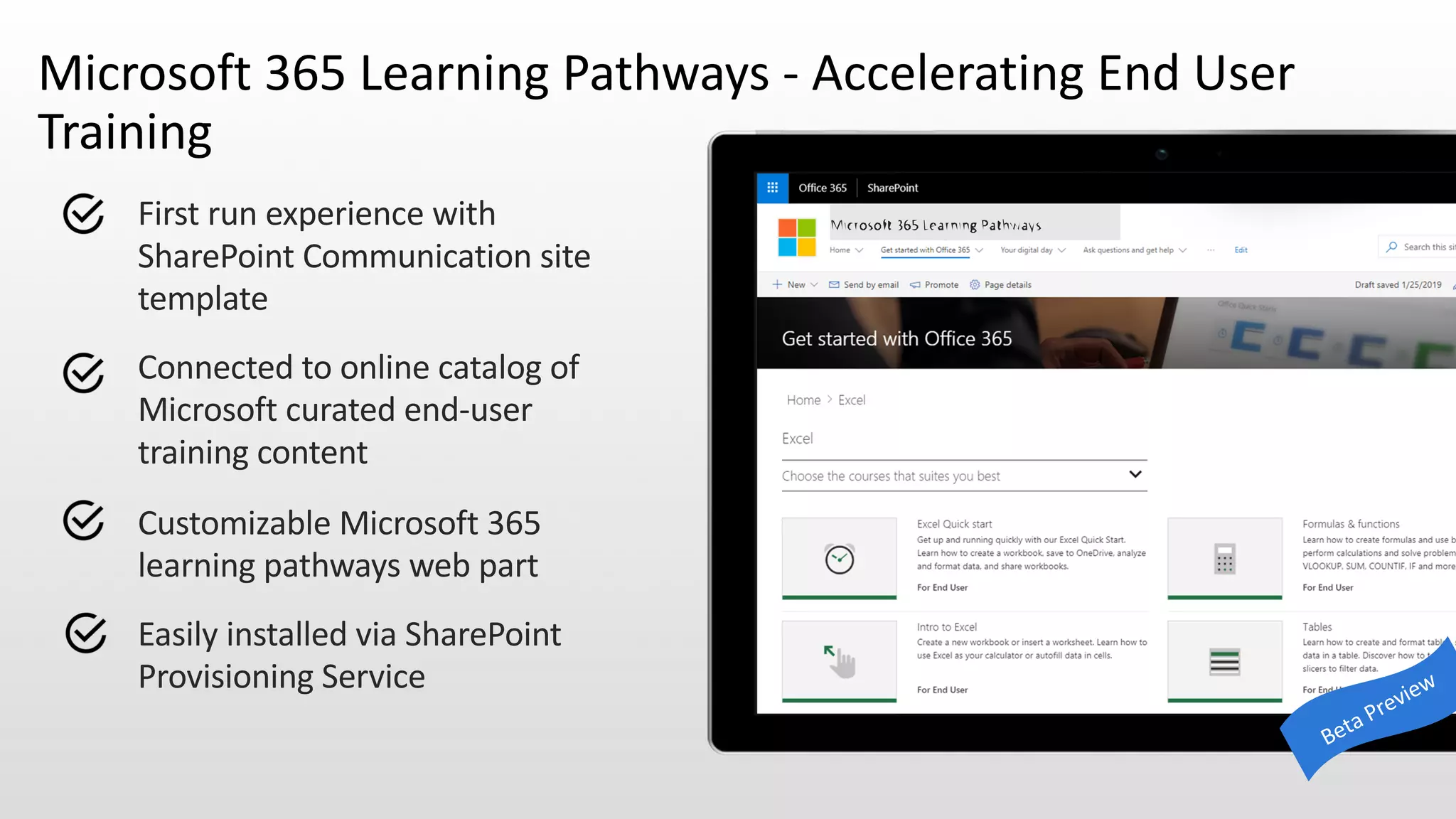
First run experience with
SharePoint Communication site
template
Connected to online catalog of
Microsoft curated end-user
training content
Customizable Microsoft 365
learning pathways web part
Easily installed via SharePoint
Provisioning Service
Microsoft 365 Learning Pathways - Accelerating End User
Training
POLL
GIVE CONTEXT TO CONTENT
Find content in context with metadata
Ensure access to all content across
different apps, systems and
repositories
Enable more efficient work
and collaboration
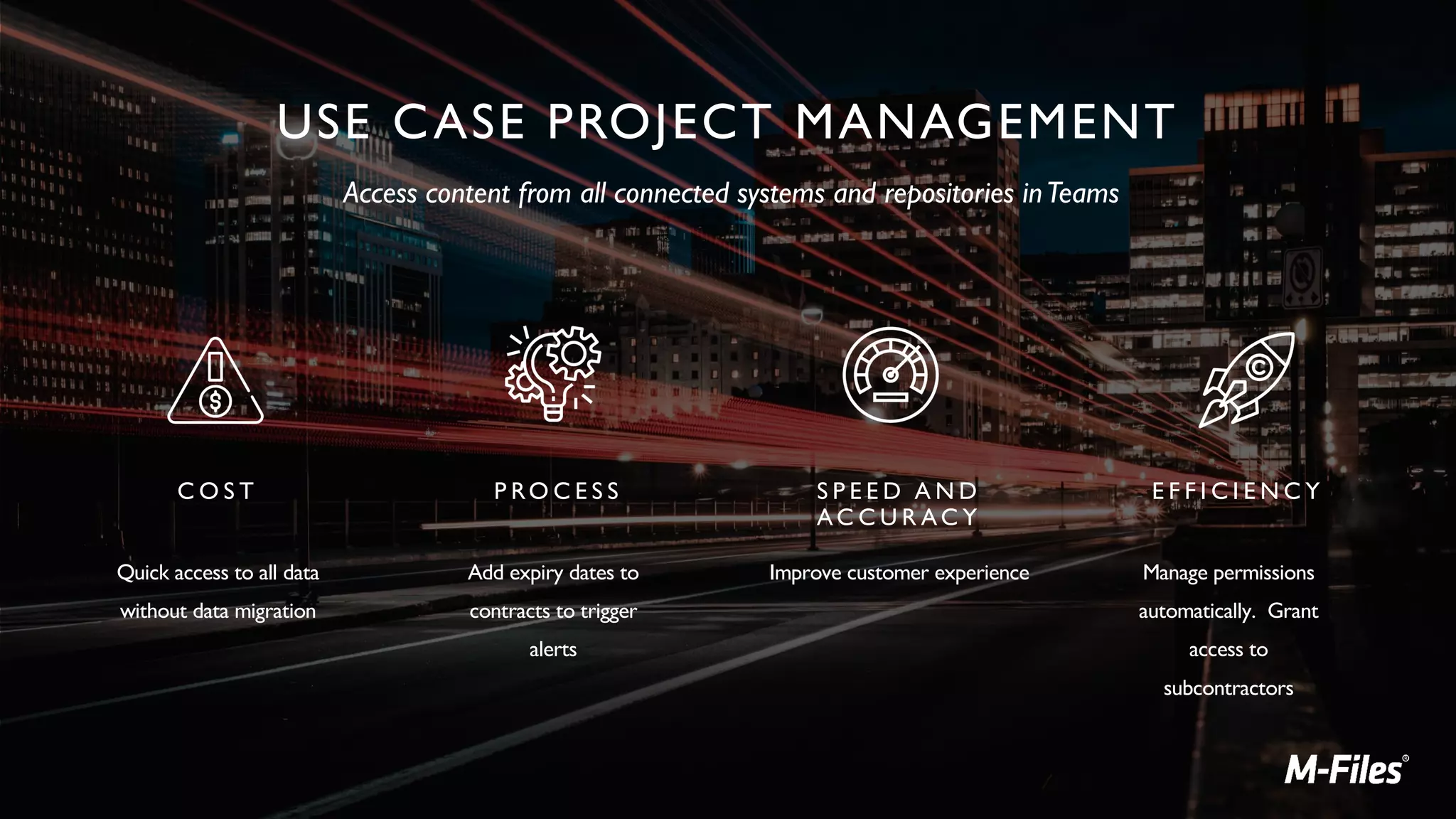
USE CASE PROJECT MANAGEMENT
C O S T
Quick access to all data
without data migration
E F F I C I E N C Y
Manage permissions
automatically. Grant
access to
subcontractors
P RO C E S S
Add expiry dates to
contracts to trigger
alerts
S P E E D A N D
AC C U R AC Y
Improve customer experience
Access content from all connected systems and repositories inTeams
Leverage Resources from https://aka.ms/MicrosoftAdoption
Thank You!
To see Content Panda and Support+ in action
schedule a demo with us today.
https://www.contentpanda.com/schedule-demo/
More info: www.contentpanda.com
Pricing: sales@contentpanda.com
Twitter: @contentpanda
Blog: https://www.contentpanda.com/blog/
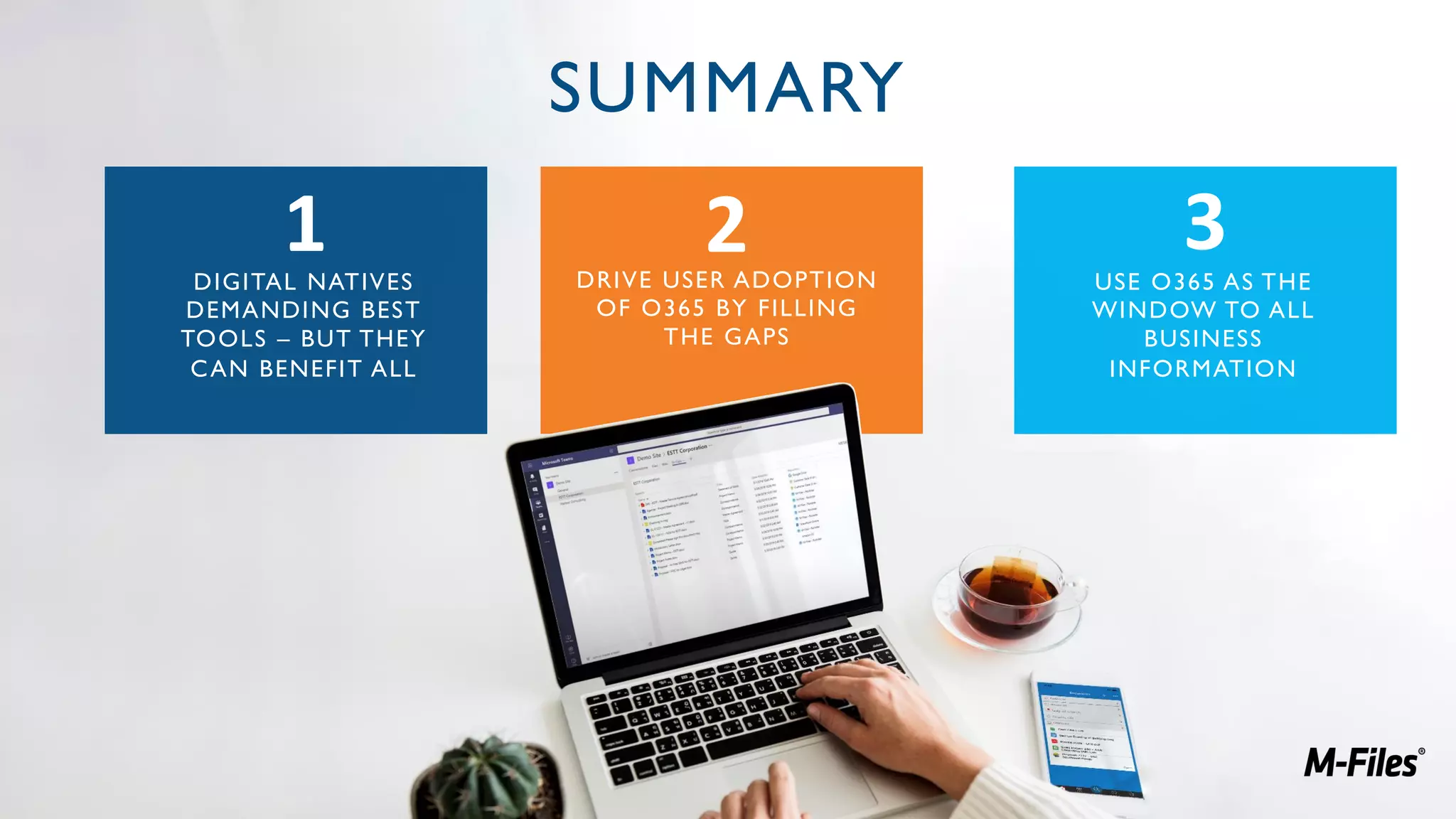
SUMMARY
DIGITAL NATIVES
DEMANDING BEST
TOOLS – BUT THEY
CAN BENEFIT ALL
1 2 3DRIVE USER ADOPTION
OF O365 BY FILLING
THE GAPS
USE O365 AS THE
WINDOW TO ALL
BUSINESS
INFORMATION
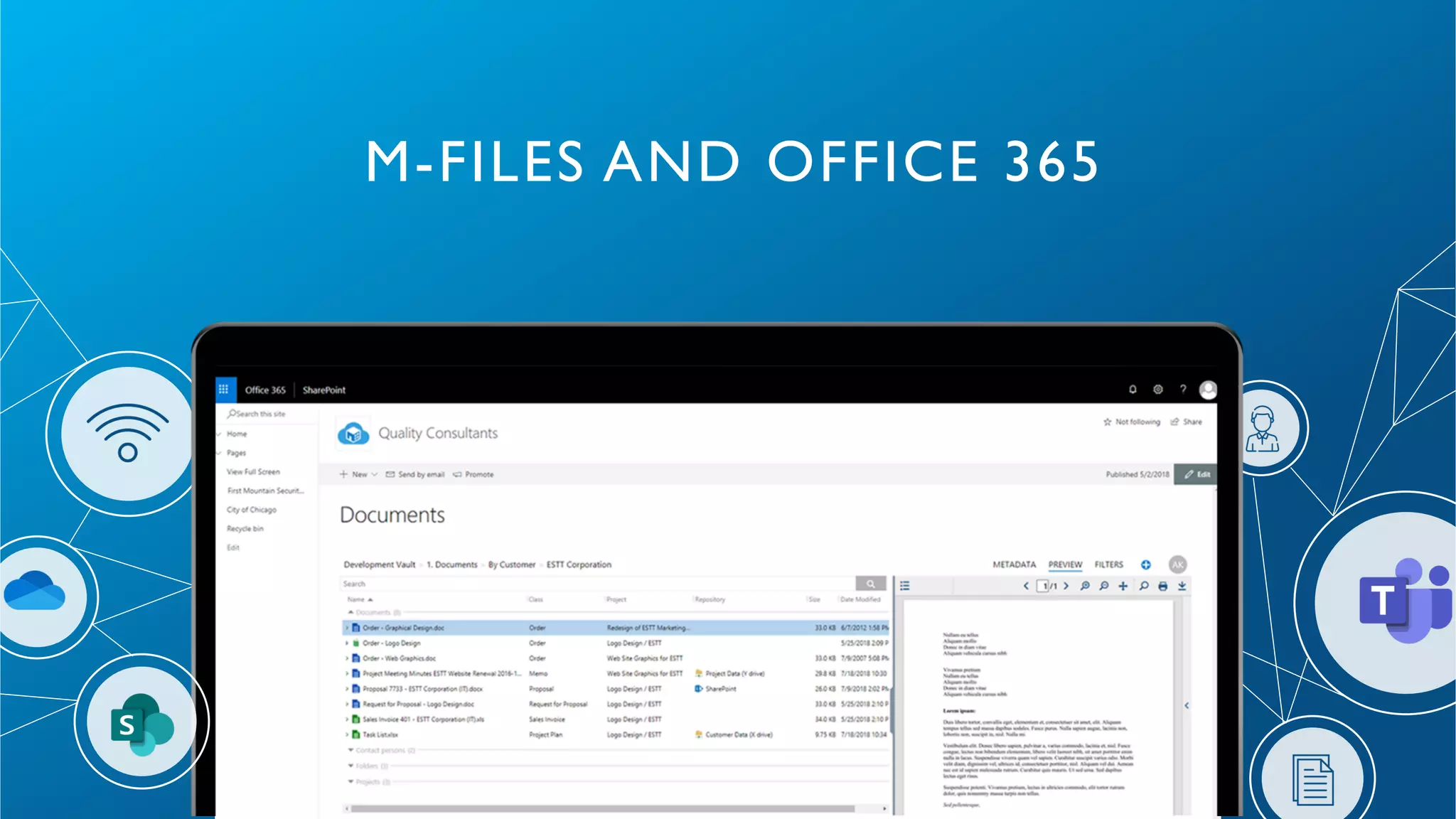
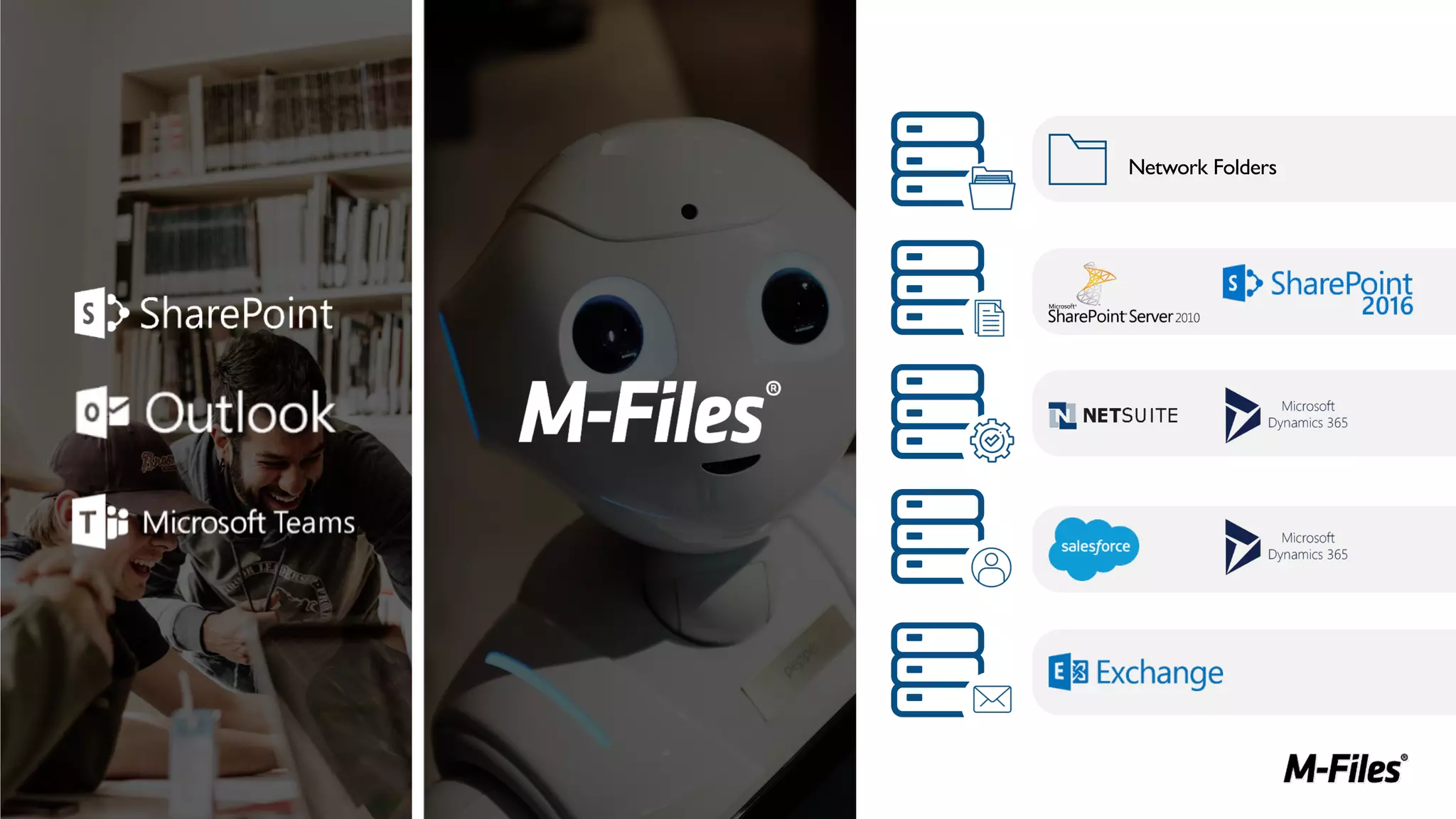
M-FILES AND OFFICE 365
Network Folders
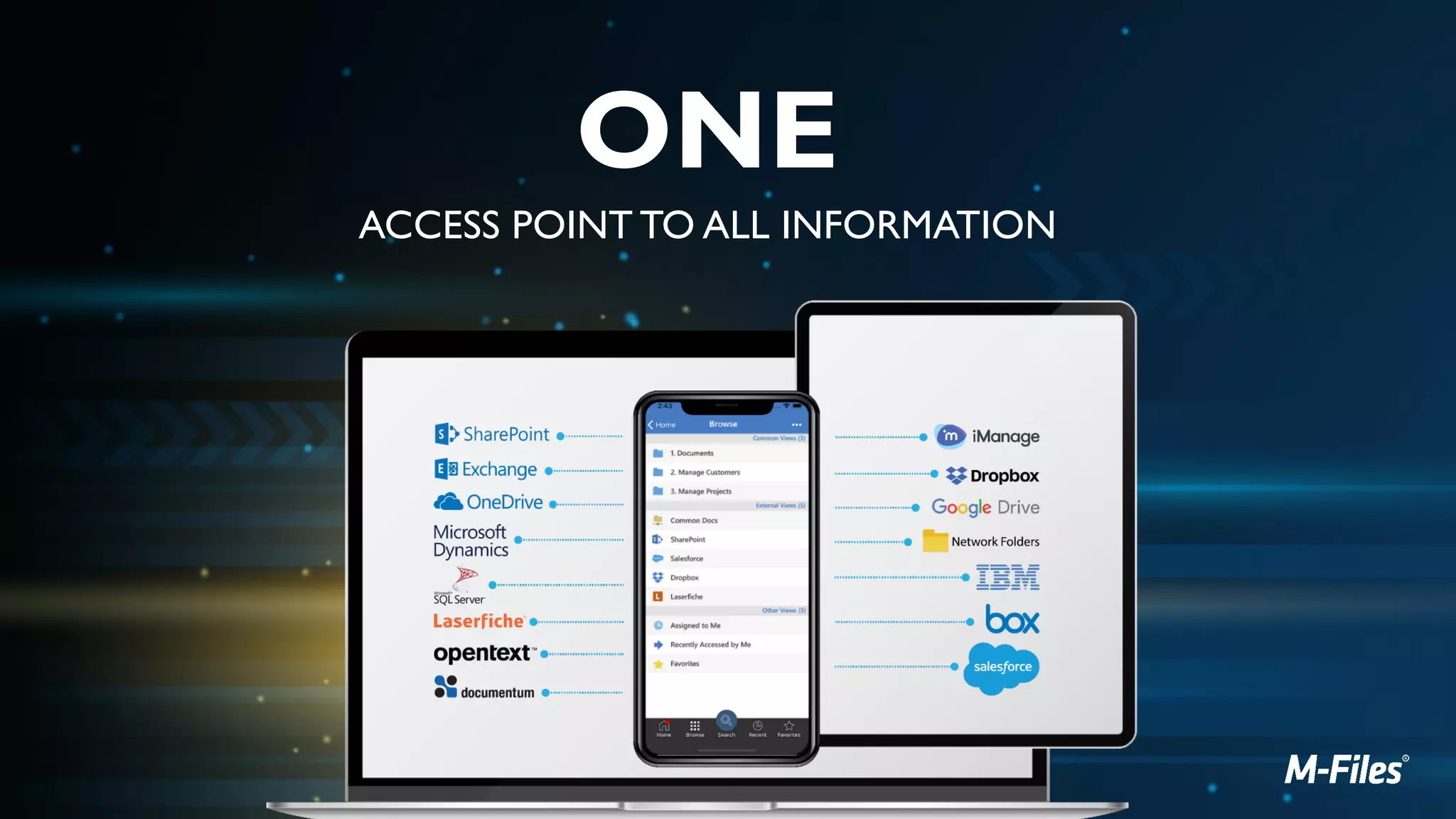
ONE
ACCESS POINT TO ALL INFORMATION
THANK YOU FOR ATTENDING!
GET IN TOUCH TO FIND OUT
MORE OR ARRANGE A DEMO
CONTACT@M-FILES.COM
[Webinar Slides] Driving Digital Change With O365 & Intelligent Information Management

[Webinar Slides] Driving Digital Change With O365 & Intelligent Information Management

  • 1.
    Underwritten by: Presentedby: #AIIMYour Digital Transformation Begins with Intelligent Information Management Presented DATE Driving Digital Change With MS O365 & Intelligent Information Management – Don't Get Left Behind An AIIM Webinar presented November 20, 2019
  • 2.
    Underwritten by: Presentedby: #AIIMYour Digital Transformation Begins with Intelligent Information ManagementYour Digital Transformation begins with Intelligent Information Management
  • 3.
    Underwritten by: Presentedby: Today’s Speakers Heather Newman Microsoft MVP Co-Founder & CMO, Content Panda Greg Milliken SVP, Strategic Alliances M-Files Host: Theresa Resek, CIP Director AIIM
  • 4.
    Underwritten by: Presentedby: We’ll cover these 3 main points: Applying compliance and control to collaboration and communication: how to get the best of both worlds Embracing the evolution to Microsoft Teams as the collaboration hub, while maximizing your investment in SharePoint How to truly connect the dots – from MS O365, to network folders, line of business applications, and beyond!
  • 5.
    Underwritten by: Presentedby: Greg Milliken SVP, Strategic Alliances M-Files Introducing our Speaker
  • 6.
  • 7.
    OF BUSINESSES SAYTHAT THE BIGGEST ONGOING ISSUE FOR OFFICE 365 IS PERSUADING USERS TO MANAGE AND SHARE CONTENT IN OFFICE 365 AND NOT ELSEWHERE. Source: AIIM eBook: Information Management - Connecting & Optimizing Office 365
  • 8.
  • 9.
    Underwritten by: Presentedby: Heather Newman Co-founder & CMO Content Panda Introducing our Featured Speaker
  • 10.
    Enabling collaboration The uniqueworkstyle of every group Centrally managed and governed Extensible
  • 11.
    Innovators Early Adopters Early Majority LateMajority Laggards @heddanewman
  • 12.
    Adoption Campaign Checklist üDefine Your Vision ü Choose Executive Sponsors ü Define Key Stakeholders ü Define Use Cases/Business Scenarios ü Gather Your Champions ü Release in Phases ü Adoption Communication Plan ü End User Training ü Look to Experts ü Make it Fun - Gamification ü Measure, Share, Iterate https://www.contentpanda.com
  • 13.
    Types of governancewithin an internal IT org
  • 14.
    Pillars of containerand content governance
  • 15.
    IMPROVE COMPLIANCE Route documentswith workflows Automate permission management and approvals Enforce version history and full audit trail
  • 16.
    MicrosoftTeams Persistent 1:1 &Group Chat Powerful Online Meetings Enterprise Calling & Voice Built-in Office 365 Apps
  • 17.
    ITPro: Top 10Microsoft Teams Best Practices for Adoption 1. 2. 3. 4. 5. 6. 7. 8. 9. 10.
  • 18.
    MEETING THE DEMANDSOF THE DIGITAL NATIVES 33% of the workforce are currently digital natives – by 2025 this will be 75% They can be impatient and ambitious – so businesses need to get it right or face losing top talent 83% admit to sleeping with their smart phones! They are ALWAYS connected They demand the same user experience at work, as they get as a consumer 1 2 3 4 5 They expect flexible working & access to information anywhere 6 But it's not all about them!
  • 19.
    MICROSOFT TEAMS ASYOUR SINGLE ACCESS POINT TO ALL ENTERPRISE DATA
  • 20.
    How can youensure the right people are seeing the right version? YOUR BENEFIT: Easier daily work with visibility acrossTeam Channels MAKE SURE ALL YOUR DATA IS CONNECTED Sharing documents withinTeams discussions? How do you handle permissions and document versions?
  • 21.
    Underwritten by: Presentedby: 3. How to truly connect the dots § Build a sustainable Champions Community § Prioritize business engagement § Join or create key Teams § Leverage Microsoft 365 Learning Pathways § Leverage Microsoft Adoption resources
  • 22.
    Build a sustainableChampions Community Should be formally trained to increase their depth and breadth of knowledge. Should be encouraged and empowered to guide, teach, and train their peers. Need consistent positive reinforcement that affirms the impact of their efforts. Need a clear plan to execute. 1 2 3 4 Champions help build, grow, and sustain your Microsoft 365 rollout by evangelizing and helping their peers with the new technology. Foster Your Community: Champions: Get started: Champions Guide
  • 23.
    Join or createkey Teams Get guidance on these and other scenarios in the Productivity Library S A L E S Build and deliver proposals with input from different stakeholders. Manage sales planning, training and sales readiness in the same place. I T Drive IT transformation and change management. Plan, execute and manage all phases of IT deployment, adoption and rollout. H E A L T H C A R E Provide the best care possible enabled by a secure platform with secure messaging, streamlined care coordination and health team huddle capabilities. E D U C A T I O N Empower your students to create the world of tomorrow with a simple and safe experience that promotes teamwork and unlocks creativity. E N G I N E E R I N G Move quickly between ideation, development and deployment. Integrate with developer tools. H U M A N R E S O U R C E S Manage recruitment, training and reviews across departments. F I R S T L I N E W O R K E R S Empower your firstline workforce with tools that will support schedule management and provide oversight to what’s most relevant to their day. M A R K E T I N G Deliver marketing campaigns and go-to-market activities across a diverse group of internal and external stakeholders. P R O J E C T M A N A G E M E N T Manage project stakeholders, tools, budgets, project reviews and feedback.
  • 24.
    First run experiencewith SharePoint Communication site template Connected to online catalog of Microsoft curated end-user training content Customizable Microsoft 365 learning pathways web part Easily installed via SharePoint Provisioning Service Microsoft 365 Learning Pathways - Accelerating End User Training
  • 25.
  • 26.
    GIVE CONTEXT TOCONTENT Find content in context with metadata Ensure access to all content across different apps, systems and repositories Enable more efficient work and collaboration
  • 27.
    USE CASE PROJECTMANAGEMENT C O S T Quick access to all data without data migration E F F I C I E N C Y Manage permissions automatically. Grant access to subcontractors P RO C E S S Add expiry dates to contracts to trigger alerts S P E E D A N D AC C U R AC Y Improve customer experience Access content from all connected systems and repositories inTeams
  • 28.
    Leverage Resources fromhttps://aka.ms/MicrosoftAdoption
  • 29.
    Thank You! To seeContent Panda and Support+ in action schedule a demo with us today. https://www.contentpanda.com/schedule-demo/ More info: www.contentpanda.com Pricing: sales@contentpanda.com Twitter: @contentpanda Blog: https://www.contentpanda.com/blog/
  • 30.
    SUMMARY DIGITAL NATIVES DEMANDING BEST TOOLS– BUT THEY CAN BENEFIT ALL 1 2 3DRIVE USER ADOPTION OF O365 BY FILLING THE GAPS USE O365 AS THE WINDOW TO ALL BUSINESS INFORMATION
  • 31.
  • 32.
  • 33.
    ONE ACCESS POINT TOALL INFORMATION
  • 34.
    THANK YOU FORATTENDING! GET IN TOUCH TO FIND OUT MORE OR ARRANGE A DEMO CONTACT@M-FILES.COM