Copyright Intellipaat. All rights reserved.
01 What is
Tableau?
04
02
What is
Excel?
03
05 Further Learning
Which one
do you need?
Excel vs Tableau:
Comparison
Copyright Intellipaat. All rights reserved.
What is Excel?
Copyright IntelliPaat, All rights reserved
What is Excel?
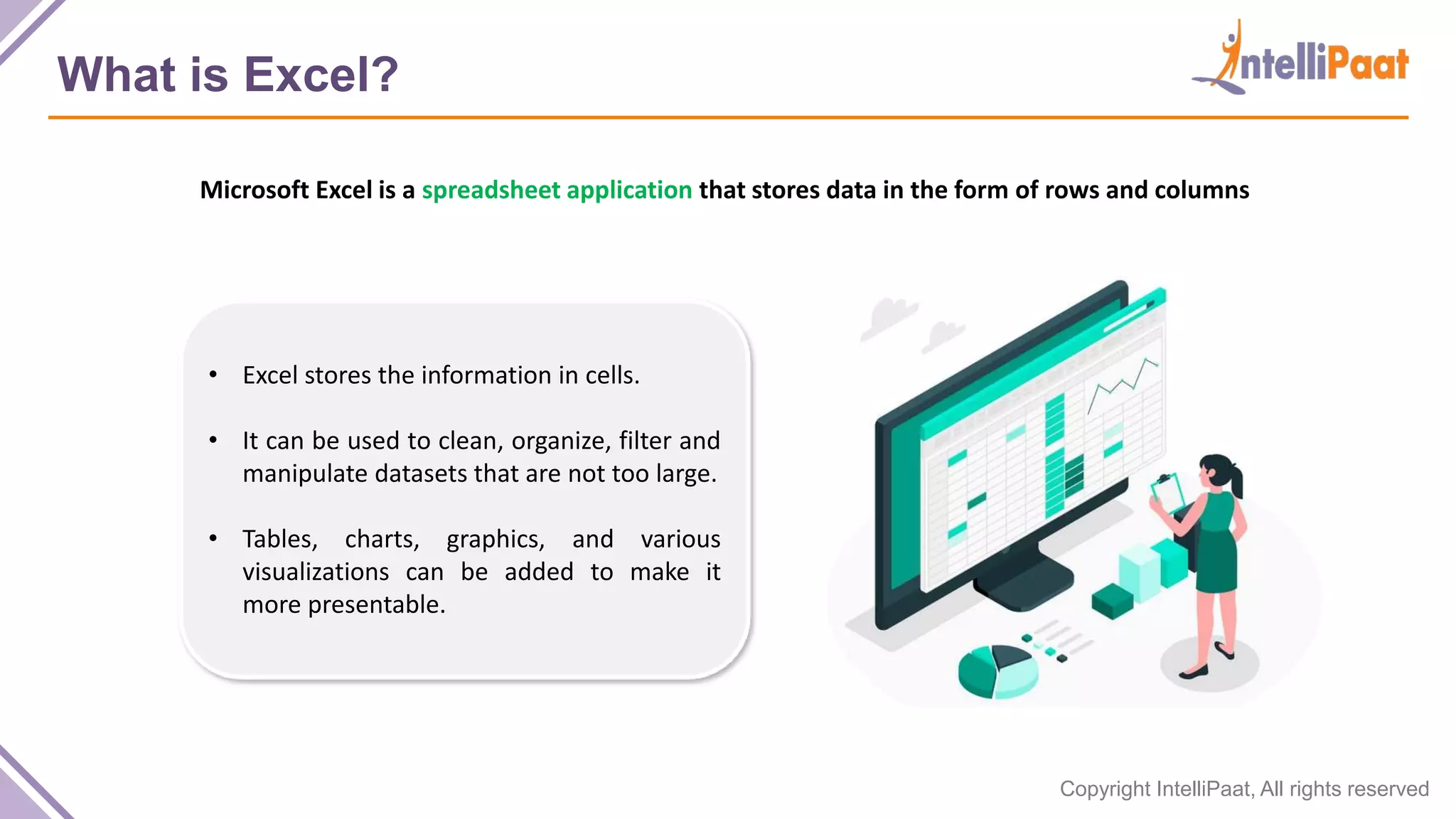
Microsoft Excel is a spreadsheet application that stores data in the form of rows and columns
• Excel stores the information in cells.
• It can be used to clean, organize, filter and
manipulate datasets that are not too large.
• Tables, charts, graphics, and various
visualizations can be added to make it
more presentable.
Copyright IntelliPaat, All rights reserved
Advantages of Excel
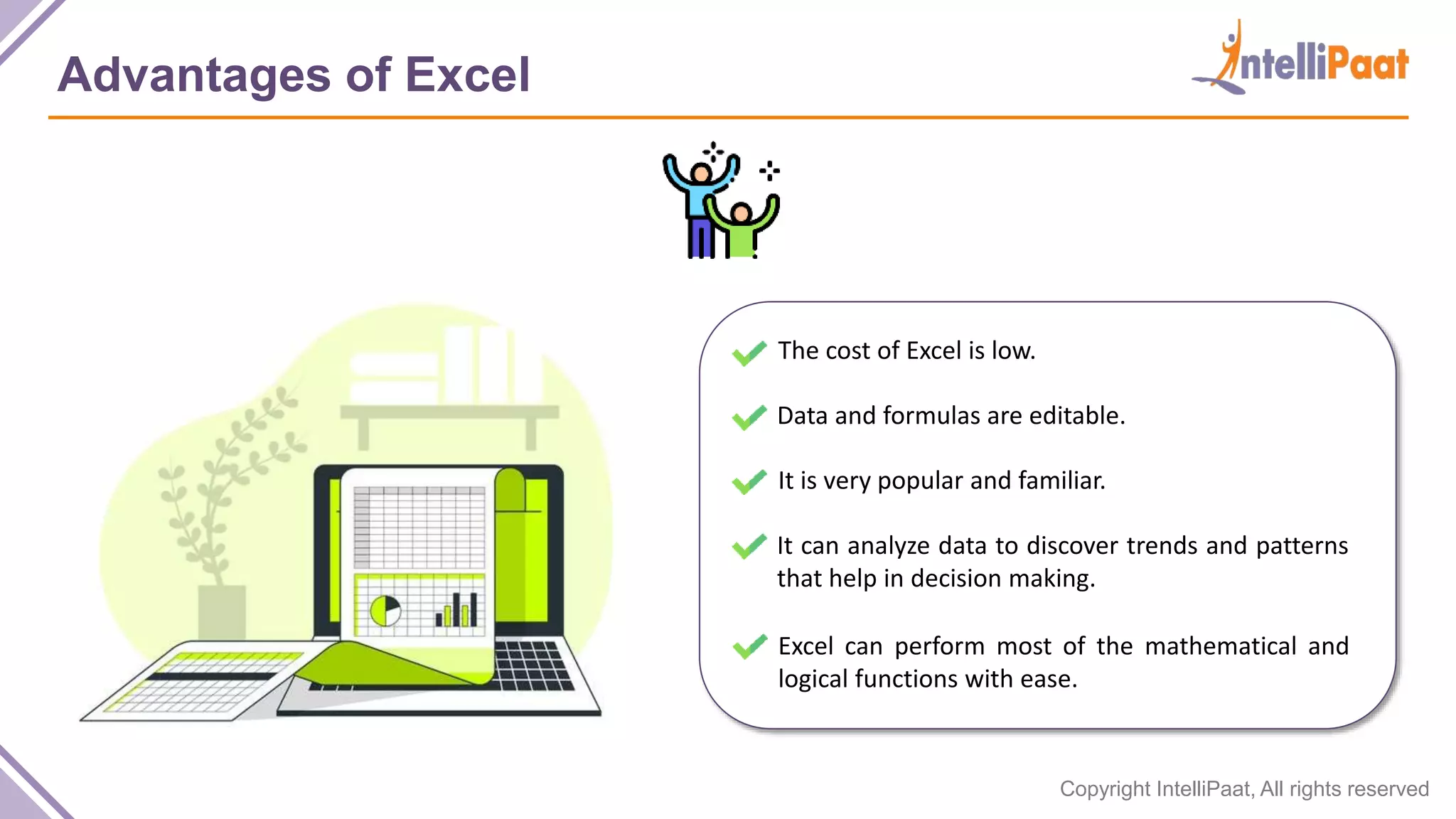
The cost of Excel is low.
Data and formulas are editable.
It is very popular and familiar.
It can analyze data to discover trends and patterns
that help in decision making.
Excel can perform most of the mathematical and
logical functions with ease.
Copyright IntelliPaat, All rights reserved
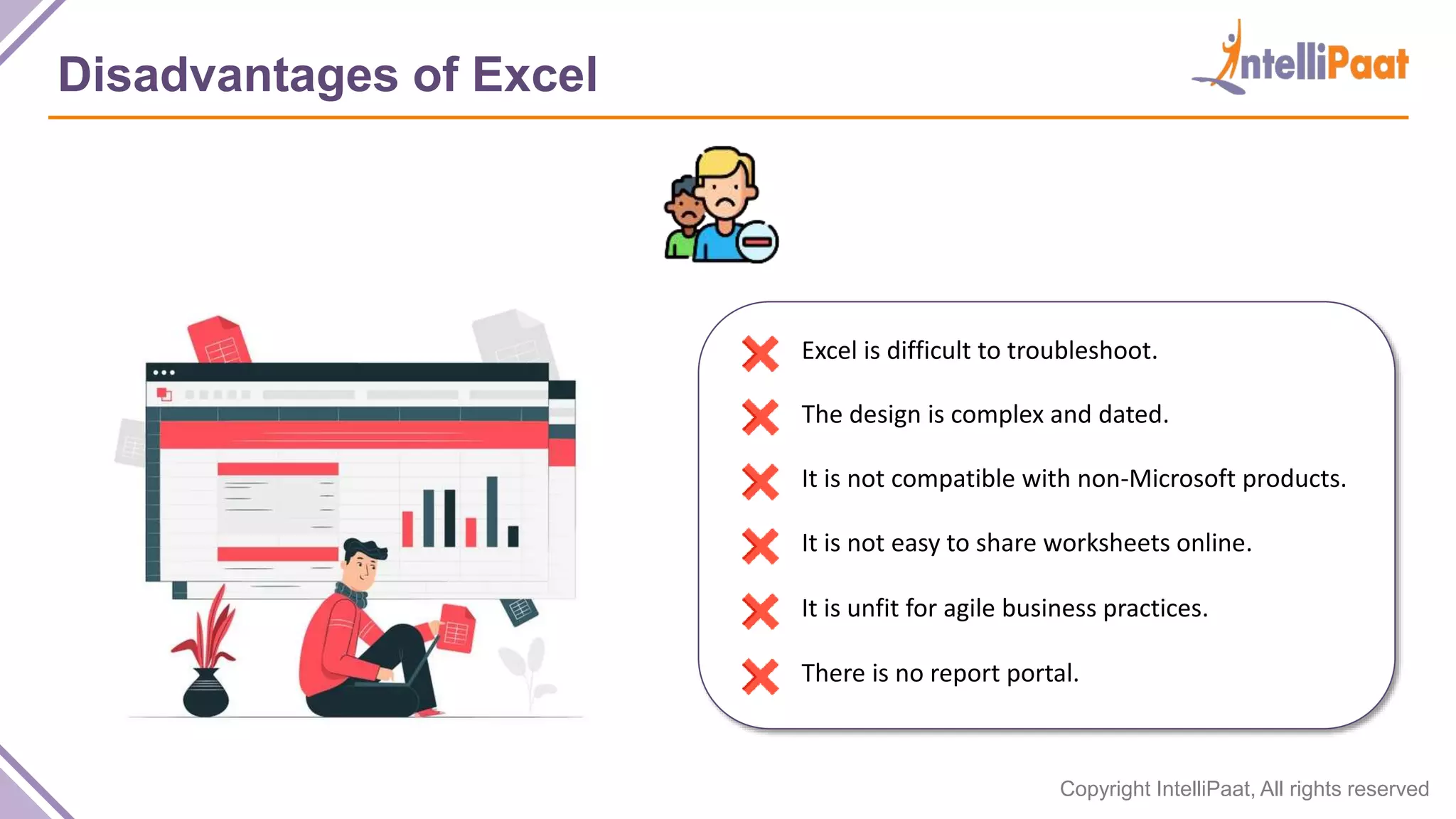
Disadvantages of Excel
Excel is difficult to troubleshoot.
The design is complex and dated.
It is not compatible with non-Microsoft products.
It is not easy to share worksheets online.
It is unfit for agile business practices.
There is no report portal.
Copyright Intellipaat. All rights reserved.
What is Tableau?
Copyright IntelliPaat, All rights reserved
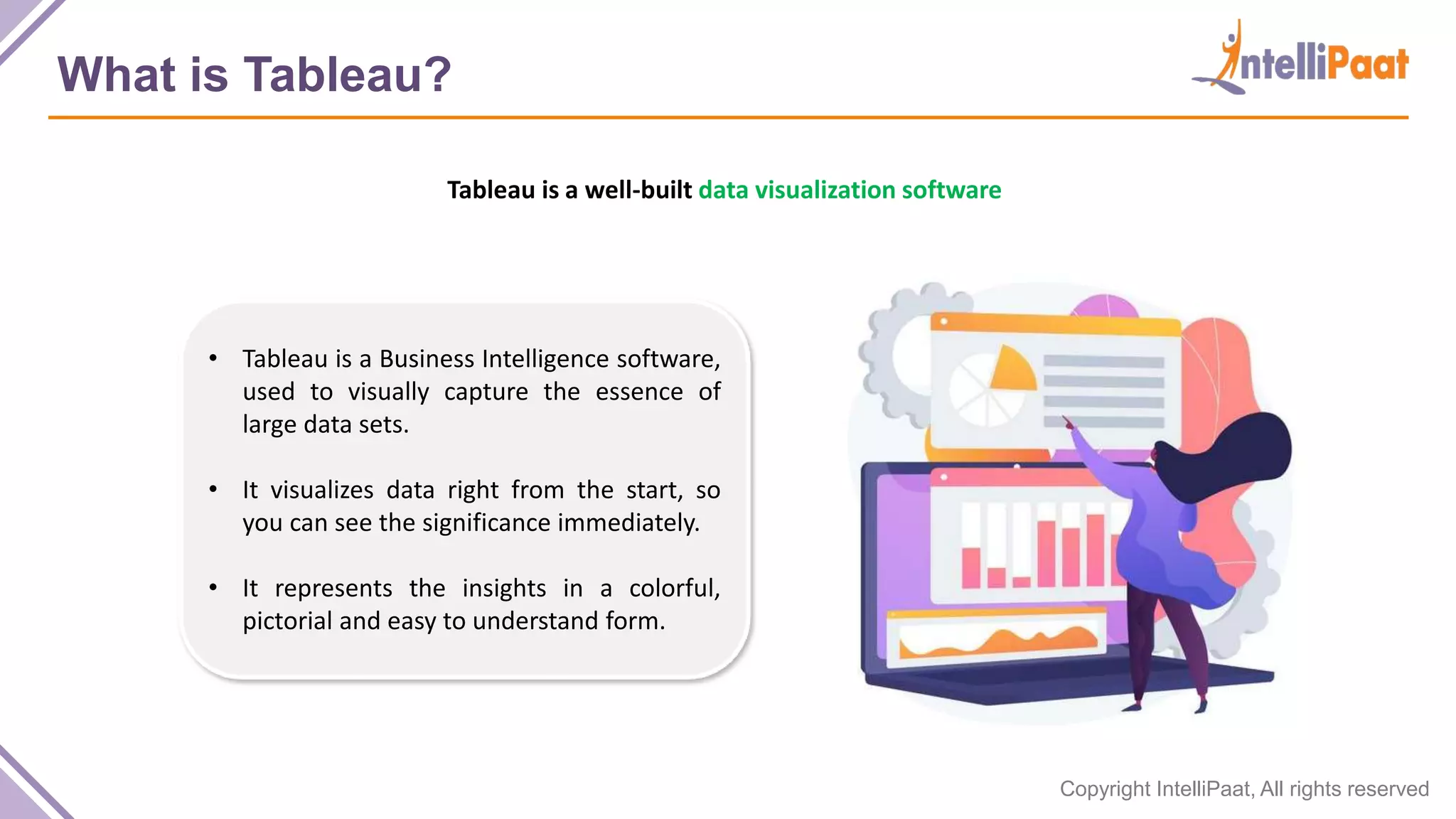
What is Tableau?
Tableau is a well-built data visualization software
• Tableau is a Business Intelligence software,
used to visually capture the essence of
large data sets.
• It visualizes data right from the start, so
you can see the significance immediately.
• It represents the insights in a colorful,
pictorial and easy to understand form.
Copyright IntelliPaat, All rights reserved
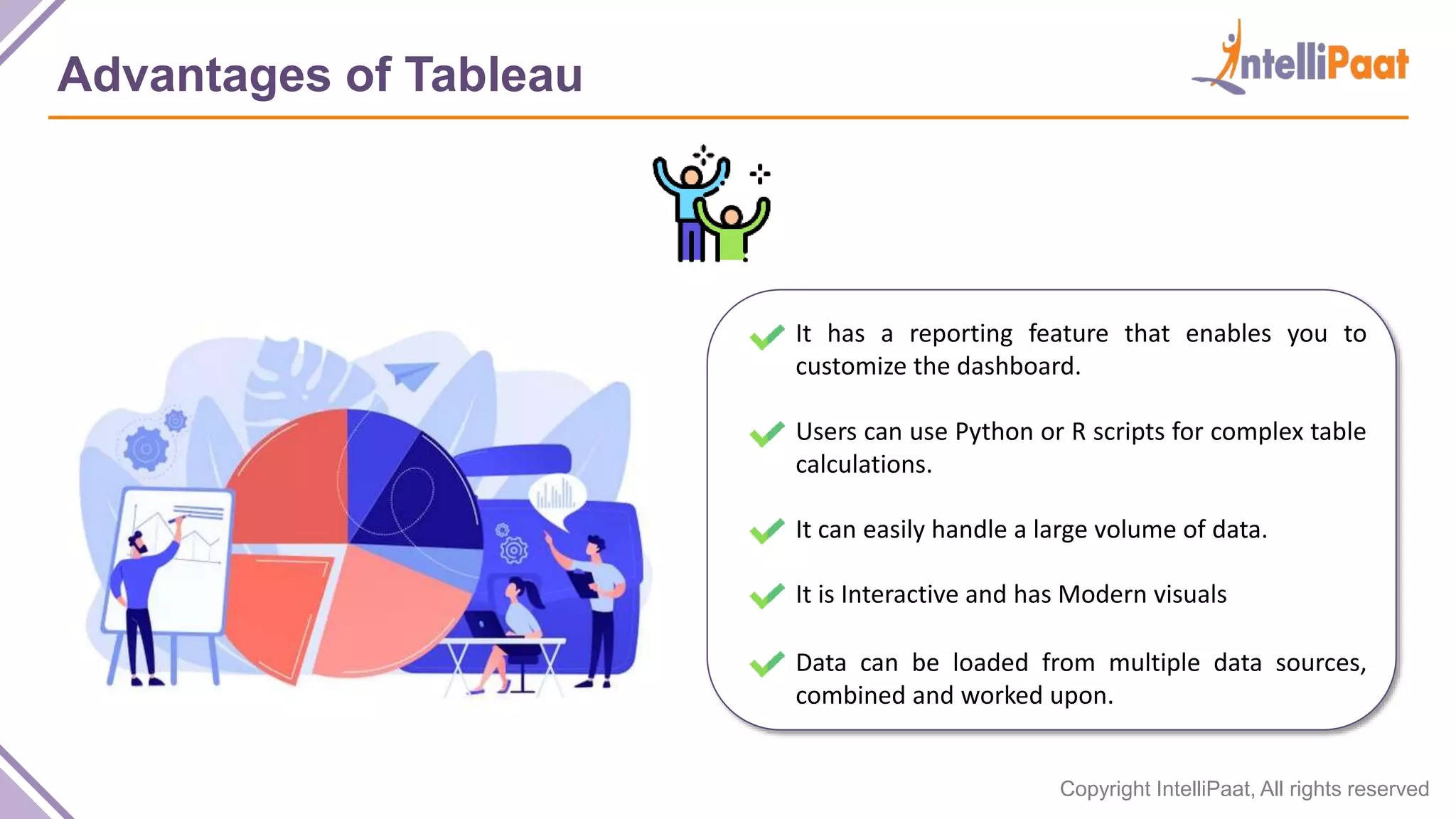
Advantages of Tableau
It has a reporting feature that enables you to
customize the dashboard.
Users can use Python or R scripts for complex table
calculations.
It can easily handle a large volume of data.
It is Interactive and has Modern visuals
Data can be loaded from multiple data sources,
combined and worked upon.
Copyright IntelliPaat, All rights reserved
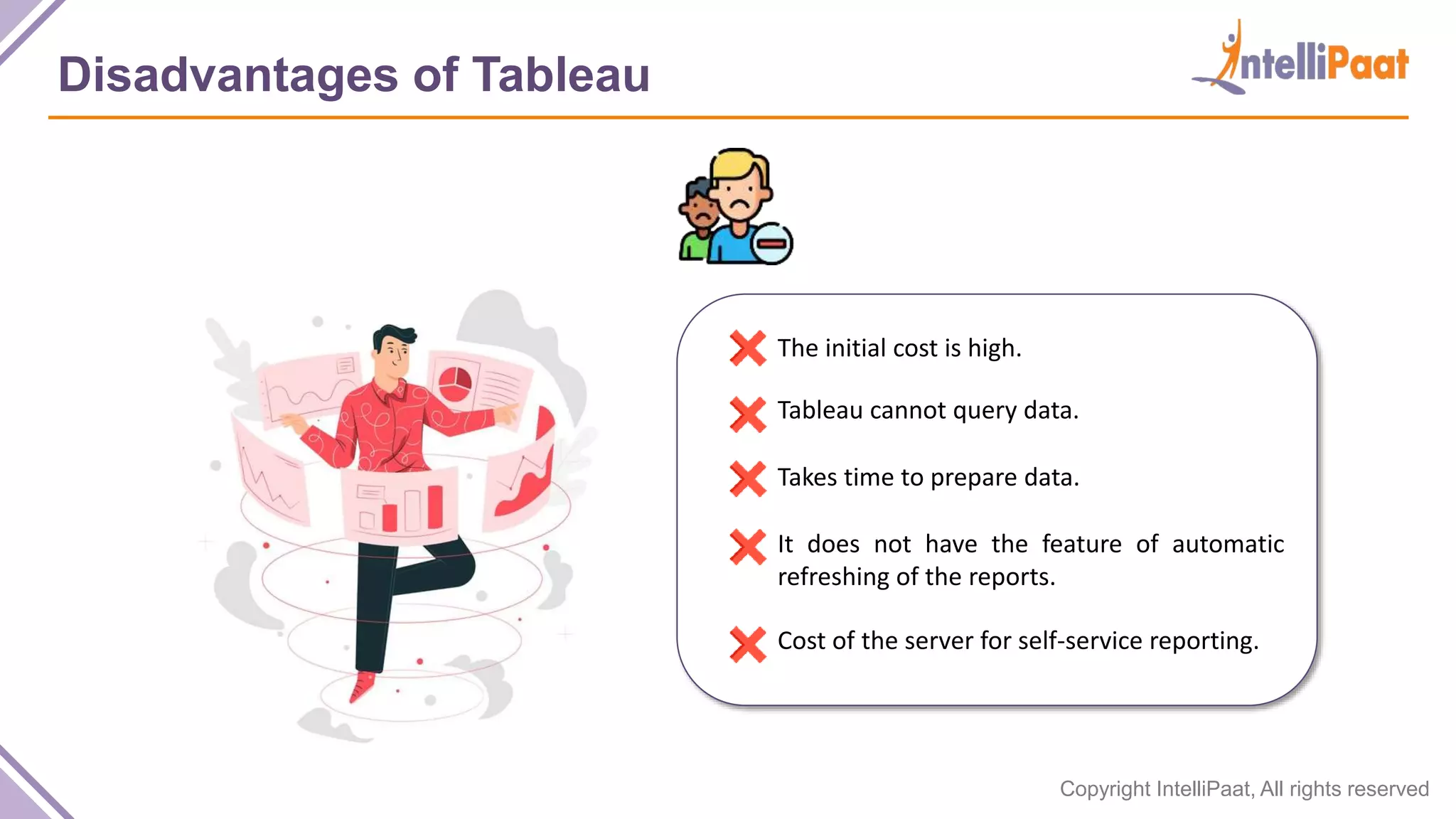
Disadvantages of Tableau
The initial cost is high.
Tableau cannot query data.
Takes time to prepare data.
It does not have the feature of automatic
refreshing of the reports.
Cost of the server for self-service reporting.
Copyright Intellipaat. All rights reserved.
Excel vs Tableau:
Comparison
Copyright IntelliPaat, All rights reserved
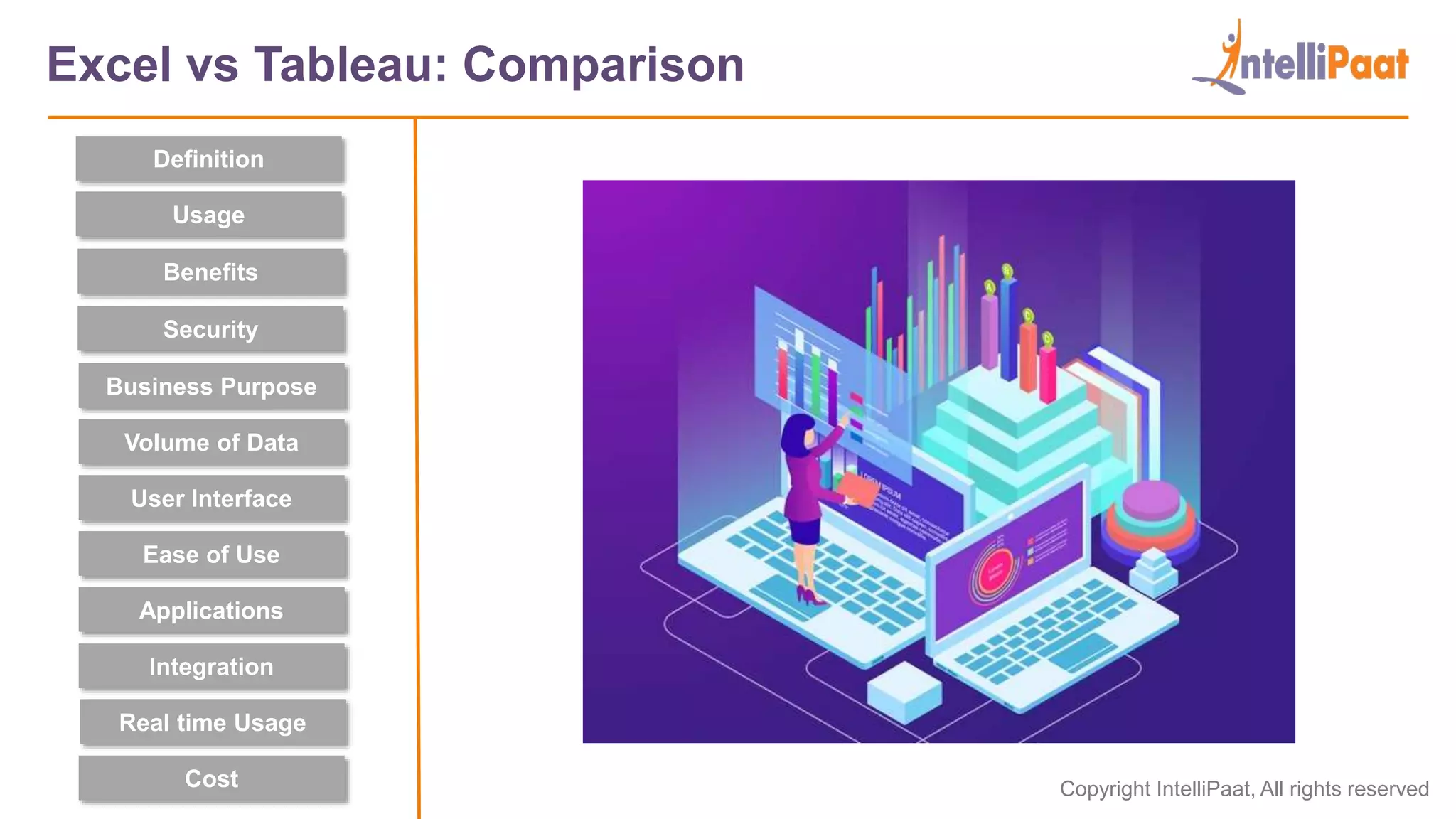
Excel vs Tableau: Comparison
Definition
Security
Usage
Benefits
User Interface
Business Purpose
Ease of Use
Applications
Integration
Cost
Volume of Data
Real time Usage
Copyright IntelliPaat, All rights reserved
Definition
Security
Usage
Benefits
A spreadsheet
application used to
organize and format
the data
A Software to
represent and
visualize useful
insights from data
Excel vs Tableau: Definition
User Interface
Business Purpose
Ease of Use
Applications
Integration
Cost
Volume of Data
Real time Usage
Copyright IntelliPaat, All rights reserved
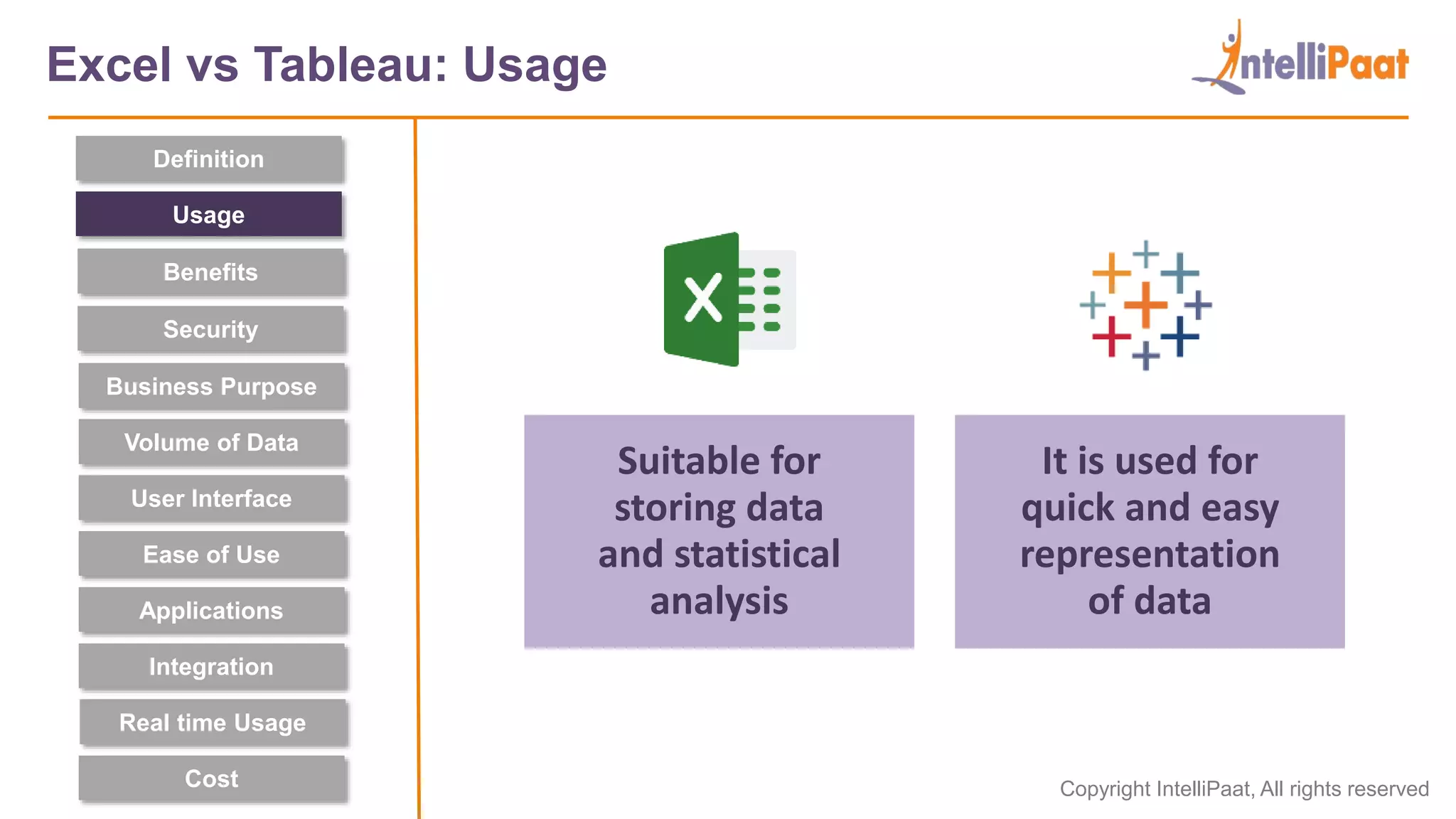
Suitable for
storing data
and statistical
analysis
It is used for
quick and easy
representation
of data
Excel vs Tableau: Usage
Definition
Security
Usage
Benefits
User Interface
Business Purpose
Ease of Use
Applications
Integration
Cost
Volume of Data
Real time Usage
Copyright IntelliPaat, All rights reserved
Manipulates data
& gives descriptive
statistics
Easy, user-friendly
and interactive
visualizations
Excel vs Tableau: Benefits
Definition
Security
Usage
Benefits
User Interface
Business Purpose
Ease of Use
Applications
Integration
Cost
Volume of Data
Real time Usage
Copyright IntelliPaat, All rights reserved
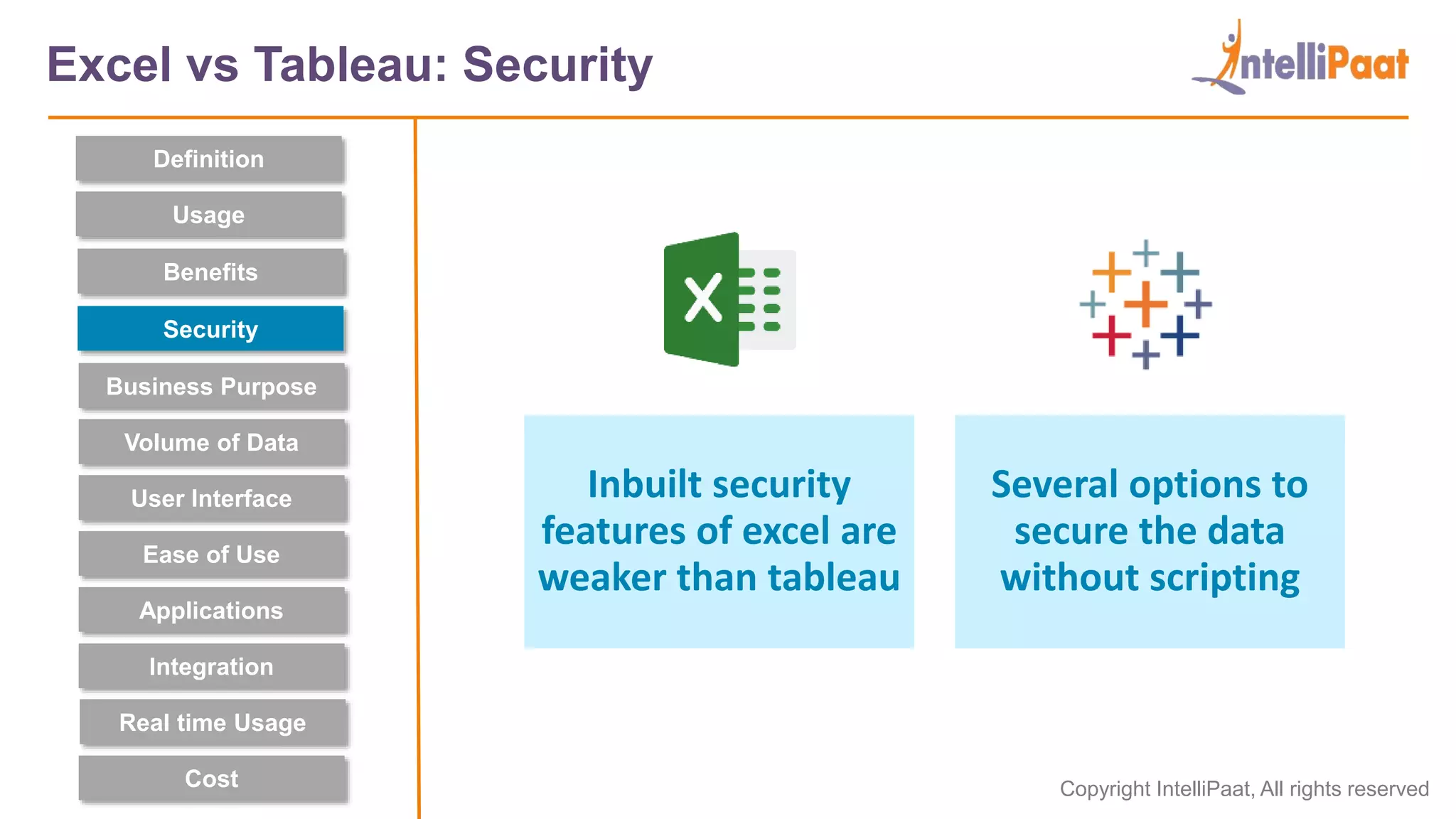
Inbuilt security
features of excel are
weaker than tableau
Several options to
secure the data
without scripting
Excel vs Tableau: Security
Definition
Security
Usage
Benefits
User Interface
Business Purpose
Ease of Use
Applications
Integration
Cost
Volume of Data
Real time Usage
Copyright IntelliPaat, All rights reserved
Quick on-off
reports can
be created
Self-service
functions can pull
insights from data
Excel vs Tableau: Business Purpose
Definition
Security
Usage
Benefits
User Interface
Business Purpose
Ease of Use
Applications
Integration
Cost
Volume of Data
Real time Usage
Copyright IntelliPaat, All rights reserved
Good for
medium-sized
structured data sets
Easily deals with
large, unstructured
data sets (big data)
Excel vs Tableau: Volume of Data
Definition
Security
Usage
Benefits
User Interface
Business Purpose
Ease of Use
Applications
Integration
Cost
Volume of Data
Real time Usage
Copyright IntelliPaat, All rights reserved
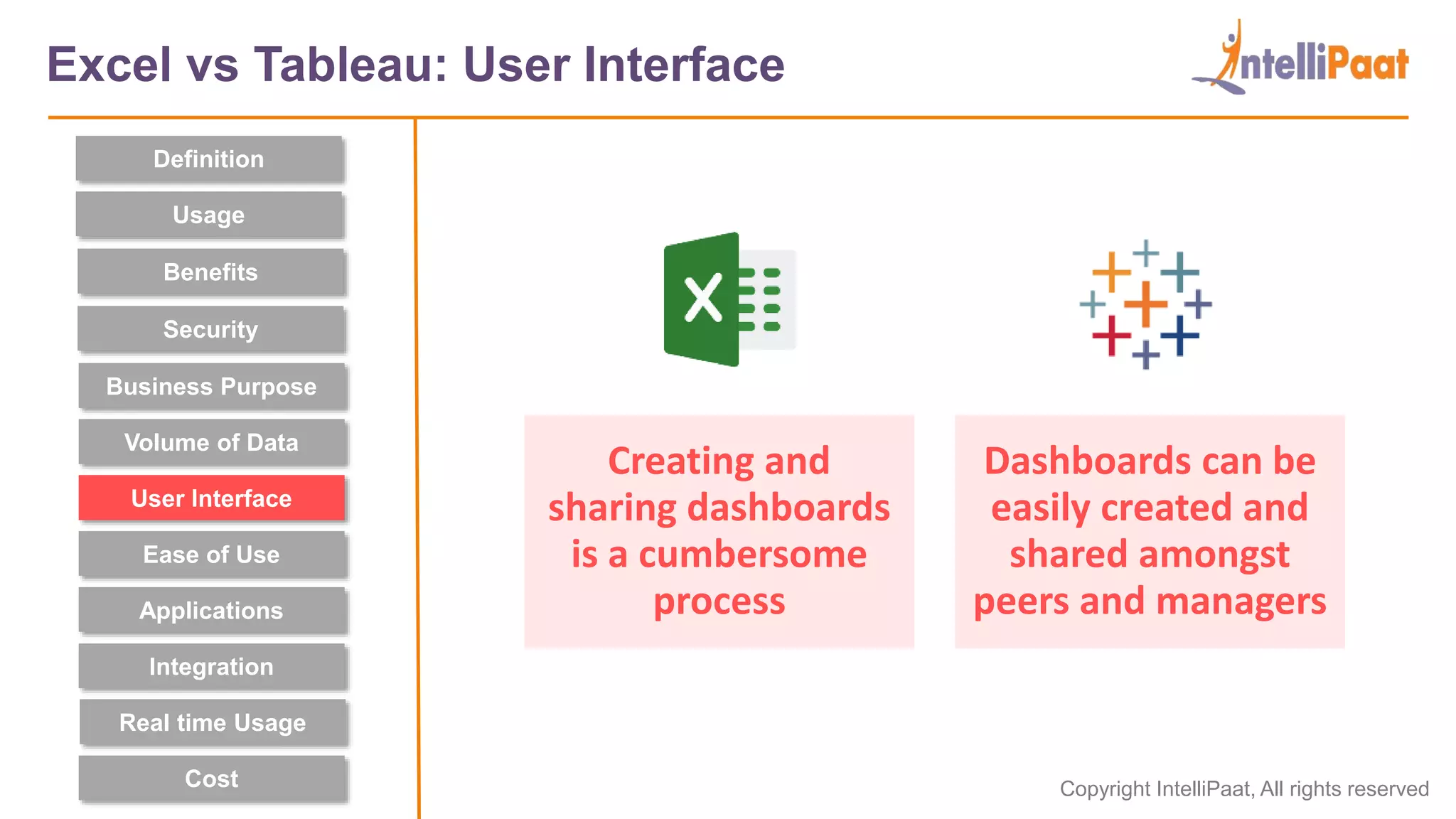
Creating and
sharing dashboards
is a cumbersome
process
Dashboards can be
easily created and
shared amongst
peers and managers
Excel vs Tableau: User Interface
Definition
Security
Usage
Benefits
User Interface
Business Purpose
Ease of Use
Applications
Integration
Cost
Volume of Data
Real time Usage
Copyright IntelliPaat, All rights reserved
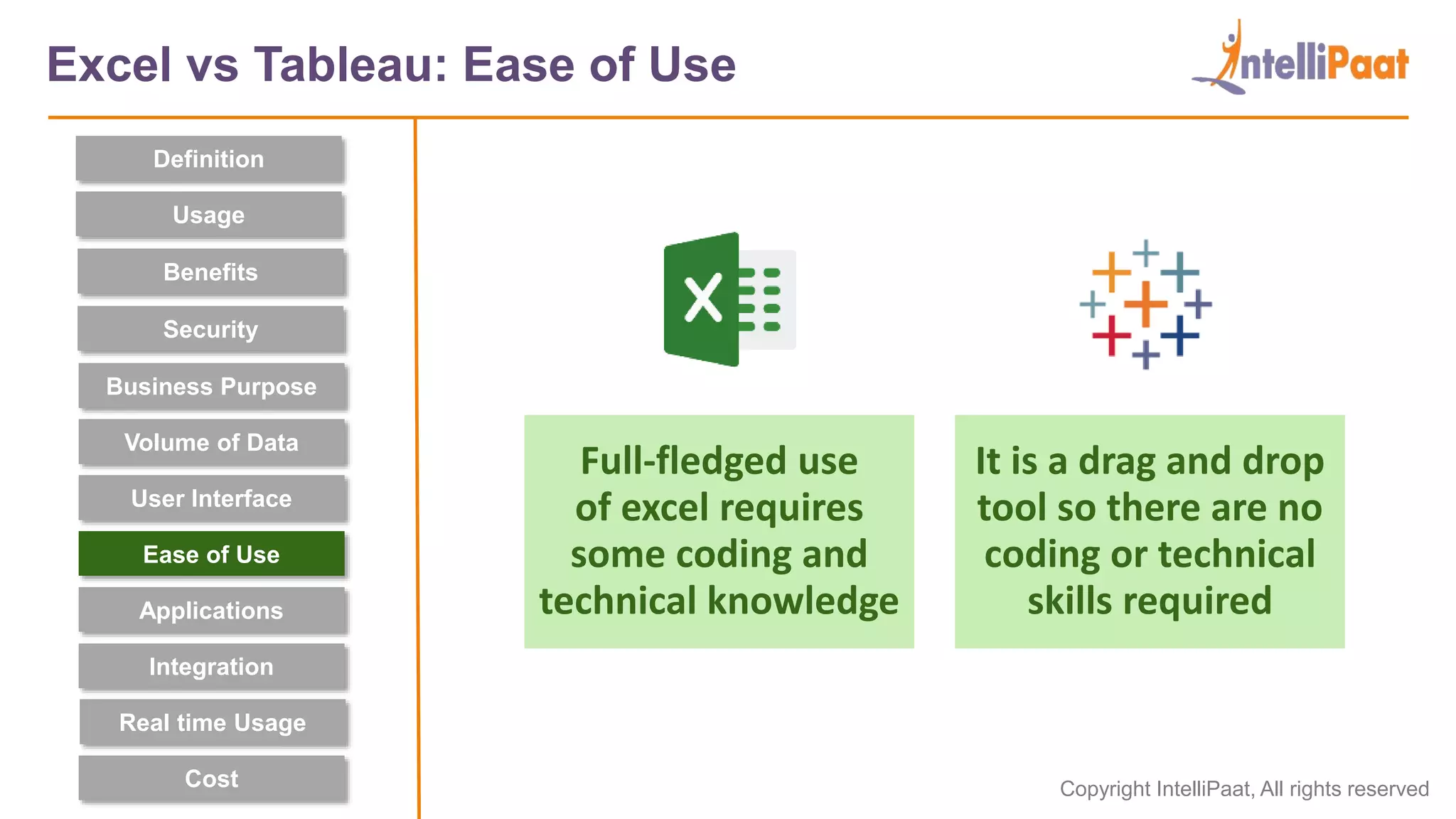
Full-fledged use
of excel requires
some coding and
technical knowledge
It is a drag and drop
tool so there are no
coding or technical
skills required
Excel vs Tableau: Ease of Use
Definition
Security
Usage
Benefits
User Interface
Business Purpose
Ease of Use
Applications
Integration
Cost
Volume of Data
Real time Usage
Copyright IntelliPaat, All rights reserved
Data analysts and
Developers use it in
many domains for
data transformation
Data scientists use
it for Business
evaluations and key
performance metric
Excel vs Tableau: Applications
Definition
Security
Usage
Benefits
User Interface
Business Purpose
Ease of Use
Applications
Integration
Cost
Volume of Data
Real time Usage
Copyright IntelliPaat, All rights reserved
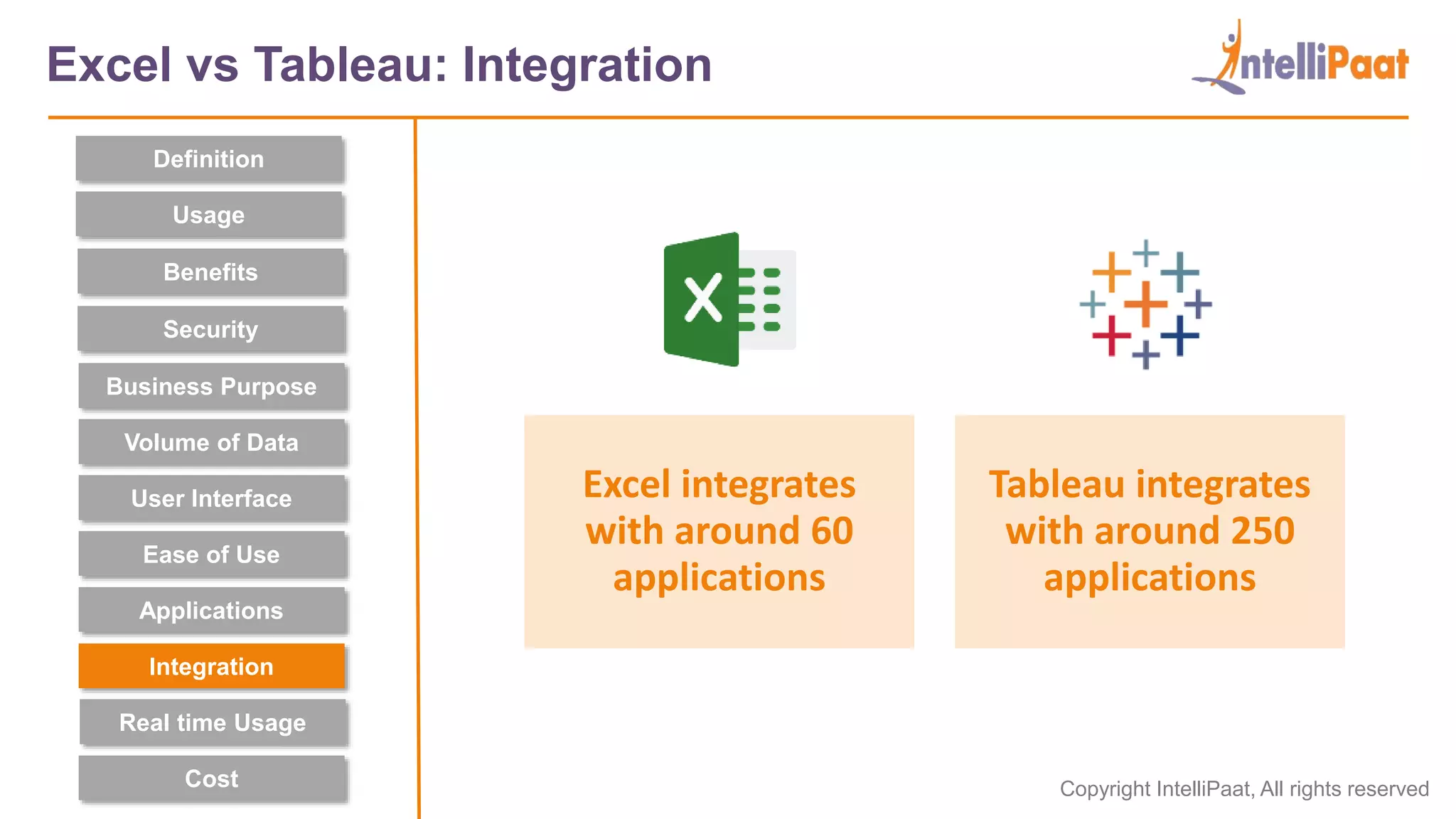
Excel integrates
with around 60
applications
Tableau integrates
with around 250
applications
Excel vs Tableau: Integration
Definition
Security
Usage
Benefits
User Interface
Business Purpose
Ease of Use
Applications
Integration
Cost
Volume of Data
Real time Usage
Copyright IntelliPaat, All rights reserved
External application
or programs have
to be set up for
real-time
Can deal with
raw data
interactively
in real-time
Excel vs Tableau: Real time usage
Definition
Security
Usage
Benefits
User Interface
Business Purpose
Ease of Use
Applications
Integration
Cost
Volume of Data
Real time Usage
Copyright IntelliPaat, All rights reserved
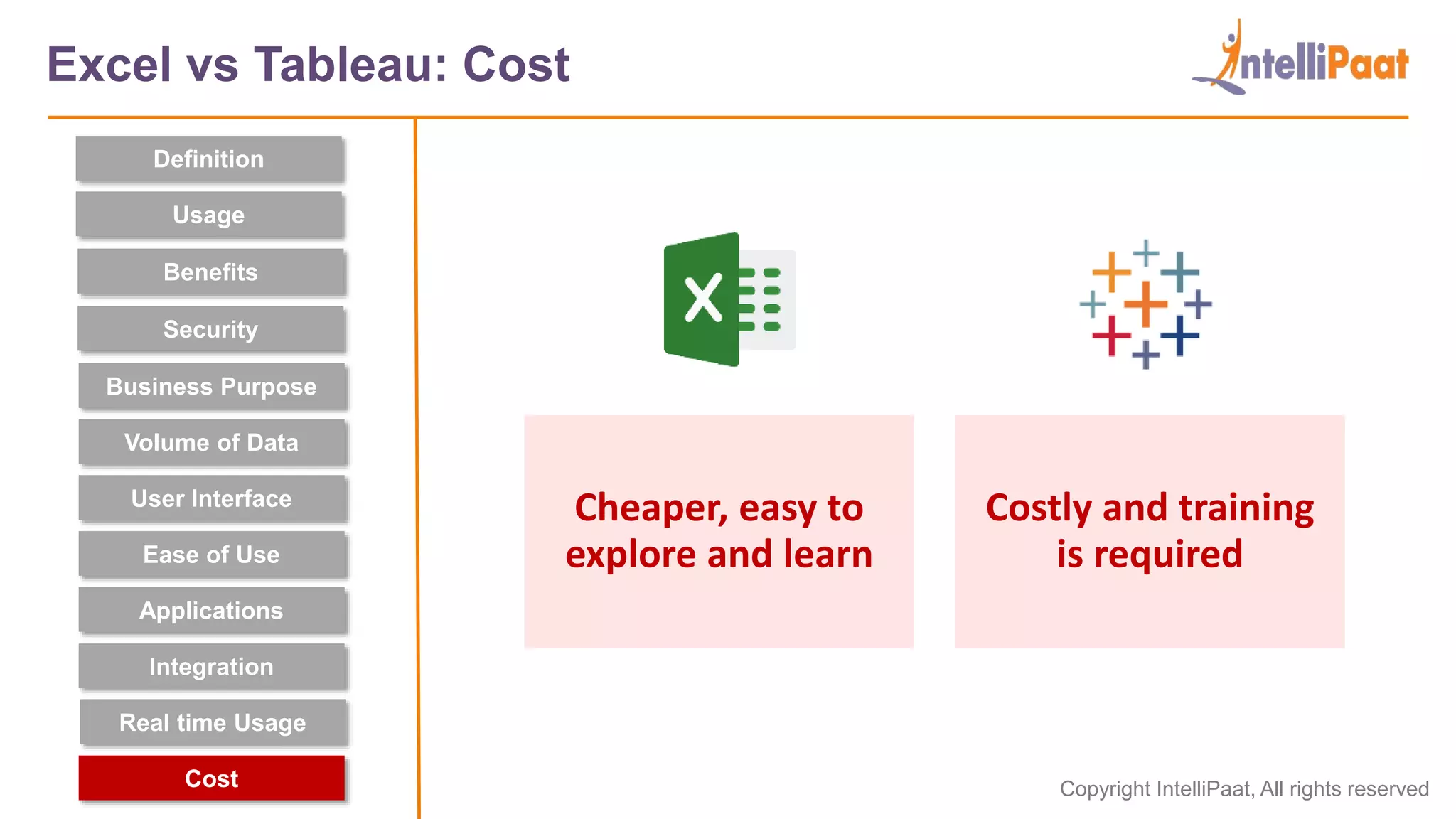
Cheaper, easy to
explore and learn
Costly and training
is required
Excel vs Tableau: Cost
Definition
Security
Usage
Benefits
User Interface
Business Purpose
Ease of Use
Applications
Integration
Cost
Volume of Data
Real time Usage
Copyright Intellipaat. All rights reserved.
Which one
do you need?
Copyright IntelliPaat, All rights reserved
Which one do you need?
To decide which analytics tool is best suited for your
and your organization, ask yourself these questions
What types of reports are you creating?
What type of data are you working with?
What do you need to do with the data?
What is your budget?
3
2
1
4
Copyright IntelliPaat, All rights reserved
Which one do you need?
What types of reports are you creating?
1
Choose Excel
when you have
to create quick,
one-off reports
Choose Tableau
when you want a
detailed analysis
of your business
Copyright IntelliPaat, All rights reserved
Which one do you need?
What type of data are you working with?
2
If your company’s
data is limited
and structured,
excel is better
If your amount
data is large and
it is unstructured,
Tableau is better
Also, Excel can construct dataset and edit it at any
point. Tableau needs a ready dataset to work upon
Copyright IntelliPaat, All rights reserved
Which one do you need?
What do you need to do with the data?
3
Use excel to
do computations
and manipulations
on the data
Use Tableau when
you have to display
data with powerful
visualizations
Copyright IntelliPaat, All rights reserved
Which one do you need?
What is your budget?
4
Choose Excel if
you have a limited
budget. It is
cheaper and easier
Choose Tableau if
you can invest in the
software and the
training needed
Copyright IntelliPaat, All rights reserved
Which one do you need?
A combination of both can be used.
All the calculations can be done on excel and
the final data can be processed further using
Tableau to get analysis and more insights.
Using a Combination of Excel and Tableau
Copyright Intellipaat. All rights reserved.
Final Thoughts
Copyright IntelliPaat, All rights reserved
Final Thoughts
Both Excel and Tableau have their share of advantages
and unique features. Now that you have an in-depth
comparison between Excel vs. Tableau, you can decide
which tool will best serve your purpose.
Copyright Intellipaat. All rights reserved.
Excel and Tableau: Learning Path
Copyright IntelliPaat, All rights reserved
How to get started?
Academy
Copyright Intellipaat. All rights reserved.
India: +91-7847955955
US: 1-800-216-8930 (TOLL FREE)
support@intellipaat.com
24/7 Chat with Our Course Advisor
sales@intellipaat.com
+91-7022374614

Tableau vs Excel | Difference Between Tableau vs Excel | Excel vs Tableau | Intellipaat

  • 1.
  • 2.
    Copyright Intellipaat. Allrights reserved. 01 What is Tableau? 04 02 What is Excel? 03 05 Further Learning Which one do you need? Excel vs Tableau: Comparison
  • 3.
    Copyright Intellipaat. Allrights reserved. What is Excel?
  • 4.
    Copyright IntelliPaat, Allrights reserved What is Excel? Microsoft Excel is a spreadsheet application that stores data in the form of rows and columns • Excel stores the information in cells. • It can be used to clean, organize, filter and manipulate datasets that are not too large. • Tables, charts, graphics, and various visualizations can be added to make it more presentable.
  • 5.
    Copyright IntelliPaat, Allrights reserved Advantages of Excel The cost of Excel is low. Data and formulas are editable. It is very popular and familiar. It can analyze data to discover trends and patterns that help in decision making. Excel can perform most of the mathematical and logical functions with ease.
  • 6.
    Copyright IntelliPaat, Allrights reserved Disadvantages of Excel Excel is difficult to troubleshoot. The design is complex and dated. It is not compatible with non-Microsoft products. It is not easy to share worksheets online. It is unfit for agile business practices. There is no report portal.
  • 7.
    Copyright Intellipaat. Allrights reserved. What is Tableau?
  • 8.
    Copyright IntelliPaat, Allrights reserved What is Tableau? Tableau is a well-built data visualization software • Tableau is a Business Intelligence software, used to visually capture the essence of large data sets. • It visualizes data right from the start, so you can see the significance immediately. • It represents the insights in a colorful, pictorial and easy to understand form.
  • 9.
    Copyright IntelliPaat, Allrights reserved Advantages of Tableau It has a reporting feature that enables you to customize the dashboard. Users can use Python or R scripts for complex table calculations. It can easily handle a large volume of data. It is Interactive and has Modern visuals Data can be loaded from multiple data sources, combined and worked upon.
  • 10.
    Copyright IntelliPaat, Allrights reserved Disadvantages of Tableau The initial cost is high. Tableau cannot query data. Takes time to prepare data. It does not have the feature of automatic refreshing of the reports. Cost of the server for self-service reporting.
  • 11.
    Copyright Intellipaat. Allrights reserved. Excel vs Tableau: Comparison
  • 12.
    Copyright IntelliPaat, Allrights reserved Excel vs Tableau: Comparison Definition Security Usage Benefits User Interface Business Purpose Ease of Use Applications Integration Cost Volume of Data Real time Usage
  • 13.
    Copyright IntelliPaat, Allrights reserved Definition Security Usage Benefits A spreadsheet application used to organize and format the data A Software to represent and visualize useful insights from data Excel vs Tableau: Definition User Interface Business Purpose Ease of Use Applications Integration Cost Volume of Data Real time Usage
  • 14.
    Copyright IntelliPaat, Allrights reserved Suitable for storing data and statistical analysis It is used for quick and easy representation of data Excel vs Tableau: Usage Definition Security Usage Benefits User Interface Business Purpose Ease of Use Applications Integration Cost Volume of Data Real time Usage
  • 15.
    Copyright IntelliPaat, Allrights reserved Manipulates data & gives descriptive statistics Easy, user-friendly and interactive visualizations Excel vs Tableau: Benefits Definition Security Usage Benefits User Interface Business Purpose Ease of Use Applications Integration Cost Volume of Data Real time Usage
  • 16.
    Copyright IntelliPaat, Allrights reserved Inbuilt security features of excel are weaker than tableau Several options to secure the data without scripting Excel vs Tableau: Security Definition Security Usage Benefits User Interface Business Purpose Ease of Use Applications Integration Cost Volume of Data Real time Usage
  • 17.
    Copyright IntelliPaat, Allrights reserved Quick on-off reports can be created Self-service functions can pull insights from data Excel vs Tableau: Business Purpose Definition Security Usage Benefits User Interface Business Purpose Ease of Use Applications Integration Cost Volume of Data Real time Usage
  • 18.
    Copyright IntelliPaat, Allrights reserved Good for medium-sized structured data sets Easily deals with large, unstructured data sets (big data) Excel vs Tableau: Volume of Data Definition Security Usage Benefits User Interface Business Purpose Ease of Use Applications Integration Cost Volume of Data Real time Usage
  • 19.
    Copyright IntelliPaat, Allrights reserved Creating and sharing dashboards is a cumbersome process Dashboards can be easily created and shared amongst peers and managers Excel vs Tableau: User Interface Definition Security Usage Benefits User Interface Business Purpose Ease of Use Applications Integration Cost Volume of Data Real time Usage
  • 20.
    Copyright IntelliPaat, Allrights reserved Full-fledged use of excel requires some coding and technical knowledge It is a drag and drop tool so there are no coding or technical skills required Excel vs Tableau: Ease of Use Definition Security Usage Benefits User Interface Business Purpose Ease of Use Applications Integration Cost Volume of Data Real time Usage
  • 21.
    Copyright IntelliPaat, Allrights reserved Data analysts and Developers use it in many domains for data transformation Data scientists use it for Business evaluations and key performance metric Excel vs Tableau: Applications Definition Security Usage Benefits User Interface Business Purpose Ease of Use Applications Integration Cost Volume of Data Real time Usage
  • 22.
    Copyright IntelliPaat, Allrights reserved Excel integrates with around 60 applications Tableau integrates with around 250 applications Excel vs Tableau: Integration Definition Security Usage Benefits User Interface Business Purpose Ease of Use Applications Integration Cost Volume of Data Real time Usage
  • 23.
    Copyright IntelliPaat, Allrights reserved External application or programs have to be set up for real-time Can deal with raw data interactively in real-time Excel vs Tableau: Real time usage Definition Security Usage Benefits User Interface Business Purpose Ease of Use Applications Integration Cost Volume of Data Real time Usage
  • 24.
    Copyright IntelliPaat, Allrights reserved Cheaper, easy to explore and learn Costly and training is required Excel vs Tableau: Cost Definition Security Usage Benefits User Interface Business Purpose Ease of Use Applications Integration Cost Volume of Data Real time Usage
  • 25.
    Copyright Intellipaat. Allrights reserved. Which one do you need?
  • 26.
    Copyright IntelliPaat, Allrights reserved Which one do you need? To decide which analytics tool is best suited for your and your organization, ask yourself these questions What types of reports are you creating? What type of data are you working with? What do you need to do with the data? What is your budget? 3 2 1 4
  • 27.
    Copyright IntelliPaat, Allrights reserved Which one do you need? What types of reports are you creating? 1 Choose Excel when you have to create quick, one-off reports Choose Tableau when you want a detailed analysis of your business
  • 28.
    Copyright IntelliPaat, Allrights reserved Which one do you need? What type of data are you working with? 2 If your company’s data is limited and structured, excel is better If your amount data is large and it is unstructured, Tableau is better Also, Excel can construct dataset and edit it at any point. Tableau needs a ready dataset to work upon
  • 29.
    Copyright IntelliPaat, Allrights reserved Which one do you need? What do you need to do with the data? 3 Use excel to do computations and manipulations on the data Use Tableau when you have to display data with powerful visualizations
  • 30.
    Copyright IntelliPaat, Allrights reserved Which one do you need? What is your budget? 4 Choose Excel if you have a limited budget. It is cheaper and easier Choose Tableau if you can invest in the software and the training needed
  • 31.
    Copyright IntelliPaat, Allrights reserved Which one do you need? A combination of both can be used. All the calculations can be done on excel and the final data can be processed further using Tableau to get analysis and more insights. Using a Combination of Excel and Tableau
  • 32.
    Copyright Intellipaat. Allrights reserved. Final Thoughts
  • 33.
    Copyright IntelliPaat, Allrights reserved Final Thoughts Both Excel and Tableau have their share of advantages and unique features. Now that you have an in-depth comparison between Excel vs. Tableau, you can decide which tool will best serve your purpose.
  • 34.
    Copyright Intellipaat. Allrights reserved. Excel and Tableau: Learning Path
  • 35.
    Copyright IntelliPaat, Allrights reserved How to get started? Academy
  • 36.
    Copyright Intellipaat. Allrights reserved. India: +91-7847955955 US: 1-800-216-8930 (TOLL FREE) support@intellipaat.com 24/7 Chat with Our Course Advisor sales@intellipaat.com +91-7022374614