SSL Certificates
Kevin O'Brien
Washtenaw Linux Users Group
Use of Encryption
● SSL Certificates use encryption technology
● Both Asymmetric and Symmetric algorithms are
employed
● Works similarly to e-mail encryption and signing
Digital Signatures
● When you sign an e-mail, it is encrypted using
your private key
● Anything encrypted with that key can be
decrypted by your public key
● But the message is there in clear text already,
so it is not encryption for secrecy
What it demonstrates
● The encrypted version is there along with the
plain text version
● If your public key decrypts the encrypted
message, it proves you were the one who sent
it
● The messages can be compared to show
nothing changed in transit
Digital Certificates
● Use the same technology
● A public key is distributed for each cert
● A signed version of the cert is created using the
private key
● The public key can then validate the cert
SSL
● Stands for Secure Sockets Layer
● Created by Netscape in the 1990s
● Currently up to SSL 3.0
● No longer secure – See POODLE
● https://securityblog.redhat.com/2014/10/15/poo
dle-a-ssl3-vulnerability-cve-2014-3566/
TLS
● Transport Layer Security
● More secure than SSL
● Should be used in all cases
● But can be attacked by inducing a downgrade
to SSL 3.0 (POODLE)
● https://securityblog.redhat.com/2014/10/20/can-
ssl-3-0-be-fixed-an-analysis-of-the-poodle-
attack/
Solution?
● Basically, disable any support for SSL 3.0
● TLS is the successor to SSL
● If you run a server consult the vendor regarding
how to disable SSL on your server
● https://access.redhat.com/articles/1232123
● But note that certain applications that do not
support TLS may default to plain text instead
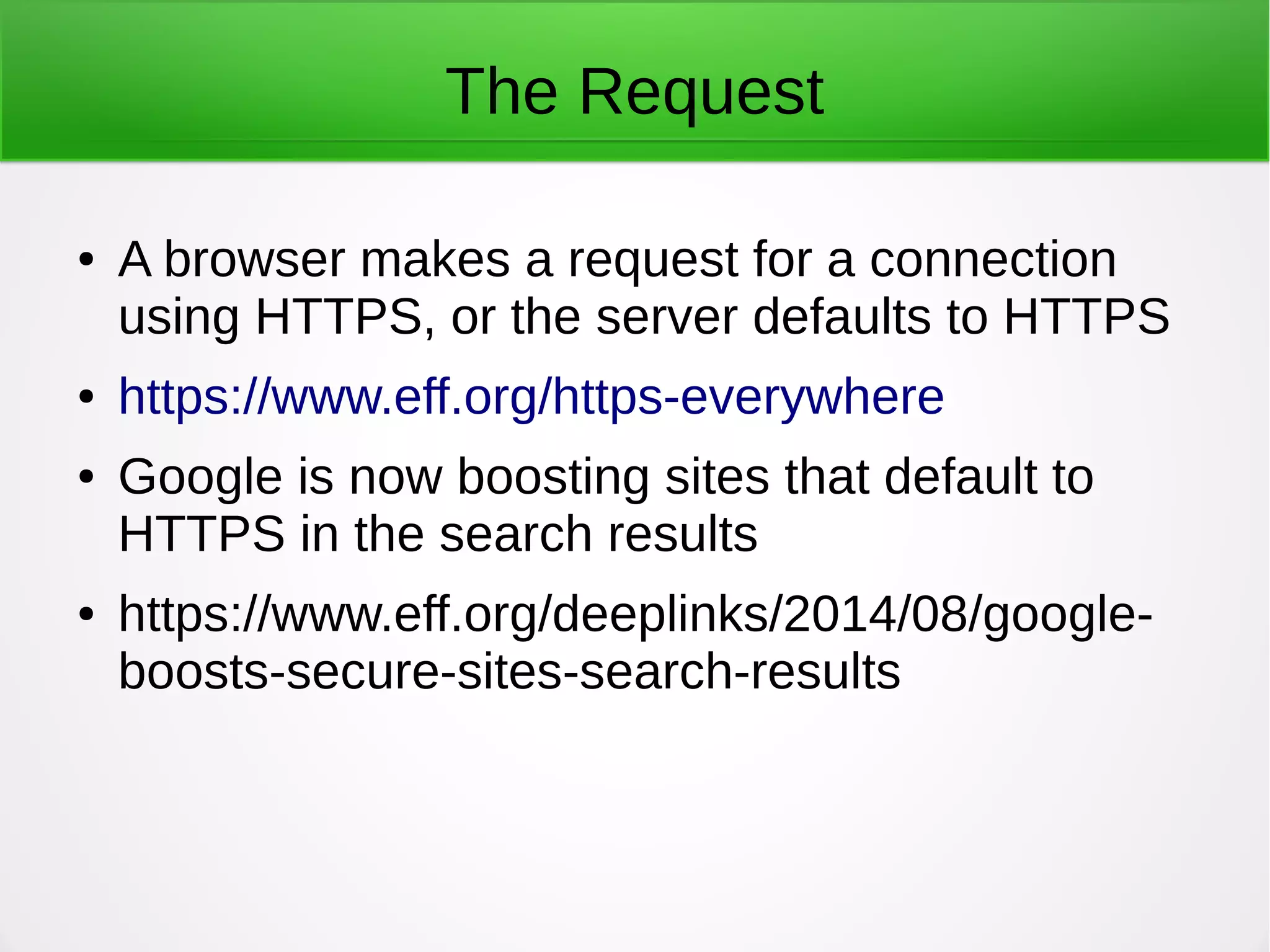
The Request
● A browser makes a request for a connection
using HTTPS, or the server defaults to HTTPS
● https://www.eff.org/https-everywhere
● Google is now boosting sites that default to
HTTPS in the search results
● https://www.eff.org/deeplinks/2014/08/google-
boosts-secure-sites-search-results
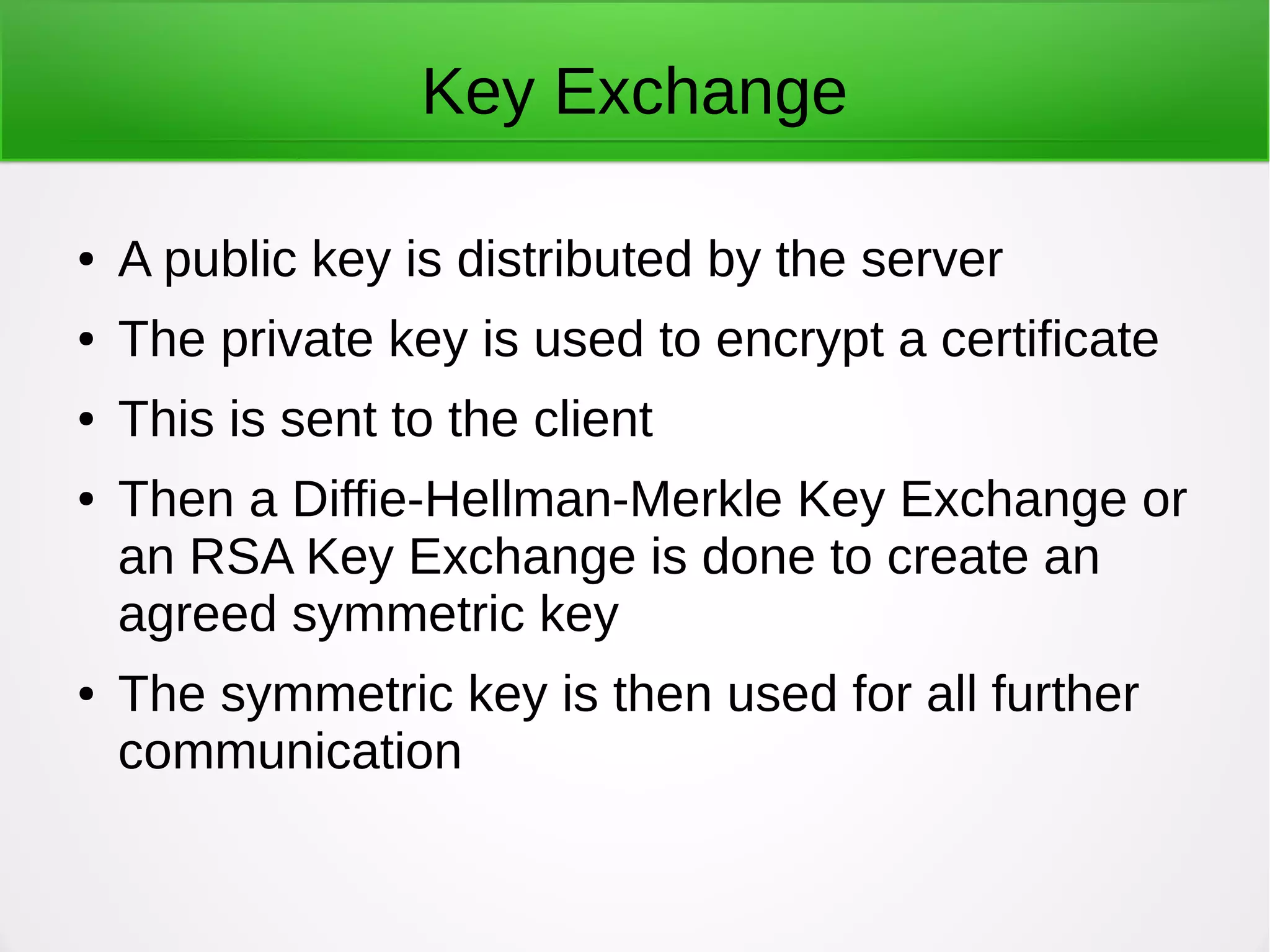
Key Exchange
● A public key is distributed by the server
● The private key is used to encrypt a certificate
● This is sent to the client
● Then a Diffie-Hellman-Merkle Key Exchange or
an RSA Key Exchange is done to create an
agreed symmetric key
● The symmetric key is then used for all further
communication
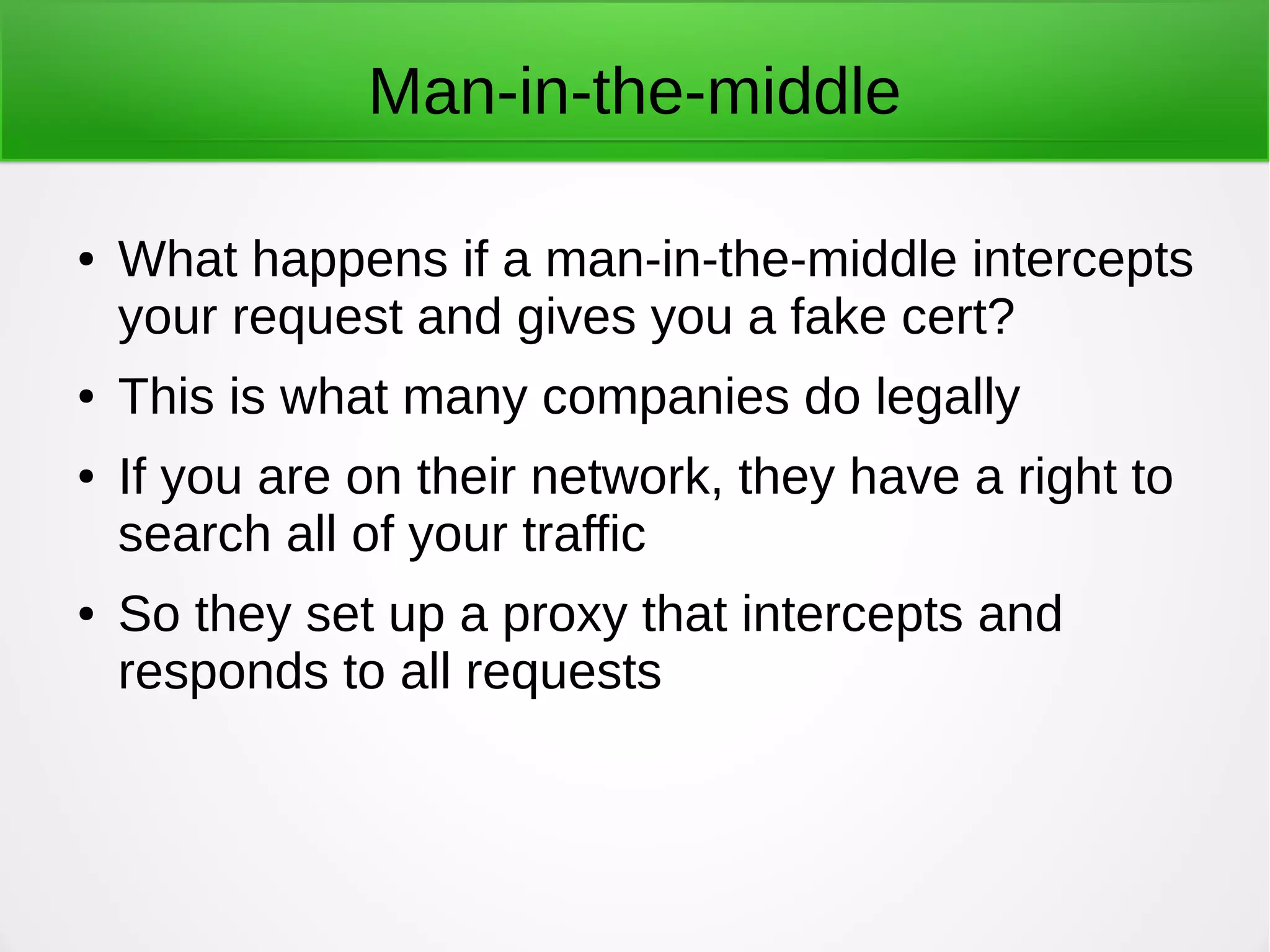
Man-in-the-middle
● What happens if a man-in-the-middle intercepts
your request and gives you a fake cert?
● This is what many companies do legally
● If you are on their network, they have a right to
search all of your traffic
● So they set up a proxy that intercepts and
responds to all requests
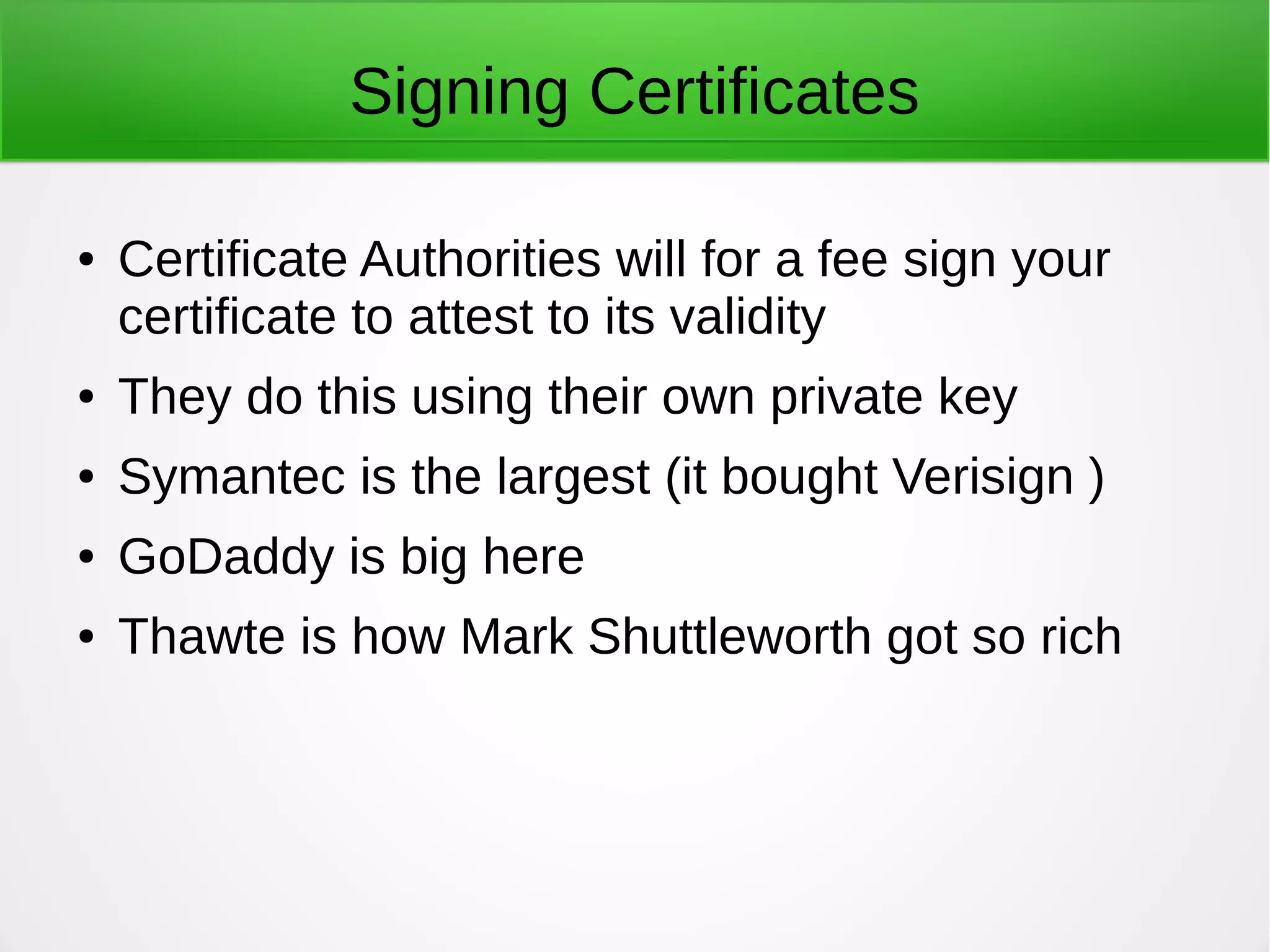
Signing Certificates
● Certificate Authorities will for a fee sign your
certificate to attest to its validity
● They do this using their own private key
● Symantec is the largest (it bought Verisign )
● GoDaddy is big here
● Thawte is how Mark Shuttleworth got so rich
X.509 established
● Standard adopted by International Telegraphic
Union in 1988 for managing secure
communications
● Established the role of Certificate Authorities
● Sets the standard format for certificates
Hierarchical model
● Different from Web of Trust in e-mail
● Chain starts with Root Authorities
● Certificates, including public keys, for most root
authorities are included in your browser as it
comes from the vendor
● Root authorities can then sign certificates for
intermediate authorities
● And then they can sign others, down to the site
If no root cert installed?
● You would then need to go through a
handshake process to obtain a cert
● Do you trust what you get?
X.509 format
● Includes (among other things)
– Version
– Serial Number
– Algorithm ID
– Issuer
– Validity
– Public Key
● http://en.wikipedia.org/wiki/X.509
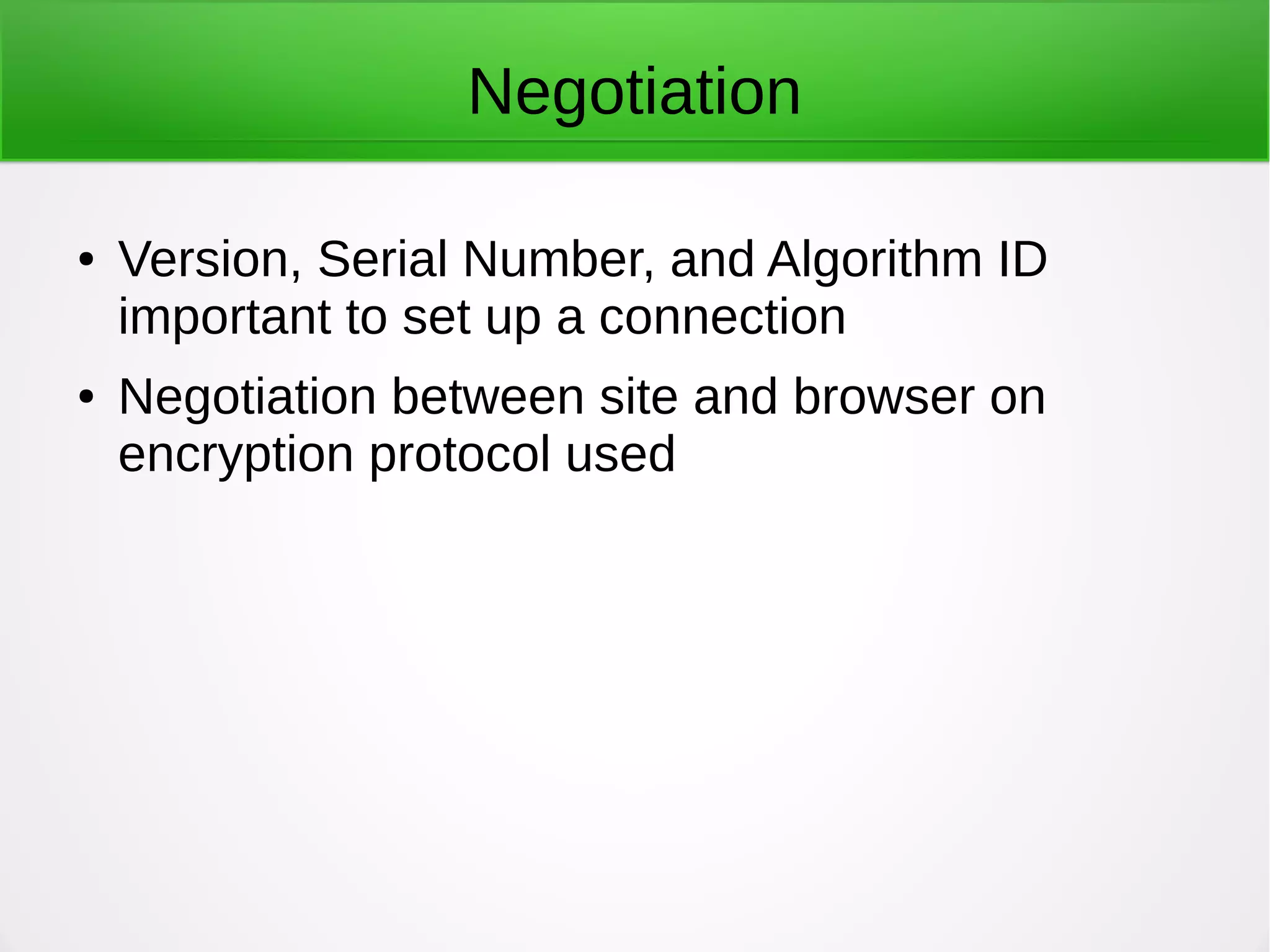
Negotiation
● Version, Serial Number, and Algorithm ID
important to set up a connection
● Negotiation between site and browser on
encryption protocol used
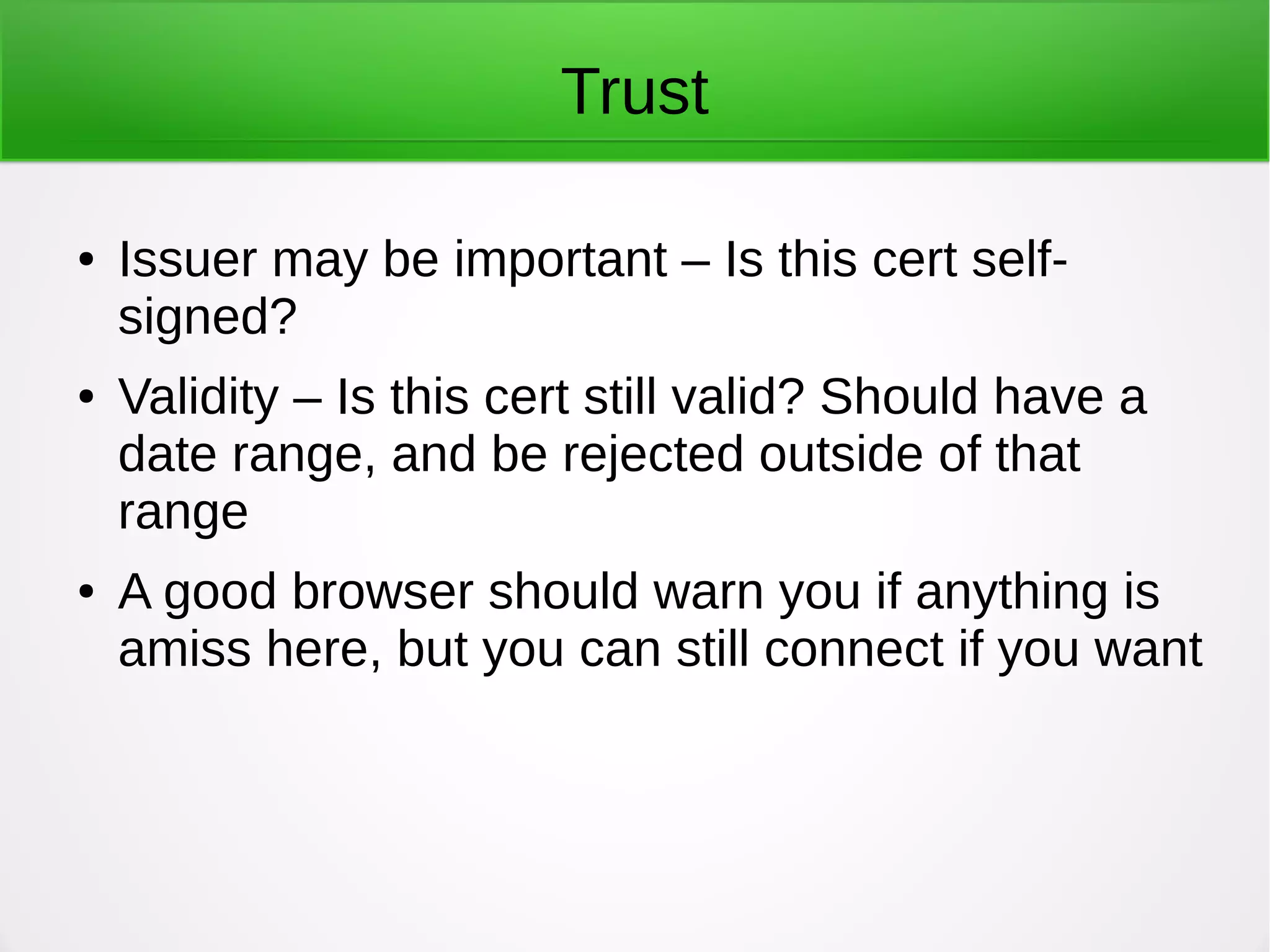
Trust
● Issuer may be important – Is this cert self-
signed?
● Validity – Is this cert still valid? Should have a
date range, and be rejected outside of that
range
● A good browser should warn you if anything is
amiss here, but you can still connect if you want
Public key
● Obviously, this is needed to begin the
connection securely
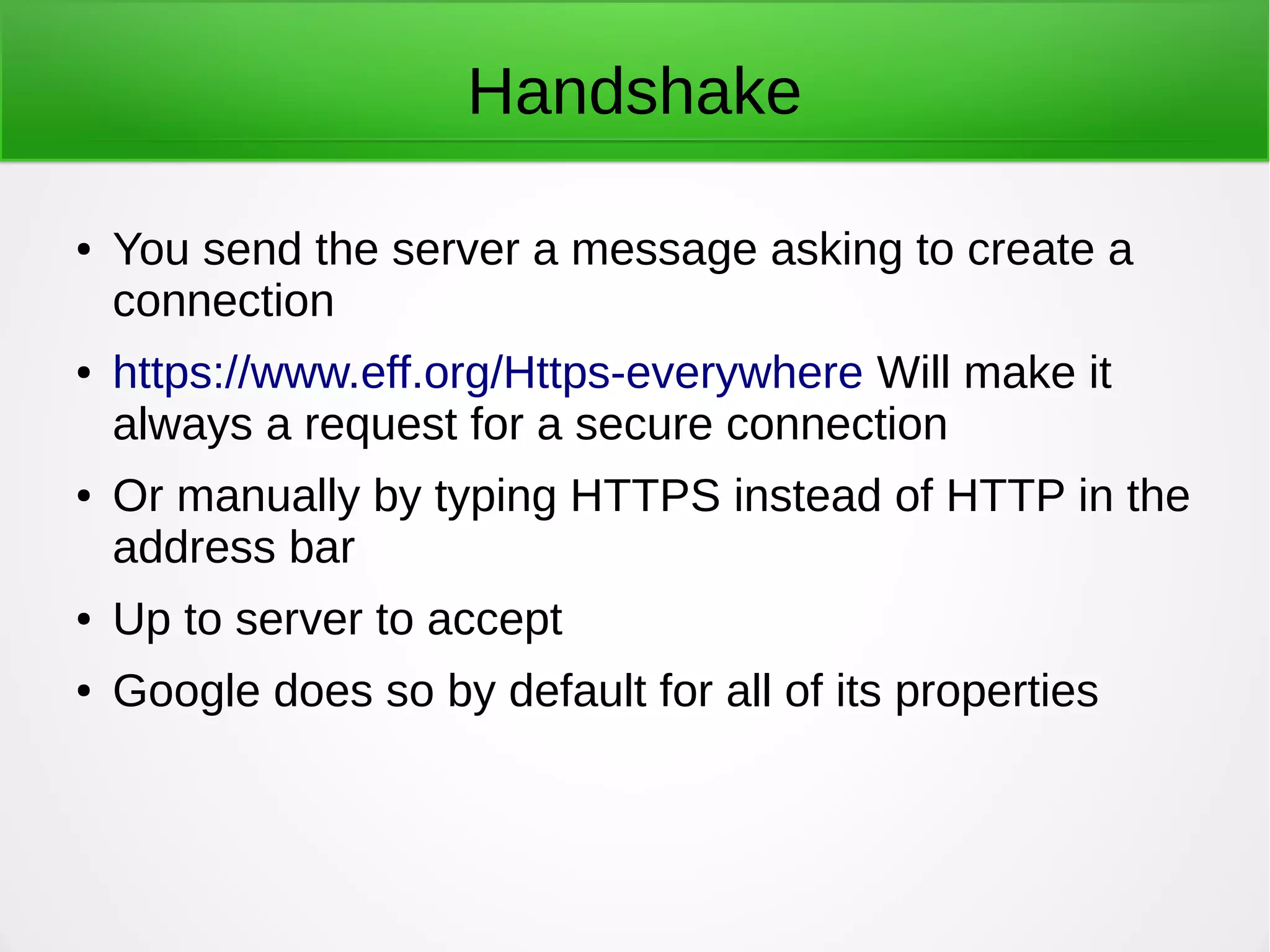
Handshake
● You send the server a message asking to create a
connection
● https://www.eff.org/Https-everywhere Will make it
always a request for a secure connection
● Or manually by typing HTTPS instead of HTTP in the
address bar
● Up to server to accept
● Google does so by default for all of its properties
If you don't request security
● The server then has the option of requesting a
secure connection
● This should be the case for any e-commerce
transaction
● We are moving to a world where it will be the
default
Negotiation (again)
● The server and your browser compare notes on
what protocols each supports
● Idea is to choose the most secure protocol that
is supported by both
● Then a secret key (Symmetric) is generated by
the parties
● Can be done in a couple of ways
Secret Key Exchange
● Then the Symmetric Key is exchanged through the
Public Key connection
● This is then used to handle the rest of the
communication
● Symmetric Keys are much more efficient
● Note: there are interesting security issues around
how this Symmetric Key is exchanged, but that is
beyond the scope of this presentation
For more detailed info...
● https://engineering.purdue.edu/kak/compsec/NewL
Last step
● A session ID is established that allows an
interrupted session to be resumed without
going through the entire handshake again
Certs aren't just Web
● Certificates using X.509 are used in a number
of contexts
● For example, UEFI and Secure Boot uses
x.509 Certs issued by Microsoft (as the
Certificate Authority)
Problems with SSL Certificates
● Most problems are not about cryptography
● As Bruce Schneier says, you can trust the math
● Processes, though, can have vulnerabilities
Root Authorities
● Root authorities cannot be vouched for by any
other authority
● Browsers contain a bunch of root authorities
they trust, with their certificates
● For example: https://www.mozilla.org/en-
US/about/governance/policies/security-
group/certs/included/ is what Firefox trusts
Too many!
● The Firefox list contains a huge number of CAs
● Some of them are governments
● Would you trust a cert signed by the
government?
● What about the Hong Kong Post Office?
Are CAs Trustworthy?
● Not necessarily
● Nor do all browsers agree on which ones to
trust
DigiNotar
● Dutch CA hacked in 2011
● Hackers appear to be Iranian Gov't. Though that
is not certain
● Issued fraudulent certs for Google to do man-in-
the-middle attacks on Gmail users
● Affected 300,000 users
● DigiNotar went bankrupt
● https://en.wikipedia.org/wiki/DigiNotar
Indian Government
● National Informatics Centre issued certs purporting to
be from Google and Yahoo
● This CA was never trusted by Google or Mozilla
● Was trusted by Microsoft
● No one knows exactly why this was done, but
presumably to execute man-in-the-middle attacks
● http://www.zdnet.com/article/microsoft-warns-of-fake-
google-and-yahoo-domains/
French Government
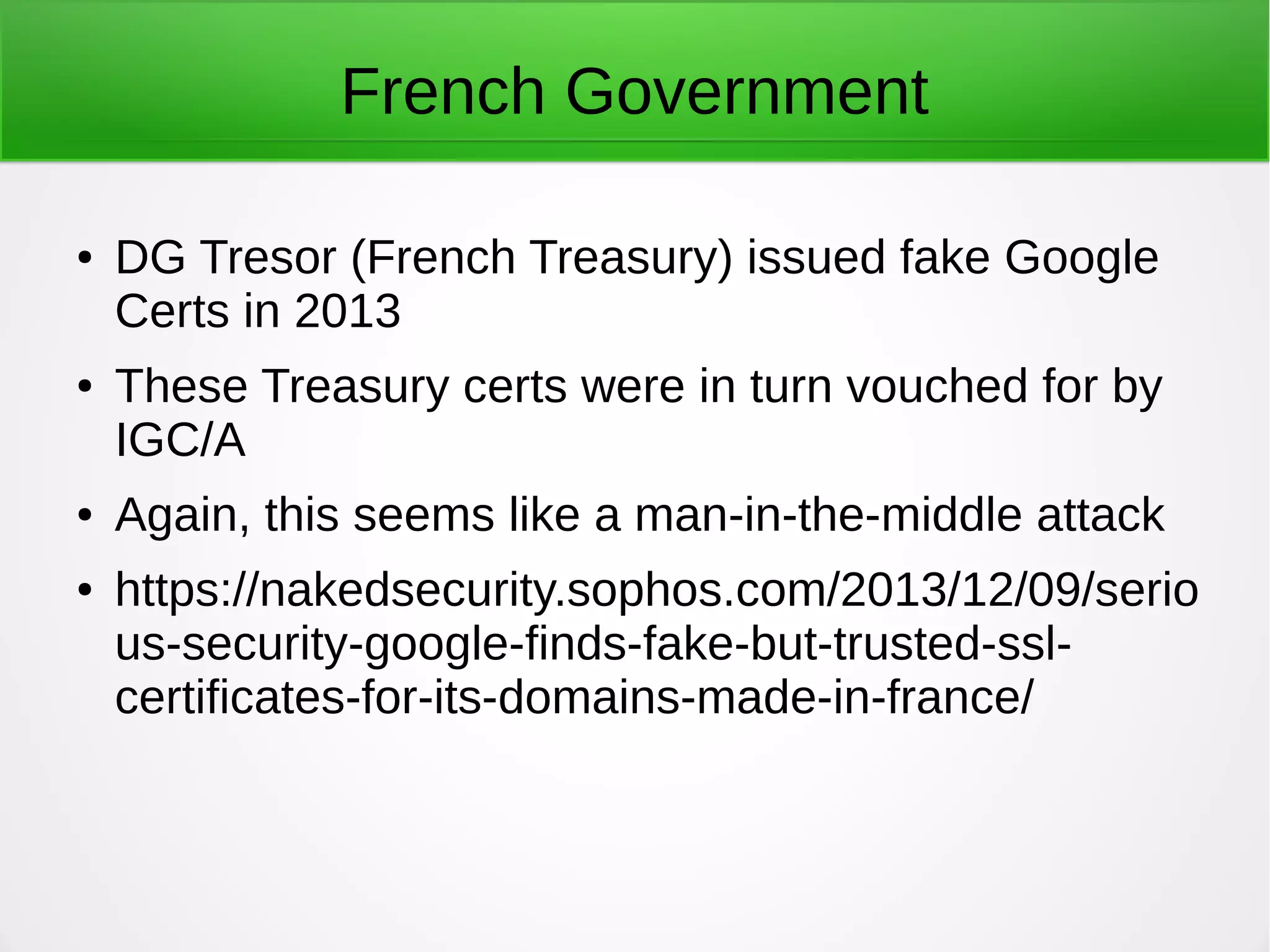
● DG Tresor (French Treasury) issued fake Google
Certs in 2013
● These Treasury certs were in turn vouched for by
IGC/A
● Again, this seems like a man-in-the-middle attack
● https://nakedsecurity.sophos.com/2013/12/09/serio
us-security-google-finds-fake-but-trusted-ssl-
certificates-for-its-domains-made-in-france/
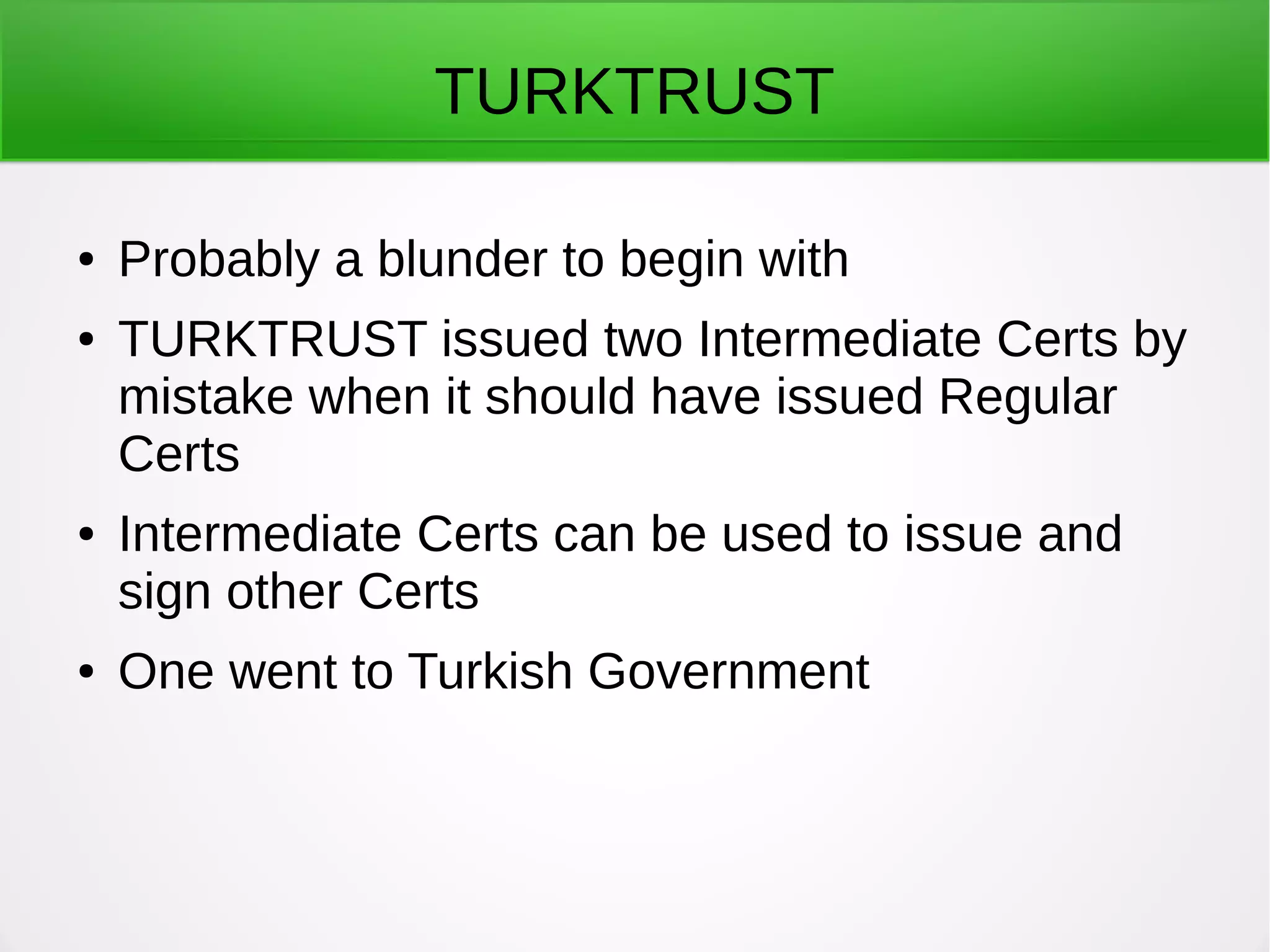
TURKTRUST
● Probably a blunder to begin with
● TURKTRUST issued two Intermediate Certs by
mistake when it should have issued Regular
Certs
● Intermediate Certs can be used to issue and
sign other Certs
● One went to Turkish Government
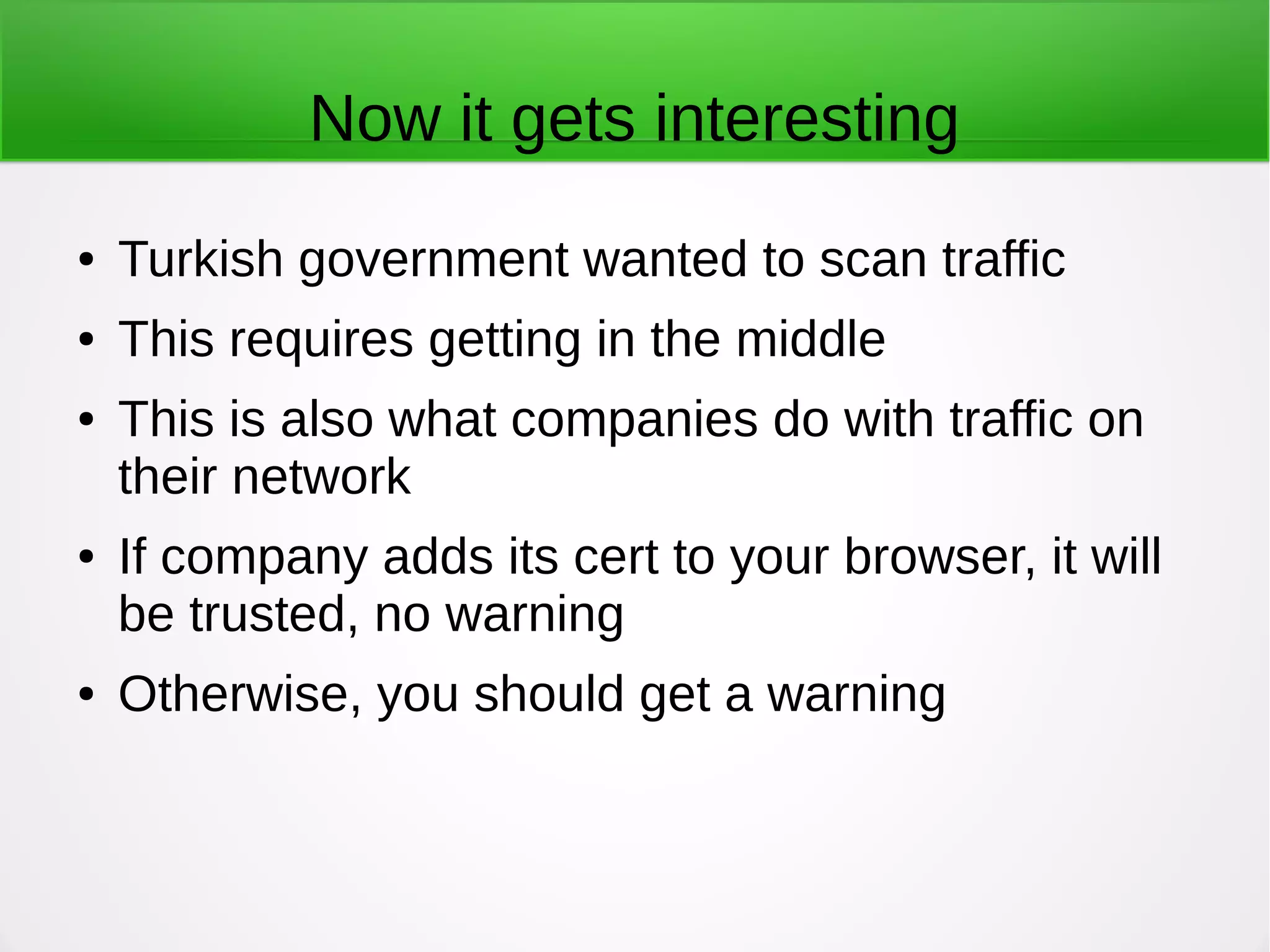
Now it gets interesting
● Turkish government wanted to scan traffic
● This requires getting in the middle
● This is also what companies do with traffic on
their network
● If company adds its cert to your browser, it will
be trusted, no warning
● Otherwise, you should get a warning
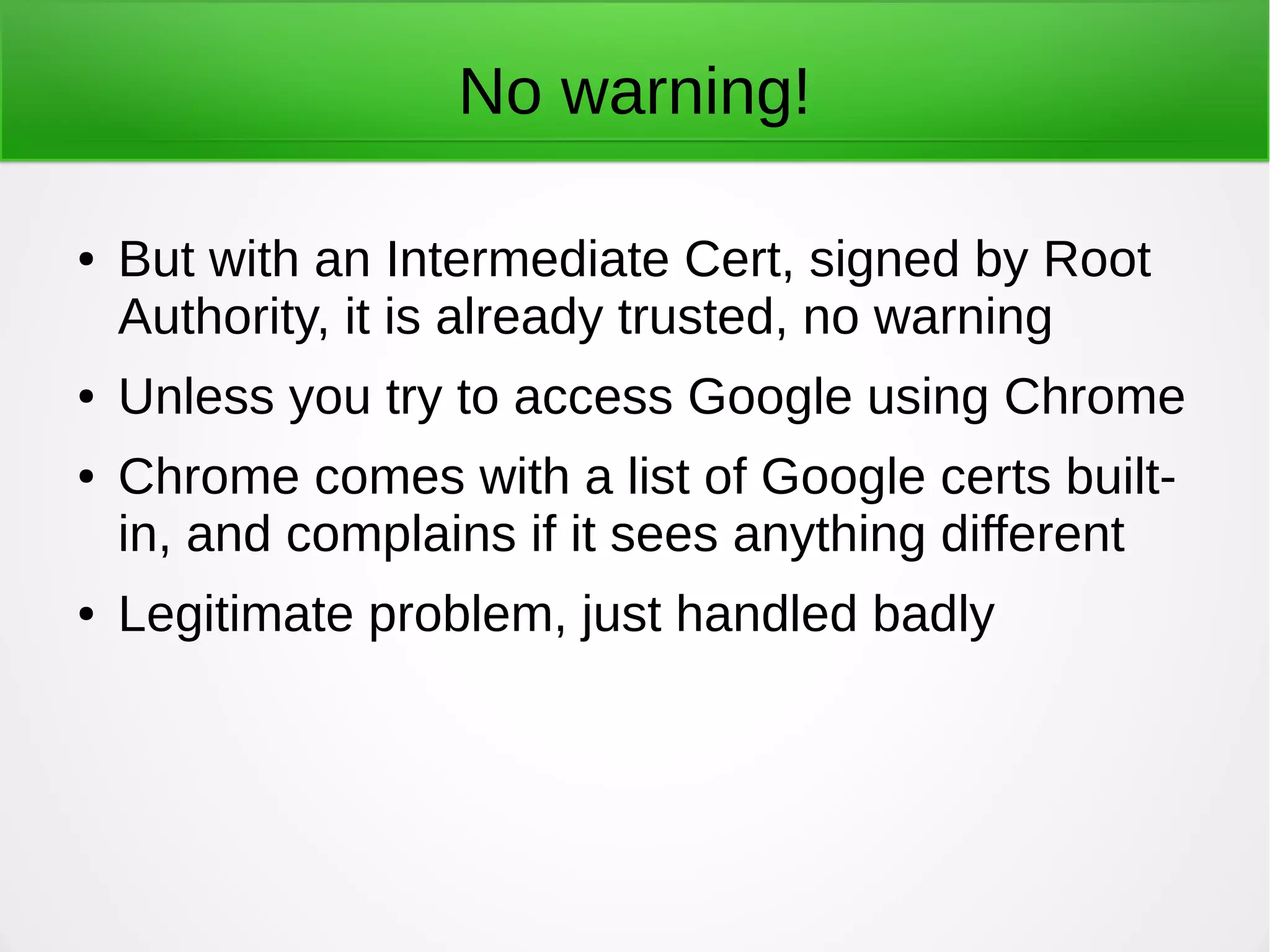
No warning!
● But with an Intermediate Cert, signed by Root
Authority, it is already trusted, no warning
● Unless you try to access Google using Chrome
● Chrome comes with a list of Google certs built-
in, and complains if it sees anything different
● Legitimate problem, just handled badly
Man-in-the-middle
● Many of the security issues we deal with are
classified as man-in-the-middle attacks
● If I intercept your request for a connection and
say “Why yes, I am Google, how may I help
you?” and can convince you to connect to me,
there it is
● I can pass your requests to Google, get back
the response, pass it to you
Monitor the traffic
● But because I am in the middle, I can read all of
the traffic
● This is what corporate networks do legally
● They need to monitor traffic to assure the
security of their network and data
● And this is perfectly legal
● Your company-issued browser probably
contains a self-signed certificate that is trusted
Trust?
● And because it is trusted you get no warning
● Unless you use Chrome to access Google<g>
● But your company could have your bank login
credentials
● And what about the government?
● Do we believe NSA and GCHQ are any better
than the other governments?
Update your browser!
● You want to install browser updates as soon as
they are available
● Remember, your browser has the list of trusted
certs
● If one is revoked you want to get that
Check for Certificate Revocation
● If a certificate is bad, it should be revoked
● Firefox handles the revocation check quite well
● Chrome refuses to
● This came out with the Heartbleed vulnerability,
which was Certificate-related
● Firefox is simply better for security than
Chrome in my view
Add-ons
● There are a few good ones for Firefox as well
● Convergence add-on warns you if the certificate
you see is not what others see -
https://www.eff.org/deeplinks/2011/09/post-mortem-
● Certificate Patrol alerts you if the cert has been
updated - https://addons.mozilla.org/en-
US/firefox/addon/certificate-patrol/
Two-Factor Authentication
● Don't rely on certs alone
● Two-factor can prevent someone from logging
in to your account
● Available for Gmail, and Duo Security has a
free account for individuals
For more info
● Electronic Frontier Foundation is the best
● https://www.eff.org/deeplinks/2011/09/post-mortem-
Has a how to protect yourself discussion I used
for this section
Certificate Solutions
● Protecting yourself as an individual is great, but
how can we improve the system?
● The CA model we inherited from the 1990s is
fundamentally broken
● We need to rely less on trust and more on
provable security
Certificate Transparency
● Google has refused to implement Certificate
Revocations, but has offered Certificate
Transparency
● Essentially a public log of all Certificates issued
● Can be examined and monitored by anyone
● Log would give a signed Certificate Timestamp
for any cert entered to enforce listing
● Relies on owners looking for false certs
TLS Extensions
● Remember that SSL certificates are only one part
of the larger Transport Layer Security protocol
● TLS has added extensions for things like new
encryption methods and renegotiation of
connections
● Other extensions could be added
● http://en.wikipedia.org/wiki/Transport_Layer_Secur
ity
OCSP
● Online Certificate Status Protocol is a way of
verifying a certificate
● Relies on the issuing authority testifying that the
public key is still valid
● But vulnerable to man-in-the-middle
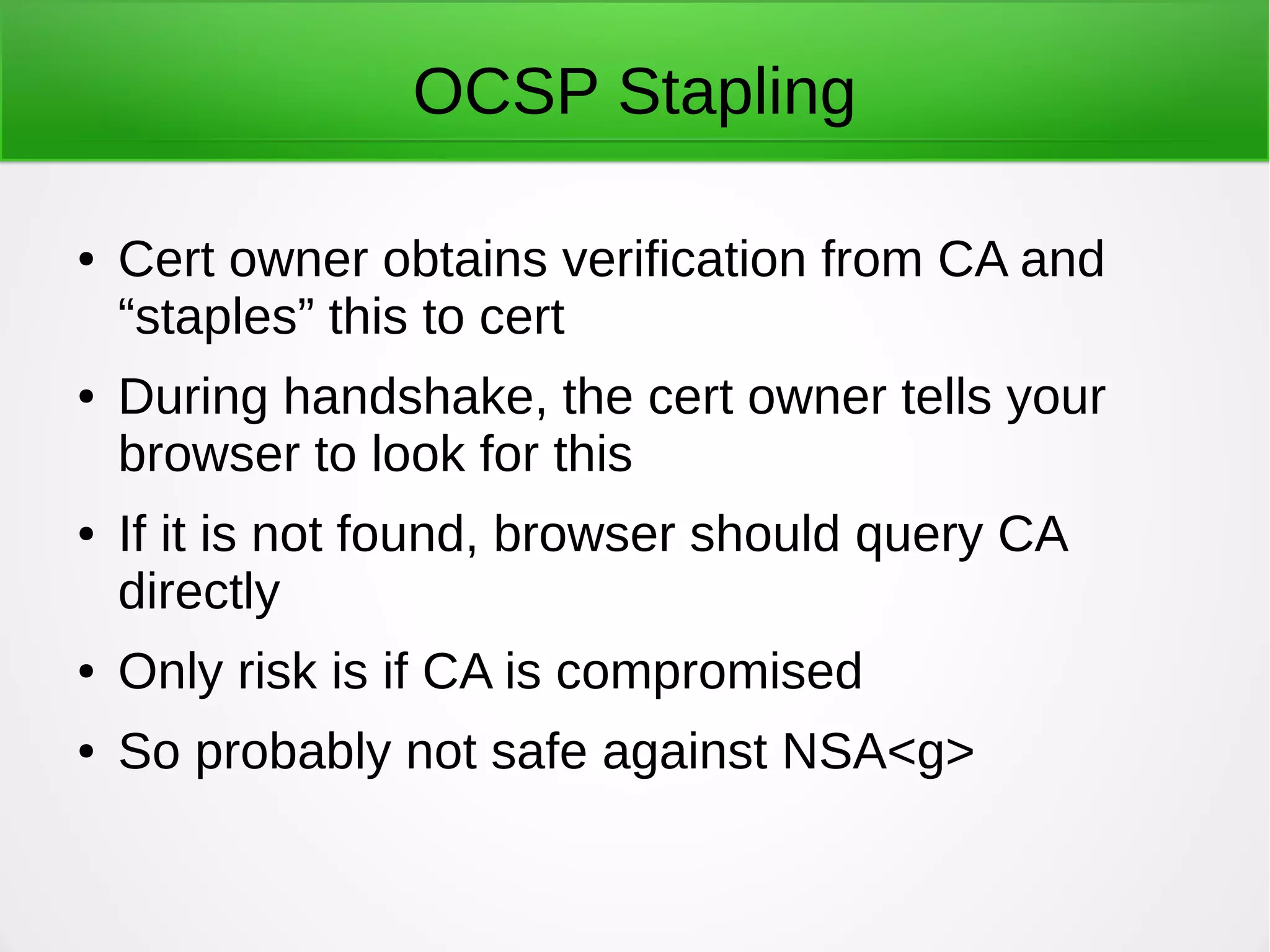
OCSP Stapling
● Cert owner obtains verification from CA and
“staples” this to cert
● During handshake, the cert owner tells your
browser to look for this
● If it is not found, browser should query CA
directly
● Only risk is if CA is compromised
● So probably not safe against NSA<g>
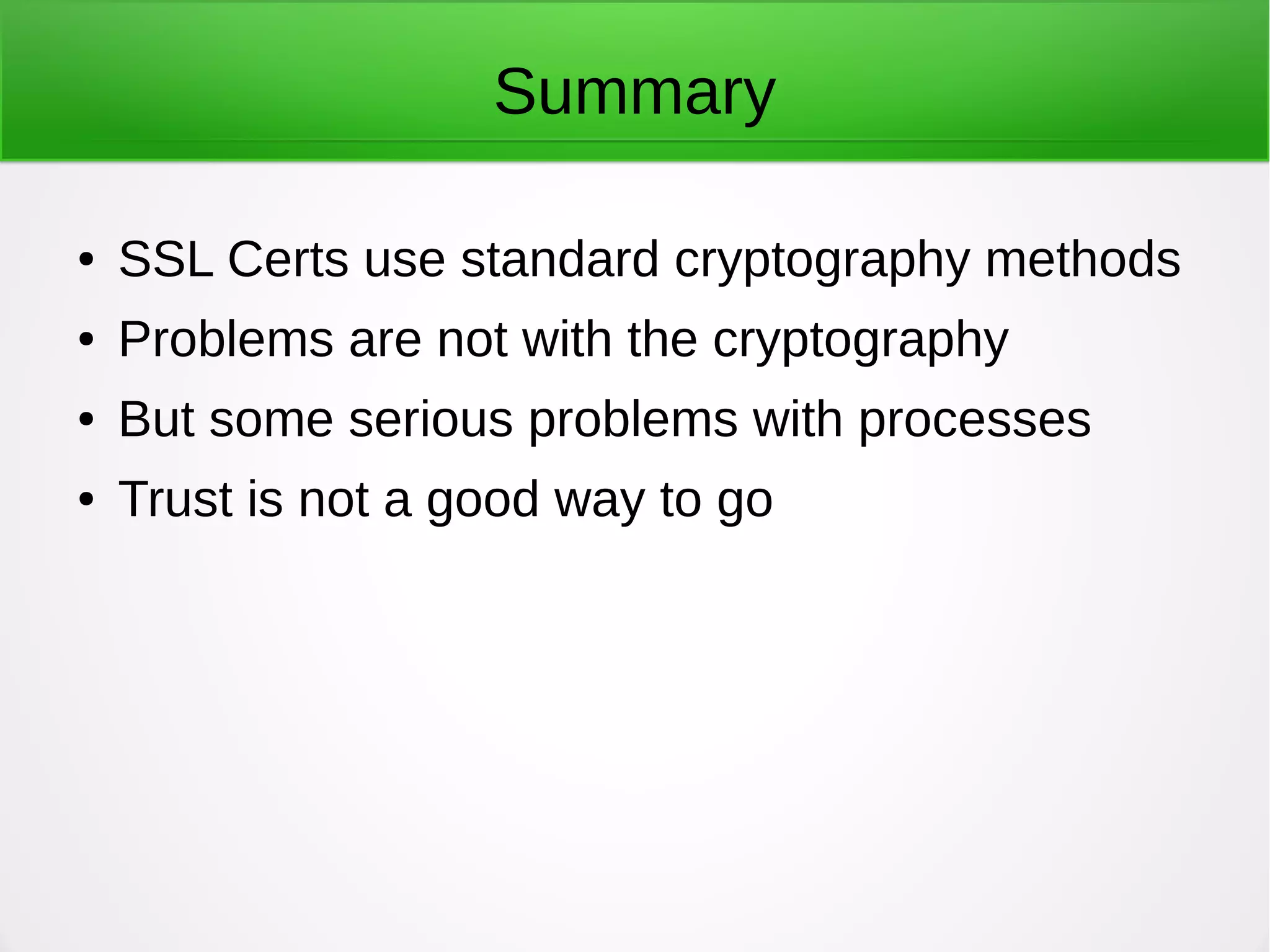
Summary
● SSL Certs use standard cryptography methods
● Problems are not with the cryptography
● But some serious problems with processes
● Trust is not a good way to go

SSL certificates

  • 1.
  • 2.
    Use of Encryption ●SSL Certificates use encryption technology ● Both Asymmetric and Symmetric algorithms are employed ● Works similarly to e-mail encryption and signing
  • 3.
    Digital Signatures ● Whenyou sign an e-mail, it is encrypted using your private key ● Anything encrypted with that key can be decrypted by your public key ● But the message is there in clear text already, so it is not encryption for secrecy
  • 4.
    What it demonstrates ●The encrypted version is there along with the plain text version ● If your public key decrypts the encrypted message, it proves you were the one who sent it ● The messages can be compared to show nothing changed in transit
  • 5.
    Digital Certificates ● Usethe same technology ● A public key is distributed for each cert ● A signed version of the cert is created using the private key ● The public key can then validate the cert
  • 6.
    SSL ● Stands forSecure Sockets Layer ● Created by Netscape in the 1990s ● Currently up to SSL 3.0 ● No longer secure – See POODLE ● https://securityblog.redhat.com/2014/10/15/poo dle-a-ssl3-vulnerability-cve-2014-3566/
  • 7.
    TLS ● Transport LayerSecurity ● More secure than SSL ● Should be used in all cases ● But can be attacked by inducing a downgrade to SSL 3.0 (POODLE) ● https://securityblog.redhat.com/2014/10/20/can- ssl-3-0-be-fixed-an-analysis-of-the-poodle- attack/
  • 8.
    Solution? ● Basically, disableany support for SSL 3.0 ● TLS is the successor to SSL ● If you run a server consult the vendor regarding how to disable SSL on your server ● https://access.redhat.com/articles/1232123 ● But note that certain applications that do not support TLS may default to plain text instead
  • 9.
    The Request ● Abrowser makes a request for a connection using HTTPS, or the server defaults to HTTPS ● https://www.eff.org/https-everywhere ● Google is now boosting sites that default to HTTPS in the search results ● https://www.eff.org/deeplinks/2014/08/google- boosts-secure-sites-search-results
  • 10.
    Key Exchange ● Apublic key is distributed by the server ● The private key is used to encrypt a certificate ● This is sent to the client ● Then a Diffie-Hellman-Merkle Key Exchange or an RSA Key Exchange is done to create an agreed symmetric key ● The symmetric key is then used for all further communication
  • 11.
    Man-in-the-middle ● What happensif a man-in-the-middle intercepts your request and gives you a fake cert? ● This is what many companies do legally ● If you are on their network, they have a right to search all of your traffic ● So they set up a proxy that intercepts and responds to all requests
  • 12.
    Signing Certificates ● CertificateAuthorities will for a fee sign your certificate to attest to its validity ● They do this using their own private key ● Symantec is the largest (it bought Verisign ) ● GoDaddy is big here ● Thawte is how Mark Shuttleworth got so rich
  • 13.
    X.509 established ● Standardadopted by International Telegraphic Union in 1988 for managing secure communications ● Established the role of Certificate Authorities ● Sets the standard format for certificates
  • 14.
    Hierarchical model ● Differentfrom Web of Trust in e-mail ● Chain starts with Root Authorities ● Certificates, including public keys, for most root authorities are included in your browser as it comes from the vendor ● Root authorities can then sign certificates for intermediate authorities ● And then they can sign others, down to the site
  • 15.
    If no rootcert installed? ● You would then need to go through a handshake process to obtain a cert ● Do you trust what you get?
  • 16.
    X.509 format ● Includes(among other things) – Version – Serial Number – Algorithm ID – Issuer – Validity – Public Key ● http://en.wikipedia.org/wiki/X.509
  • 17.
    Negotiation ● Version, SerialNumber, and Algorithm ID important to set up a connection ● Negotiation between site and browser on encryption protocol used
  • 18.
    Trust ● Issuer maybe important – Is this cert self- signed? ● Validity – Is this cert still valid? Should have a date range, and be rejected outside of that range ● A good browser should warn you if anything is amiss here, but you can still connect if you want
  • 19.
    Public key ● Obviously,this is needed to begin the connection securely
  • 20.
    Handshake ● You sendthe server a message asking to create a connection ● https://www.eff.org/Https-everywhere Will make it always a request for a secure connection ● Or manually by typing HTTPS instead of HTTP in the address bar ● Up to server to accept ● Google does so by default for all of its properties
  • 21.
    If you don'trequest security ● The server then has the option of requesting a secure connection ● This should be the case for any e-commerce transaction ● We are moving to a world where it will be the default
  • 22.
    Negotiation (again) ● Theserver and your browser compare notes on what protocols each supports ● Idea is to choose the most secure protocol that is supported by both ● Then a secret key (Symmetric) is generated by the parties ● Can be done in a couple of ways
  • 23.
    Secret Key Exchange ●Then the Symmetric Key is exchanged through the Public Key connection ● This is then used to handle the rest of the communication ● Symmetric Keys are much more efficient ● Note: there are interesting security issues around how this Symmetric Key is exchanged, but that is beyond the scope of this presentation
  • 24.
    For more detailedinfo... ● https://engineering.purdue.edu/kak/compsec/NewL
  • 25.
    Last step ● Asession ID is established that allows an interrupted session to be resumed without going through the entire handshake again
  • 26.
    Certs aren't justWeb ● Certificates using X.509 are used in a number of contexts ● For example, UEFI and Secure Boot uses x.509 Certs issued by Microsoft (as the Certificate Authority)
  • 27.
    Problems with SSLCertificates ● Most problems are not about cryptography ● As Bruce Schneier says, you can trust the math ● Processes, though, can have vulnerabilities
  • 28.
    Root Authorities ● Rootauthorities cannot be vouched for by any other authority ● Browsers contain a bunch of root authorities they trust, with their certificates ● For example: https://www.mozilla.org/en- US/about/governance/policies/security- group/certs/included/ is what Firefox trusts
  • 29.
    Too many! ● TheFirefox list contains a huge number of CAs ● Some of them are governments ● Would you trust a cert signed by the government? ● What about the Hong Kong Post Office?
  • 30.
    Are CAs Trustworthy? ●Not necessarily ● Nor do all browsers agree on which ones to trust
  • 31.
    DigiNotar ● Dutch CAhacked in 2011 ● Hackers appear to be Iranian Gov't. Though that is not certain ● Issued fraudulent certs for Google to do man-in- the-middle attacks on Gmail users ● Affected 300,000 users ● DigiNotar went bankrupt ● https://en.wikipedia.org/wiki/DigiNotar
  • 32.
    Indian Government ● NationalInformatics Centre issued certs purporting to be from Google and Yahoo ● This CA was never trusted by Google or Mozilla ● Was trusted by Microsoft ● No one knows exactly why this was done, but presumably to execute man-in-the-middle attacks ● http://www.zdnet.com/article/microsoft-warns-of-fake- google-and-yahoo-domains/
  • 33.
    French Government ● DGTresor (French Treasury) issued fake Google Certs in 2013 ● These Treasury certs were in turn vouched for by IGC/A ● Again, this seems like a man-in-the-middle attack ● https://nakedsecurity.sophos.com/2013/12/09/serio us-security-google-finds-fake-but-trusted-ssl- certificates-for-its-domains-made-in-france/
  • 34.
    TURKTRUST ● Probably ablunder to begin with ● TURKTRUST issued two Intermediate Certs by mistake when it should have issued Regular Certs ● Intermediate Certs can be used to issue and sign other Certs ● One went to Turkish Government
  • 35.
    Now it getsinteresting ● Turkish government wanted to scan traffic ● This requires getting in the middle ● This is also what companies do with traffic on their network ● If company adds its cert to your browser, it will be trusted, no warning ● Otherwise, you should get a warning
  • 36.
    No warning! ● Butwith an Intermediate Cert, signed by Root Authority, it is already trusted, no warning ● Unless you try to access Google using Chrome ● Chrome comes with a list of Google certs built- in, and complains if it sees anything different ● Legitimate problem, just handled badly
  • 37.
    Man-in-the-middle ● Many ofthe security issues we deal with are classified as man-in-the-middle attacks ● If I intercept your request for a connection and say “Why yes, I am Google, how may I help you?” and can convince you to connect to me, there it is ● I can pass your requests to Google, get back the response, pass it to you
  • 38.
    Monitor the traffic ●But because I am in the middle, I can read all of the traffic ● This is what corporate networks do legally ● They need to monitor traffic to assure the security of their network and data ● And this is perfectly legal ● Your company-issued browser probably contains a self-signed certificate that is trusted
  • 39.
    Trust? ● And becauseit is trusted you get no warning ● Unless you use Chrome to access Google<g> ● But your company could have your bank login credentials ● And what about the government? ● Do we believe NSA and GCHQ are any better than the other governments?
  • 40.
    Update your browser! ●You want to install browser updates as soon as they are available ● Remember, your browser has the list of trusted certs ● If one is revoked you want to get that
  • 41.
    Check for CertificateRevocation ● If a certificate is bad, it should be revoked ● Firefox handles the revocation check quite well ● Chrome refuses to ● This came out with the Heartbleed vulnerability, which was Certificate-related ● Firefox is simply better for security than Chrome in my view
  • 42.
    Add-ons ● There area few good ones for Firefox as well ● Convergence add-on warns you if the certificate you see is not what others see - https://www.eff.org/deeplinks/2011/09/post-mortem- ● Certificate Patrol alerts you if the cert has been updated - https://addons.mozilla.org/en- US/firefox/addon/certificate-patrol/
  • 43.
    Two-Factor Authentication ● Don'trely on certs alone ● Two-factor can prevent someone from logging in to your account ● Available for Gmail, and Duo Security has a free account for individuals
  • 44.
    For more info ●Electronic Frontier Foundation is the best ● https://www.eff.org/deeplinks/2011/09/post-mortem- Has a how to protect yourself discussion I used for this section
  • 45.
    Certificate Solutions ● Protectingyourself as an individual is great, but how can we improve the system? ● The CA model we inherited from the 1990s is fundamentally broken ● We need to rely less on trust and more on provable security
  • 46.
    Certificate Transparency ● Googlehas refused to implement Certificate Revocations, but has offered Certificate Transparency ● Essentially a public log of all Certificates issued ● Can be examined and monitored by anyone ● Log would give a signed Certificate Timestamp for any cert entered to enforce listing ● Relies on owners looking for false certs
  • 47.
    TLS Extensions ● Rememberthat SSL certificates are only one part of the larger Transport Layer Security protocol ● TLS has added extensions for things like new encryption methods and renegotiation of connections ● Other extensions could be added ● http://en.wikipedia.org/wiki/Transport_Layer_Secur ity
  • 48.
    OCSP ● Online CertificateStatus Protocol is a way of verifying a certificate ● Relies on the issuing authority testifying that the public key is still valid ● But vulnerable to man-in-the-middle
  • 49.
    OCSP Stapling ● Certowner obtains verification from CA and “staples” this to cert ● During handshake, the cert owner tells your browser to look for this ● If it is not found, browser should query CA directly ● Only risk is if CA is compromised ● So probably not safe against NSA<g>
  • 50.
    Summary ● SSL Certsuse standard cryptography methods ● Problems are not with the cryptography ● But some serious problems with processes ● Trust is not a good way to go