Building Great Client-Side
Web Parts with SPFx, PnP-
JS-Core, ReactJS, and
Office UI Fabric
Bill Ayers
Eur Ing Dr Bill Ayers
MCM/MCSM Charter SharePoint
MVP, MCT, MCTS, MCITP, MCSD, MCAD, MCSA, MCDBA, Professional
Scrum Master, etc. etc.
Flow Simulation Ltd.
www.SPDoctor.net
BillA@flosim.com
@SPDoctor
Consultant specialising in SharePoint and
Office 365 Development and Architecture
for Collaboration and Mobile Development
• Add-ins?
• Why SPFx?
• ReactJS
• Office UI Fabric
• OfficeDev PnP and PnP-JS-Core library
• Bringing it all together
• What’s New?
• Conclusions
Agenda
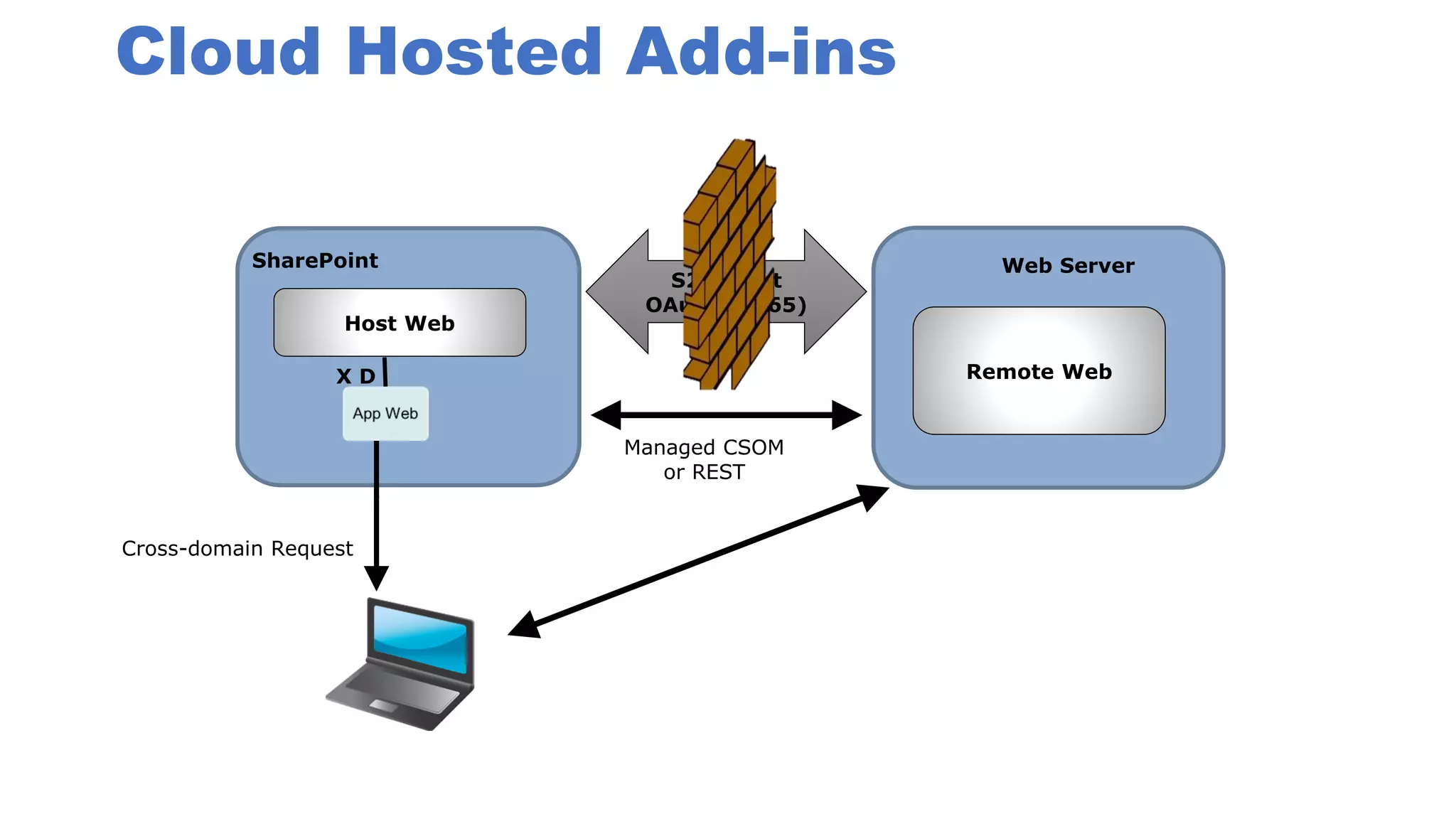
Cloud Hosted Add-ins
Remote Web
S2S Trust
OAuth (O365)
SharePoint Web Server
Managed CSOM
or REST
Cross-domain Request
Host Web
X D
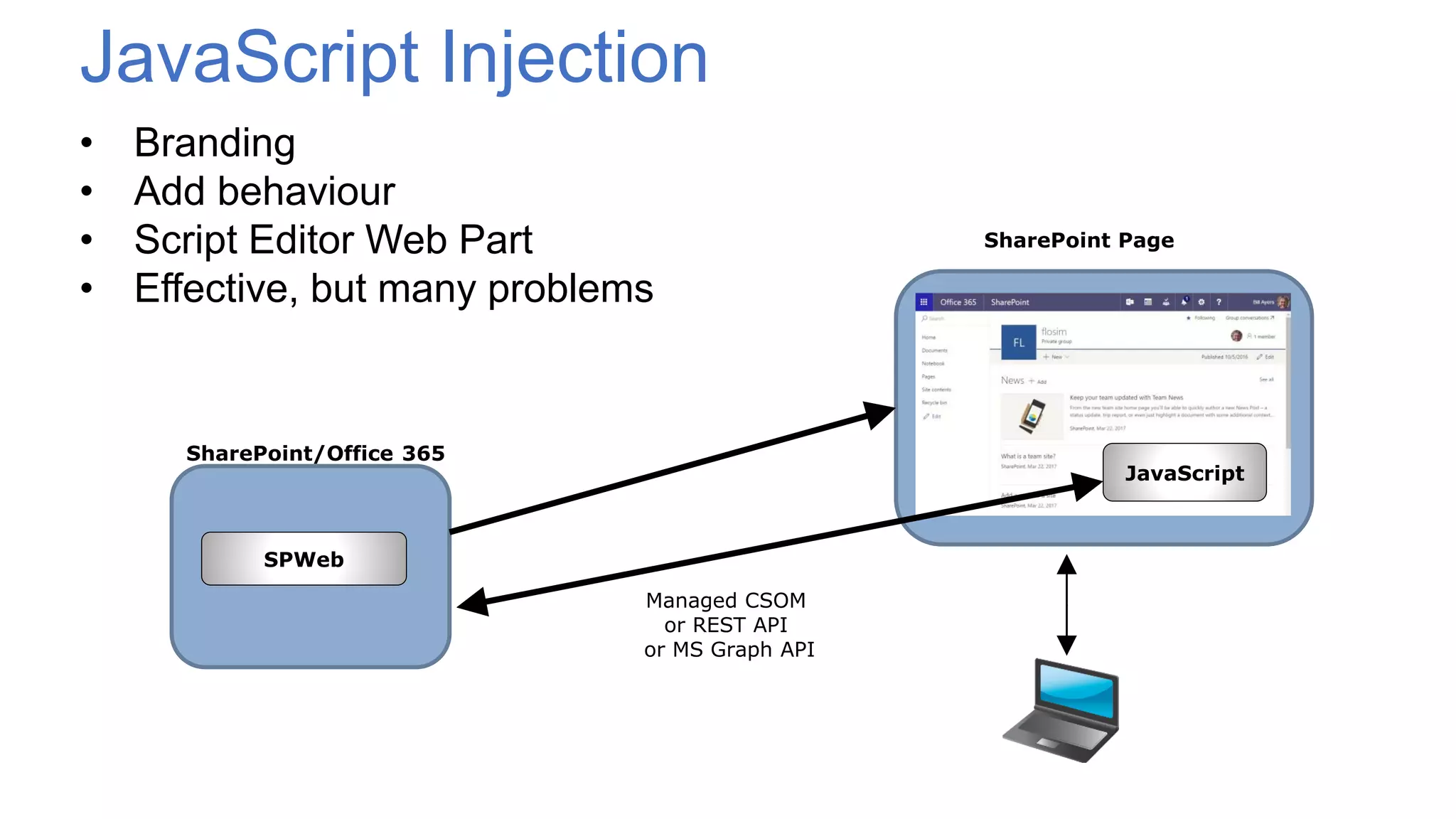
• Branding
• Add behaviour
• Script Editor Web Part
• Effective, but many problems
SharePoint/Office 365
SharePoint Page
SPWeb
JavaScript Injection
JavaScript
Managed CSOM
or REST API
or MS Graph API
Limitations
• No deployment or packaging model – DIY
• No central control
• Master page may change!
• Scripting disabled by default for personal sites and self-service sites in
SharePoint Online and root site collection
• When scripting is disabled…
• Links removed from Site Settings page
• SharePoint Designer capabilities reduced
• Can’t edit master pages or page layouts
• Can’t edit theme for current site
• Missing Web Parts (e.g. Script Editor, Content Editor)
• Can’t upload .aspx files to document libraries
• Enable scripting with UI, CSOM or PowerShell
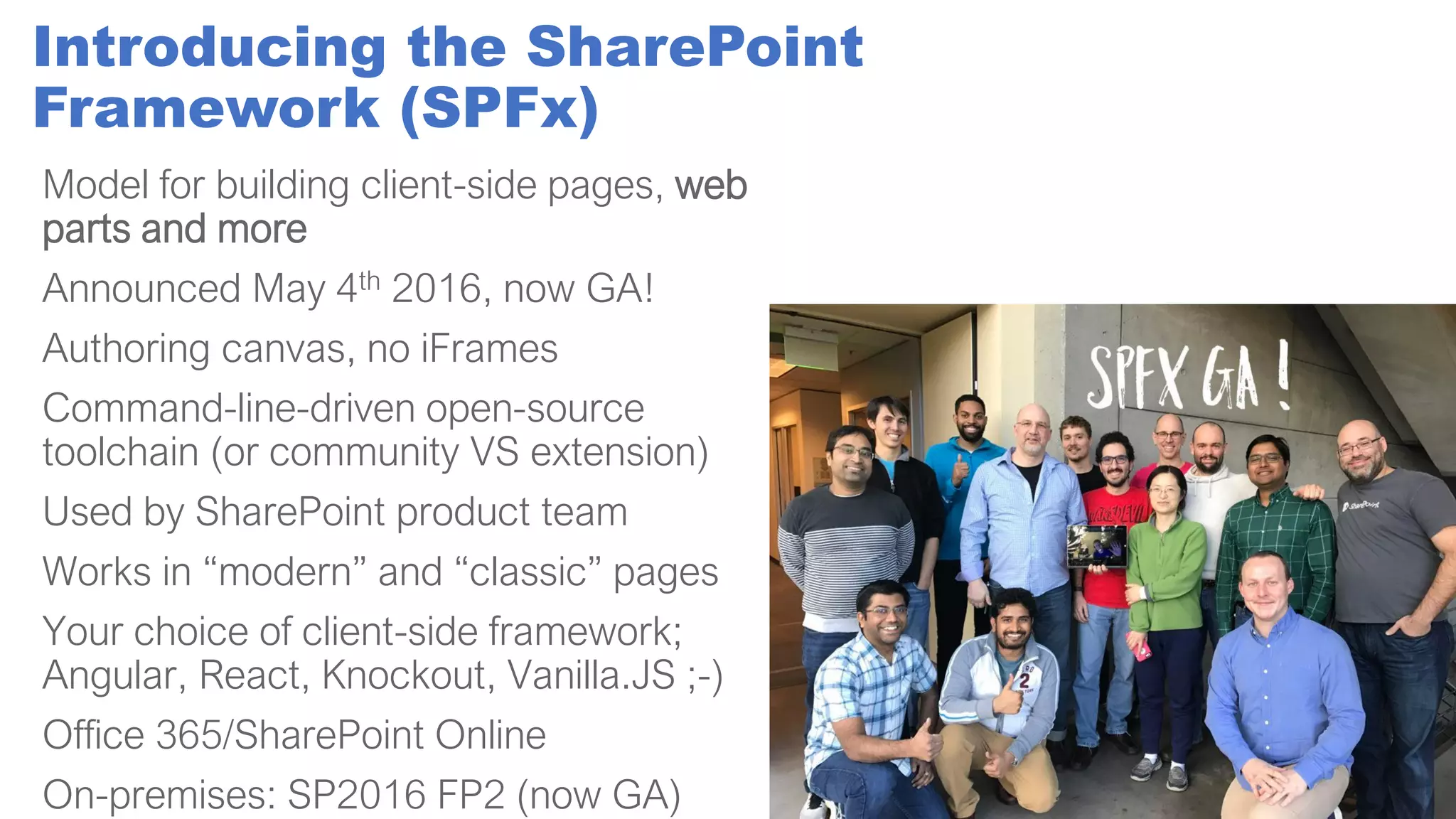
Introducing the SharePoint
Framework (SPFx)
Model for building client-side pages, web
parts and more
Announced May 4th 2016, now GA!
Authoring canvas, no iFrames
Command-line-driven open-source
toolchain (or community VS extension)
Used by SharePoint product team
Works in “modern” and “classic” pages
Your choice of client-side framework;
Angular, React, Knockout, Vanilla.JS ;-)
Office 365/SharePoint Online
On-premises: SP2016 FP2 (now GA)
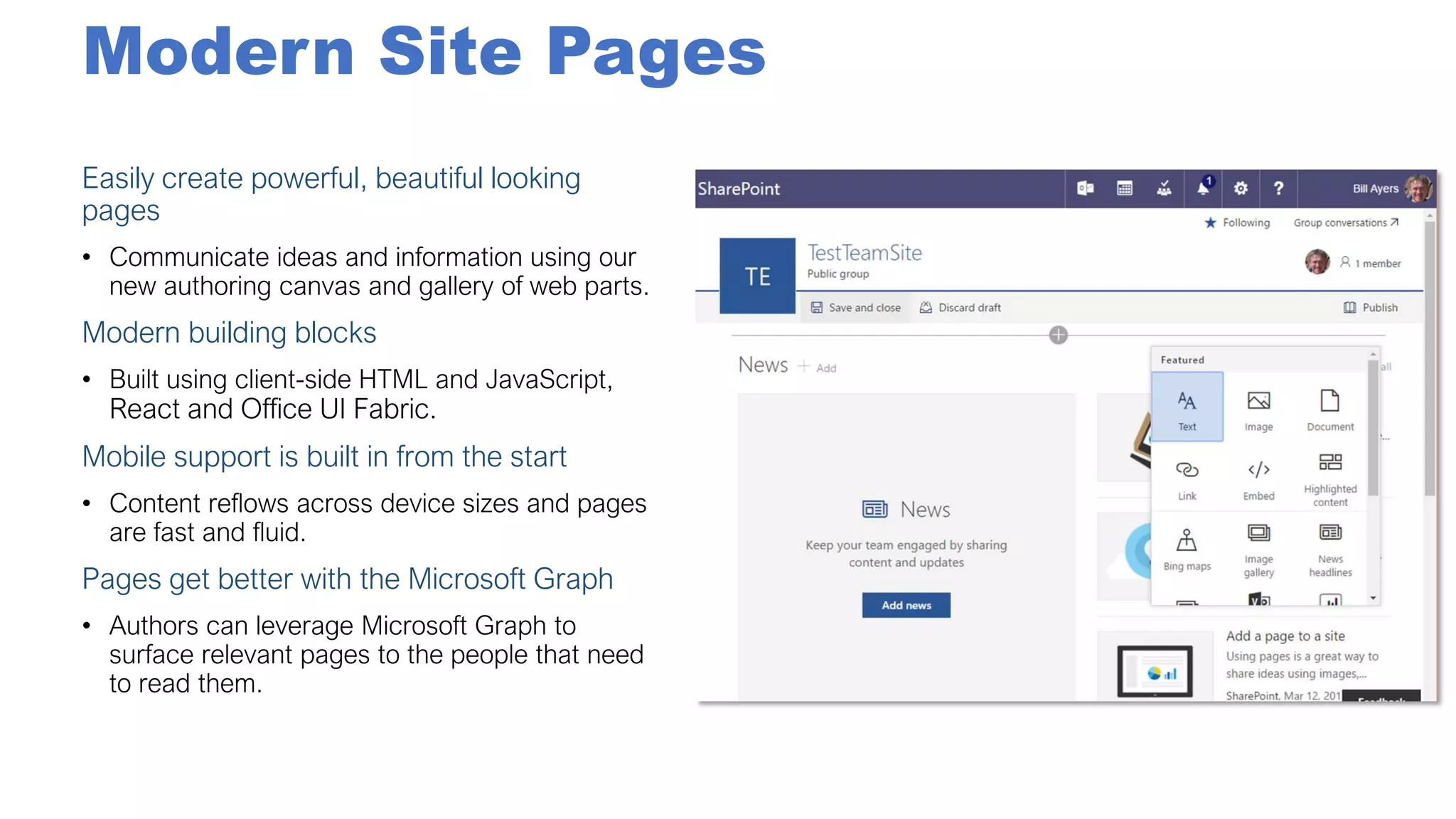
Modern Site Pages
Easily create powerful, beautiful looking
pages
Modern building blocks
Mobile support is built in from the start
Pages get better with the Microsoft Graph
New SPFx Extensions
Announced at //build/ 2017
• ApplicationCustomizers allow developers to add script to the page, as
well as access well-known HTML element placeholders and extend
them with custom renderings
• FieldCustomizers can be used to provide modified views to data for
fields within a list
• CommandSets let developers extend the command surfaces of
SharePoint to add new actions, along with client-side code that can be
used to implement behaviours
• Web Part Connections enable more connected web parts that can work
together to share information
• Communication Sites (announced at #SPSummit)
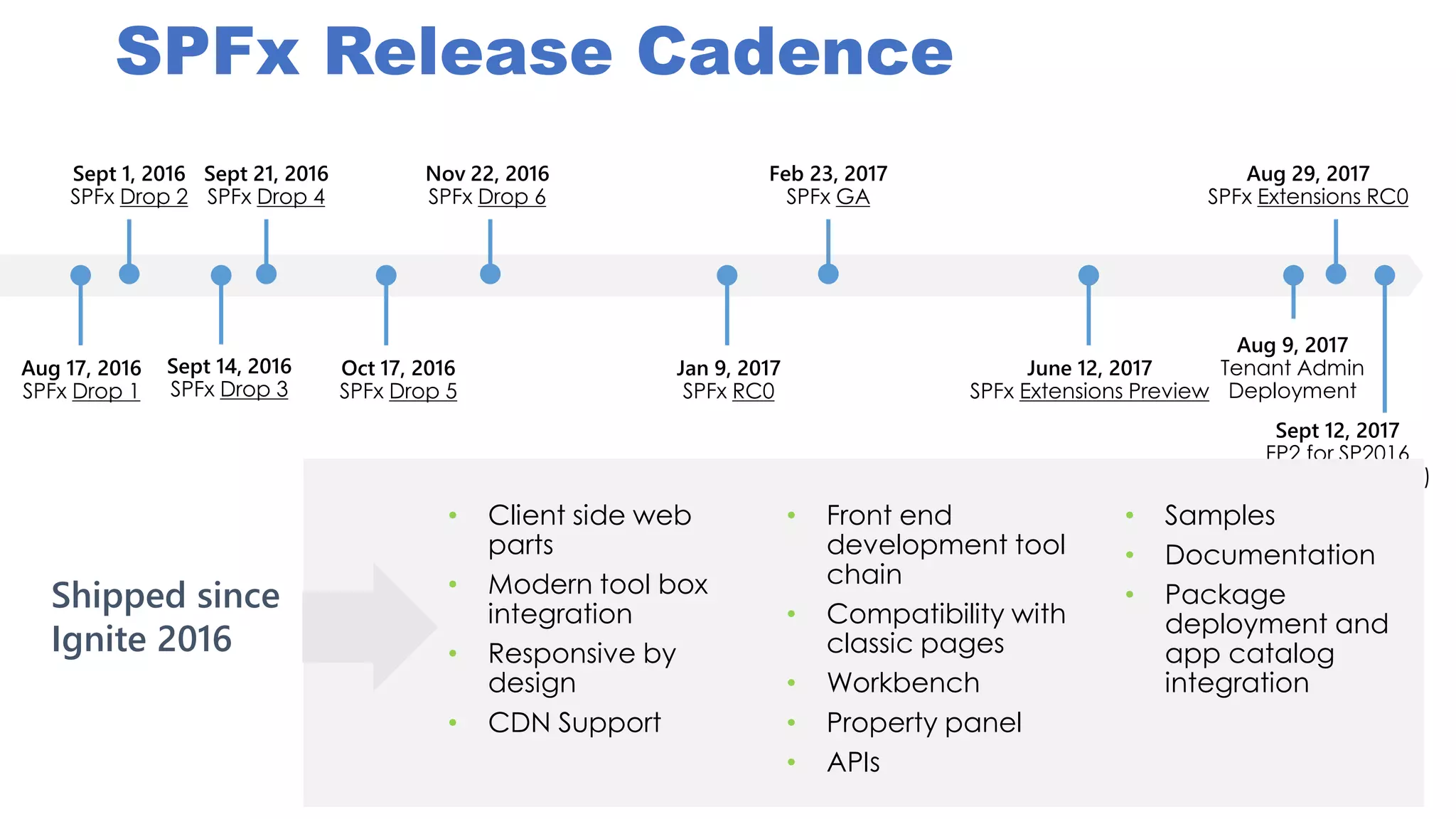
SPFx Release Cadence
Aug 17, 2016
SPFx Drop 1
Sept 1, 2016
SPFx Drop 2
Sept 14, 2016
SPFx Drop 3
Oct 17, 2016
SPFx Drop 5
Sept 21, 2016
SPFx Drop 4
Nov 22, 2016
SPFx Drop 6
Jan 9, 2017
SPFx RC0
Feb 23, 2017
SPFx GA
June 12, 2017
SPFx Extensions Preview
Aug 29, 2017
SPFx Extensions RC0
Aug 9, 2017
Tenant Admin
Deployment
Sept 12, 2017
FP2 for SP2016
(SPFx for on-prem)
• Client side web
parts
• Modern tool box
integration
• Responsive by
design
• CDN Support
• Front end
development tool
chain
• Compatibility with
classic pages
• Workbench
• Property panel
• APIs
• Samples
• Documentation
• Package
deployment and
app catalog
integration
Shipped since
Ignite 2016
Wait, did you say
“Command-line-driven
open-source toolchain” ?
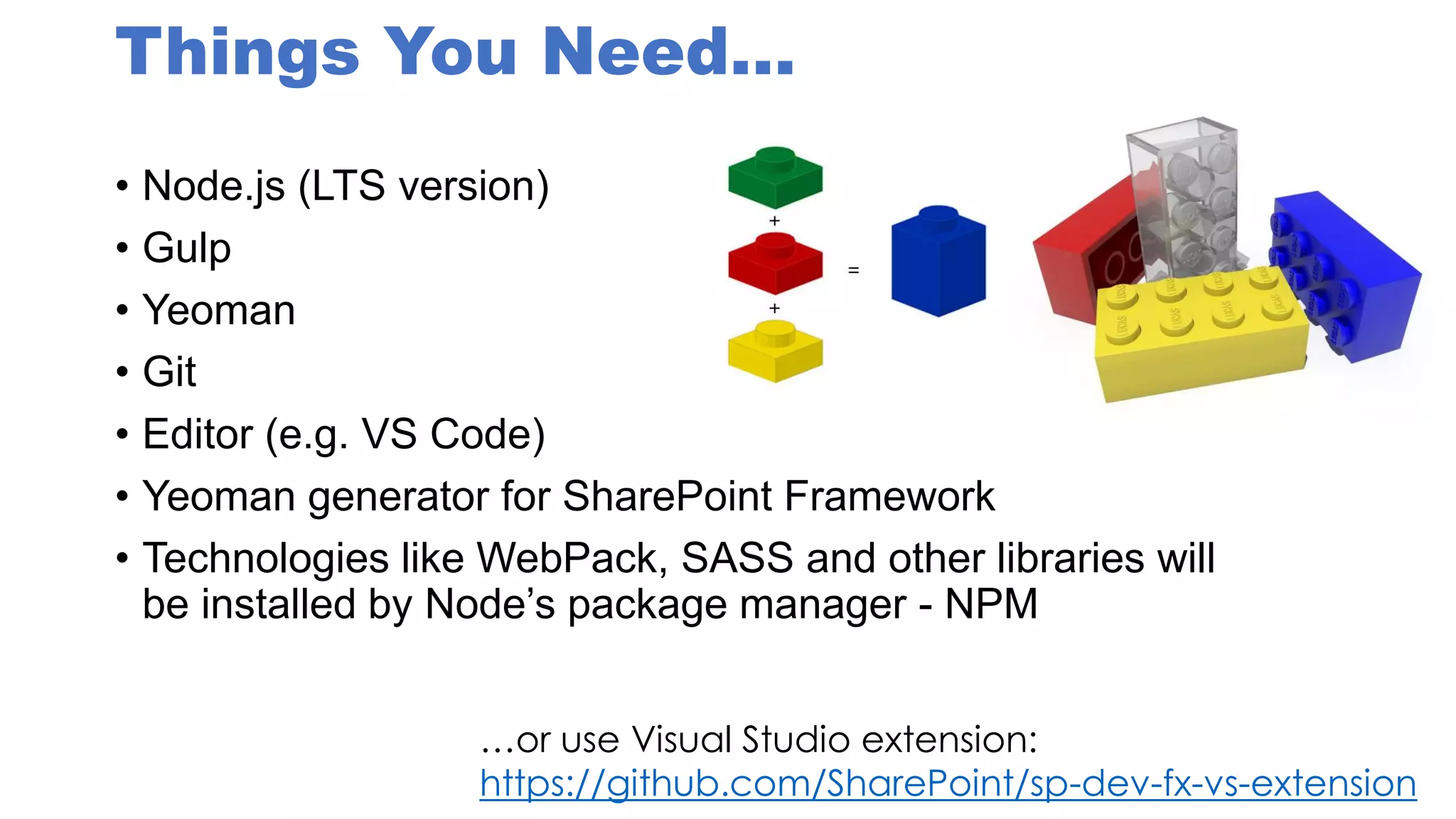
Things You Need…
• Node.js (LTS version)
• Gulp
• Yeoman
• Git
• Editor (e.g. VS Code)
• Yeoman generator for SharePoint Framework
• Technologies like WebPack, SASS and other libraries will
be installed by Node’s package manager - NPM
…or use Visual Studio extension:
https://github.com/SharePoint/sp-dev-fx-vs-extension
Node.js
• Server-side JavaScript
• Uses Google’s V8 engine
• Main use case is as a web server
• Secondary use as part of development environment
• Modular packages
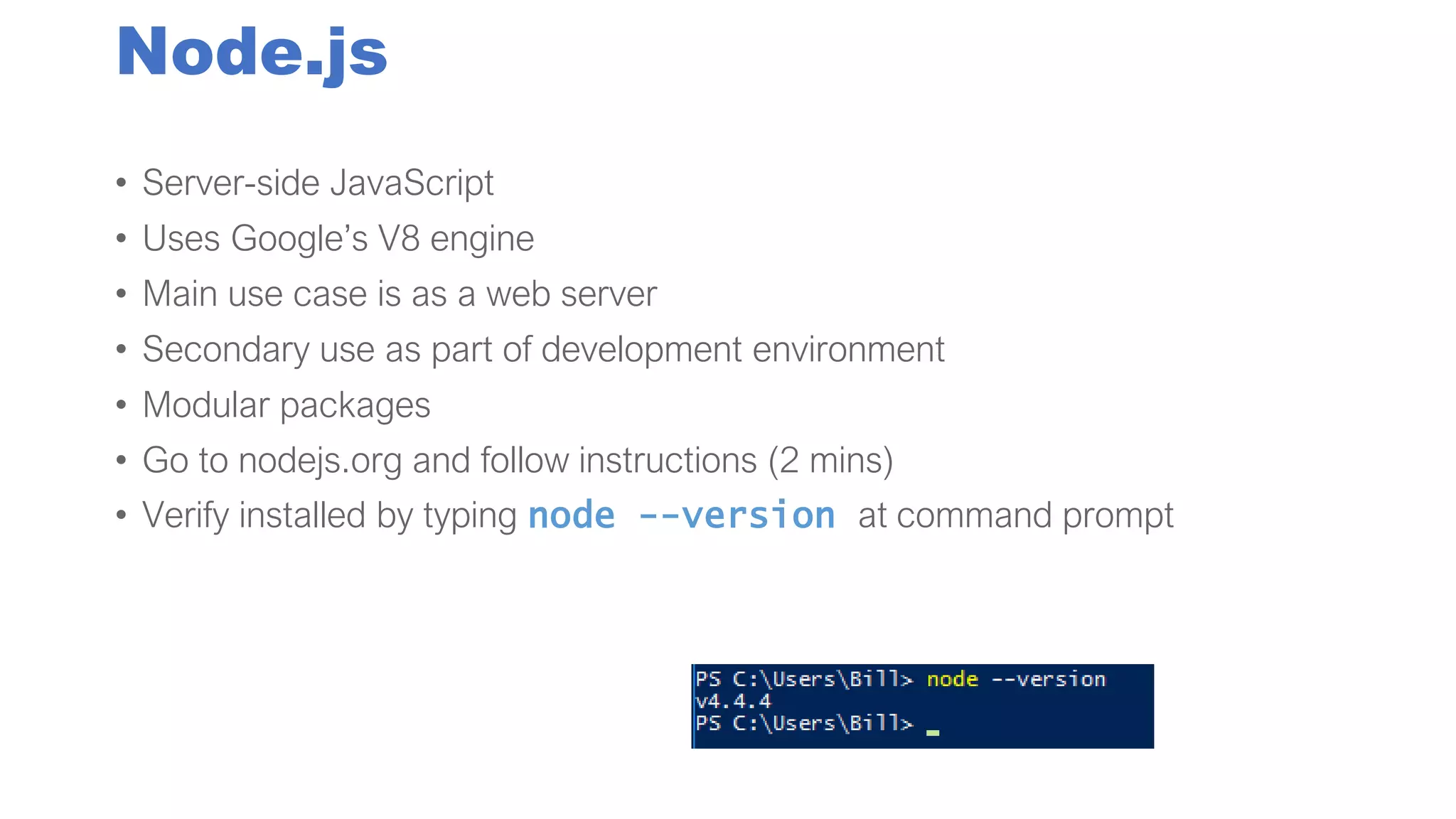
• Go to nodejs.org and follow instructions (2 mins)
• Verify installed by typing node --version at command prompt
Gulp: JavaScript Build Engine
• Build tasks defined in JavaScript
• Gulpfile.js runs build process
• In gulpfile.js, define tasks…
var gulp = require('gulp.js');
gulp.task('taskname', function() {
// do Stuff here
});
• Streaming model, a
bit like Unix pipes
• Gulp tasks for
SASS, TypeScript,
etc. etc.
• gulp.watch('*.scss',
['task1','task2']);
?
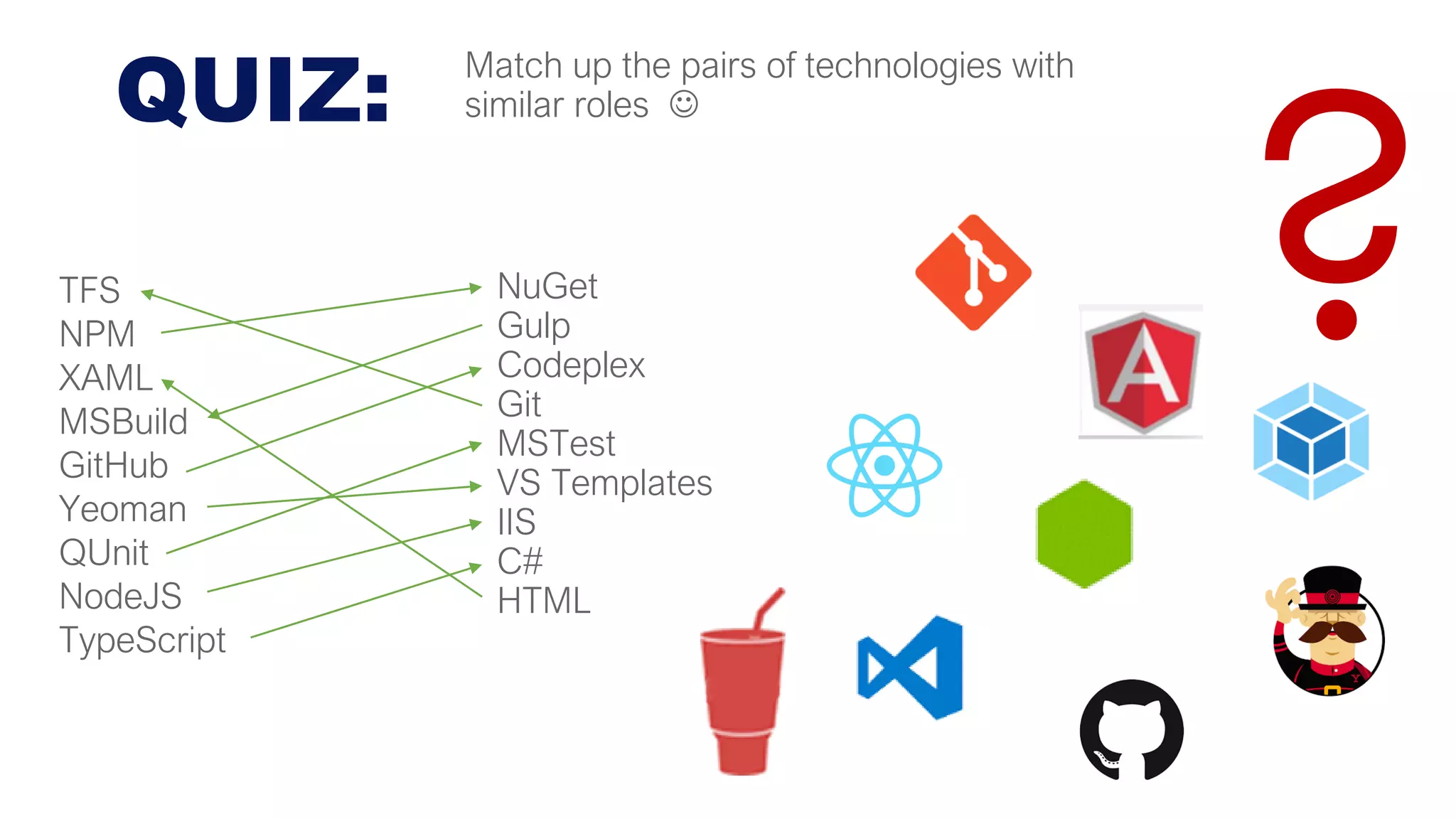
QUIZ:
NuGet
Gulp
Codeplex
Git
MSTest
VS Templates
IIS
C#
HTML
TFS
NPM
XAML
MSBuild
GitHub
Yeoman
QUnit
NodeJS
TypeScript
Match up the pairs of technologies with
similar roles ☺
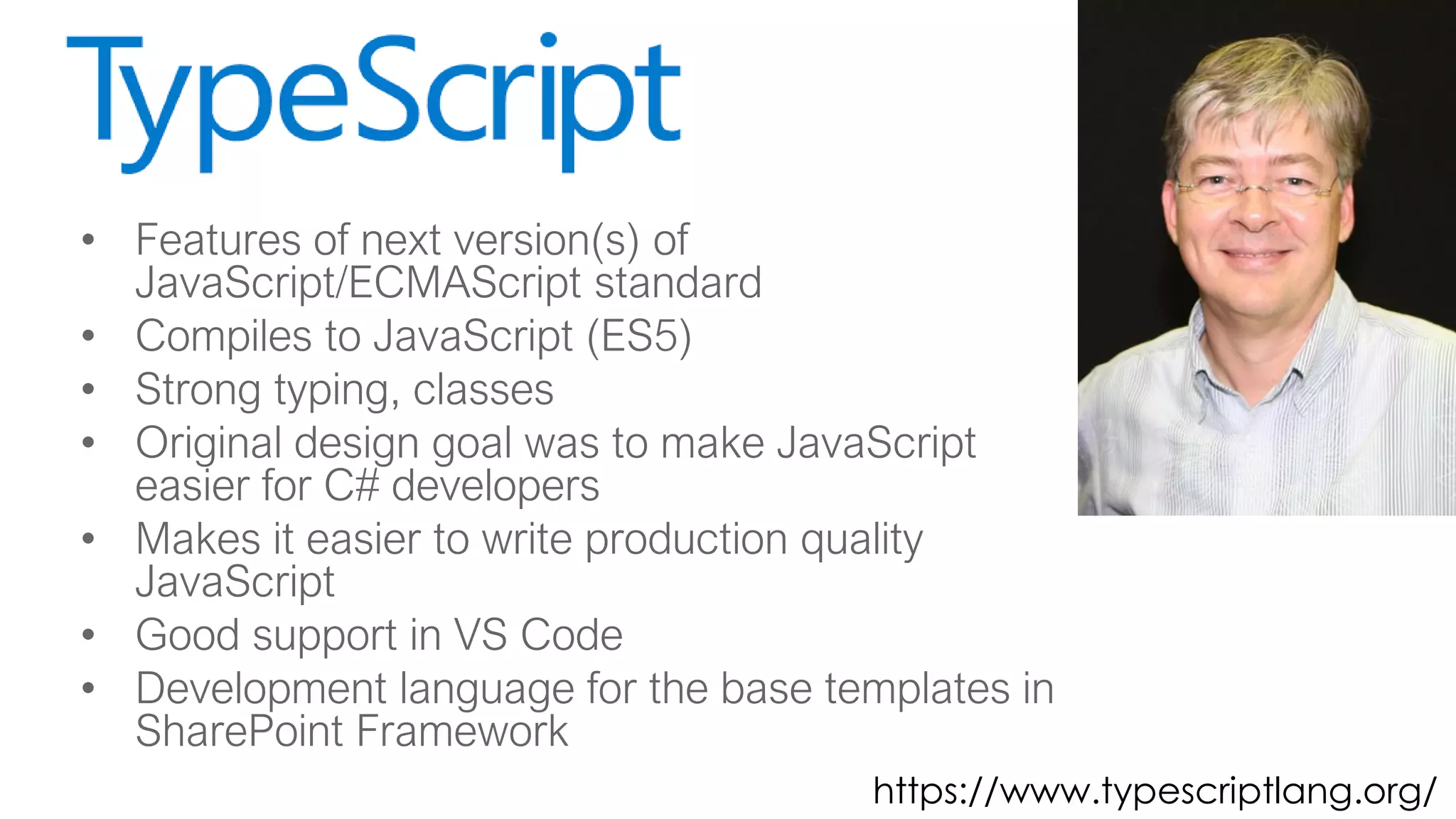
• Features of next version(s) of
JavaScript/ECMAScript standard
• Compiles to JavaScript (ES5)
• Strong typing, classes
• Original design goal was to make JavaScript
easier for C# developers
• Makes it easier to write production quality
JavaScript
• Good support in VS Code
• Development language for the base templates in
SharePoint Framework
https://www.typescriptlang.org/
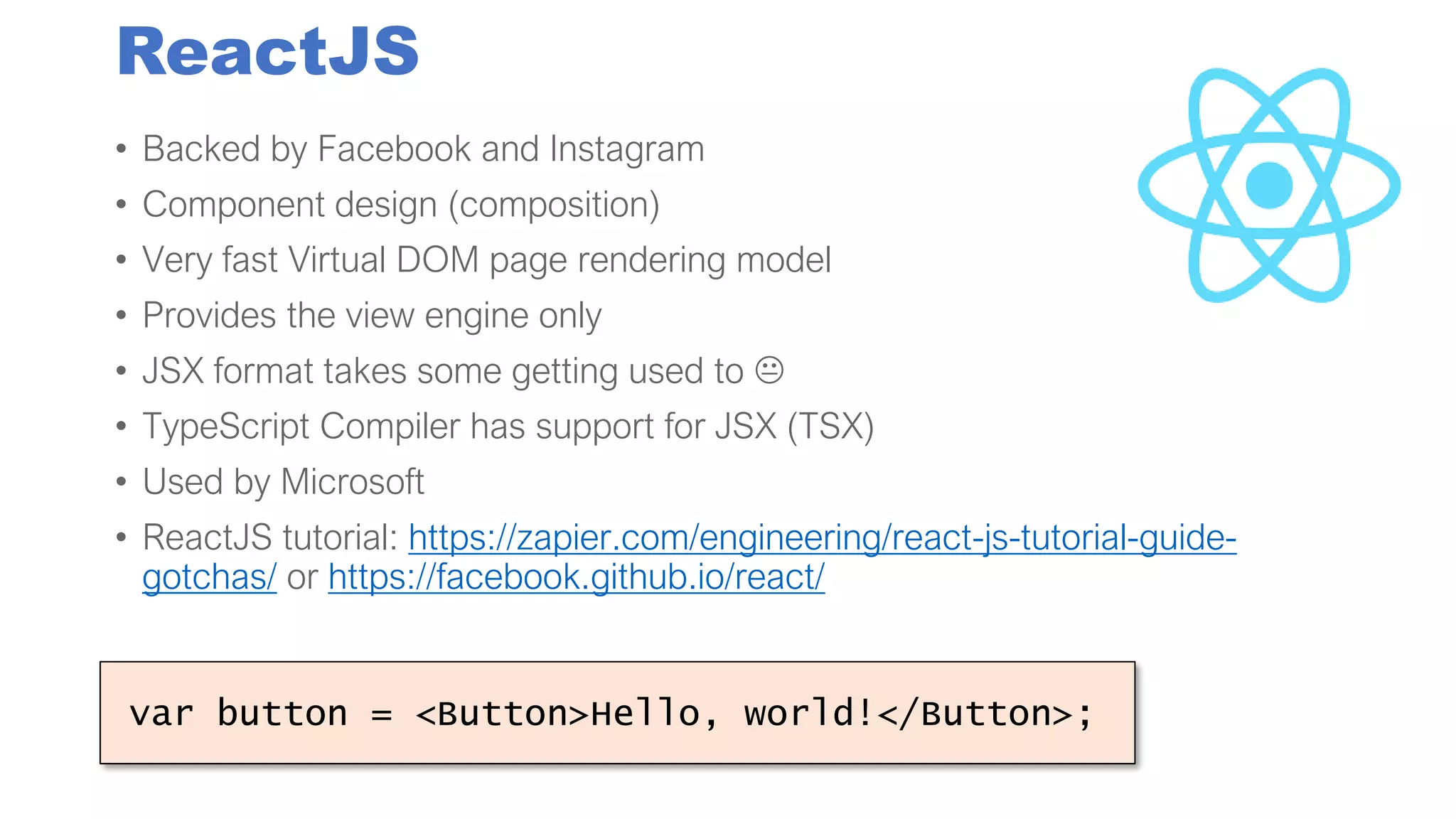
ReactJS
• Backed by Facebook and Instagram
• Component design (composition)
• Very fast Virtual DOM page rendering model
• Provides the view engine only
• JSX format takes some getting used to 
• TypeScript Compiler has support for JSX (TSX)
• Used by Microsoft
• ReactJS tutorial: https://zapier.com/engineering/react-js-tutorial-guide-
gotchas/ or https://facebook.github.io/react/
var button = <Button>Hello, world!</Button>;
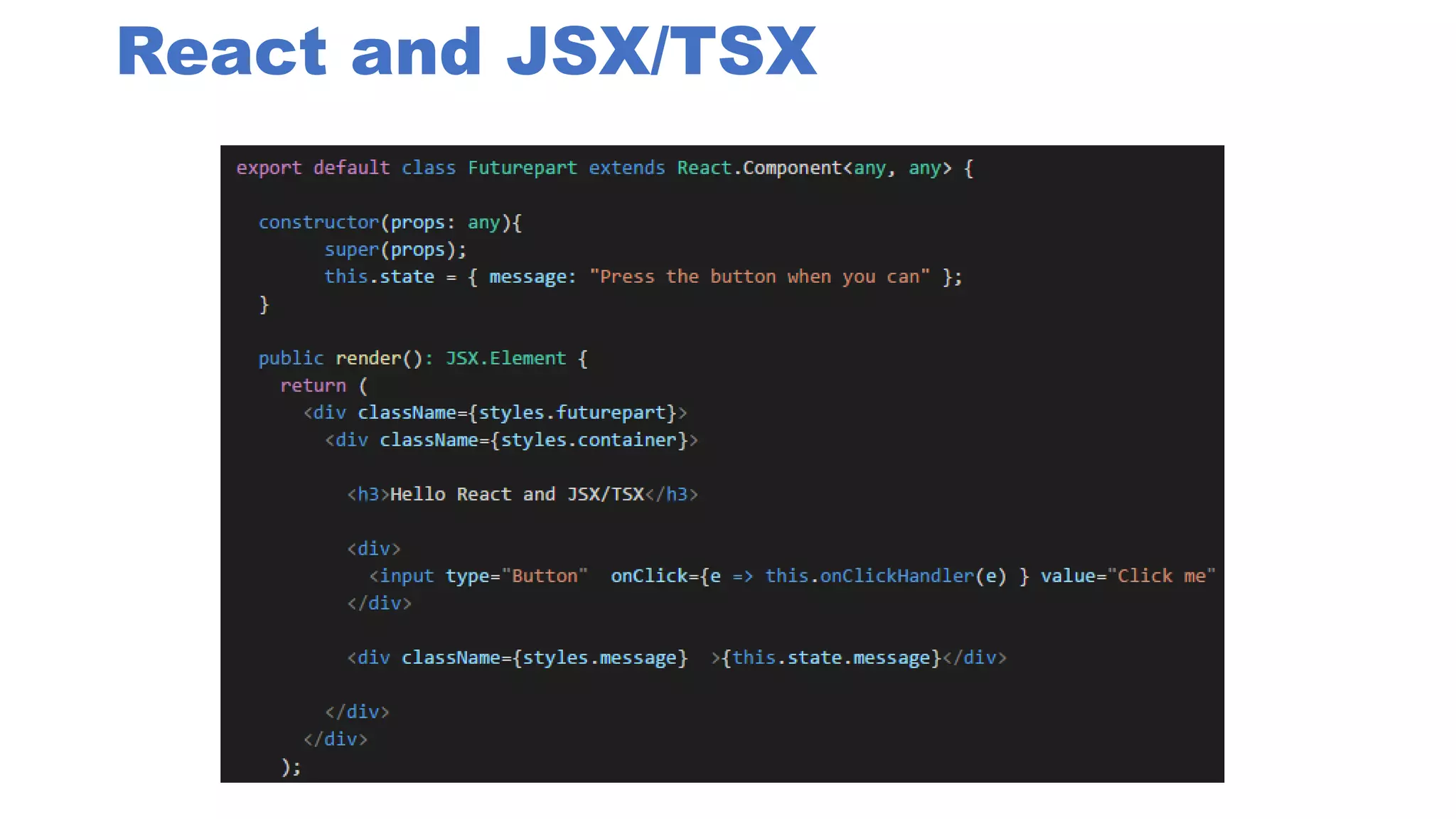
React and JSX/TSX
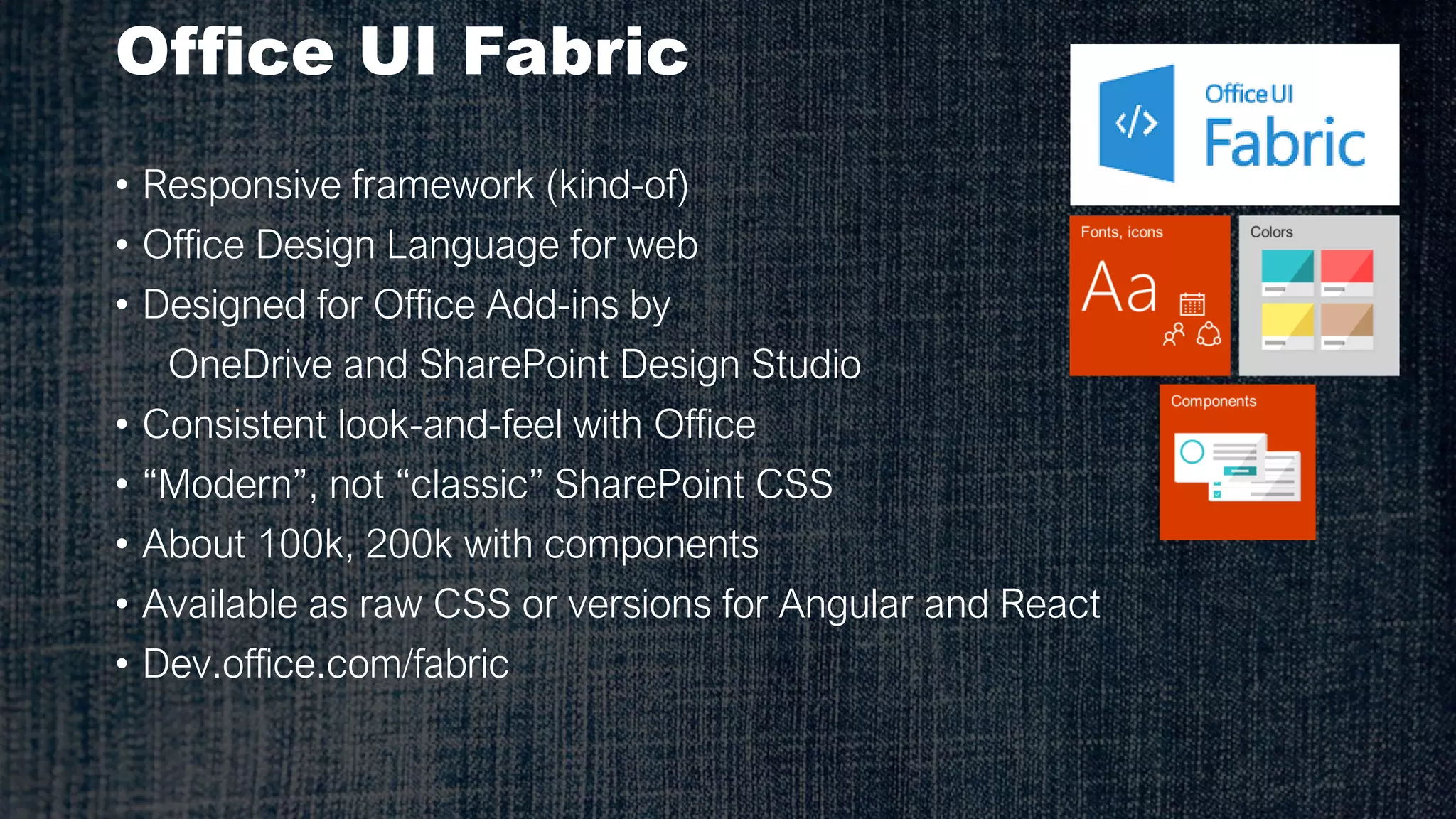
Office UI Fabric
• Responsive framework (kind-of)
• Office Design Language for web
• Designed for Office Add-ins by
OneDrive and SharePoint Design Studio
• Consistent look-and-feel with Office
• “Modern”, not “classic” SharePoint CSS
• About 100k, 200k with components
• Available as raw CSS or versions for Angular and React
• Dev.office.com/fabric
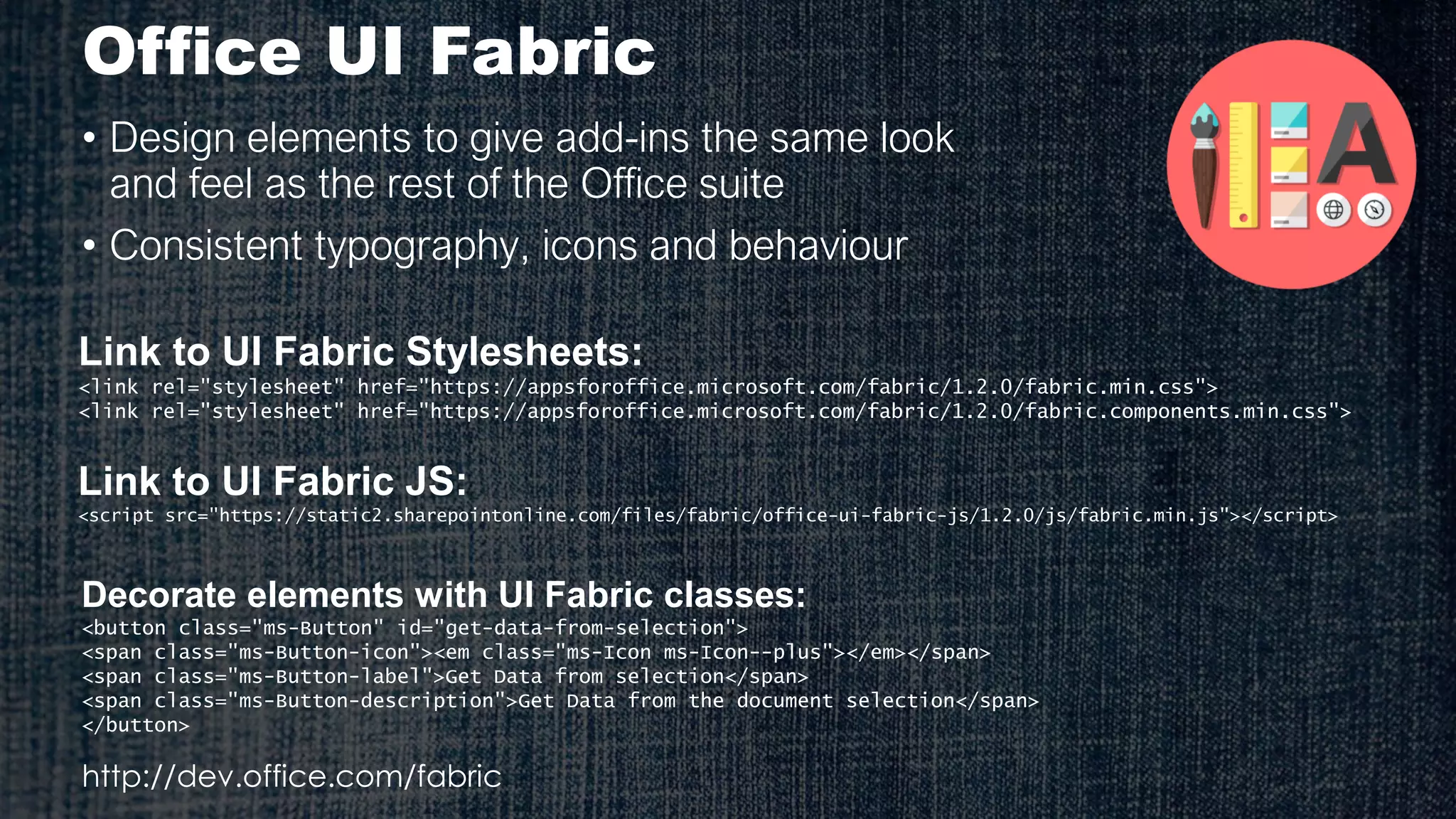
Office UI Fabric
• Design elements to give add-ins the same look
and feel as the rest of the Office suite
• Consistent typography, icons and behaviour
Link to UI Fabric Stylesheets:
<link rel="stylesheet" href="https://appsforoffice.microsoft.com/fabric/1.2.0/fabric.min.css">
<link rel="stylesheet" href="https://appsforoffice.microsoft.com/fabric/1.2.0/fabric.components.min.css">
Decorate elements with UI Fabric classes:
<button class="ms-Button" id="get-data-from-selection">
<span class="ms-Button-icon"><em class="ms-Icon ms-Icon--plus"></em></span>
<span class="ms-Button-label">Get Data from selection</span>
<span class="ms-Button-description">Get Data from the document selection</span>
</button>
http://dev.office.com/fabric
Link to UI Fabric JS:
<script src="https://static2.sharepointonline.com/files/fabric/office-ui-fabric-js/1.2.0/js/fabric.min.js"></script>
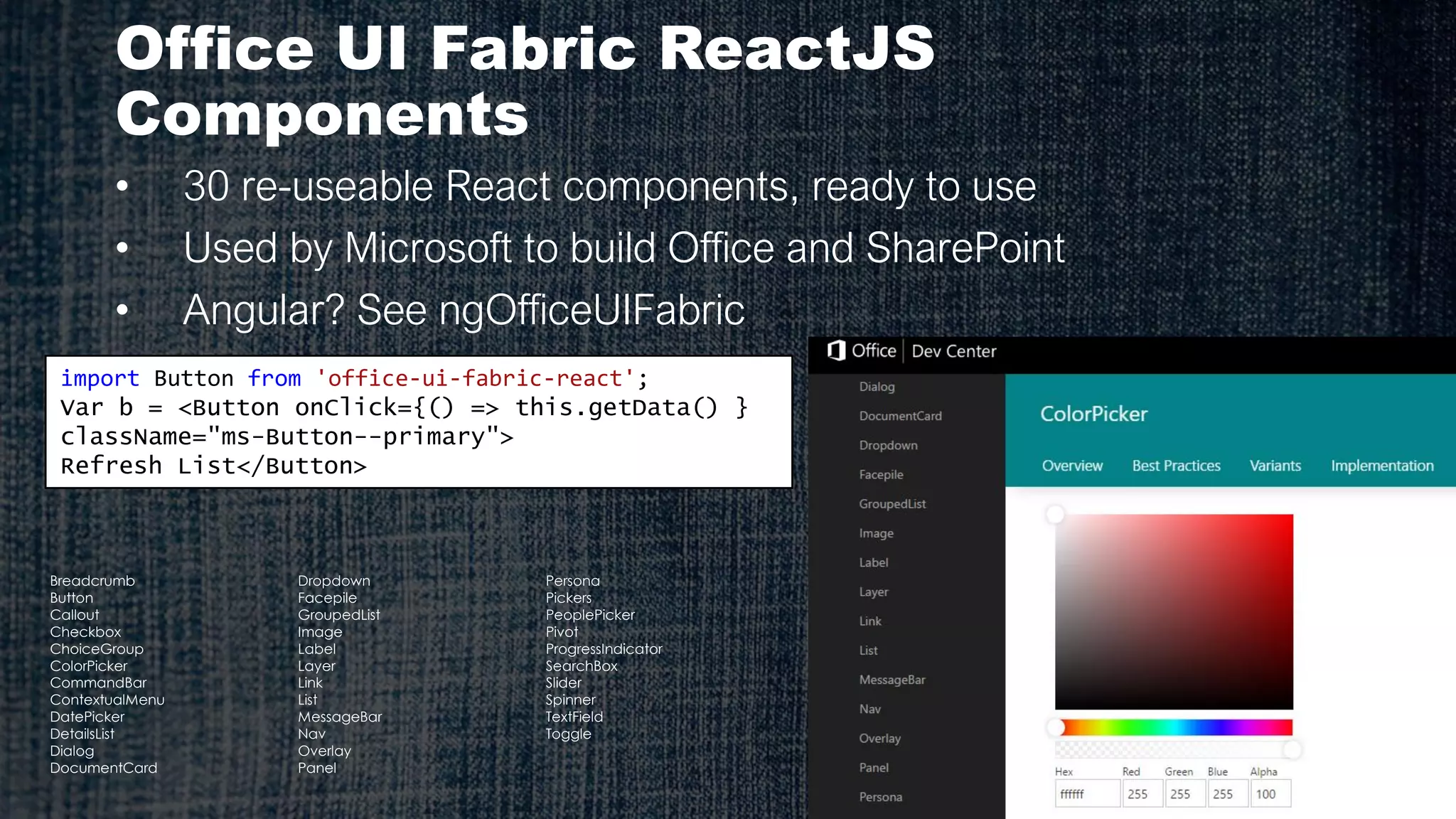
Office UI Fabric ReactJS
Components
• 30 re-useable React components, ready to use
• Used by Microsoft to build Office and SharePoint
• Angular? See ngOfficeUIFabric
import Button from 'office-ui-fabric-react';
Var b = <Button onClick={() => this.getData() }
className="ms-Button--primary">
Refresh List</Button>
Breadcrumb
Button
Callout
Checkbox
ChoiceGroup
ColorPicker
CommandBar
ContextualMenu
DatePicker
DetailsList
Dialog
DocumentCard
Dropdown
Facepile
GroupedList
Image
Label
Layer
Link
List
MessageBar
Nav
Overlay
Panel
Persona
Pickers
PeoplePicker
Pivot
ProgressIndicator
SearchBox
Slider
Spinner
TextField
Toggle
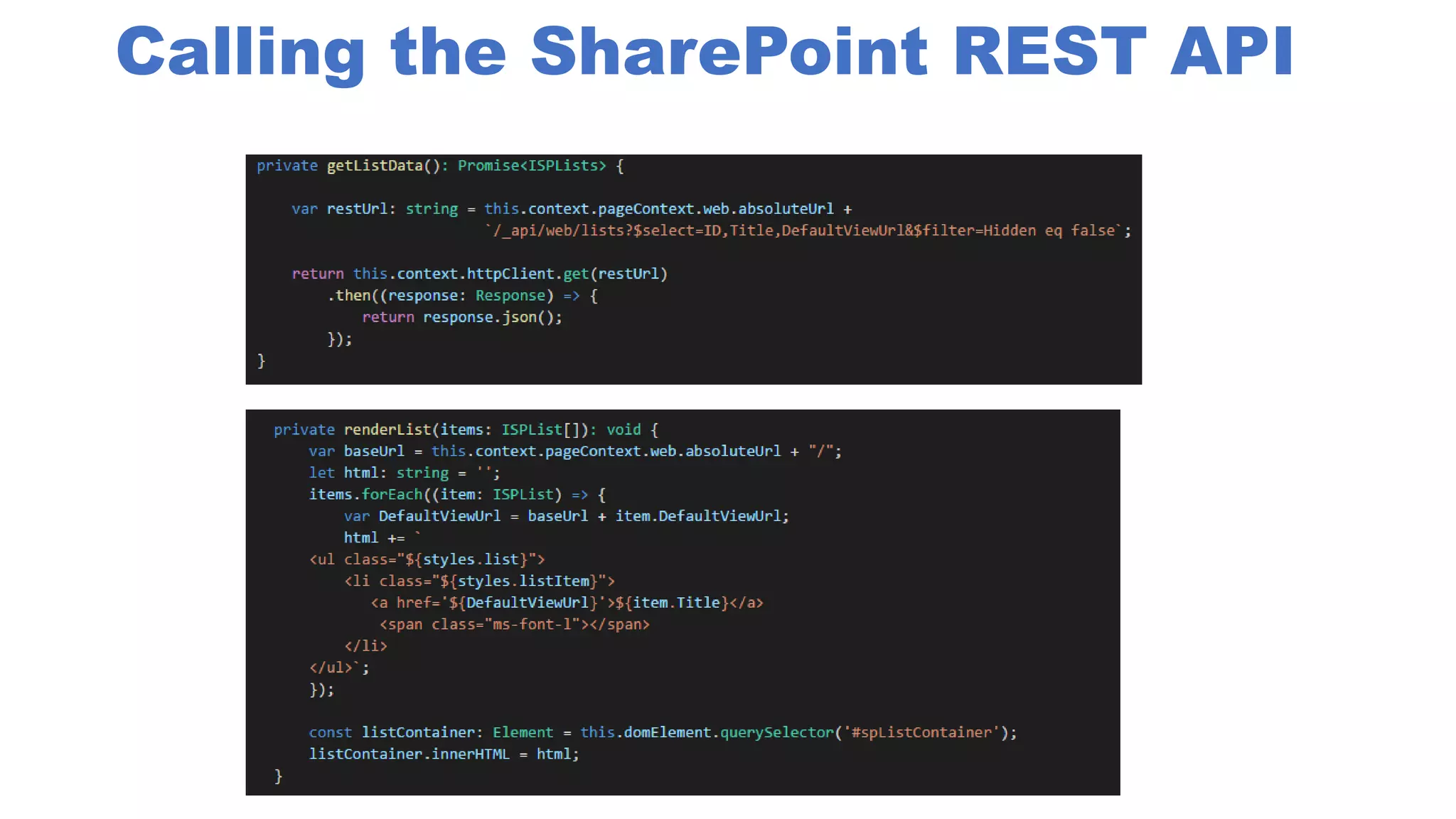
Calling the SharePoint REST API
OfficeDev PnP Initiative
• PnP-JS-Core
• Still under development
• JavaScript wrapper for SharePoint REST APIs
• Good fit for SPFx development
• Github.com/SharePoint/PnP-JS-Core
• “Home” of SPFx guidance, documentation, samples, etc.
• Dev.Office.com/SharePoint is starting point
• Code hosted on GitHub
Looking at ReactJS
Looking at Office UI Fabric
Looking at OfficeDev PnP-JS-Core
Building an SPFx WebPart
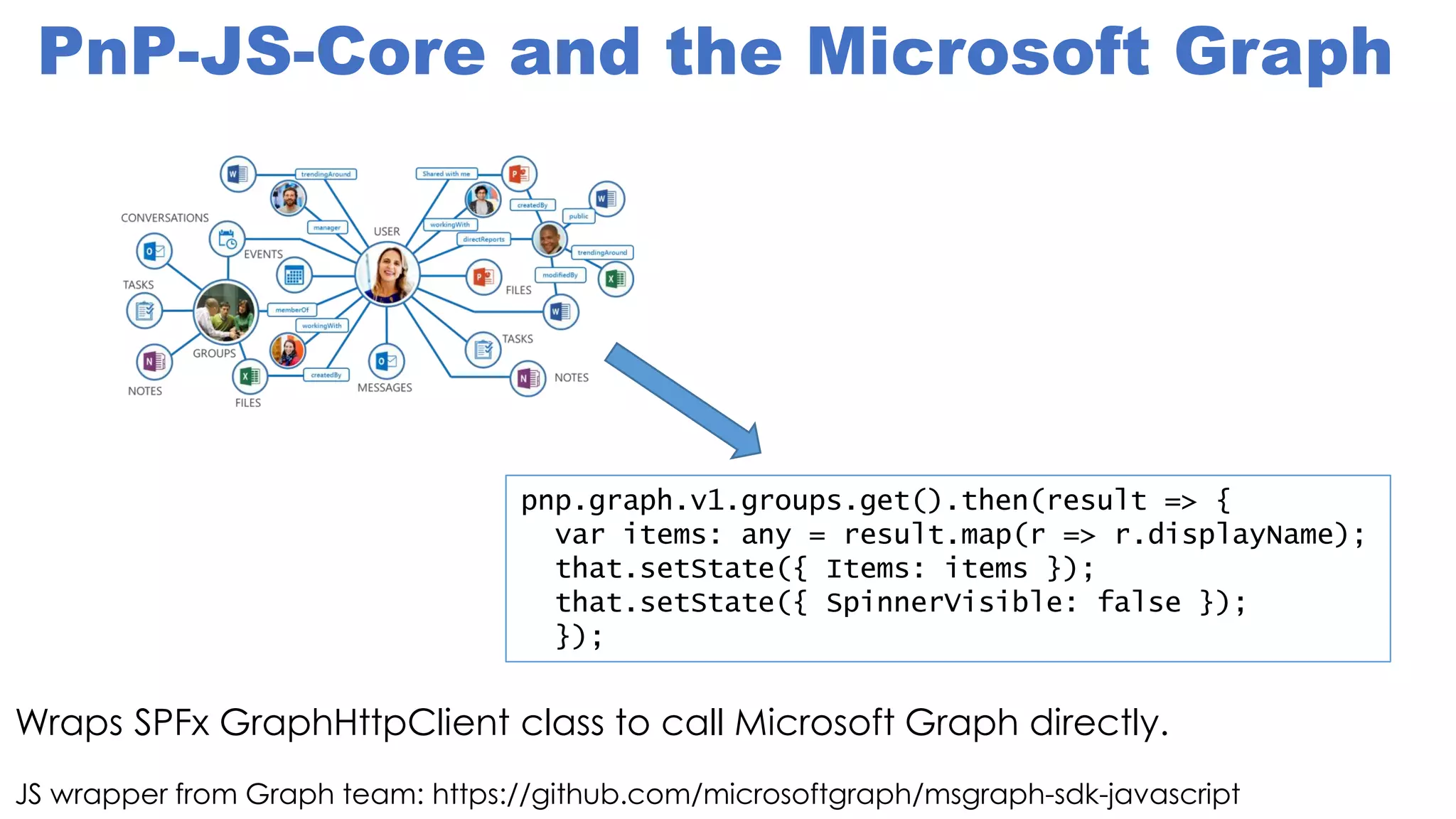
PnP-JS-Core and the Microsoft Graph
JS wrapper from Graph team: https://github.com/microsoftgraph/msgraph-sdk-javascript
pnp.graph.v1.groups.get().then(result => {
var items: any = result.map(r => r.displayName);
that.setState({ Items: items });
that.setState({ SpinnerVisible: false });
});
Wraps SPFx GraphHttpClient class to call Microsoft Graph directly.
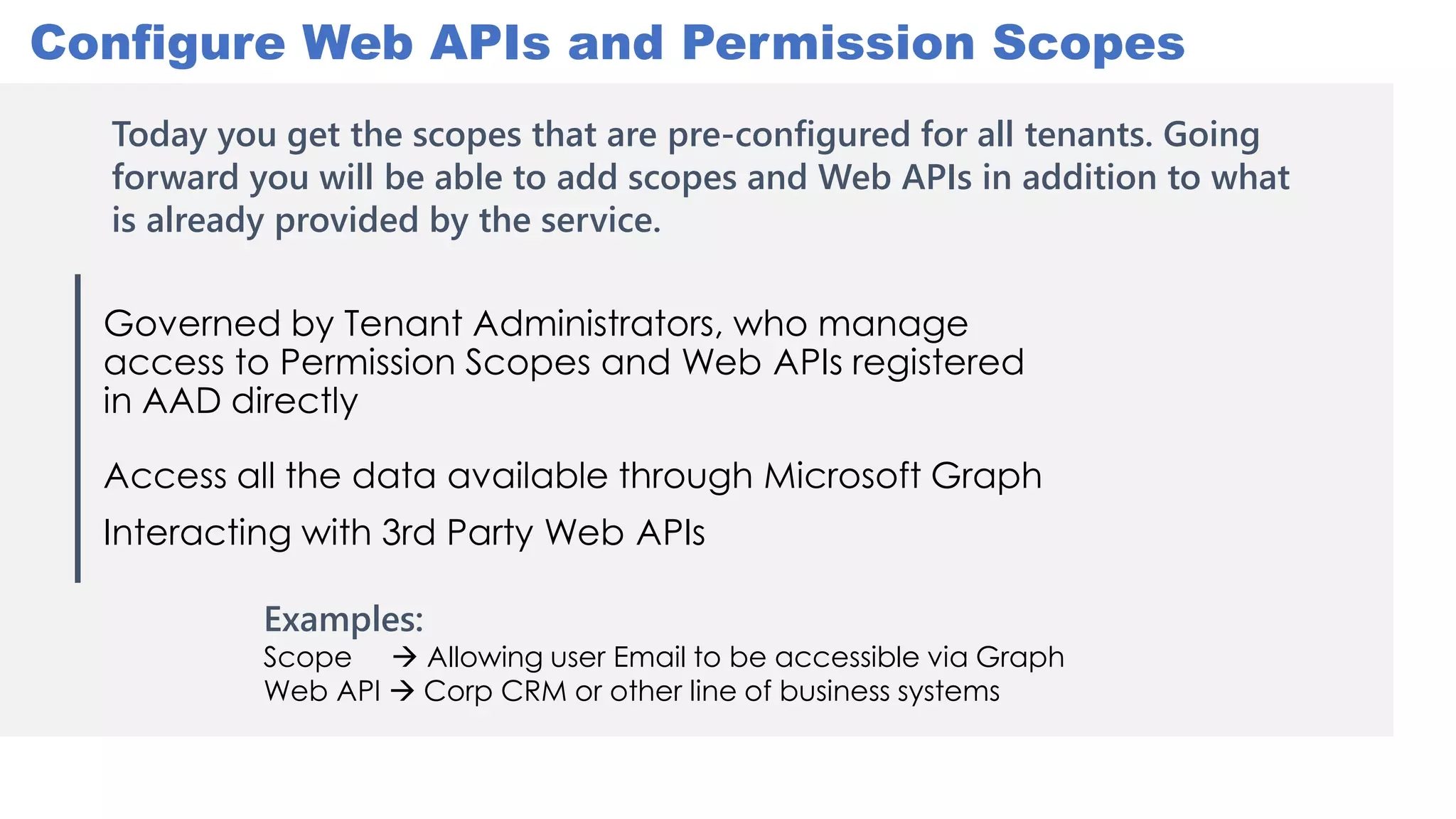
Governed by Tenant Administrators, who manage
access to Permission Scopes and Web APIs registered
in AAD directly
Access all the data available through Microsoft Graph
Interacting with 3rd Party Web APIs
Configure Web APIs and Permission Scopes
Examples:
Scope  Allowing user Email to be accessible via Graph
Web API  Corp CRM or other line of business systems
Today you get the scopes that are pre-configured for all tenants. Going
forward you will be able to add scopes and Web APIs in addition to what
is already provided by the service.
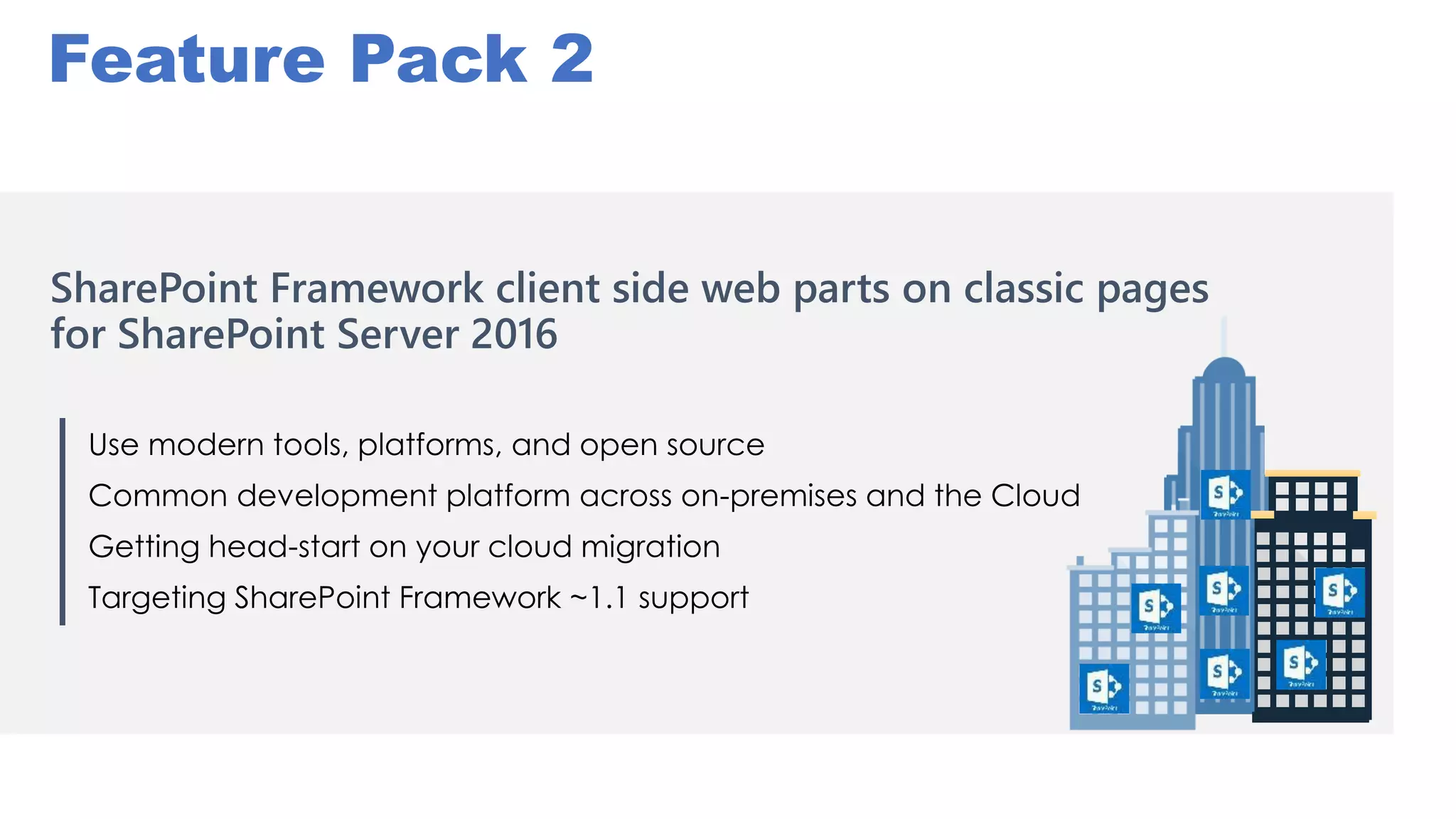
SharePoint Framework client side web parts on classic pages
for SharePoint Server 2016
Use modern tools, platforms, and open source
Common development platform across on-premises and the Cloud
Getting head-start on your cloud migration
Targeting SharePoint Framework ~1.1 support
Feature Pack 2
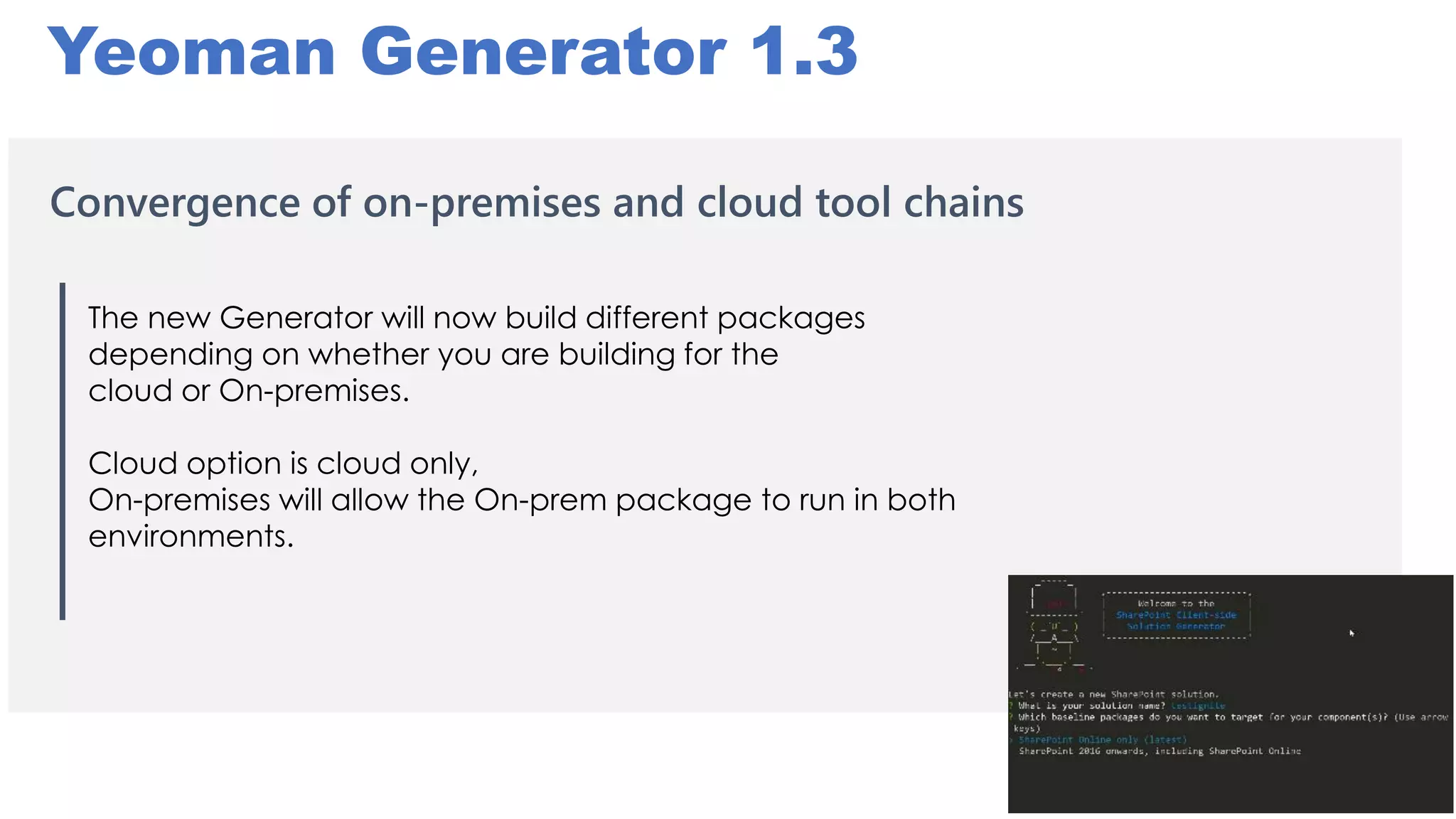
Yeoman Generator 1.3
Convergence of on-premises and cloud tool chains
The new Generator will now build different packages
depending on whether you are building for the
cloud or On-premises.
Cloud option is cloud only,
On-premises will allow the On-prem package to run in both
environments.
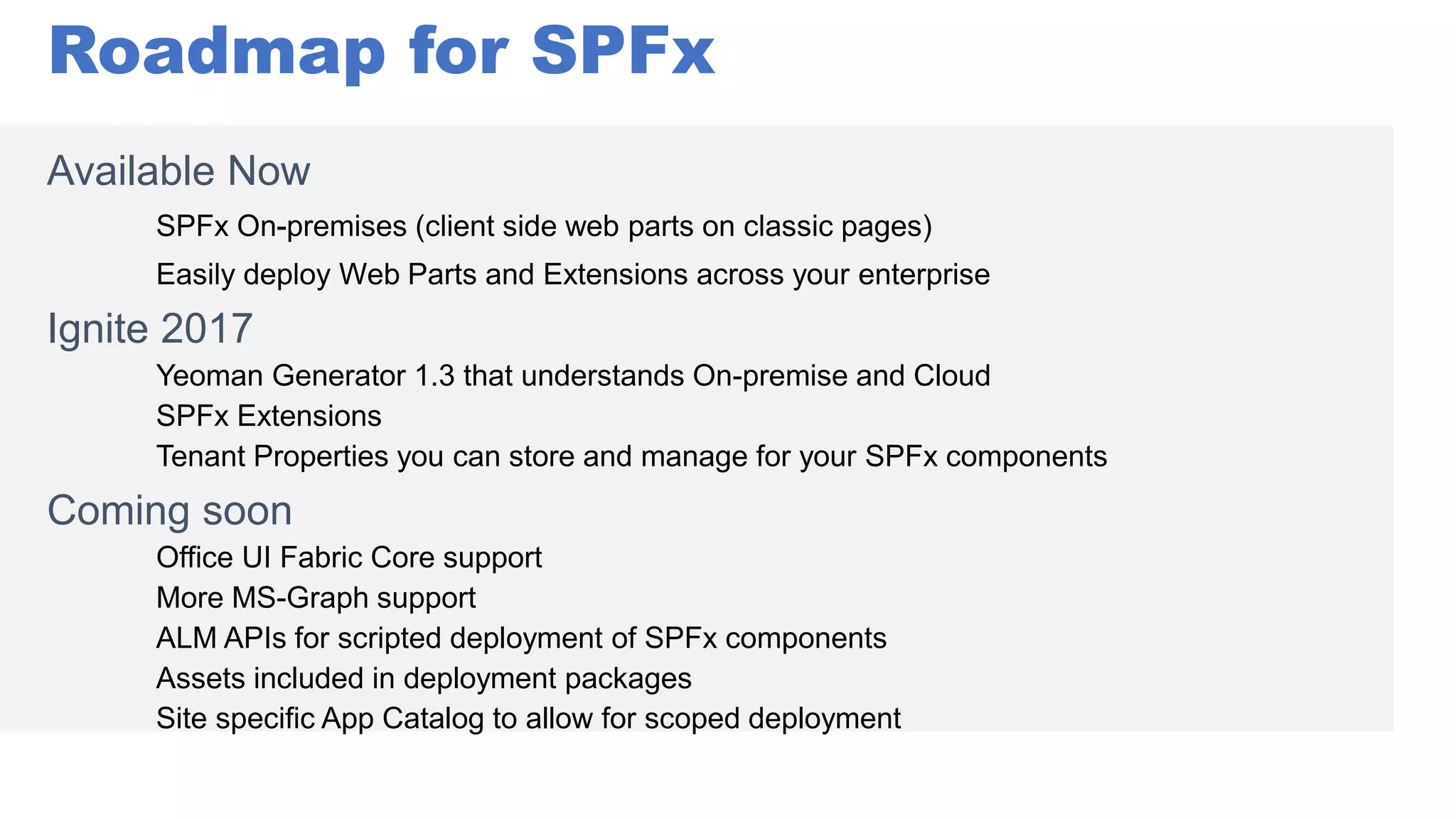
Roadmap for SPFx
Available Now
Ignite 2017
Yeoman Generator 1.3 that understands On-premise and Cloud
SPFx Extensions
Tenant Properties you can store and manage for your SPFx components
Coming soon
Office UI Fabric Core support
More MS-Graph support
ALM APIs for scripted deployment of SPFx components
Assets included in deployment packages
Site specific App Catalog to allow for scoped deployment
Conclusions
• “Modern” SharePoint development
tools are your choice
• The “old” stuff still works – new stuff is
arriving fast
• Build re-usable components with
ReactJS
• PnP-JS-Core makes SharePoint
REST easy
• Office-UI-Fabric makes web parts
beautiful
• We are on a journey – join us!
• http://dev.office.com/SharePoint
• http://dev.office.com/fabric
• https://facebook.github.io/react/
• https://github.com/SharePoint/PnP-JS-Core
• https://github.com/OfficeDev/TrainingContent/SharePoint
• http://github.com/SPDoctor/SPFXShoppingList
• https://www.voitanos.io/ (video training)
Bingle
Resources:

SPUnite17 Building Great Client Side Web Parts with SPFx

  • 2.
    Building Great Client-Side WebParts with SPFx, PnP- JS-Core, ReactJS, and Office UI Fabric Bill Ayers
  • 3.
    Eur Ing DrBill Ayers MCM/MCSM Charter SharePoint MVP, MCT, MCTS, MCITP, MCSD, MCAD, MCSA, MCDBA, Professional Scrum Master, etc. etc. Flow Simulation Ltd. www.SPDoctor.net BillA@flosim.com @SPDoctor Consultant specialising in SharePoint and Office 365 Development and Architecture for Collaboration and Mobile Development
  • 4.
    • Add-ins? • WhySPFx? • ReactJS • Office UI Fabric • OfficeDev PnP and PnP-JS-Core library • Bringing it all together • What’s New? • Conclusions Agenda
  • 5.
    Cloud Hosted Add-ins RemoteWeb S2S Trust OAuth (O365) SharePoint Web Server Managed CSOM or REST Cross-domain Request Host Web X D
  • 6.
    • Branding • Addbehaviour • Script Editor Web Part • Effective, but many problems SharePoint/Office 365 SharePoint Page SPWeb JavaScript Injection JavaScript Managed CSOM or REST API or MS Graph API
  • 7.
    Limitations • No deploymentor packaging model – DIY • No central control • Master page may change! • Scripting disabled by default for personal sites and self-service sites in SharePoint Online and root site collection • When scripting is disabled… • Links removed from Site Settings page • SharePoint Designer capabilities reduced • Can’t edit master pages or page layouts • Can’t edit theme for current site • Missing Web Parts (e.g. Script Editor, Content Editor) • Can’t upload .aspx files to document libraries • Enable scripting with UI, CSOM or PowerShell
  • 8.
    Introducing the SharePoint Framework(SPFx) Model for building client-side pages, web parts and more Announced May 4th 2016, now GA! Authoring canvas, no iFrames Command-line-driven open-source toolchain (or community VS extension) Used by SharePoint product team Works in “modern” and “classic” pages Your choice of client-side framework; Angular, React, Knockout, Vanilla.JS ;-) Office 365/SharePoint Online On-premises: SP2016 FP2 (now GA)
  • 9.
    Modern Site Pages Easilycreate powerful, beautiful looking pages Modern building blocks Mobile support is built in from the start Pages get better with the Microsoft Graph
  • 10.
    New SPFx Extensions Announcedat //build/ 2017 • ApplicationCustomizers allow developers to add script to the page, as well as access well-known HTML element placeholders and extend them with custom renderings • FieldCustomizers can be used to provide modified views to data for fields within a list • CommandSets let developers extend the command surfaces of SharePoint to add new actions, along with client-side code that can be used to implement behaviours • Web Part Connections enable more connected web parts that can work together to share information • Communication Sites (announced at #SPSummit)
  • 11.
    SPFx Release Cadence Aug17, 2016 SPFx Drop 1 Sept 1, 2016 SPFx Drop 2 Sept 14, 2016 SPFx Drop 3 Oct 17, 2016 SPFx Drop 5 Sept 21, 2016 SPFx Drop 4 Nov 22, 2016 SPFx Drop 6 Jan 9, 2017 SPFx RC0 Feb 23, 2017 SPFx GA June 12, 2017 SPFx Extensions Preview Aug 29, 2017 SPFx Extensions RC0 Aug 9, 2017 Tenant Admin Deployment Sept 12, 2017 FP2 for SP2016 (SPFx for on-prem) • Client side web parts • Modern tool box integration • Responsive by design • CDN Support • Front end development tool chain • Compatibility with classic pages • Workbench • Property panel • APIs • Samples • Documentation • Package deployment and app catalog integration Shipped since Ignite 2016
  • 12.
    Wait, did yousay “Command-line-driven open-source toolchain” ?
  • 13.
    Things You Need… •Node.js (LTS version) • Gulp • Yeoman • Git • Editor (e.g. VS Code) • Yeoman generator for SharePoint Framework • Technologies like WebPack, SASS and other libraries will be installed by Node’s package manager - NPM …or use Visual Studio extension: https://github.com/SharePoint/sp-dev-fx-vs-extension
  • 14.
    Node.js • Server-side JavaScript •Uses Google’s V8 engine • Main use case is as a web server • Secondary use as part of development environment • Modular packages • Go to nodejs.org and follow instructions (2 mins) • Verify installed by typing node --version at command prompt
  • 15.
    Gulp: JavaScript BuildEngine • Build tasks defined in JavaScript • Gulpfile.js runs build process • In gulpfile.js, define tasks… var gulp = require('gulp.js'); gulp.task('taskname', function() { // do Stuff here }); • Streaming model, a bit like Unix pipes • Gulp tasks for SASS, TypeScript, etc. etc. • gulp.watch('*.scss', ['task1','task2']);
  • 16.
  • 17.
    • Features ofnext version(s) of JavaScript/ECMAScript standard • Compiles to JavaScript (ES5) • Strong typing, classes • Original design goal was to make JavaScript easier for C# developers • Makes it easier to write production quality JavaScript • Good support in VS Code • Development language for the base templates in SharePoint Framework https://www.typescriptlang.org/
  • 18.
    ReactJS • Backed byFacebook and Instagram • Component design (composition) • Very fast Virtual DOM page rendering model • Provides the view engine only • JSX format takes some getting used to  • TypeScript Compiler has support for JSX (TSX) • Used by Microsoft • ReactJS tutorial: https://zapier.com/engineering/react-js-tutorial-guide- gotchas/ or https://facebook.github.io/react/ var button = <Button>Hello, world!</Button>;
  • 19.
  • 20.
    Office UI Fabric •Responsive framework (kind-of) • Office Design Language for web • Designed for Office Add-ins by OneDrive and SharePoint Design Studio • Consistent look-and-feel with Office • “Modern”, not “classic” SharePoint CSS • About 100k, 200k with components • Available as raw CSS or versions for Angular and React • Dev.office.com/fabric
  • 21.
    Office UI Fabric •Design elements to give add-ins the same look and feel as the rest of the Office suite • Consistent typography, icons and behaviour Link to UI Fabric Stylesheets: <link rel="stylesheet" href="https://appsforoffice.microsoft.com/fabric/1.2.0/fabric.min.css"> <link rel="stylesheet" href="https://appsforoffice.microsoft.com/fabric/1.2.0/fabric.components.min.css"> Decorate elements with UI Fabric classes: <button class="ms-Button" id="get-data-from-selection"> <span class="ms-Button-icon"><em class="ms-Icon ms-Icon--plus"></em></span> <span class="ms-Button-label">Get Data from selection</span> <span class="ms-Button-description">Get Data from the document selection</span> </button> http://dev.office.com/fabric Link to UI Fabric JS: <script src="https://static2.sharepointonline.com/files/fabric/office-ui-fabric-js/1.2.0/js/fabric.min.js"></script>
  • 22.
    Office UI FabricReactJS Components • 30 re-useable React components, ready to use • Used by Microsoft to build Office and SharePoint • Angular? See ngOfficeUIFabric import Button from 'office-ui-fabric-react'; Var b = <Button onClick={() => this.getData() } className="ms-Button--primary"> Refresh List</Button> Breadcrumb Button Callout Checkbox ChoiceGroup ColorPicker CommandBar ContextualMenu DatePicker DetailsList Dialog DocumentCard Dropdown Facepile GroupedList Image Label Layer Link List MessageBar Nav Overlay Panel Persona Pickers PeoplePicker Pivot ProgressIndicator SearchBox Slider Spinner TextField Toggle
  • 23.
  • 24.
    OfficeDev PnP Initiative •PnP-JS-Core • Still under development • JavaScript wrapper for SharePoint REST APIs • Good fit for SPFx development • Github.com/SharePoint/PnP-JS-Core • “Home” of SPFx guidance, documentation, samples, etc. • Dev.Office.com/SharePoint is starting point • Code hosted on GitHub
  • 25.
    Looking at ReactJS Lookingat Office UI Fabric Looking at OfficeDev PnP-JS-Core Building an SPFx WebPart
  • 26.
    PnP-JS-Core and theMicrosoft Graph JS wrapper from Graph team: https://github.com/microsoftgraph/msgraph-sdk-javascript pnp.graph.v1.groups.get().then(result => { var items: any = result.map(r => r.displayName); that.setState({ Items: items }); that.setState({ SpinnerVisible: false }); }); Wraps SPFx GraphHttpClient class to call Microsoft Graph directly.
  • 27.
    Governed by TenantAdministrators, who manage access to Permission Scopes and Web APIs registered in AAD directly Access all the data available through Microsoft Graph Interacting with 3rd Party Web APIs Configure Web APIs and Permission Scopes Examples: Scope  Allowing user Email to be accessible via Graph Web API  Corp CRM or other line of business systems Today you get the scopes that are pre-configured for all tenants. Going forward you will be able to add scopes and Web APIs in addition to what is already provided by the service.
  • 28.
    SharePoint Framework clientside web parts on classic pages for SharePoint Server 2016 Use modern tools, platforms, and open source Common development platform across on-premises and the Cloud Getting head-start on your cloud migration Targeting SharePoint Framework ~1.1 support Feature Pack 2
  • 29.
    Yeoman Generator 1.3 Convergenceof on-premises and cloud tool chains The new Generator will now build different packages depending on whether you are building for the cloud or On-premises. Cloud option is cloud only, On-premises will allow the On-prem package to run in both environments.
  • 30.
    Roadmap for SPFx AvailableNow Ignite 2017 Yeoman Generator 1.3 that understands On-premise and Cloud SPFx Extensions Tenant Properties you can store and manage for your SPFx components Coming soon Office UI Fabric Core support More MS-Graph support ALM APIs for scripted deployment of SPFx components Assets included in deployment packages Site specific App Catalog to allow for scoped deployment
  • 31.
    Conclusions • “Modern” SharePointdevelopment tools are your choice • The “old” stuff still works – new stuff is arriving fast • Build re-usable components with ReactJS • PnP-JS-Core makes SharePoint REST easy • Office-UI-Fabric makes web parts beautiful • We are on a journey – join us!
  • 32.
    • http://dev.office.com/SharePoint • http://dev.office.com/fabric •https://facebook.github.io/react/ • https://github.com/SharePoint/PnP-JS-Core • https://github.com/OfficeDev/TrainingContent/SharePoint • http://github.com/SPDoctor/SPFXShoppingList • https://www.voitanos.io/ (video training) Bingle Resources: