Successful SharePoint Projects
and User eXperience
Bart Wessels
bart.wessels@skybow.com
www.skybow.com
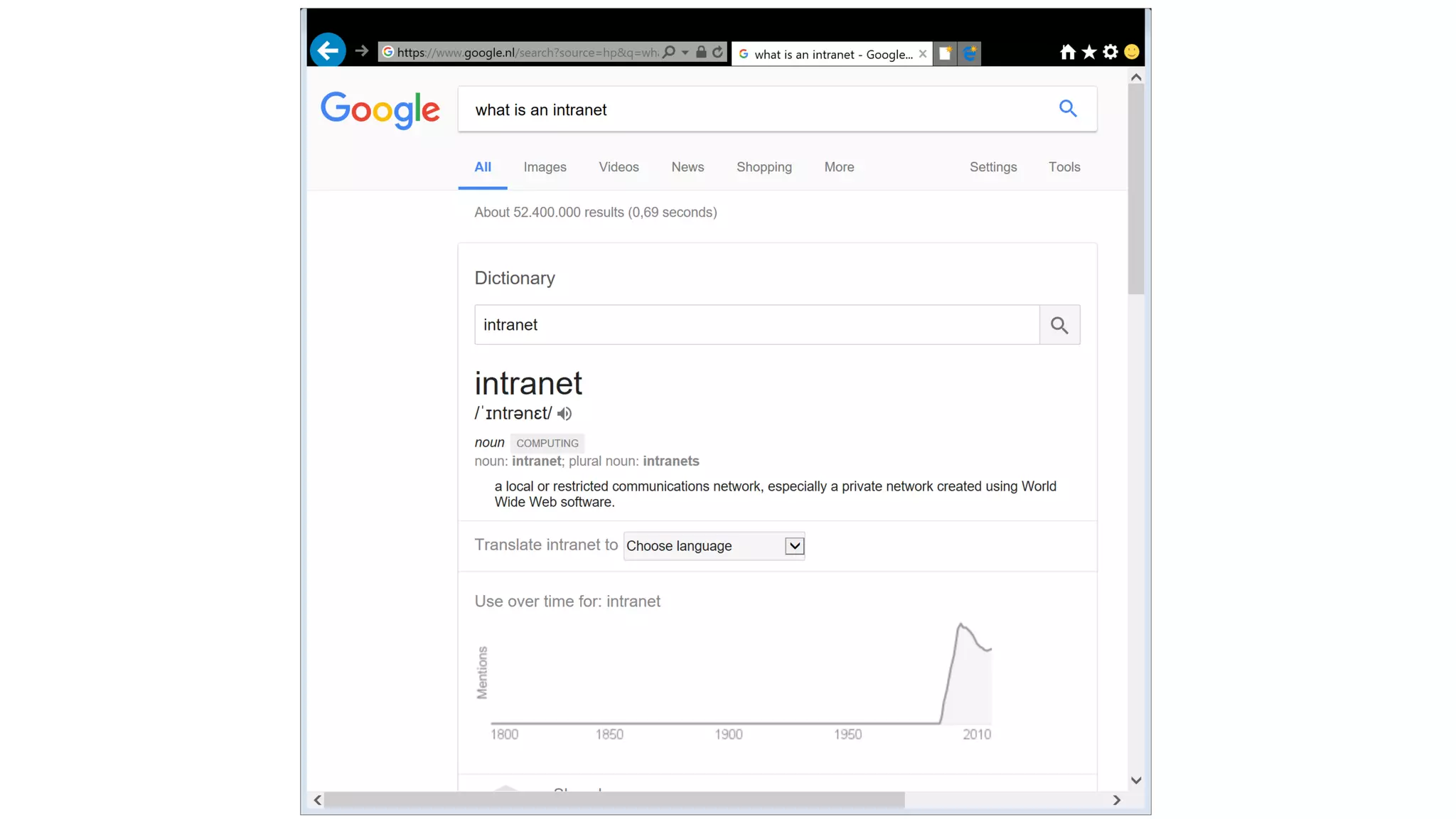
Intranet
• An intranet is a private network accessible only to an organization's
staff. Generally a wide range of information and services from the
organization's internal IT systems are available that would not be
available to the public from the Internet. A company-wide intranet
can constitute an important focal point of internal communication
and collaboration, and provide a single starting point to access
internal and external resources. In its simplest form an intranet is
established with the technologies for local area networks (LANs) and
wide area networks (WANs).
• Intranets began to appear in a range of larger organizations from
1994.
Source: Wikipedia
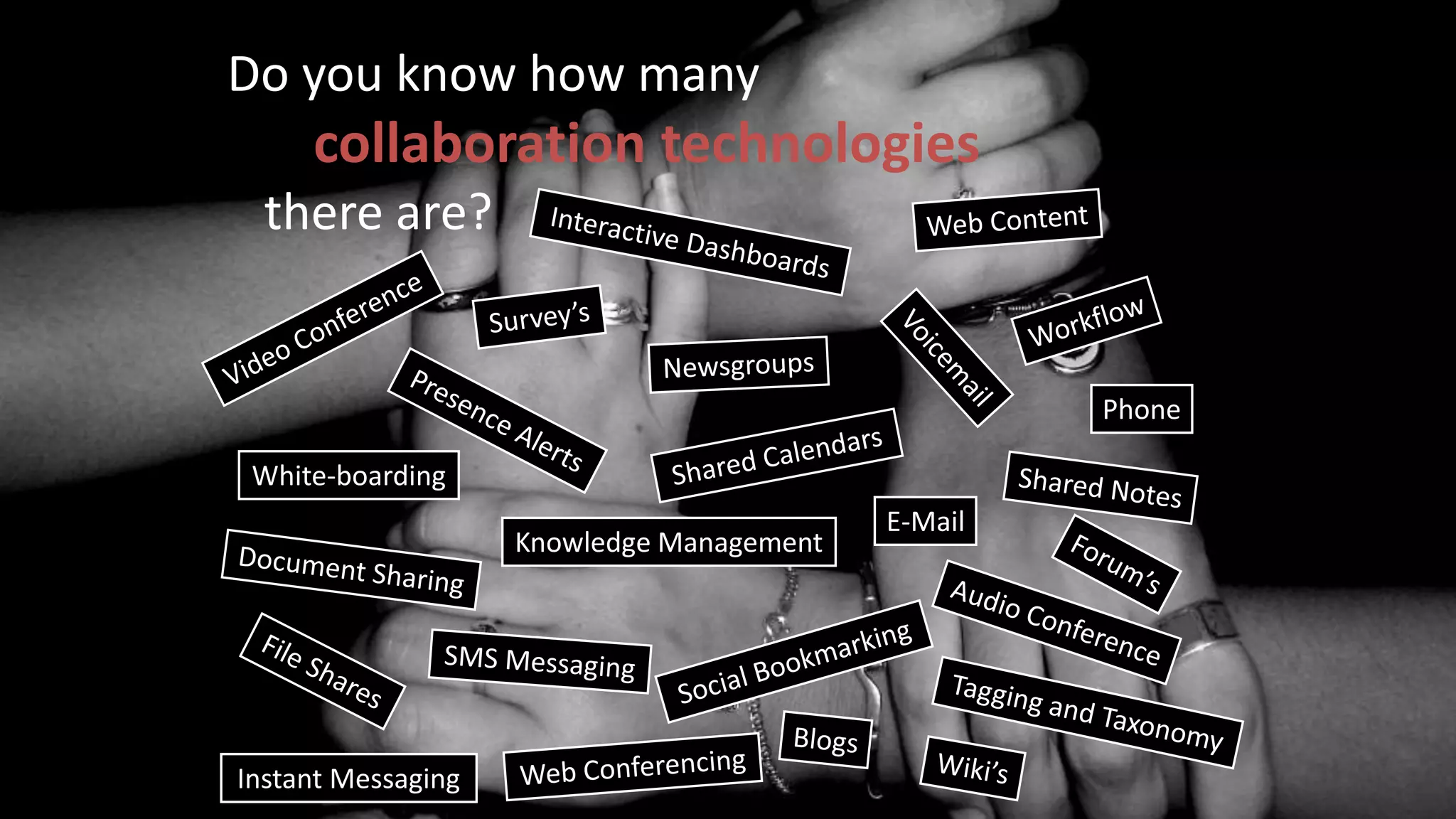
Do you know how many
collaboration technologies
there are?
E-Mail
Phone
Instant Messaging
Knowledge Management
White-boarding
Who owns the intranet?
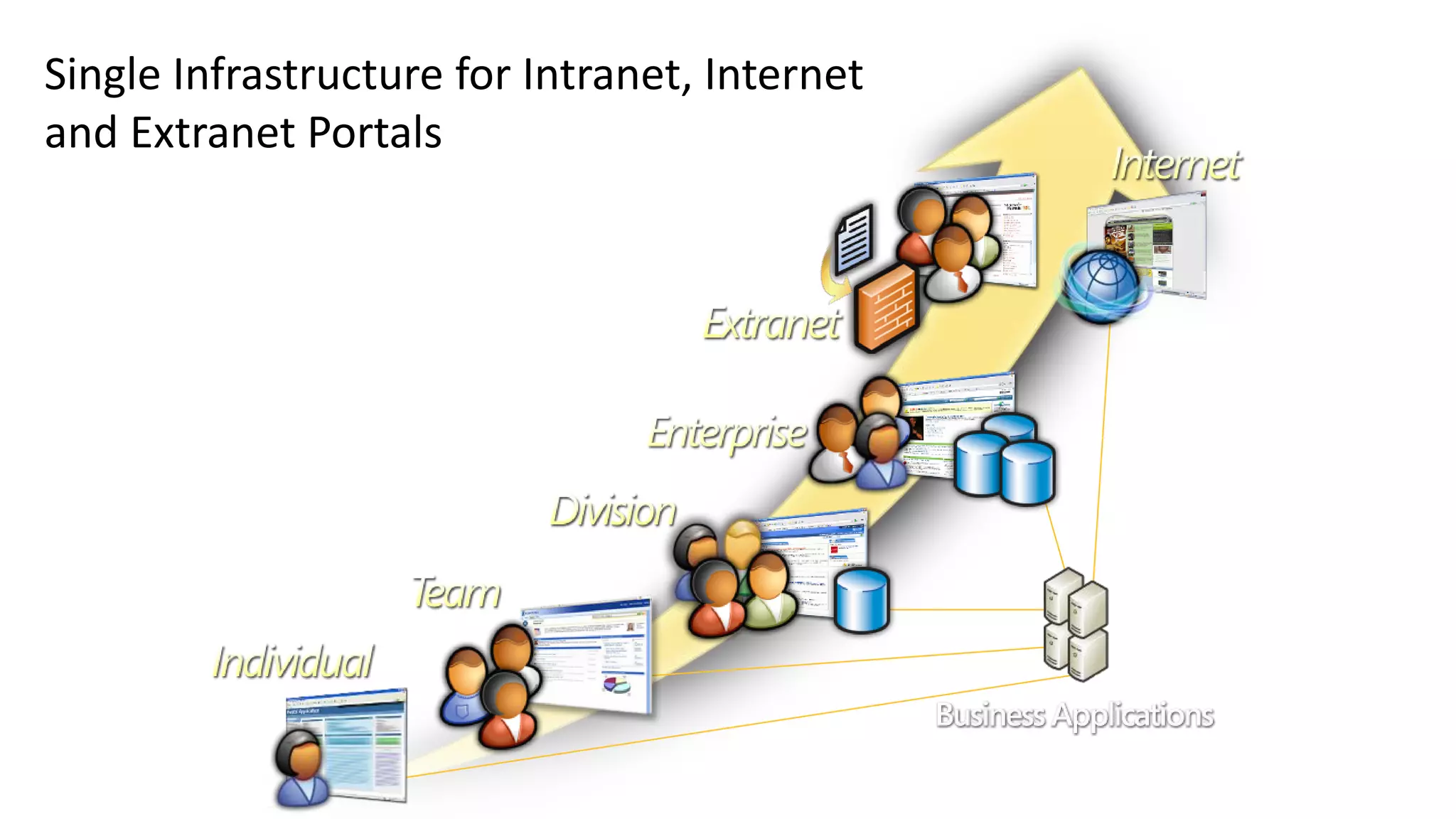
Single Infrastructure for Intranet, Internet
and Extranet Portals
Things I’ve heard in the past
“our users can’t work with SharePoint”
“then you don’t know our users”
“our users are different”
“they cannot fill in Forms”
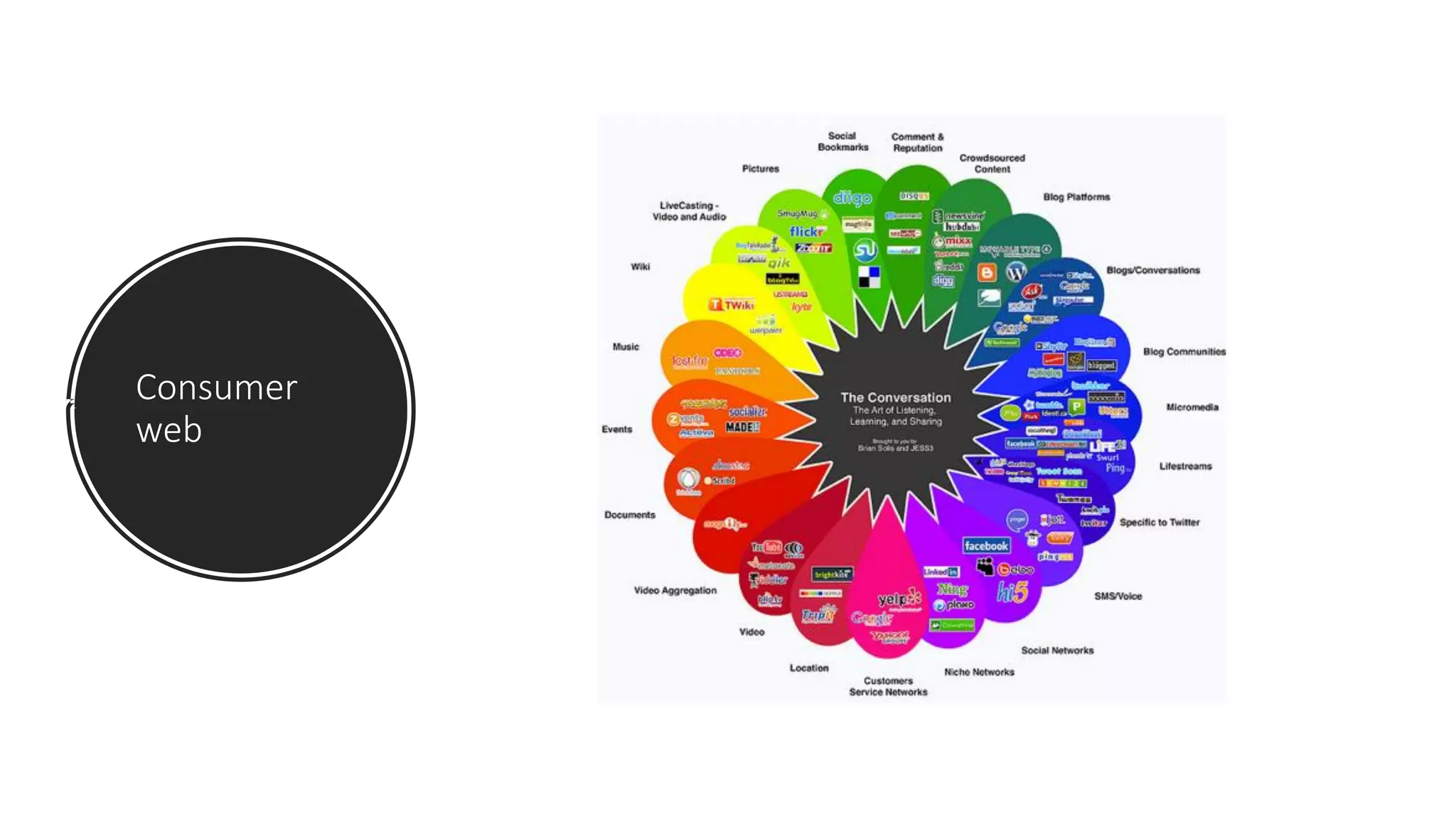
Consumer
web
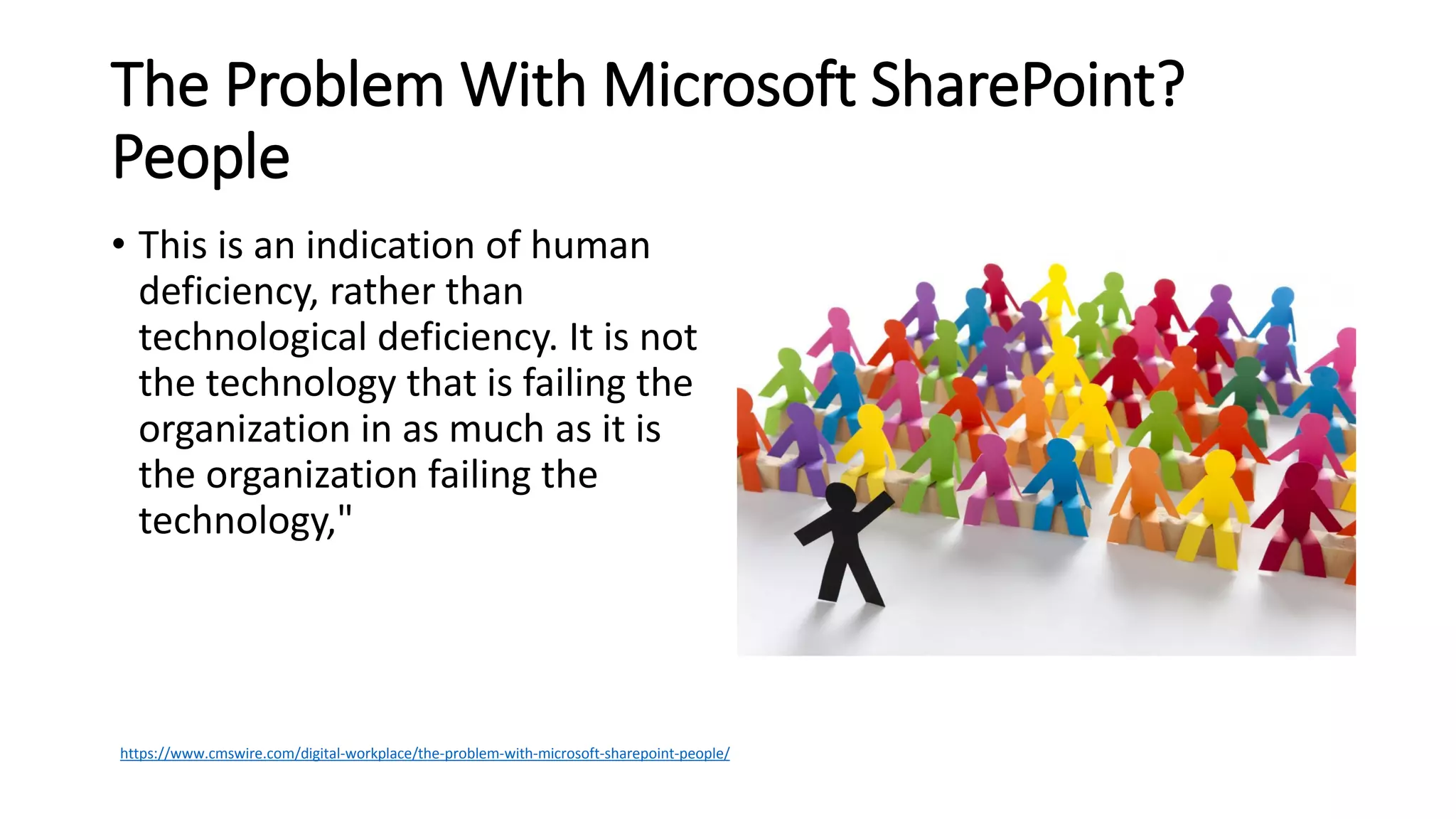
The Problem With Microsoft SharePoint?
People
• This is an indication of human
deficiency, rather than
technological deficiency. It is not
the technology that is failing the
organization in as much as it is
the organization failing the
technology,"
https://www.cmswire.com/digital-workplace/the-problem-with-microsoft-sharepoint-people/
Architecture
• A Information Architecture provides
• Consistency
• Simpler maintenance
• One version of the truth
• Structured and unstrucured
• Use wisely
• Content Types
• Managed metadata
• List-based Site Columns
Be the user
• Don’t think about what SharePoint does or how it does it.
Think about what your users want.
• Many developers don’t use SharePoint as a collaboration
platform. Use what you build.
Do’s and don’t’s
• Get Users involved from the
beginning
• Convince employees about the
advantages of the new platform
• Make sure it is not an IT thing
• Use Ambassadors
• Management should give the
example
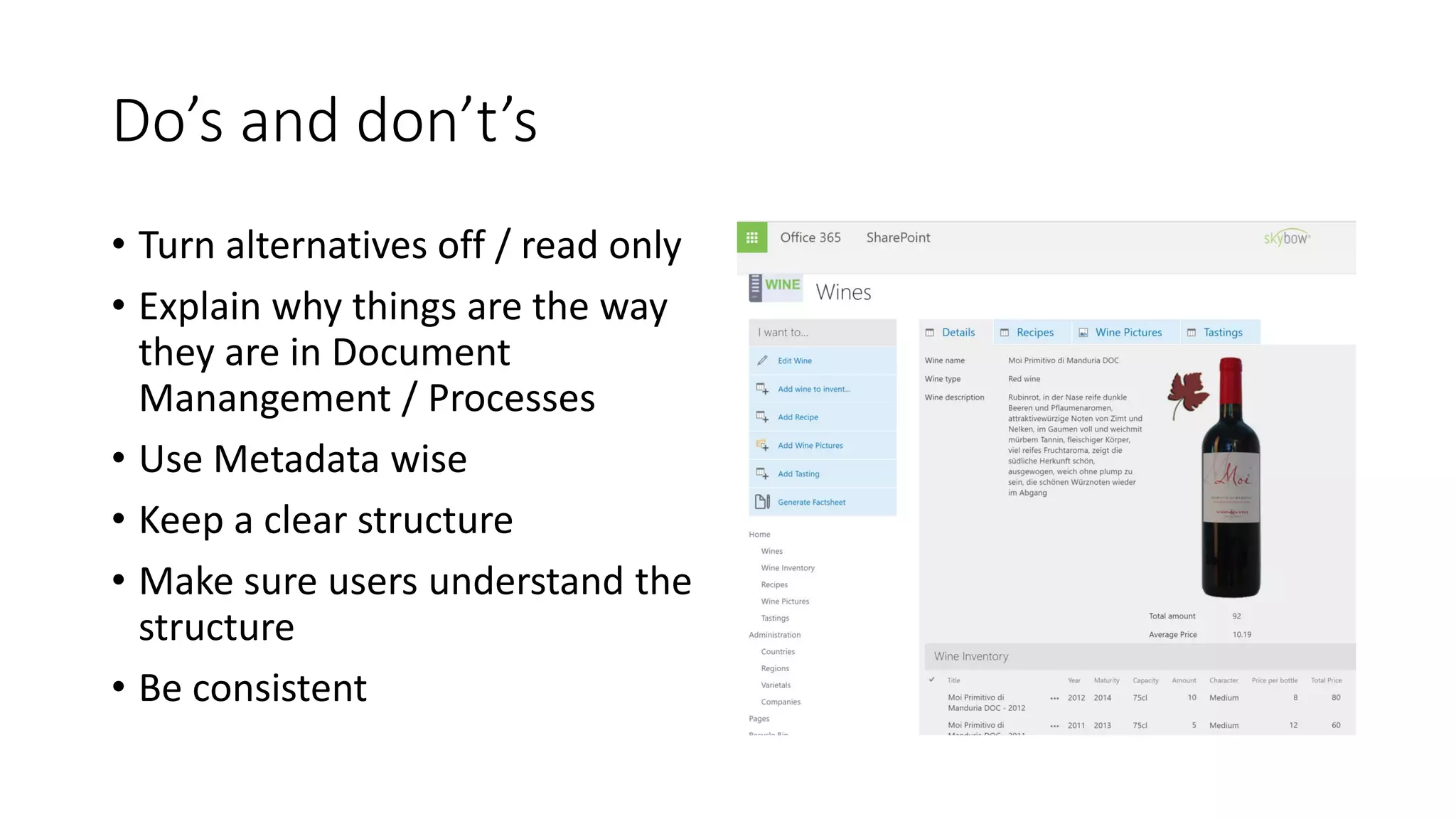
Do’s and don’t’s
• Turn alternatives off / read only
• Explain why things are the way
they are in Document
Manangement / Processes
• Use Metadata wise
• Keep a clear structure
• Make sure users understand the
structure
• Be consistent
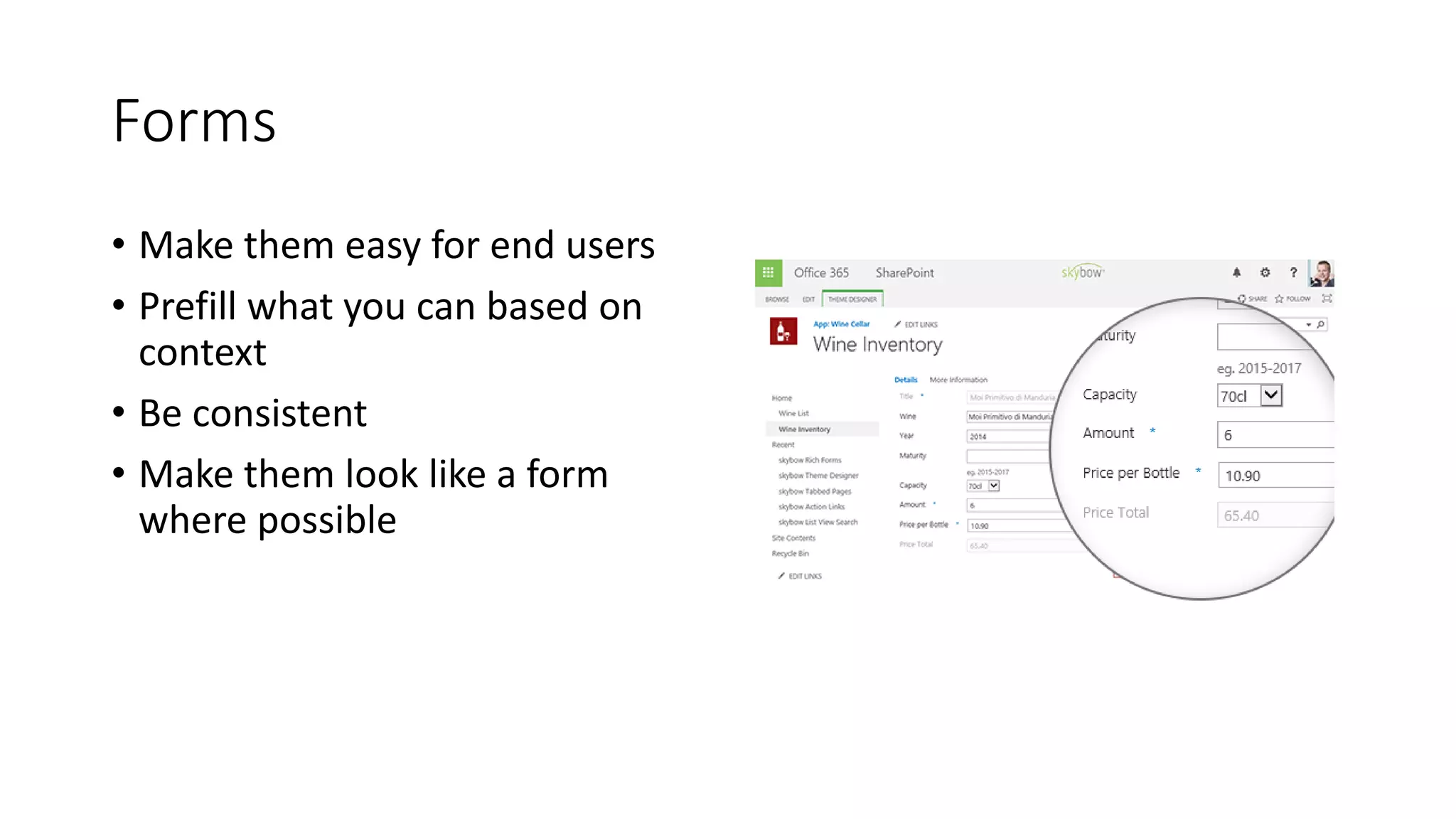
Forms
• Make them easy for end users
• Prefill what you can based on
context
• Be consistent
• Make them look like a form
where possible
Search
• Search is about finding, not
searching
• Implement it, do not turn it on
• Requires regular care and
feeding
• Use search to drive effects
When SharePoint is new to you
• Make sure that SharePoint
knowledge is there before you
start a SharePoint project
• Choose a partner that fits, don’t
choose only on price
• A corporate intranet is different
than Document Management
and Record Management in
SharePoint, keep that in mind
when selecting a partner
Start from scratch or
with components?
• Do you want exactly what you want or
not?
• Big bang or small steps?
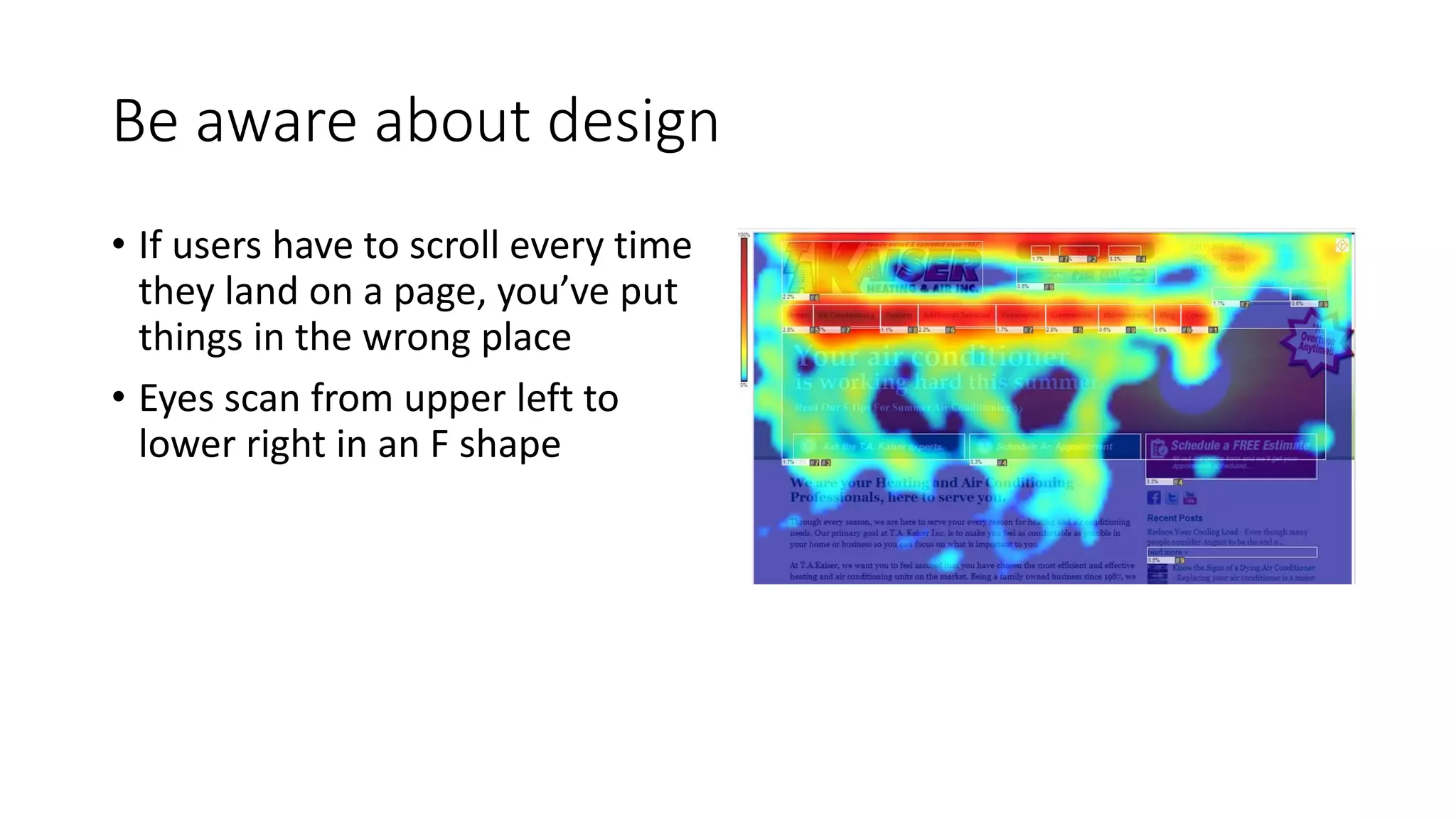
Be aware about design
• If users have to scroll every time
they land on a page, you’ve put
things in the wrong place
• Eyes scan from upper left to
lower right in an F shape
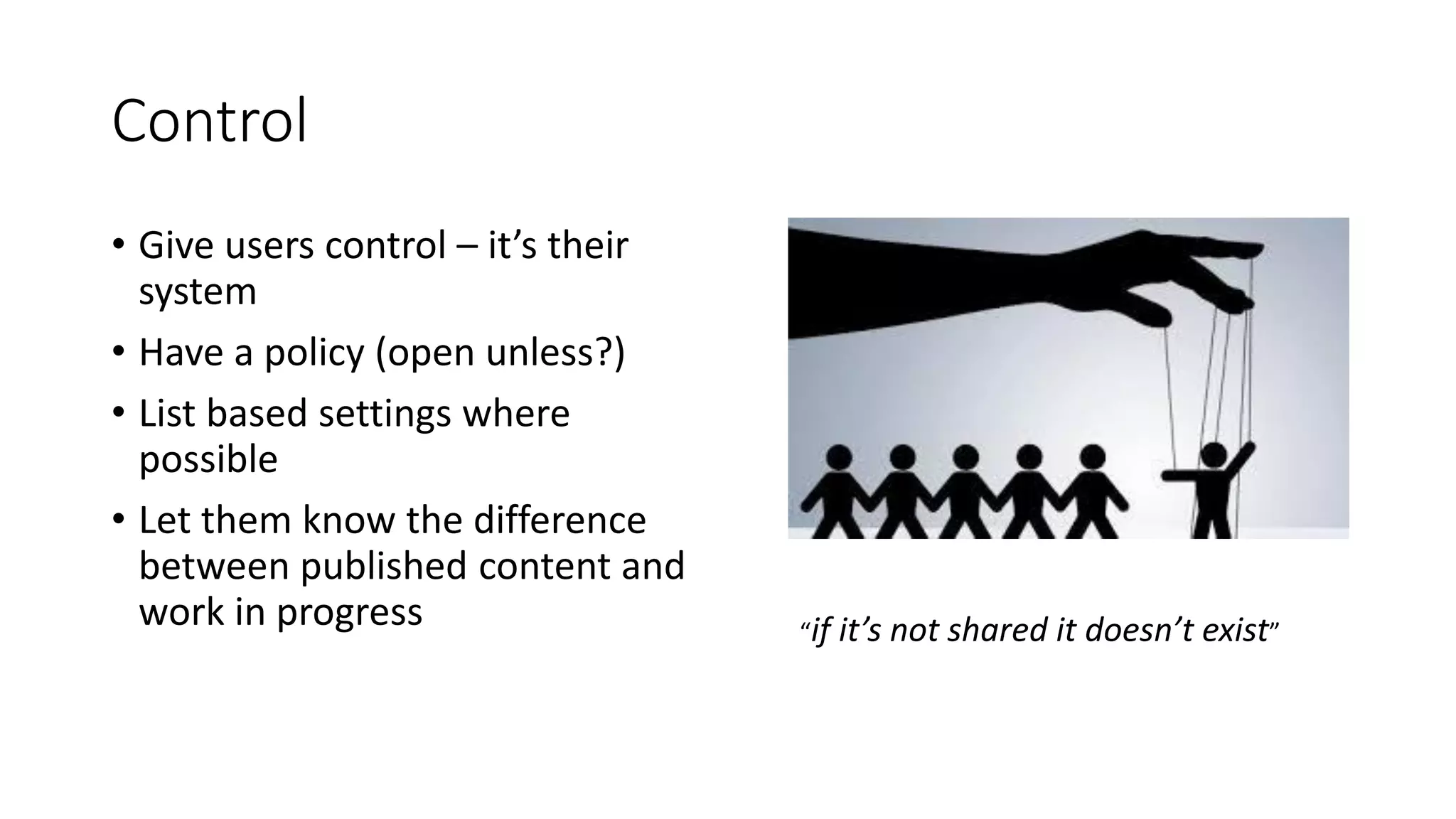
Control
• Give users control – it’s their
system
• Have a policy (open unless?)
• List based settings where
possible
• Let them know the difference
between published content and
work in progress “if it’s not shared it doesn’t exist”
At last..
• Don’t expect your users to
understand all functionality
• Training can’t cover everything –
demonstrate patterns
• Be an internal consultant
• “How can I help you to solve
your requirements?”
• Give SharePoint a name, not
SharePoint
And remember!
Every company is different
A good intranet is never finished!
Thank you
Q&A
SPUnite17 Successful SharePoint Projects and User eXperience

SPUnite17 Successful SharePoint Projects and User eXperience

  • 1.
    Successful SharePoint Projects andUser eXperience Bart Wessels bart.wessels@skybow.com www.skybow.com
  • 4.
    Intranet • An intranetis a private network accessible only to an organization's staff. Generally a wide range of information and services from the organization's internal IT systems are available that would not be available to the public from the Internet. A company-wide intranet can constitute an important focal point of internal communication and collaboration, and provide a single starting point to access internal and external resources. In its simplest form an intranet is established with the technologies for local area networks (LANs) and wide area networks (WANs). • Intranets began to appear in a range of larger organizations from 1994. Source: Wikipedia
  • 6.
    Do you knowhow many collaboration technologies there are? E-Mail Phone Instant Messaging Knowledge Management White-boarding
  • 8.
    Who owns theintranet?
  • 9.
    Single Infrastructure forIntranet, Internet and Extranet Portals
  • 10.
    Things I’ve heardin the past “our users can’t work with SharePoint” “then you don’t know our users” “our users are different” “they cannot fill in Forms”
  • 11.
  • 12.
    The Problem WithMicrosoft SharePoint? People • This is an indication of human deficiency, rather than technological deficiency. It is not the technology that is failing the organization in as much as it is the organization failing the technology," https://www.cmswire.com/digital-workplace/the-problem-with-microsoft-sharepoint-people/
  • 13.
    Architecture • A InformationArchitecture provides • Consistency • Simpler maintenance • One version of the truth • Structured and unstrucured • Use wisely • Content Types • Managed metadata • List-based Site Columns
  • 14.
    Be the user •Don’t think about what SharePoint does or how it does it. Think about what your users want. • Many developers don’t use SharePoint as a collaboration platform. Use what you build.
  • 15.
    Do’s and don’t’s •Get Users involved from the beginning • Convince employees about the advantages of the new platform • Make sure it is not an IT thing • Use Ambassadors • Management should give the example
  • 16.
    Do’s and don’t’s •Turn alternatives off / read only • Explain why things are the way they are in Document Manangement / Processes • Use Metadata wise • Keep a clear structure • Make sure users understand the structure • Be consistent
  • 17.
    Forms • Make themeasy for end users • Prefill what you can based on context • Be consistent • Make them look like a form where possible
  • 18.
    Search • Search isabout finding, not searching • Implement it, do not turn it on • Requires regular care and feeding • Use search to drive effects
  • 19.
    When SharePoint isnew to you • Make sure that SharePoint knowledge is there before you start a SharePoint project • Choose a partner that fits, don’t choose only on price • A corporate intranet is different than Document Management and Record Management in SharePoint, keep that in mind when selecting a partner
  • 20.
    Start from scratchor with components? • Do you want exactly what you want or not? • Big bang or small steps?
  • 21.
    Be aware aboutdesign • If users have to scroll every time they land on a page, you’ve put things in the wrong place • Eyes scan from upper left to lower right in an F shape
  • 22.
    Control • Give userscontrol – it’s their system • Have a policy (open unless?) • List based settings where possible • Let them know the difference between published content and work in progress “if it’s not shared it doesn’t exist”
  • 23.
    At last.. • Don’texpect your users to understand all functionality • Training can’t cover everything – demonstrate patterns • Be an internal consultant • “How can I help you to solve your requirements?” • Give SharePoint a name, not SharePoint
  • 24.
    And remember! Every companyis different A good intranet is never finished!
  • 25.