Gold Silver Bronze
• SharePoint Framework – why is it important?
• Development Tools
• SPFx getting started
• Demo - Let’s build
• Development Experience (Build, Debug, Deploy)
• SharePoint Extensions and new capabilities
• Roadmap
Anupam Ranku
 Kloudie – Consultant @Kloud Solutions
 SharePoint Online, Office 365, Azure
 Building SharePoint solution 10+ years
 Developing software for last 14+ years
• New model. Leveraging a modern web stack approach and focusing on
client side/browser based customizations.
• Additive to already existing methods
 SharePoint Add-in model
 Script Editor Web Parts (JavaScript injection/embeddings)
• Governance/Control of scripting capabilities in SharePoint Online
• Lots of guidance and help on Creating, Developing, Deploying Solutions:
 Development practices
 Testing approach
 Deployment to production
 Standardize client-side libraries
• GA – February 2017
• Transferable skills
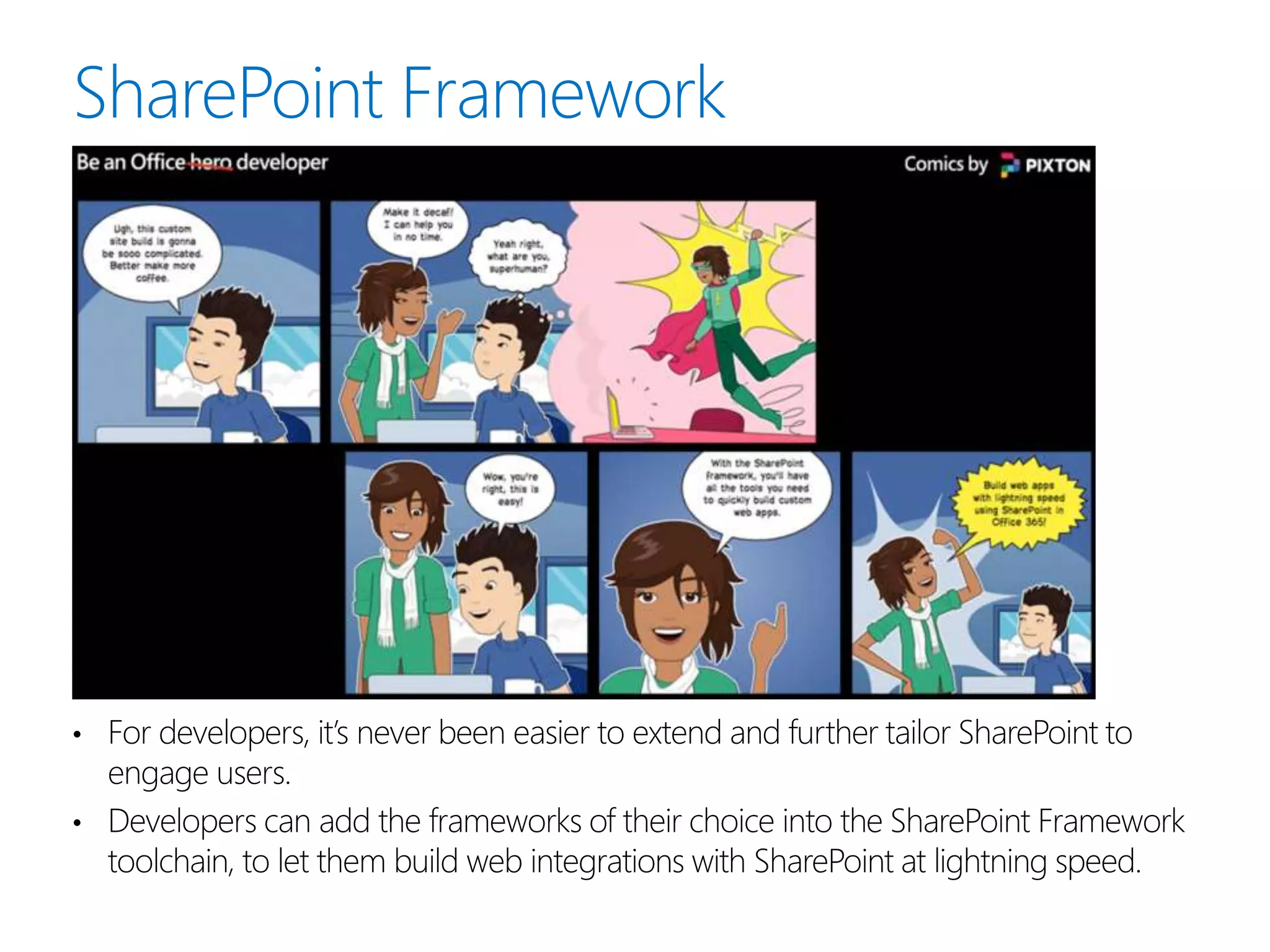
• For developers, it’s never been easier to extend and further tailor SharePoint to
engage users.
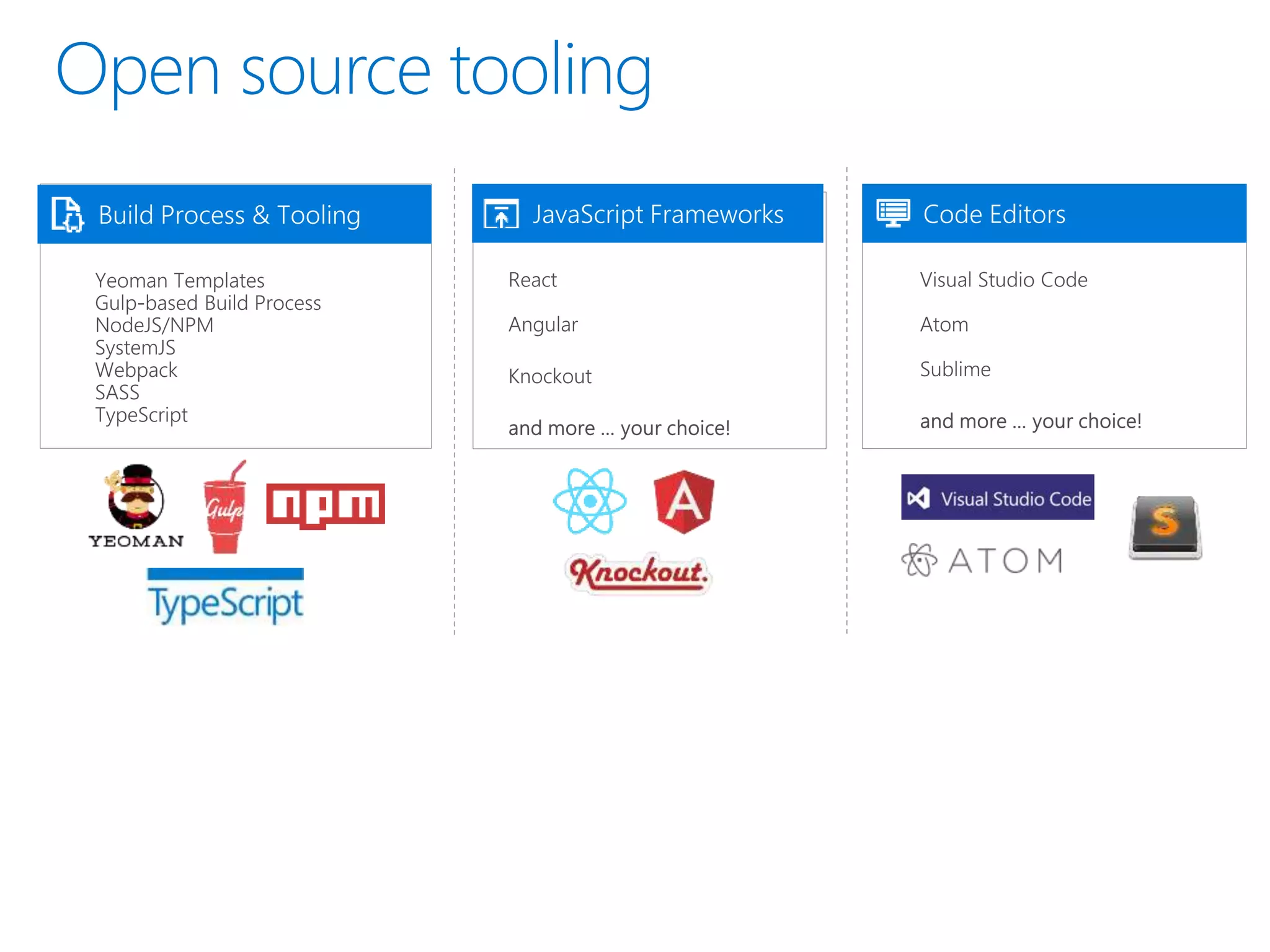
• Developers can add the frameworks of their choice into the SharePoint Framework
toolchain, to let them build web integrations with SharePoint at lightning speed.
90%
of Fortune 500
companies
MS Cloud
100M
monthly
active users
(Office 365)
50K+
new SMBs per
month (Office
365)
8T
Resources
(emails, events,
calendar, users,
files)
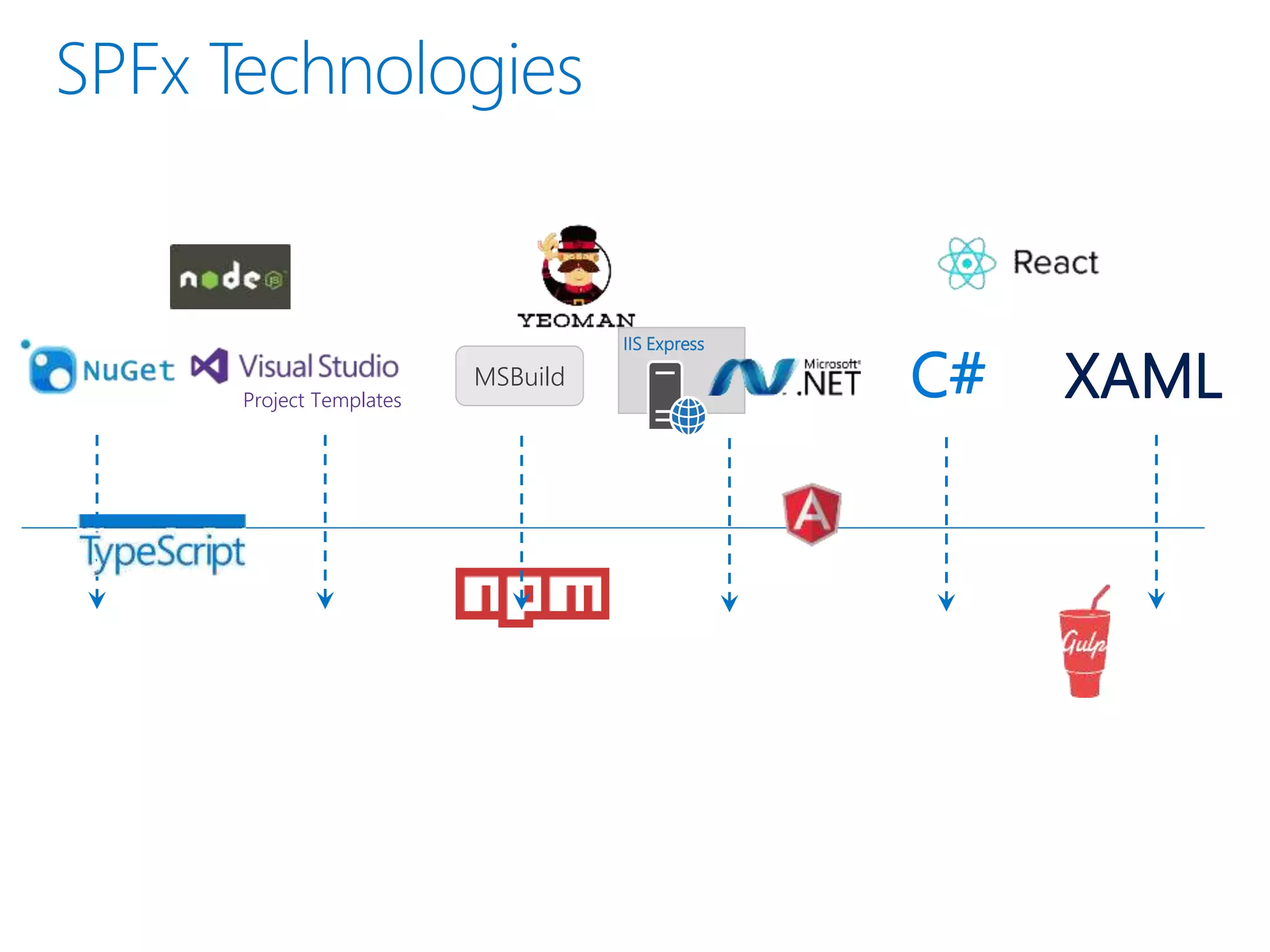
Project Templates
C#MSBuild
IIS Express
XAML
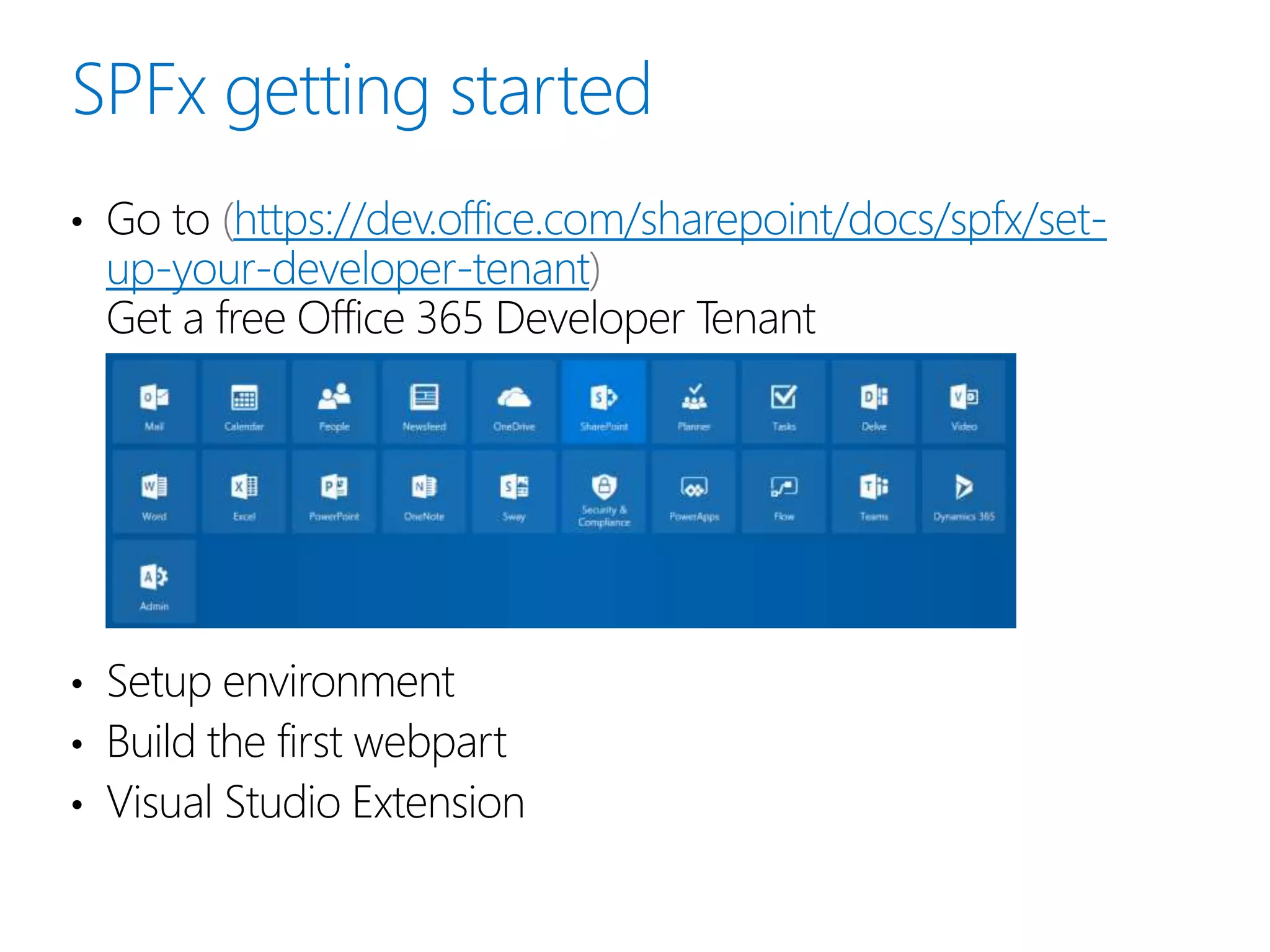
• Go to https://dev.office.com/sharepoint/docs/spfx/set-
up-your-developer-tenant
Get a free Office 365 Developer Tenant
• Setup environment
• Build the first webpart
• Visual Studio Extension
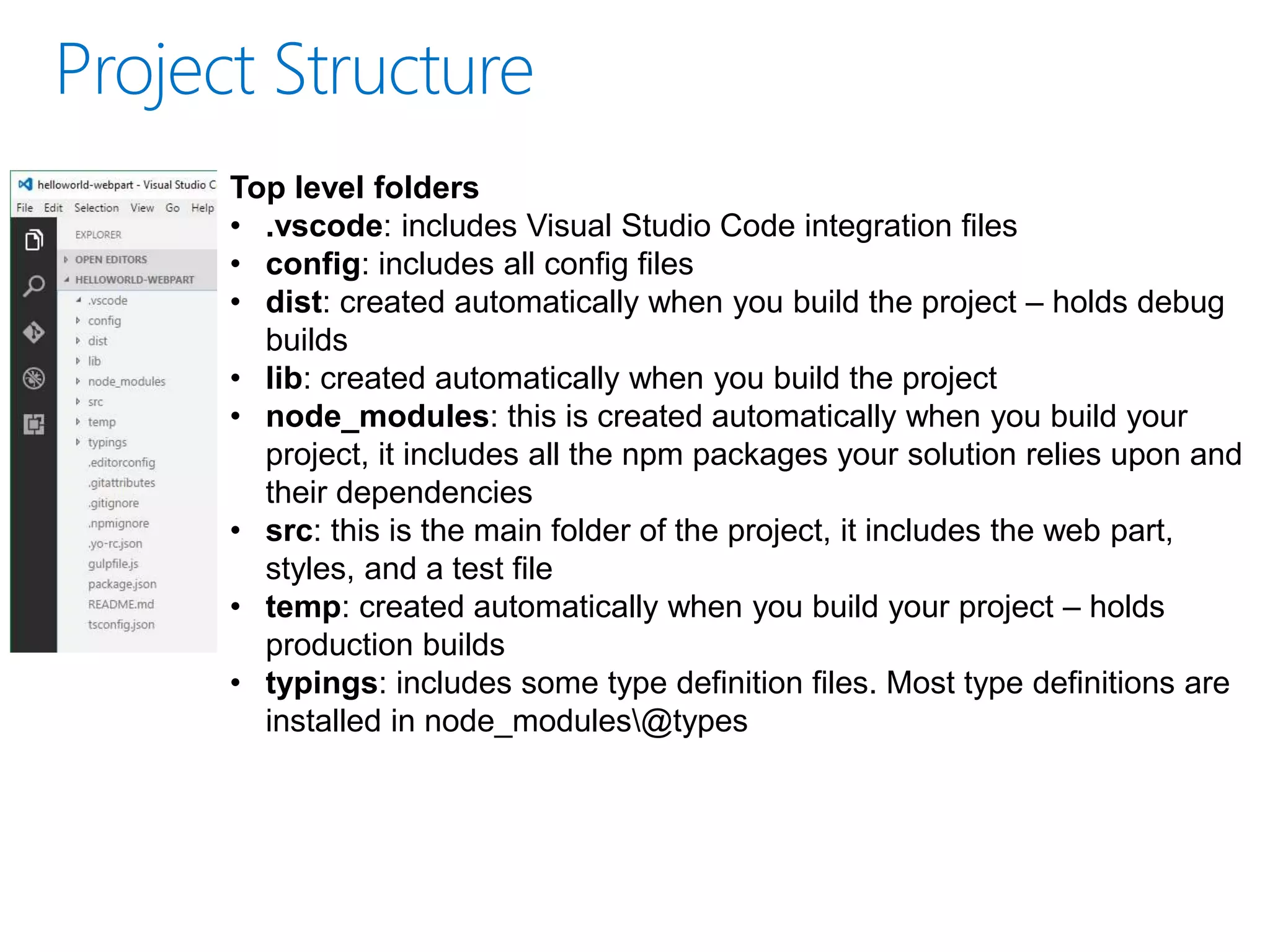
Top level folders
• .vscode: includes Visual Studio Code integration files
• config: includes all config files
• dist: created automatically when you build the project – holds debug
builds
• lib: created automatically when you build the project
• node_modules: this is created automatically when you build your
project, it includes all the npm packages your solution relies upon and
their dependencies
• src: this is the main folder of the project, it includes the web part,
styles, and a test file
• temp: created automatically when you build your project – holds
production builds
• typings: includes some type definition files. Most type definitions are
installed in node_modules@types
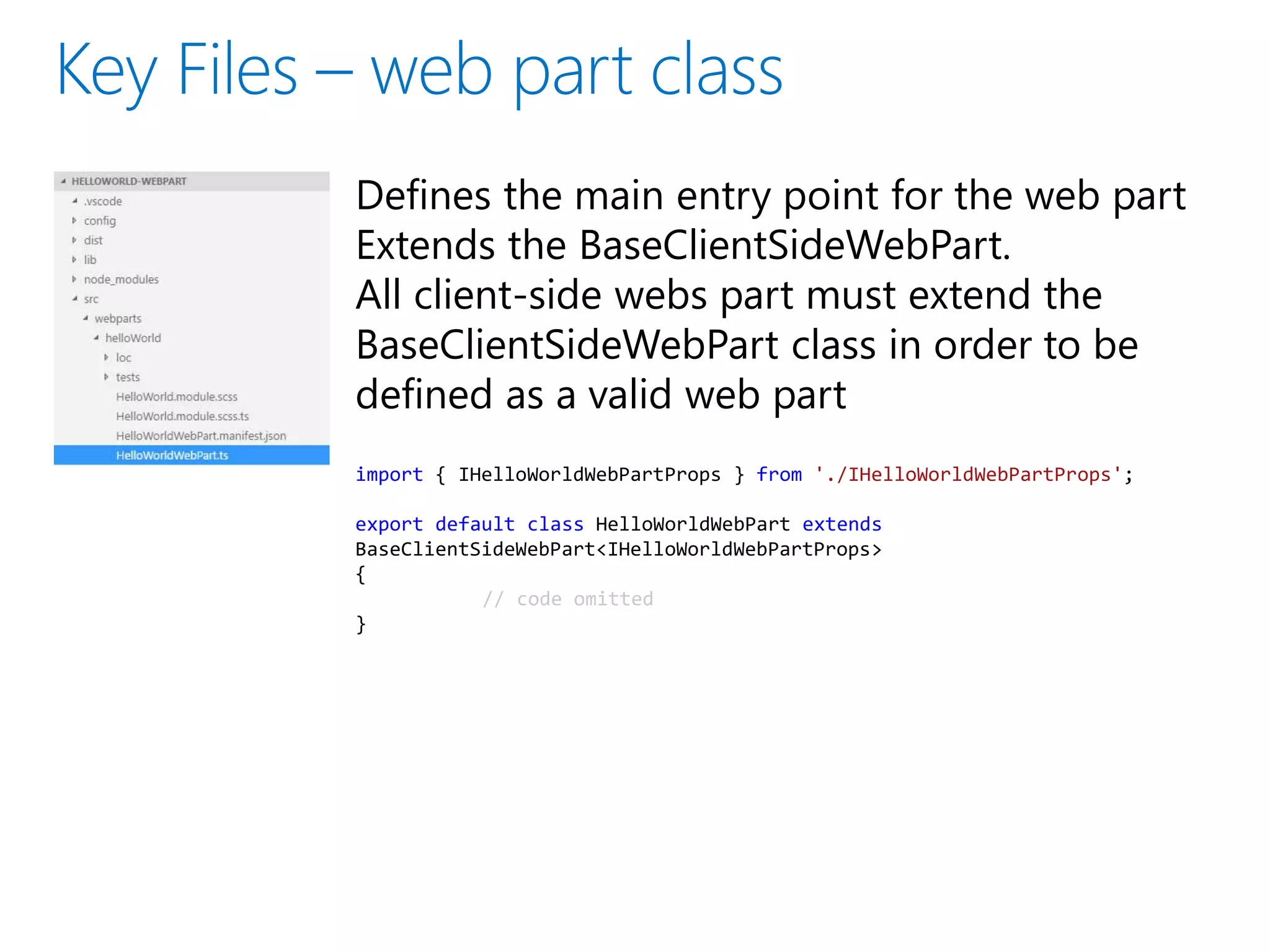
Defines the main entry point for the web part
Extends the BaseClientSideWebPart.
All client-side webs part must extend the
BaseClientSideWebPart class in order to be
defined as a valid web part
import { IHelloWorldWebPartProps } from './IHelloWorldWebPartProps';
export default class HelloWorldWebPart extends
BaseClientSideWebPart<IHelloWorldWebPartProps>
{
// code omitted
}
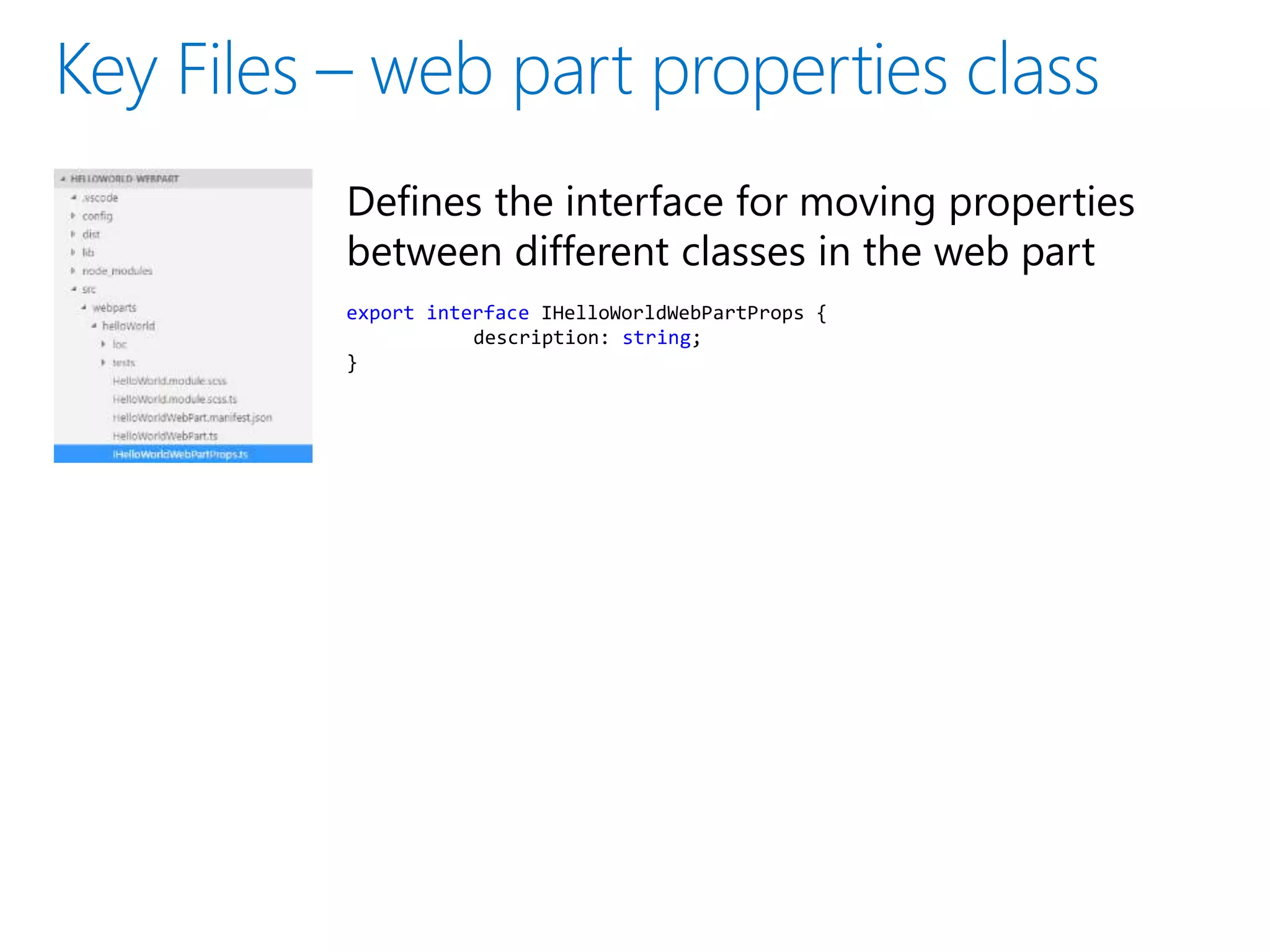
Defines the interface for moving properties
between different classes in the web part
export interface IHelloWorldWebPartProps {
description: string;
}
Defines the web part metadata
{
"$schema": "../../../node_modules/@microsoft/sp-module-
interfaces/lib/manifestSchemas/jsonSchemas/clientSideComponentManifestSchema.json",
"id": "318dd20d-0c02-4c3d-acc5-e2c0fa84cf3f",
"alias": "HelloWorldWebPart",
"componentType": "WebPart",
"version": "0.0.1",
"manifestVersion": 2,
"preconfiguredEntries": [{
"groupId": "318dd20d-0c02-4c3d-acc5-e2c0fa84cf3f",
"group": { "default": "Under Development" },
"title": { "default": "HelloWorld" },
"description": { "default": "HelloWorld description" },
"officeFabricIconFontName": "Page",
"properties": {
"description": "HelloWorld"
}
}]
}
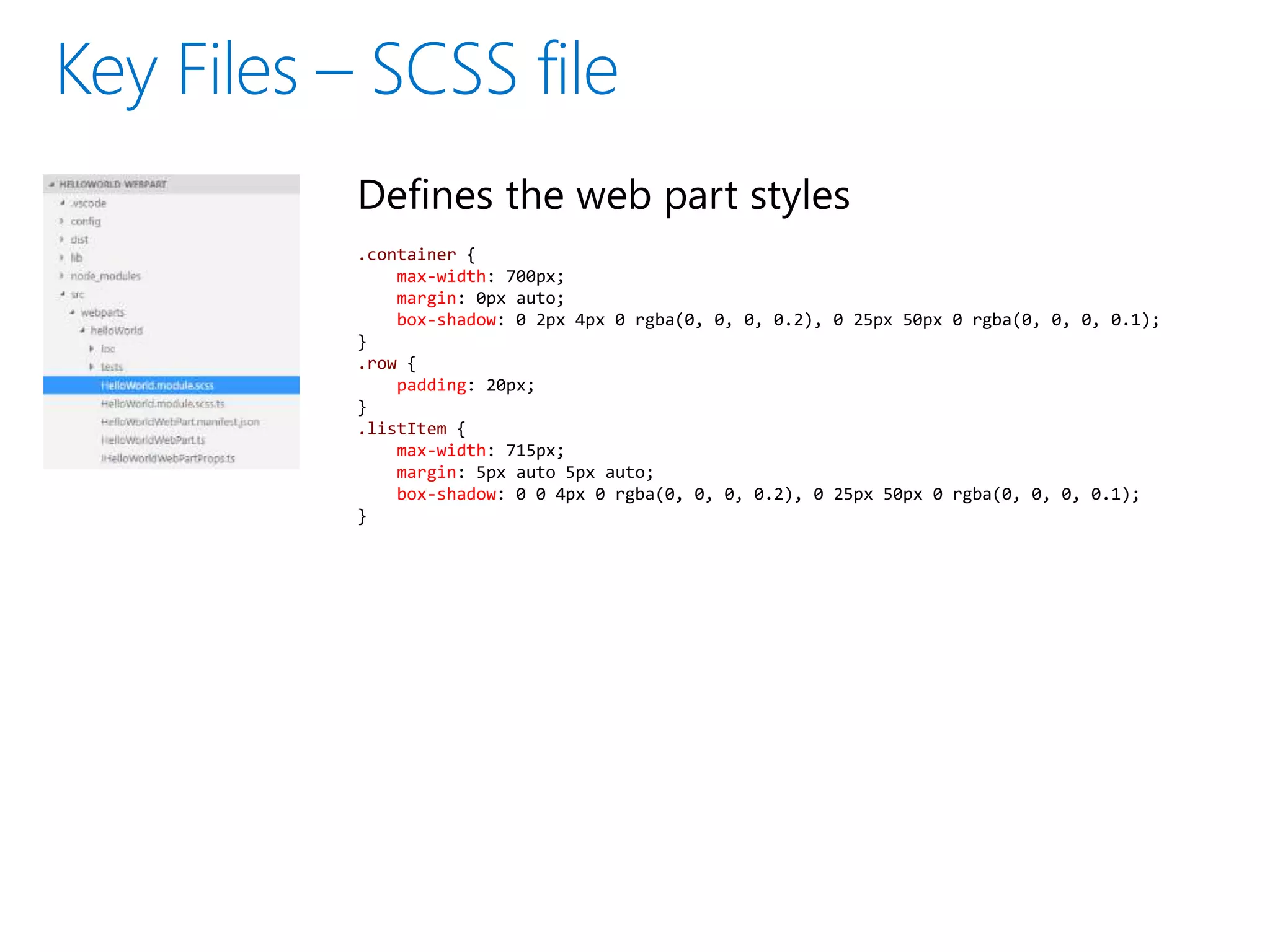
Defines the web part styles
.container {
max-width: 700px;
margin: 0px auto;
box-shadow: 0 2px 4px 0 rgba(0, 0, 0, 0.2), 0 25px 50px 0 rgba(0, 0, 0, 0.1);
}
.row {
padding: 20px;
}
.listItem {
max-width: 715px;
margin: 5px auto 5px auto;
box-shadow: 0 0 4px 0 rgba(0, 0, 0, 0.2), 0 25px 50px 0 rgba(0, 0, 0, 0.1);
}
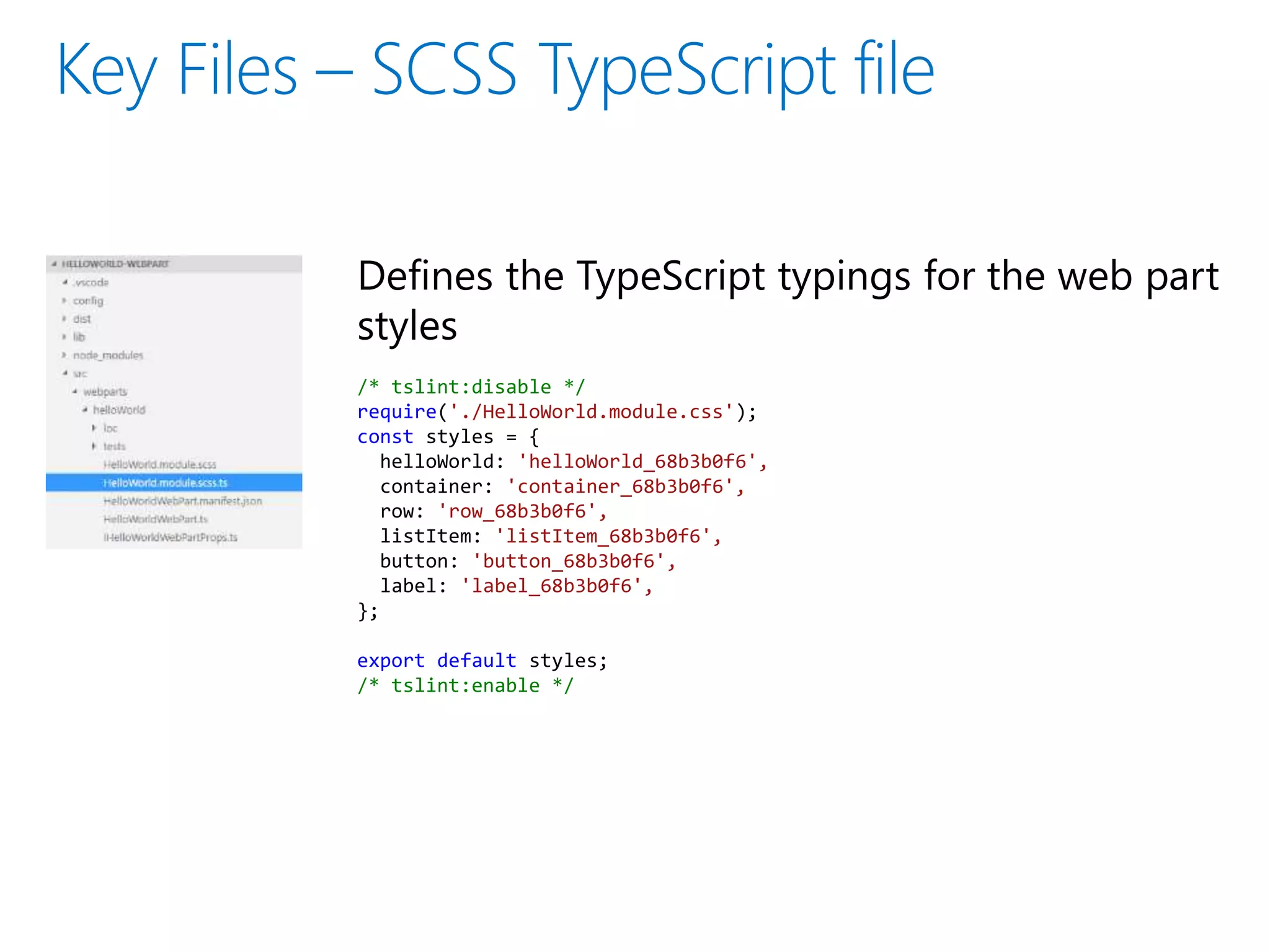
Defines the TypeScript typings for the web part
styles
/* tslint:disable */
require('./HelloWorld.module.css');
const styles = {
helloWorld: 'helloWorld_68b3b0f6',
container: 'container_68b3b0f6',
row: 'row_68b3b0f6',
listItem: 'listItem_68b3b0f6',
button: 'button_68b3b0f6',
label: 'label_68b3b0f6',
};
export default styles;
/* tslint:enable */
Contains information about your bundle(s), any external
dependencies, localized resources
Specifies the AMD script libraries used in the web part
{
"entries": [
{
"entry": "./lib/webparts/helloWorld/HelloWorldWebPart.js",
"manifest": "./src/webparts/helloWorld/HelloWorldWebPart.manifest.json",
"outputPath": "./dist/hello-world.bundle.js"
}
],
"externals": {
“jquery": "node_modules/jquery/dist/jquery.min.js"
},
"localizedResources": {
"helloWorldStrings": "webparts/helloWorld/loc/{locale}.js"
}
}
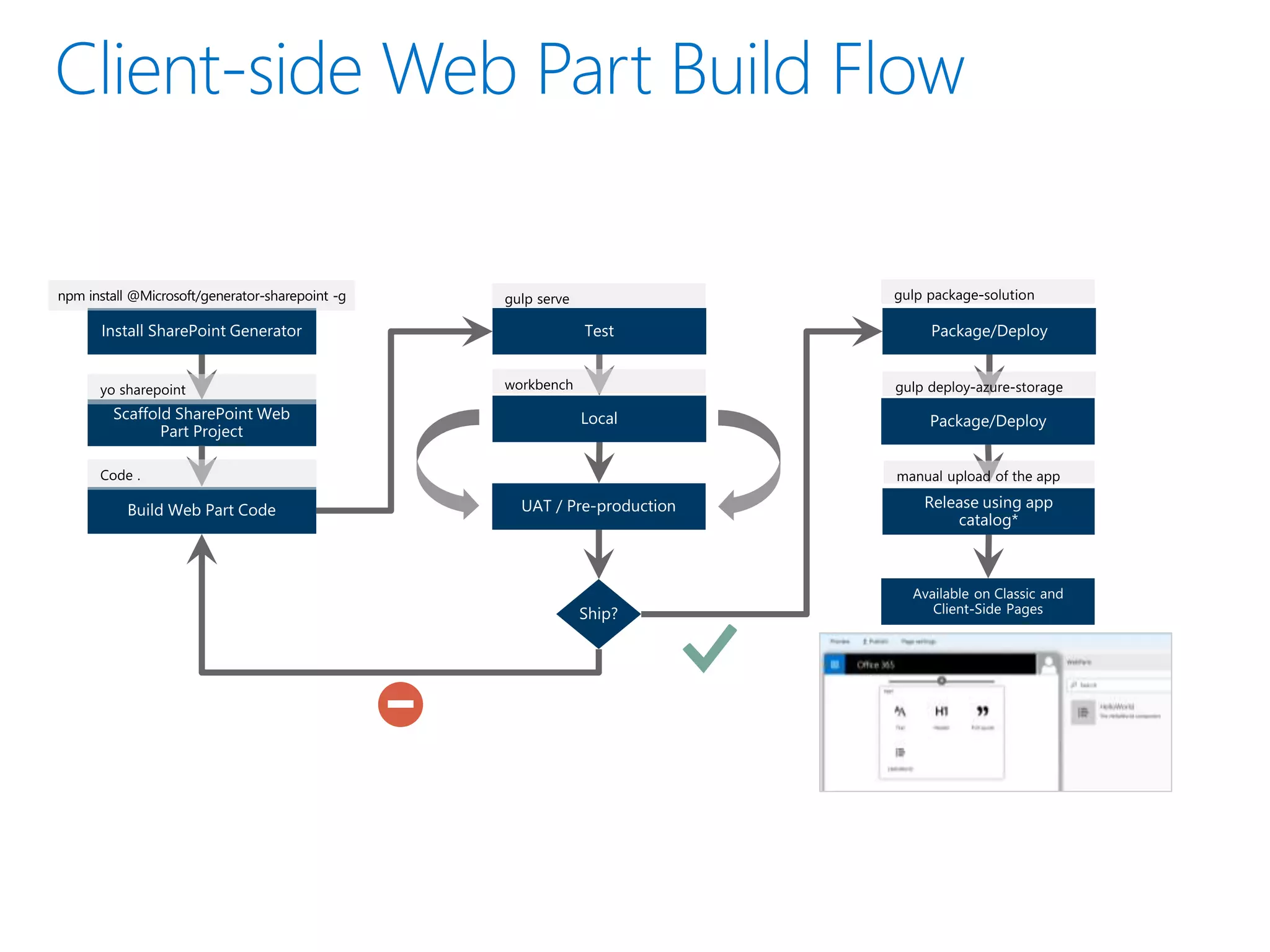
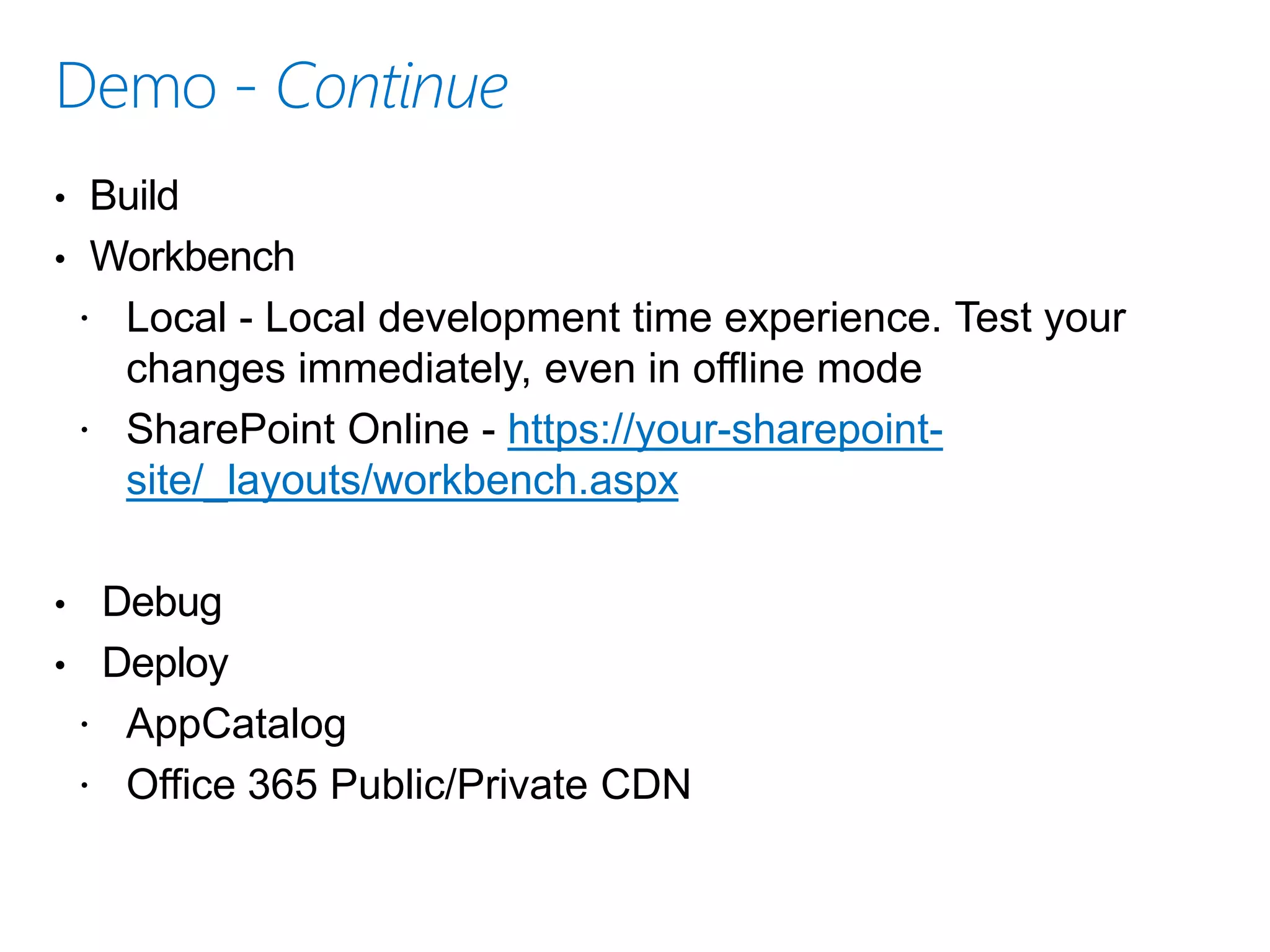
• Build
• Workbench
 Local - Local development time experience. Test your
changes immediately, even in offline mode
 SharePoint Online - https://your-sharepoint-
site/_layouts/workbench.aspx
• Debug
• Deploy
 AppCatalog
 Office 365 Public/Private CDN
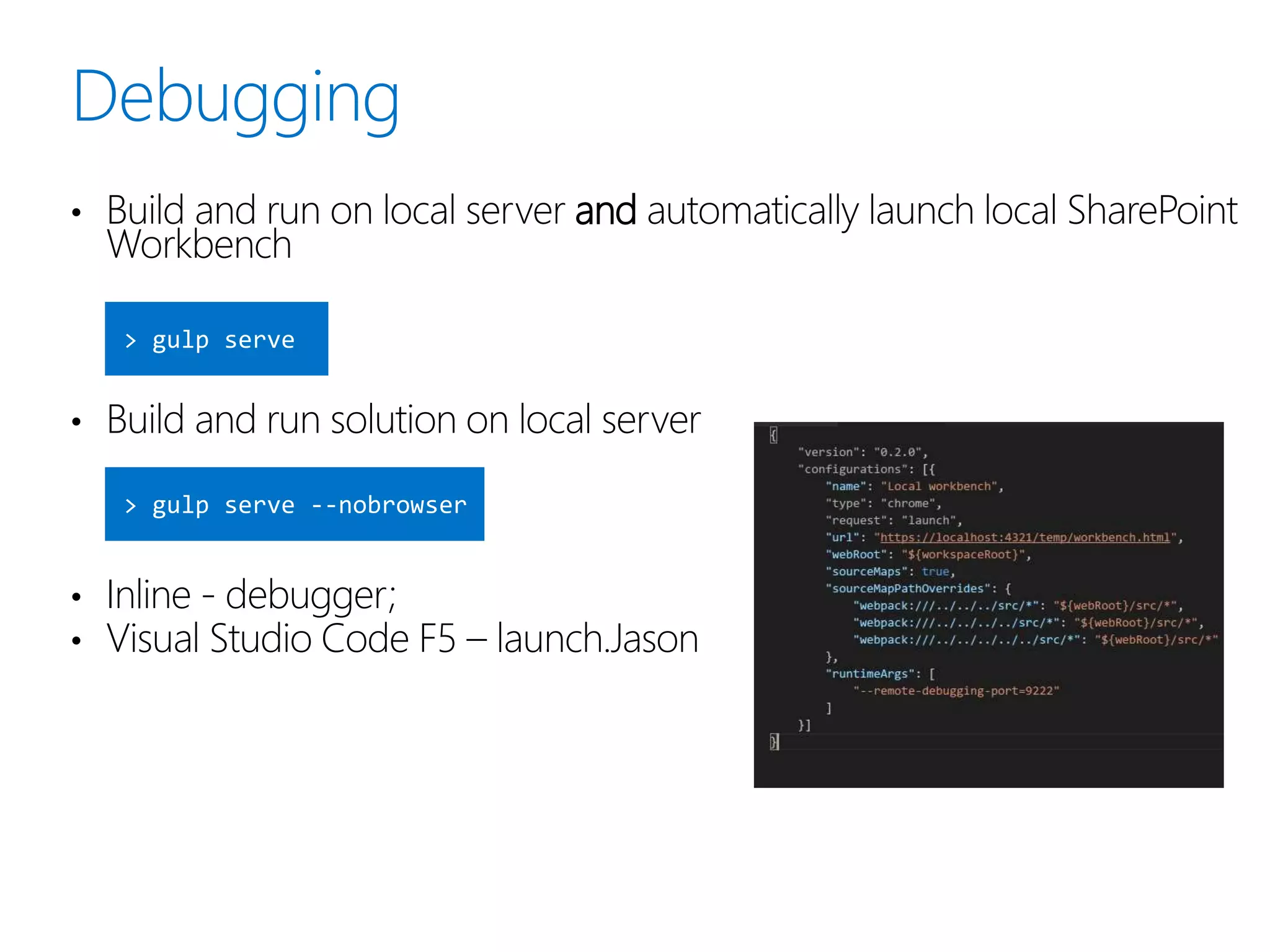
• Build and run on local server and automatically launch local SharePoint
Workbench
• Build and run solution on local server
• Inline - debugger;
• Visual Studio Code F5 – launch.Jason
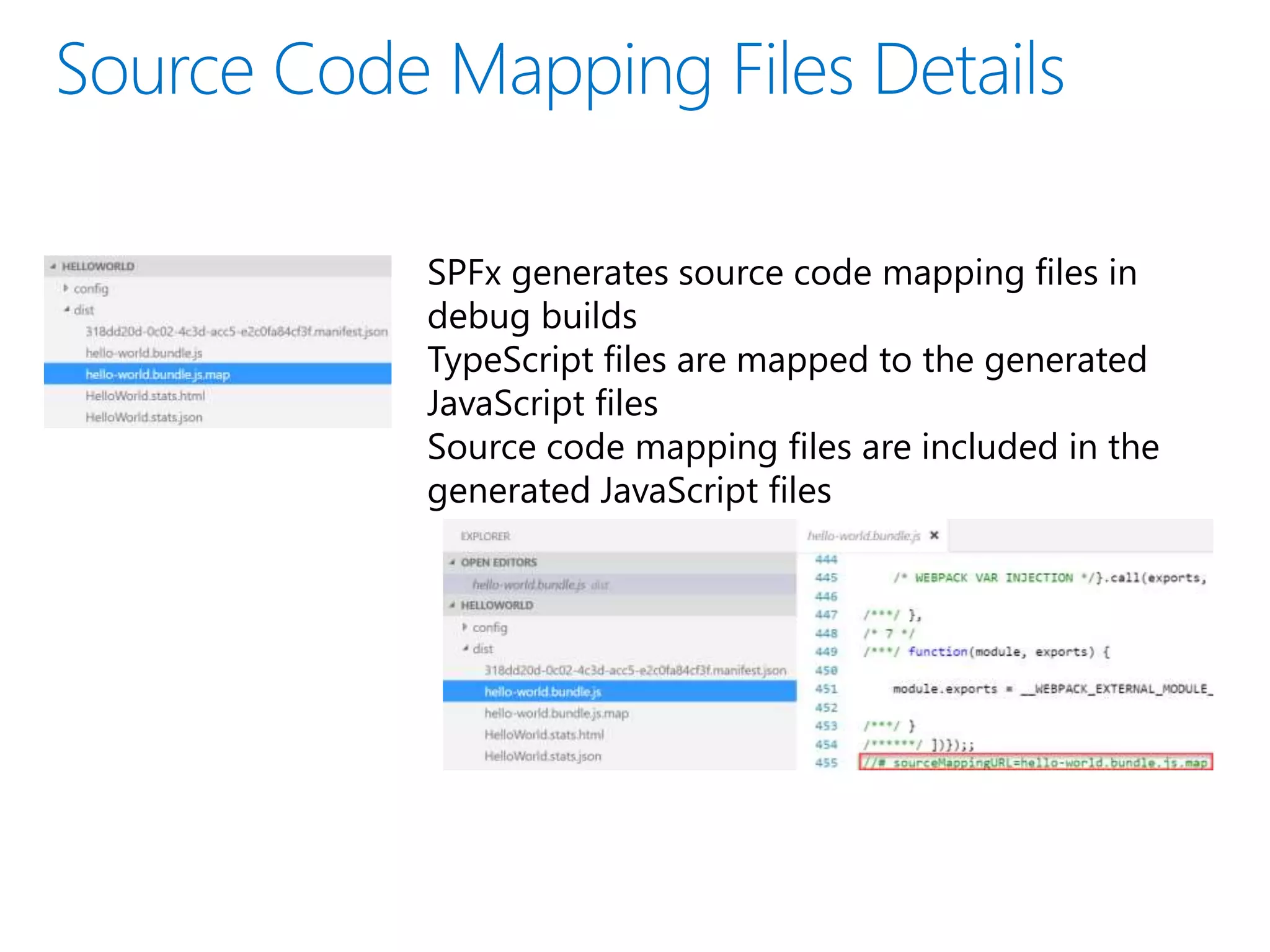
SPFx generates source code mapping files in
debug builds
TypeScript files are mapped to the generated
JavaScript files
Source code mapping files are included in the
generated JavaScript files
• Connect
 SharePoint Online Management Shell
 Connect-SPOService -Url https://rankudemo-admin.sharepoint.com
• Verify / Enable / Disable
 Get-SPOTenantCdnEnabled -CdnType Public
 Get-SPOTenantCdnEnabled -CdnType Private
 Set-SPOTenantCdnEnabled -CdnType Public #-NoDefaultOrigins
 Set-SPOTenantCdnEnabled -CdnType Public / Private -Enable $false
 Public CDN enabled locations: MASTERPAGE, STYLE LIBRARY
• Access
https://publiccdn.sharepointonline.com/<tenanthostname>/sites/site/library
https://privatecdn.sharepointonline.com/tenant/sites/site/library/item?_eat_=1
495567990_1130bbbb93becf13dd9ec288398ef3f53a8dd131d7f1116f9d3f0b8
9a5277b45&_oat_=1495567990_de85e8d775578ba9936900
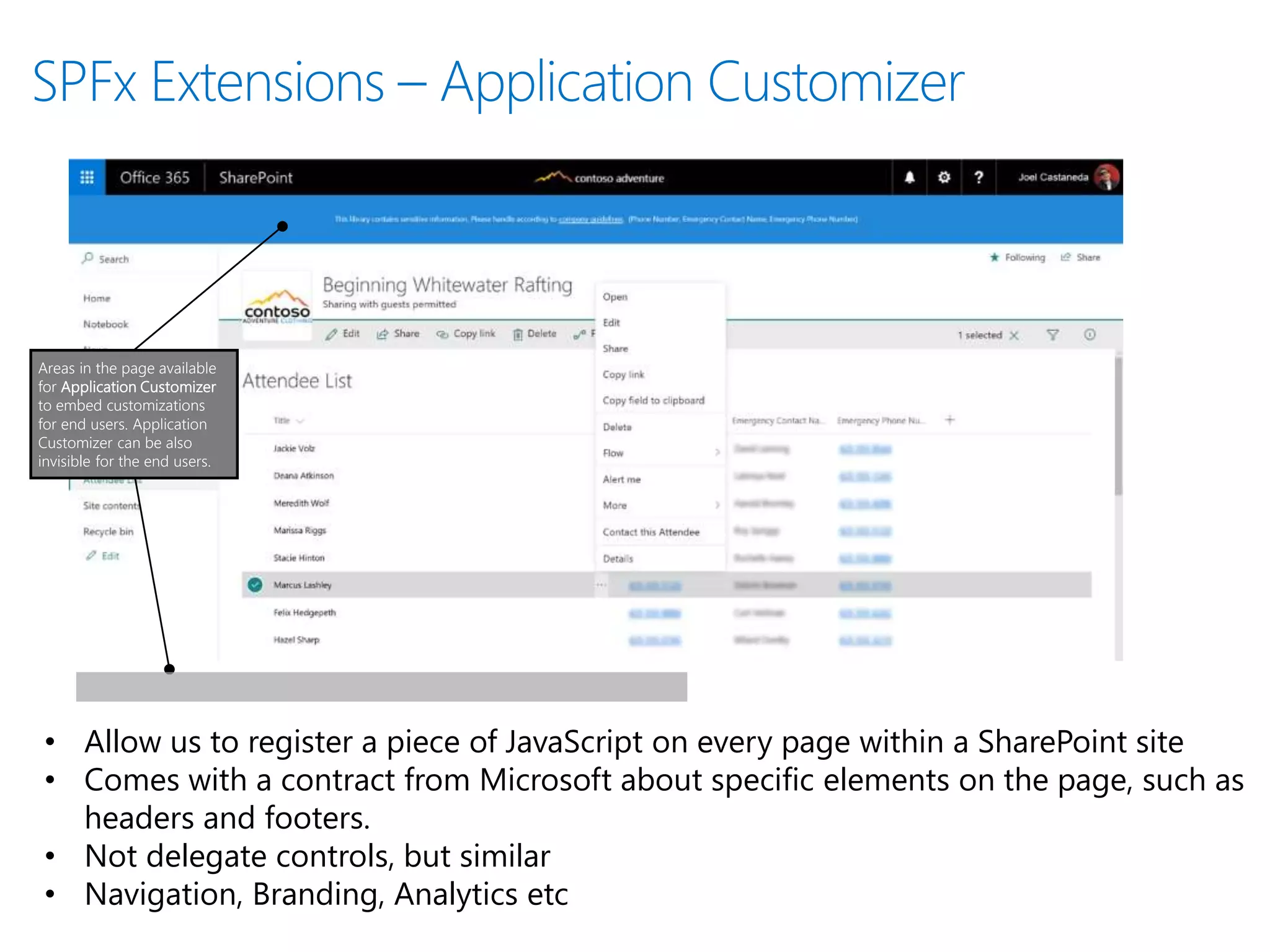
Areas in the page available
for Application Customizer
to embed customizations
for end users. Application
Customizer can be also
invisible for the end users.
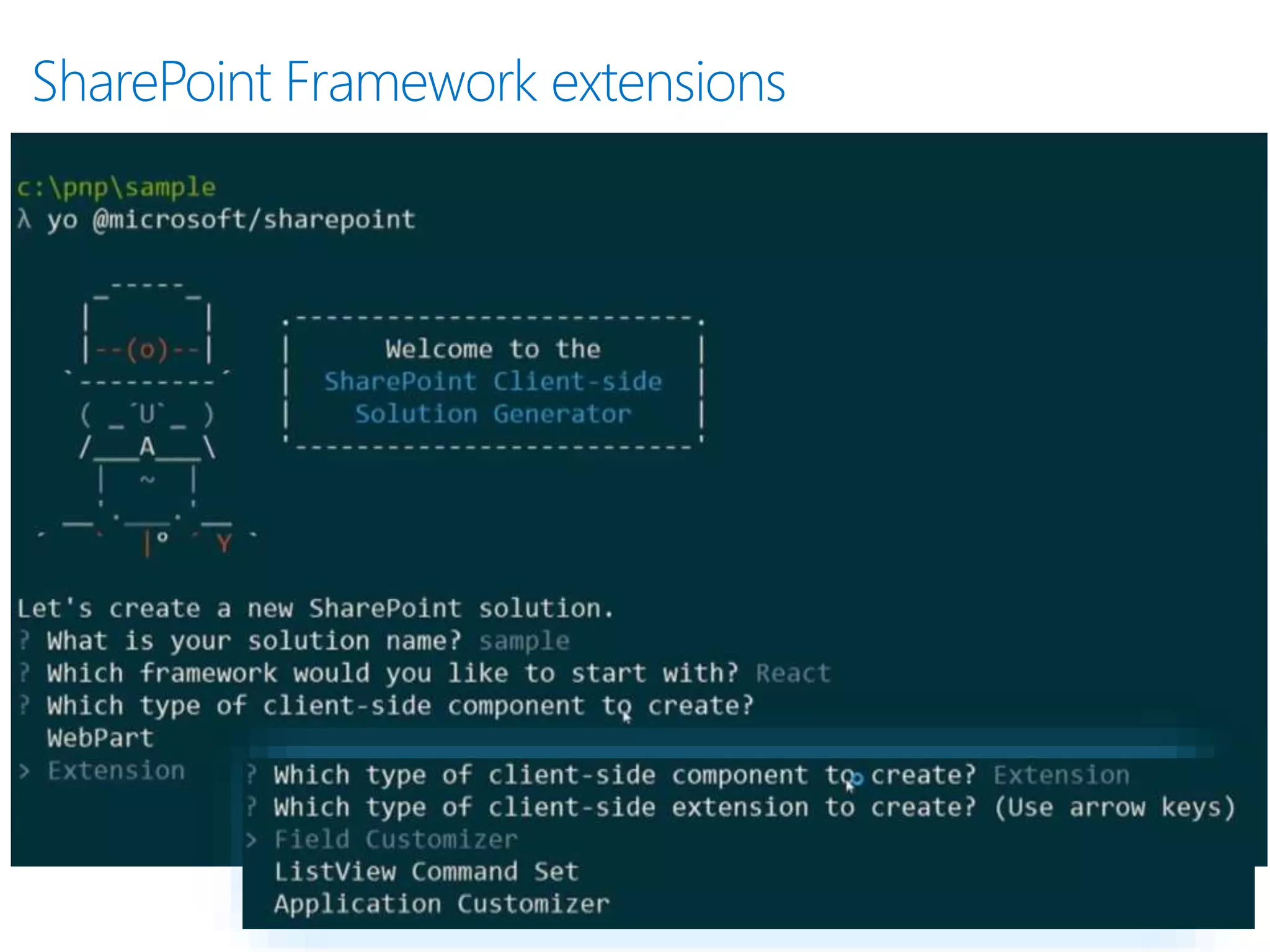
• Allow us to register a piece of JavaScript on every page within a SharePoint site
• Comes with a contract from Microsoft about specific elements on the page, such as
headers and footers.
• Not delegate controls, but similar
• Navigation, Branding, Analytics etc
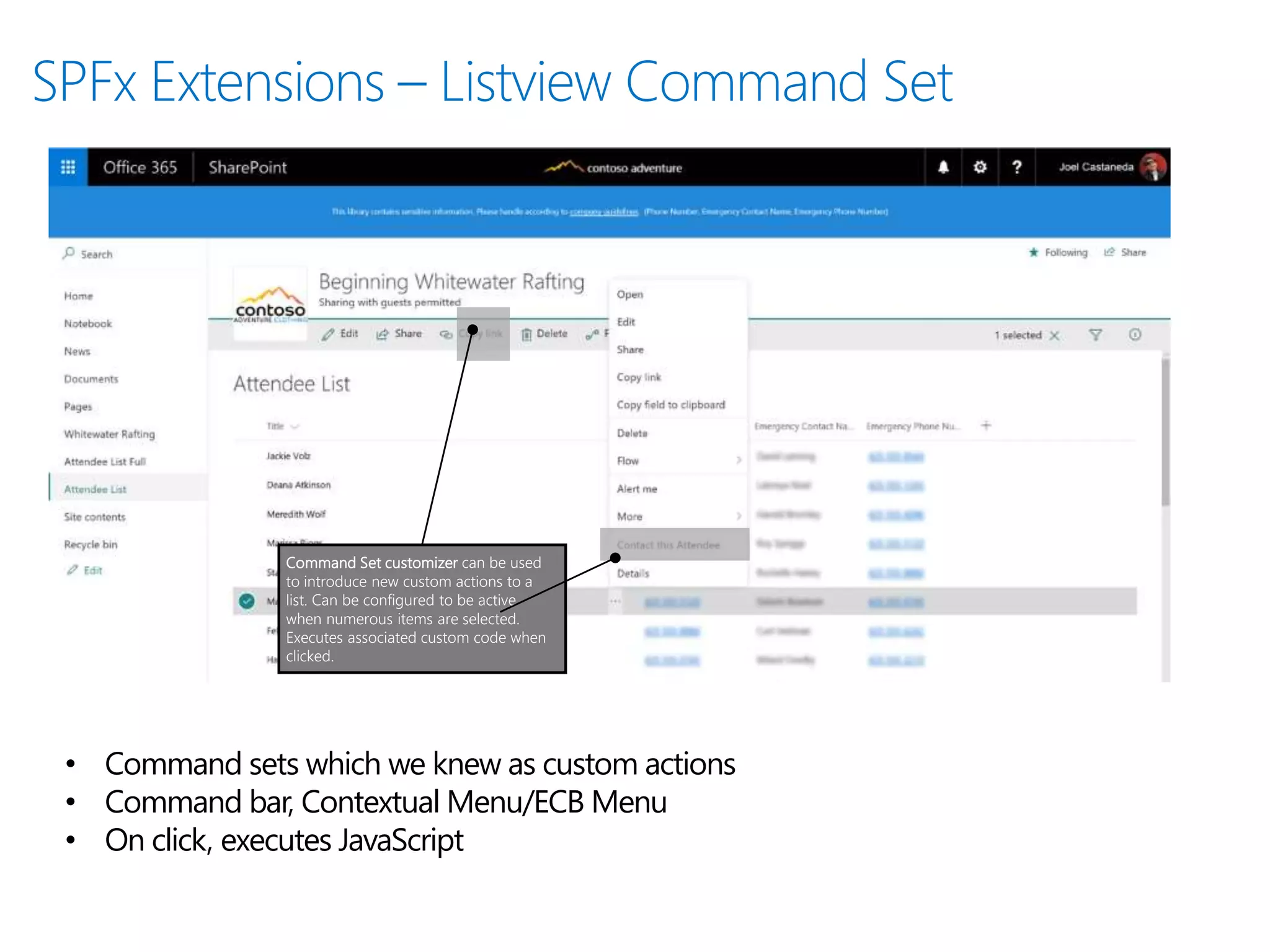
Command Set customizer can be used
to introduce new custom actions to a
list. Can be configured to be active
when numerous items are selected.
Executes associated custom code when
clicked.
• Command sets which we knew as custom actions
• Command bar, Contextual Menu/ECB Menu
• On click, executes JavaScript
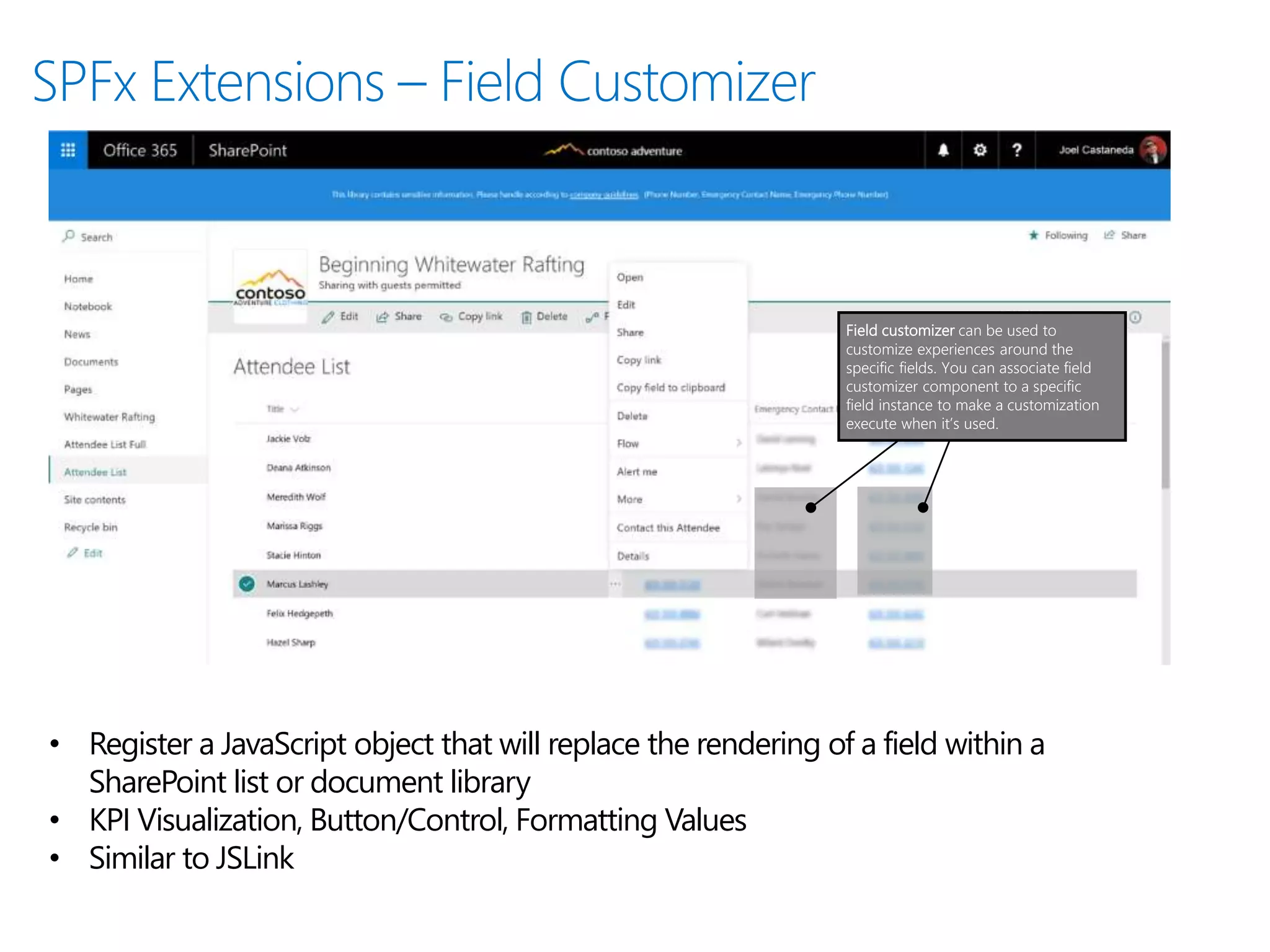
Field customizer can be used to
customize experiences around the
specific fields. You can associate field
customizer component to a specific
field instance to make a customization
execute when it’s used.
• Register a JavaScript object that will replace the rendering of a field within a
SharePoint list or document library
• KPI Visualization, Button/Control, Formatting Values
• Similar to JSLink
• More new Capabilities
 Web part to web part connections
 OpenId Connect support for 3rd party solutions - Call easily other services
hosted in Office 365 without complexity of additional consent. Gradual
extension of capabilities.
• Resources
 Office React Fabric
https://dev.office.com/fabric
 Enterprise guidance
https://dev.office.com/sharepoint/docs/spfx/enterprise-guidance
 Team development:
https://dev.office.com/sharepoint/docs/spfx/team-based-development-on-
sharepoint-framework
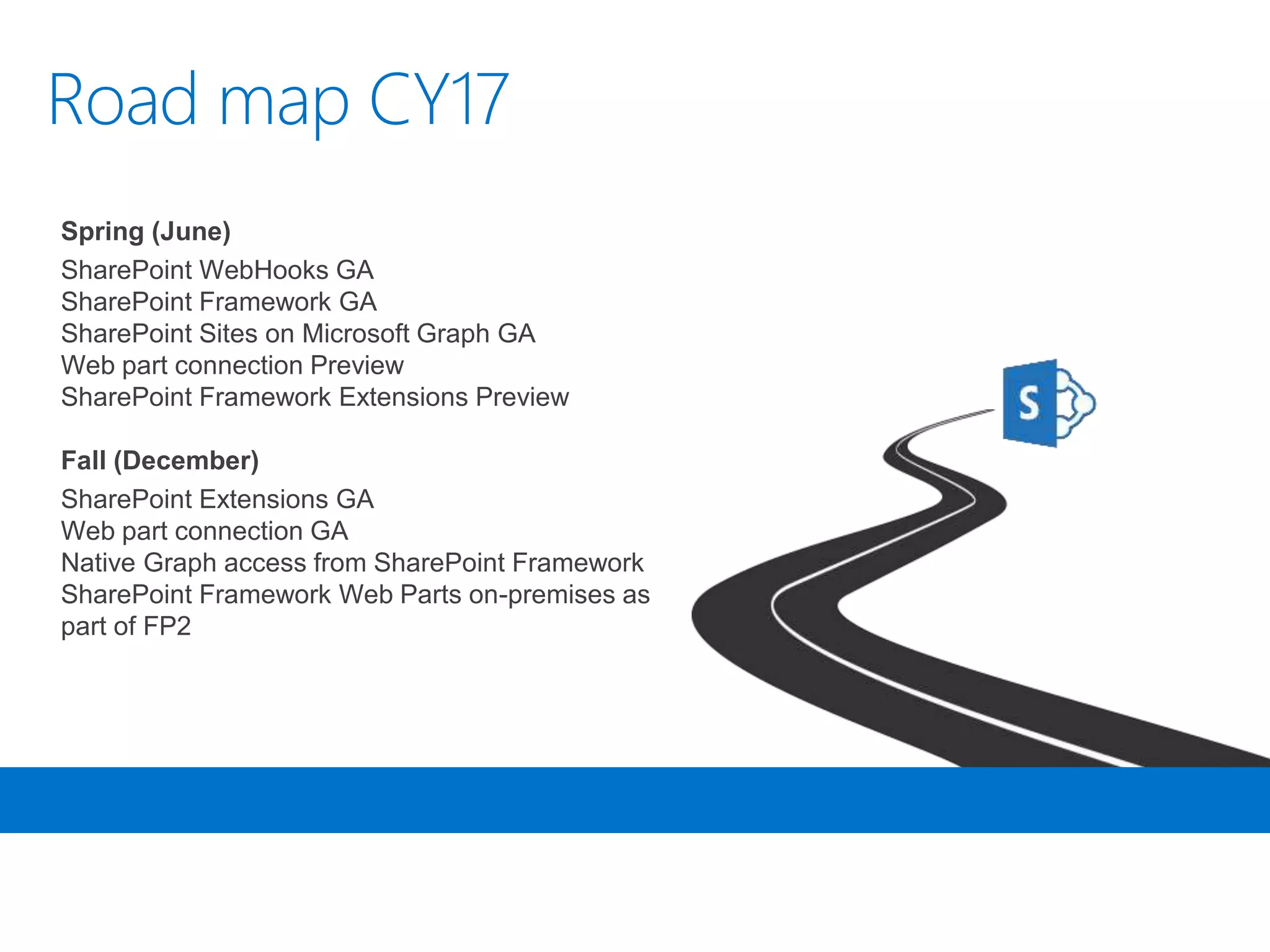
Spring (June)
SharePoint WebHooks GA
SharePoint Framework GA
SharePoint Sites on Microsoft Graph GA
Web part connection Preview
SharePoint Framework Extensions Preview
Fall (December)
SharePoint Extensions GA
Web part connection GA
Native Graph access from SharePoint Framework
SharePoint Framework Web Parts on-premises as
part of FP2
Any Questions*?
(*just make sure you tell me what I need to Google)
Anupam.ranku@gmail.com
http://ranku.site
Gold Silver Bronze

Office 365 Saturday (Sydney) - SharePoint framework – build integrated user experiences

  • 1.
  • 2.
    • SharePoint Framework– why is it important? • Development Tools • SPFx getting started • Demo - Let’s build • Development Experience (Build, Debug, Deploy) • SharePoint Extensions and new capabilities • Roadmap
  • 3.
    Anupam Ranku  Kloudie– Consultant @Kloud Solutions  SharePoint Online, Office 365, Azure  Building SharePoint solution 10+ years  Developing software for last 14+ years
  • 4.
    • New model.Leveraging a modern web stack approach and focusing on client side/browser based customizations. • Additive to already existing methods  SharePoint Add-in model  Script Editor Web Parts (JavaScript injection/embeddings) • Governance/Control of scripting capabilities in SharePoint Online • Lots of guidance and help on Creating, Developing, Deploying Solutions:  Development practices  Testing approach  Deployment to production  Standardize client-side libraries • GA – February 2017 • Transferable skills
  • 5.
    • For developers,it’s never been easier to extend and further tailor SharePoint to engage users. • Developers can add the frameworks of their choice into the SharePoint Framework toolchain, to let them build web integrations with SharePoint at lightning speed.
  • 6.
    90% of Fortune 500 companies MSCloud 100M monthly active users (Office 365) 50K+ new SMBs per month (Office 365) 8T Resources (emails, events, calendar, users, files)
  • 8.
  • 10.
    • Go tohttps://dev.office.com/sharepoint/docs/spfx/set- up-your-developer-tenant Get a free Office 365 Developer Tenant • Setup environment • Build the first webpart • Visual Studio Extension
  • 12.
    Top level folders •.vscode: includes Visual Studio Code integration files • config: includes all config files • dist: created automatically when you build the project – holds debug builds • lib: created automatically when you build the project • node_modules: this is created automatically when you build your project, it includes all the npm packages your solution relies upon and their dependencies • src: this is the main folder of the project, it includes the web part, styles, and a test file • temp: created automatically when you build your project – holds production builds • typings: includes some type definition files. Most type definitions are installed in node_modules@types
  • 13.
    Defines the mainentry point for the web part Extends the BaseClientSideWebPart. All client-side webs part must extend the BaseClientSideWebPart class in order to be defined as a valid web part import { IHelloWorldWebPartProps } from './IHelloWorldWebPartProps'; export default class HelloWorldWebPart extends BaseClientSideWebPart<IHelloWorldWebPartProps> { // code omitted }
  • 14.
    Defines the interfacefor moving properties between different classes in the web part export interface IHelloWorldWebPartProps { description: string; }
  • 15.
    Defines the webpart metadata { "$schema": "../../../node_modules/@microsoft/sp-module- interfaces/lib/manifestSchemas/jsonSchemas/clientSideComponentManifestSchema.json", "id": "318dd20d-0c02-4c3d-acc5-e2c0fa84cf3f", "alias": "HelloWorldWebPart", "componentType": "WebPart", "version": "0.0.1", "manifestVersion": 2, "preconfiguredEntries": [{ "groupId": "318dd20d-0c02-4c3d-acc5-e2c0fa84cf3f", "group": { "default": "Under Development" }, "title": { "default": "HelloWorld" }, "description": { "default": "HelloWorld description" }, "officeFabricIconFontName": "Page", "properties": { "description": "HelloWorld" } }] }
  • 16.
    Defines the webpart styles .container { max-width: 700px; margin: 0px auto; box-shadow: 0 2px 4px 0 rgba(0, 0, 0, 0.2), 0 25px 50px 0 rgba(0, 0, 0, 0.1); } .row { padding: 20px; } .listItem { max-width: 715px; margin: 5px auto 5px auto; box-shadow: 0 0 4px 0 rgba(0, 0, 0, 0.2), 0 25px 50px 0 rgba(0, 0, 0, 0.1); }
  • 17.
    Defines the TypeScripttypings for the web part styles /* tslint:disable */ require('./HelloWorld.module.css'); const styles = { helloWorld: 'helloWorld_68b3b0f6', container: 'container_68b3b0f6', row: 'row_68b3b0f6', listItem: 'listItem_68b3b0f6', button: 'button_68b3b0f6', label: 'label_68b3b0f6', }; export default styles; /* tslint:enable */
  • 18.
    Contains information aboutyour bundle(s), any external dependencies, localized resources Specifies the AMD script libraries used in the web part { "entries": [ { "entry": "./lib/webparts/helloWorld/HelloWorldWebPart.js", "manifest": "./src/webparts/helloWorld/HelloWorldWebPart.manifest.json", "outputPath": "./dist/hello-world.bundle.js" } ], "externals": { “jquery": "node_modules/jquery/dist/jquery.min.js" }, "localizedResources": { "helloWorldStrings": "webparts/helloWorld/loc/{locale}.js" } }
  • 19.
    • Build • Workbench Local - Local development time experience. Test your changes immediately, even in offline mode  SharePoint Online - https://your-sharepoint- site/_layouts/workbench.aspx • Debug • Deploy  AppCatalog  Office 365 Public/Private CDN
  • 20.
    • Build andrun on local server and automatically launch local SharePoint Workbench • Build and run solution on local server • Inline - debugger; • Visual Studio Code F5 – launch.Jason
  • 21.
    SPFx generates sourcecode mapping files in debug builds TypeScript files are mapped to the generated JavaScript files Source code mapping files are included in the generated JavaScript files
  • 22.
    • Connect  SharePointOnline Management Shell  Connect-SPOService -Url https://rankudemo-admin.sharepoint.com • Verify / Enable / Disable  Get-SPOTenantCdnEnabled -CdnType Public  Get-SPOTenantCdnEnabled -CdnType Private  Set-SPOTenantCdnEnabled -CdnType Public #-NoDefaultOrigins  Set-SPOTenantCdnEnabled -CdnType Public / Private -Enable $false  Public CDN enabled locations: MASTERPAGE, STYLE LIBRARY • Access https://publiccdn.sharepointonline.com/<tenanthostname>/sites/site/library https://privatecdn.sharepointonline.com/tenant/sites/site/library/item?_eat_=1 495567990_1130bbbb93becf13dd9ec288398ef3f53a8dd131d7f1116f9d3f0b8 9a5277b45&_oat_=1495567990_de85e8d775578ba9936900
  • 24.
    Areas in thepage available for Application Customizer to embed customizations for end users. Application Customizer can be also invisible for the end users. • Allow us to register a piece of JavaScript on every page within a SharePoint site • Comes with a contract from Microsoft about specific elements on the page, such as headers and footers. • Not delegate controls, but similar • Navigation, Branding, Analytics etc
  • 25.
    Command Set customizercan be used to introduce new custom actions to a list. Can be configured to be active when numerous items are selected. Executes associated custom code when clicked. • Command sets which we knew as custom actions • Command bar, Contextual Menu/ECB Menu • On click, executes JavaScript
  • 26.
    Field customizer canbe used to customize experiences around the specific fields. You can associate field customizer component to a specific field instance to make a customization execute when it’s used. • Register a JavaScript object that will replace the rendering of a field within a SharePoint list or document library • KPI Visualization, Button/Control, Formatting Values • Similar to JSLink
  • 27.
    • More newCapabilities  Web part to web part connections  OpenId Connect support for 3rd party solutions - Call easily other services hosted in Office 365 without complexity of additional consent. Gradual extension of capabilities. • Resources  Office React Fabric https://dev.office.com/fabric  Enterprise guidance https://dev.office.com/sharepoint/docs/spfx/enterprise-guidance  Team development: https://dev.office.com/sharepoint/docs/spfx/team-based-development-on- sharepoint-framework
  • 28.
    Spring (June) SharePoint WebHooksGA SharePoint Framework GA SharePoint Sites on Microsoft Graph GA Web part connection Preview SharePoint Framework Extensions Preview Fall (December) SharePoint Extensions GA Web part connection GA Native Graph access from SharePoint Framework SharePoint Framework Web Parts on-premises as part of FP2
  • 29.
    Any Questions*? (*just makesure you tell me what I need to Google) Anupam.ranku@gmail.com http://ranku.site
  • 30.

Editor's Notes

  • #5  Manifest deployed to SharePoint AppCatalog by Tenant Admin Code can be hosted in SharePoint or external and loaded into page It runs in the context of the current user and connection in the browser. No iFrames. The controls are rendered in the normal page DOM. The controls are responsive and accessible by nature. There is a life cycle that the developer is involved in. It’s not just render, but load, _serialize _and deserialize, configuration changes, etc. It is framework agnostic – You can use any browser framework that you like – React, Handlebars, knockout, angular – take your pick. The tool chain is based on common open source client development tools like npm, TypeScript, yeoman, webpack, gulp, etc. Performance is key. SPFx client-side solutions that are approved by the tenant administrators (or their delegates) can be used by end users on all sites – even self service created sites like teams, groups, personal, etc. Can be deployed in both classic web part and publishing pages as well as the modern pages.
  • #14 BaseClientSideWebPart implements the minimal functionality that is required to build a web part. This class also provides many parameters to validate and access to read-only properties such as displayMode, web part properties, web part context, the web part instanceId, the web part domElement and much more. Notice that the web part class is defined to accept a property type IHelloWorldWebPartProps. The property type is defined as an interface in a separate file IHelloWorldWebPartProps.ts. export interface IHelloWorldWebPartProps { description: string; } JSX - syntax extension to JavaScript.
  • #16 Defines the web part metadata such as version, id, componentType, manifestVersion, and description. Every web part must contain this manifest.
  • #18 HelloWorld.module.scss.ts is the typescript file that includes the corresponding typings of HelloWorld.module.scss, you can then import and reference these styles in your web part code.
  • #19 This file contains information about your bundle(s) and any external dependencies and localized resources. - The entries section contains the default bundle information. The externals section contains the libraries that are not bundled with the default bundle. Asynchronous module definition
  • #20 JSX - extension to JavaScript. .tsx extention
  • #22 .pdb
  • #27 Covert it to almost like a 3rd party grid