Downloaded 14 times





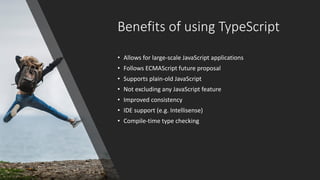
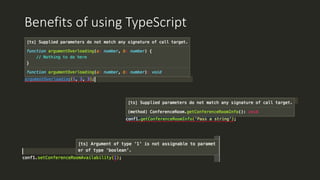

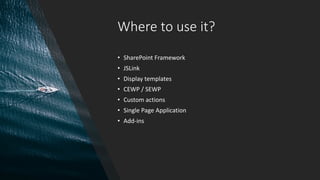
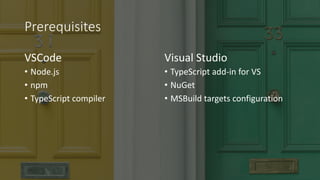
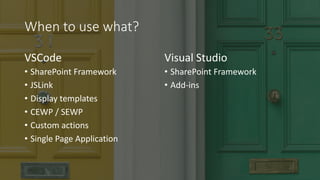
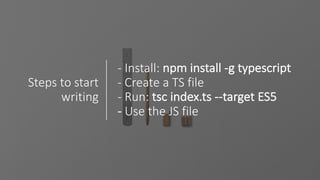







This document discusses using TypeScript for SharePoint development. It introduces TypeScript as a strongly typed superset of JavaScript that provides benefits like improved consistency and compile-time type checking. It outlines prerequisites for using TypeScript in projects, like Node.js and TypeScript compiler, and recommends using VSCode for most scenarios and Visual Studio for SharePoint Framework and add-ins. The document provides examples of using TypeScript in VSCode and Visual Studio and demonstrates it for display templates and add-ins.


![[Patel] SPFx: An ISV Insight into latest Microsoft's customization model](https://cdn.slidesharecdn.com/ss_thumbnails/ecs18shaipatelspfxanisvinsight-180618091115-thumbnail.jpg?width=640&height=640&fit=bounds)


