







Elio	Struyf	
Thomas	Vochten
October	26th,	2017
Making	Sense	of	the	SharePoint	
Framework	for	the	Reluctant	IT	Pro
@thomasvochten
http://thomasvochten.com
mail@thomasvochten.com
Elio Struyf Thomas Vochten
@eliostruyf
https://www.eliostruyf.com
info@estruyf.be
Questions?
Questions
• Why	did	we	need	another	development	model?
• Why	would	we	care	as	administrators?
• What	do	I	need	to	know	about	the	SharePoint	Framework?
• How	exactly	are	dark-themed	command-line	tools	cool	again?
• What	about	security?
• How	do	I	control	which	customizations	make	it	into	my	tenant?
• What	about	on-premises?
• Never	mind.	Show	me	some	code!
SharePoint	
Development
A	brief	lesson	in	
history
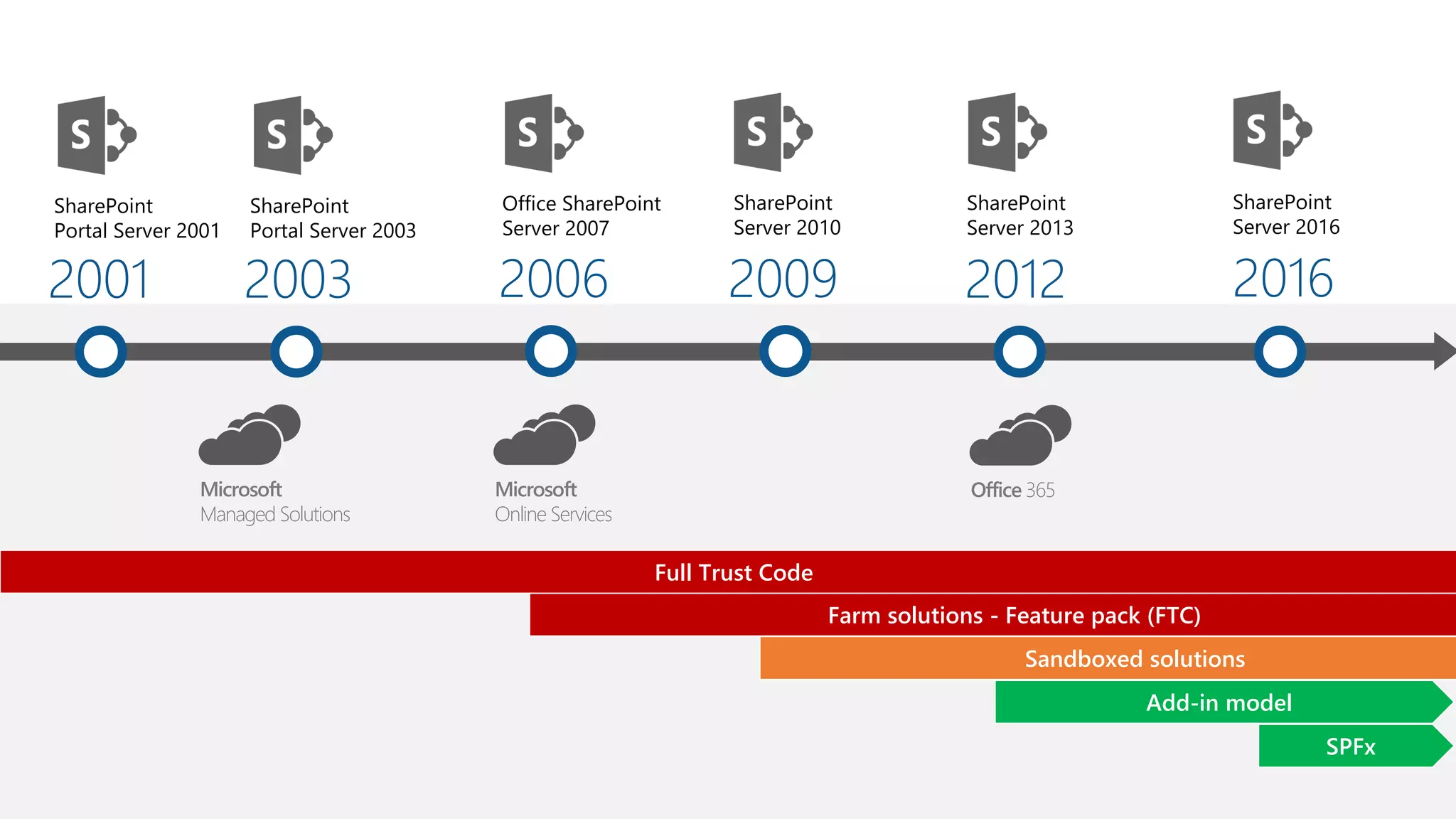
2001
SharePoint
Portal Server 2001
2003
SharePoint
Portal Server 2003
2006
Office SharePoint
Server 2007
2009
SharePoint
Server 2010
2012
SharePoint
Server 2013
2016
SharePoint
Server 2016
Add-in model
Sandboxed solutions
Farm solutions - Feature pack (FTC)
Full Trust Code
Microsoft
Managed Solutions
Microsoft
Online Services
Office 365
SPFx
What	could	go	wrong	with	farm	solutions?
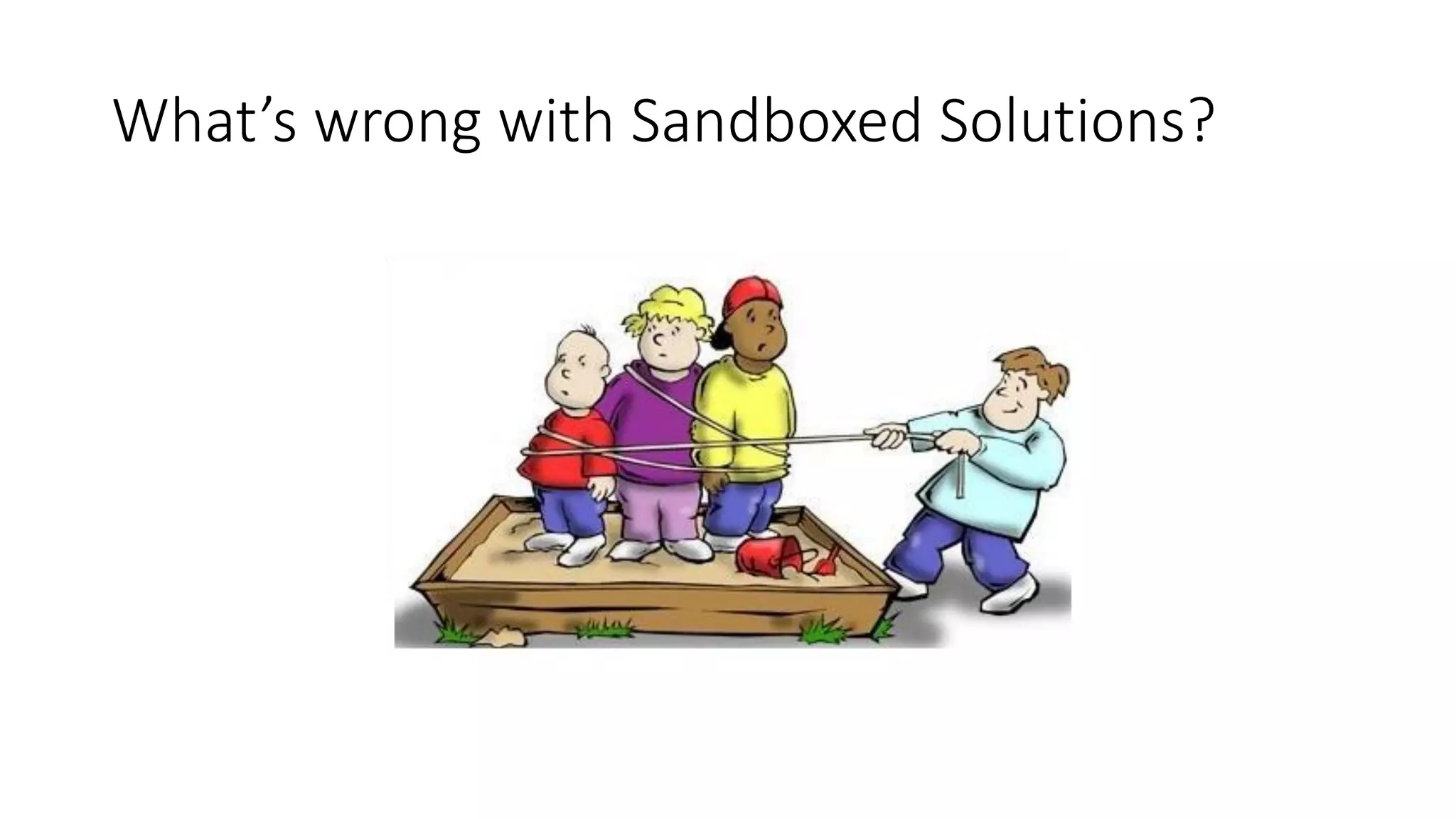
What’s	wrong	with	Sandboxed	Solutions?
Add-Ins	maybe?
• Still	supported	in	SharePoint	Online
• Can	work	side-by-side	with	SPFx
• Allow	for	great	flexibility
• Can	become	complicated	very	quickly
• Use	a	different	security	model	(IFrame)
• Are	not	responsive	(IFrame)
• Can	be	distributed	through	the	Store
Uncontrolled	JavaScript	code
• Much	simpler	than	SharePoint	Hosted	Add-Ins
• But	doesn’t	use	any	model
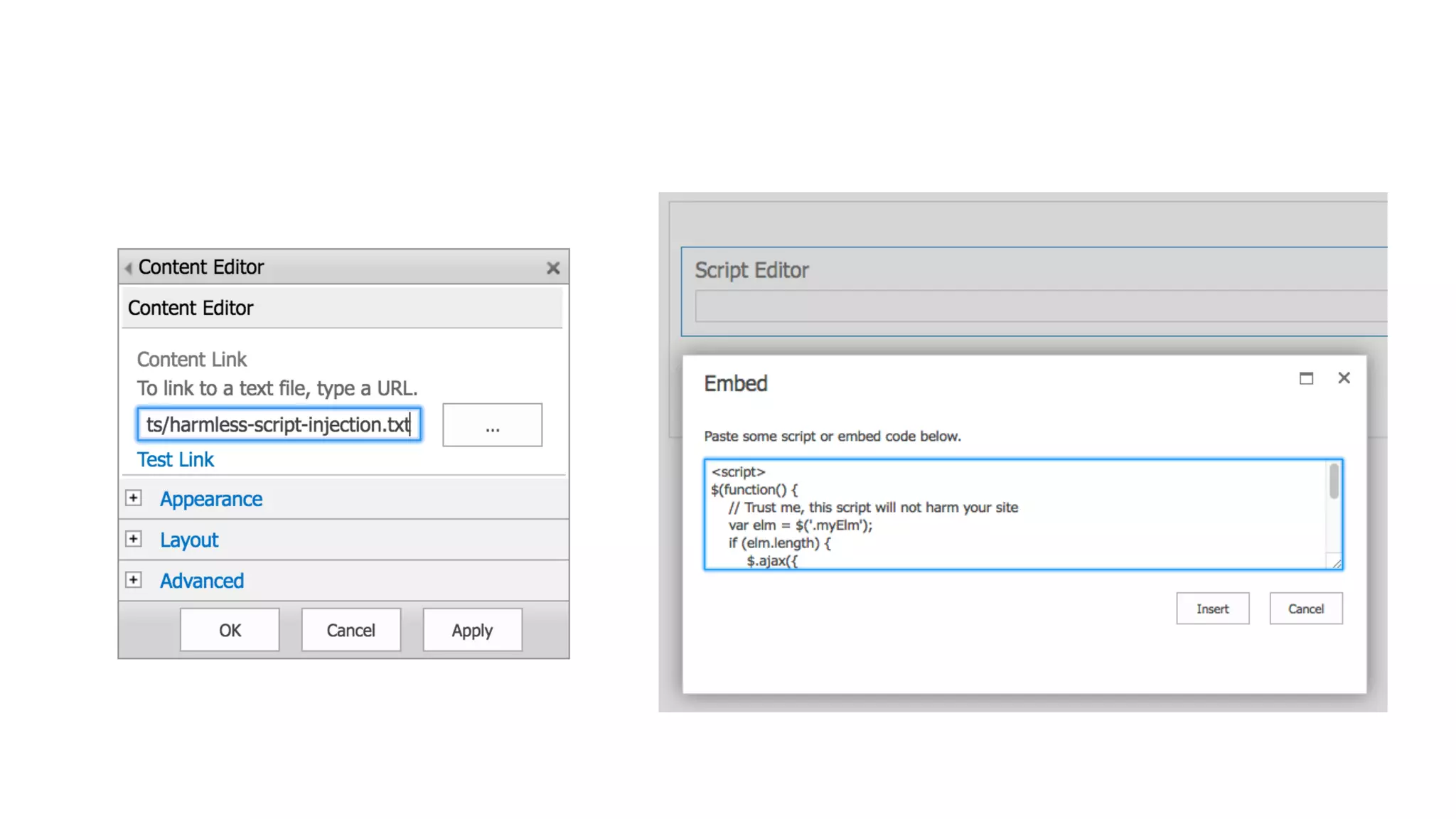
• Typically	through	content/script	editor	webparts
• Heavy	dependency	on	the	DOM	(Document	Object	Model)
• Tendency	to	break	when	SharePoint	Online	changes
• Difficult	to	control	by	the	administrators:	On	or	Off	only
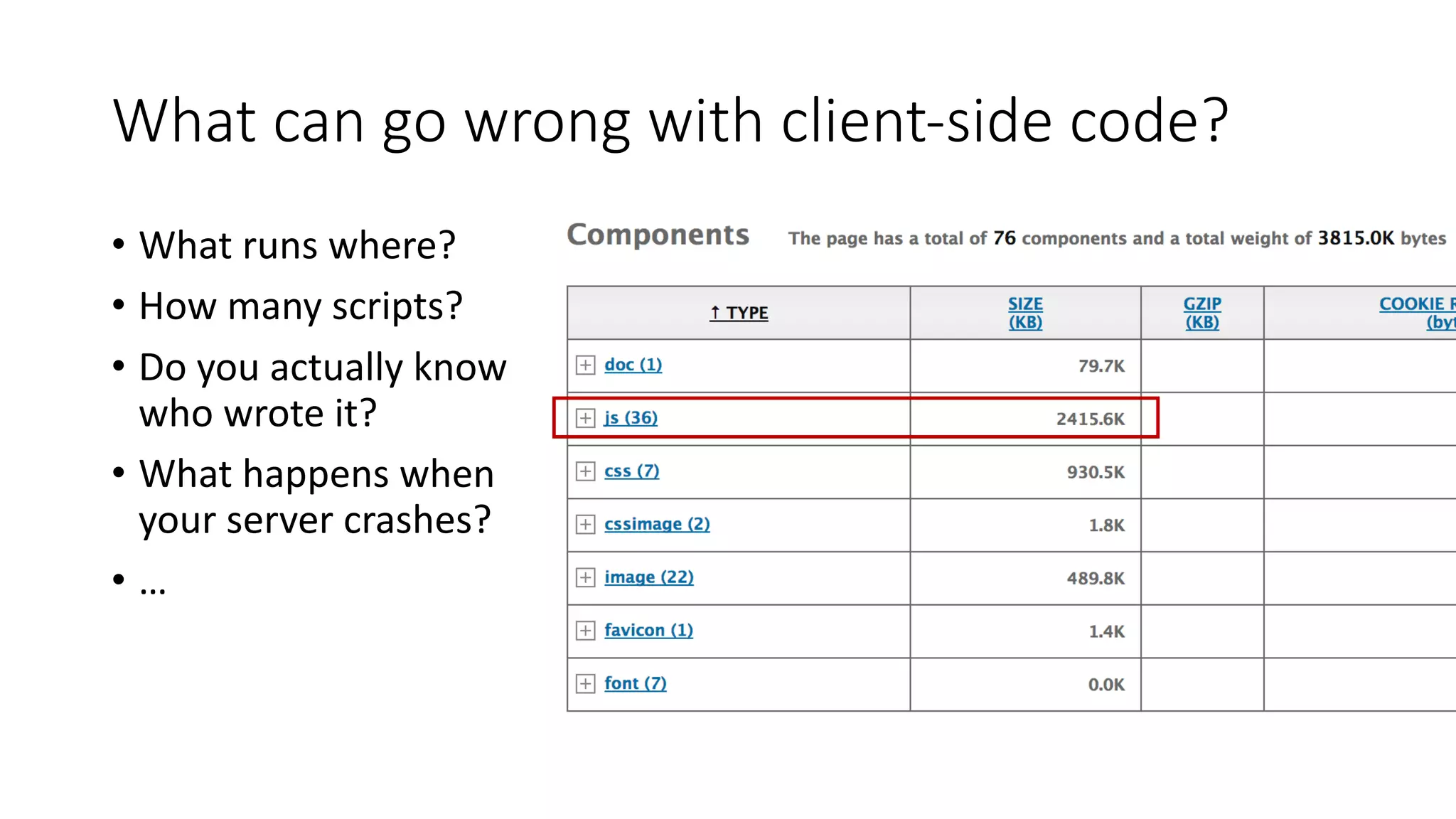
What	can	go	wrong	with	client-side	code?
• What	runs	where?
• How	many	scripts?
• Do	you	actually	know	
who	wrote	it?
• What	happens	when	
your	server	crashes?
• …
SharePoint	Framework	
(SPFx)
The	new	hotness
A	better	model	for	client-side	development
• A	unified	and	new	way	of	working
• A	set	of	development		and	deployment	rules
• Tenant	admins	regain	control	over	customizations
• Use	the	same	tools	as	the	product	team
• Restrictions	to	development	so	SharePoint	stays	in	control
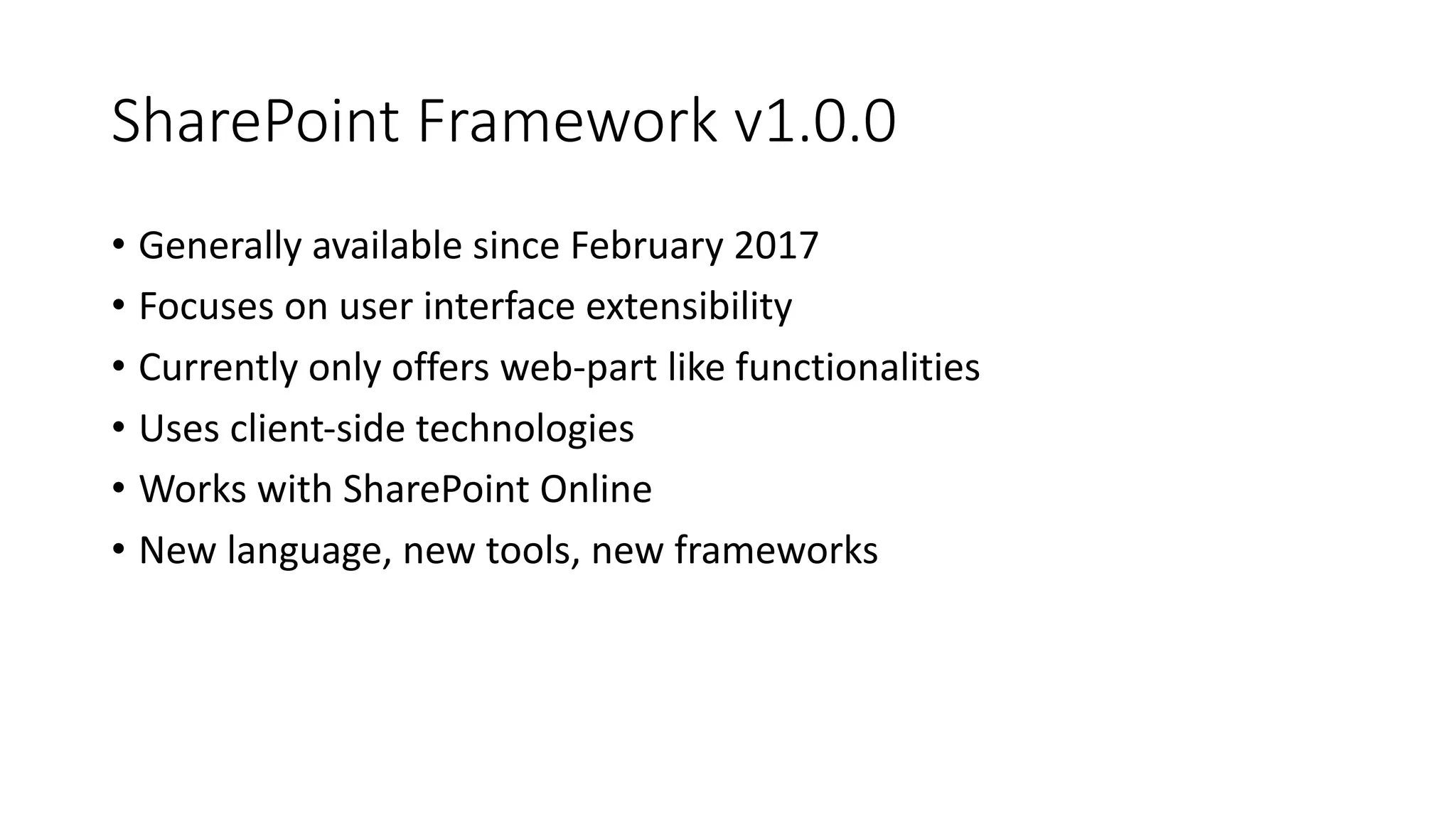
SharePoint	Framework	v1.0.0
• Generally	available	since	February	2017
• Focuses	on	user	interface	extensibility
• Currently	only	offers	web-part	like	functionalities
• Uses	client-side	technologies
• Works	with	SharePoint	Online
• New	language,	new	tools,	new	frameworks
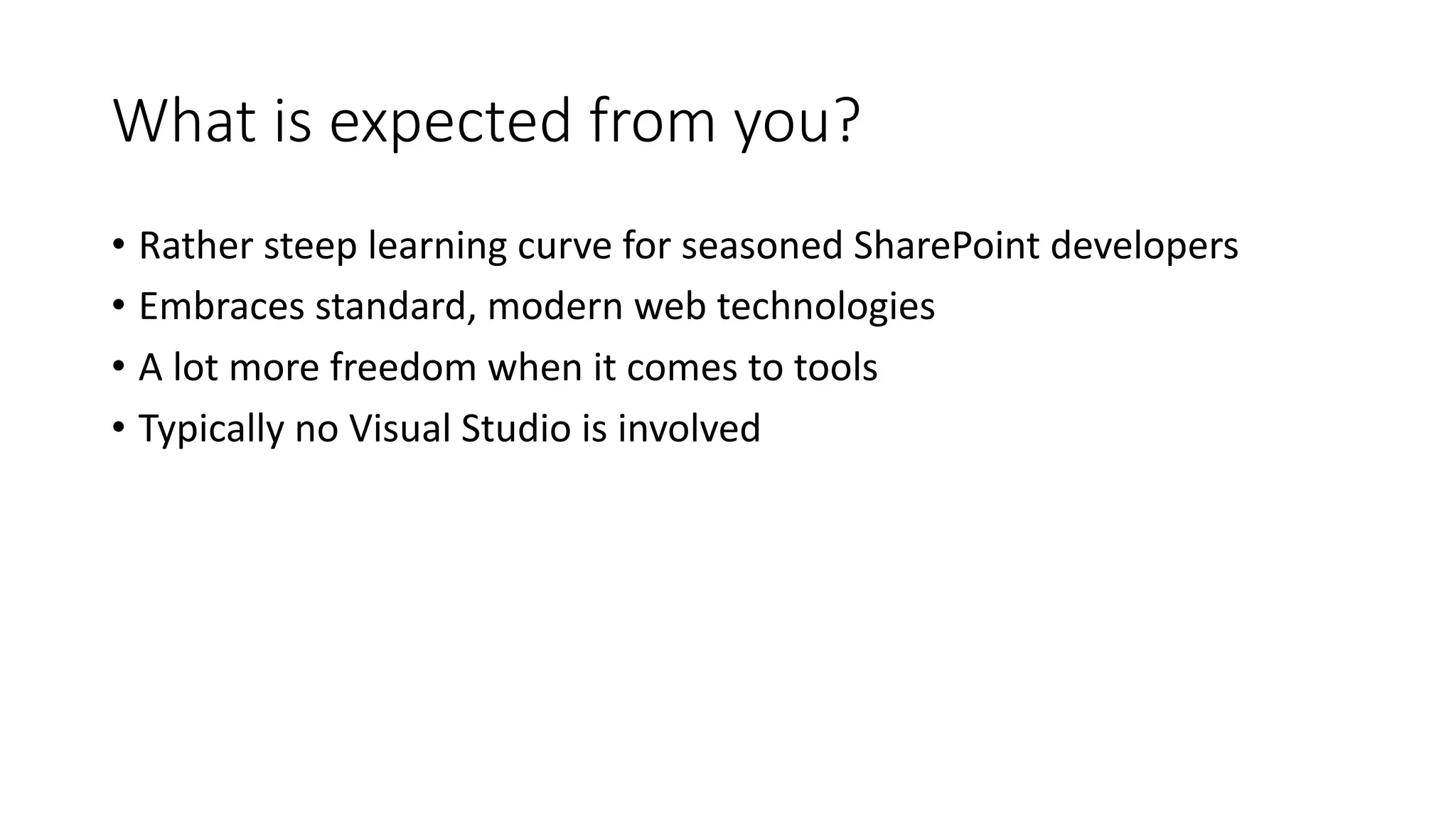
What	is	expected	from	you?
• Rather	steep	learning	curve	for	seasoned	SharePoint	developers
• Embraces	standard,	modern	web	technologies
• A	lot	more	freedom	when	it	comes	to	tools
• Typically	no	Visual	Studio	is	involved
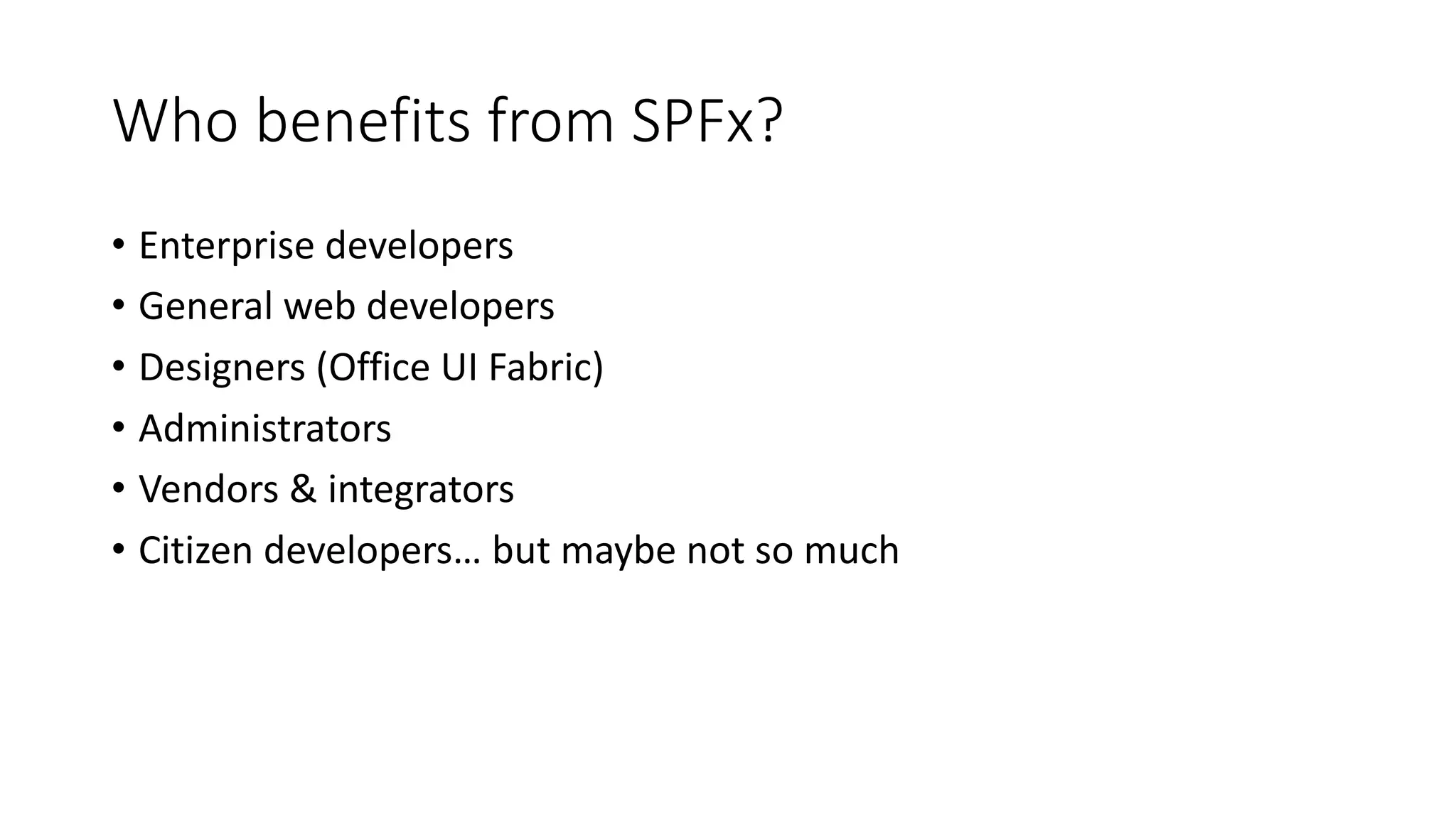
Who	benefits	from	SPFx?
• Enterprise	developers
• General	web	developers
• Designers	(Office	UI	Fabric)
• Administrators
• Vendors	&	integrators
• Citizen	developers…	but	maybe	not	so	much
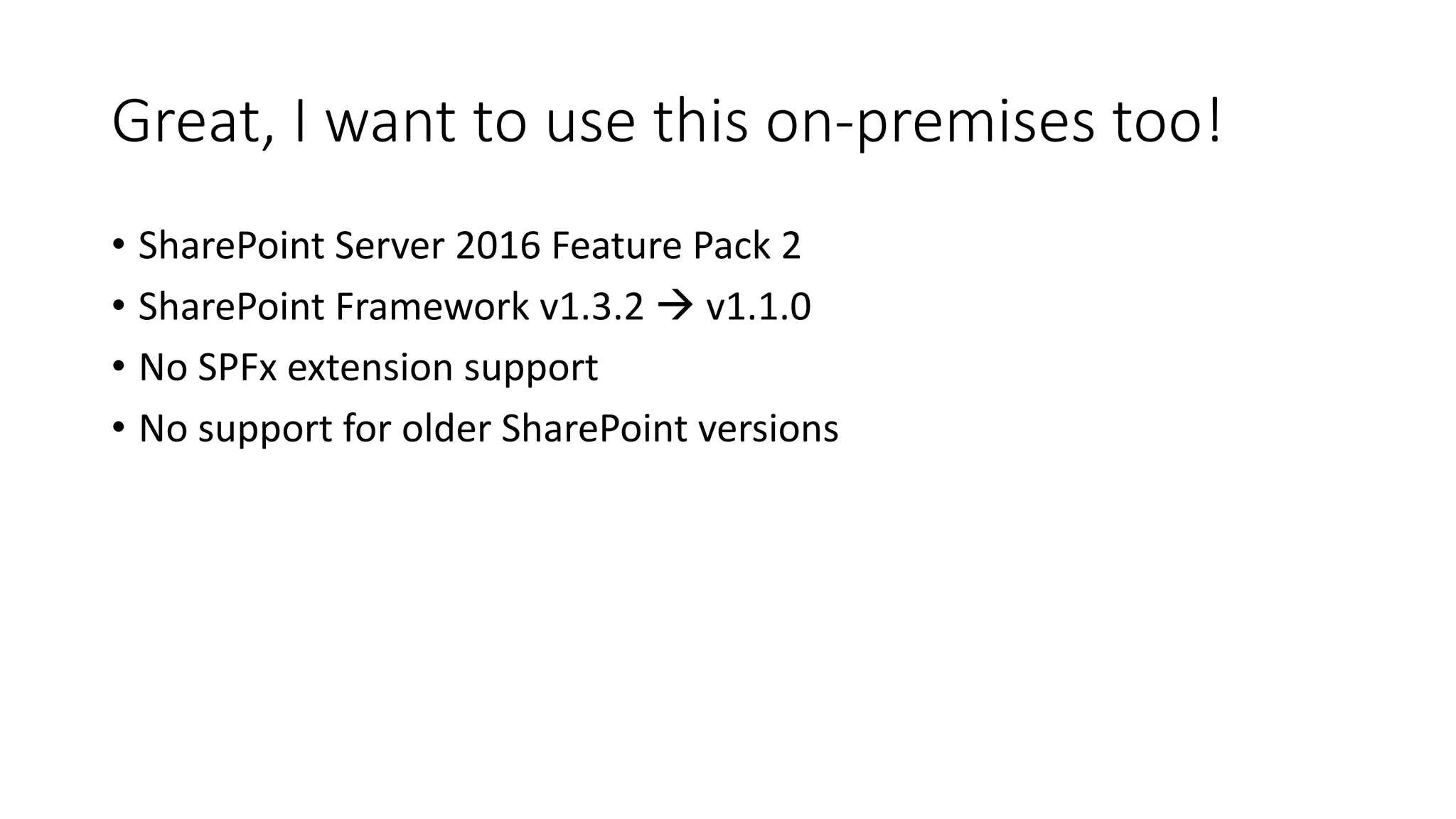
Great,	I	want	to	use	this	on-premises	too!
• SharePoint	Server	2016	Feature	Pack	2
• SharePoint	Framework	v1.3.2	à v1.1.0
• No	SPFx extension support
• No	support	for	older	SharePoint	versions
SPFx - the	toolsAll	about	being	
modern
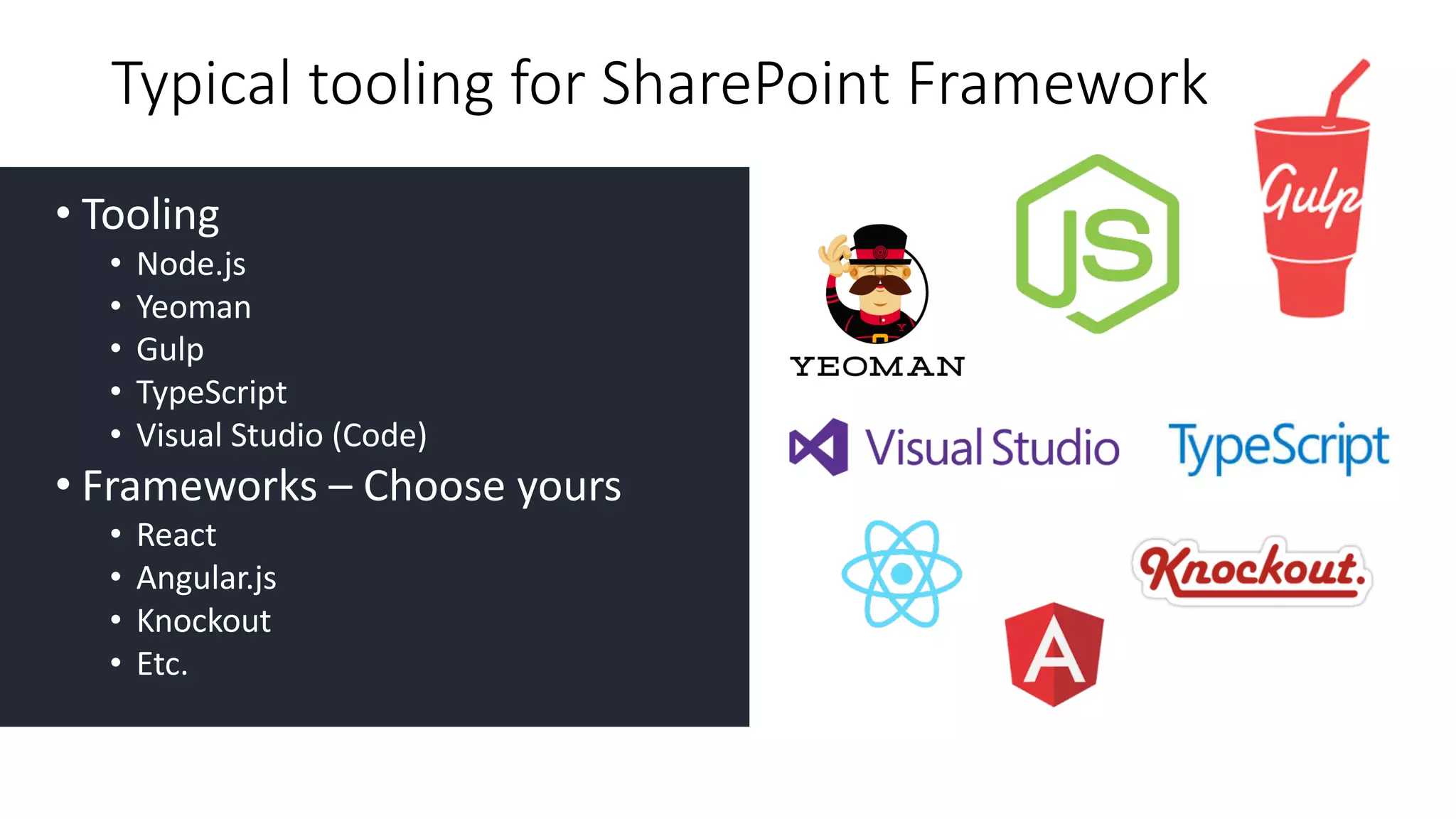
• Tooling
• Node.js
• Yeoman
• Gulp
• TypeScript
• Visual	Studio	(Code)
• Frameworks	– Choose	yours
• React
• Angular.js
• Knockout	
• Etc.
Typical	tooling	for	SharePoint	Framework
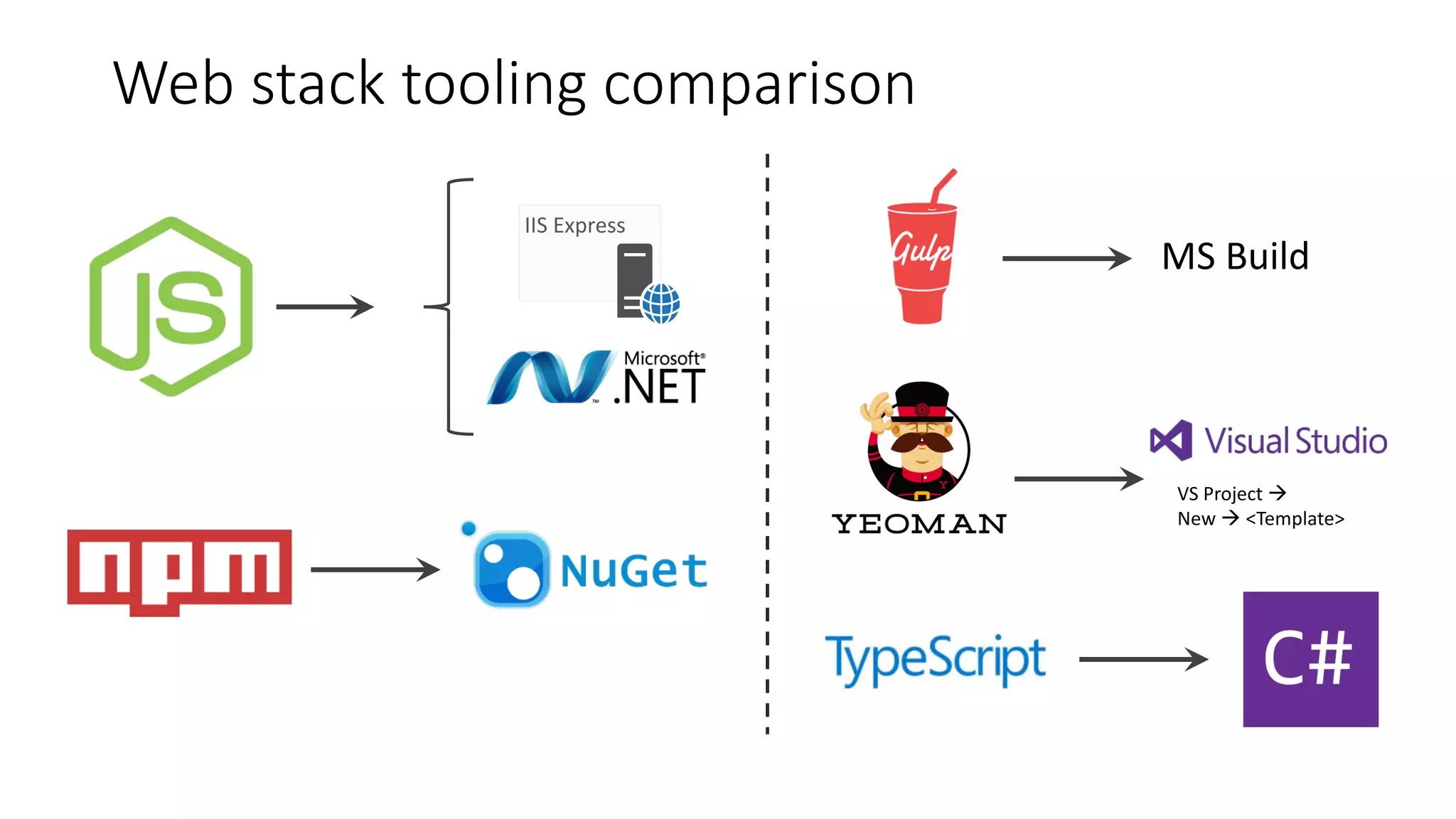
Web	stack	tooling	comparison
IIS	Express
VS	Project	à
New	à <Template>
DemoSPFx	tooling
SPFx Deployment	&	
Governance
It’s	all	about	
control
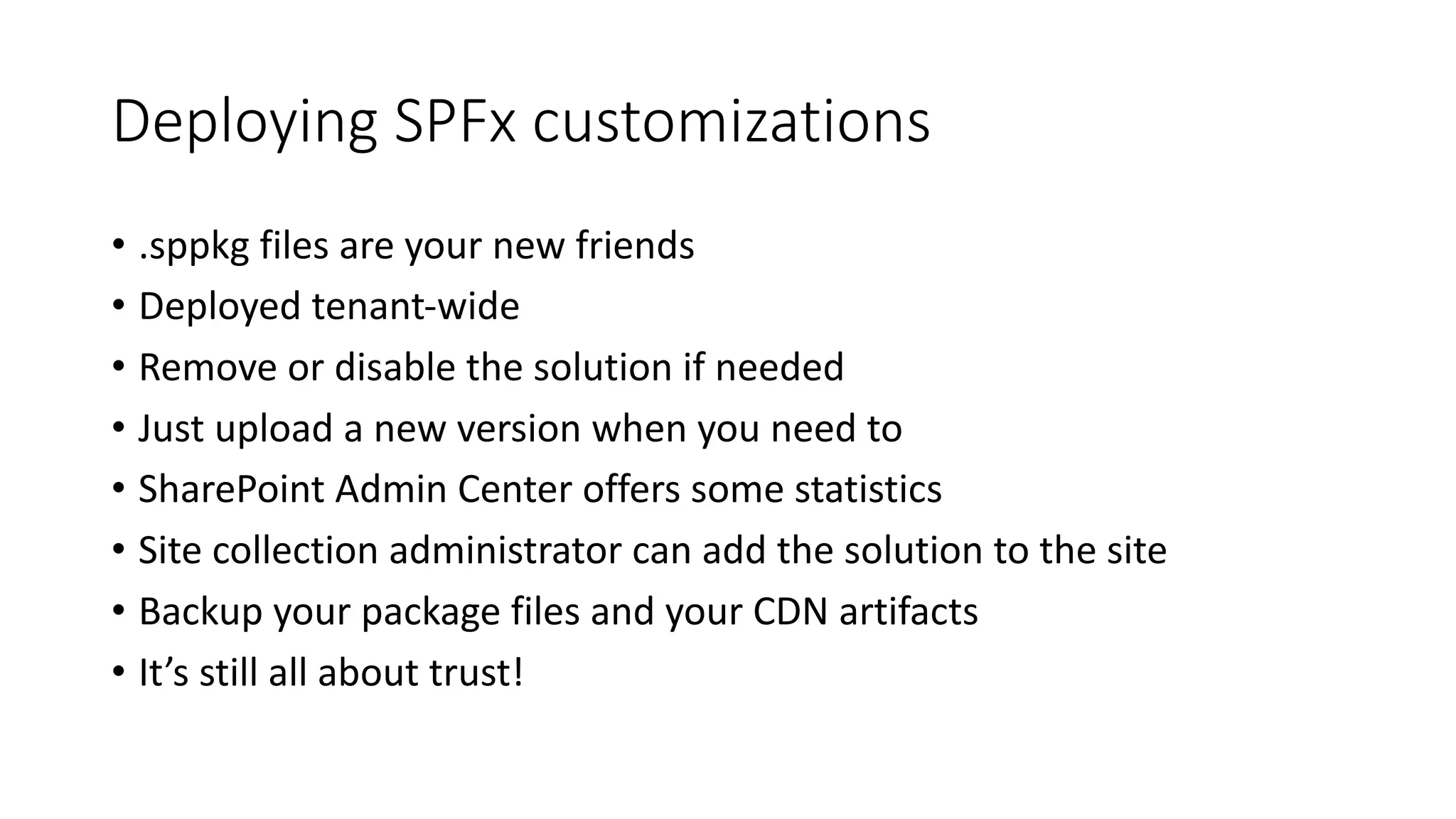
Deploying	SPFx customizations
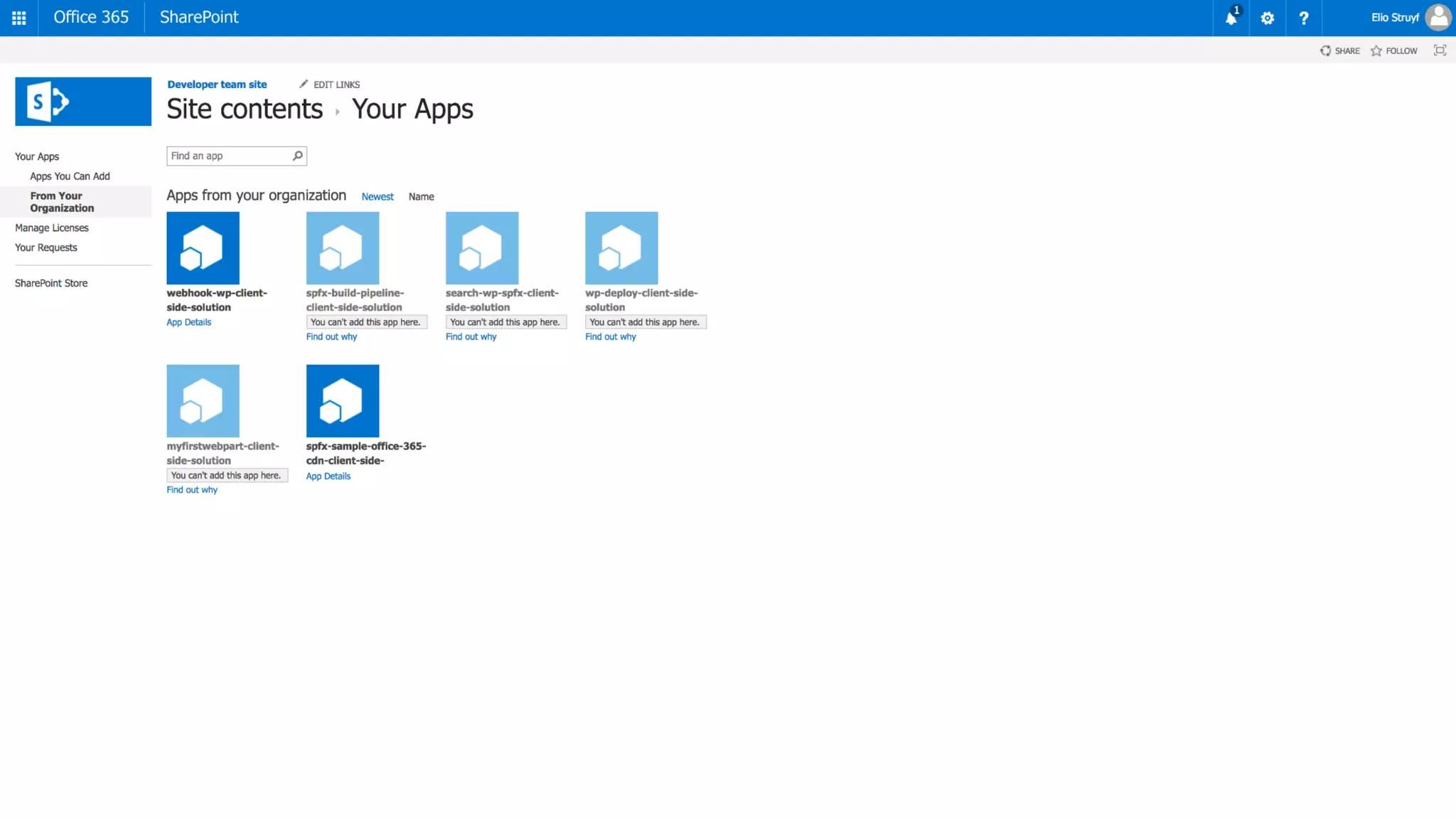
• .sppkg files	are	your	new	friends
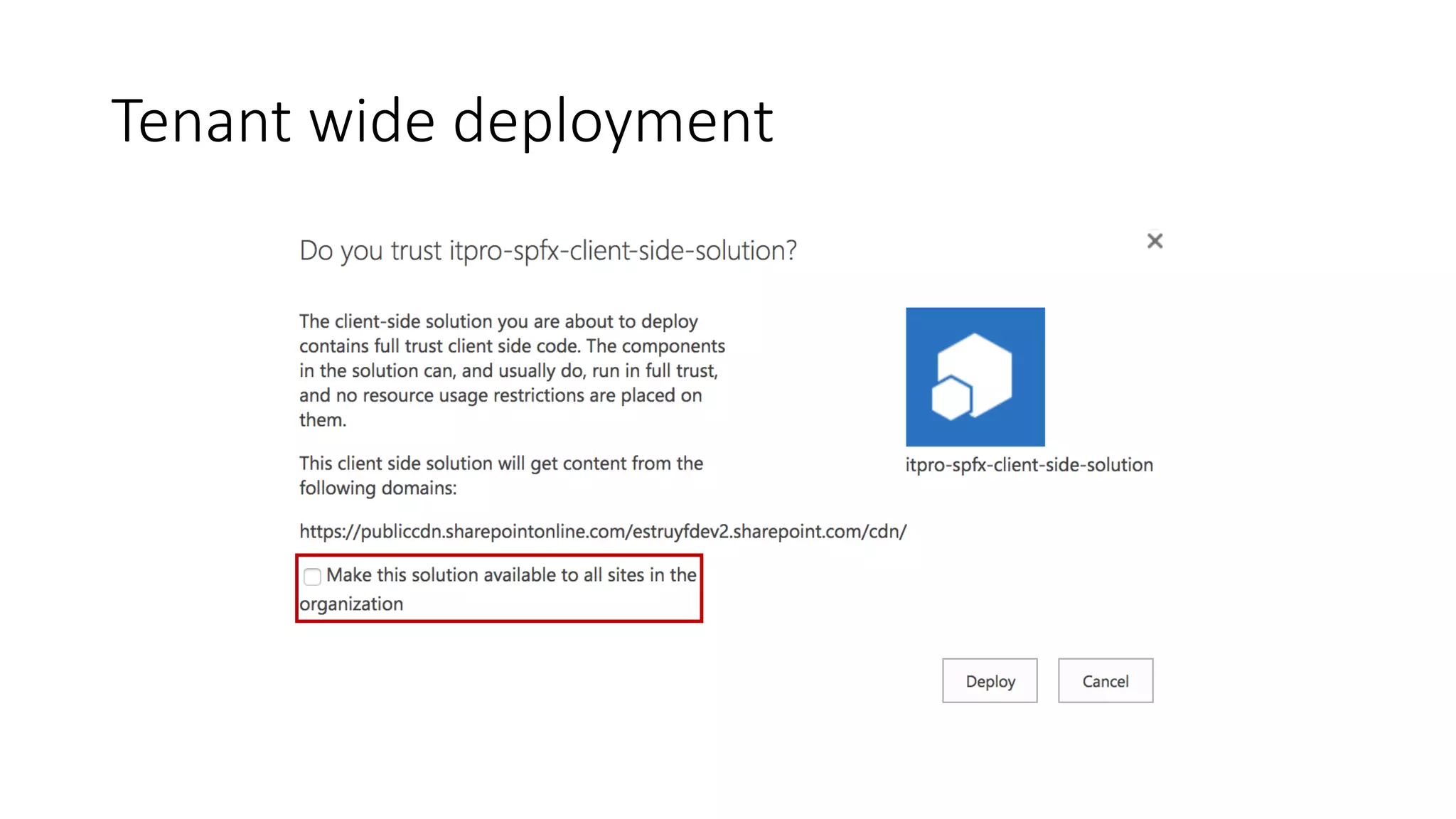
• Deployed	tenant-wide
• Remove	or	disable	the	solution	if	needed
• Just	upload	a	new	version	when	you	need	to
• SharePoint	Admin	Center	offers	some	statistics
• Site	collection	administrator	can	add	the	solution	to	the	site
• Backup	your	package	files	and	your	CDN	artifacts
• It’s	still	all	about	trust!
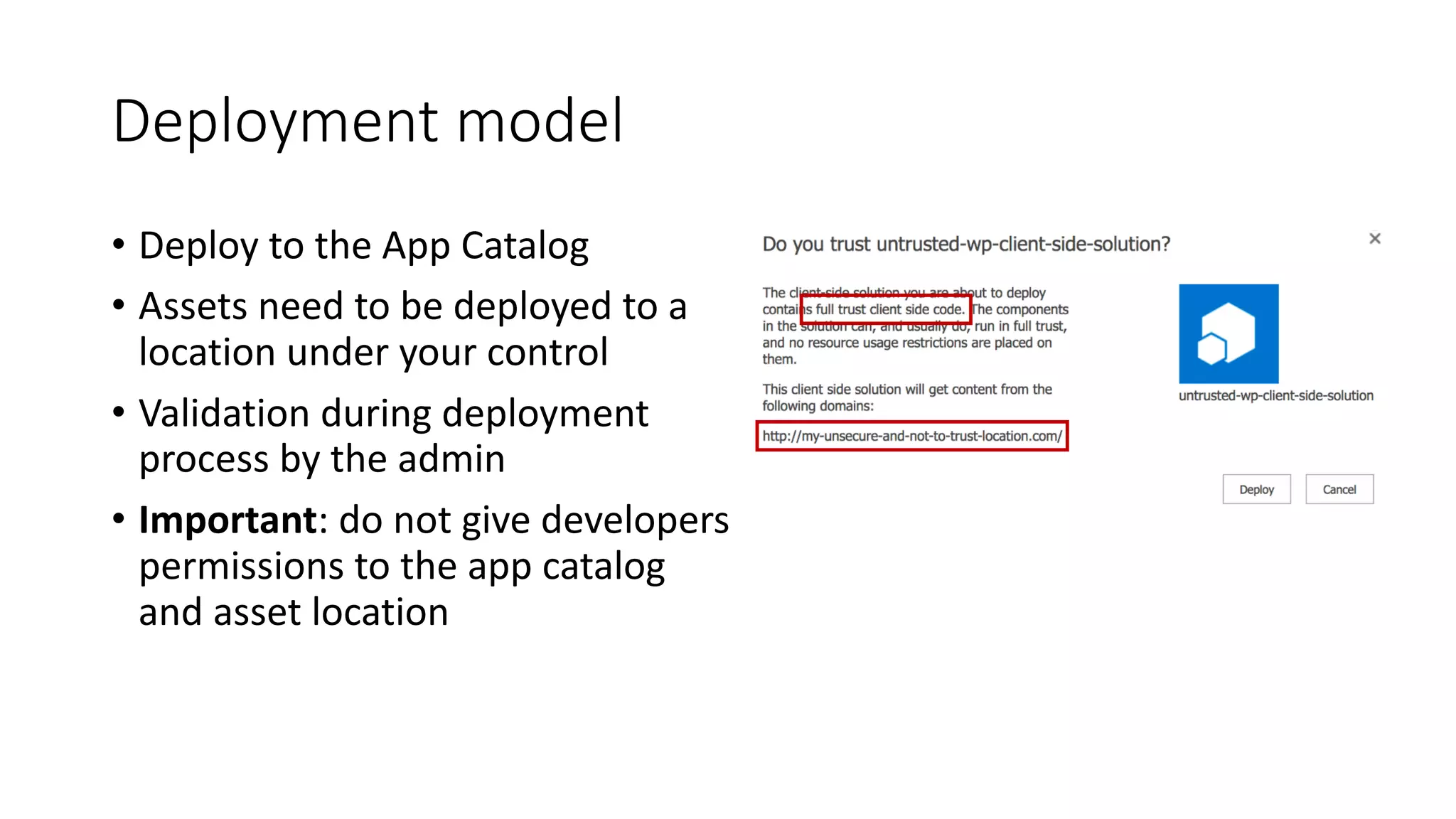
Deployment	model
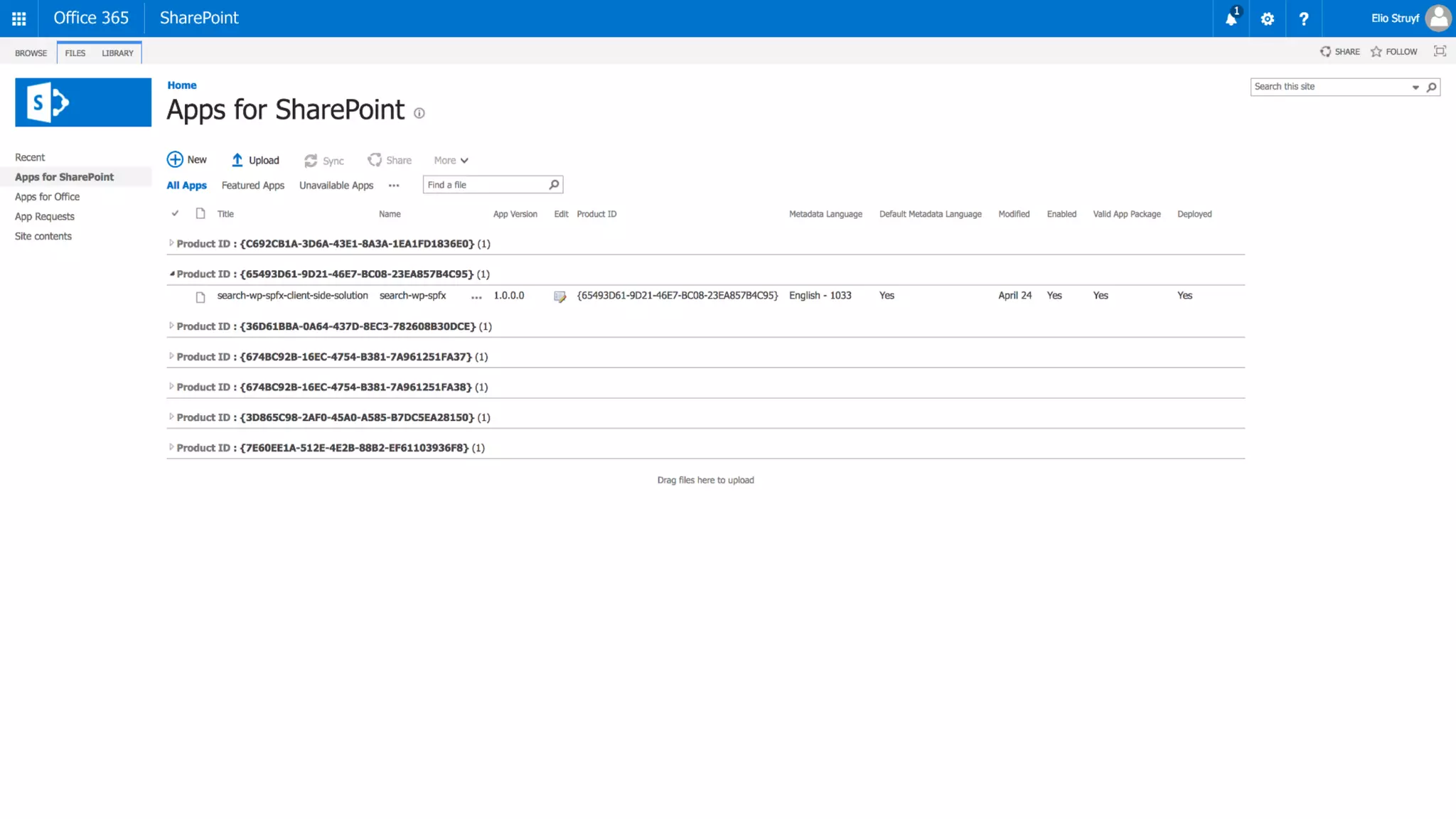
• Deploy	to	the	App	Catalog
• Assets	need	to	be	deployed	to	a	
location	under	your	control
• Validation	during	deployment	
process	by	the	admin
• Important:	do	not	give	developers	
permissions	to	the	app	catalog	
and	asset	location
Approval	process
Tenant	wide	deployment
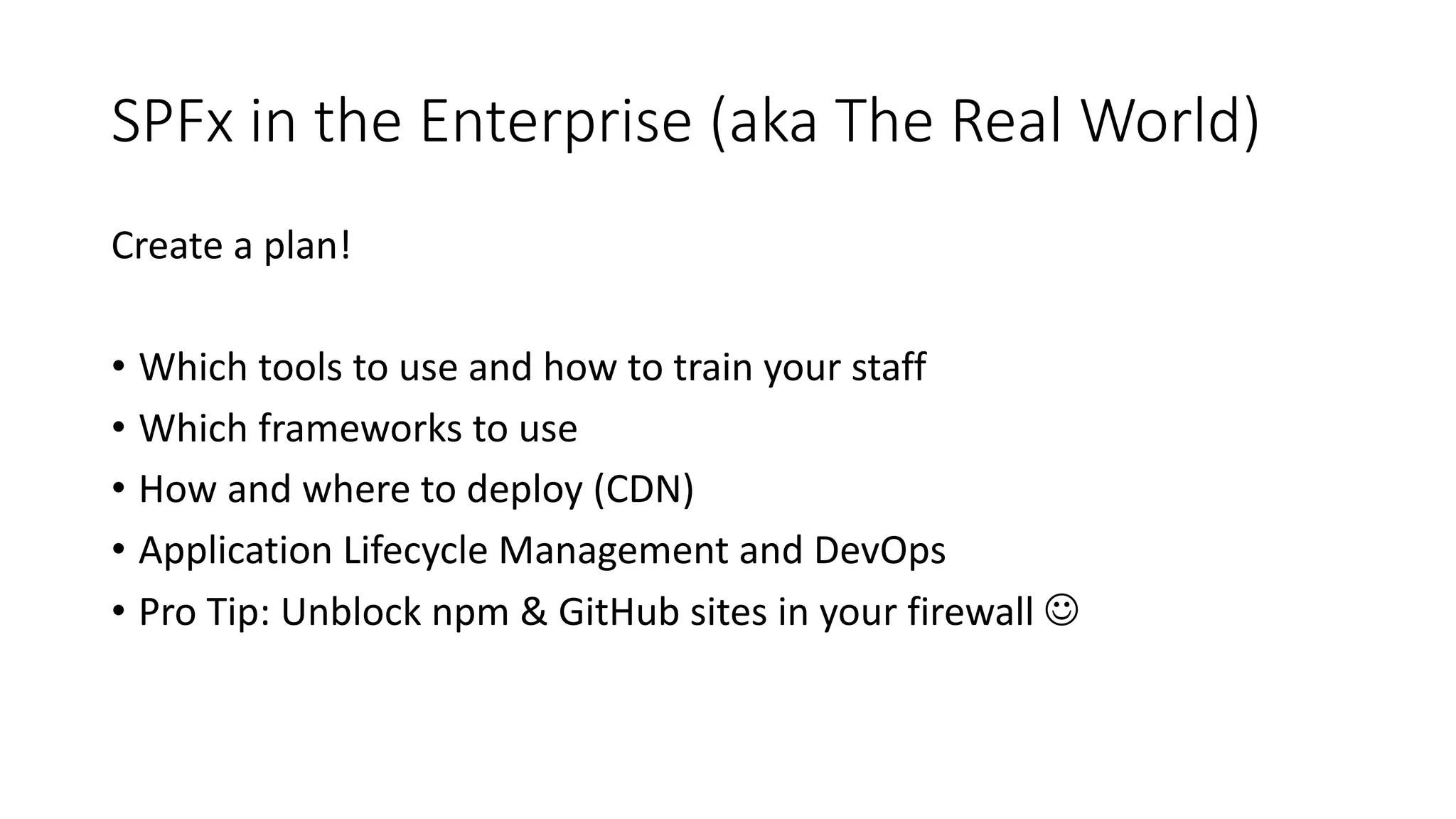
SPFx in	the	Enterprise	(aka	The	Real	World)
Create	a	plan!
• Which	tools	to	use	and	how	to	train	your	staff
• Which	frameworks	to	use
• How	and	where	to	deploy	(CDN)
• Application	Lifecycle	Management	and	DevOps
• Pro	Tip:	Unblock	npm &	GitHub	sites	in	your	firewall	J
DemoSPFx solution	
deployment
SecurityGet	off	my	lawn!
It	all	runs	in	the	context	of	
the	user
SharePoint	Add-Ins	have	
security	isolation
But	do	you	trust	your	
developers?
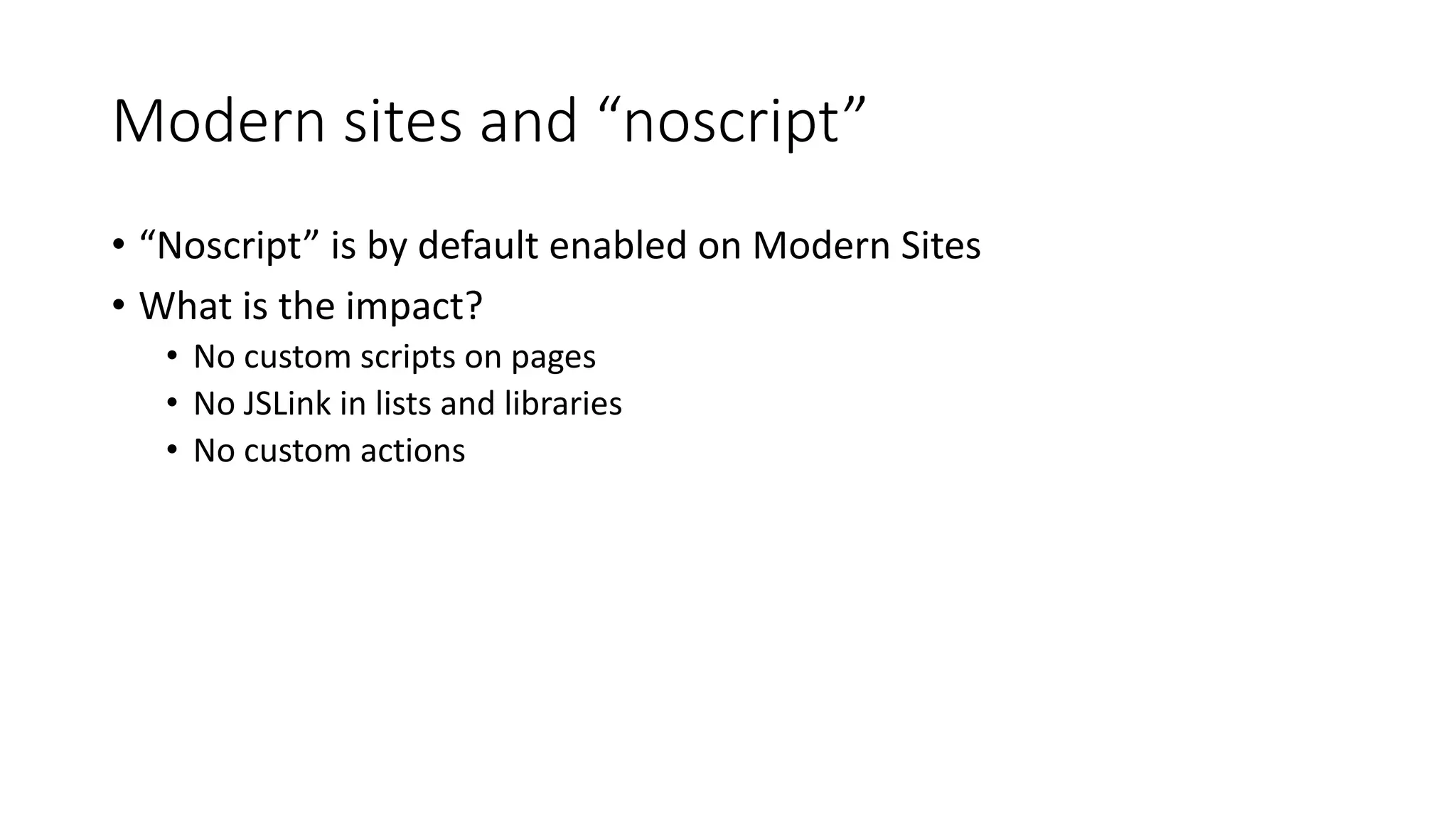
Modern	sites	and	“noscript”
• “Noscript”	is	by	default	enabled	on	Modern	Sites
• What	is	the	impact?
• No	custom	scripts	on	pages
• No	JSLink in	lists	and	libraries
• No	custom	actions
What	about	the	file	location?
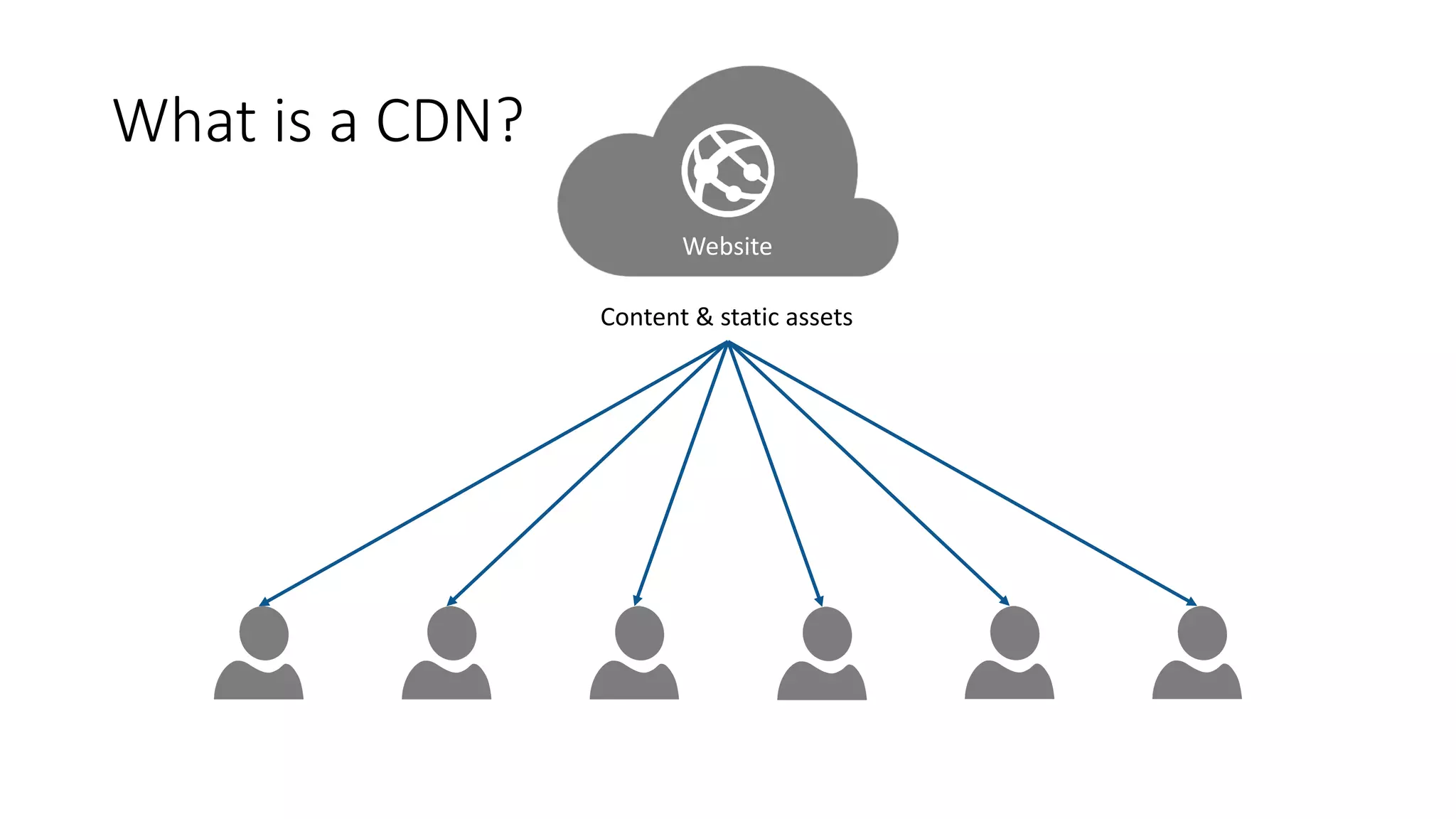
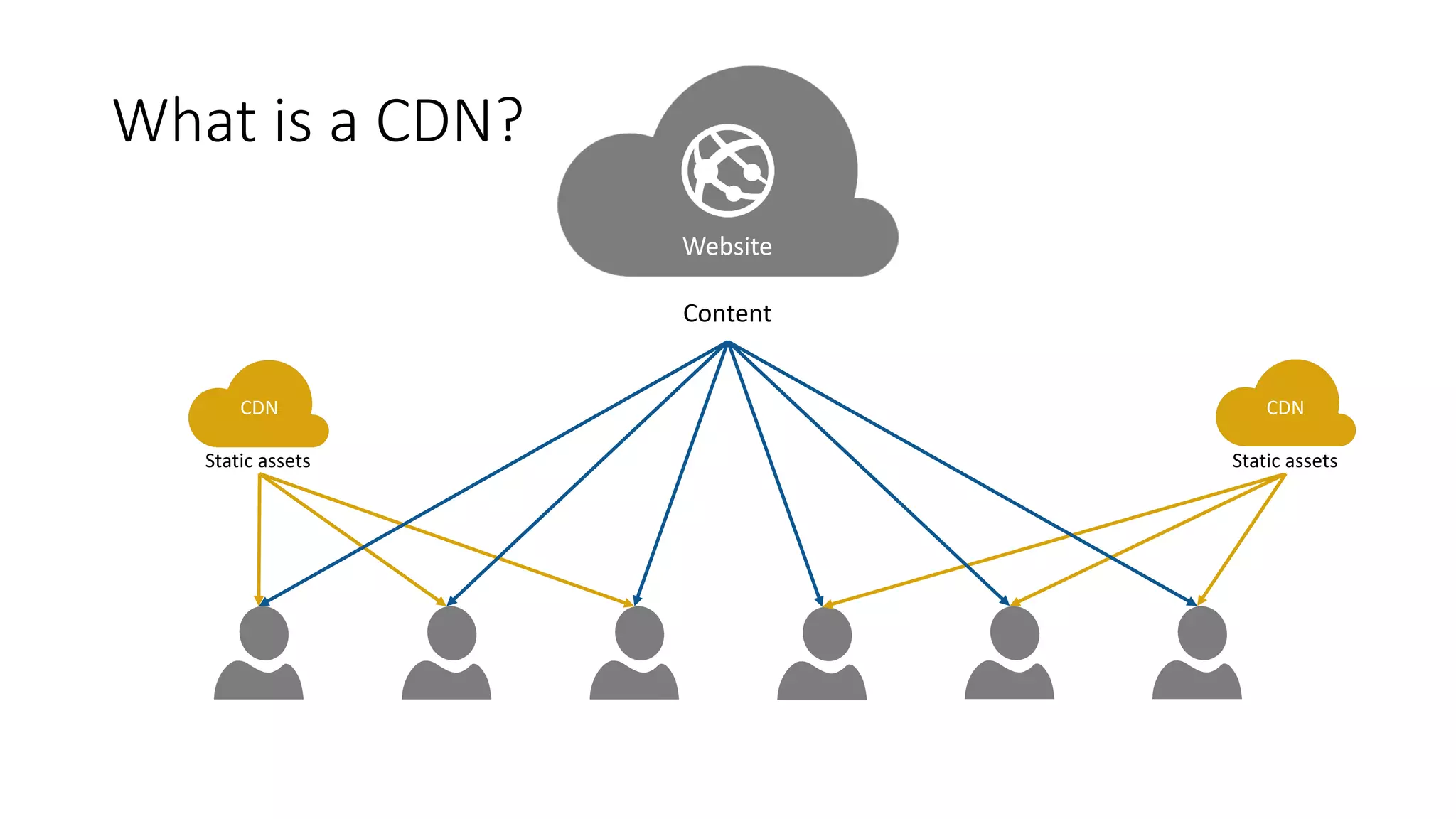
What	is	a	CDN?
Content	&	static	assets
Website
What	is	a	CDN?
Content
Website
CDN CDN
Static	assets Static	assets
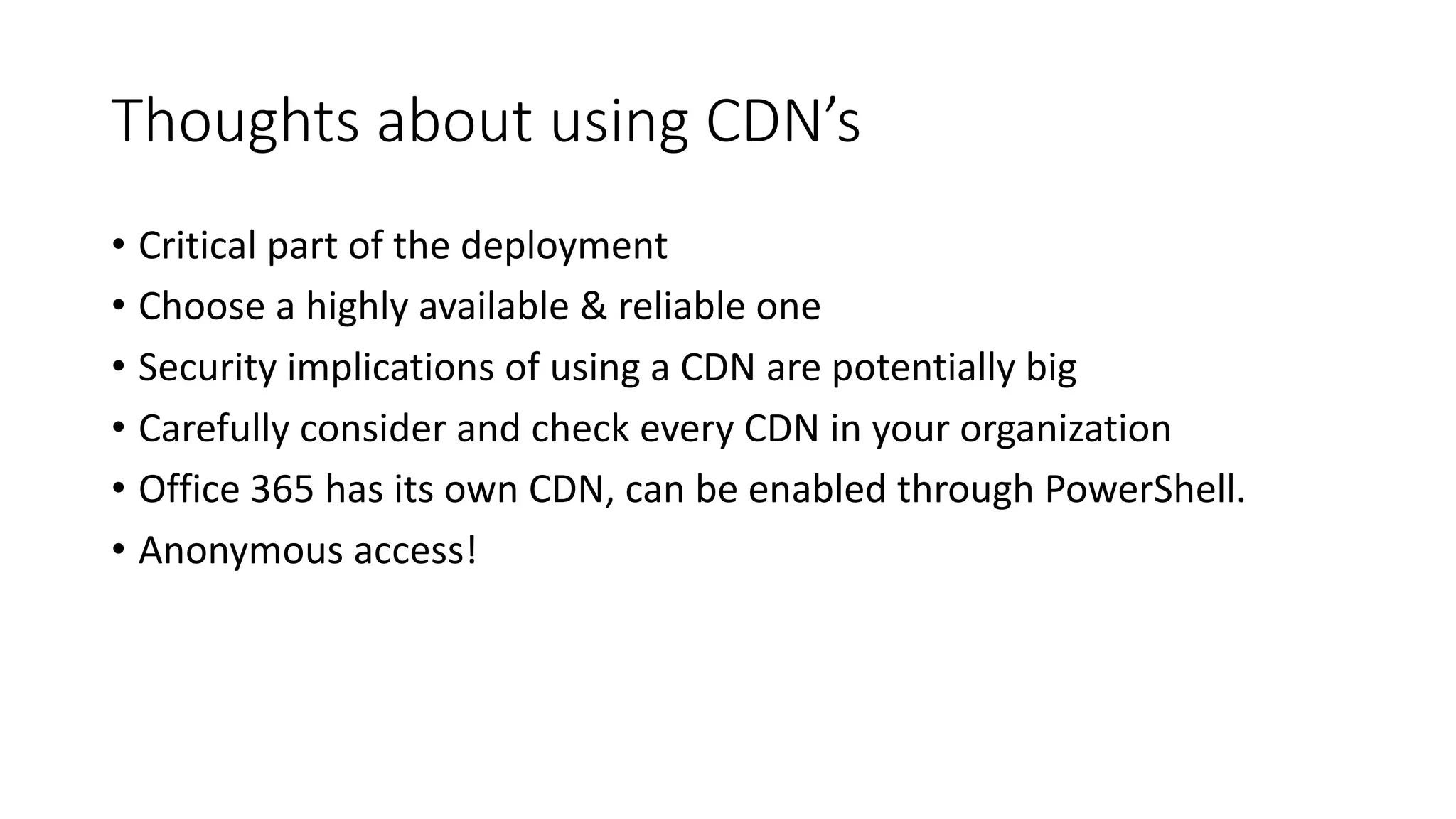
Thoughts	about	using	CDN’s
• Critical	part	of	the	deployment
• Choose	a	highly	available	&	reliable	one
• Security	implications	of	using	a	CDN	are	potentially	big
• Carefully	consider	and	check	every	CDN	in	your	organization
• Office	365	has	its	own	CDN,	can	be	enabled	through	PowerShell.
• Anonymous	access!
DemoOffice	365	CDN
Questions?
www.biwug.be
@biwug
Resources
• https://docs.microsoft.com/en-us/sharepoint/dev/
• https://www.andrewconnell.com
• https://blog.mastykarz.nl
• https://www.eliostruyf.com
#SPUnite17	- @eliostruyf

SPUnite17 Making Sense of the SharePoint Framework