@thomyg
@stephanbisser
10 THINGS YOU SHOULD
DO WITH YOUR O365
DEMO/DEV TENANT
THOMAS GOELLES
ABOUT US
THOMAS GÖLLES
MICROSOFT MVP (O365)
SOLVION
https://thomy.tech
@thomyg
Head of Modern Workplace Solutions
Graz, Austria
STEPHAN BISSER
MICROSOFT MVP (AI)
SOLVION
https://bisser.io
@stephanbisser
Technical Lead
Graz, Austria
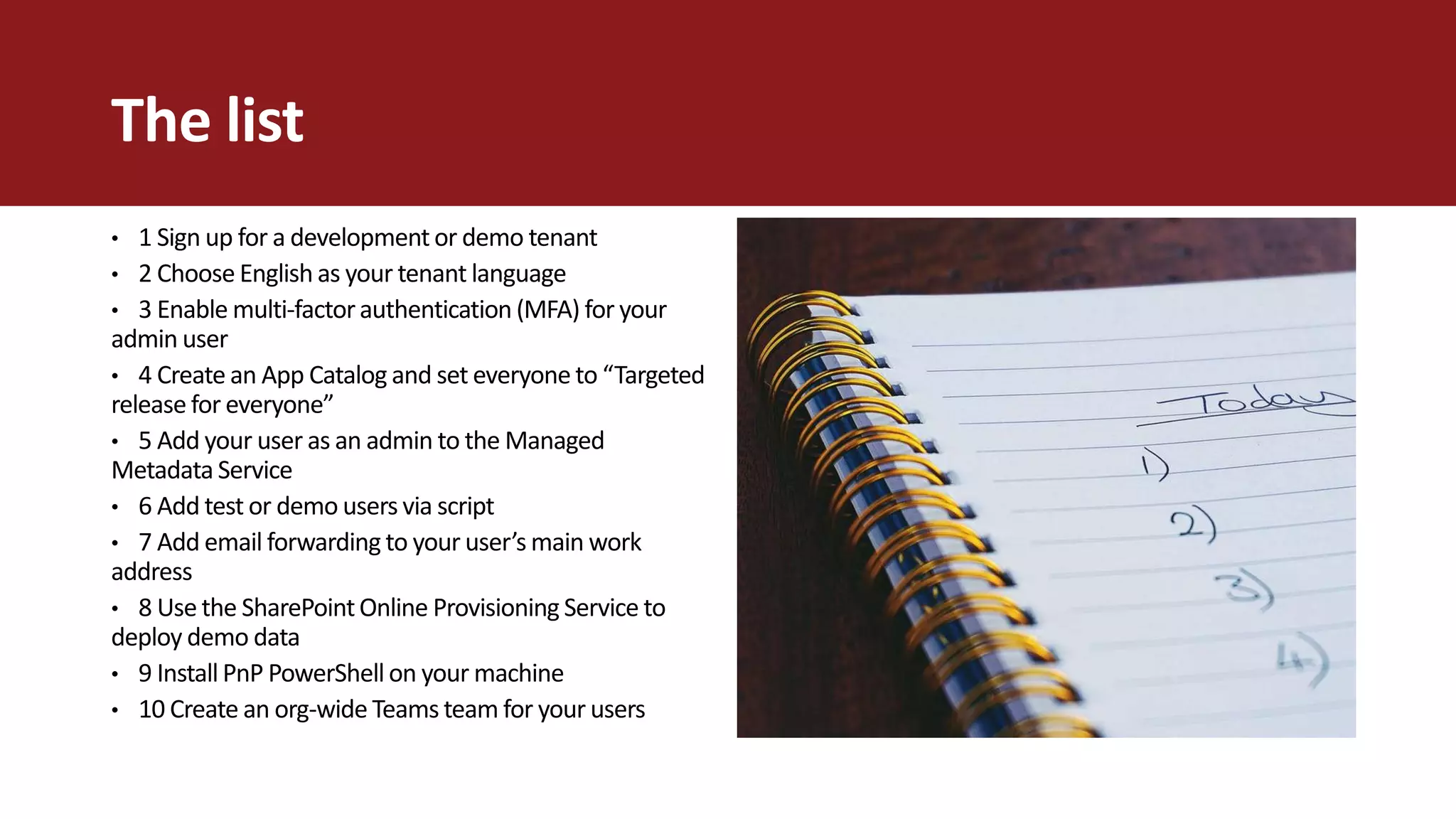
The list
• 1 Sign up for a development or demo tenant
• 2 Choose English as your tenant language
• 3 Enable multi-factorauthentication (MFA) for your
admin user
• 4 Create an App Catalog and set everyone to “Targeted
release for everyone”
• 5 Add your user as an admin to the Managed
Metadata Service
• 6 Add test or demo users via script
• 7 Add email forwarding to your user’s main work
address
• 8 Use the SharePointOnline Provisioning Service to
deploy demo data
• 9 Install PnP PowerShell on your machine
• 10 Create an org-wide Teams team for your users
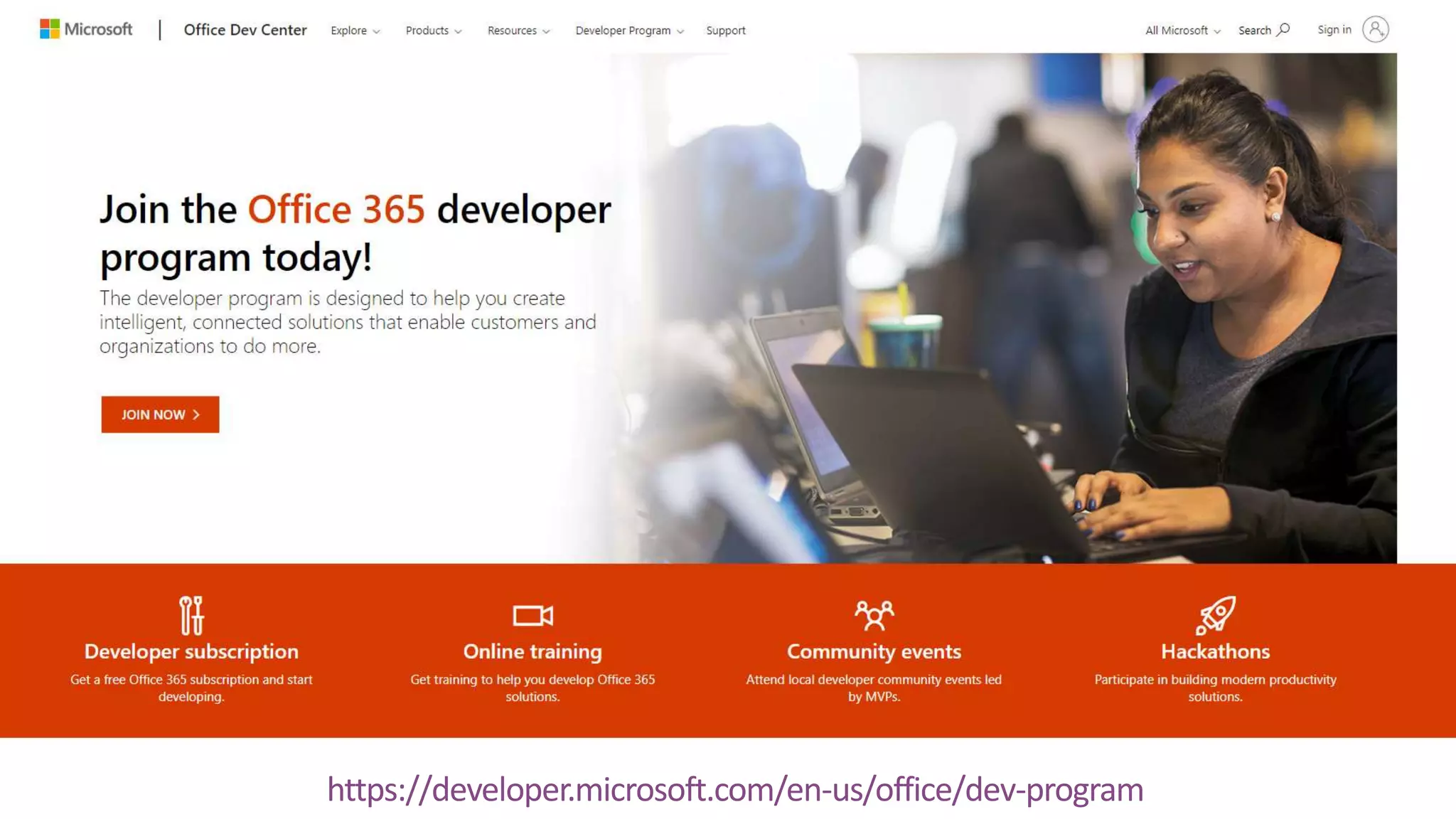
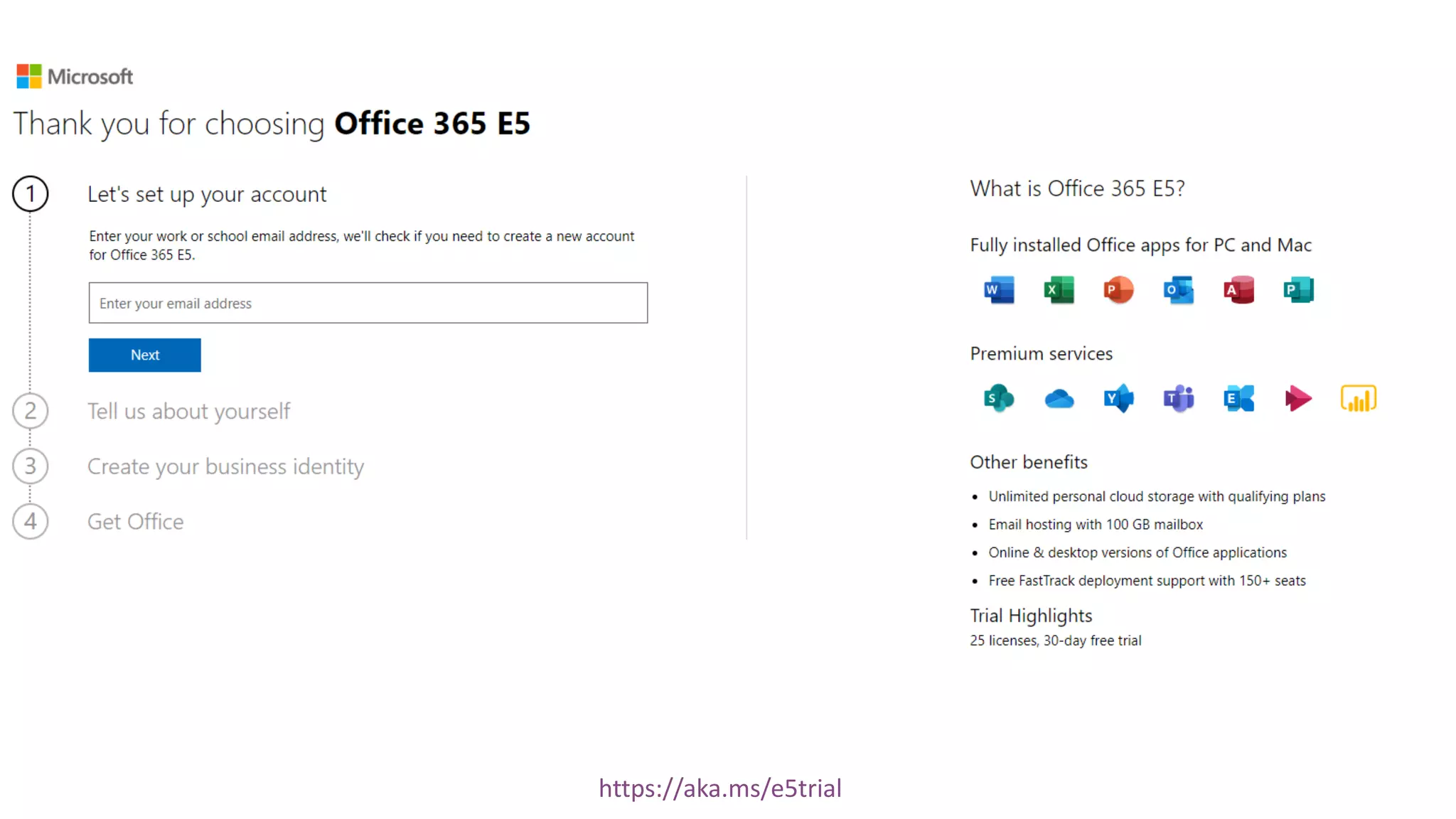
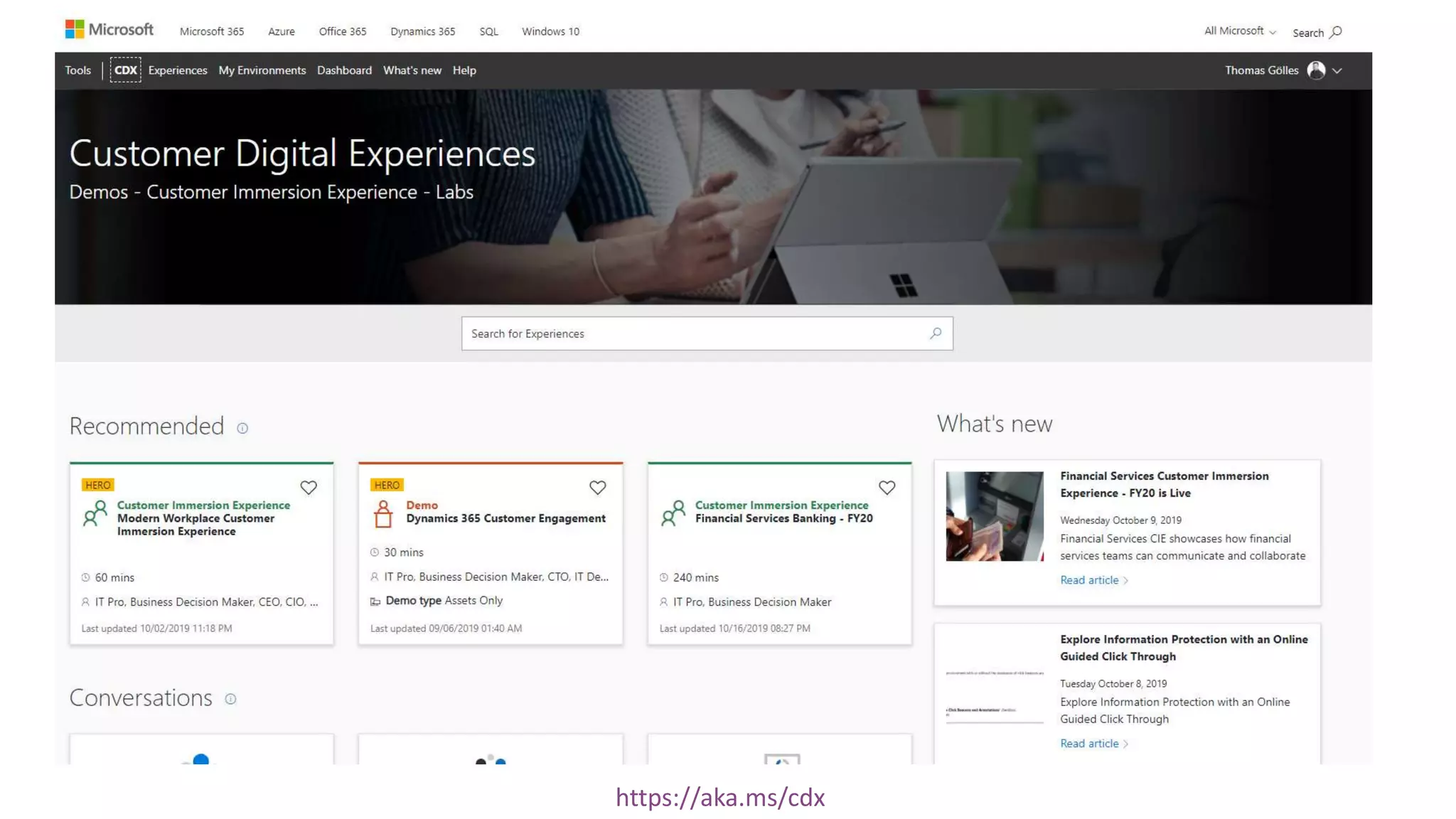
01 Sign up for a development or
demo tenant
https://developer.microsoft.com/en-us/office/dev-program
https://aka.ms/e5trial
https://aka.ms/cdx
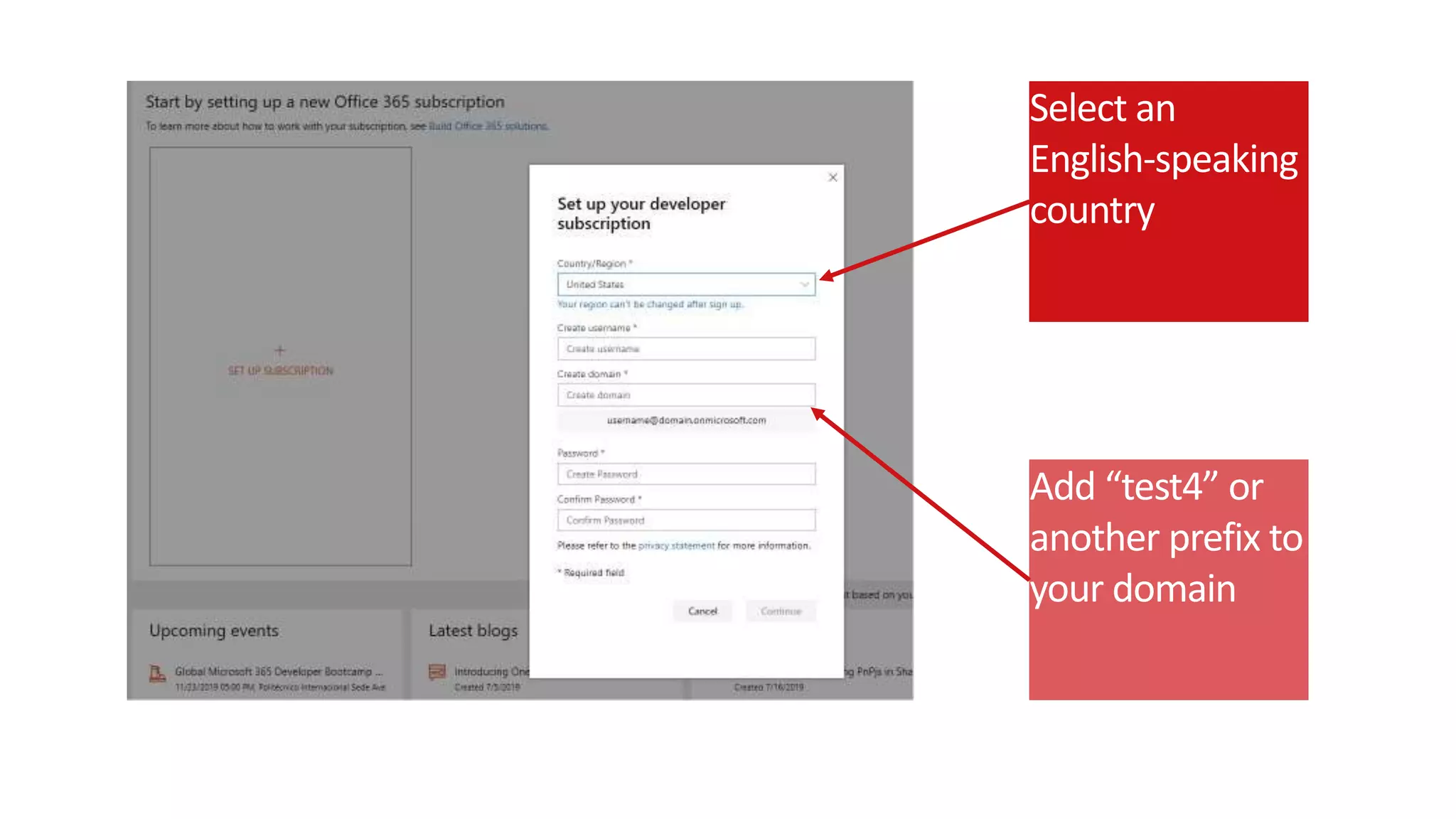
02 Choose English as your
tenant language
Add “test4” or
another prefix to
your domain
Select an
English-speaking
country
03 Enable multi-factor
authentication (MFA) for your
admin user
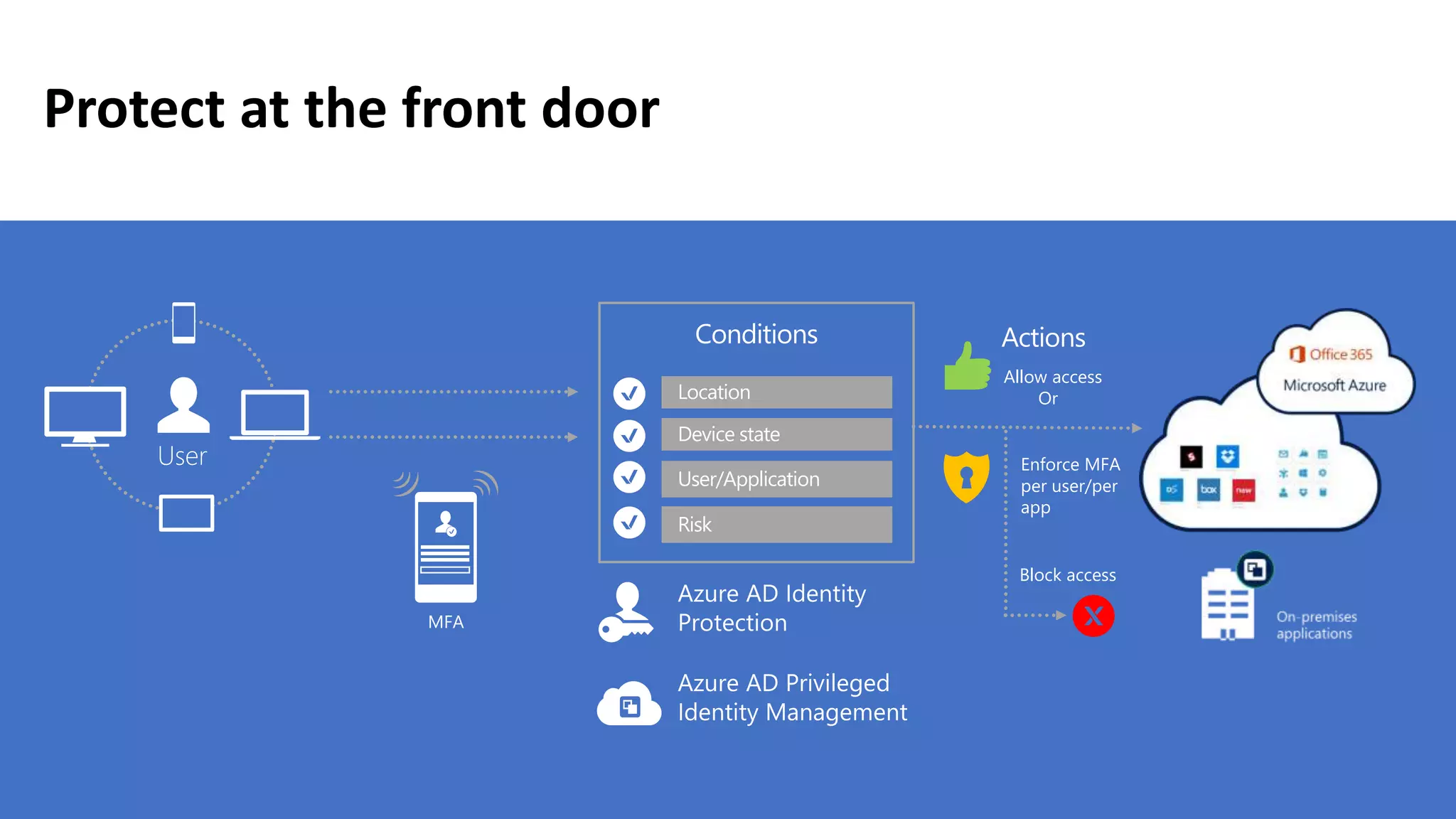
Protect at the front door
Conditions
Allow access
Or
Block access
Actions
Enforce MFA
per user/per
app
Location
Device state
User/Application
MFA
Risk
User
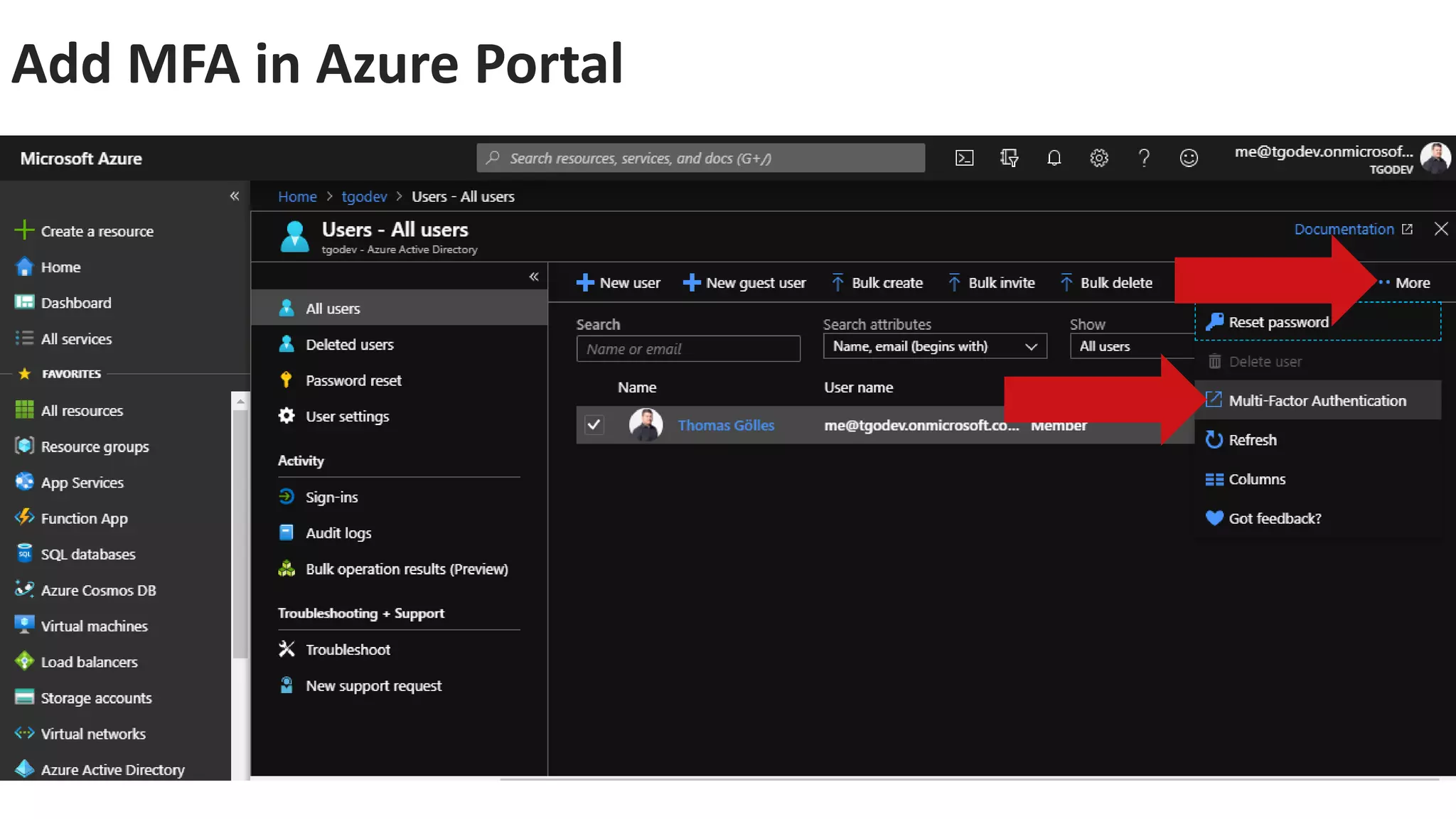
Add MFA in Azure Portal
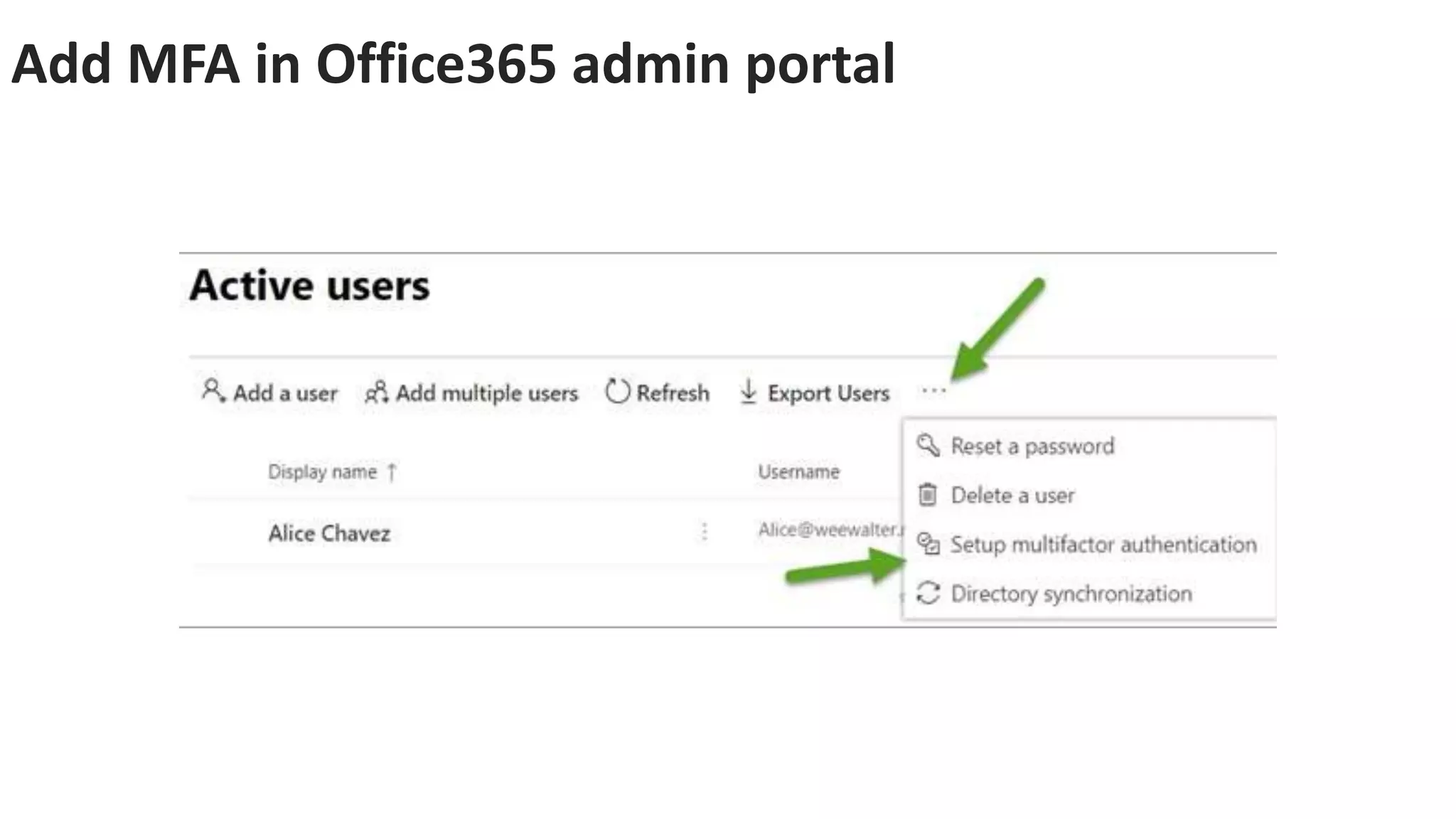
Add MFA in Office365 admin portal
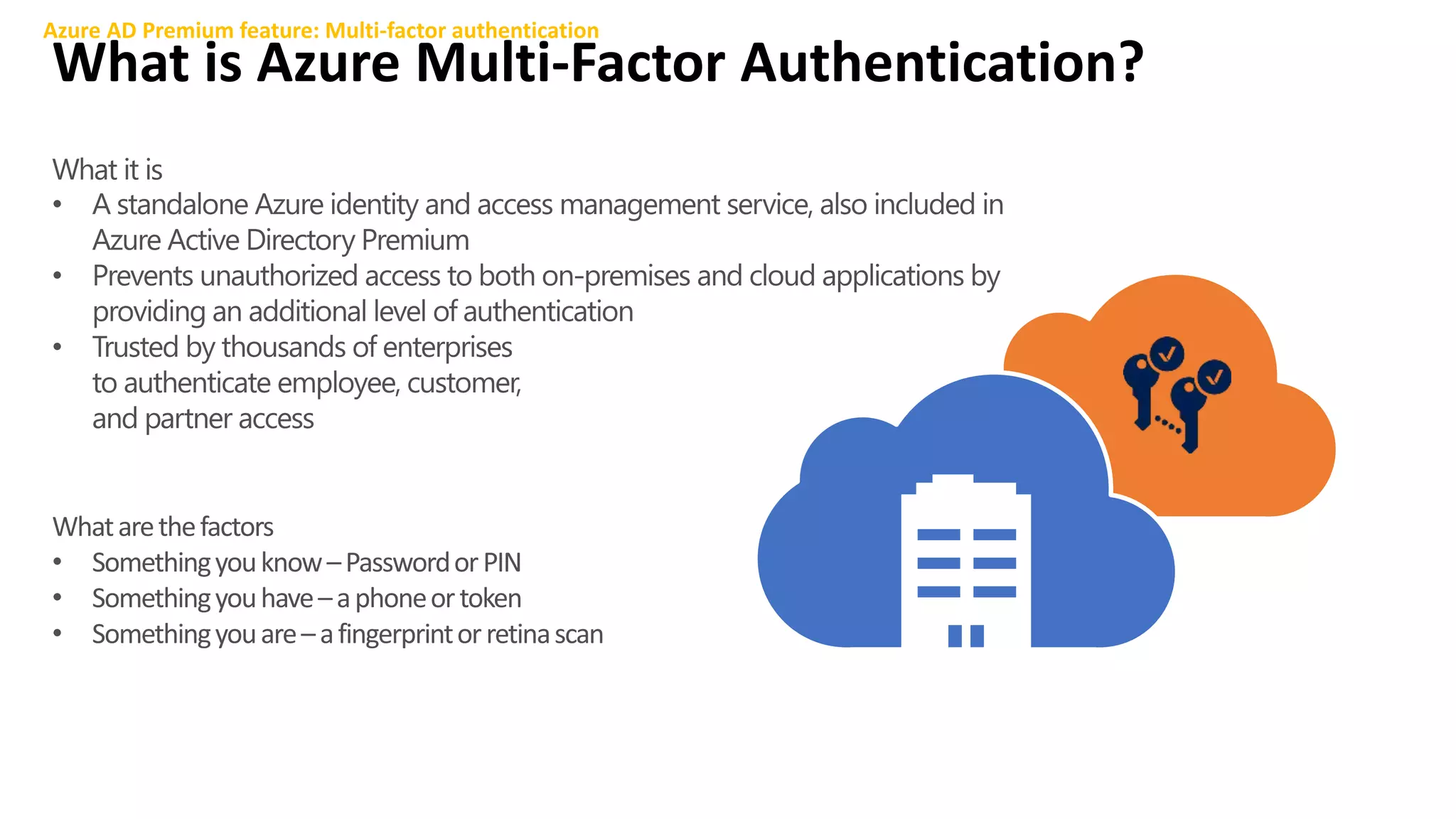
What is Azure Multi-Factor Authentication?
Azure AD Premium feature: Multi-factor authentication
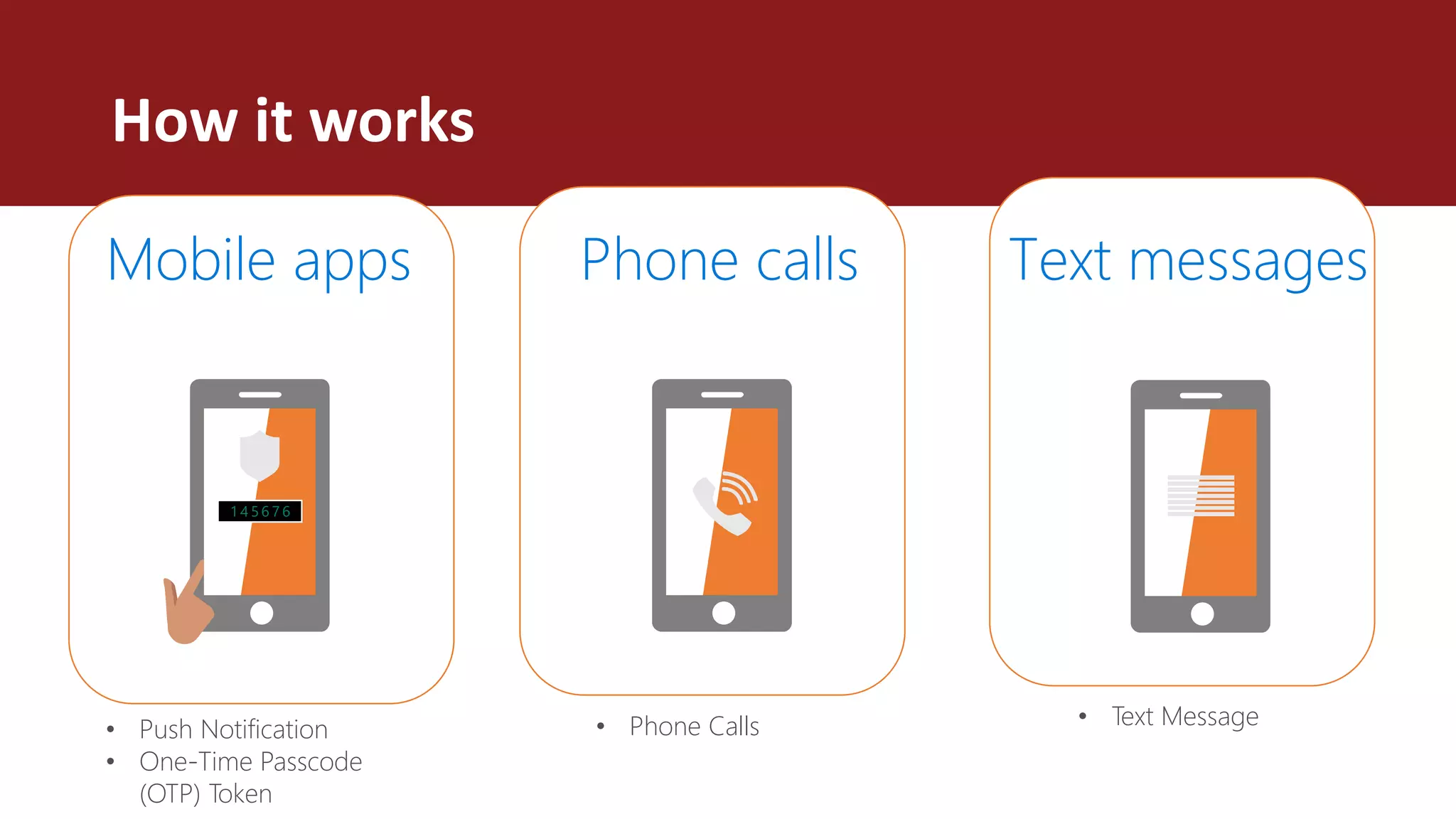
Mobile apps Phone calls Text messages
How it works
• Push Notification
• One-Time Passcode
(OTP) Token
• Phone Calls • Text Message
MFA Configuration
• Newer dev tenants get E5 licenses
• Add additional user information (SMS, email)
• Use the Microsoft Authenticator app on your phone
• Follow the guide at: https://docs.microsoft.com/en-us/office365/admin/security-
and-compliance/set-up-multi-factor-authentication?view=o365-worldwide
04 Create an app catalog and set
everyone to “Targeted release
to everyone”
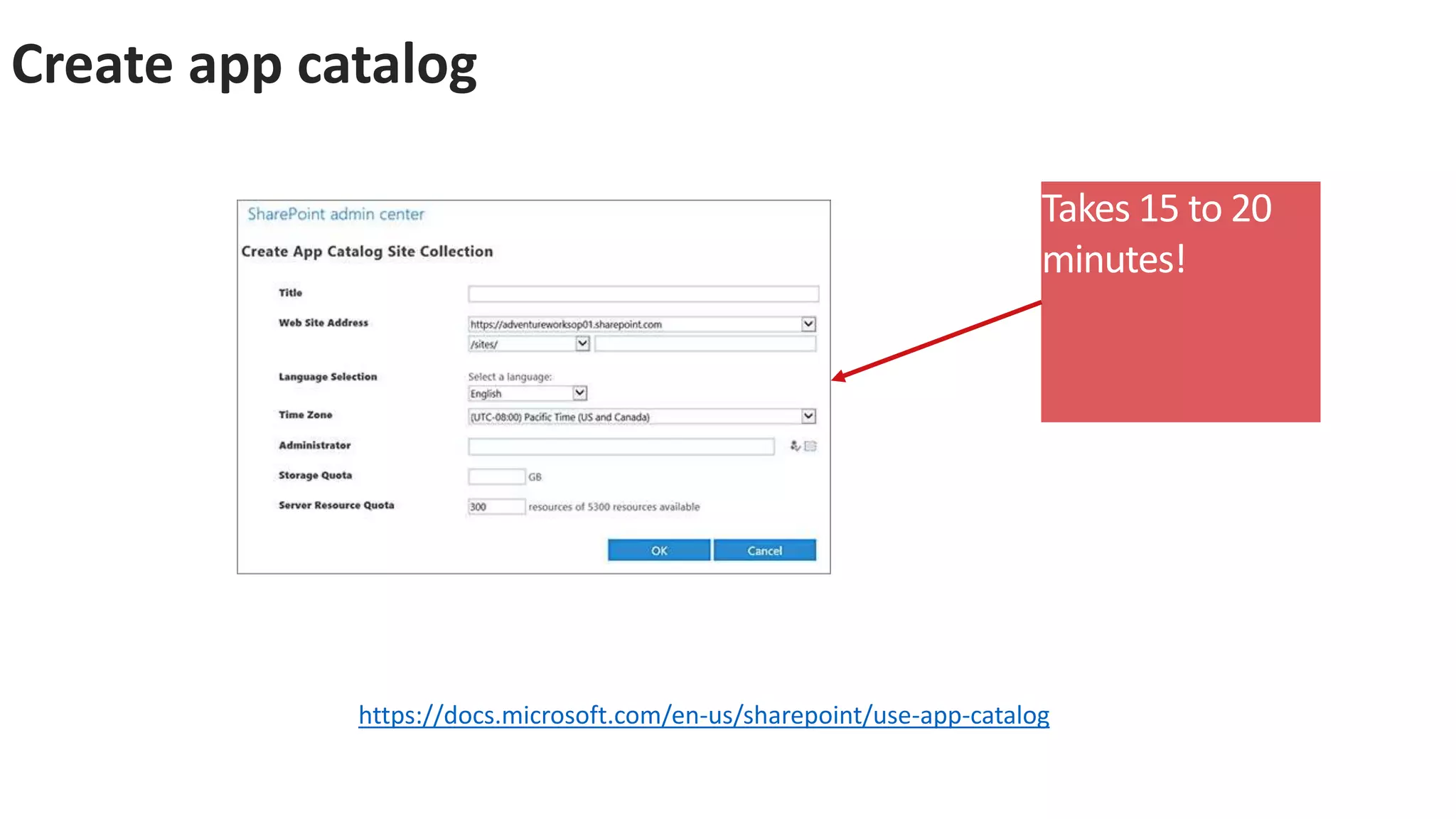
Create app catalog
https://docs.microsoft.com/en-us/sharepoint/use-app-catalog
Takes 15 to 20
minutes!
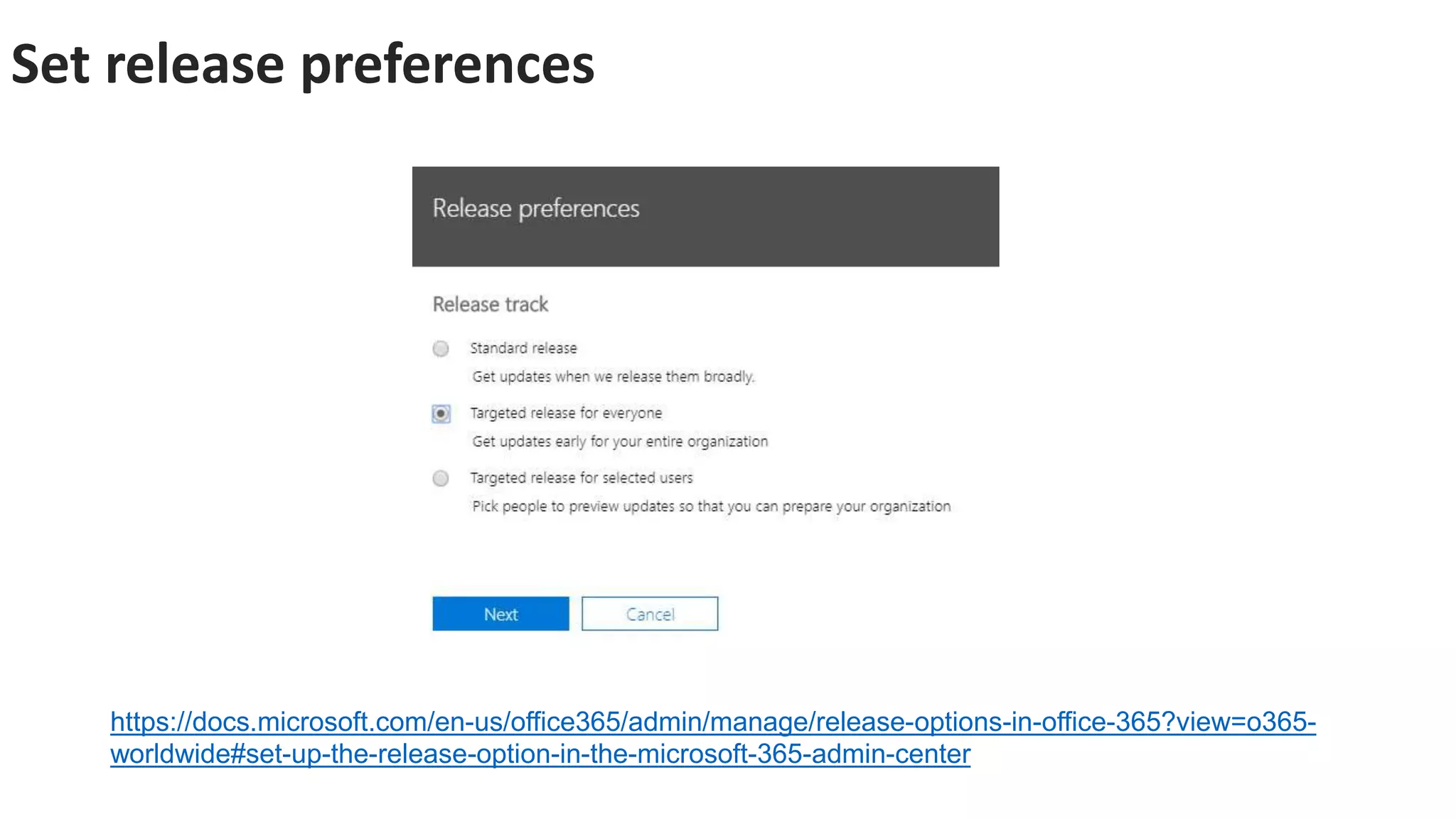
Set release preferences
https://docs.microsoft.com/en-us/office365/admin/manage/release-options-in-office-365?view=o365-
worldwide#set-up-the-release-option-in-the-microsoft-365-admin-center
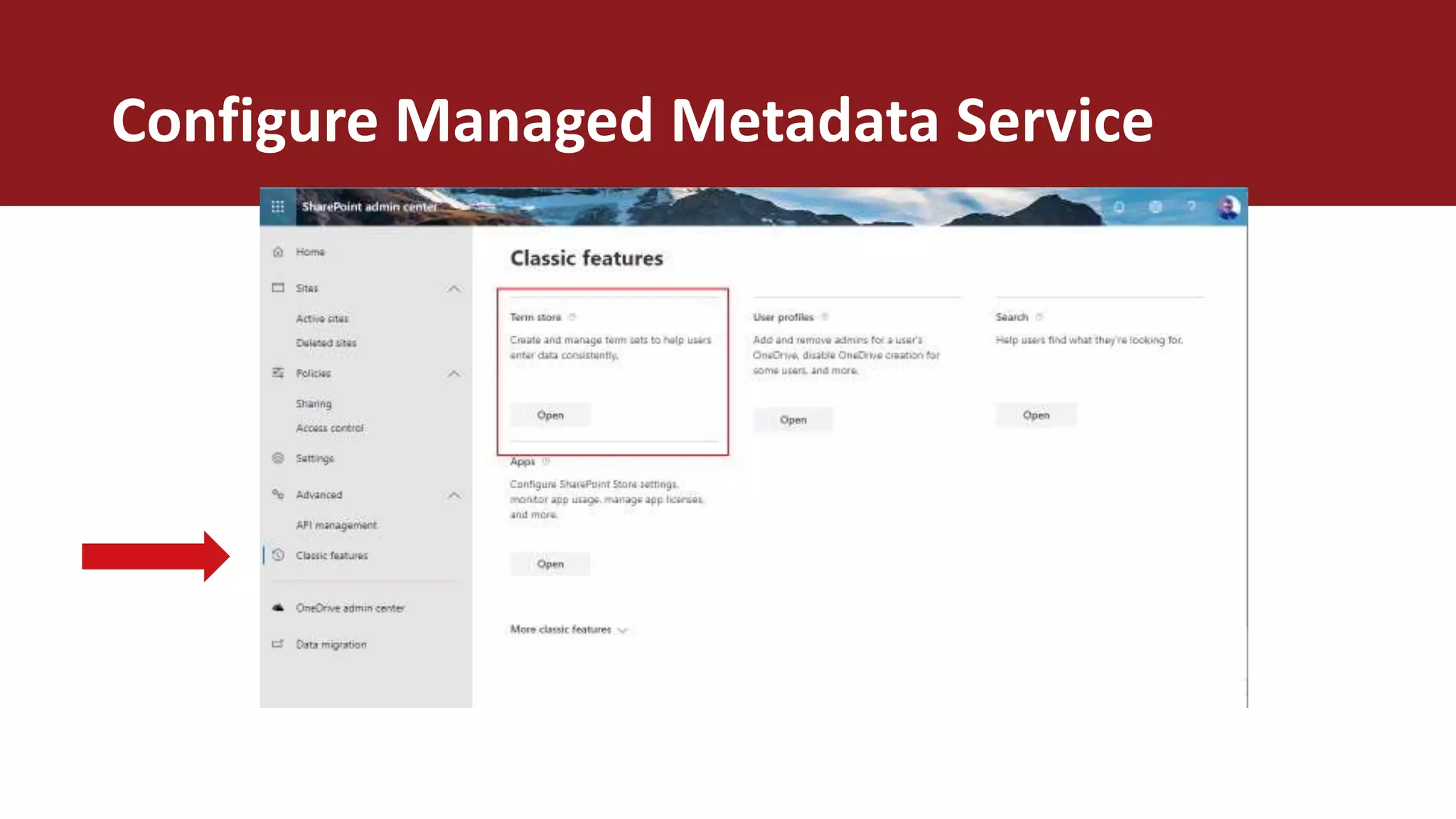
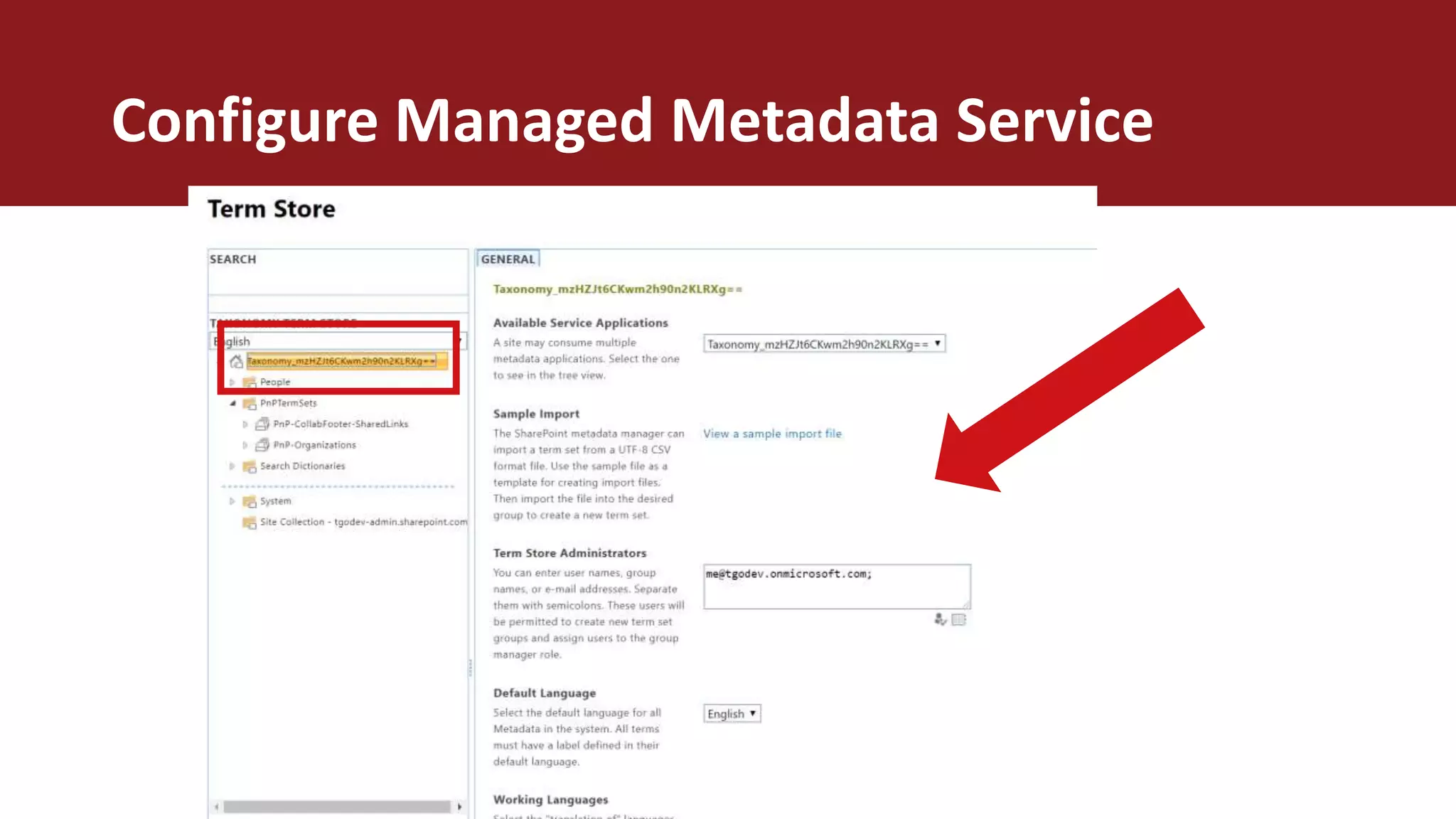
05 Add your user as an admin to
the Managed Metadata Service
Configure Managed Metadata Service
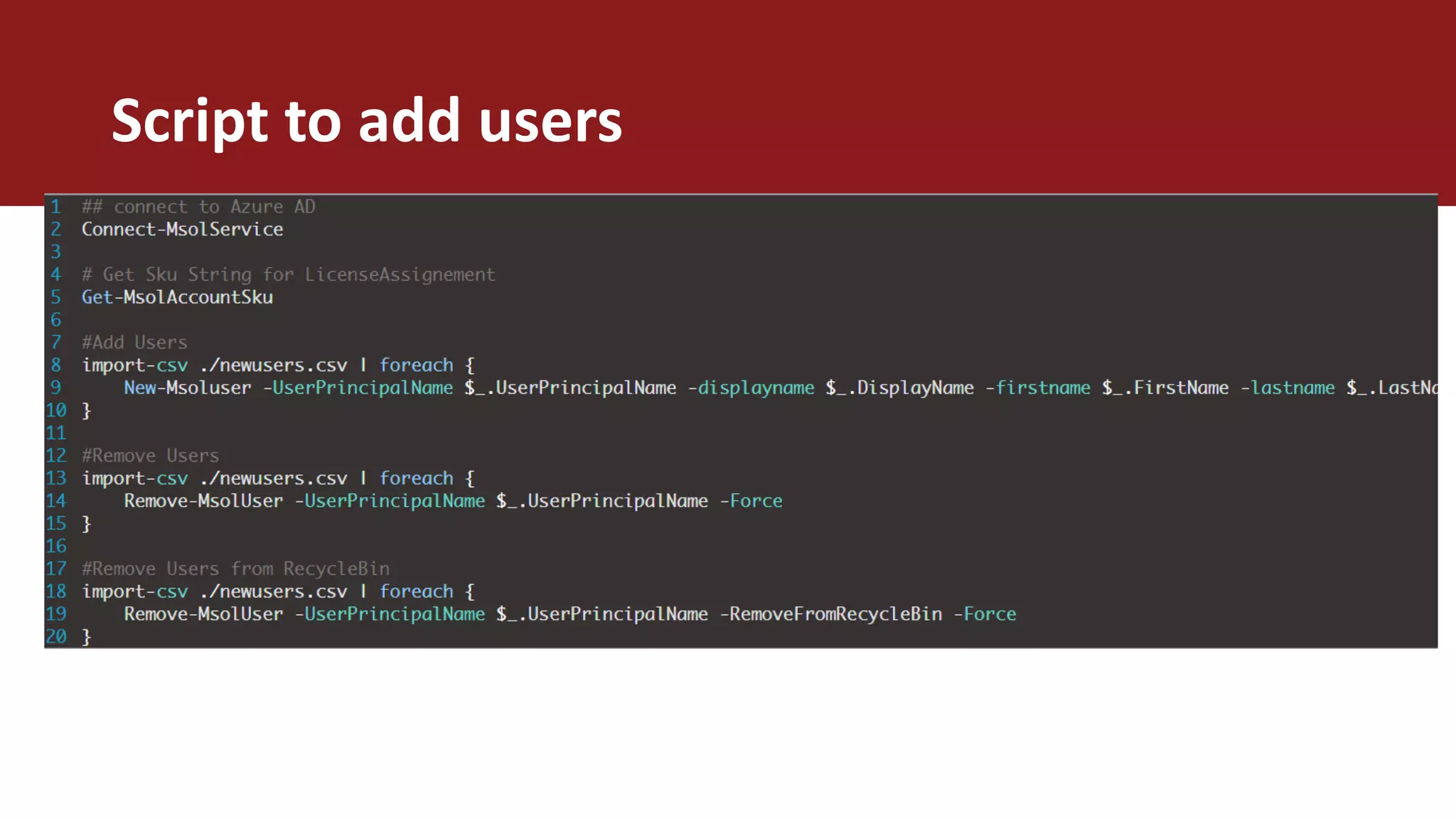
06 Add test or demo users via
script
Script to add users
DEMO 01
TENANT SETTINGS ADD USERS THROUGH
PS
ENABLE MFA
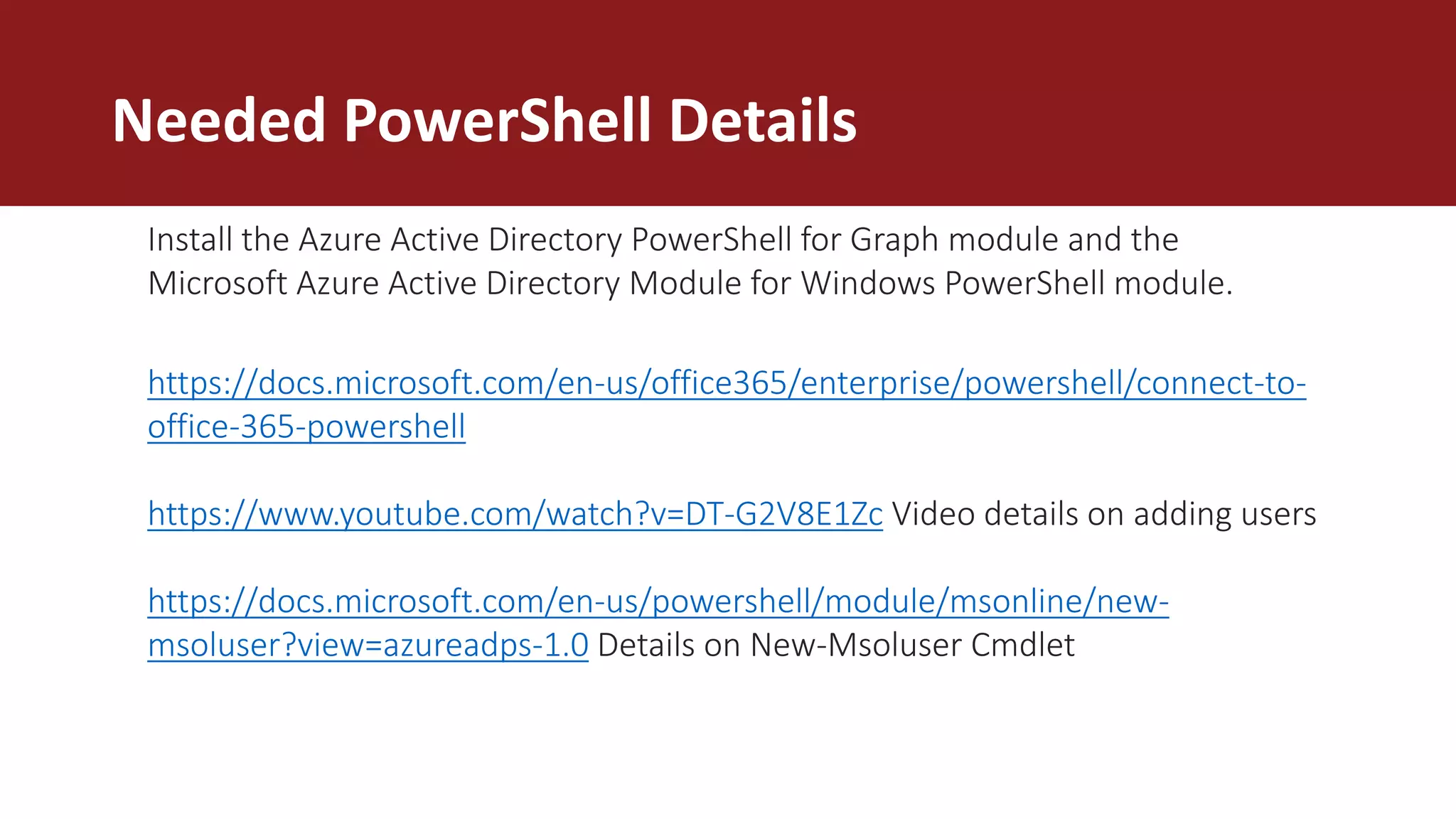
Needed PowerShell Details
https://docs.microsoft.com/en-us/office365/enterprise/powershell/connect-to-
office-365-powershell
https://www.youtube.com/watch?v=DT-G2V8E1Zc Video details on adding users
https://docs.microsoft.com/en-us/powershell/module/msonline/new-
msoluser?view=azureadps-1.0 Details on New-Msoluser Cmdlet
Install the Azure Active Directory PowerShell for Graph module and the
Microsoft Azure Active Directory Module for Windows PowerShell module.
07 Add email forwarding to your
user’s main work address
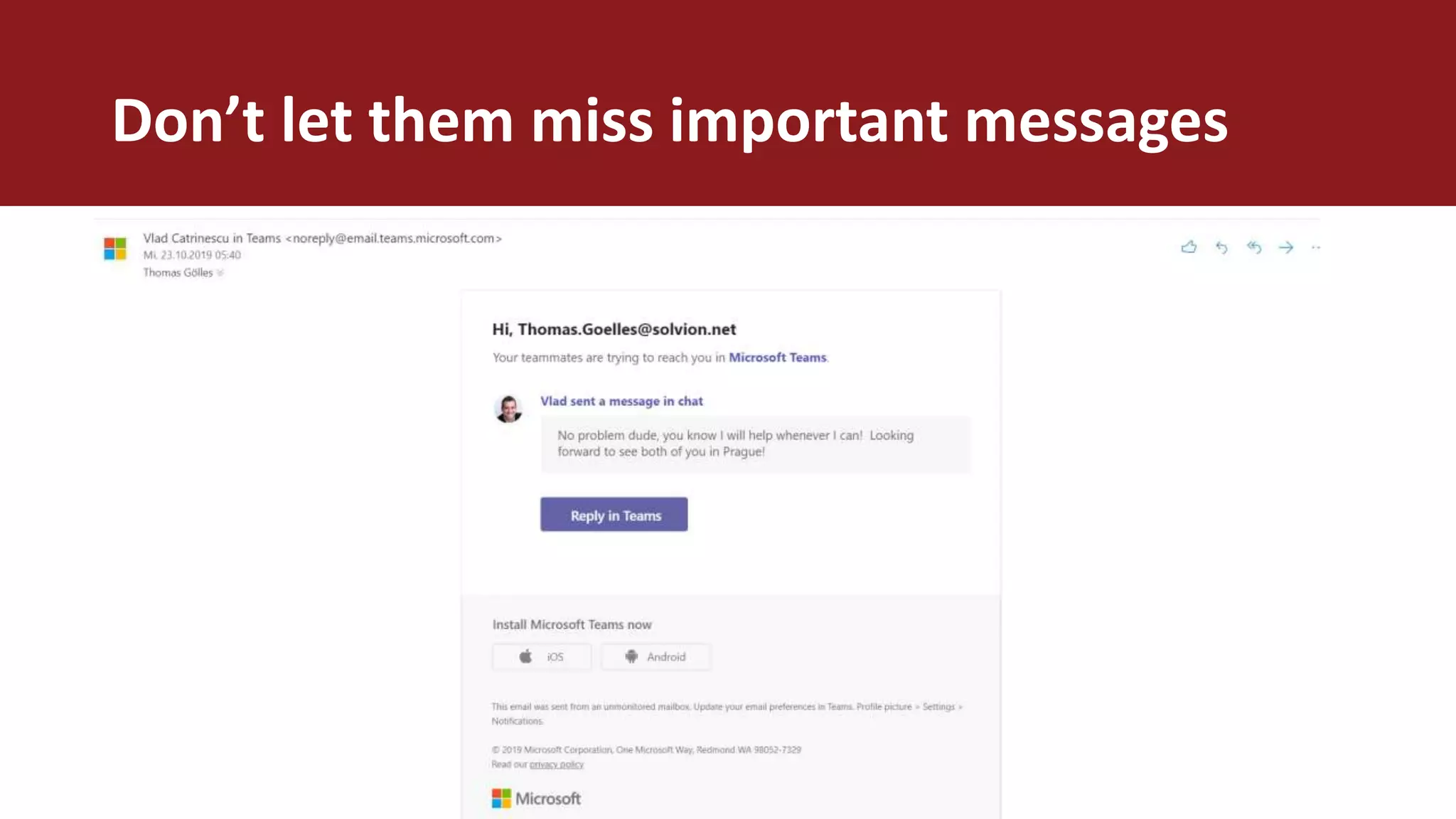
Don’t let them miss important messages
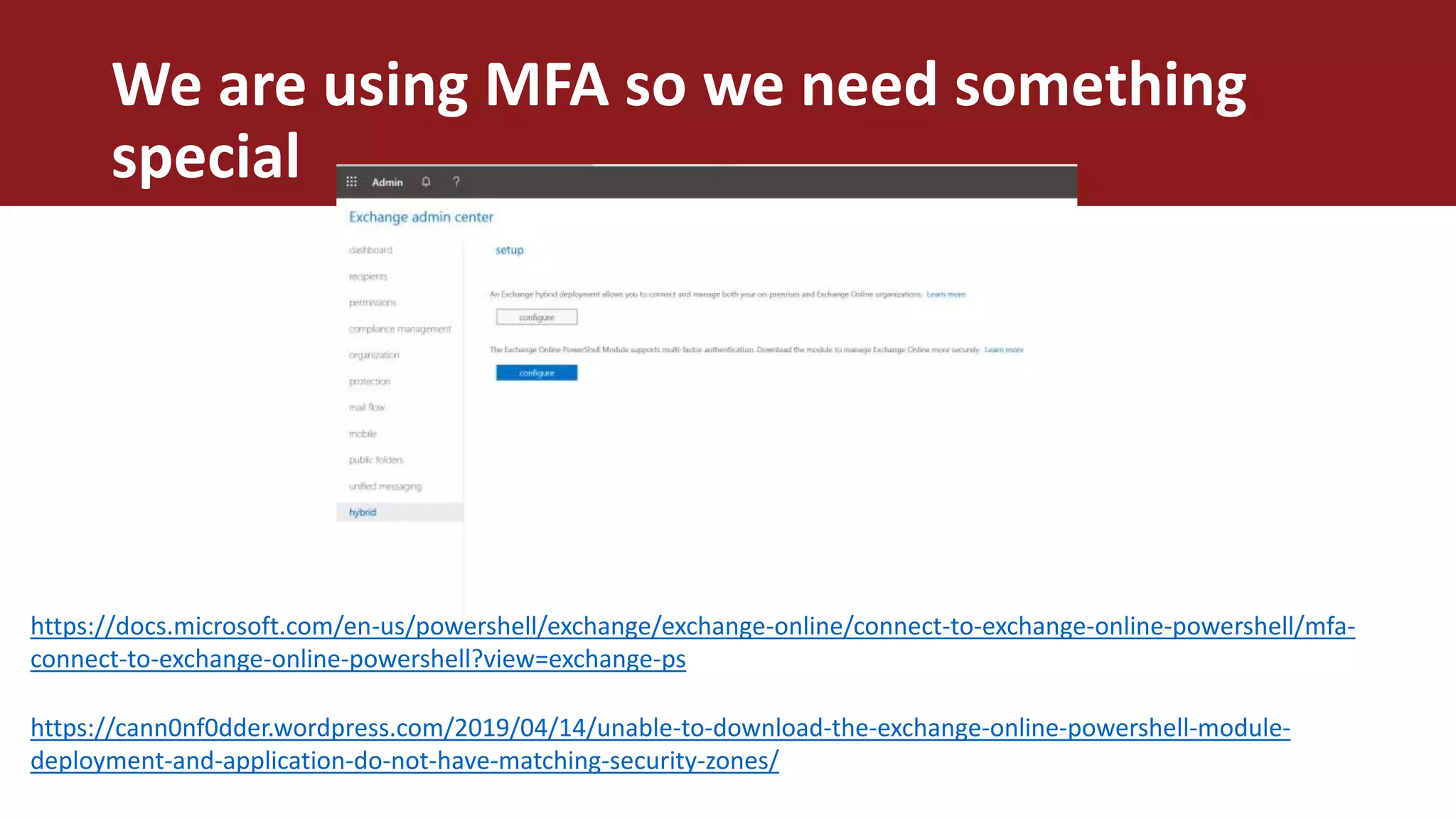
We are using MFA so we need something
special
https://docs.microsoft.com/en-us/powershell/exchange/exchange-online/connect-to-exchange-online-powershell/mfa-
connect-to-exchange-online-powershell?view=exchange-ps
https://cann0nf0dder.wordpress.com/2019/04/14/unable-to-download-the-exchange-online-powershell-module-
deployment-and-application-do-not-have-matching-security-zones/
@thomyg
@stephanbisser
DEMO 02
Add users SMTP settings
08 Use the SharePoint Online
Provisioning Service to deploy
demo data
@thomyg
@stephanbisser
DEMO 03
Create Demo portal
SharePoint Online Provisioning Service
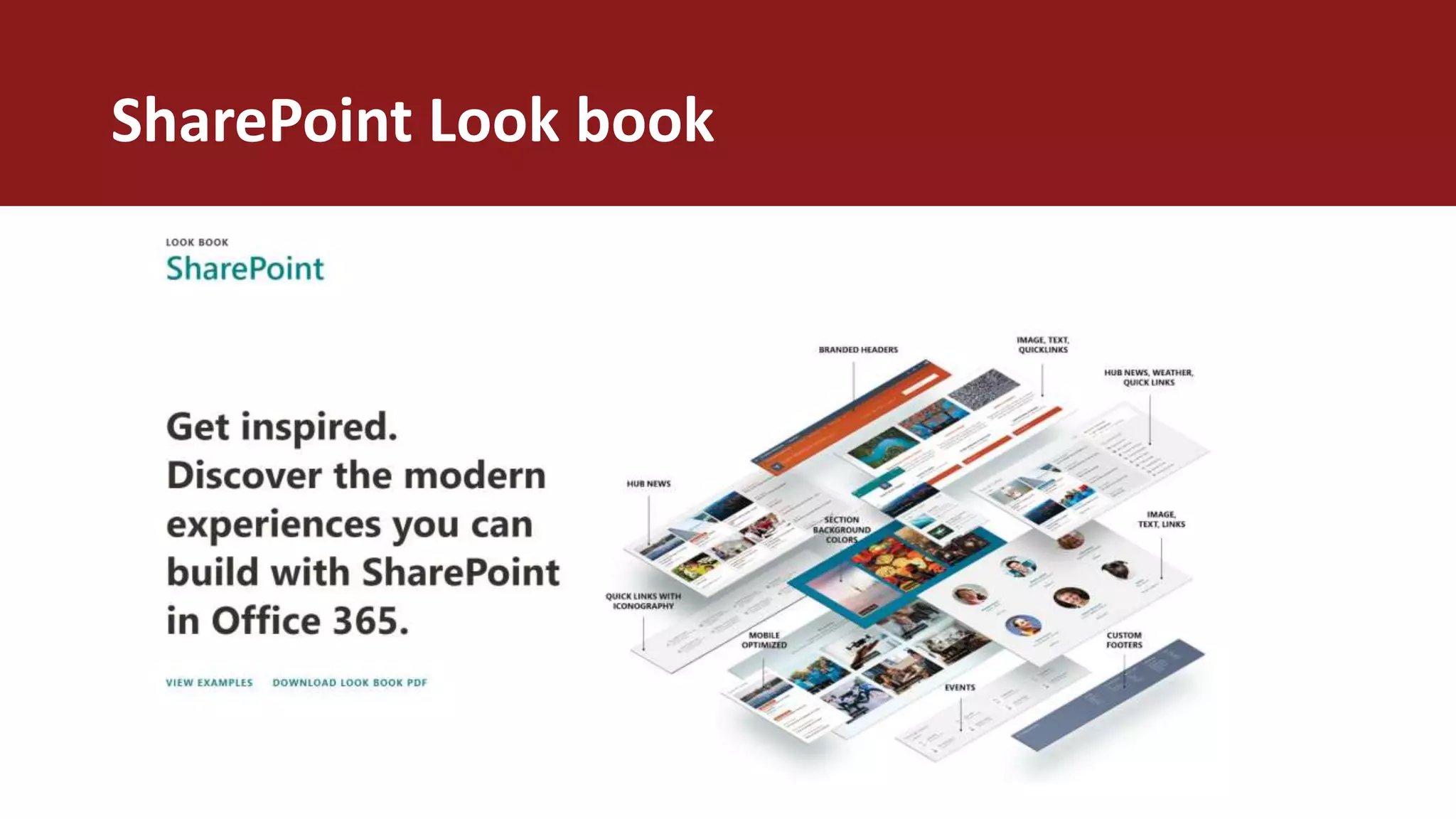
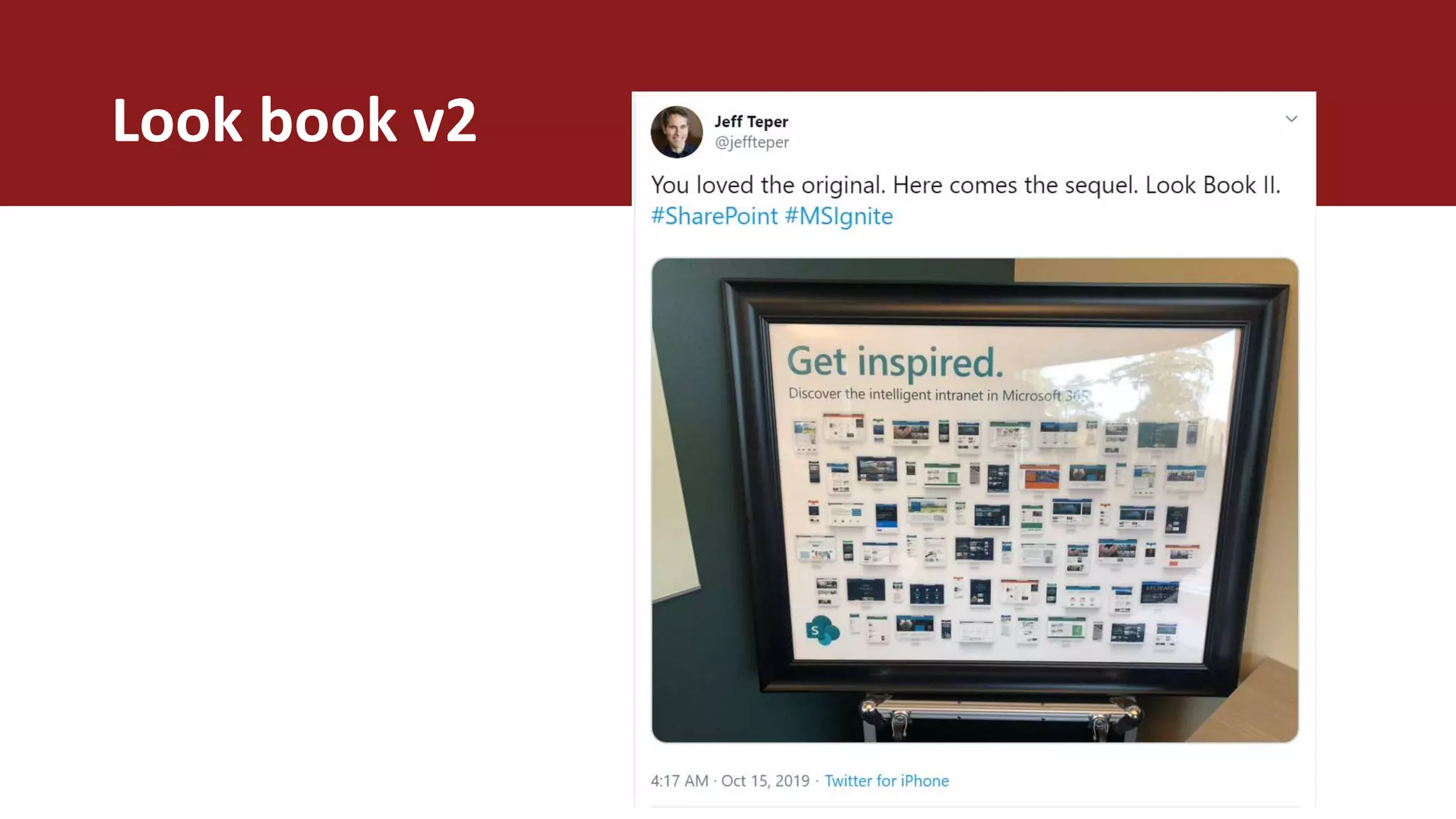
SharePoint Look book
Look book v2
09 Install PnP PowerShell on
your machine
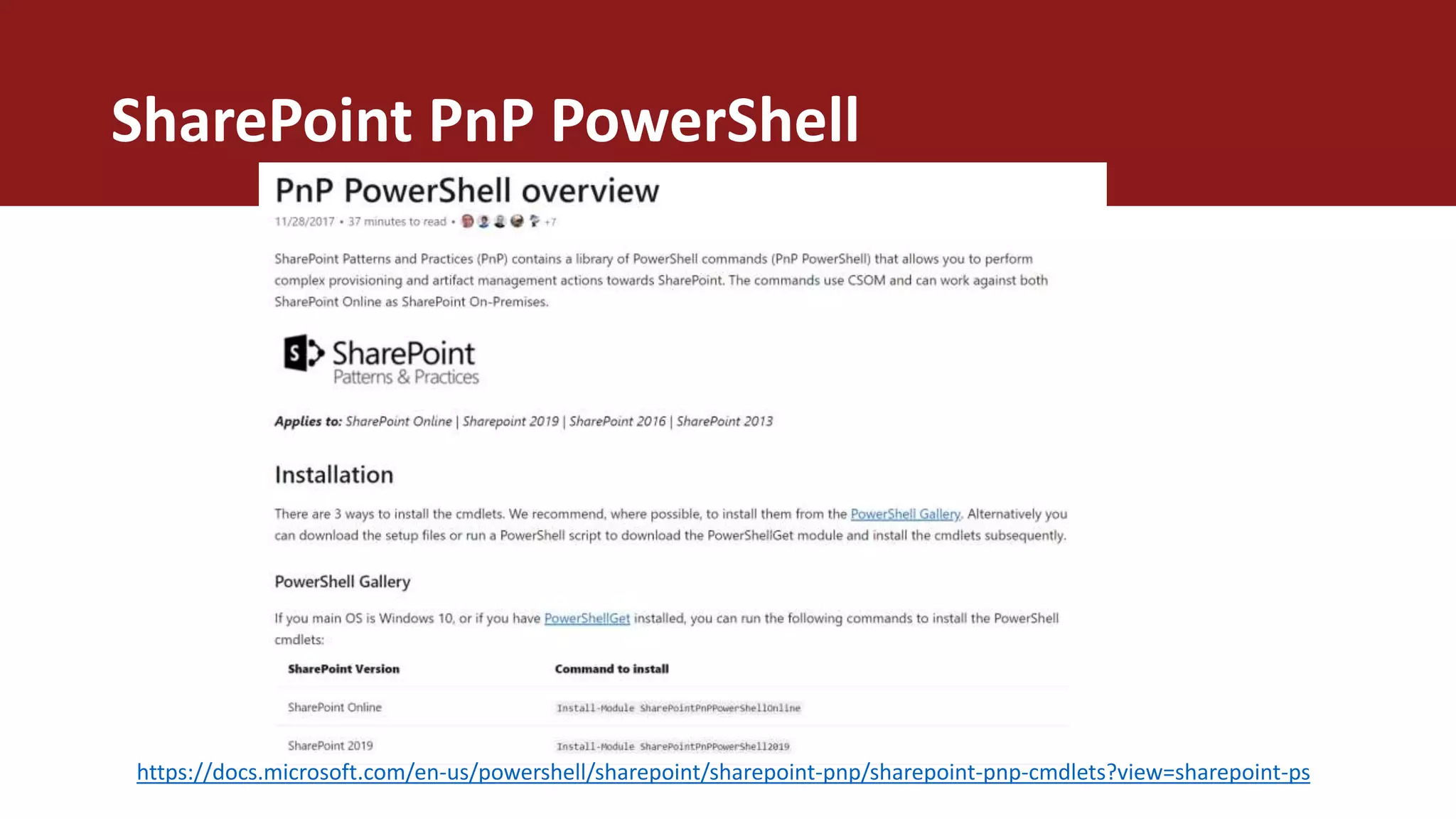
SharePoint PnP PowerShell
https://docs.microsoft.com/en-us/powershell/sharepoint/sharepoint-pnp/sharepoint-pnp-cmdlets?view=sharepoint-ps
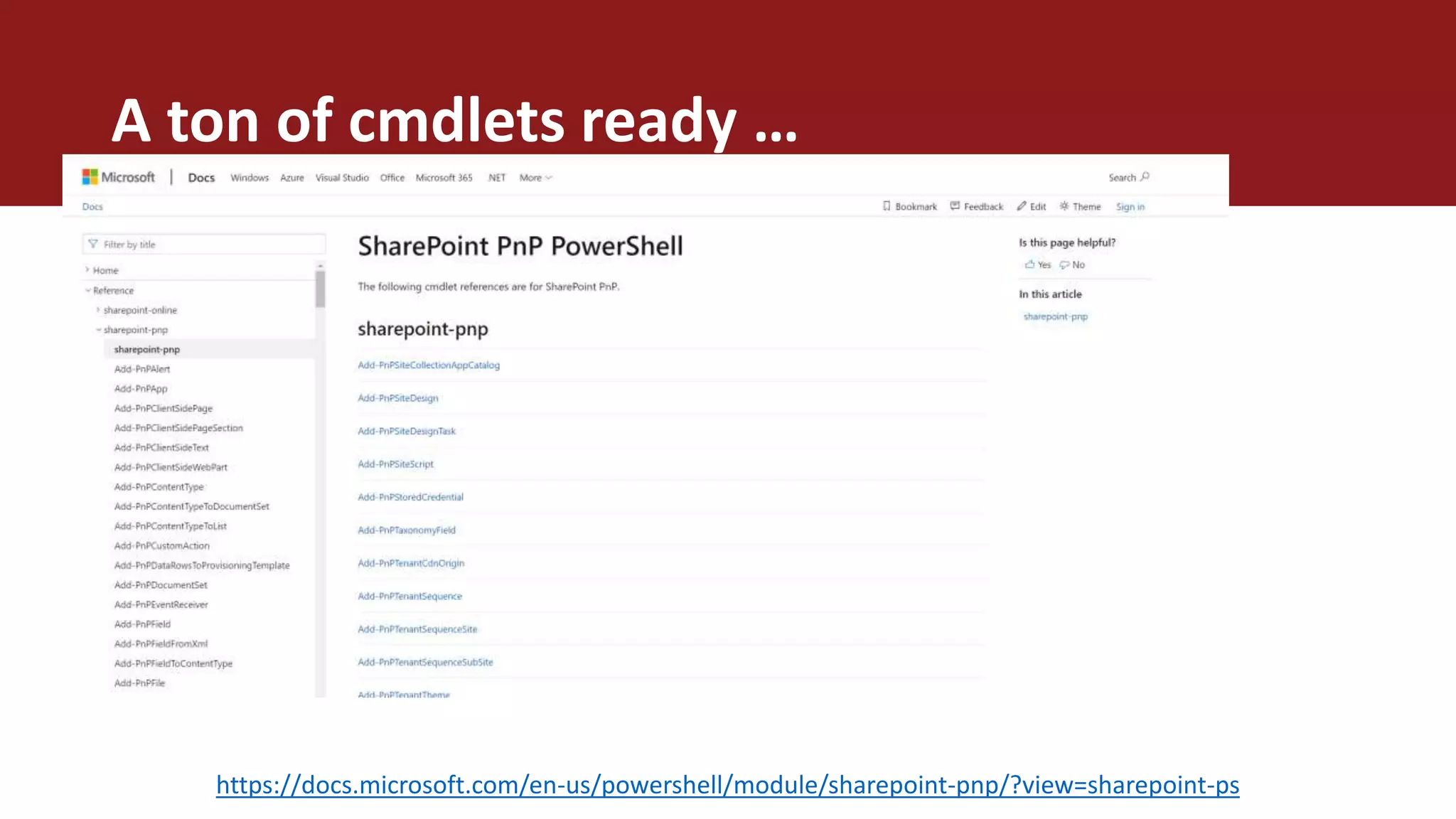
A ton of cmdlets ready …
https://docs.microsoft.com/en-us/powershell/module/sharepoint-pnp/?view=sharepoint-ps
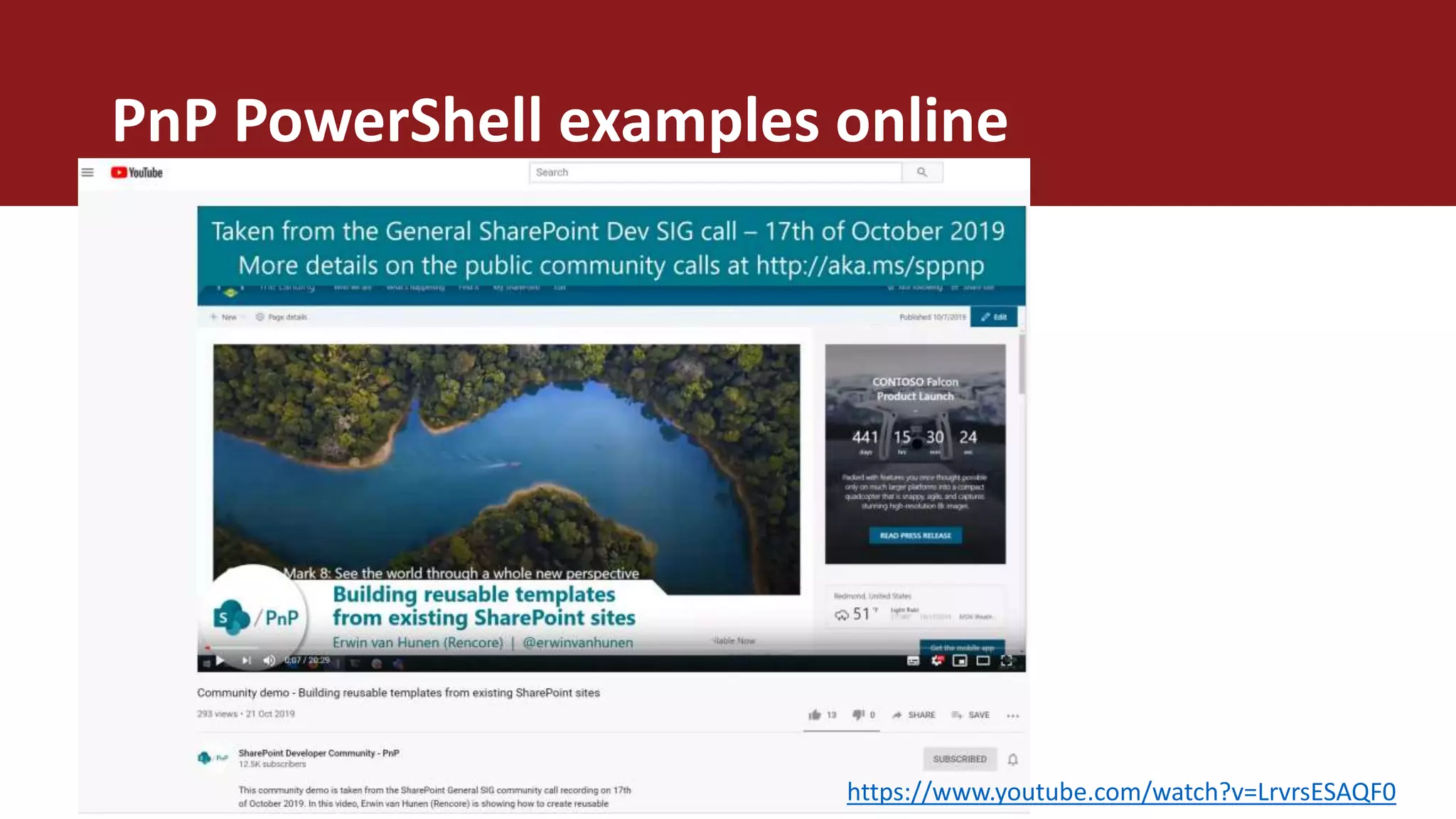
PnP PowerShell examples online
https://www.youtube.com/watch?v=LrvrsESAQF0
@thomyg
@stephanbisser
DEMO 04
Upload images with PnP Powerhsell
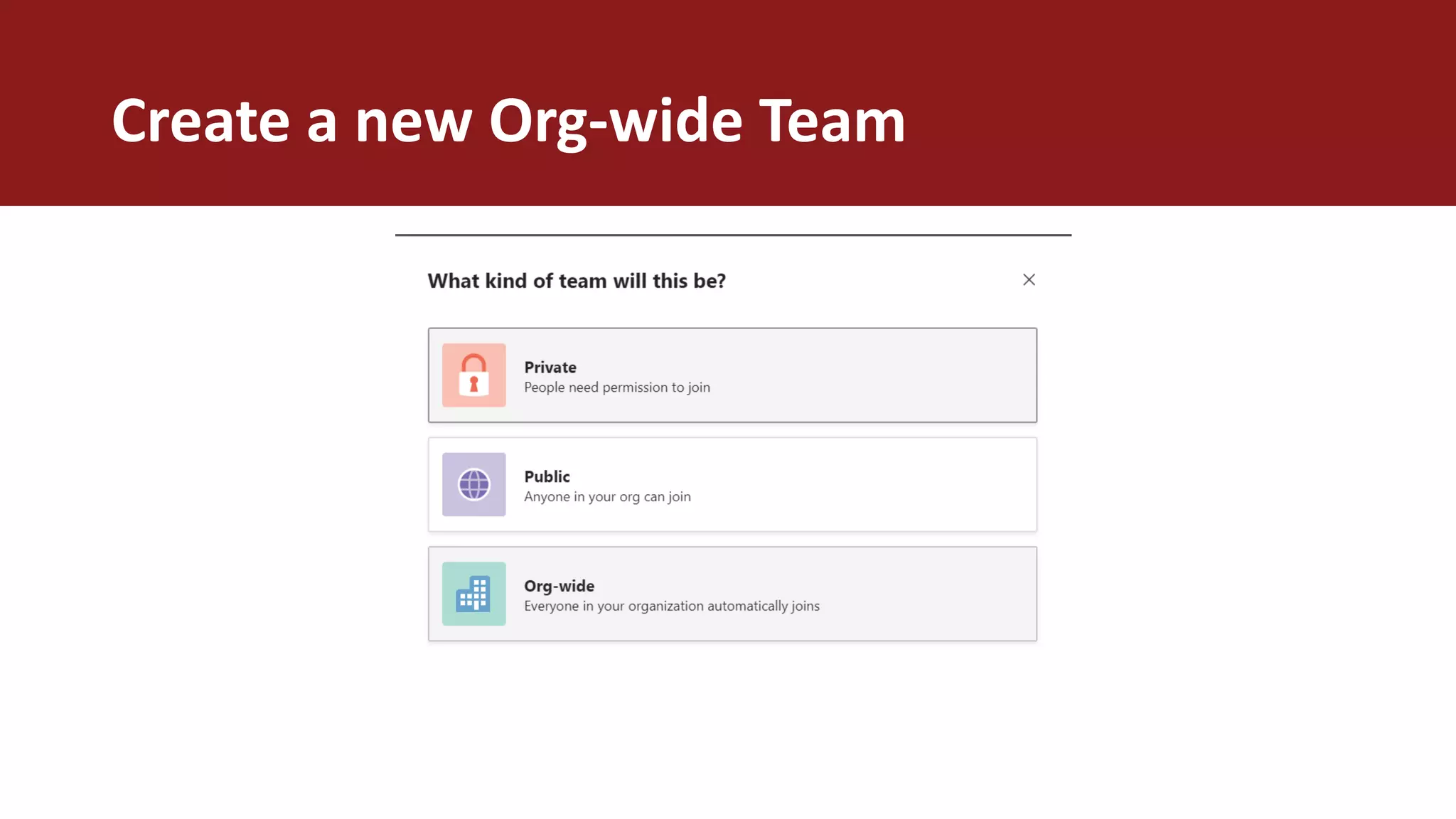
10 Create an org-wide Microsoft
Teams team for your users
Create a new Org-wide Team
@thomyg
@stephanbisser
DEMO 05
Create org-wide Team
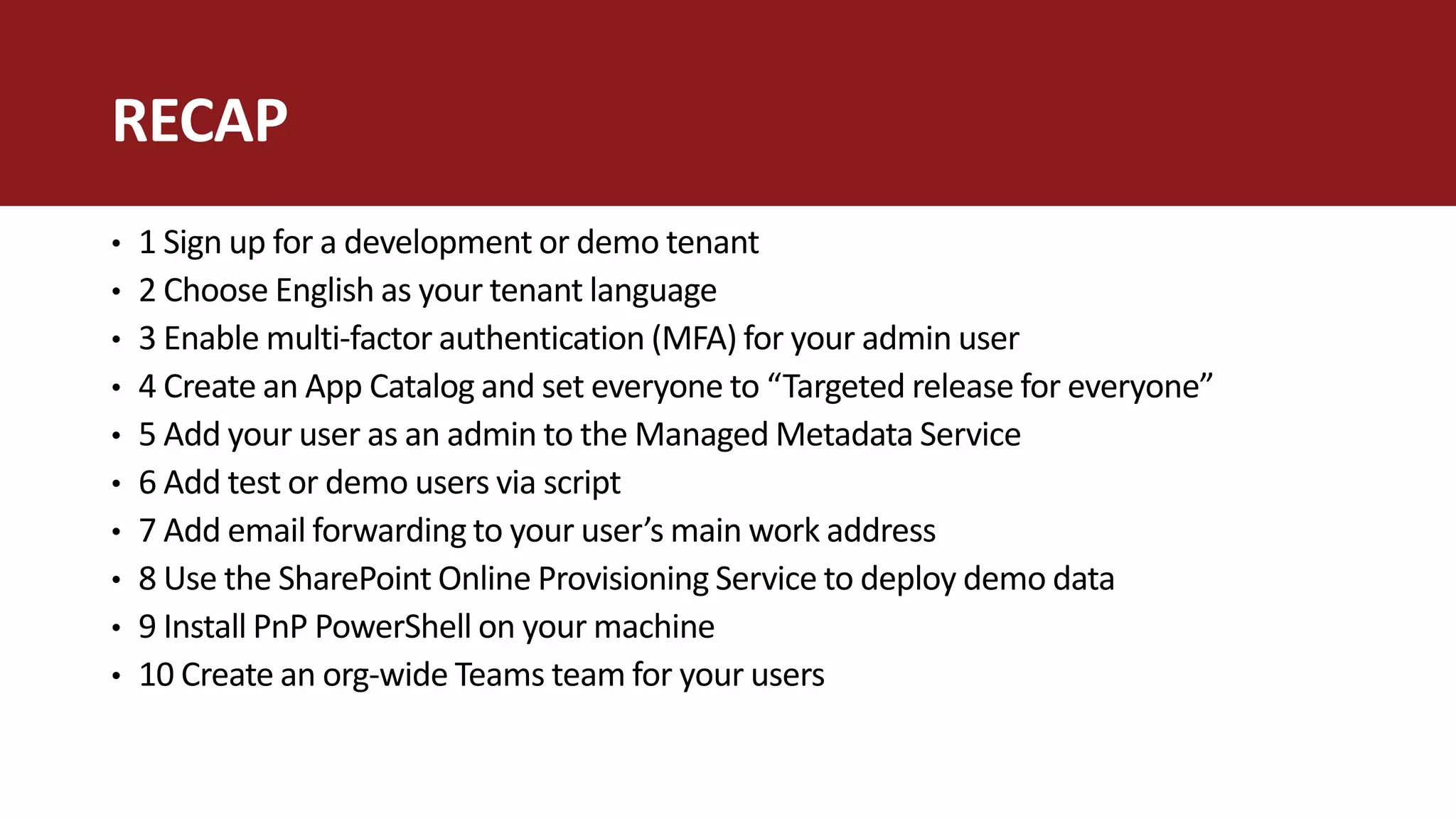
• 1 Sign up for a development or demo tenant
• 2 Choose English as your tenant language
• 3 Enable multi-factor authentication (MFA) for your admin user
• 4 Create an App Catalog and set everyone to “Targeted release for everyone”
• 5 Add your user as an admin to the Managed Metadata Service
• 6 Add test or demo users via script
• 7 Add email forwarding to your user’s main work address
• 8 Use the SharePoint Online Provisioning Service to deploy demo data
• 9 Install PnP PowerShell on your machine
• 10 Create an org-wide Teams team for your users
RECAP
@thomyg || thomy.tech
THANK YOU!

SPS Oslo : 10 things you should do with your O365 demo or dev tenant

Editor's Notes

  • #2 Read notes!
  • #6 Motto, slogan, quote… optional :)
  • #10 Motto, slogan, quote… optional :)
  • #13 Motto, slogan, quote… optional :)
  • #20 Motto, slogan, quote… optional :)
  • #23 Motto, slogan, quote… optional :)
  • #26 Motto, slogan, quote… optional :)
  • #30 Motto, slogan, quote… optional :)
  • #34 Motto, slogan, quote… optional :)
  • #40 Motto, slogan, quote… optional :)
  • #45 Motto, slogan, quote… optional :)