Speech Recognition


                     1
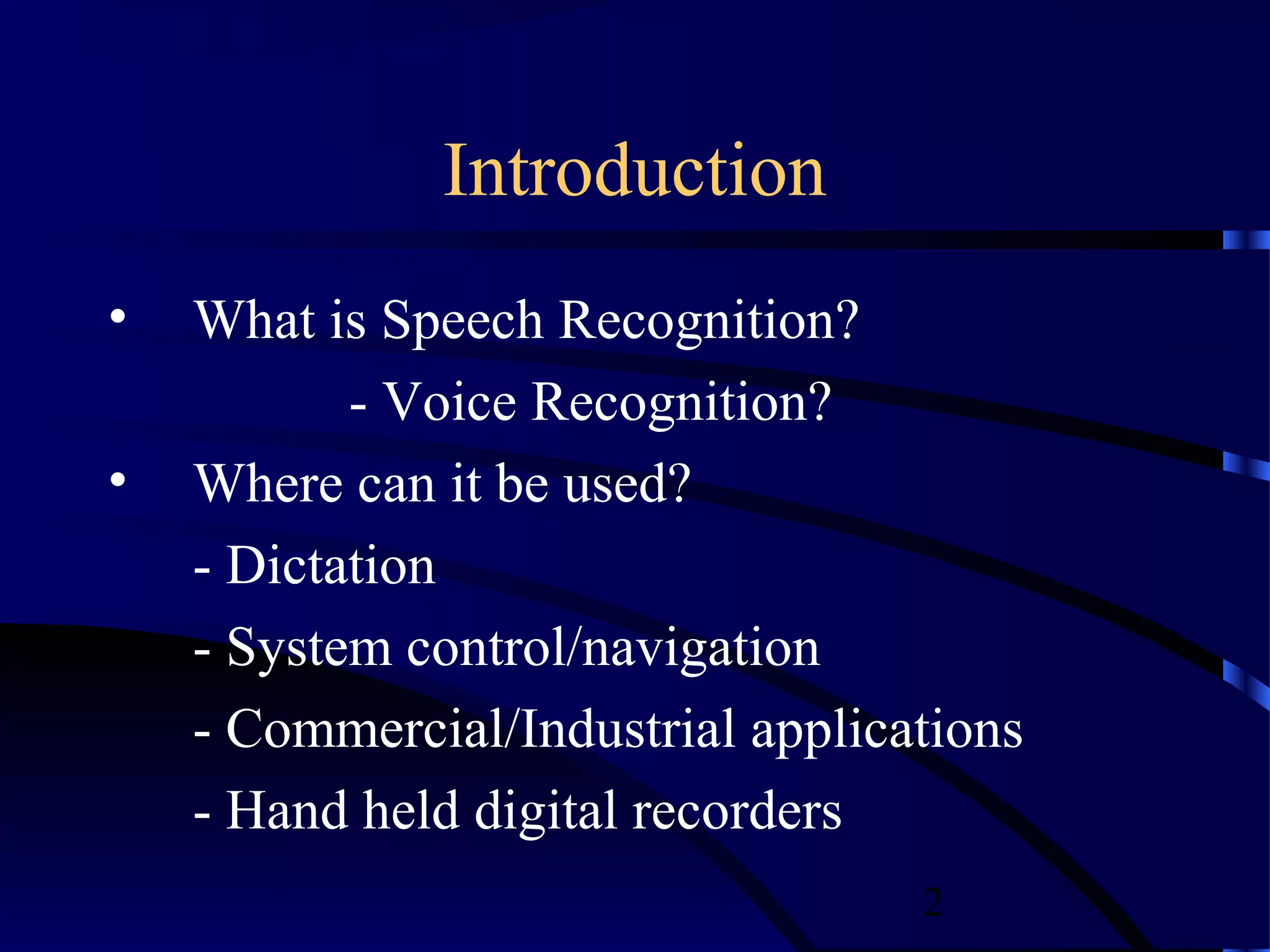
Introduction
•   What is Speech Recognition?
           - Voice Recognition?
•   Where can it be used?
    - Dictation
    - System control/navigation
    - Commercial/Industrial applications
    - Hand held digital recorders
                                   2
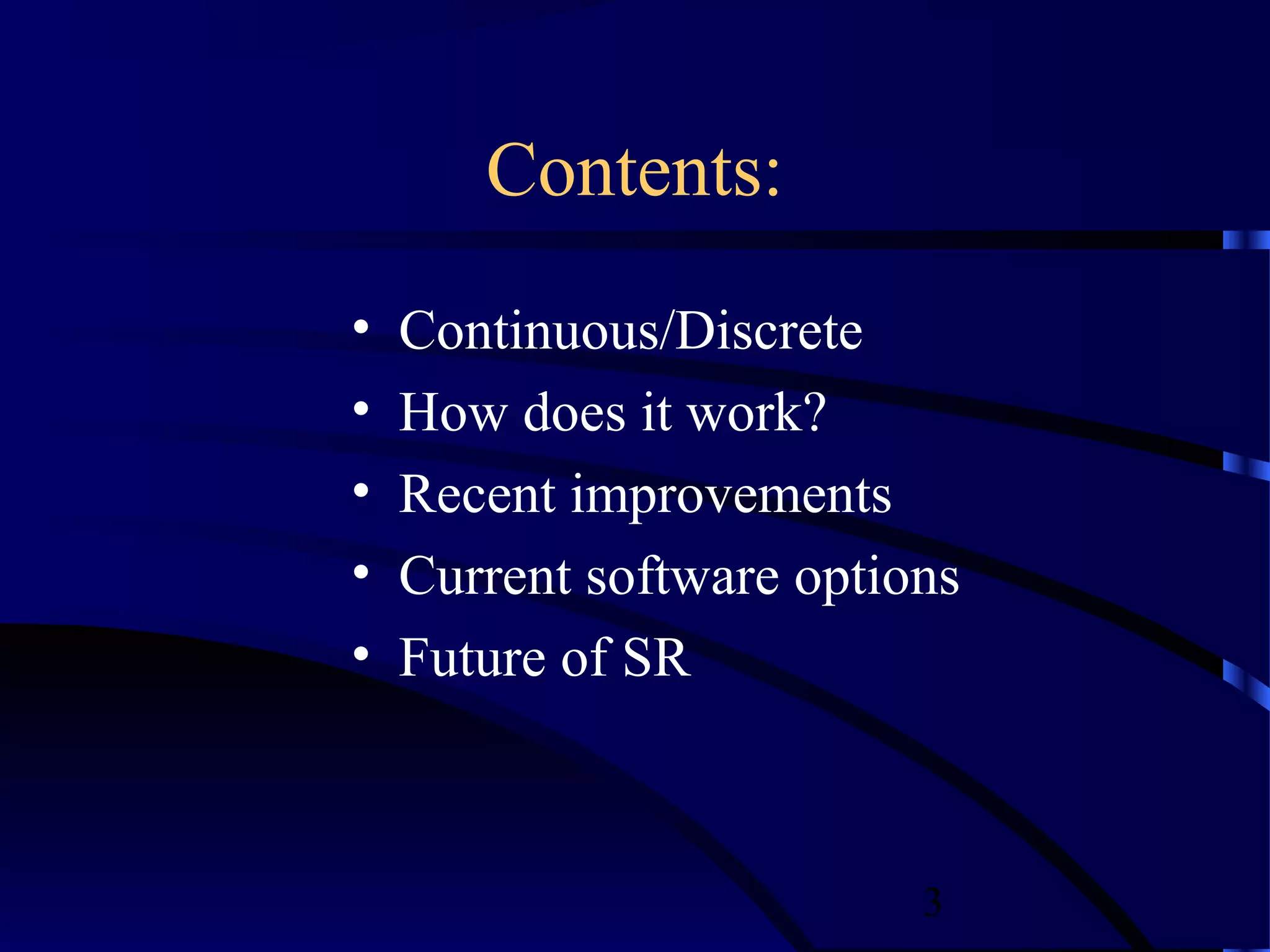
Contents:
•   Continuous/Discrete
•   How does it work?
•   Recent improvements
•   Current software options
•   Future of SR


                          3
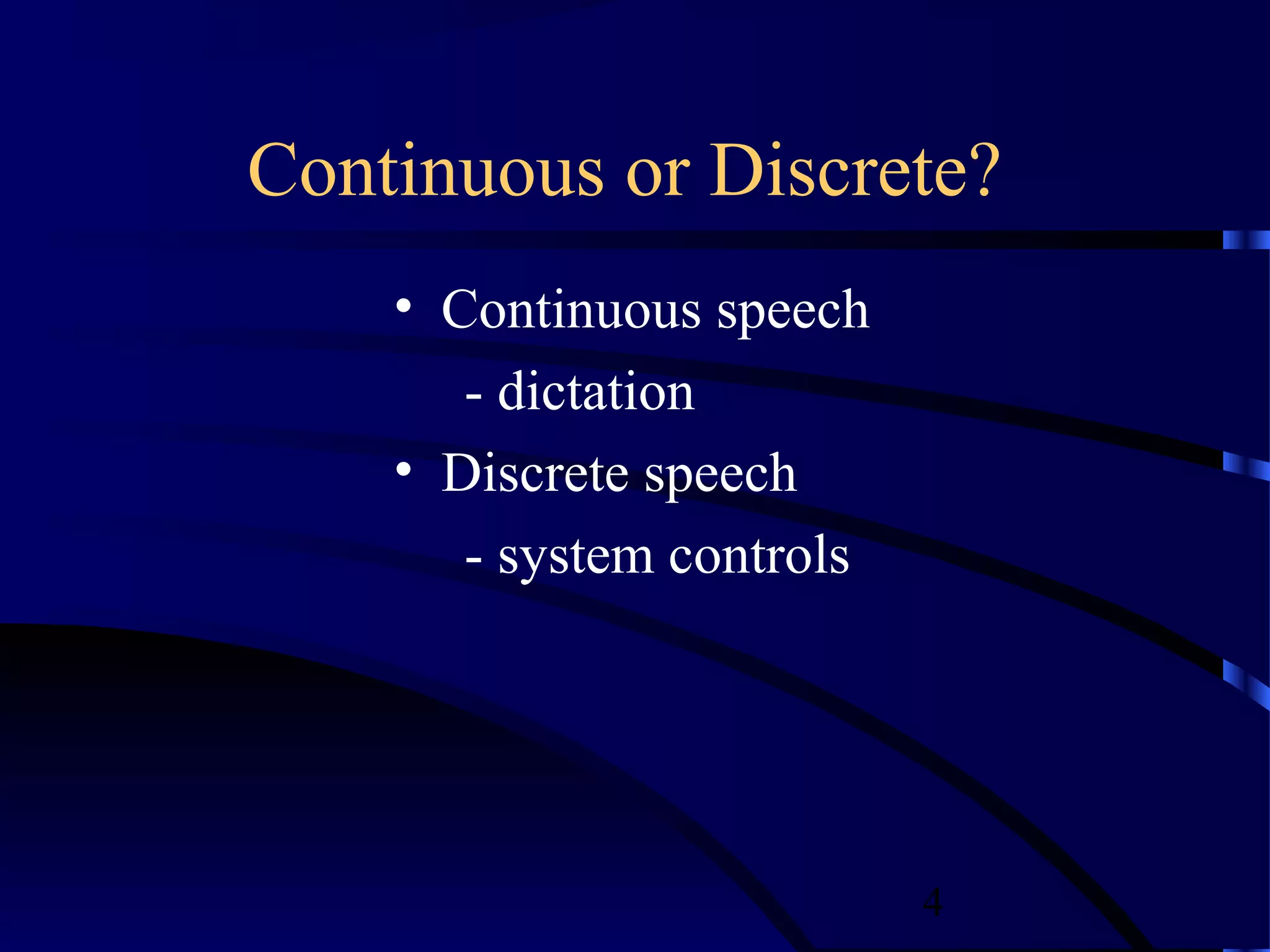
Continuous or Discrete?
    • Continuous speech
       - dictation
    • Discrete speech
       - system controls


                           4
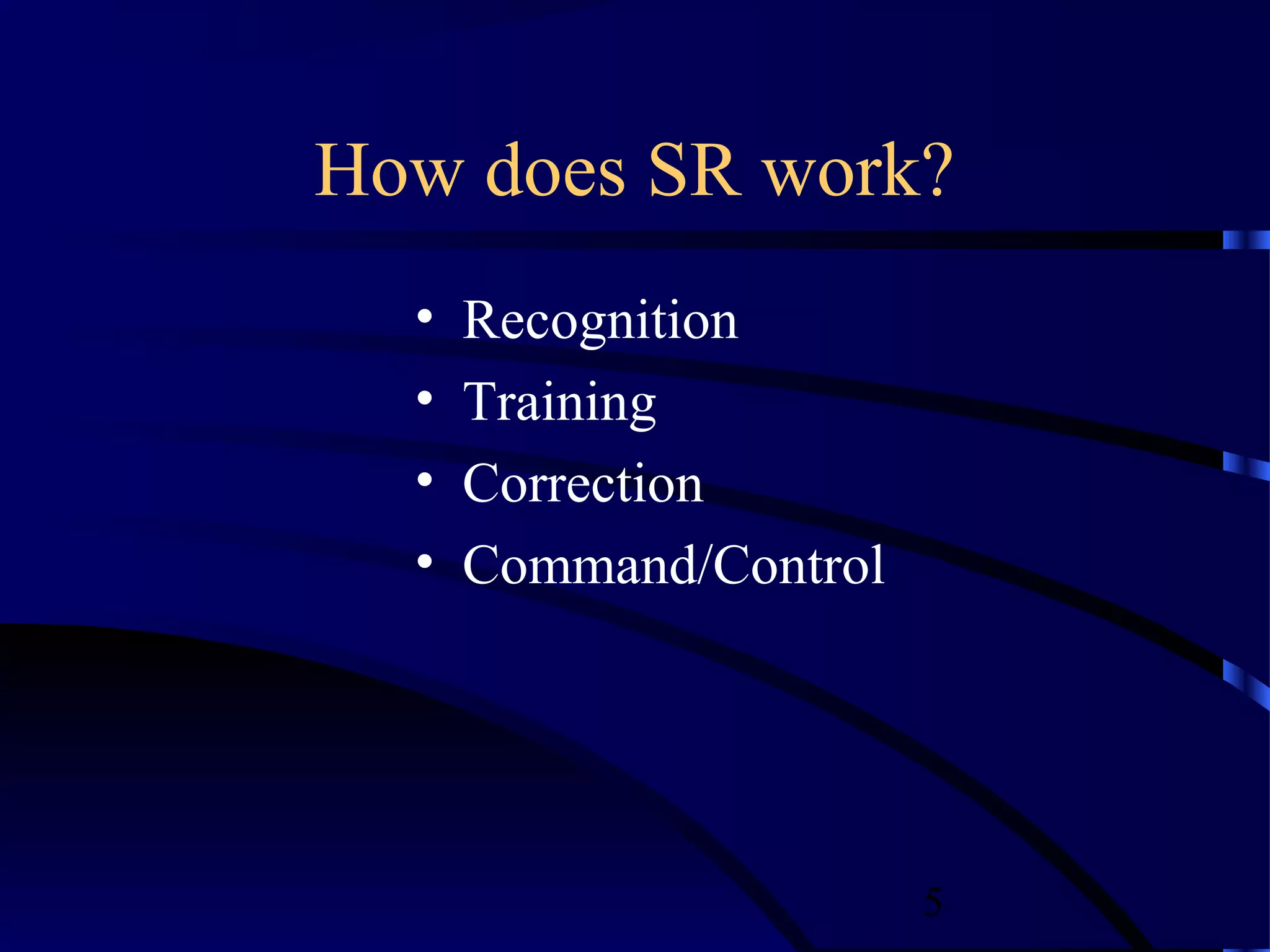
How does SR work?
  •   Recognition
  •   Training
  •   Correction
  •   Command/Control


                        5
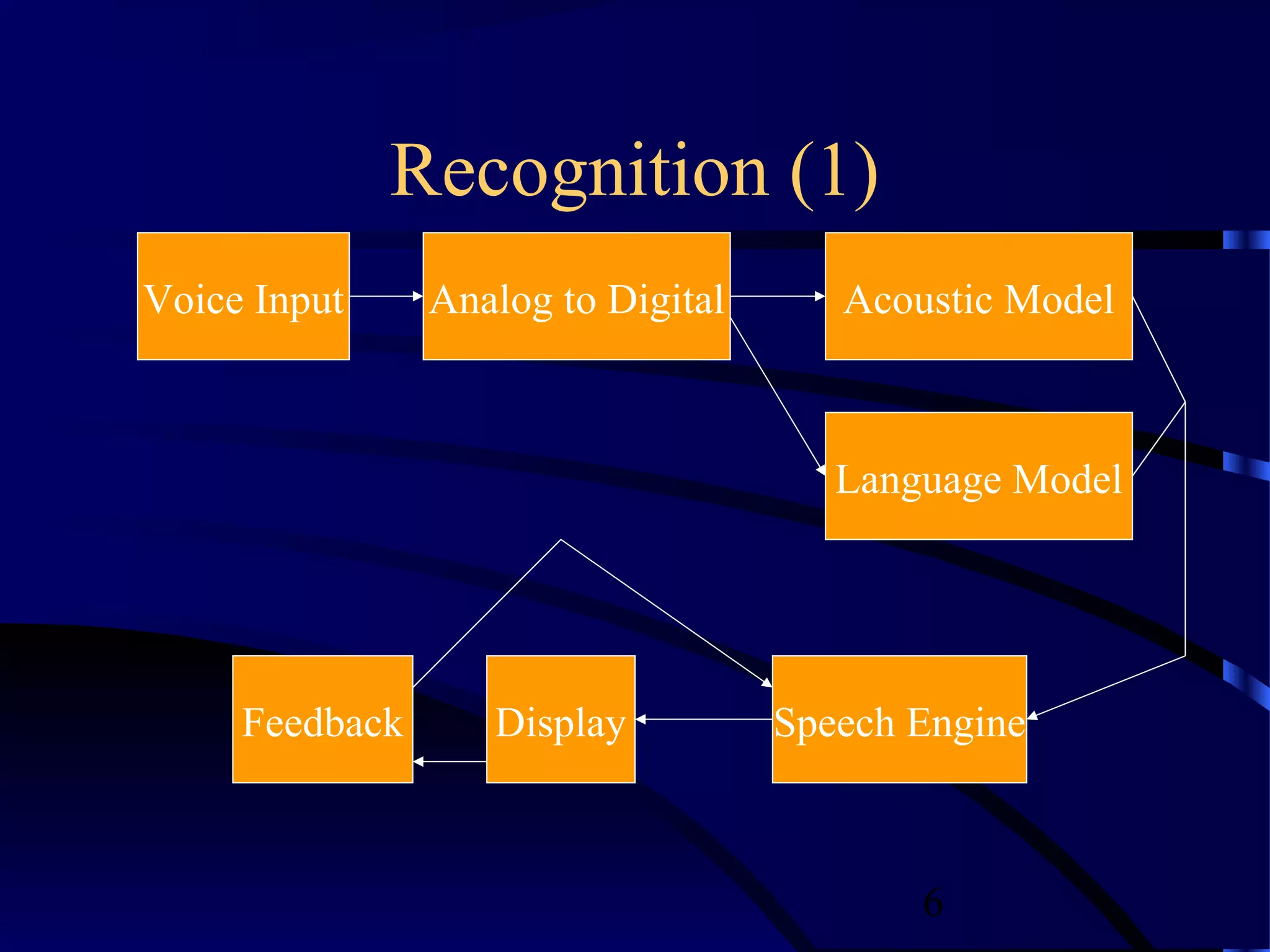
Recognition (1)
Voice Input     Analog to Digital      Acoustic Model


                                       Language Model


     Feedback      Display          Speech Engine


                                           6
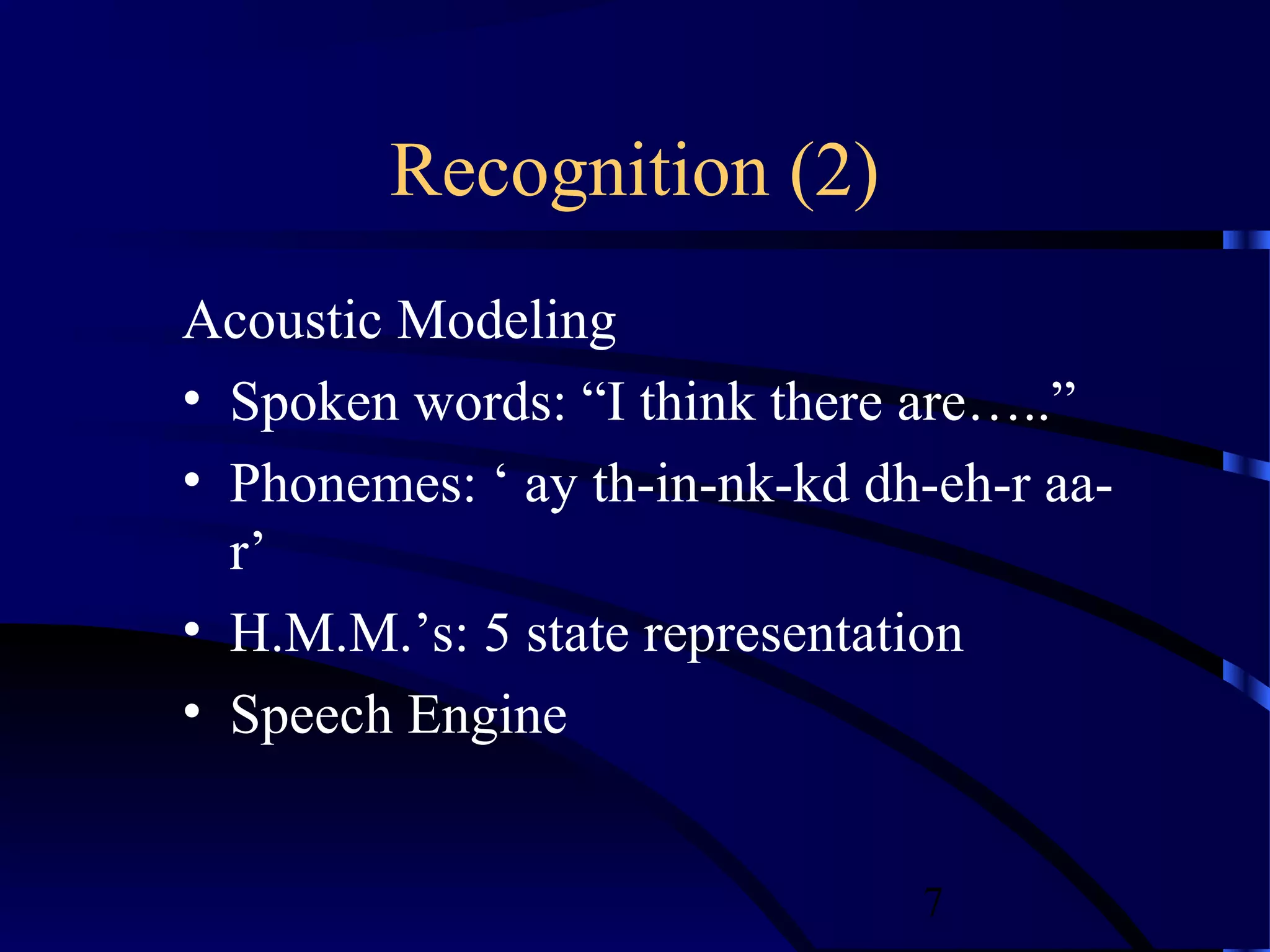
Recognition (2)
Acoustic Modeling
• Spoken words: “I think there are…..”
• Phonemes: ‘ ay th-in-nk-kd dh-eh-r aa-
  r’
• H.M.M.’s: 5 state representation
• Speech Engine


                               7
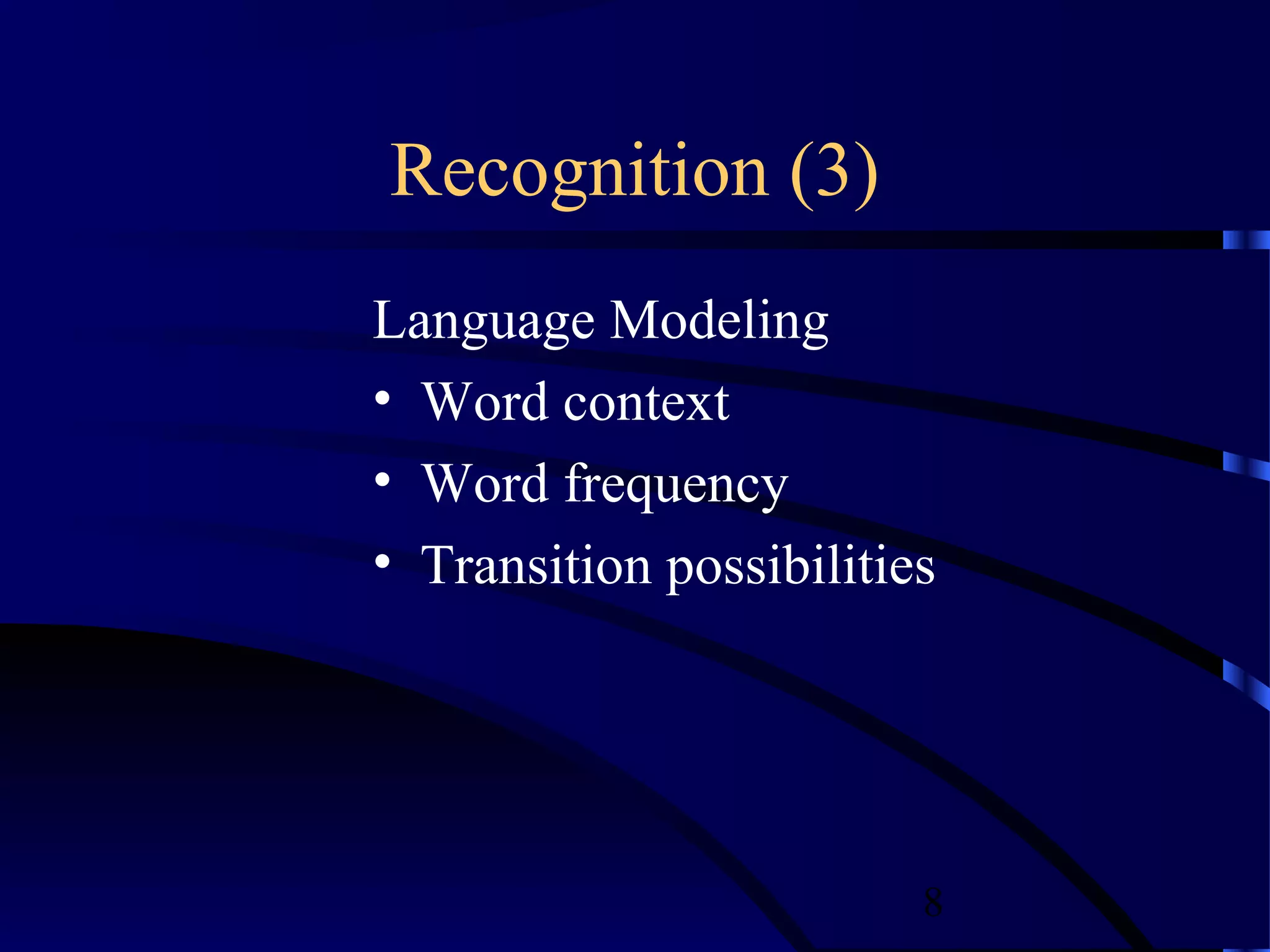
Recognition (3)
Language Modeling
• Word context
• Word frequency
• Transition possibilities


                         8
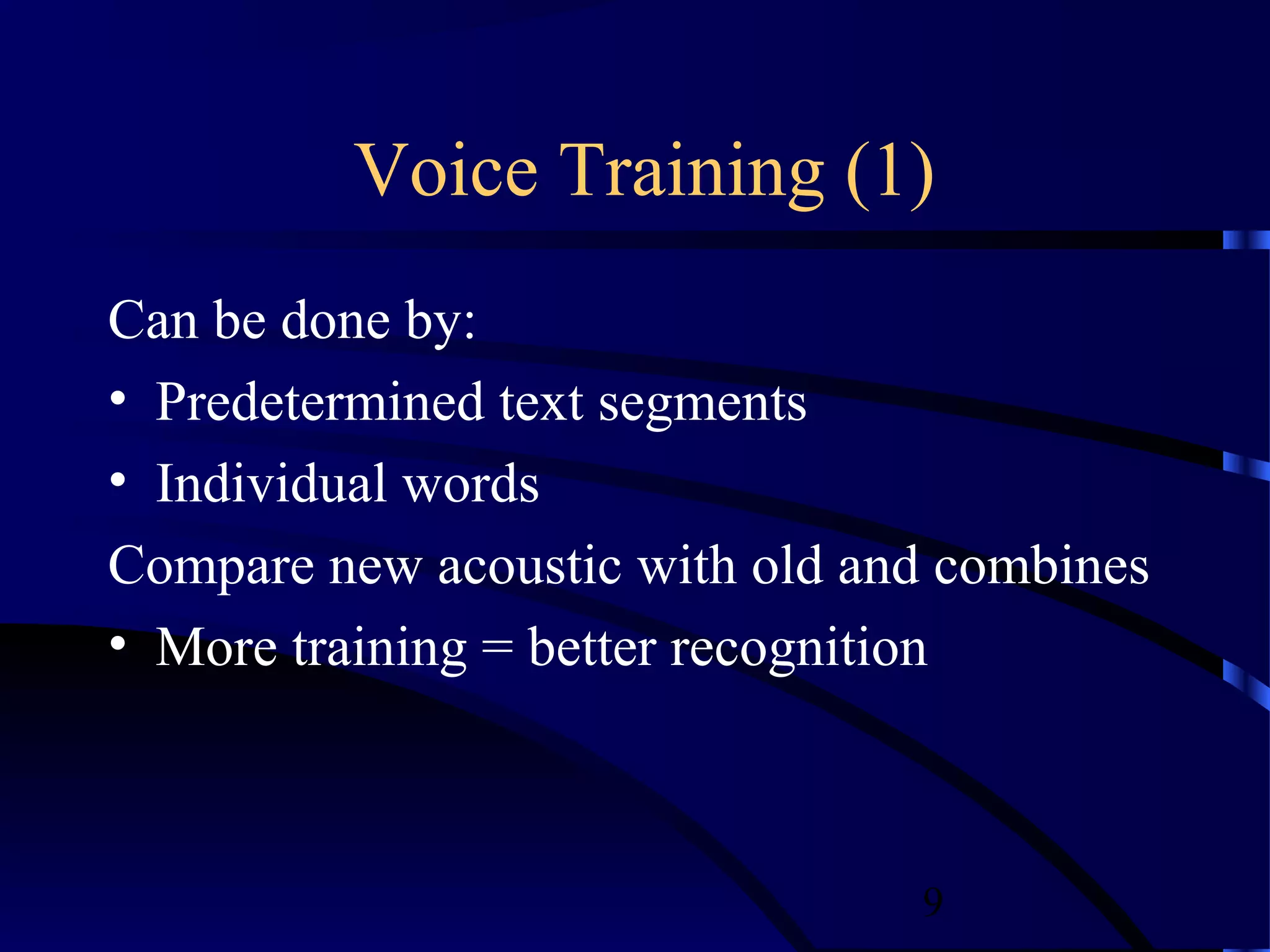
Voice Training (1)
Can be done by:
• Predetermined text segments
• Individual words
Compare new acoustic with old and combines
• More training = better recognition


                                9
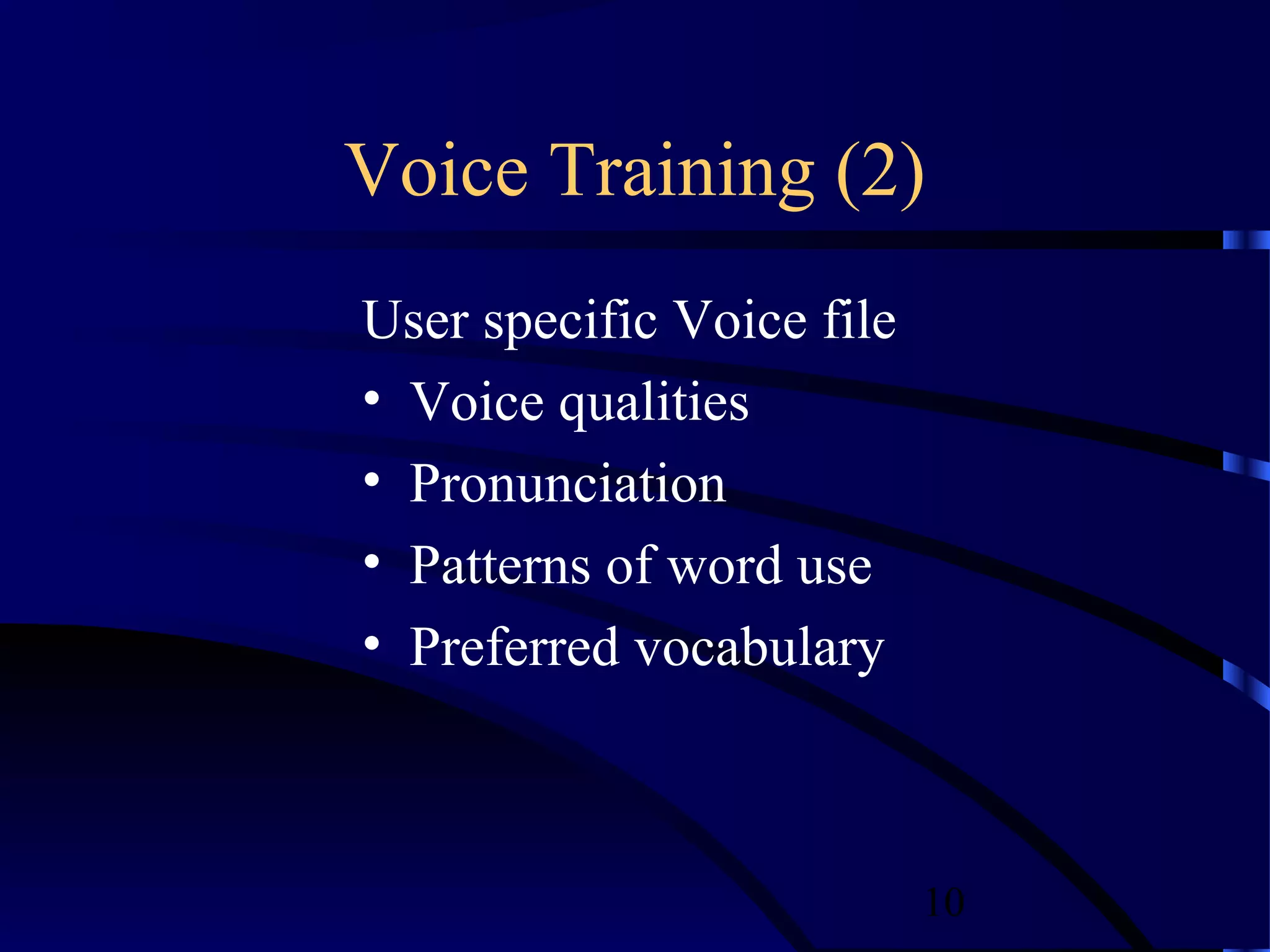
Voice Training (2)
User specific Voice file
• Voice qualities
• Pronunciation
• Patterns of word use
• Preferred vocabulary


                           10
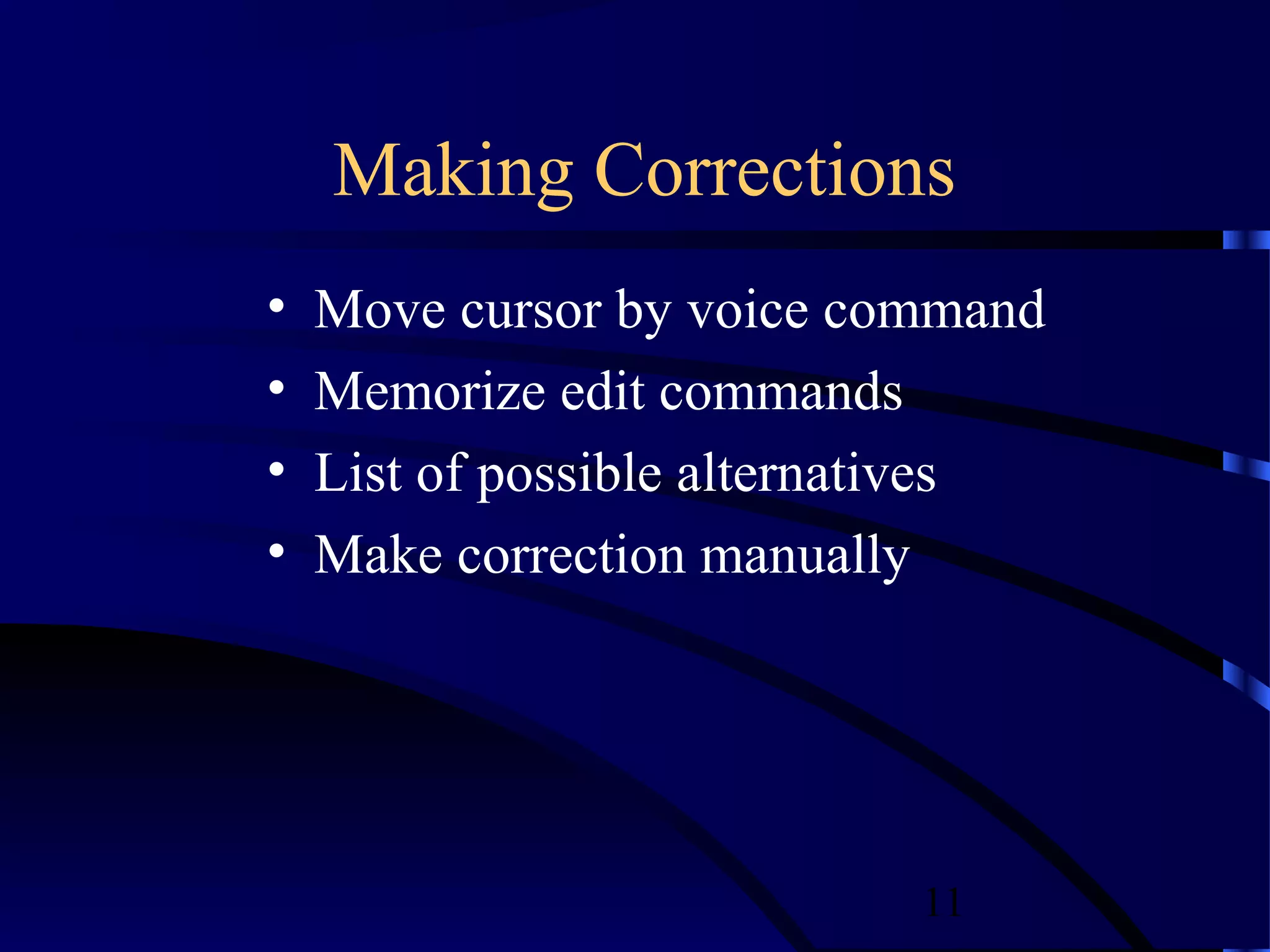
Making Corrections
•   Move cursor by voice command
•   Memorize edit commands
•   List of possible alternatives
•   Make correction manually


                            11
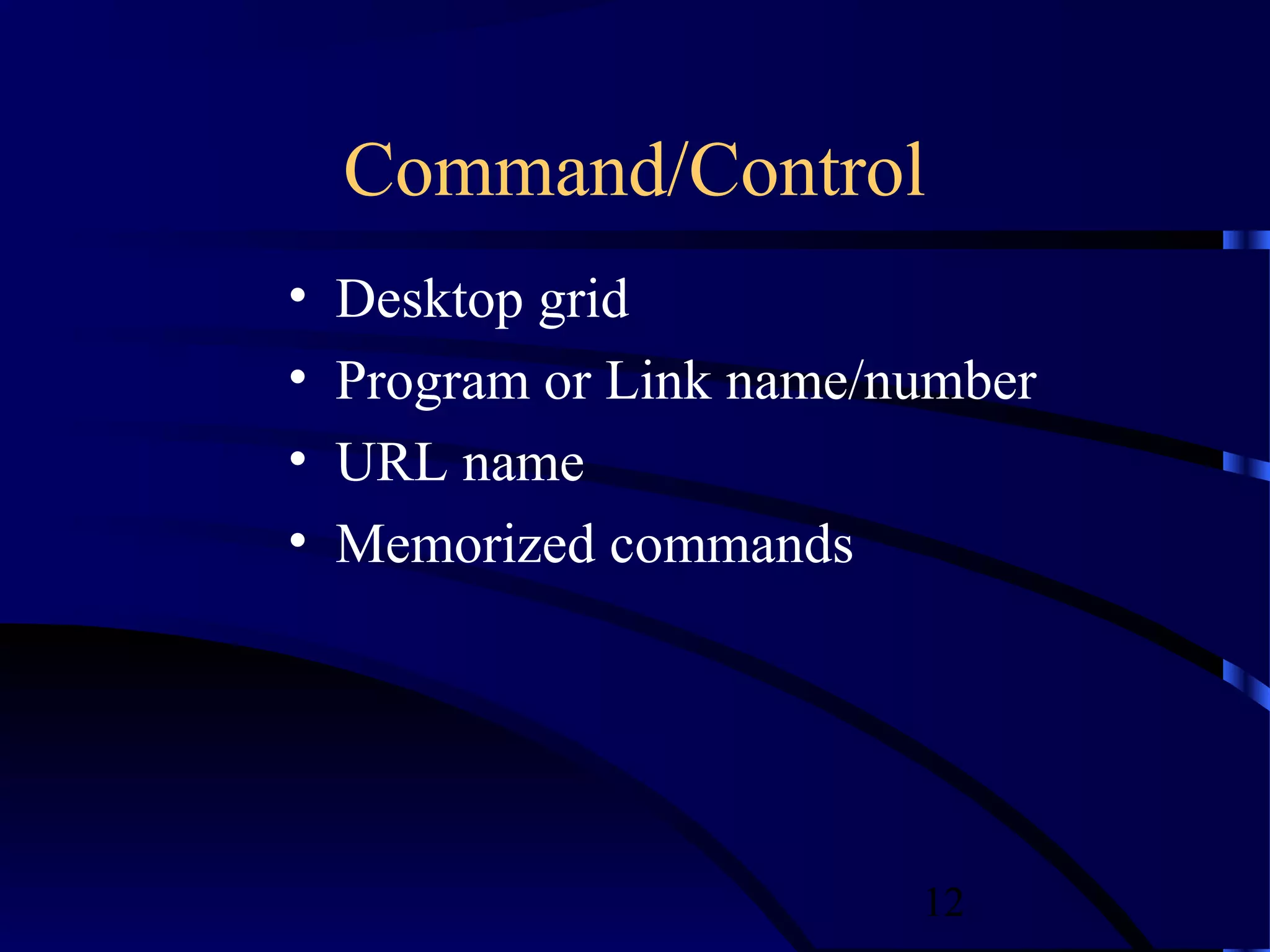
Command/Control
•   Desktop grid
•   Program or Link name/number
•   URL name
•   Memorized commands


                          12
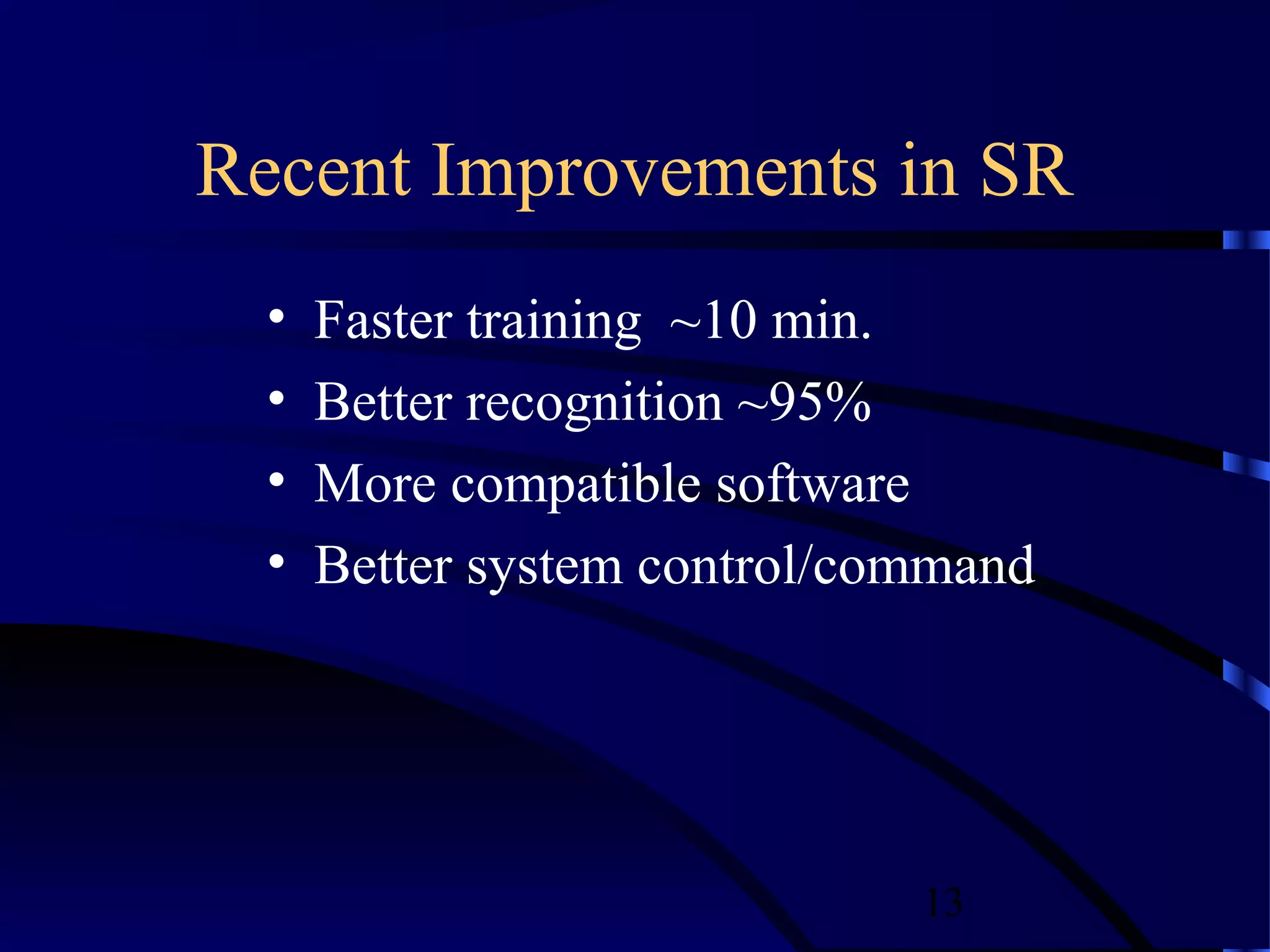
Recent Improvements in SR
  •   Faster training ~10 min.
  •   Better recognition ~95%
  •   More compatible software
  •   Better system control/command


                              13
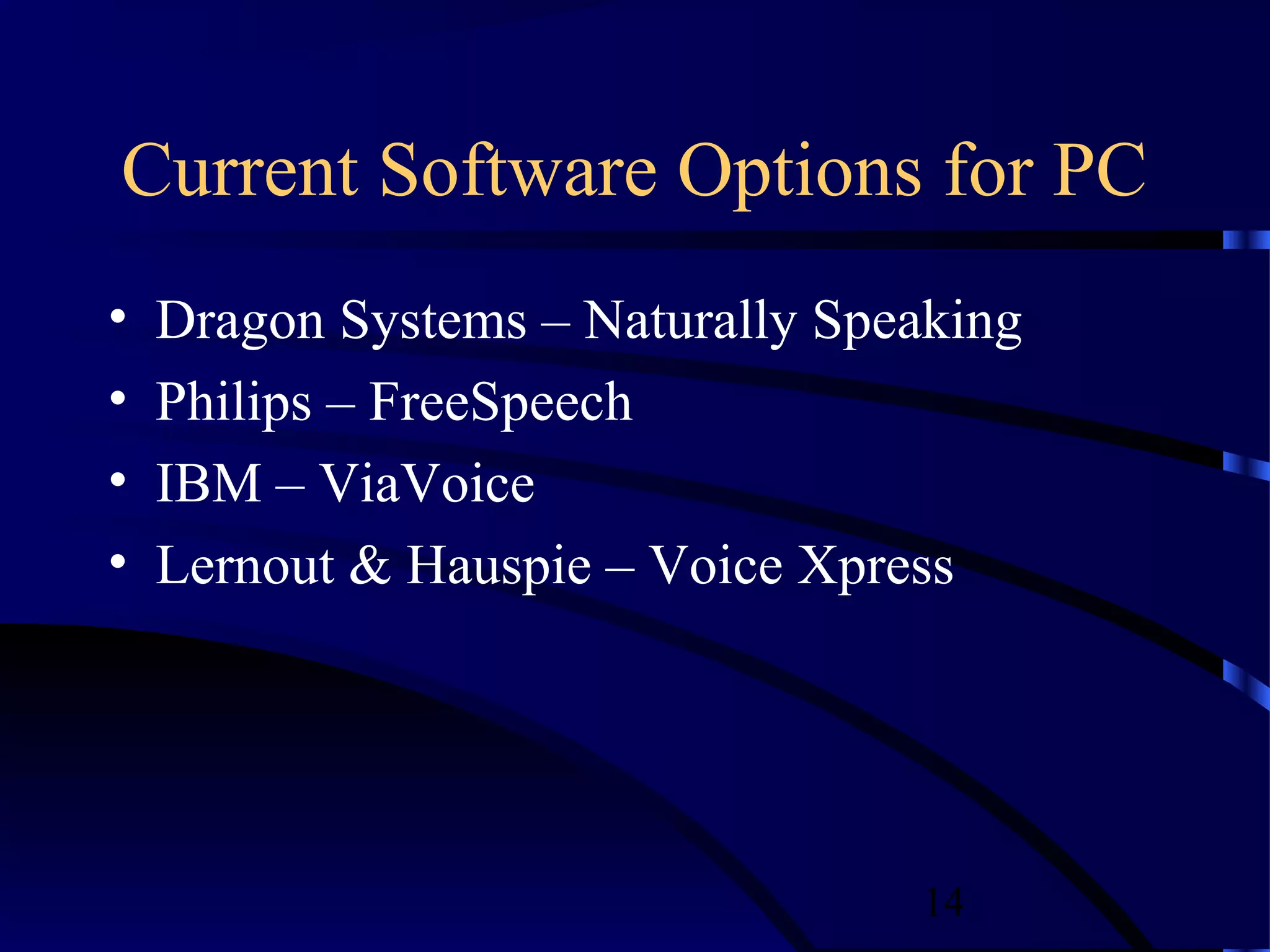
Current Software Options for PC
•   Dragon Systems – Naturally Speaking
•   Philips – FreeSpeech
•   IBM – ViaVoice
•   Lernout & Hauspie – Voice Xpress


                                  14
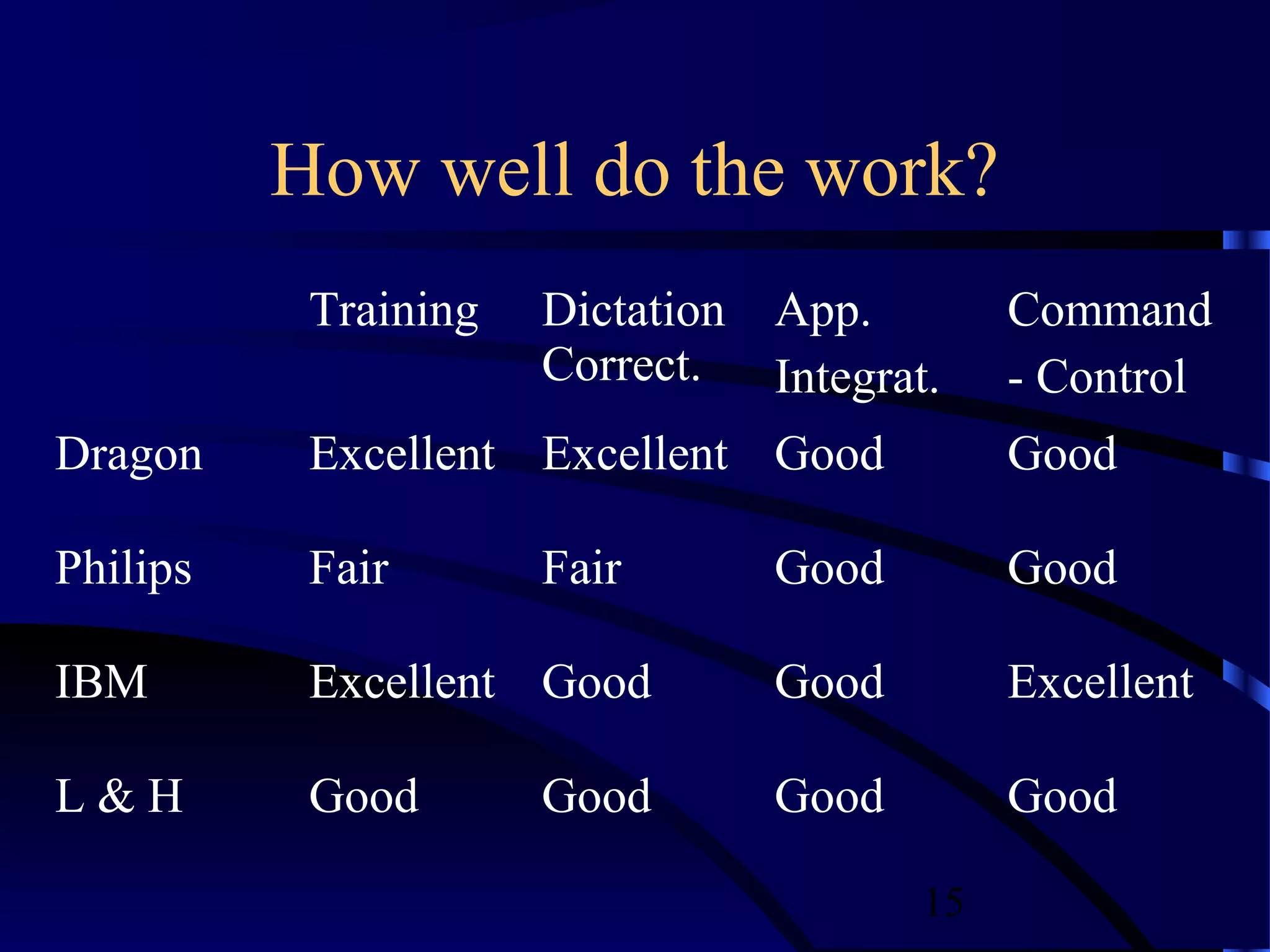
How well do the work?
           Training   Dictation App.        Command
                      Correct. Integrat.    - Control
Dragon     Excellent Excellent Good         Good

Philips    Fair       Fair      Good        Good

IBM        Excellent Good       Good        Excellent

L&H        Good       Good      Good        Good

                                       15
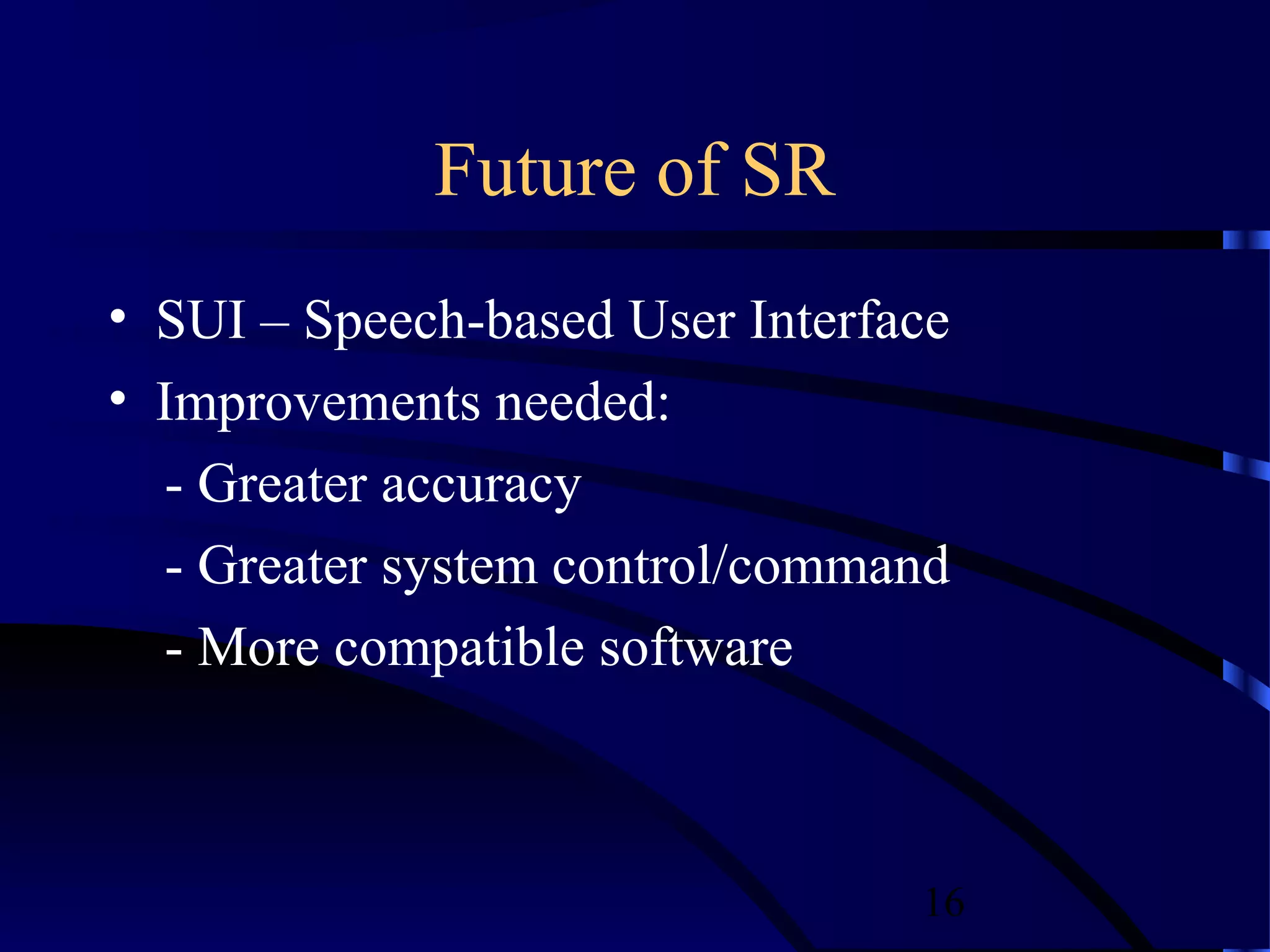
Future of SR
• SUI – Speech-based User Interface
• Improvements needed:
  - Greater accuracy
  - Greater system control/command
  - More compatible software


                                 16
Conclusion
•   SR Uses
•   How does it work?
•   Current Software
•   Problems of SR
•   More SR coming soon….


                        17
References
• 1. Alwang, Greg. “Speech Recognition,” PC Magazine, December 1
  1999
• 2. Hauptmann, Alexander G. Jang, Photina Jaeyun. Carnegie Mellon
  University. “Learning to Recognize Speech by Watching Television,”
  IEEE Intelligent Systems, September/October 1999.
• 3. Miastkowski, Stan. “Latest Speech Software Gets You Up and
  Running Faster,” PC World, November 1999.


                                                     18

Speech recognition1

  • 1.
  • 2.
    Introduction • What is Speech Recognition? - Voice Recognition? • Where can it be used? - Dictation - System control/navigation - Commercial/Industrial applications - Hand held digital recorders 2
  • 3.
    Contents: • Continuous/Discrete • How does it work? • Recent improvements • Current software options • Future of SR 3
  • 4.
    Continuous or Discrete? • Continuous speech - dictation • Discrete speech - system controls 4
  • 5.
    How does SRwork? • Recognition • Training • Correction • Command/Control 5
  • 6.
    Recognition (1) Voice Input Analog to Digital Acoustic Model Language Model Feedback Display Speech Engine 6
  • 7.
    Recognition (2) Acoustic Modeling •Spoken words: “I think there are…..” • Phonemes: ‘ ay th-in-nk-kd dh-eh-r aa- r’ • H.M.M.’s: 5 state representation • Speech Engine 7
  • 8.
    Recognition (3) Language Modeling •Word context • Word frequency • Transition possibilities 8
  • 9.
    Voice Training (1) Canbe done by: • Predetermined text segments • Individual words Compare new acoustic with old and combines • More training = better recognition 9
  • 10.
    Voice Training (2) Userspecific Voice file • Voice qualities • Pronunciation • Patterns of word use • Preferred vocabulary 10
  • 11.
    Making Corrections • Move cursor by voice command • Memorize edit commands • List of possible alternatives • Make correction manually 11
  • 12.
    Command/Control • Desktop grid • Program or Link name/number • URL name • Memorized commands 12
  • 13.
    Recent Improvements inSR • Faster training ~10 min. • Better recognition ~95% • More compatible software • Better system control/command 13
  • 14.
    Current Software Optionsfor PC • Dragon Systems – Naturally Speaking • Philips – FreeSpeech • IBM – ViaVoice • Lernout & Hauspie – Voice Xpress 14
  • 15.
    How well dothe work? Training Dictation App. Command Correct. Integrat. - Control Dragon Excellent Excellent Good Good Philips Fair Fair Good Good IBM Excellent Good Good Excellent L&H Good Good Good Good 15
  • 16.
    Future of SR •SUI – Speech-based User Interface • Improvements needed: - Greater accuracy - Greater system control/command - More compatible software 16
  • 17.
    Conclusion • SR Uses • How does it work? • Current Software • Problems of SR • More SR coming soon…. 17
  • 18.
    References • 1. Alwang,Greg. “Speech Recognition,” PC Magazine, December 1 1999 • 2. Hauptmann, Alexander G. Jang, Photina Jaeyun. Carnegie Mellon University. “Learning to Recognize Speech by Watching Television,” IEEE Intelligent Systems, September/October 1999. • 3. Miastkowski, Stan. “Latest Speech Software Gets You Up and Running Faster,” PC World, November 1999. 18