Planning and Executing
Presentations at Tech Events
Our goals
● Discuss the CFP ● Discuss slideshow tips
● Discuss delivery● Discuss conference
mechanics
So, you want to present on a topic...
What are you thinking ???!!!!!
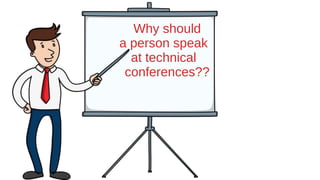
Why should
a person speak
at technical
conferences??
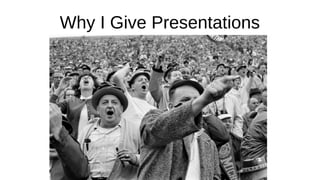
Why I Give Presentations
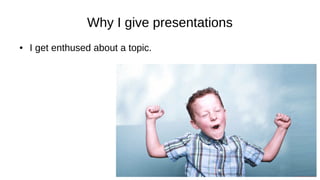
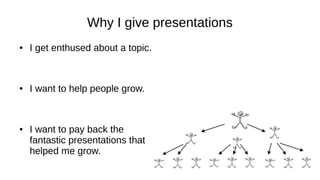
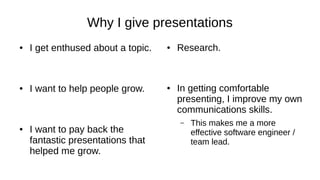
Why I give presentations
● I get enthused about a topic.
Why I give presentations
● I get enthused about a topic.
– When I’m excited, people
sense it and get interested
too.
Why I give presentations
● I get enthused about a topic.
– When I’m excited, people
sense it and get interested
too. (I hope)
Why I give presentations
● I get enthused about a topic.
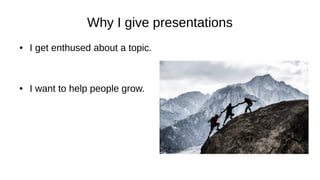
● I want to help people grow.
Why Dave Gives Presentations
● I get enthused about a topic.
● I want to help people grow.
– I enjoy something and love it
when others enjoy it too.
Why I give presentations
● I get enthused about a topic.
● I want to help people grow.
● I want to pay back the
fantastic presentations that
helped me grow.
Why I give presentations
● I get enthused about a topic.
● I want to help people grow.
● I want to pay back the
fantastic presentations that
helped me grow.
● Research.
Why I give presentations
● I get enthused about a topic.
● I want to help people grow.
● I want to pay back the
fantastic presentations that
helped me grow.
● Research.
– I become ten times the expert
I was before I started.
Why I give presentations
● I get enthused about a topic.
● I want to help people grow.
● I want to pay back the
fantastic presentations that
helped me grow.
● Research.
● In getting comfortable
presenting, I improve my own
communications skills.
Why I give presentations
● I get enthused about a topic.
● I want to help people grow.
● I want to pay back the
fantastic presentations that
helped me grow.
● Research.
● In getting comfortable
presenting, I improve my own
communications skills.
– This makes me a more
effective software engineer /
team lead.
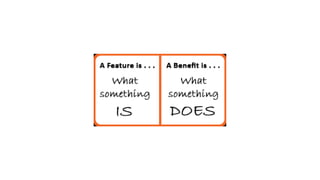
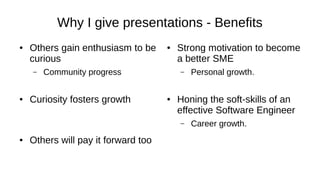
Why I give presentations - Benefits
● Others gain enthusiasm to be
curious
– Community progress
● Curiosity fosters growth
● Others will pay it forward too
● Strong motivation to become
a better SME
– Personal growth.
● Honing the soft-skills of an
effective Software Engineer
– Career growth.
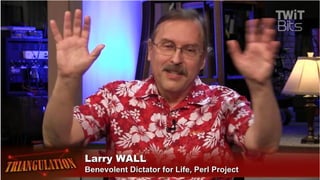
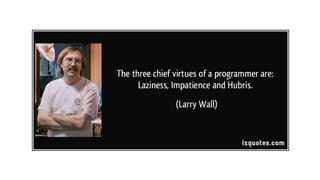
The Three Virtues
● Laziness
– If I think it’s of value I’d like
others to carry the torch too,
not just me.
● Impatience
– The status quo is never good
enough. We can always do
better, learn more, find better
ways.
● Hubris
– It’s fun for me.
– I’m proud of the cool things
going on around us.
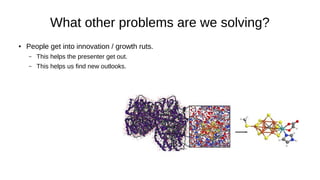
What other problems are we solving?
● People get into innovation / growth ruts.
– This helps the presenter get out.
– This helps us find new outlooks.
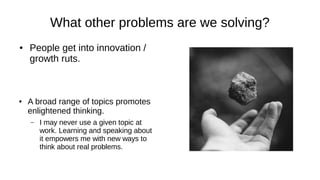
What other problems are we solving?
● People get into innovation /
growth ruts.
● A broad range of topics promotes
enlightened thinking.
– I may never use a given topic at
work. Learning and speaking about
it empowers me with new ways to
think about real problems.
The Idea
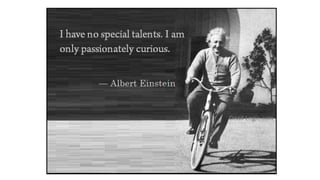
CuriosityCuriosity
We Must Be Curious!
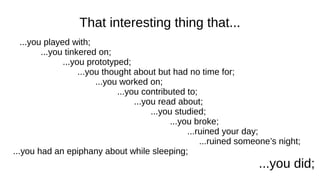
That interesting thing that...
...you played with;
...you tinkered on;
...you prototyped;
...you thought about but had no time for;
...you worked on;
...you contributed to;
...you read about;
...you studied;
...you broke;
...ruined your day;
...ruined someone’s night;
...you had an epiphany about while sleeping;
...you did;
...that is your talk.
Getting Started
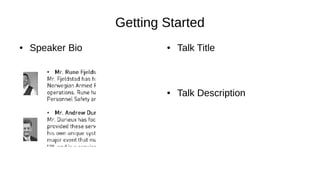
● Speaker Bio ● Talk Title
● Talk Description
Getting Started
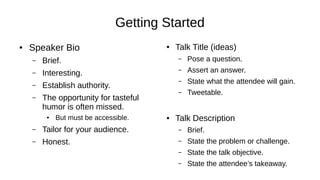
● Speaker Bio
– Brief.
– Interesting.
– Establish authority.
– The opportunity for tasteful
humor is often missed.
● But must be accessible.
– Tailor for your audience.
– Honest.
● Talk Title (ideas)
– Pose a question.
– Assert an answer.
– State what the attendee will gain.
– Tweetable.
● Talk Description
– Brief.
– State the problem or challenge.
– State the talk objective.
– State the attendee’s takeaway.
Know your audience
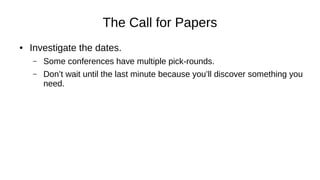
The Call for Papers
● Investigate the dates.
– Some conferences have multiple pick-rounds.
– Don’t wait until the last minute because you’ll discover something you
need.
The CFP submission
should address
the target audience.
Preparation
Study
Make it work
Make it work reliably
Make it work visibly
Make it interesting that it works
Make it work BIG
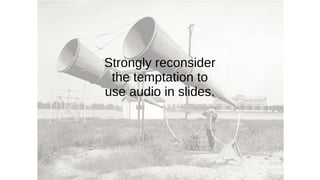
Strongly reconsider
the temptation to
use audio in slides.
Animated GIFs are distracting.
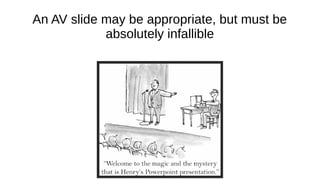
An AV slide may be appropriate, but must be
absolutely infallible
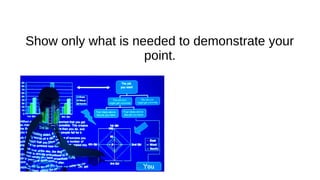
Show only what is needed to demonstrate your
point.
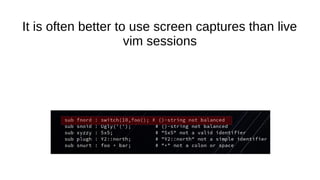
It is often better to use screen captures than live
vim sessions
Some conferences require slides in advance.
This makes “live demos” impossible.
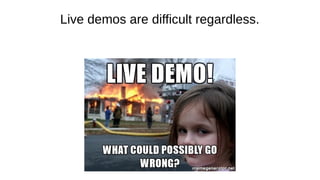
Live demos are difficult regardless.
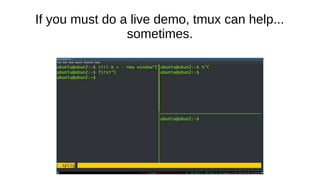
If you must do a live demo, tmux can help...
sometimes.
Focus on a topic.
Eliminate the distractions.
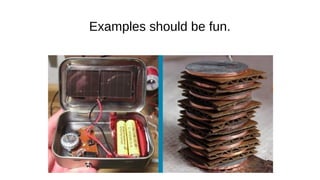
Examples should be fun.
Compose your slides early.
You may be required to submit them.
Presentation Flow
An early slide should state who you are, briefly.
Another early slide should thank your employer,
or plug your favorite project or cause.
Introduction: Works for me....
● Title slide
● One or two slides helping
establish the goal for the
presentation.
● One slide about you
● One slide about your pet
cause or project.
● Back to the slide establishing
the goal for the presentation.
● Proceed.
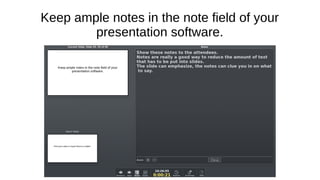
Keep ample notes in the note field of your
presentation software.
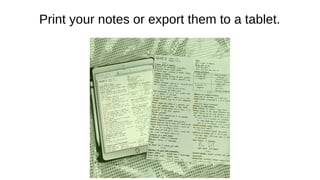
Print your notes or export them to a tablet.
TEST YOUR CODE SAMPLES
Seek to support assertions with evidence
or authoritative sources.
Rehearse
Re-read
Recall your thought process
Review
If you have to rush,
you have too much material.
Wrapping up: Works for me...
● One or two slides reviewing
what we learned.
– Solicit additional questions
here.
● One slide listing
acknowledgments, or sources
of additional information.
● One slide promoting your pet
cause or project again.
● A final slide with your contact
information and a link to the
Slideshare.
Before the event
Review your presentation and its notes.
Save your slides in multiple formats to your
laptop, a thumb drive, the cloud.
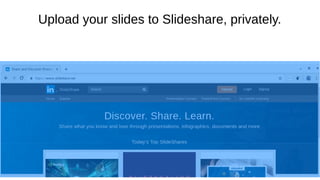
Upload your slides to Slideshare, privately.
On your last slide, post a link to your slideshare
slideshow.
Make it public after the event.
Find out about
● Will you be using your own
equipment?
● Will your equipment work
with their equipment?
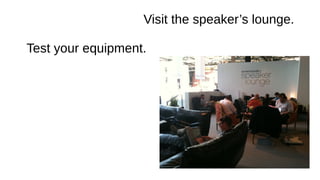
● Is there a speaker’s lounge
with sample equipment?
● What adapters will you
need?
● What is the aspect ratio of
the projector?
● Can you test audio before
the presentation?
At the event
Arrive early
Visit the speaker’s lounge.
Test your equipment.
Attend a few talks.
Attend the talk in the
same room preceding your talk.
Attend the talk in the
same room preceding your talk.
(This means you must be prepared)
During your presentation
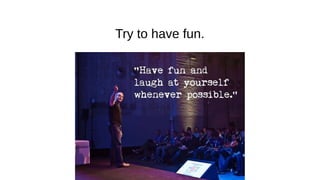
Try to have fun.
Set a relaxed, light-hearted tone.
Take your time
Really, slow down and take your time.
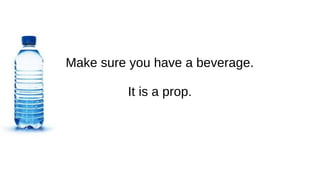
Make sure you have a beverage.
It is a prop.
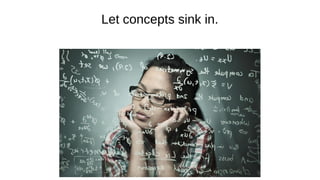
Let concepts sink in.
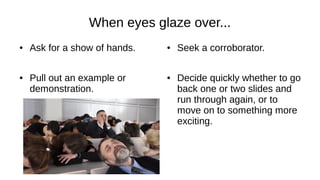
When eyes glaze over...
● Ask for a show of hands.
● Pull out an example or
demonstration.
● Seek a corroborator.
● Decide quickly whether to go
back one or two slides and
run through again, or to
move on to something more
exciting.
It’s ok to take a breather
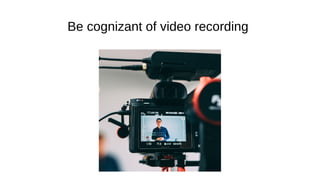
Be cognizant of video recording
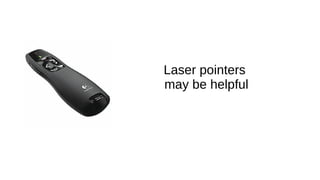
Laser pointers
may be helpful
Don’t forget tmux for live demos
Canned live demo software exists.
After the presentation
Indicate where you’ll be for the next few minutes.
Pay it forward; help the next presenter plug in.
Exit and take any discussion to the hallway.
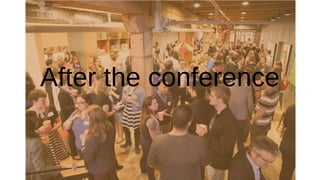
After the conference
Thank the organizers
Blog
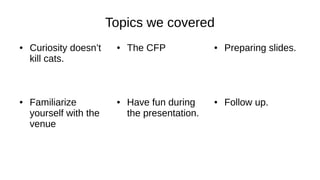
Topics we covered
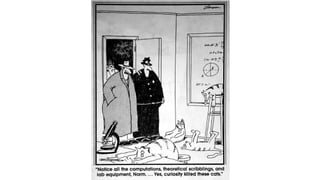
● Curiosity doesn’t
kill cats.
● The CFP ● Preparing slides.
● Follow up.● Have fun during
the presentation.
● Familiarize
yourself with the
venue

Speaking at Tech Events

  • 1.
  • 2.
    Our goals ● Discussthe CFP ● Discuss slideshow tips ● Discuss delivery● Discuss conference mechanics
  • 3.
    So, you wantto present on a topic...
  • 4.
    What are youthinking ???!!!!!
  • 5.
    Why should a personspeak at technical conferences??
  • 6.
    Why I GivePresentations
  • 7.
    Why I givepresentations ● I get enthused about a topic.
  • 8.
    Why I givepresentations ● I get enthused about a topic. – When I’m excited, people sense it and get interested too.
  • 9.
    Why I givepresentations ● I get enthused about a topic. – When I’m excited, people sense it and get interested too. (I hope)
  • 10.
    Why I givepresentations ● I get enthused about a topic. ● I want to help people grow.
  • 11.
    Why Dave GivesPresentations ● I get enthused about a topic. ● I want to help people grow. – I enjoy something and love it when others enjoy it too.
  • 12.
    Why I givepresentations ● I get enthused about a topic. ● I want to help people grow. ● I want to pay back the fantastic presentations that helped me grow.
  • 13.
    Why I givepresentations ● I get enthused about a topic. ● I want to help people grow. ● I want to pay back the fantastic presentations that helped me grow. ● Research.
  • 14.
    Why I givepresentations ● I get enthused about a topic. ● I want to help people grow. ● I want to pay back the fantastic presentations that helped me grow. ● Research. – I become ten times the expert I was before I started.
  • 15.
    Why I givepresentations ● I get enthused about a topic. ● I want to help people grow. ● I want to pay back the fantastic presentations that helped me grow. ● Research. ● In getting comfortable presenting, I improve my own communications skills.
  • 16.
    Why I givepresentations ● I get enthused about a topic. ● I want to help people grow. ● I want to pay back the fantastic presentations that helped me grow. ● Research. ● In getting comfortable presenting, I improve my own communications skills. – This makes me a more effective software engineer / team lead.
  • 18.
    Why I givepresentations - Benefits ● Others gain enthusiasm to be curious – Community progress ● Curiosity fosters growth ● Others will pay it forward too ● Strong motivation to become a better SME – Personal growth. ● Honing the soft-skills of an effective Software Engineer – Career growth.
  • 21.
    The Three Virtues ●Laziness – If I think it’s of value I’d like others to carry the torch too, not just me. ● Impatience – The status quo is never good enough. We can always do better, learn more, find better ways. ● Hubris – It’s fun for me. – I’m proud of the cool things going on around us.
  • 22.
    What other problemsare we solving? ● People get into innovation / growth ruts. – This helps the presenter get out. – This helps us find new outlooks.
  • 23.
    What other problemsare we solving? ● People get into innovation / growth ruts. ● A broad range of topics promotes enlightened thinking. – I may never use a given topic at work. Learning and speaking about it empowers me with new ways to think about real problems.
  • 24.
  • 25.
  • 27.
    We Must BeCurious!
  • 28.
    That interesting thingthat... ...you played with; ...you tinkered on; ...you prototyped; ...you thought about but had no time for; ...you worked on; ...you contributed to; ...you read about; ...you studied; ...you broke; ...ruined your day; ...ruined someone’s night; ...you had an epiphany about while sleeping; ...you did;
  • 29.
  • 31.
    Getting Started ● SpeakerBio ● Talk Title ● Talk Description
  • 33.
    Getting Started ● SpeakerBio – Brief. – Interesting. – Establish authority. – The opportunity for tasteful humor is often missed. ● But must be accessible. – Tailor for your audience. – Honest. ● Talk Title (ideas) – Pose a question. – Assert an answer. – State what the attendee will gain. – Tweetable. ● Talk Description – Brief. – State the problem or challenge. – State the talk objective. – State the attendee’s takeaway.
  • 34.
  • 35.
    The Call forPapers ● Investigate the dates. – Some conferences have multiple pick-rounds. – Don’t wait until the last minute because you’ll discover something you need.
  • 36.
    The CFP submission shouldaddress the target audience.
  • 37.
  • 38.
  • 39.
  • 40.
    Make it workreliably
  • 41.
    Make it workvisibly
  • 42.
    Make it interestingthat it works
  • 43.
  • 44.
    Strongly reconsider the temptationto use audio in slides.
  • 45.
    Animated GIFs aredistracting.
  • 46.
    An AV slidemay be appropriate, but must be absolutely infallible
  • 47.
    Show only whatis needed to demonstrate your point.
  • 48.
    It is oftenbetter to use screen captures than live vim sessions
  • 49.
    Some conferences requireslides in advance. This makes “live demos” impossible.
  • 50.
    Live demos aredifficult regardless.
  • 51.
    If you mustdo a live demo, tmux can help... sometimes.
  • 52.
    Focus on atopic. Eliminate the distractions.
  • 53.
  • 54.
    Compose your slidesearly. You may be required to submit them.
  • 55.
  • 56.
    An early slideshould state who you are, briefly.
  • 57.
    Another early slideshould thank your employer, or plug your favorite project or cause.
  • 58.
    Introduction: Works forme.... ● Title slide ● One or two slides helping establish the goal for the presentation. ● One slide about you ● One slide about your pet cause or project. ● Back to the slide establishing the goal for the presentation. ● Proceed.
  • 59.
    Keep ample notesin the note field of your presentation software.
  • 60.
    Print your notesor export them to a tablet.
  • 61.
  • 62.
    Seek to supportassertions with evidence or authoritative sources.
  • 63.
  • 64.
    If you haveto rush, you have too much material.
  • 65.
    Wrapping up: Worksfor me... ● One or two slides reviewing what we learned. – Solicit additional questions here. ● One slide listing acknowledgments, or sources of additional information. ● One slide promoting your pet cause or project again. ● A final slide with your contact information and a link to the Slideshare.
  • 66.
  • 67.
  • 68.
    Save your slidesin multiple formats to your laptop, a thumb drive, the cloud.
  • 69.
    Upload your slidesto Slideshare, privately.
  • 70.
    On your lastslide, post a link to your slideshare slideshow. Make it public after the event.
  • 71.
    Find out about ●Will you be using your own equipment? ● Will your equipment work with their equipment? ● Is there a speaker’s lounge with sample equipment? ● What adapters will you need? ● What is the aspect ratio of the projector? ● Can you test audio before the presentation?
  • 72.
  • 73.
  • 74.
    Visit the speaker’slounge. Test your equipment.
  • 75.
  • 76.
    Attend the talkin the same room preceding your talk.
  • 77.
    Attend the talkin the same room preceding your talk. (This means you must be prepared)
  • 78.
  • 79.
  • 80.
    Set a relaxed,light-hearted tone.
  • 81.
  • 82.
    Really, slow downand take your time.
  • 83.
    Make sure youhave a beverage. It is a prop.
  • 84.
  • 85.
    When eyes glazeover... ● Ask for a show of hands. ● Pull out an example or demonstration. ● Seek a corroborator. ● Decide quickly whether to go back one or two slides and run through again, or to move on to something more exciting.
  • 86.
    It’s ok totake a breather
  • 87.
    Be cognizant ofvideo recording
  • 88.
  • 90.
    Don’t forget tmuxfor live demos
  • 91.
    Canned live demosoftware exists.
  • 92.
  • 93.
    Indicate where you’llbe for the next few minutes.
  • 94.
    Pay it forward;help the next presenter plug in.
  • 95.
    Exit and takeany discussion to the hallway.
  • 96.
  • 97.
  • 98.
  • 99.
    Topics we covered ●Curiosity doesn’t kill cats. ● The CFP ● Preparing slides. ● Follow up.● Have fun during the presentation. ● Familiarize yourself with the venue

Editor's Notes

  • #60 Show these notes to the attendees. Notes are really a good way to reduce the amount of text that has to be put into slides. The slide can emphasize, the notes can clue you in on what to say.