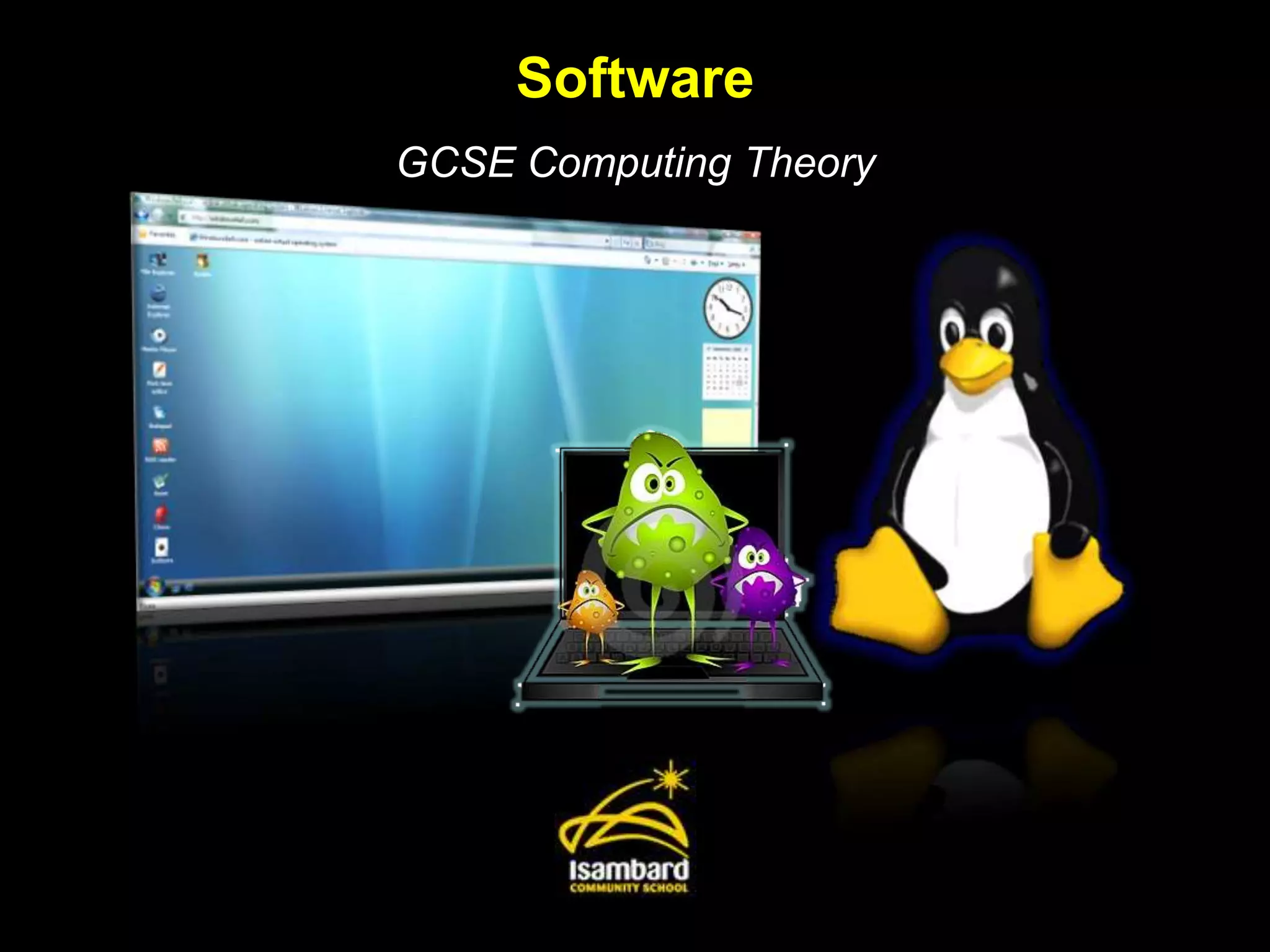
Software
GCSE Computing Theory
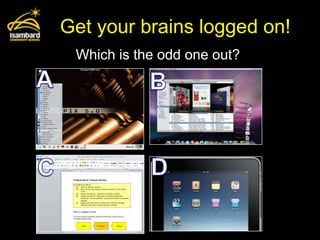
Get your brains logged on!
 Which is the odd one out?
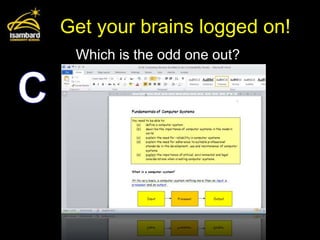
Get your brains logged on!
 Which is the odd one out?
By the end of this lesson:
• All of you be able to explain the main functions
  of an operating system.

• Most of you will be able to describe the purpose
  and use of common utility programs for security
  and maintenance.

• A few of you will explore the differences between
  custom written, off the shelf, open source and
  proprietary software.
Main functions of an OS
• Think MUMPS!

•   Memory management
•   User interface
•   Multi-tasking
•   Peripheral management
•   Security
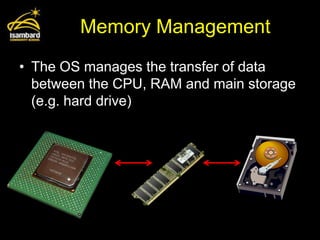
Memory Management
• The OS manages the transfer of data
  between the CPU, RAM and main storage
  (e.g. hard drive)
User interface
• The OS provides the user with a way of
  controlling the functions of the computer
  without resorting to machine code.
• It can be:


Graphical (GUI – Graphic User      Text-based [no mouse] (CLI –
   Interface), e.g. Windows     Command Line Interface), e.g. MS-DOS
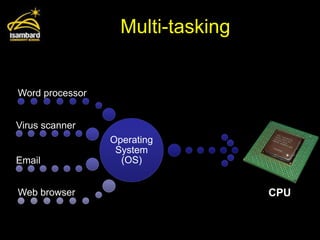
Multi-tasking


Word processor


Virus scanner
                 Operating
                  System
Email              (OS)


Web browser                        CPU
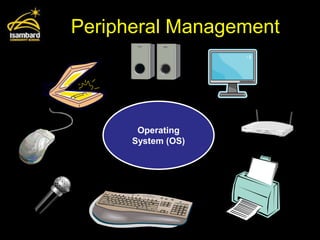
Peripheral Management


       Operating
      System (OS)
Security
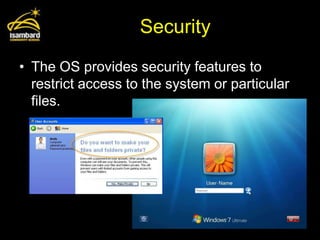
• The OS provides security features to
  restrict access to the system or particular
  files.
Your Task:
• Write down the answer to the following
  question (you can use the notes to help):

• Describe the main functions of an
  Operating System.
Utility Programs
• Utility software is system software
  designed to help analyze, configure,
  optimize or maintain a computer.

• A single piece of utility software is usually
  called a utility or tool.
  Card sort: Match the utility tool to its description.
  Group the utilities into security and maintenance.

                                               Source: Wikipedia.org
Software Development
• For main routes to software development:


  –Custom written / bespoke
  –Off-the-shelf
  –Open source
  –Proprietary
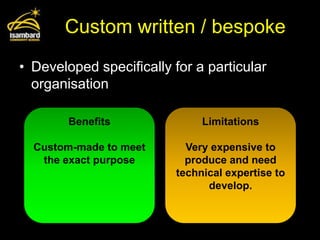
Custom written / bespoke
• Developed specifically for a particular
  organisation

        Benefits               Limitations

  Custom-made to meet       Very expensive to
   the exact purpose        produce and need
                          technical expertise to
                                develop.
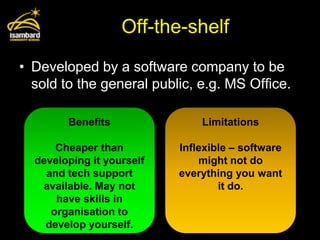
Off-the-shelf
• Developed by a software company to be
  sold to the general public, e.g. MS Office.

        Benefits               Limitations

      Cheaper than         Inflexible – software
  developing it yourself       might not do
    and tech support       everything you want
   available. May not              it do.
      have skills in
     organisation to
    develop yourself.
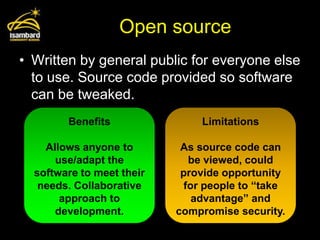
Open source
• Written by general public for everyone else
  to use. Source code provided so software
  can be tweaked.
        Benefits               Limitations

    Allows anyone to        As source code can
      use/adapt the          be viewed, could
  software to meet their    provide opportunity
   needs. Collaborative     for people to “take
       approach to            advantage” and
      development.         compromise security.
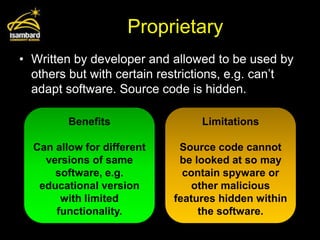
Proprietary
• Written by developer and allowed to be used by
  others but with certain restrictions, e.g. can’t
  adapt software. Source code is hidden.

         Benefits                Limitations

  Can allow for different    Source code cannot
    versions of same         be looked at so may
      software, e.g.          contain spyware or
   educational version          other malicious
       with limited         features hidden within
      functionality.             the software.
Test your knowledge
• Karen wants to use handheld computers
  to take customers’ orders in her
  restaurant. She is thinking of using custom
  written software.

  a) State what is meant by custom written
     software.
  b) State two reasons why Karen may decide to
     use custom written software.
Test your knowledge
a) Software created especially for a user/the
   restaurant
b) Two from:
  – Appropriate software may not exist
  – Existing software may not do exactly what
    restaurant wants
  – Existing software may not be compatible with
    restaurant’s hardware
  – Existing software may contain additional
    features (more complex and expensive)

Software

  • 1.
  • 2.
    Get your brainslogged on! Which is the odd one out?
  • 3.
    Get your brainslogged on! Which is the odd one out?
  • 4.
    By the endof this lesson: • All of you be able to explain the main functions of an operating system. • Most of you will be able to describe the purpose and use of common utility programs for security and maintenance. • A few of you will explore the differences between custom written, off the shelf, open source and proprietary software.
  • 5.
    Main functions ofan OS • Think MUMPS! • Memory management • User interface • Multi-tasking • Peripheral management • Security
  • 6.
    Memory Management • TheOS manages the transfer of data between the CPU, RAM and main storage (e.g. hard drive)
  • 7.
    User interface • TheOS provides the user with a way of controlling the functions of the computer without resorting to machine code. • It can be: Graphical (GUI – Graphic User Text-based [no mouse] (CLI – Interface), e.g. Windows Command Line Interface), e.g. MS-DOS
  • 8.
    Multi-tasking Word processor Virus scanner Operating System Email (OS) Web browser CPU
  • 9.
    Peripheral Management Operating System (OS)
  • 10.
    Security • The OSprovides security features to restrict access to the system or particular files.
  • 11.
    Your Task: • Writedown the answer to the following question (you can use the notes to help): • Describe the main functions of an Operating System.
  • 12.
    Utility Programs • Utilitysoftware is system software designed to help analyze, configure, optimize or maintain a computer. • A single piece of utility software is usually called a utility or tool. Card sort: Match the utility tool to its description. Group the utilities into security and maintenance. Source: Wikipedia.org
  • 13.
    Software Development • Formain routes to software development: –Custom written / bespoke –Off-the-shelf –Open source –Proprietary
  • 14.
    Custom written /bespoke • Developed specifically for a particular organisation Benefits Limitations Custom-made to meet Very expensive to the exact purpose produce and need technical expertise to develop.
  • 15.
    Off-the-shelf • Developed bya software company to be sold to the general public, e.g. MS Office. Benefits Limitations Cheaper than Inflexible – software developing it yourself might not do and tech support everything you want available. May not it do. have skills in organisation to develop yourself.
  • 16.
    Open source • Writtenby general public for everyone else to use. Source code provided so software can be tweaked. Benefits Limitations Allows anyone to As source code can use/adapt the be viewed, could software to meet their provide opportunity needs. Collaborative for people to “take approach to advantage” and development. compromise security.
  • 17.
    Proprietary • Written bydeveloper and allowed to be used by others but with certain restrictions, e.g. can’t adapt software. Source code is hidden. Benefits Limitations Can allow for different Source code cannot versions of same be looked at so may software, e.g. contain spyware or educational version other malicious with limited features hidden within functionality. the software.
  • 18.
    Test your knowledge •Karen wants to use handheld computers to take customers’ orders in her restaurant. She is thinking of using custom written software. a) State what is meant by custom written software. b) State two reasons why Karen may decide to use custom written software.
  • 19.
    Test your knowledge a)Software created especially for a user/the restaurant b) Two from: – Appropriate software may not exist – Existing software may not do exactly what restaurant wants – Existing software may not be compatible with restaurant’s hardware – Existing software may contain additional features (more complex and expensive)