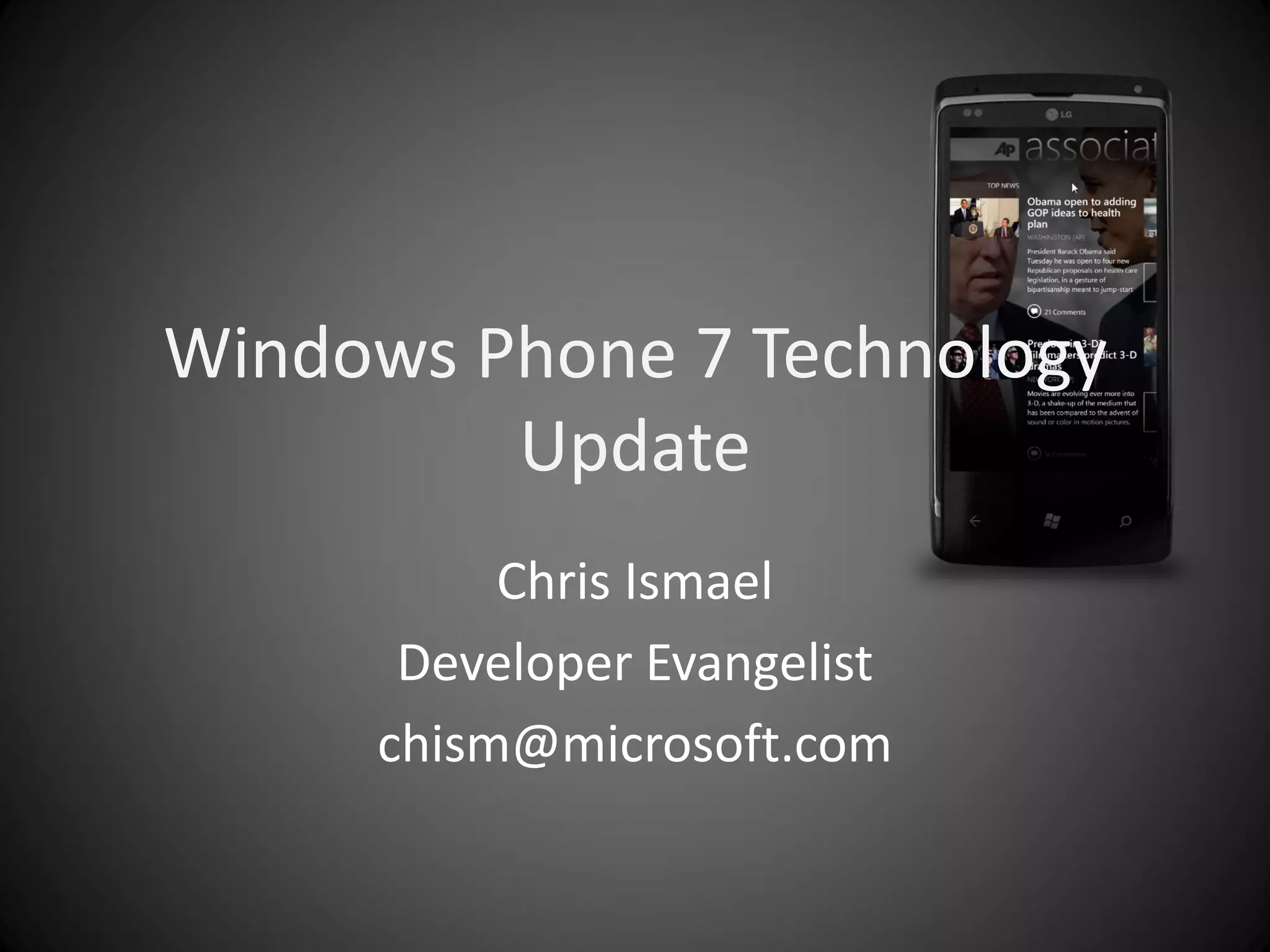
Windows Phone 7 Technology
         Update
          Chris Ismael
      Developer Evangelist
     chism@microsoft.com
Agenda
•   Introduction to Windows Phone 7 (demo)
•   Creating WP7 apps using Silverlight
•   Interacting with Windows Phone functionality
•   More examples of WP7 apps
SMART DESIGN
                                     Windows Phone 7 Series has
A different                          a smart design that focuses
     kind of phone                   on what is most important to
                                     you and works the way you
                                     would want

                                     INTEGRATED EXPERIENCES
                                     Windows Phone 7 Series
                                     organizes the web and
                     So you don’t    applications to simplify what
                     miss a moment   you do everyday

Designed for
life in motion                       FOR DEVELOPERS

                                     A single, cohesive API set
                                     and platform
Demo
SMART DESIGN + INTEGRATED
EXPERIENCES
What developers need to know now
                • Managed code dev’t (C#)
                • Silverlight / XNA
                • Tools are free
                   – VS2010 Express for Phone
                   – Blend 4 for Phone
                • Consistent hardware
                  specs
                   –   800 x 480 / 480 x 320
                   –   Capacitive touch – 4 points
                   –   Sensors – AGPS/Accelerometer/Compass/Light/Proximity
                   –   3 Hardware buttons… etc

                • “End of year” availability
                • Emulator support
Windows                      Common
                                        Consistent   Quality
 Phone                       Hardware
                                         Platform    Focus
Hardware                     Elements


Consistent set of hardware
capabilities defined by Microsoft
One resolution at launch
Second resolution added later
Same touch input
Consistent processor / GPU
Same available RAM
Optional keyboard
Two Flavors of Applications
Windows Phone Developer Tools
    Tools

Phone Emulator
    Samples        Documentation
    Guides            Community
  Packaging and Verification Tools

                                     Windows Phone
                                             device

        myapp.xap


                                               Windows Phone
                                               Emulator
Experiences Across Screens


            Cloud Platform
Silverlight: XAML and Code-Behind
                 MainPage.xaml


                 MainPage.xaml.cs (code-behind)
How we can support developers
•   Technical support and trainings
•   Preview device loan program
•   DreamSpark waives $99 reg fee for students
•   App promotion in Microsoft assets
Call to Action
• Download the WP7 Developer Tools
  – http://developer.windowsphone.com/

• Build those apps! And let us know 
  – chism@microsoft.com

• Get local news and updates
  – http://innovativesingapore.com/

Windows phone 7 technology update

  • 1.
    Windows Phone 7Technology Update Chris Ismael Developer Evangelist chism@microsoft.com
  • 2.
    Agenda • Introduction to Windows Phone 7 (demo) • Creating WP7 apps using Silverlight • Interacting with Windows Phone functionality • More examples of WP7 apps
  • 3.
    SMART DESIGN Windows Phone 7 Series has A different a smart design that focuses kind of phone on what is most important to you and works the way you would want INTEGRATED EXPERIENCES Windows Phone 7 Series organizes the web and So you don’t applications to simplify what miss a moment you do everyday Designed for life in motion FOR DEVELOPERS A single, cohesive API set and platform
  • 4.
    Demo SMART DESIGN +INTEGRATED EXPERIENCES
  • 5.
    What developers needto know now • Managed code dev’t (C#) • Silverlight / XNA • Tools are free – VS2010 Express for Phone – Blend 4 for Phone • Consistent hardware specs – 800 x 480 / 480 x 320 – Capacitive touch – 4 points – Sensors – AGPS/Accelerometer/Compass/Light/Proximity – 3 Hardware buttons… etc • “End of year” availability • Emulator support
  • 6.
    Windows Common Consistent Quality Phone Hardware Platform Focus Hardware Elements Consistent set of hardware capabilities defined by Microsoft One resolution at launch Second resolution added later Same touch input Consistent processor / GPU Same available RAM Optional keyboard
  • 7.
    Two Flavors ofApplications
  • 8.
    Windows Phone DeveloperTools Tools Phone Emulator Samples Documentation Guides Community Packaging and Verification Tools Windows Phone device myapp.xap Windows Phone Emulator
  • 9.
  • 10.
    Silverlight: XAML andCode-Behind MainPage.xaml MainPage.xaml.cs (code-behind)
  • 12.
    How we cansupport developers • Technical support and trainings • Preview device loan program • DreamSpark waives $99 reg fee for students • App promotion in Microsoft assets
  • 13.
    Call to Action •Download the WP7 Developer Tools – http://developer.windowsphone.com/ • Build those apps! And let us know  – chism@microsoft.com • Get local news and updates – http://innovativesingapore.com/