eTwinning netWorking
Workshop: Teacher Educator Training (C1)
Vienna 17/10/2018
Doukas School R&D
Yannis Kotsanis, Thomas Economou
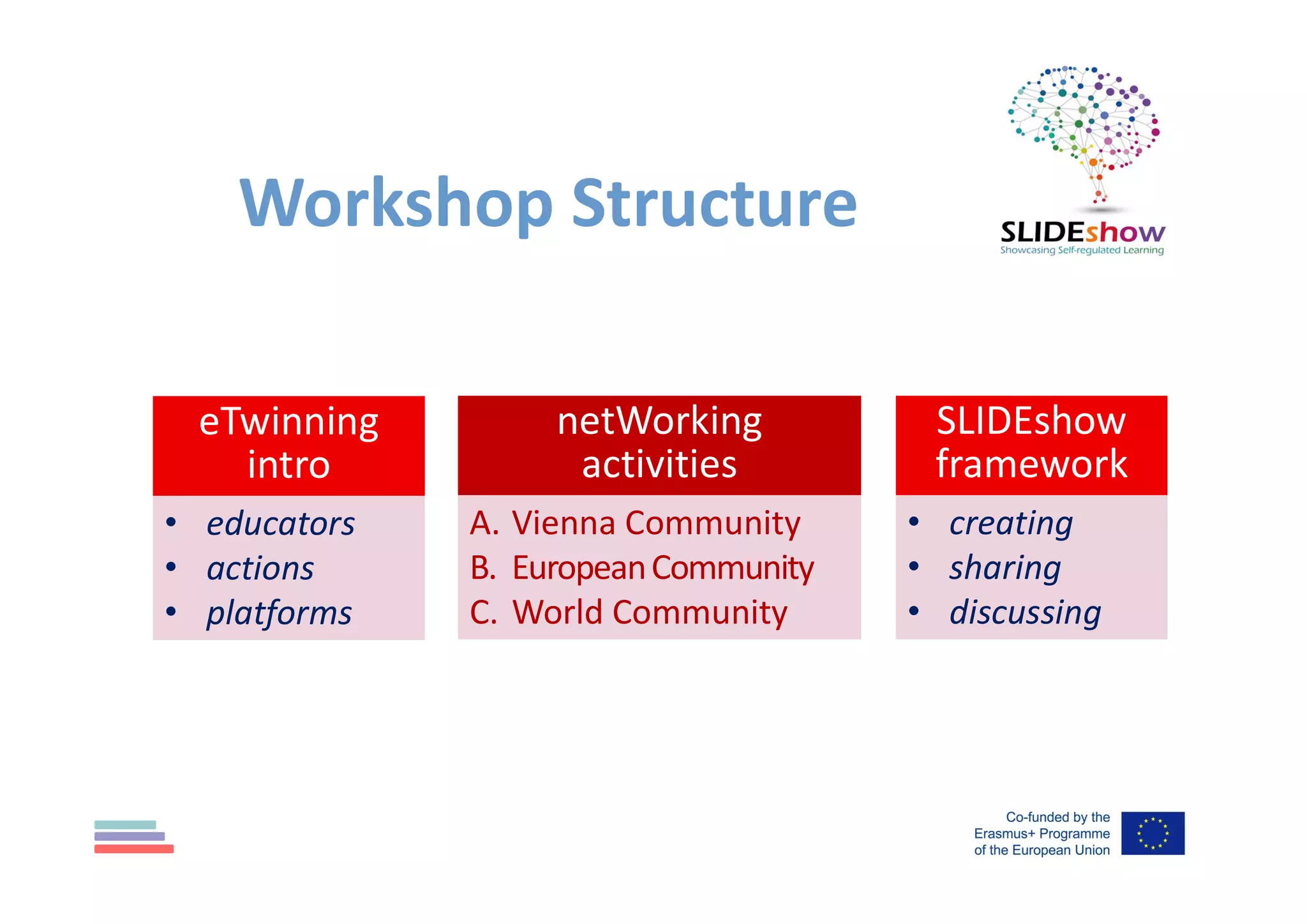
Workshop Structure
netWorking
activities
A. Vienna Community
B. EuropeanCommunity
C. World Community
eTwinning
intro
• educators
• actions
• platforms
SLIDEshow
framework
• creating
• sharing
• discussing
Educators and Schools are able to:
• enrich learning and motivation of staff & pupils
• access high quality PD & ready-made resources
• raise standards across the whole education community
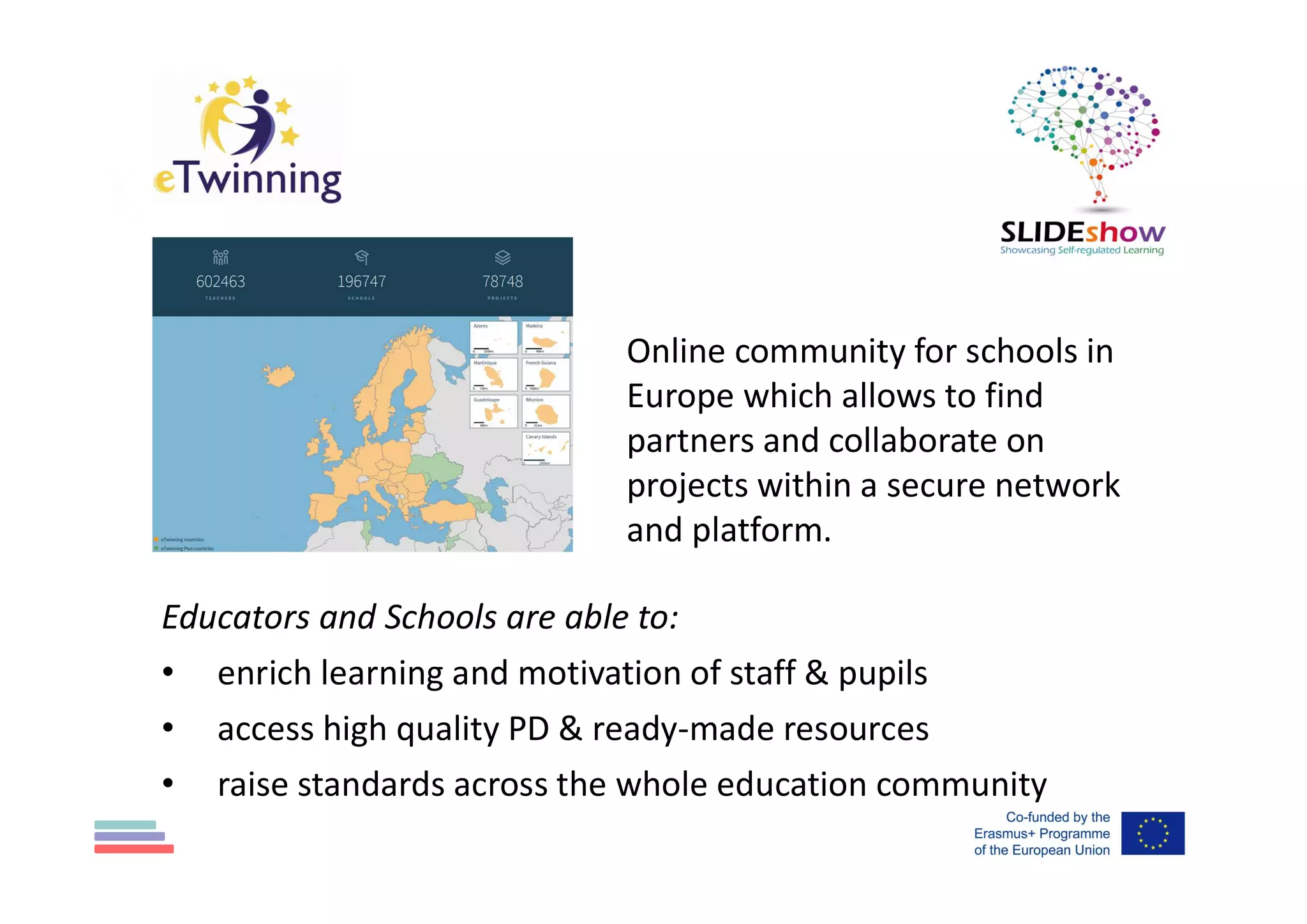
Online community for schools in
Europe which allows to find
partners and collaborate on
projects within a secure network
and platform.
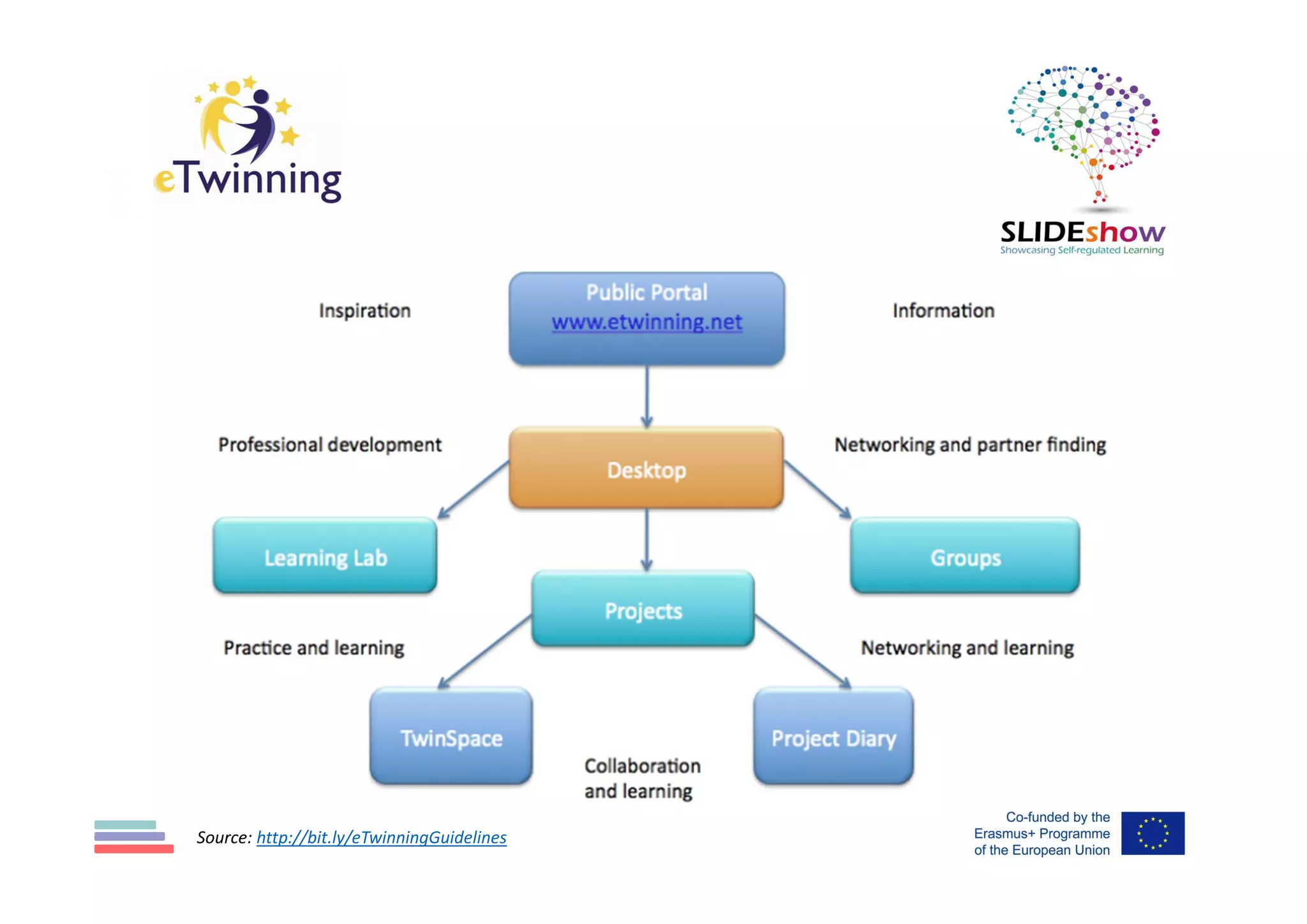
Source: http://bit.ly/eTwinningGuidelines
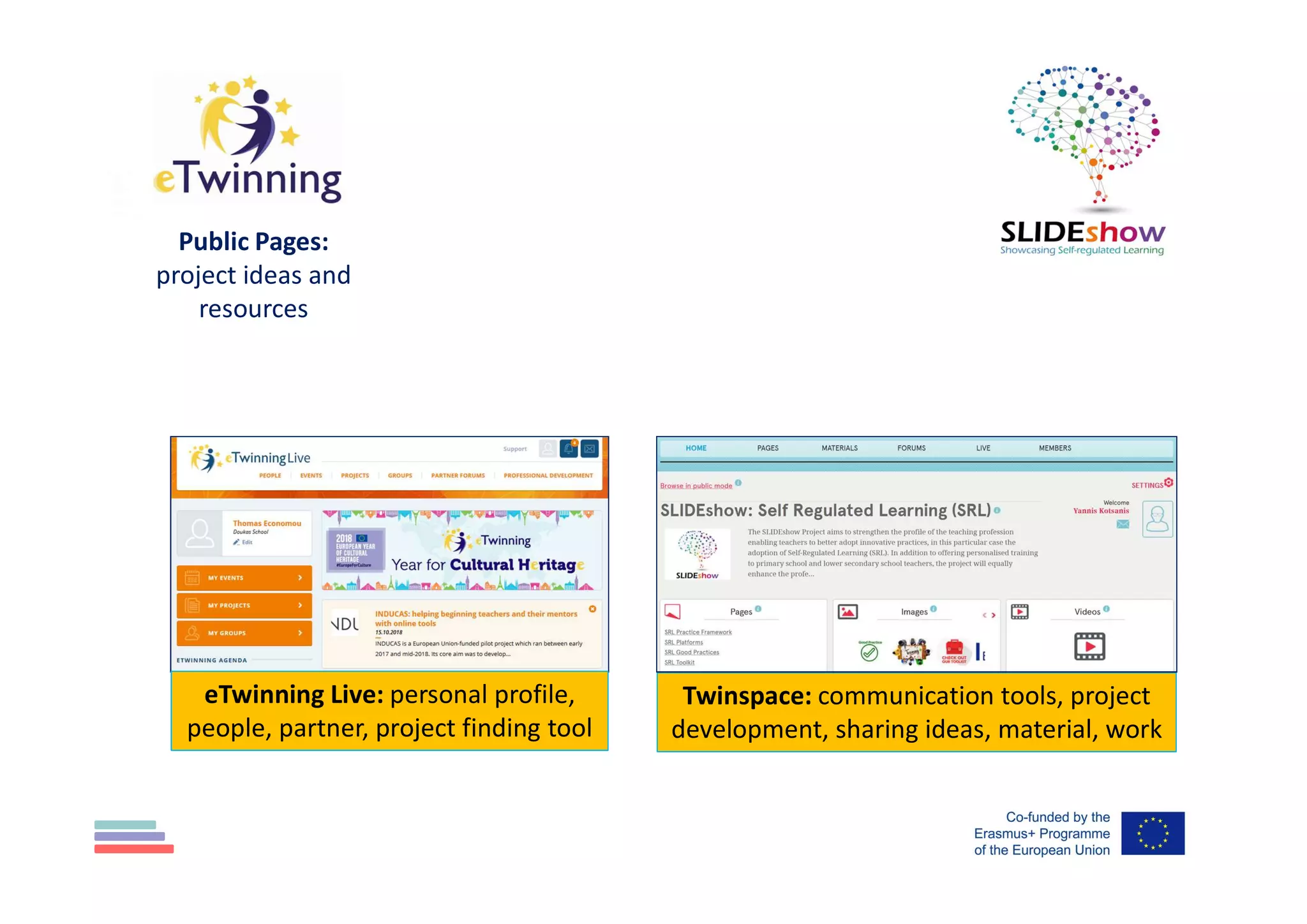
Public Pages:
project ideas and
resources
eTwinning Live: personal profile,
people, partner, project finding tool
Twinspace: communication tools, project
development, sharing ideas, material, work
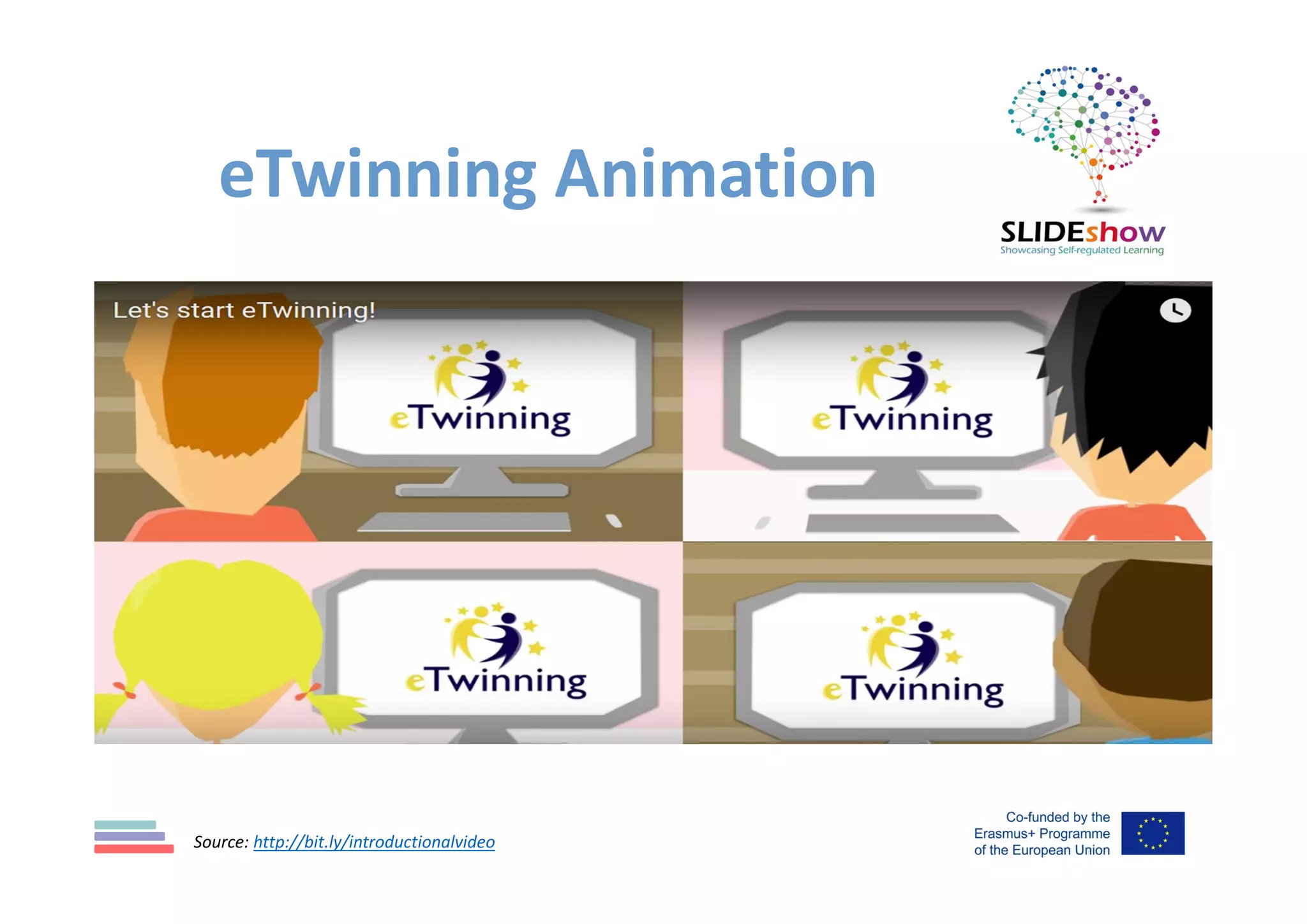
eTwinning Animation
Source: http://bit.ly/introductionalvideo
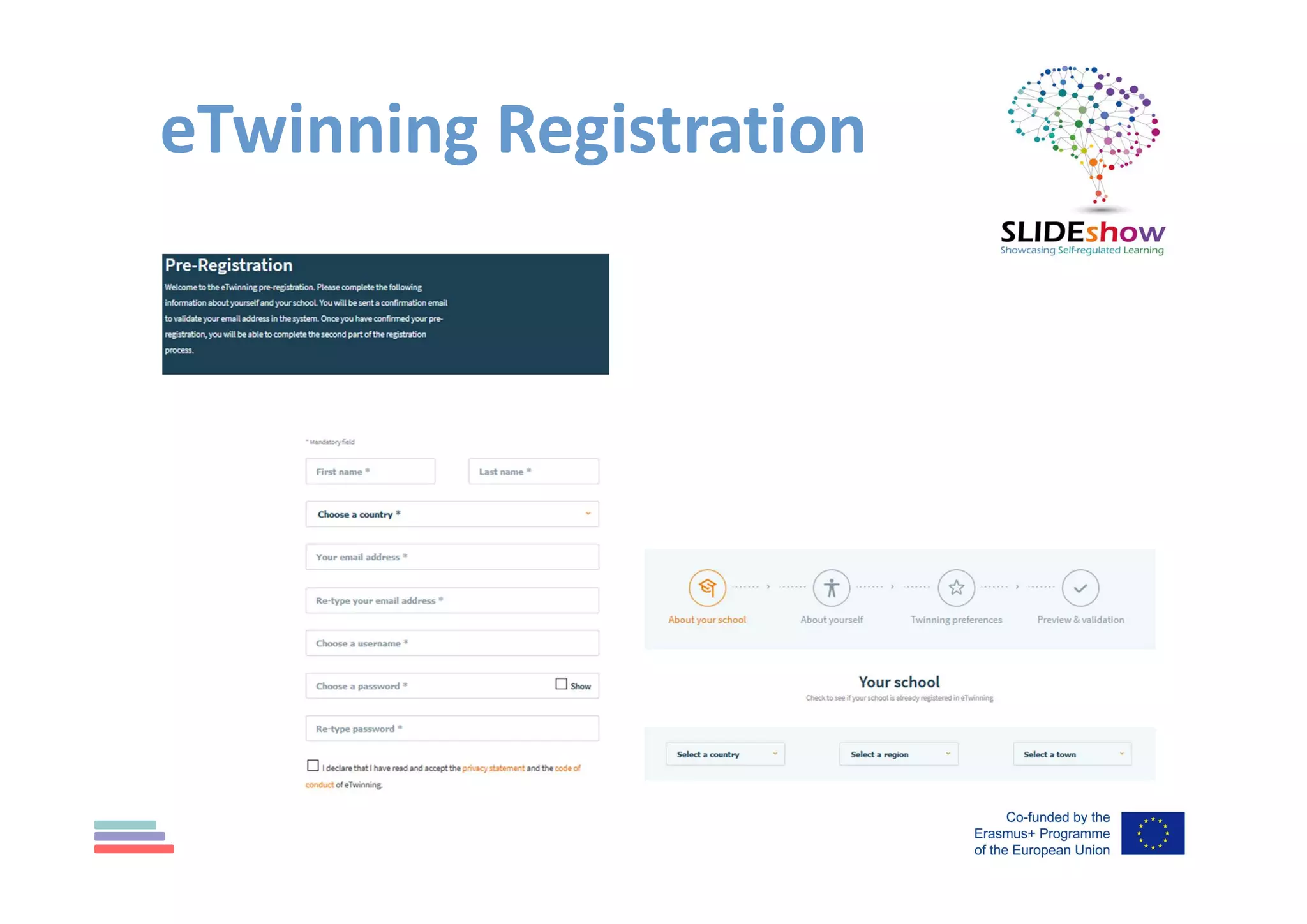
eTwinning Registration
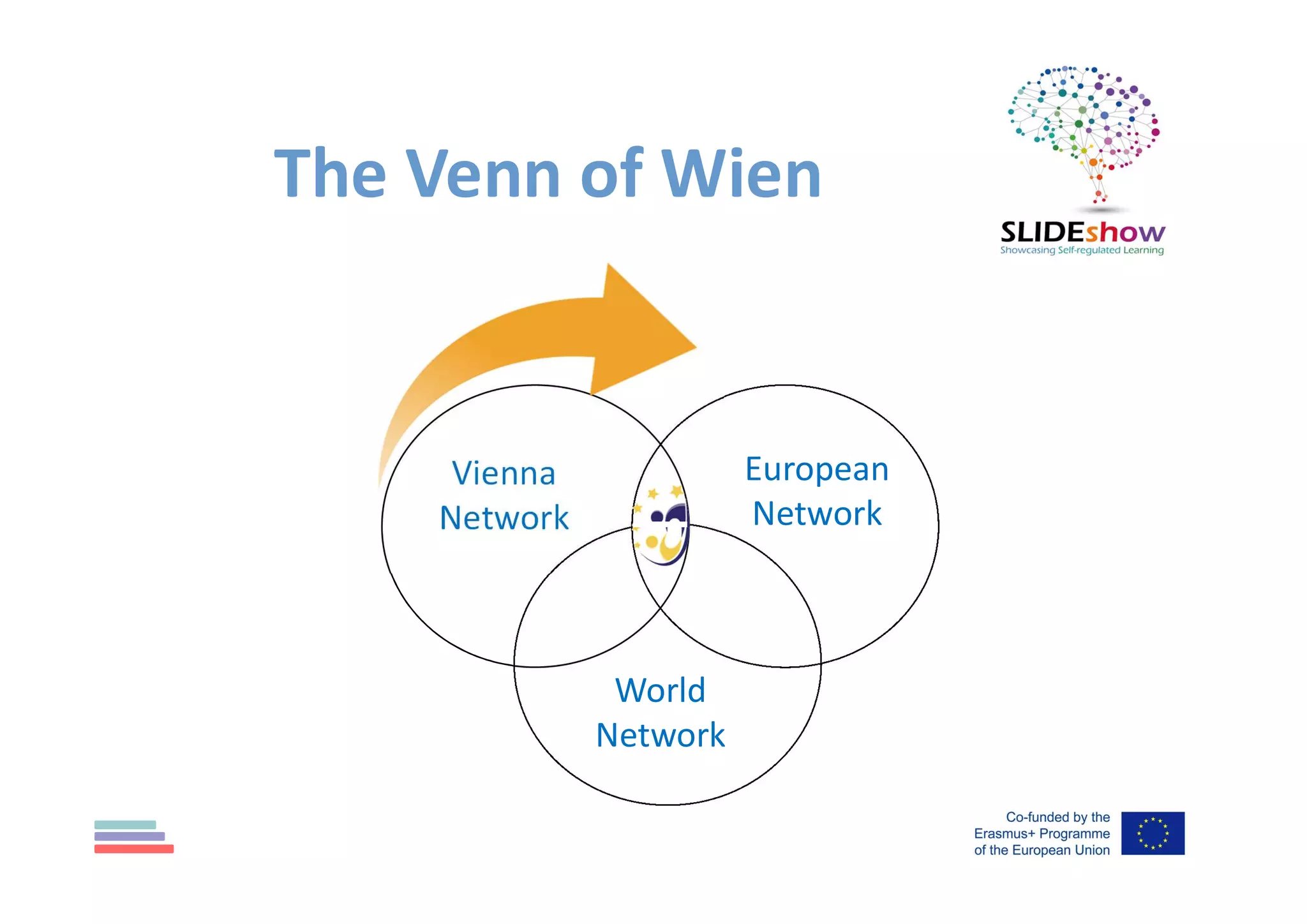
The Venn of Wien
Vienna
Network
European
Network
World
Network
netWorking activities (A)
1. edit your Profile & upload a photo!
2. find the Workshop "People", send them
a Contact request and Follow them!
3. accept SLIDEshow Project invitation
4. increase your Global Progression!
[watch video 1/slide 1 & answer quiz 1]
[watch video 2/slide 1 & answer quiz 2]
pls ask us before submitting it…
5. find People/Schools (3-5 colleagues)
and send contact request
eTwinning Live
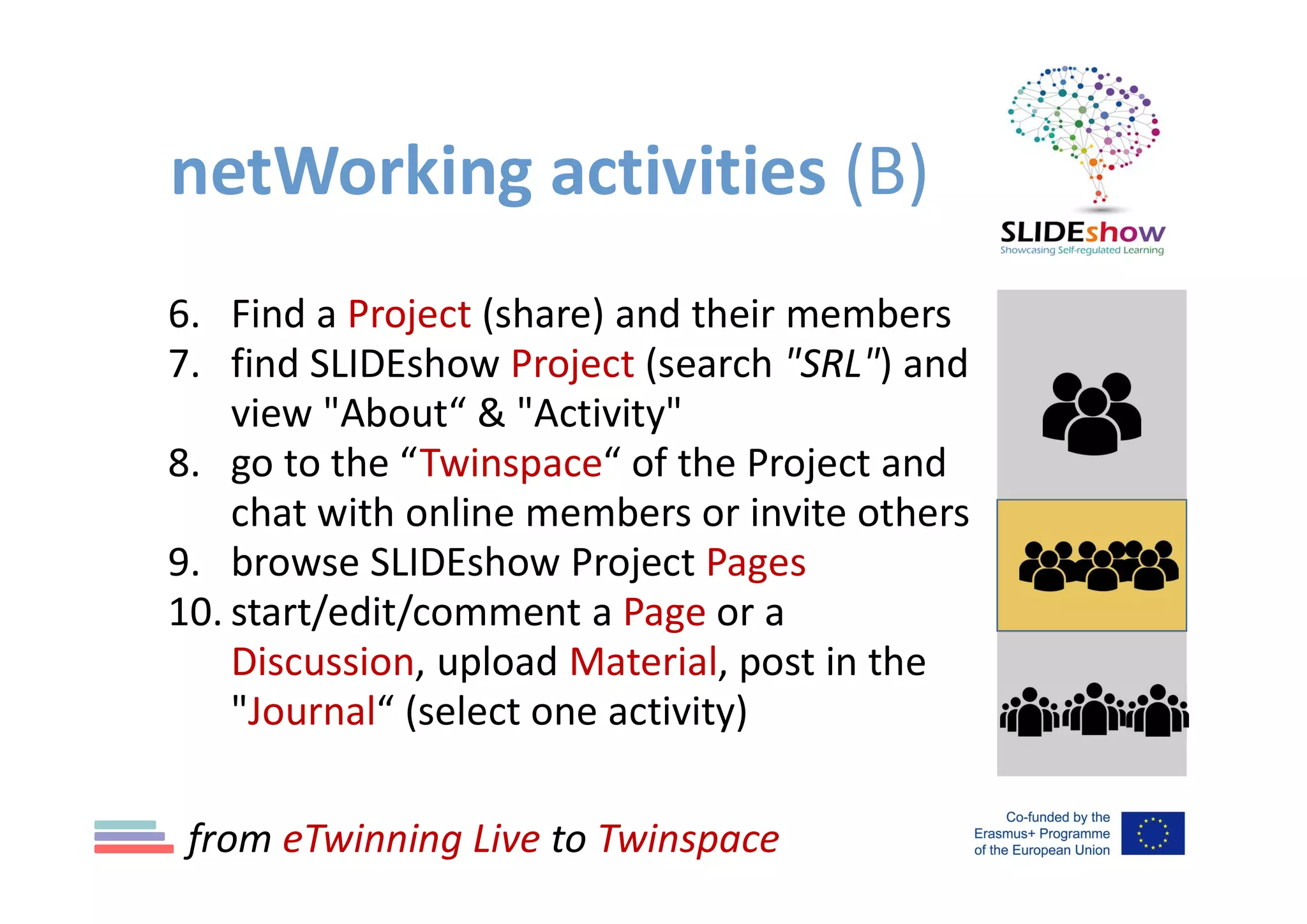
netWorking activities (B)
6. Find a Project (share) and their members
7. find SLIDEshow Project (search "SRL") and
view "About“ & "Activity"
8. go to the “Twinspace“ of the Project and
chat with online members or invite others
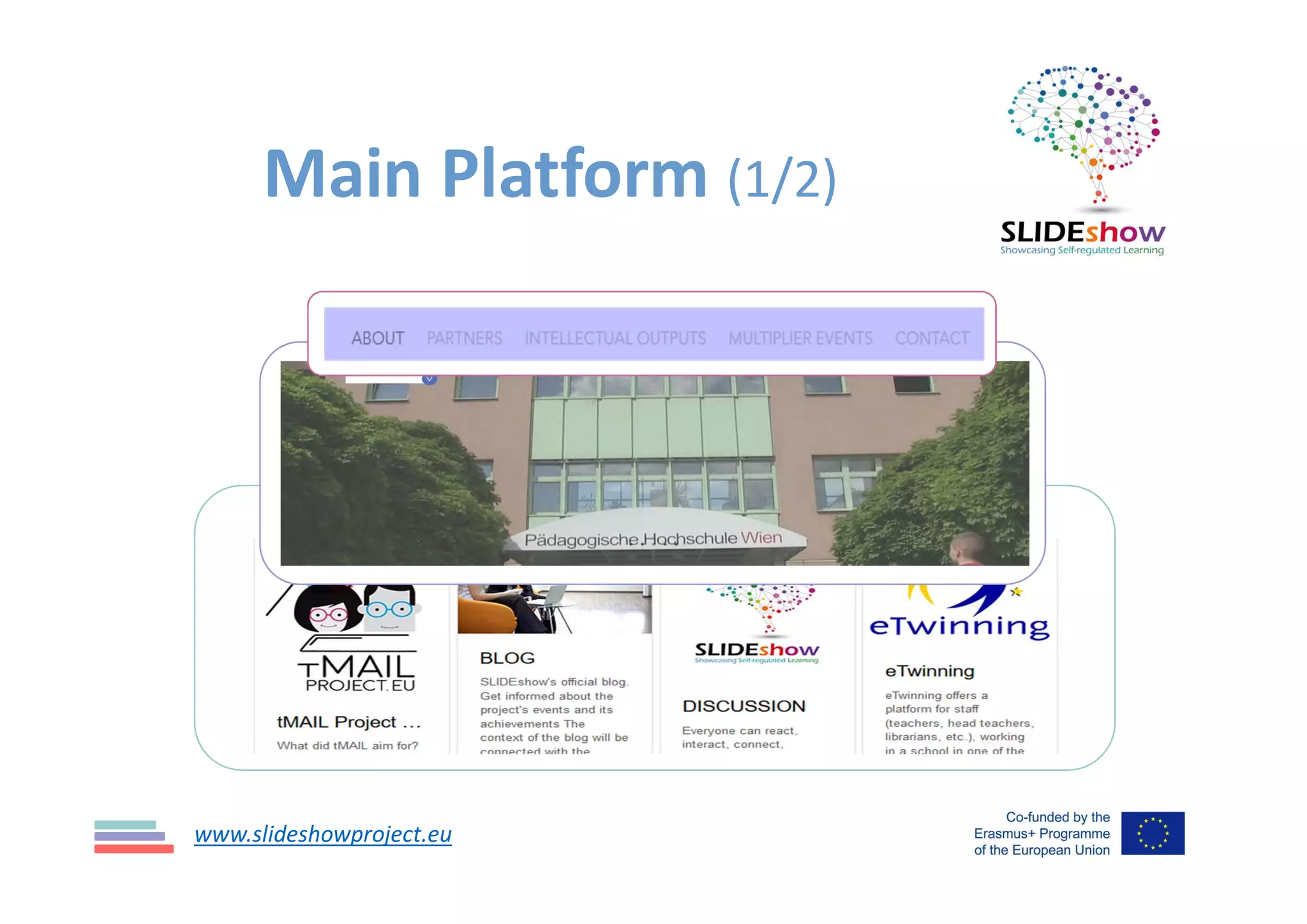
9. browse SLIDEshow Project Pages
10. start/edit/comment a Page or a
Discussion, upload Material, post in the
"Journal“ (select one activity)
from eTwinning Live to Twinspace
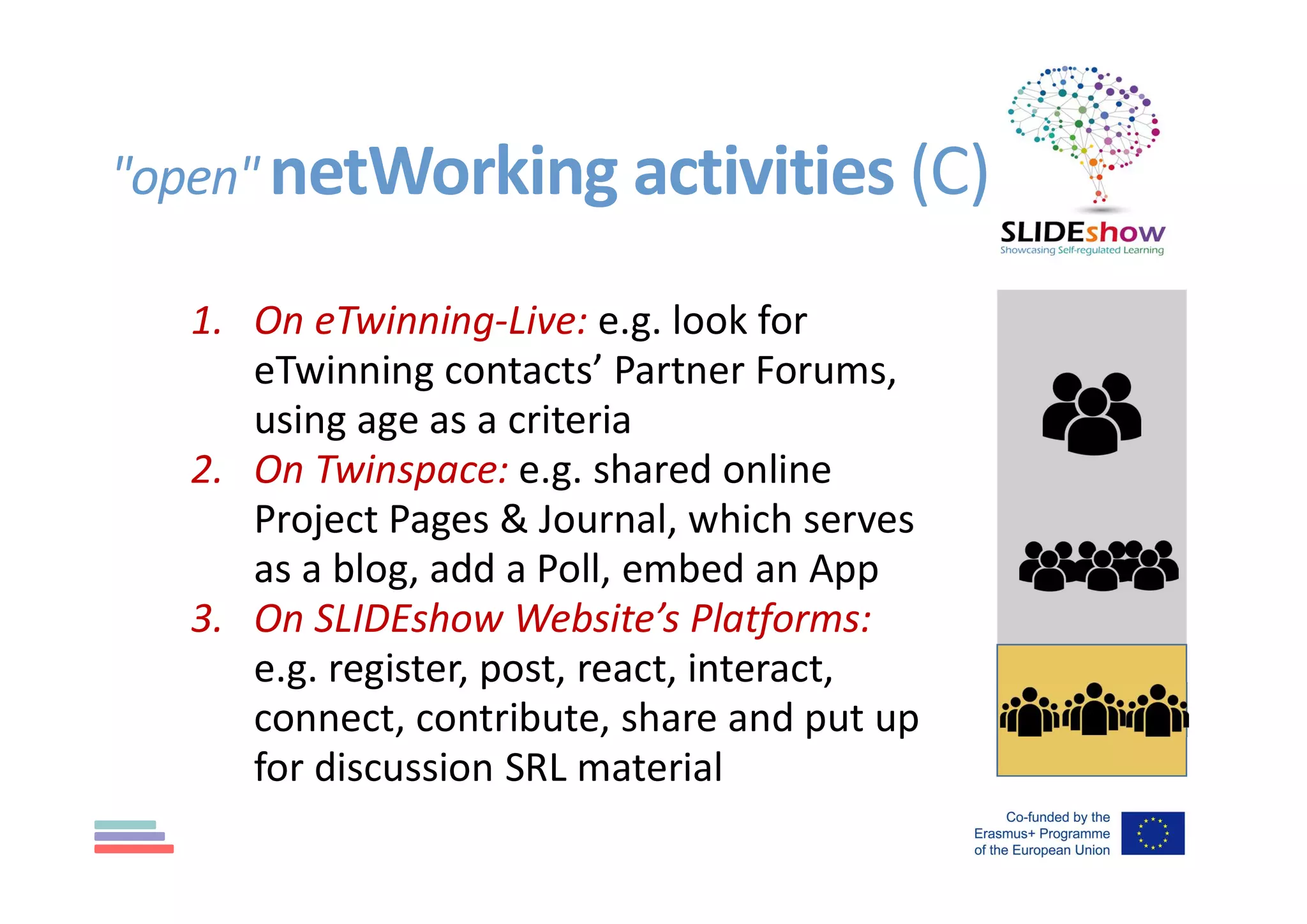
"open" netWorking activities (C)
1. On eTwinning-Live: e.g. look for
eTwinning contacts’ Partner Forums,
using age as a criteria
2. On Twinspace: e.g. shared online
Project Pages & Journal, which serves
as a blog, add a Poll, embed an App
3. On SLIDEshow Website’s Platforms:
e.g. register, post, react, interact,
connect, contribute, share and put up
for discussion SRL material
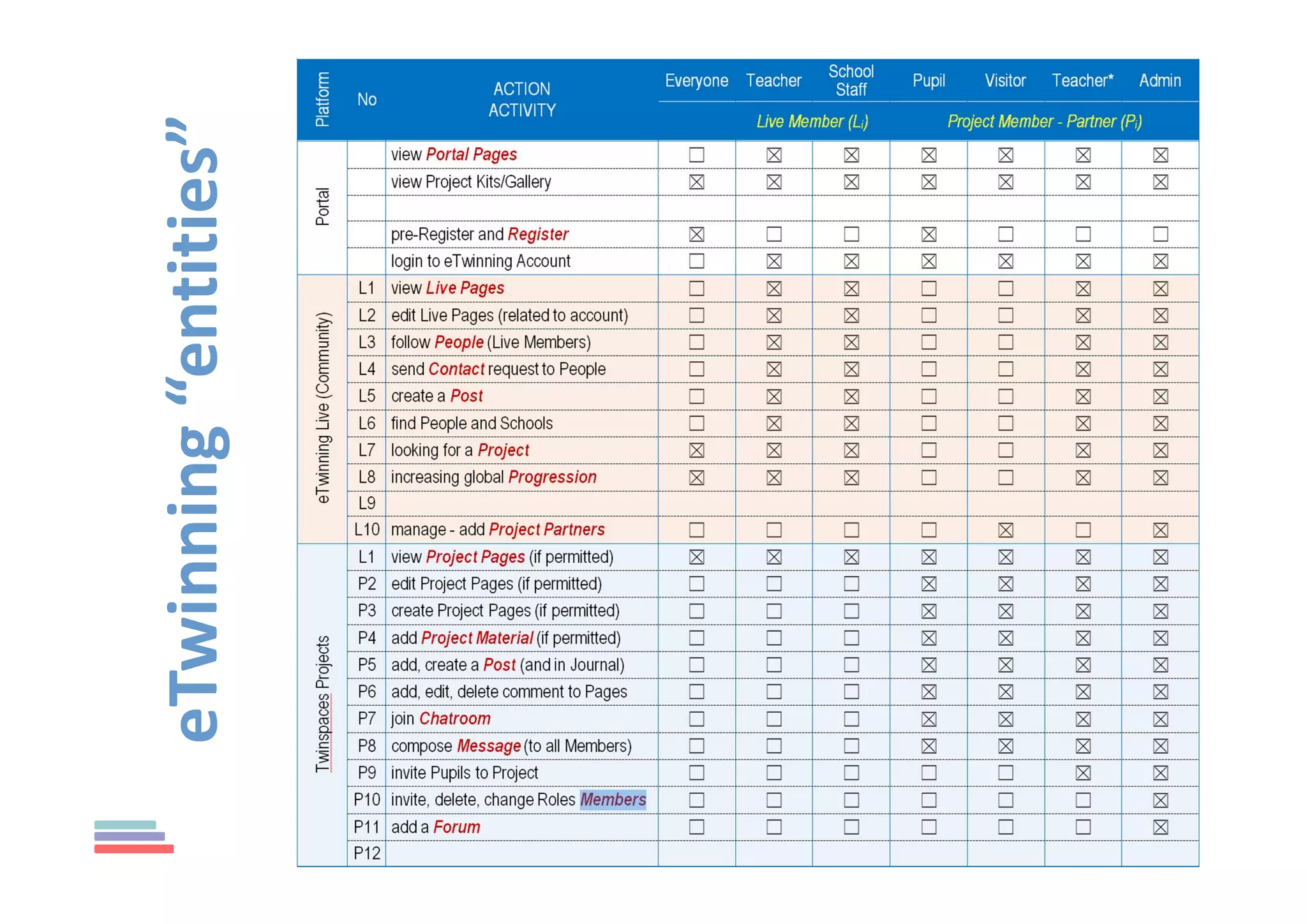
eTwinning“entities”
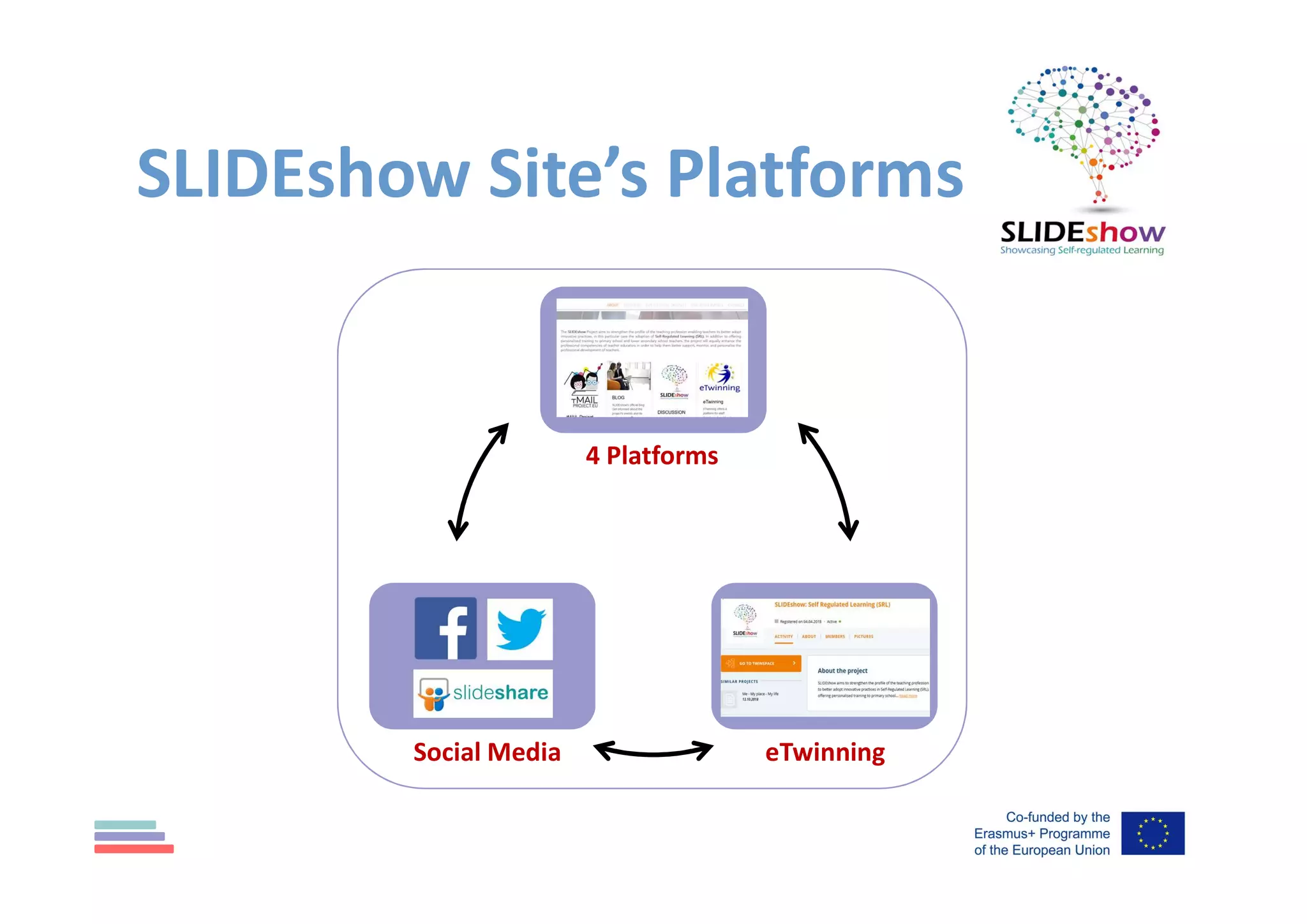
Social Media
4 Platforms
eTwinning
SLIDEshow Site’s Platforms
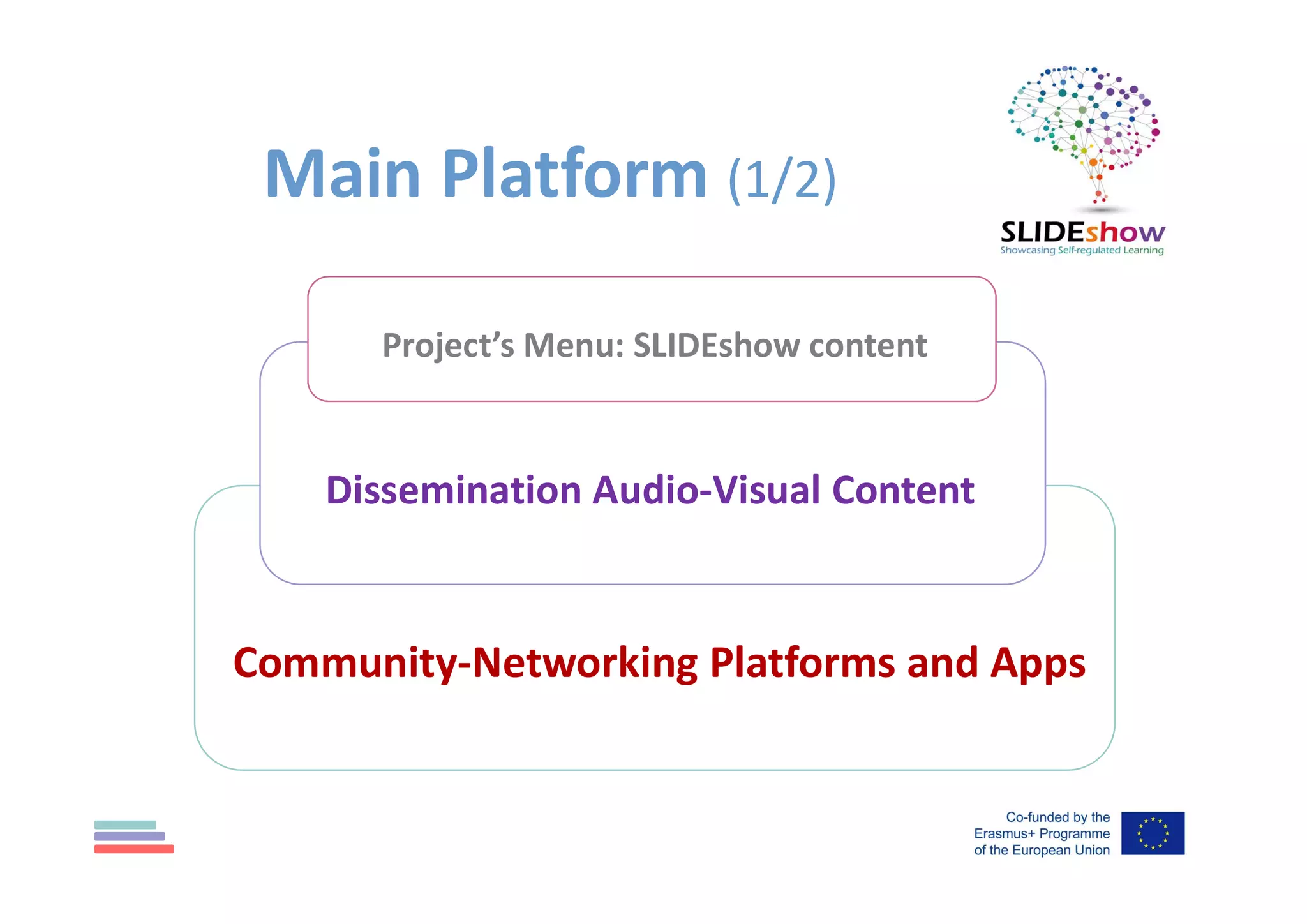
Project’s Menu: SLIDEshow content
Dissemination Audio-Visual Content
Community-Networking Platforms and Apps
Main Platform (1/2)
Main Platform (1/2)
www.slideshowproject.eu
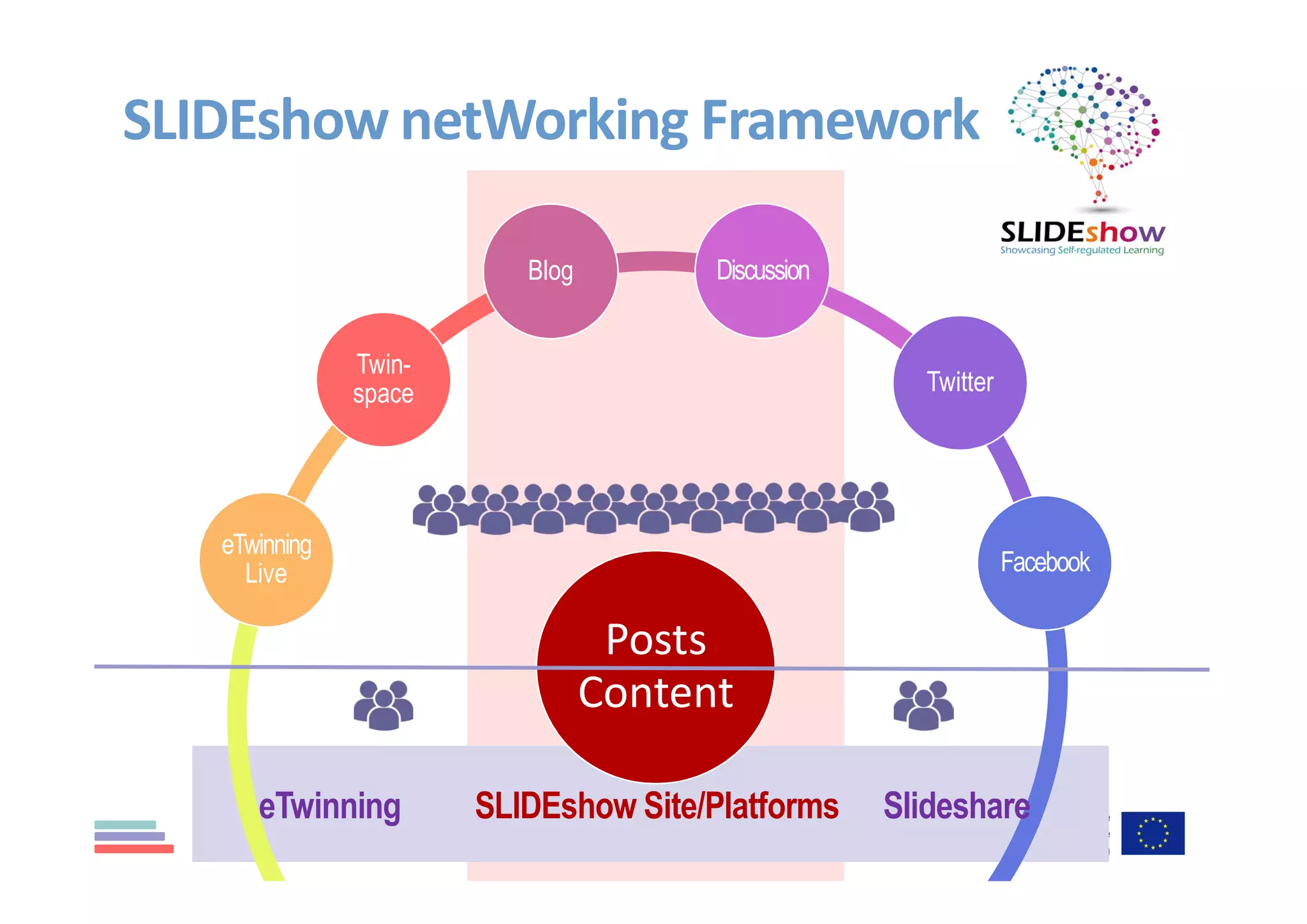
Posts
Content
Blog Discussion
Twitter
Facebook
eTwinning
Live
Twin-
space
SLIDEshow netWorking Framework
SLIDEshow Site/Platforms SlideshareeTwinning
Discussion and Ideas…

SLIDEshow eTwinning Networking