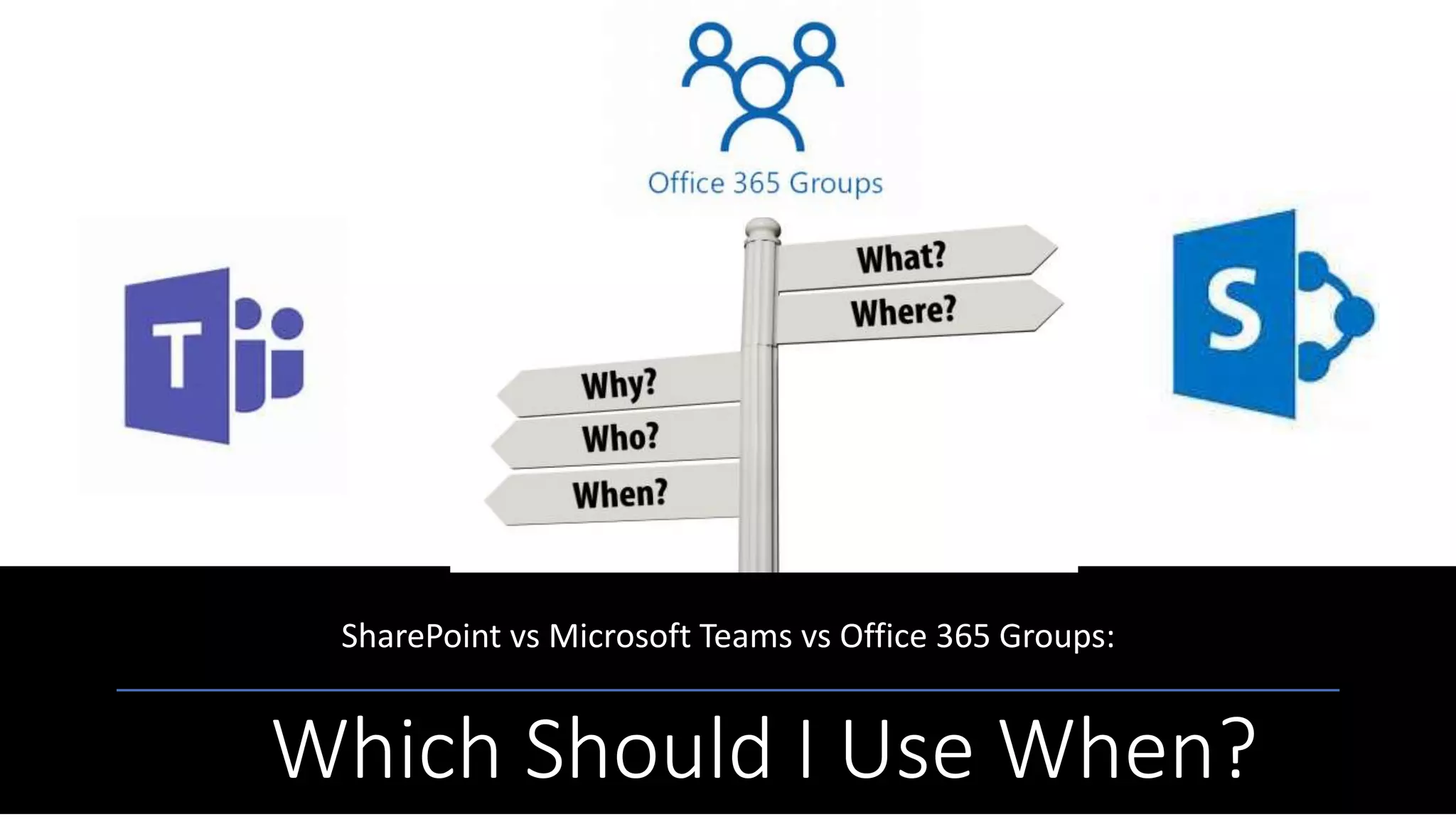
Which Should I Use When?
SharePoint vs Microsoft Teams vs Office 365 Groups:
3
 Microsoft Strategist | Solutions Developer | Trainer
 Specialty: Office 365, SharePoint, and Related Tech
 Applications & Intranet Developer 2001 – 2009
 SharePoint Developer 2009 - Present
 Microsoft Strategist | Solutions Developer | Trainer
2012 – Present
 CompTIA CTT
 Published Author | Tech Speaker | Event Organizer
 Other Roles:
 Microsoft Voices for Innovation (VFI) Taskforce
 SUGDC community lead
 IAMCP DC Communications Chair, Board Member
 MFCF-DC Founder
 FEDSPUG and WSPDC Board Member
 Former Microsoft WPC/Inspire Partner Engagement
Board (PEB) Member
Nikkia T. Carter
Director of Collaboration and Training
C3 Integrated Solutions, Inc
4
 Microsoft Gold and Silver Partner
 Specialties: Managed IT Services, SharePoint (full
stack), Office 365 (full stack), InfoPath and Form
Development, Azure, EMS and Windows 10
deployment
 Other Partnerships/VARs: BrainStorm, SkyKick,
BitTitan, ShareGate, TeamFusion, LiveTiles,
AvePoint
 Clients: Commercial, nonprofit, defense
contractors, legal firms, subcontracting to federal
government C3 provides in business technology consulting, setup,
migration, development, support, training, training
material, and managed IT services. We specialize in
Azure, SharePoint, Office 365, and InfoPath.
Feel Free to Get Social!
@C3isit
@ladygwenavear
C3Integrated
https://plus.google.com/u/0/11555
2693236491491216
C3-Integrated-Solutions
NikkiaTCarter
C3Office365
Beforewebegin,somehousekeeping…
This Photo by Unknown Author is licensed under CC BY-NC-ND This Photo by Unknown Author is licensed under CC BY-SA-NC
EVALS / PRIZES
Bring all items to the 6th Info Desk
• Bingo Cards = how you win prizes at
the end of the event.
• The cards must be stamped by ALL
the Sponsors by the last session
(4pm)
• Fill out speakers evaluations
(located in the front of the rooms
• Fill out the event evaluations
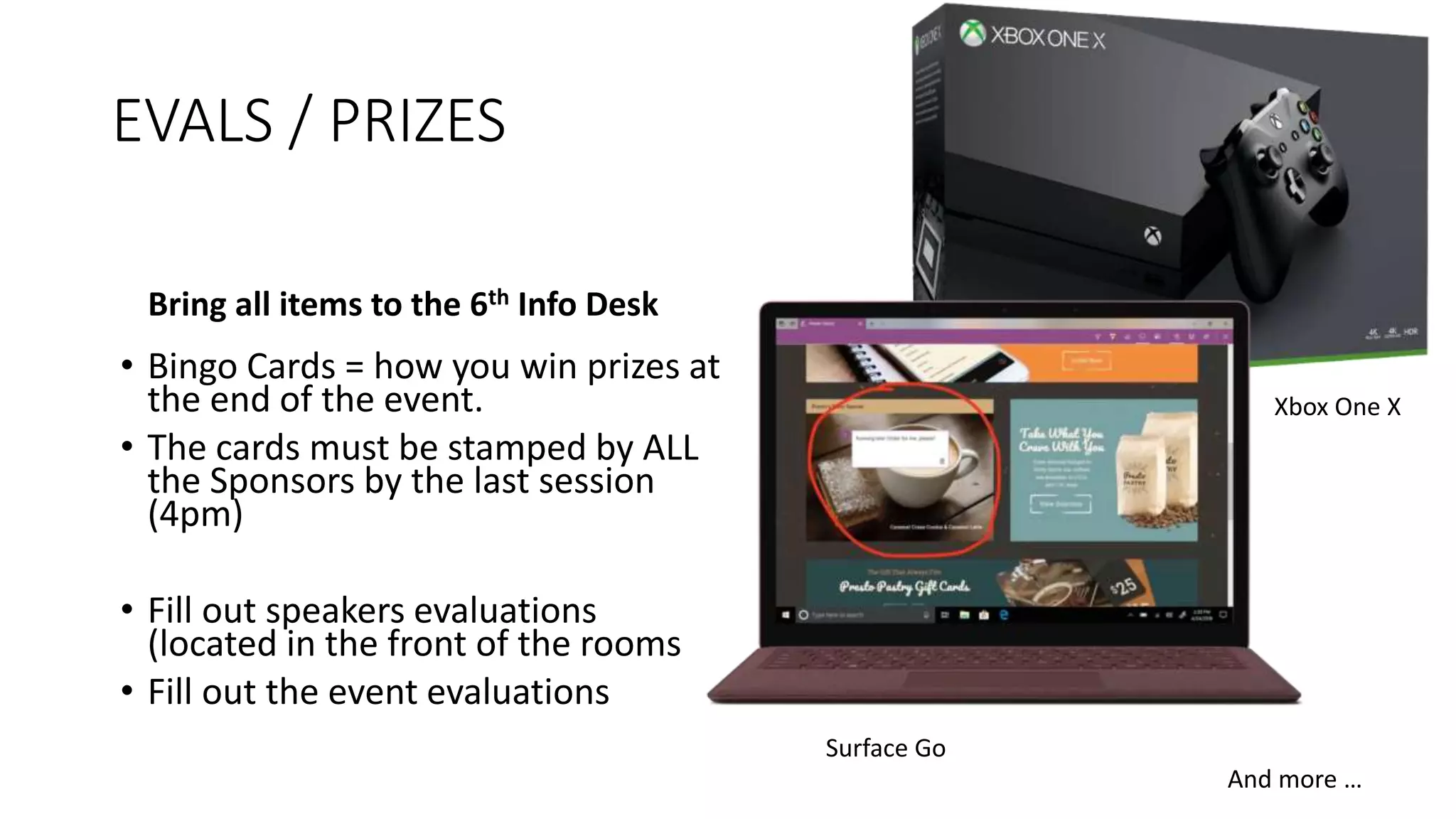
And more …
Surface Go
Xbox One X
Thank You
EVENT Sponsors
• We appreciated you supporting the
• New York SharePoint Community!
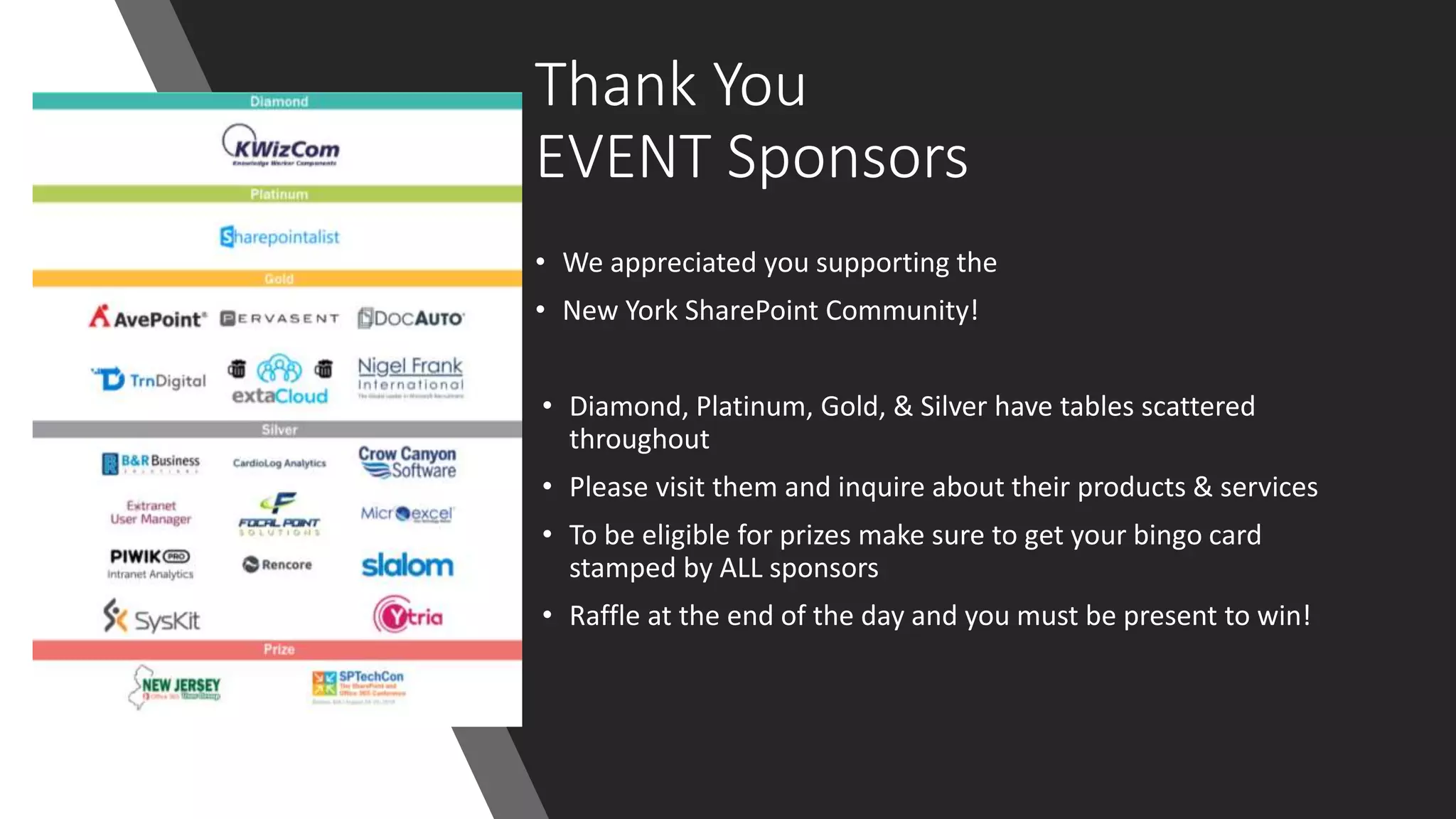
• Diamond, Platinum, Gold, & Silver have tables scattered
throughout
• Please visit them and inquire about their products & services
• To be eligible for prizes make sure to get your bingo card
stamped by ALL sponsors
• Raffle at the end of the day and you must be present to win!
Beer Authority
300 W 40h St
[across the street]
Join us for a round of drinks
http://www.beerauthoritynyc.com
And now, the moment you
have been waiting for!
What is SharePoint?
What are Office 365
Groups?
What are Microsoft
Teams?
When would I use
each?
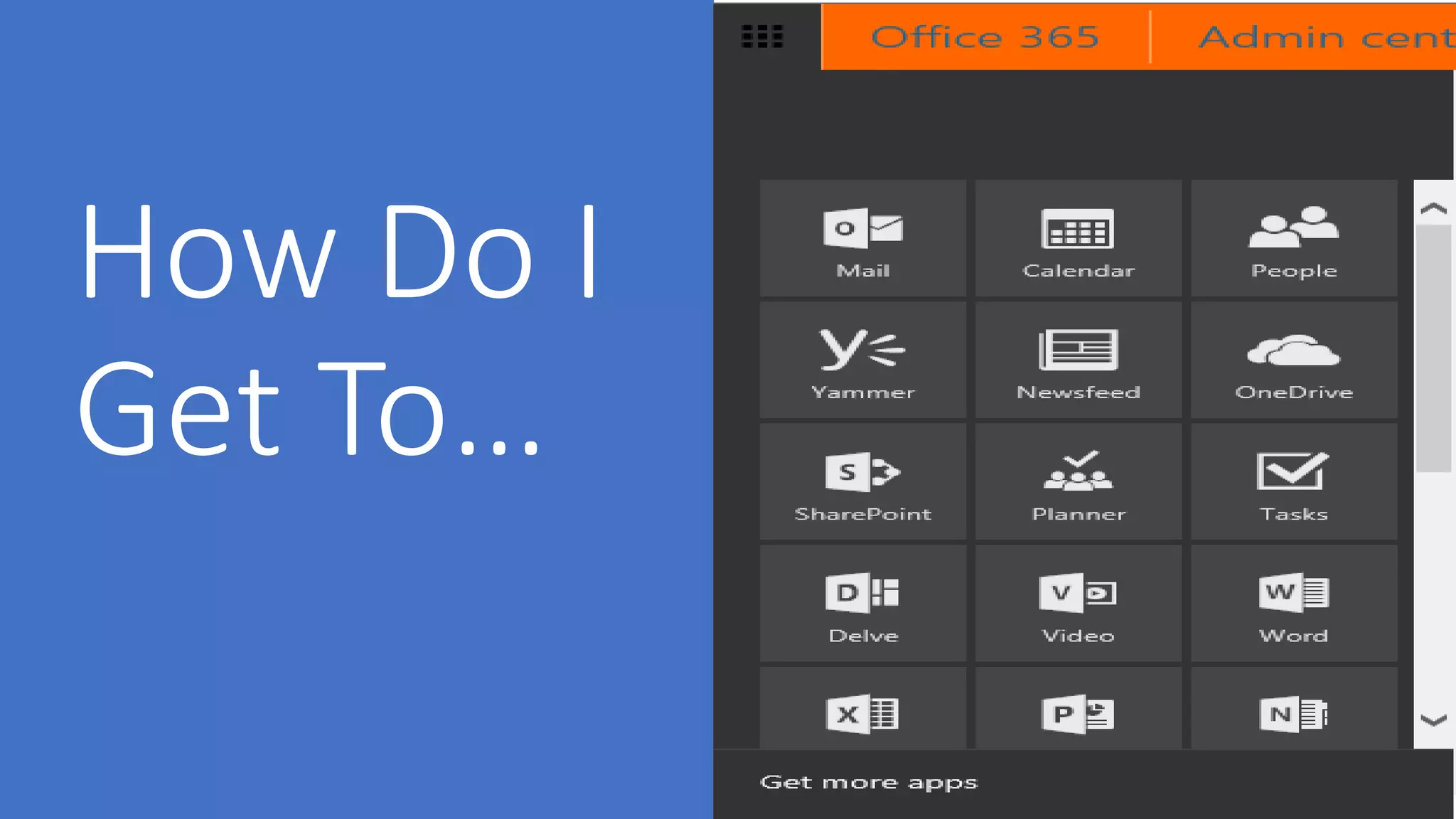
How do I get to each?
Questions?
Ask Me!
Please use the chat window.
13
Disclaimer
1
4
• Microsoft cloud technology is constantly being
updated.
• As such, although we try to keep up to date slides, it
is extremely difficult.
• Please excuse any inconsistencies between our slides
and the cloud.
• Also, please excuse me if I fumble around if Microsoft
added something or moved a button.
This Photo by Unknown Author is licensed under CC BY-SA
….SharePoint
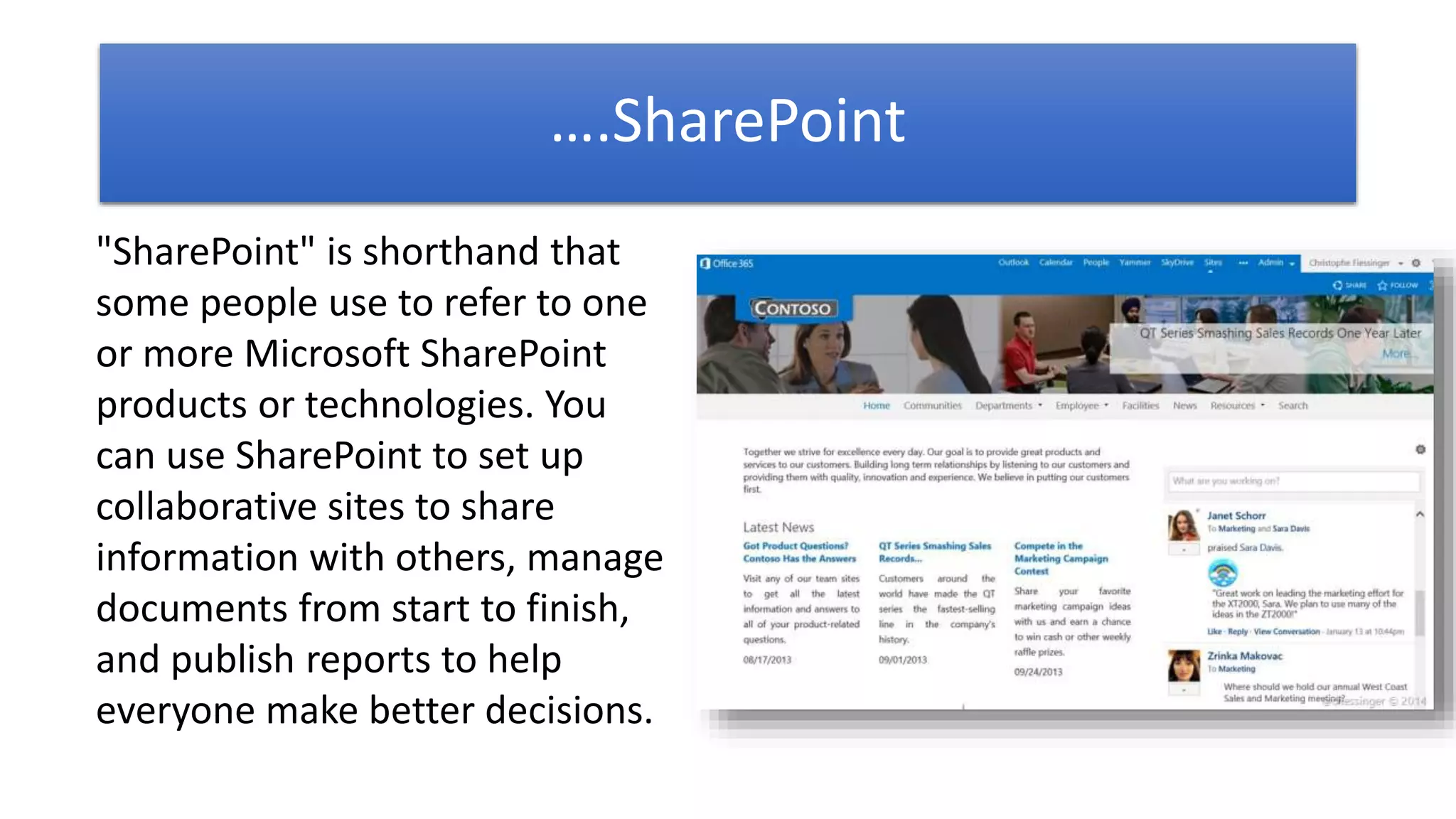
"SharePoint" is shorthand that
some people use to refer to one
or more Microsoft SharePoint
products or technologies. You
can use SharePoint to set up
collaborative sites to share
information with others, manage
documents from start to finish,
and publish reports to help
everyone make better decisions.
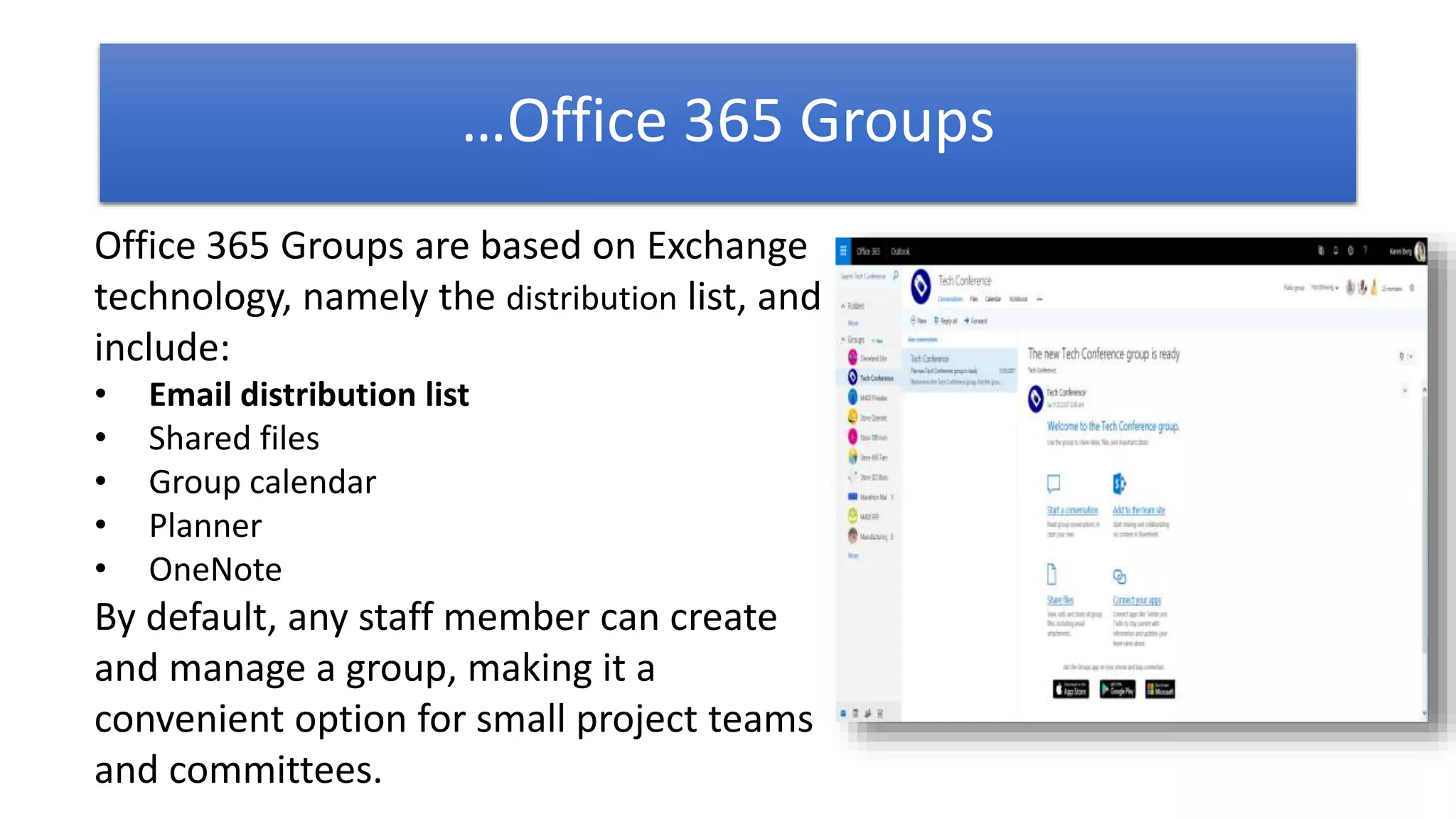
Office 365 Groups are based on Exchange
technology, namely the distribution list, and
include:
• Email distribution list
• Shared files
• Group calendar
• Planner
• OneNote
By default, any staff member can create
and manage a group, making it a
convenient option for small project teams
and committees.
…Office 365 Groups
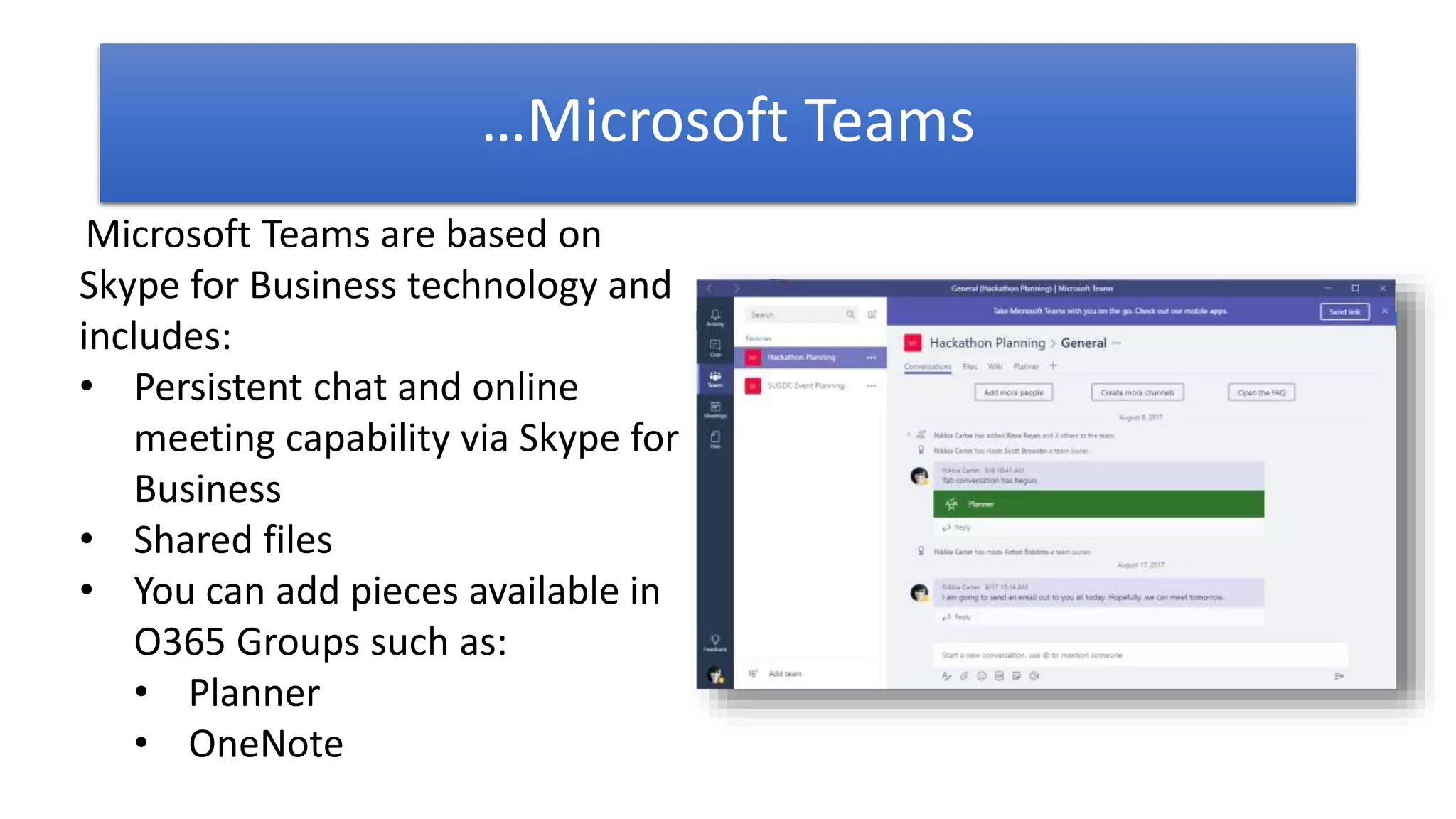
Microsoft Teams are based on
Skype for Business technology and
includes:
• Persistent chat and online
meeting capability via Skype for
Business
• Shared files
• You can add pieces available in
O365 Groups such as:
• Planner
• OneNote
…Microsoft Teams
Office 365
Groups
• Sharing with internal and external team members
• Comes with widgets for files, tasks, notes, calendar, and
emails/conversations
• Have the ability for adding other pre-fab widgets and
connectors
Good for making quick
sites for projects
(projects can be long term projects, reoccurring projects, or one offs)
Microsoft
Teams
• Everything that Office 365 Groups has (except distribution
email list) with the addition of Skype for Business built
into the platform for chat and meetings
• Have the ability for adding other pre-fab widgets and
connectors
***My prediction: May replace O365 Groups as some point and O365 Groups become a security layer
Also good for making
quick sites for projects
Used to be only for internal teams but that has changed.
Capability to add external people is available now.
SharePoint
• Waaayyyyy more customizable
• You can make projects sites plus…
• Intranet
• Portals
• Workflows
• Dashboards
• And more …
Makes all types of
sites including those
for projects
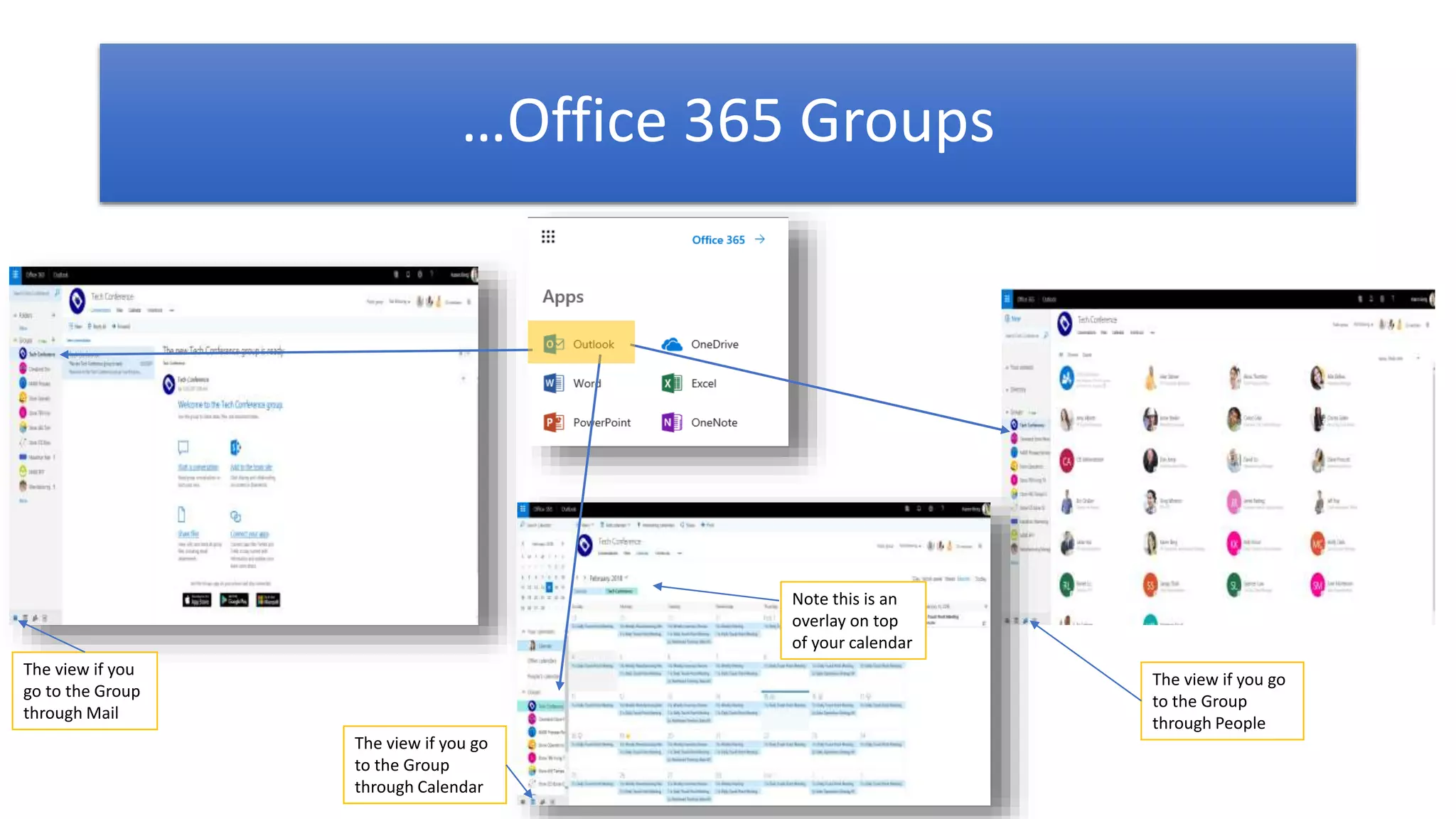
…Office 365 Groups
Note this is an
overlay on top
of your calendar
The view if you
go to the Group
through Mail
The view if you go
to the Group
through Calendar
The view if you go
to the Group
through People
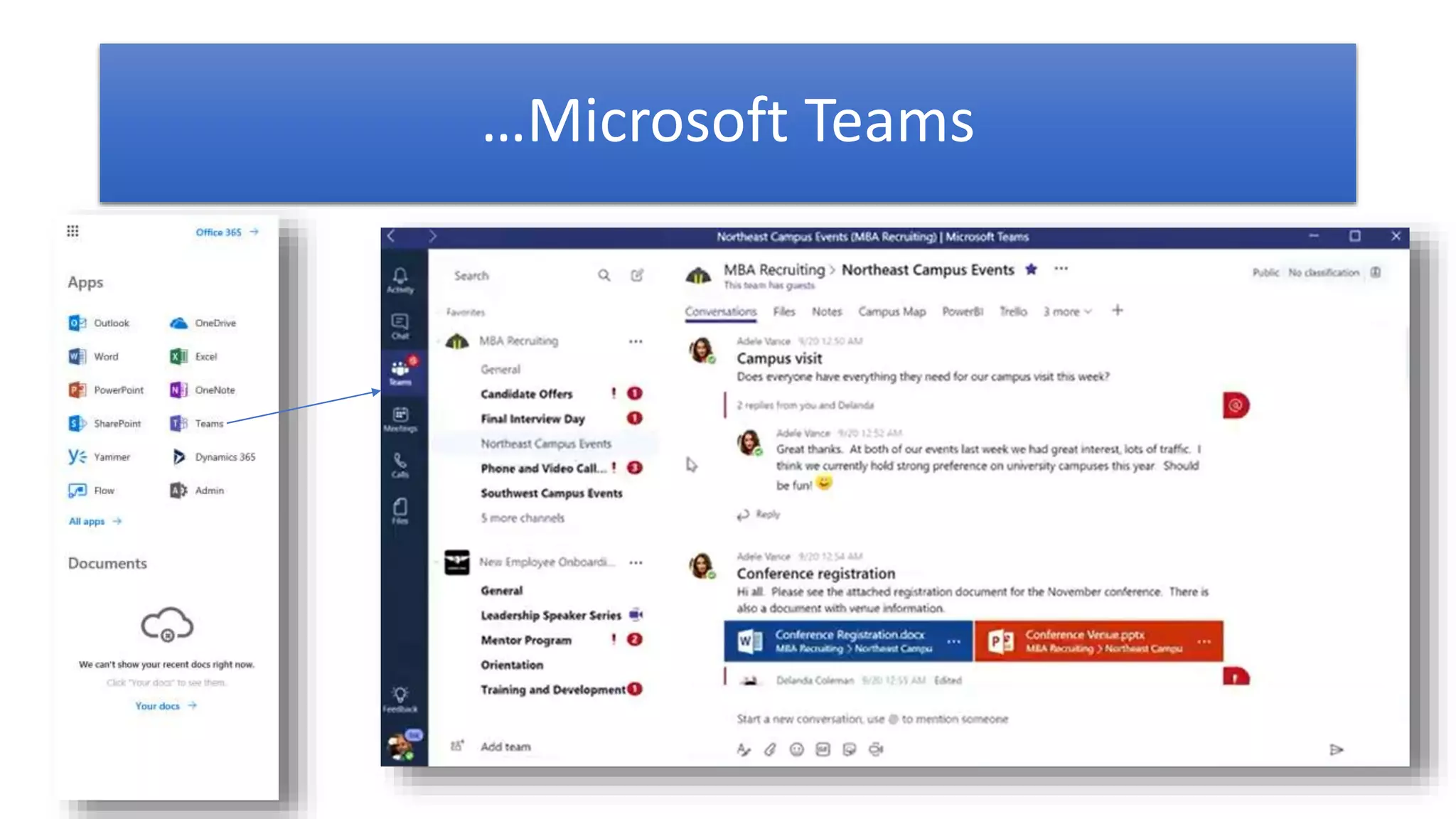
…Microsoft Teams
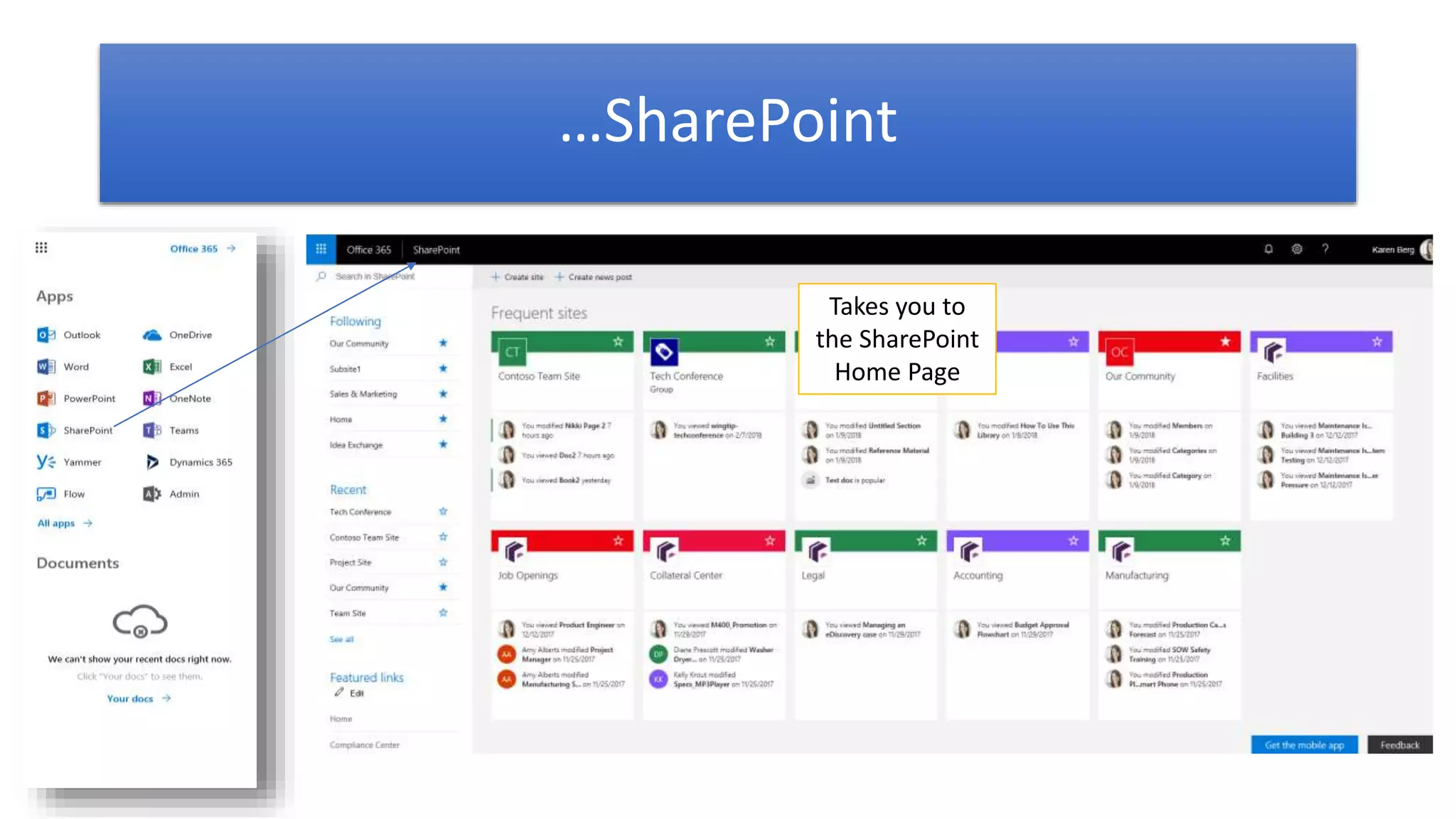
…SharePoint
Takes you to
the SharePoint
Home Page
A Few Things You Should Know…
This Photo by Unknown Author is licensed under CC BY
 When you create …
 An Office 365 Group, a corresponding SharePoint site collection is created
 A Microsoft Teams, a corresponding Office 365 Group (not easy to access anymore) and SharePoint site collection is created. The O365 Group may
not show up in the Groups section in your Outlook. A workaround is to go to the Teams, click on the … next to the Channel, choose Open in
SharePoint then click on Conversations on the left navigation (a lot, I know).
 These site collections are not seen through the old SP Admin Center but you can see through the new one (still in preview) although you may see
them on your SharePoint Home.
 You can see the distribution email list via Office 365 Groups in the Office 365 Admin Center under Groups but not the Group itself.
 Channels in Teams creates a folder in Files in the Office 365 Group (no longer true) and in the document library in the SharePoint site
 When you delete an Office 365 Group via the O365 or Exchange Admin Center, the corresponding site collection is deleted but the site collection may still
be seen in the new SP Admin Center.
 Files
 They flow up and down between the connected Groups and sites and between Team and sites (not necessarily between Groups and Teams) but not
conversations and emails.
 If you need to add content types or workflow, you need to create it in the SharePoint site. NOTE: They may only work in SharePoint, i.e. content types
only show for use in the SharePoint site but not in Files in the Group or Team.
 Conversations in Office 365 Groups is connected to an email distribution list (Exchange) as well as a discussion board and the Conversations in Microsoft
Teams is a message board (Skype for Business).
 Emails you send via the O365 Group will NOT be sent to you, even if you are Following the group, but you will be able to see the email via your Sent mail
and in the O365 Group Conversations board.
A Few Things You Should Know…
This Photo by Unknown Author is licensed under CC BY
 Sharing files in Teams via the message board goes to the “sharee”’s (person being shared with) OneDrive for Business in the Shared with Me section. The
“sharer” (person sharing the file) can share from their O4B or from SP. If the file is shared through Files in Teams then the file goes to the main Document
Library of the corresponding SP site collection. CAUTION: I would not rename or delete this library from the site collection if I were you!
 Powerapps can be embedded into Microsoft Teams (probably only mobile Powerapps though – still need to check this)
 Site collections generated by Teams or Groups is NOT a fully featured site collection as a site collection created from the SP Admin Center (this also applies
to Communication sites and the Team Site created using the Create Site button on SP home). The site collection with the most feature and functionality is
the Classic Team Site.
 Members
 Limited to 2500 people
 O365 Groups can be used across site collections as a permission group BUT you can’t see the groups in SharePoint under People and Groups
 And yes, there is an app for that! (and by that, I mean an app for all: SharePoint, Microsoft Teams, and Office 365 Groups  )
29
Check out the Office 365
Roadmap, Ignite 2018, and
SharePoint NA 2019
Sessions
https://products.office.com/en-
us/business/office-365-roadmap
https://www.microsoft.com/en-
us/ignite/agenda
https://sharepointna.com
This Photo by Unknown Author is licensed under CC BY
Any Final
Questions?
Please use the chat window.
Got Questions? Reach out!
C3 Integrated Solutions, Inc.
(571) 384-7950
Email: info@c3isit.com
Web: www.c3isit.com
@C3isit
@ladygwenavear
C3Integrated
C3-Integrated-Solutions
NikkiaTCarter
33
References
• Office Blogs: https://blogs.office.com/en-us/
• Office 365 Customer Stories: https://products.office.com/en-us/business/office-365-customer-stories-office-testimonials
• Office 365 Success Center: https://blogs.office.com/en-us/2014/09/29/accelerate-office-365-adoption-microsoft-
introduces-office-365-customer-success-center/
• Fast Track: https://fasttrack.microsoft.com/
• SharePoint
• Overview: https://products.office.com/en-us/sharepoint/collaboration
• Help Center: https://support.office.com/en-US/SharePoint
• Microsoft Teams
• Overview: https://products.office.com/en-us/microsoft-teams/group-chat-software
• Help Center: https://support.office.com/en-US/Teams
• Adoption: https://blogs.technet.microsoft.com/skypehybridguy/2017/10/27/tools-microsoft-teams-awareness-
campaign/
• Blog: https://techcommunity.microsoft.com/t5/Microsoft-Teams-Blog/bg-p/MicrosoftTeamsBlog
• News: https://news.microsoft.com/microsoft-teams/
• Office 365 Groups: https://support.office.com/en-us/article/Learn-about-Office-365-groups-b565caa1-5c40-40ef-9915-
60fdb2d97fa2
• Ignite 2017 - Matt’s List of Recommended Sessions:
https://blogs.technet.microsoft.com/skypehybridguy/2017/09/16/ignite-2017-matts-list-of-recommended-sessions/
• SharePoint Conference NA 2018 (News) - https://sharepointna.com/#!/news

SharePoint vs Microsoft Teams vs Groups (updated 28 July 2018)

  • 1.
    Which Should IUse When? SharePoint vs Microsoft Teams vs Office 365 Groups:
  • 2.
    3  Microsoft Strategist| Solutions Developer | Trainer  Specialty: Office 365, SharePoint, and Related Tech  Applications & Intranet Developer 2001 – 2009  SharePoint Developer 2009 - Present  Microsoft Strategist | Solutions Developer | Trainer 2012 – Present  CompTIA CTT  Published Author | Tech Speaker | Event Organizer  Other Roles:  Microsoft Voices for Innovation (VFI) Taskforce  SUGDC community lead  IAMCP DC Communications Chair, Board Member  MFCF-DC Founder  FEDSPUG and WSPDC Board Member  Former Microsoft WPC/Inspire Partner Engagement Board (PEB) Member Nikkia T. Carter Director of Collaboration and Training C3 Integrated Solutions, Inc
  • 3.
    4  Microsoft Goldand Silver Partner  Specialties: Managed IT Services, SharePoint (full stack), Office 365 (full stack), InfoPath and Form Development, Azure, EMS and Windows 10 deployment  Other Partnerships/VARs: BrainStorm, SkyKick, BitTitan, ShareGate, TeamFusion, LiveTiles, AvePoint  Clients: Commercial, nonprofit, defense contractors, legal firms, subcontracting to federal government C3 provides in business technology consulting, setup, migration, development, support, training, training material, and managed IT services. We specialize in Azure, SharePoint, Office 365, and InfoPath.
  • 4.
    Feel Free toGet Social! @C3isit @ladygwenavear C3Integrated https://plus.google.com/u/0/11555 2693236491491216 C3-Integrated-Solutions NikkiaTCarter C3Office365
  • 5.
    Beforewebegin,somehousekeeping… This Photo byUnknown Author is licensed under CC BY-NC-ND This Photo by Unknown Author is licensed under CC BY-SA-NC
  • 6.
    EVALS / PRIZES Bringall items to the 6th Info Desk • Bingo Cards = how you win prizes at the end of the event. • The cards must be stamped by ALL the Sponsors by the last session (4pm) • Fill out speakers evaluations (located in the front of the rooms • Fill out the event evaluations And more … Surface Go Xbox One X
  • 7.
    Thank You EVENT Sponsors •We appreciated you supporting the • New York SharePoint Community! • Diamond, Platinum, Gold, & Silver have tables scattered throughout • Please visit them and inquire about their products & services • To be eligible for prizes make sure to get your bingo card stamped by ALL sponsors • Raffle at the end of the day and you must be present to win!
  • 8.
    Beer Authority 300 W40h St [across the street] Join us for a round of drinks http://www.beerauthoritynyc.com
  • 9.
    And now, themoment you have been waiting for!
  • 10.
    What is SharePoint? Whatare Office 365 Groups? What are Microsoft Teams? When would I use each? How do I get to each?
  • 11.
  • 12.
  • 13.
    Disclaimer 1 4 • Microsoft cloudtechnology is constantly being updated. • As such, although we try to keep up to date slides, it is extremely difficult. • Please excuse any inconsistencies between our slides and the cloud. • Also, please excuse me if I fumble around if Microsoft added something or moved a button. This Photo by Unknown Author is licensed under CC BY-SA
  • 15.
    ….SharePoint "SharePoint" is shorthandthat some people use to refer to one or more Microsoft SharePoint products or technologies. You can use SharePoint to set up collaborative sites to share information with others, manage documents from start to finish, and publish reports to help everyone make better decisions.
  • 16.
    Office 365 Groupsare based on Exchange technology, namely the distribution list, and include: • Email distribution list • Shared files • Group calendar • Planner • OneNote By default, any staff member can create and manage a group, making it a convenient option for small project teams and committees. …Office 365 Groups
  • 17.
    Microsoft Teams arebased on Skype for Business technology and includes: • Persistent chat and online meeting capability via Skype for Business • Shared files • You can add pieces available in O365 Groups such as: • Planner • OneNote …Microsoft Teams
  • 19.
    Office 365 Groups • Sharingwith internal and external team members • Comes with widgets for files, tasks, notes, calendar, and emails/conversations • Have the ability for adding other pre-fab widgets and connectors Good for making quick sites for projects (projects can be long term projects, reoccurring projects, or one offs)
  • 20.
    Microsoft Teams • Everything thatOffice 365 Groups has (except distribution email list) with the addition of Skype for Business built into the platform for chat and meetings • Have the ability for adding other pre-fab widgets and connectors ***My prediction: May replace O365 Groups as some point and O365 Groups become a security layer Also good for making quick sites for projects Used to be only for internal teams but that has changed. Capability to add external people is available now.
  • 21.
    SharePoint • Waaayyyyy morecustomizable • You can make projects sites plus… • Intranet • Portals • Workflows • Dashboards • And more … Makes all types of sites including those for projects
  • 23.
    …Office 365 Groups Notethis is an overlay on top of your calendar The view if you go to the Group through Mail The view if you go to the Group through Calendar The view if you go to the Group through People
  • 24.
  • 25.
    …SharePoint Takes you to theSharePoint Home Page
  • 26.
    A Few ThingsYou Should Know… This Photo by Unknown Author is licensed under CC BY  When you create …  An Office 365 Group, a corresponding SharePoint site collection is created  A Microsoft Teams, a corresponding Office 365 Group (not easy to access anymore) and SharePoint site collection is created. The O365 Group may not show up in the Groups section in your Outlook. A workaround is to go to the Teams, click on the … next to the Channel, choose Open in SharePoint then click on Conversations on the left navigation (a lot, I know).  These site collections are not seen through the old SP Admin Center but you can see through the new one (still in preview) although you may see them on your SharePoint Home.  You can see the distribution email list via Office 365 Groups in the Office 365 Admin Center under Groups but not the Group itself.  Channels in Teams creates a folder in Files in the Office 365 Group (no longer true) and in the document library in the SharePoint site  When you delete an Office 365 Group via the O365 or Exchange Admin Center, the corresponding site collection is deleted but the site collection may still be seen in the new SP Admin Center.  Files  They flow up and down between the connected Groups and sites and between Team and sites (not necessarily between Groups and Teams) but not conversations and emails.  If you need to add content types or workflow, you need to create it in the SharePoint site. NOTE: They may only work in SharePoint, i.e. content types only show for use in the SharePoint site but not in Files in the Group or Team.  Conversations in Office 365 Groups is connected to an email distribution list (Exchange) as well as a discussion board and the Conversations in Microsoft Teams is a message board (Skype for Business).  Emails you send via the O365 Group will NOT be sent to you, even if you are Following the group, but you will be able to see the email via your Sent mail and in the O365 Group Conversations board.
  • 27.
    A Few ThingsYou Should Know… This Photo by Unknown Author is licensed under CC BY  Sharing files in Teams via the message board goes to the “sharee”’s (person being shared with) OneDrive for Business in the Shared with Me section. The “sharer” (person sharing the file) can share from their O4B or from SP. If the file is shared through Files in Teams then the file goes to the main Document Library of the corresponding SP site collection. CAUTION: I would not rename or delete this library from the site collection if I were you!  Powerapps can be embedded into Microsoft Teams (probably only mobile Powerapps though – still need to check this)  Site collections generated by Teams or Groups is NOT a fully featured site collection as a site collection created from the SP Admin Center (this also applies to Communication sites and the Team Site created using the Create Site button on SP home). The site collection with the most feature and functionality is the Classic Team Site.  Members  Limited to 2500 people  O365 Groups can be used across site collections as a permission group BUT you can’t see the groups in SharePoint under People and Groups  And yes, there is an app for that! (and by that, I mean an app for all: SharePoint, Microsoft Teams, and Office 365 Groups  )
  • 28.
  • 29.
    Check out theOffice 365 Roadmap, Ignite 2018, and SharePoint NA 2019 Sessions https://products.office.com/en- us/business/office-365-roadmap https://www.microsoft.com/en- us/ignite/agenda https://sharepointna.com This Photo by Unknown Author is licensed under CC BY
  • 30.
  • 31.
    Got Questions? Reachout! C3 Integrated Solutions, Inc. (571) 384-7950 Email: info@c3isit.com Web: www.c3isit.com @C3isit @ladygwenavear C3Integrated C3-Integrated-Solutions NikkiaTCarter
  • 32.
    33 References • Office Blogs:https://blogs.office.com/en-us/ • Office 365 Customer Stories: https://products.office.com/en-us/business/office-365-customer-stories-office-testimonials • Office 365 Success Center: https://blogs.office.com/en-us/2014/09/29/accelerate-office-365-adoption-microsoft- introduces-office-365-customer-success-center/ • Fast Track: https://fasttrack.microsoft.com/ • SharePoint • Overview: https://products.office.com/en-us/sharepoint/collaboration • Help Center: https://support.office.com/en-US/SharePoint • Microsoft Teams • Overview: https://products.office.com/en-us/microsoft-teams/group-chat-software • Help Center: https://support.office.com/en-US/Teams • Adoption: https://blogs.technet.microsoft.com/skypehybridguy/2017/10/27/tools-microsoft-teams-awareness- campaign/ • Blog: https://techcommunity.microsoft.com/t5/Microsoft-Teams-Blog/bg-p/MicrosoftTeamsBlog • News: https://news.microsoft.com/microsoft-teams/ • Office 365 Groups: https://support.office.com/en-us/article/Learn-about-Office-365-groups-b565caa1-5c40-40ef-9915- 60fdb2d97fa2 • Ignite 2017 - Matt’s List of Recommended Sessions: https://blogs.technet.microsoft.com/skypehybridguy/2017/09/16/ignite-2017-matts-list-of-recommended-sessions/ • SharePoint Conference NA 2018 (News) - https://sharepointna.com/#!/news