









Branding Office 365
Sonja Madsen
SP2013.blogspot.com
@sonjamadsen
dev@sonjasapps.com
www.sonjasapps.com
SharePoint MVP
SONJASAPPS
Consulting
Speaker
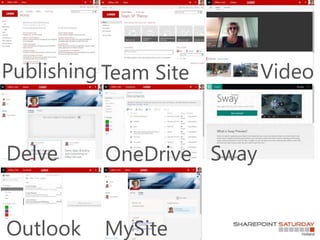
Publishing Team Site
SwayDelve OneDrive
Video
Outlook MySite
Agenda
Everything is possible
Microsoft
“You don’t brand Office.
Why do you want to brand SharePoint.”
We do brand Office
Everything is NOT recommended
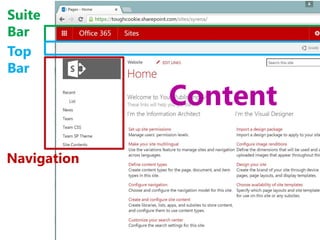
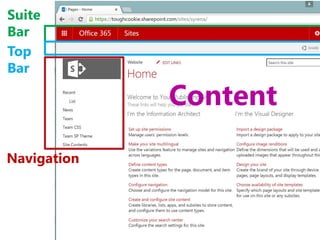
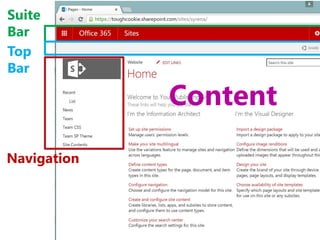
Suite
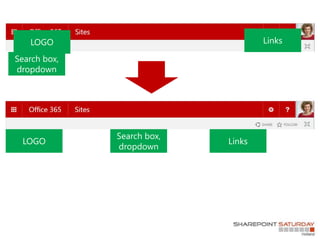
Bar
Top
Bar
Navigation
Content
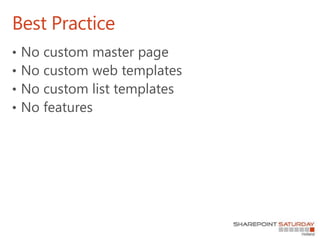
Best Practice
• No custom master page
• No custom web templates
• No custom list templates
• No features
Navigation
Usability: consistent design
and navigation
Publishing
MySite
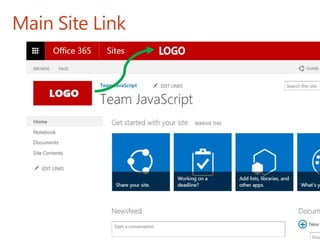
Main Site Link
Consistent design and navigation
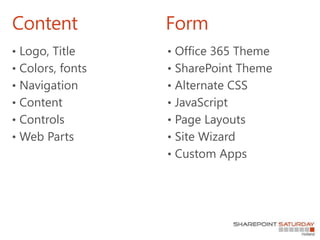
Content Form
• Logo, Title
• Colors, fonts
• Navigation
• Content
• Controls
• Web Parts
• Office 365 Theme
• SharePoint Theme
• Alternate CSS
• JavaScript
• Page Layouts
• Site Wizard
• Custom Apps
HoloLens
Holograms mixed with real
world
Suite
Bar
Top
Bar
Navigation
Content
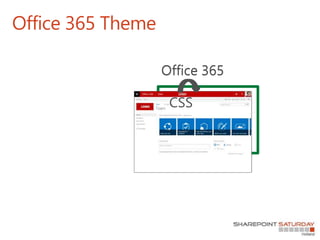
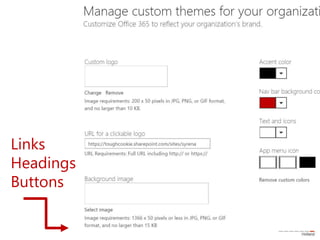
Office 365 Theme
Office 365Office 365
CSS
Links
Headings
Buttons
Page Layouts
Suite
Bar
Top
Bar
Navigation
Content
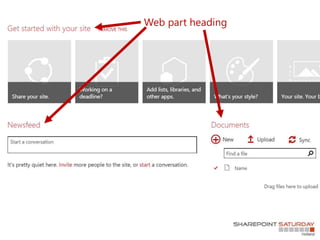
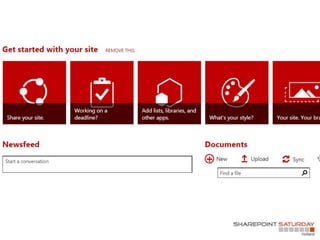
What does it take to have web
part headings in bold?
• Also on Delve, MySite, Office Groups…
Web part heading
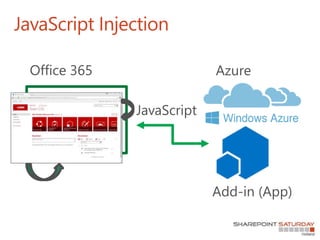
JavaScript Injection
Office 365
JavaScript
Azure
Add-in (App)
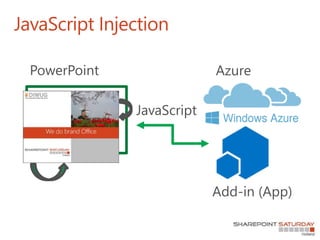
JavaScript Injection
PowerPoint
JavaScript
Azure
Add-in (App)
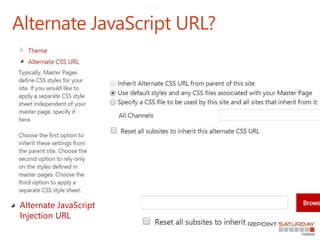
Alternate JavaScript URL?
Alternate JavaScript
Injection URL
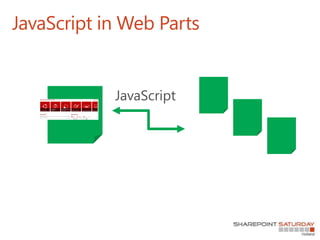
JavaScript in Web Parts
JavaScript
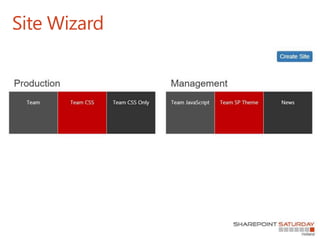
Site Wizard
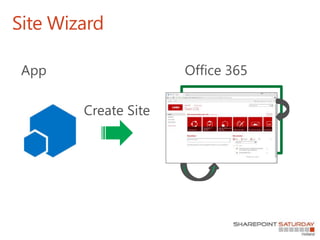
Site Wizard
Office 365App
Create Site
We do brand SharePoint
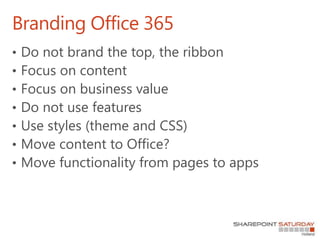
Branding Office 365
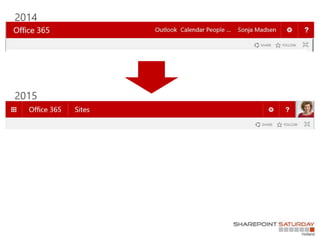
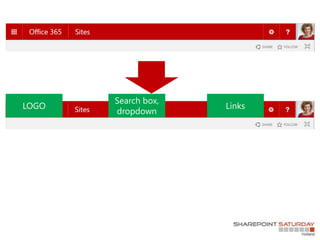
• Do not brand the top, the ribbon
• Focus on content
• Focus on business value
• Do not use features
• Use styles (theme and CSS)
• Move content to Office?
• Move functionality from pages to apps
Summary
THANK YOU

Branding office 365 Netherlands