
SharePoint & jQuery – What I Wish I Would Have Known When I Started… Mark Rackley – Solutions Architect / SharePoint Practice Lead / Developer Email: mrackley@juniper-strategy.comBlog: http://www.sharepointhillbilly.comTwitter: http://www.twitter.com/mrackley
AgendajQuery OverviewjQuery & SharePoint – What’s the Point?Deployment, Maintenance, UpgradesSPServicesDevelopment & DebuggingExamples2
What is jQuery?JavaScript utility libraryQuickly write interactive and USABLE applicationsYou don’t have to deploy assemblies (perfect for tightly controlled environments)
What Skills do I need?JavaScript (duh)CSS, XMLA development backgroundIt IS codeUses development constructsIf you can’t write code, your ability to do magic will be limited to what you can copy/pasteCAML, CAML, CAML… Sorry…Ability to think outside the boxUse all the pieces together
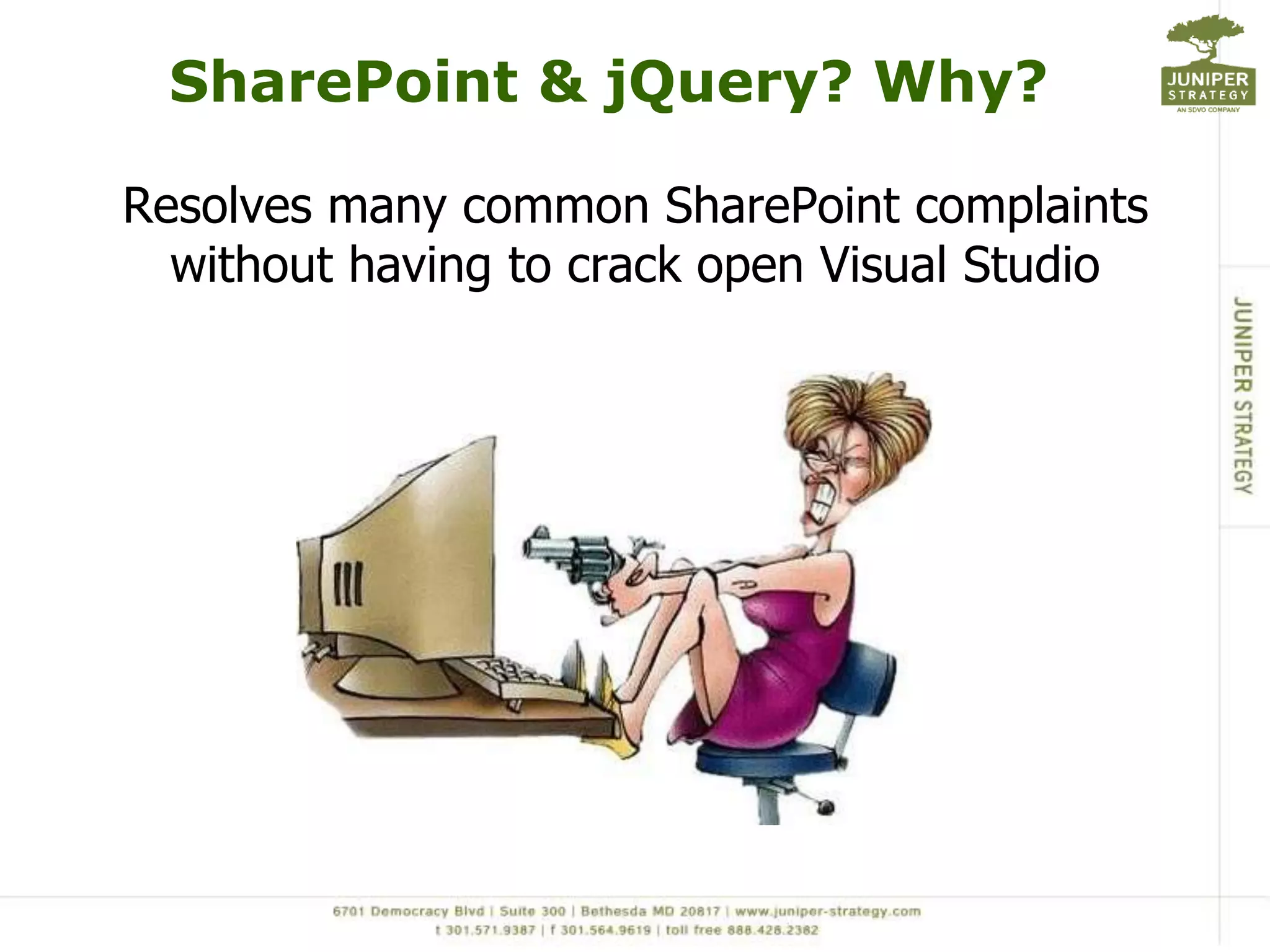
SharePoint & jQuery? Why?Resolves many common SharePoint complaints without having to crack open Visual Studio
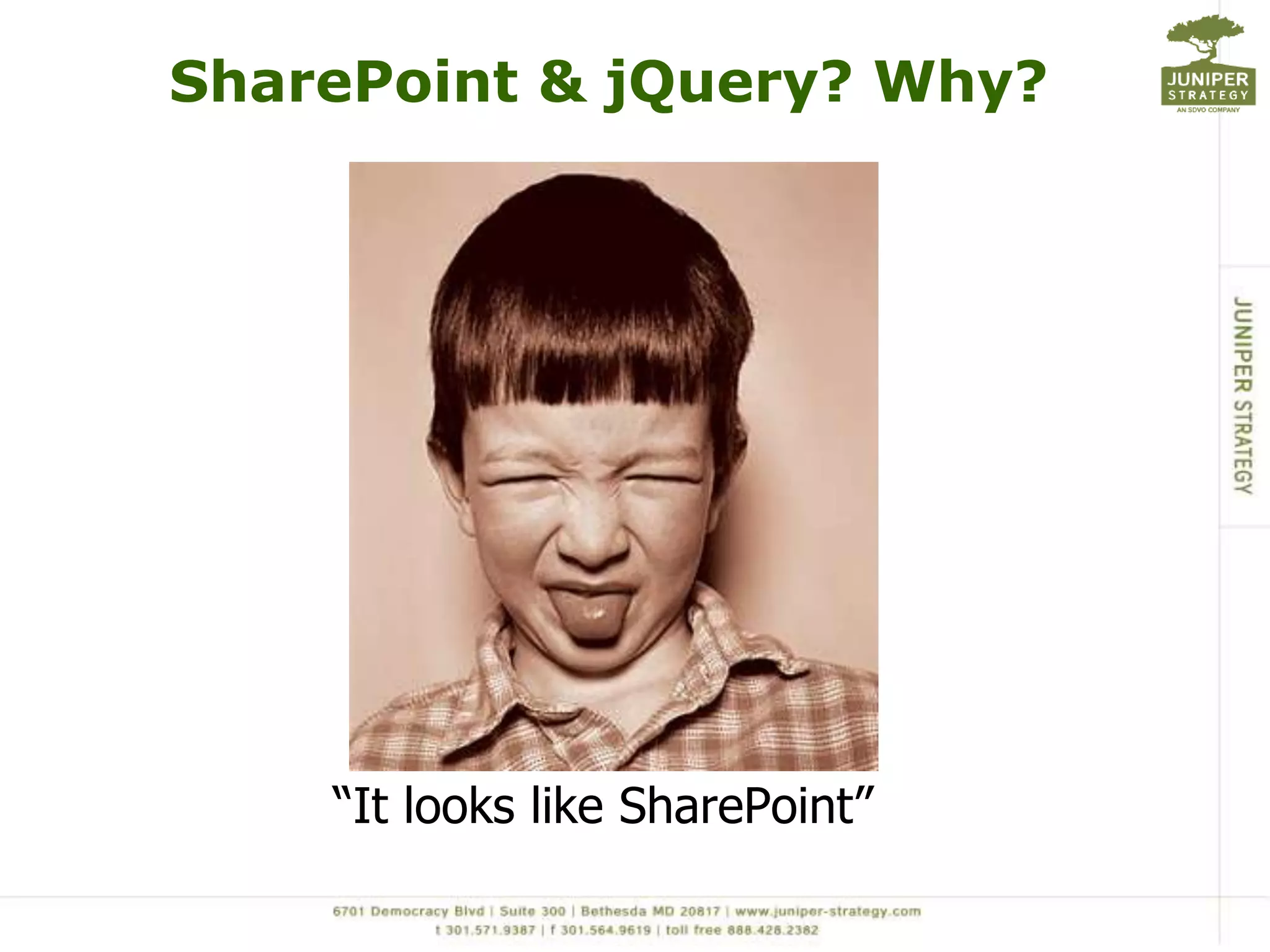
SharePoint & jQuery? Why?“It looks like SharePoint”
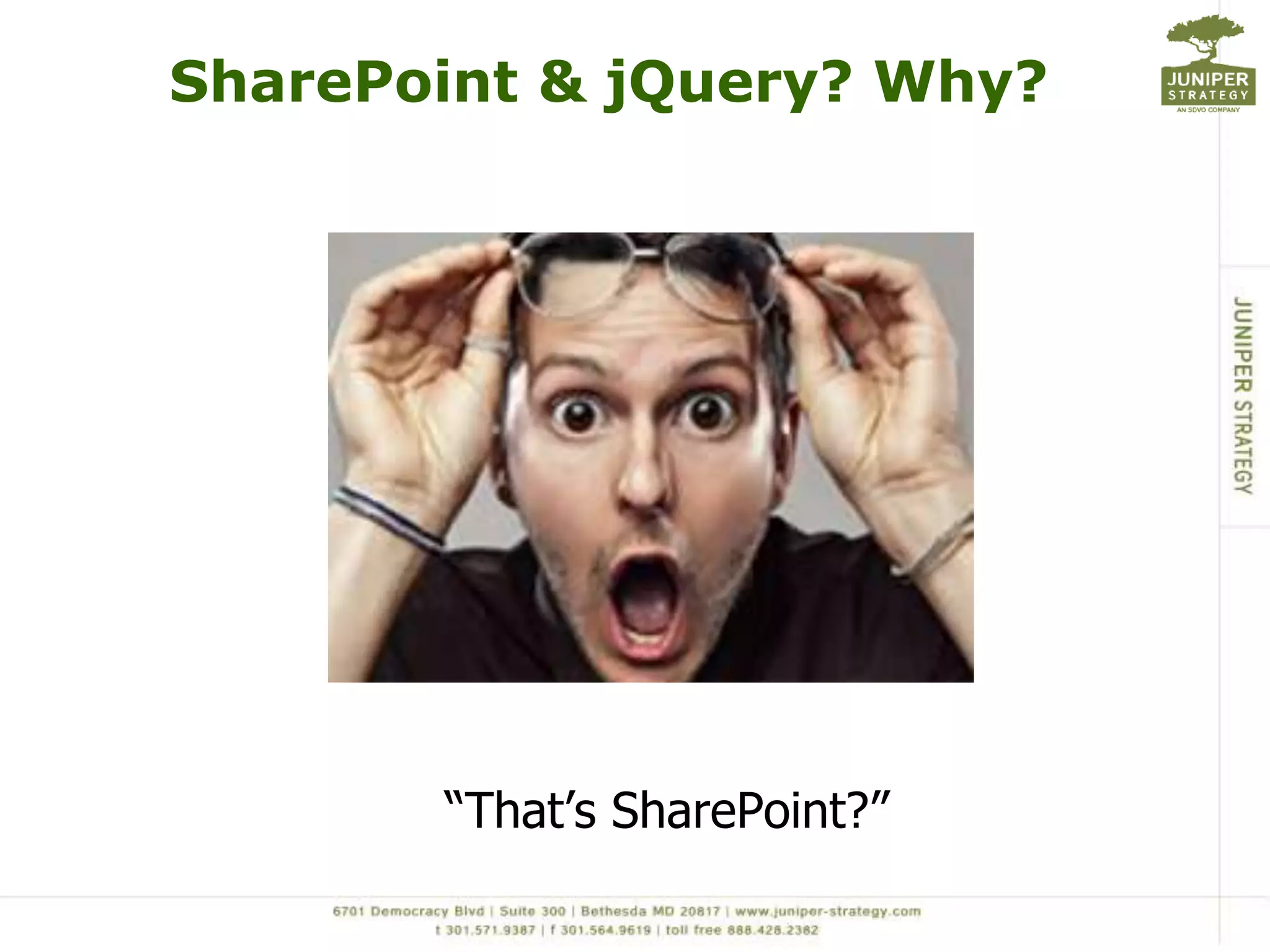
SharePoint & jQuery? Why?“That’s SharePoint?”
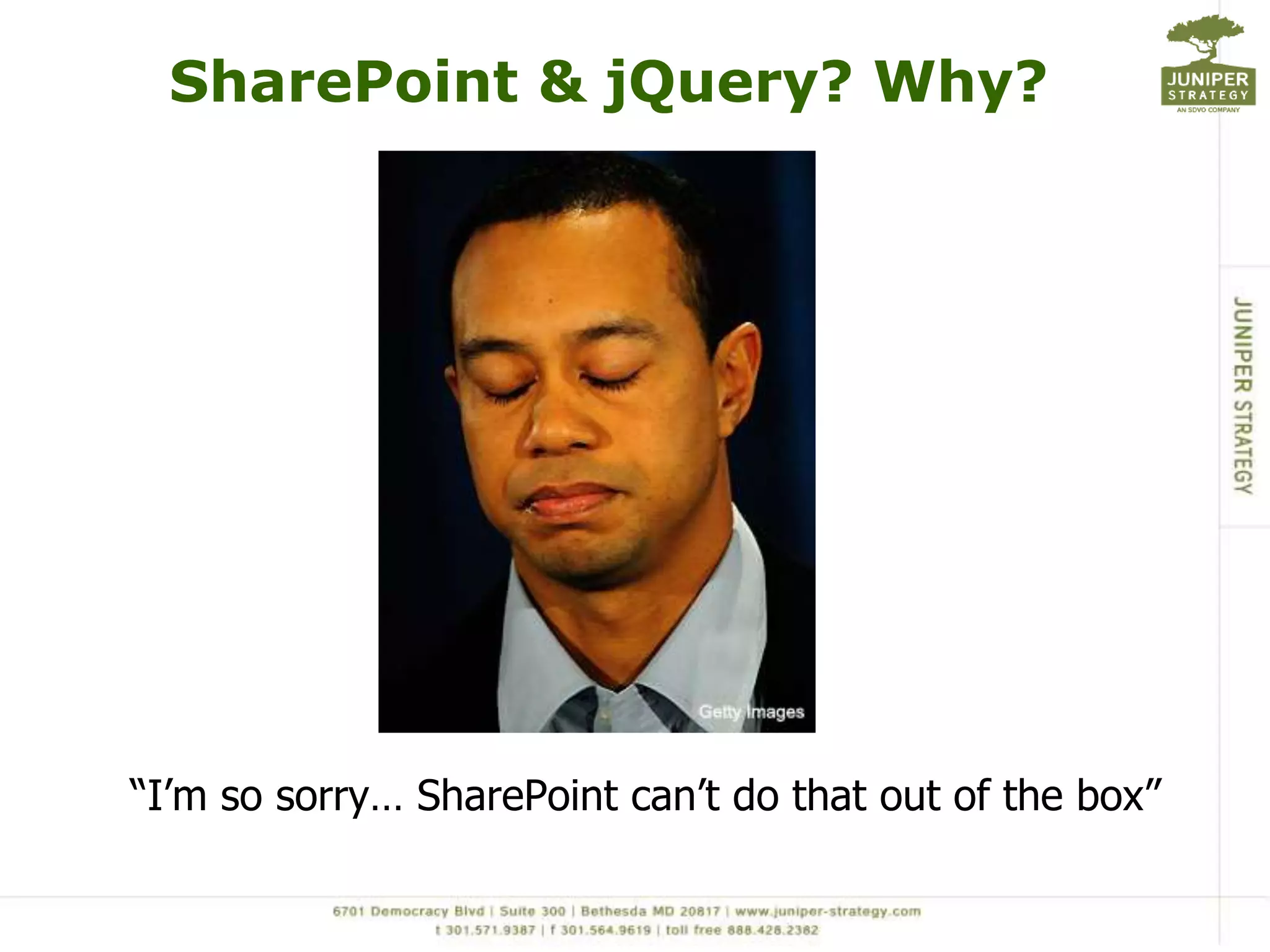
SharePoint & jQuery? Why?“I’m so sorry… SharePoint can’t do that out of the box”
SharePoint & jQuery? Why?“Sure, no problem”
SharePoint & jQuery? Why?“That will take 3 weeks???” becomes “2 days? Awesome! I love you… here, please accept this bonus for being such a wonderful developer”
jQuery makes your SharePoint applications USABLE
Common MythsIt’s not secureBusted… It uses SharePoint’s security. All scripts run with privileges of current userIt doesn’t perform wellPlausible… It performs very well if you use it correctly in the right situationsI can’t elevate privileges if I need toConfirmed…
Yeah but…I can’t interact with SharePoint Lists and Libraries without screen scrapingYou can call Web Services with JavaScript (SPServices is a wonderful jQuery library that wraps SharePoints Web Service calls)It has no real use in my environment because of “x”Quickly prototype and tweak web parts before writing in Visual Studio. In fact, in some environments it is the only development option.
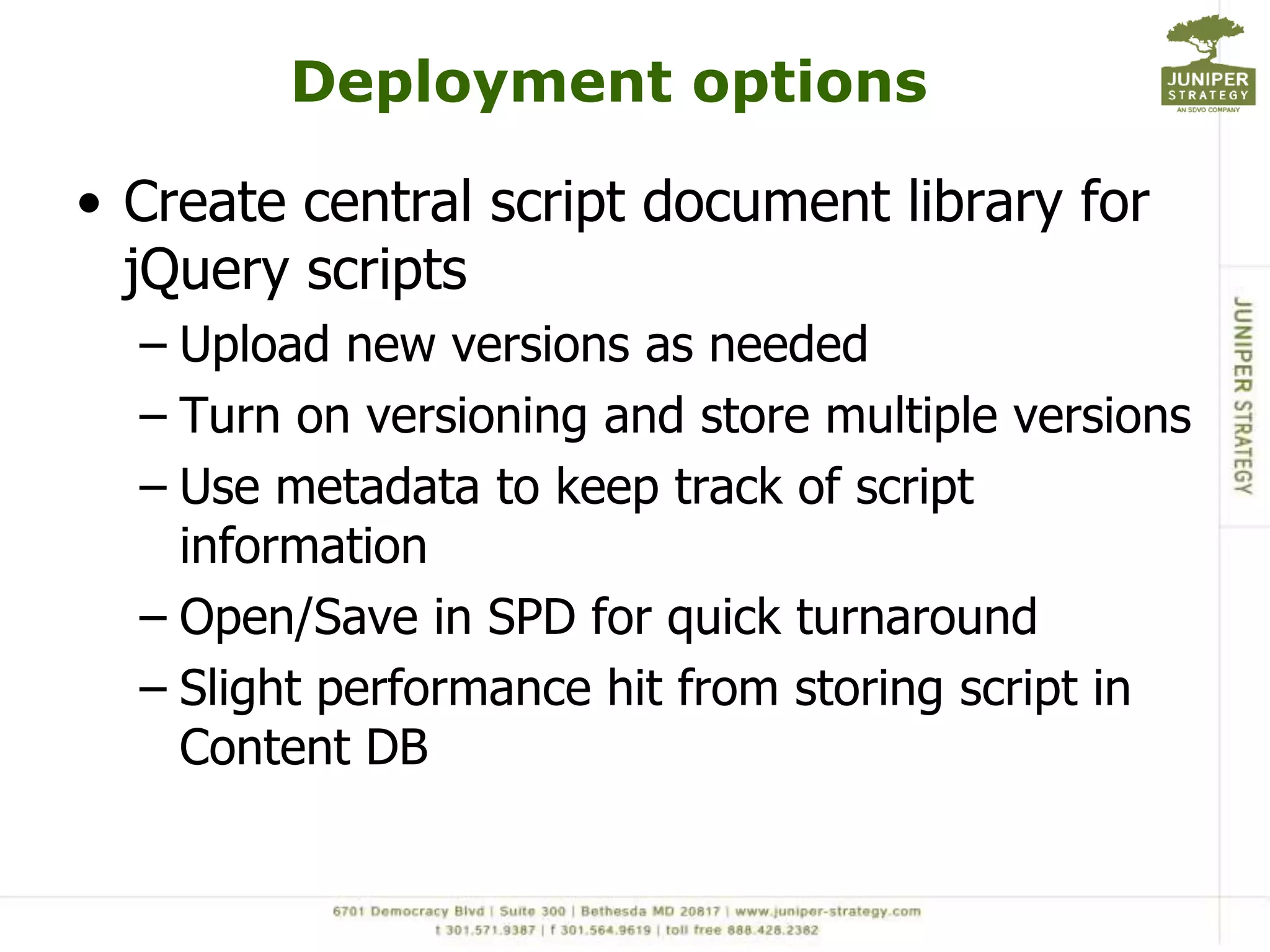
Deployment optionsCreate central script document library for jQuery scriptsUpload new versions as neededTurn on versioning and store multiple versionsUse metadata to keep track of script informationOpen/Save in SPD for quick turnaroundSlight performance hit from storing script in Content DB
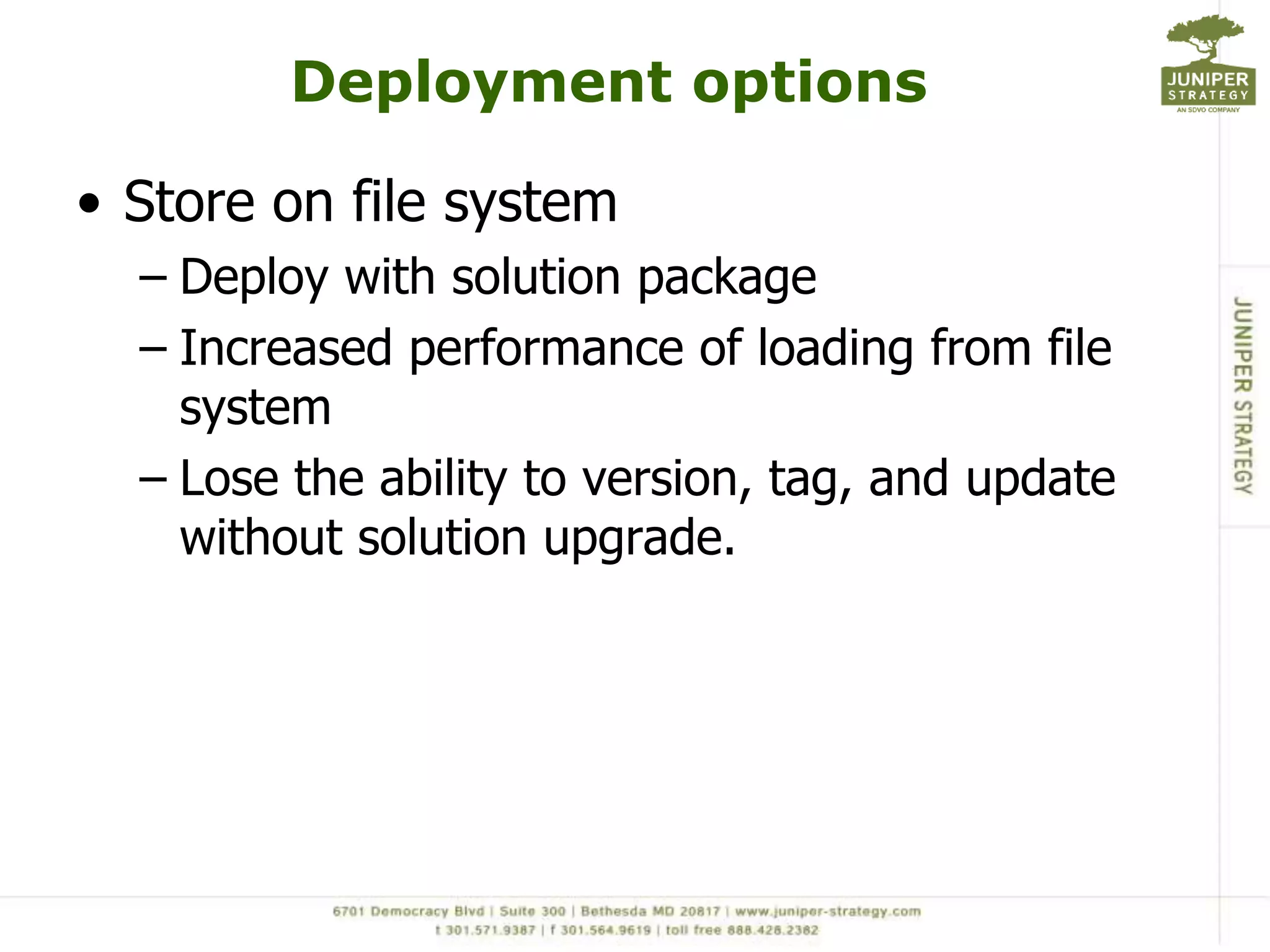
Deployment optionsStore on file systemDeploy with solution packageIncreased performance of loading from file systemLose the ability to version, tag, and update without solution upgrade.
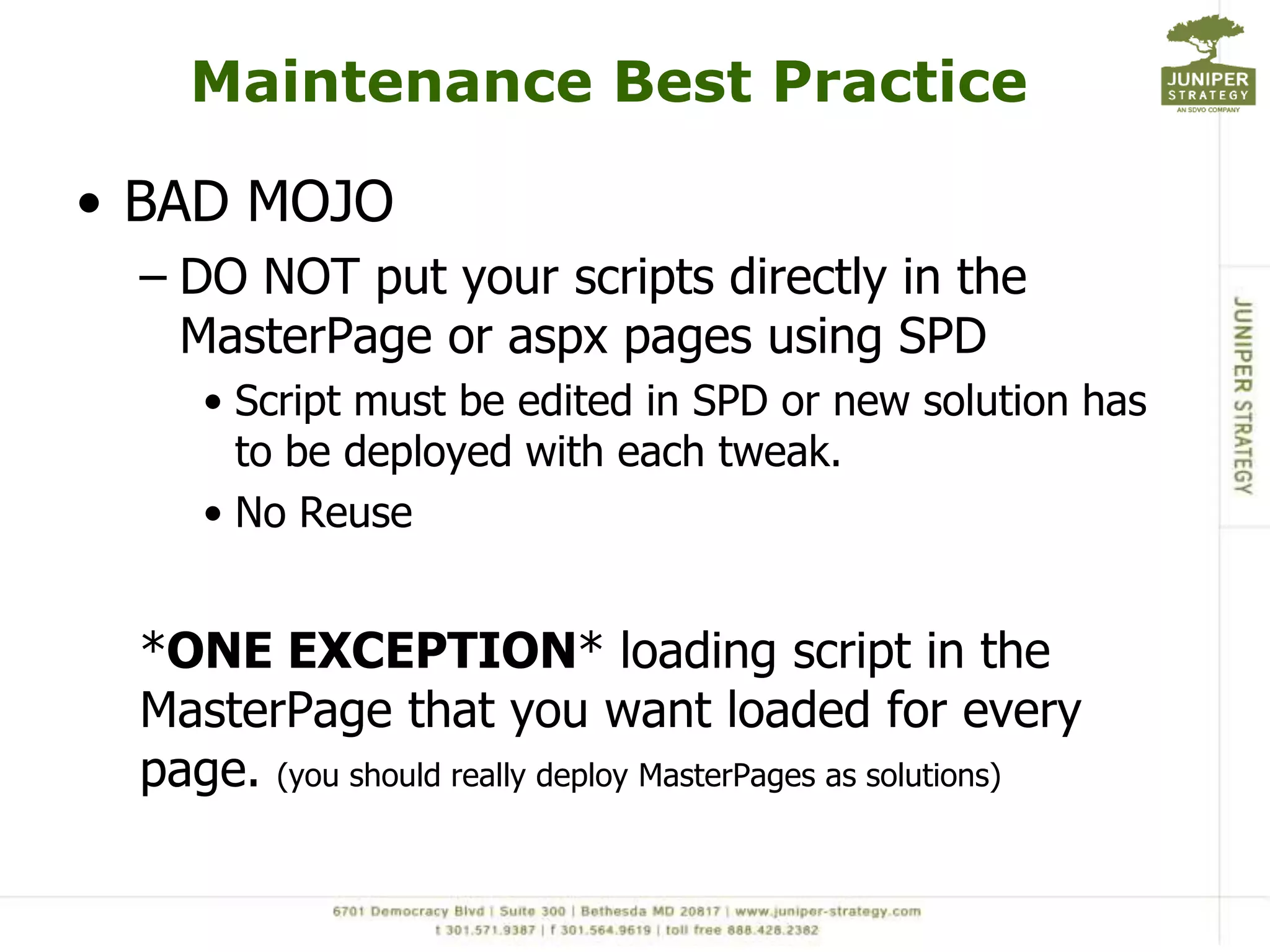
Maintenance Best PracticeBAD MOJODO NOT put your scripts directly in the MasterPage or aspx pages using SPDScript must be edited in SPD or new solution has to be deployed with each tweak.No Reuse*ONE EXCEPTION* loading script in the MasterPage that you want loaded for every page. (you should really deploy MasterPages as solutions)
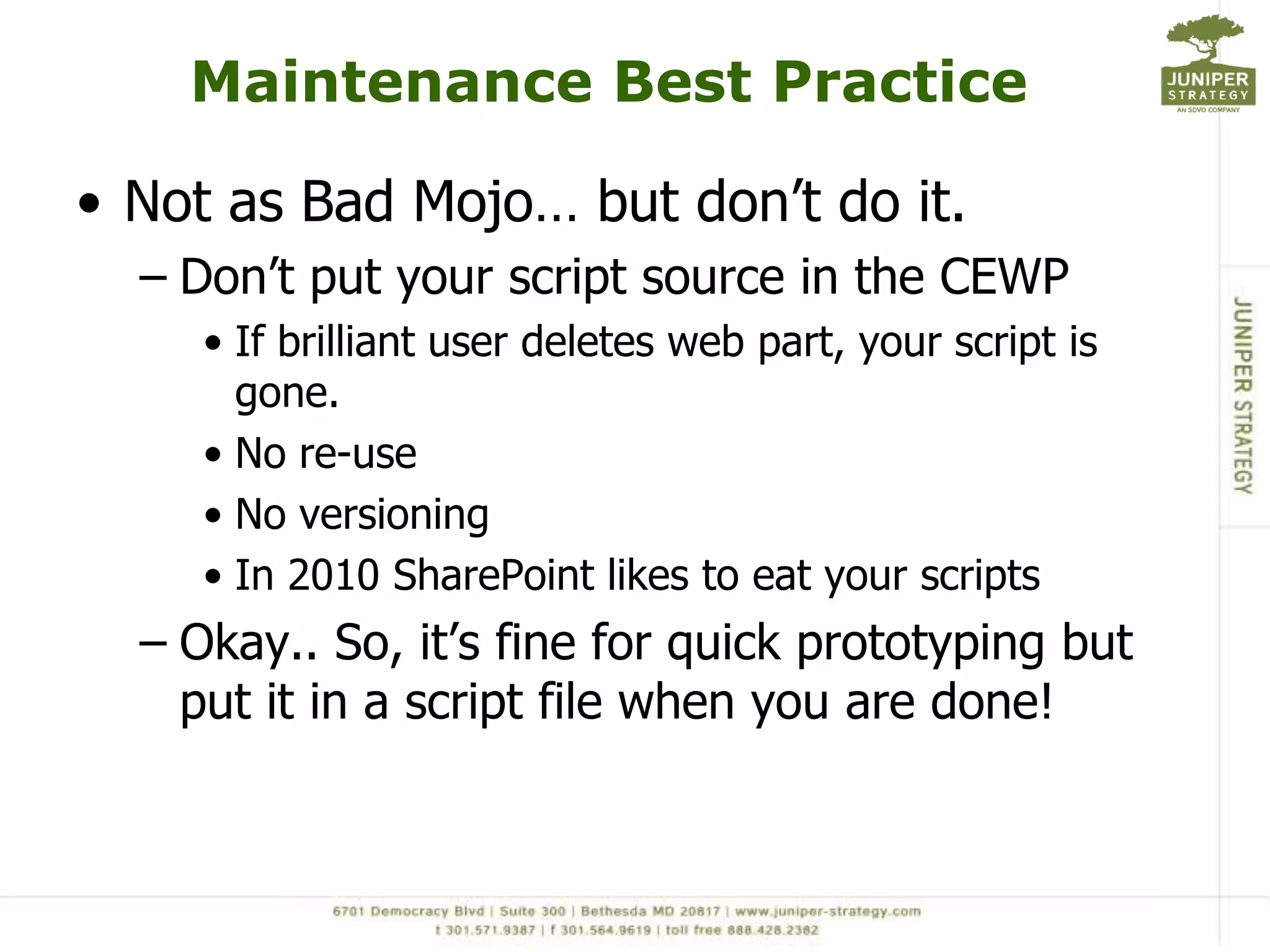
Maintenance Best PracticeNot as Bad Mojo… but don’t do it.Don’t put your script source in the CEWPIf brilliant user deletes web part, your script is gone. No re-use No versioningIn 2010 SharePoint likes to eat your scriptsOkay.. So, it’s fine for quick prototyping but put it in a script file when you are done!
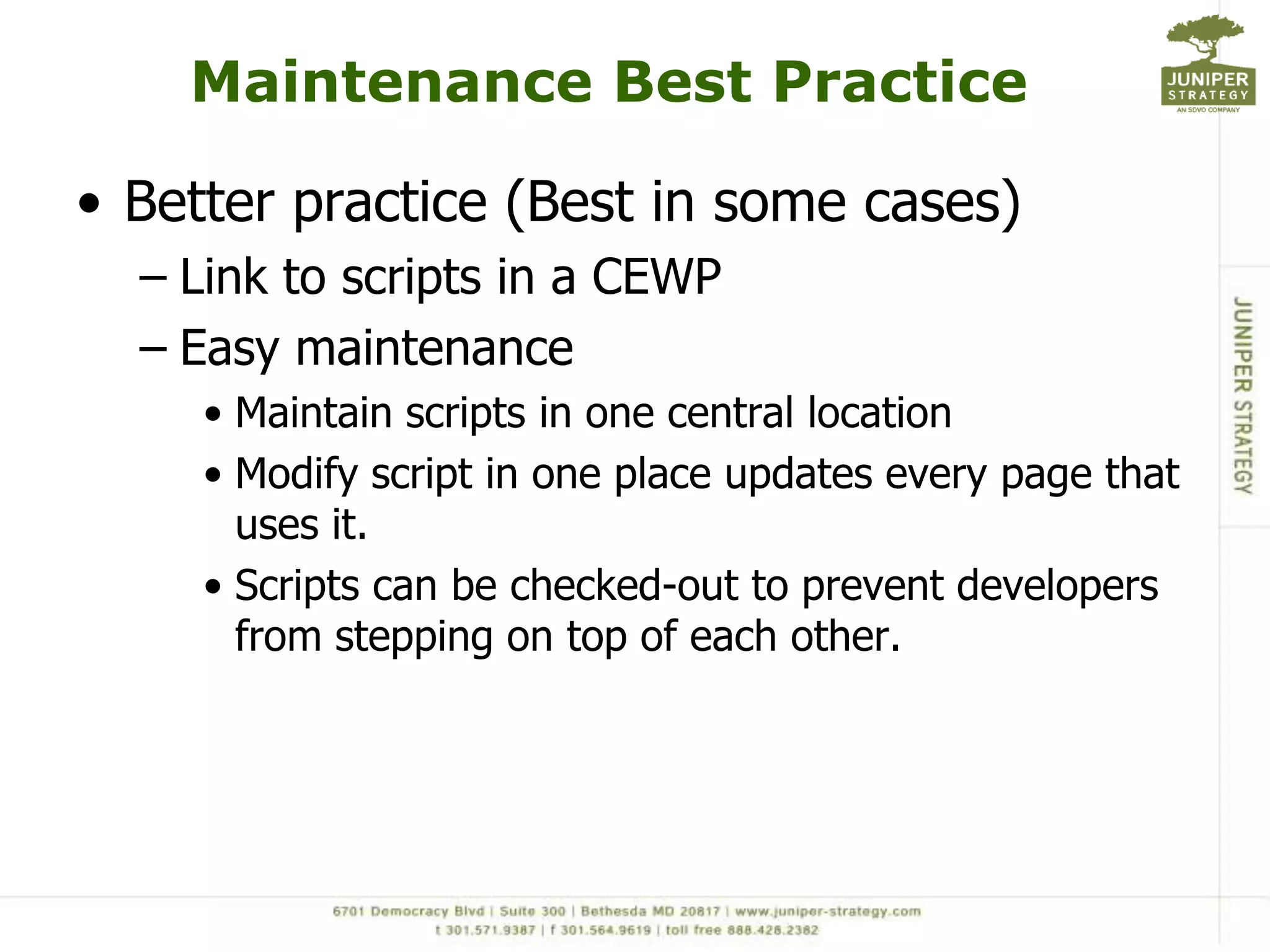
Maintenance Best PracticeBetter practice (Best in some cases)Link to scripts in a CEWPEasy maintenanceMaintain scripts in one central locationModify script in one place updates every page that uses it.Scripts can be checked-out to prevent developers from stepping on top of each other.
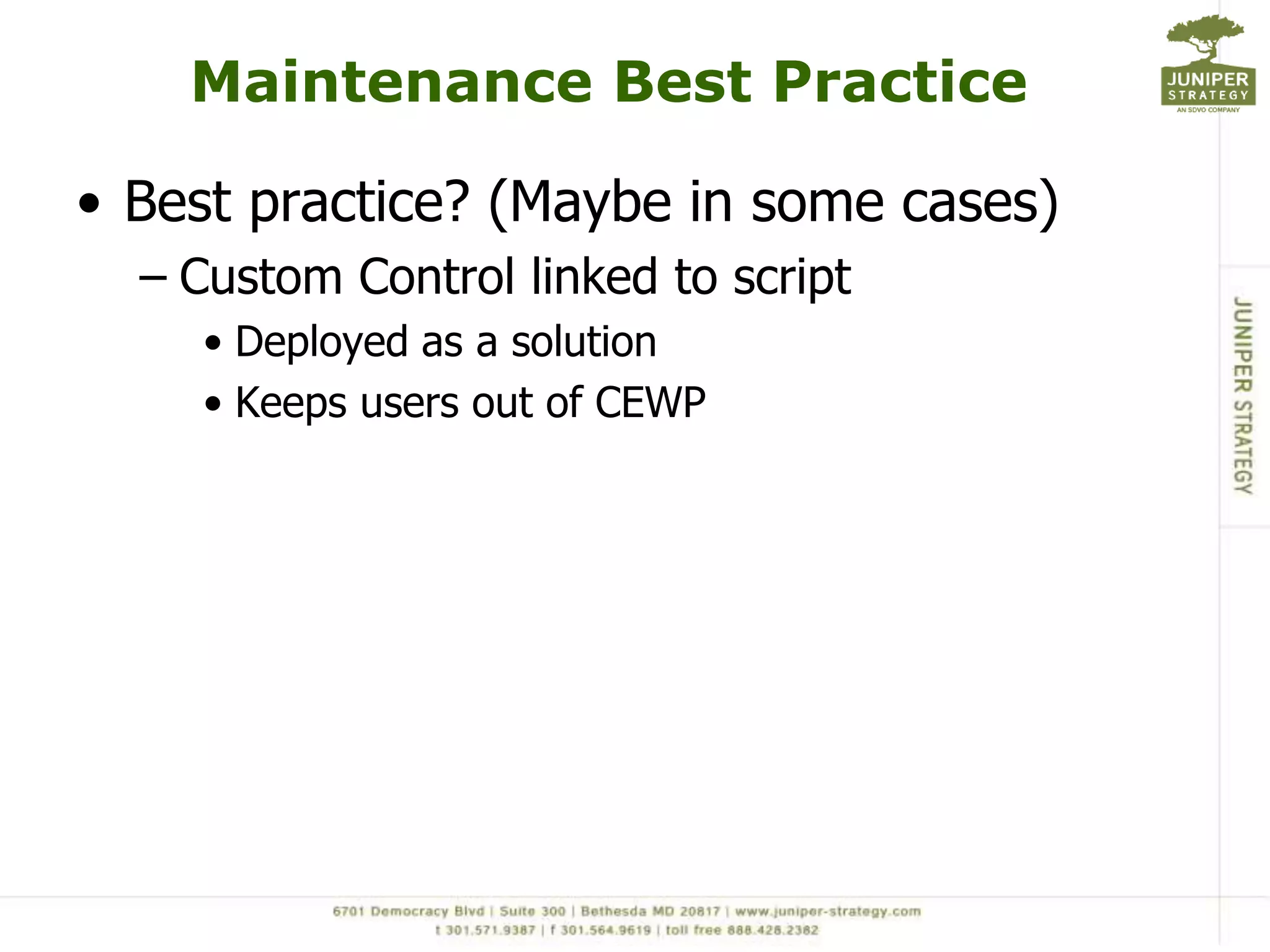
Maintenance Best PracticeBest practice? (Maybe in some cases)Custom Control linked to scriptDeployed as a solutionKeeps users out of CEWP
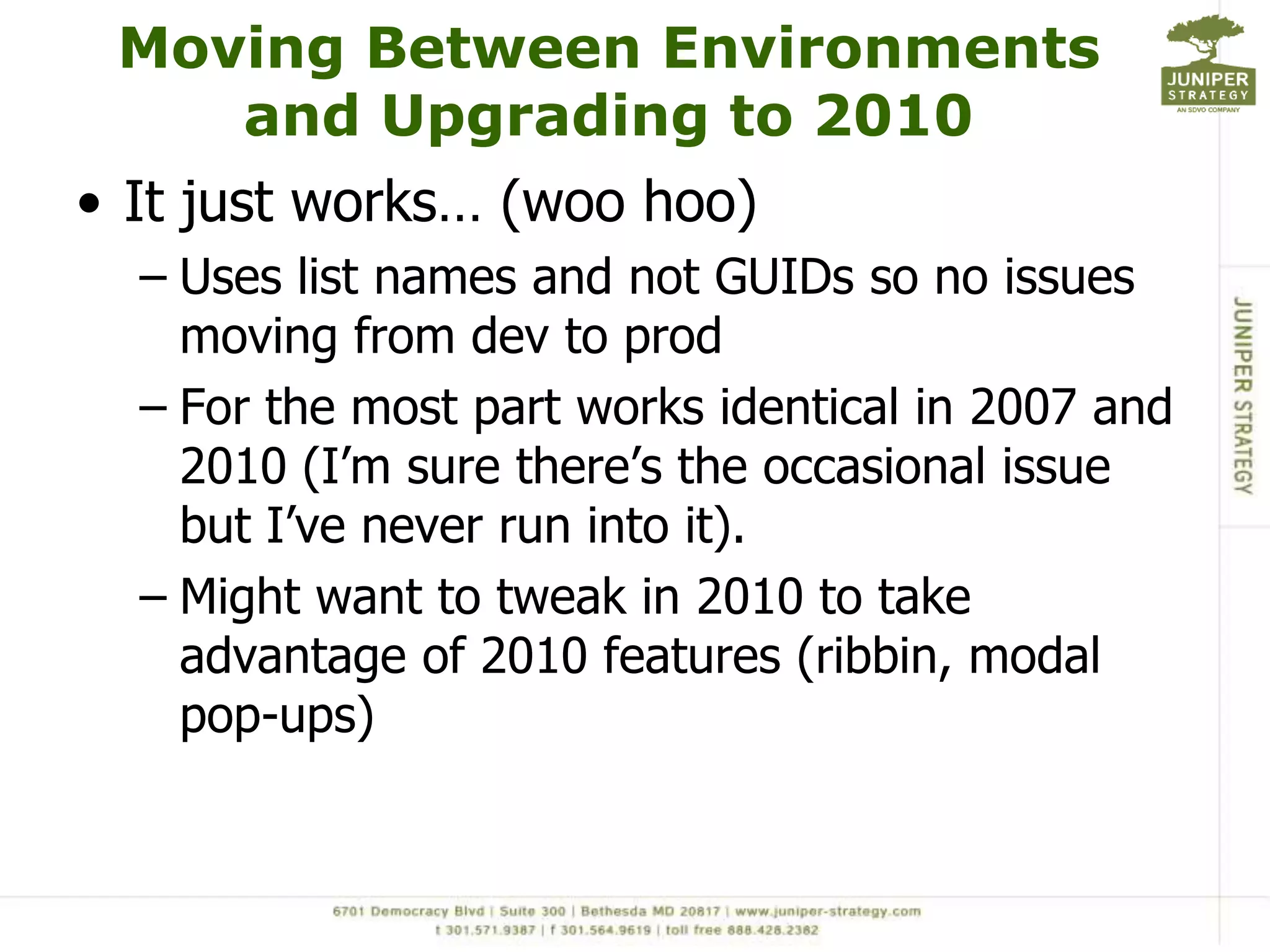
Moving Between Environments and Upgrading to 2010It just works… (woo hoo)Uses list names and not GUIDs so no issues moving from dev to prodFor the most part works identical in 2007 and 2010 (I’m sure there’s the occasional issue but I’ve never run into it).Might want to tweak in 2010 to take advantage of 2010 features (ribbin, modal pop-ups)
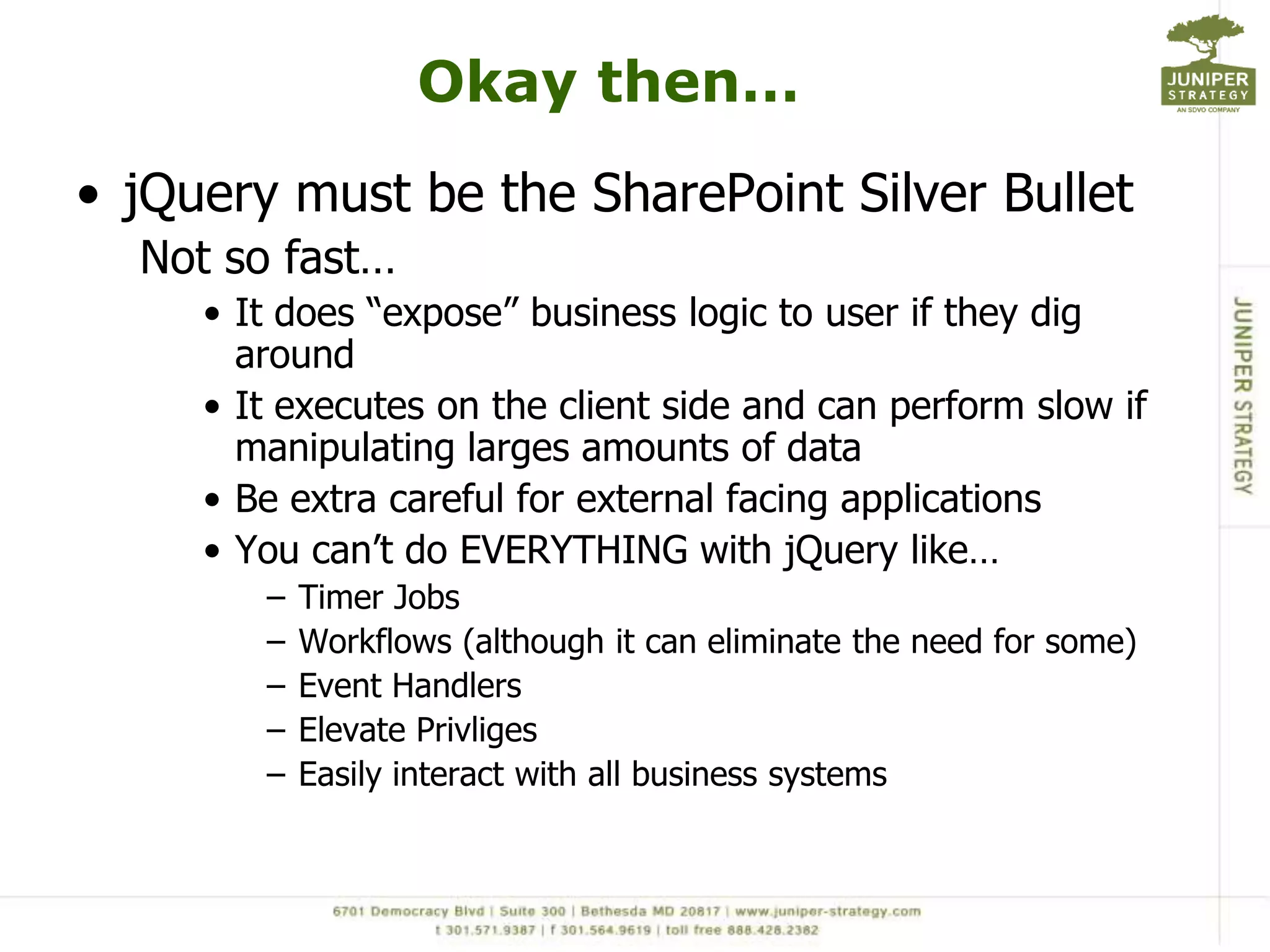
Okay then…jQuery must be the SharePoint Silver BulletNot so fast…It does “expose” business logic to user if they dig aroundIt executes on the client side and can perform slow if manipulating larges amounts of dataBe extra careful for external facing applicationsYou can’t do EVERYTHING with jQuerylike…Timer JobsWorkflows (although it can eliminate the need for some)Event HandlersElevate PrivligesEasily interact with all business systems
jQuery is another tool for the SharePoint Developer’s toolkitUnderstand the limitationsUse it wisely
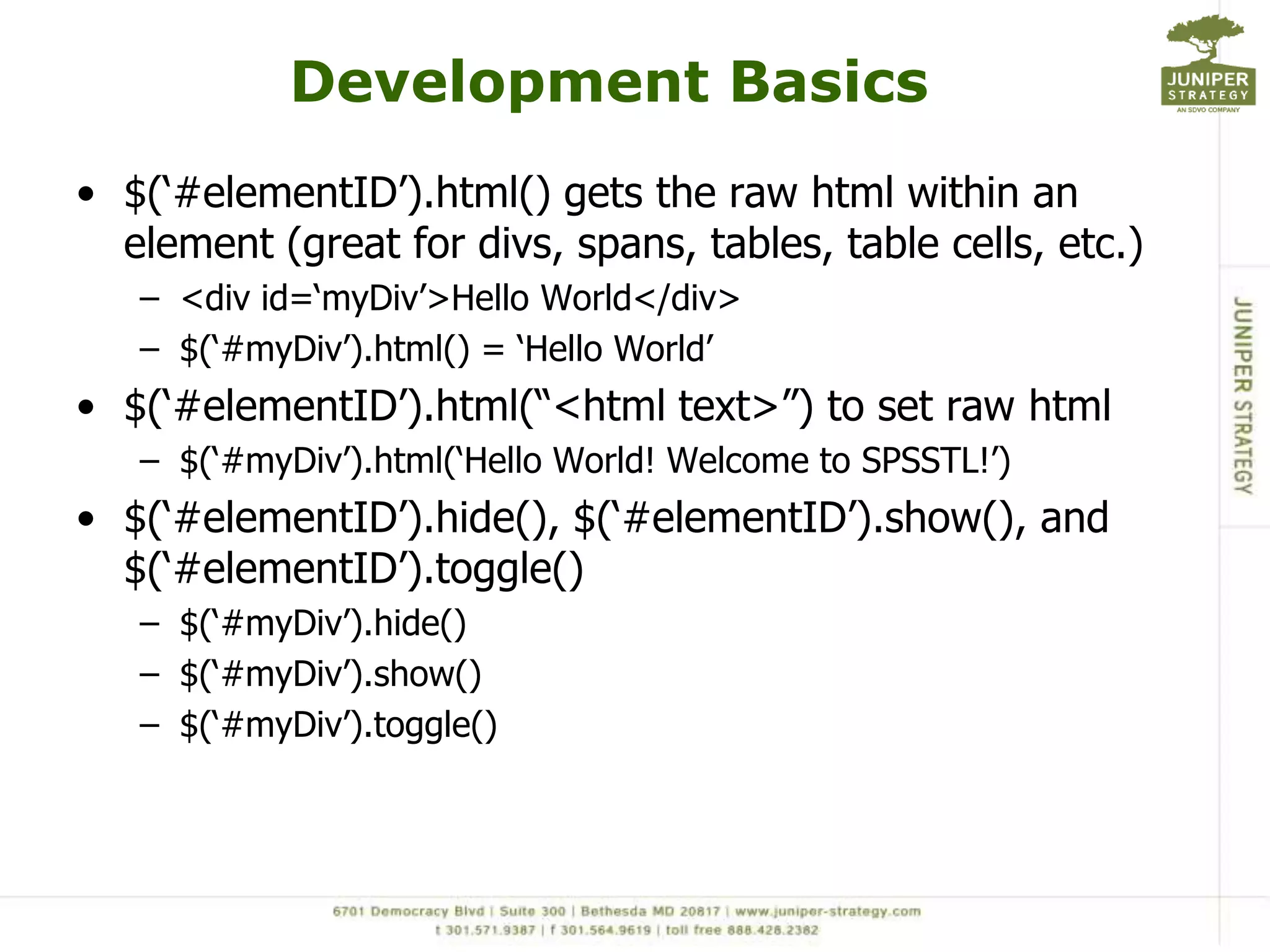
Development BasicsjQuery methods are executed using jQuery() or $()$(document).ready() is your “main()”Don’t HAVE to, but easy to quickly locate where script starts$(‘#elementID’) to interact with any elementDivs, tables, rows, cells, inputs, selects.. Etc.. Etc.. Etc… <table id=‘myTable’></table> $(‘#myTable’).append(‘<tr><td>add a row</td></tr>’);$(‘#elementID’).val() gets values of inputs<input type=‘text’ id=‘myTextBox’ >$(‘#myTextBox’).val();$(‘#elementID’).val([value]) sets the values of inputs$(‘#myTextBox’).val(‘Hello World’);
Development Basics$(‘#elementID’).html() gets the raw html within an element (great for divs, spans, tables, table cells, etc.)<div id=‘myDiv’>Hello World</div>$(‘#myDiv’).html() = ‘Hello World’$(‘#elementID’).html(“<html text>”) to set raw html$(‘#myDiv’).html(‘Hello World! Welcome to SPSSTL!’)$(‘#elementID’).hide(), $(‘#elementID’).show(), and $(‘#elementID’).toggle()$(‘#myDiv’).hide()$(‘#myDiv’).show()$(‘#myDiv’).toggle()
Development BasicsSharePoint Form Fields$(‘input[title=“Title”]’).val();$(‘select[title=“Title”]’).val();CDATA is a life saverWrap values in CDATA tags:"<![CDATA[" + data + "]]>"GET O’REILLY’S JQUERY POCKET REFERENCEhttp://oreilly.com/catalog/0636920016182
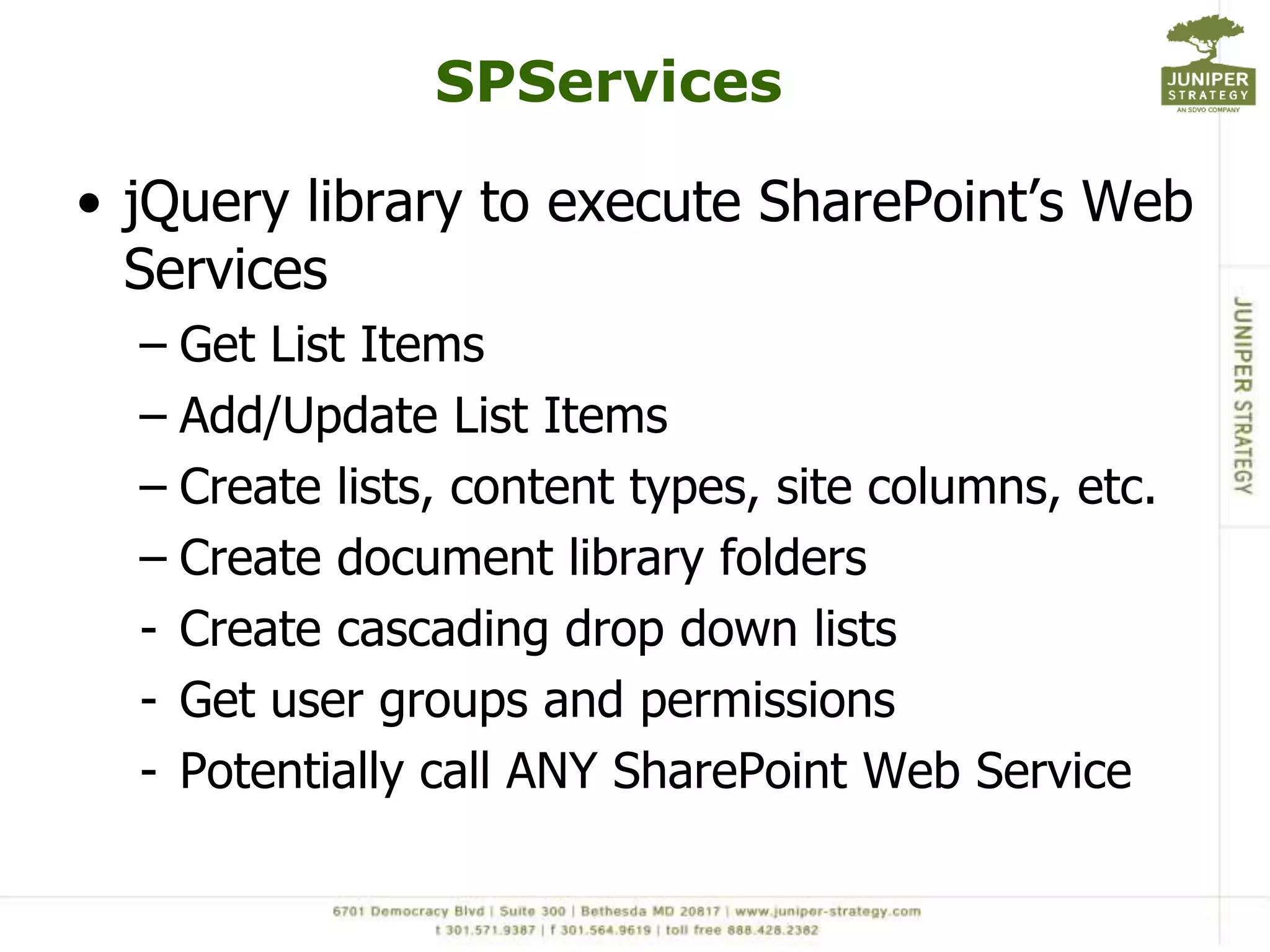
SPServicesjQuery library to execute SharePoint’s Web ServicesGet List ItemsAdd/Update List ItemsCreate lists, content types, site columns, etc.Create document library foldersCreate cascading drop down lists
Get user groups and permissions
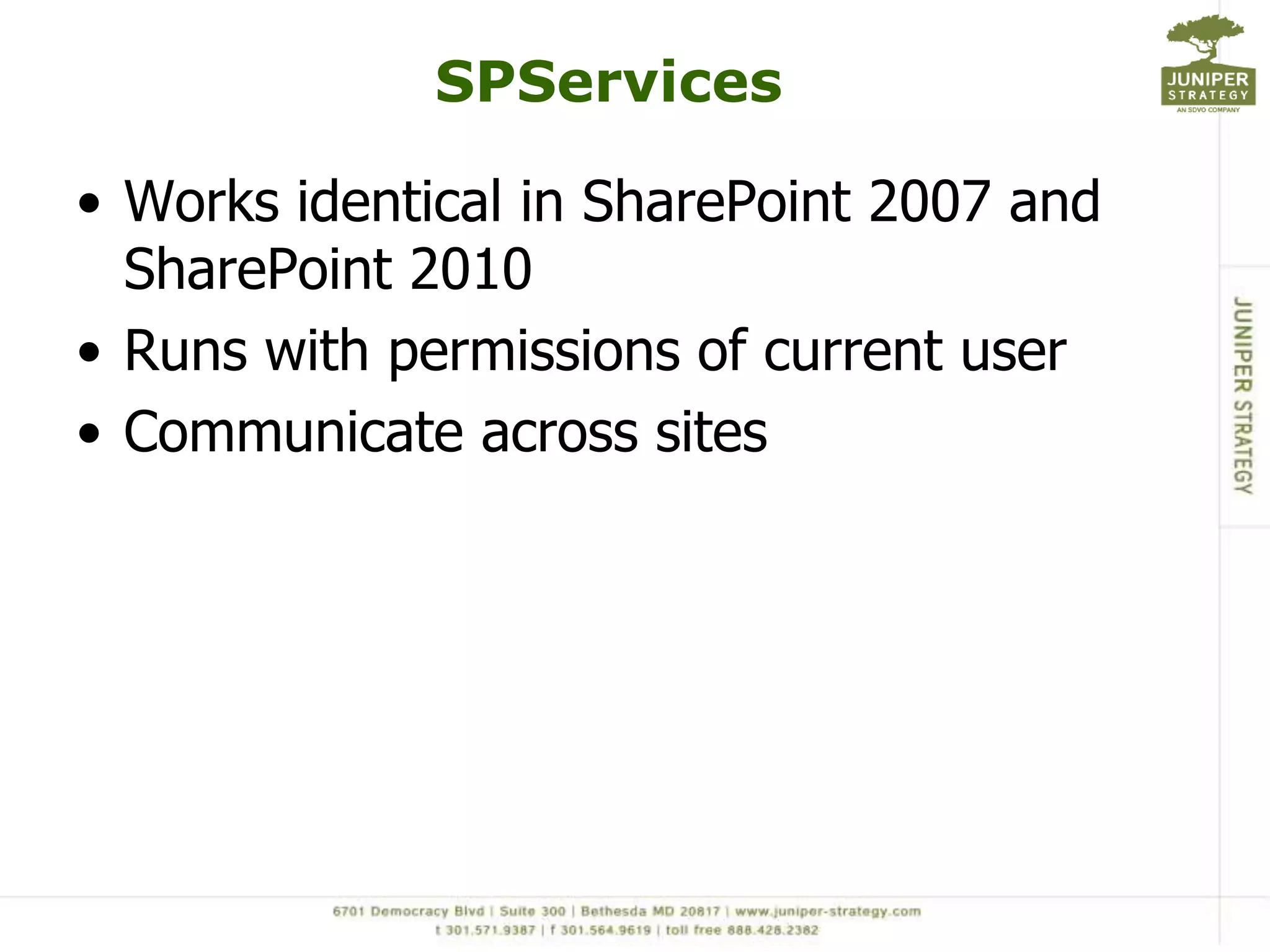
Potentially call ANY SharePoint Web ServiceSPServicesWorks identical in SharePoint 2007 and SharePoint 2010Runs with permissions of current userCommunicate across sites
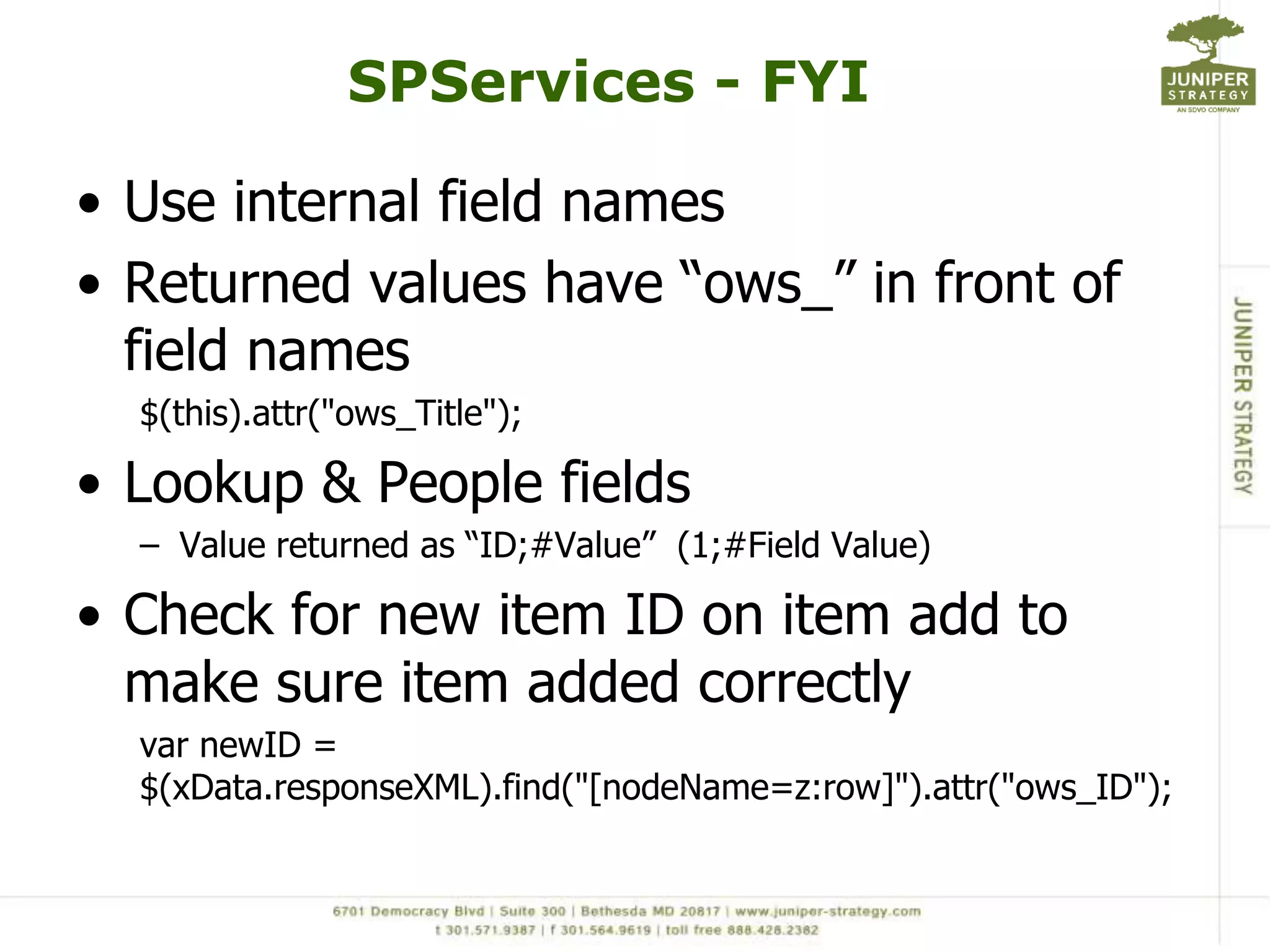
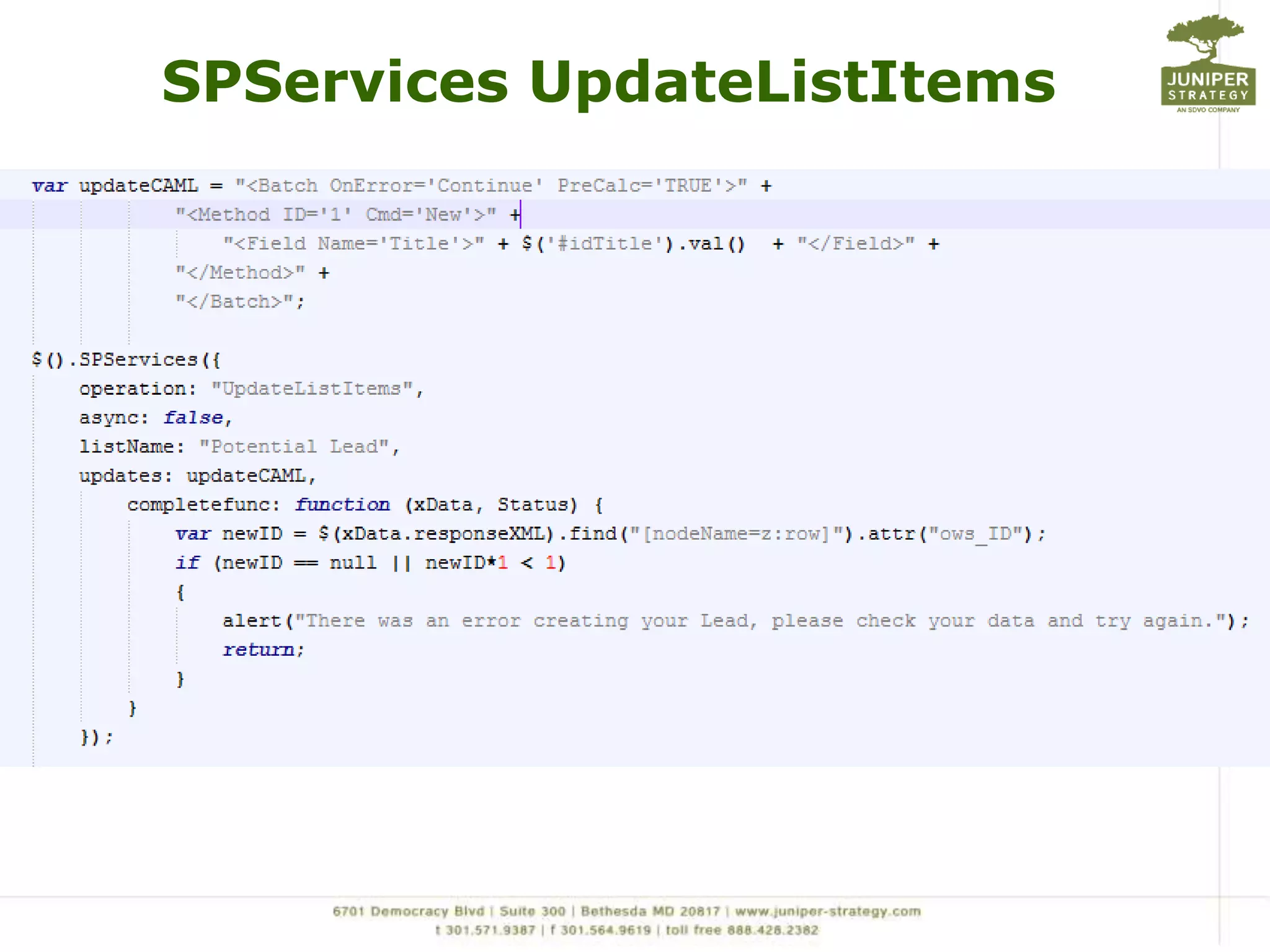
SPServices - FYIUse internal field names Returned values have “ows_” in front of field names$(this).attr("ows_Title");Lookup & People fieldsValue returned as “ID;#Value”  (1;#Field Value)Check for new item ID on item add to make sure item added correctlyvarnewID = $(xData.responseXML).find("[nodeName=z:row]").attr("ows_ID");
SPServicesGetListItems
SPServicesUpdateListItems
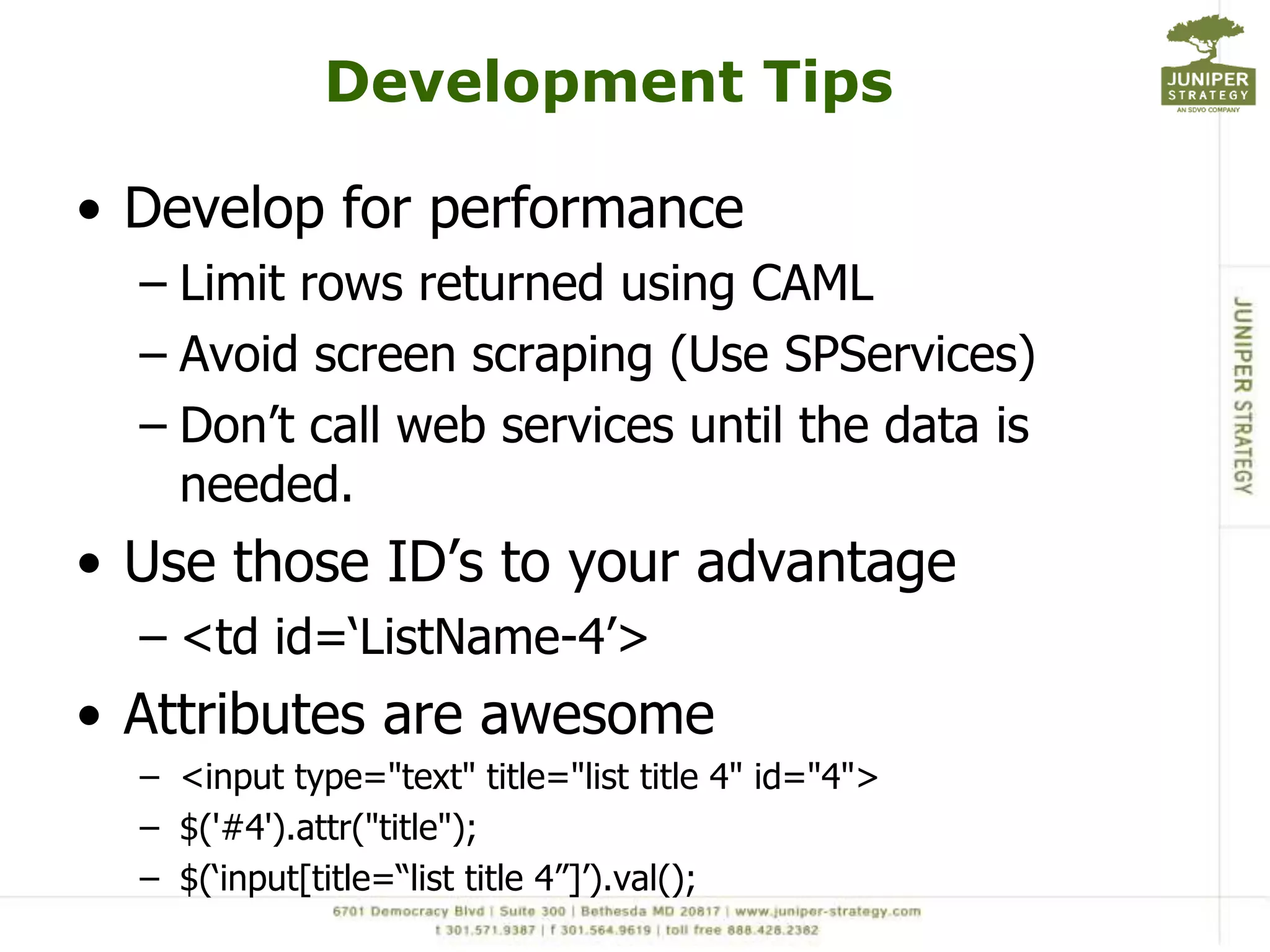
Development TipsDevelop for performanceLimit rows returned using CAMLAvoid screen scraping (Use SPServices)Don’t call web services until the data is needed.Use those ID’s to your advantage<td id=‘ListName-4’>Attributes are awesome<input type="text" title="list title 4" id="4">$('#4').attr("title");$(‘input[title=“list title 4”]’).val();
Writing jQueryPick whatever editor makes you happy…SharePoint DesignerNo need to upload scriptsVisual StudioI don’t use it, so can’t speak to itAptana (actual JavaScript IDE)Gives you some intellisenseNotePad++Good bracket matching which tends to bite you in the butt
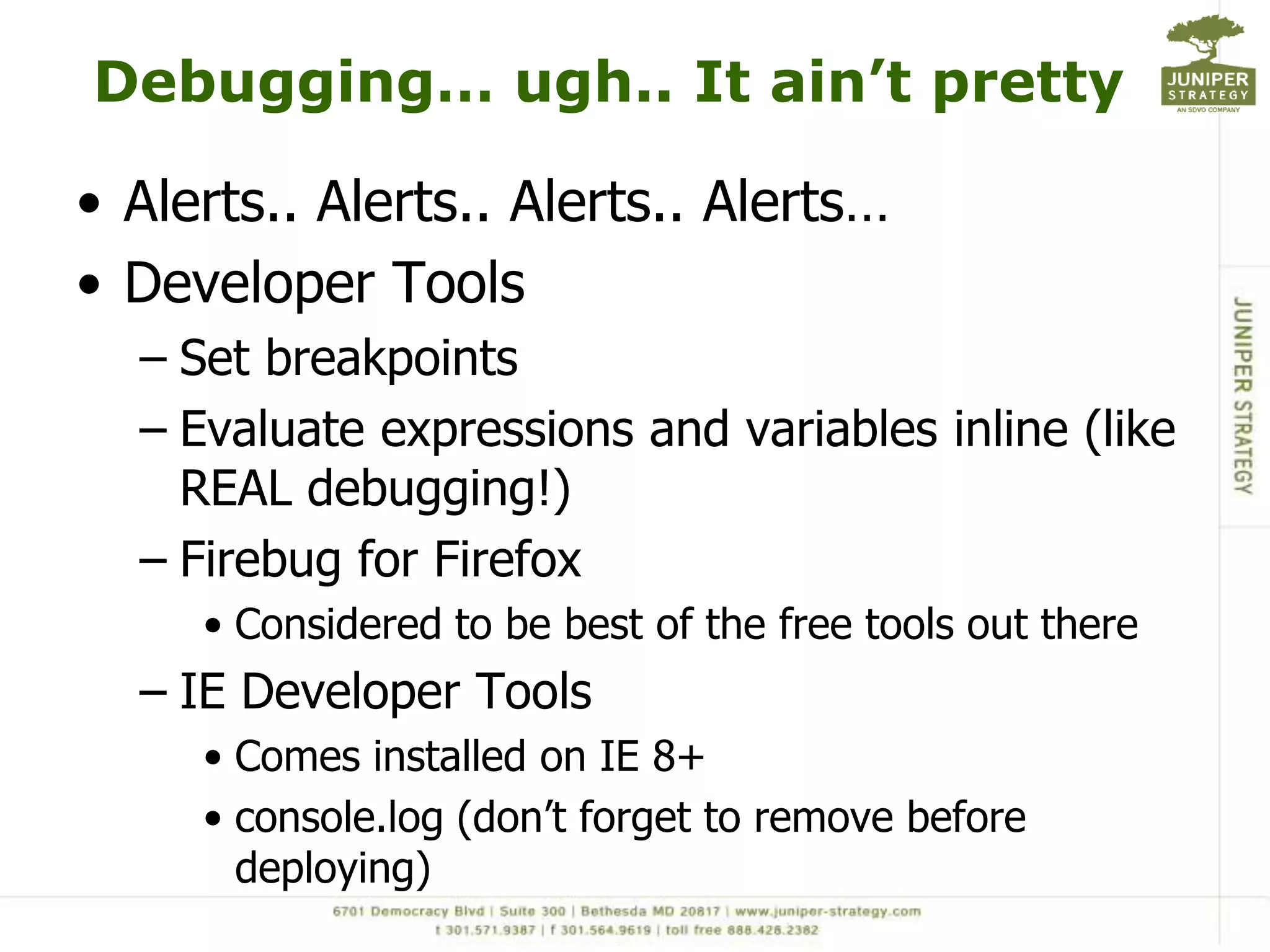
Debugging… ugh.. It ain’t prettyAlerts.. Alerts.. Alerts.. Alerts…Developer ToolsSet breakpointsEvaluate expressions and variables inline (like REAL debugging!)Firebug for Firefox Considered to be best of the free tools out thereIE Developer Tools Comes installed on IE 8+console.log (don’t forget to remove before deploying)
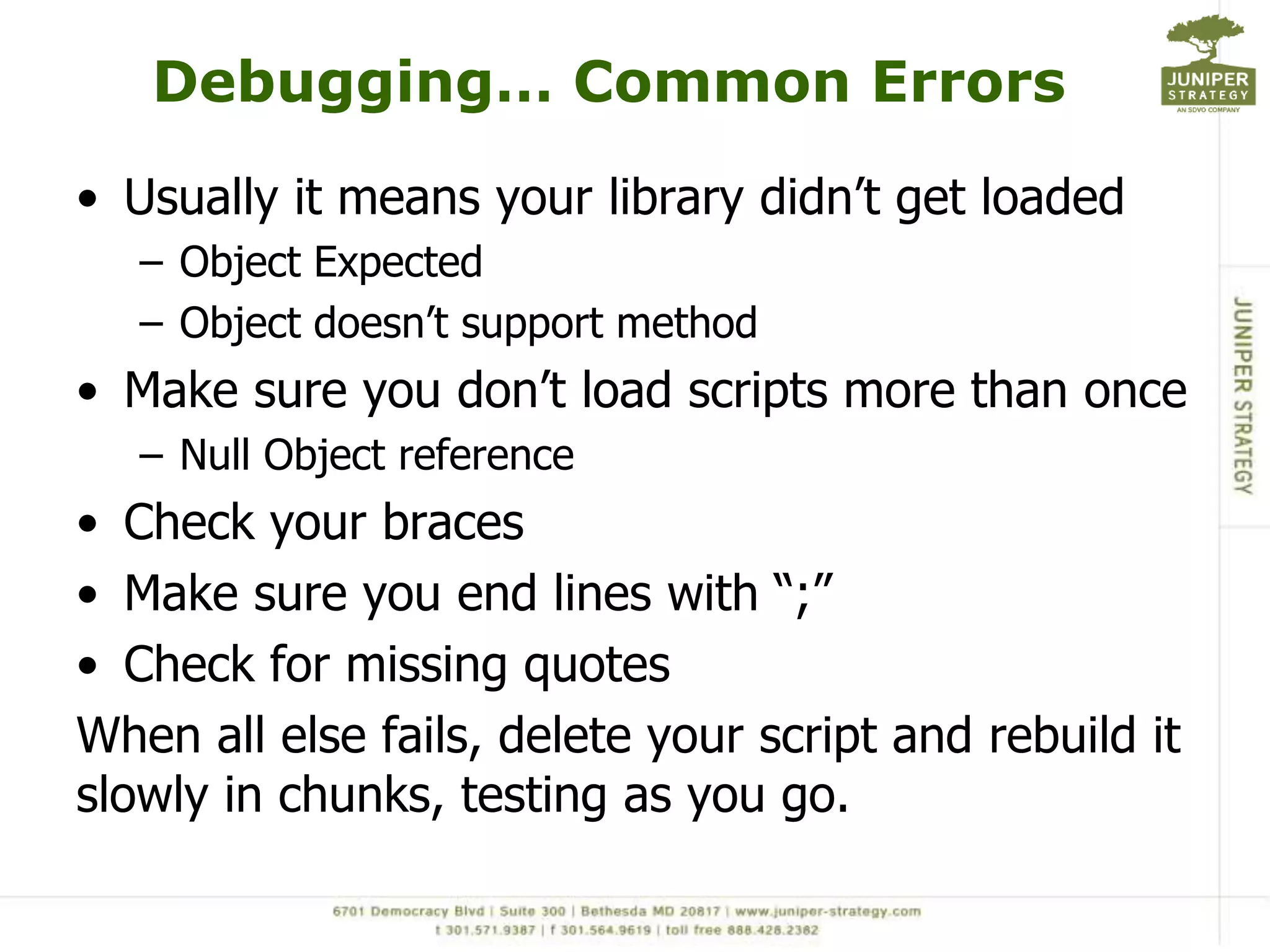
Debugging… Common ErrorsUsually it means your library didn’t get loadedObject ExpectedObject doesn’t support methodMake sure you don’t load scripts more than onceNull Object referenceCheck your bracesMake sure you end lines with “;”Check for missing quotesWhen all else fails, delete your script and rebuild it slowly in chunks, testing as you go.
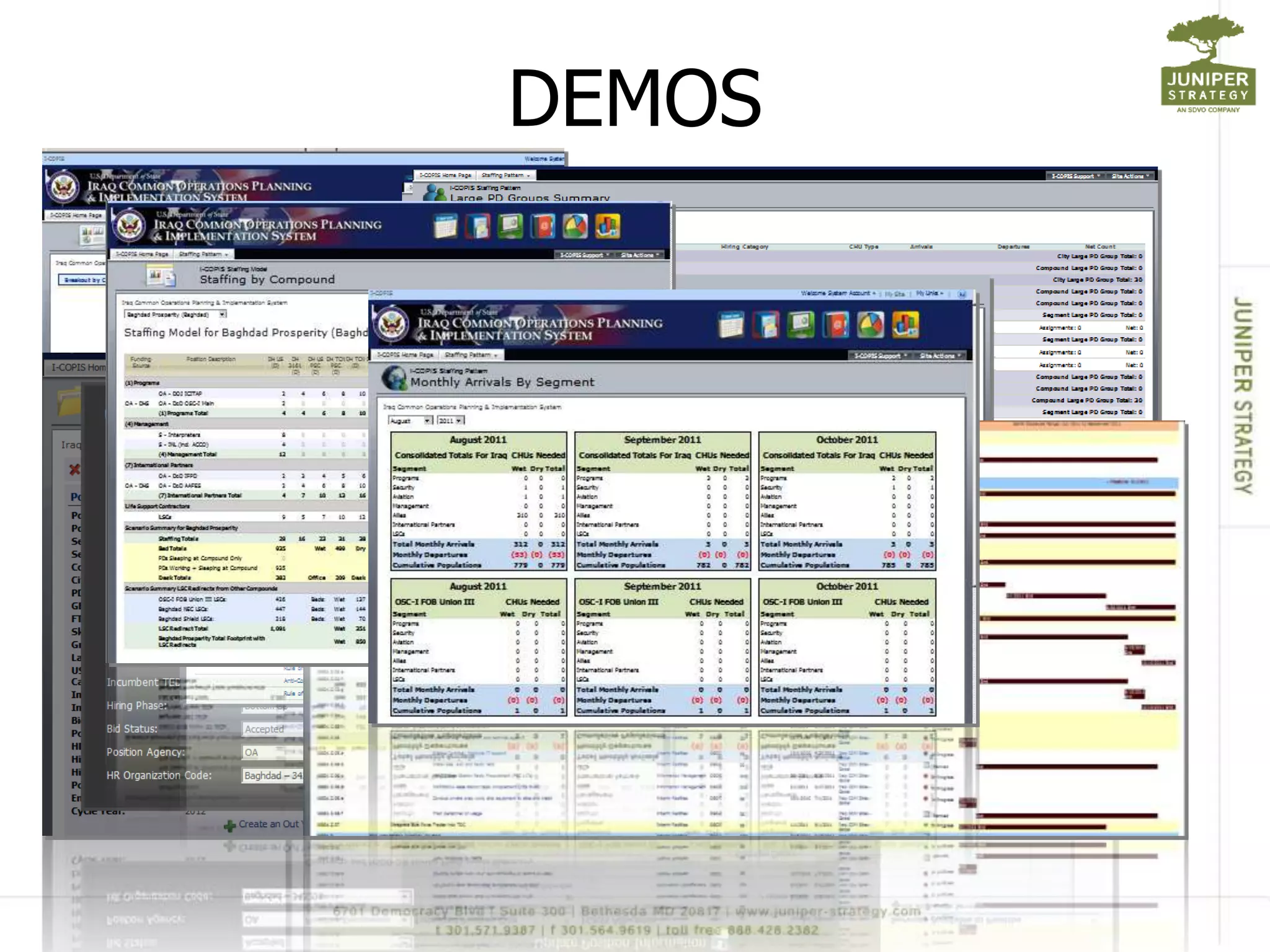
DEMOS
jQuery& SharePointThe GoodCreate impressive, usable applications quicklyGreat for restricted environmentsCan take your SharePoint deployments to the next levelThe BadCan create havoc if you don’t know what you are doingCan perform horriblyCan’t do everything
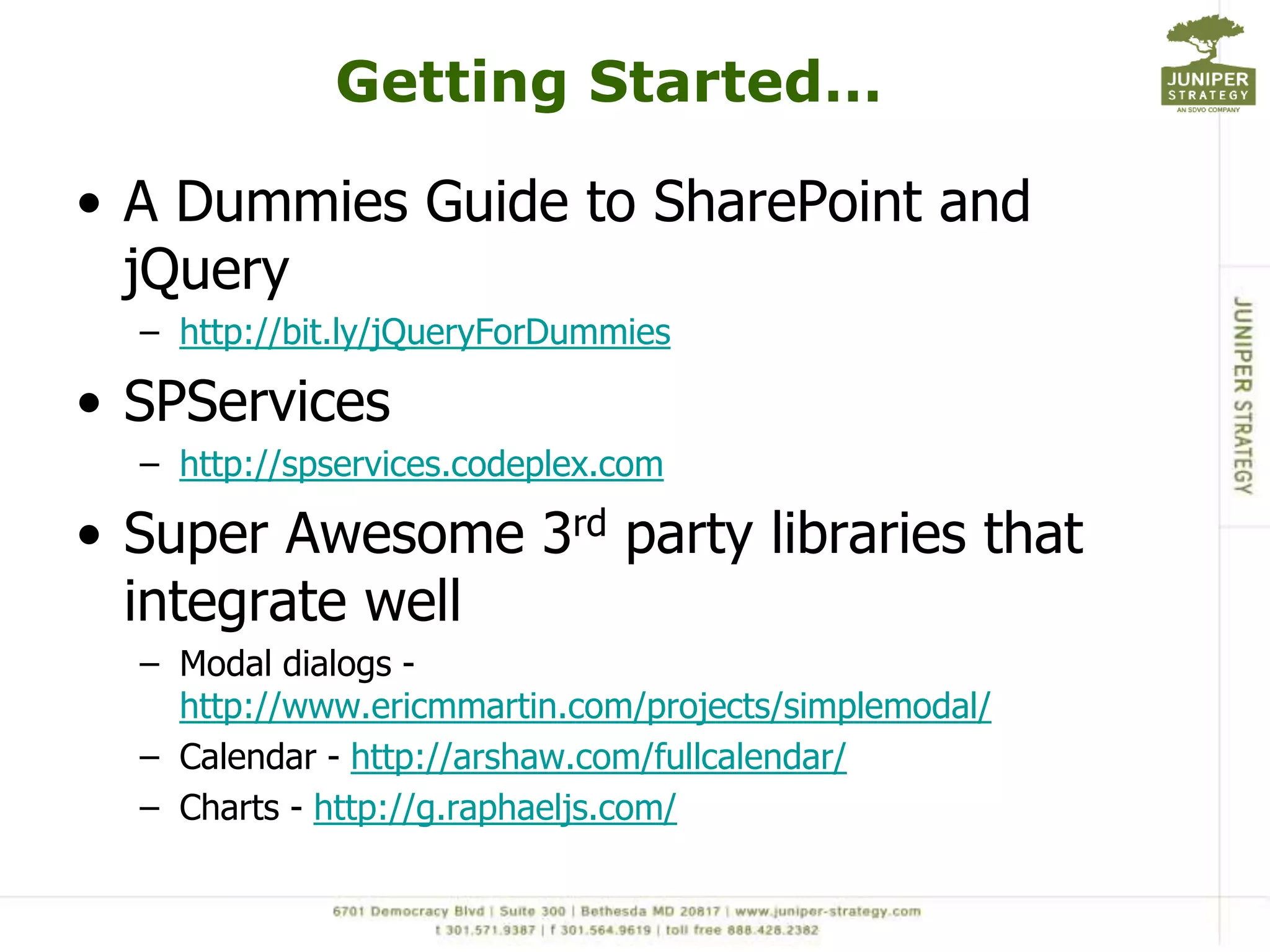
Getting Started… A Dummies Guide to SharePoint and jQueryhttp://bit.ly/jQueryForDummiesSPServiceshttp://spservices.codeplex.comSuper Awesome 3rd party libraries that integrate wellModal dialogs - http://www.ericmmartin.com/projects/simplemodal/Calendar - http://arshaw.com/fullcalendar/Charts - http://g.raphaeljs.com/
More jQuery ResourcesjQuery Pocket Referencehttp://oreilly.com/catalog/0636920016182CSS Pocket Referncehttp://oreilly.com/catalog/9780596515058/

SharePoint Saturday NYC - SharePoint and jQuery, what I wish I would have known...

  • 1.
    SharePoint & jQuery– What I Wish I Would Have Known When I Started… Mark Rackley – Solutions Architect / SharePoint Practice Lead / Developer Email: mrackley@juniper-strategy.comBlog: http://www.sharepointhillbilly.comTwitter: http://www.twitter.com/mrackley
  • 2.
    AgendajQuery OverviewjQuery &SharePoint – What’s the Point?Deployment, Maintenance, UpgradesSPServicesDevelopment & DebuggingExamples2
  • 3.
    What is jQuery?JavaScriptutility libraryQuickly write interactive and USABLE applicationsYou don’t have to deploy assemblies (perfect for tightly controlled environments)
  • 4.
    What Skills doI need?JavaScript (duh)CSS, XMLA development backgroundIt IS codeUses development constructsIf you can’t write code, your ability to do magic will be limited to what you can copy/pasteCAML, CAML, CAML… Sorry…Ability to think outside the boxUse all the pieces together
  • 5.
    SharePoint & jQuery?Why?Resolves many common SharePoint complaints without having to crack open Visual Studio
  • 6.
    SharePoint & jQuery?Why?“It looks like SharePoint”
  • 7.
    SharePoint & jQuery?Why?“That’s SharePoint?”
  • 8.
    SharePoint & jQuery?Why?“I’m so sorry… SharePoint can’t do that out of the box”
  • 9.
    SharePoint & jQuery?Why?“Sure, no problem”
  • 10.
    SharePoint & jQuery?Why?“That will take 3 weeks???” becomes “2 days? Awesome! I love you… here, please accept this bonus for being such a wonderful developer”
  • 11.
    jQuery makes yourSharePoint applications USABLE
  • 12.
    Common MythsIt’s notsecureBusted… It uses SharePoint’s security. All scripts run with privileges of current userIt doesn’t perform wellPlausible… It performs very well if you use it correctly in the right situationsI can’t elevate privileges if I need toConfirmed…
  • 13.
    Yeah but…I can’tinteract with SharePoint Lists and Libraries without screen scrapingYou can call Web Services with JavaScript (SPServices is a wonderful jQuery library that wraps SharePoints Web Service calls)It has no real use in my environment because of “x”Quickly prototype and tweak web parts before writing in Visual Studio. In fact, in some environments it is the only development option.
  • 14.
    Deployment optionsCreate centralscript document library for jQuery scriptsUpload new versions as neededTurn on versioning and store multiple versionsUse metadata to keep track of script informationOpen/Save in SPD for quick turnaroundSlight performance hit from storing script in Content DB
  • 15.
    Deployment optionsStore onfile systemDeploy with solution packageIncreased performance of loading from file systemLose the ability to version, tag, and update without solution upgrade.
  • 16.
    Maintenance Best PracticeBADMOJODO NOT put your scripts directly in the MasterPage or aspx pages using SPDScript must be edited in SPD or new solution has to be deployed with each tweak.No Reuse*ONE EXCEPTION* loading script in the MasterPage that you want loaded for every page. (you should really deploy MasterPages as solutions)
  • 17.
    Maintenance Best PracticeNotas Bad Mojo… but don’t do it.Don’t put your script source in the CEWPIf brilliant user deletes web part, your script is gone. No re-use No versioningIn 2010 SharePoint likes to eat your scriptsOkay.. So, it’s fine for quick prototyping but put it in a script file when you are done!
  • 18.
    Maintenance Best PracticeBetterpractice (Best in some cases)Link to scripts in a CEWPEasy maintenanceMaintain scripts in one central locationModify script in one place updates every page that uses it.Scripts can be checked-out to prevent developers from stepping on top of each other.
  • 19.
    Maintenance Best PracticeBestpractice? (Maybe in some cases)Custom Control linked to scriptDeployed as a solutionKeeps users out of CEWP
  • 20.
    Moving Between Environmentsand Upgrading to 2010It just works… (woo hoo)Uses list names and not GUIDs so no issues moving from dev to prodFor the most part works identical in 2007 and 2010 (I’m sure there’s the occasional issue but I’ve never run into it).Might want to tweak in 2010 to take advantage of 2010 features (ribbin, modal pop-ups)
  • 21.
    Okay then…jQuery mustbe the SharePoint Silver BulletNot so fast…It does “expose” business logic to user if they dig aroundIt executes on the client side and can perform slow if manipulating larges amounts of dataBe extra careful for external facing applicationsYou can’t do EVERYTHING with jQuerylike…Timer JobsWorkflows (although it can eliminate the need for some)Event HandlersElevate PrivligesEasily interact with all business systems
  • 22.
    jQuery is anothertool for the SharePoint Developer’s toolkitUnderstand the limitationsUse it wisely
  • 23.
    Development BasicsjQuery methodsare executed using jQuery() or $()$(document).ready() is your “main()”Don’t HAVE to, but easy to quickly locate where script starts$(‘#elementID’) to interact with any elementDivs, tables, rows, cells, inputs, selects.. Etc.. Etc.. Etc… <table id=‘myTable’></table> $(‘#myTable’).append(‘<tr><td>add a row</td></tr>’);$(‘#elementID’).val() gets values of inputs<input type=‘text’ id=‘myTextBox’ >$(‘#myTextBox’).val();$(‘#elementID’).val([value]) sets the values of inputs$(‘#myTextBox’).val(‘Hello World’);
  • 24.
    Development Basics$(‘#elementID’).html() getsthe raw html within an element (great for divs, spans, tables, table cells, etc.)<div id=‘myDiv’>Hello World</div>$(‘#myDiv’).html() = ‘Hello World’$(‘#elementID’).html(“<html text>”) to set raw html$(‘#myDiv’).html(‘Hello World! Welcome to SPSSTL!’)$(‘#elementID’).hide(), $(‘#elementID’).show(), and $(‘#elementID’).toggle()$(‘#myDiv’).hide()$(‘#myDiv’).show()$(‘#myDiv’).toggle()
  • 25.
    Development BasicsSharePoint FormFields$(‘input[title=“Title”]’).val();$(‘select[title=“Title”]’).val();CDATA is a life saverWrap values in CDATA tags:"<![CDATA[" + data + "]]>"GET O’REILLY’S JQUERY POCKET REFERENCEhttp://oreilly.com/catalog/0636920016182
  • 26.
    SPServicesjQuery library toexecute SharePoint’s Web ServicesGet List ItemsAdd/Update List ItemsCreate lists, content types, site columns, etc.Create document library foldersCreate cascading drop down lists
  • 27.
    Get user groupsand permissions
  • 28.
    Potentially call ANYSharePoint Web ServiceSPServicesWorks identical in SharePoint 2007 and SharePoint 2010Runs with permissions of current userCommunicate across sites
  • 29.
    SPServices - FYIUseinternal field names Returned values have “ows_” in front of field names$(this).attr("ows_Title");Lookup & People fieldsValue returned as “ID;#Value” (1;#Field Value)Check for new item ID on item add to make sure item added correctlyvarnewID = $(xData.responseXML).find("[nodeName=z:row]").attr("ows_ID");
  • 30.
  • 31.
  • 32.
    Development TipsDevelop forperformanceLimit rows returned using CAMLAvoid screen scraping (Use SPServices)Don’t call web services until the data is needed.Use those ID’s to your advantage<td id=‘ListName-4’>Attributes are awesome<input type="text" title="list title 4" id="4">$('#4').attr("title");$(‘input[title=“list title 4”]’).val();
  • 33.
    Writing jQueryPick whatevereditor makes you happy…SharePoint DesignerNo need to upload scriptsVisual StudioI don’t use it, so can’t speak to itAptana (actual JavaScript IDE)Gives you some intellisenseNotePad++Good bracket matching which tends to bite you in the butt
  • 34.
    Debugging… ugh.. Itain’t prettyAlerts.. Alerts.. Alerts.. Alerts…Developer ToolsSet breakpointsEvaluate expressions and variables inline (like REAL debugging!)Firebug for Firefox Considered to be best of the free tools out thereIE Developer Tools Comes installed on IE 8+console.log (don’t forget to remove before deploying)
  • 35.
    Debugging… Common ErrorsUsuallyit means your library didn’t get loadedObject ExpectedObject doesn’t support methodMake sure you don’t load scripts more than onceNull Object referenceCheck your bracesMake sure you end lines with “;”Check for missing quotesWhen all else fails, delete your script and rebuild it slowly in chunks, testing as you go.
  • 36.
  • 37.
    jQuery& SharePointThe GoodCreateimpressive, usable applications quicklyGreat for restricted environmentsCan take your SharePoint deployments to the next levelThe BadCan create havoc if you don’t know what you are doingCan perform horriblyCan’t do everything
  • 38.
    Getting Started… ADummies Guide to SharePoint and jQueryhttp://bit.ly/jQueryForDummiesSPServiceshttp://spservices.codeplex.comSuper Awesome 3rd party libraries that integrate wellModal dialogs - http://www.ericmmartin.com/projects/simplemodal/Calendar - http://arshaw.com/fullcalendar/Charts - http://g.raphaeljs.com/
  • 39.
    More jQuery ResourcesjQueryPocket Referencehttp://oreilly.com/catalog/0636920016182CSS Pocket Referncehttp://oreilly.com/catalog/9780596515058/
  • 40.
    Questions?Don’t drink thehaterade…MarkRackley mrackley@juniper-strategy.comwww.twitter.com/mrackleywww.sharepointhillbilly.com39