
Downloaded 23 times

![Storing Session Data
• The $_SESSION superglobal array can be
used to store any session data.
$_SESSION['name'] = $name;
$_SESSION['age'] = $age;](https://image.slidesharecdn.com/sessionhandling-130829225642-phpapp02/75/Session-handling-in-php-8-2048.jpg)
![Reading Session Data
• Data is simply read back from the
$_SESSION superglobal array.
$name = $_SESSION['name'];
$age = $_SESSION['age'];](https://image.slidesharecdn.com/sessionhandling-130829225642-phpapp02/75/Session-handling-in-php-9-2048.jpg)
![Destroying a Session
Often not required, but if we want to
destroy a session:
// unset one session variable
unset($_SESSION[‘username’]);
// clear all session variables
$_SESSION = array();
// destroy session
session_destroy();](https://image.slidesharecdn.com/sessionhandling-130829225642-phpapp02/75/Session-handling-in-php-10-2048.jpg)
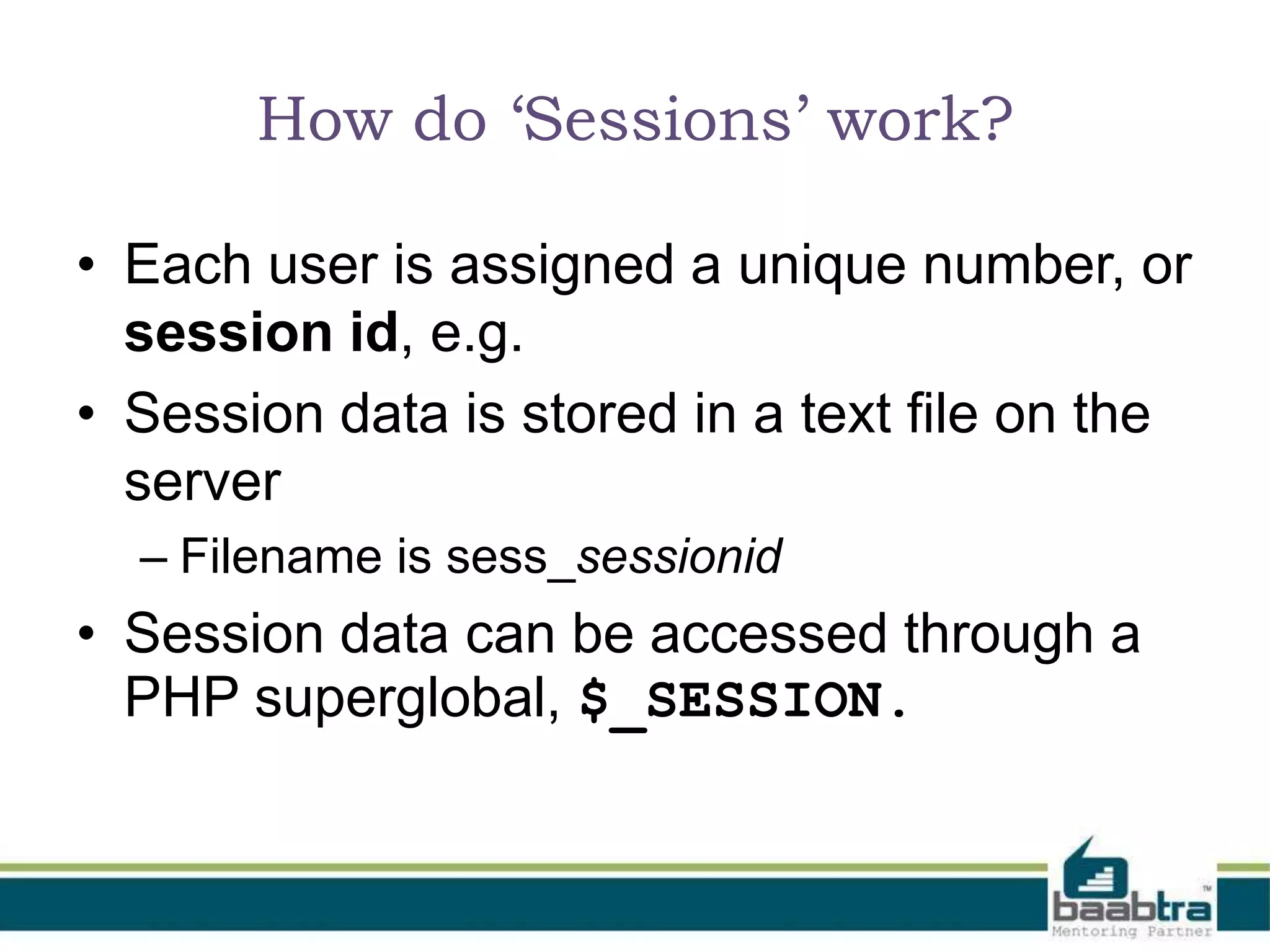
This document discusses session handling in PHP. It explains that a session is a unique period of access for each user requesting a PHP page from a website. Each user is assigned a unique session ID and session data is stored in text files on the server. The $_SESSION superglobal variable can be used to store and access session data. Session_start() must be called on each page to make session variables available. Session data remains until the session is destroyed or expires.
The presentation is a trainee effort, not official. Contact details provided for inquiries and feedback.
An introduction to session handling in PHP, explaining session as a unique access period for users.
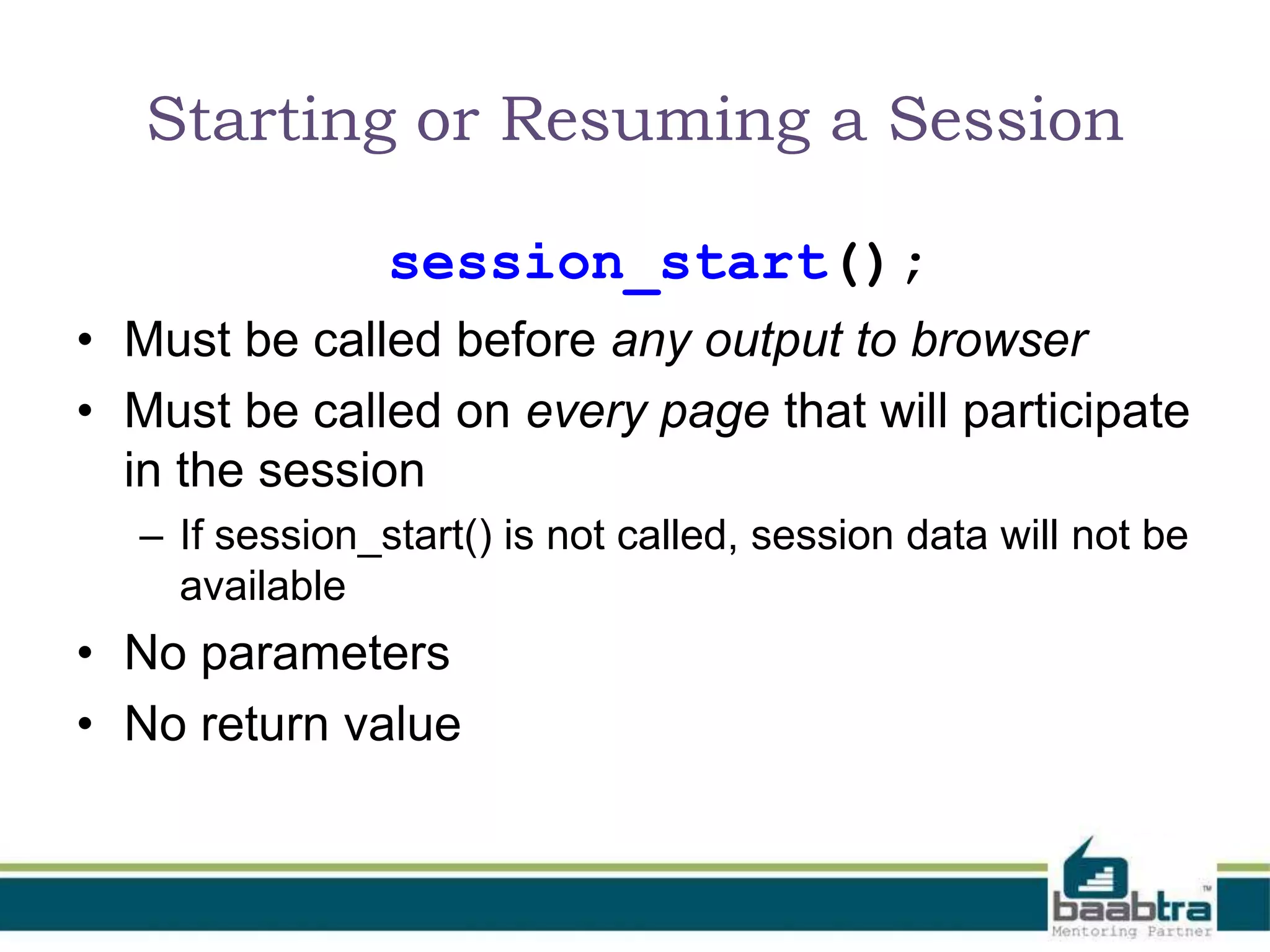
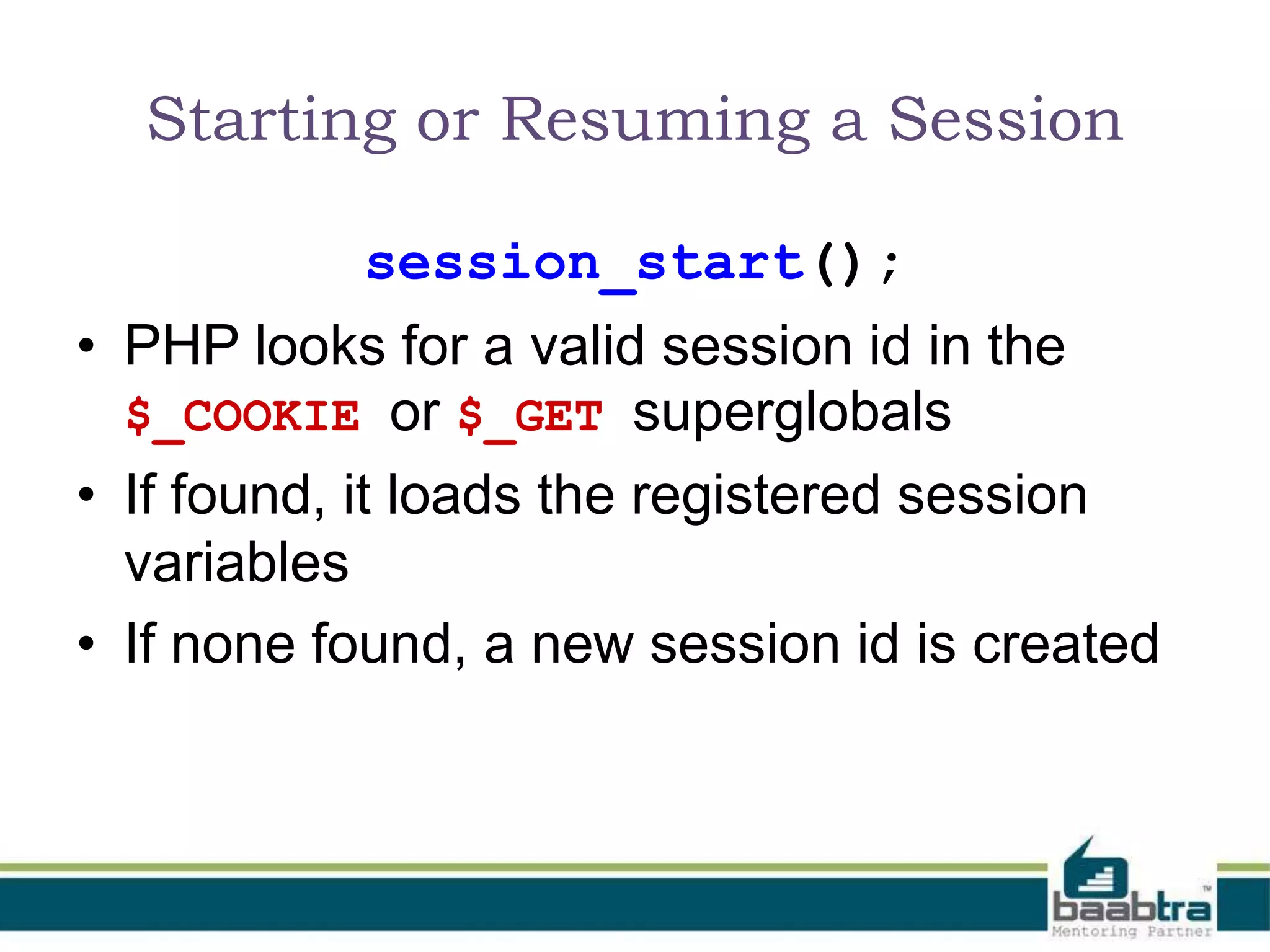
Sessions work by creating unique session IDs, stored on the server. The session_start() function is crucial.
Using $_SESSION superglobal for storing, reading, and destroying session data as per requirements.
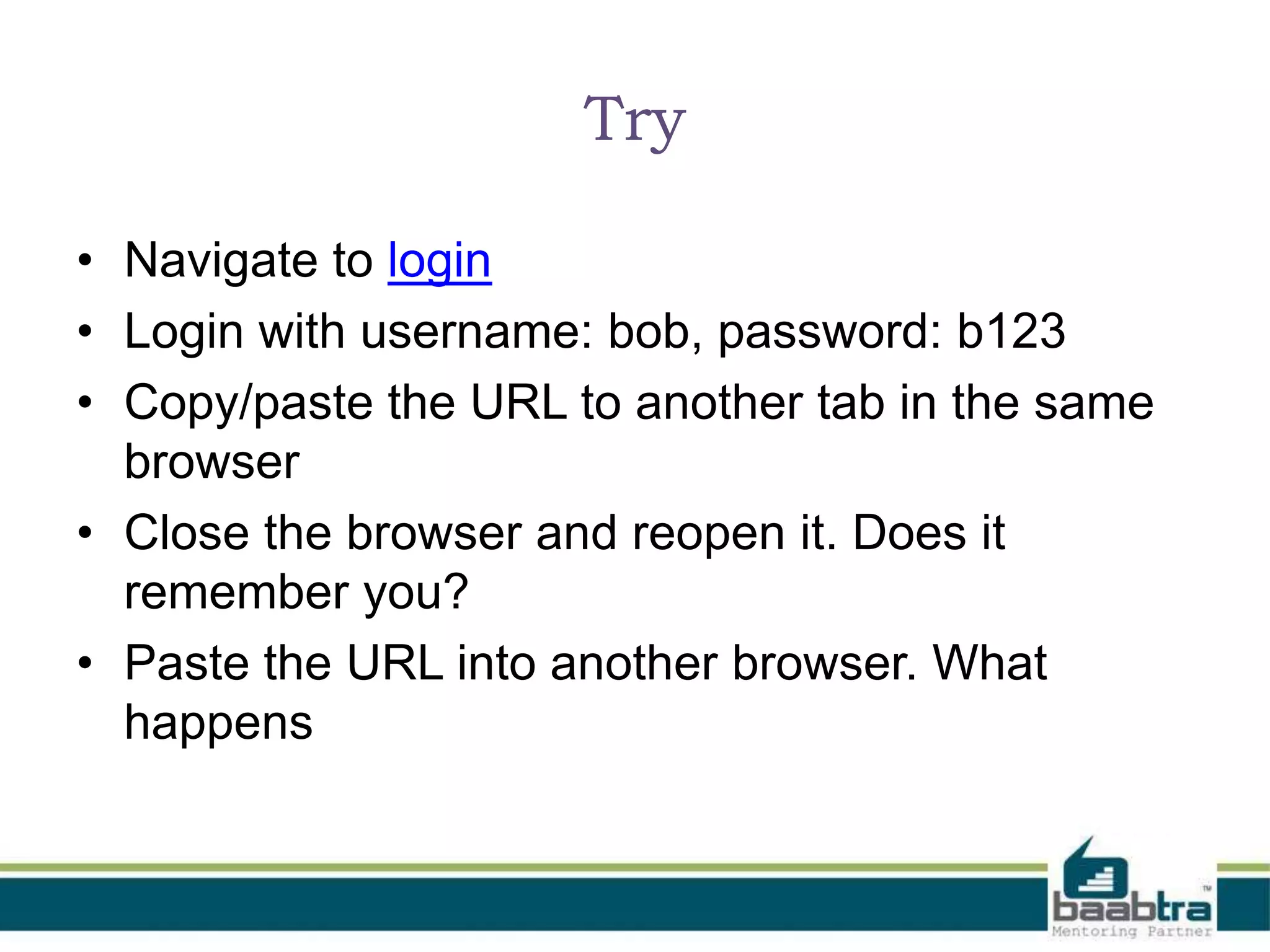
A practical session handling exercise encouraging users to test session persistence across tabs and browsers.
The presentation is a trainee effort, not official. Contact details provided for inquiries and feedback.


