Screencapture
  Software
    Jeremy Anderson
  Academic Technology
Initiation
Activate prior knowledge
What do you know?
What do you want to know?
The basics
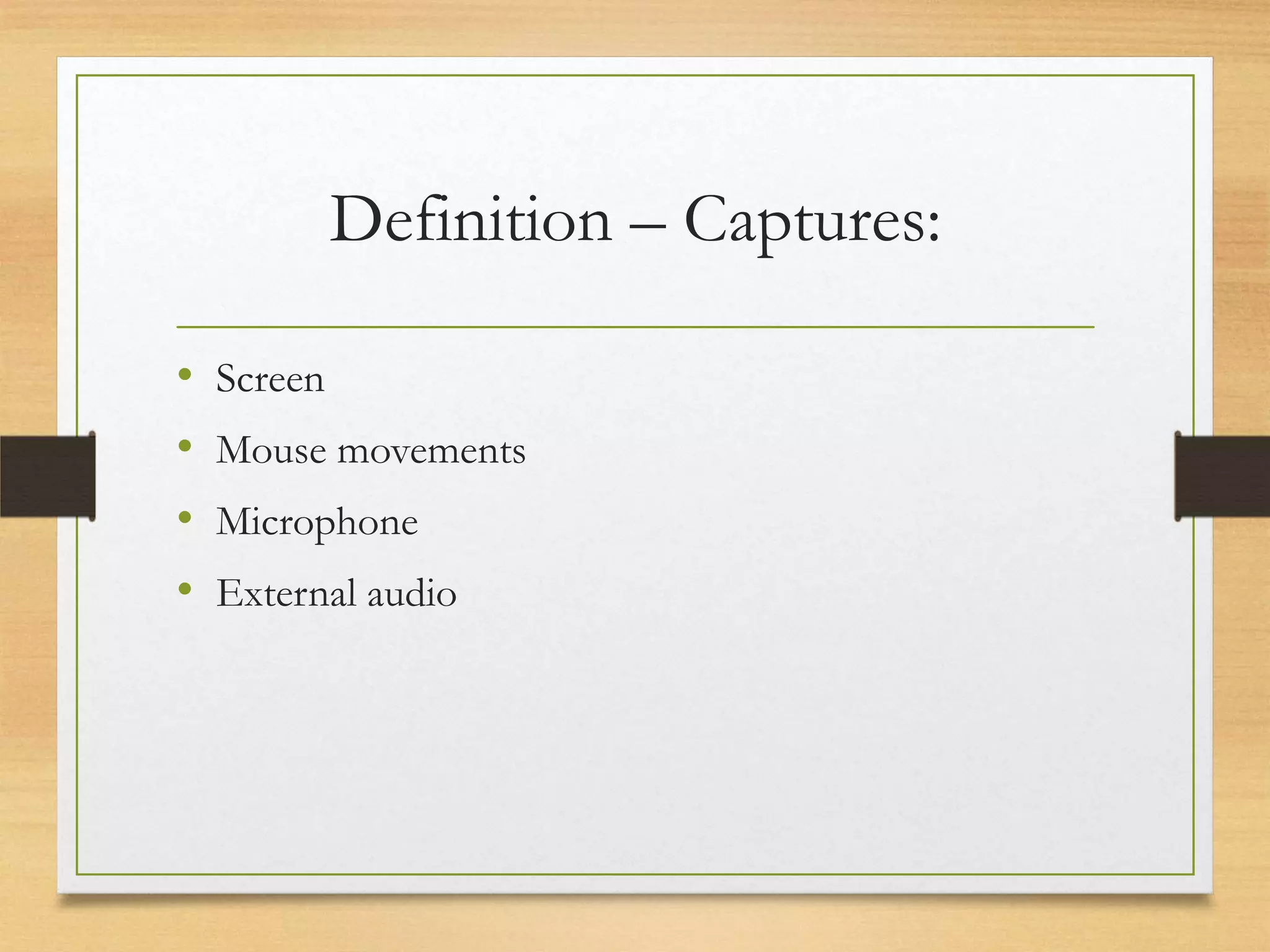
Definition – Captures:

•   Screen
•   Mouse movements
•   Microphone
•   External audio
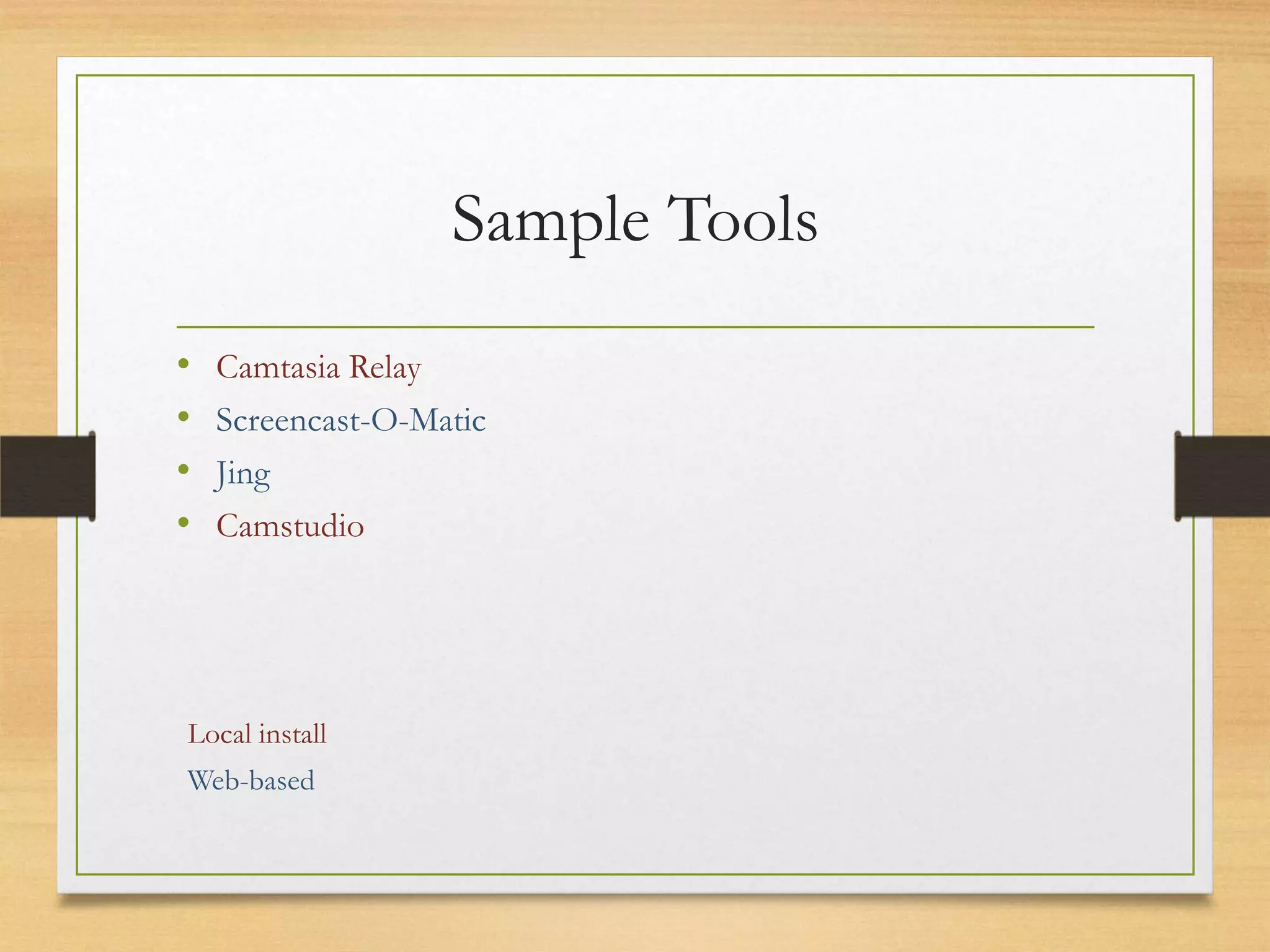
Sample Tools
•   Camtasia Relay
•   Screencast-O-Matic
•   Jing
•   Camstudio


Local install
Web-based
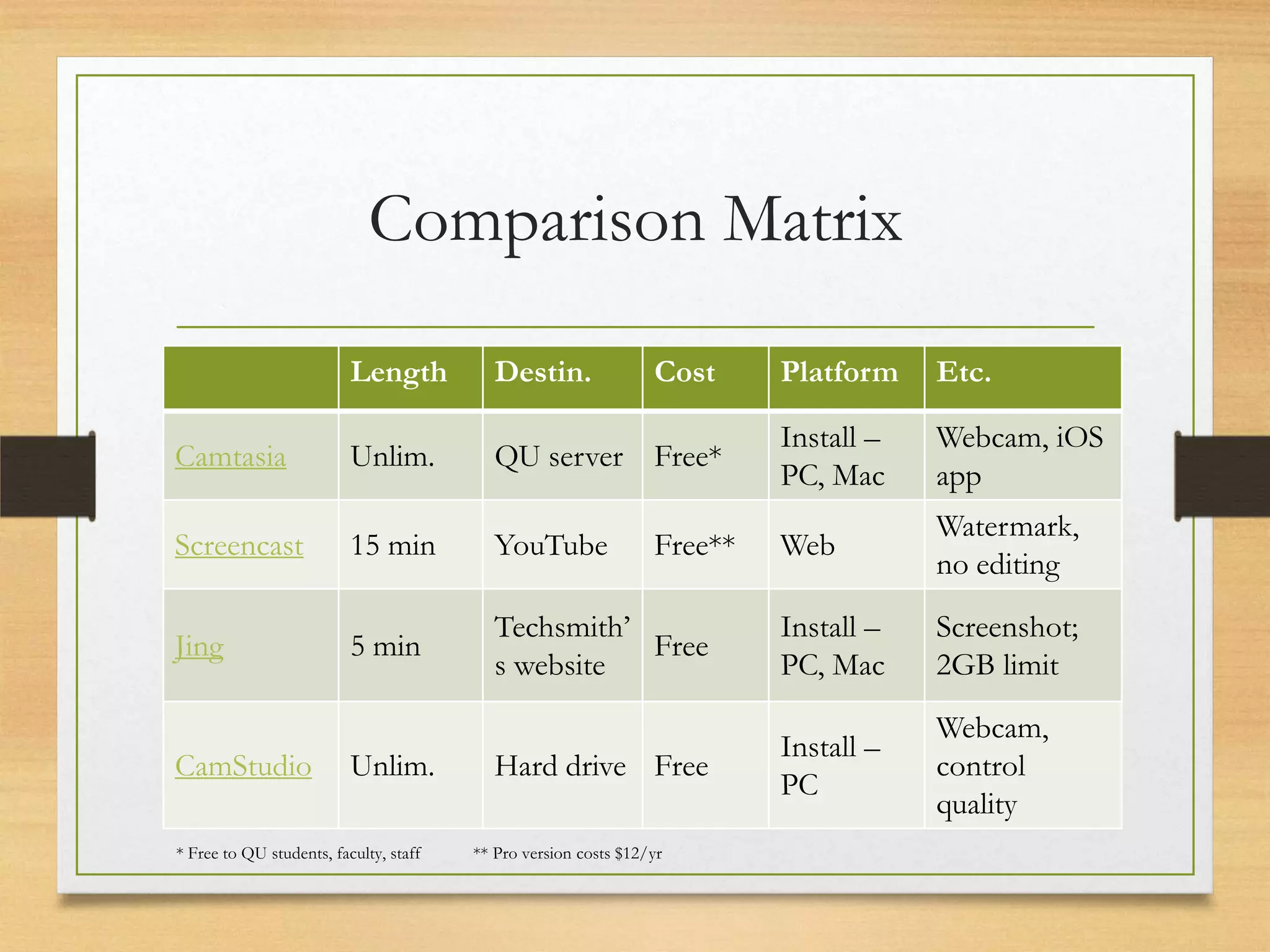
Comparison Matrix

                          Length           Destin.               Cost     Platform    Etc.

                                                                          Install –   Webcam, iOS
Camtasia                  Unlim.           QU server Free*
                                                                          PC, Mac     app
                                                                                      Watermark,
Screencast                15 min           YouTube               Free**   Web
                                                                                      no editing
                                           Techsmith’                     Install –   Screenshot;
Jing                      5 min                       Free
                                           s website                      PC, Mac     2GB limit
                                                                                      Webcam,
                                                                          Install –
CamStudio                 Unlim.           Hard drive Free                            control
                                                                          PC
                                                                                      quality
* Free to QU students, faculty, staff   ** Pro version costs $12/yr
Using Camtasia
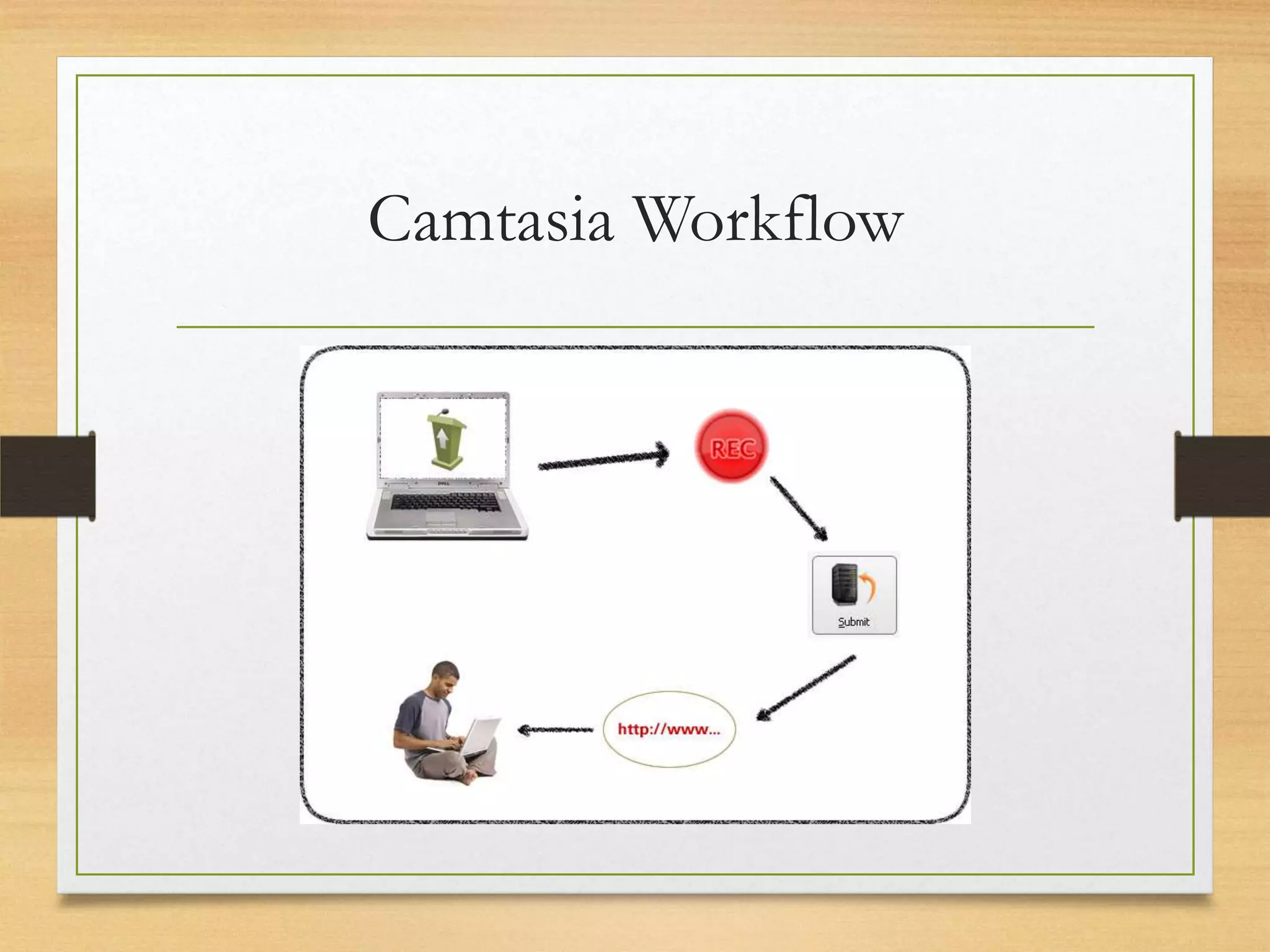
Camtasia Workflow
Quinnipiac’s Camtasia URL Here
•   Download
•   Install (with PPT add-in)
•   Open / log in
•   Customize, choose profile
•   Record
•   Trim / submit
•   Process
•   Receive & distribute link
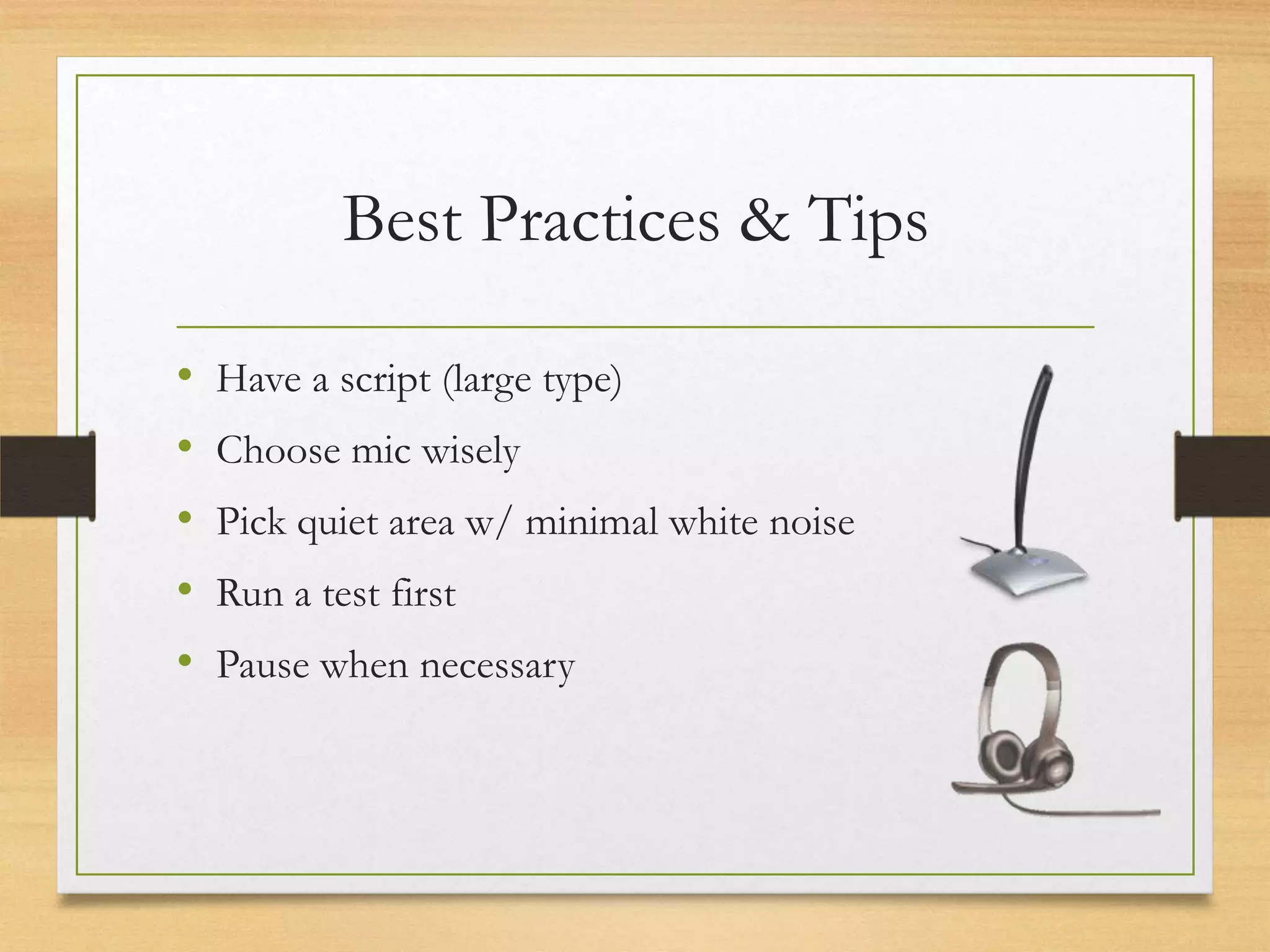
Best Practices & Tips

•   Have a script (large type)
•   Choose mic wisely
•   Pick quiet area w/ minimal white noise
•   Run a test first
•   Pause when necessary
Apply!
Your turn
Think-Pair-Share

1. How can you use screencapture as a student?
2. How might you use screencapture as a teacher?
3. How might you have your students use
    screencapture?
Debrief

1. How can you use screencapture as a student?
2. How might you use screencapture as a teacher?
3. How might you have your students use
    screencapture?
Team work

1. Pick a use case we just discussed
2. Choose a topic you are likely to teach
3. Design a rough sample of a specific activity, mini
    lesson, or assessment that would use screen
    capture
Debrief

• Send me samples! jjanderson@quinnipiac.edu
• Share with your classmates via Bb groups
Closure
What did you learn?
Questions?
 Comments?

Screencapture Software for the Secondary Classroom

  • 1.
    Screencapture Software Jeremy Anderson Academic Technology
  • 2.
  • 3.
  • 4.
    What do youwant to know?
  • 5.
  • 6.
    Definition – Captures: • Screen • Mouse movements • Microphone • External audio
  • 7.
    Sample Tools • Camtasia Relay • Screencast-O-Matic • Jing • Camstudio Local install Web-based
  • 8.
    Comparison Matrix Length Destin. Cost Platform Etc. Install – Webcam, iOS Camtasia Unlim. QU server Free* PC, Mac app Watermark, Screencast 15 min YouTube Free** Web no editing Techsmith’ Install – Screenshot; Jing 5 min Free s website PC, Mac 2GB limit Webcam, Install – CamStudio Unlim. Hard drive Free control PC quality * Free to QU students, faculty, staff ** Pro version costs $12/yr
  • 9.
  • 10.
  • 11.
    Quinnipiac’s Camtasia URLHere • Download • Install (with PPT add-in) • Open / log in • Customize, choose profile • Record • Trim / submit • Process • Receive & distribute link
  • 12.
    Best Practices &Tips • Have a script (large type) • Choose mic wisely • Pick quiet area w/ minimal white noise • Run a test first • Pause when necessary
  • 13.
  • 14.
    Think-Pair-Share 1. How canyou use screencapture as a student? 2. How might you use screencapture as a teacher? 3. How might you have your students use screencapture?
  • 15.
    Debrief 1. How canyou use screencapture as a student? 2. How might you use screencapture as a teacher? 3. How might you have your students use screencapture?
  • 16.
    Team work 1. Picka use case we just discussed 2. Choose a topic you are likely to teach 3. Design a rough sample of a specific activity, mini lesson, or assessment that would use screen capture
  • 17.
    Debrief • Send mesamples! jjanderson@quinnipiac.edu • Share with your classmates via Bb groups
  • 18.
  • 19.
  • 20.