Reverse Engineering & Scanner 3D
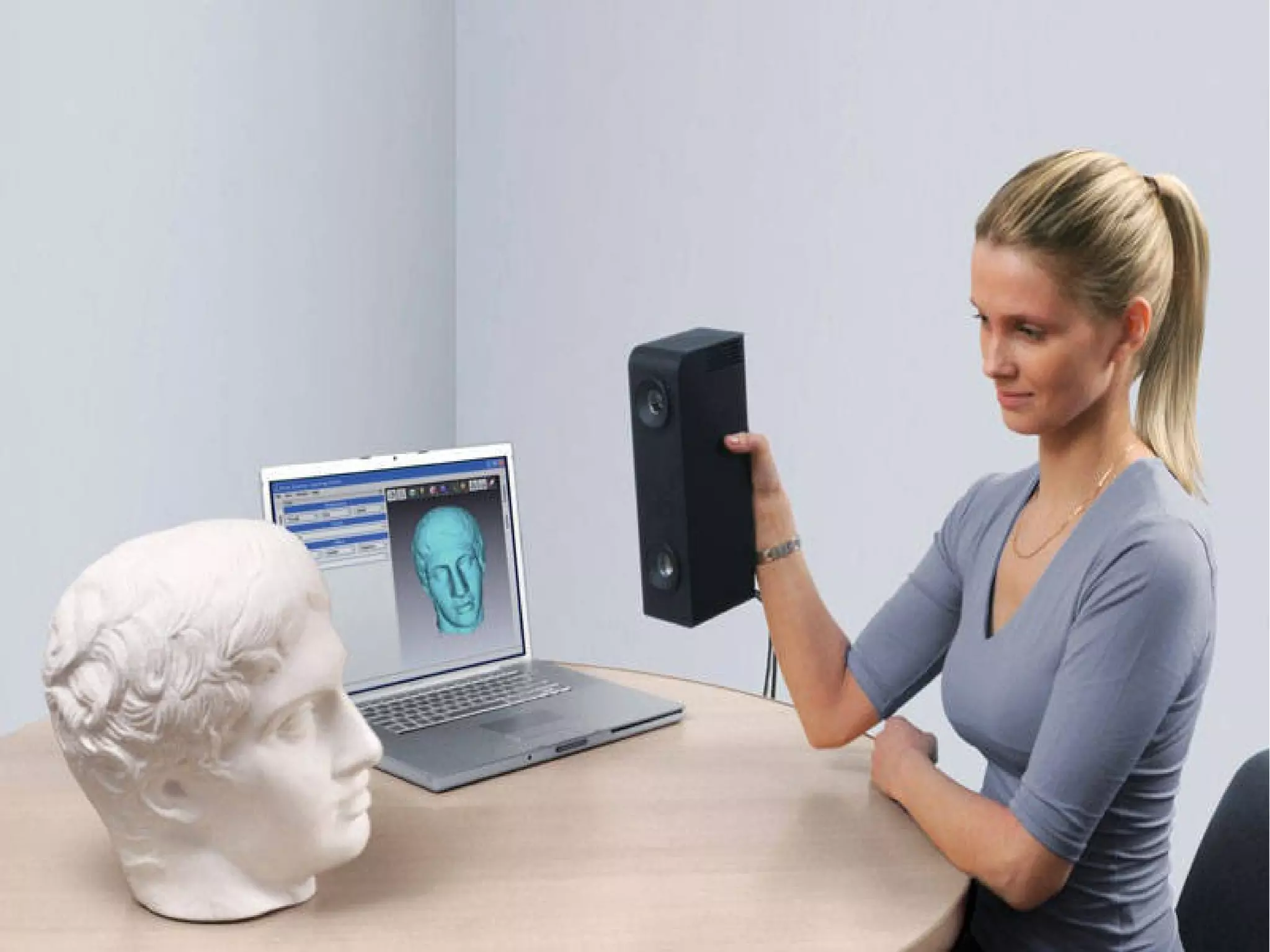
Cos'è uno scanner 3D
un dispositivo che analizza gli oggetti o gli
ambienti del mondo reale per collezionare dati
sulle loro forme o sul loro aspetto, e per
costruire modelli tridimensionali digitali
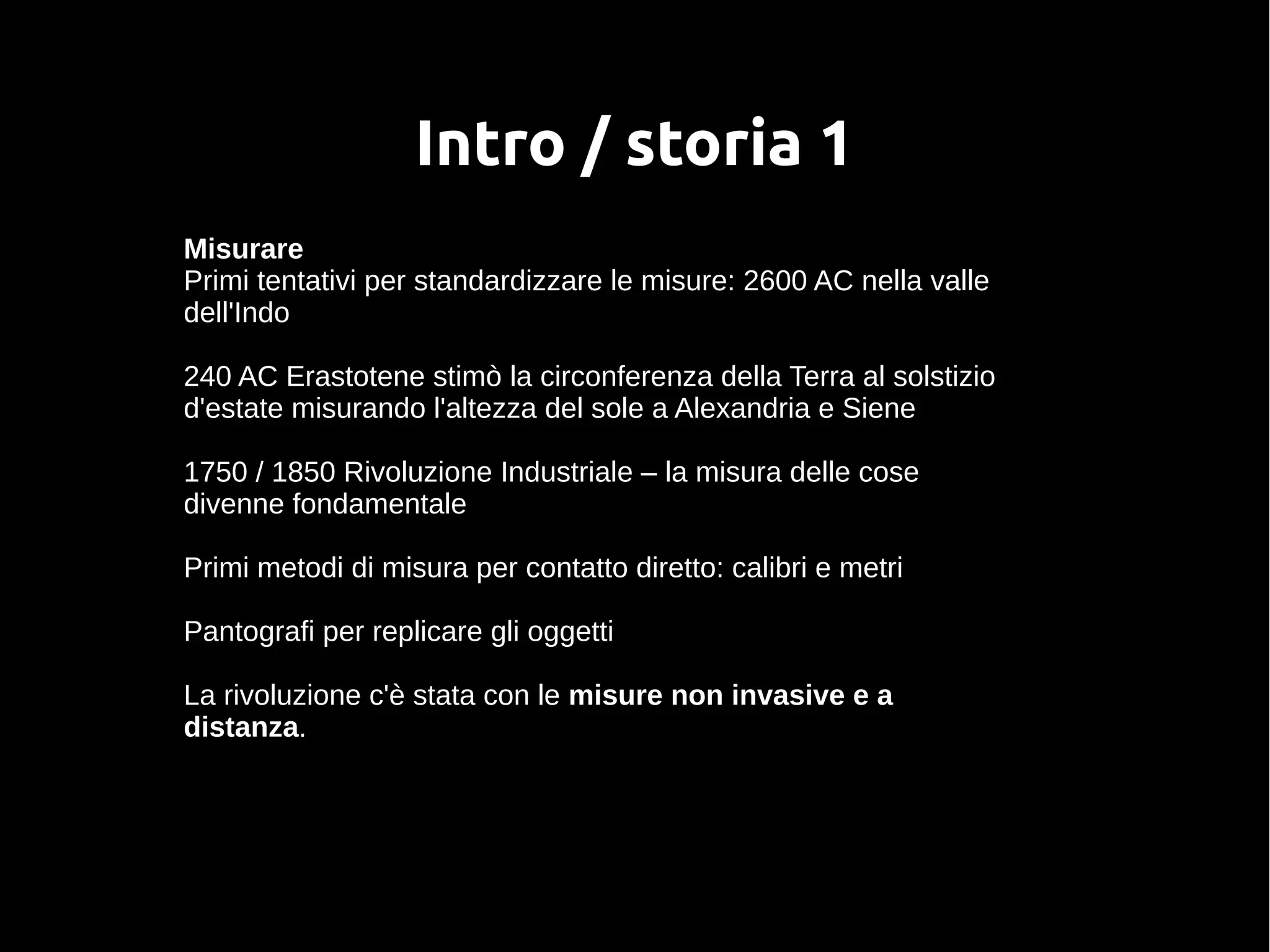
Intro / storia 1
Misurare
Primi tentativi per standardizzare le misure: 2600 AC nella valle
dell'Indo
240 AC Erastotene stimò la circonferenza della Terra al solstizio
d'estate misurando l'altezza del sole a Alexandria e Siene
1750 / 1850 Rivoluzione Industriale – la misura delle cose
divenne fondamentale
Primi metodi di misura per contatto diretto: calibri e metri
Pantografi per replicare gli oggetti
La rivoluzione c'è stata con le misure non invasive e a
distanza.
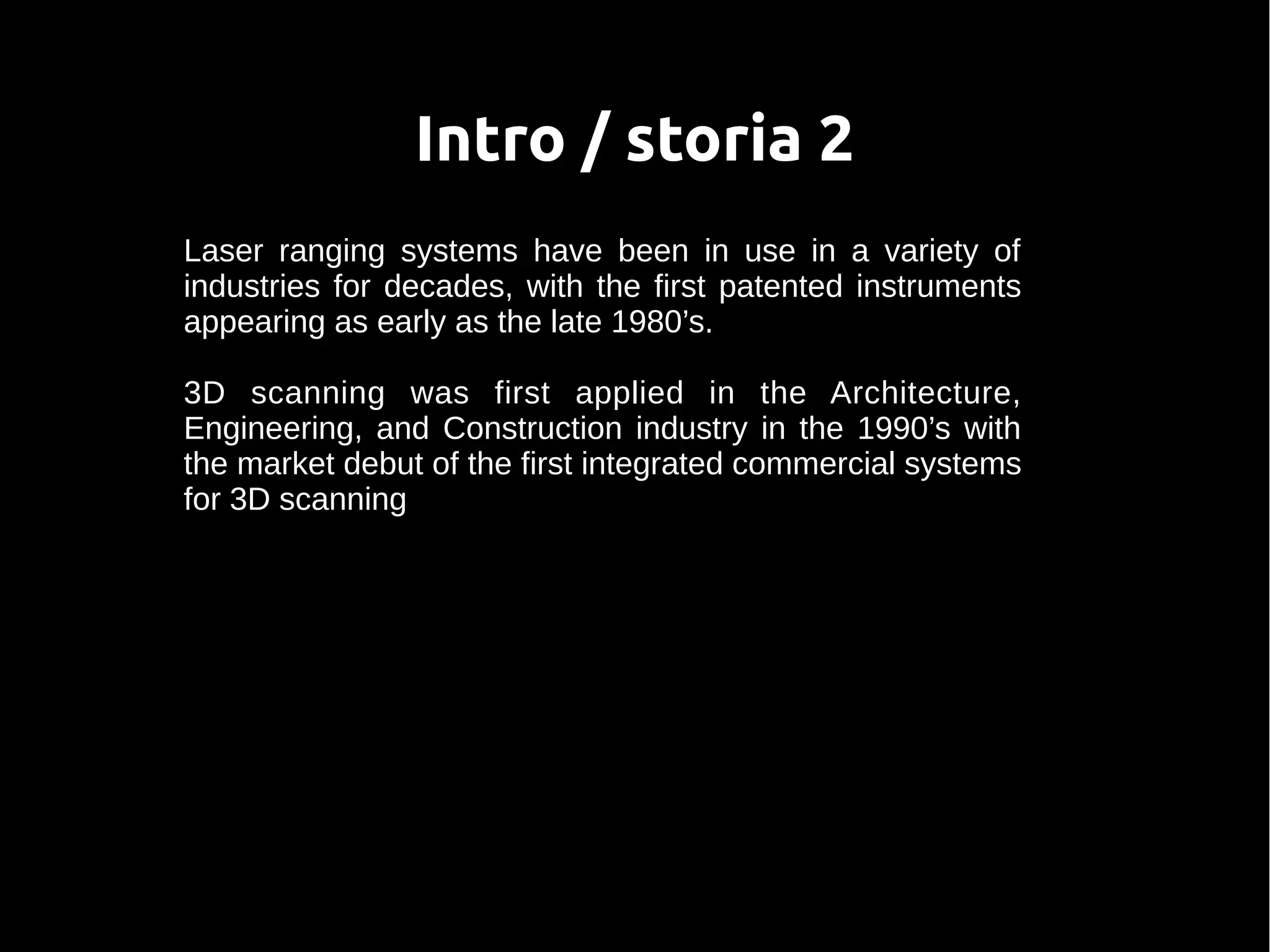
Intro / storia 2
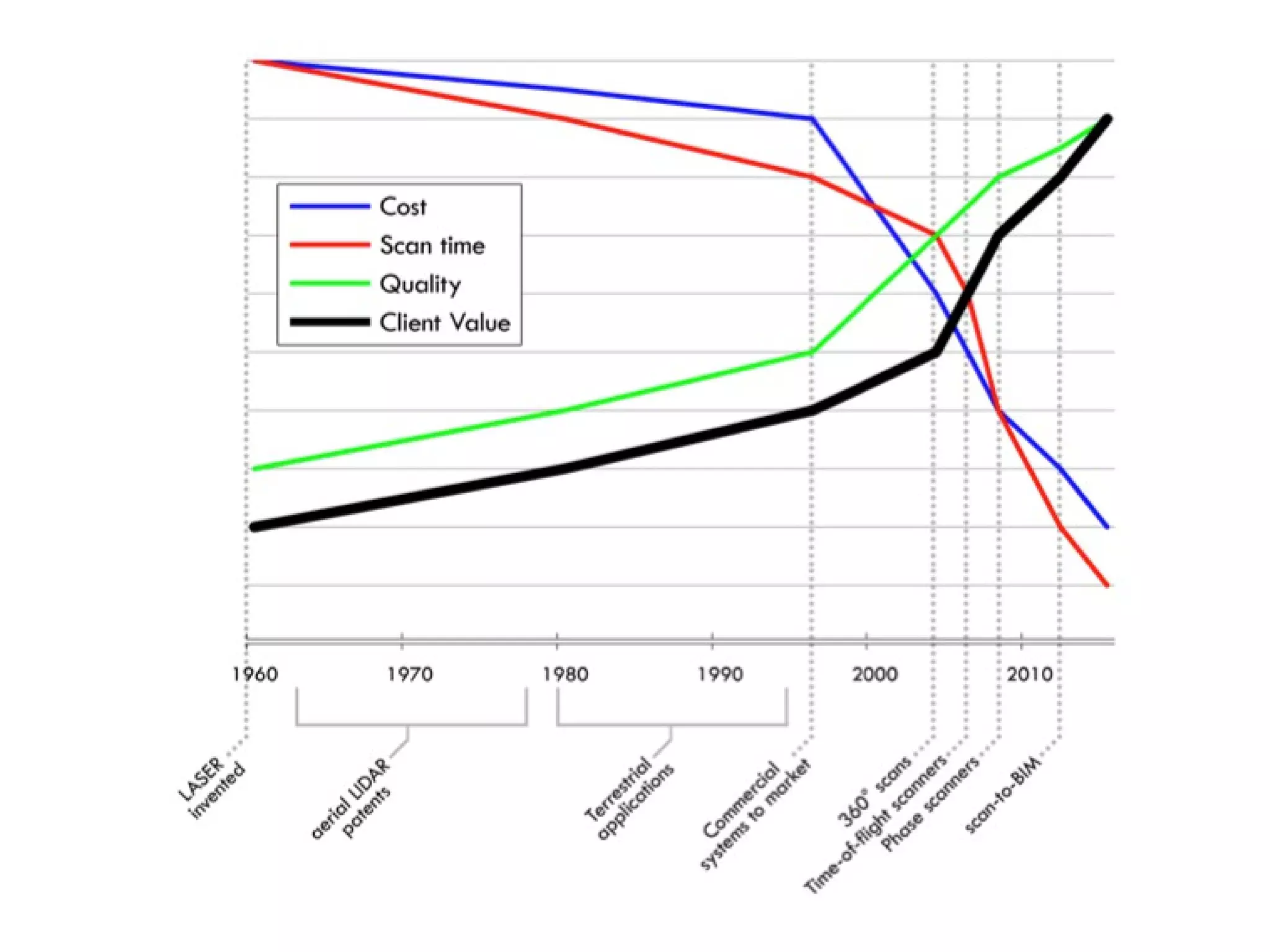
Laser ranging systems have been in use in a variety of
industries for decades, with the first patented instruments
appearing as early as the late 1980’s.
3D scanning was first applied in the Architecture,
Engineering, and Construction industry in the 1990’s with
the market debut of the first integrated commercial systems
for 3D scanning
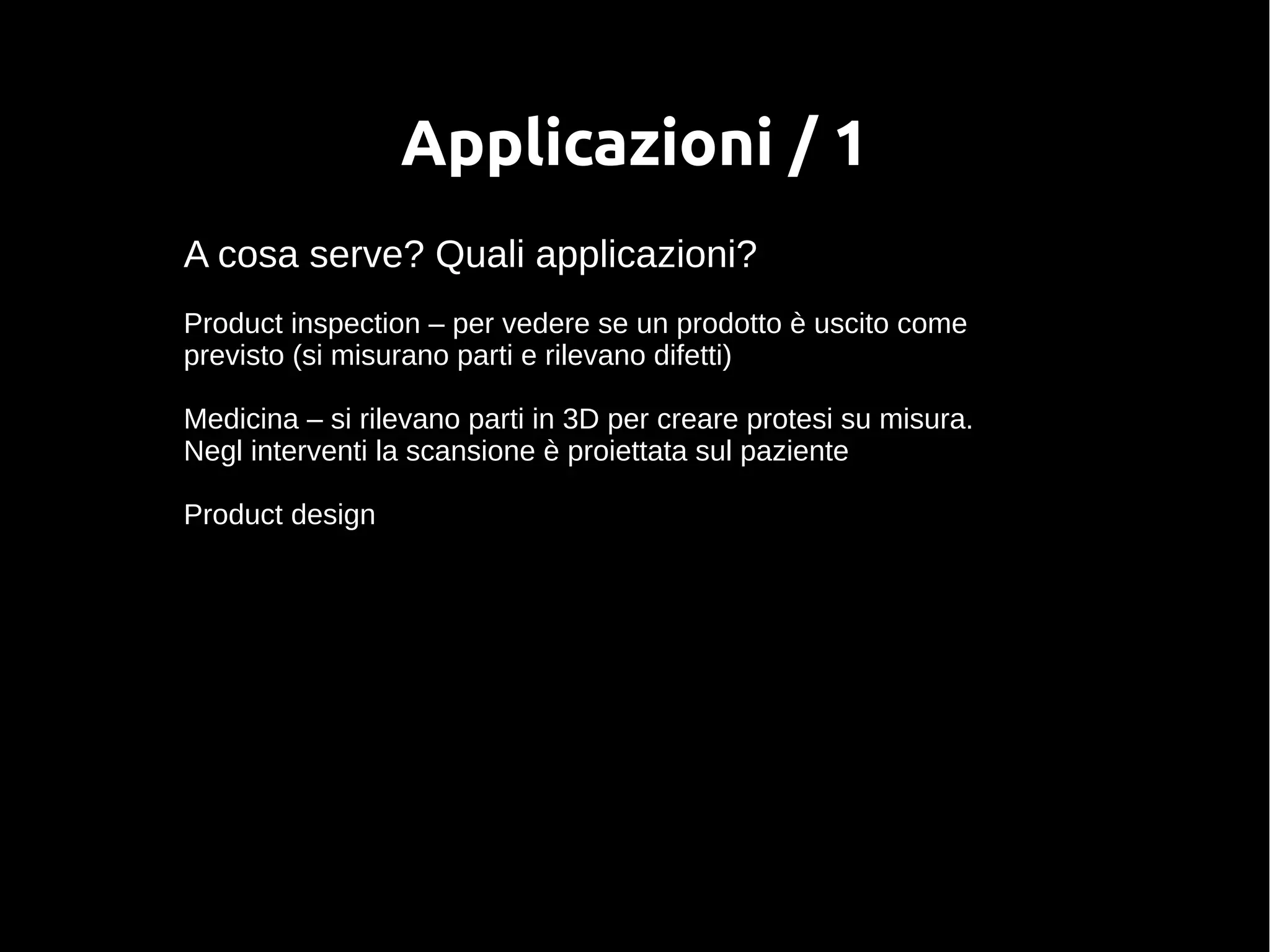
Applicazioni / 1
A cosa serve? Quali applicazioni?
Product inspection – per vedere se un prodotto è uscito come
previsto (si misurano parti e rilevano difetti)
Medicina – si rilevano parti in 3D per creare protesi su misura.
Negl interventi la scansione è proiettata sul paziente
Product design
Applicazioni / 2
Edilizia – verifica che l'edificio sia uscito come previsto
Clothes fitting – misurazione del corpo – es esercito USA ha un
sistema di misurazione automatico
Art history
Sculptures & interesting objects to look at
Art: studying working techniques
Art history
Cultural heritage preservation
High-visibility project
Archaeology
Ricostruzione di parti e ricombinazione frammenti
Ricostruzione oggetti in 3D per evitare di toccarli
Applicazioni / 3
Computer graphics
Cinema
Giochi (hanno un fatturato maggiore del cinema)
Robot navigation
Possibilità tecnologiche
Contatto
Sonde a contatto
Trasmissive
Magnetic Resonance Imaging (MRI)
Ultrasuoni
Raggi X
Suoni e Vibrazioni
Riflessione
Ottica
Non ottica (radar e sonar)
Tecnologie ottiche
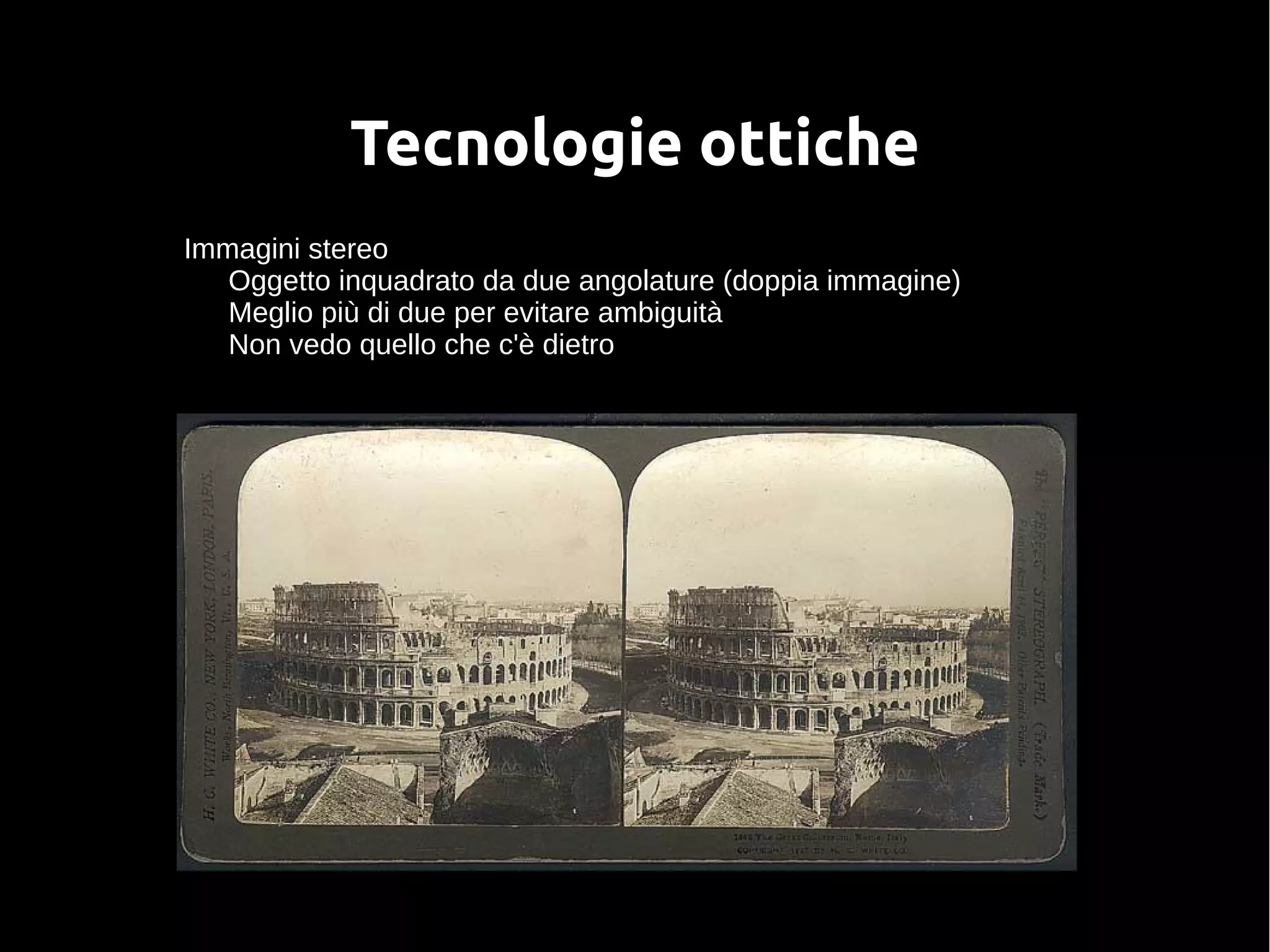
Immagini stereo
Oggetto inquadrato da due angolature (doppia immagine)
Meglio più di due per evitare ambiguità
Non vedo quello che c'è dietro
Tecnologie ottiche
Shape from motion
Da analisi di una sequenza di immagini, ricavo l'oggetto in 3d
Shape from shading
Si evidenziano le forme illuminando l'oggetto da diversi punti
Tecnologie ottiche
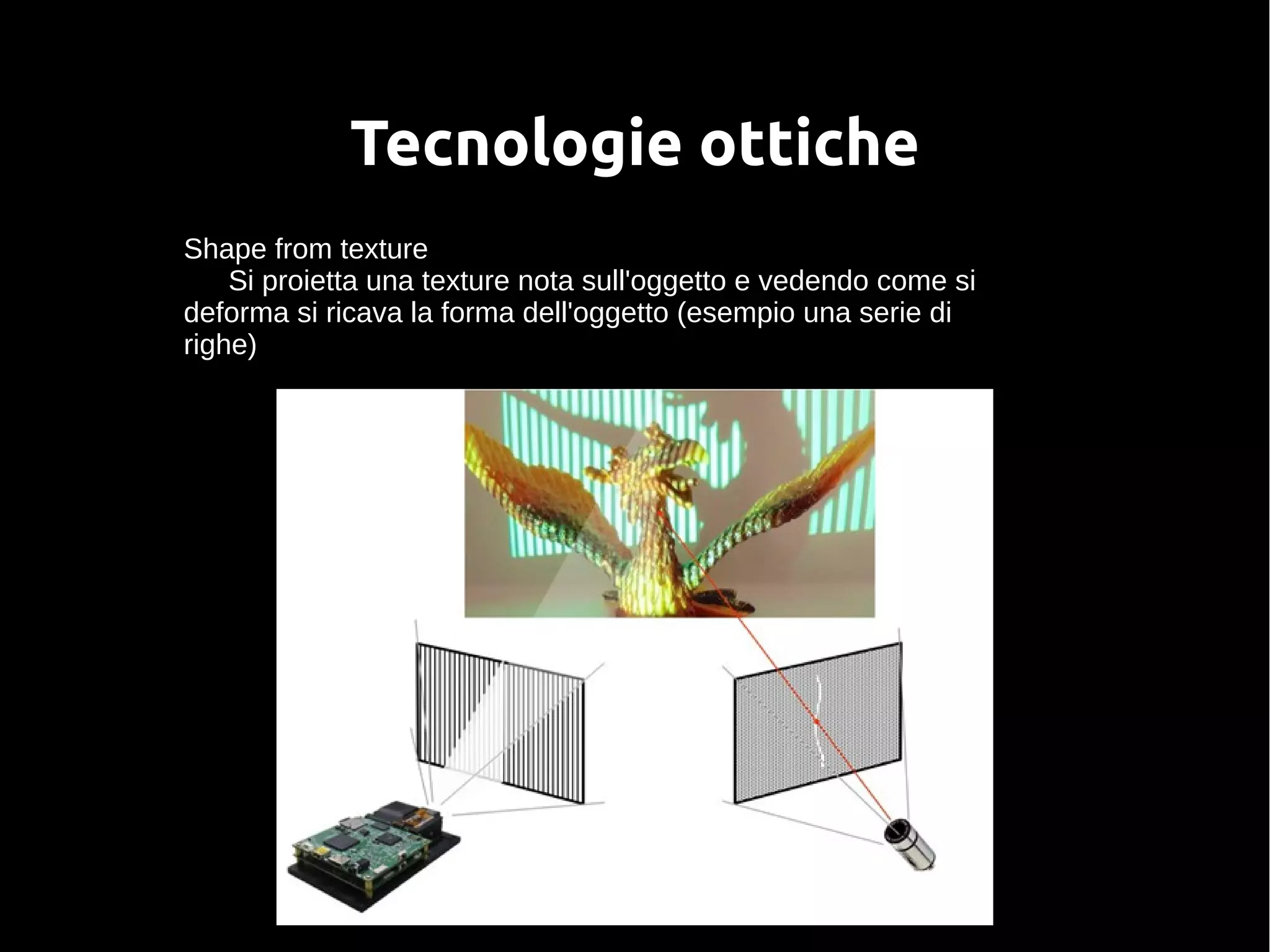
Shape from texture
Si proietta una texture nota sull'oggetto e vedendo come si
deforma si ricava la forma dell'oggetto (esempio una serie di
righe)
Tecnologie ottiche
Shape from focus/defocus
Si determinano distanze e forme vedendo come e dove si
mette a fuoco l'immagine – la messa a fuoco dipende dalla
distanza
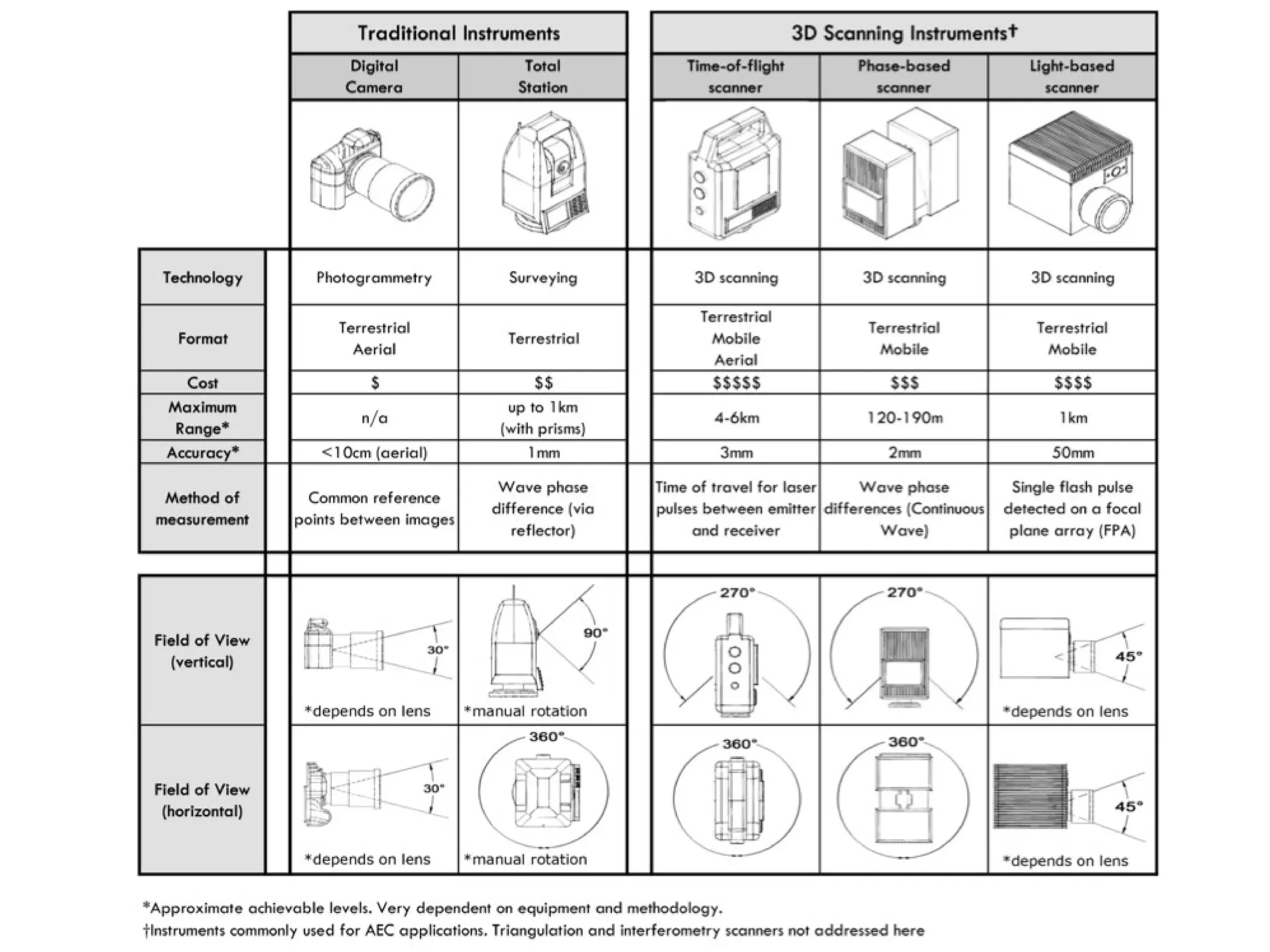
Tempo di volo del laser
Opera su grandi volumi (lati da 100m)
Precisione grossolana – 5mm
Per scavi archeologici, edifici, stanze
Tecnologie ottiche
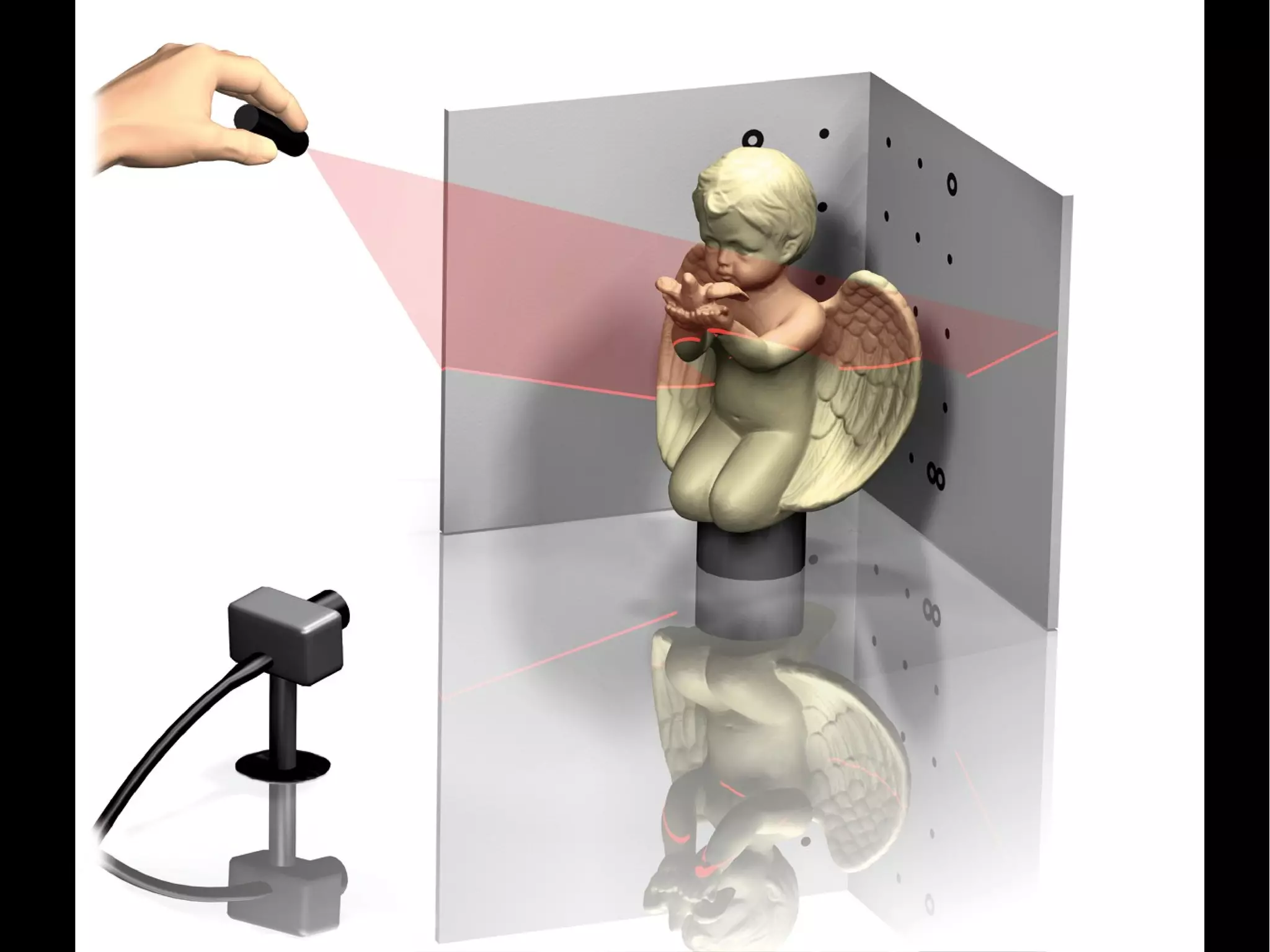
Triangolazione
Una lama laser che scorre sull'oggetto
Laser e camera posti a triangolo con l'obj
Se camera e laser si muovono indipedentemente, è difficile
poi ricostruire con precisione. Molti scanner hanno camera e
laser fissi.
Per grandi oggetti si usano sistemi che muovono il gruppo di
scansione e gli fanno coprire delle piccole regioni (moto su tilt e
pan)
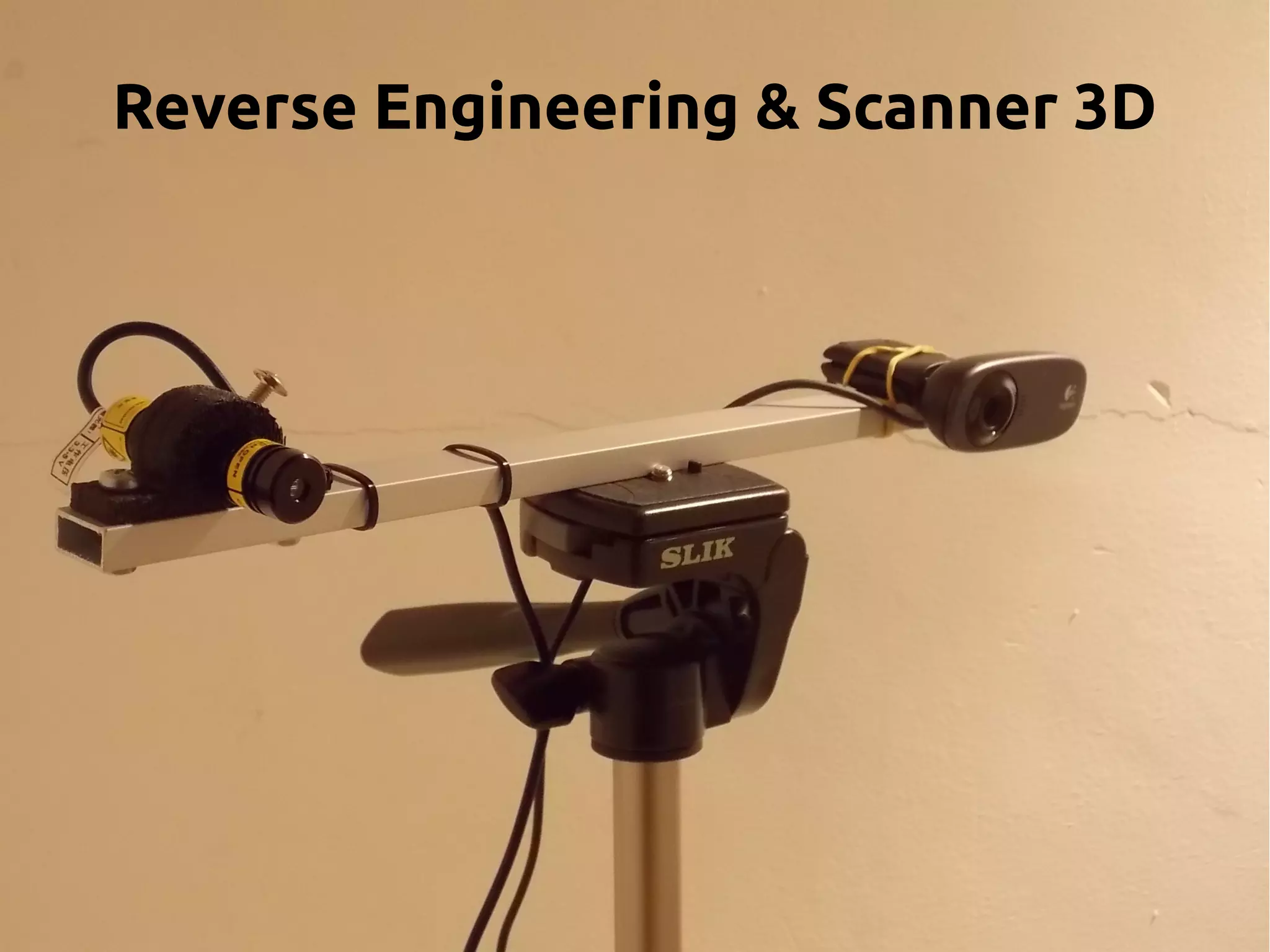
MakerScanner
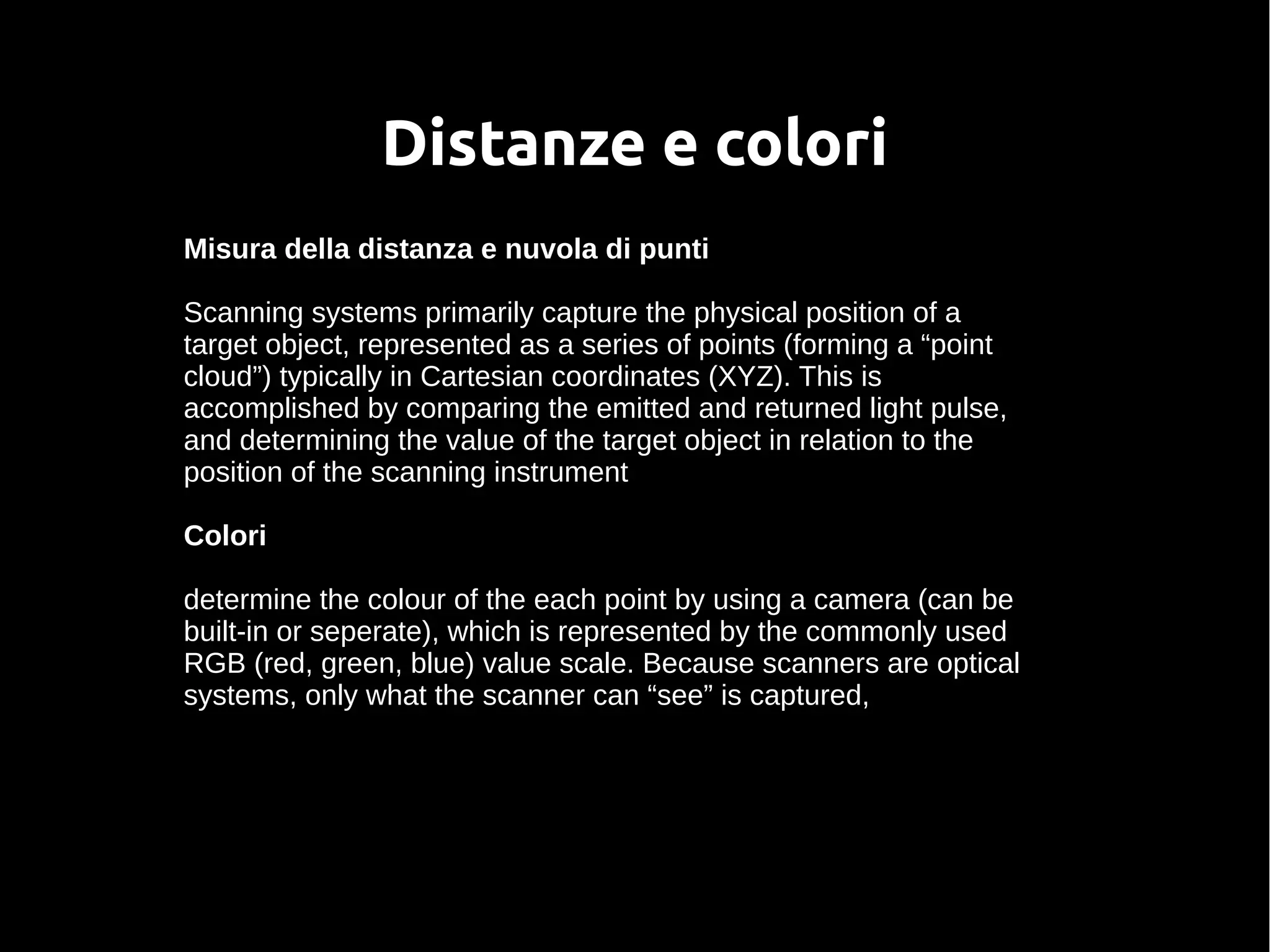
Distanze e colori
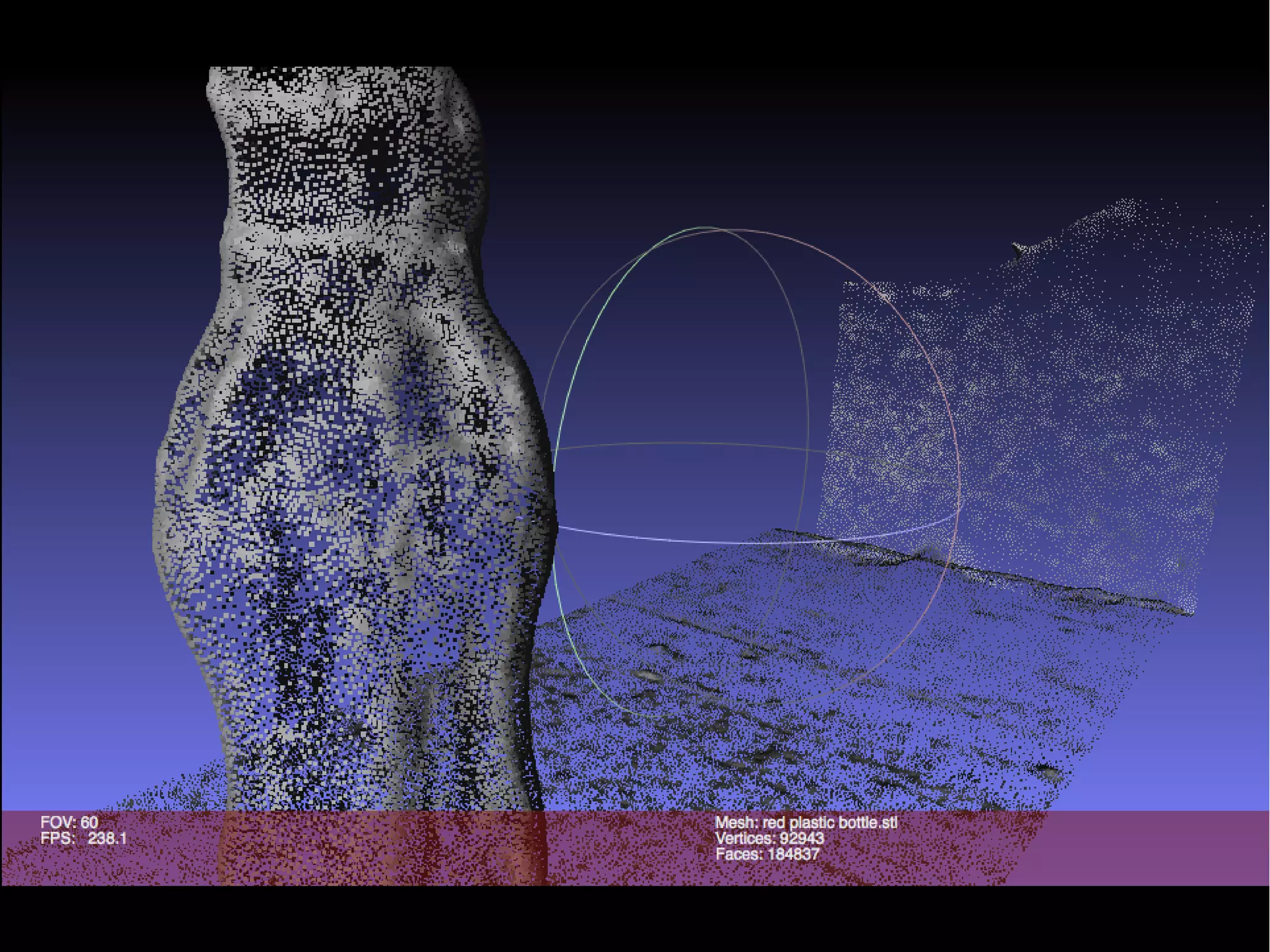
Misura della distanza e nuvola di punti
Scanning systems primarily capture the physical position of a
target object, represented as a series of points (forming a “point
cloud”) typically in Cartesian coordinates (XYZ). This is
accomplished by comparing the emitted and returned light pulse,
and determining the value of the target object in relation to the
position of the scanning instrument
Colori
determine the colour of the each point by using a camera (can be
built-in or seperate), which is represented by the commonly used
RGB (red, green, blue) value scale. Because scanners are optical
systems, only what the scanner can “see” is captured,
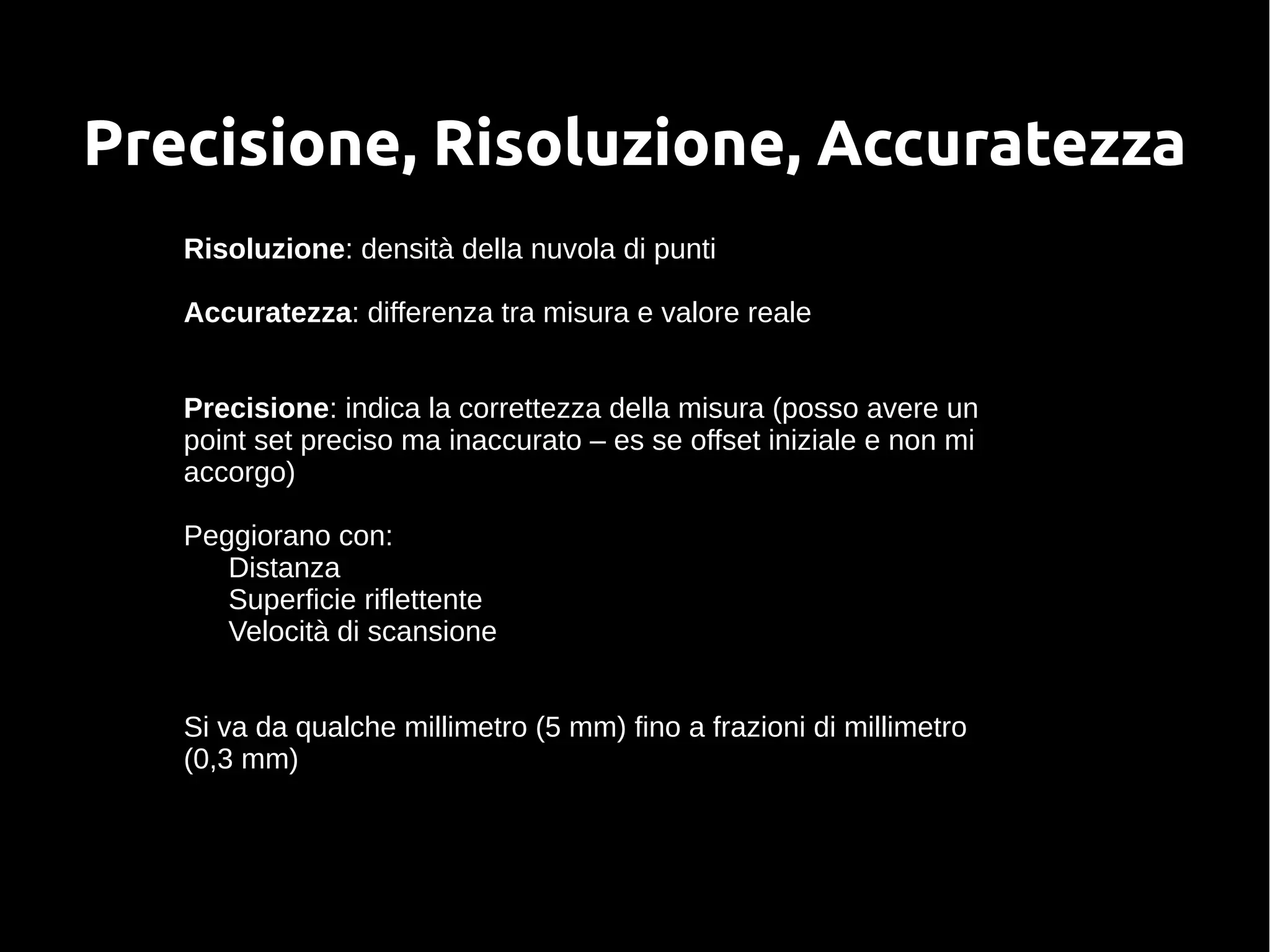
Precisione, Risoluzione, Accuratezza
Risoluzione: densità della nuvola di punti
Accuratezza: differenza tra misura e valore reale
Precisione: indica la correttezza della misura (posso avere un
point set preciso ma inaccurato – es se offset iniziale e non mi
accorgo)
Peggiorano con:
Distanza
Superficie riflettente
Velocità di scansione
Si va da qualche millimetro (5 mm) fino a frazioni di millimetro
(0,3 mm)
Formato file
Lo scanner raccoglie una nuvola di punti che poi è raccolta in un
file
ASTM E57 File Format (XYX I RGB) questo rappresenta la
nuvola di punti
Questi formati derivano dal mondo grafico:
OBJ (con colori)
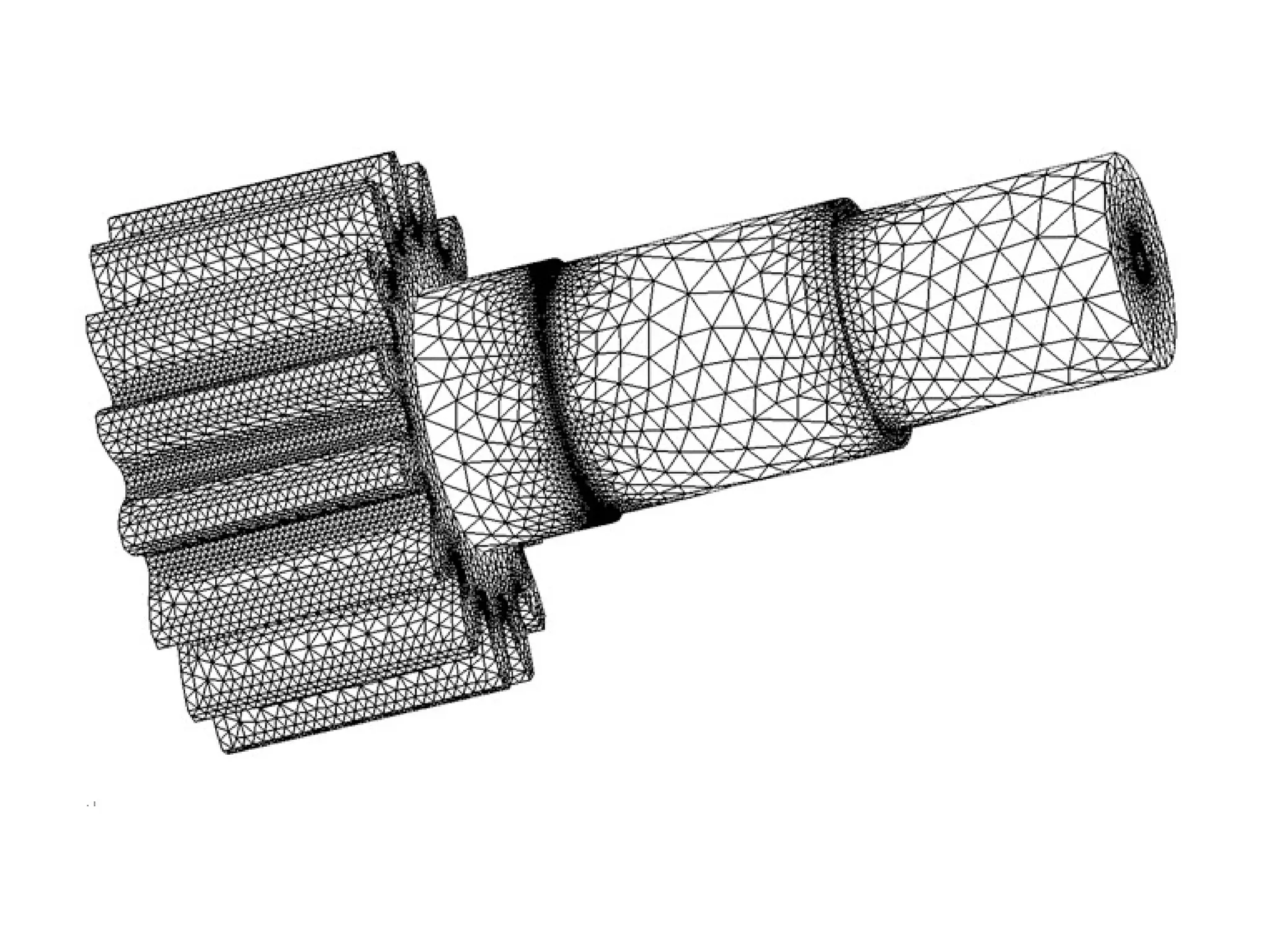
STL
VRML (con colori)
Scanner professionali
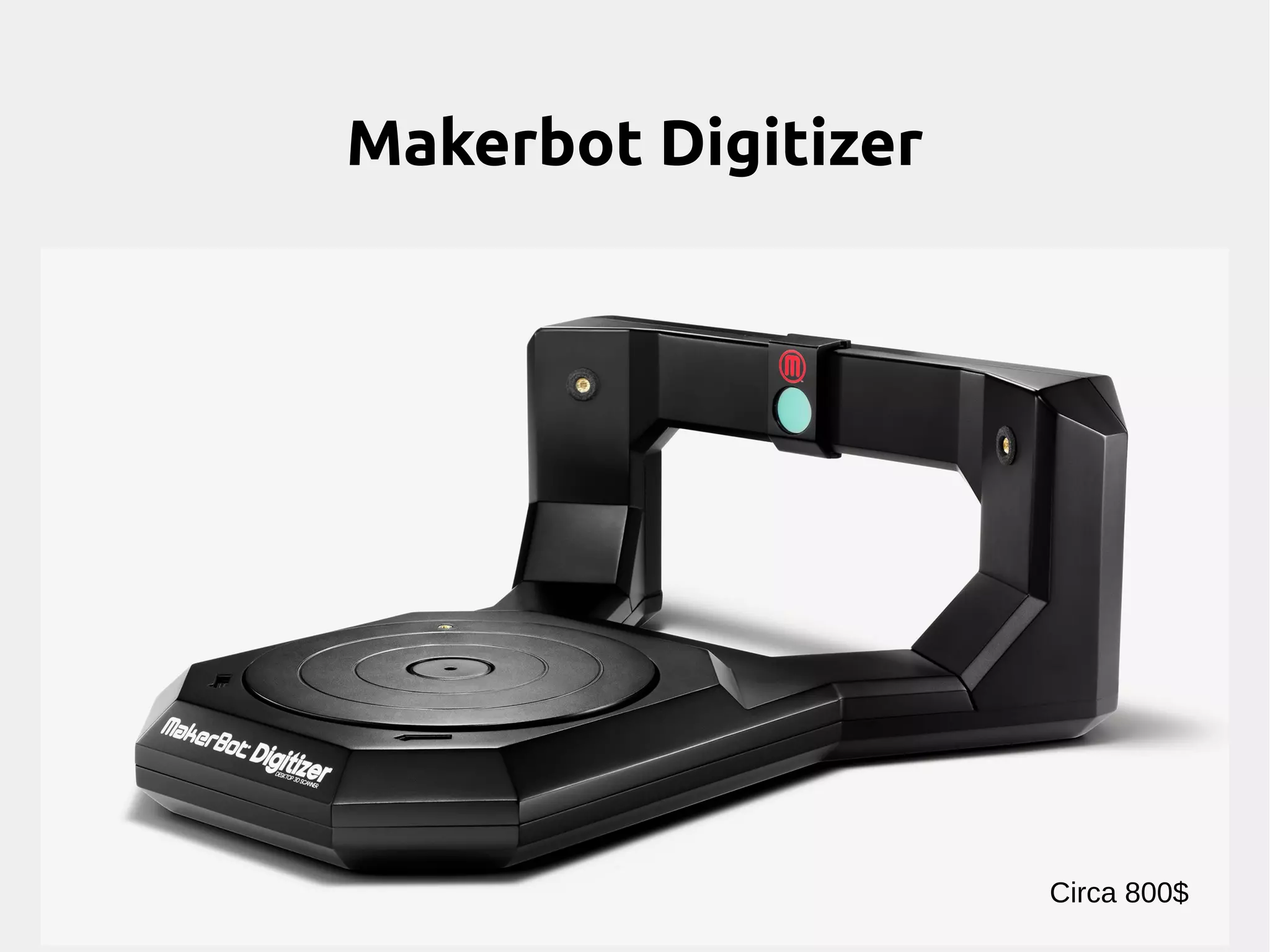
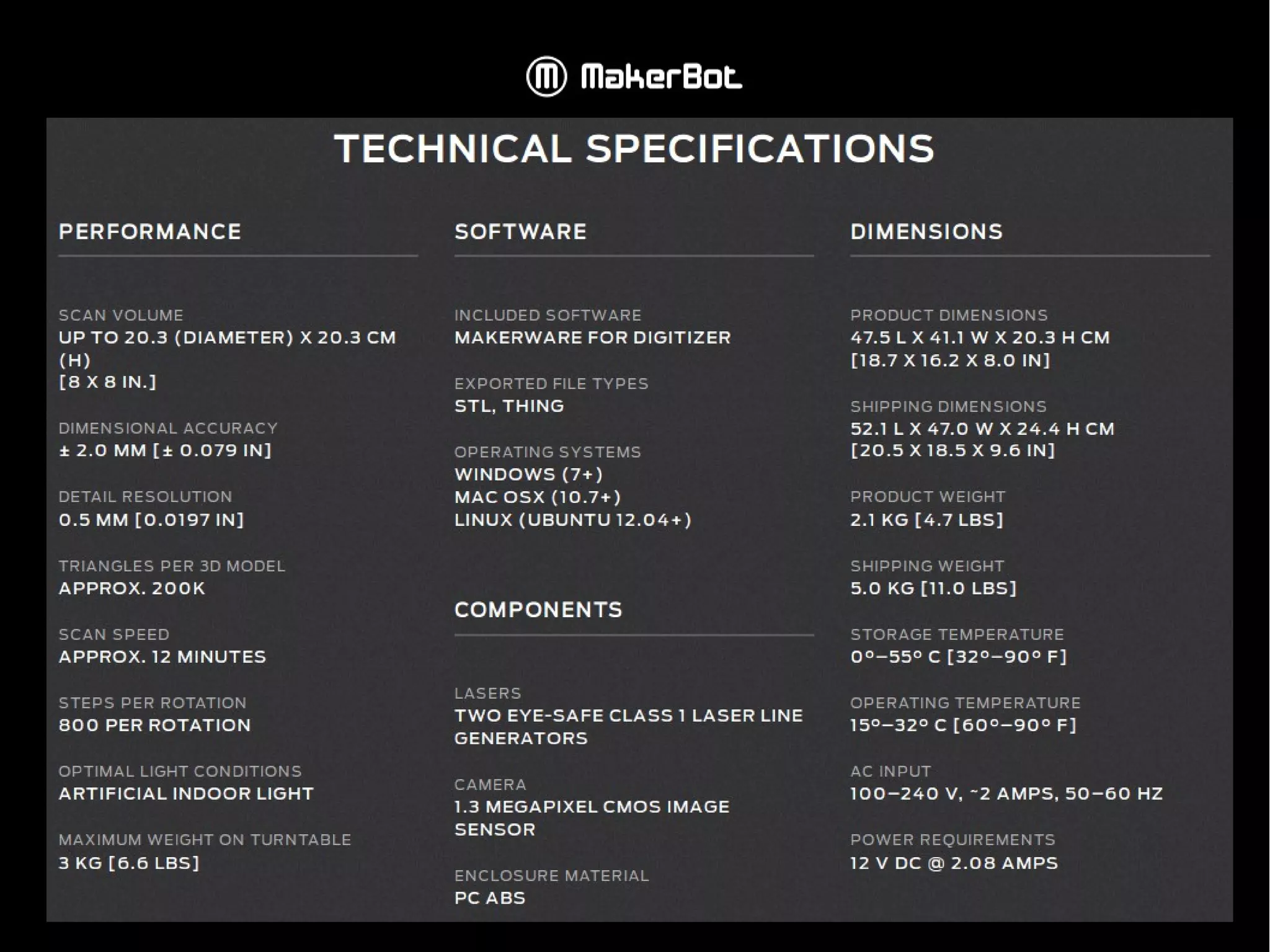
Makerbot Digitizer
Circa 800$
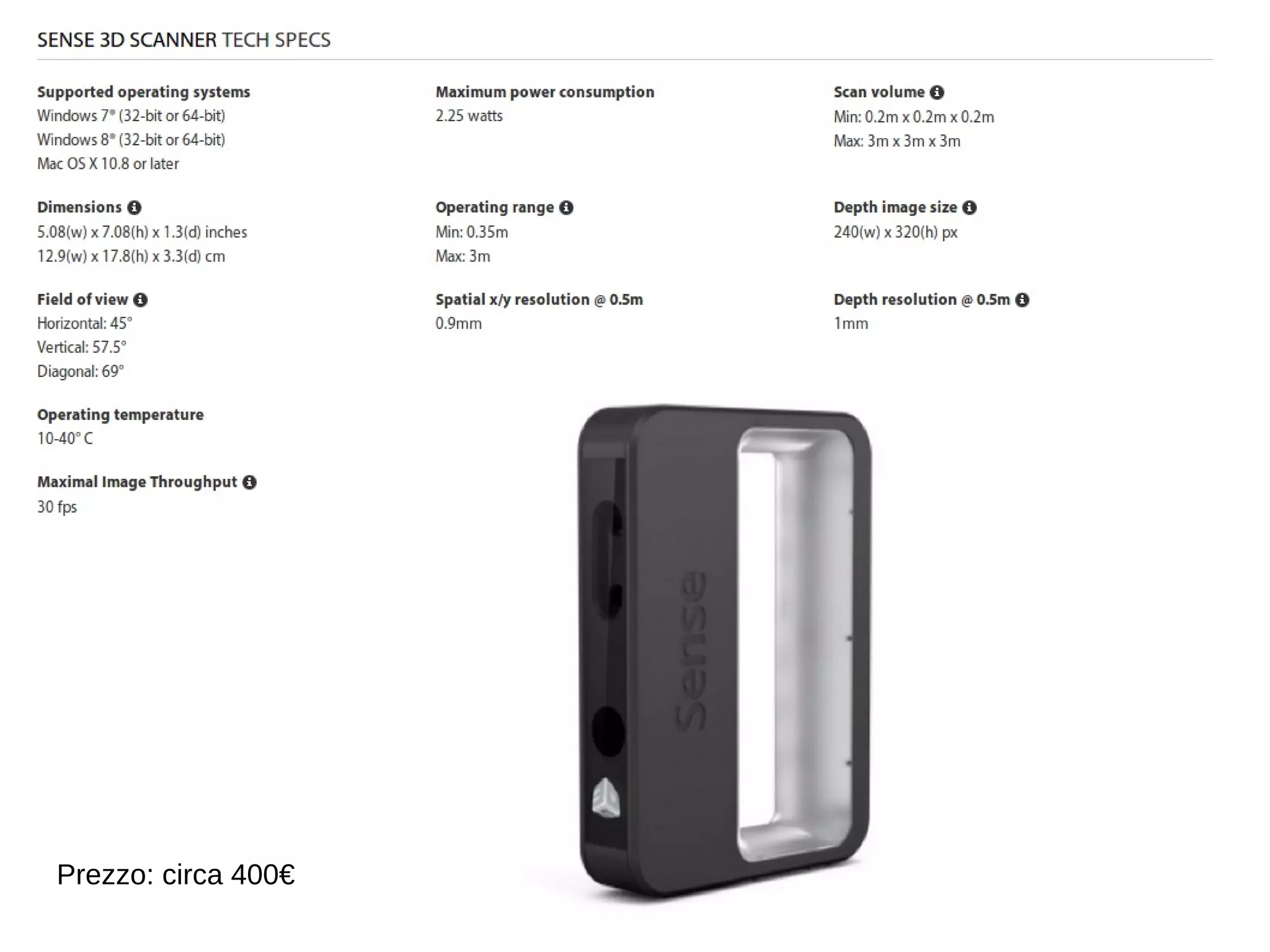
Prezzo: circa 400€
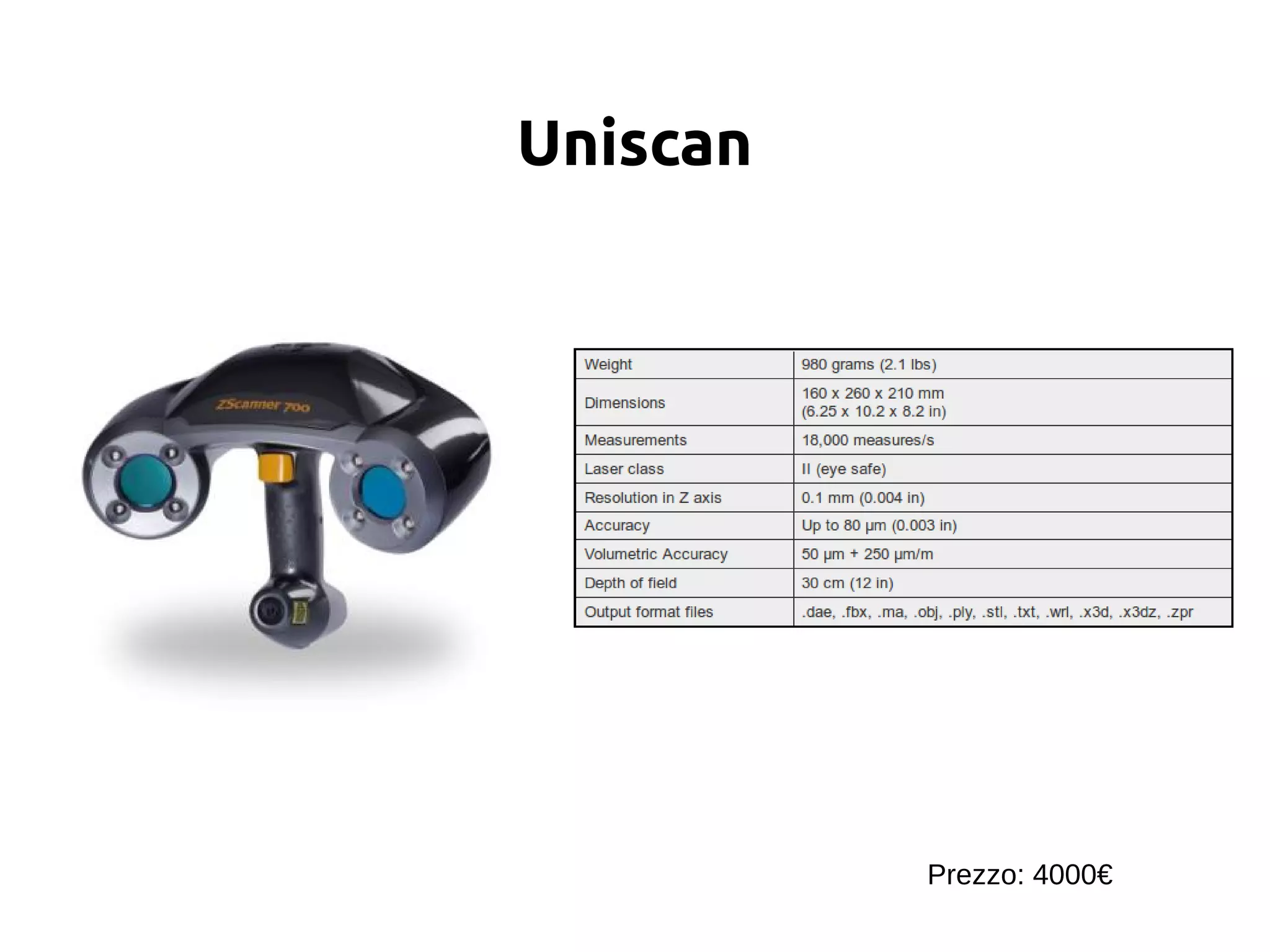
Uniscan
Prezzo: 4000€
Scanner low cost
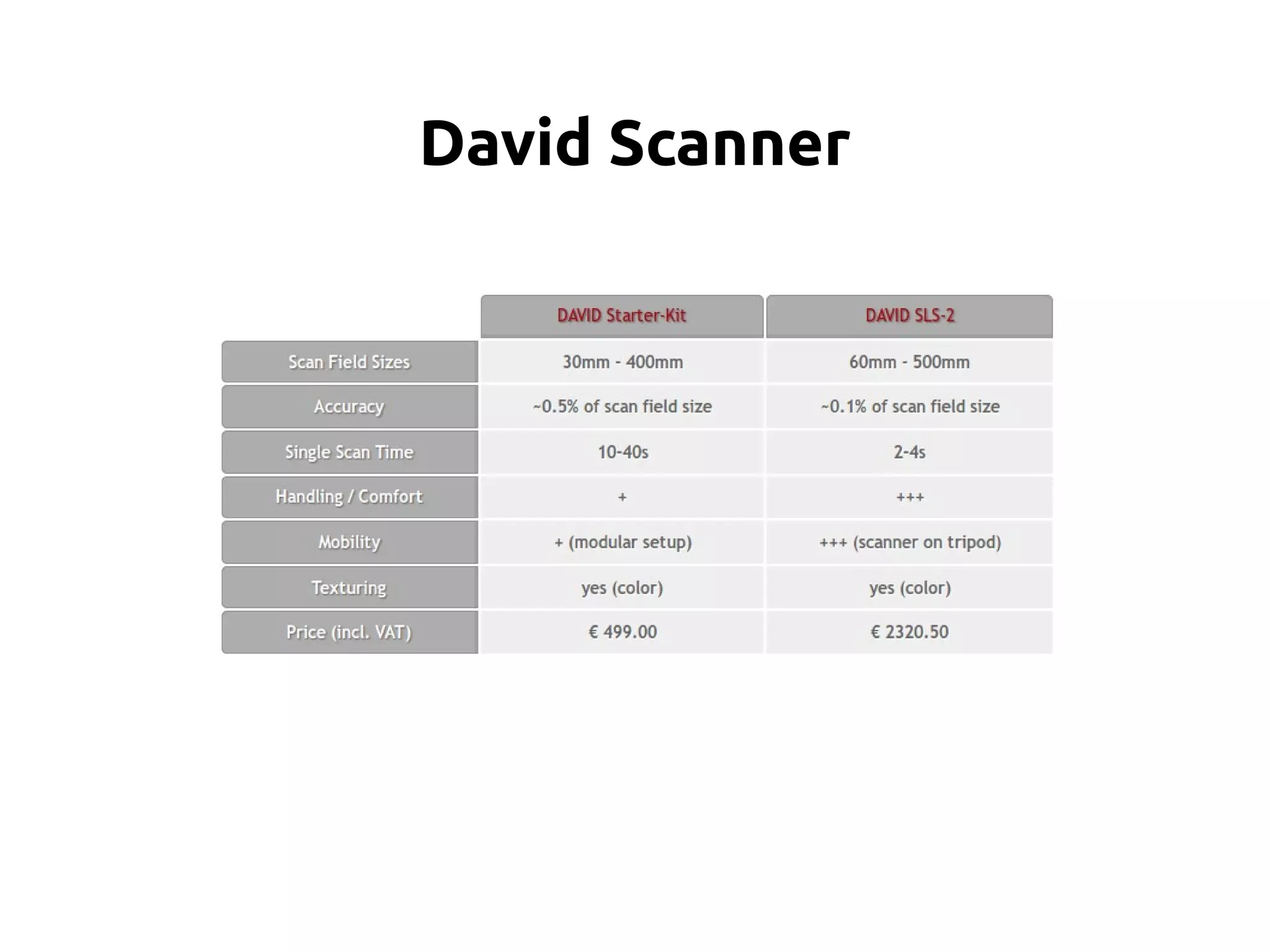
David Scanner
A starter kit of the David Scanner is available for 399 €.
360 scans are possible, although the user needs to turn the
object manually between multiple scans.
The software is proprietary and runs only on Windows.
Minimal equipment is needed, such as a line laser, a camera and
a calibration pattern which can be printed out.
Using the DAVID- Shapefusion software the user can manually
merge multiple point-clouds from different scans and convert
them to a surface mesh by-hand.
David Scanner
David Scanner
Makerbot Scanner v.0
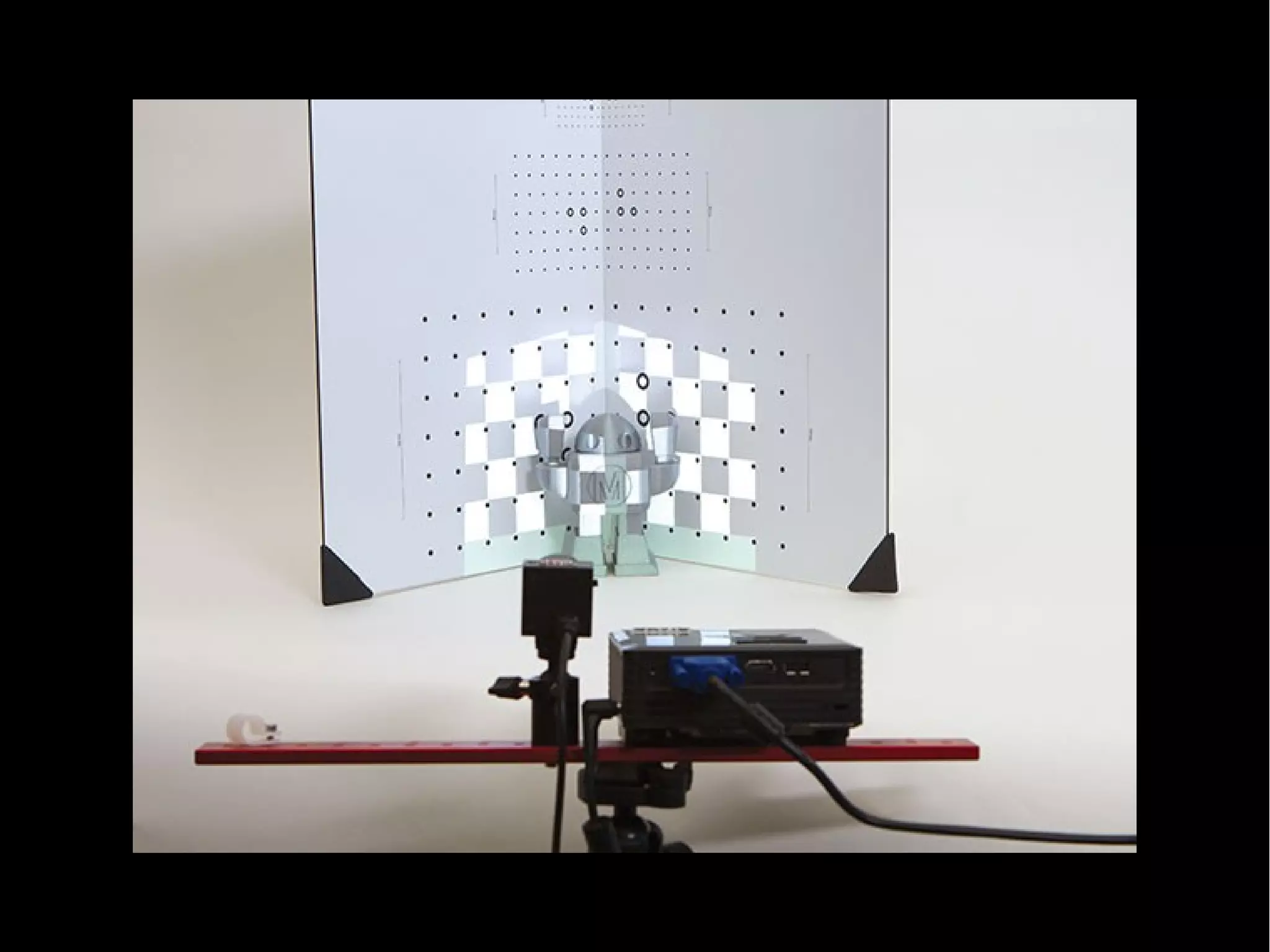
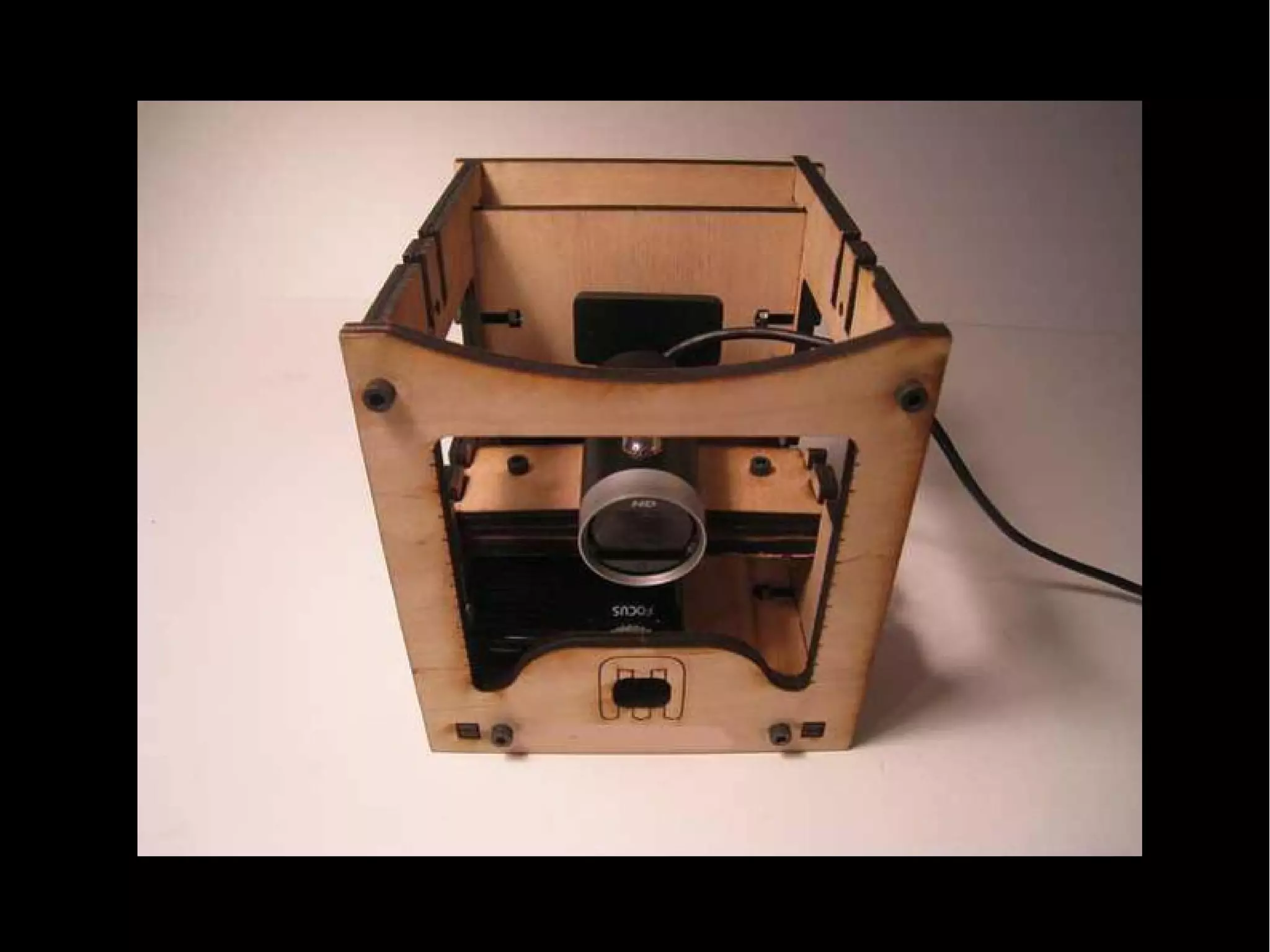
The MakerBot 3D Scanner (formerly know as Cyclops) is a 3D
scanning mounting kit for a pico projector, a webcam and an
iPhone or iPod.
The mounting kit is available for 50$.
A set of additional open-source software is required (ThreePhase,
PeasyCam, ControlP5, Processing).
Extensive instructions are provided on the website to perform a
single face scan.
Using Blender and MeshLab the point-clouds are transformed
into surface meshes which can then be printed on the MakerBot.
http://wiki.makerbot.com/3D-scanner
Makerbot Scanner v.0
3D Photograpy on your desk
This project requires very little hardware: a camera, a desk- lamp,
a pencil and a checkerboard.
The checkerboard is used for calibration.
The pencil is waved between the lamp and the object to be
scanned, casting a shadow on the object.
The 3D shape of the object is extracted from the spatial and
temporal location of the observed shadow.
Several implementations of this technique are available on the
project’s website.
http://www.vision.caltech.edu/bouguetj/ICCV98/
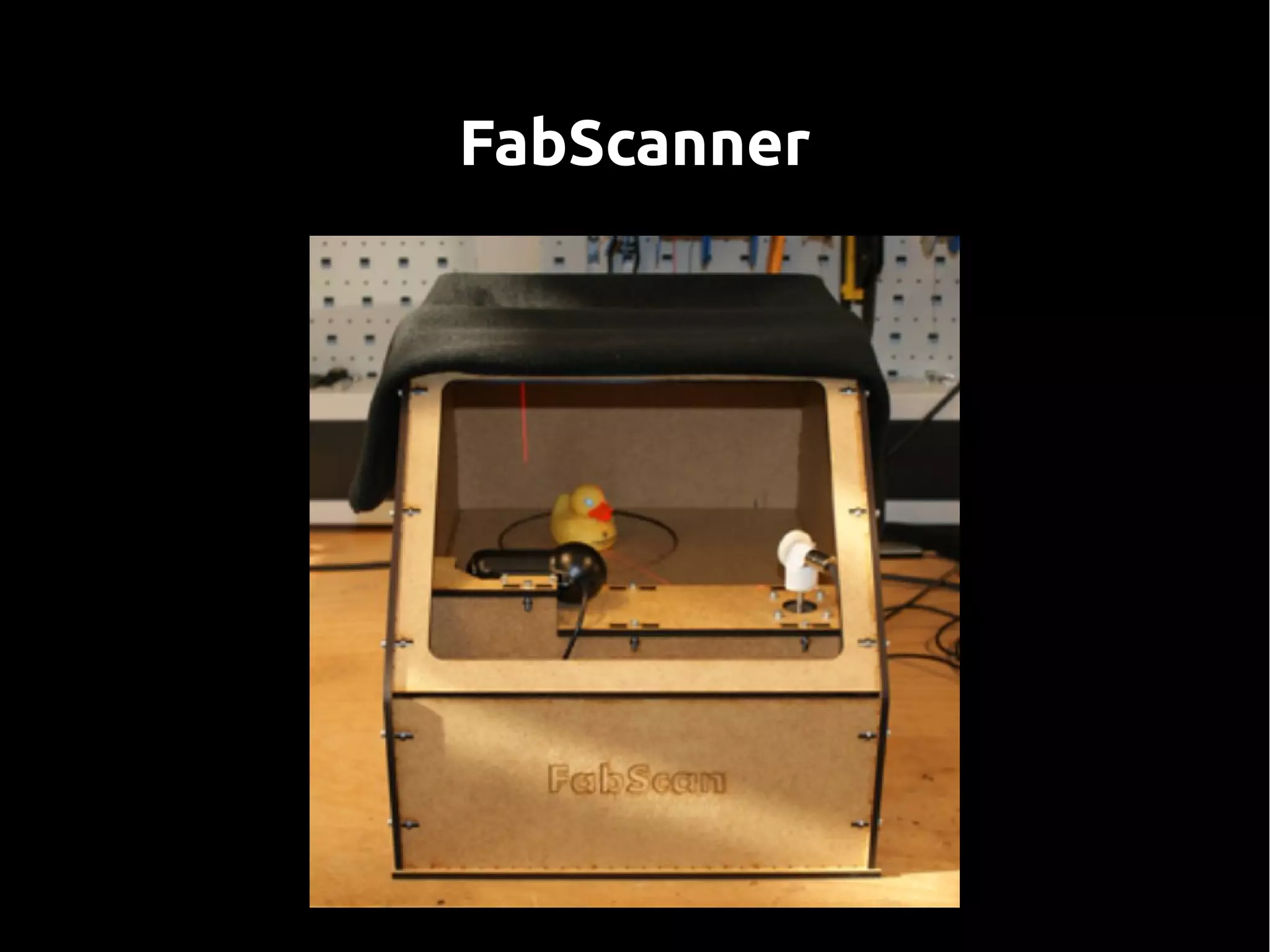
FabScanner
Fabscanner http://hci.rwth-aachen.de/fabscan
Un progetto simile:
Scanner con arduino e mathlab
http://makezine.com/projects/diy-3d-laser-scanner-using-arduino/
FabScanner
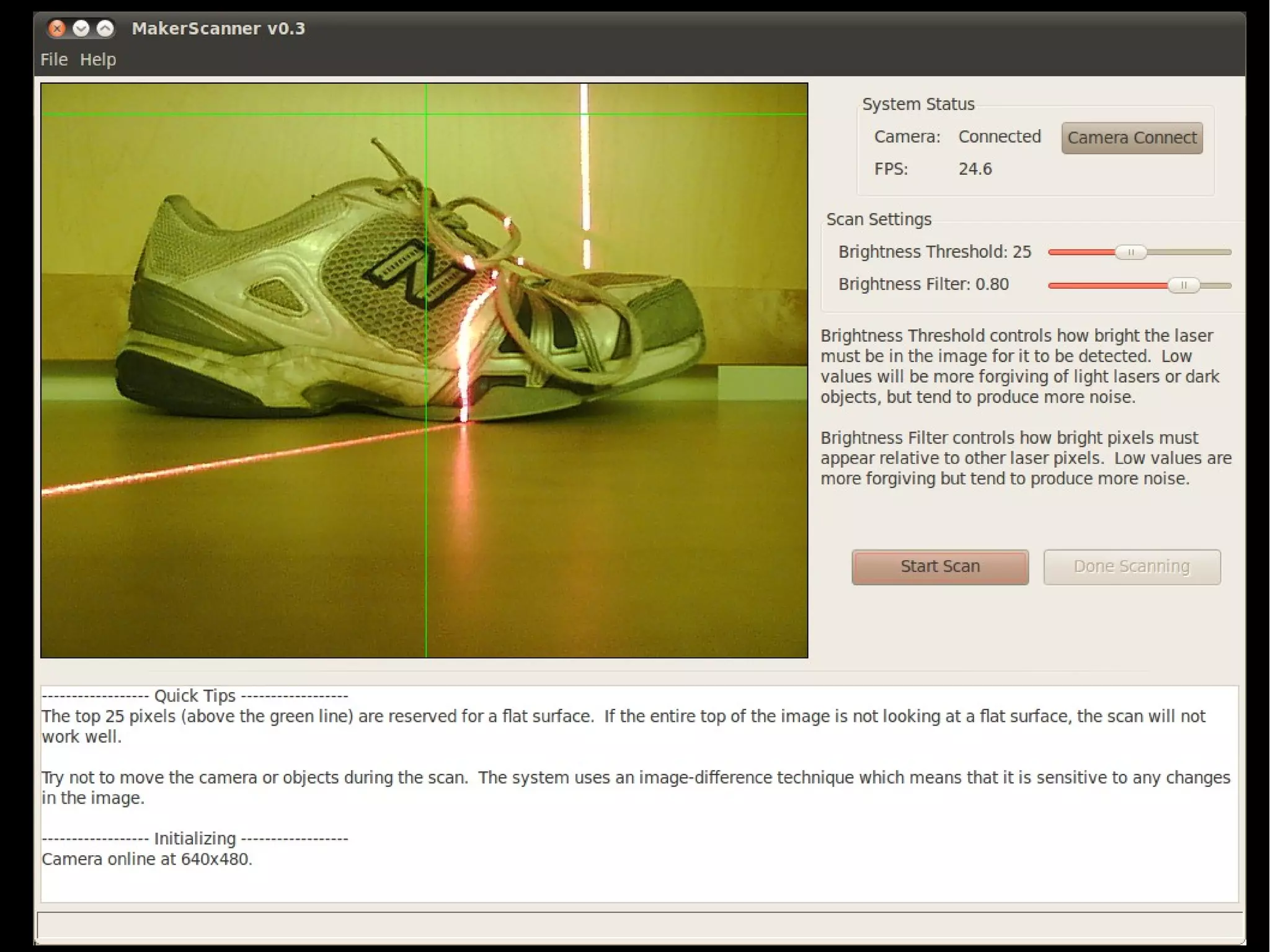
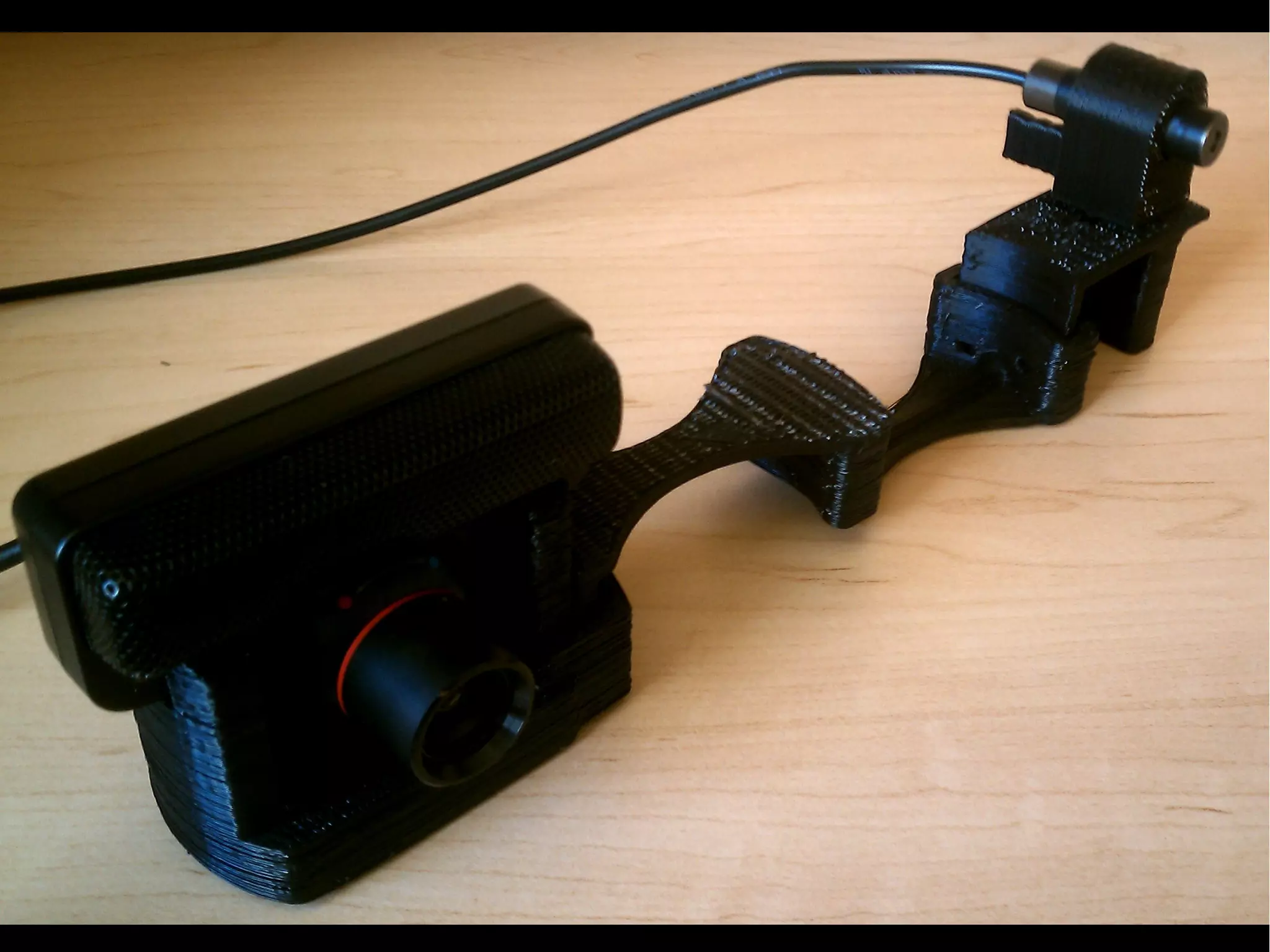
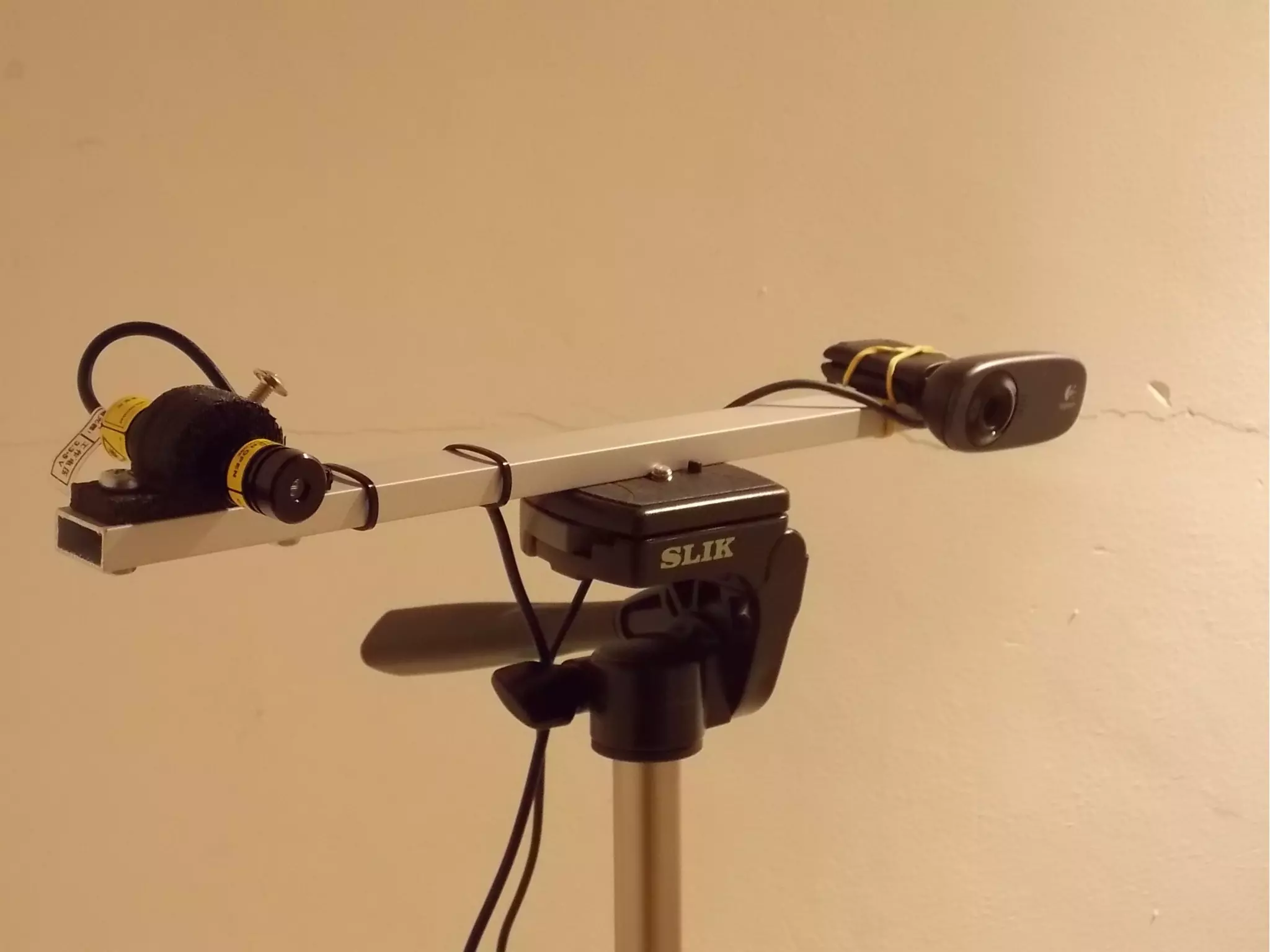
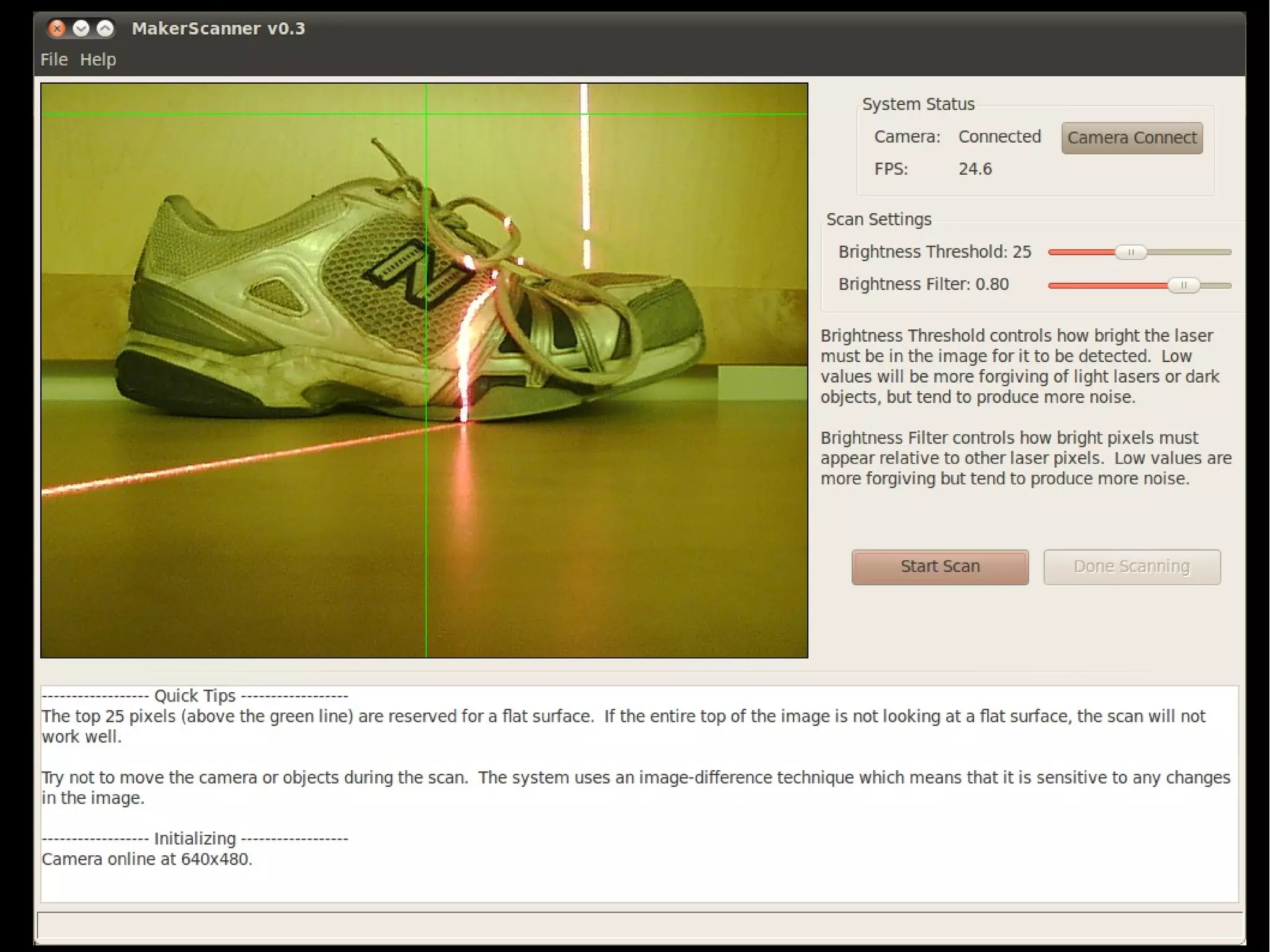
MakerScanner
Scanner con webcam fissa e laser lineare da muovere a mano
Il software è disponibile per Windows, Linux e come sorgenti.
MakerScanner
MakerScanner
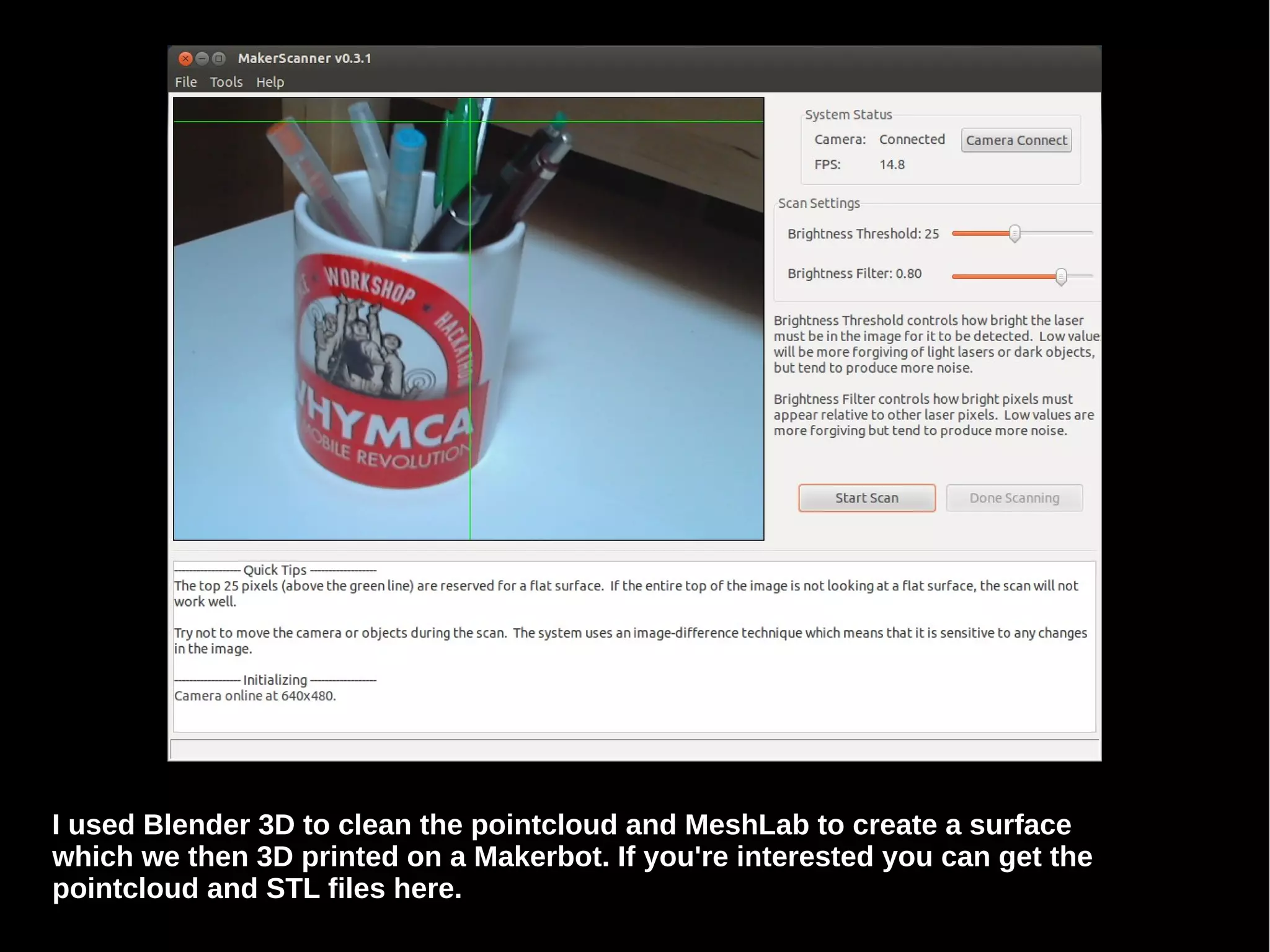
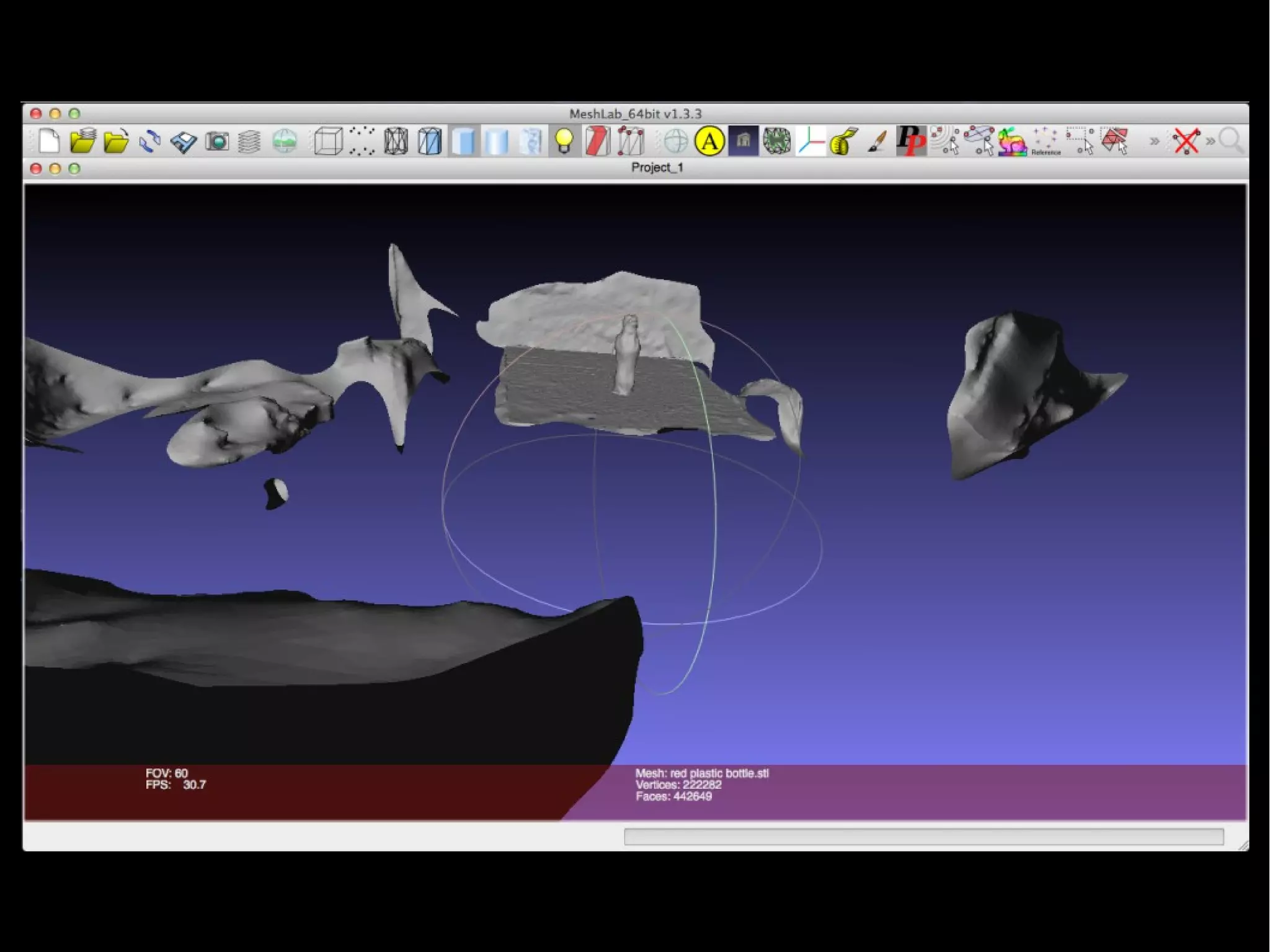
I used Blender 3D to clean the pointcloud and MeshLab to create a surface
which we then 3D printed on a Makerbot. If you're interested you can get the
pointcloud and STL files here.
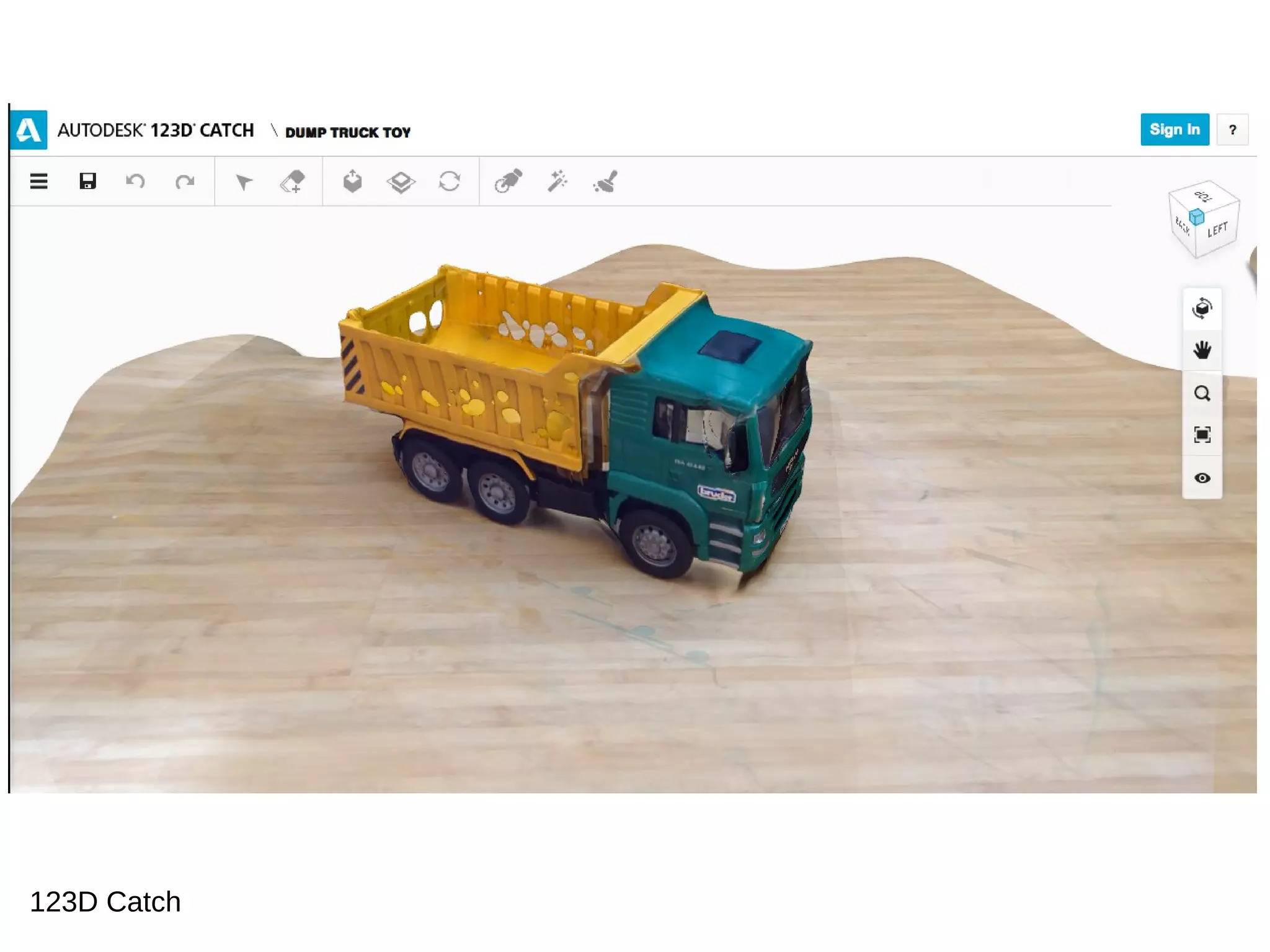
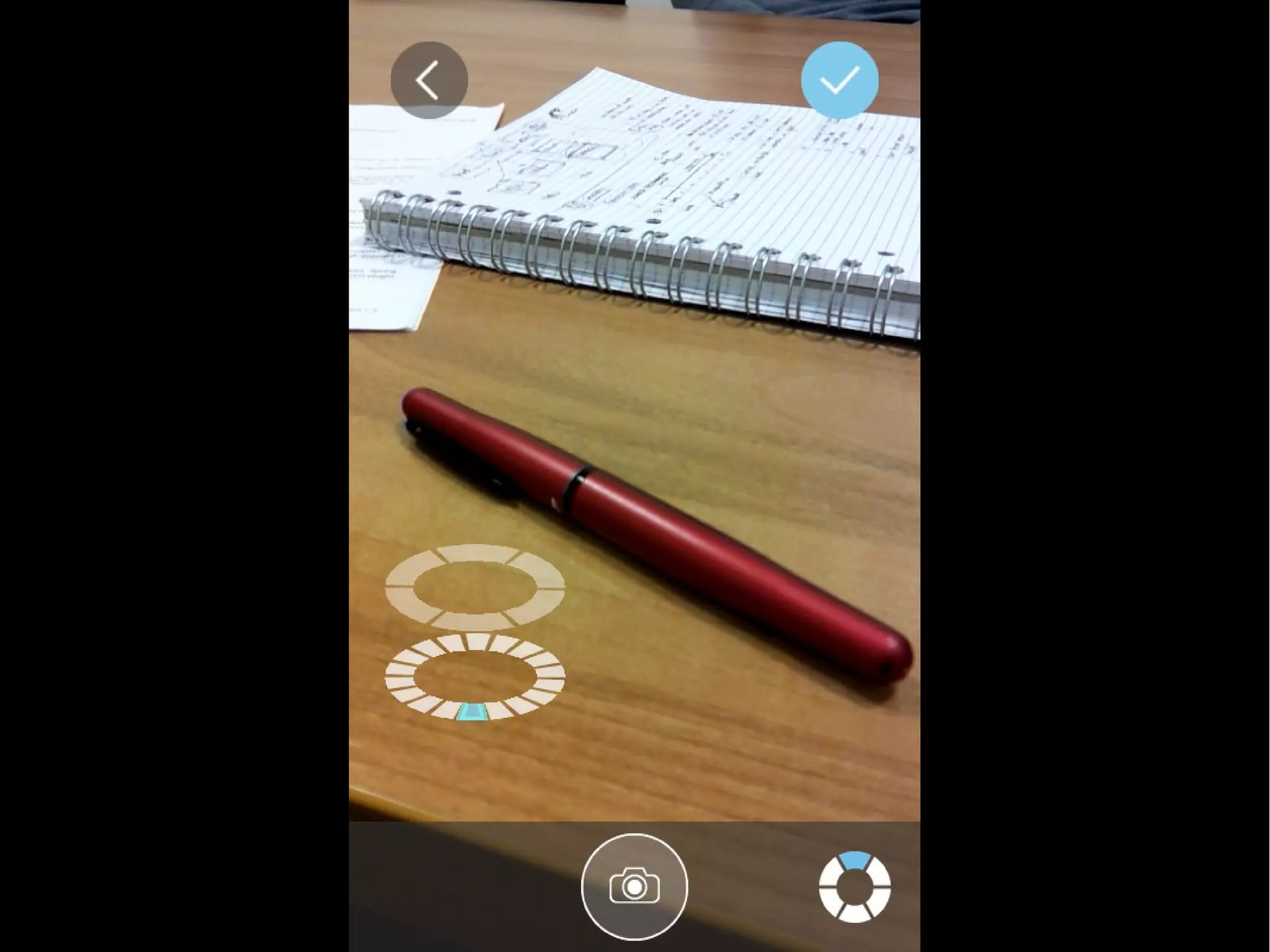
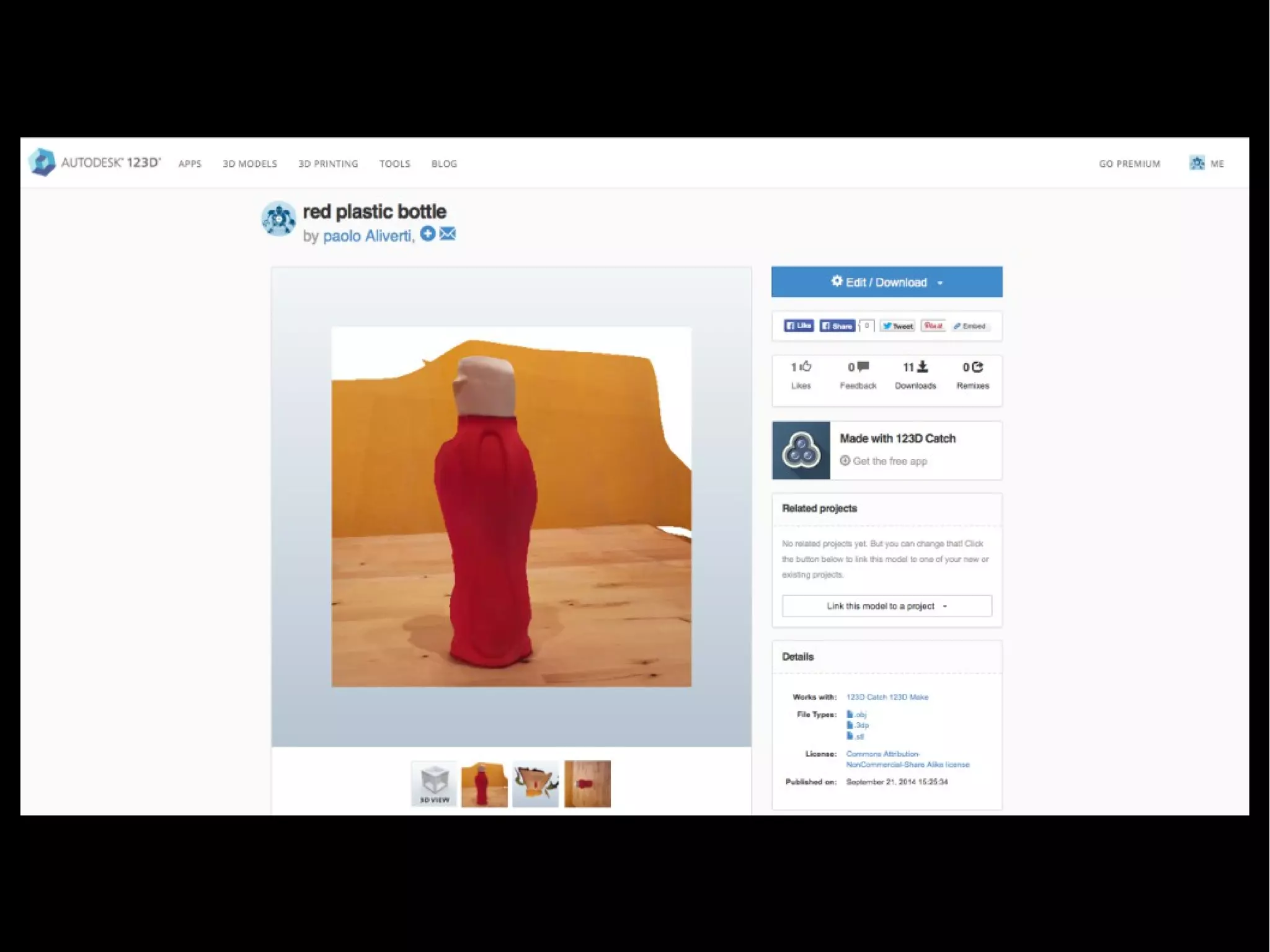
123D Catch
Download e demo
123D Catch
Kinect
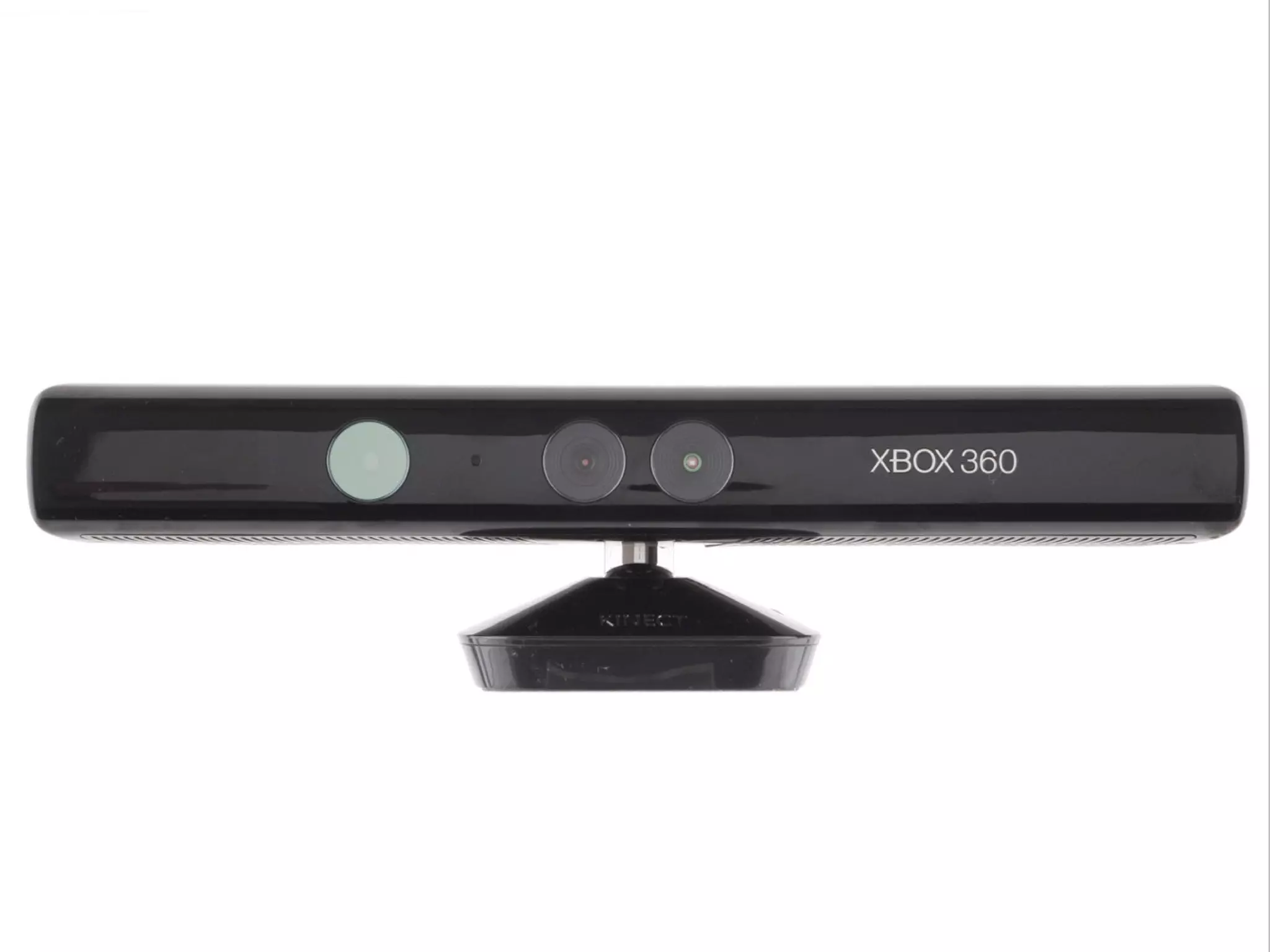
Kinect also includes infrared projectors and cameras which are
used for depth detection, hence it could also be used to build a
3D scanner.
The depth perception technology in the Kinect works best at
distances of 6-8 feet (⇡ 2m).
Thus, the Kinect is better suited for identifying ”likely humans in
the scene and the likely positions of their arms and legs.”
than for precise short-range 3D scanning.
Attenzione alle versioni per: Window e XBox
Alternative: ASUS xition
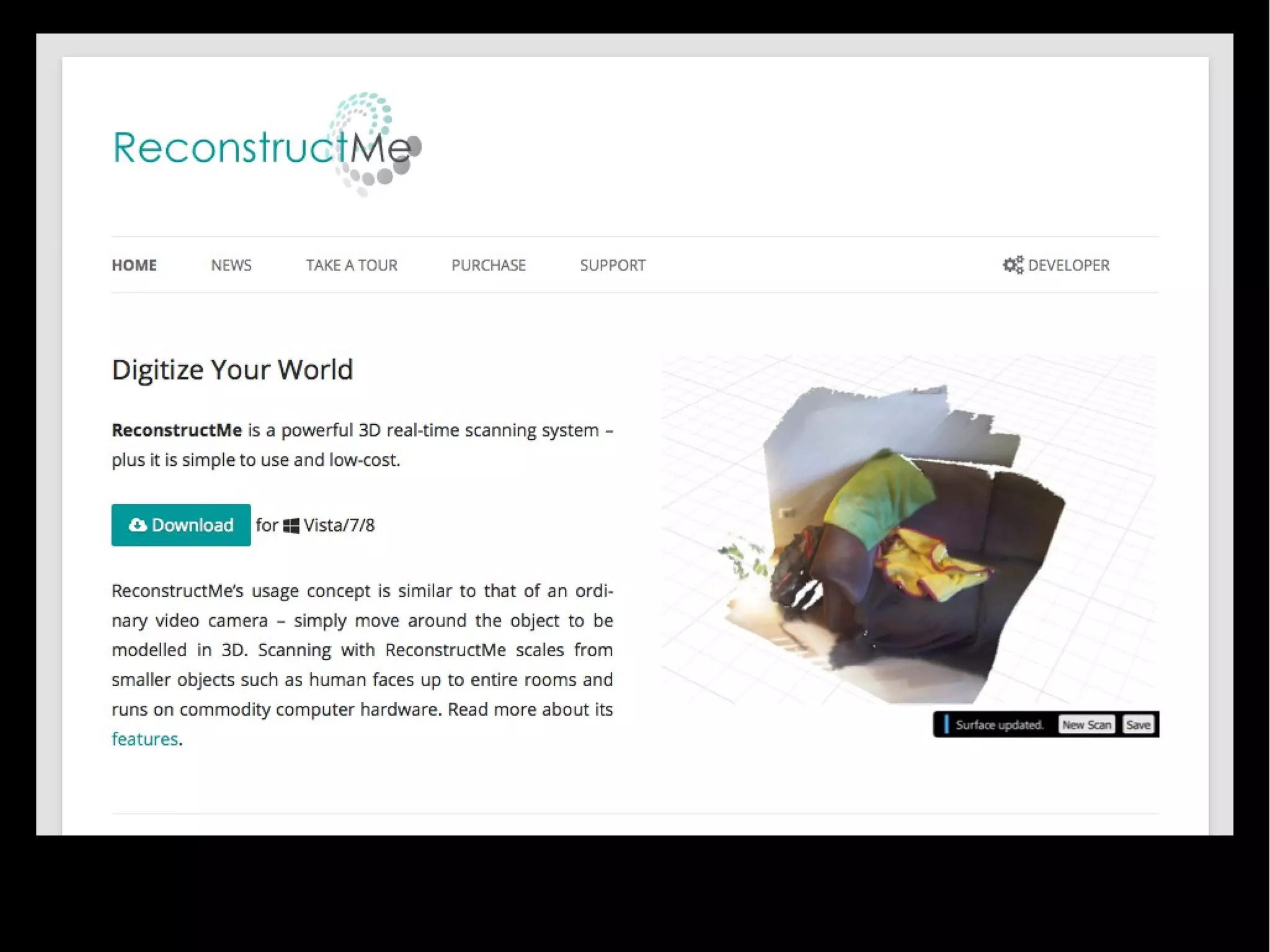
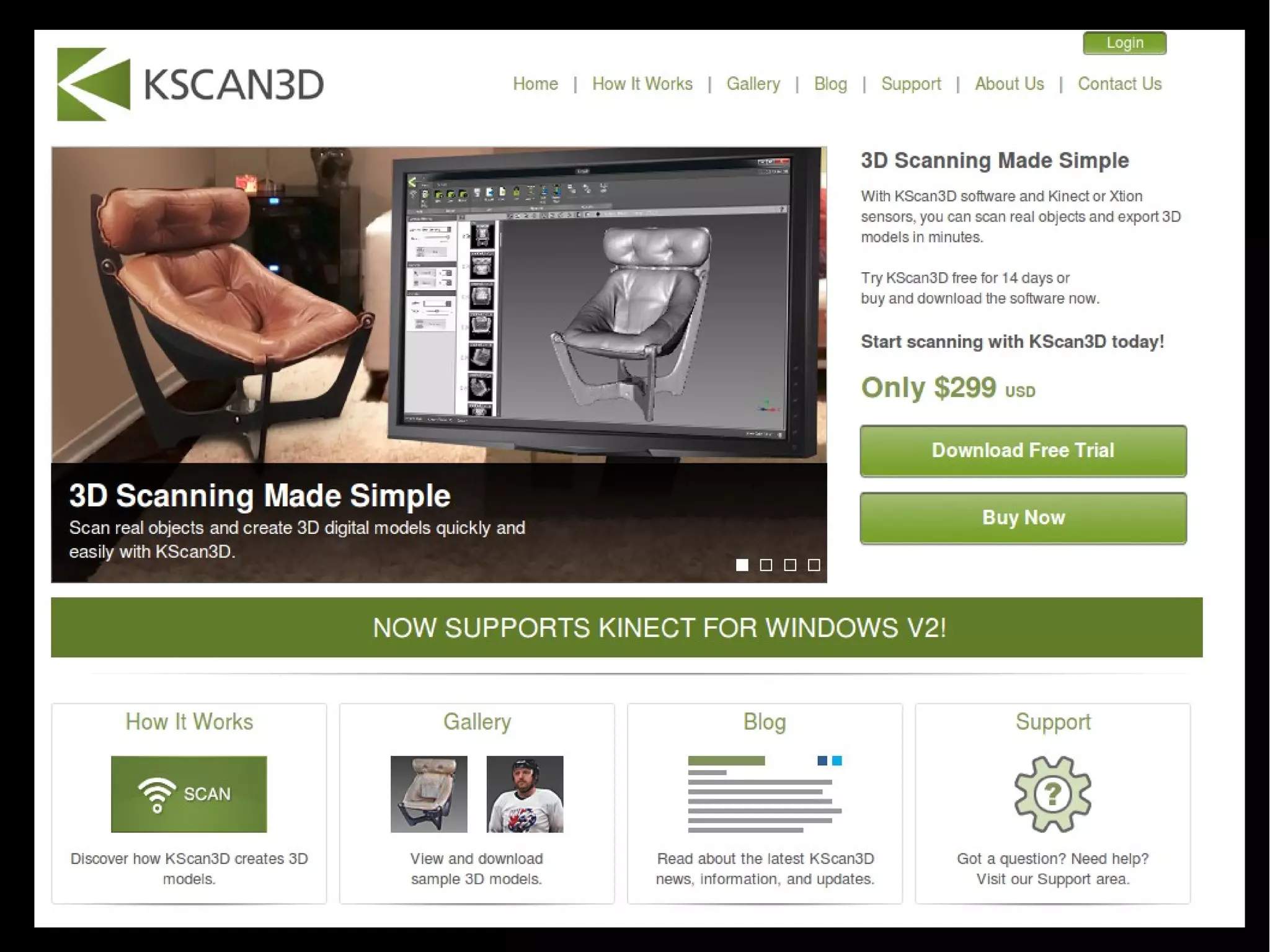
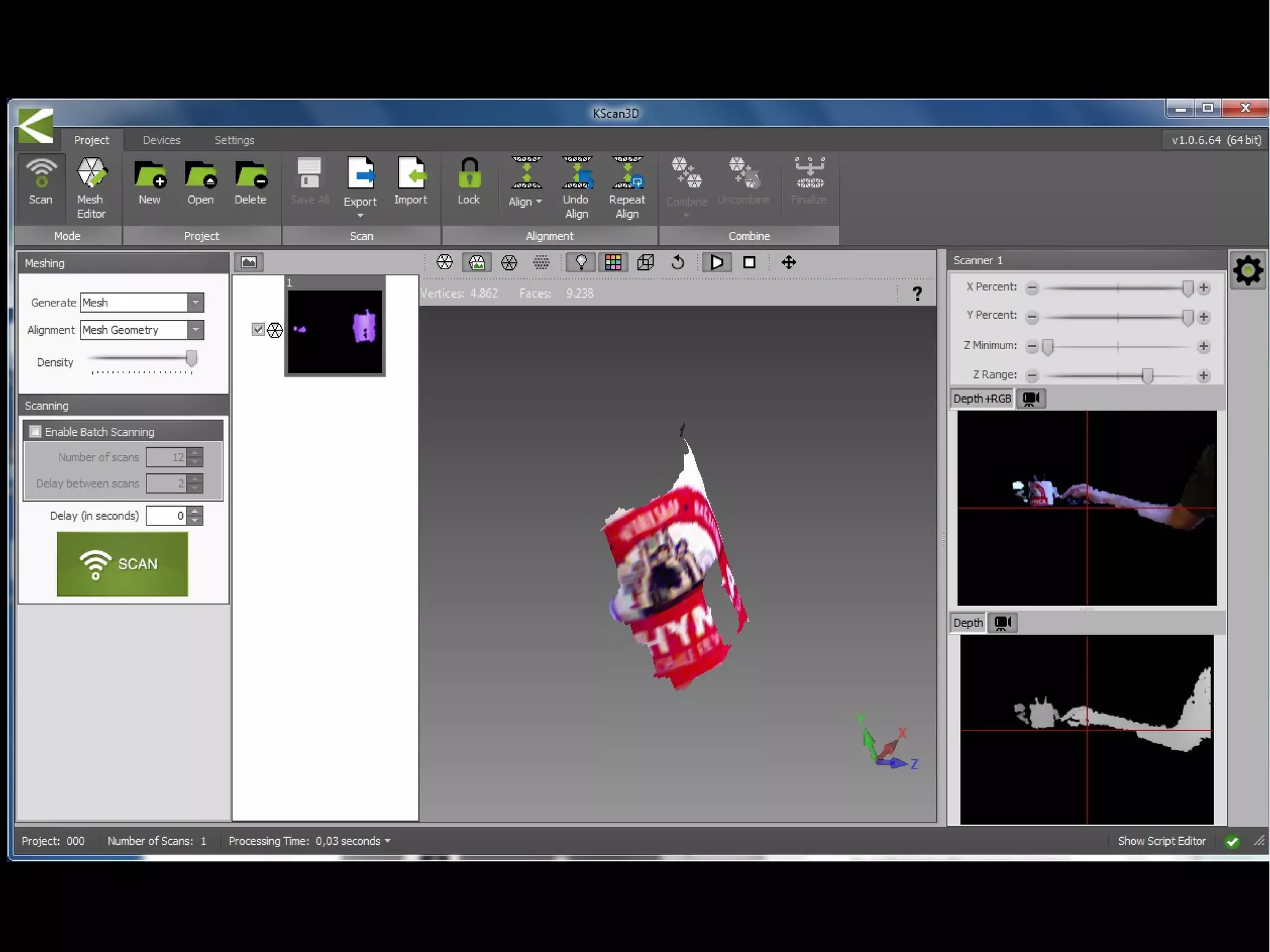
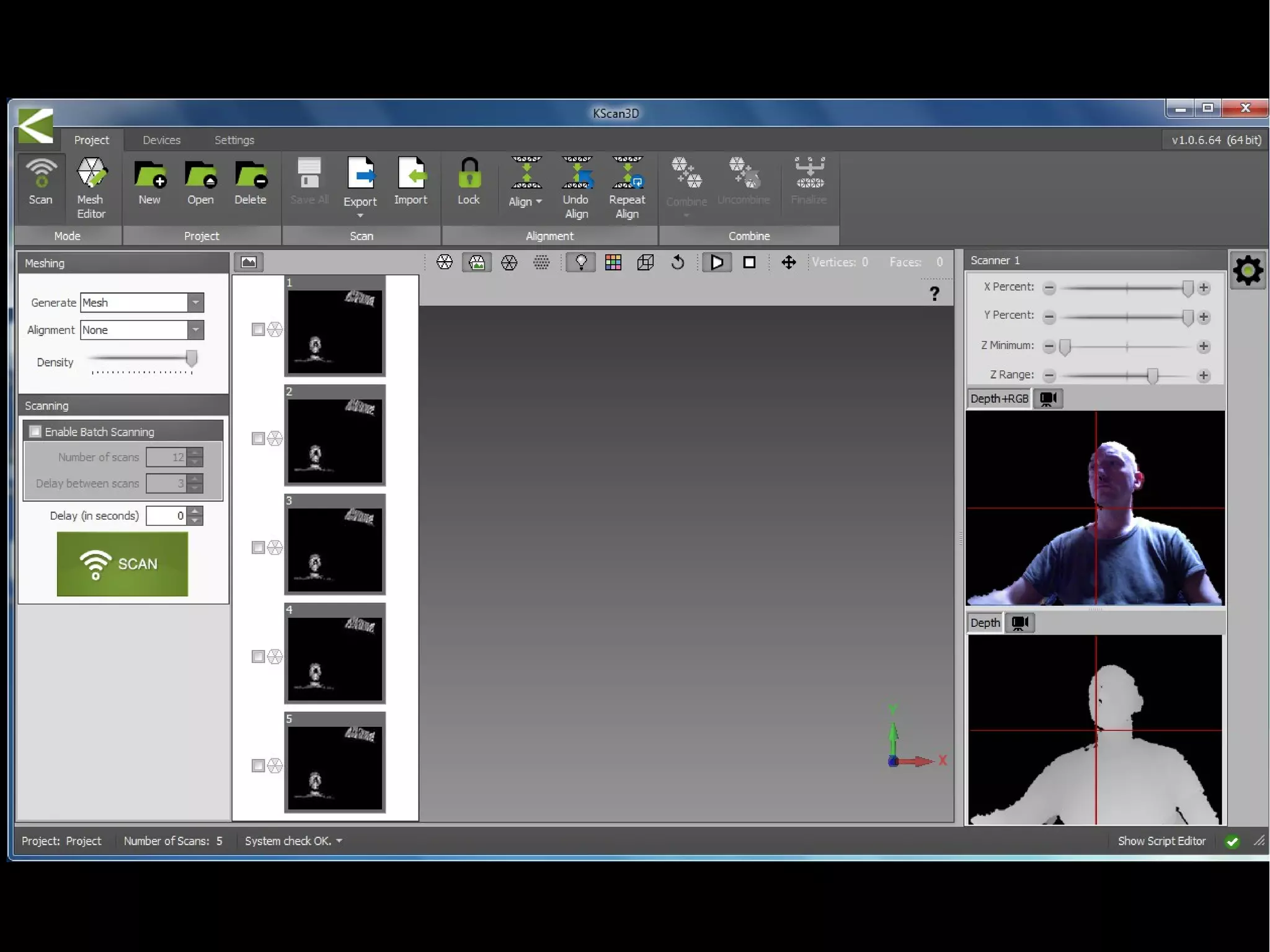
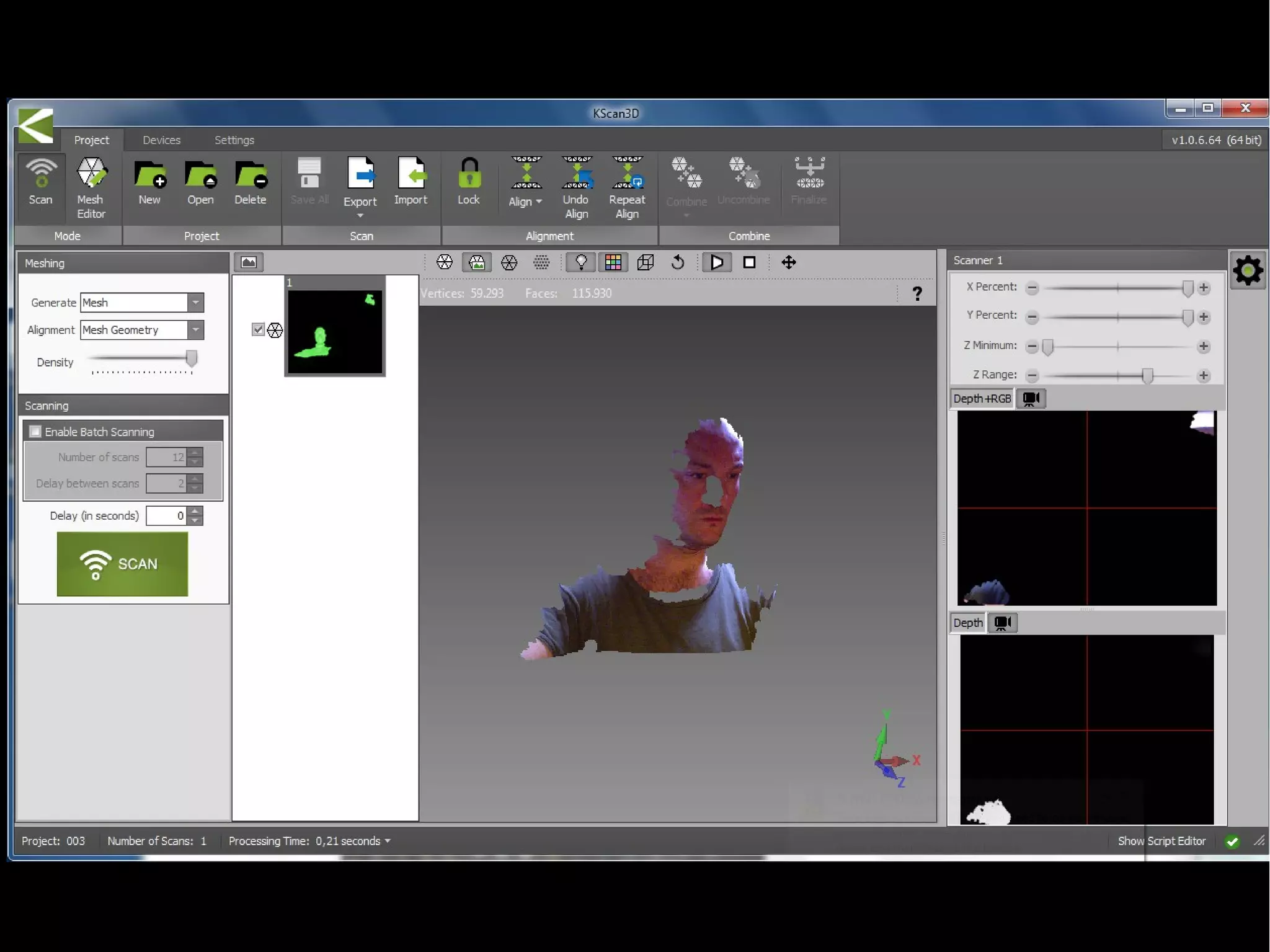
SOFTWARE: KScan 3D, Skanect, FARO...
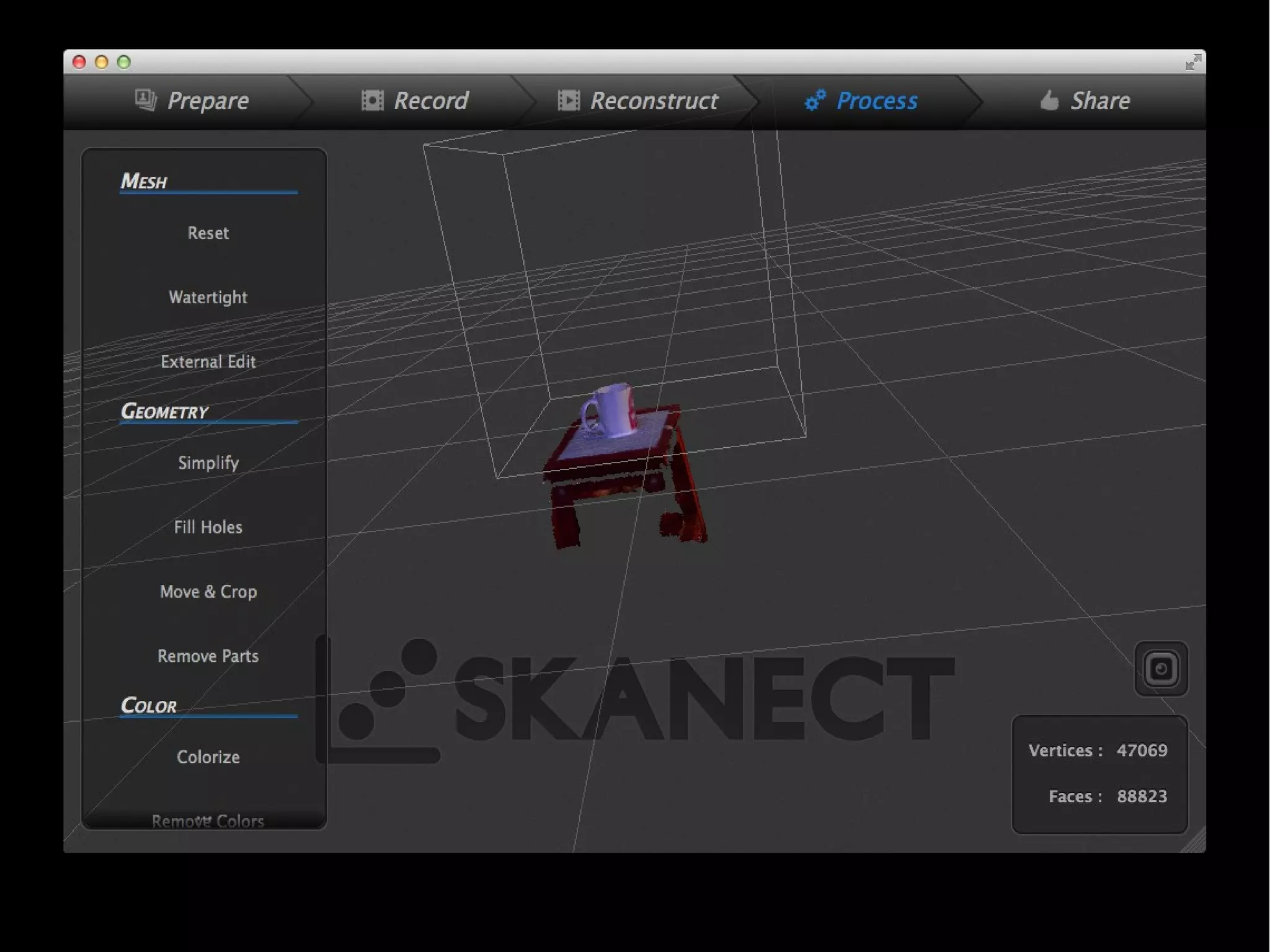
Skanect
Per Windows e Mac
Limitato a 5000 facce in versione free
E' molto facile da usare
Spiegazione programma e demo scansione
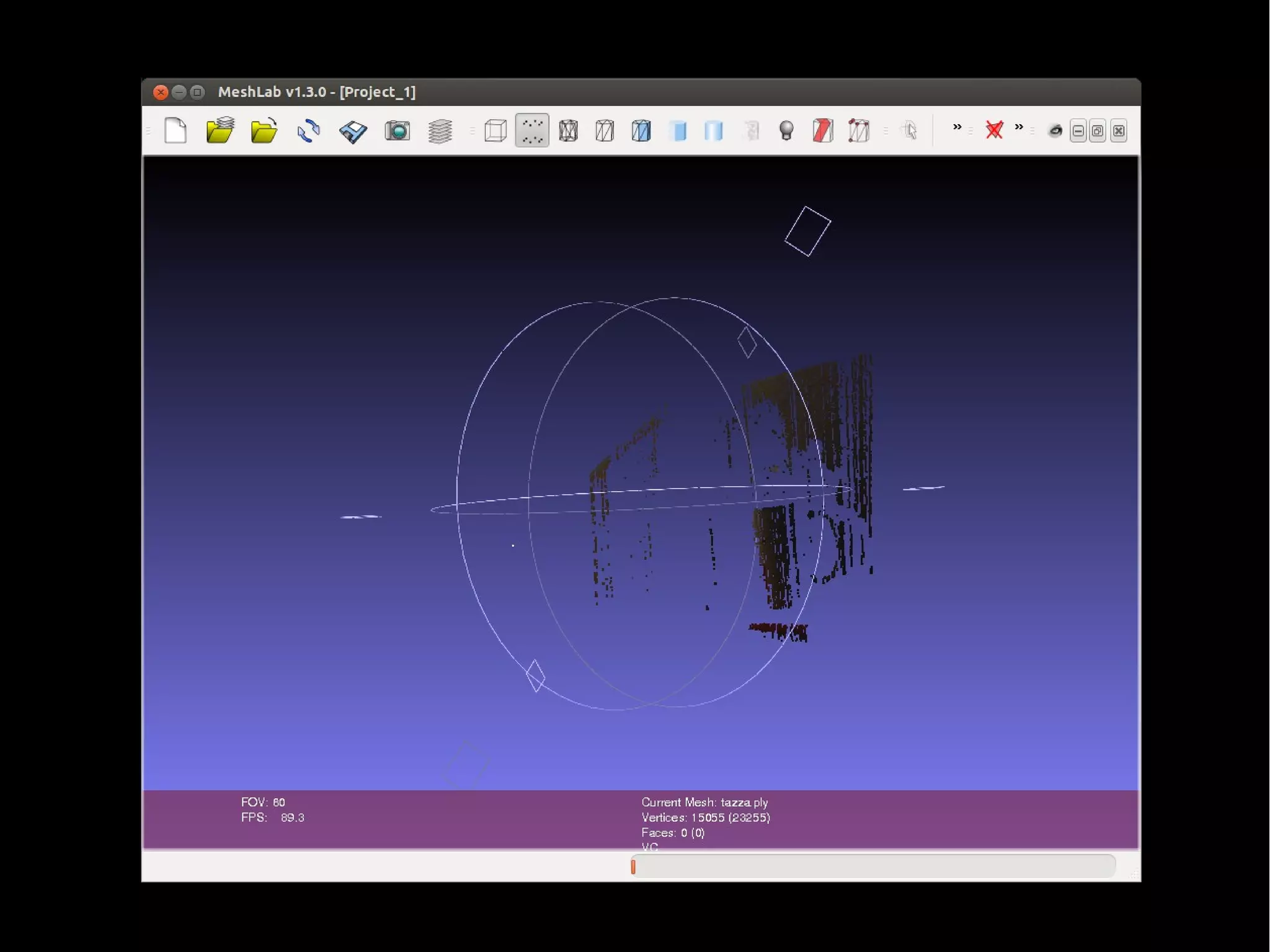
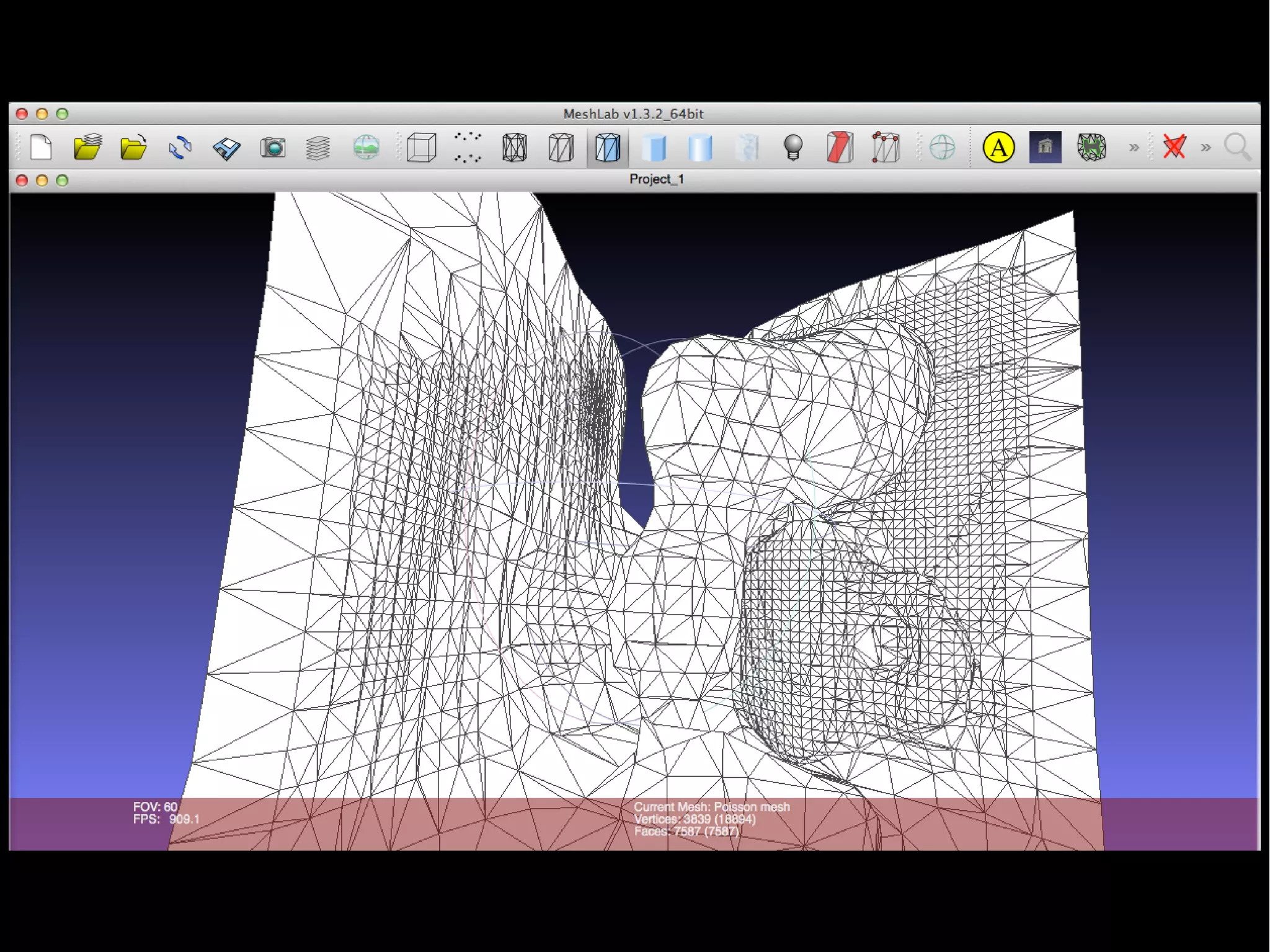
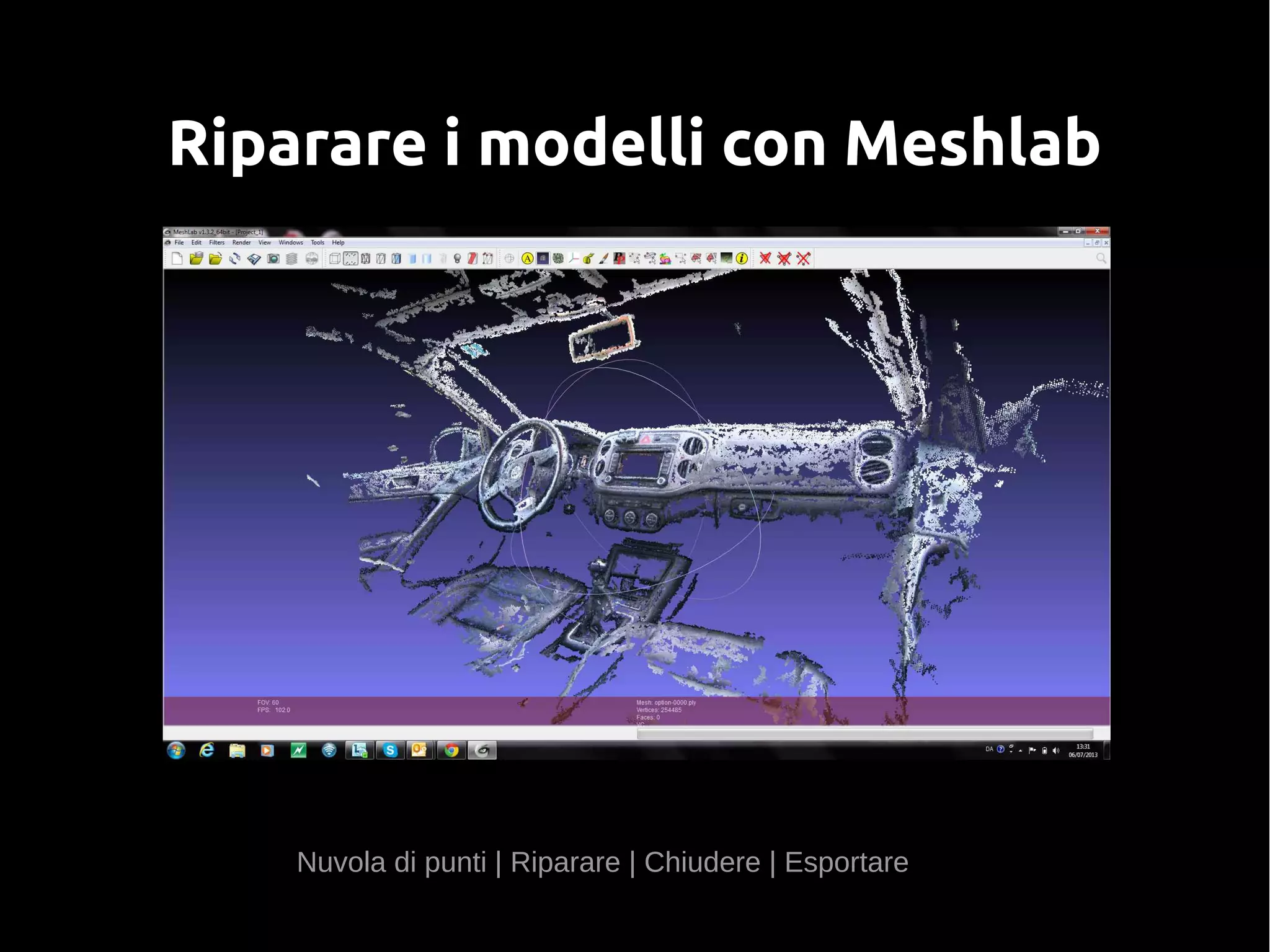
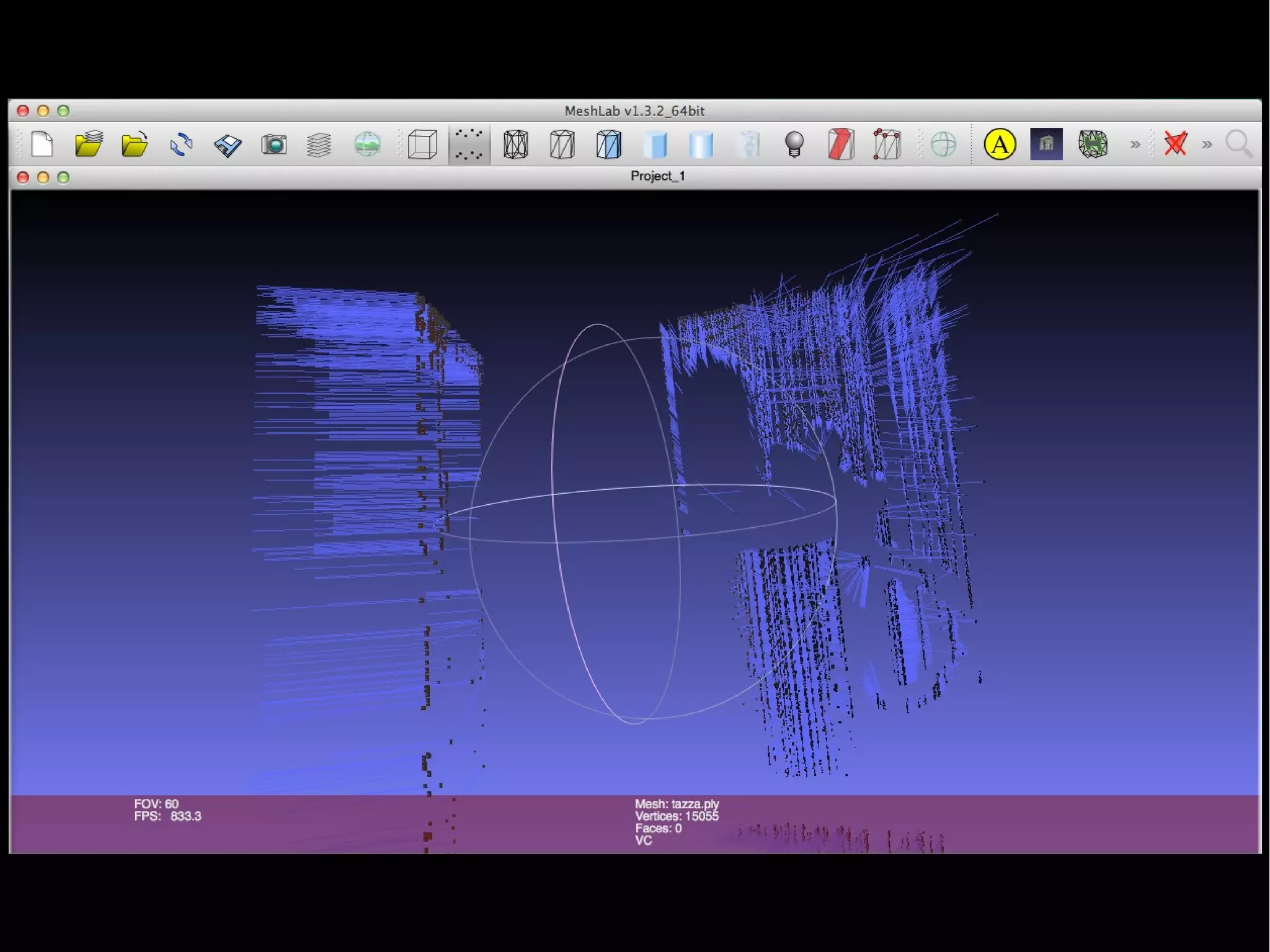
Riparare i modelli con Meshlab
Nuvola di punti | Riparare | Chiudere | Esportare
MeshLab
File → import Model
Import della tazza.obj fatta con Skanect
Movimenti:
- drag dei cerchi per ruotare
- CMD + drag per il PAN
- zoom (rotellina mouse)
Visualizzazioni (toolbar)
punti, triangoli...
Illuminazione
Render → lightening
Tasto toolbox: fill hole
Icona con i 3 assi a colori : serve per ruotare, traslare e spostare
Cancellare parti con la selezione per vertici e facce e l'apposito
filtro.
MeshLab
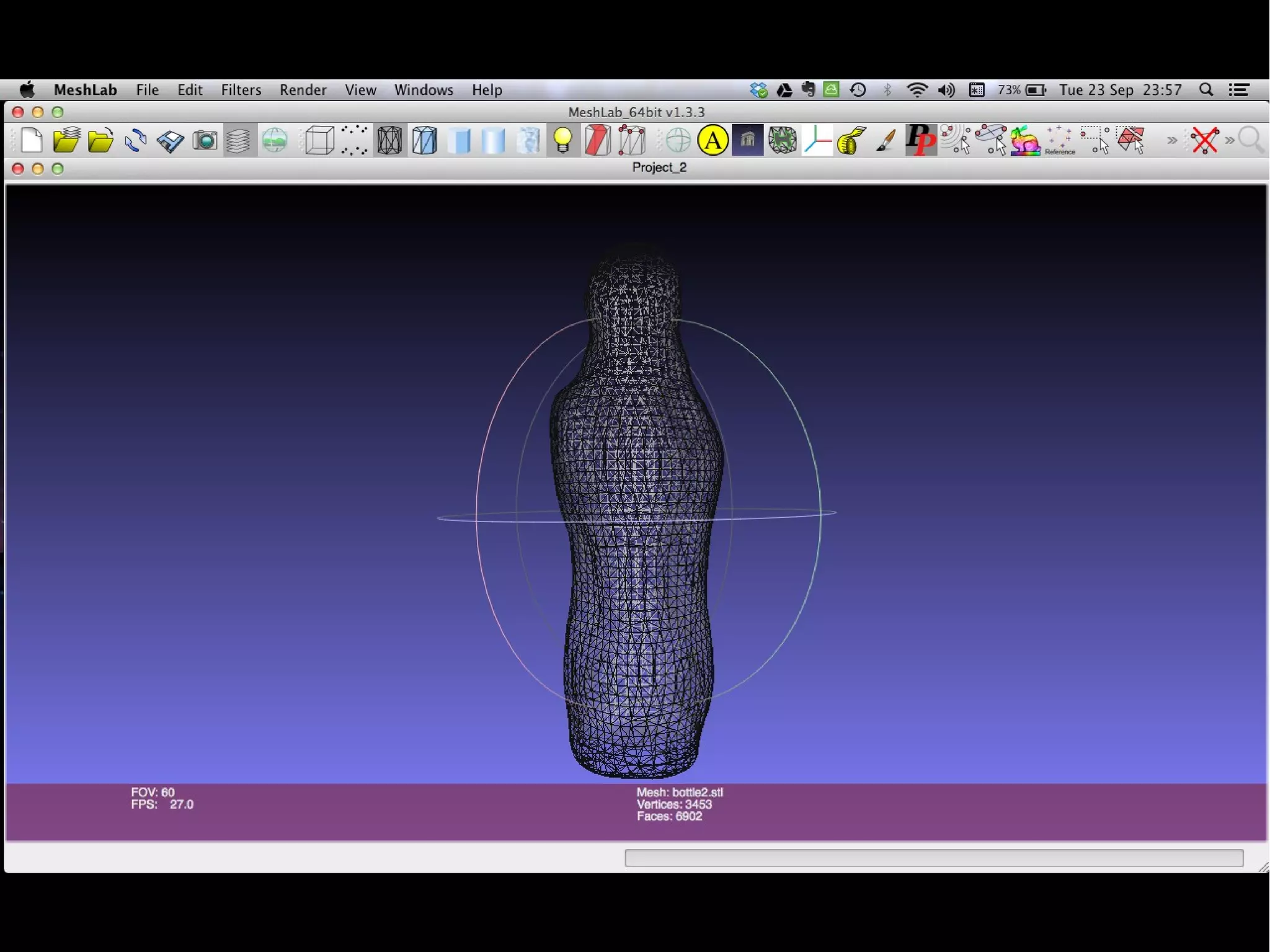
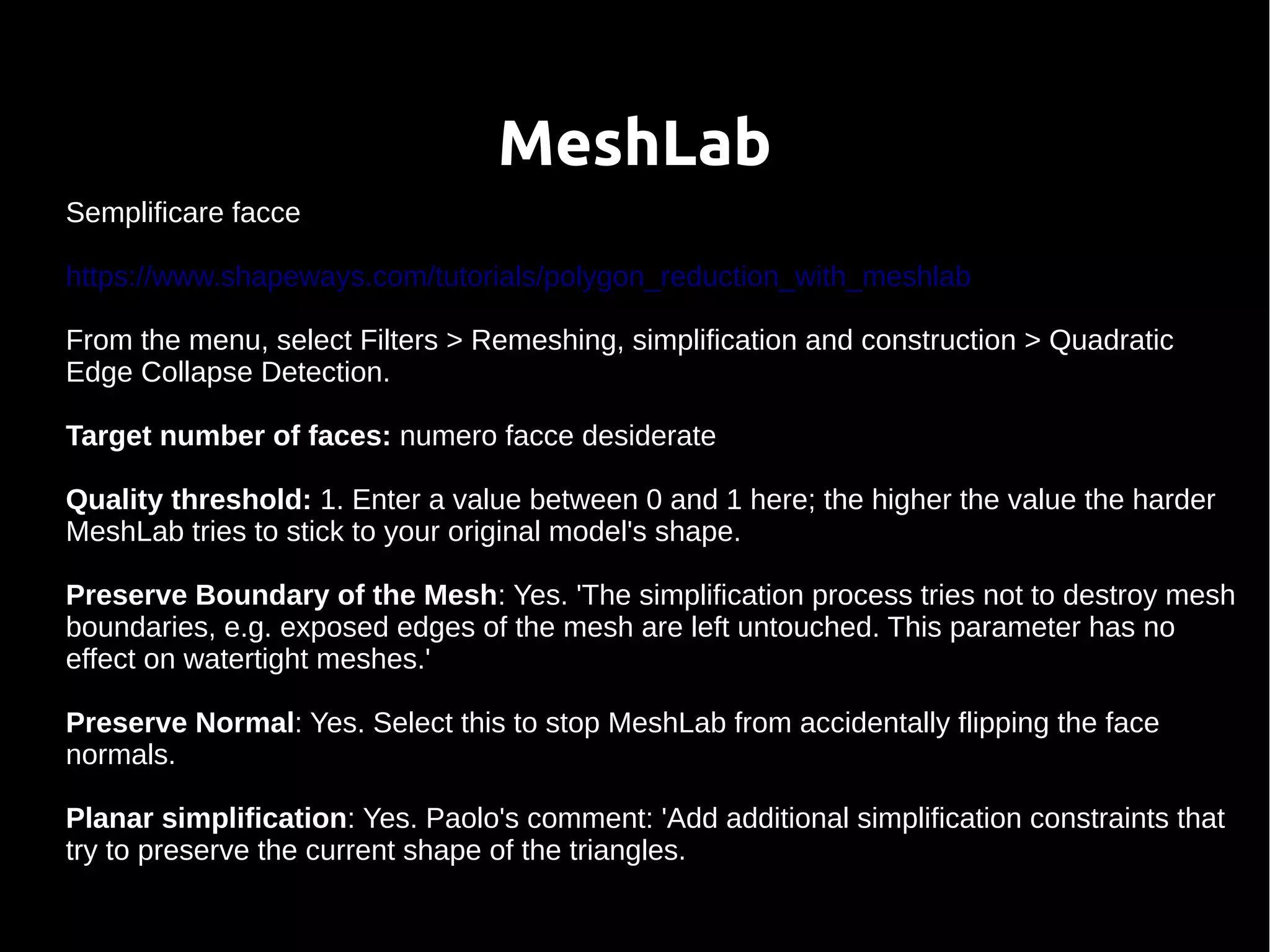
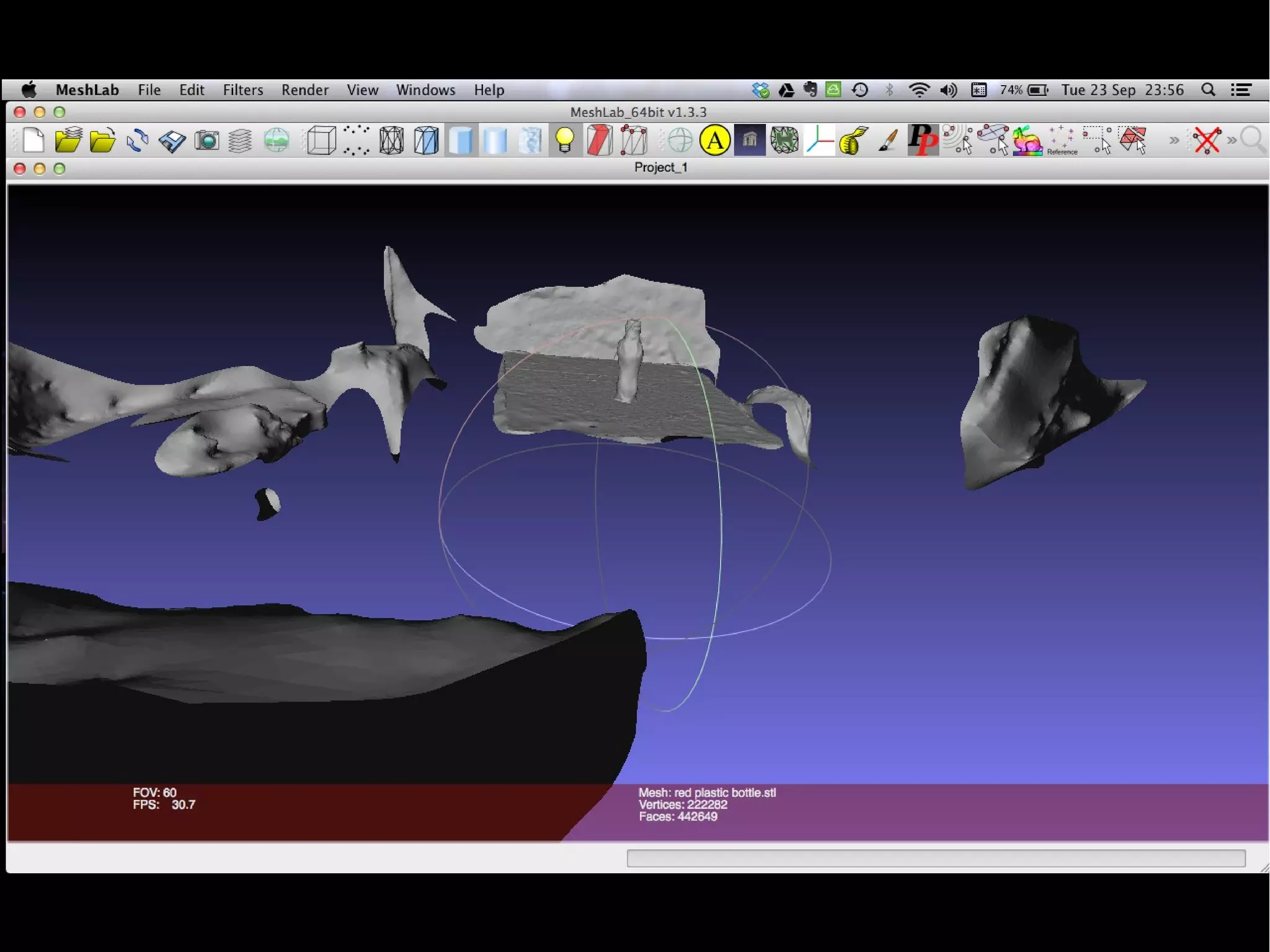
Semplificare facce
https://www.shapeways.com/tutorials/polygon_reduction_with_meshlab
From the menu, select Filters > Remeshing, simplification and construction > Quadratic
Edge Collapse Detection.
Target number of faces: numero facce desiderate
Quality threshold: 1. Enter a value between 0 and 1 here; the higher the value the harder
MeshLab tries to stick to your original model's shape.
Preserve Boundary of the Mesh: Yes. 'The simplification process tries not to destroy mesh
boundaries, e.g. exposed edges of the mesh are left untouched. This parameter has no
effect on watertight meshes.'
Preserve Normal: Yes. Select this to stop MeshLab from accidentally flipping the face
normals.
Planar simplification: Yes. Paolo's comment: 'Add additional simplification constraints that
try to preserve the current shape of the triangles.
Link dei tutorial
cleaning: http://abarry.org/makerscanner/4-makerscanner-post-processing.html
meshing: http://abarry.org/makerscanner/5-makerscanner-meshing.html
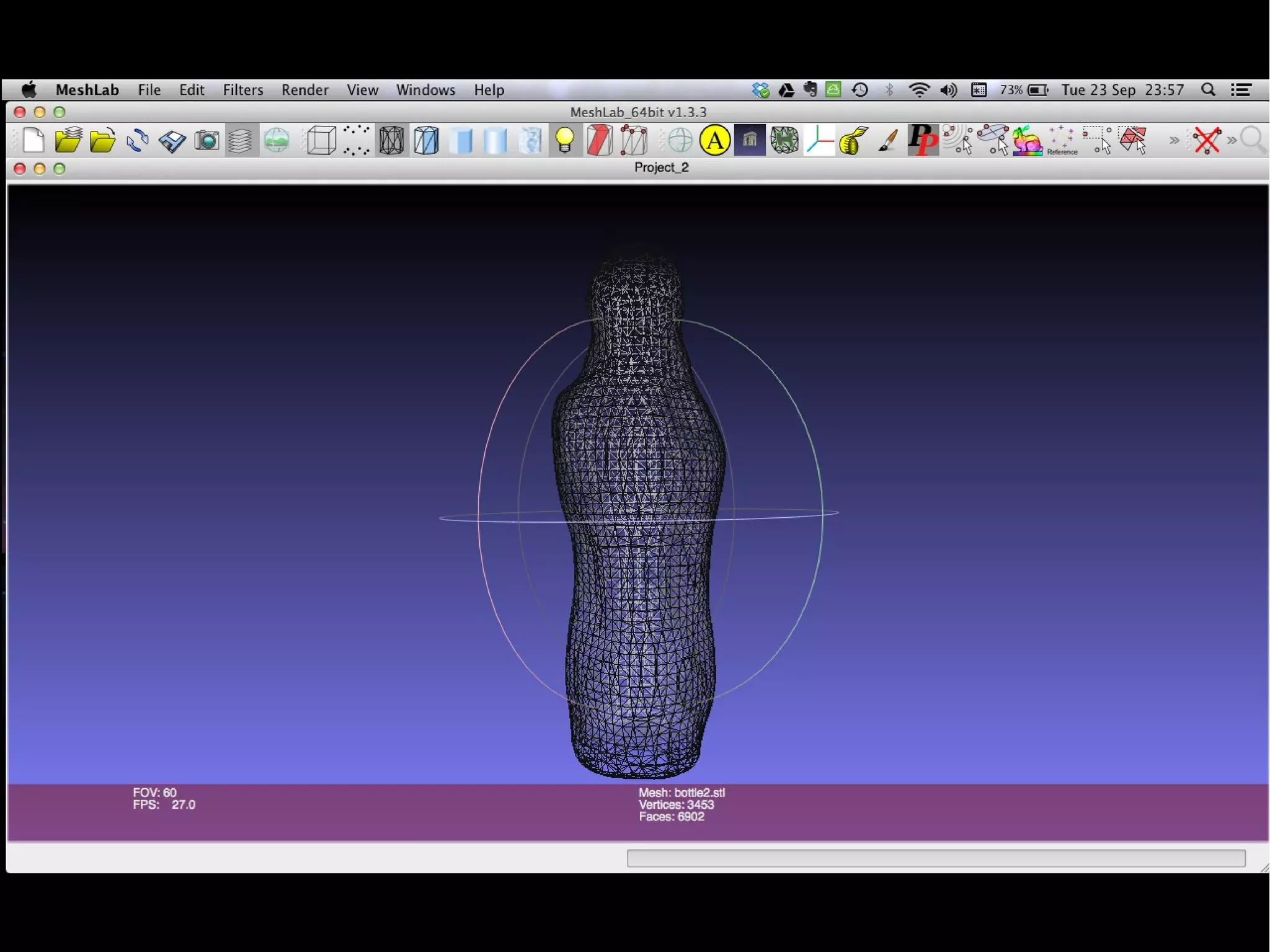
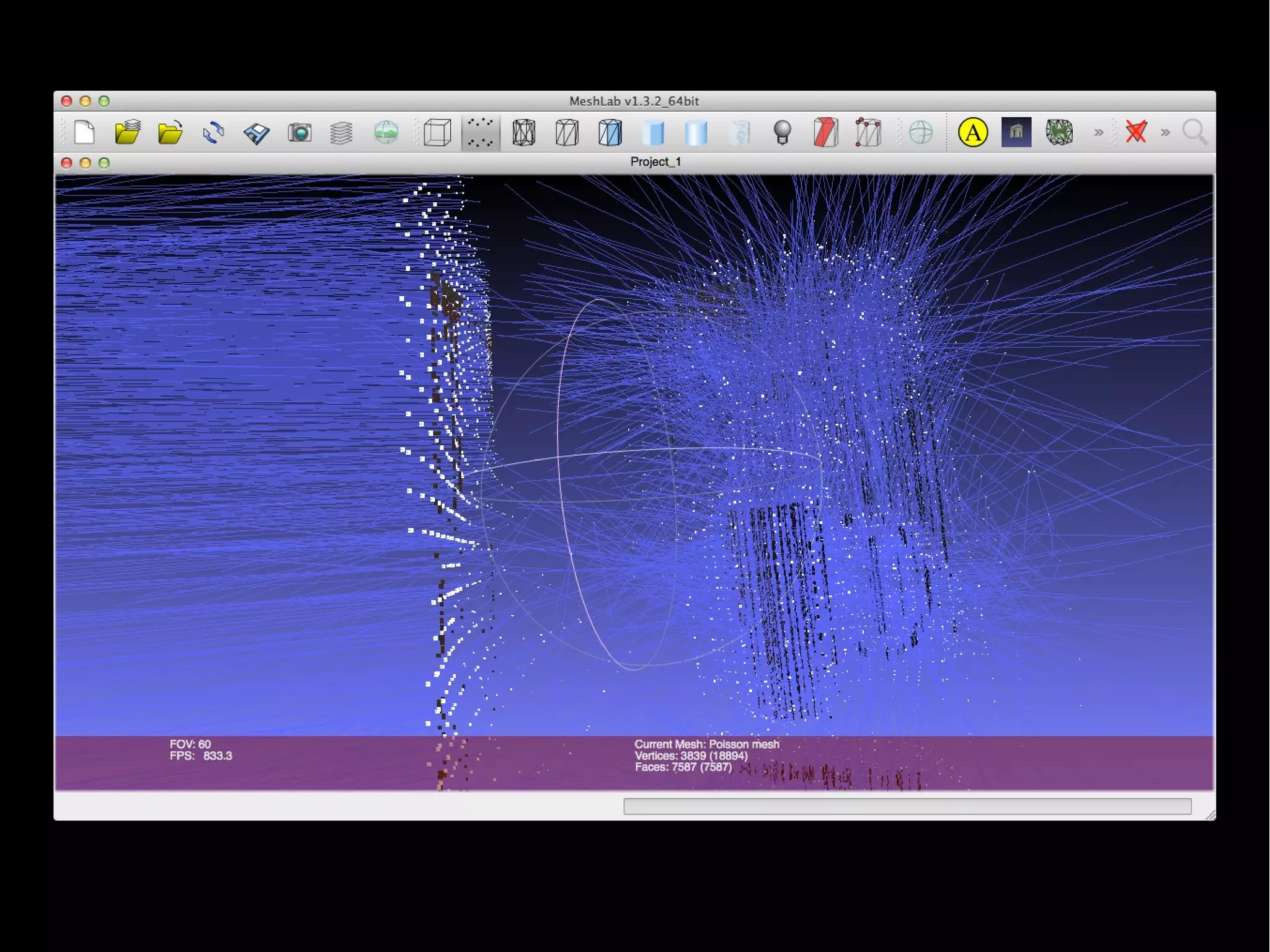
● Filters -> Normal, Curvatures and Orientation -> Compute normal for
points set
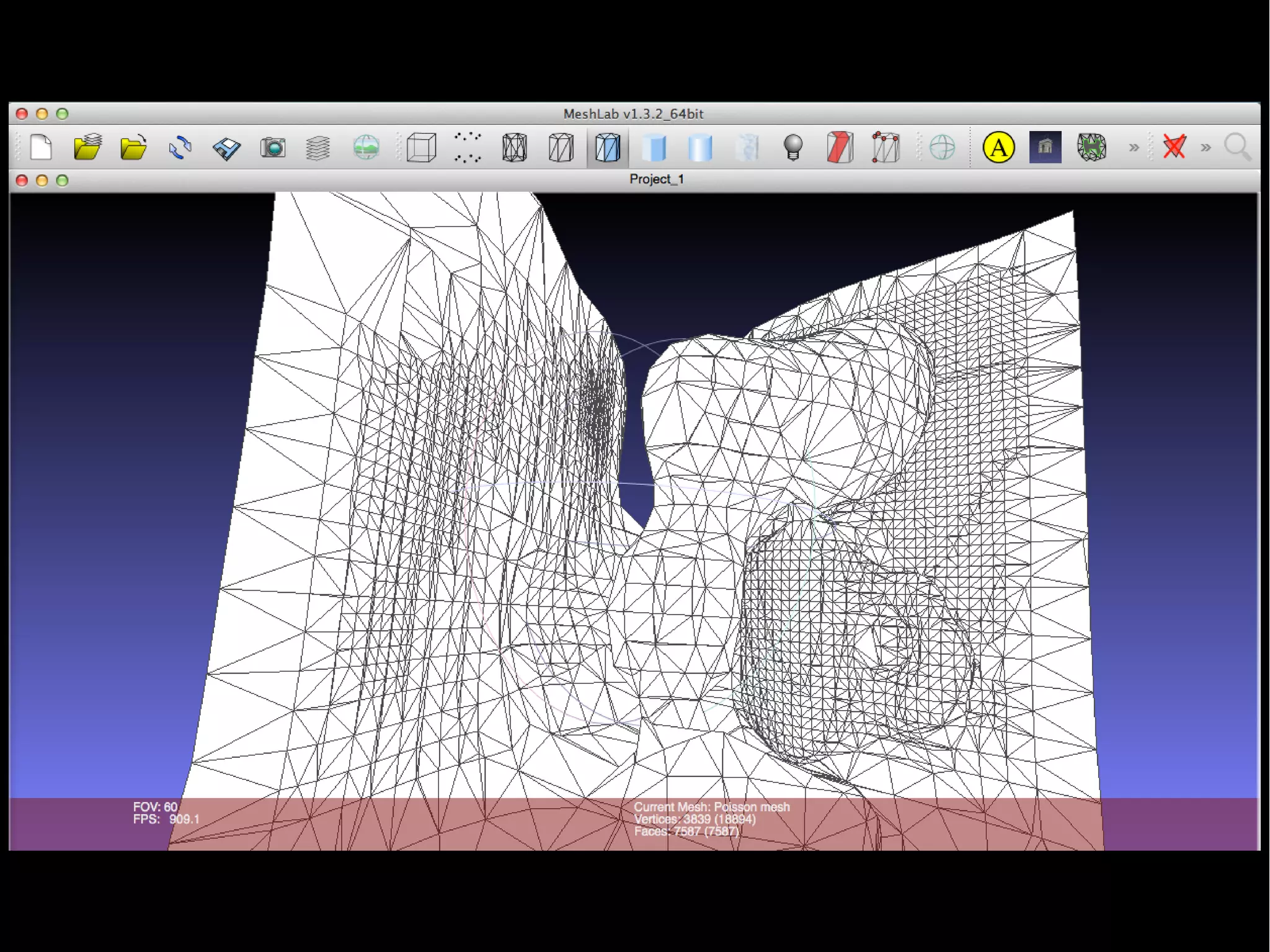
● Filters -> Remeshing, Simplification and Reconstruction -> Surface
Reconstruction Poisson
● Filters -> Normals, Curvatures and Orientation-> Re-Orient All Faces
Coherently
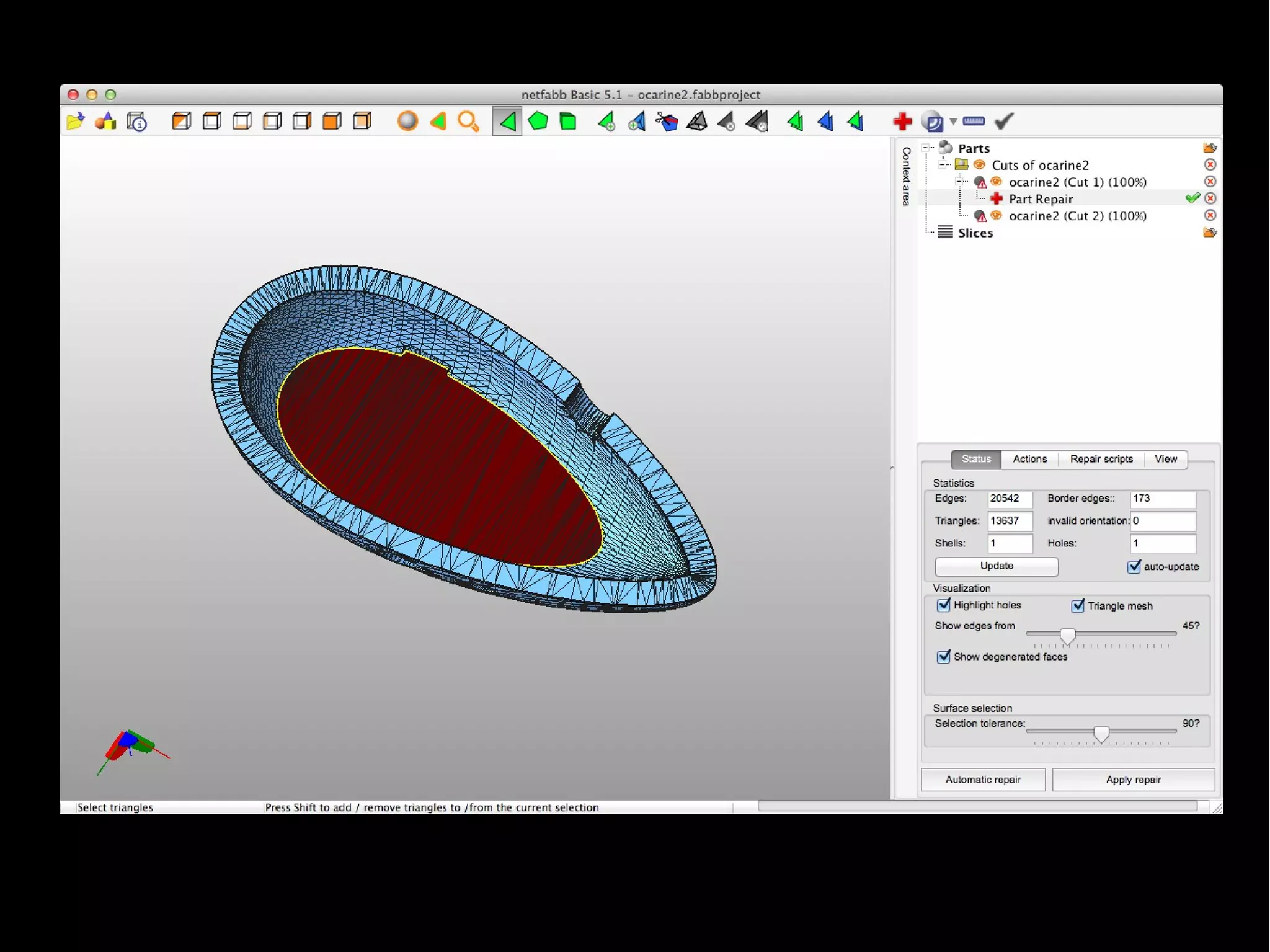
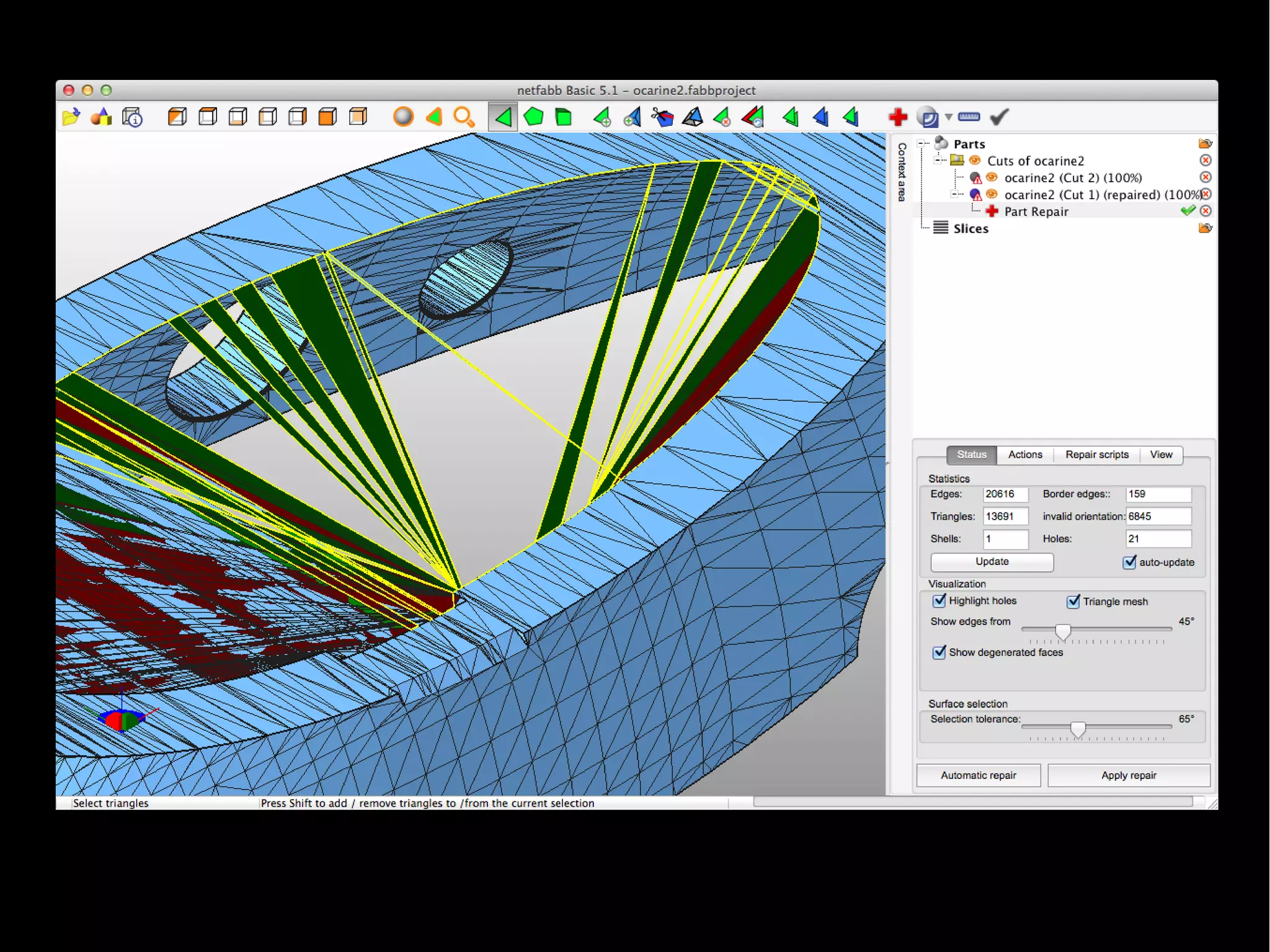
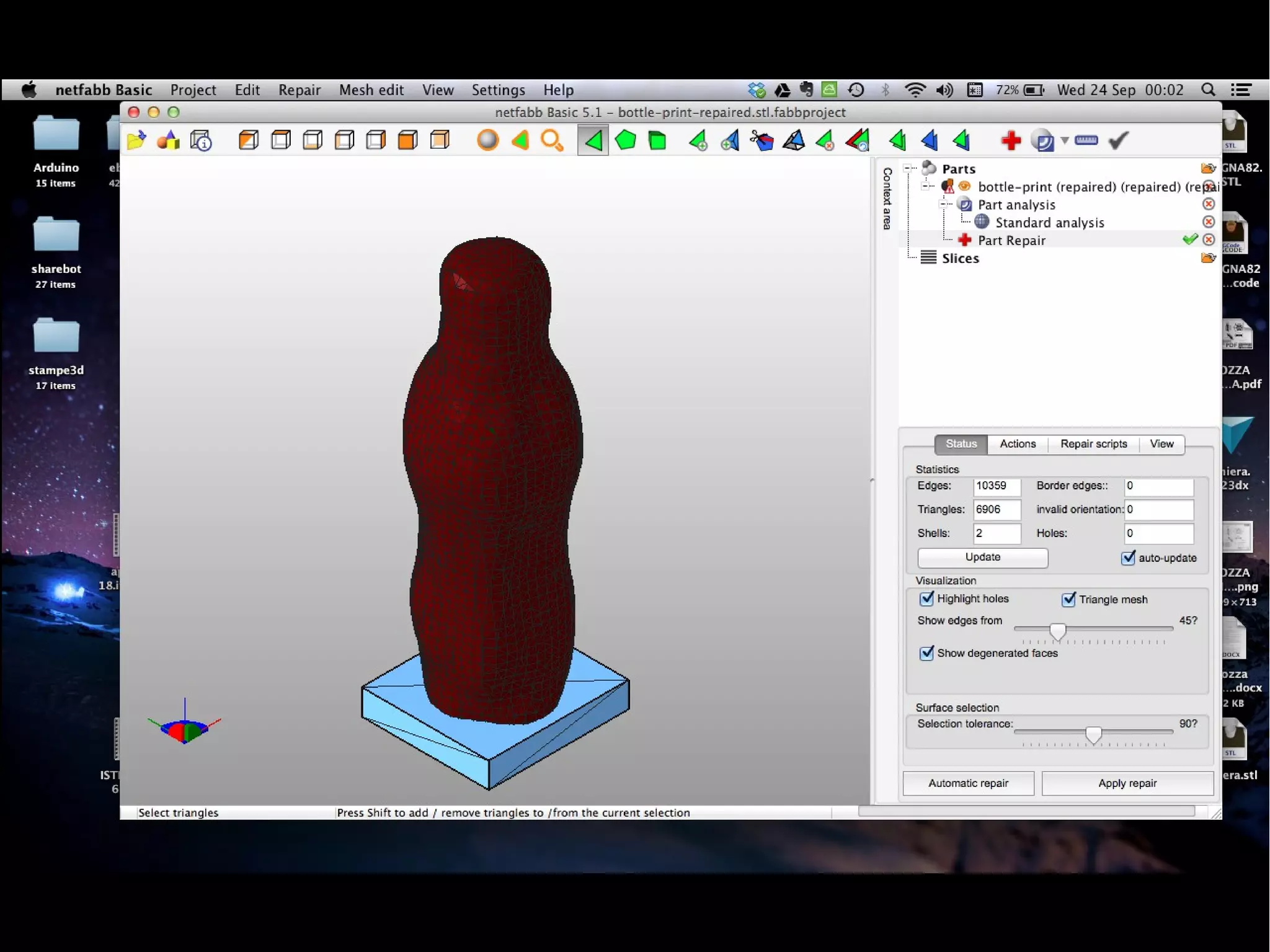
NetFabb
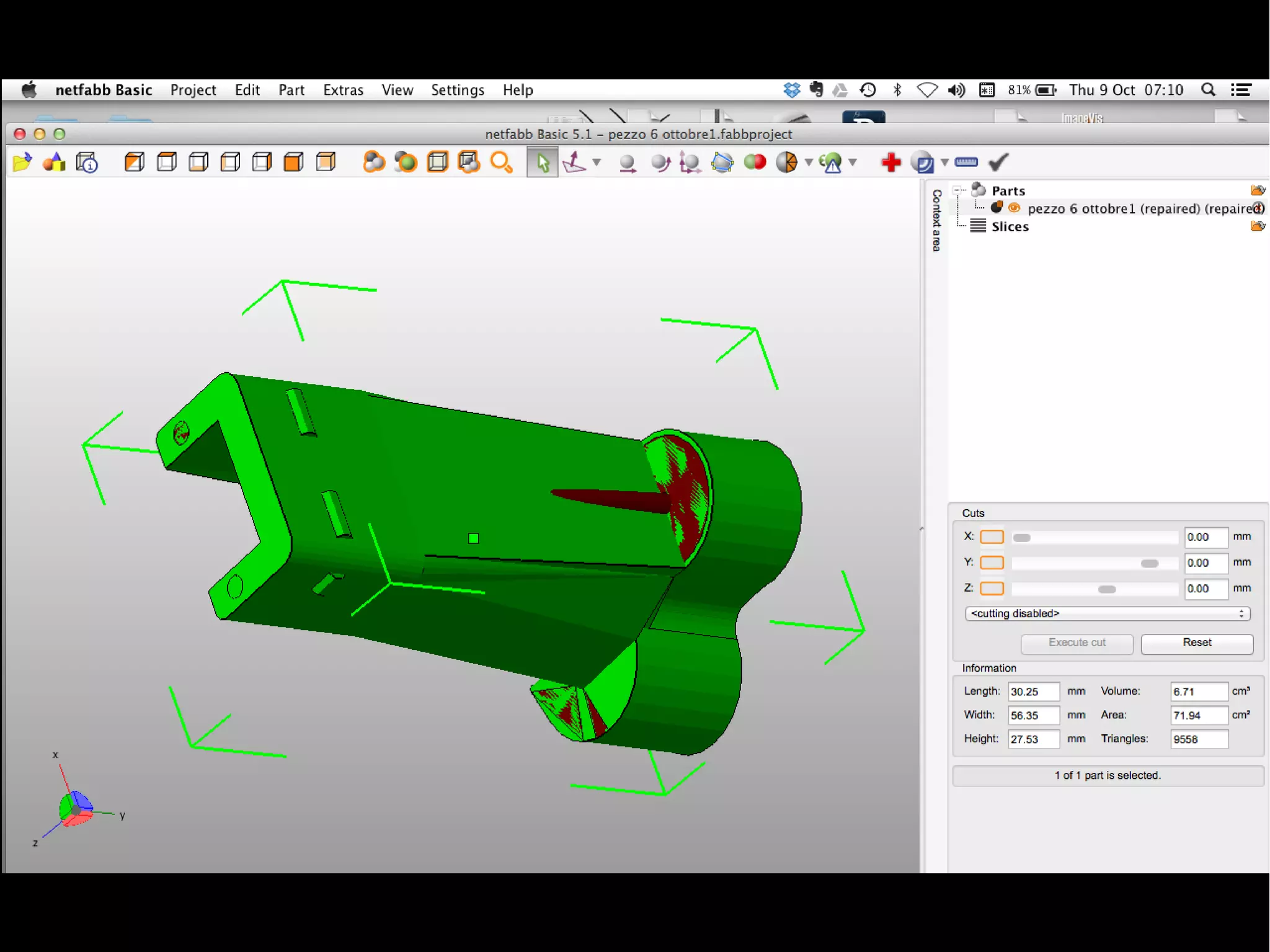
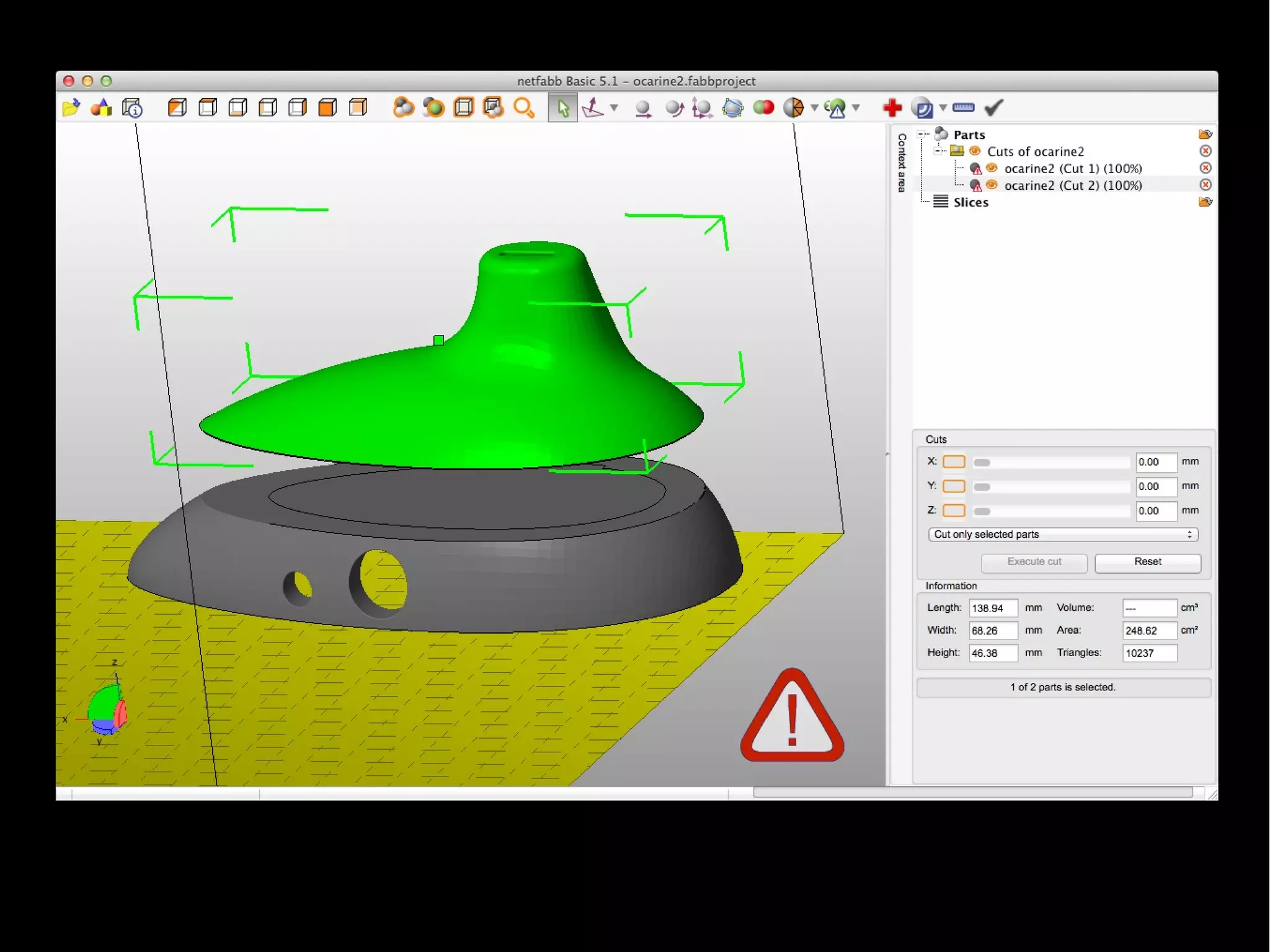
Programma a uso gratuito (funzioni limitate)
Si usa per lavorare sui modelli STL
Utile per:
- riparare file
- individuare errori
- tagliare i file
- ruotare e ridimensionare oggetti
NetFabb
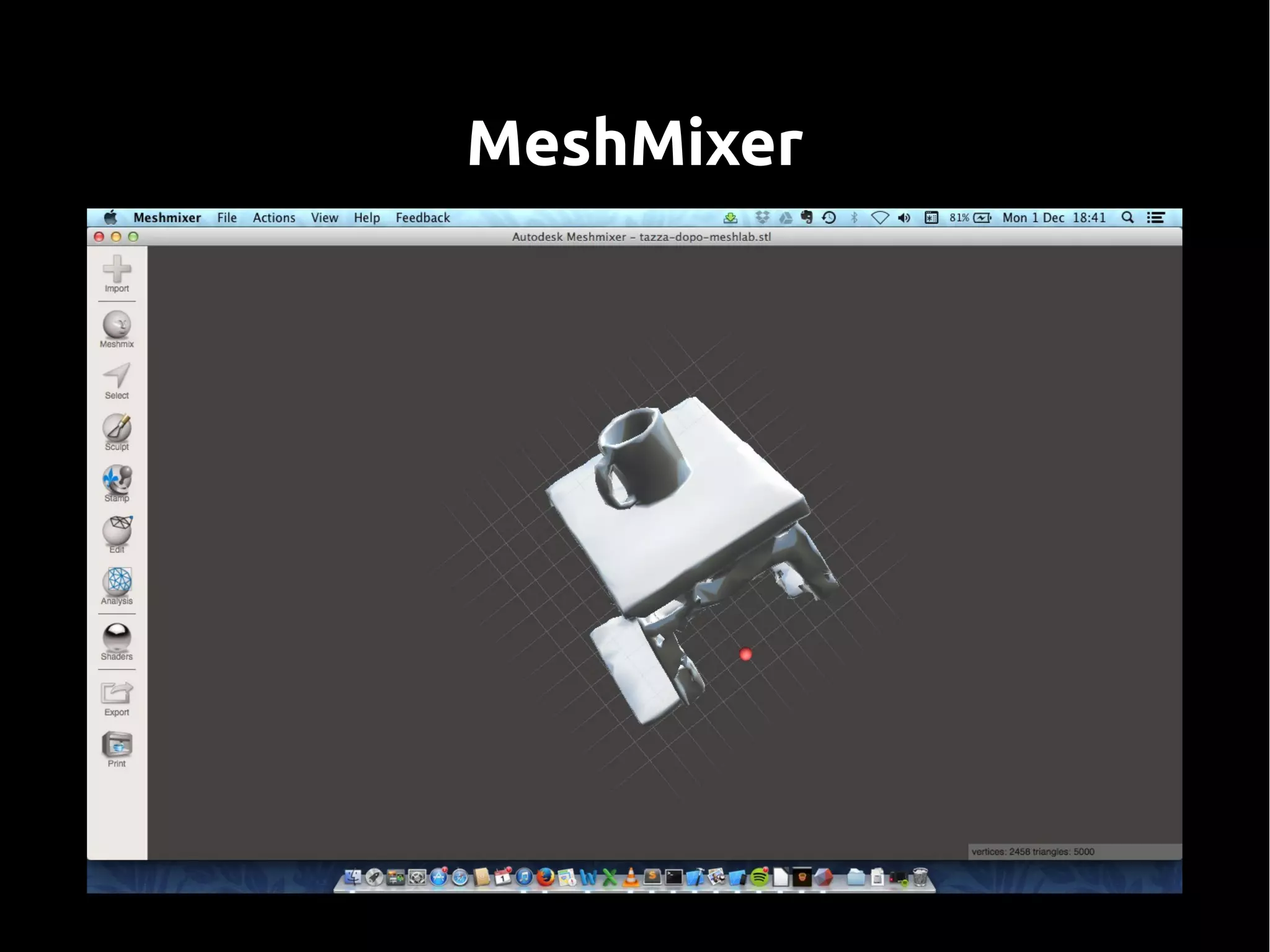
MeshMixer
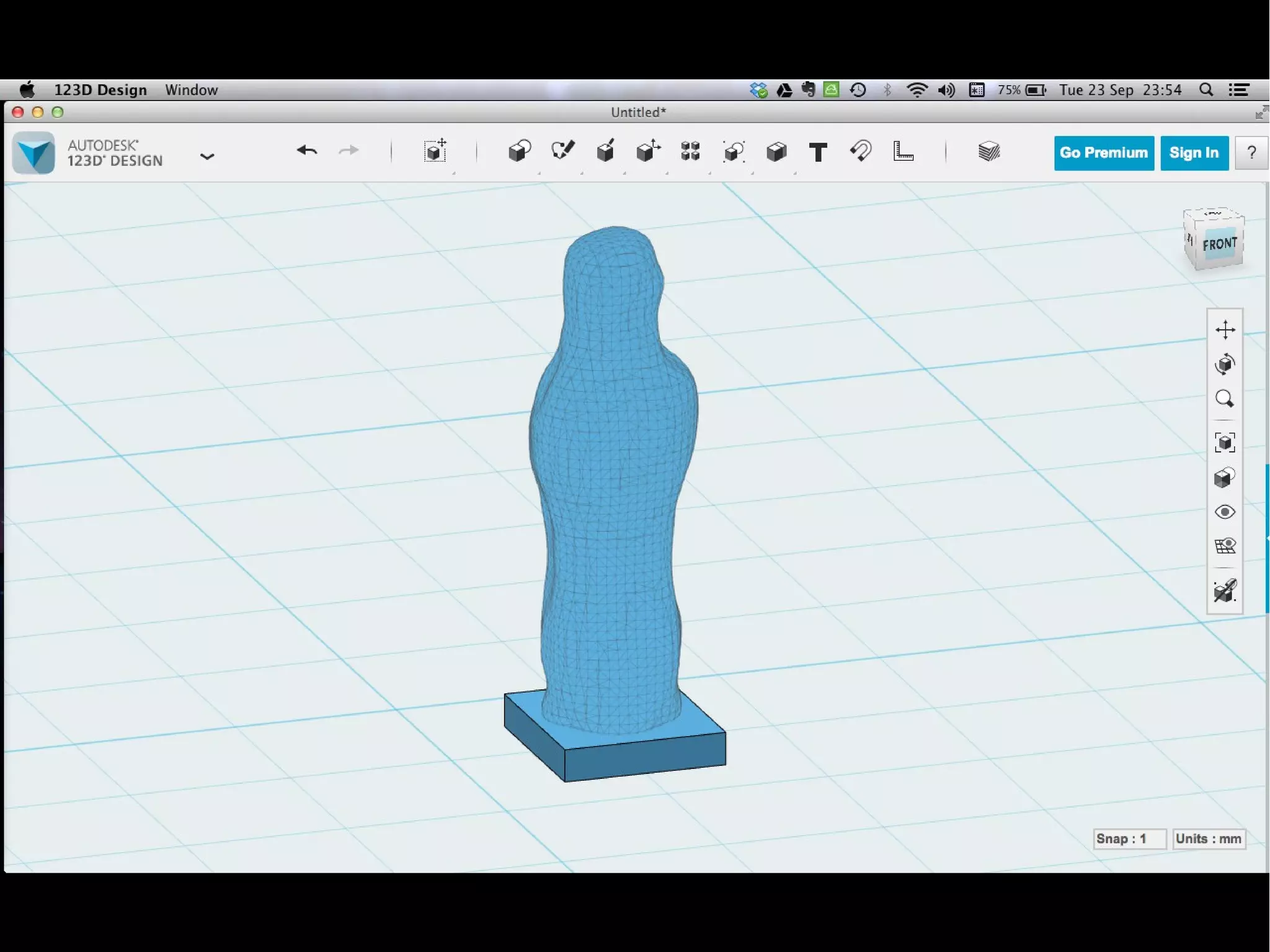
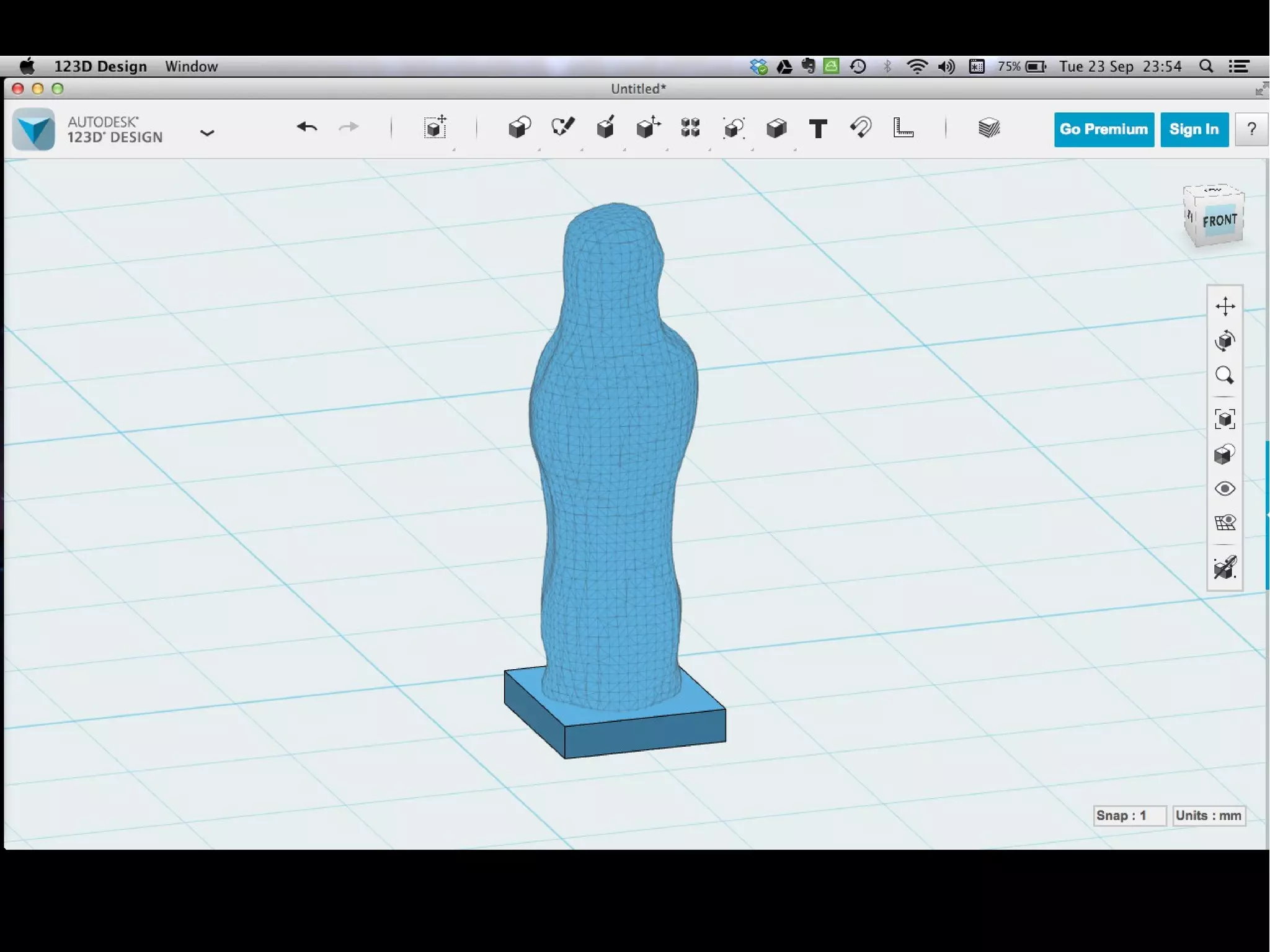
Editare l'stl con 123D design
Importare e aggiungere una base
Oppure scritte in svg...
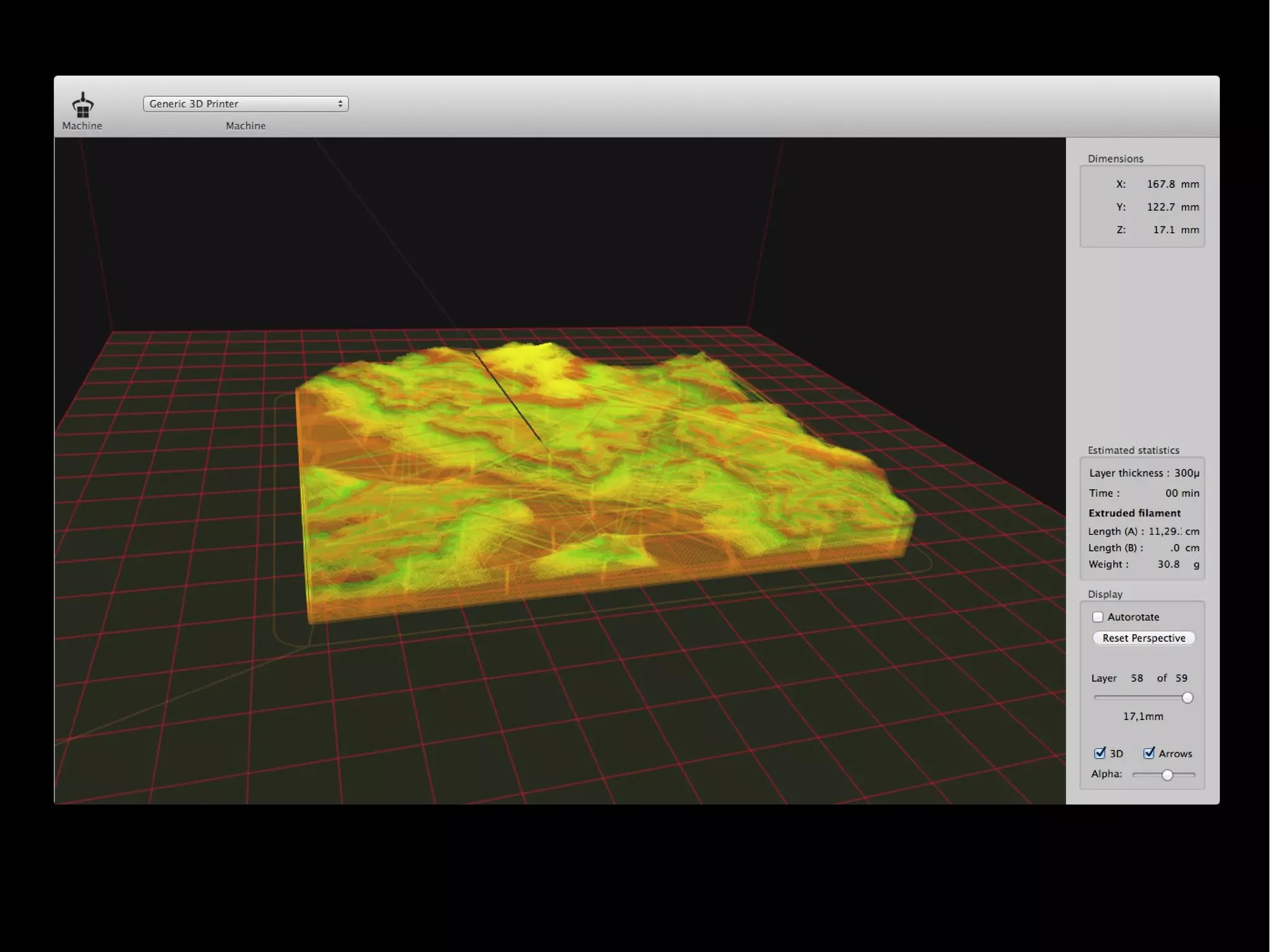
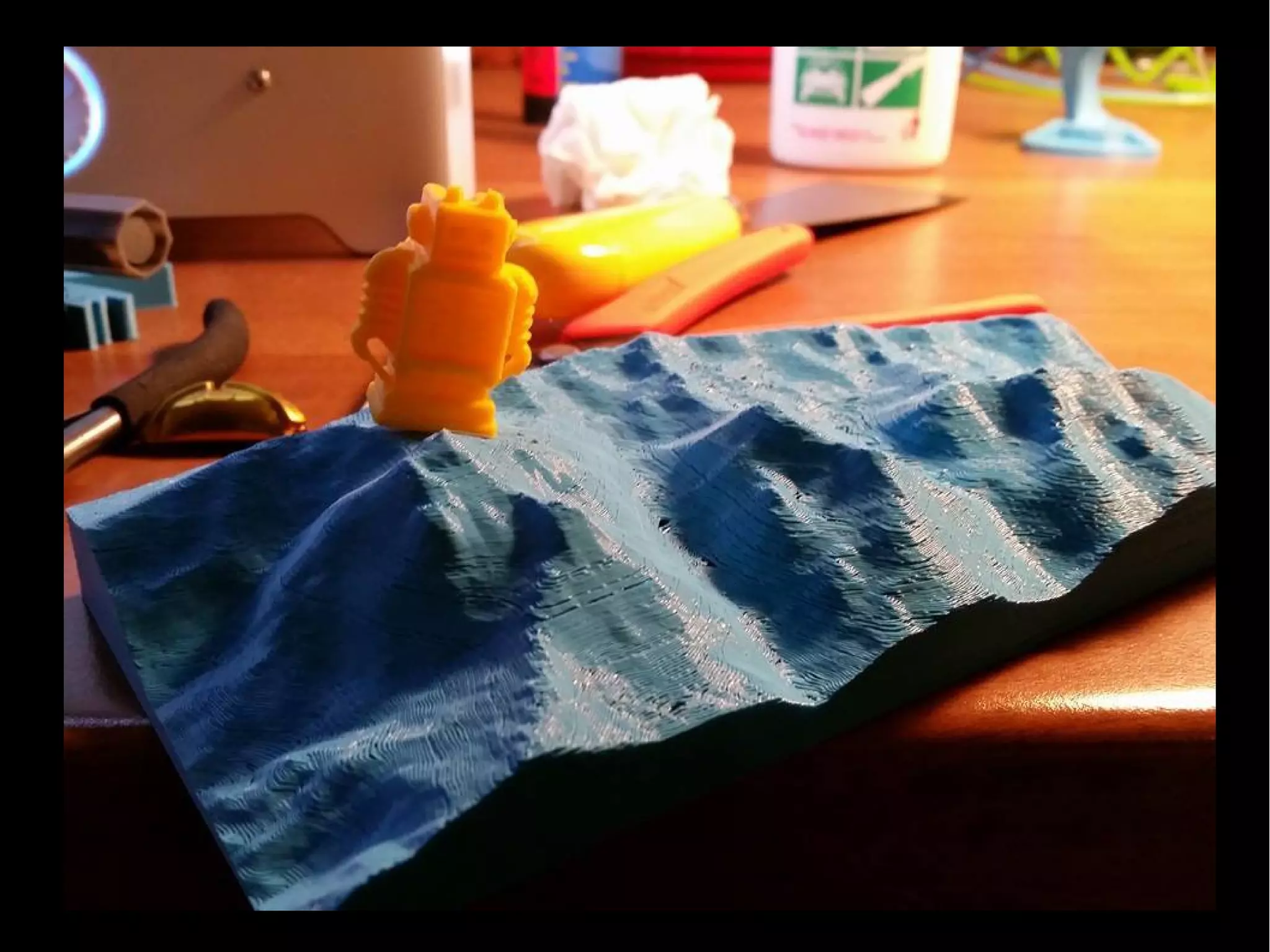
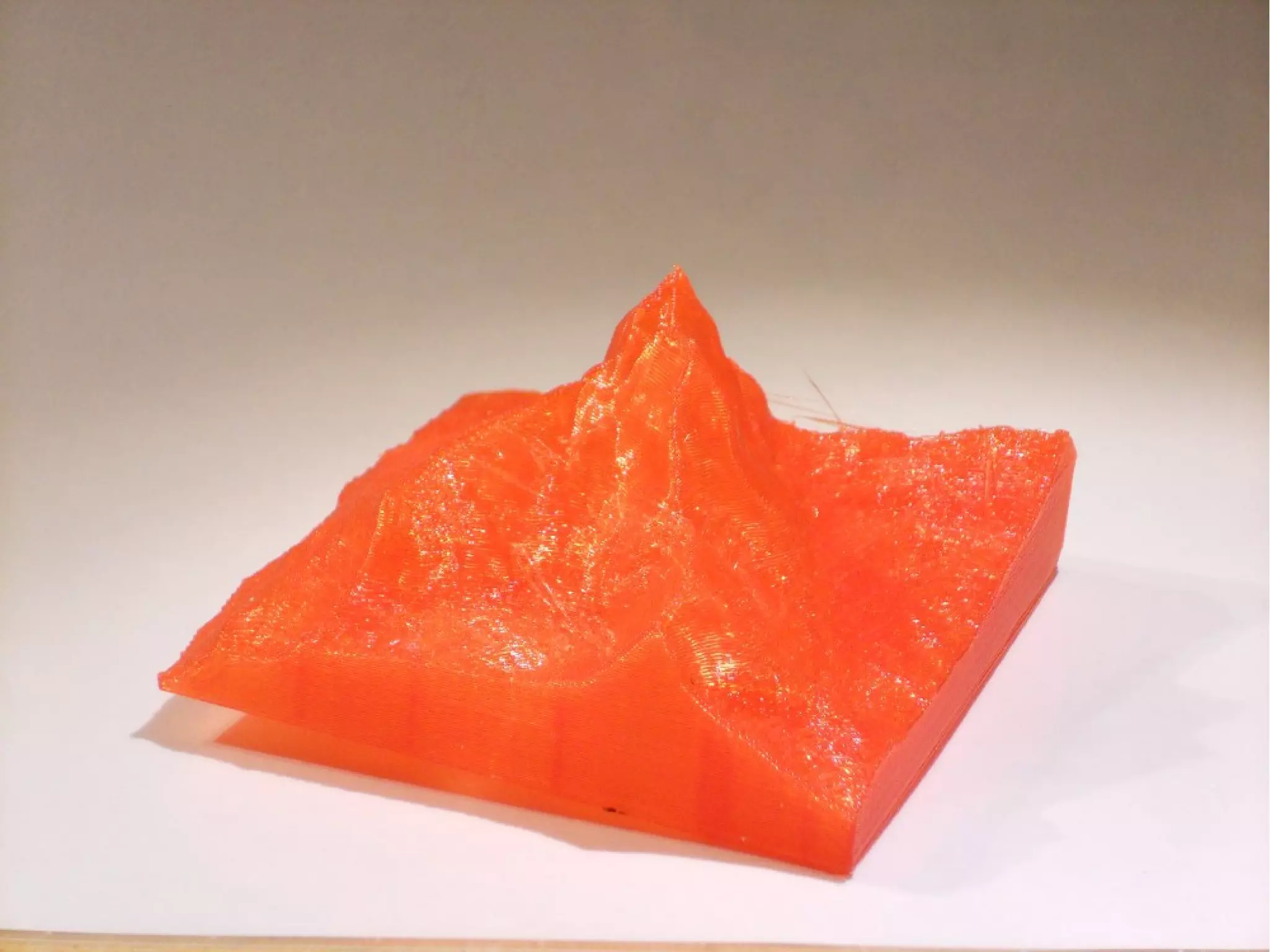
Altre fonti
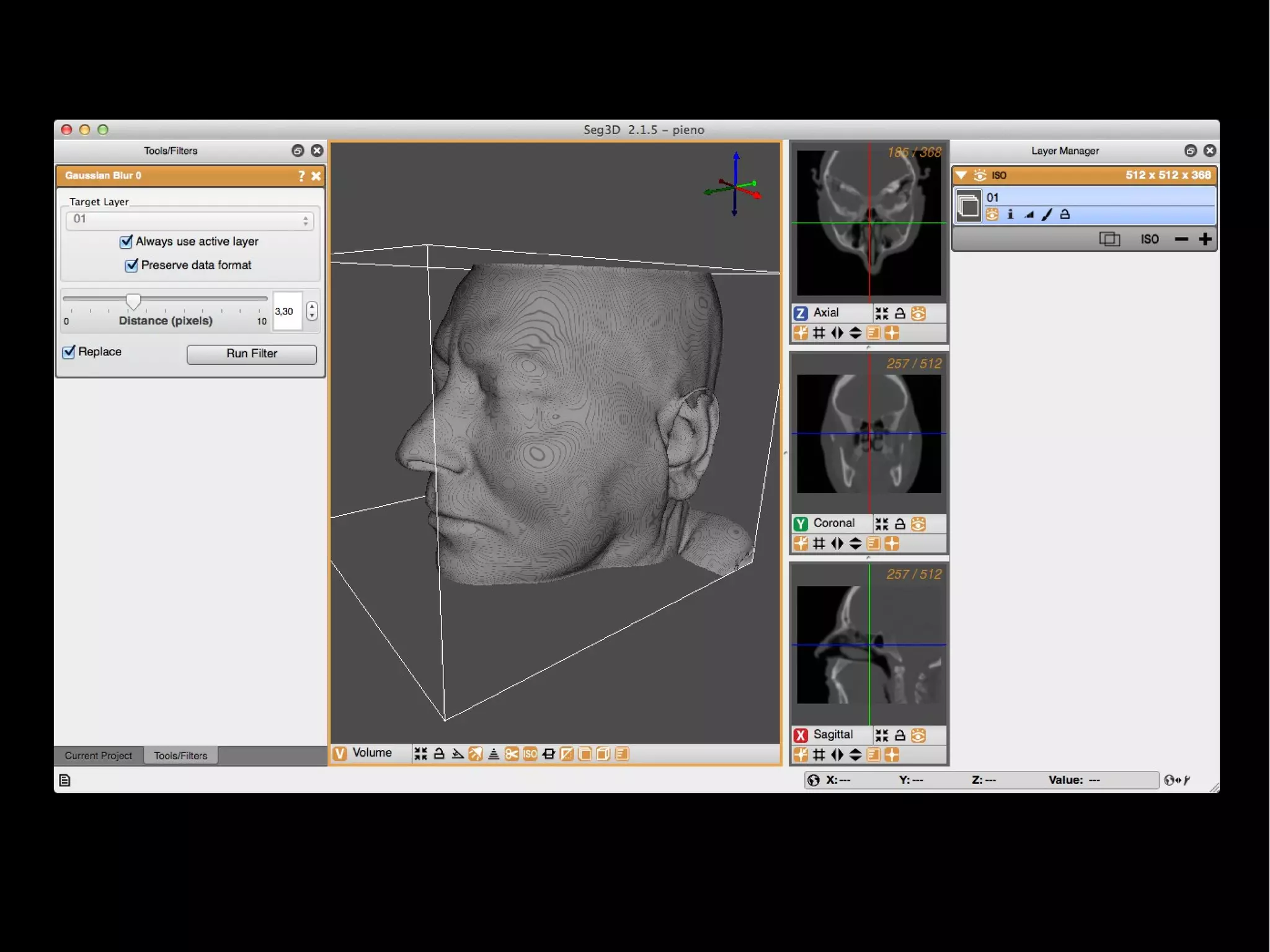
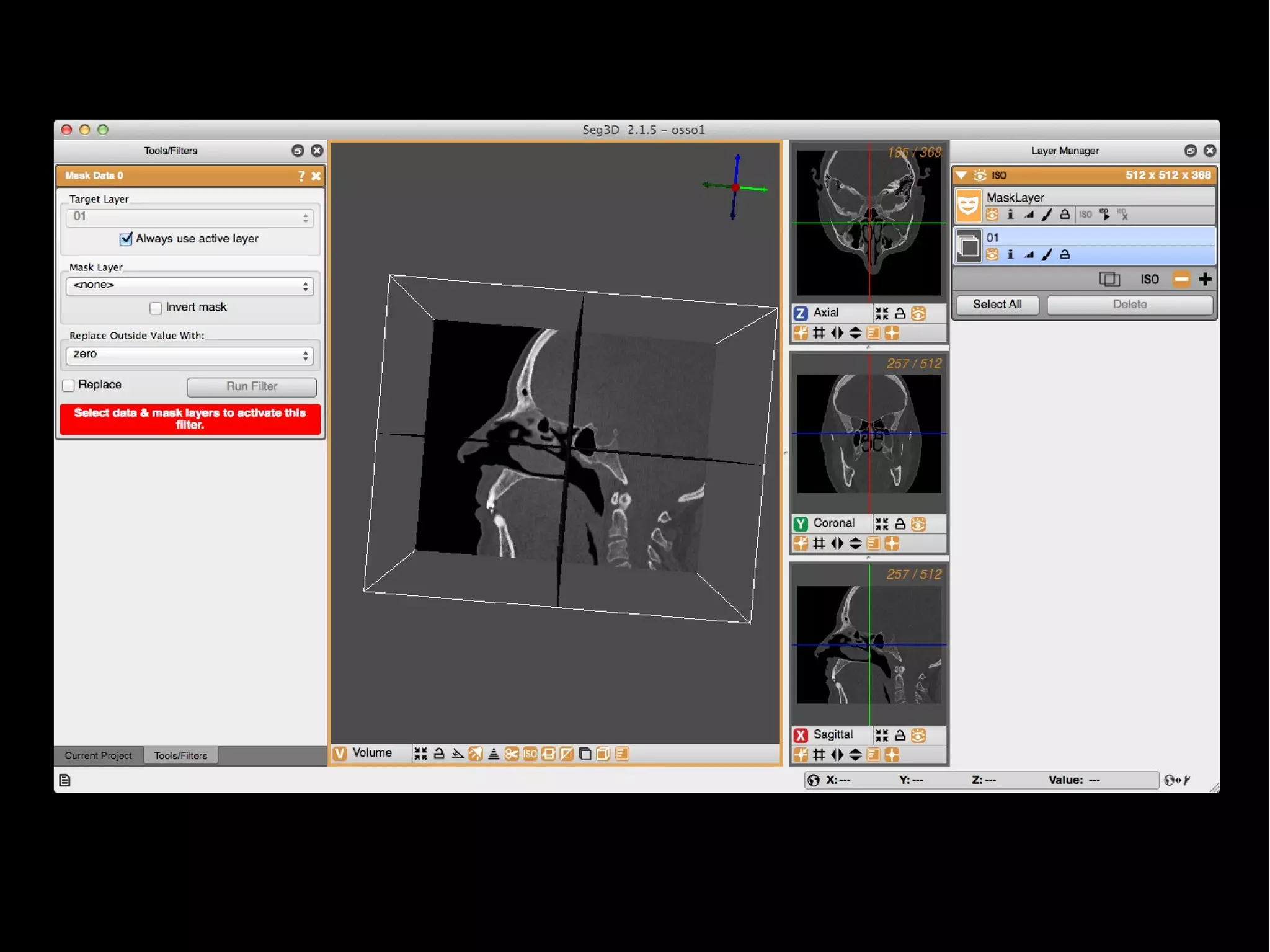
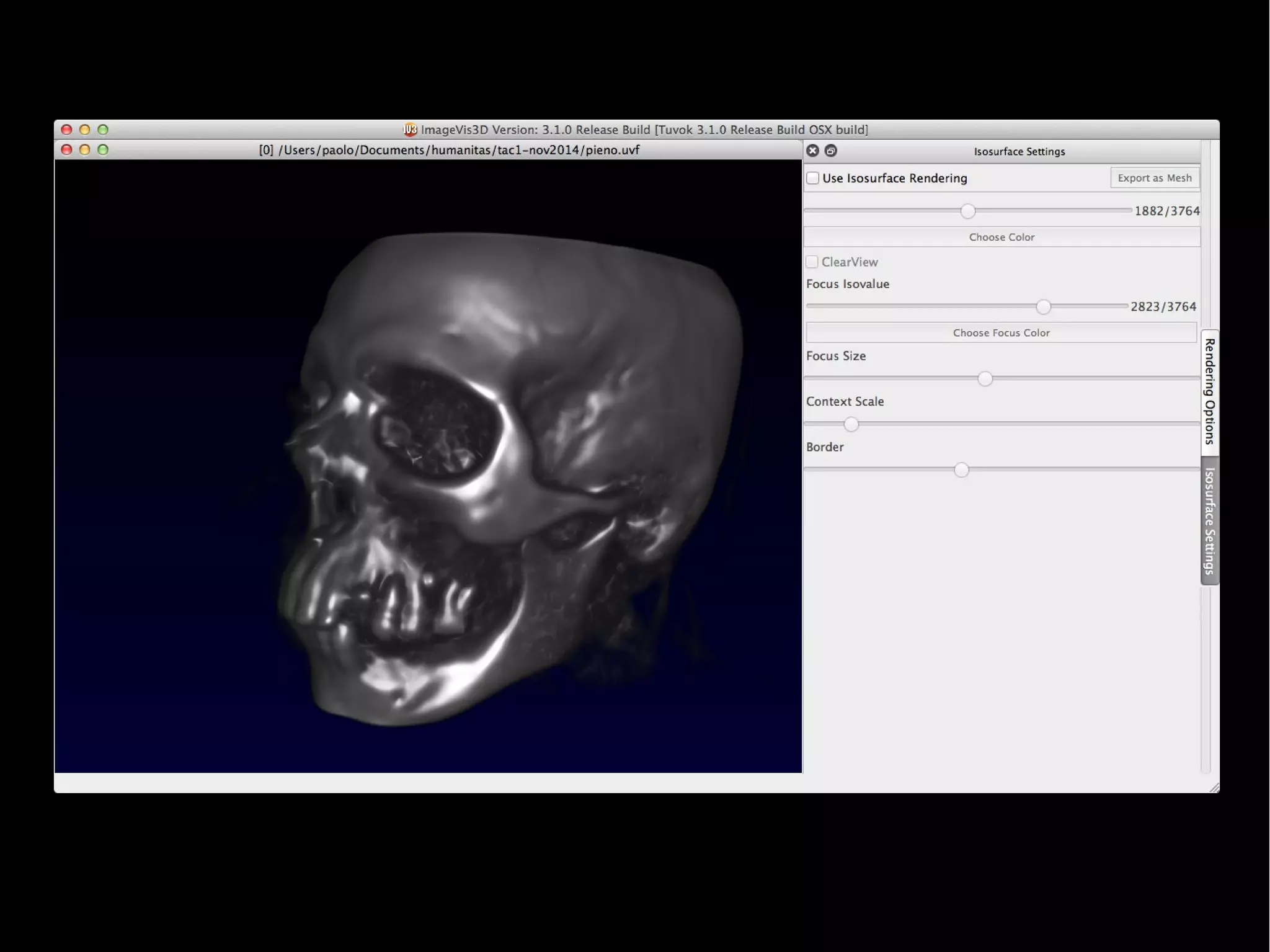
DICOM
Seg3d v2.1 + imagevis
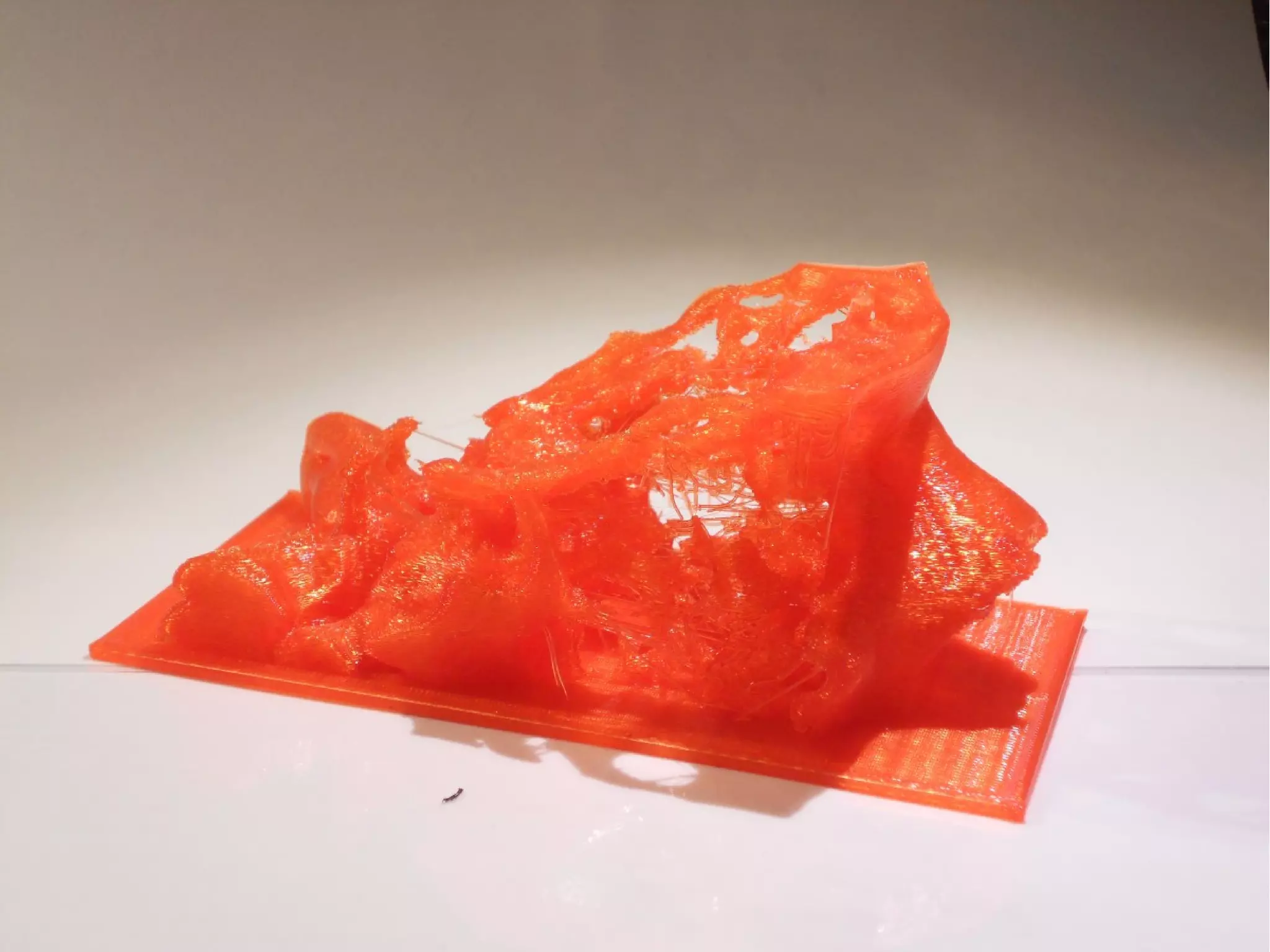
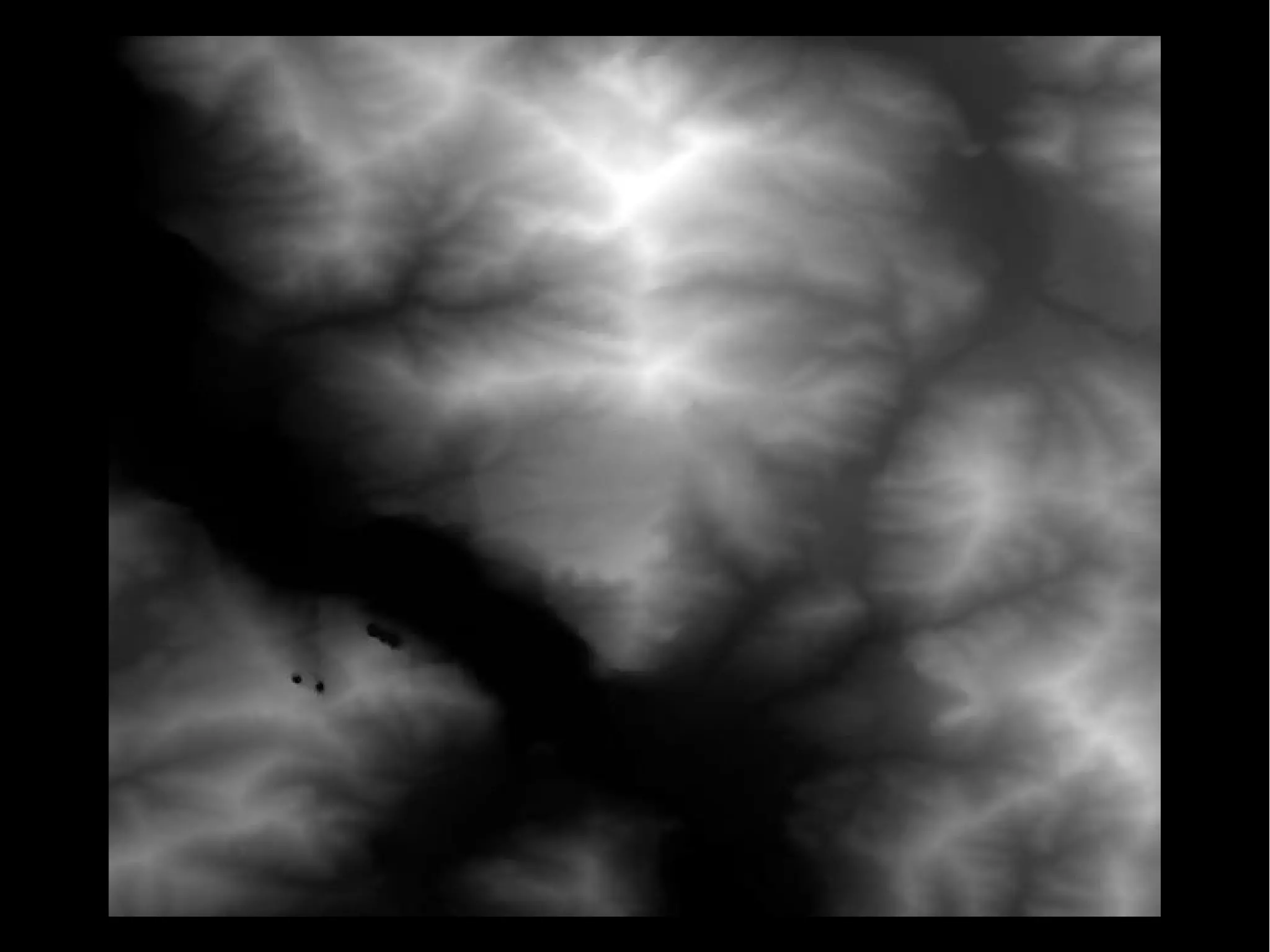
Aerial - planimetry
Grazie!
Paolo Aliverti
@zeppelinmaker
www.zeppelinmaker.it

Scanner 3D e Reverse Engineering

  • 1.
  • 3.
    Cos'è uno scanner3D un dispositivo che analizza gli oggetti o gli ambienti del mondo reale per collezionare dati sulle loro forme o sul loro aspetto, e per costruire modelli tridimensionali digitali
  • 5.
    Intro / storia1 Misurare Primi tentativi per standardizzare le misure: 2600 AC nella valle dell'Indo 240 AC Erastotene stimò la circonferenza della Terra al solstizio d'estate misurando l'altezza del sole a Alexandria e Siene 1750 / 1850 Rivoluzione Industriale – la misura delle cose divenne fondamentale Primi metodi di misura per contatto diretto: calibri e metri Pantografi per replicare gli oggetti La rivoluzione c'è stata con le misure non invasive e a distanza.
  • 6.
    Intro / storia2 Laser ranging systems have been in use in a variety of industries for decades, with the first patented instruments appearing as early as the late 1980’s. 3D scanning was first applied in the Architecture, Engineering, and Construction industry in the 1990’s with the market debut of the first integrated commercial systems for 3D scanning
  • 8.
    Applicazioni / 1 Acosa serve? Quali applicazioni? Product inspection – per vedere se un prodotto è uscito come previsto (si misurano parti e rilevano difetti) Medicina – si rilevano parti in 3D per creare protesi su misura. Negl interventi la scansione è proiettata sul paziente Product design
  • 9.
    Applicazioni / 2 Edilizia– verifica che l'edificio sia uscito come previsto Clothes fitting – misurazione del corpo – es esercito USA ha un sistema di misurazione automatico Art history Sculptures & interesting objects to look at Art: studying working techniques Art history Cultural heritage preservation High-visibility project Archaeology Ricostruzione di parti e ricombinazione frammenti Ricostruzione oggetti in 3D per evitare di toccarli
  • 10.
    Applicazioni / 3 Computergraphics Cinema Giochi (hanno un fatturato maggiore del cinema) Robot navigation
  • 11.
    Possibilità tecnologiche Contatto Sonde acontatto Trasmissive Magnetic Resonance Imaging (MRI) Ultrasuoni Raggi X Suoni e Vibrazioni Riflessione Ottica Non ottica (radar e sonar)
  • 12.
    Tecnologie ottiche Immagini stereo Oggettoinquadrato da due angolature (doppia immagine) Meglio più di due per evitare ambiguità Non vedo quello che c'è dietro
  • 13.
    Tecnologie ottiche Shape frommotion Da analisi di una sequenza di immagini, ricavo l'oggetto in 3d Shape from shading Si evidenziano le forme illuminando l'oggetto da diversi punti
  • 14.
    Tecnologie ottiche Shape fromtexture Si proietta una texture nota sull'oggetto e vedendo come si deforma si ricava la forma dell'oggetto (esempio una serie di righe)
  • 15.
    Tecnologie ottiche Shape fromfocus/defocus Si determinano distanze e forme vedendo come e dove si mette a fuoco l'immagine – la messa a fuoco dipende dalla distanza Tempo di volo del laser Opera su grandi volumi (lati da 100m) Precisione grossolana – 5mm Per scavi archeologici, edifici, stanze
  • 16.
    Tecnologie ottiche Triangolazione Una lamalaser che scorre sull'oggetto Laser e camera posti a triangolo con l'obj Se camera e laser si muovono indipedentemente, è difficile poi ricostruire con precisione. Molti scanner hanno camera e laser fissi. Per grandi oggetti si usano sistemi che muovono il gruppo di scansione e gli fanno coprire delle piccole regioni (moto su tilt e pan)
  • 17.
  • 18.
    Distanze e colori Misuradella distanza e nuvola di punti Scanning systems primarily capture the physical position of a target object, represented as a series of points (forming a “point cloud”) typically in Cartesian coordinates (XYZ). This is accomplished by comparing the emitted and returned light pulse, and determining the value of the target object in relation to the position of the scanning instrument Colori determine the colour of the each point by using a camera (can be built-in or seperate), which is represented by the commonly used RGB (red, green, blue) value scale. Because scanners are optical systems, only what the scanner can “see” is captured,
  • 19.
    Precisione, Risoluzione, Accuratezza Risoluzione:densità della nuvola di punti Accuratezza: differenza tra misura e valore reale Precisione: indica la correttezza della misura (posso avere un point set preciso ma inaccurato – es se offset iniziale e non mi accorgo) Peggiorano con: Distanza Superficie riflettente Velocità di scansione Si va da qualche millimetro (5 mm) fino a frazioni di millimetro (0,3 mm)
  • 21.
    Formato file Lo scannerraccoglie una nuvola di punti che poi è raccolta in un file ASTM E57 File Format (XYX I RGB) questo rappresenta la nuvola di punti Questi formati derivano dal mondo grafico: OBJ (con colori) STL VRML (con colori)
  • 25.
  • 26.
  • 28.
  • 29.
  • 30.
  • 31.
    David Scanner A starterkit of the David Scanner is available for 399 €. 360 scans are possible, although the user needs to turn the object manually between multiple scans. The software is proprietary and runs only on Windows. Minimal equipment is needed, such as a line laser, a camera and a calibration pattern which can be printed out. Using the DAVID- Shapefusion software the user can manually merge multiple point-clouds from different scans and convert them to a surface mesh by-hand.
  • 32.
  • 33.
  • 35.
    Makerbot Scanner v.0 TheMakerBot 3D Scanner (formerly know as Cyclops) is a 3D scanning mounting kit for a pico projector, a webcam and an iPhone or iPod. The mounting kit is available for 50$. A set of additional open-source software is required (ThreePhase, PeasyCam, ControlP5, Processing). Extensive instructions are provided on the website to perform a single face scan. Using Blender and MeshLab the point-clouds are transformed into surface meshes which can then be printed on the MakerBot. http://wiki.makerbot.com/3D-scanner
  • 36.
  • 37.
    3D Photograpy onyour desk This project requires very little hardware: a camera, a desk- lamp, a pencil and a checkerboard. The checkerboard is used for calibration. The pencil is waved between the lamp and the object to be scanned, casting a shadow on the object. The 3D shape of the object is extracted from the spatial and temporal location of the observed shadow. Several implementations of this technique are available on the project’s website. http://www.vision.caltech.edu/bouguetj/ICCV98/
  • 38.
    FabScanner Fabscanner http://hci.rwth-aachen.de/fabscan Un progettosimile: Scanner con arduino e mathlab http://makezine.com/projects/diy-3d-laser-scanner-using-arduino/
  • 39.
  • 40.
    MakerScanner Scanner con webcamfissa e laser lineare da muovere a mano Il software è disponibile per Windows, Linux e come sorgenti.
  • 41.
  • 43.
  • 44.
    I used Blender3D to clean the pointcloud and MeshLab to create a surface which we then 3D printed on a Makerbot. If you're interested you can get the pointcloud and STL files here.
  • 47.
  • 48.
  • 54.
    Kinect Kinect also includesinfrared projectors and cameras which are used for depth detection, hence it could also be used to build a 3D scanner. The depth perception technology in the Kinect works best at distances of 6-8 feet (⇡ 2m). Thus, the Kinect is better suited for identifying ”likely humans in the scene and the likely positions of their arms and legs.” than for precise short-range 3D scanning. Attenzione alle versioni per: Window e XBox Alternative: ASUS xition SOFTWARE: KScan 3D, Skanect, FARO...
  • 61.
    Skanect Per Windows eMac Limitato a 5000 facce in versione free E' molto facile da usare Spiegazione programma e demo scansione
  • 63.
    Riparare i modellicon Meshlab Nuvola di punti | Riparare | Chiudere | Esportare
  • 64.
    MeshLab File → importModel Import della tazza.obj fatta con Skanect Movimenti: - drag dei cerchi per ruotare - CMD + drag per il PAN - zoom (rotellina mouse) Visualizzazioni (toolbar) punti, triangoli... Illuminazione Render → lightening Tasto toolbox: fill hole Icona con i 3 assi a colori : serve per ruotare, traslare e spostare Cancellare parti con la selezione per vertici e facce e l'apposito filtro.
  • 65.
    MeshLab Semplificare facce https://www.shapeways.com/tutorials/polygon_reduction_with_meshlab From themenu, select Filters > Remeshing, simplification and construction > Quadratic Edge Collapse Detection. Target number of faces: numero facce desiderate Quality threshold: 1. Enter a value between 0 and 1 here; the higher the value the harder MeshLab tries to stick to your original model's shape. Preserve Boundary of the Mesh: Yes. 'The simplification process tries not to destroy mesh boundaries, e.g. exposed edges of the mesh are left untouched. This parameter has no effect on watertight meshes.' Preserve Normal: Yes. Select this to stop MeshLab from accidentally flipping the face normals. Planar simplification: Yes. Paolo's comment: 'Add additional simplification constraints that try to preserve the current shape of the triangles.
  • 72.
    Link dei tutorial cleaning:http://abarry.org/makerscanner/4-makerscanner-post-processing.html meshing: http://abarry.org/makerscanner/5-makerscanner-meshing.html
  • 73.
    ● Filters ->Normal, Curvatures and Orientation -> Compute normal for points set ● Filters -> Remeshing, Simplification and Reconstruction -> Surface Reconstruction Poisson ● Filters -> Normals, Curvatures and Orientation-> Re-Orient All Faces Coherently
  • 74.
    NetFabb Programma a usogratuito (funzioni limitate) Si usa per lavorare sui modelli STL Utile per: - riparare file - individuare errori - tagliare i file - ruotare e ridimensionare oggetti
  • 75.
  • 80.
  • 81.
    Editare l'stl con123D design Importare e aggiungere una base Oppure scritte in svg...
  • 83.
    Altre fonti DICOM Seg3d v2.1+ imagevis Aerial - planimetry
  • 92.