Raspberry Pi
Paolo Aliverti
- Panoramica
- Sistema Operativo
- Hardware
- Come lo programmo
- Physical Computing
& Iot
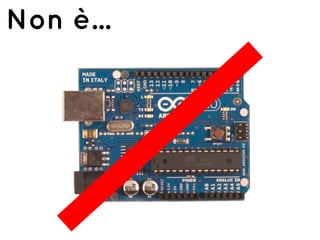
Non è...
Non è...
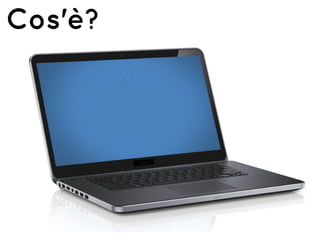
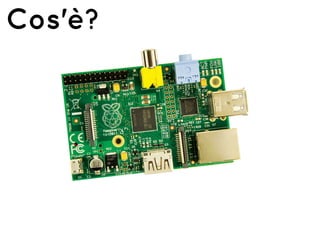
Cos'è?
Cos'è?
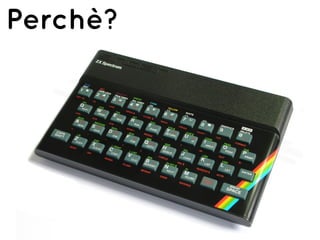
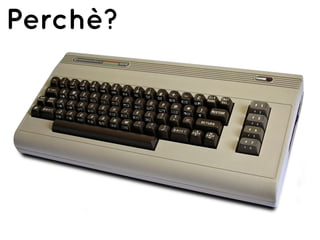
Perchè?
Perchè?
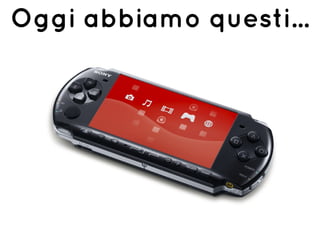
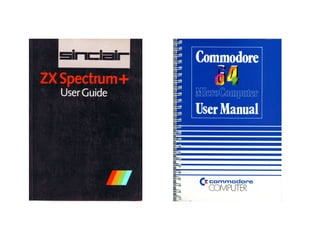
Oggi abbiamo questi...
Cosa abbiamo perso?
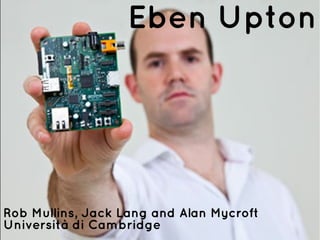
Era l'anno 2006...
Eben Upton
Rob Mullins, Jack Lang and Alan Mycroft
Università di Cambridge
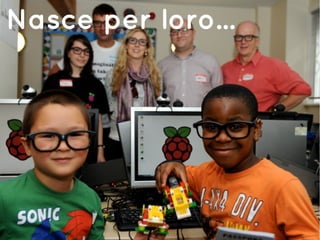
Nasce per loro...
Poi lo scopre lei...
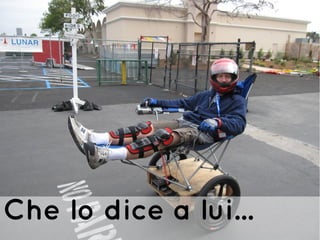
Che lo dice a lui...
Che lo dice a loro!
1.000.000 unità
12 mesi
Raspberry Pi
1. Panoramica
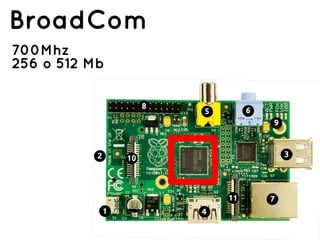
BroadCom
700Mhz
256 o 512 Mb
Advanced RISC
Machine
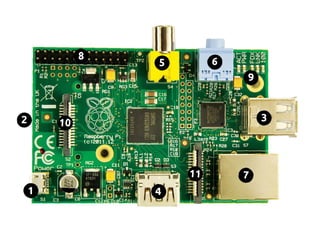
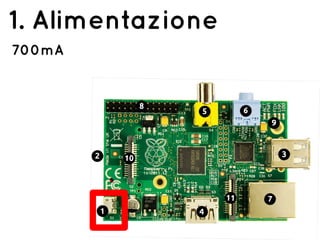
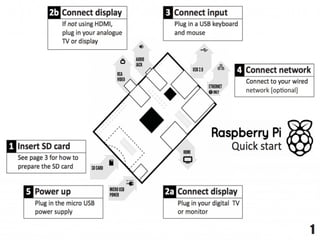
1. Alimentazione
700mA
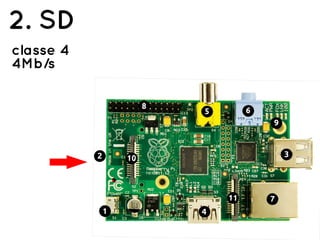
2. SD
classe 4
4Mb/s
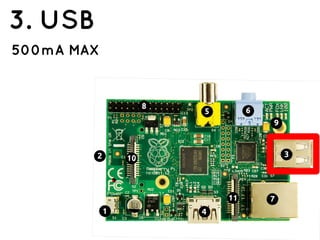
3. USB
500mA MAX
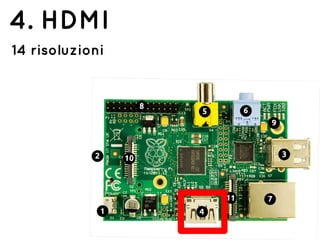
4. HDMI
14 risoluzioni
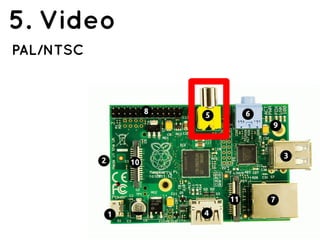
5. Video
PAL/NTSC
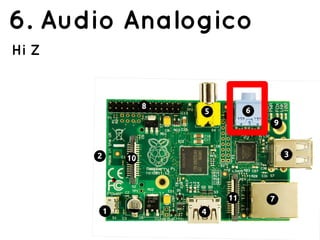
6. Audio Analogico
Hi Z
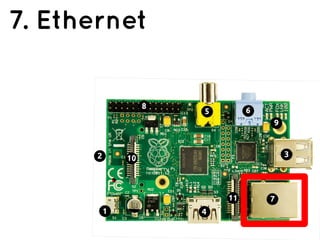
7. Ethernet
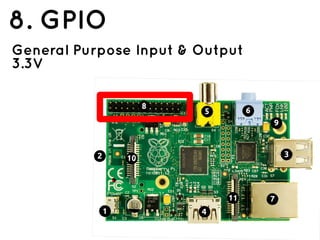
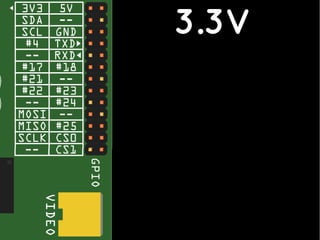
8. GPIO
General Purpose Input & Output
3.3V
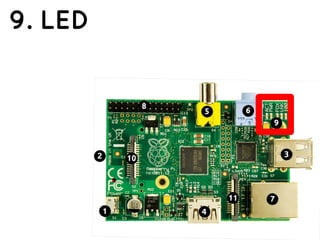
9. LED
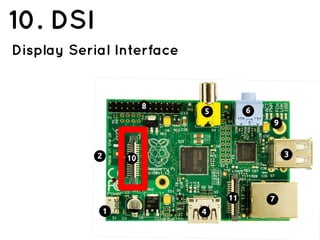
10. DSI
Display Serial Interface
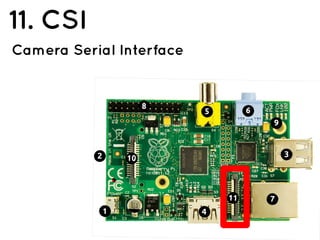
11. CSI
Camera Serial Interface
Raspberry Pi
1. Sistema operativo
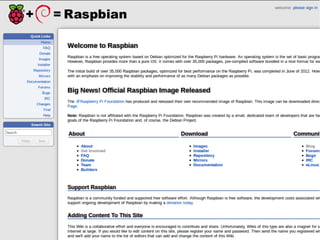
Raspbian
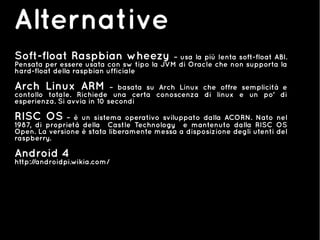
Alternative
Soft-float Raspbian wheezy – usa la più lenta soft-float ABI.
Pensata per essere usata con sw tipo la JVM di Oracle che non supporta la
hard-float della raspbian ufficiale
Arch Linux ARM – basata su Arch Linux che offre semplicità e
contollo totale. Richiede una certa conoscenza di linux e un po' di
esperienza. Si avvia in 10 secondi
RISC OS – è un sistema operativo sviluppato dalla ACORN. Nato nel
1987, di proprietà della Castle Technology e mantenuto dalla RISC OS
Open. La versione è stata liberamente messa a disposizione degli utenti del
raspberry.
Android 4
http://androidpi.wikia.com/
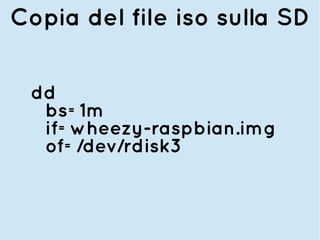
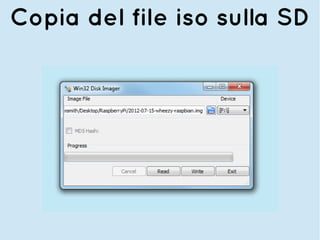
Copia del file iso sulla SD
dd
bs=1m
if=wheezy-raspbian.img
of=/dev/rdisk3
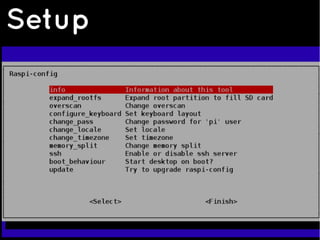
Setup
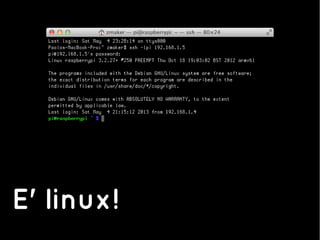
E' linux!
startx
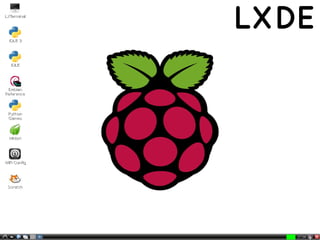
LXDE
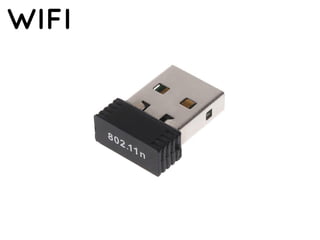
WIFI
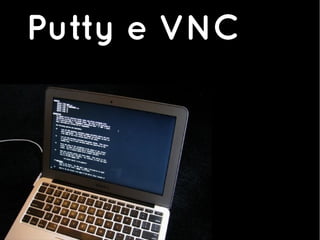
Putty e VNC
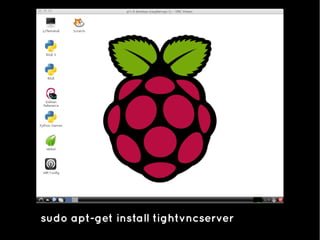
sudo apt-get install tightvncserver
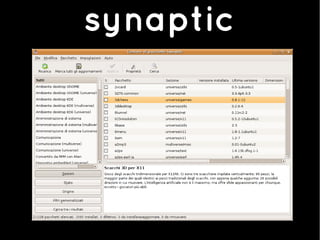
synaptic
Raspberry Pi
1. Hardware
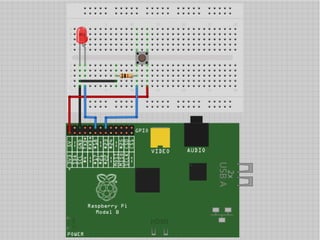
3.3V
Scripting
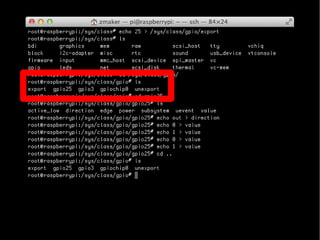
/sys/class/gpio
Scripting
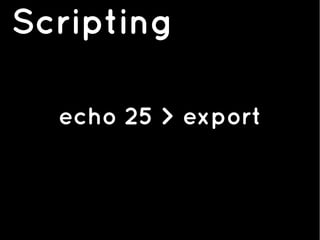
echo 25 > export
Scripting
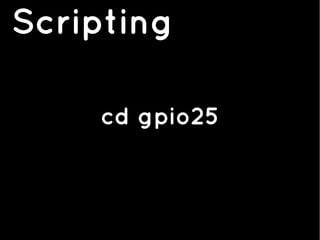
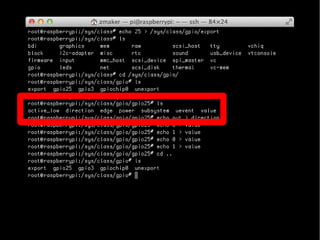
cd gpio25
Scripting
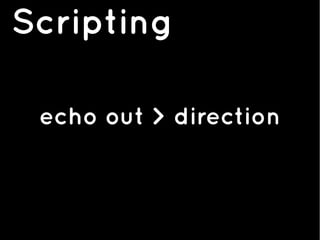
echo out > direction
Scripting
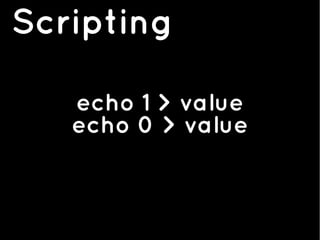
echo 1 > value
echo 0 > value
Scripting
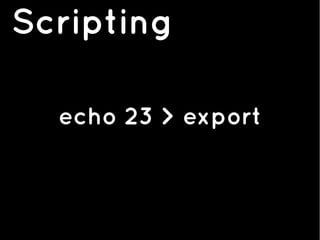
echo 23 > export
Scripting
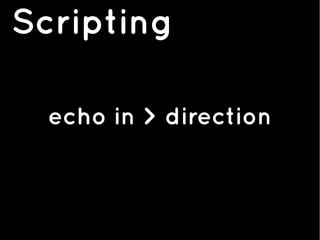
echo in > direction
Scripting
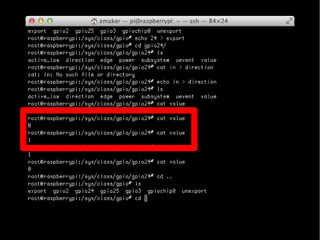
cat value
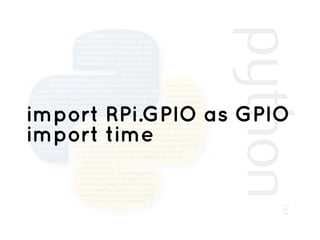
import RPi.GPIO as GPIO
import time
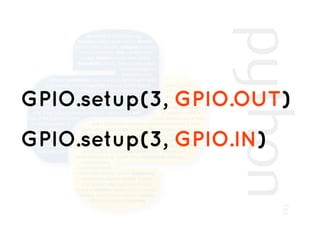
GPIO.setup(3, GPIO.OUT)
GPIO.setup(3, GPIO.IN)
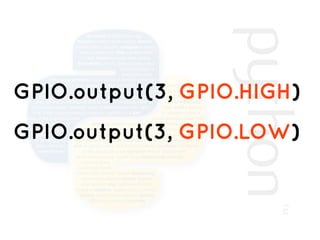
GPIO.output(3, GPIO.HIGH)
GPIO.output(3, GPIO.LOW)
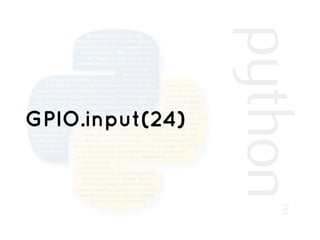
GPIO.input(24)
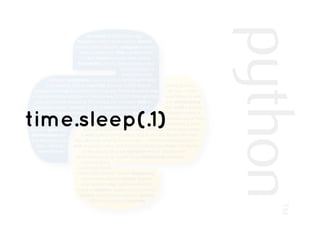
time.sleep(.1)
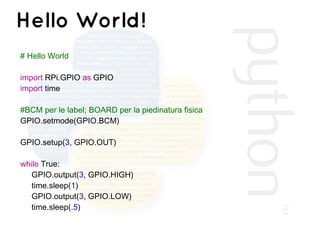
Hello World!
# Hello World
import RPi.GPIO as GPIO
import time
#BCM per le label; BOARD per la piedinatura fisica
GPIO.setmode(GPIO.BCM)
GPIO.setup(3, GPIO.OUT)
while True:
GPIO.output(3, GPIO.HIGH)
time.sleep(1)
GPIO.output(3, GPIO.LOW)
time.sleep(.5)
Raspberry Pi
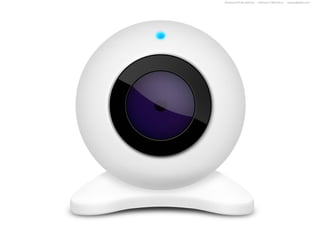
1. WebCam & Internet
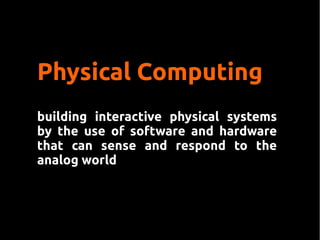
Physical Computing
building interactive physical systems
by the use of software and hardware
that can sense and respond to the
analog world
Tangible User Interface
Internet?
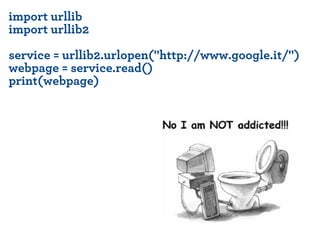
import urllib
import urllib2
service = urllib2.urlopen("http://www.google.it/")
webpage = service.read()
print(webpage)
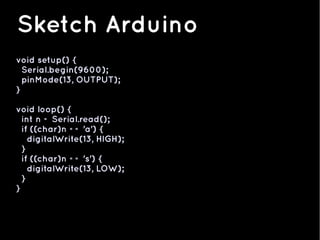
void setup() {
Serial.begin(9600);
pinMode(13, OUTPUT);
}
void loop() {
int n = Serial.read();
if ((char)n == 'a') {
digitalWrite(13, HIGH);
}
if ((char)n == 's') {
digitalWrite(13, LOW);
}
}
Sketch Arduino
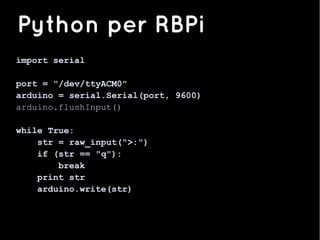
import serial
port = "/dev/ttyACM0"
arduino = serial.Serial(port, 9600)
arduino.flushInput()
while True:
str = raw_input(">:")
if (str == "q"):
break
print str
arduino.write(str)
Python per RBPi
A ottobre...
Raspberry Pi
Paolo Aliverti
@zeppelinmaker

Introduzione a RaspBerry PI