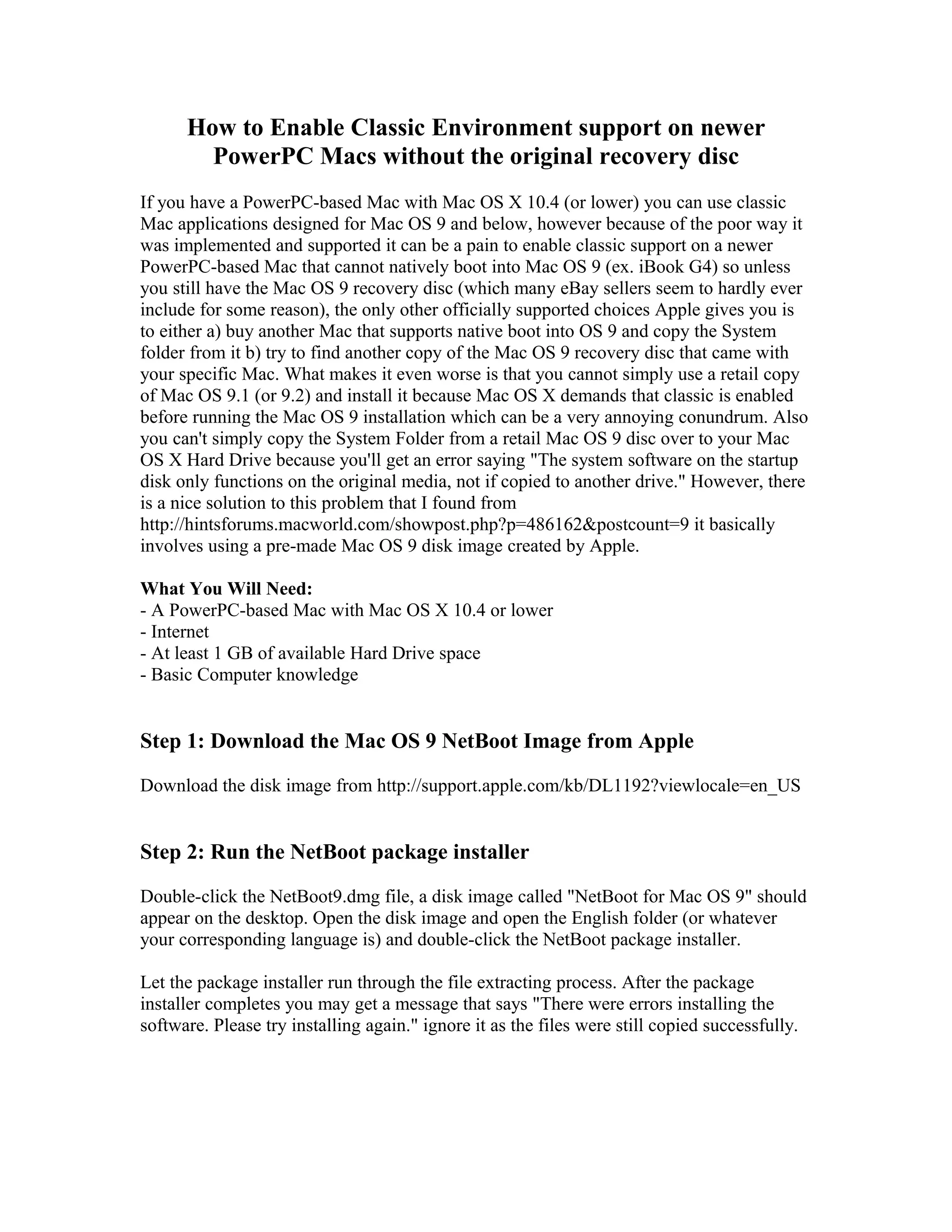
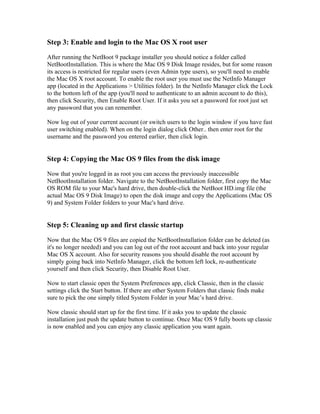
This document provides a step-by-step process to enable Classic Environment support on PowerPC Macs running Mac OS X 10.4 or lower without the original Mac OS 9 recovery disc. It involves downloading a pre-made Mac OS 9 disk image from Apple's support website, running the installer, enabling the root user to access the disk image files, copying the OS 9 system files to the hard drive, and starting up Classic Environment from System Preferences. This allows users to run classic Mac applications on newer PowerPC Macs that do not natively support booting into Mac OS 9.