OSI model for web
application
Role of OSI layers when we open a webpage
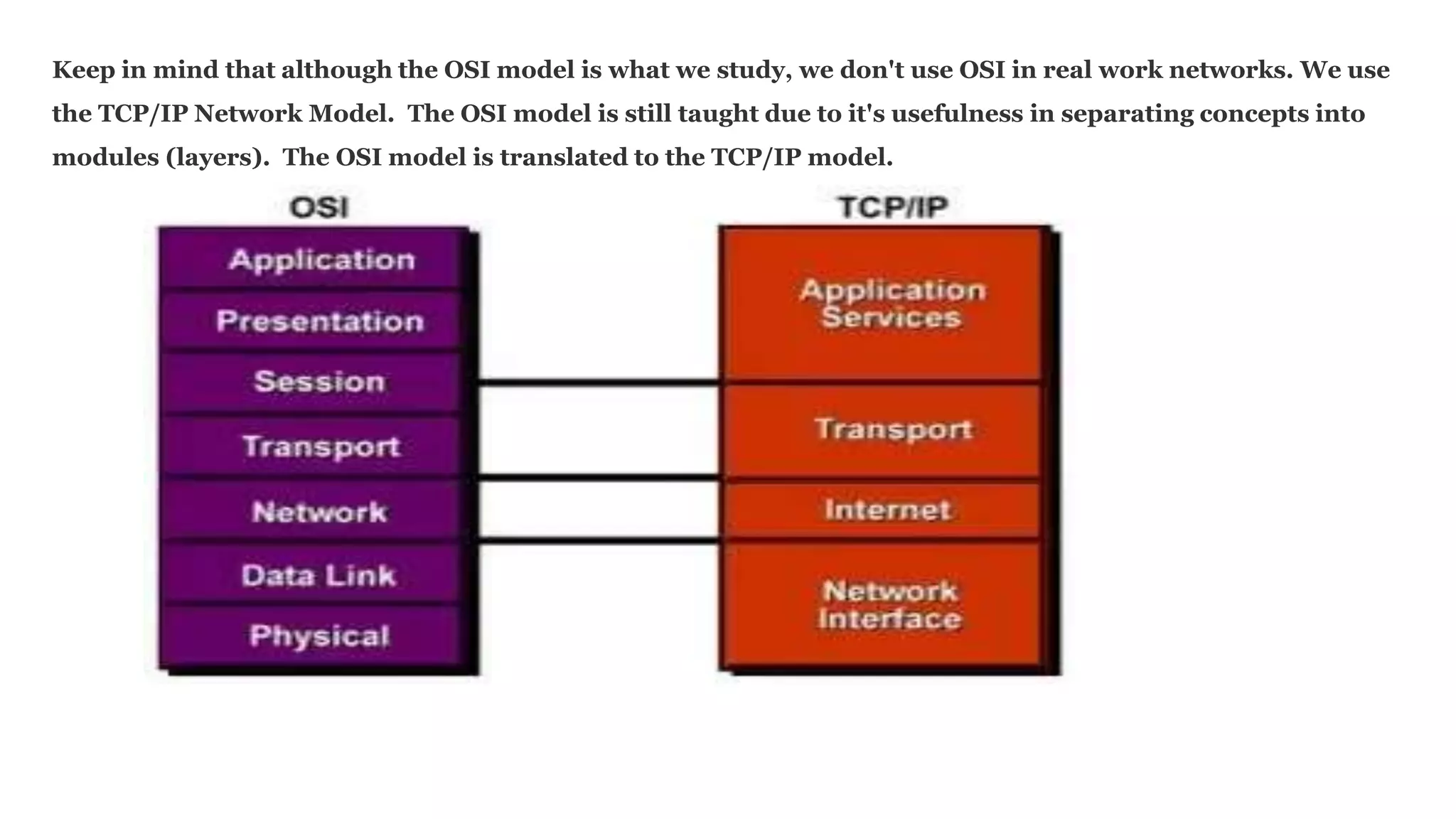
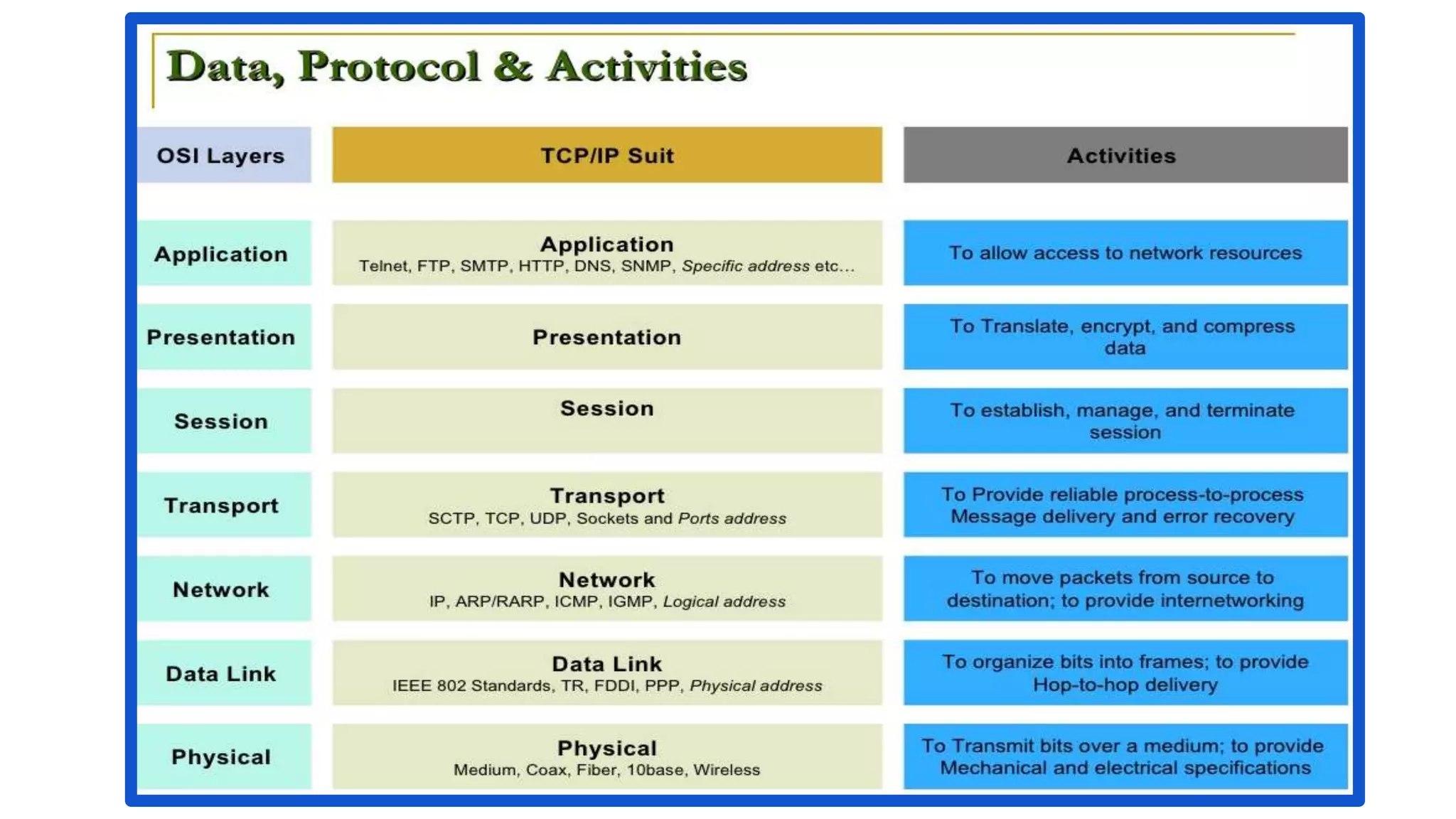
Keep in mind that although the OSI model is what we study, we don't use OSI in real work networks. We use
the TCP/IP Network Model. The OSI model is still taught due to it's usefulness in separating concepts into
modules (layers). The OSI model is translated to the TCP/IP model.
Session
Our sessions are role of OSI layer when we open a webpage in a real world Example
User Launches a site in the browser
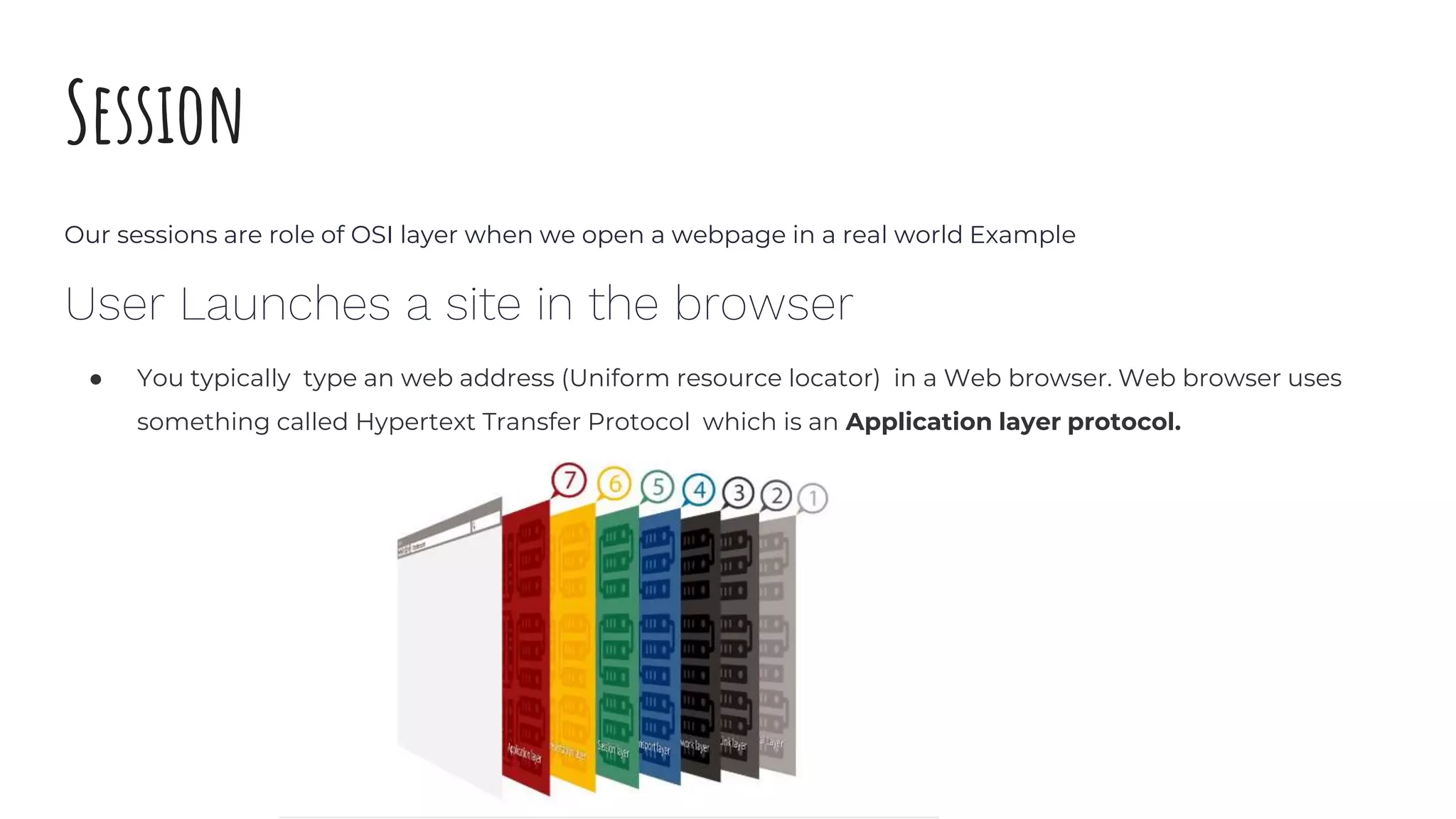
● You typically type an web address (Uniform resource locator) in a Web browser. Web browser uses
something called Hypertext Transfer Protocol which is an Application layer protocol.
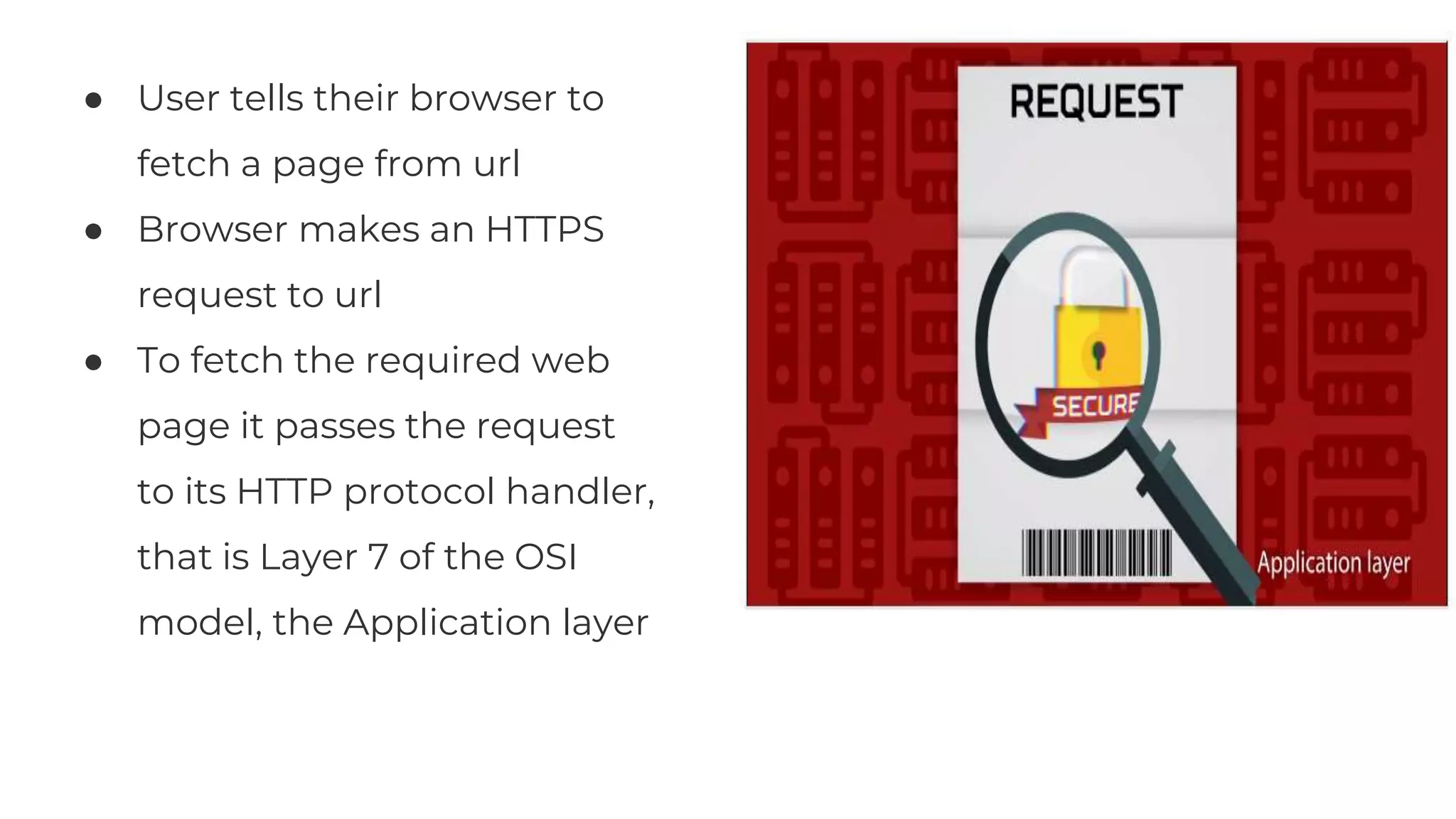
● User tells their browser to
fetch a page from url
● Browser makes an HTTPS
request to url
● To fetch the required web
page it passes the request
to its HTTP protocol handler,
that is Layer 7 of the OSI
model, the Application layer
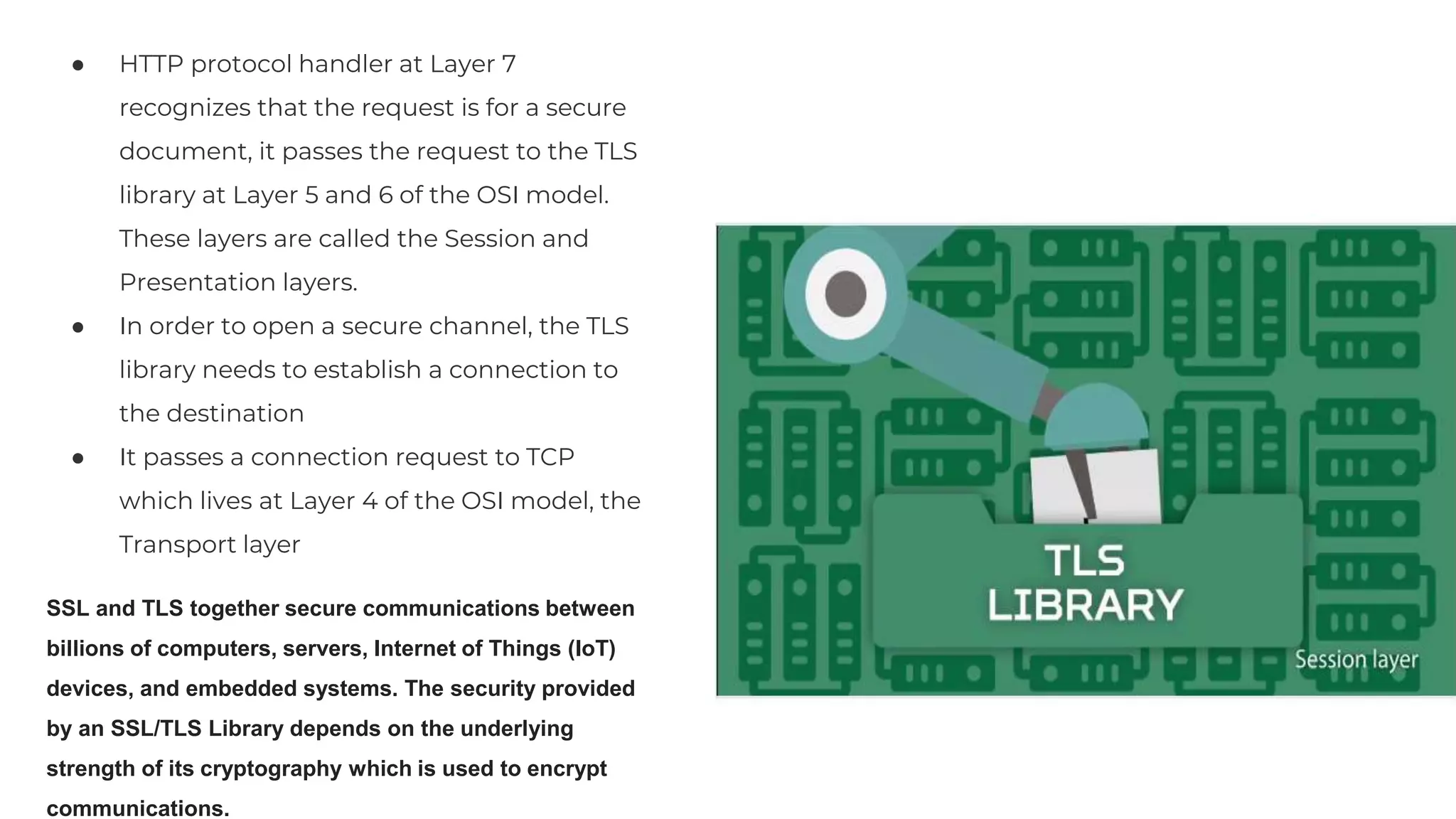
● HTTP protocol handler at Layer 7
recognizes that the request is for a secure
document, it passes the request to the TLS
library at Layer 5 and 6 of the OSI model.
These layers are called the Session and
Presentation layers.
● In order to open a secure channel, the TLS
library needs to establish a connection to
the destination
● It passes a connection request to TCP
which lives at Layer 4 of the OSI model, the
Transport layer
SSL and TLS together secure communications between
billions of computers, servers, Internet of Things (IoT)
devices, and embedded systems. The security provided
by an SSL/TLS Library depends on the underlying
strength of its cryptography which is used to encrypt
communications.
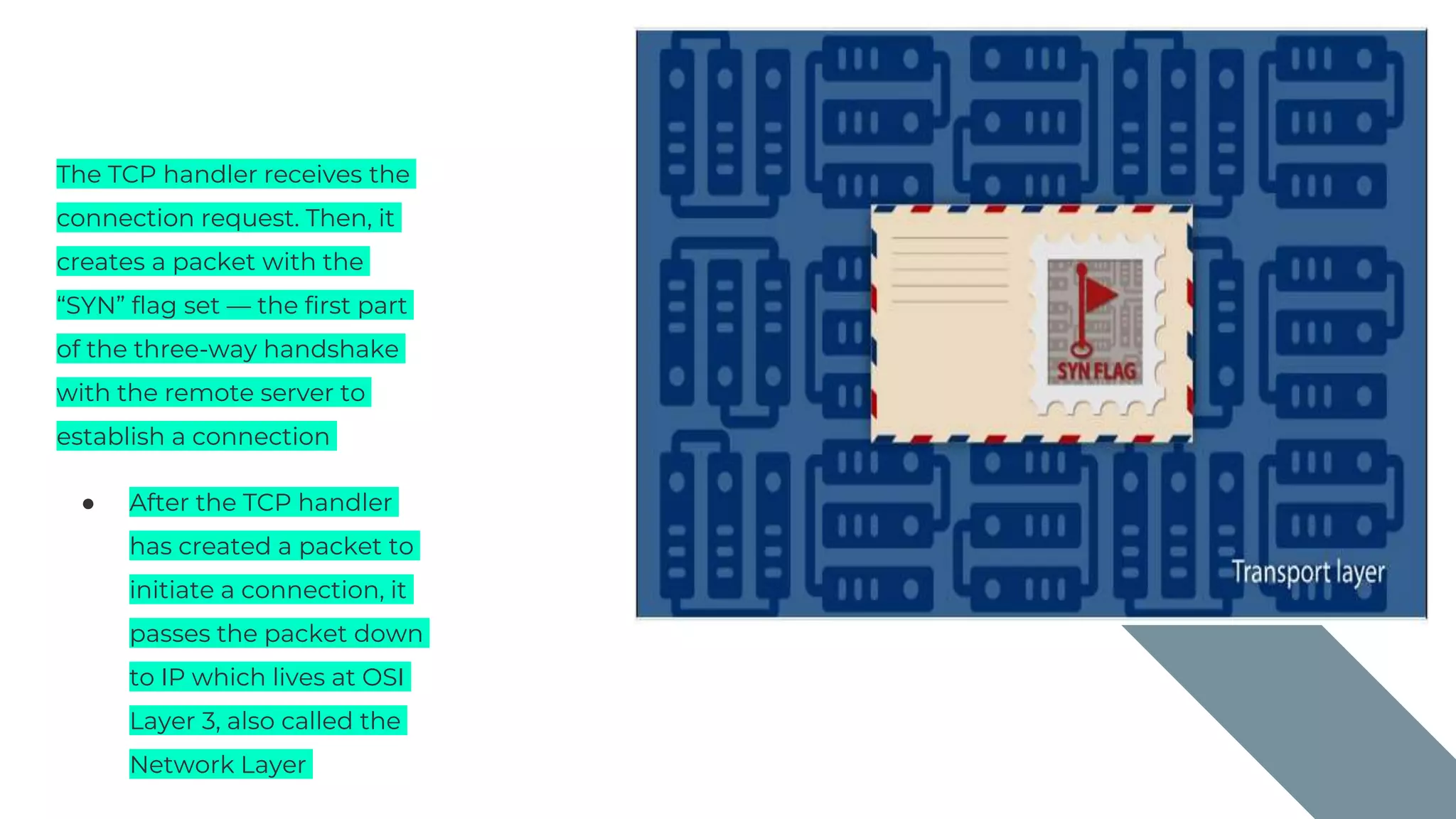
The TCP handler receives the
connection request. Then, it
creates a packet with the
“SYN” flag set — the first part
of the three-way handshake
with the remote server to
establish a connection
● After the TCP handler
has created a packet to
initiate a connection, it
passes the packet down
to IP which lives at OSI
Layer 3, also called the
Network Layer
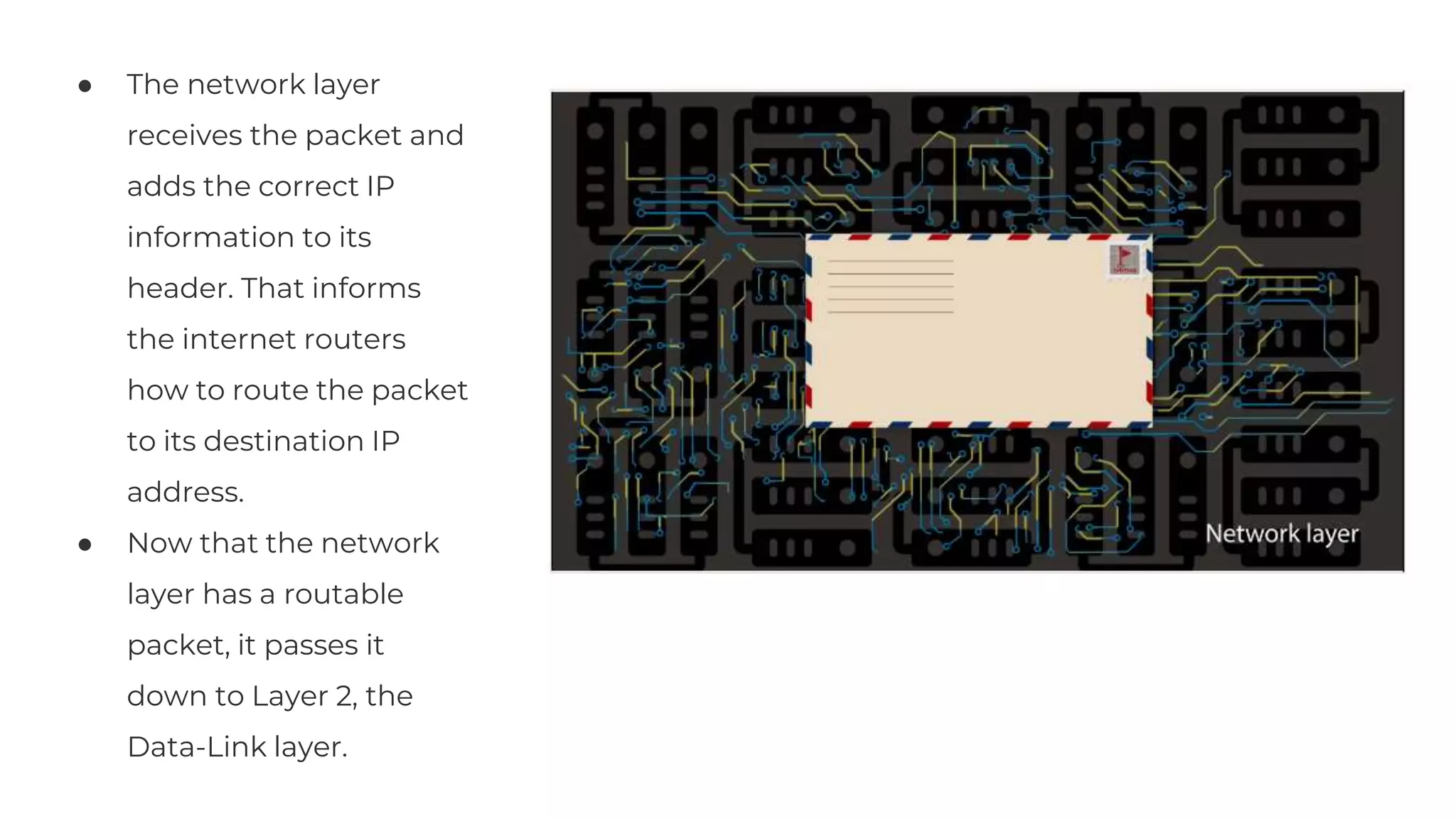
● The network layer
receives the packet and
adds the correct IP
information to its
header. That informs
the internet routers
how to route the packet
to its destination IP
address.
● Now that the network
layer has a routable
packet, it passes it
down to Layer 2, the
Data-Link layer.
Lorem Ipsum
Lorem Ipsum Lorem Ipsum Lorem Ipsum
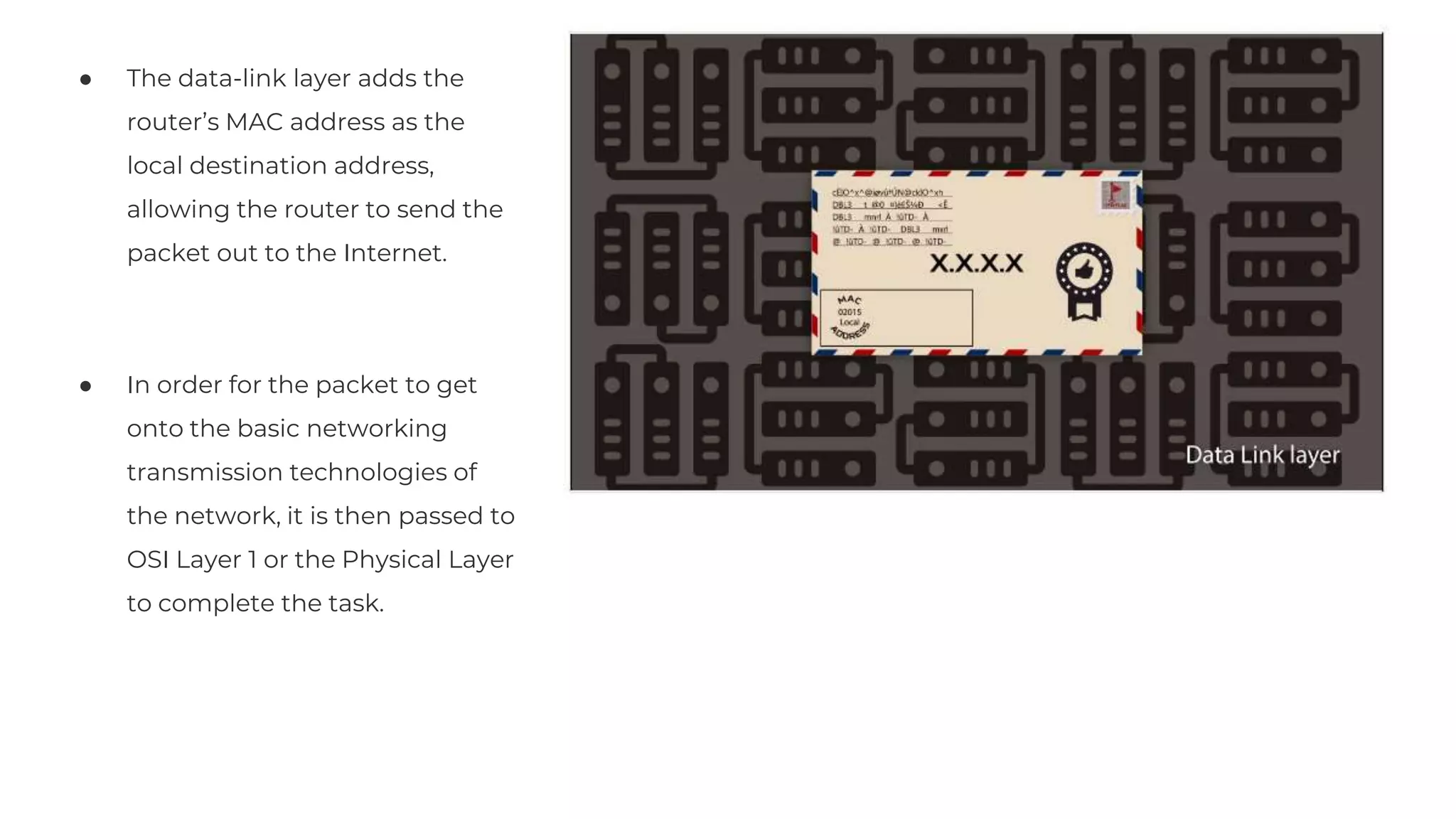
● The data-link layer adds the
router’s MAC address as the
local destination address,
allowing the router to send the
packet out to the Internet.
● In order for the packet to get
onto the basic networking
transmission technologies of
the network, it is then passed to
OSI Layer 1 or the Physical Layer
to complete the task.
Lorem Ipsum
75%
Lorem Ipsum Lorem Ipsum Lorem Ipsum
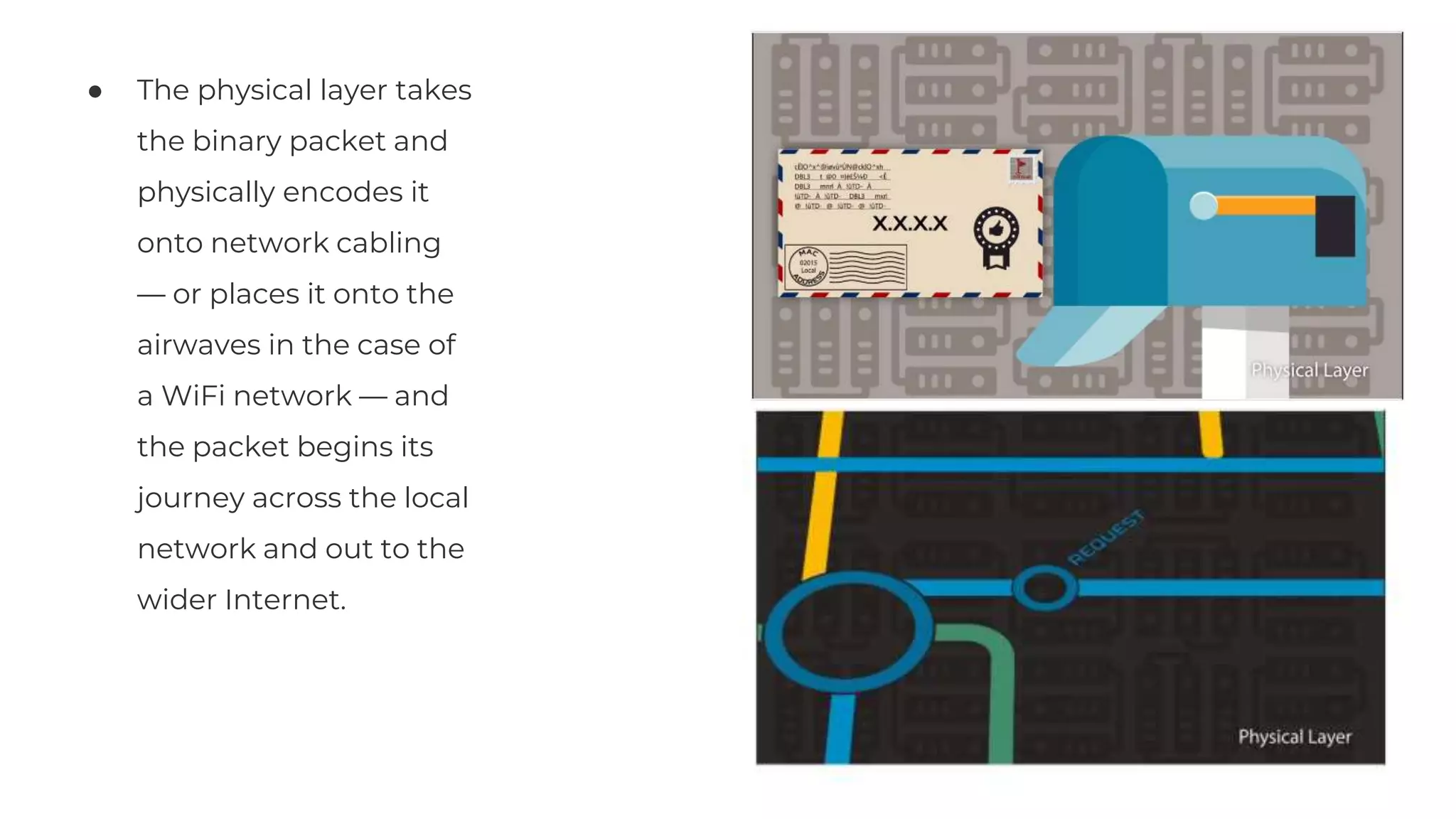
● The physical layer takes
the binary packet and
physically encodes it
onto network cabling
— or places it onto the
airwaves in the case of
a WiFi network — and
the packet begins its
journey across the local
network and out to the
wider Internet.
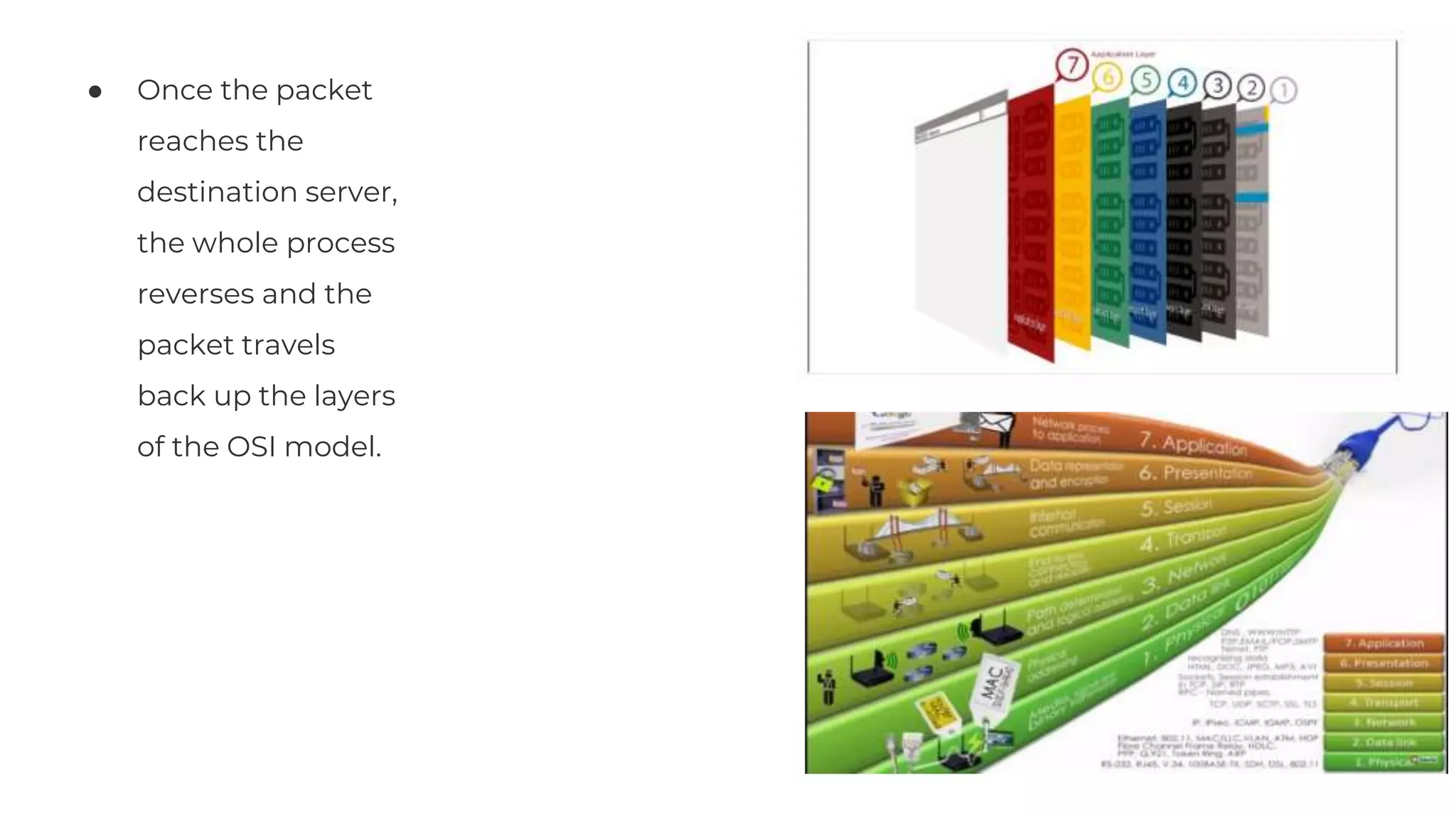
● Once the packet
reaches the
destination server,
the whole process
reverses and the
packet travels
back up the layers
of the OSI model.
Share Get feedback
02
03
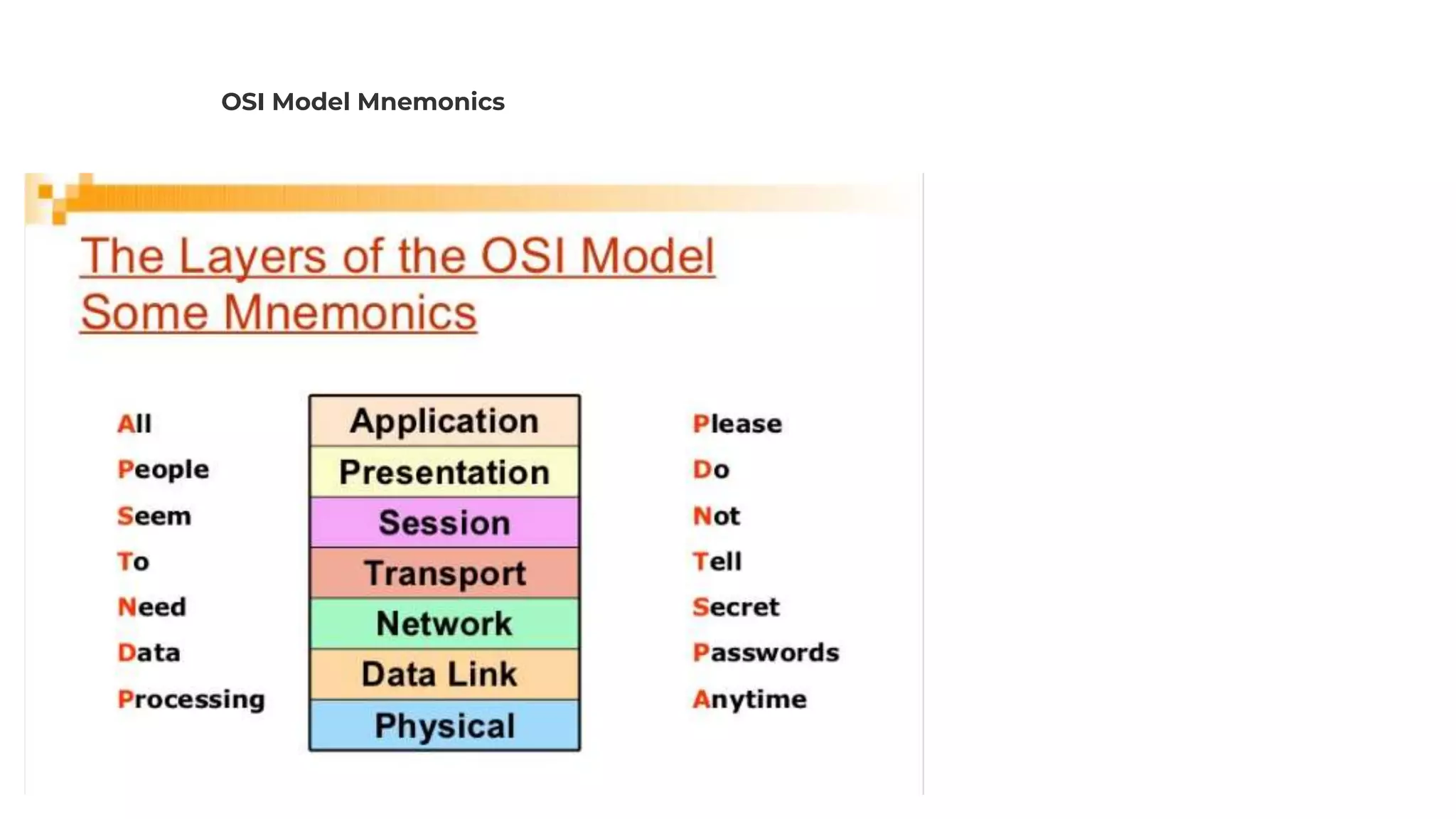
OSI Model Mnemonics

Role of OSI Layer when we open a webpage

  • 1.
    OSI model forweb application Role of OSI layers when we open a webpage
  • 2.
    Keep in mindthat although the OSI model is what we study, we don't use OSI in real work networks. We use the TCP/IP Network Model. The OSI model is still taught due to it's usefulness in separating concepts into modules (layers). The OSI model is translated to the TCP/IP model.
  • 4.
    Session Our sessions arerole of OSI layer when we open a webpage in a real world Example User Launches a site in the browser ● You typically type an web address (Uniform resource locator) in a Web browser. Web browser uses something called Hypertext Transfer Protocol which is an Application layer protocol.
  • 5.
    ● User tellstheir browser to fetch a page from url ● Browser makes an HTTPS request to url ● To fetch the required web page it passes the request to its HTTP protocol handler, that is Layer 7 of the OSI model, the Application layer
  • 6.
    ● HTTP protocolhandler at Layer 7 recognizes that the request is for a secure document, it passes the request to the TLS library at Layer 5 and 6 of the OSI model. These layers are called the Session and Presentation layers. ● In order to open a secure channel, the TLS library needs to establish a connection to the destination ● It passes a connection request to TCP which lives at Layer 4 of the OSI model, the Transport layer SSL and TLS together secure communications between billions of computers, servers, Internet of Things (IoT) devices, and embedded systems. The security provided by an SSL/TLS Library depends on the underlying strength of its cryptography which is used to encrypt communications.
  • 7.
    The TCP handlerreceives the connection request. Then, it creates a packet with the “SYN” flag set — the first part of the three-way handshake with the remote server to establish a connection ● After the TCP handler has created a packet to initiate a connection, it passes the packet down to IP which lives at OSI Layer 3, also called the Network Layer
  • 8.
    ● The networklayer receives the packet and adds the correct IP information to its header. That informs the internet routers how to route the packet to its destination IP address. ● Now that the network layer has a routable packet, it passes it down to Layer 2, the Data-Link layer. Lorem Ipsum Lorem Ipsum Lorem Ipsum Lorem Ipsum
  • 9.
    ● The data-linklayer adds the router’s MAC address as the local destination address, allowing the router to send the packet out to the Internet. ● In order for the packet to get onto the basic networking transmission technologies of the network, it is then passed to OSI Layer 1 or the Physical Layer to complete the task. Lorem Ipsum 75% Lorem Ipsum Lorem Ipsum Lorem Ipsum
  • 10.
    ● The physicallayer takes the binary packet and physically encodes it onto network cabling — or places it onto the airwaves in the case of a WiFi network — and the packet begins its journey across the local network and out to the wider Internet.
  • 11.
    ● Once thepacket reaches the destination server, the whole process reverses and the packet travels back up the layers of the OSI model. Share Get feedback 02 03
  • 12.