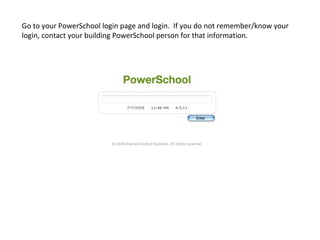
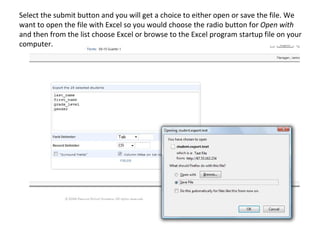
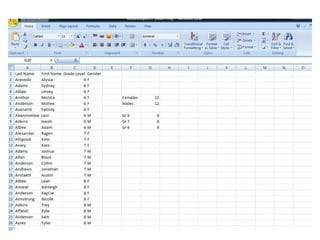
- To export PowerSchool data to Excel, log into PowerSchool and select students, such as all with last names starting with A. Under those students, select "Quick Export" and choose the fields to export, such as last name, first name, grade level, and gender.
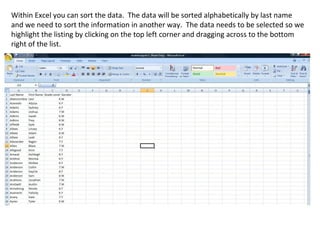
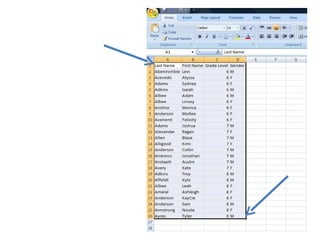
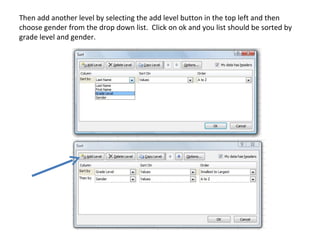
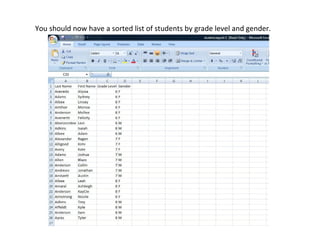
- Open the exported file in Excel. You can then sort the data, such as by grade level and gender.
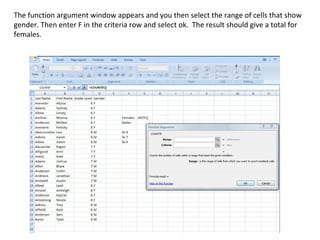
- Use Excel functions like COUNTIF to analyze the sorted data. For example, to find the number of males and females or the number of students in each grade level.











![Spreadsheets[1]](https://cdn.slidesharecdn.com/ss_thumbnails/spreadsheets1-150131022908-conversion-gate01-thumbnail.jpg?width=640&height=640&fit=bounds)


