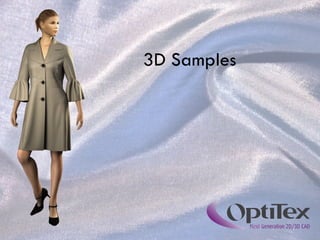
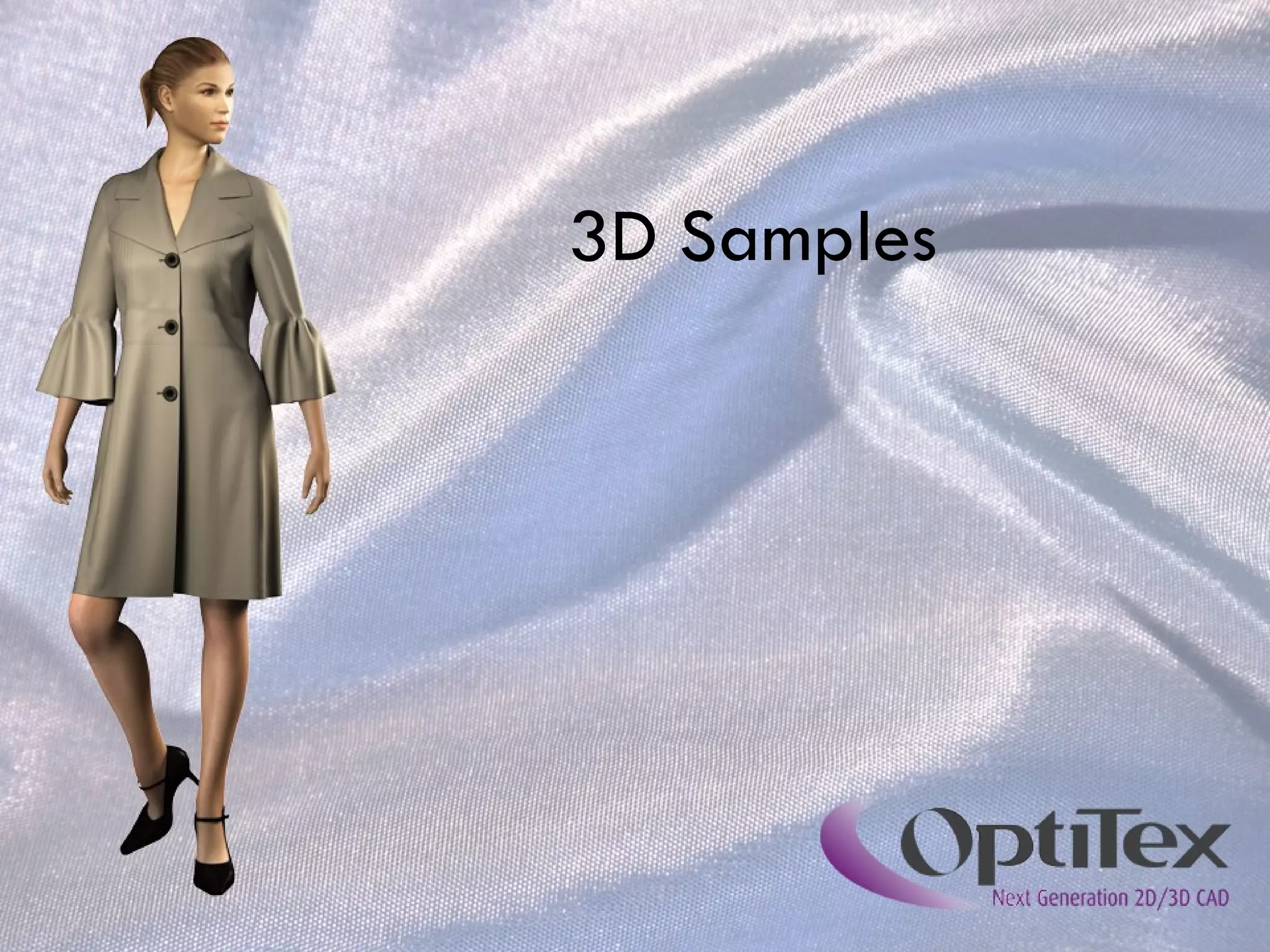
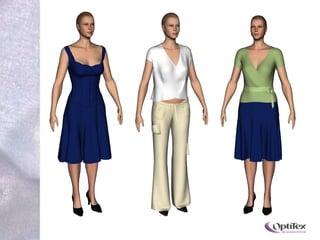
3D Samples
The Company OptiTex is leading develper of CAD solutions for the fashion and textile industries Since 1988 OptiTex has been dedicated to developing and implementing the latest technology  OptiTex has over 20 years of experience and more than 20,000 active installations worldwide
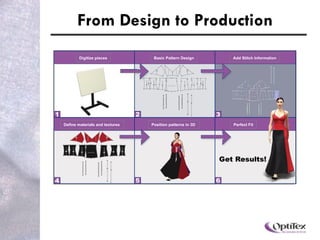
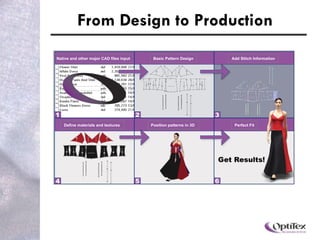
From Design to Production  Native and other major CAD files input Basic Pattern Design Add Stitch Information Position patterns in 3D  Define materials and textures  Perfect Fit Digitize pieces Basic Pattern Design Add Stitch Information Position patterns in 3D  Define materials and textures  Perfect Fit
From Design to Production  Native and other major CAD files input Basic Pattern Design Add Stitch Information Position patterns in 3D  Define materials and textures  Perfect Fit
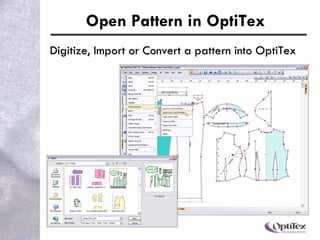
Create / Open Pattern in OptiTex Create using OptiTex tools Digitize, import or convert a pattern into OptiTex
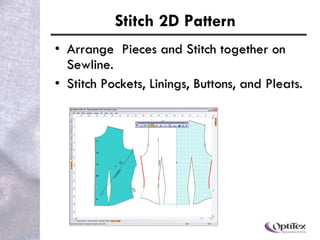
Stitch 2D Pattern Arrange pieces and stitch together on sewline. Stitch pockets, linings, buttons and pleats.
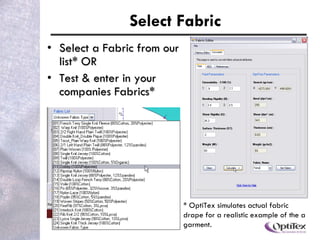
Select Fabric Select a fabric from our list* OR Test & enter in your company’s Fabrics* * OptiTex simulates actual fabric drape for a realistic example of the garment.
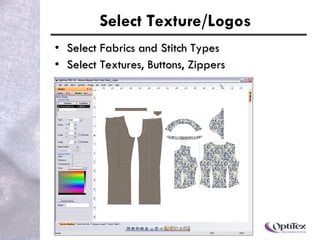
Select Texture/Logos Select fabrics and stitch types Select textures, buttons, zippers
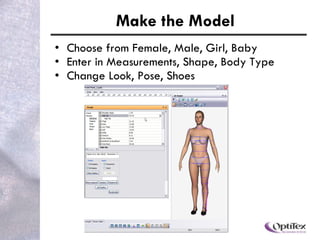
Make the Model Choose from female, male, girl, boy, baby Enter measurements: shape, body type Change look, pose, shoes
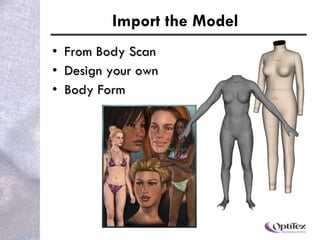
Import the Model From Body Scan Design your own Body Form
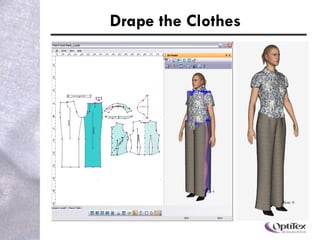
Drape the Clothes
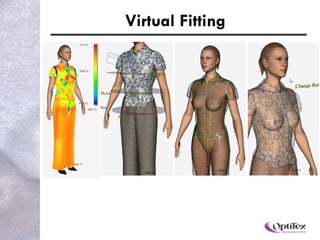
Virtual Fitting
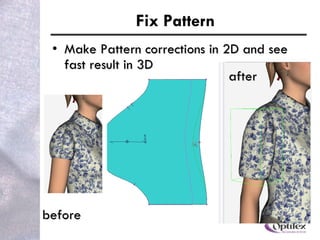
Fix Pattern Make pattern corrections in 2D and see results immediately in 3D before after
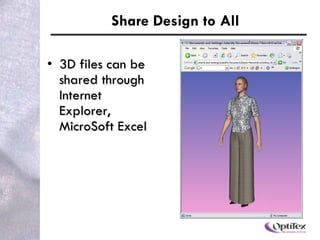
Share Design to All Share with our 3D Runway Viewer
 
Thank you

Presentation 3D Samples How Does It Work

  • 1.
  • 2.
    The Company OptiTexis leading develper of CAD solutions for the fashion and textile industries Since 1988 OptiTex has been dedicated to developing and implementing the latest technology OptiTex has over 20 years of experience and more than 20,000 active installations worldwide
  • 3.
    From Design toProduction Native and other major CAD files input Basic Pattern Design Add Stitch Information Position patterns in 3D Define materials and textures Perfect Fit Digitize pieces Basic Pattern Design Add Stitch Information Position patterns in 3D Define materials and textures Perfect Fit
  • 4.
    From Design toProduction Native and other major CAD files input Basic Pattern Design Add Stitch Information Position patterns in 3D Define materials and textures Perfect Fit
  • 5.
    Create / OpenPattern in OptiTex Create using OptiTex tools Digitize, import or convert a pattern into OptiTex
  • 6.
    Stitch 2D PatternArrange pieces and stitch together on sewline. Stitch pockets, linings, buttons and pleats.
  • 7.
    Select Fabric Selecta fabric from our list* OR Test & enter in your company’s Fabrics* * OptiTex simulates actual fabric drape for a realistic example of the garment.
  • 8.
    Select Texture/Logos Selectfabrics and stitch types Select textures, buttons, zippers
  • 9.
    Make the ModelChoose from female, male, girl, boy, baby Enter measurements: shape, body type Change look, pose, shoes
  • 10.
    Import the ModelFrom Body Scan Design your own Body Form
  • 11.
  • 12.
  • 13.
    Fix Pattern Makepattern corrections in 2D and see results immediately in 3D before after
  • 14.
    Share Design toAll Share with our 3D Runway Viewer
  • 15.
  • 16.