Presentation Sharing
María Angélica Moreno
Group 551021
Paipa, 2014
Materials Design for Virtual Environments
Collaborative Work Unit 1
Presentation Sharing
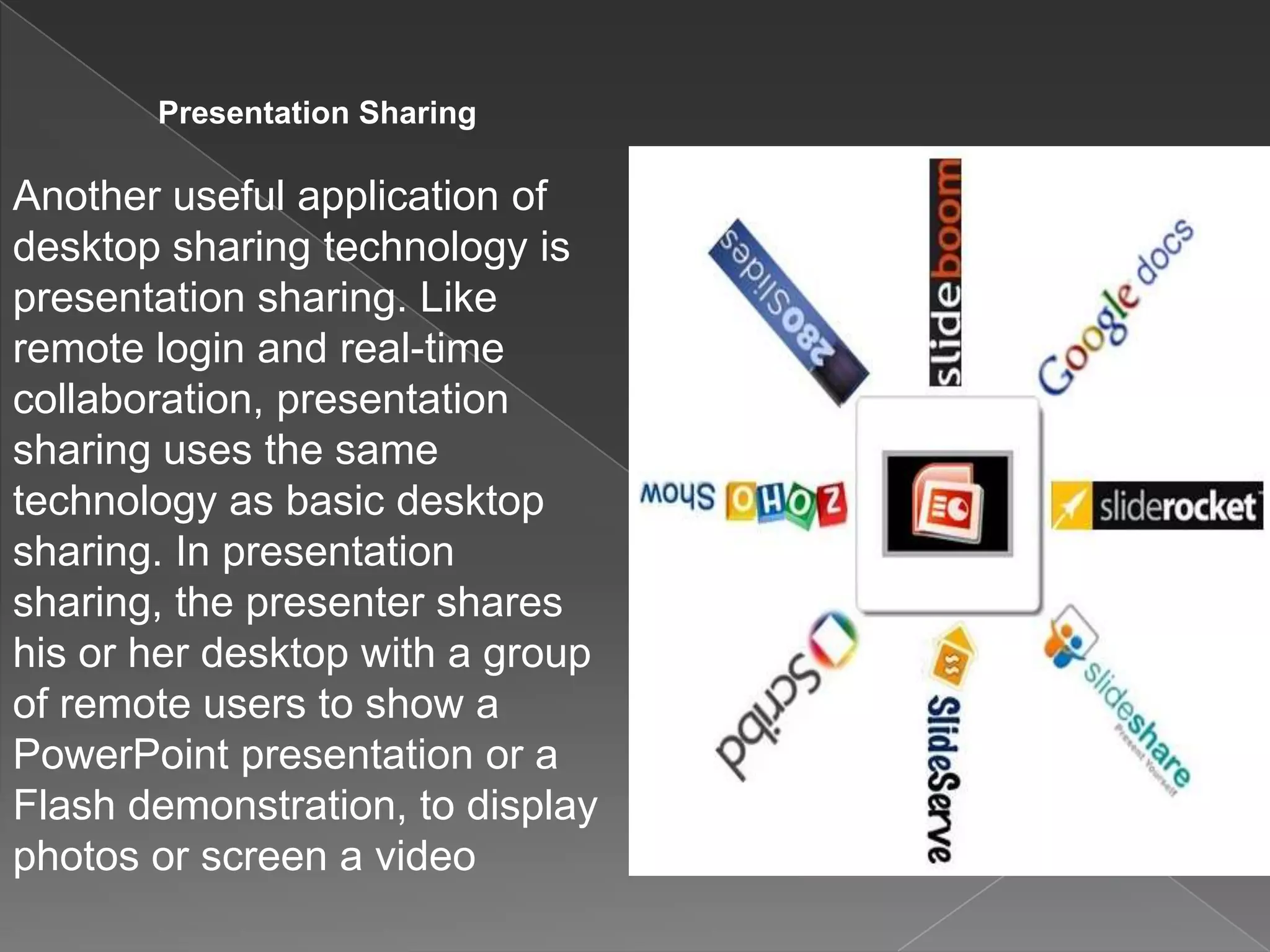
Another useful application of
desktop sharing technology is
presentation sharing. Like
remote login and real-time
collaboration, presentation
sharing uses the same
technology as basic desktop
sharing. In presentation
sharing, the presenter shares
his or her desktop with a group
of remote users to show a
PowerPoint presentation or a
Flash demonstration, to display
photos or screen a video
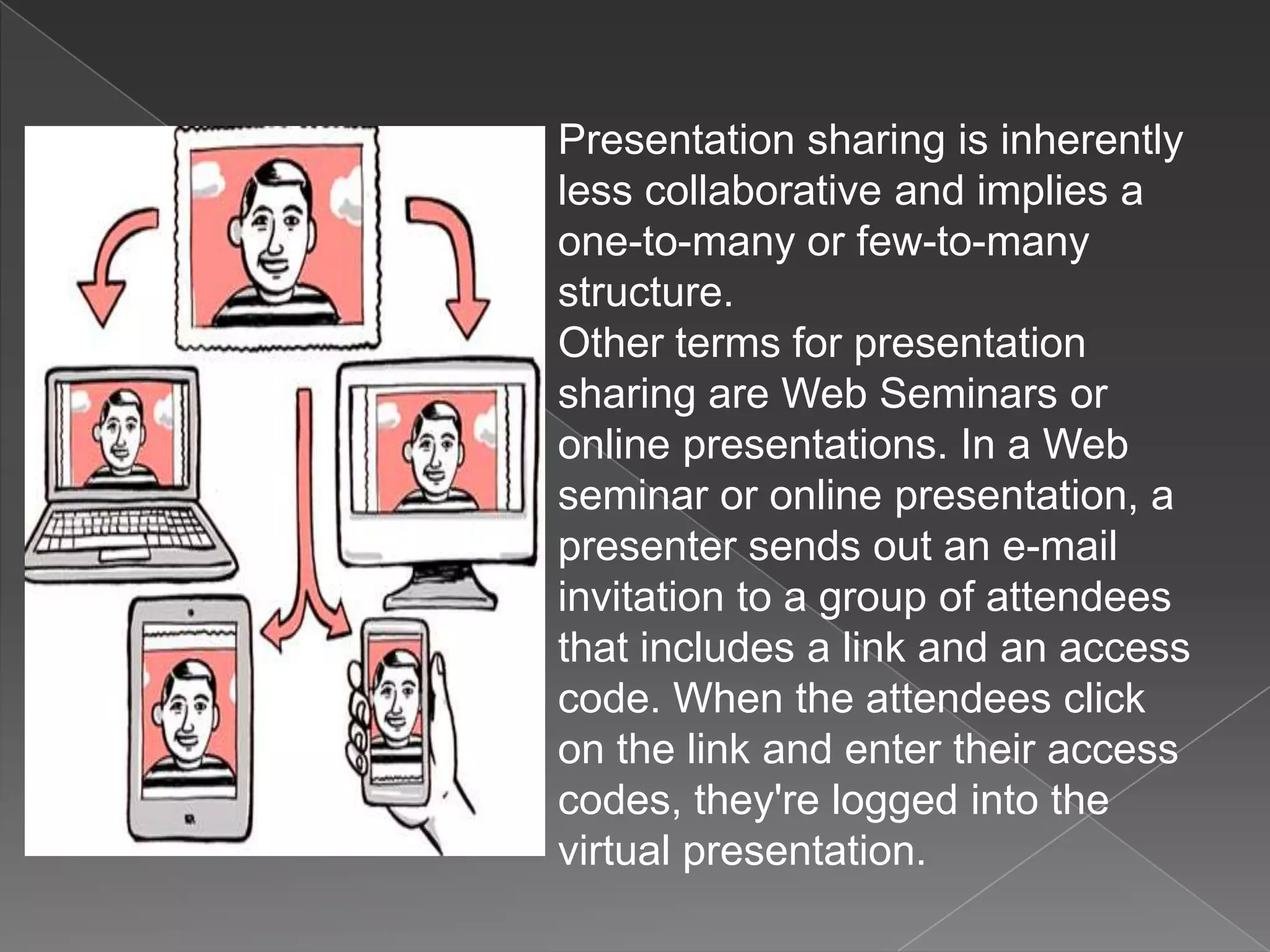
Presentation sharing is inherently
less collaborative and implies a
one-to-many or few-to-many
structure.
Other terms for presentation
sharing are Web Seminars or
online presentations. In a Web
seminar or online presentation, a
presenter sends out an e-mail
invitation to a group of attendees
that includes a link and an access
code. When the attendees click
on the link and enter their access
codes, they're logged into the
virtual presentation.
The way you would use this tool for
teaching
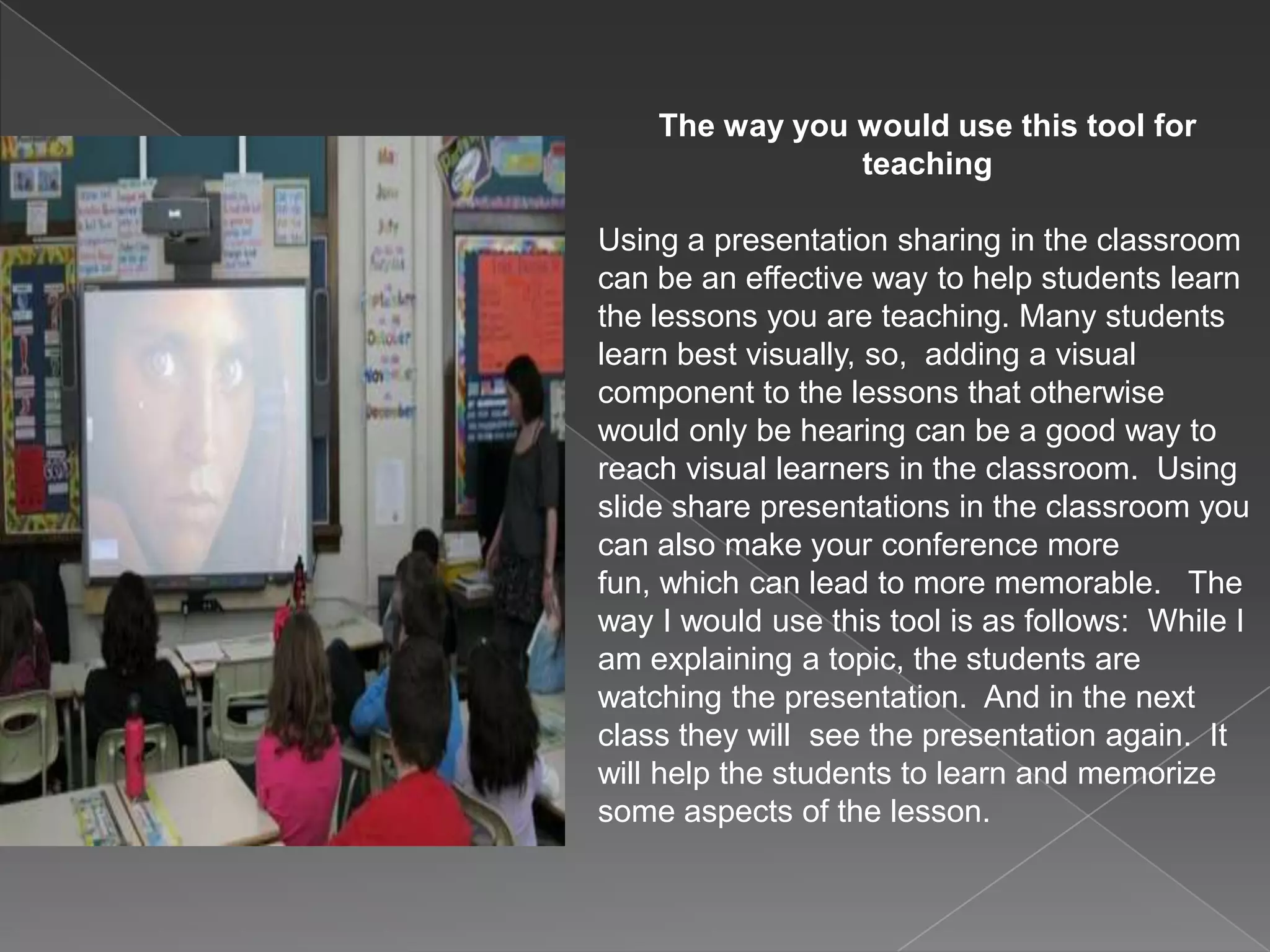
Using a presentation sharing in the classroom
can be an effective way to help students learn
the lessons you are teaching. Many students
learn best visually, so, adding a visual
component to the lessons that otherwise
would only be hearing can be a good way to
reach visual learners in the classroom. Using
slide share presentations in the classroom you
can also make your conference more
fun, which can lead to more memorable. The
way I would use this tool is as follows: While I
am explaining a topic, the students are
watching the presentation. And in the next
class they will see the presentation again. It
will help the students to learn and memorize
some aspects of the lesson.
The importance of this tool
•The student s necessity of becoming familiar with
the computer.
•Being able to share and re-observe the work done
•For the teacher, the computer is an instrument able
to reveal, step by step, the intellectual progress of
the student.
•Undoubtedly, schools with Network have endless
possibilities to achieve better meaningful learning.
The use of computers brings knowledge, develop
skills and increase the skills of the students.

Tool pres share

  • 1.
    Presentation Sharing María AngélicaMoreno Group 551021 Paipa, 2014 Materials Design for Virtual Environments Collaborative Work Unit 1
  • 2.
    Presentation Sharing Another usefulapplication of desktop sharing technology is presentation sharing. Like remote login and real-time collaboration, presentation sharing uses the same technology as basic desktop sharing. In presentation sharing, the presenter shares his or her desktop with a group of remote users to show a PowerPoint presentation or a Flash demonstration, to display photos or screen a video
  • 3.
    Presentation sharing isinherently less collaborative and implies a one-to-many or few-to-many structure. Other terms for presentation sharing are Web Seminars or online presentations. In a Web seminar or online presentation, a presenter sends out an e-mail invitation to a group of attendees that includes a link and an access code. When the attendees click on the link and enter their access codes, they're logged into the virtual presentation.
  • 4.
    The way youwould use this tool for teaching Using a presentation sharing in the classroom can be an effective way to help students learn the lessons you are teaching. Many students learn best visually, so, adding a visual component to the lessons that otherwise would only be hearing can be a good way to reach visual learners in the classroom. Using slide share presentations in the classroom you can also make your conference more fun, which can lead to more memorable. The way I would use this tool is as follows: While I am explaining a topic, the students are watching the presentation. And in the next class they will see the presentation again. It will help the students to learn and memorize some aspects of the lesson.
  • 5.
    The importance ofthis tool •The student s necessity of becoming familiar with the computer. •Being able to share and re-observe the work done •For the teacher, the computer is an instrument able to reveal, step by step, the intellectual progress of the student. •Undoubtedly, schools with Network have endless possibilities to achieve better meaningful learning. The use of computers brings knowledge, develop skills and increase the skills of the students.