

- PowerPoint is a widely used presentation software that originated in business but is now common in education, though its use remains controversial.
- When used appropriately, PowerPoint can enhance teaching and learning by facilitating well-structured presentations that incorporate different media types to appeal to various learning styles.
- However, PowerPoint is often misused by including excessive text and details on slides, relying too heavily on bullet points rather than engaging delivery, and not properly preparing students in its effective use. Presentations should focus on pedagogy over passive knowledge transmission.
• Appropriate useof PowerPoint can enhance the teaching
and learning experience for both staff and students
• It provides encouragement and support to staff by
facilitating the structuring of a presentation in a
professional manner.
• By careful mixing of media, a presentation can appeal to a
number of different learning styles and be made more
stimulating.
5.
• • Theelectronic file format allows distribution and
modification for/by students unable to be present or who
have impaired visual or auditory difficulties.
• Editing of each PowerPoint file is very easy with minimal
associated reprinting costs.
• The printing of handouts in a variety of formats is
facilitated with a number of embedded options to print
either the slides themselves (useful if there are graphics
involved) or the text from the slides (outlines).
6.
• Extra informationcan be ‘hidden’ within files for
answering predicted questions or for providing feedback to
students using the file in a distance learning context.
• The portability of the files, especially on compact disks
(CDs) with their large capacity, allows presentations to be
given wherever the technology is available or distributed
where appropriate.
• delivering automatedinstructional protocols in laboratory
sessions
• gathering the outcomes of discussions and polls during
class activities
• providing tests and options for consideration during class
sessions
• question and answer sessions
11.
• interacting withweb sites and information
• provision of self-study sessions with feedback after the
class activity e.g. Mottley (2003)
• requiring student presentations (group or individual)
• building complex visuals, with or without animation
• Plan yourpresentation structure carefully and according to
the general rules of presentations.
• Know the level at which the presentation is aimed and
develop the content for this level
• Do not present too much textual material on each slide
and avoid simply reading out what is on the slide
14.
• Make surethat you speak at a normal pace and do not
allow the use of PowerPoint to deliver material too quickly
• Utilize the visual and other media opportunities offered to
enhance your presentation whenever possible
• Try toavoid using red and green combinations for
emphasis
• Remember that a picture can be worth a thousand words
(Beakes, 2003)
• Try to avoid having more than 6 lines of text per slide and
make them primarily headings or subheadings.
17.
• Consider introducinglines of text one at a time, dimming
the previous lines as the new line is introduced
• Standardize on a form of animated text entry that is
straightforward
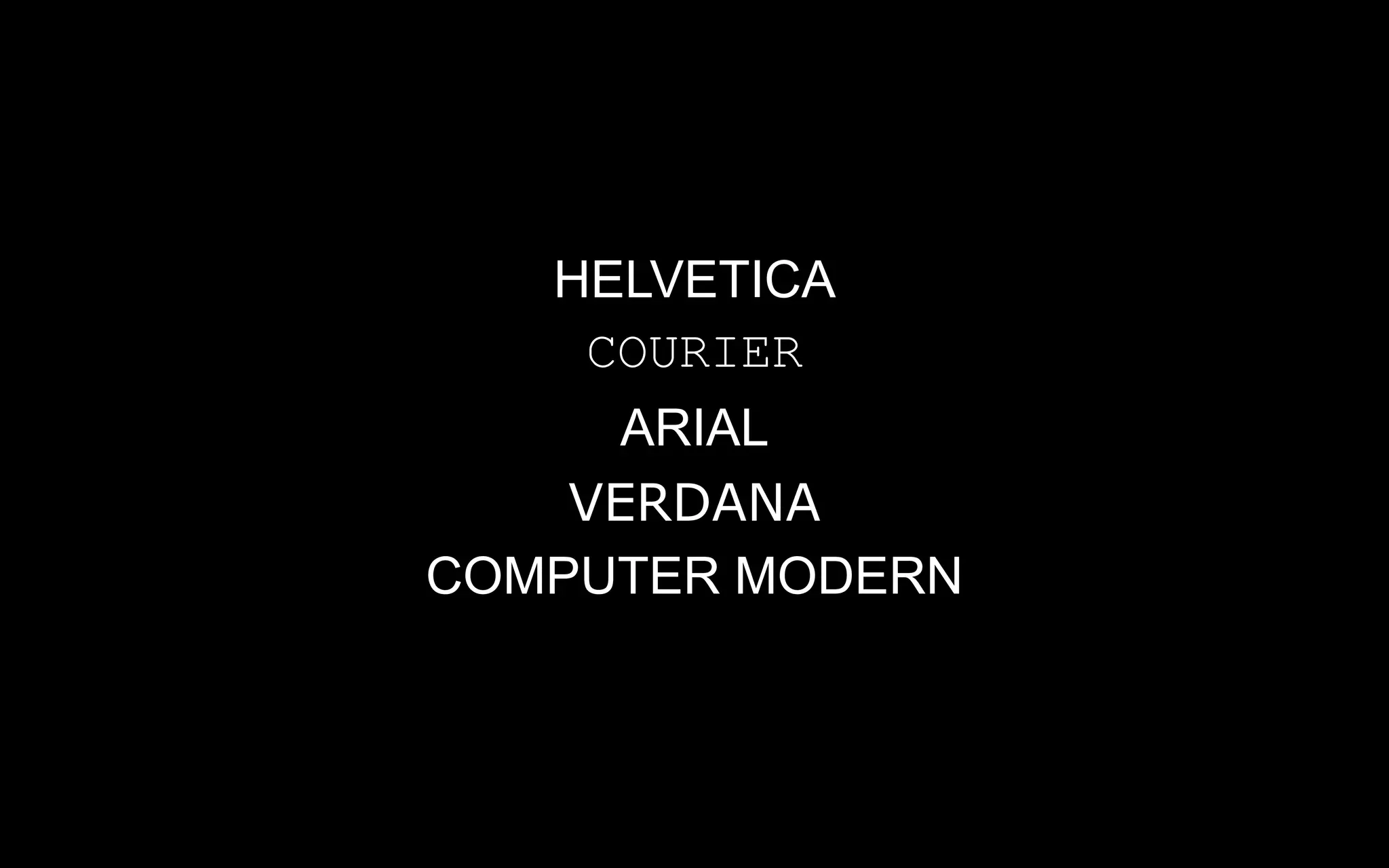
• Use a Sans Serif font such as Arial rather than a Serif font
such as Times New Roman
• Do notuse more than two text colors in a presentation
unless there are particular reasons for doing so.
• Consider whether to use a dark or a light background for
the presentation.
• Bear in mind that students with dyslexia often find high
contrast between text and background (such as black text
on white background) very difficult to read.
20.
The use andabuse of PowerPoint in
Teaching and Learning
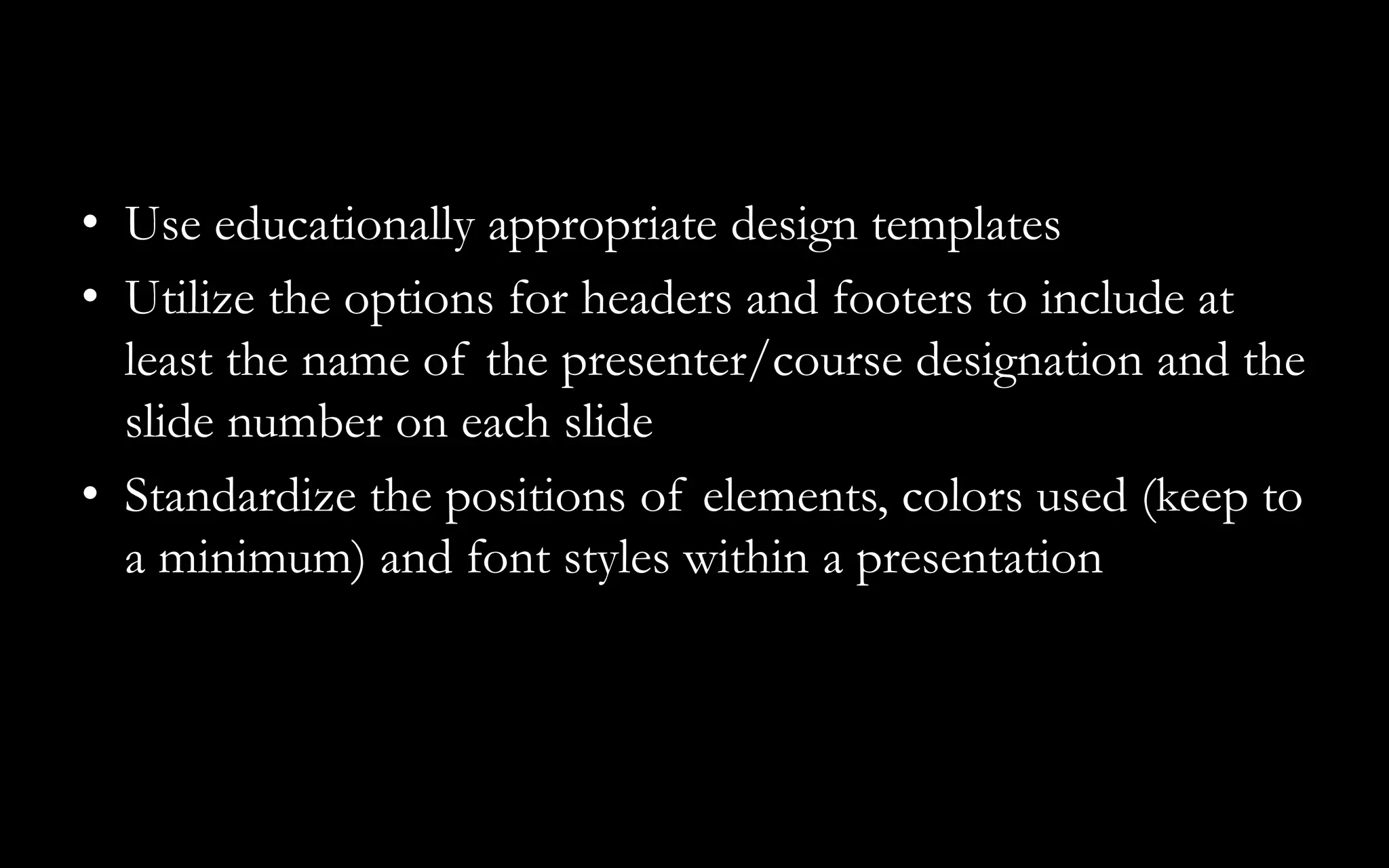
• Use educationallyappropriate design templates
• Utilize the options for headers and footers to include at
least the name of the presenter/course designation and the
slide number on each slide
• Standardize the positions of elements, colors used (keep to
a minimum) and font styles within a presentation
25.
• Include onlynecessary information
• Be consistent and minimalist with effects, transitions and
animation
• Do not use too many slides
• Provide good contextual material during the introduction
and make sure that you have time to conclude the session
appropriately
26.
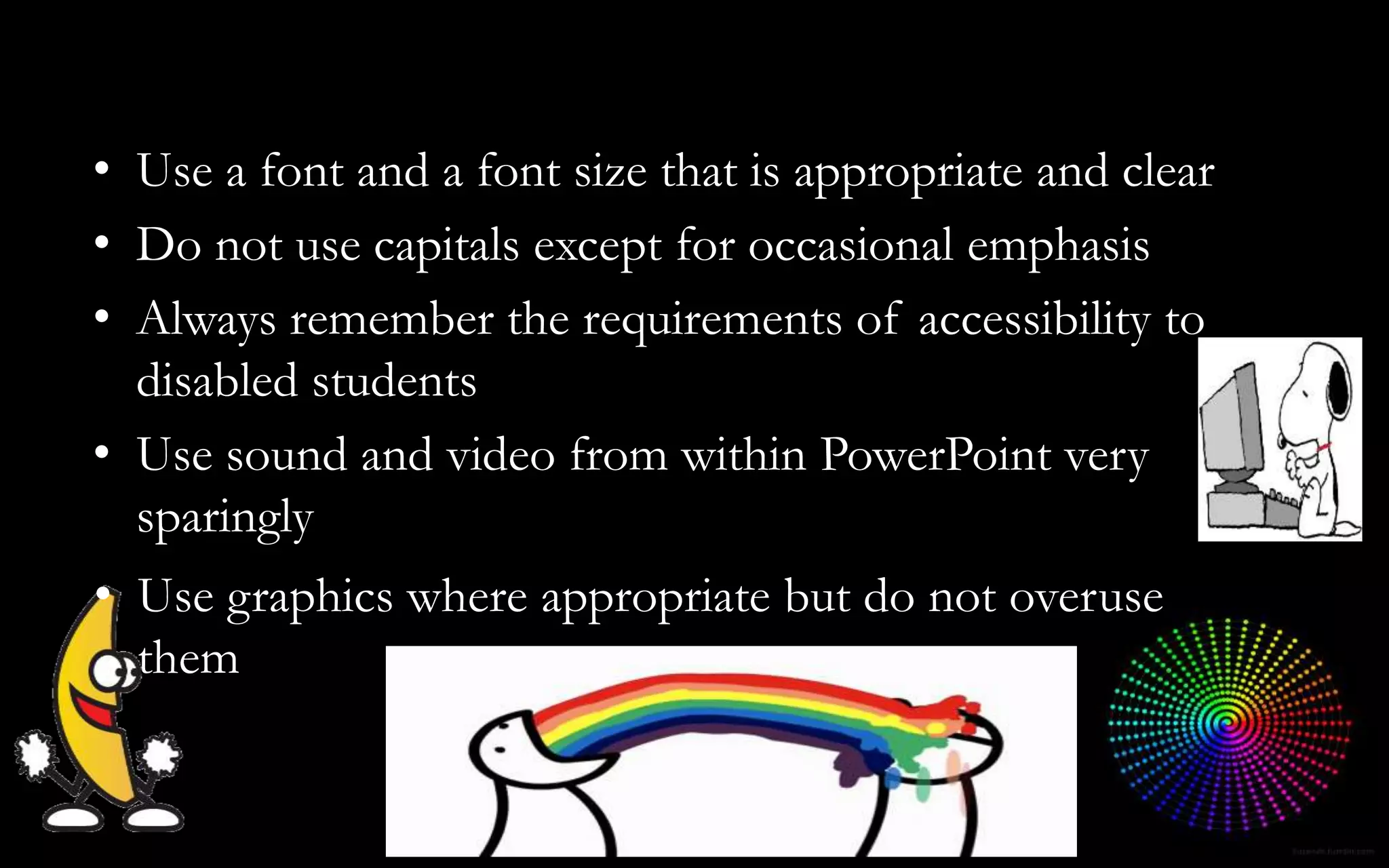
• Use graphicswhere appropriate but do not overuse
them
• Use a font and a font size that is appropriate and clear
• Do not use capitals except for occasional emphasis
• Always remember the requirements of accessibility to
disabled students
• Use sound and video from within PowerPoint very
sparingly
• Including excessivedetail
• Slides are visually poor and/or boring or even over the top
• Too much text is put on a slide detracting from its
legibility.
• Excessive use of graphics– just because you can!
• Irritating noises and slide transitions.
29.
• Inappropriate useof multimedia options.
• Content often unmodified from an earlier non-PowerPoint
presentation
• Tendency to go too fast is common simply because of the
ease of delivery of the material
• Not making plans for coping in event of technological
failure
This raises thethorny issue of whether or not students
should have access to the PowerPoint files that are used in
teaching sessions and if so, when should they have access
and should they be modified versions.
32.
There will alwaysbe individual differences of opinion e.g.
whether or not one should provide the full slide or just the
outline text, with specific graphics where needed, but a
degree of consistency will benefit both staff and students in
the long term. The key questions seem to be:
33.
• Do weprovide slide or text basis handouts: if slide based,
should the full slides be made available or a selected and
modified subset to encourage note-taking?
• If text-based, should they be modified as .rtf or .doc word
processor files to facilitate student use in extending the
notes and adding materials?
34.
• Should text-basednotes be developed further to include
further information, activities and quizzes?
• Who should bear the cost of the handouts?
• Who will provide the student training needed to make
sure that they understand how best to use these handout
materials/files for optimal results in terms of both content
and cost?
• PowerPoint isan excellent aid to presentations providing
each presentation is considered first from a pedagogical
viewpoint, bearing in mind the different ways in which
students learn and largely trying to avoid the pitfalls of
passive knowledge transmission.
37.
• When usedappropriately, it does encourage staff, for the
sake of a relatively shallow learning-curve, to improve the
professionalism and quality of their didactic sessions and
facilitates the development and evolution of more
interactive and flexible practices.
38.
• Use PowerPointto provide a transparently structured
presentation and associated handouts – but don’t include
too much detail. Encourage annotation of any derived
handouts by students. Consider providing access to files in
advance of sessions and encourage preparative viewing,
reading, and then annotation of handouts by the students
during presentations; this should be in the context of
learning to prepare before coming to particular classes
rather than only reading material afterwards.
REFERENCES
• BEE-j Volume2: November 2003
http://bio.ltsn.ac.uk/journal/voln/beej-2-3.pdf
• Essay The use and abuse of PowerPoint in Teaching and
Learning in the Life Sciences: A Personal Overview
• ALLAN M JONES
• Life Sciences Teaching Unit, Old Medical School,
University of Dundee, Dundee, DD1 4HN, UK
• Date received: 18/07/03 Date accepted:18/08/03
41.
• References Beakes,G. (2003) A Picture is Worth a Thousand Words. A Personal View of Using Images
in the Teaching of the Biological Sciences. BEE-j, 1 (1), 15pp at http://bio.ltsn.ac.uk/journal/vol1/beej-
1-3.htm
• Forsyth, I., Jolliffe, A. & Stevens, D. (1995) Delivering a Course. London, Kogan Page, 93pp
• Jackson, S.F. (1997) The use of PowerPoint in Teaching Comparative Politics.
http://horizon.unc.edu/ts/featured/1997-05a.asp. Last accessed 19/5/00
• Lowry, R. (2003) Through the bottleneck. ILTHE Newsletter 11, Summer 2003,p9.
• McCarthy, P. & Hatcher, C. (2002) Presentation Skills. London; Sage Publications, 267pp
• Maier, P., Barnett, L., Warren, A. & Brunner, D. (1998) Using Technology in Teaching and Learning.
London, Kogan Page,132pp
• Mills, R. (2003) Using PowerPoint for Learning and Teaching. LTSN Bioscience Bulletin, 8, Spring 2003,
p7.
• Mottley, J. (2003) Developing self-study materials with PowerPoint. LTSN Bioscience Bulletin, 9, Summer
2003, p9.
• BEE-j Volume 2: November 2003 http://bio.ltsn.ac.uk/journal/voln/beej-2-3.pdf
• Prescott, A & Oduyemi, K (2003) PowerPoint presentations by students. ILTHE Newsletter 11, Summer
2003, p14.
• Race, P. (1999) 2000 Tips for Lecturers. London; Kogan Page, 264pp
• Szabo, A. & Hastings, N. (2000) Using IT in the undergraduate classroom: should we replace the
blackboard with PowerPoint? Computers and Education, 35, 175 – 187 Wempen, F. (1999) Microsoft
PowerPoint 2000 Bible. Foster City, California; IDG Books Worldwide, Inc.