LSBG Vårseminar, maj 2011 Larvik, Norge Plug yourself in and your applications will never be the same! (An introduction to plugin development for Lotus Notes, Domino and Sametime)
About me Developer: Notes / Domino / Sametime / Java / DB2 / WebSphere / web / plug-ins
Design Partner for Domino NEXT and Lotus Connections 3.0
Active blogger: lekkimworld.com
Speaker at Lotusphere
Articles for THE VIEW
E-mail: mh@intravision.dk
.com/lekkim
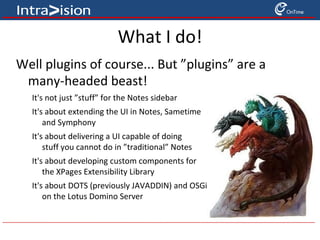
What I do! Well plugins of course... But ”plugins” are a many-headed beast! It's not just ”stuff” for the Notes sidebar
It's about extending the UI in Notes, Sametime  and Symphony
It's about delivering a UI capable of doing  stuff you cannot do in ”traditional” Notes
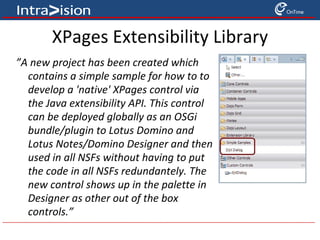
It's about developing custom components for  the XPages Extensibility Library
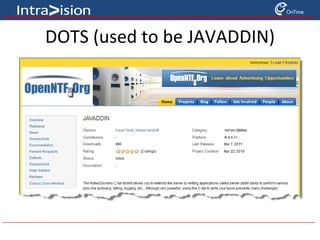
It's about DOTS (previously JAVADDIN) and OSGi  on the Lotus Domino Server
Why I do it! Plugin development is often about integration You often build extensions to existing applications to add functionality
Eclipse and therefore Expeditor, Notes, Symphony, and Sametime, are built to allow for extensibility Plugin development has several advantages Java Mature
Well Adopted
Multi-platform
Libraries Eclipse Community Web Services
Web Applications
Database Integrations
etc....
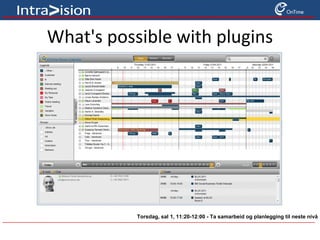
What's possible with plugins Torsdag, sal 1, 11:20-12:00 - Ta samarbeid og planlegging til neste nivå
RedWiki for plugin development Lotus Notes and Domino Application Development wiki / IBM Redbook Publications http://www-10.lotus.com/ldd/ddwiki.nsf/dx/Table_of_Contents_Developing_Customized_Components_for_Lotus_Notes_Sametime_and_Symphony
...or use the bit.ly link >> http://bit.ly/pluginredwiki
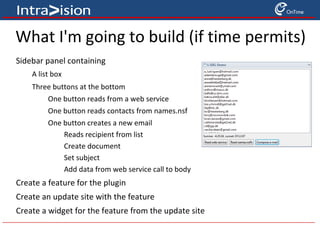
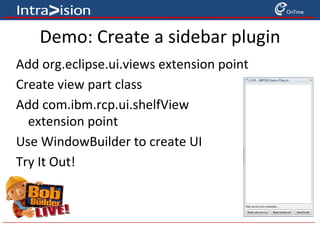
What I'm going to build (if time permits) Sidebar panel containing A list box
Three buttons at the bottom One button reads from a web service
One button reads contacts from names.nsf
One button creates a new email Reads recipient from list
Create document
Set subject
Add data from web service call to body Create a feature for the plugin
Create an update site with the feature
Create a widget for the feature from the update site
Agenda About Eclipse and Lotus Expeditor Toolkit
Installing Lotus Expeditor Toolkit
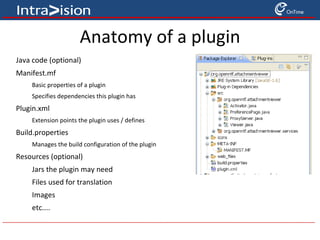
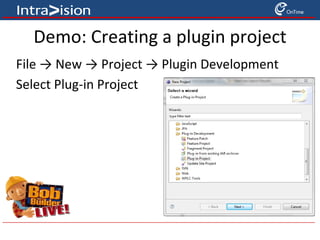
Plugin Development Basics
Building UI's  with SWT and JFace
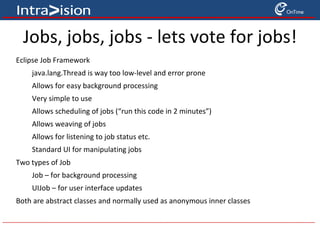
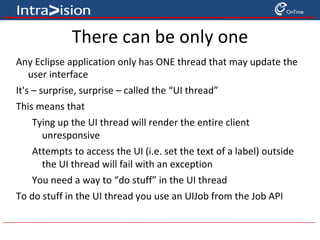
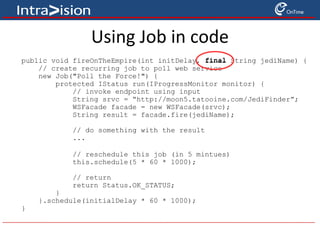
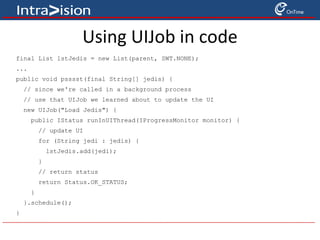
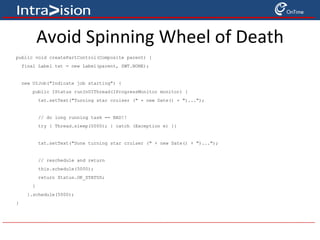
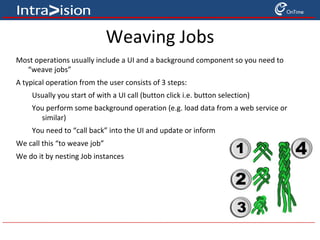
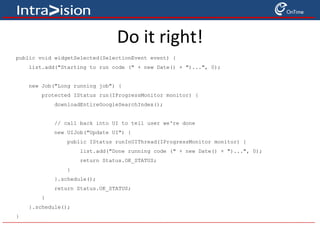
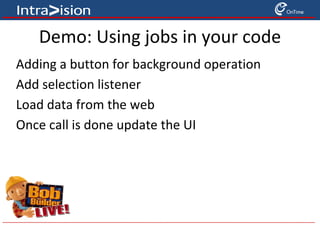
Jobs, Jobs, Jobs
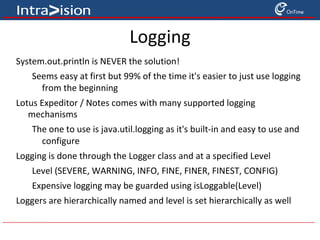
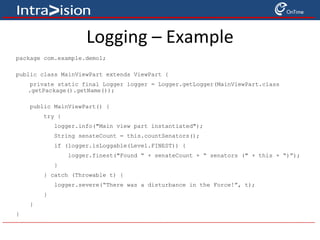
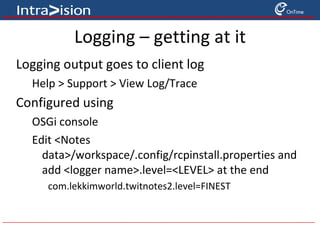
Logging
APIs
Debugging
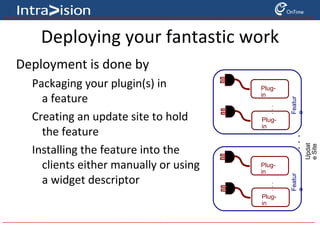
Deployment
Resources / Q&A
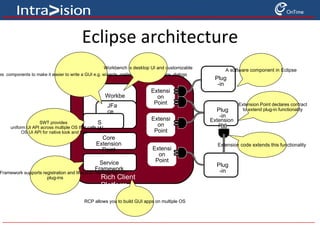
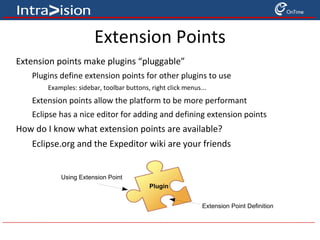
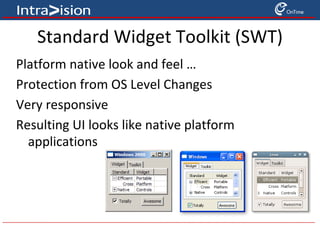
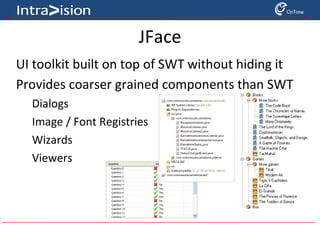
Eclipse architecture Workbench JFace SWT Core Extension Point Framework Service Framework Rich Client Platform Plug-in Plug-in Extension Pt. Plug-in Extension Point Extension Point Extension Point A software component in Eclipse Extension Point declares contract to extend plug-in functionality Extension code extends this functionality RCP allows you to build GUI apps on multiple OS SWT provides  uniform UI API across multiple OS that calls  OS UI API for native look and feel JFace provides  components to make it easier to write a GUI e.g. wizards, preference pages, actions, dialogs  Workbench is desktop UI and customizable Service Framework supports registration and lifecycle management of  plug-ins
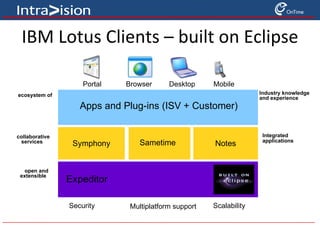
IBM Lotus Clients – built on Eclipse Sametime Expeditor Apps and Plug-ins (ISV + Customer) Notes Symphony Industry knowledge  and experience ecosystem of  partners open and  extensible collaborative services Integrated applications Portal Browser Desktop Mobile Multiplatform support Scalability Security
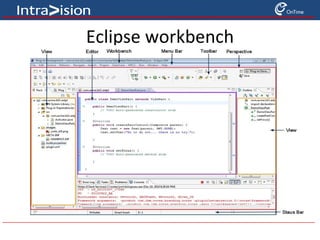
Eclipse workbench
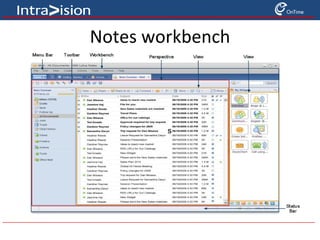
Notes workbench s
Lotus Expeditor (XPD) Toolkit An integrated set of tools to develop, test, and deploy applications built on top of Expeditor Supports Expeditor, Sametime, Notes and Symphony
FREE! No charge to use the Expeditor toolkit
Supported on Windows and Linux operating systems Benefits Of Using The Toolkit Easily configure your development environment to develop for the platforms above Takes ~ 1 minute to configure your environment Set your target environment
Point to the target locations on your machine Provides a new launcher to launch products built on top of Expeditor Create a new launch configuration to launch the application from Eclipse Provides numerous samples to get your started developing for Expeditor based products
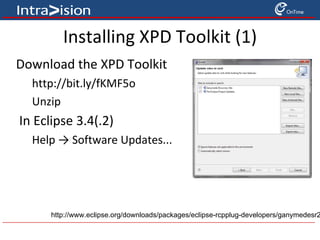
Installing XPD Toolkit (1) Download the XPD Toolkit http://bit.ly/fKMF5o
Unzip In Eclipse 3.4(.2) Help -> Software Updates... http://www.eclipse.org/downloads/packages/eclipse-rcpplug-developers/ganymedesr2
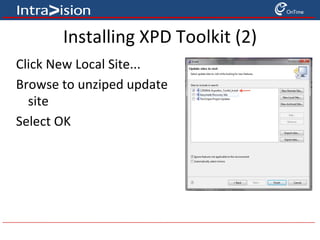
Installing XPD Toolkit (2) Click New Local Site...
Browse to unziped update  site
Select OK
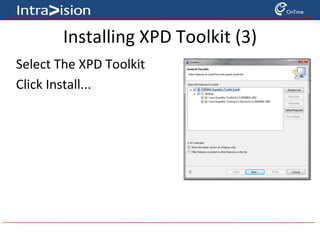
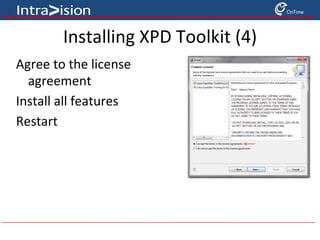
Installing XPD Toolkit (3) Select The XPD Toolkit
Click Install...

Plug yourself in and your app will never be the same (2 hour edition)