Architecting iOS Project
Massimo Oliviero
Massimo Oliviero
Freelance Software Developer
web http://www.massimooliviero.net
email massimo.oliviero@gmail.com
slide http://www.slideshare.net/MassimoOliviero
twitter @maxoly
Massimo Oliviero
http://pragmamark.org/
La prima community di sviluppatori iOS e Mac OS X in Italia.
https://www.facebook.com/groups/pragmamark/
Agenda
‣ Project, how to design Xcode project
‣ Application, how to design an iOS app
‣ Resources, links, books and videos
Source code
Kimera
A simple iOS application for educational purpose
https://github.com/maxoly/Kimera
Project
Project
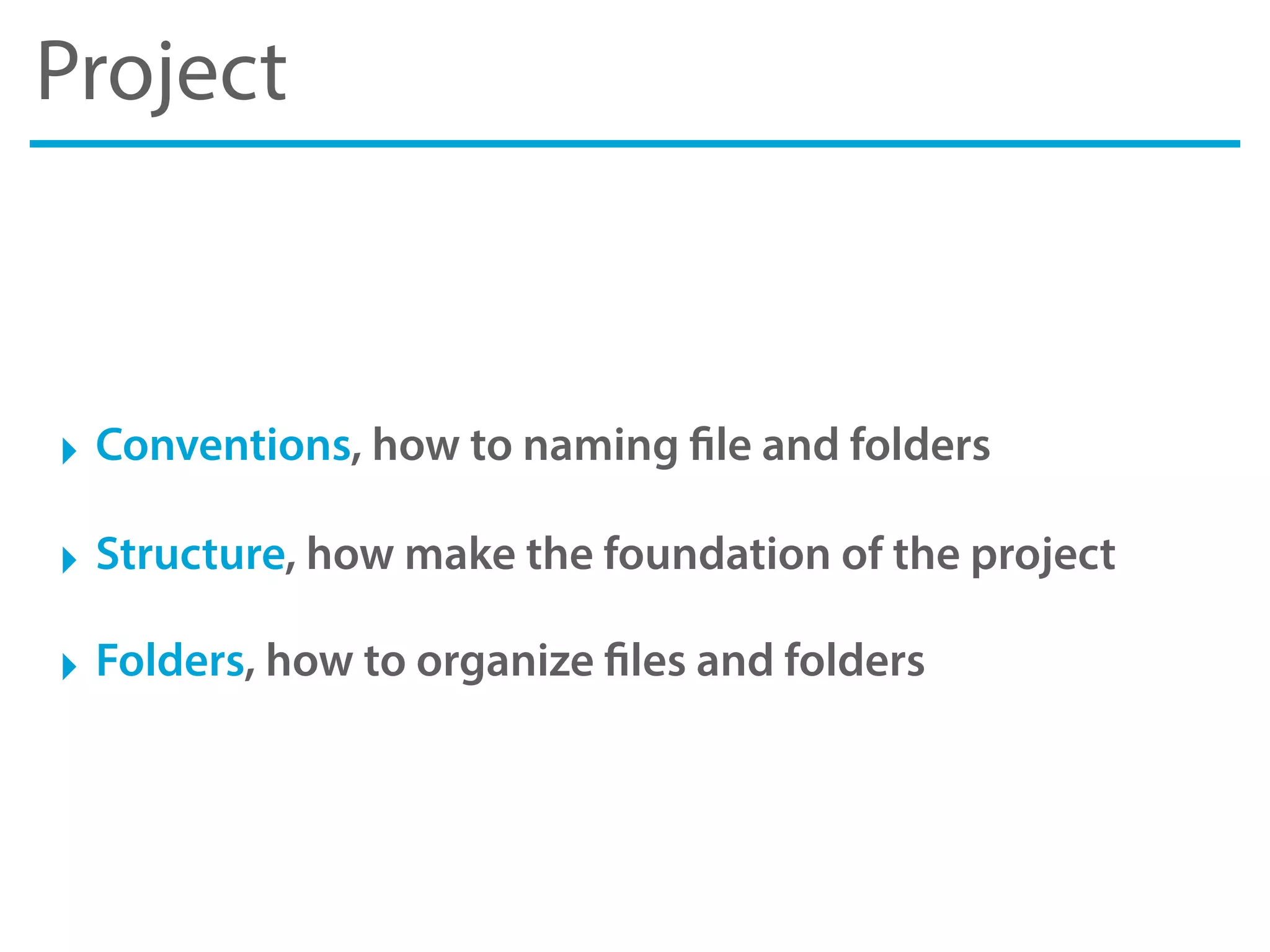
‣ Conventions, how to naming file and folders
‣ Structure, how make the foundation of the project
‣ Folders, how to organize files and folders
Conventions
Naming Conventions
‣ First establish a naming convention for all the things
for file names, class names, project names, images, etc.
‣ Use Pascal Case for files, folders and class
start with a capital letter i.e. Controllers, MyClass, BestAppEver, etc.
‣ Use Camel Case for methods, properties & variables
start with a lowercase letter i.e setFirstName:, userPassword, etc.
‣ Avoid using of acronyms and abbreviations
What the hell does it mean“usrPswdLbl”? Yuck!
Coding Conventions
‣ Choose your coding conventions & style
there are ton of conventions out there
‣ K&R Style, or Allman Indent Style
http://en.wikipedia.org/wiki/Indent_style
‣ Also read Coding Guidelines for Cocoa by Apple
http://developer.apple.com/library/mac/#documentation/Cocoa/
Conceptual/CodingGuidelines/CodingGuidelines.html
‣ But most important, choose a convention and respect it
the important thing is always be consistent in your project
Structure
Structure
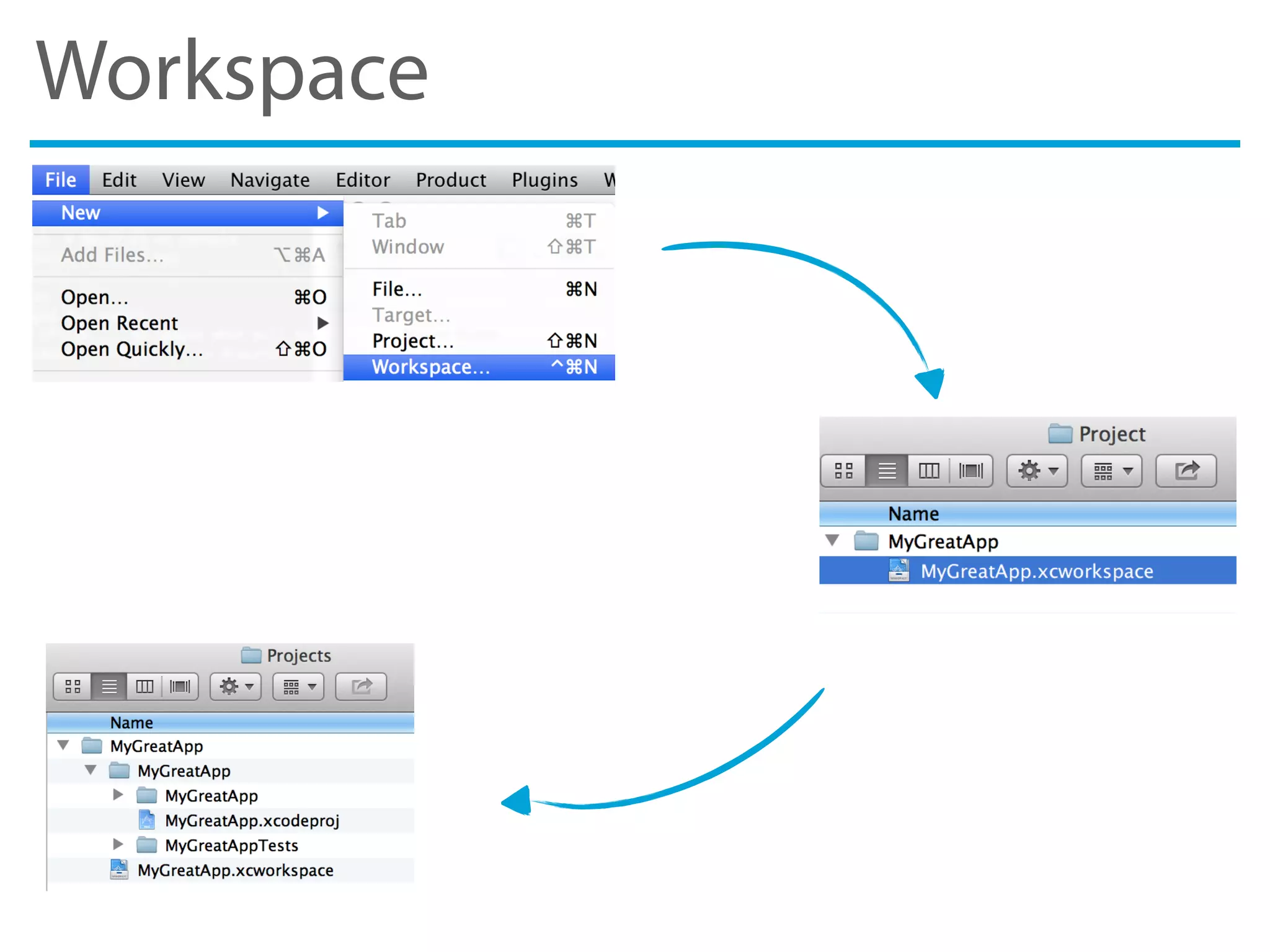
‣ Create a specific workspace
don’t let Xcode do it for you
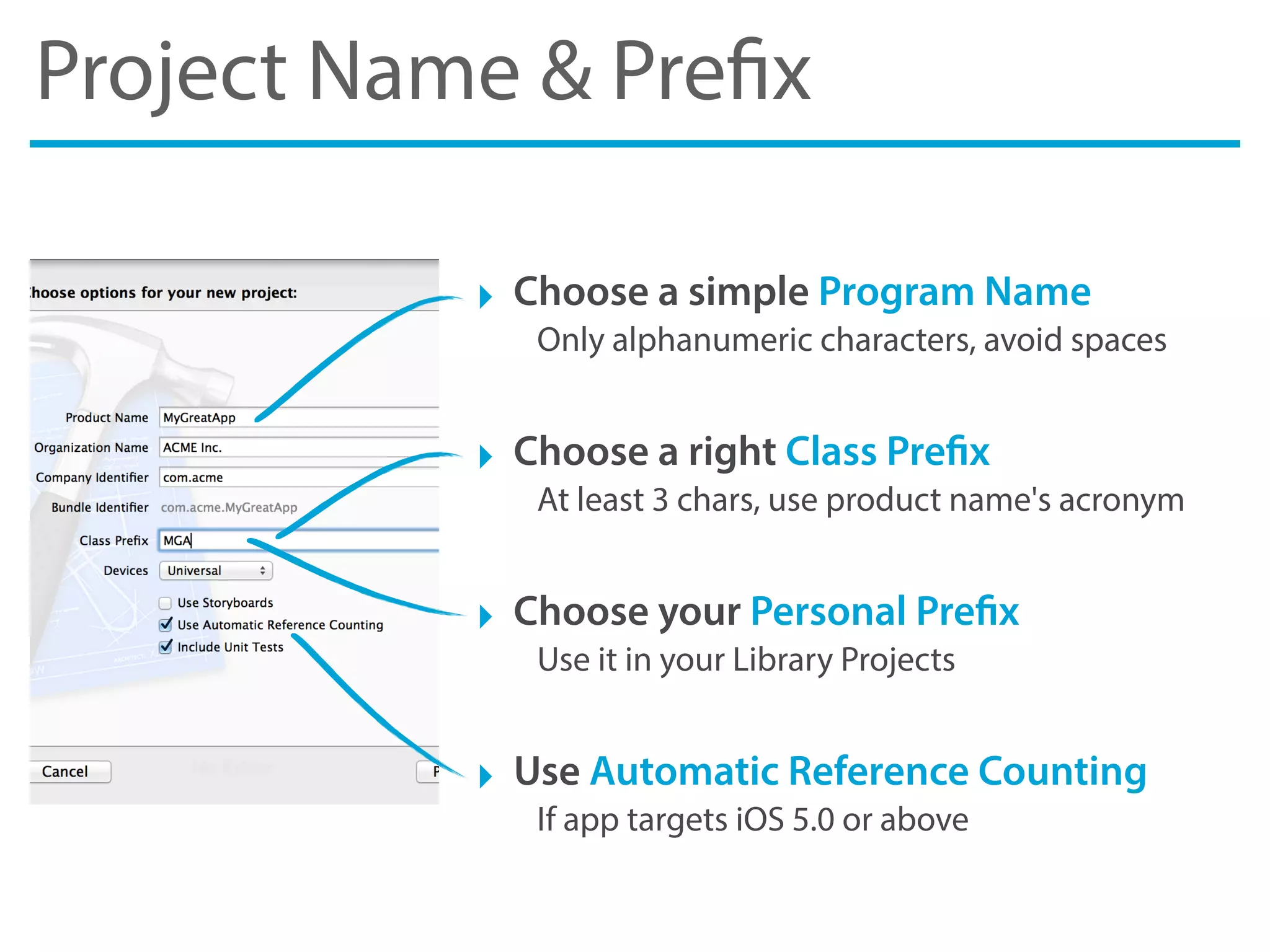
‣ Setting up projects with correct name and prefix
use simple word (only alphanumeric) and at least 3 chars for prefix
‣ Create a Build Automation to scripting common tasks
to compiling source code or to deploy artifacts with one command
Structure
‣ Create a AdHoc and AppStore Build Configuration
So you can handle configuration for different destination
‣ Configure Build Settings to improve quality
i.e. you can enable Static Analyzer or Treat Warnings as Errors
‣ Manage third-part libraries with CocoaPods
it reduces headaches of storing/managing 3rd party libraries
Workspace
Project Name & Prefix
‣ Choose a simple Program Name
Only alphanumeric characters, avoid spaces
‣ Choose a right Class Prefix
At least 3 chars, use product name's acronym
‣ Choose your Personal Prefix
Use it in your Library Projects
‣ Use Automatic Reference Counting
If app targets iOS 5.0 or above
Build Automation
‣ It’s the act of automating a wide variety of tasks
you can use build tools like Ant, Maven, Make , CMake or Rake
‣ At least you must automate Compiling and Deploying
compiling and deploying are the most common tasks for developer
‣ You can also automate Testing and Docs generation
they are useful to use in combination with a Continuous Integration
AdHoc & AppStore Configuration
‣ Use different Configurations to specialize the behavior
i.e. Code Signing Identity, Preprocessor Macros, Linker Flags, etc.
‣ Use AdHoc Configuration to deploy testing app
i.e. app for TestFlight with its own Code Signing Identity & Linker Flags
‣ Use AppStore Configuration to deploy on App Store
Duplicate Release Configuration to use the same optimizations
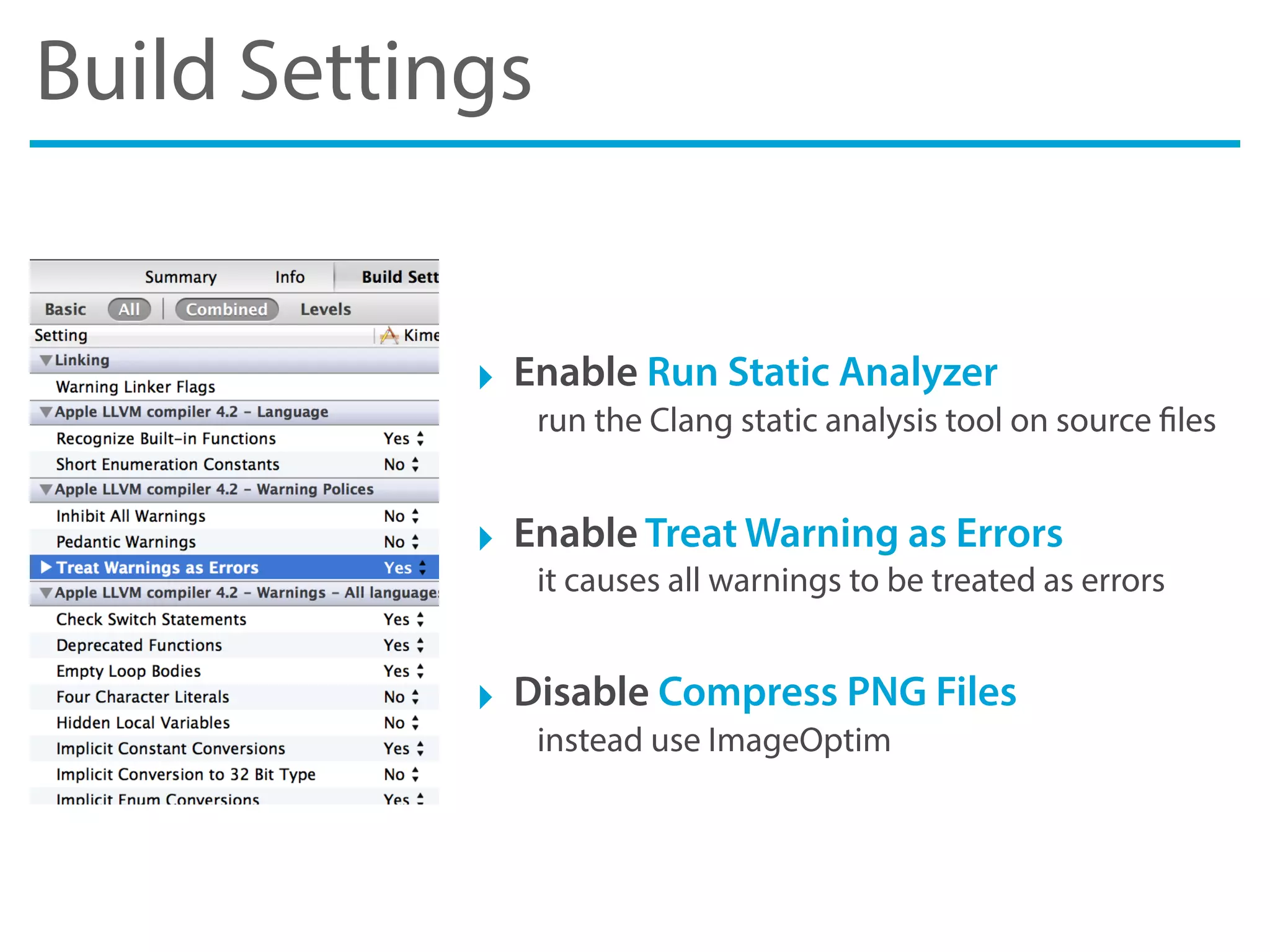
Build Settings
‣ Enable Run Static Analyzer
run the Clang static analysis tool on source files
‣ Enable Treat Warning as Errors
it causes all warnings to be treated as errors
‣ Disable Compress PNG Files
instead use ImageOptim
CocoaPods
‣ Manage third-part libraries with CocoaPods
download from http://cocoapods.org/
‣ CocoaPods manage dependency for you
it download source files, imports headers and configures flags
‣ It’s like Ruby Gem but for Objective-C!
you can search pods, install & update with one command
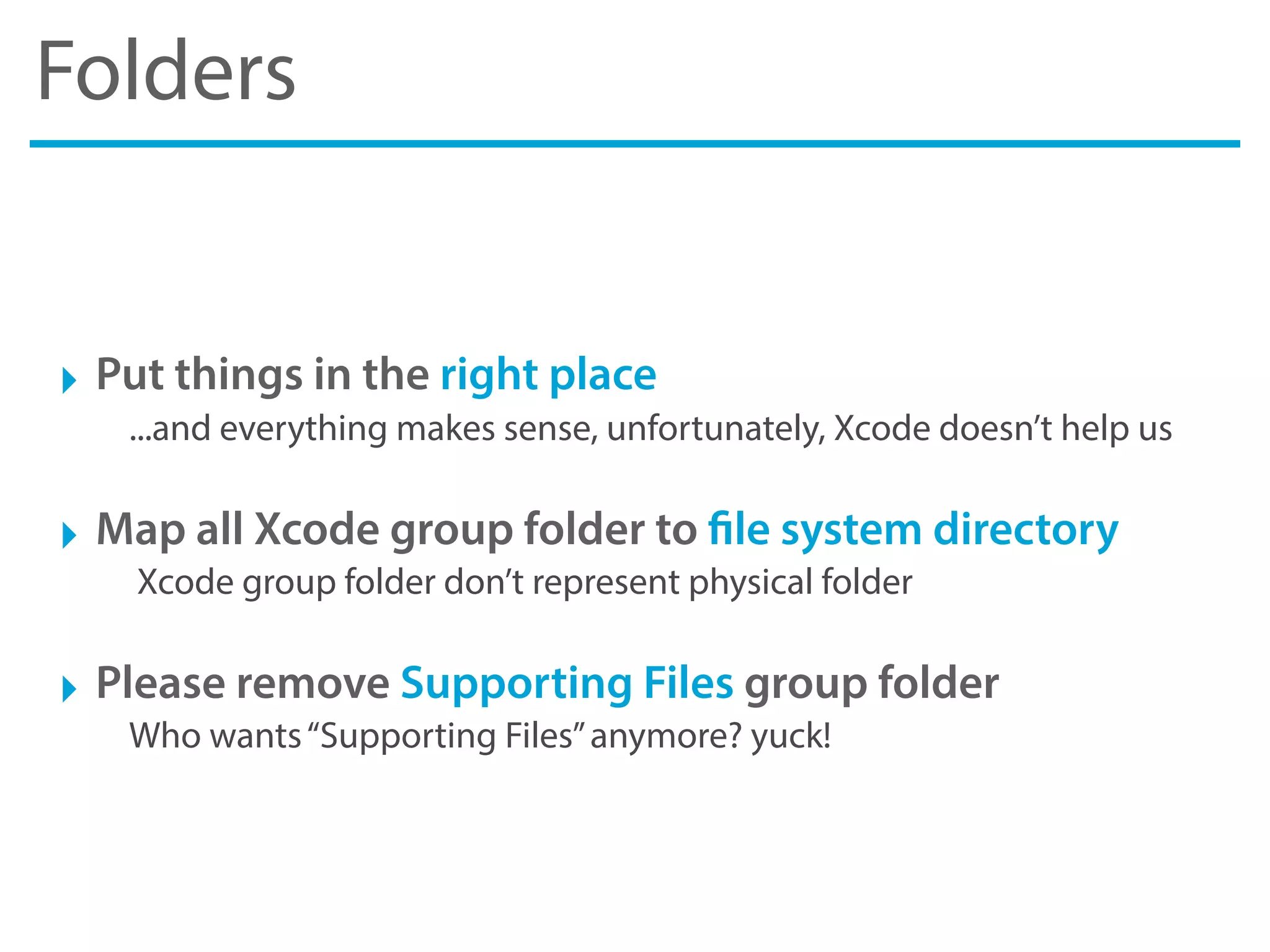
Folders
Folders
‣ Put things in the right place
...and everything makes sense, unfortunately, Xcode doesn’t help us
‣ Map all Xcode group folder to file system directory
Xcode group folder don’t represent physical folder
‣ Please remove Supporting Files group folder
Who wants“Supporting Files”anymore? yuck!
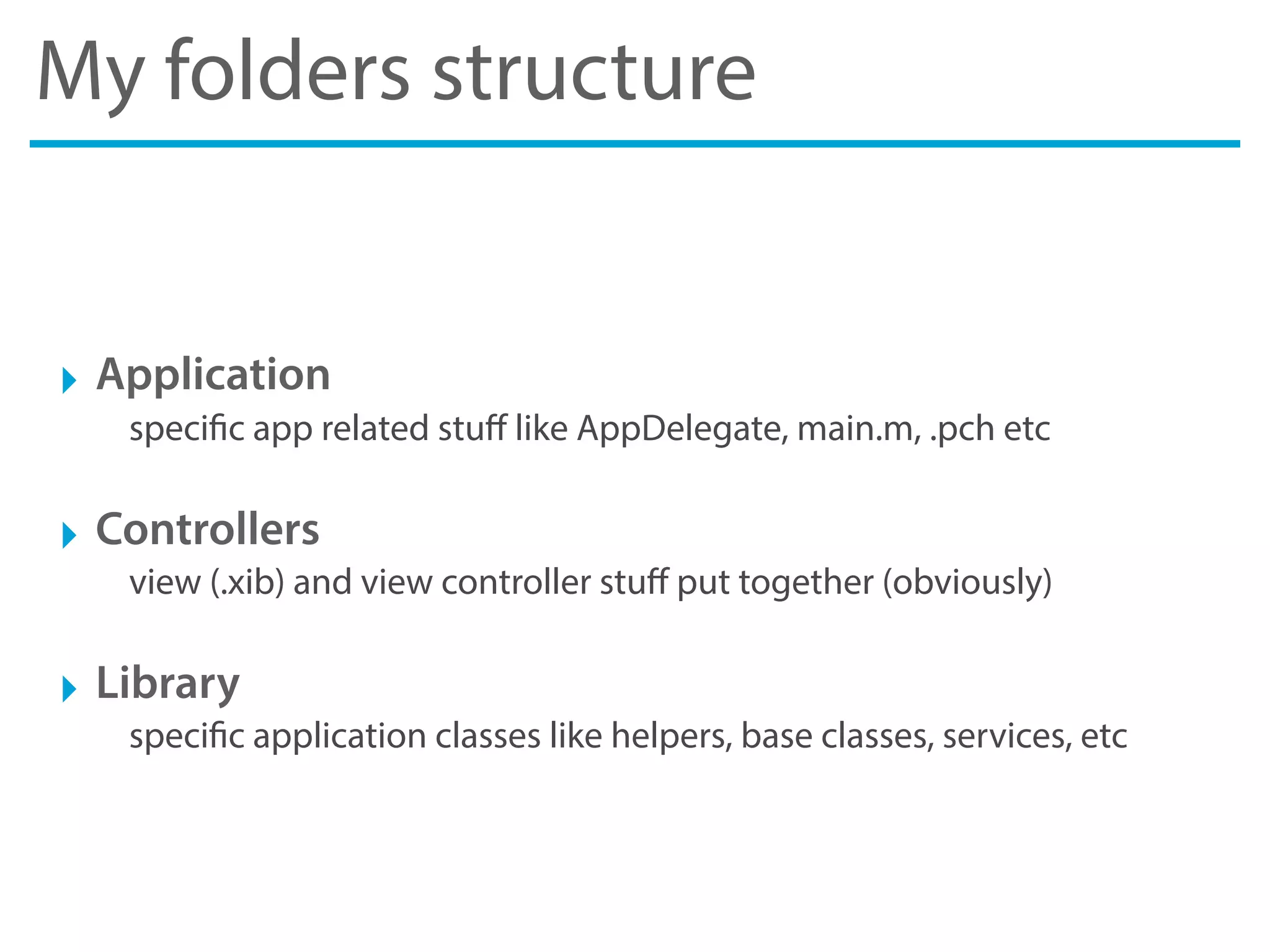
My folders structure
‣ Application
specific app related stuff like AppDelegate, main.m, .pch etc
‣ Controllers
view (.xib) and view controller stuff put together (obviously)
‣ Library
specific application classes like helpers, base classes, services, etc
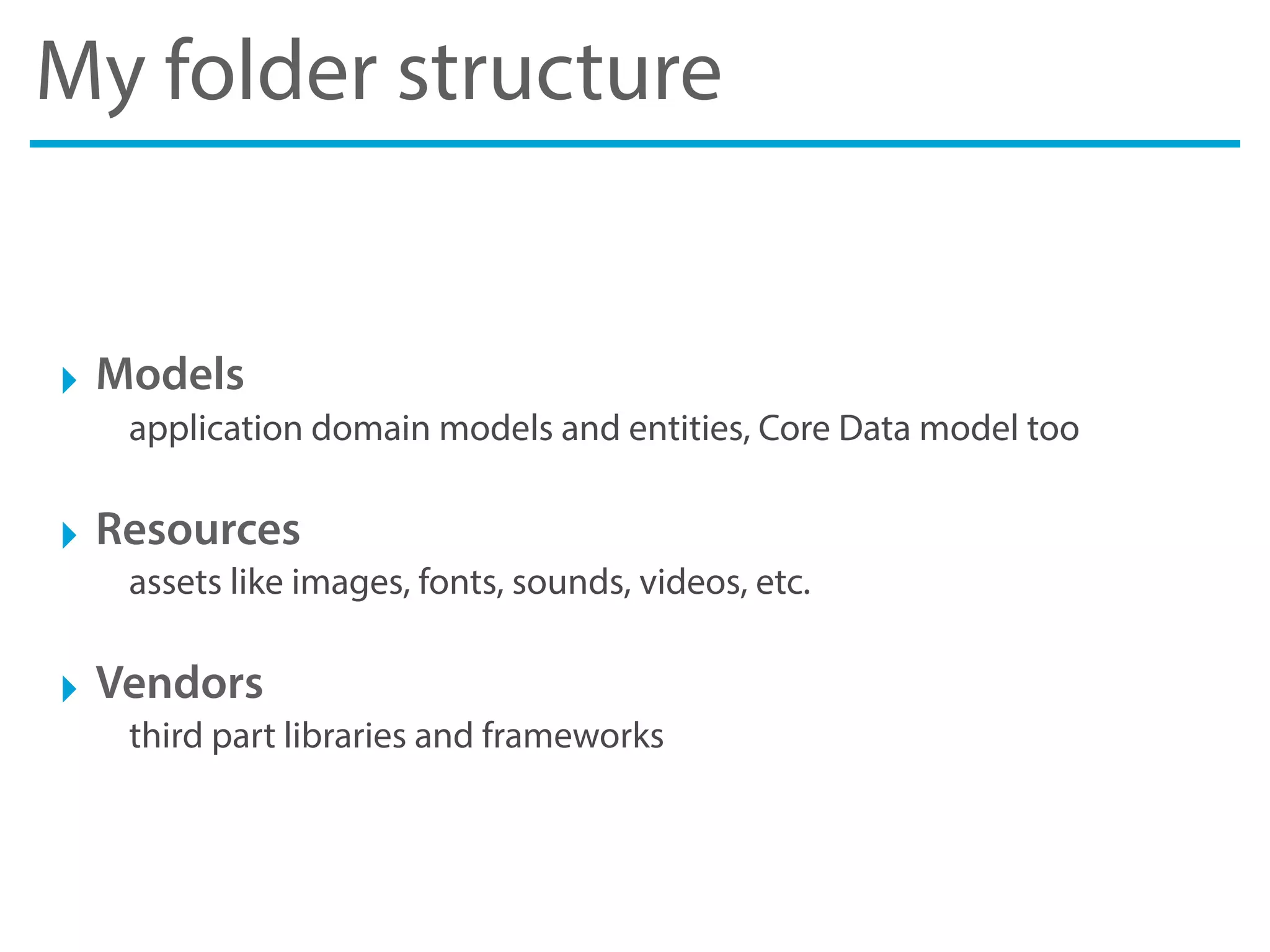
My folder structure
‣ Models
application domain models and entities, Core Data model too
‣ Resources
assets like images, fonts, sounds, videos, etc.
‣ Vendors
third part libraries and frameworks
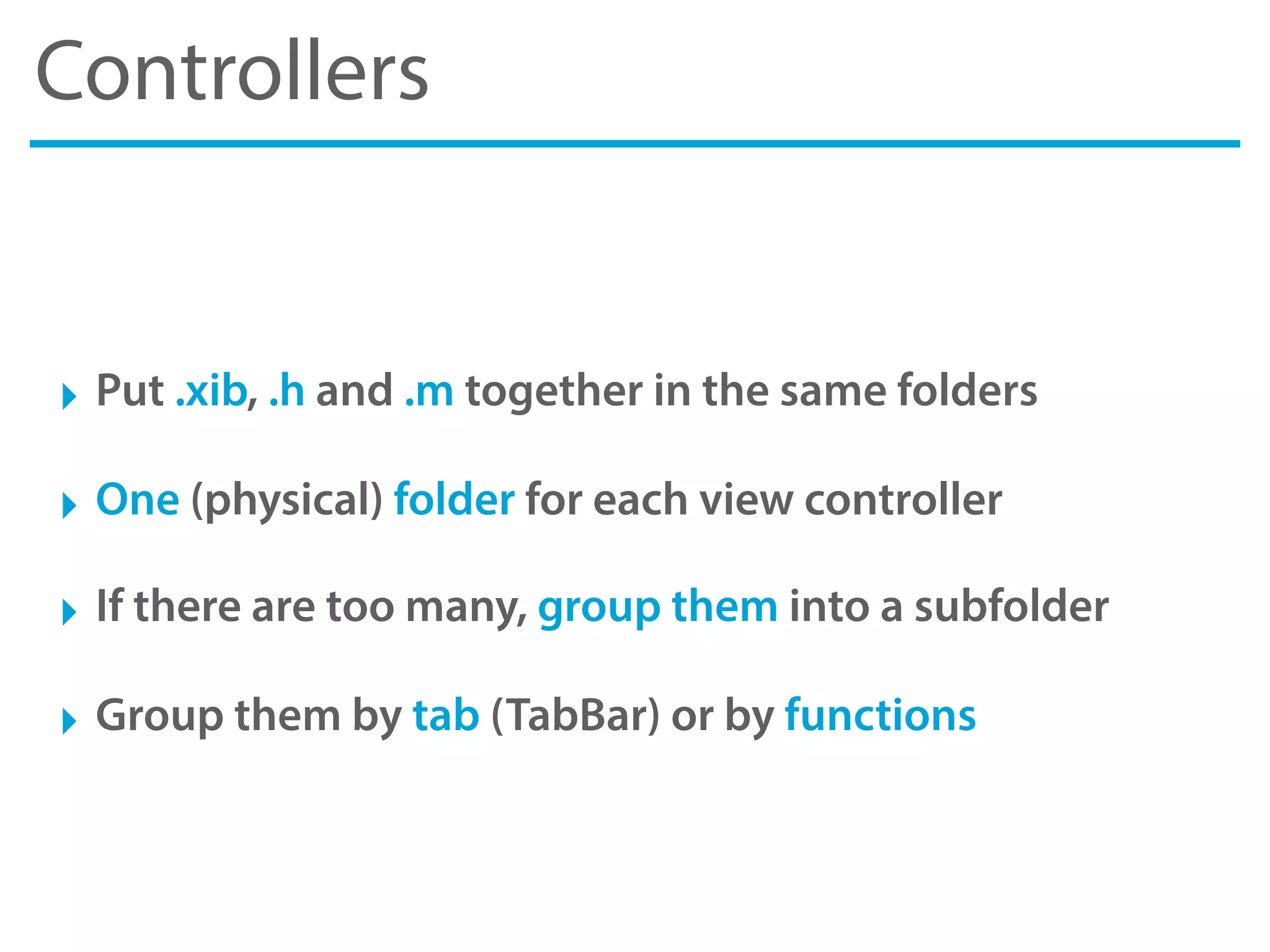
Controllers
‣ Put .xib, .h and .m together in the same folders
‣ One (physical) folder for each view controller
‣ If there are too many, group them into a subfolder
‣ Group them by tab (TabBar) or by functions
Resources
‣ One folder for each type of asset
images, fonts, sounds, videos, strings, plist, samples
‣ One subfolder for each type of image
buttons, backgrounds, logos, shapes, icons, app (splash etc.)
‣ If your app support multiple themes, create a hierarchy
themes > themes name > images, fonts, etc.
‣ Name image files based on state
“button_blue_normal.png”,“button_blue_highlighted.png”, etc.
Application
Application
‣ Design, a quick recap to design principles and patterns
‣ Layers, how to organize your app classes
‣ Compositions, a group of reusable components
‣ Best Practices, a list of useful techniques
Design
Design
‣ Typically an application is divided into layers
A layer is a black box with a contract that define an input and output
‣ To increase the cohesion and decoupling of the software
The layers, if well designed, help to decouple and increase the cohesion
‣ Cohesion indicates strongly related software module
it would be a subroutine, class or library with common responsibilities
‣ Coupling measure the level of dependency
between two software module, such as classes, functions or library
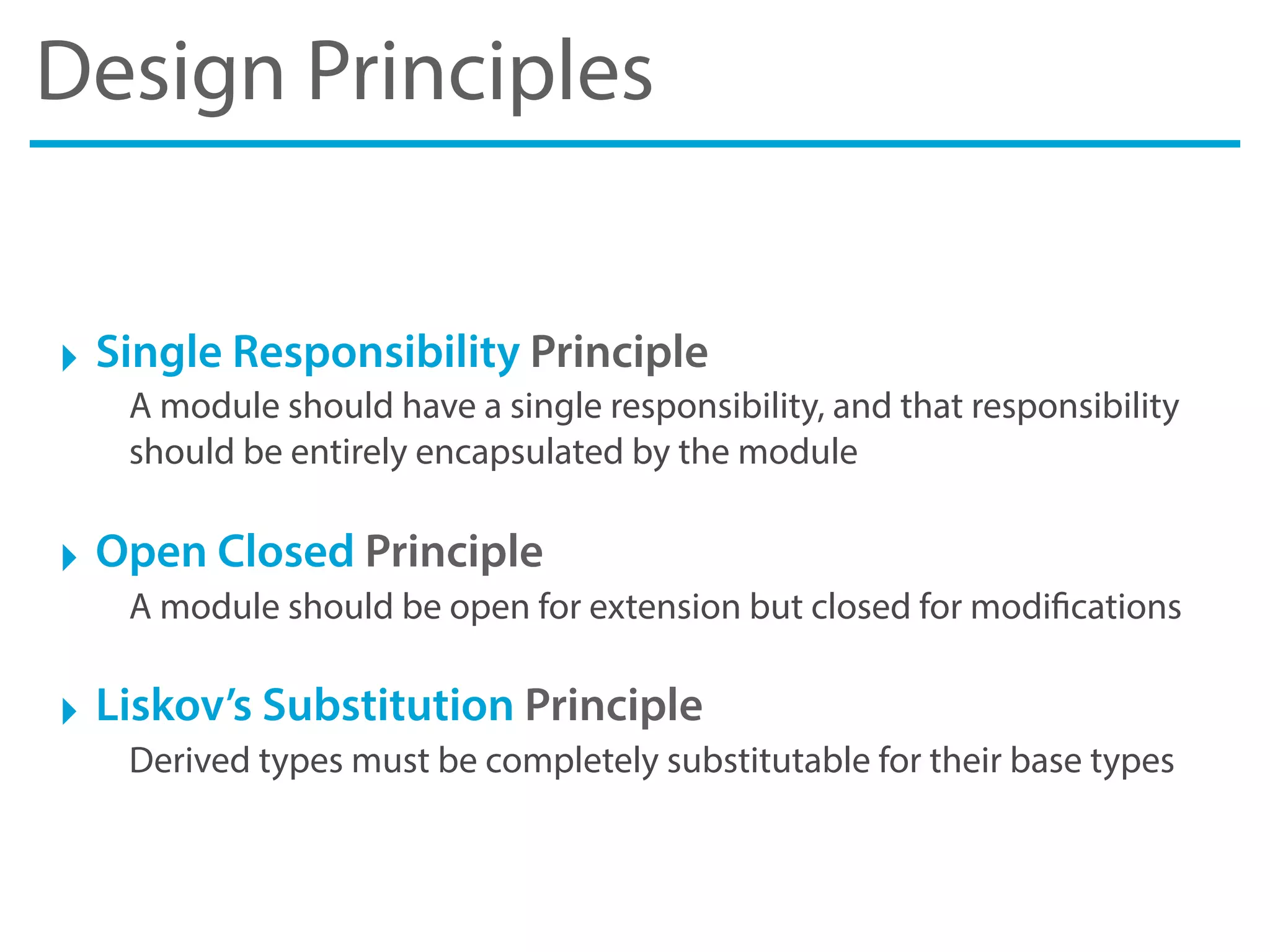
Design Principles
‣ Single Responsibility Principle
A module should have a single responsibility, and that responsibility
should be entirely encapsulated by the module
‣ Open Closed Principle
A module should be open for extension but closed for modifications
‣ Liskov’s Substitution Principle
Derived types must be completely substitutable for their base types
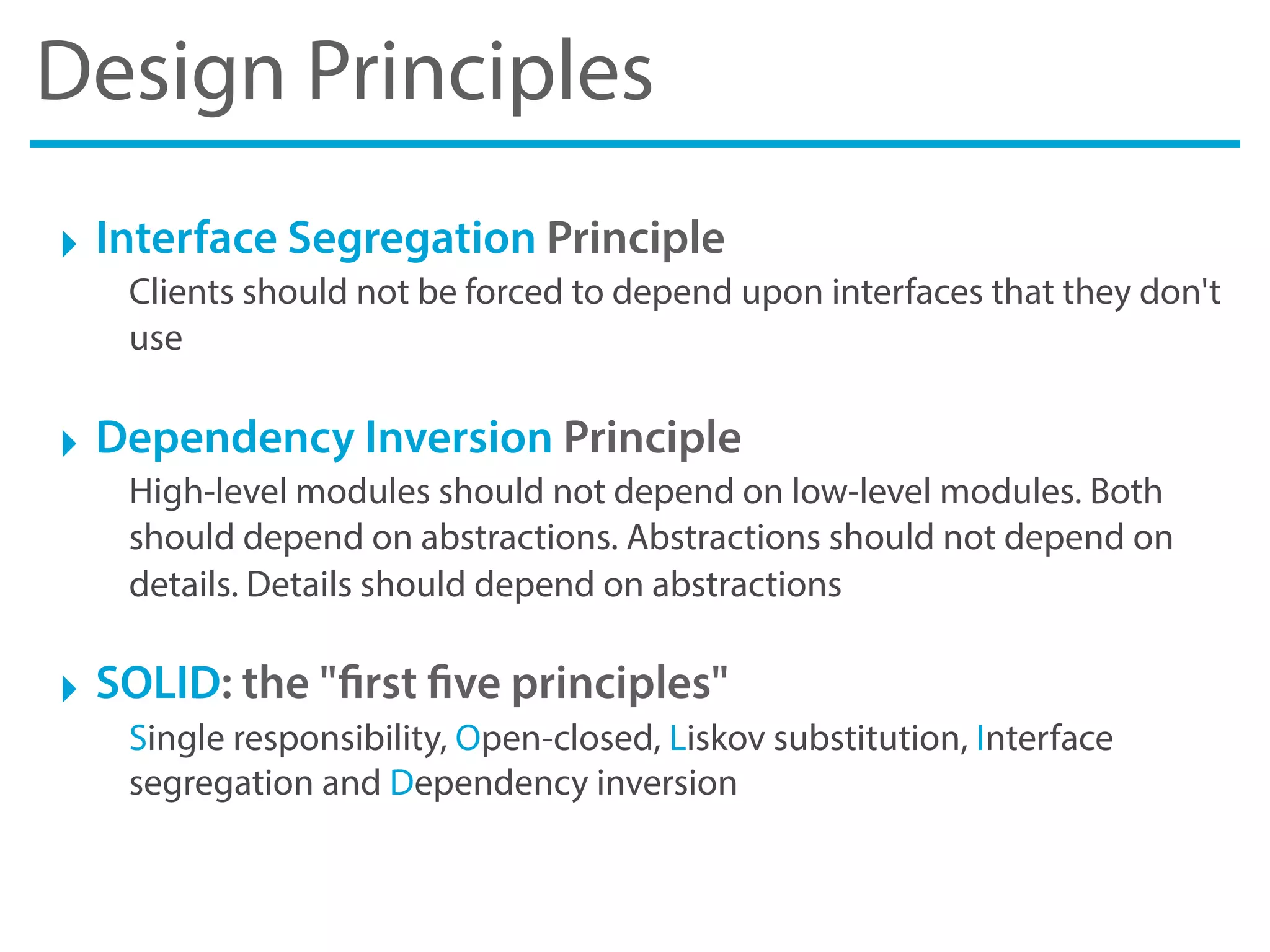
Design Principles
‣ Interface Segregation Principle
Clients should not be forced to depend upon interfaces that they don't
use
‣ Dependency Inversion Principle
High-level modules should not depend on low-level modules. Both
should depend on abstractions. Abstractions should not depend on
details. Details should depend on abstractions
‣ SOLID: the "first five principles"
Single responsibility, Open-closed, Liskov substitution, Interface
segregation and Dependency inversion
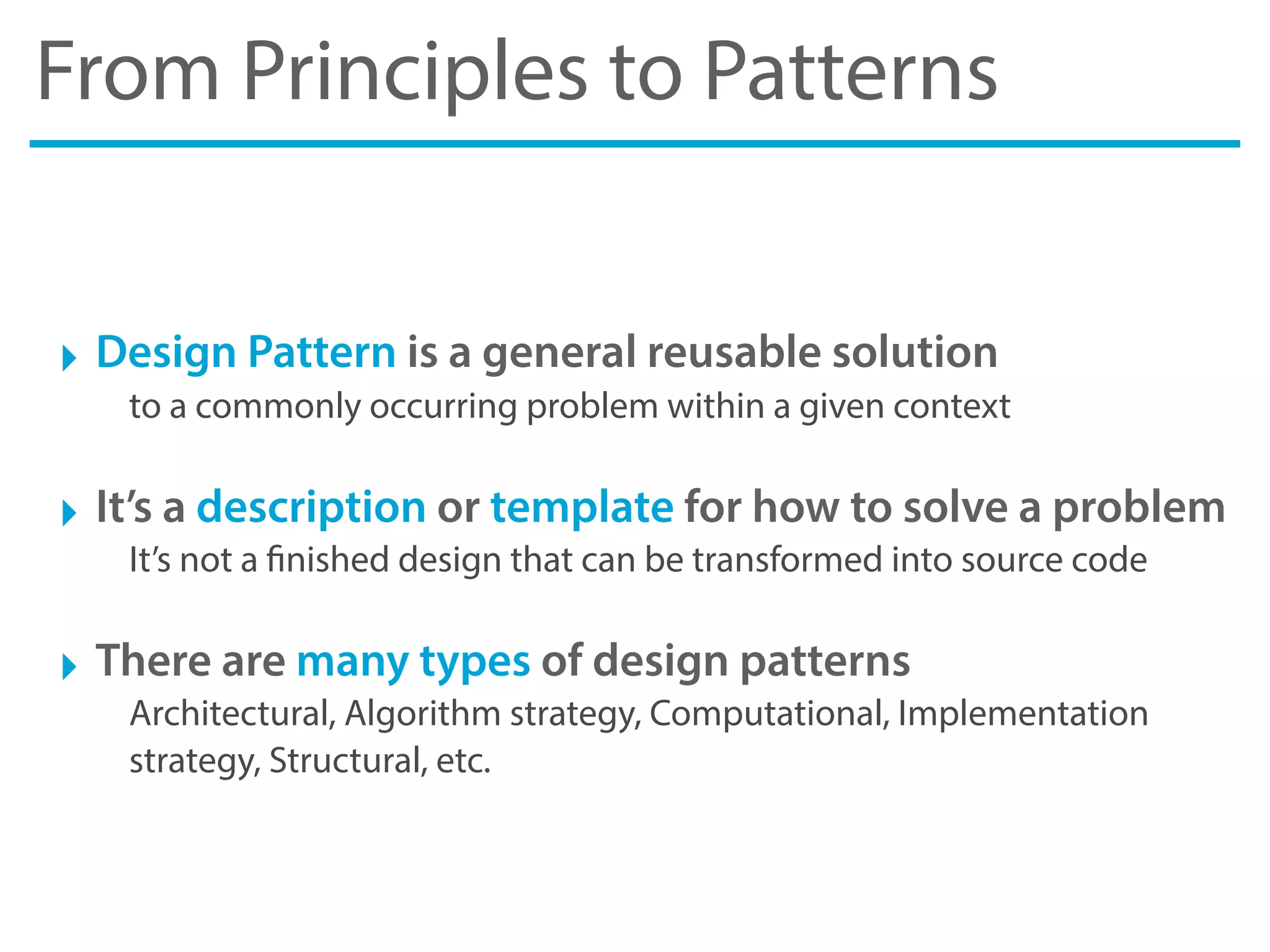
From Principles to Patterns
‣ Design Pattern is a general reusable solution
to a commonly occurring problem within a given context
‣ It’s a description or template for how to solve a problem
It’s not a finished design that can be transformed into source code
‣ There are many types of design patterns
Architectural, Algorithm strategy, Computational, Implementation
strategy, Structural, etc.
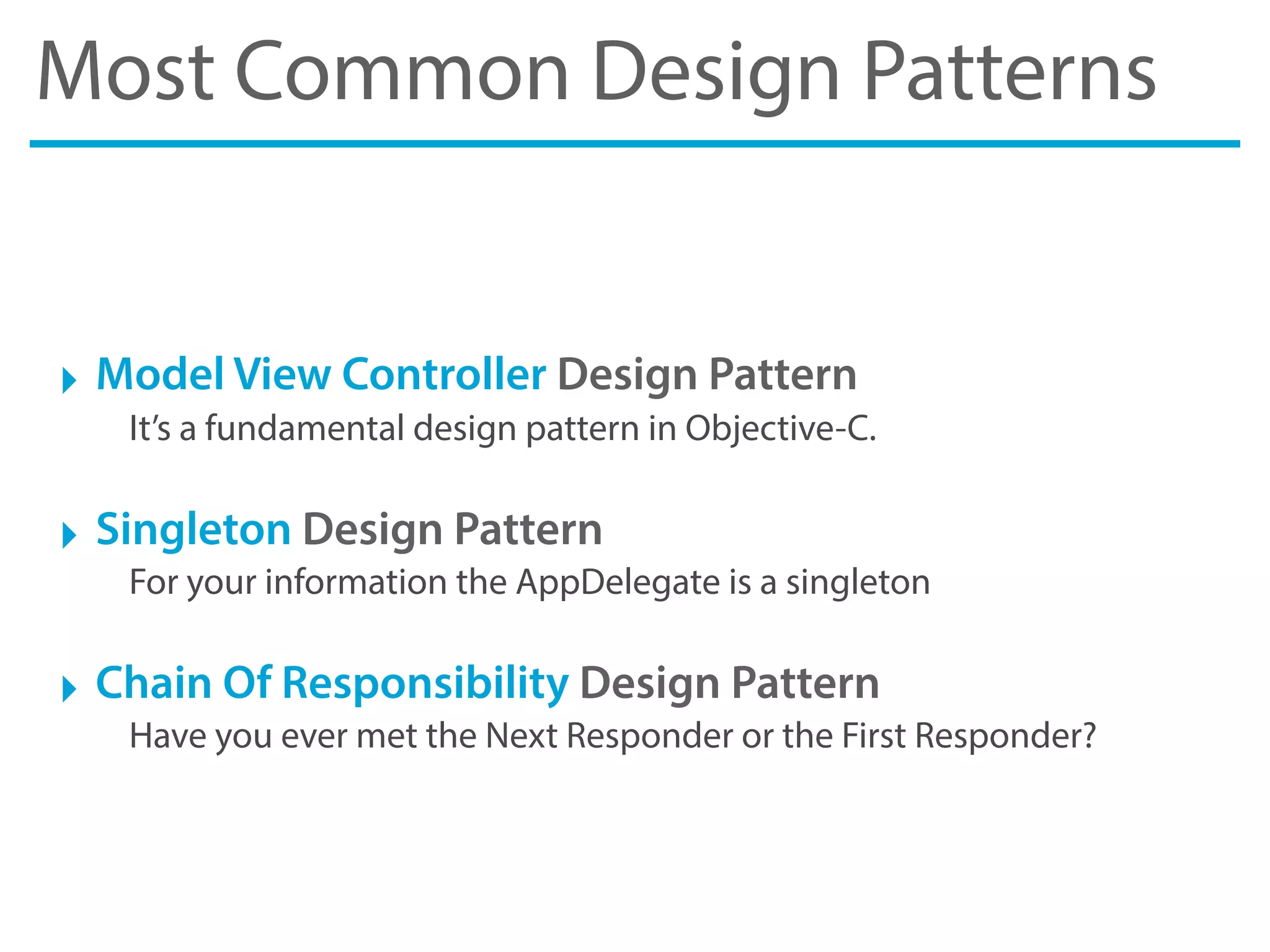
Most Common Design Patterns
‣ Model View Controller Design Pattern
It’s a fundamental design pattern in Objective-C.
‣ Singleton Design Pattern
For your information the AppDelegate is a singleton
‣ Chain Of Responsibility Design Pattern
Have you ever met the Next Responder or the First Responder?
Layers
Layers
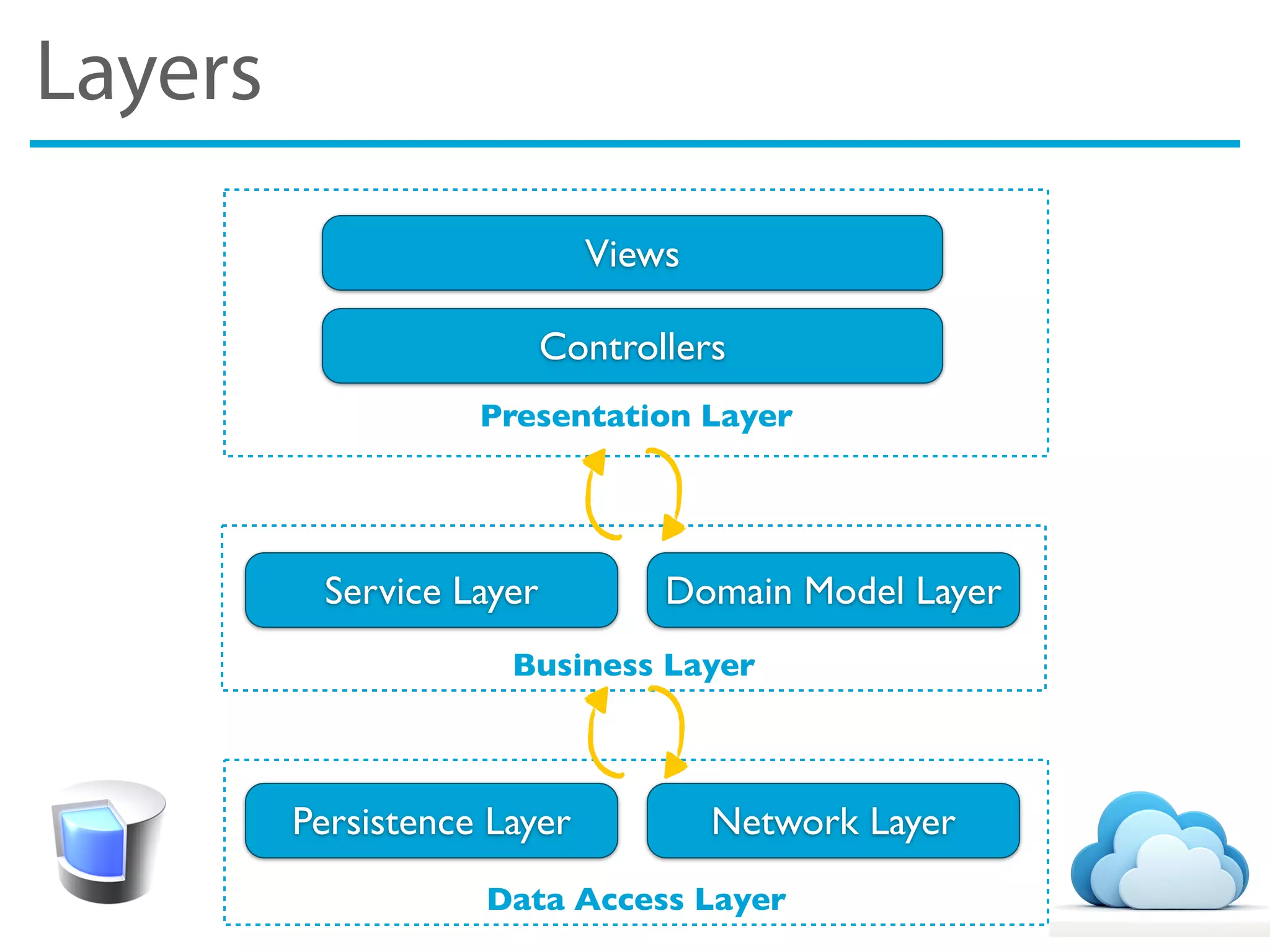
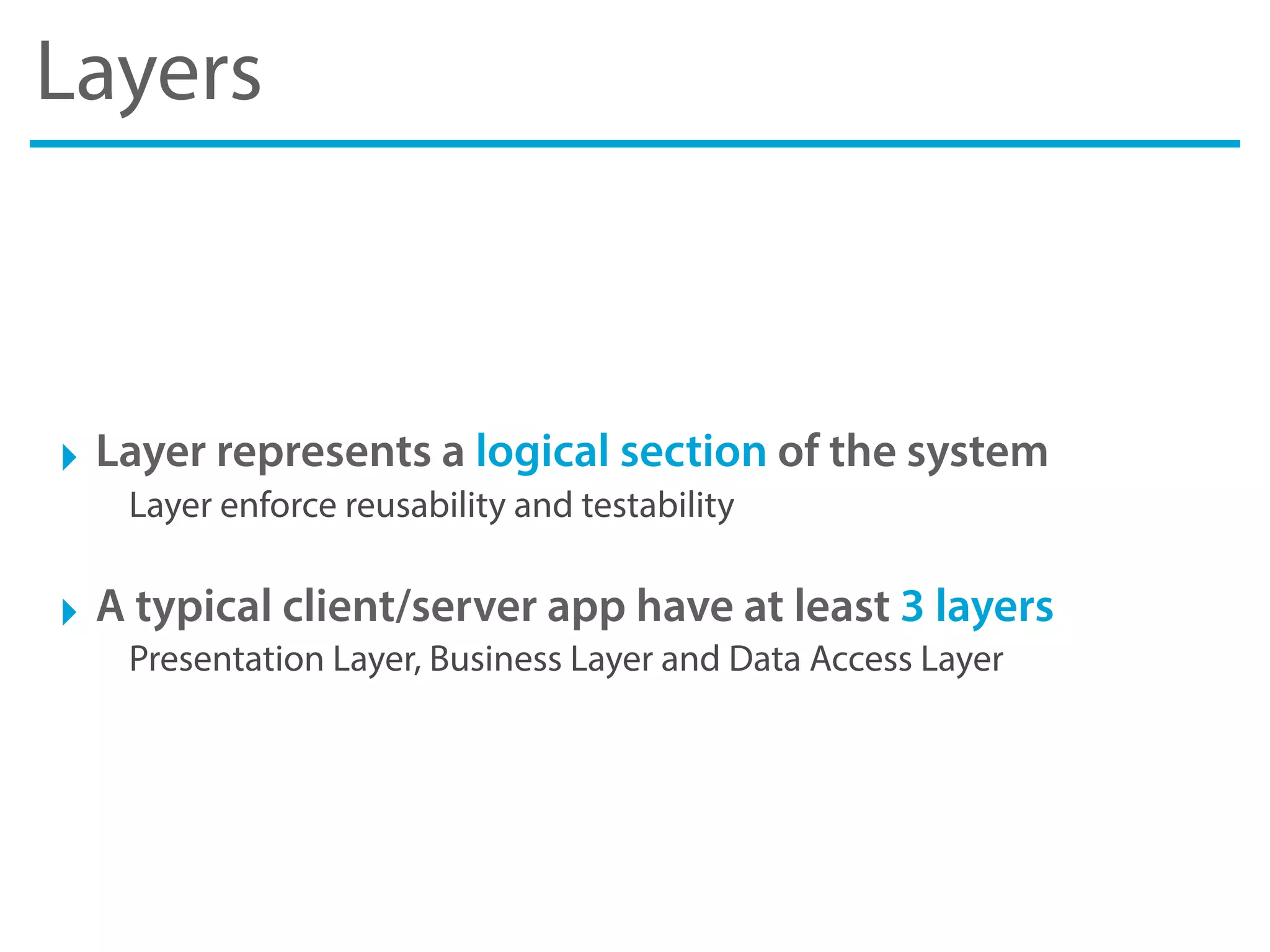
‣ Layer represents a logical section of the system
Layer enforce reusability and testability
‣ A typical client/server app have at least 3 layers
Presentation Layer, Business Layer and Data Access Layer
Layers
Presentation Layer
Data Access Layer
Business Layer
Views
Controllers
Service Layer Domain Model Layer
Persistence Layer Network Layer
Presentation Layer
Presentation Layer
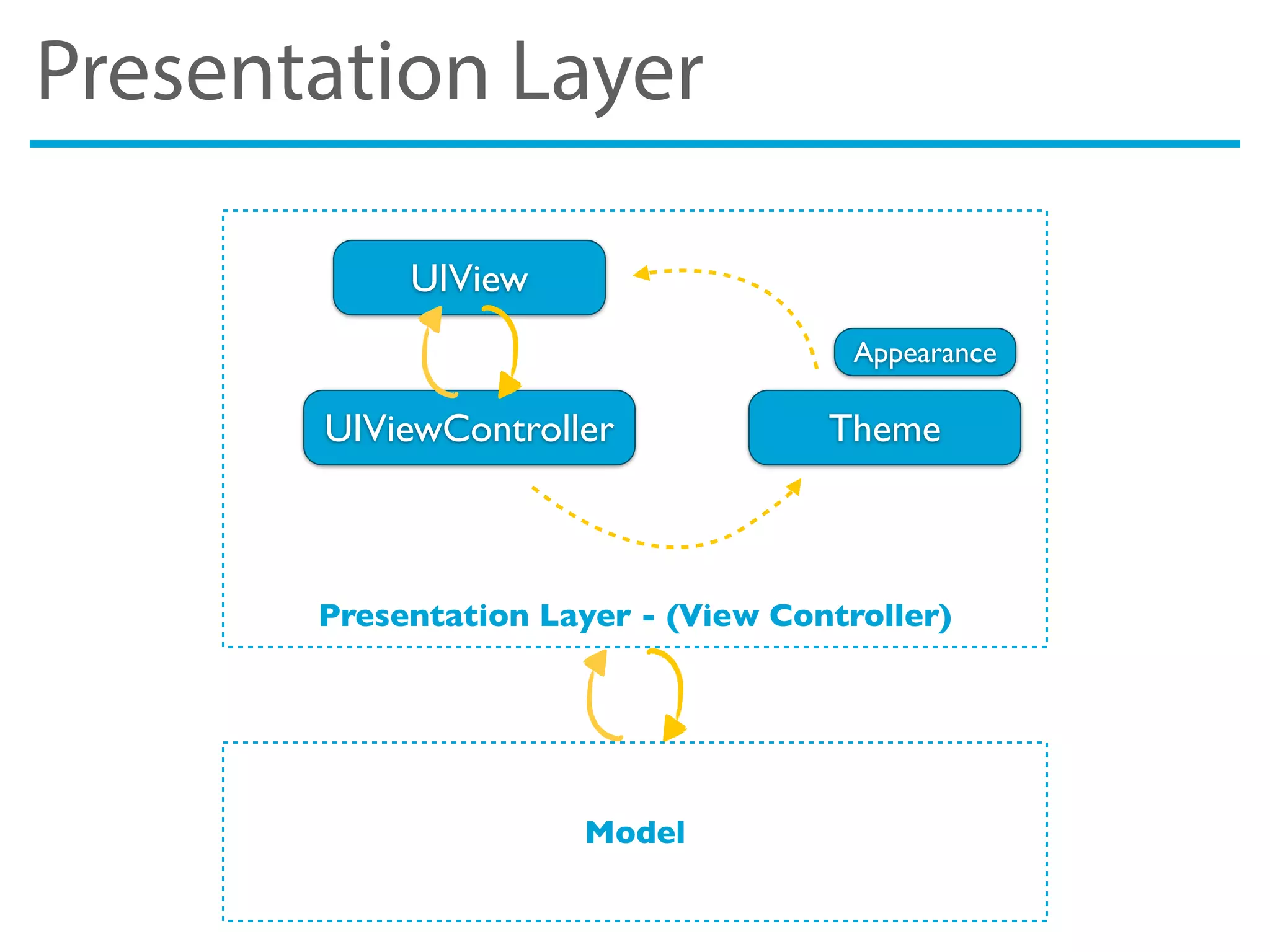
‣ It have 2 components: the UI and the presentation logic
in Cocoa the UI is the View and the presentation logic is the Controller
‣ Cocoa adopt Model View Controller Design Pattern
the Presentation Layer is already in iOS SDK out-of-the-box
‣ Advanced Appearance Customization with Theme
user Appearance Proxy and Theme technique to customize UI.
Theme
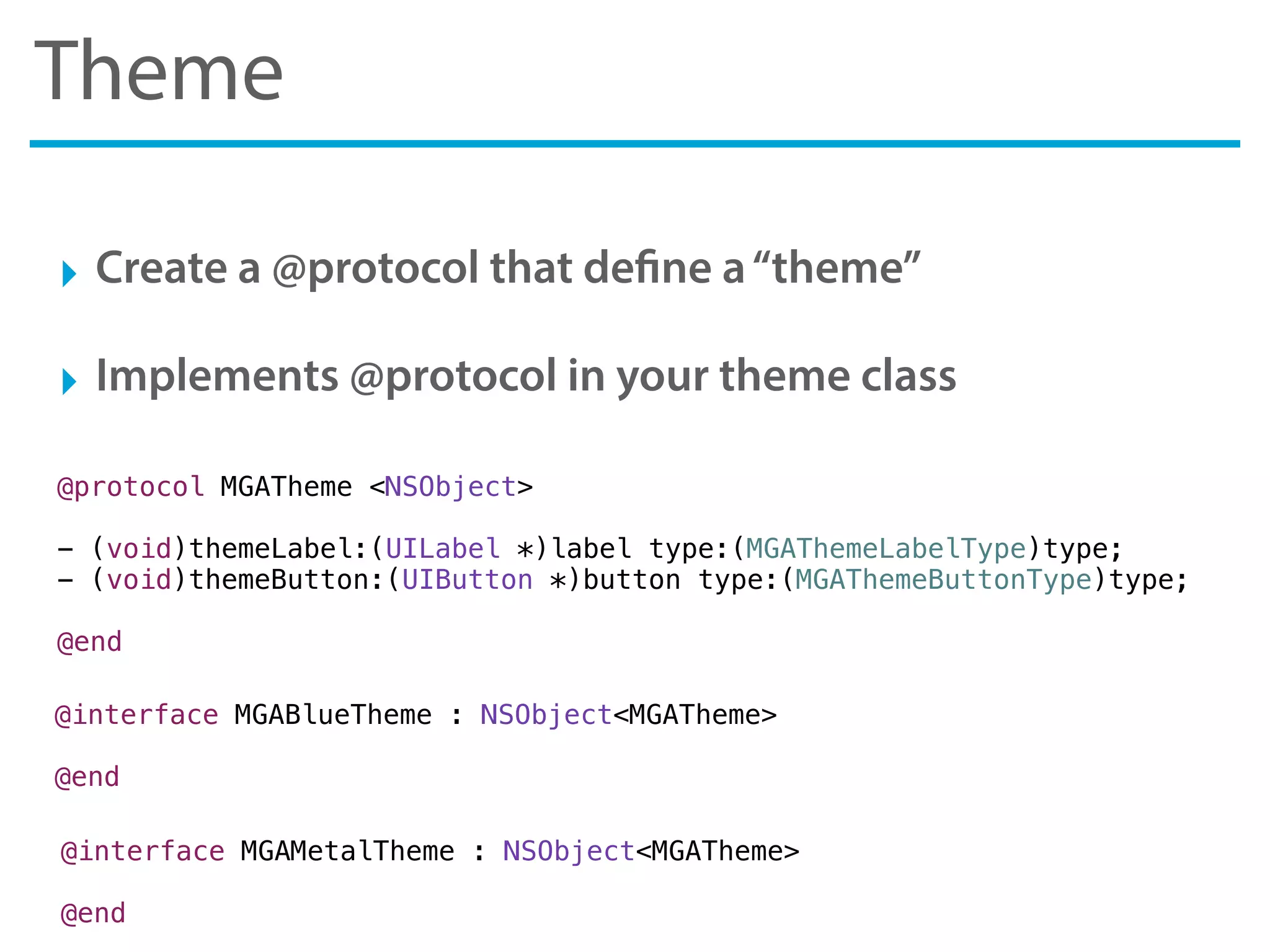
‣ Create a @protocol that define a“theme”
‣ Implements @protocol in your theme class
@protocol MGATheme <NSObject>
- (void)themeLabel:(UILabel *)label type:(MGAThemeLabelType)type;
- (void)themeButton:(UIButton *)button type:(MGAThemeButtonType)type;
@end
@interface MGABlueTheme : NSObject<MGATheme>
@end
@interface MGAMetalTheme : NSObject<MGATheme>
@end
Presentation Layer
Presentation Layer - (View Controller)
UIView
UIViewController Theme
Model
Appearance
Business Layer
Business Layer
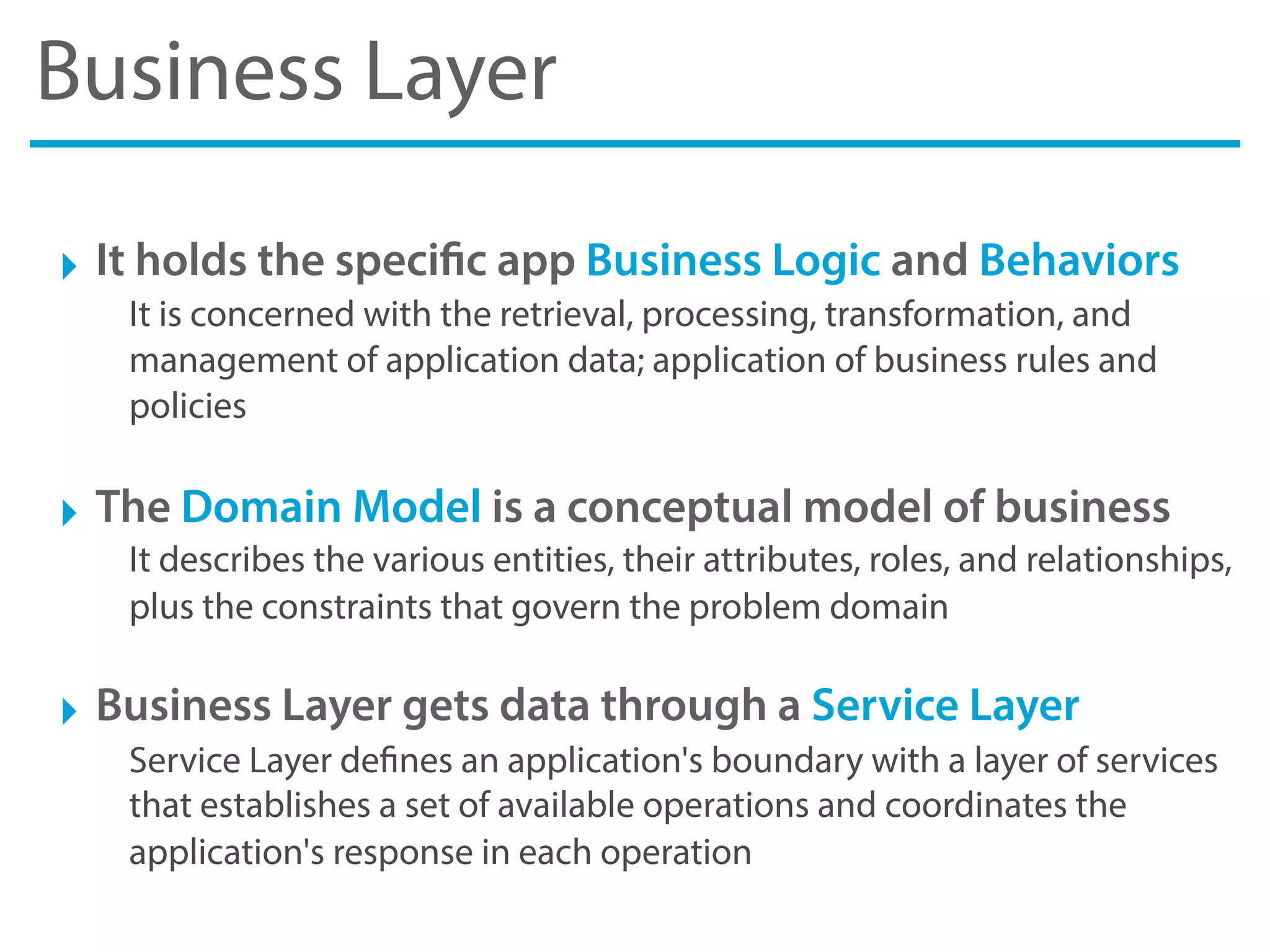
‣ It holds the specific app Business Logic and Behaviors
It is concerned with the retrieval, processing, transformation, and
management of application data; application of business rules and
policies
‣ The Domain Model is a conceptual model of business
It describes the various entities, their attributes, roles, and relationships,
plus the constraints that govern the problem domain
‣ Business Layer gets data through a Service Layer
Service Layer defines an application's boundary with a layer of services
that establishes a set of available operations and coordinates the
application's response in each operation
Domain Model Layer
‣ Domain Model
An object model of the domain that incorporates both behavior and
data
‣ You can use simple Objective-C objects
A plain old Objective-C object that inheriting from NSObject
‣ Or you can use Core Data objects
you can extend the class NSMangedObject with your Objective-C class
Service Layer
‣ Service Layers is a design pattern
The benefits a Service Layer provides is that it defines a common set of
application operations available to different clients and coordinates the
response in each operation.
‣ Service Layer uses Data Access Layer to access data
Service Layer uses DAL to performs the task of retrieving and storing
data both from server via network and from database
‣ Service Layer is used by ViewController
No more a ton of line of codes in your ViewController, instead few lines
of simple Service Layer calls
Data Access Layer
Data Access Layer
‣ It’s a layer which provides simplified access to data
The data may be stored in a persistent storage like SQLite or in a
backend accessible by network
‣ It may uses a Persistence Layer or Network Layer
Both exposes a simplify contract to access data
Persistence Layer
‣ The persistence layer deals with persisting
The persistence layer is responsible for manipulating the database, and
it is used by the service layer
‣ You can use Core Data as Persistence Layer
Or, in alternative, you can use FMDB for direct access to SQLite
Network Layer
‣ Network Layer is responsible of all networking calls
‣ You can use AFNetworking as Network Layer
AFNetworking is a delightful networking library for iOS and Mac OS X.
It's built on top of NSURLConnection, NSOperation, and other familiar
Foundation technologies
Composition
Composition
‣ It’s a way to combine objects into more complex ones
Compositions are a critical building block of many basic data structures,
including the tagged union, the linked list, and the binary tree, as well
as the object used in object-oriented programming
‣ In a real-world app composition takes an important role
On iOS / OS X App composition is necessary for a good layering and for
a structure UI.
Composition - Custom Views
‣ Custom Views are an example of composition
A custom view is used to manage small portions of the interface in
order to recycle the content and its management
‣ In a real-world iOS/OS App there are many custom views
For example, all views that must be inserted in a scroll view, or all those
portions of the view that occur multiple times in different view and only
with different content.
Best Practices
General Best Practice
‣ Use Automatic Reference Counting
Always use ARC. All new code should be written using ARC, and all
legacy code should be updated to use ARC
‣ Use AppDelegate as Singleton
Create all common and singleton objects in App Delegate and then
expose them by UIResponder Category
Coding Best Practice
‣ Create a property for every ivar and use self to access it
Always create a @property for every data member and use“self.name”
to access it throughout your class implementation
‣ Alway declare“atomic”or“nonatomic”attribute
Always use the“nonatomic”attribute on your properties, unless you are
writing a thread-safe class and actually need access to be atomic
‣ User literals and modern Objective-C syntactic sugar
The source code will be less verbose and more clear.
Presentation Best Practice
‣ Create a base UIViewController
Create a MYBaseViewController from which all the view controllers
inherit. In this way all the controllers can inherit common behavior.
‣ Create a base UIView
Create a MYBaseView from which all the custom views inherit. In this
way all the views can inherit common style and appearance
‣ Create a base UITableViewCell
Create a MYBaseTableViewCell from which all the custom table view
cells inherit. In this way all the cells can inherit common style and
appearance
Code Design Best Practice
‣ API Design
Pay attention to the design of your API. Learn your target platform's
conventions before coding. Define the rules that are in accordance with
the convention of language
‣ Block and Delegation
When should I use blocks instead of delegation for callbacks? Pay
attention to this topic and alway look at Apple docs to see how they
done
Resources
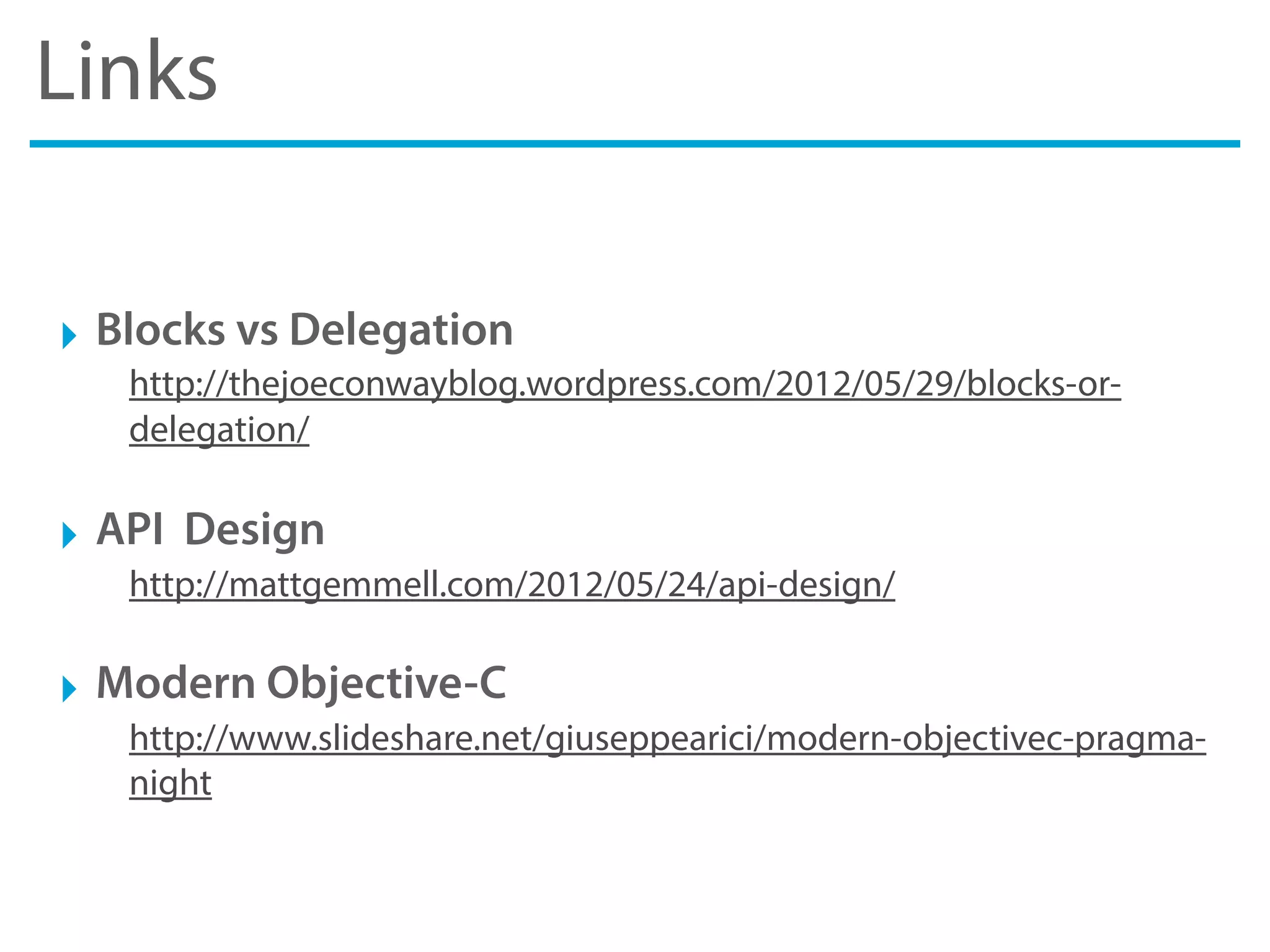
Links
‣ Blocks vs Delegation
http://thejoeconwayblog.wordpress.com/2012/05/29/blocks-or-
delegation/
‣ API Design
http://mattgemmell.com/2012/05/24/api-design/
‣ Modern Objective-C
http://www.slideshare.net/giuseppearici/modern-objectivec-pragma-
night
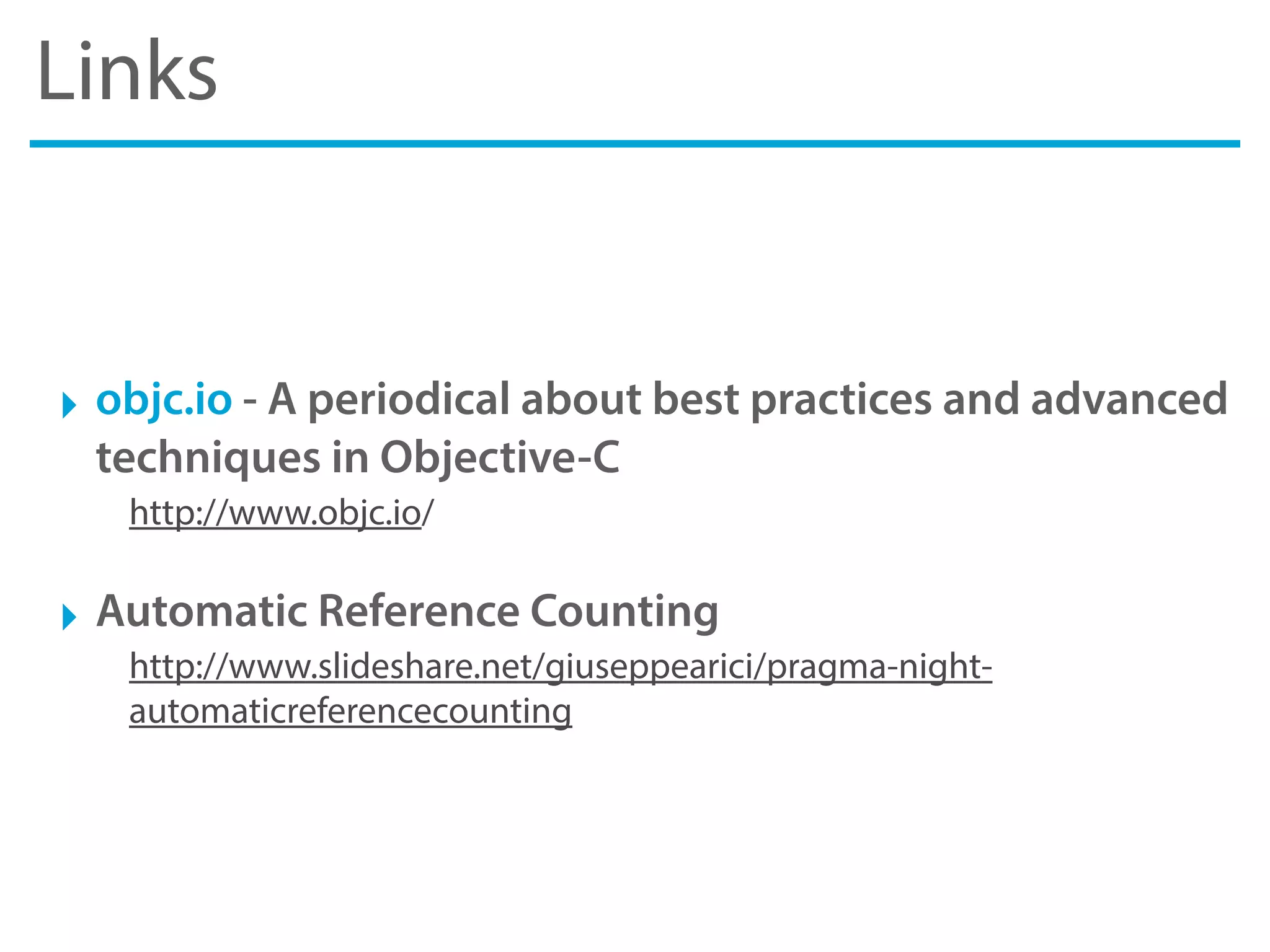
Links
‣ objc.io - A periodical about best practices and advanced
techniques in Objective-C
http://www.objc.io/
‣ Automatic Reference Counting
http://www.slideshare.net/giuseppearici/pragma-night-
automaticreferencecounting
Videos
‣ Customizing the Appearance of UIKit Controls
Session 114 - WWDC 2011 Session Videos
‣ Advanced Appearance Customization on iOS
Session 216 - WWDC 2012 Session Videos
Books
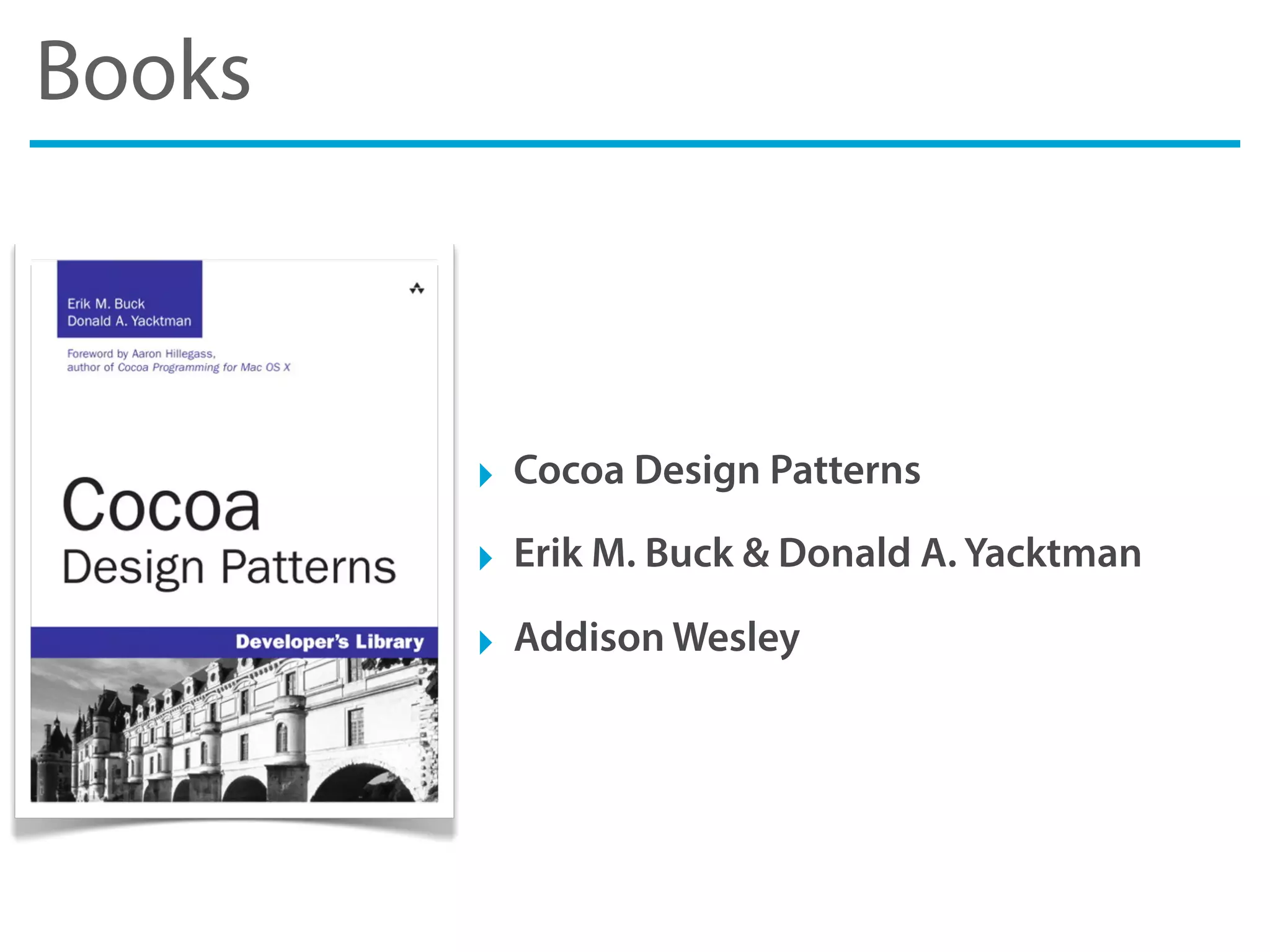
‣ Cocoa Design Patterns
‣ Erik M. Buck & Donald A. Yacktman
‣ Addison Wesley
Books
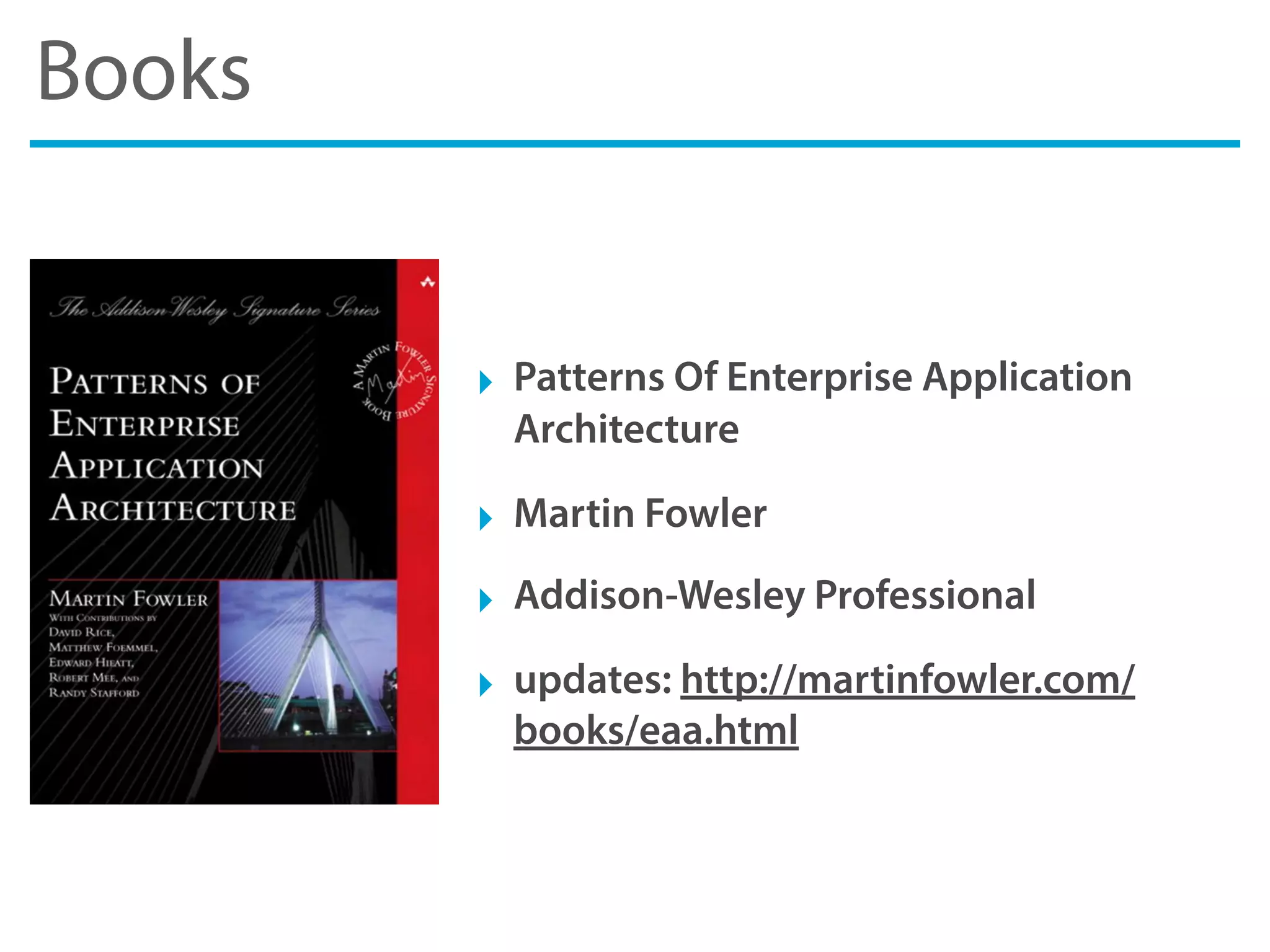
‣ Patterns Of Enterprise Application
Architecture
‣ Martin Fowler
‣ Addison-Wesley Professional
‣ updates: http://martinfowler.com/
books/eaa.html
Thank you
Massimo Oliviero
massimo.oliviero@gmail.com
http://www.massimooliviero.net
follow me on twitter @maxoly
http://www.slideshare.net/MassimoOliviero
https://speakerdeck.com/massimooliviero

Architecting iOS Project

  • 1.
  • 2.
    Massimo Oliviero Freelance SoftwareDeveloper web http://www.massimooliviero.net email massimo.oliviero@gmail.com slide http://www.slideshare.net/MassimoOliviero twitter @maxoly
  • 3.
    Massimo Oliviero http://pragmamark.org/ La primacommunity di sviluppatori iOS e Mac OS X in Italia. https://www.facebook.com/groups/pragmamark/
  • 4.
    Agenda ‣ Project, howto design Xcode project ‣ Application, how to design an iOS app ‣ Resources, links, books and videos
  • 5.
    Source code Kimera A simpleiOS application for educational purpose https://github.com/maxoly/Kimera
  • 6.
  • 7.
    Project ‣ Conventions, howto naming file and folders ‣ Structure, how make the foundation of the project ‣ Folders, how to organize files and folders
  • 8.
  • 9.
    Naming Conventions ‣ Firstestablish a naming convention for all the things for file names, class names, project names, images, etc. ‣ Use Pascal Case for files, folders and class start with a capital letter i.e. Controllers, MyClass, BestAppEver, etc. ‣ Use Camel Case for methods, properties & variables start with a lowercase letter i.e setFirstName:, userPassword, etc. ‣ Avoid using of acronyms and abbreviations What the hell does it mean“usrPswdLbl”? Yuck!
  • 10.
    Coding Conventions ‣ Chooseyour coding conventions & style there are ton of conventions out there ‣ K&R Style, or Allman Indent Style http://en.wikipedia.org/wiki/Indent_style ‣ Also read Coding Guidelines for Cocoa by Apple http://developer.apple.com/library/mac/#documentation/Cocoa/ Conceptual/CodingGuidelines/CodingGuidelines.html ‣ But most important, choose a convention and respect it the important thing is always be consistent in your project
  • 11.
  • 12.
    Structure ‣ Create aspecific workspace don’t let Xcode do it for you ‣ Setting up projects with correct name and prefix use simple word (only alphanumeric) and at least 3 chars for prefix ‣ Create a Build Automation to scripting common tasks to compiling source code or to deploy artifacts with one command
  • 13.
    Structure ‣ Create aAdHoc and AppStore Build Configuration So you can handle configuration for different destination ‣ Configure Build Settings to improve quality i.e. you can enable Static Analyzer or Treat Warnings as Errors ‣ Manage third-part libraries with CocoaPods it reduces headaches of storing/managing 3rd party libraries
  • 14.
  • 15.
    Project Name &Prefix ‣ Choose a simple Program Name Only alphanumeric characters, avoid spaces ‣ Choose a right Class Prefix At least 3 chars, use product name's acronym ‣ Choose your Personal Prefix Use it in your Library Projects ‣ Use Automatic Reference Counting If app targets iOS 5.0 or above
  • 16.
    Build Automation ‣ It’sthe act of automating a wide variety of tasks you can use build tools like Ant, Maven, Make , CMake or Rake ‣ At least you must automate Compiling and Deploying compiling and deploying are the most common tasks for developer ‣ You can also automate Testing and Docs generation they are useful to use in combination with a Continuous Integration
  • 17.
    AdHoc & AppStoreConfiguration ‣ Use different Configurations to specialize the behavior i.e. Code Signing Identity, Preprocessor Macros, Linker Flags, etc. ‣ Use AdHoc Configuration to deploy testing app i.e. app for TestFlight with its own Code Signing Identity & Linker Flags ‣ Use AppStore Configuration to deploy on App Store Duplicate Release Configuration to use the same optimizations
  • 18.
    Build Settings ‣ EnableRun Static Analyzer run the Clang static analysis tool on source files ‣ Enable Treat Warning as Errors it causes all warnings to be treated as errors ‣ Disable Compress PNG Files instead use ImageOptim
  • 19.
    CocoaPods ‣ Manage third-partlibraries with CocoaPods download from http://cocoapods.org/ ‣ CocoaPods manage dependency for you it download source files, imports headers and configures flags ‣ It’s like Ruby Gem but for Objective-C! you can search pods, install & update with one command
  • 20.
  • 21.
    Folders ‣ Put thingsin the right place ...and everything makes sense, unfortunately, Xcode doesn’t help us ‣ Map all Xcode group folder to file system directory Xcode group folder don’t represent physical folder ‣ Please remove Supporting Files group folder Who wants“Supporting Files”anymore? yuck!
  • 22.
    My folders structure ‣Application specific app related stuff like AppDelegate, main.m, .pch etc ‣ Controllers view (.xib) and view controller stuff put together (obviously) ‣ Library specific application classes like helpers, base classes, services, etc
  • 23.
    My folder structure ‣Models application domain models and entities, Core Data model too ‣ Resources assets like images, fonts, sounds, videos, etc. ‣ Vendors third part libraries and frameworks
  • 24.
    Controllers ‣ Put .xib,.h and .m together in the same folders ‣ One (physical) folder for each view controller ‣ If there are too many, group them into a subfolder ‣ Group them by tab (TabBar) or by functions
  • 25.
    Resources ‣ One folderfor each type of asset images, fonts, sounds, videos, strings, plist, samples ‣ One subfolder for each type of image buttons, backgrounds, logos, shapes, icons, app (splash etc.) ‣ If your app support multiple themes, create a hierarchy themes > themes name > images, fonts, etc. ‣ Name image files based on state “button_blue_normal.png”,“button_blue_highlighted.png”, etc.
  • 26.
  • 27.
    Application ‣ Design, aquick recap to design principles and patterns ‣ Layers, how to organize your app classes ‣ Compositions, a group of reusable components ‣ Best Practices, a list of useful techniques
  • 28.
  • 29.
    Design ‣ Typically anapplication is divided into layers A layer is a black box with a contract that define an input and output ‣ To increase the cohesion and decoupling of the software The layers, if well designed, help to decouple and increase the cohesion ‣ Cohesion indicates strongly related software module it would be a subroutine, class or library with common responsibilities ‣ Coupling measure the level of dependency between two software module, such as classes, functions or library
  • 30.
    Design Principles ‣ SingleResponsibility Principle A module should have a single responsibility, and that responsibility should be entirely encapsulated by the module ‣ Open Closed Principle A module should be open for extension but closed for modifications ‣ Liskov’s Substitution Principle Derived types must be completely substitutable for their base types
  • 31.
    Design Principles ‣ InterfaceSegregation Principle Clients should not be forced to depend upon interfaces that they don't use ‣ Dependency Inversion Principle High-level modules should not depend on low-level modules. Both should depend on abstractions. Abstractions should not depend on details. Details should depend on abstractions ‣ SOLID: the "first five principles" Single responsibility, Open-closed, Liskov substitution, Interface segregation and Dependency inversion
  • 32.
    From Principles toPatterns ‣ Design Pattern is a general reusable solution to a commonly occurring problem within a given context ‣ It’s a description or template for how to solve a problem It’s not a finished design that can be transformed into source code ‣ There are many types of design patterns Architectural, Algorithm strategy, Computational, Implementation strategy, Structural, etc.
  • 33.
    Most Common DesignPatterns ‣ Model View Controller Design Pattern It’s a fundamental design pattern in Objective-C. ‣ Singleton Design Pattern For your information the AppDelegate is a singleton ‣ Chain Of Responsibility Design Pattern Have you ever met the Next Responder or the First Responder?
  • 34.
  • 35.
    Layers ‣ Layer representsa logical section of the system Layer enforce reusability and testability ‣ A typical client/server app have at least 3 layers Presentation Layer, Business Layer and Data Access Layer
  • 36.
    Layers Presentation Layer Data AccessLayer Business Layer Views Controllers Service Layer Domain Model Layer Persistence Layer Network Layer
  • 37.
  • 38.
    Presentation Layer ‣ Ithave 2 components: the UI and the presentation logic in Cocoa the UI is the View and the presentation logic is the Controller ‣ Cocoa adopt Model View Controller Design Pattern the Presentation Layer is already in iOS SDK out-of-the-box ‣ Advanced Appearance Customization with Theme user Appearance Proxy and Theme technique to customize UI.
  • 39.
    Theme ‣ Create a@protocol that define a“theme” ‣ Implements @protocol in your theme class @protocol MGATheme <NSObject> - (void)themeLabel:(UILabel *)label type:(MGAThemeLabelType)type; - (void)themeButton:(UIButton *)button type:(MGAThemeButtonType)type; @end @interface MGABlueTheme : NSObject<MGATheme> @end @interface MGAMetalTheme : NSObject<MGATheme> @end
  • 40.
    Presentation Layer Presentation Layer- (View Controller) UIView UIViewController Theme Model Appearance
  • 41.
  • 42.
    Business Layer ‣ Itholds the specific app Business Logic and Behaviors It is concerned with the retrieval, processing, transformation, and management of application data; application of business rules and policies ‣ The Domain Model is a conceptual model of business It describes the various entities, their attributes, roles, and relationships, plus the constraints that govern the problem domain ‣ Business Layer gets data through a Service Layer Service Layer defines an application's boundary with a layer of services that establishes a set of available operations and coordinates the application's response in each operation
  • 43.
    Domain Model Layer ‣Domain Model An object model of the domain that incorporates both behavior and data ‣ You can use simple Objective-C objects A plain old Objective-C object that inheriting from NSObject ‣ Or you can use Core Data objects you can extend the class NSMangedObject with your Objective-C class
  • 44.
    Service Layer ‣ ServiceLayers is a design pattern The benefits a Service Layer provides is that it defines a common set of application operations available to different clients and coordinates the response in each operation. ‣ Service Layer uses Data Access Layer to access data Service Layer uses DAL to performs the task of retrieving and storing data both from server via network and from database ‣ Service Layer is used by ViewController No more a ton of line of codes in your ViewController, instead few lines of simple Service Layer calls
  • 45.
  • 46.
    Data Access Layer ‣It’s a layer which provides simplified access to data The data may be stored in a persistent storage like SQLite or in a backend accessible by network ‣ It may uses a Persistence Layer or Network Layer Both exposes a simplify contract to access data
  • 47.
    Persistence Layer ‣ Thepersistence layer deals with persisting The persistence layer is responsible for manipulating the database, and it is used by the service layer ‣ You can use Core Data as Persistence Layer Or, in alternative, you can use FMDB for direct access to SQLite
  • 48.
    Network Layer ‣ NetworkLayer is responsible of all networking calls ‣ You can use AFNetworking as Network Layer AFNetworking is a delightful networking library for iOS and Mac OS X. It's built on top of NSURLConnection, NSOperation, and other familiar Foundation technologies
  • 49.
  • 50.
    Composition ‣ It’s away to combine objects into more complex ones Compositions are a critical building block of many basic data structures, including the tagged union, the linked list, and the binary tree, as well as the object used in object-oriented programming ‣ In a real-world app composition takes an important role On iOS / OS X App composition is necessary for a good layering and for a structure UI.
  • 51.
    Composition - CustomViews ‣ Custom Views are an example of composition A custom view is used to manage small portions of the interface in order to recycle the content and its management ‣ In a real-world iOS/OS App there are many custom views For example, all views that must be inserted in a scroll view, or all those portions of the view that occur multiple times in different view and only with different content.
  • 52.
  • 53.
    General Best Practice ‣Use Automatic Reference Counting Always use ARC. All new code should be written using ARC, and all legacy code should be updated to use ARC ‣ Use AppDelegate as Singleton Create all common and singleton objects in App Delegate and then expose them by UIResponder Category
  • 54.
    Coding Best Practice ‣Create a property for every ivar and use self to access it Always create a @property for every data member and use“self.name” to access it throughout your class implementation ‣ Alway declare“atomic”or“nonatomic”attribute Always use the“nonatomic”attribute on your properties, unless you are writing a thread-safe class and actually need access to be atomic ‣ User literals and modern Objective-C syntactic sugar The source code will be less verbose and more clear.
  • 55.
    Presentation Best Practice ‣Create a base UIViewController Create a MYBaseViewController from which all the view controllers inherit. In this way all the controllers can inherit common behavior. ‣ Create a base UIView Create a MYBaseView from which all the custom views inherit. In this way all the views can inherit common style and appearance ‣ Create a base UITableViewCell Create a MYBaseTableViewCell from which all the custom table view cells inherit. In this way all the cells can inherit common style and appearance
  • 56.
    Code Design BestPractice ‣ API Design Pay attention to the design of your API. Learn your target platform's conventions before coding. Define the rules that are in accordance with the convention of language ‣ Block and Delegation When should I use blocks instead of delegation for callbacks? Pay attention to this topic and alway look at Apple docs to see how they done
  • 57.
  • 58.
    Links ‣ Blocks vsDelegation http://thejoeconwayblog.wordpress.com/2012/05/29/blocks-or- delegation/ ‣ API Design http://mattgemmell.com/2012/05/24/api-design/ ‣ Modern Objective-C http://www.slideshare.net/giuseppearici/modern-objectivec-pragma- night
  • 59.
    Links ‣ objc.io -A periodical about best practices and advanced techniques in Objective-C http://www.objc.io/ ‣ Automatic Reference Counting http://www.slideshare.net/giuseppearici/pragma-night- automaticreferencecounting
  • 60.
    Videos ‣ Customizing theAppearance of UIKit Controls Session 114 - WWDC 2011 Session Videos ‣ Advanced Appearance Customization on iOS Session 216 - WWDC 2012 Session Videos
  • 61.
    Books ‣ Cocoa DesignPatterns ‣ Erik M. Buck & Donald A. Yacktman ‣ Addison Wesley
  • 62.
    Books ‣ Patterns OfEnterprise Application Architecture ‣ Martin Fowler ‣ Addison-Wesley Professional ‣ updates: http://martinfowler.com/ books/eaa.html
  • 63.
    Thank you Massimo Oliviero massimo.oliviero@gmail.com http://www.massimooliviero.net followme on twitter @maxoly http://www.slideshare.net/MassimoOliviero https://speakerdeck.com/massimooliviero