Download to read offline

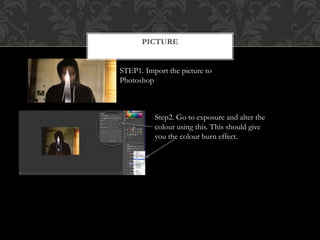
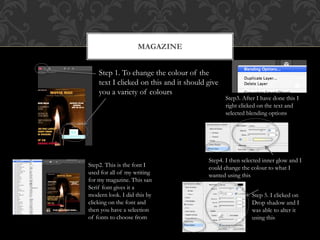
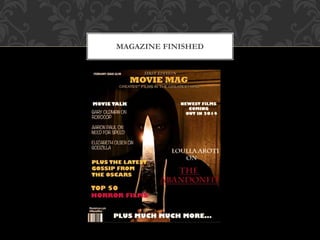
The document provides steps for editing a photo and magazine in Photoshop. It describes importing a photo and using exposure tools to add a color burn effect. It then outlines steps to change text color in a magazine by selecting from a color palette, choosing a sans serif font for a modern look, and adding inner glow and drop shadows by adjusting blending options. The final section indicates the magazine project is finished.


