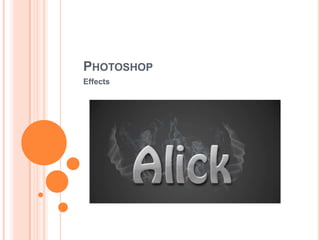
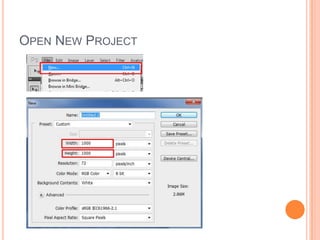
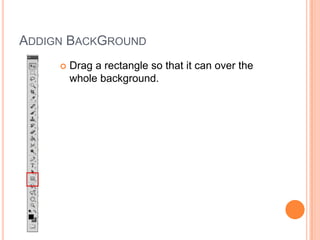
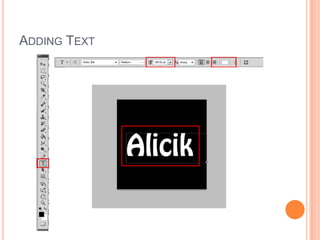
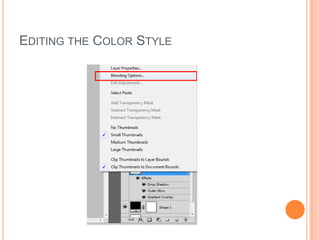
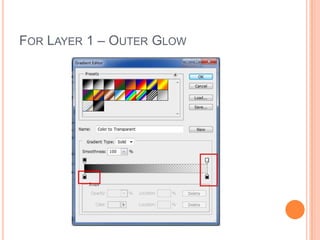
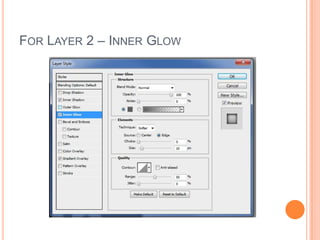
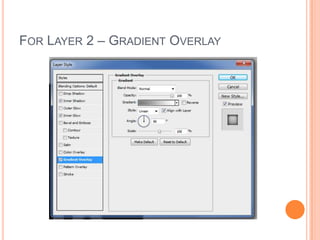
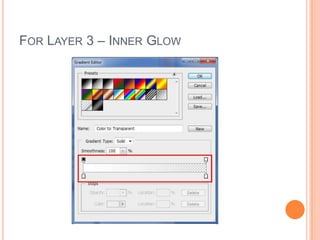
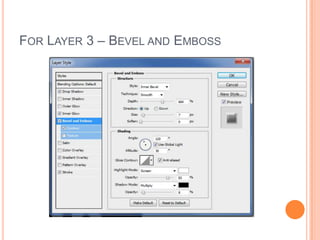
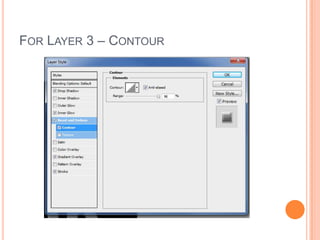
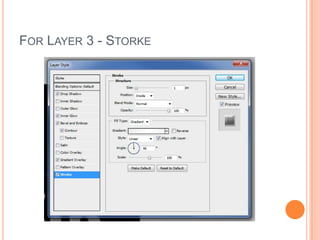
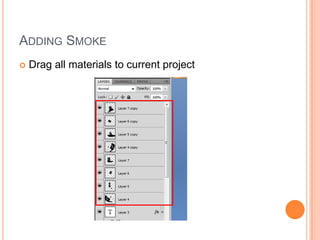
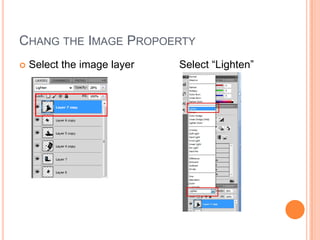
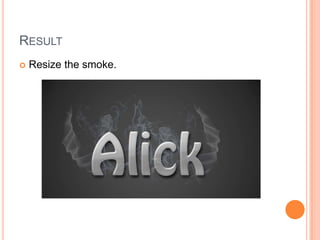
This document provides instructions for applying various effects in Photoshop, including adding a background, text layers, and adjusting layer styles. It describes duplicating and renaming text layers, then applying effects like drop shadows, glows, gradients, bevel and emboss, and contours to each layer. The instructions also include adding smoke and changing the image properties to lighten the smoke layer.