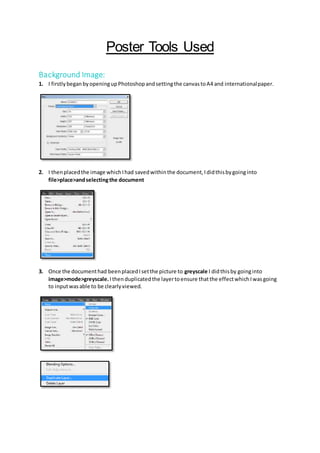
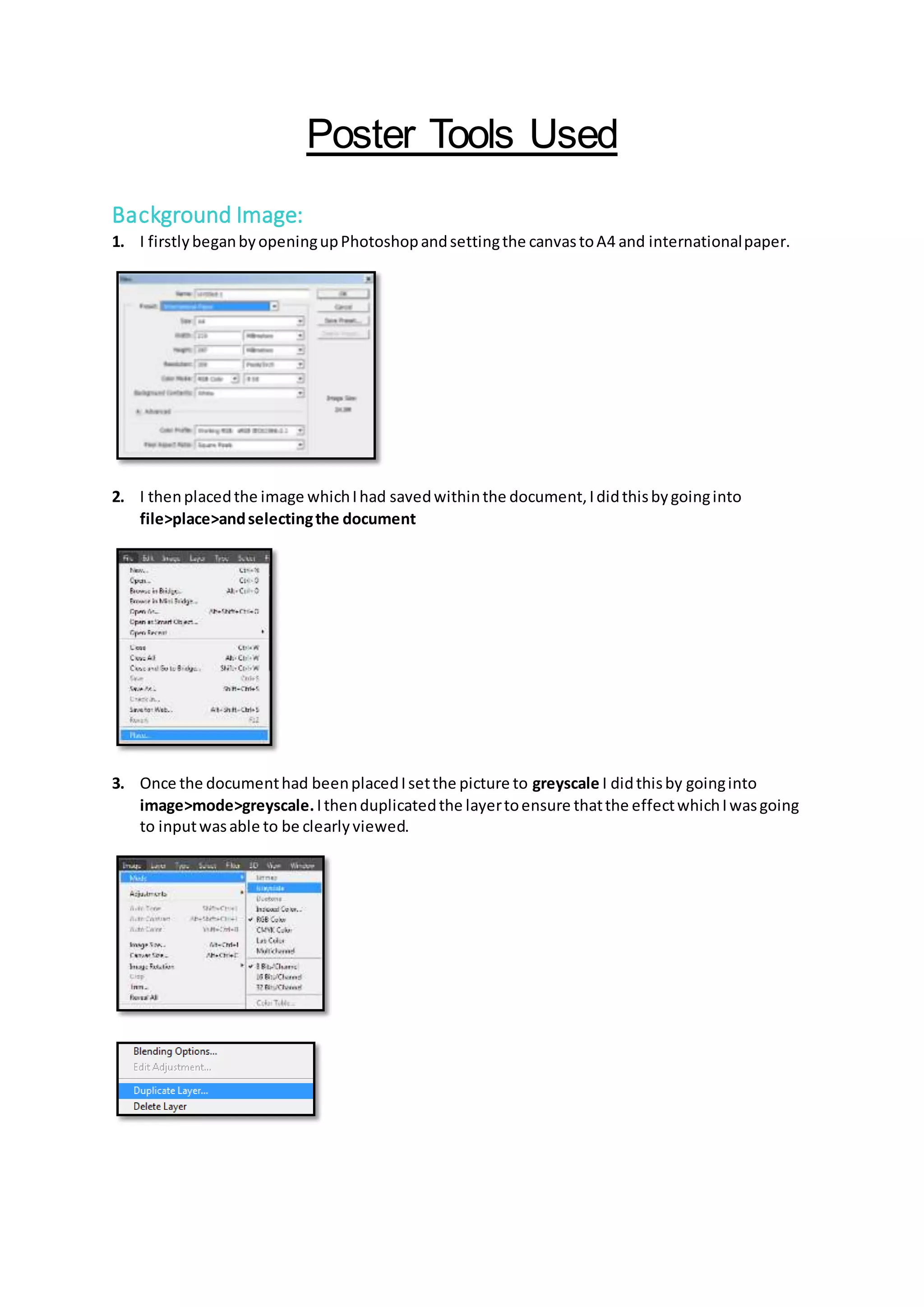
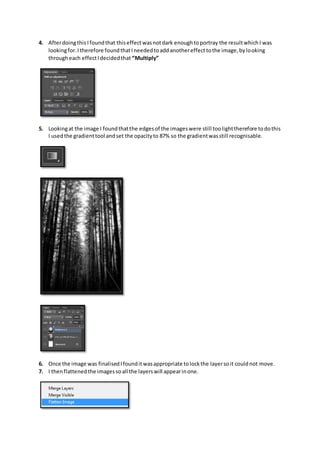
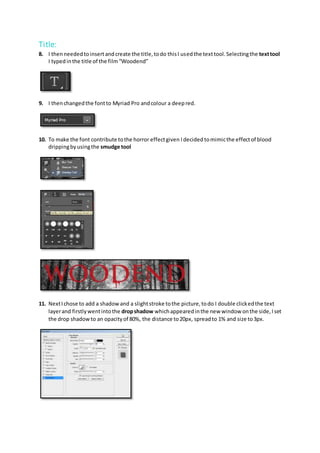
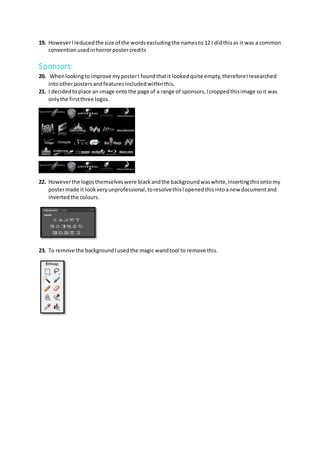
The document describes the steps taken to create a movie poster in Photoshop. It involved placing a background image, converting it to greyscale and adding effects like multiply and gradient to darken it. Text was added for the title, advertisement and credits using different fonts and styles like drop shadows. Sponsor logos were also cropped and color inverted to include at the bottom. The poster was finalized by locking layers and flattening the image.