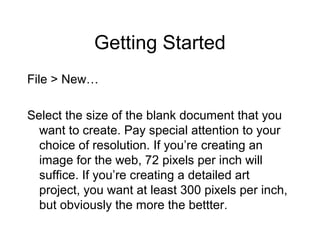
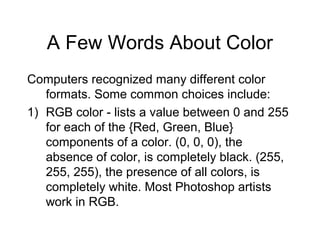
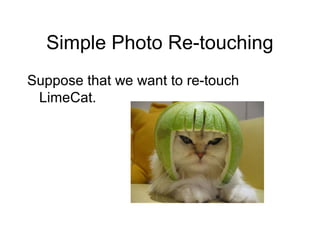
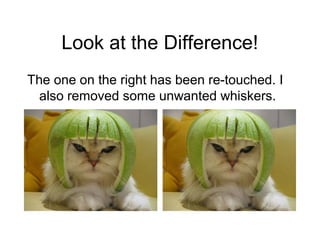
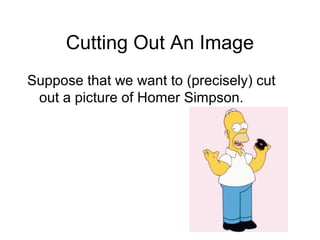
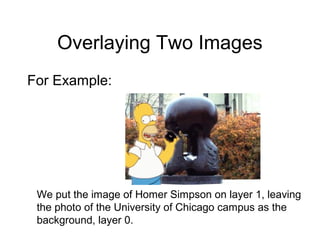
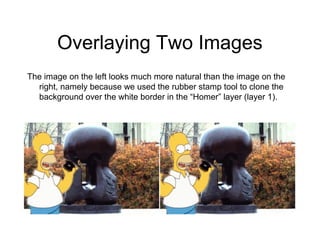
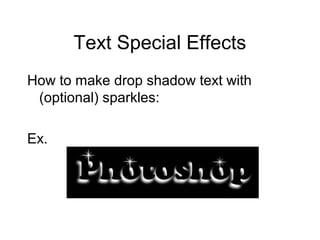
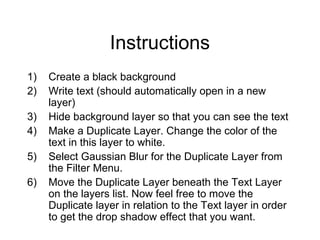
This document provides a tutorial on basic Photoshop skills such as creating documents, working with layers, selecting colors, cutting out images, adding text effects, and more. It explains how to create a new document and select an appropriate resolution, describes common color modes like RGB and CMYK, and gives tips for saving files in different formats. The tutorial also demonstrates how to use tools like the magnetic lasso and mask to precisely select areas, overlay images by placing them on separate layers, and add effects like drop shadows to text. Resources for further learning Photoshop are provided at the end.