Peer-to-Peer
Networks
A brief Overview of Creating a Simple
Peer-to-Peer network
What is a Peer-to-Peer Network?
•A peer-to-peer network is a network of computers that
are of the same capacity and there is no dedicated
server.
•All computers are equal hence the term peers and each
computer can act as a client and a server
•They are convenient for easy sharing of resources
4/23/2014 Prepared by Nkosinathi Lungu 2
Advantages of a Peer-to-Peer Network
•Contents and resources on computer can be equally
shared
•Efficient for multipoint communication
•More reliable than a single server
•Easy access to all resources on the network
4/23/2014 Prepared by Nkosinathi Lungu 3
Creating a simple Peer-to-Peer
Network
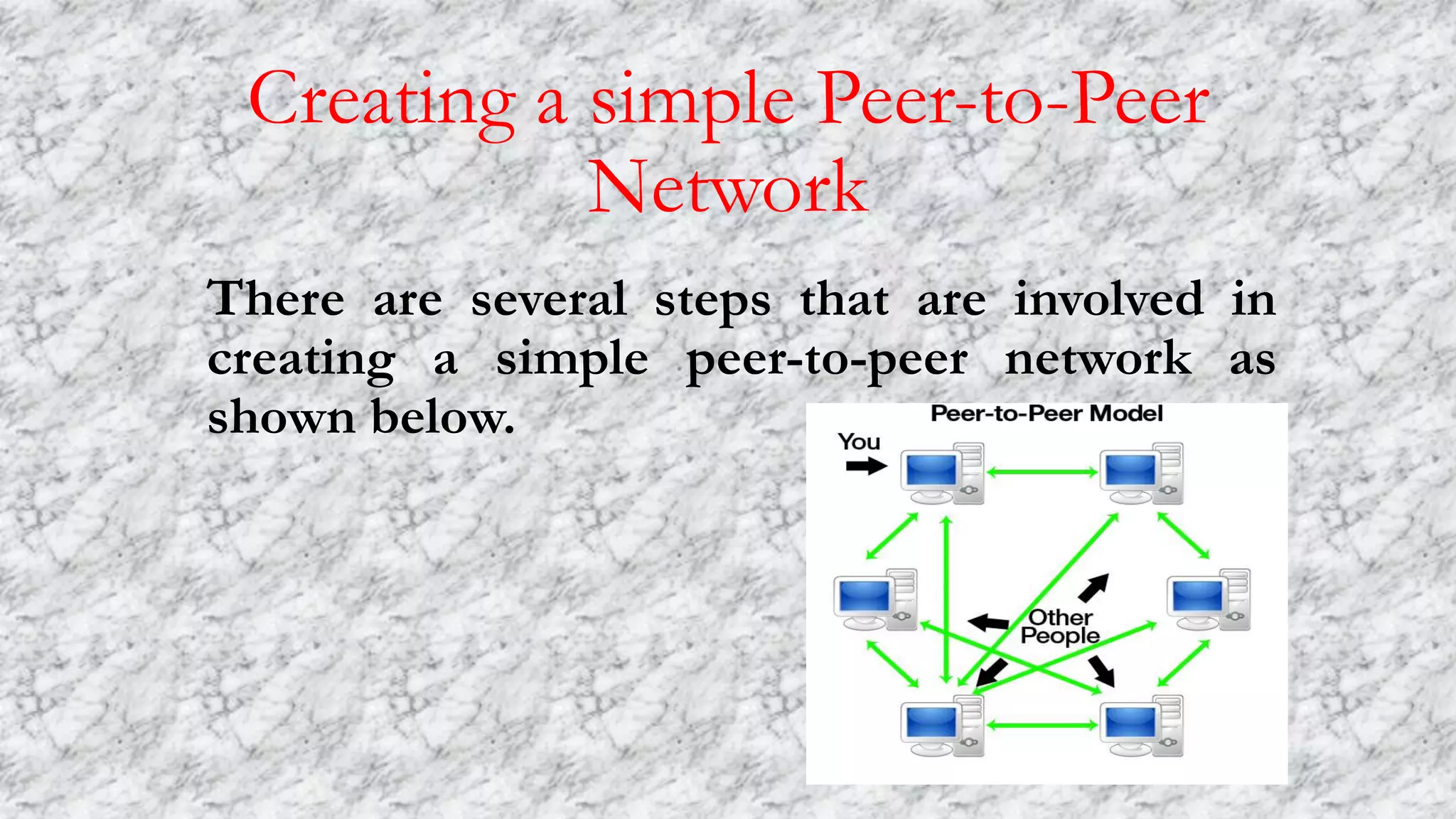
There are several steps that are involved in
creating a simple peer-to-peer network as
shown below.
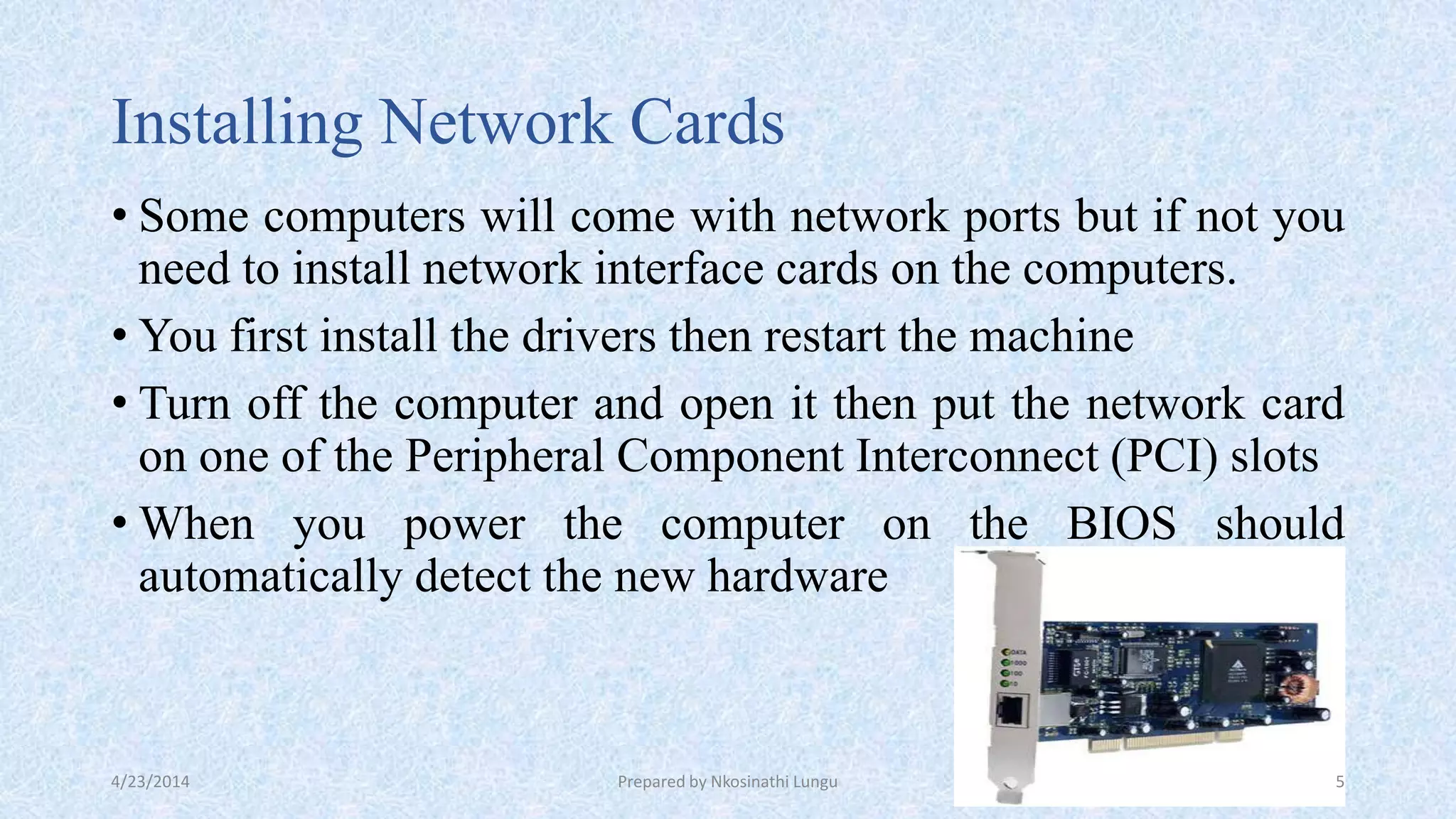
Installing Network Cards
• Some computers will come with network ports but if not you
need to install network interface cards on the computers.
• You first install the drivers then restart the machine
• Turn off the computer and open it then put the network card
on one of the Peripheral Component Interconnect (PCI) slots
• When you power the computer on the BIOS should
automatically detect the new hardware
4/23/2014 Prepared by Nkosinathi Lungu 5
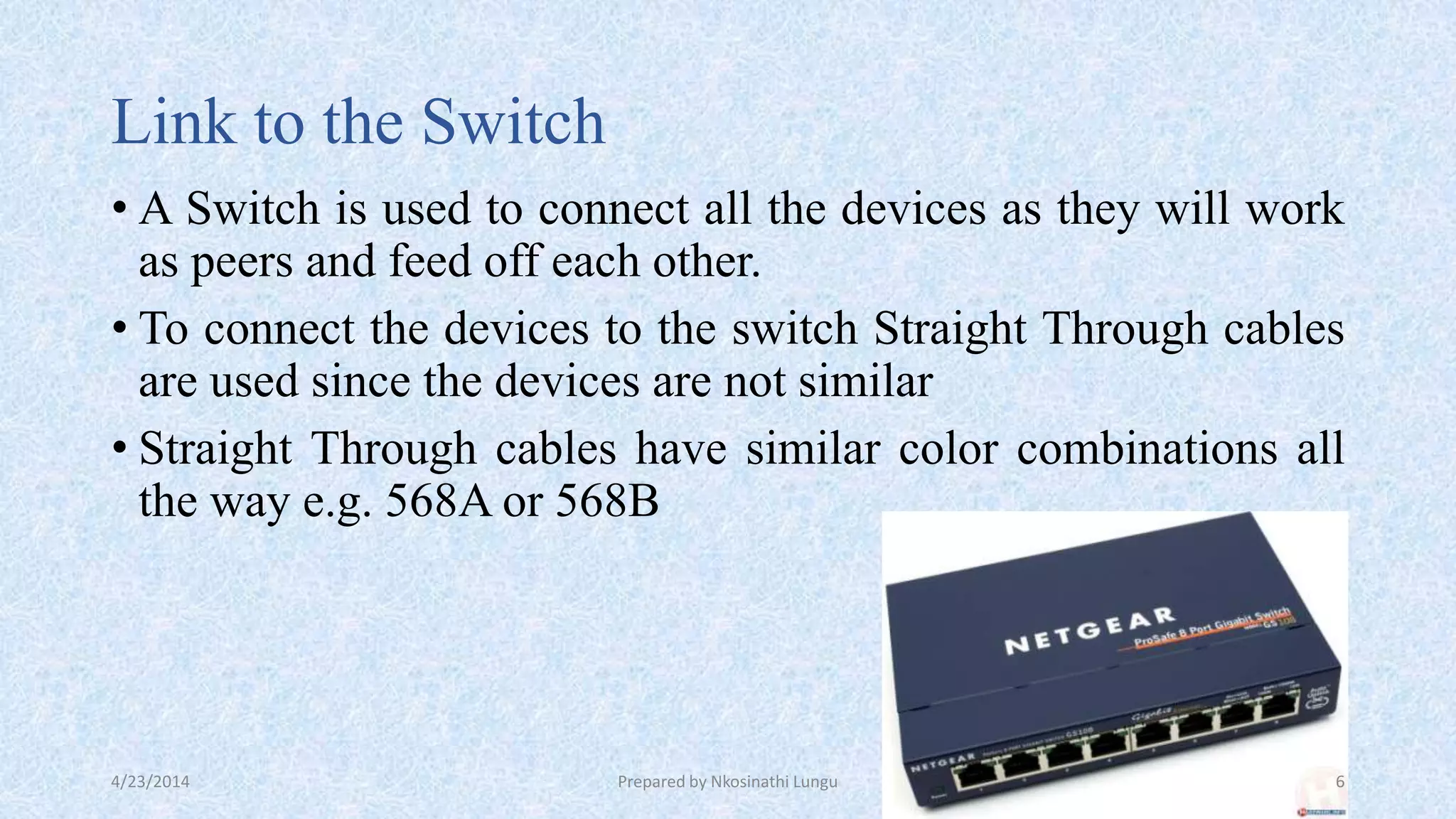
Link to the Switch
• A Switch is used to connect all the devices as they will work
as peers and feed off each other.
• To connect the devices to the switch Straight Through cables
are used since the devices are not similar
• Straight Through cables have similar color combinations all
the way e.g. 568A or 568B
4/23/2014 Prepared by Nkosinathi Lungu 6
Assigning Internet Protocol (I.P) Addresses
• When the devices are connected then its time to assign
Internet Protocol (IP) addresses
• IP addresses are assigned to each device on the network so
that its easier to send messages between devices.
• When you enter the IP address the subnet mask will be
entered automatically.
4/23/2014 Prepared by Nkosinathi Lungu 7
Creating a Work Group
• After successful assignment of IP addresses then you can
name the workgroup
• Workgroup names are a way to distinguish the peer-to-peer
network from other peer-to-peer networks on the same
network.
• Workgroups provide easy sharing of files and resources
• Workgroups are used in smaller networks like homes or small
businesses, bigger organizations are better using domains.
4/23/2014 Prepared by Nkosinathi Lungu 8
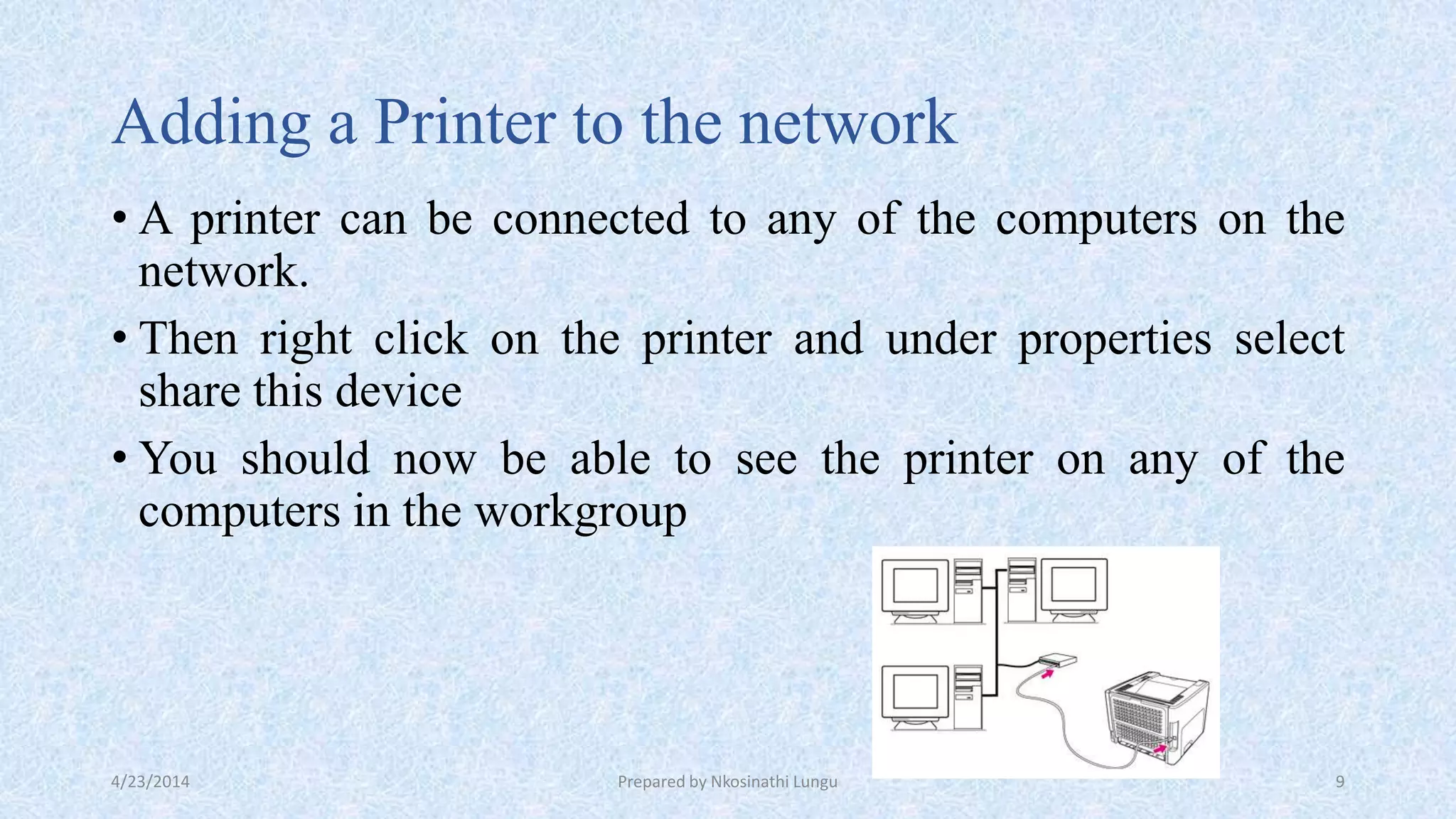
Adding a Printer to the network
• A printer can be connected to any of the computers on the
network.
• Then right click on the printer and under properties select
share this device
• You should now be able to see the printer on any of the
computers in the workgroup
4/23/2014 Prepared by Nkosinathi Lungu 9
Conclusion
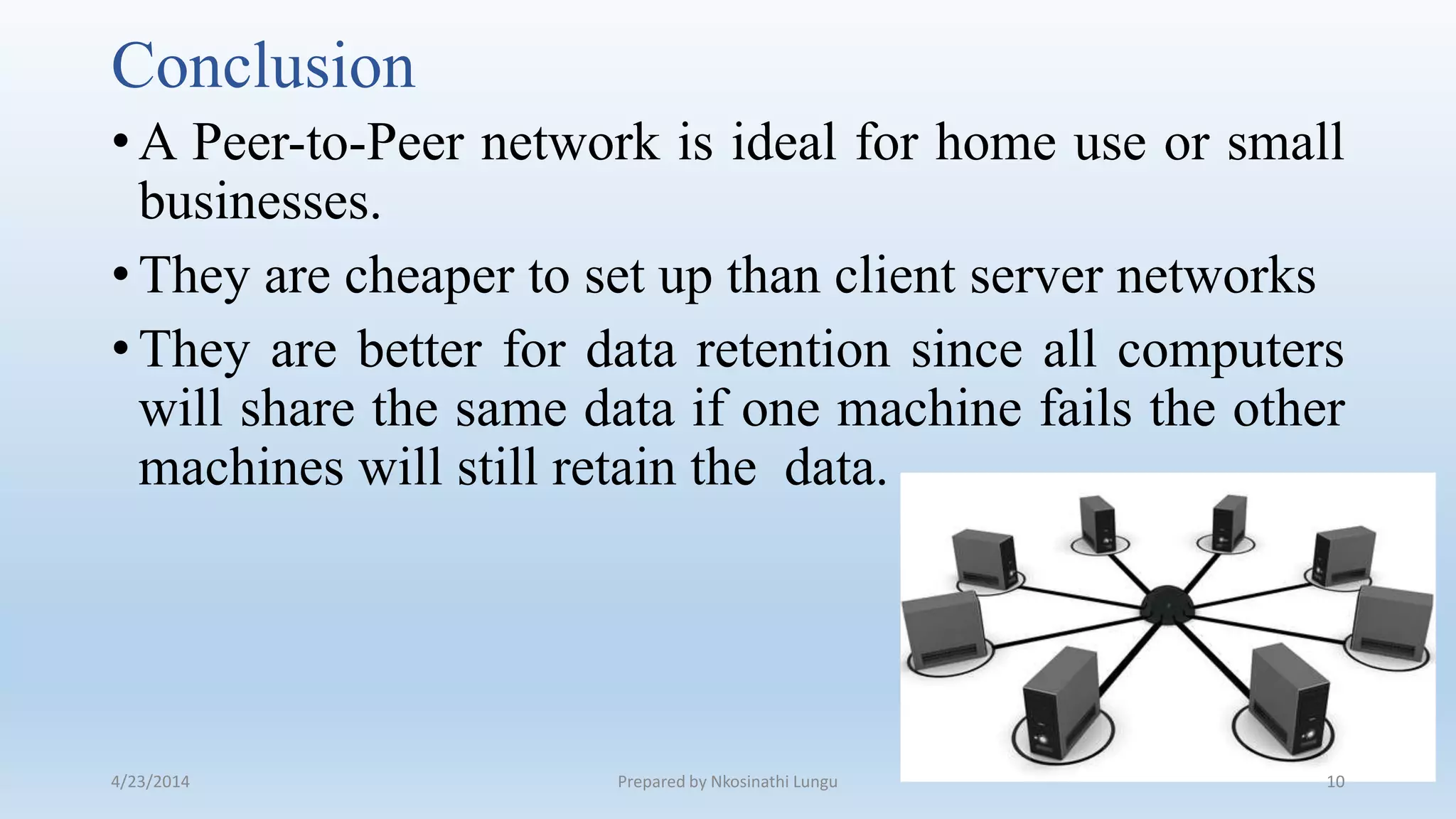
•A Peer-to-Peer network is ideal for home use or small
businesses.
•They are cheaper to set up than client server networks
•They are better for data retention since all computers
will share the same data if one machine fails the other
machines will still retain the data.
4/23/2014 Prepared by Nkosinathi Lungu 10

Peer to-peer networks

  • 1.
    Peer-to-Peer Networks A brief Overviewof Creating a Simple Peer-to-Peer network
  • 2.
    What is aPeer-to-Peer Network? •A peer-to-peer network is a network of computers that are of the same capacity and there is no dedicated server. •All computers are equal hence the term peers and each computer can act as a client and a server •They are convenient for easy sharing of resources 4/23/2014 Prepared by Nkosinathi Lungu 2
  • 3.
    Advantages of aPeer-to-Peer Network •Contents and resources on computer can be equally shared •Efficient for multipoint communication •More reliable than a single server •Easy access to all resources on the network 4/23/2014 Prepared by Nkosinathi Lungu 3
  • 4.
    Creating a simplePeer-to-Peer Network There are several steps that are involved in creating a simple peer-to-peer network as shown below.
  • 5.
    Installing Network Cards •Some computers will come with network ports but if not you need to install network interface cards on the computers. • You first install the drivers then restart the machine • Turn off the computer and open it then put the network card on one of the Peripheral Component Interconnect (PCI) slots • When you power the computer on the BIOS should automatically detect the new hardware 4/23/2014 Prepared by Nkosinathi Lungu 5
  • 6.
    Link to theSwitch • A Switch is used to connect all the devices as they will work as peers and feed off each other. • To connect the devices to the switch Straight Through cables are used since the devices are not similar • Straight Through cables have similar color combinations all the way e.g. 568A or 568B 4/23/2014 Prepared by Nkosinathi Lungu 6
  • 7.
    Assigning Internet Protocol(I.P) Addresses • When the devices are connected then its time to assign Internet Protocol (IP) addresses • IP addresses are assigned to each device on the network so that its easier to send messages between devices. • When you enter the IP address the subnet mask will be entered automatically. 4/23/2014 Prepared by Nkosinathi Lungu 7
  • 8.
    Creating a WorkGroup • After successful assignment of IP addresses then you can name the workgroup • Workgroup names are a way to distinguish the peer-to-peer network from other peer-to-peer networks on the same network. • Workgroups provide easy sharing of files and resources • Workgroups are used in smaller networks like homes or small businesses, bigger organizations are better using domains. 4/23/2014 Prepared by Nkosinathi Lungu 8
  • 9.
    Adding a Printerto the network • A printer can be connected to any of the computers on the network. • Then right click on the printer and under properties select share this device • You should now be able to see the printer on any of the computers in the workgroup 4/23/2014 Prepared by Nkosinathi Lungu 9
  • 10.
    Conclusion •A Peer-to-Peer networkis ideal for home use or small businesses. •They are cheaper to set up than client server networks •They are better for data retention since all computers will share the same data if one machine fails the other machines will still retain the data. 4/23/2014 Prepared by Nkosinathi Lungu 10