Page Description DiagramsPresented by Nick Finck
About MeUser Experience EvangelistBlink InteractivePersonal SiteNickFinck.comTwitter@nickfNominatedSeattle’s sexiest geekPhoto by  Jeff Croft - http://bit.ly/g0hPil
OverviewWhat is a PDD?Why use PDDs?What goes into a PDD?Examples of PDDsPDD activity Q&A
What is a PDD?
“Page Description Diagramsare simply a tool for communicating IA decisions without talking about the visual design.”
PDDs
Why should we care?
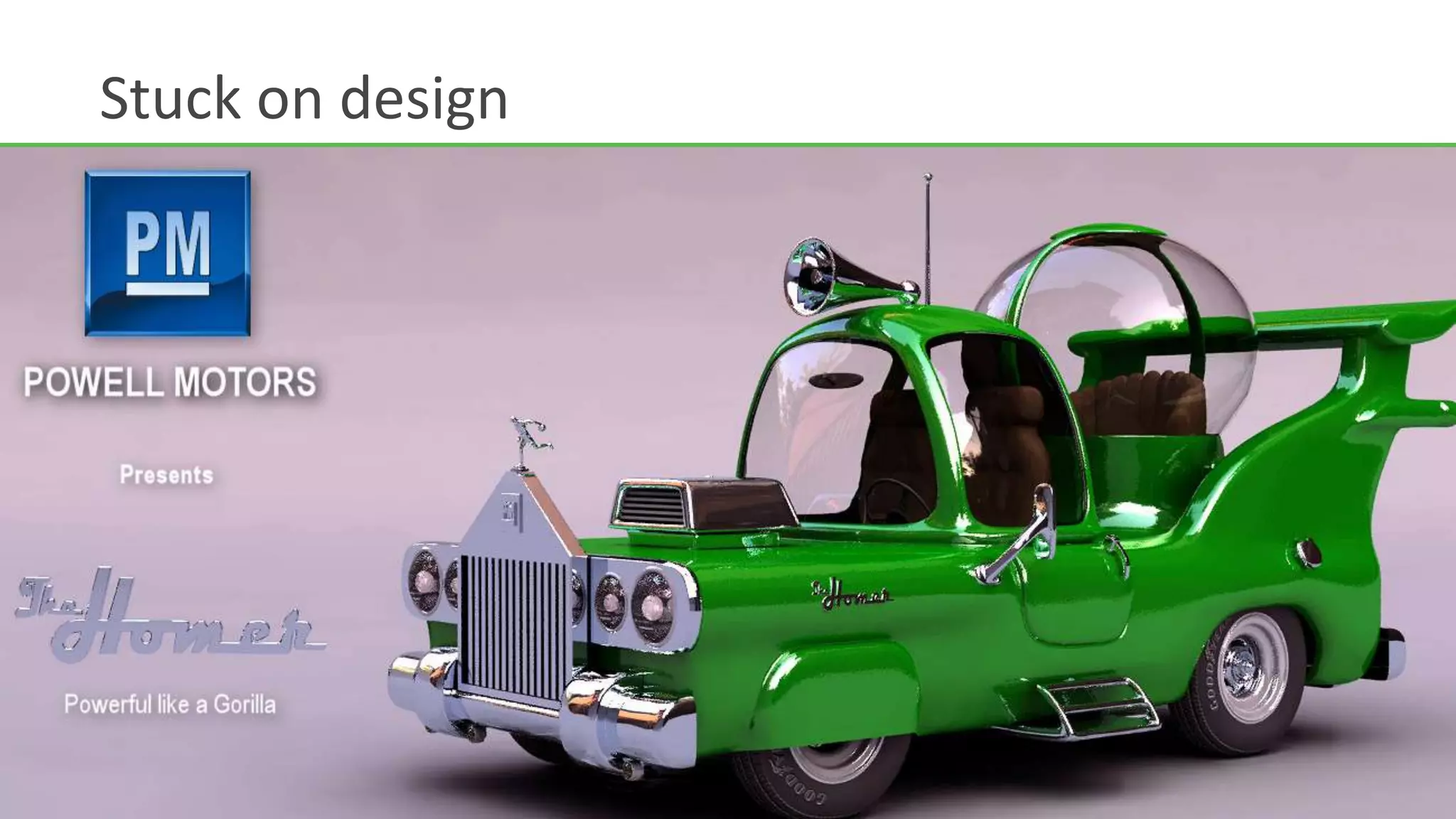
Stuck on design
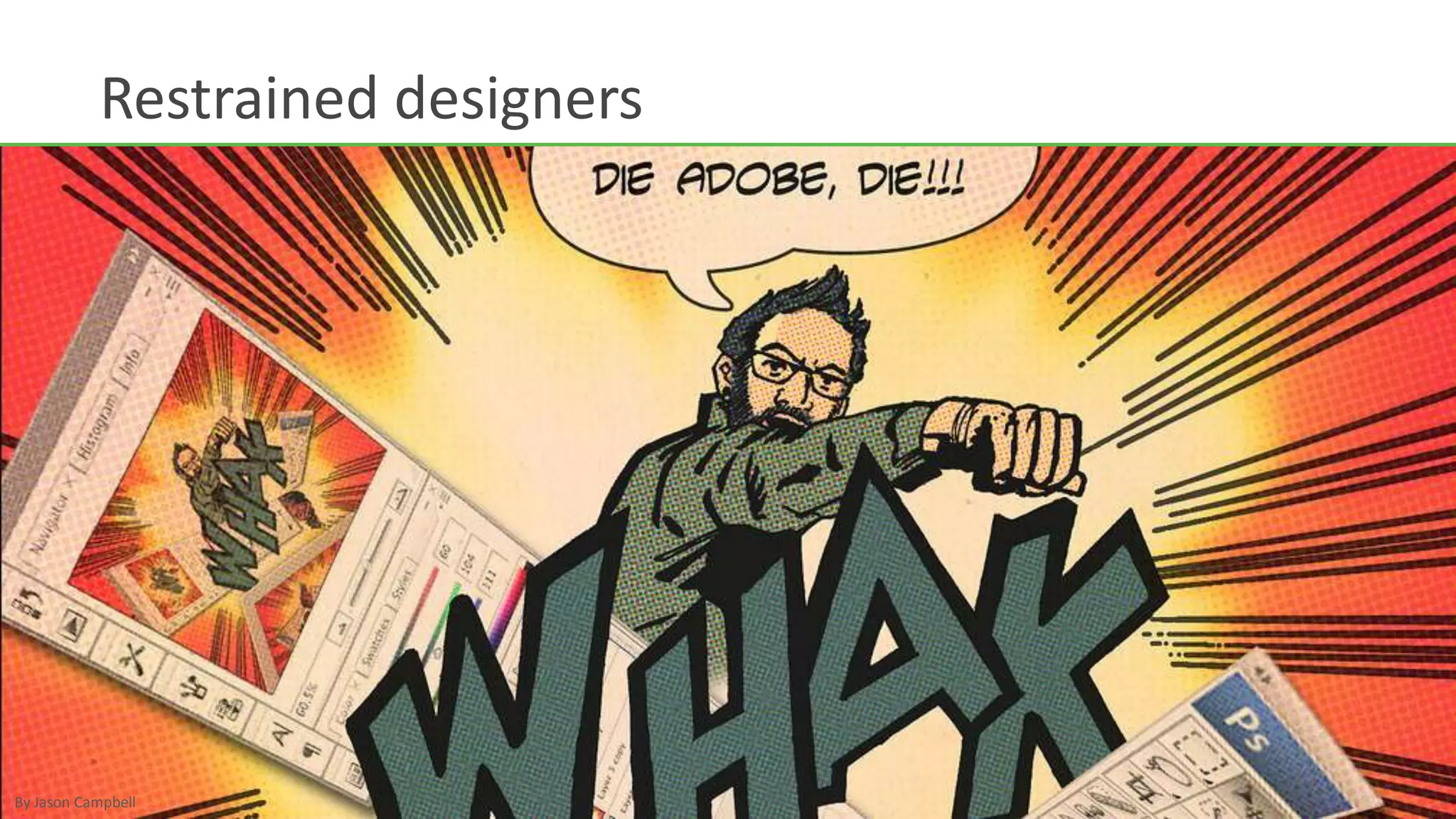
Restrained designersBy Jason Campbell
“We can't solve problems byusing the same kind of  thinking we used when wecreated them.”- Albert Einstein
Why?Documents the elements of each screen without specifying layout.
May be used instead of wireframes, or preceding wireframes.
Allows greater collaboration between team members responsible for visual design and functional specification.What goes into a PDD?
ContentEach element may include one or more of the following:Description of each element
Finalized or draft content
Designs, sketches, or wireframesComponents PDDs should cover the following:Design elements
Content elements
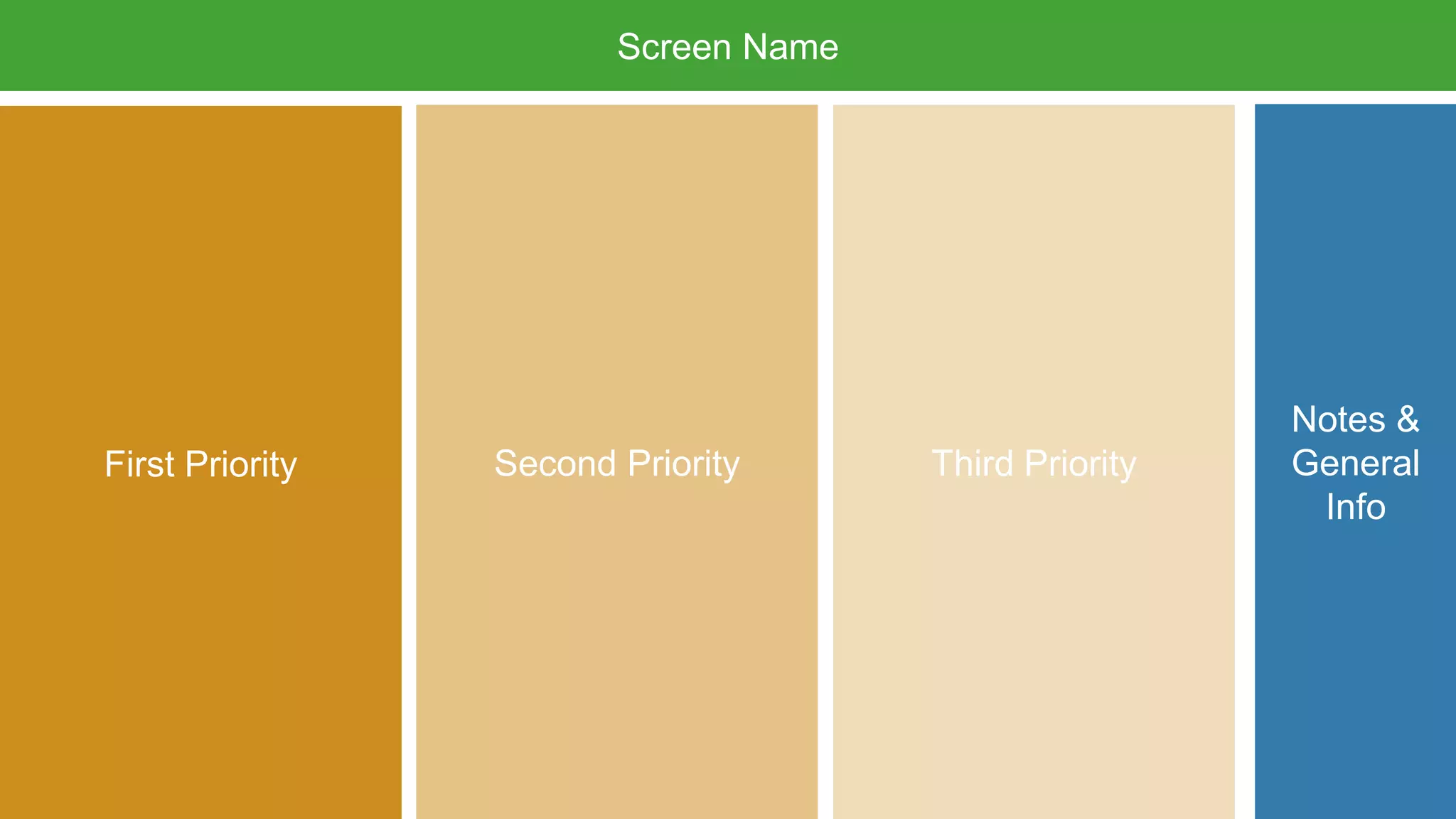
Interface elementsLayoutEach PDD page should include the following:One screen per page
Screen name
Three columns (high, medium, & low priority)
Optional notes or general screen infoScreen NameNotes &General InfoSecond PriorityThird PriorityFirst Priority
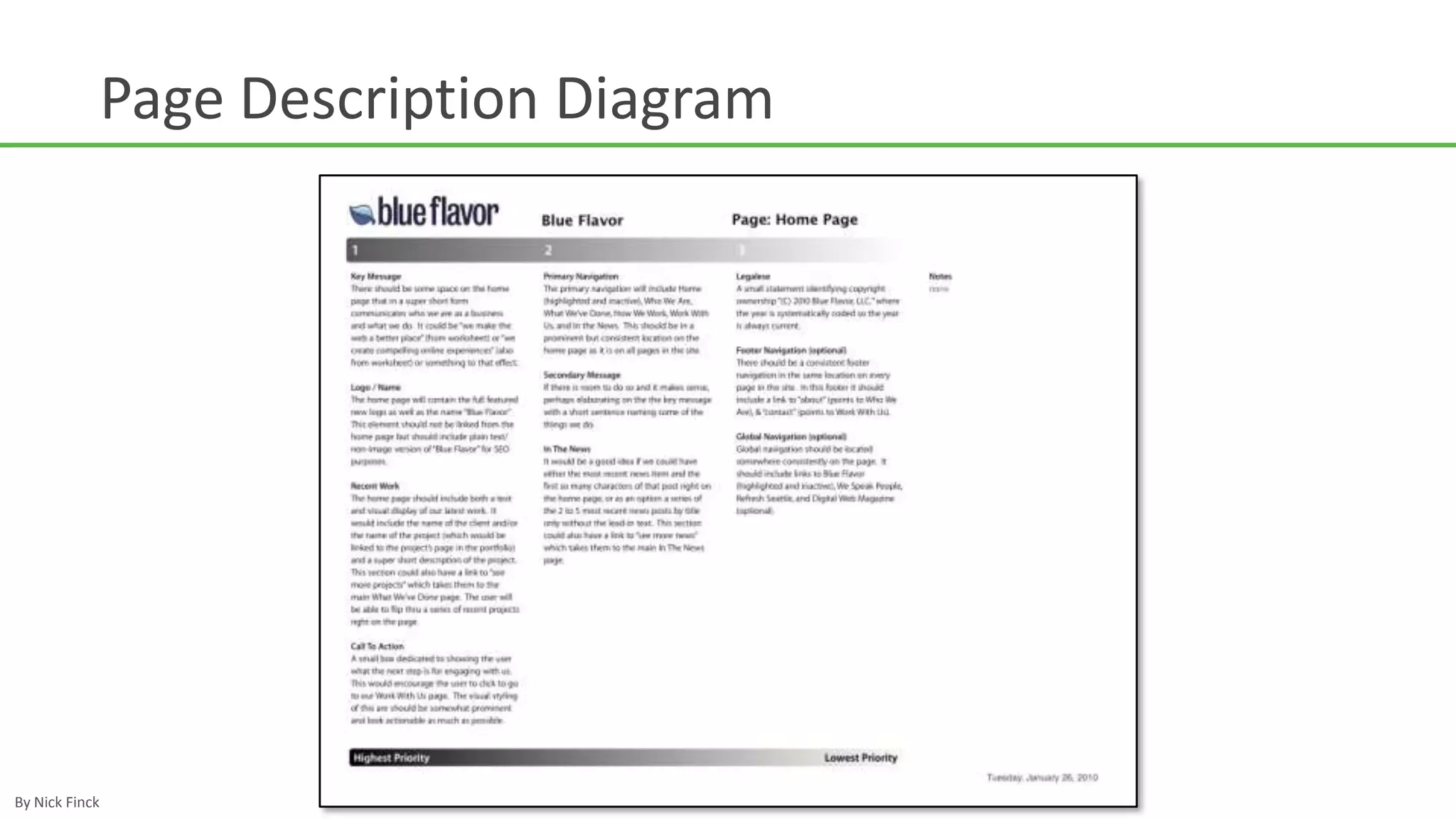
Some PDD examples
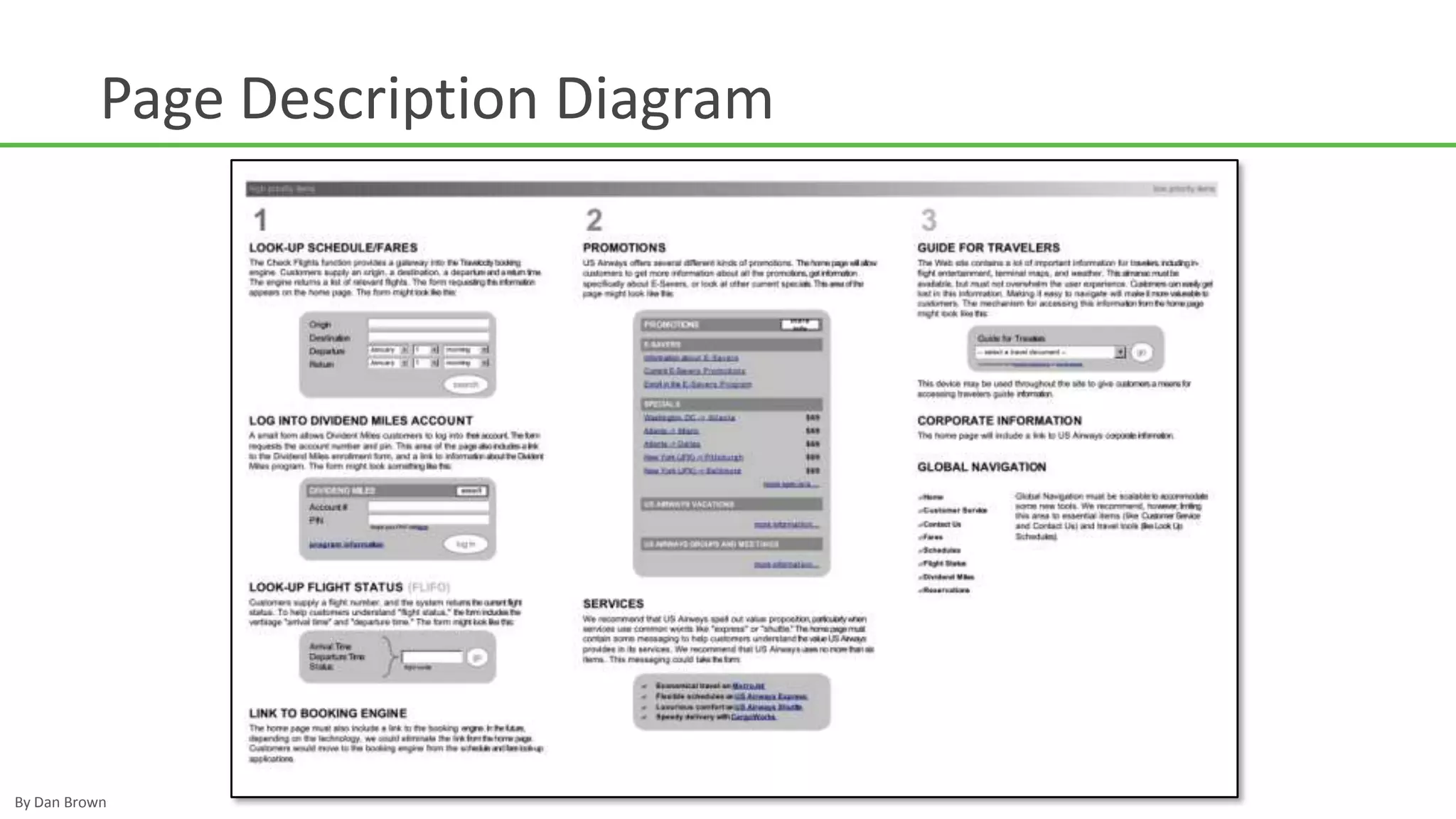
Page Description DiagramBy Dan Brown

Page Description Diagrams

Editor's Notes

  • #9 Despite our best efforts, clients can get caught in the designwhen looking at wireframesrather than focusing on the structure & organization ofinformation on the page.
  • #10 Wireframes dictate a lot about the design of a screen.This restricts visual designersfrom doing… well, design.