SEMINAR
on
O.C.R
(OPTICAL CHARACTER RECOGNITION)
Presenting by
Rahul Kumar Mallik
Student of B.Tech. (CSE)-4th Year/ VllI Semester (2018-19)
Introduction !
 Suppose you wanted to digitize a magazine article or a printed contract !
 You could spend hours retyping and then correcting misprints or you could
convert all the required material into digital format several minutes using a
scanner .
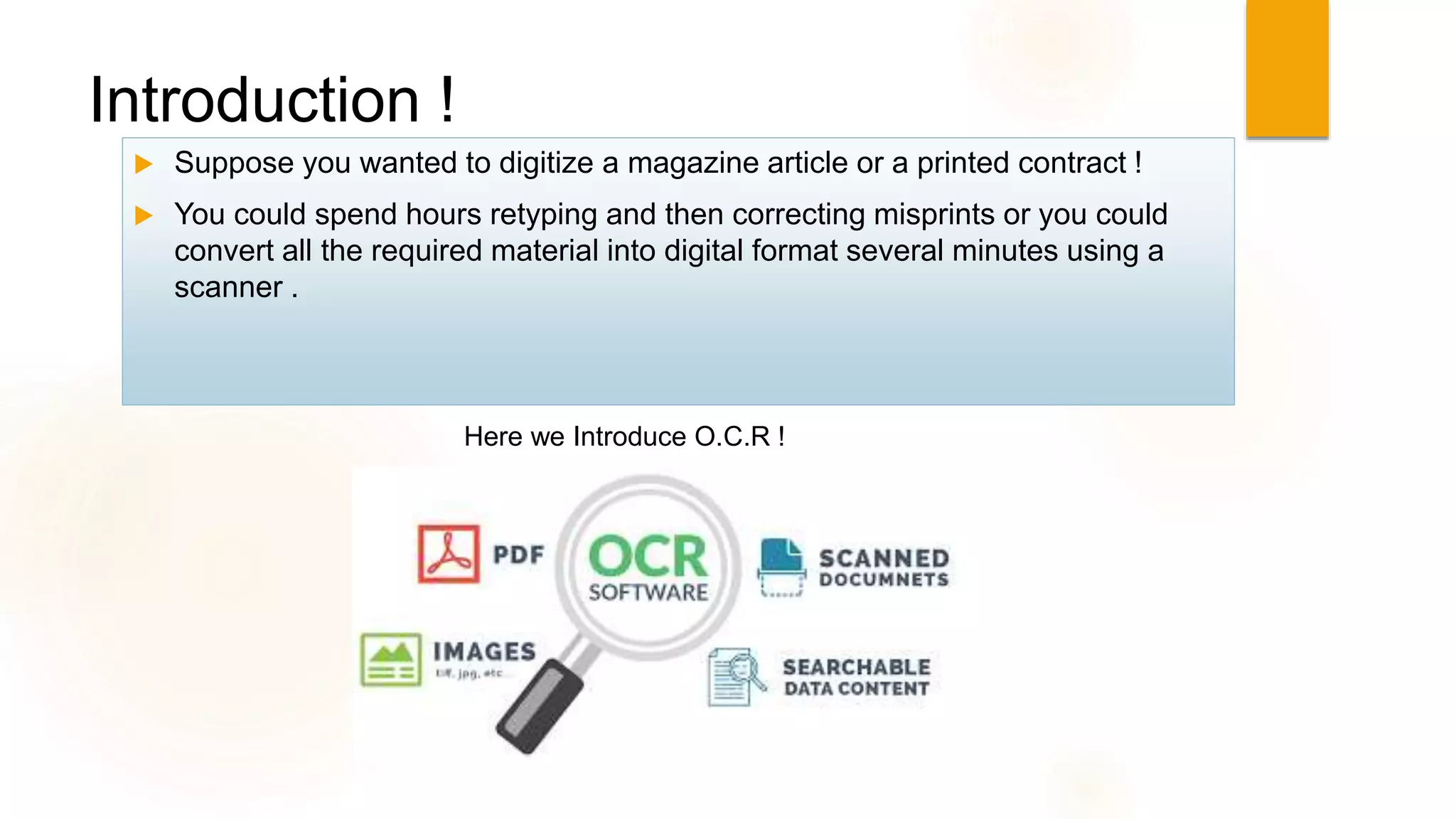
Here we Introduce O.C.R !
O.C.R !
 Optical character recognition (also optical character reader, OCR) is
the mechanical or electronic conversion of images of typed, handwritten
or printed text into machine-encoded text, whether from a scanned
document, a photo of a document, a scene-photo (for example the text on
signs and billboards in a landscape photo) or from subtitle text
superimposed on an image
 It is a common method of digitising printed texts so that they can be
electronically edited, searched, stored more compactly, displayed on-line,
and used in machine processes such as cognitive computing , machine
translation, (extracted) text-to-speech, key data and text mining. OCR
is a field of research in pattern recognition, artificial
intelligence and computer vision.
 O.C.R technology involving telegraphy and creating
reading device for the blind .
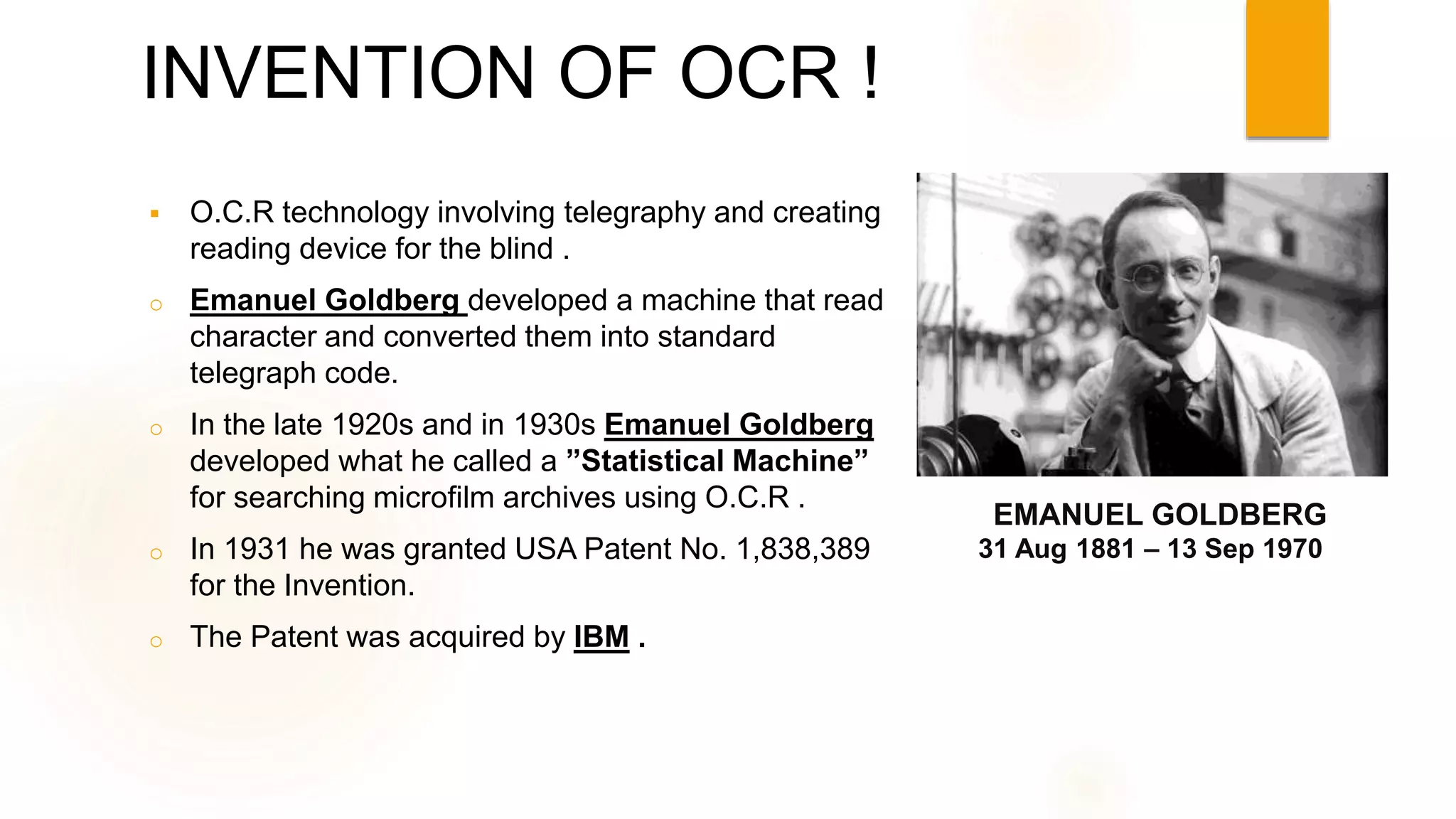
o Emanuel Goldberg developed a machine that read
character and converted them into standard
telegraph code.
o In the late 1920s and in 1930s Emanuel Goldberg
developed what he called a ”Statistical Machine”
for searching microfilm archives using O.C.R .
o In 1931 he was granted USA Patent No. 1,838,389
for the Invention.
o The Patent was acquired by IBM .
31 Aug 1881 – 13 Sep 1970
EMANUEL GOLDBERG
INVENTION OF OCR !
Techniques used for Developing O.C.R ?
 De-skew – If the document was not aligned properly when scanned, it may need to be tilted a
few degrees clockwise or counterclockwise in order to make lines of text perfectly horizontal
or vertical.
 Despeckle – remove positive and negative spots, smoothing edges
 Line and word detection – Establishes baseline for word and character shapes,
separates words if necessary.
 Script recognition – In multilingual documents, the script may change at the level of
the words and hence, identification of the script is necessary, before the right OCR
can be invoked to handle the specific script.
 Character isolation or "segmentation"
 Normalise aspect ratio and scale .
 Line removal – Cleans up non-glyph boxes and lines
 Layout analysis or "zoning" – Identifies columns, paragraphs, captions, etc. as
distinct blocks. Especially important in multi-column layouts and tables.
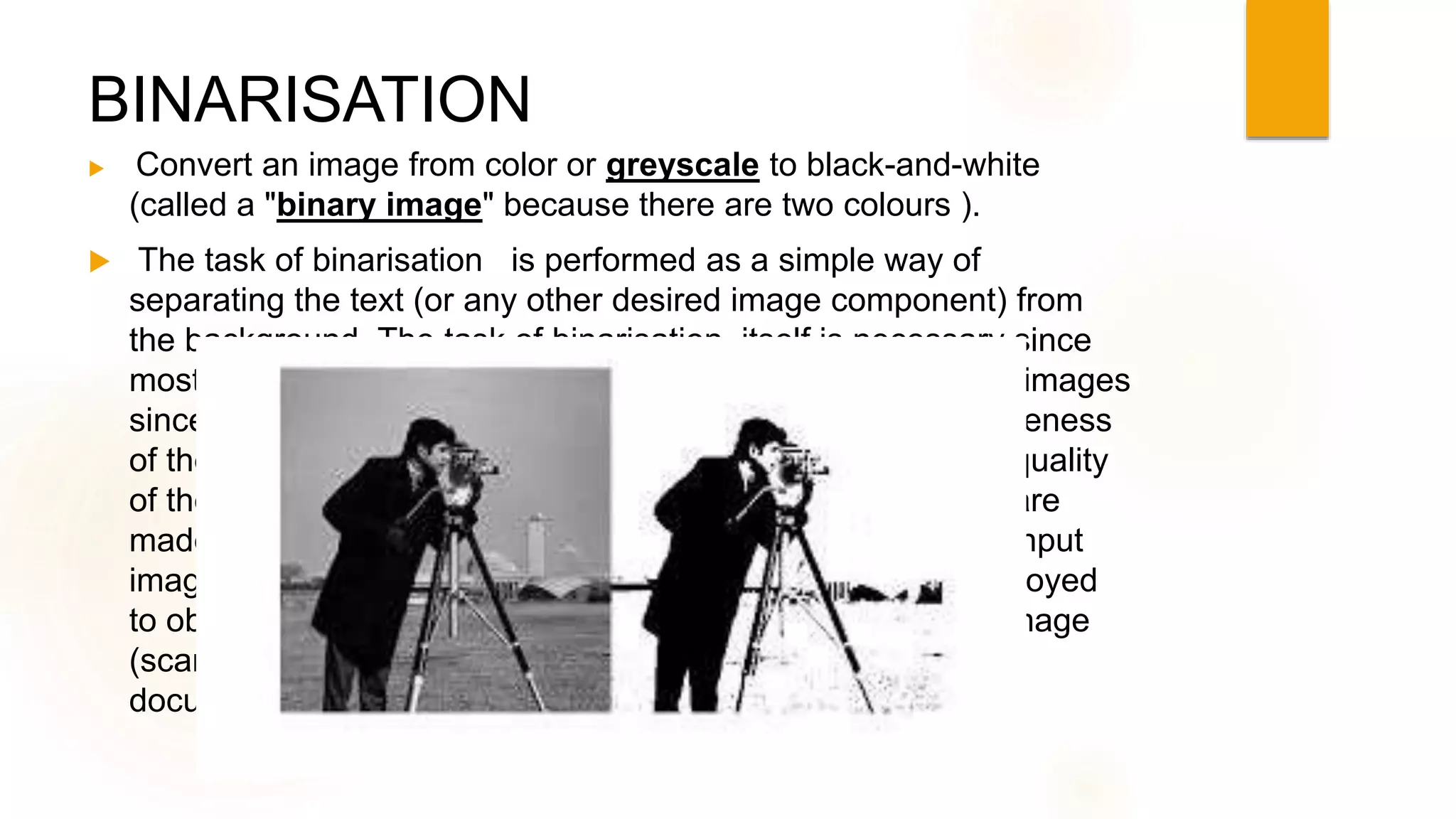
BINARISATION
 Convert an image from color or greyscale to black-and-white
(called a "binary image" because there are two colours ).
 The task of binarisation is performed as a simple way of
separating the text (or any other desired image component) from
the background. The task of binarisation itself is necessary since
most commercial recognition algorithms work only on binary images
since it proves to be simpler to do so. In addition, the effectiveness
of the binarisation step influences to a significant extent the quality
of the character recognition stage and the careful decisions are
made in the choice of the binarisation employed for a given input
image type; since the quality of the binarisation method employed
to obtain the binary result depends on the type of the input image
(scanned document, scene text image, historical degraded
document etc.).
FORCING BETTER INPUT !
 Special fonts like OCR-A, OCR-B, or MICR fonts, with precisely specified
sizing, spacing, and distinctive character shapes, allow a higher accuracy
rate during transcription. These were often used in early matrix-matching
systems.
 "Comb fields" are pre-printed boxes that encourage humans to write more
legibly – one glyph per box. These are often printed in a "dropout color“
which can be easily removed by the OCR system.
 Palm OS used a special set of glyphs, known as "Graffiti" which are
similar to printed English characters but simplified or modified for easier
recognition on the platform's computationally limited hardware. Users
would need to learn how to write these special glyphs.
 Zone-based OCR restricts the image to a specific part of a document. This
is often referred to as "Template OCR".
Digital Library !
A digital library is a special library with a collection of digital objects that can
include text, visual material, audio material, video material, stored
as electronic media formats (as opposed to print, or other media.
, along with means for organizing, storing, and retrieving the files and media
contained in the library collection. Digital libraries can vary immensely in size
and scope, and can be maintained by individuals, organizations, or affiliated
with established physical library buildings or institutions, or with academic
institutions. The digital content may be stored locally, or accessed remotely
via computer networks. An electronic library is a type of information
retrieval system. These information retrieval systems are able to exchange
information with each other through interoperability and sustainability .
Applications of O.C.R !
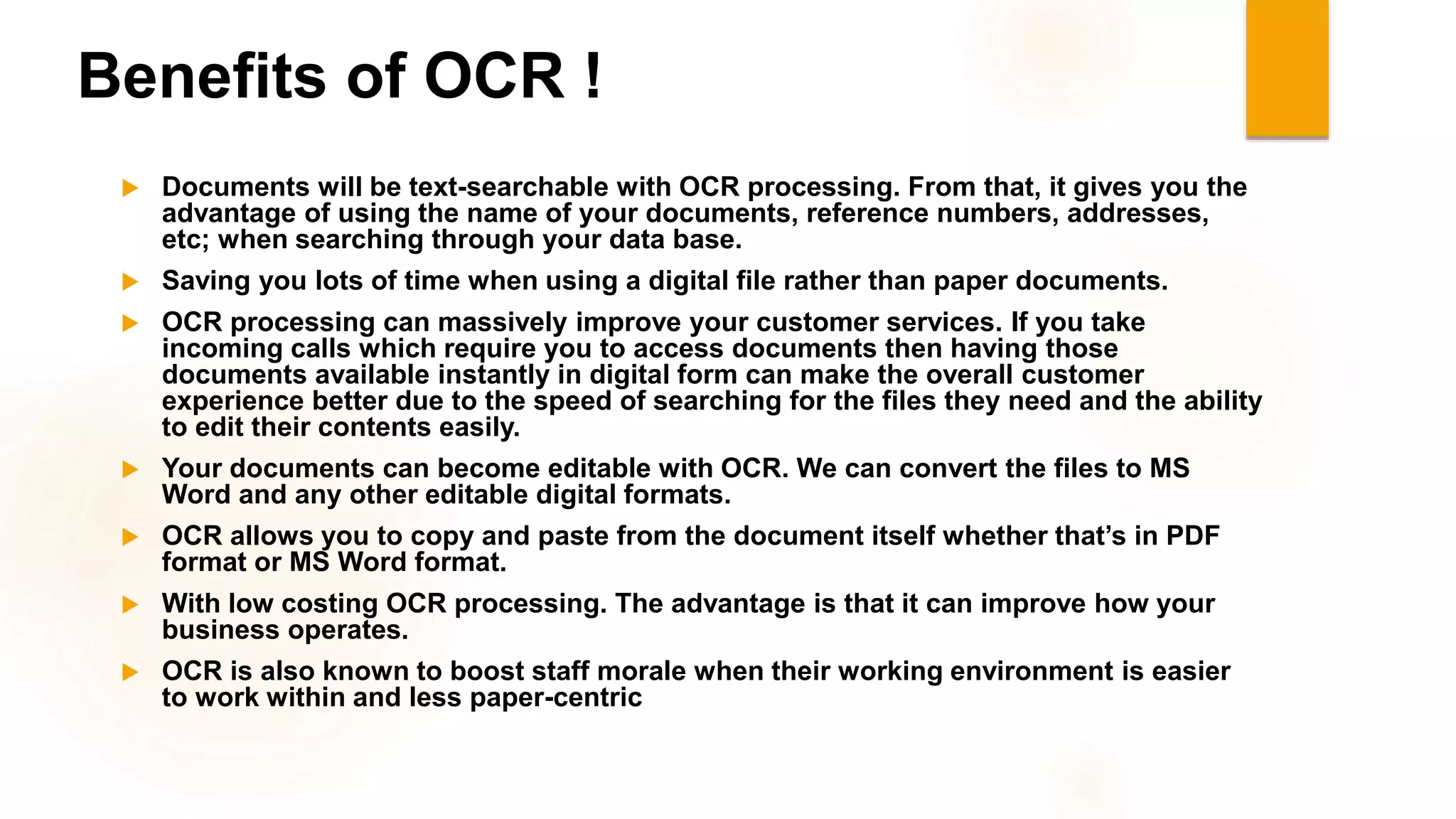
OCR engines have been developed into many kinds of domain-specific OCR
applications, such as receipt OCR, invoice OCR, check OCR, legal billing document
OCR.
They can be used for:
 Data entry for business documents, e.g. check ,passport, invoice, bank statement
and receipt
 Automatic number plate recognition
 Automatic insurance documents key information extraction
 Extracting business card information into a contact list
 More quickly make textual versions of printed documents, e.g. book
scanning for Project Gutenberg
 Make electronic images of printed documents searchable, e.g. Google Books
 Converting handwriting in real time to control a computer (pen computing)
 Defeating CAPTCHA anti-bot systems, though these are specifically designed to
prevent OCR. The purpose can also be to test the robustness of CAPTCHA anti-bot
system
ACCURACY !
Accuracy rates can be measured in several ways, and how they are measured can
greatly affect the reported accuracy rate. For example, if word context (basically a
lexicon of words) is not used to correct software finding non-existent words, a
character error rate of 1% (99% accuracy) may result in an error rate of 5% (95%
accuracy) or worse if the measurement is based on whether each whole word was
recognized with no incorrect letters.
 The Information Science Research Institute (ISRI) had the mission to foster the improvement of
automated technologies for understand machines printed documents and its conducted the most
authoritative of the Annual Test of OCR Accuracy from 1992 to 1996.
 65% Accurate on Latin , even the image is clear.
 Total accuracy can be achieved by human review or Data Dictionary Authentication.
 Other areas—including recognition of hand printing, cursive handwriting, and
printed text in other scripts (especially those East Asian language characters
which have many strokes for a single character)—are still the subject of active
research. The MNIST database is commonly used for testing systems' ability to
recognise handwritten digits.
Benefits of OCR !
 Documents will be text-searchable with OCR processing. From that, it gives you the
advantage of using the name of your documents, reference numbers, addresses,
etc; when searching through your data base.
 Saving you lots of time when using a digital file rather than paper documents.
 OCR processing can massively improve your customer services. If you take
incoming calls which require you to access documents then having those
documents available instantly in digital form can make the overall customer
experience better due to the speed of searching for the files they need and the ability
to edit their contents easily.
 Your documents can become editable with OCR. We can convert the files to MS
Word and any other editable digital formats.
 OCR allows you to copy and paste from the document itself whether that’s in PDF
format or MS Word format.
 With low costing OCR processing. The advantage is that it can improve how your
business operates.
 OCR is also known to boost staff morale when their working environment is easier
to work within and less paper-centric
Thank You For
Paying Attention !

Optical Character Recognition

  • 1.
    SEMINAR on O.C.R (OPTICAL CHARACTER RECOGNITION) Presentingby Rahul Kumar Mallik Student of B.Tech. (CSE)-4th Year/ VllI Semester (2018-19)
  • 2.
    Introduction !  Supposeyou wanted to digitize a magazine article or a printed contract !  You could spend hours retyping and then correcting misprints or you could convert all the required material into digital format several minutes using a scanner . Here we Introduce O.C.R !
  • 3.
    O.C.R !  Opticalcharacter recognition (also optical character reader, OCR) is the mechanical or electronic conversion of images of typed, handwritten or printed text into machine-encoded text, whether from a scanned document, a photo of a document, a scene-photo (for example the text on signs and billboards in a landscape photo) or from subtitle text superimposed on an image  It is a common method of digitising printed texts so that they can be electronically edited, searched, stored more compactly, displayed on-line, and used in machine processes such as cognitive computing , machine translation, (extracted) text-to-speech, key data and text mining. OCR is a field of research in pattern recognition, artificial intelligence and computer vision.
  • 4.
     O.C.R technologyinvolving telegraphy and creating reading device for the blind . o Emanuel Goldberg developed a machine that read character and converted them into standard telegraph code. o In the late 1920s and in 1930s Emanuel Goldberg developed what he called a ”Statistical Machine” for searching microfilm archives using O.C.R . o In 1931 he was granted USA Patent No. 1,838,389 for the Invention. o The Patent was acquired by IBM . 31 Aug 1881 – 13 Sep 1970 EMANUEL GOLDBERG INVENTION OF OCR !
  • 5.
    Techniques used forDeveloping O.C.R ?  De-skew – If the document was not aligned properly when scanned, it may need to be tilted a few degrees clockwise or counterclockwise in order to make lines of text perfectly horizontal or vertical.  Despeckle – remove positive and negative spots, smoothing edges  Line and word detection – Establishes baseline for word and character shapes, separates words if necessary.  Script recognition – In multilingual documents, the script may change at the level of the words and hence, identification of the script is necessary, before the right OCR can be invoked to handle the specific script.  Character isolation or "segmentation"  Normalise aspect ratio and scale .  Line removal – Cleans up non-glyph boxes and lines  Layout analysis or "zoning" – Identifies columns, paragraphs, captions, etc. as distinct blocks. Especially important in multi-column layouts and tables.
  • 6.
    BINARISATION  Convert animage from color or greyscale to black-and-white (called a "binary image" because there are two colours ).  The task of binarisation is performed as a simple way of separating the text (or any other desired image component) from the background. The task of binarisation itself is necessary since most commercial recognition algorithms work only on binary images since it proves to be simpler to do so. In addition, the effectiveness of the binarisation step influences to a significant extent the quality of the character recognition stage and the careful decisions are made in the choice of the binarisation employed for a given input image type; since the quality of the binarisation method employed to obtain the binary result depends on the type of the input image (scanned document, scene text image, historical degraded document etc.).
  • 7.
    FORCING BETTER INPUT!  Special fonts like OCR-A, OCR-B, or MICR fonts, with precisely specified sizing, spacing, and distinctive character shapes, allow a higher accuracy rate during transcription. These were often used in early matrix-matching systems.  "Comb fields" are pre-printed boxes that encourage humans to write more legibly – one glyph per box. These are often printed in a "dropout color“ which can be easily removed by the OCR system.  Palm OS used a special set of glyphs, known as "Graffiti" which are similar to printed English characters but simplified or modified for easier recognition on the platform's computationally limited hardware. Users would need to learn how to write these special glyphs.  Zone-based OCR restricts the image to a specific part of a document. This is often referred to as "Template OCR".
  • 8.
    Digital Library ! Adigital library is a special library with a collection of digital objects that can include text, visual material, audio material, video material, stored as electronic media formats (as opposed to print, or other media. , along with means for organizing, storing, and retrieving the files and media contained in the library collection. Digital libraries can vary immensely in size and scope, and can be maintained by individuals, organizations, or affiliated with established physical library buildings or institutions, or with academic institutions. The digital content may be stored locally, or accessed remotely via computer networks. An electronic library is a type of information retrieval system. These information retrieval systems are able to exchange information with each other through interoperability and sustainability .
  • 9.
    Applications of O.C.R! OCR engines have been developed into many kinds of domain-specific OCR applications, such as receipt OCR, invoice OCR, check OCR, legal billing document OCR. They can be used for:  Data entry for business documents, e.g. check ,passport, invoice, bank statement and receipt  Automatic number plate recognition  Automatic insurance documents key information extraction  Extracting business card information into a contact list  More quickly make textual versions of printed documents, e.g. book scanning for Project Gutenberg  Make electronic images of printed documents searchable, e.g. Google Books  Converting handwriting in real time to control a computer (pen computing)  Defeating CAPTCHA anti-bot systems, though these are specifically designed to prevent OCR. The purpose can also be to test the robustness of CAPTCHA anti-bot system
  • 10.
    ACCURACY ! Accuracy ratescan be measured in several ways, and how they are measured can greatly affect the reported accuracy rate. For example, if word context (basically a lexicon of words) is not used to correct software finding non-existent words, a character error rate of 1% (99% accuracy) may result in an error rate of 5% (95% accuracy) or worse if the measurement is based on whether each whole word was recognized with no incorrect letters.  The Information Science Research Institute (ISRI) had the mission to foster the improvement of automated technologies for understand machines printed documents and its conducted the most authoritative of the Annual Test of OCR Accuracy from 1992 to 1996.  65% Accurate on Latin , even the image is clear.  Total accuracy can be achieved by human review or Data Dictionary Authentication.  Other areas—including recognition of hand printing, cursive handwriting, and printed text in other scripts (especially those East Asian language characters which have many strokes for a single character)—are still the subject of active research. The MNIST database is commonly used for testing systems' ability to recognise handwritten digits.
  • 11.
    Benefits of OCR!  Documents will be text-searchable with OCR processing. From that, it gives you the advantage of using the name of your documents, reference numbers, addresses, etc; when searching through your data base.  Saving you lots of time when using a digital file rather than paper documents.  OCR processing can massively improve your customer services. If you take incoming calls which require you to access documents then having those documents available instantly in digital form can make the overall customer experience better due to the speed of searching for the files they need and the ability to edit their contents easily.  Your documents can become editable with OCR. We can convert the files to MS Word and any other editable digital formats.  OCR allows you to copy and paste from the document itself whether that’s in PDF format or MS Word format.  With low costing OCR processing. The advantage is that it can improve how your business operates.  OCR is also known to boost staff morale when their working environment is easier to work within and less paper-centric
  • 12.