More Than Usability
7 User Research Methods to Cover
Every Corner.
HI, I’M RAZAN
UX RESEARCHER & DESIGNER –
@razsadeq
STYLIGHT
IN THIS TALK
The role of user research in product development
User Research methods and tools to improve
products and services
Why Research?
It’s important because you are not your user.
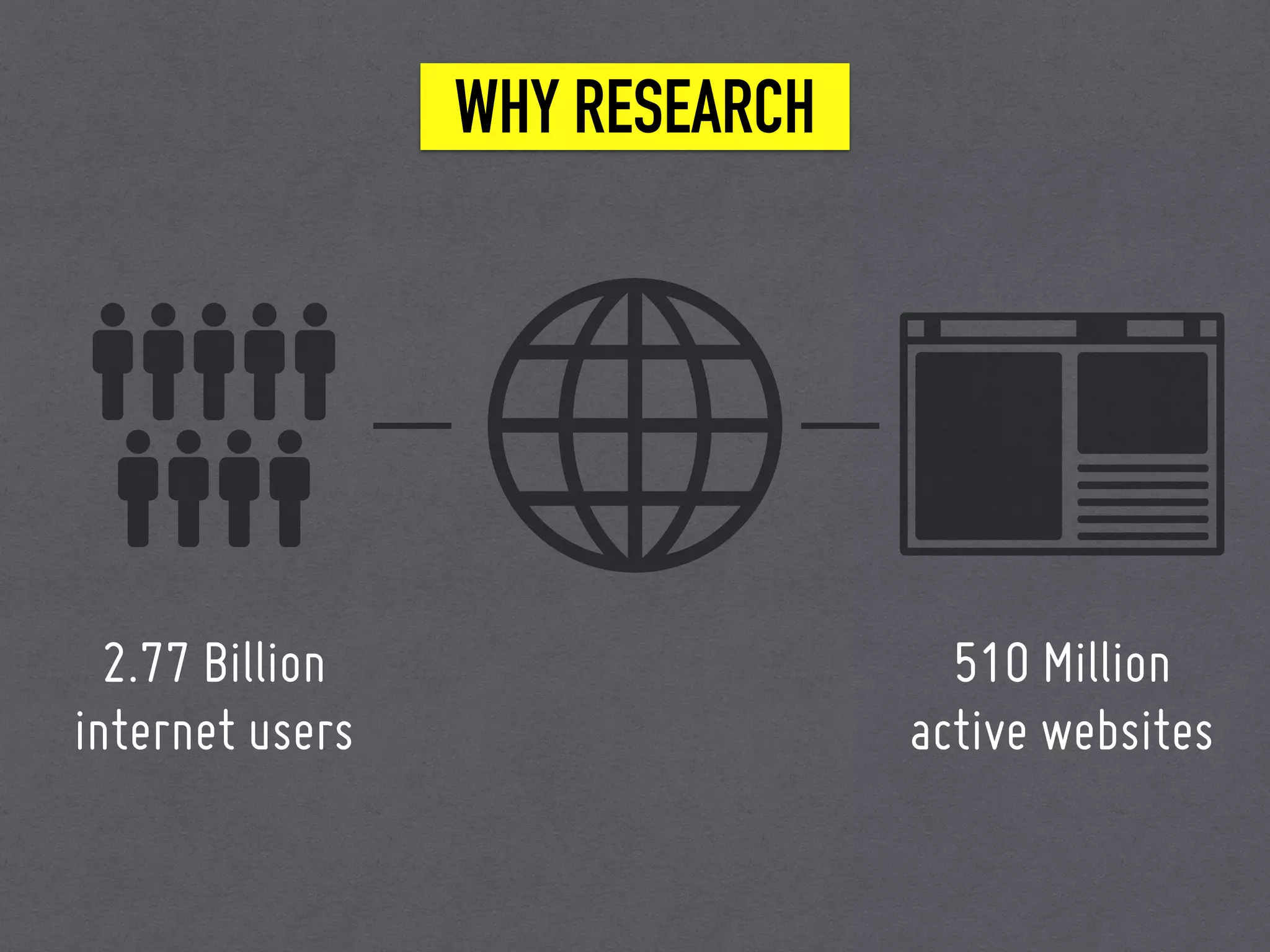
WHY RESEARCH
2.77 Billion
internet users
510 Million
active websites
USER VALUE
Does this website give me value?
Is it easy to use?
Is it pleasant to use?
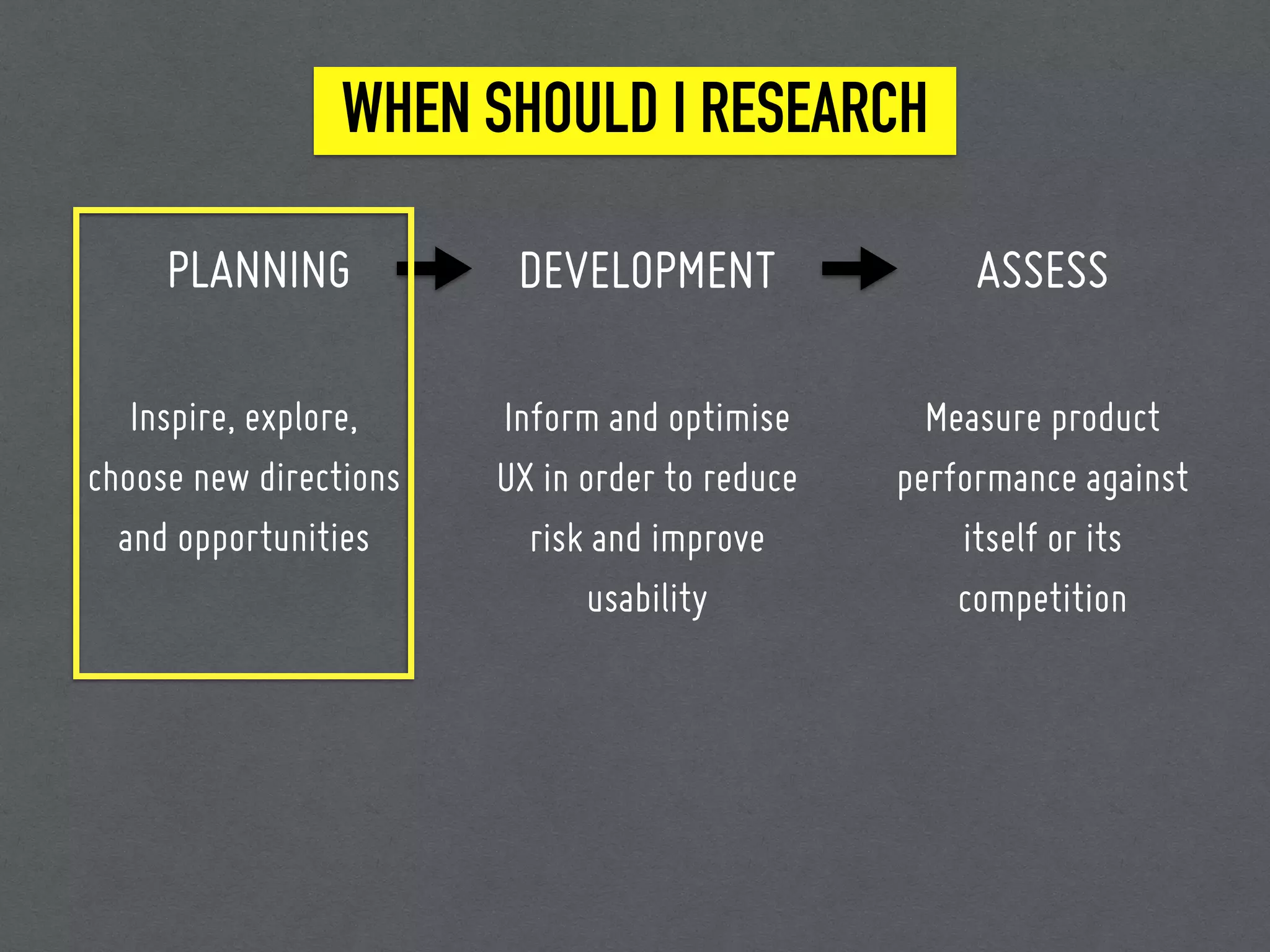
WHEN SHOULD I RESEARCH
At the beginning? At the end?
w
UX is not a part of the process..
UX is the process.
WHEN SHOULD I RESEARCH
PLANNING
Inspire, explore,
choose new directions
and opportunities
DEVELOPMENT
Inform and optimise
UX in order to reduce
risk and improve
usability
ASSESS
Measure product
performance against
itself or its
competition
TERMINOLOGY
UX DESIGN is the discipline: what we do. Designing
a joyful, effective, efficient, services and products.
TERMINOLOGY
USER-CENTRED DESIGN is a process: how we do it.
It generally includes research, ideation, prototyping,
testing, and iteration as required.
TERMINOLOGY
USER RESEARCH is a set of techniques implemented
to understand users needs, desires, and behaviours to
create and improve the user experience.
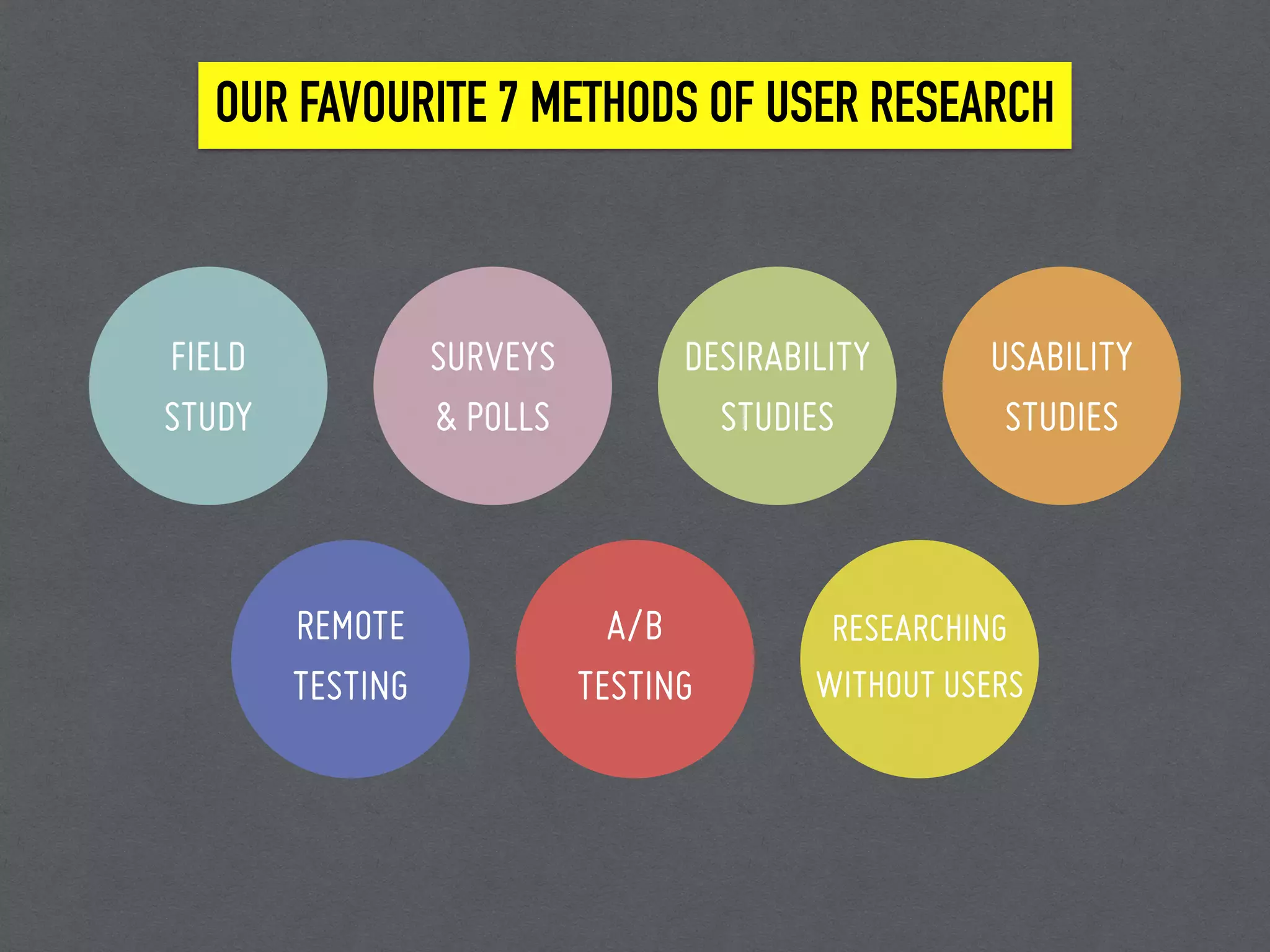
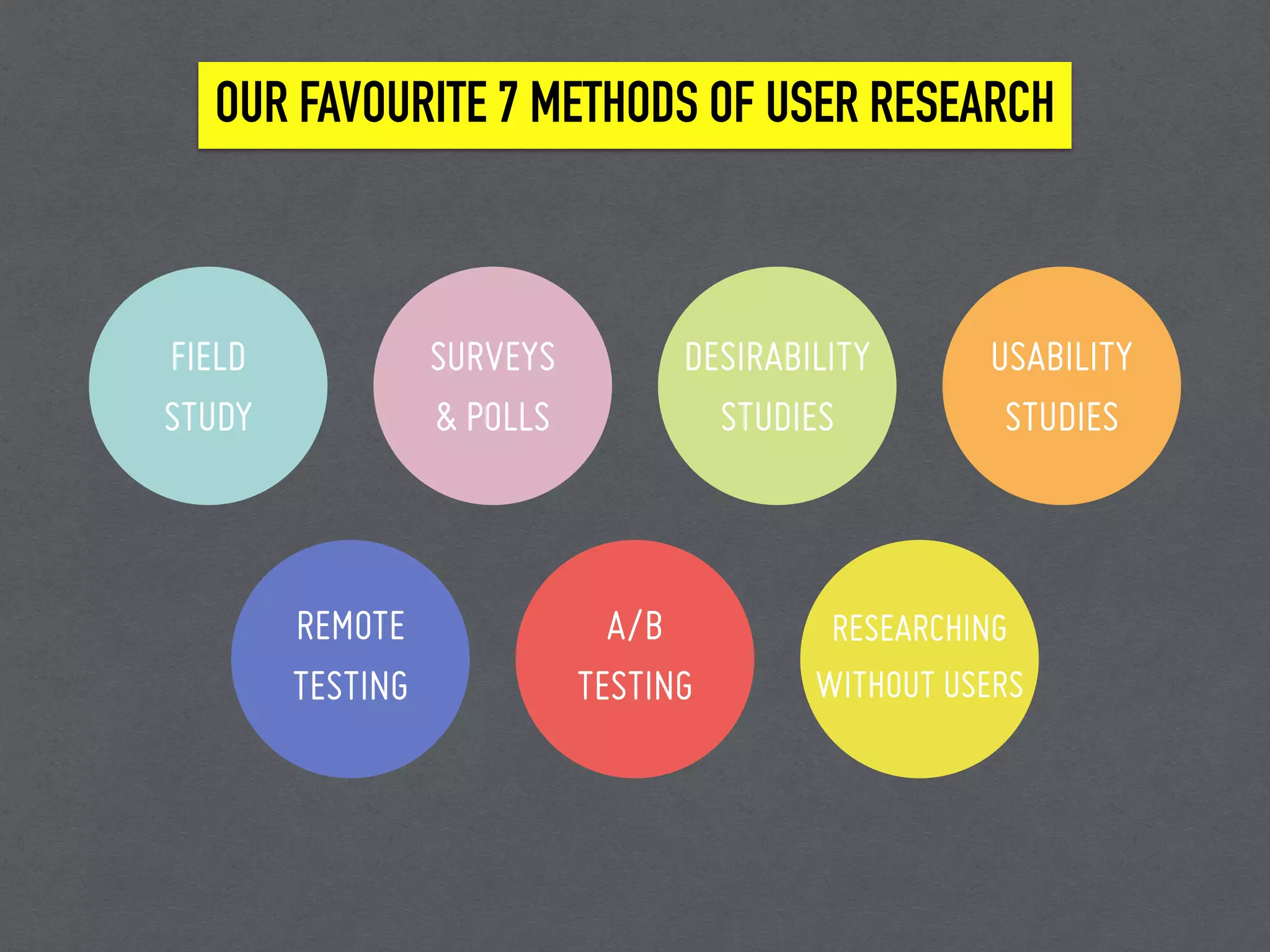
OUR FAVOURITE 7 METHODS OF USER RESEARCH
FIELD
STUDY
DESIRABILITY
STUDIES
SURVEYS
& POLLS
USABILITY
STUDIES
REMOTE
TESTING
A/B
TESTING
RESEARCHING
WITHOUT USERS
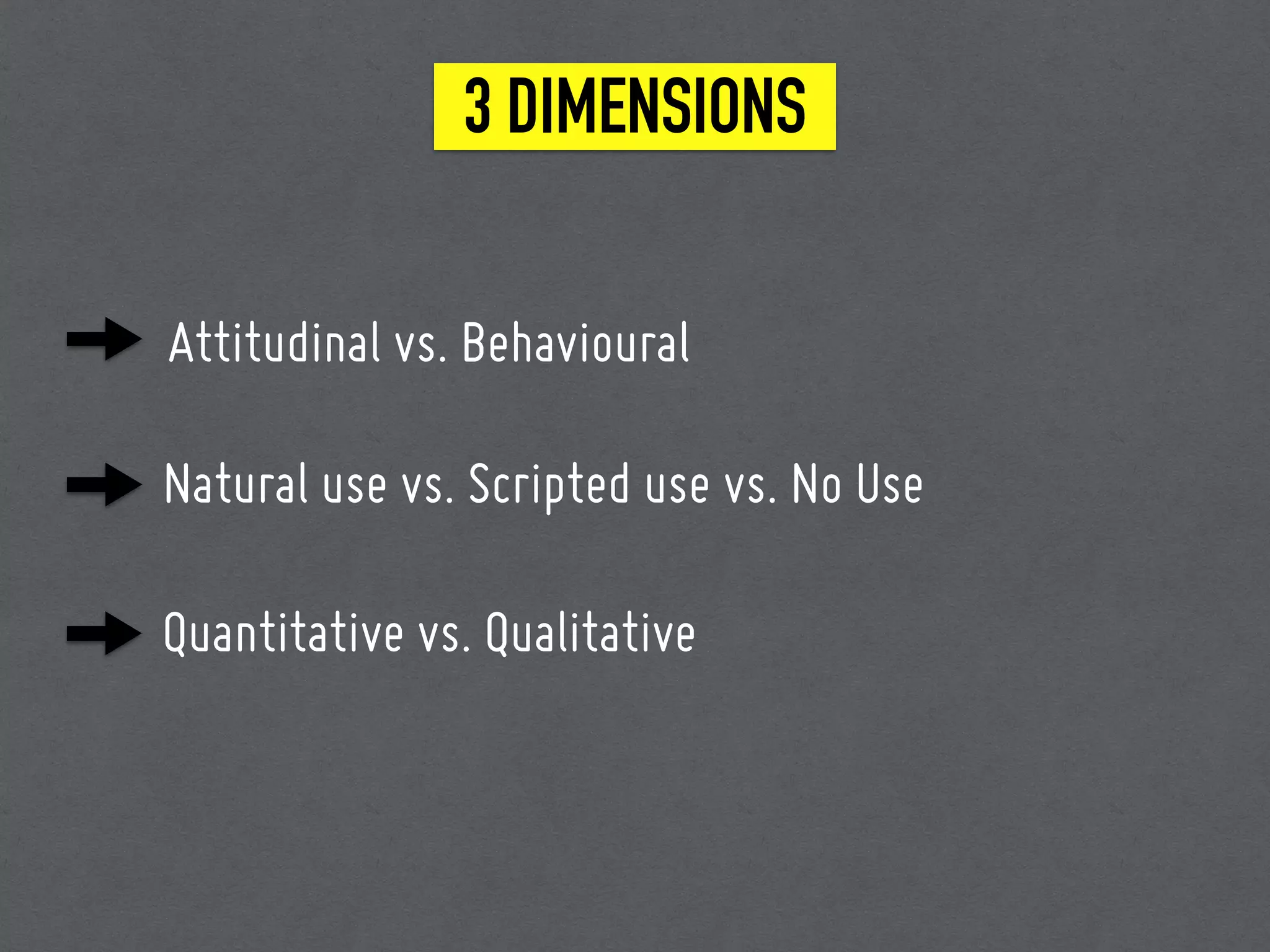
3 DIMENSIONS
Attitudinal vs. Behavioural
Natural use vs. Scripted use vs. No Use
Quantitative vs. Qualitative
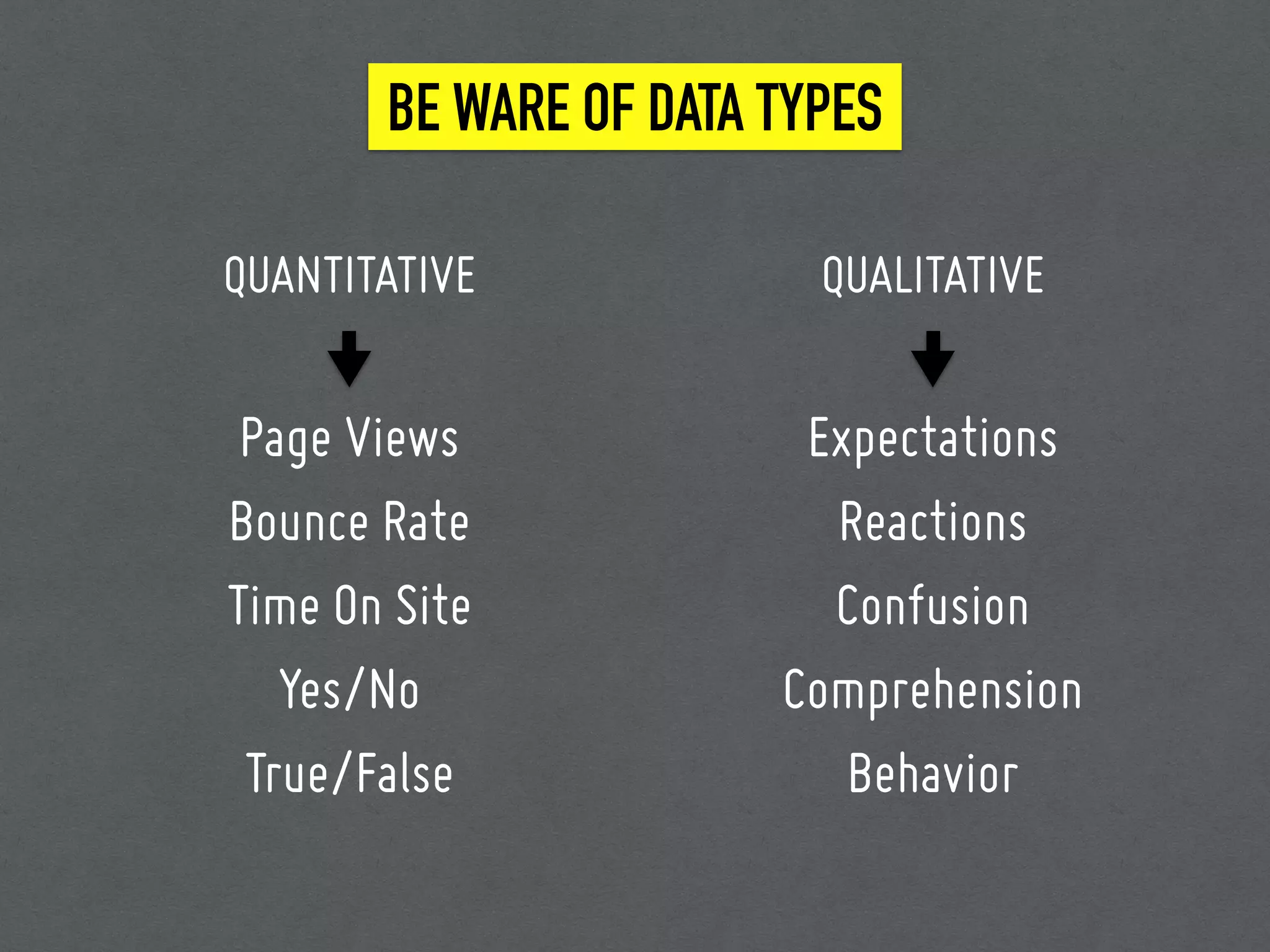
BE WARE OF DATA TYPES
Expectations
Reactions
Confusion
Comprehension
Behavior
Page Views
Bounce Rate
Time On Site
Yes/No
True/False
QUANTITATIVE QUALITATIVE
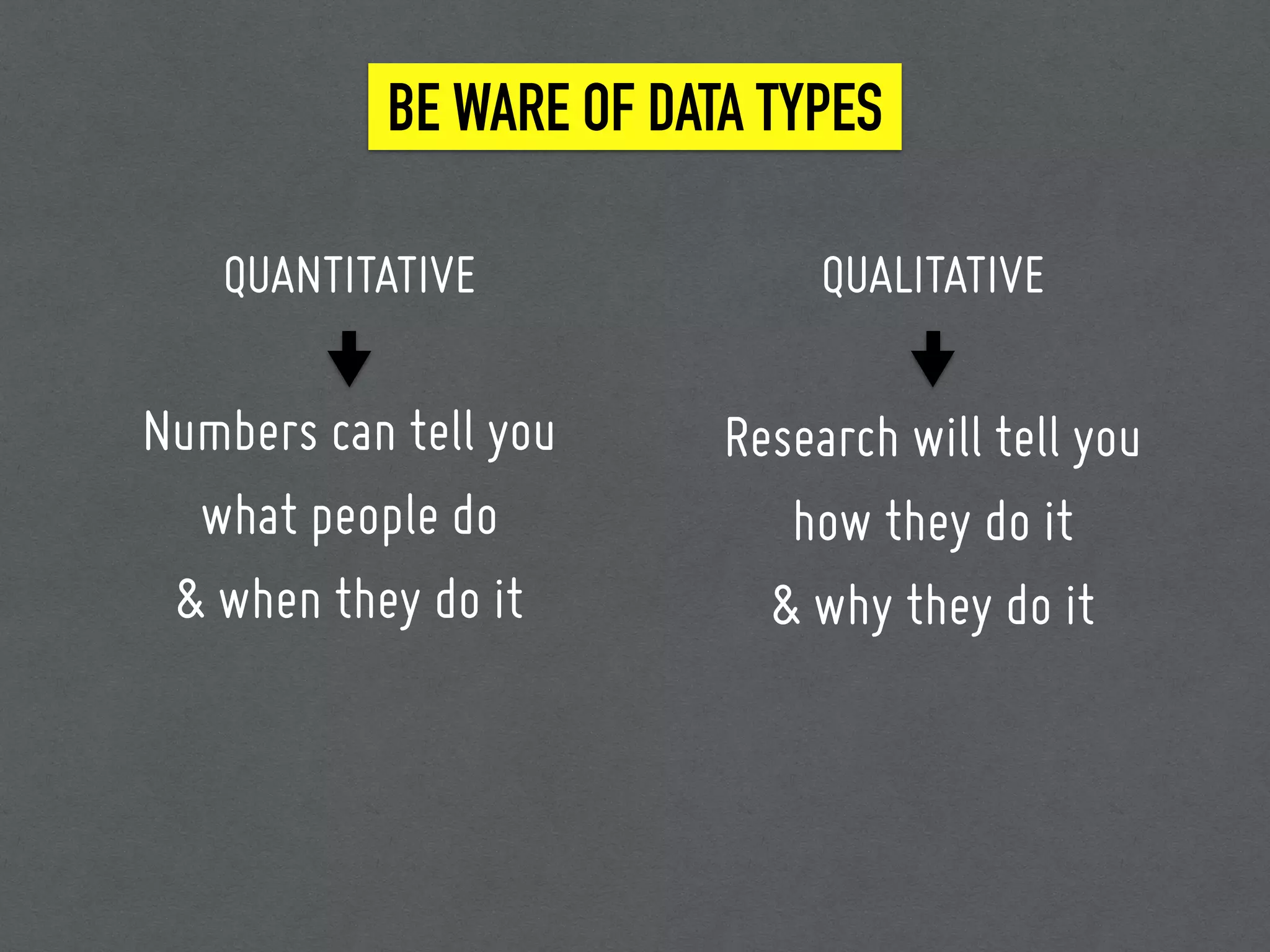
BE WARE OF DATA TYPES
QUANTITATIVE QUALITATIVE
Numbers can tell you
what people do
& when they do it
Research will tell you
how they do it
& why they do it
Preparation 1: Plan your UX research
Title
Background
Goals
Research questions
Methodology
Participants
Schedule
Interview Script
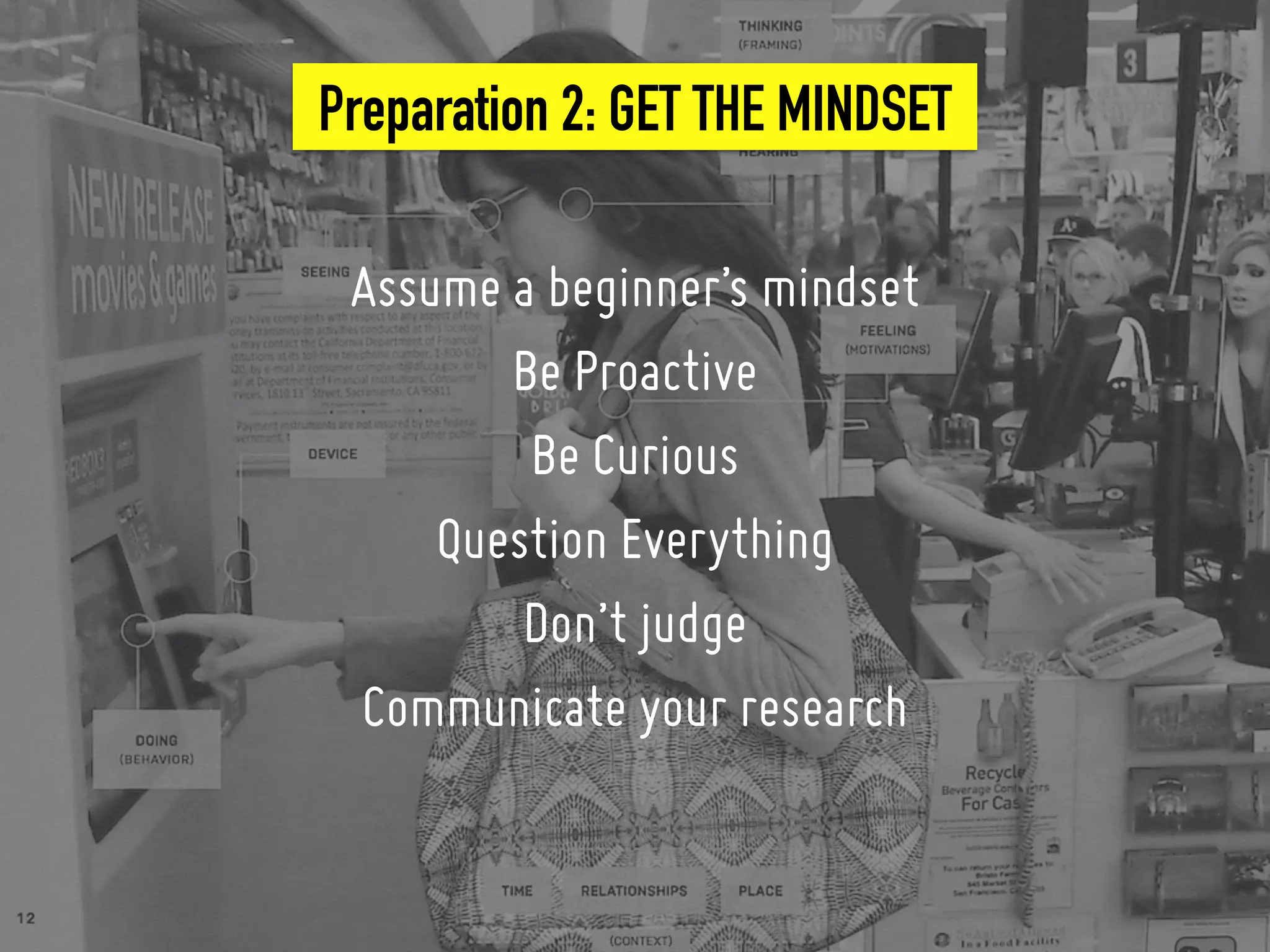
Preparation 2: GET THE MINDSET
Assume a beginner’s mindset
Be Proactive
Be Curious
Question Everything
Don’t judge
Communicate your research
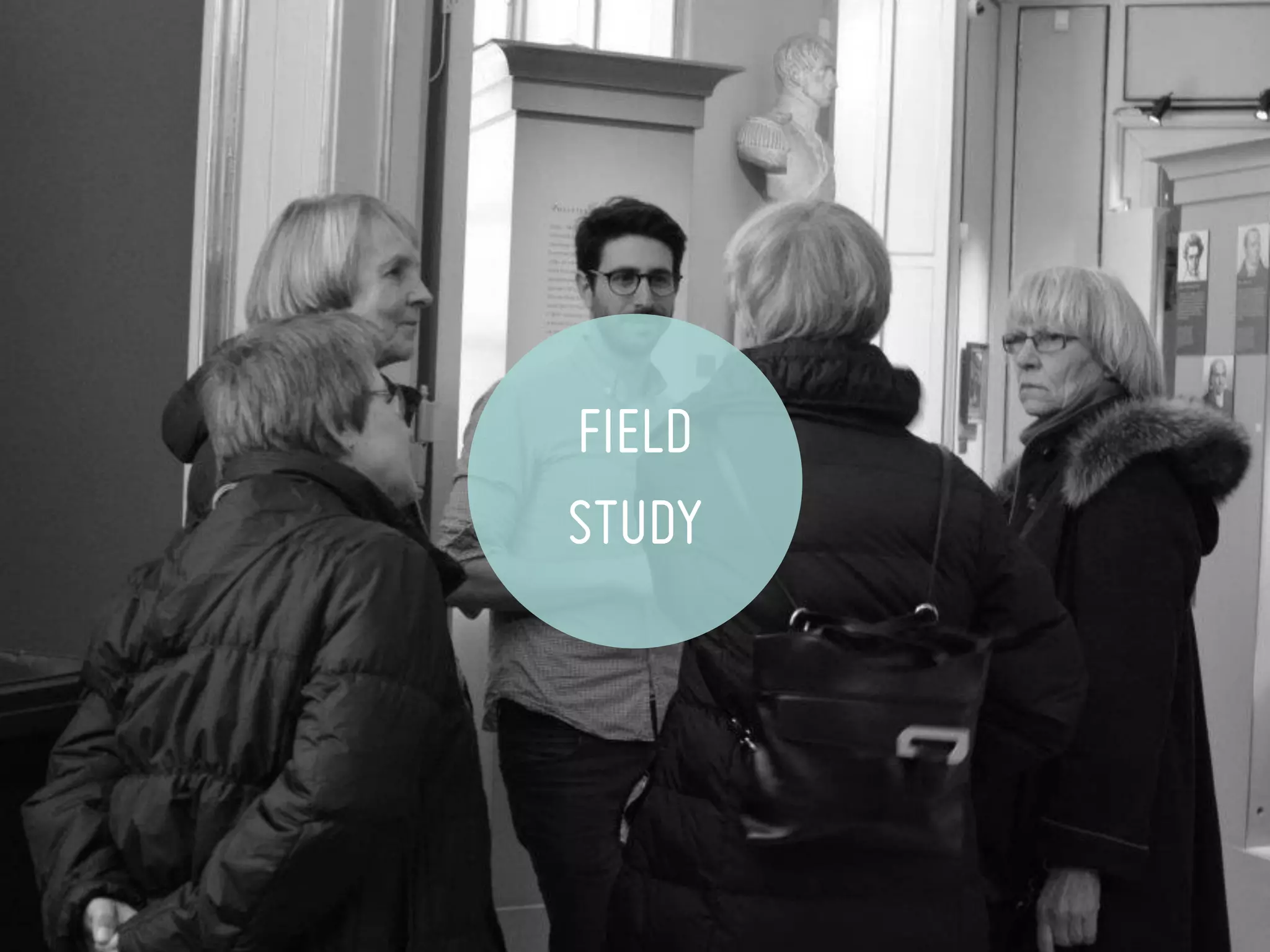
FIELD
STUDY
FIELD STUDY (1)
WHAT IS IT?
• It’s going where your users are to understand first-
hand how they actually do things.
• It’s a discovery process, it’s learning and not testing.
FIELD STUDY (2)
WHEN TO USE?
• To develop innovative concepts that guide future
product development.
• To identify opportunities for enhancing an existing
product.
FIELD STUDY (3)
HOW TO USE IT?
• Get representative audience
• Brainstorm 3-5 questions
• Ask plenty of whys and let them show you how.
• Observe what they don’t say, play detective.
• Translate the research results into affinity diagrams
and sequence models.
FIELD STUDY (4)
TIPS & TOOLS
• On recruiting users
• Try to go as a team of 2~3
• Do not interrupt
• do not asked questions that create any bias.
• Silence is ok.
• Don’t forget to reward.
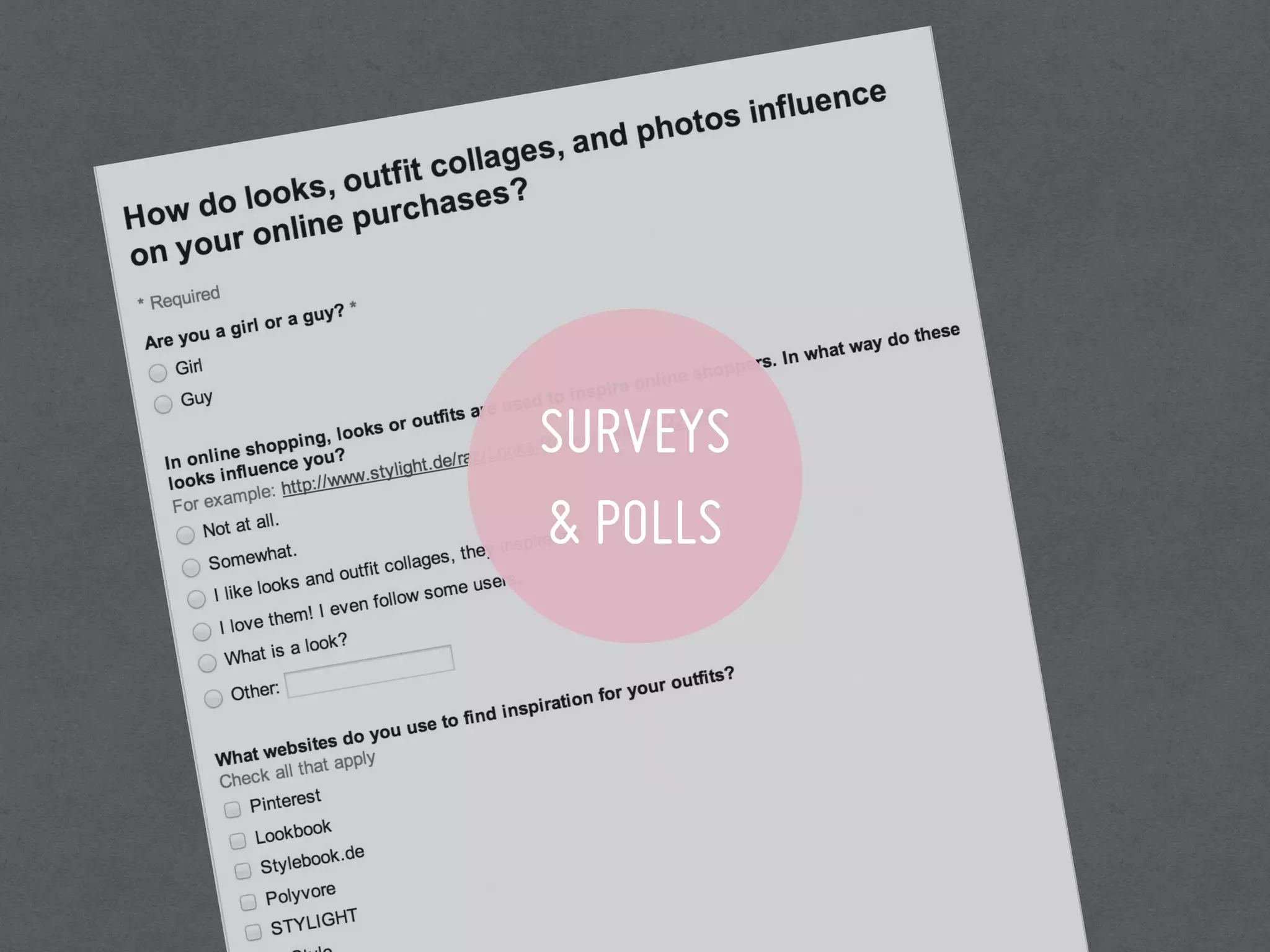
SURVEYS
& POLLS
SURVEYS & POLLS (1)
WHAT IS IT?
• It’s typically a set of questions used to assess a
participant’s preferences, attitudes, characteristics and
opinions on a given topic.
WHEN TO USE?
• Learning about people’s general preferences in a certain
area.
• Gathering feedback on a live product or during a pilot.
• Quantifying results from qualitative research activities
such as contextual enquiry or interviews.
SURVEYS & POLLS (2)
HOW TO USE IT?
SURVEYS & POLLS (3)
• Prepare a survey
• Send out to users
• Sit back, relax, and see the data roll in.
• Visualise and communicate
TIPS & TOOLS
• Add a screener test to check who is representative.
• Google forms with easy visualisation tools
• SurveyMonkey / SurveyGismo
• Facebook / Twitter
SURVEYS & POLLS (4)
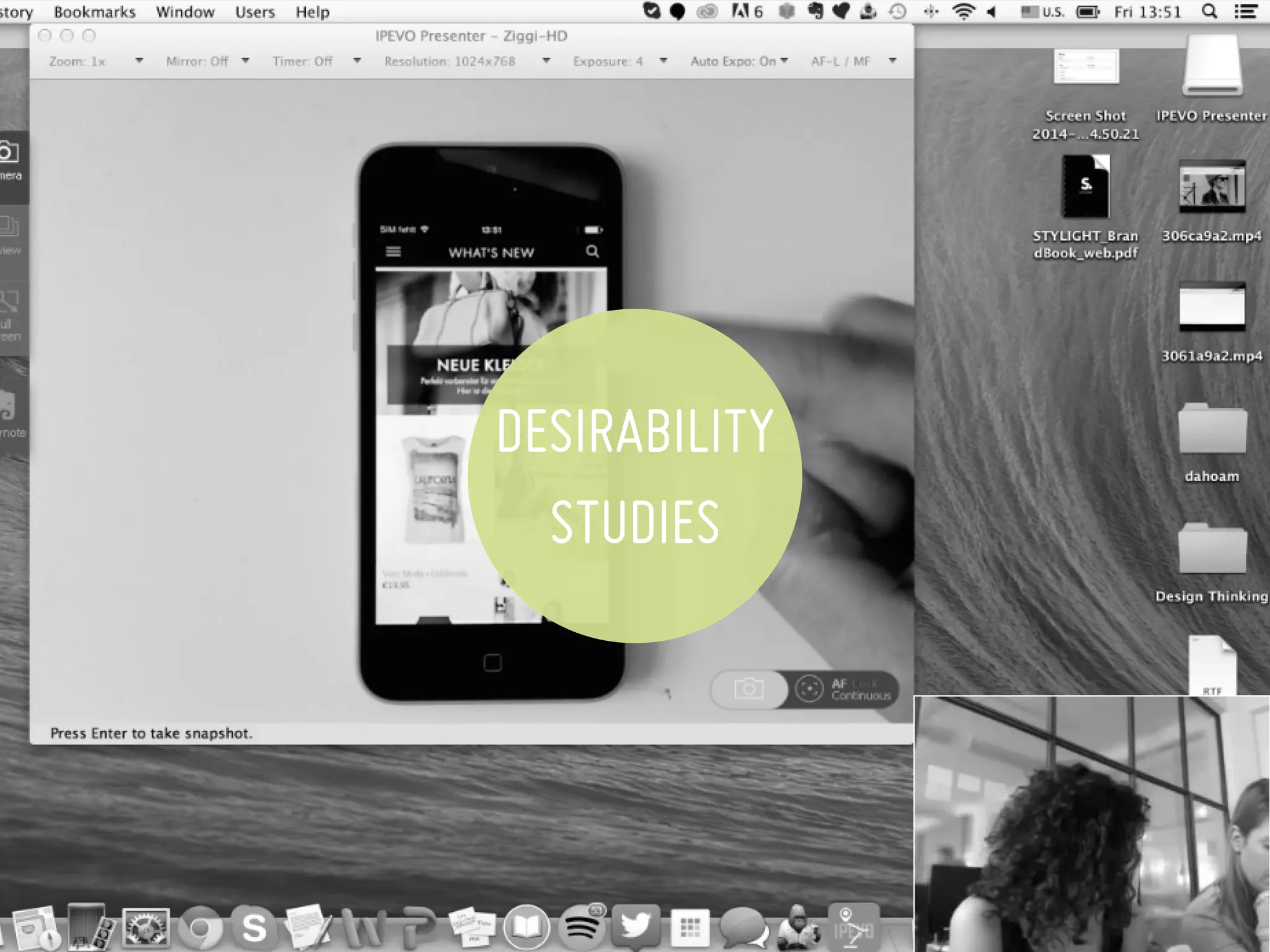
DESIRABILITY
STUDIES
DESIRABILITY STUDIES (1)
WHAT IS IT?
• A mix of quantitative and qualitative methods that
allow you to assess users’ attitudes toward the
functional and/or visual appeal of the website.
WHEN TO USE?
• You want to test the first impression of a design.
• You want to understand what emotions are triggered by
different design options.
• You want to measure visual design directions against
specific adjectives to help make a final decision
DESIRABILITY STUDIES (2)
HOW TO USE IT?
• Get users feedback on the different design options.
• Ask them to choose what adjectives* they associate
with each design, and ask them why.
• For a quantitative result, attach the design options in
a survey to be sent out to a large number of people
DESIRABILITY STUDIES (3)
* Modern. Fun. Accessible. Organized. Stressful. Empowering. Busy. Easy to
use. Sexy. Expensive. Confusing. Attractive. Hectic. Trustworthy… etc.
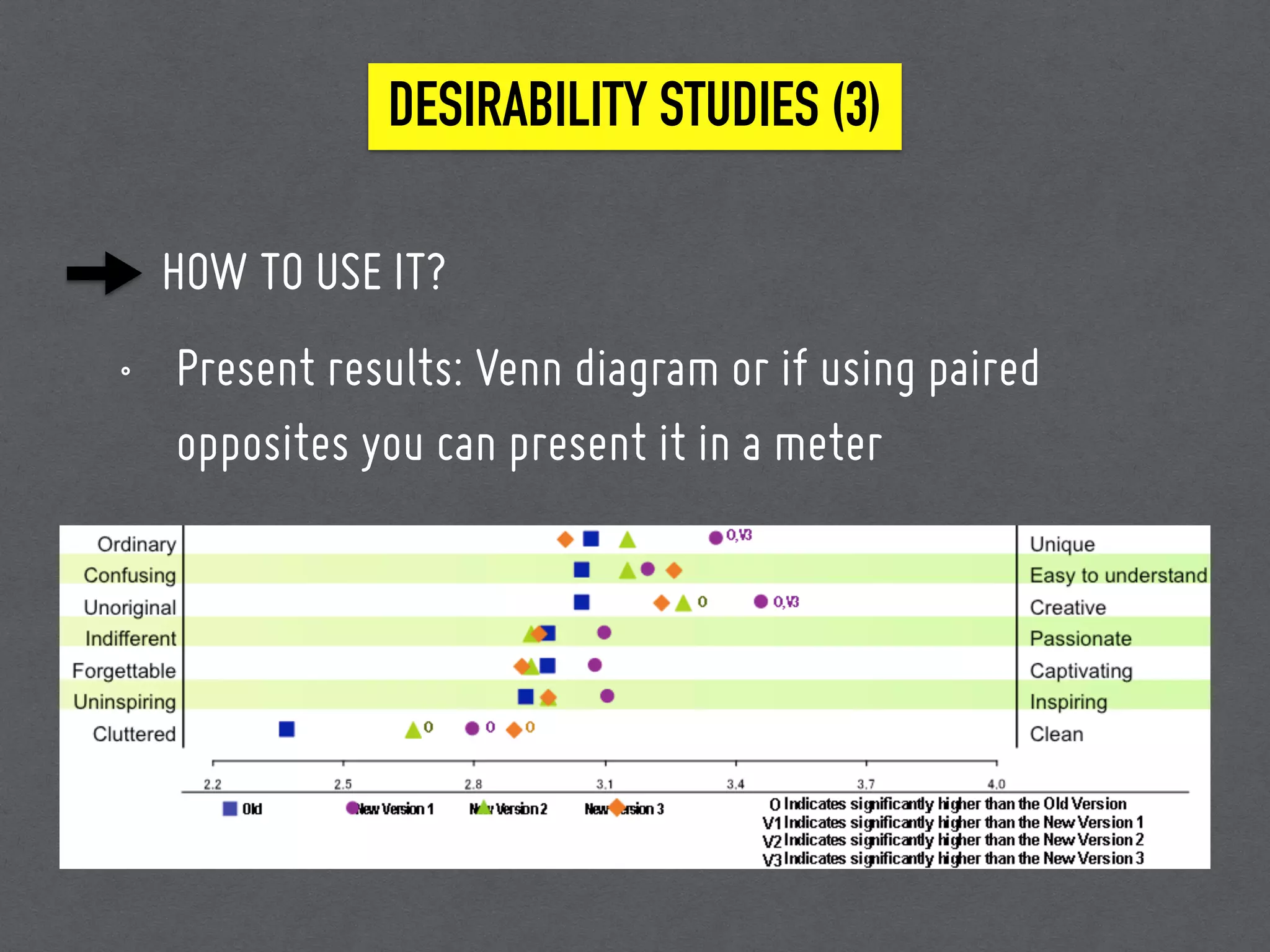
HOW TO USE IT?
• Present results: Venn diagram or if using paired
opposites you can present it in a meter
DESIRABILITY STUDIES (3)
TIPS & TOOLS
• Silverback
• Camtasia
• InvisionApp
• Solidifyapp
• Verifyapp
DESIRABILITY STUDIES (4)
USABILITY
STUDIES
USABILITY STUDIES (1)
WHAT IS IT?
• A technique used for evaluating a product by testing it
with representative users.
• It’s about testing the interactions, more than the
impression.
WHEN TO USE?
• You have an interactive site or mock up.
• You want to measure the efficiency, accuracy, emotional
response and recall.
• The numbers are telling you something is wrong.
• You have flaws in your website but not sure where to
start.
USABILITY STUDIES (2)
HOW TO USE IT?
• Based on specific scenarios, prepare a set of tasks.
• Introduce the tester to the process.
• Ask them to think aloud.
• Start Recording.
• Ask them whys, but avoid bias.
• Review the videos with your team.
USABILITY STUDIES (3)
TIPS & TOOLS
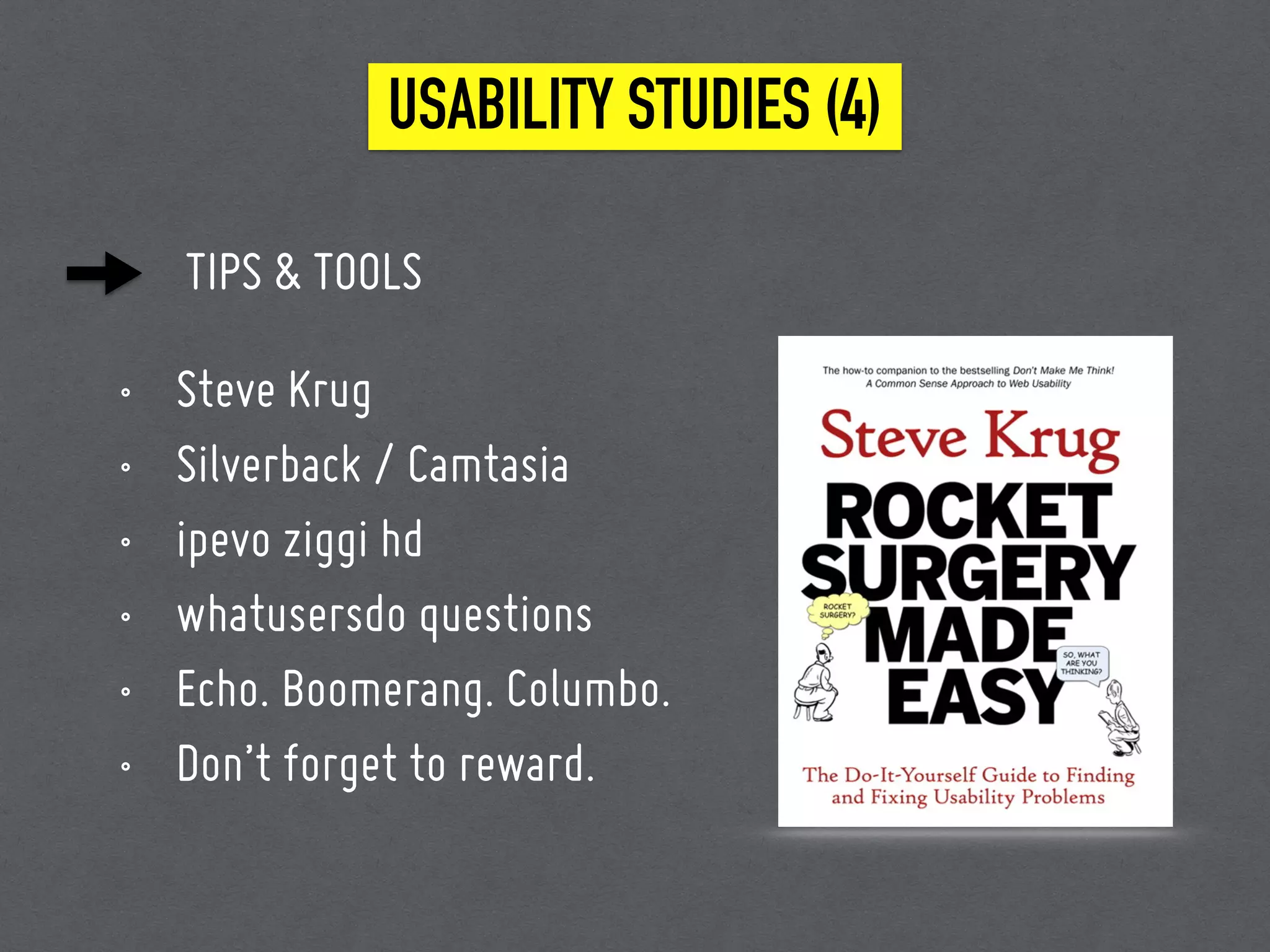
• Steve Krug
• Silverback / Camtasia
• ipevo ziggi hd
• whatusersdo questions
• Echo. Boomerang. Columbo.
• Don’t forget to reward.
USABILITY STUDIES (4)
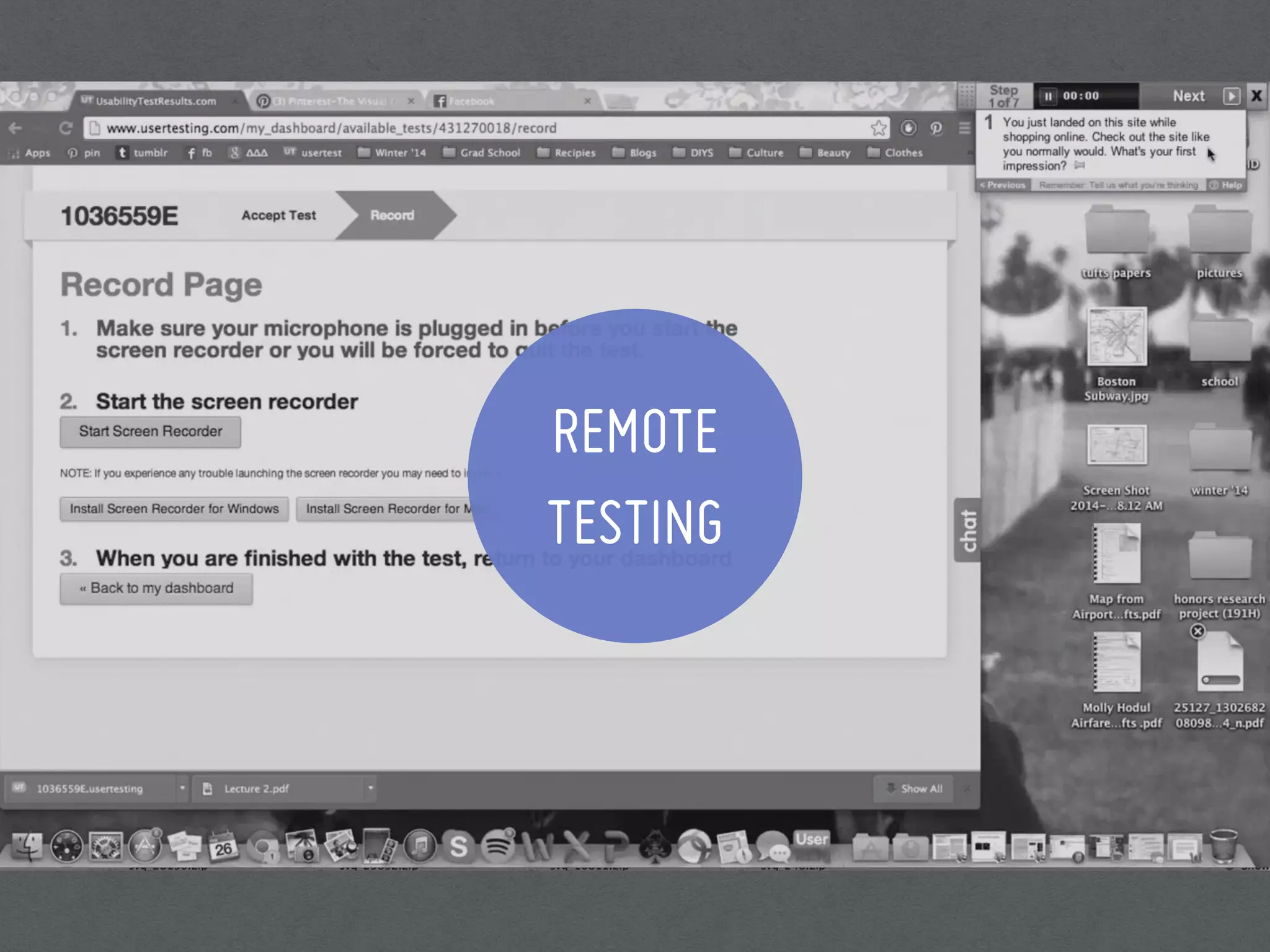
REMOTE
TESTING
REMOTE TESTING (1)
WHAT IS IT?
• Usability testing done remotely with a number of
users.
WHEN TO USE?
• In the same circumstances you use for an in-house or
in-lab usability test
• It’s hard to recruit
• You got little time
• You got few equipments
• You want a totally fresh perspective
REMOTE TESTING (2)
HOW TO USE IT?
• Set tasks
• Select users
• Watch the results
REMOTE TESTING (3)
TIPS & TOOLS
• UserTesting.com
• trymyui.com
• whatusersdo.com
• cost: 25-50€
• Drawbacks: you can’t ask why.
REMOTE TESTING (4)
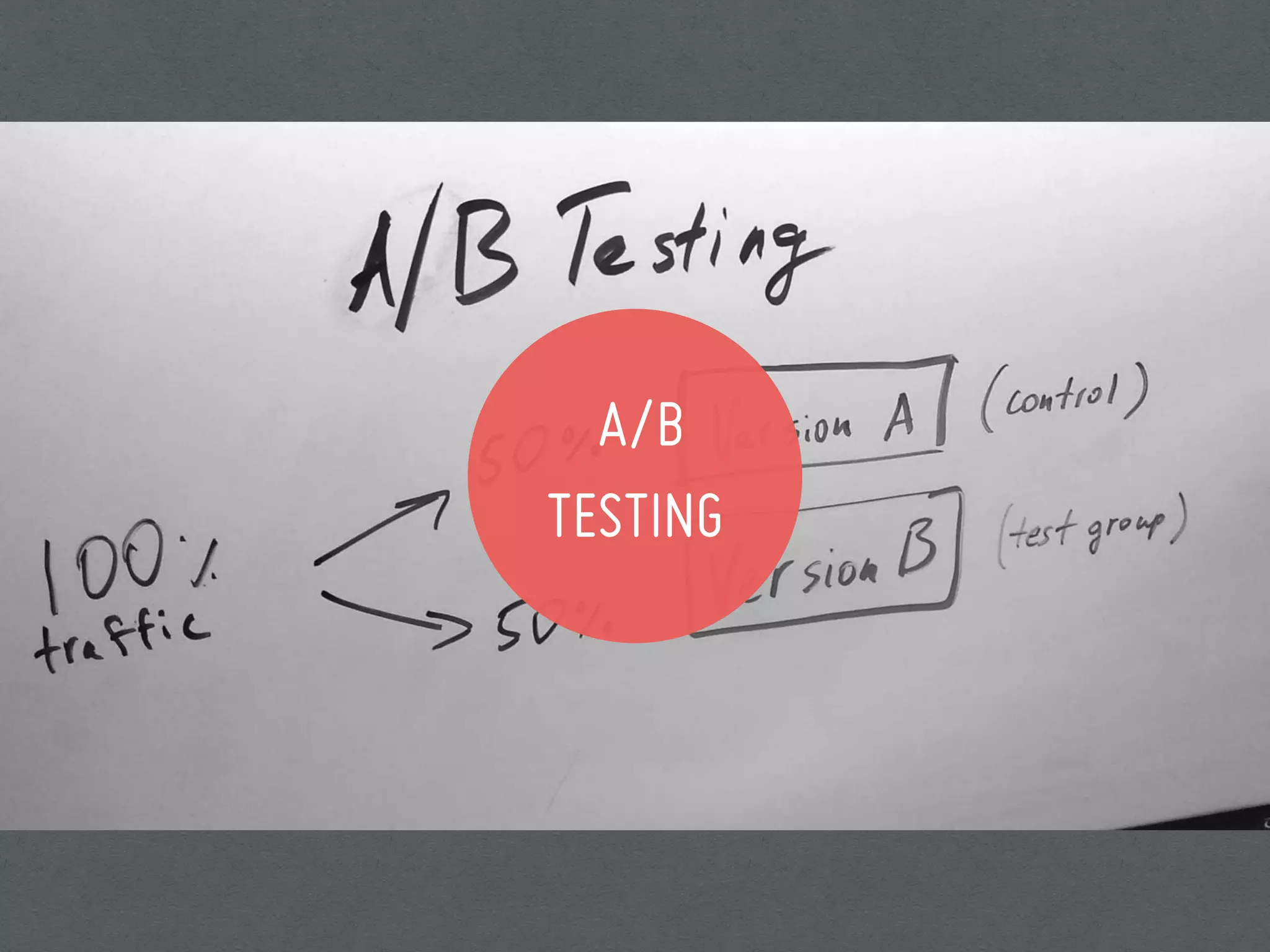
A/B
TESTING
A/B TESTING (1)
WHAT IS IT?
• Unleashing two different versions of a design on the
world and see which performs the best.
WHEN TO USE?
• When two options are developed, both with obvious
benefits, but with different focuses, but you are not
sure which will be more effective.
• You have metrics to test against (macro and micro
conversions)
A/B TESTING (2)
HOW TO USE IT?
• Develop two options, or add a feature.
• Give it to the techies.
• Let it run for a sufficient time, depending on how many
people visit your site daily.
• Roll out the better version.
A/B TESTING (3)
TIPS & TOOLS
• Know your site, dive into it’s analytics.
• Identify the areas to test.
• Always go for small variations. One alteration at a
time.
A/B TESTING (4)
RESEARCHING
WITHOUT USERS
WHEN TO USE?
• Decision Makers are unconvinced
• Difficult access to users
• lack of budget
• lack of time
• corporate policies
• bureaucracy
RESEARCHING WITHOUT USERS (1)
HOW TO USE IT?
RESEARCHING WITHOUT USERS (2)
• Play Detective : Get the most out of your team. Talk to
the sales people and customer support.
• Buy existing research : nngroup, delloit, step two
designs internet research, Baymard institute, DHL,
Papers, Publications
HOW TO USE IT?
RESEARCHING WITHOUT USERS (3)
• Web Diving : find forums where your users exist, social
media, visit competitors.
• Follow the trend on market-leading sites are doing.
OUR FAVOURITE 7 METHODS OF USER RESEARCH
FIELD
STUDY
DESIRABILITY
STUDIES
SURVEYS
& POLLS
USABILITY
STUDIES
REMOTE
TESTING
A/B
TESTING
RESEARCHING
WITHOUT USERS
BOTTOM LINE
Every design decision that we make is a
hypothesis; a proposal about how companies can
change people's behaviour.
BOTTOM LINE
be agile
design in a modular manner
and pray things will go your way.
THANK YOU!

More Than Usability

  • 1.
    More Than Usability 7User Research Methods to Cover Every Corner.
  • 2.
    HI, I’M RAZAN UXRESEARCHER & DESIGNER – @razsadeq STYLIGHT
  • 3.
    IN THIS TALK Therole of user research in product development User Research methods and tools to improve products and services
  • 4.
    Why Research? It’s importantbecause you are not your user.
  • 5.
    WHY RESEARCH 2.77 Billion internetusers 510 Million active websites
  • 6.
    USER VALUE Does thiswebsite give me value? Is it easy to use? Is it pleasant to use?
  • 7.
    WHEN SHOULD IRESEARCH At the beginning? At the end?
  • 8.
    w UX is nota part of the process.. UX is the process. WHEN SHOULD I RESEARCH
  • 9.
    WHEN SHOULD IRESEARCH PLANNING Inspire, explore, choose new directions and opportunities DEVELOPMENT Inform and optimise UX in order to reduce risk and improve usability ASSESS Measure product performance against itself or its competition
  • 10.
    TERMINOLOGY UX DESIGN isthe discipline: what we do. Designing a joyful, effective, efficient, services and products.
  • 11.
    TERMINOLOGY USER-CENTRED DESIGN isa process: how we do it. It generally includes research, ideation, prototyping, testing, and iteration as required.
  • 12.
    TERMINOLOGY USER RESEARCH isa set of techniques implemented to understand users needs, desires, and behaviours to create and improve the user experience.
  • 13.
    OUR FAVOURITE 7METHODS OF USER RESEARCH FIELD STUDY DESIRABILITY STUDIES SURVEYS & POLLS USABILITY STUDIES REMOTE TESTING A/B TESTING RESEARCHING WITHOUT USERS
  • 14.
    3 DIMENSIONS Attitudinal vs.Behavioural Natural use vs. Scripted use vs. No Use Quantitative vs. Qualitative
  • 15.
    BE WARE OFDATA TYPES Expectations Reactions Confusion Comprehension Behavior Page Views Bounce Rate Time On Site Yes/No True/False QUANTITATIVE QUALITATIVE
  • 16.
    BE WARE OFDATA TYPES QUANTITATIVE QUALITATIVE Numbers can tell you what people do & when they do it Research will tell you how they do it & why they do it
  • 17.
    Preparation 1: Planyour UX research Title Background Goals Research questions Methodology Participants Schedule Interview Script
  • 18.
    Preparation 2: GETTHE MINDSET Assume a beginner’s mindset Be Proactive Be Curious Question Everything Don’t judge Communicate your research
  • 19.
  • 20.
    FIELD STUDY (1) WHATIS IT? • It’s going where your users are to understand first- hand how they actually do things. • It’s a discovery process, it’s learning and not testing.
  • 21.
    FIELD STUDY (2) WHENTO USE? • To develop innovative concepts that guide future product development. • To identify opportunities for enhancing an existing product.
  • 22.
    FIELD STUDY (3) HOWTO USE IT? • Get representative audience • Brainstorm 3-5 questions • Ask plenty of whys and let them show you how. • Observe what they don’t say, play detective. • Translate the research results into affinity diagrams and sequence models.
  • 23.
    FIELD STUDY (4) TIPS& TOOLS • On recruiting users • Try to go as a team of 2~3 • Do not interrupt • do not asked questions that create any bias. • Silence is ok. • Don’t forget to reward.
  • 24.
  • 25.
    SURVEYS & POLLS(1) WHAT IS IT? • It’s typically a set of questions used to assess a participant’s preferences, attitudes, characteristics and opinions on a given topic.
  • 26.
    WHEN TO USE? •Learning about people’s general preferences in a certain area. • Gathering feedback on a live product or during a pilot. • Quantifying results from qualitative research activities such as contextual enquiry or interviews. SURVEYS & POLLS (2)
  • 27.
    HOW TO USEIT? SURVEYS & POLLS (3) • Prepare a survey • Send out to users • Sit back, relax, and see the data roll in. • Visualise and communicate
  • 28.
    TIPS & TOOLS •Add a screener test to check who is representative. • Google forms with easy visualisation tools • SurveyMonkey / SurveyGismo • Facebook / Twitter SURVEYS & POLLS (4)
  • 29.
  • 30.
    DESIRABILITY STUDIES (1) WHATIS IT? • A mix of quantitative and qualitative methods that allow you to assess users’ attitudes toward the functional and/or visual appeal of the website.
  • 31.
    WHEN TO USE? •You want to test the first impression of a design. • You want to understand what emotions are triggered by different design options. • You want to measure visual design directions against specific adjectives to help make a final decision DESIRABILITY STUDIES (2)
  • 32.
    HOW TO USEIT? • Get users feedback on the different design options. • Ask them to choose what adjectives* they associate with each design, and ask them why. • For a quantitative result, attach the design options in a survey to be sent out to a large number of people DESIRABILITY STUDIES (3) * Modern. Fun. Accessible. Organized. Stressful. Empowering. Busy. Easy to use. Sexy. Expensive. Confusing. Attractive. Hectic. Trustworthy… etc.
  • 33.
    HOW TO USEIT? • Present results: Venn diagram or if using paired opposites you can present it in a meter DESIRABILITY STUDIES (3)
  • 34.
    TIPS & TOOLS •Silverback • Camtasia • InvisionApp • Solidifyapp • Verifyapp DESIRABILITY STUDIES (4)
  • 35.
  • 36.
    USABILITY STUDIES (1) WHATIS IT? • A technique used for evaluating a product by testing it with representative users. • It’s about testing the interactions, more than the impression.
  • 37.
    WHEN TO USE? •You have an interactive site or mock up. • You want to measure the efficiency, accuracy, emotional response and recall. • The numbers are telling you something is wrong. • You have flaws in your website but not sure where to start. USABILITY STUDIES (2)
  • 38.
    HOW TO USEIT? • Based on specific scenarios, prepare a set of tasks. • Introduce the tester to the process. • Ask them to think aloud. • Start Recording. • Ask them whys, but avoid bias. • Review the videos with your team. USABILITY STUDIES (3)
  • 39.
    TIPS & TOOLS •Steve Krug • Silverback / Camtasia • ipevo ziggi hd • whatusersdo questions • Echo. Boomerang. Columbo. • Don’t forget to reward. USABILITY STUDIES (4)
  • 40.
  • 41.
    REMOTE TESTING (1) WHATIS IT? • Usability testing done remotely with a number of users.
  • 42.
    WHEN TO USE? •In the same circumstances you use for an in-house or in-lab usability test • It’s hard to recruit • You got little time • You got few equipments • You want a totally fresh perspective REMOTE TESTING (2)
  • 43.
    HOW TO USEIT? • Set tasks • Select users • Watch the results REMOTE TESTING (3)
  • 44.
    TIPS & TOOLS •UserTesting.com • trymyui.com • whatusersdo.com • cost: 25-50€ • Drawbacks: you can’t ask why. REMOTE TESTING (4)
  • 45.
  • 46.
    A/B TESTING (1) WHATIS IT? • Unleashing two different versions of a design on the world and see which performs the best.
  • 47.
    WHEN TO USE? •When two options are developed, both with obvious benefits, but with different focuses, but you are not sure which will be more effective. • You have metrics to test against (macro and micro conversions) A/B TESTING (2)
  • 48.
    HOW TO USEIT? • Develop two options, or add a feature. • Give it to the techies. • Let it run for a sufficient time, depending on how many people visit your site daily. • Roll out the better version. A/B TESTING (3)
  • 49.
    TIPS & TOOLS •Know your site, dive into it’s analytics. • Identify the areas to test. • Always go for small variations. One alteration at a time. A/B TESTING (4)
  • 50.
  • 51.
    WHEN TO USE? •Decision Makers are unconvinced • Difficult access to users • lack of budget • lack of time • corporate policies • bureaucracy RESEARCHING WITHOUT USERS (1)
  • 52.
    HOW TO USEIT? RESEARCHING WITHOUT USERS (2) • Play Detective : Get the most out of your team. Talk to the sales people and customer support. • Buy existing research : nngroup, delloit, step two designs internet research, Baymard institute, DHL, Papers, Publications
  • 53.
    HOW TO USEIT? RESEARCHING WITHOUT USERS (3) • Web Diving : find forums where your users exist, social media, visit competitors. • Follow the trend on market-leading sites are doing.
  • 54.
    OUR FAVOURITE 7METHODS OF USER RESEARCH FIELD STUDY DESIRABILITY STUDIES SURVEYS & POLLS USABILITY STUDIES REMOTE TESTING A/B TESTING RESEARCHING WITHOUT USERS
  • 55.
    BOTTOM LINE Every designdecision that we make is a hypothesis; a proposal about how companies can change people's behaviour.
  • 56.
    BOTTOM LINE be agile designin a modular manner and pray things will go your way.
  • 57.