Open Drones
A free and open source workflow for the
use of drone imagery in mapping and
geospatial applications
Thomas Starnes @bio_carta
Overview
• Background
• Workflow
• Products
• Applications
• Conclusions
Overview
• Background
• Workflow
• Products
• Applications
• Conclusions
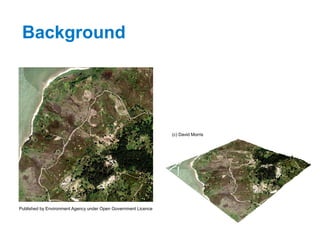
Background
Published by Environment Agency under Open Government Licence
(c) David Morris
Overview
• Background
• Workflow
• Products
• Applications
• Conclusions
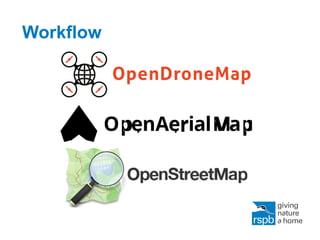
Workflow
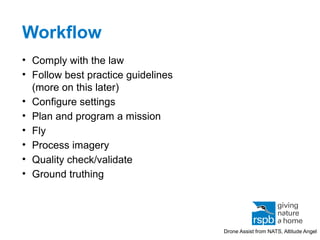
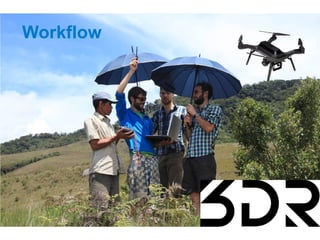
• Comply with the law
• Follow best practice guidelines
(more on this later)
• Configure settings
• Plan and program a mission
• Fly
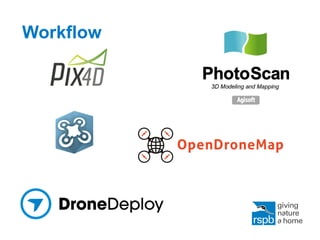
• Process imagery
• Quality check/validate
• Ground truthing
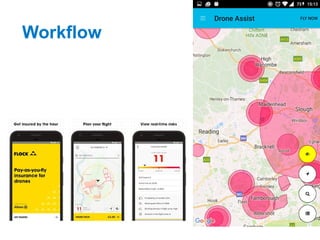
Drone Assist from NATS, Altitude Angel
Workflow
Workflow
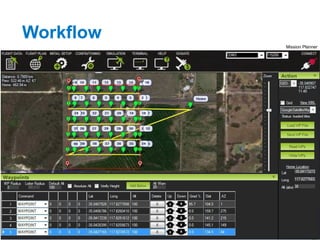
Mission Planner
Workflow
Workflow
Workflow
Workflow
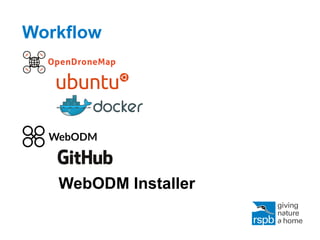
WebODM Installer
Workflow
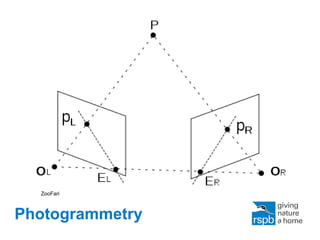
Photogrammetry
ZooFari
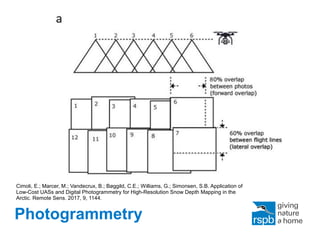
Photogrammetry
Cimoli, E.; Marcer, M.; Vandecrux, B.; Bøggild, C.E.; Williams, G.; Simonsen, S.B. Application of
Low-Cost UASs and Digital Photogrammetry for High-Resolution Snow Depth Mapping in the
Arctic. Remote Sens. 2017, 9, 1144.
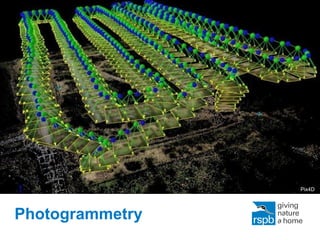
Photogrammetry
Pix4D
Overview
• Background
• Workflow
• Products
• Applications
• Conclusions
Products
• Oblique imagery
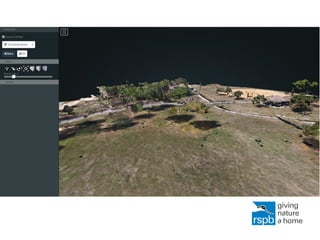
• 3D textured mesh (LAS, XYZ etc.)
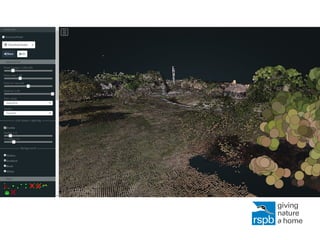
• Point cloud
• Orthomosaic imagery (e.g. GeoTIFF)
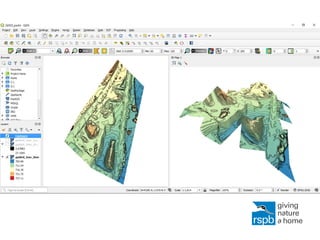
• Digital surface model
– Slope
– Aspect
– ‘Structure’
• Thermal imagery
• Normalised Difference Vegetation Index
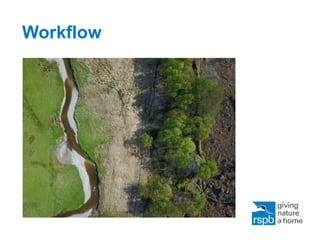
Drone orthomosaic vs. aerial imagery
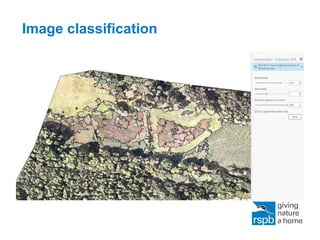
Image classification
Overview
• Background
• Workflow
• Products
• Applications
• Conclusions
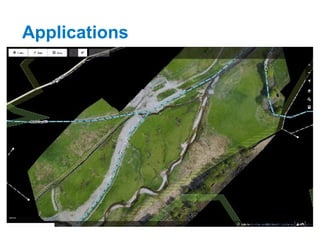
Applications
• Visualisation and interpretation
• Surveys and counts
• Land cover analysis
• Vegetation height and structure analysis
• Microhabitat study
• Precision agriculture and set-aside
• Hydrological analysis
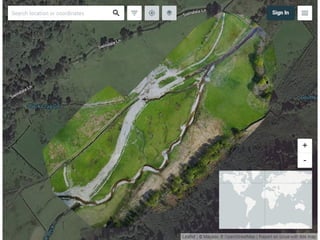
• Publicity
Applications
Overview
• Background
• Workflow
• Products
• Applications
• Conclusions
Conclusions
• Very efficient workflow
• Some pitfalls with image georectification
• Need to experiment with:
– Ground Control Points
– Flight altitude vs. flight speed
– Camera settings e.g. shutter speed
– Image classification
– Digital terrain models
– Comparison with LiDAR
Conclusions
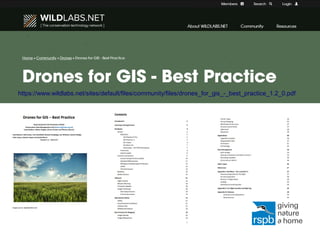
https://www.wildlabs.net/sites/default/files/community/files/drones_for_gis_-_best_practice_1.2_0.pdf
Thank you
thomas.starnes@rspb.org
@bio_carta
The RSPB is part of BirdLife International,
a partnership of nature conservation
organisations working to give nature a
home around the world.

Open drones

Editor's Notes

  • #2 Title slide Full picture, black strapline. Note: if the strapline doesn’t standout against your picture, try the title slide that has the logo with white strapline. Failing that, select an alternative picture. <number>
  • #3 Body slide Logo only on white <number>
  • #4 Body slide Logo only on white <number>
  • #5 Body slide Logo only on white <number>
  • #6 Body slide Logo only on white <number>
  • #7 Body slide Logo only on white <number>
  • #8 Body slide Logo only on white <number>
  • #9 Body slide Logo only on white <number>
  • #10 Body slide Logo only on white <number>
  • #11 Body slide Logo only on white <number>
  • #12 Body slide Logo only on white <number>
  • #13 Body slide Logo only on white <number>
  • #14 Body slide Logo only on white <number>
  • #15 Body slide Logo only on white <number>
  • #16 Body slide Logo only on white <number>
  • #17 Body slide Logo only on white <number>
  • #18 Body slide Logo only on white <number>
  • #19 Body slide Logo only on white <number>
  • #20 Body slide Logo only on white <number>
  • #21 Body slide Logo only on white <number>
  • #22 Body slide Logo only on white <number>
  • #24 Body slide Logo only on white <number>
  • #25 Body slide Logo only on white <number>
  • #26 Body slide Logo only on white <number>
  • #27 Body slide Logo only on white <number>
  • #28 Body slide Logo only on white <number>
  • #29 Body slide Logo only on white <number>
  • #30 Body slide Logo only on white <number>
  • #31 End slide Logo and short describer on white with BirdLife logo and describer. <number>