Online Presentation Tools:  SlideShare (plus), Google, Zoho Show, Thinkfree & Mixcaster Patricia F. Anderson  <pfa@umich.edu> Health Sciences Libraries, UM  May 9, 2008 © 2008 Regents of the University of Michigan. All rights reserved.
Online social tools are useful for … Folk who use multiple computers in various locations Discovery of items similar to your selections Sharing resources with peers, managers, students & others Web site development & support Building communities and discovering like-minded individuals
Online Presentation Resources When making a presentation, you want pictures, and a few words. And people. Finding Pictures: Google Images Other Image Search Engines Flickr Building your presentation -- Zoho: Show Sharing your presentation (& finding other presentations) -- SlideShare.net
Creating Accounts Each account per tool (Flickr, Zoho, Slideshare, Thinkfree) must usually be associated with a unique e-mail address. If creating an account to be shared across an office, consider creating an e-mail list to serve as the contact e-mail address.
More: Copyright & Licensing Creative Commons license options for both SlideShare and Flickr Is there an institutional policy? What does your boss think? Most conservative license is “All Rights Reserved.” Next most conservative, but more open, is Creative Commons, non-commercial use only, no derivatives.
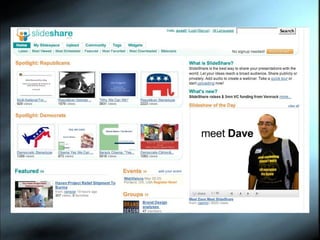
Slideshare.net: Home
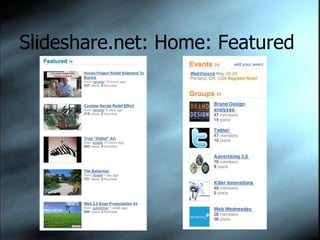
Slideshare.net: Home: Featured
Slideshare.net: About Content from those who want to get their ideas out: Not-for-profits International schools Consultants Individuals
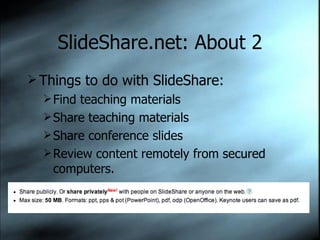
SlideShare.net: About 2 Things to do with SlideShare: Find teaching materials Share teaching materials Share conference slides Review content remotely from secured computers.
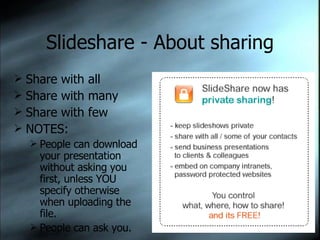
Slideshare - About sharing Share with all Share with many Share with few NOTES:  People can download your presentation without asking you first, unless YOU specify otherwise when uploading the file. People can ask you.
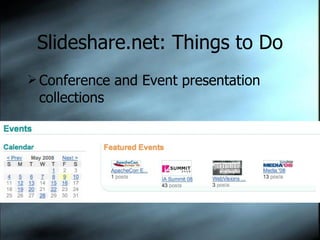
Slideshare.net: Things to Do Conference and Event presentation collections
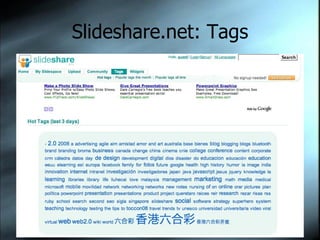
Slideshare.net: Tags
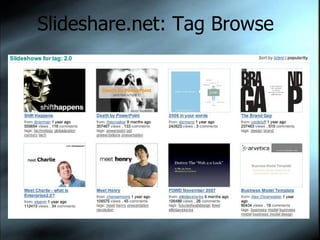
Slideshare.net: Tag Browse
SlideShare.net: Searching No advanced search Sloppy search, but getting better all the time. Content growing rapidly. Pluses: Searches full text of presentation slides, and breaks out full text in display
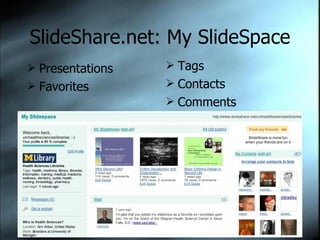
SlideShare.net: My SlideSpace
SlideShare.net: My SlideSpace Presentations Favorites Tags Contacts Comments
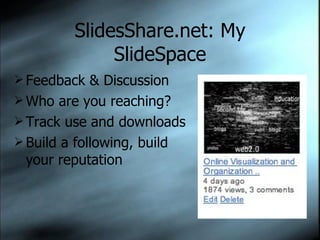
SlidesShare.net: My SlideSpace Feedback & Discussion Who are you reaching? Track use and downloads Build a following, build your reputation
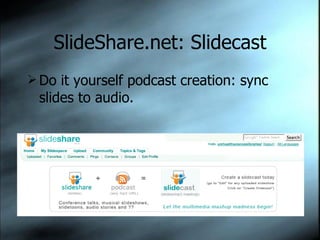
SlideShare.net: Slidecast Do it yourself podcast creation: sync slides to audio.
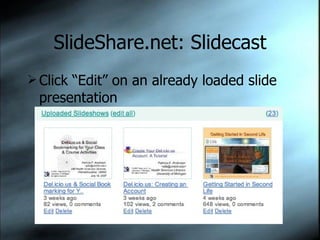
SlideShare.net: Slidecast Click “Edit” on an already loaded slide presentation
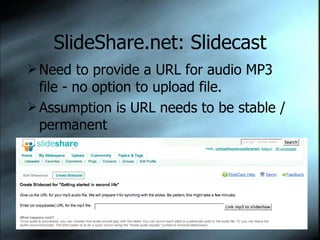
SlideShare.net: Slidecast Need to provide a URL for audio MP3 file - no option to upload file. Assumption is URL needs to be stable / permanent
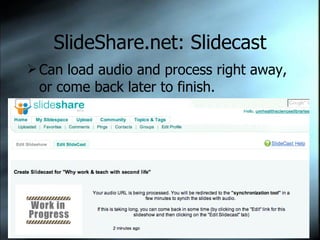
SlideShare.net: Slidecast Can load audio and process right away, or come back later to finish.
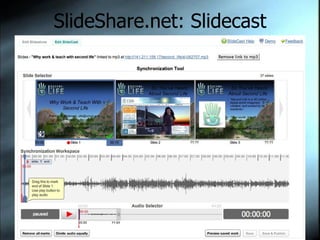
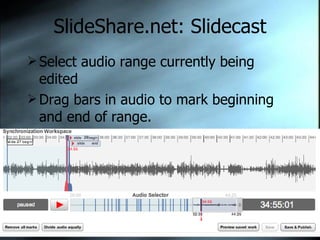
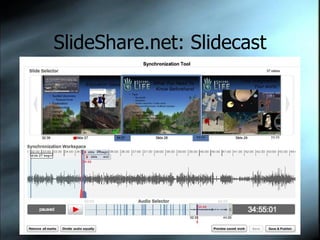
SlideShare.net: Slidecast Audio synchronization tool requires good vision.
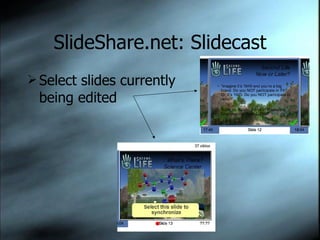
SlideShare.net: Slidecast Select slides currently being edited
SlideShare.net: Slidecast Select audio range currently being edited Drag bars in audio to mark beginning and end of range.
SlideShare.net: Slidecast What it looks like at the end of editing.
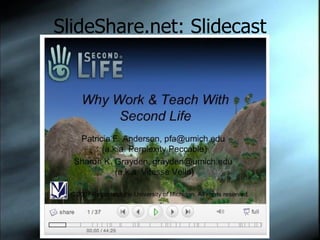
SlideShare.net: Slidecast What it looks like when it is completed.
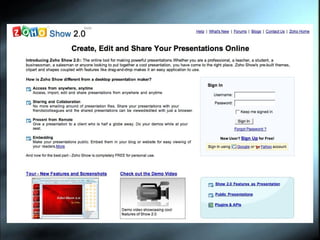
Zoho Show: Home
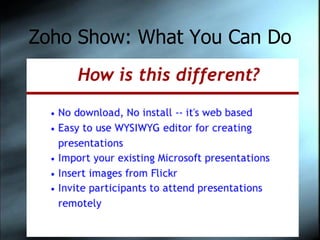
Zoho Show: What You Can Do
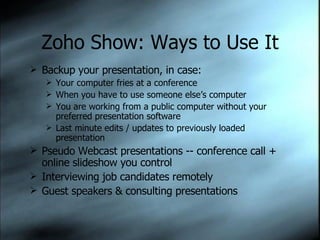
Zoho Show: Ways to Use It Backup your presentation, in case:  Your computer fries at a conference When you have to use someone else’s computer You are working from a public computer without your preferred presentation software Last minute edits / updates to previously loaded presentation Pseudo Webcast presentations -- conference call + online slideshow you control Interviewing job candidates remotely Guest speakers & consulting presentations
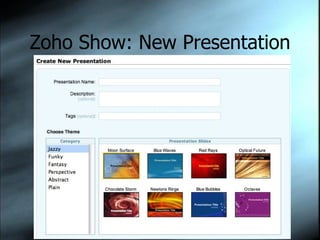
Zoho Show: New Presentation
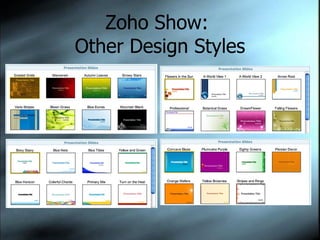
Zoho Show:  Other Design Styles
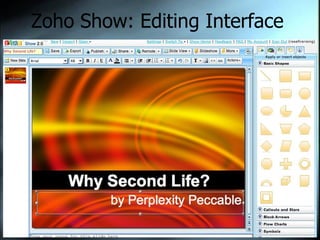
Zoho Show: Editing Interface
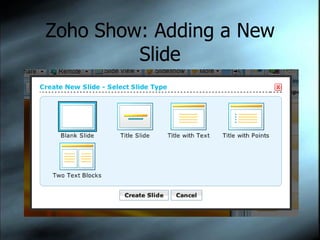
Zoho Show: Adding a New Slide
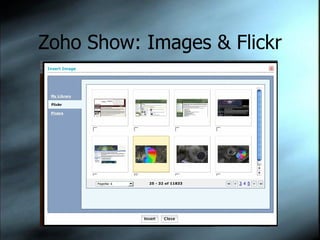
Zoho Show: Images & Flickr
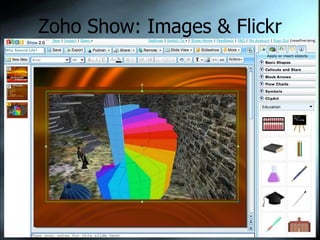
Zoho Show: Images & Flickr Success!
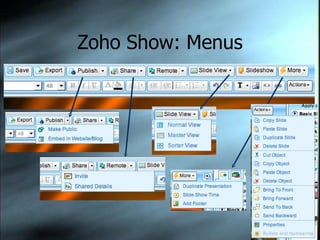
Zoho Show: Menus Import PPT Export as HTML Share with Others
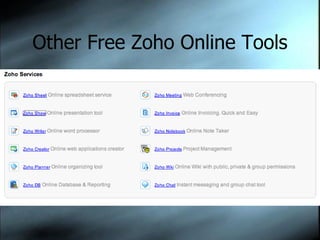
Other Free Zoho Online Tools Zoho Writer (word processing) Zoho Sheet (spreadsheet) Zoho Polls (surveys) Zoho Creator (online databases) Zoho Wiki More … at Zoho.com
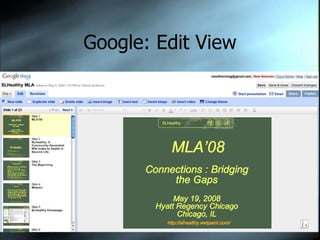
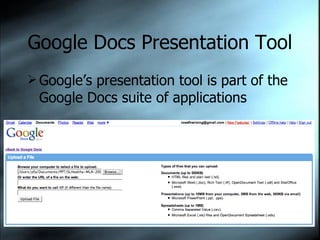
Google Docs Presentation Tool Google’s presentation tool is part of the Google Docs suite of applications
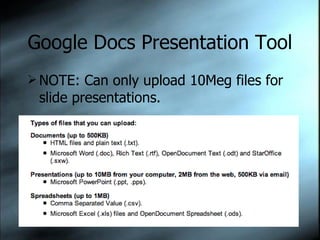
Google Docs Presentation Tool NOTE: Can only upload 10Meg files for slide presentations.
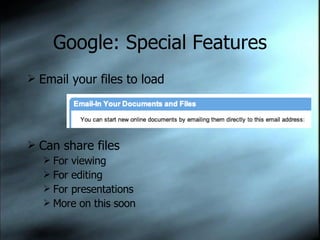
Google: Special Features Email your files to load Can share files For viewing For editing For presentations More on this soon
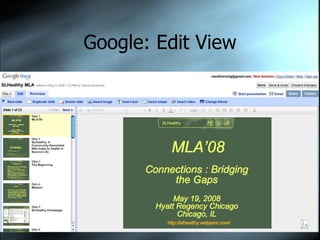
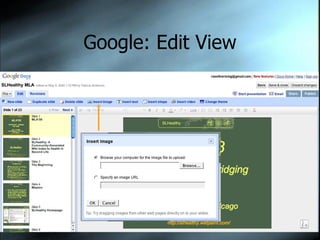
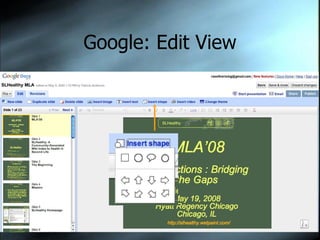
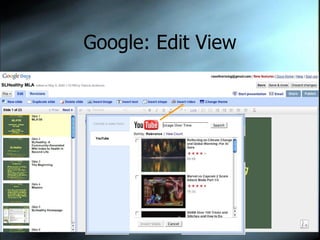
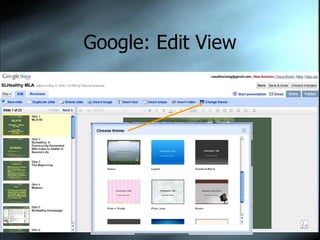
Google: Edit View
Google: Edit View
Google: Edit View
Google: Edit View
Google: Edit View
Google: Edit View
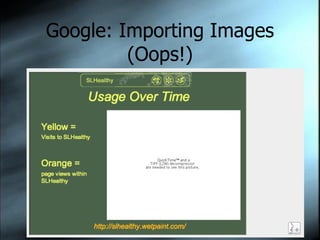
Google: Importing Images (Oops!)
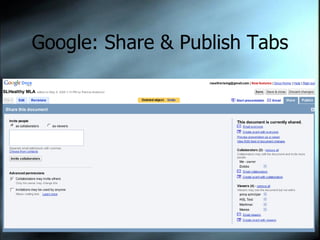
Google: Share & Publish Tabs
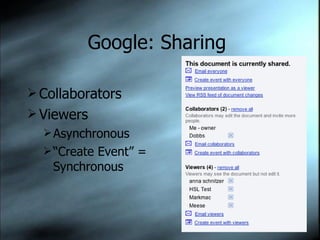
Google: Sharing  Collaborators Viewers Asynchronous “ Create Event” = Synchronous
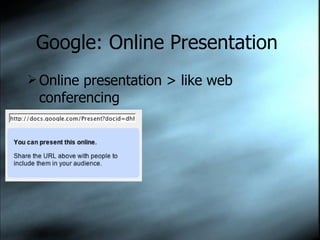
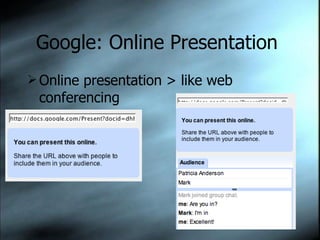
Google: Online Presentation  Online presentation > like web conferencing
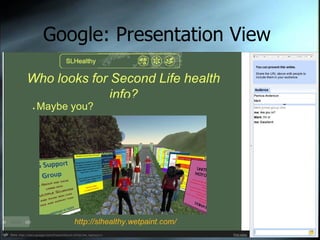
Google: Presentation View
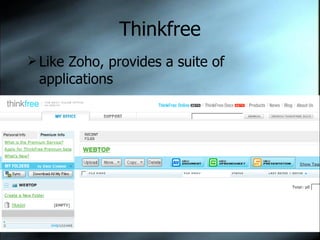
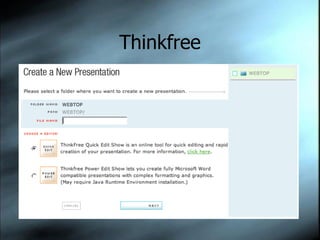
Thinkfree Like Zoho, provides a suite of applications
Thinkfree Quick Edit for online presentation Power Edit to create Powerpoint compatible documents
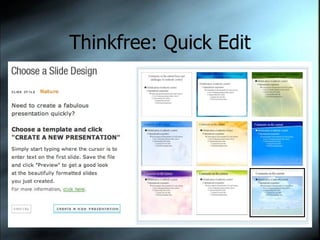
Thinkfree: Quick Edit
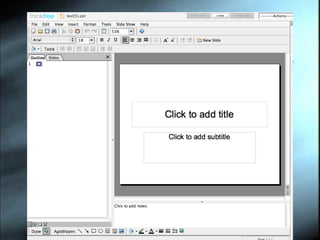
Thinkfree: Edit View
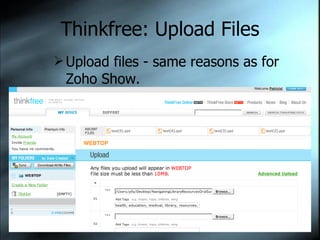
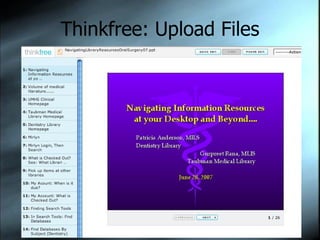
Thinkfree: Upload Files Upload files - same reasons as for Zoho Show.
Thinkfree: Upload Files What uploaded file looks like.
Thinkfree: FYI CONS: Not compatible with all browsers New - still needs some fine-tuning Commercial PROS: Interface comfortable to people familiar with Powerpoint Mobile (can update via phone) Commercial (support team?)
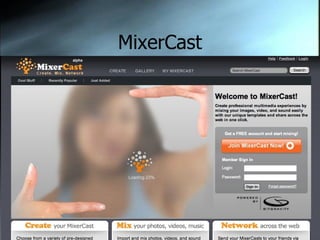
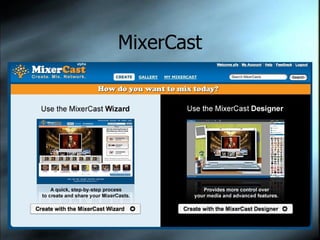
MixerCast Blends uploaded media files into shareable presentation.
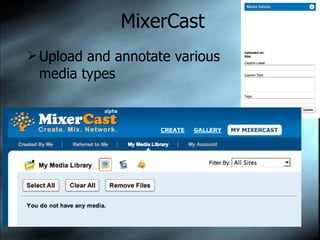
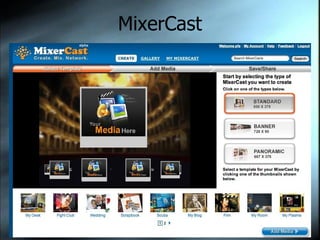
MixerCast Upload and annotate various media types
MixerCast Wizard available to simplify production.
MixerCast Variety of layouts
Synopsis Topics: Slideshare : Import, share, no online editing,  Slidecast:  Podcast, <50meg Zoho Show:  Import, edit, share, live webcasting Google:  Import, edit, share, export, live webcasting, <10meg Thinkfree : Import, edit, share, export – like PPT MixerCast : Not like PPT, more multimedia, share Contact Info: Patricia Anderson, pfa@umich.edu

Online Presentation Tools