





Office 365 Saturday Copenhagen
March 12 2016
Supporting the
community
Thanks to our sponsors
What is OneDrive for?
French
Lives in London since 2004
SharePoint since 2004 (WSS2/2003)
Director of a human size Office 365 consultancy in
London
http://sharepointfrancois.com @francoissouyri
François Souyri
Paper process
to Cloud Automation
In this session
History
Features
Storage
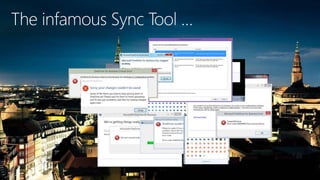
Sync tool
What's Next
Suggestions
OneDrive for Business
Consider …
• Are my files my own or my employer’s?
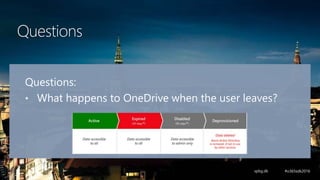
• What happens to OneDrive data when the user
leaves?
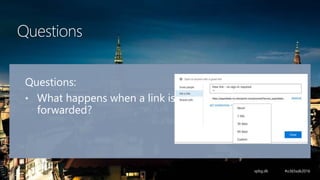
• What happens when a link is forwarded?
• What happen when a user's data is compromised
(eg. laptop stolen)
Why did Microsoft build it ?
To overcome two issues in SharePoint:
- need to be connected to a network to use it
- UI not user-friendly to everyone
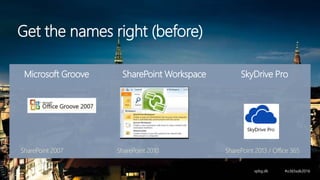
Get the names right (before)
SharePoint 2007 SharePoint 2010 SharePoint 2013 / Office 365
Microsoft Groove SharePoint Workspace SkyDrive Pro
Get the names right (now)
• OneDrive (for Consumer)
• OneDrive for business / OD4B / OfB
• Next Generation OneDrive for Business Sync
Client
• Next Generation Sync Client (NGSC)
• Same information system for the organisation
• Under the “umbrella” of Office 365
• 2nd after Dropbox
Why OneDrive and not another one?
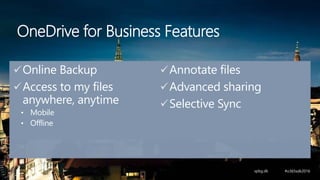
Online Backup
Access to my files
anywhere, anytime
• Mobile
• Offline
Annotate files
Advanced sharing
Selective Sync
OneDrive for Business Features
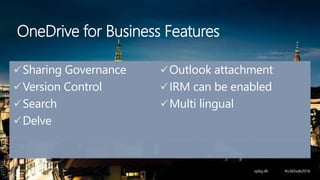
Sharing Governance
Version Control
Search
Delve
Outlook attachment
IRM can be enabled
Multi lingual
OneDrive for Business Features
OneDrive (consumer)
• 5Go (free)
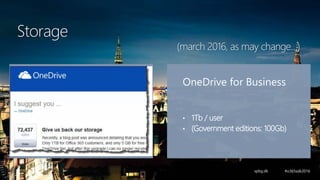
OneDrive for Business
• 1Tb / user
• (Government editions: 100Gb)
Storage
(march 2016, as may change…)
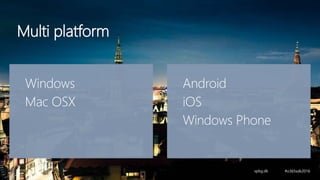
Windows
Mac OSX
Android
iOS
Windows Phone
Multi platform
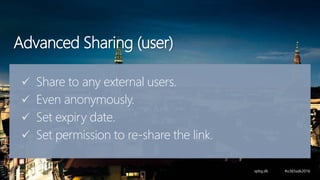
Advanced Sharing (user)
 Share to any external users.
 Even anonymously.
 Set expiry date.
 Set permission to re-share the link.
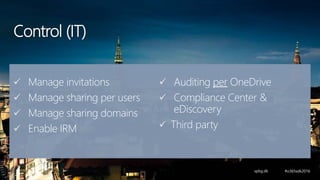
Control (IT)
 Manage invitations
 Manage sharing per users
 Manage sharing domains
 Enable IRM
 Auditing per OneDrive
 Compliance Center &
eDiscovery
 Third party
Openness
API to read and write files in OneDrive
for Business
• Part of Office 365 API and Office Graph
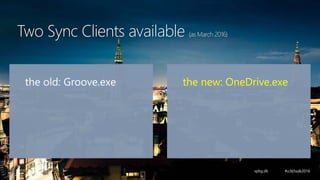
the old: Groove.exe the new: OneDrive.exe
Two Sync Clients available (as March 2016)
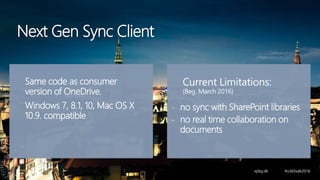
Same code as consumer
version of OneDrive.
Windows 7, 8.1, 10, Mac OS X
10.9. compatible
Current Limitations:
(Beg. March 2016)
- no sync with SharePoint libraries
- no real time collaboration on
documents
Next Gen Sync Client
NGSC OneDrive Sync
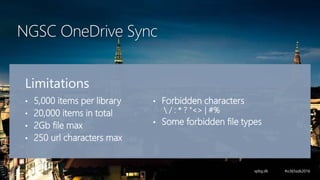
Limitations
• 5,000 items per library
• 20,000 items in total
• 2Gb file max
• 250 url characters max
• Forbidden characters
 / : * ? "<> | #%
• Some forbidden file types
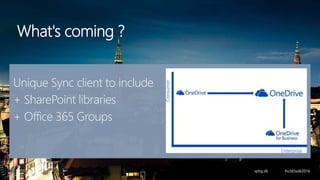
What's coming ?
Unique Sync client to include
+ SharePoint libraries
+ Office 365 Groups
Can I use OneDrive for Business …
To store my MP3?
To store my pictures?
To publish Reports?
To share document with my team?
To store all My Documents?
Don't migrate your company data
To OneDrive for Business
(only people’s personal files)
Main take away
Do edit Business Documents
but
Don’t leave them there when Final
Questions
Questions
Questions:
• What happens to OneDrive when the user leaves?
Questions
Questions:
• Are the files my own or my
employer’s?
Questions
Questions:
• What happens when a link is
forwarded?
Questions
Questions:
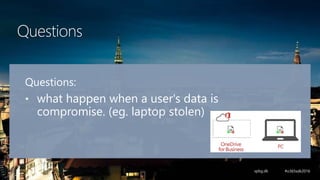
• what happen when a user's data is
compromise. (eg. laptop stolen)
OD4B Resources
MSDN
MVP Blogs:
• Hans Brender
• Martina Grom
• Toni Pohl
OneDrive blog
Office 365 online community
Supporting the
community
Thanks to our sponsors

OneDrive for Business 101