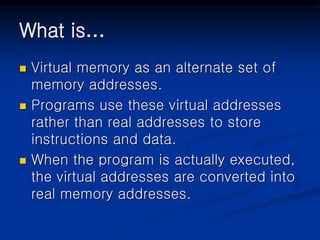
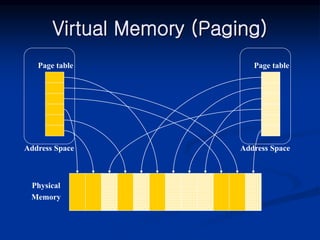
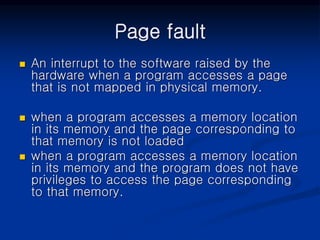
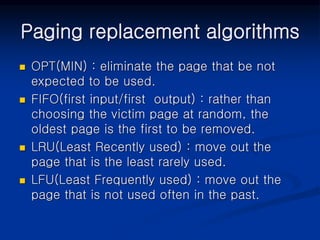
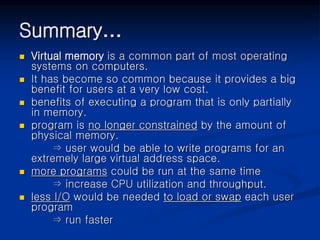
Virtual memory allows programs to access memory addresses that do not physically exist, expanding the available address space. It works by dividing memory into pages that are stored on disk until needed, then copied into RAM. When a program accesses a non-present page, a page fault occurs and the operating system handles copying the correct page into memory transparently to the program. This allows more programs to run than would otherwise fit in physical memory.