Download as PDF, PPTX

















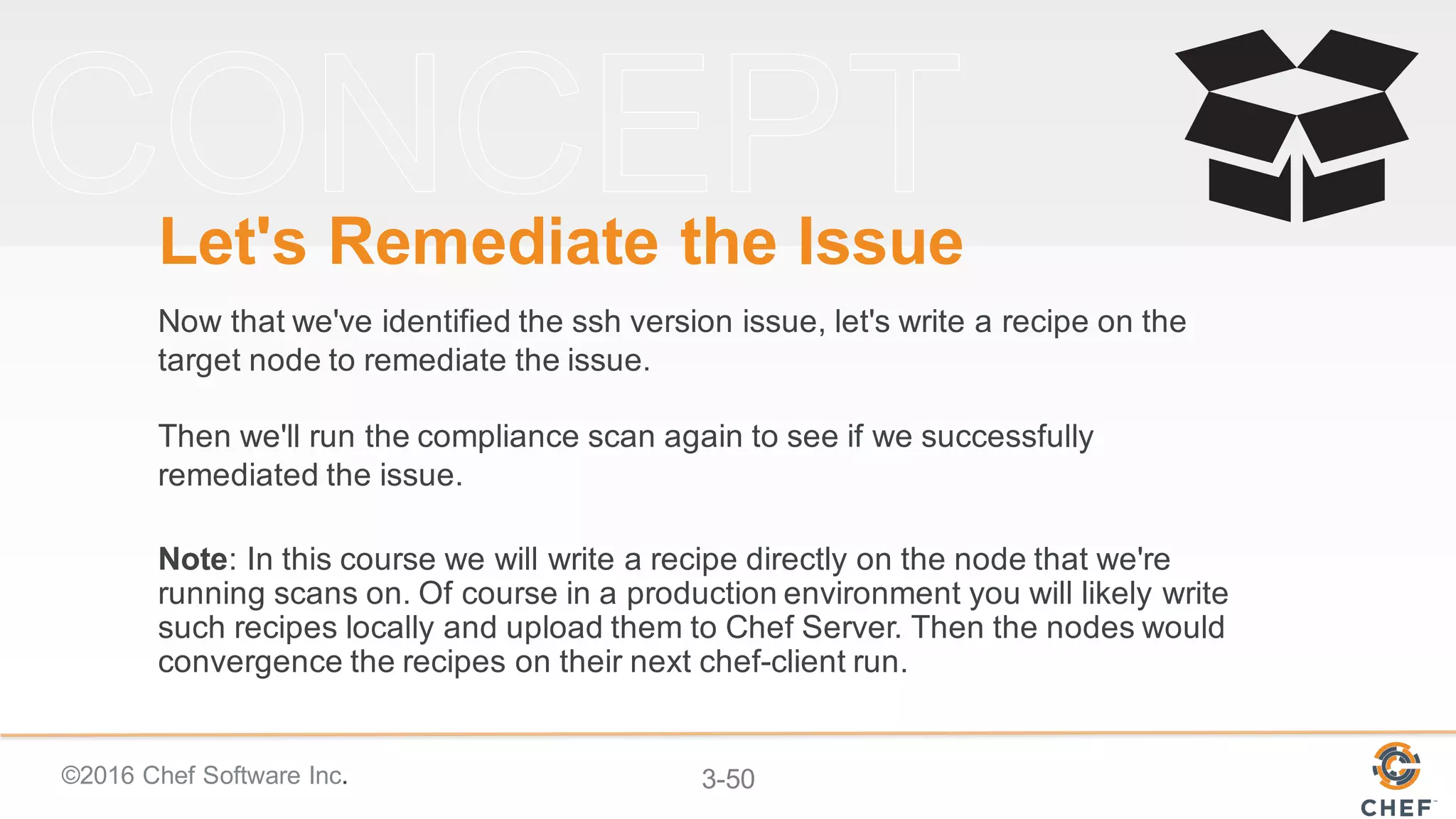


![©2016 Chef Software Inc. 3-54
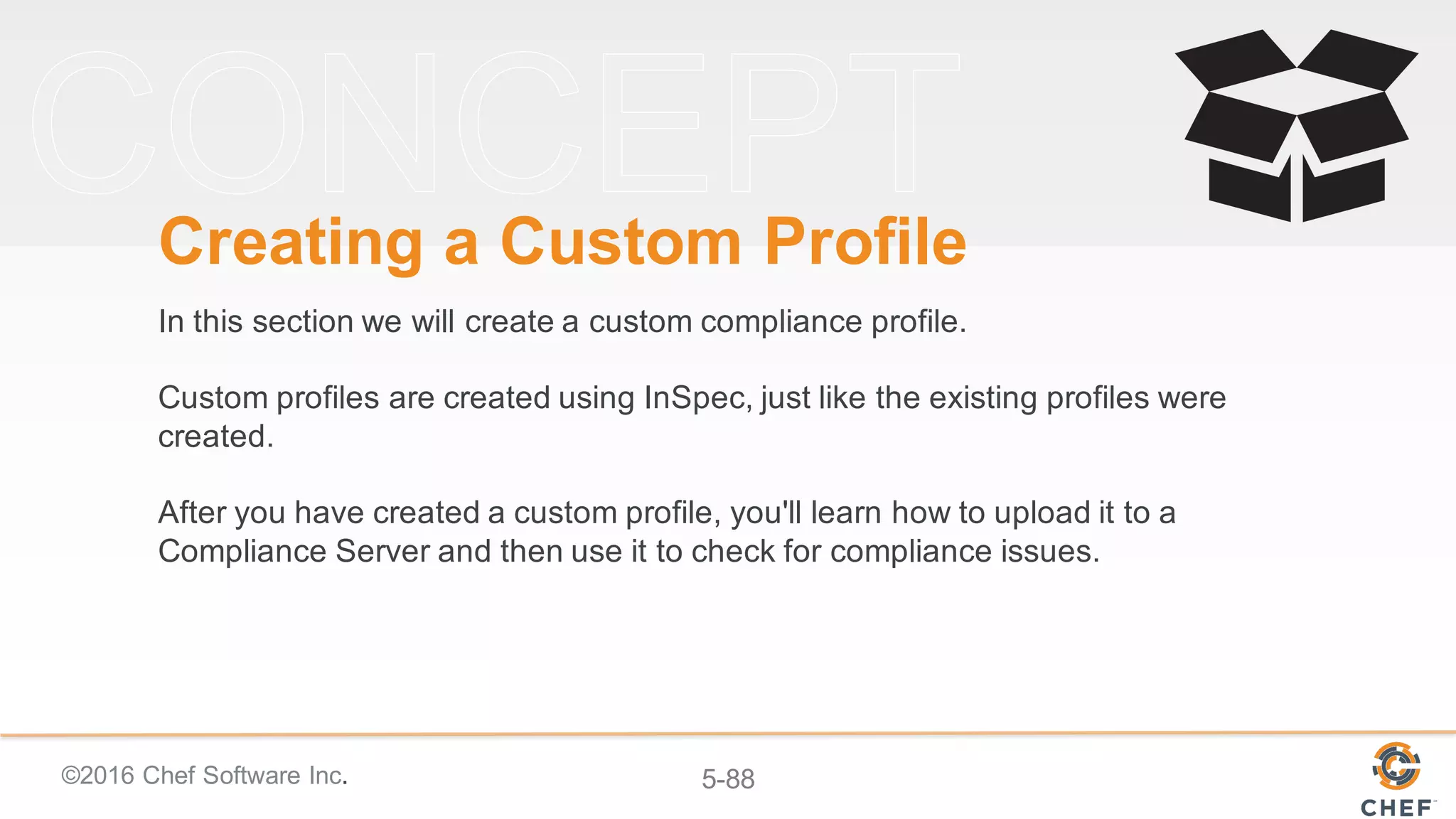
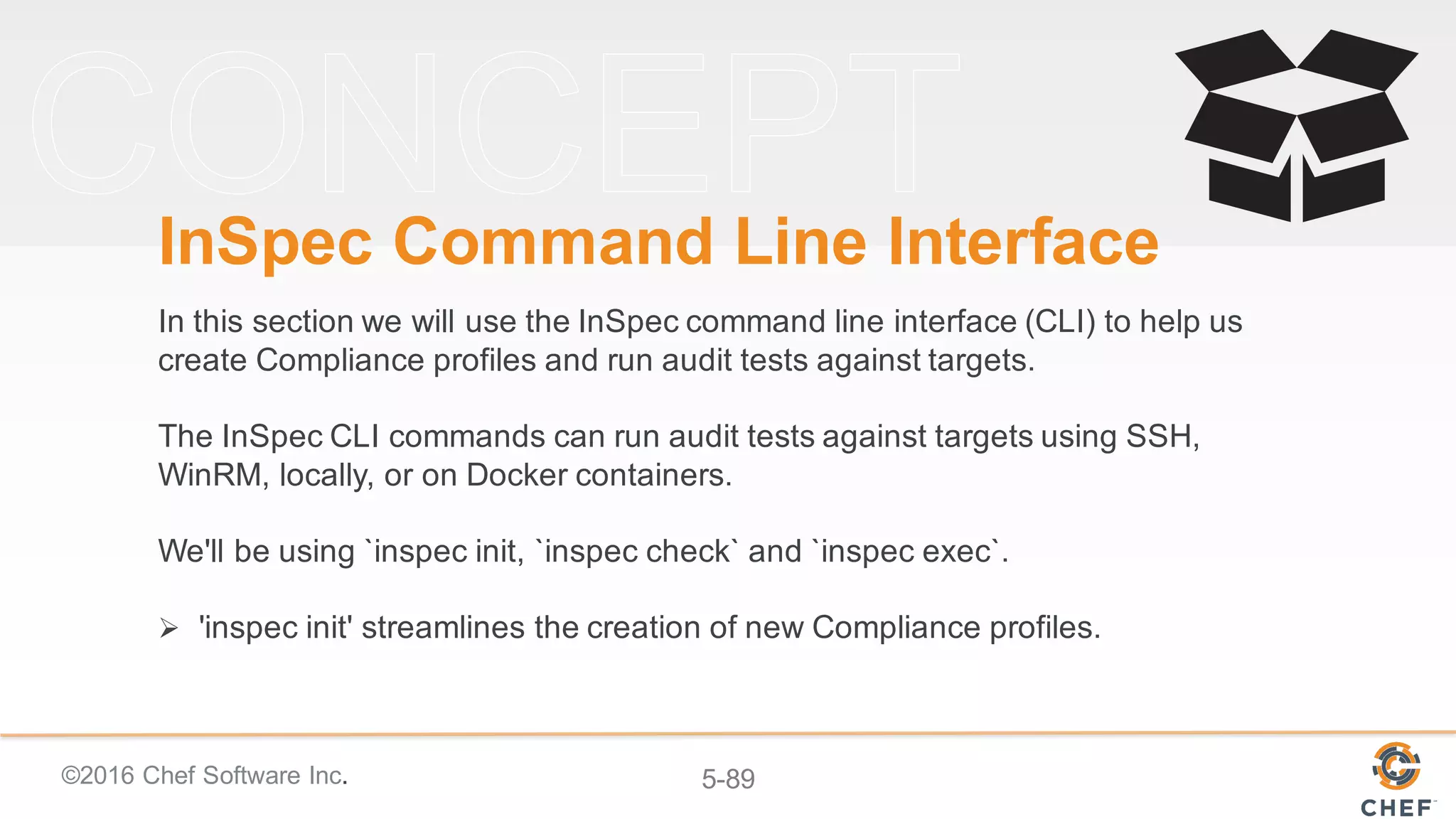
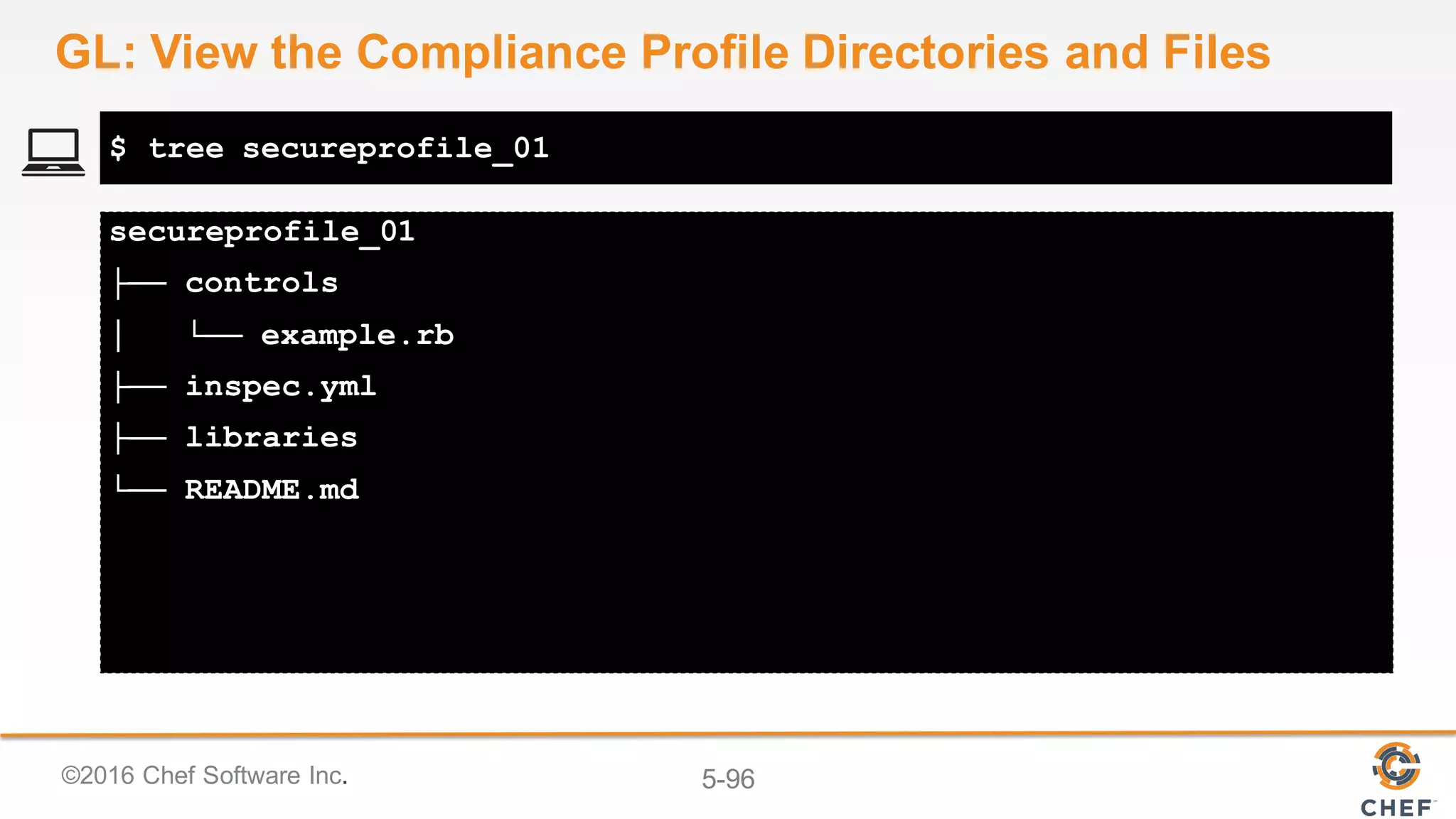
Compiling Cookbooks...
Recipe: code_generator::cookbook
* directory[/home/chef/cookbooks/ssh] action create
- create new directory /home/chef/cookbooks/ssh
...
- create new file /home/chef/cookbooks/ssh/recipes/default.rb
- update content in file
/home/chef/cookbooks/ssh/recipes/default.rb from none to b702c7
(diff output suppressed by config)
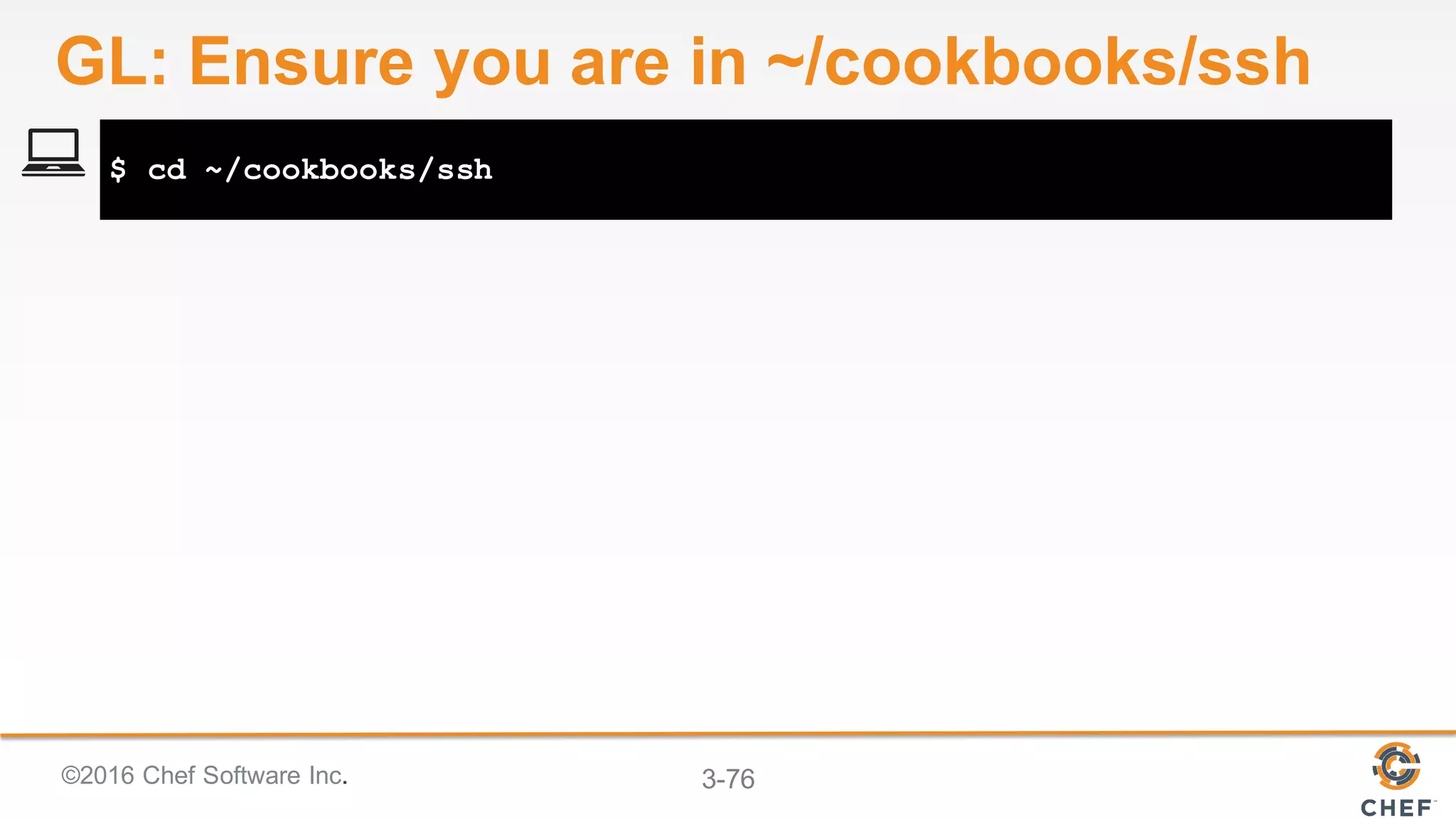
$ chef generate cookbook ssh
GL: Create an SSH Cookbook](https://image.slidesharecdn.com/nikepopupcomplianceworkshop-160728212245/75/Nike-popup-compliance-workshop-54-2048.jpg)
![©2016 Chef Software Inc. 3-55
Compiling Cookbooks...
Recipe: code_generator::recipe
* directory[./ssh/spec/unit/recipes] action create (up to date)
* cookbook_file[./ssh/spec/spec_helper.rb] action
create_if_missing (up to date)
...
- create new file ./ssh/recipes/client.rb
- update content in file ./ssh/recipes/client.rb from none to
9c833a
(diff output suppressed by config)
$ chef generate recipe ssh client
GL: Create an SSH Client Recipe](https://image.slidesharecdn.com/nikepopupcomplianceworkshop-160728212245/75/Nike-popup-compliance-workshop-55-2048.jpg)
![©2016 Chef Software Inc. 3-56
Compiling Cookbooks...
Recipe: code_generator::template
* directory[./ssh/templates/default] action create
- create new directory ./ssh/templates/default
* file[./ssh/templates/default/ssh_config.erb] action create
- create new file ./ssh/templates/default/ssh_config.erb
- update content in file
./ssh/templates/default/ssh_config.erb from none to 86eb9b
(diff output suppressed by config)
$ chef generate template ssh ssh_config.erb -s /etc/ssh/ssh_config
GL: Create an SSH Config Template](https://image.slidesharecdn.com/nikepopupcomplianceworkshop-160728212245/75/Nike-popup-compliance-workshop-56-2048.jpg)
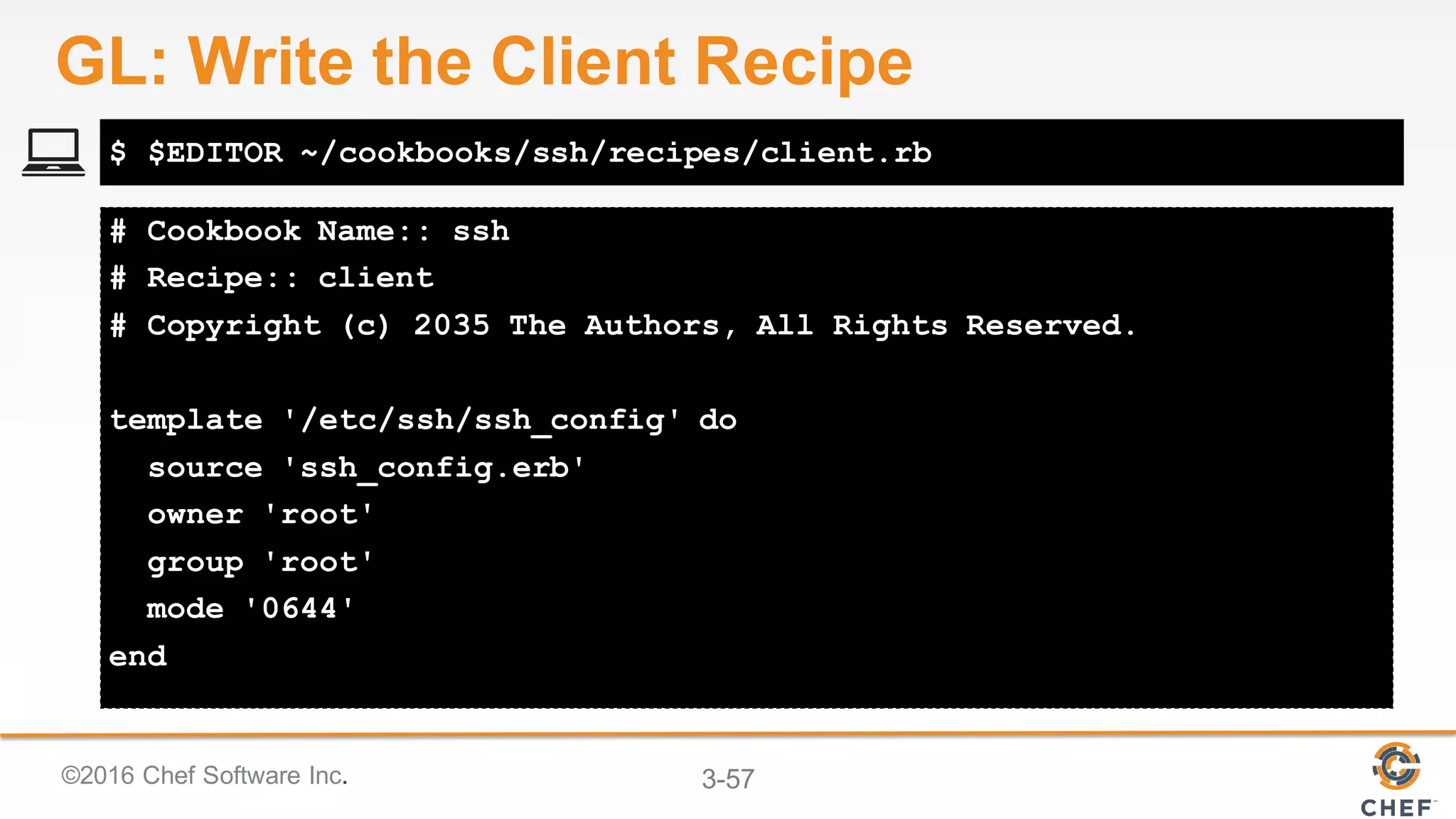


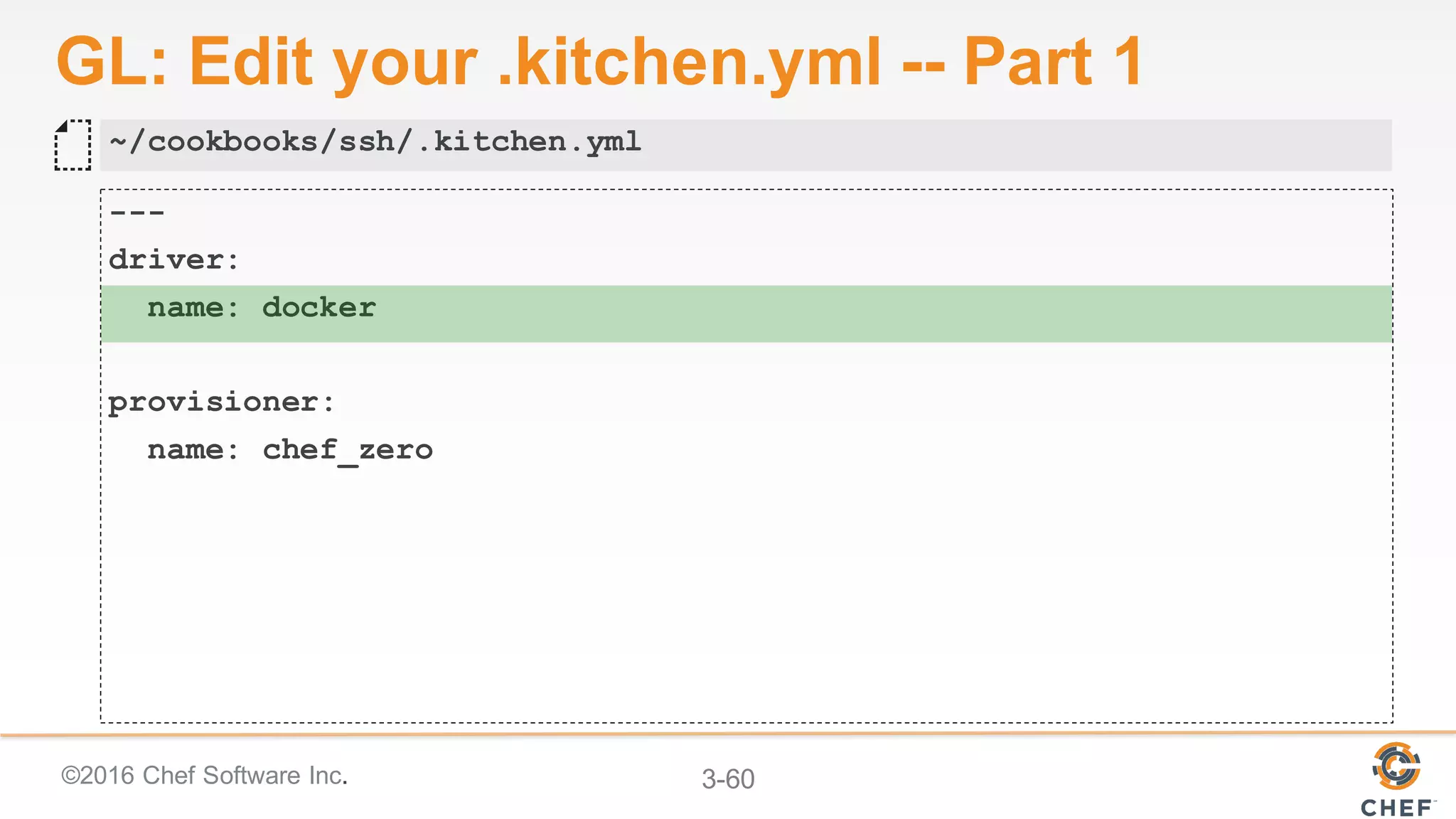
![©2016 Chef Software Inc. 3-61
GL: Edit your .kitchen.yml -- Part 2
platforms:
# - name: ubuntu-14.04
- name: centos-6.8
suites:
- name: default
run_list:
- recipe[ssh::default]
attributes:
~/cookbooks/ssh/.kitchen.yml](https://image.slidesharecdn.com/nikepopupcomplianceworkshop-160728212245/75/Nike-popup-compliance-workshop-61-2048.jpg)
![©2016 Chef Software Inc. 3-62
GL: Edit your .kitchen.yml -- Part 3
platforms:
# - name: ubuntu-14.04
- name: centos-6.7
suites:
- name: client
run_list:
- recipe[ssh::client]
attributes:
~/cookbooks/ssh/.kitchen.yml
+](https://image.slidesharecdn.com/nikepopupcomplianceworkshop-160728212245/75/Nike-popup-compliance-workshop-62-2048.jpg)

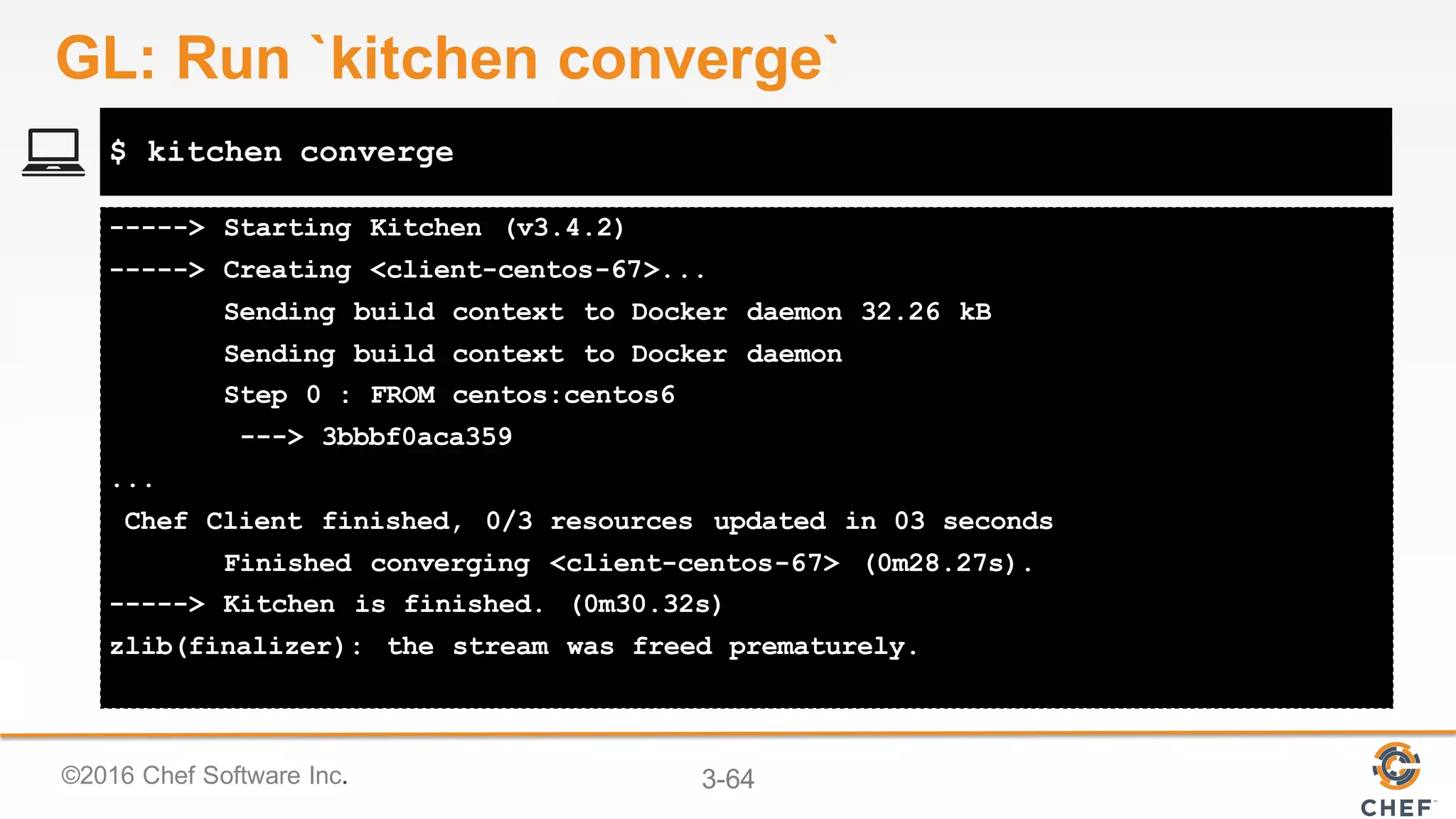







![©2016 Chef Software Inc. 3-79
...
+++ /etc/ssh/.ssh_config20151209-10413-hlk9ow 2015-12-09
20:37:07.621689137 +0000
@@ -37,7 +37,7 @@
# IdentityFile ~/.ssh/id_rsa
# IdentityFile ~/.ssh/id_dsa
# Port 22
-# Protocol 2,1
+Protocol 2
# Cipher 3desesources updated in 3.29477735 seconds
$ sudo chef-client --local-mode -r 'recipe[ssh::client]'
GL: Apply the New SSH Recipe](https://image.slidesharecdn.com/nikepopupcomplianceworkshop-160728212245/75/Nike-popup-compliance-workshop-79-2048.jpg)






![©2016 Chef Software Inc. 5-92
[chef@ip-172-31-0-65 ~]$ inspec help
Commands:
inspec archive PATH # archive a profile to tar.gz (defau...
inspec check PATH # verify all tests at the specified ...
inspec compliance SUBCOMMAND ... # Chef Compliance commands
inspec detect # detect the target OS
inspec exec PATHS # run all test files at the specifie...
inspec help [COMMAND] # Describe available commands or one...
inspec init TEMPLATE ... # Scaffolds a new project
inspec json PATH # read all tests in PATH and generat...
inspec shell # open an interactive debugging shell
inspec version # prints the version of this tool
$ inspec help
GL: Using `inspec help`](https://image.slidesharecdn.com/nikepopupcomplianceworkshop-160728212245/75/Nike-popup-compliance-workshop-92-2048.jpg)
![©2016 Chef Software Inc. 5-93
[chef@ip-172-31-0-65 ~]$ inspec init help
Commands:
inspec init help [COMMAND] # Describe subcommands or one specific subcommand
inspec init profile NAME # Create a new profile
# prints the version of this tool
$ inspec init help
GL: Using `inspec init` help`](https://image.slidesharecdn.com/nikepopupcomplianceworkshop-160728212245/75/Nike-popup-compliance-workshop-93-2048.jpg)


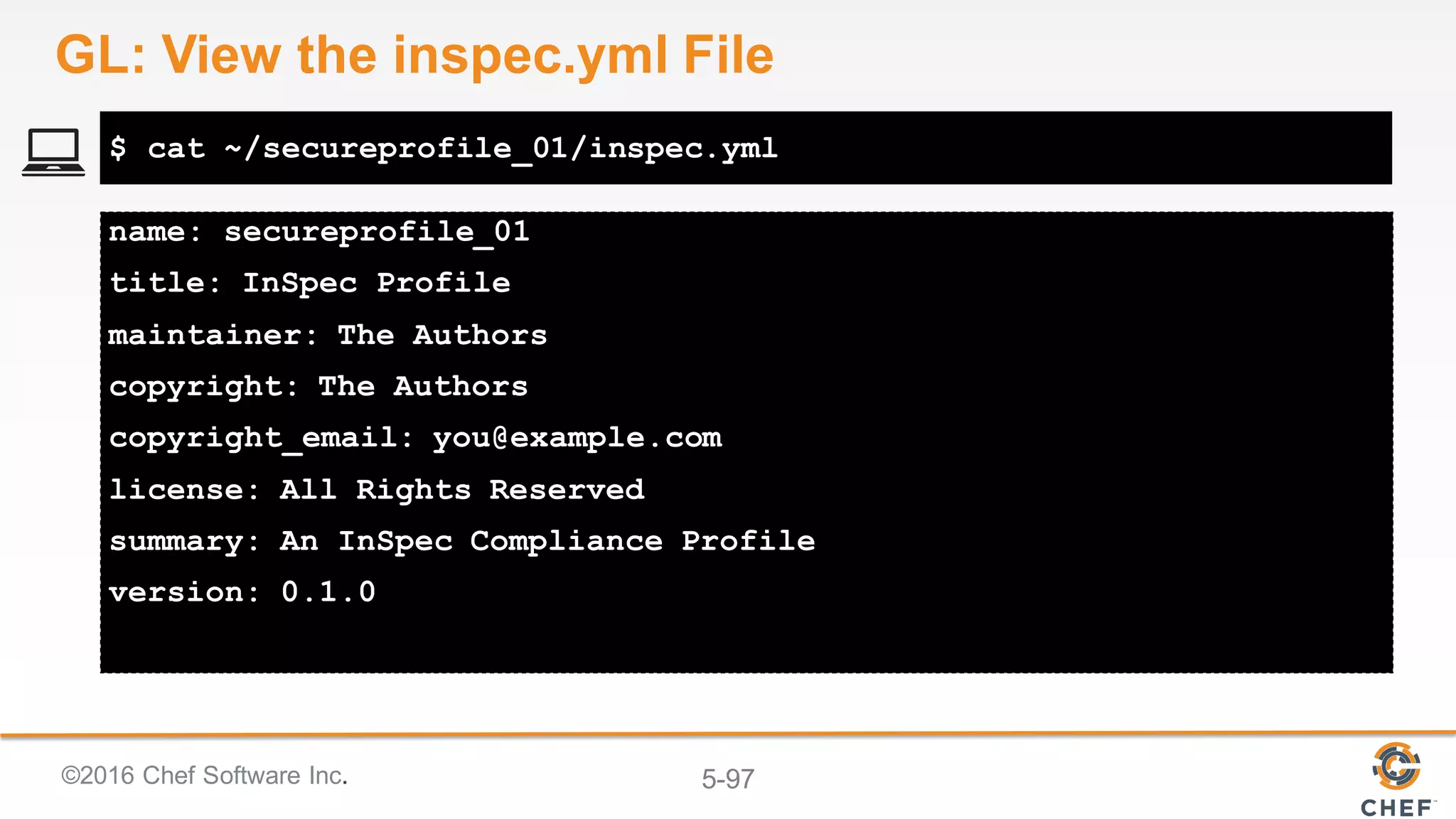


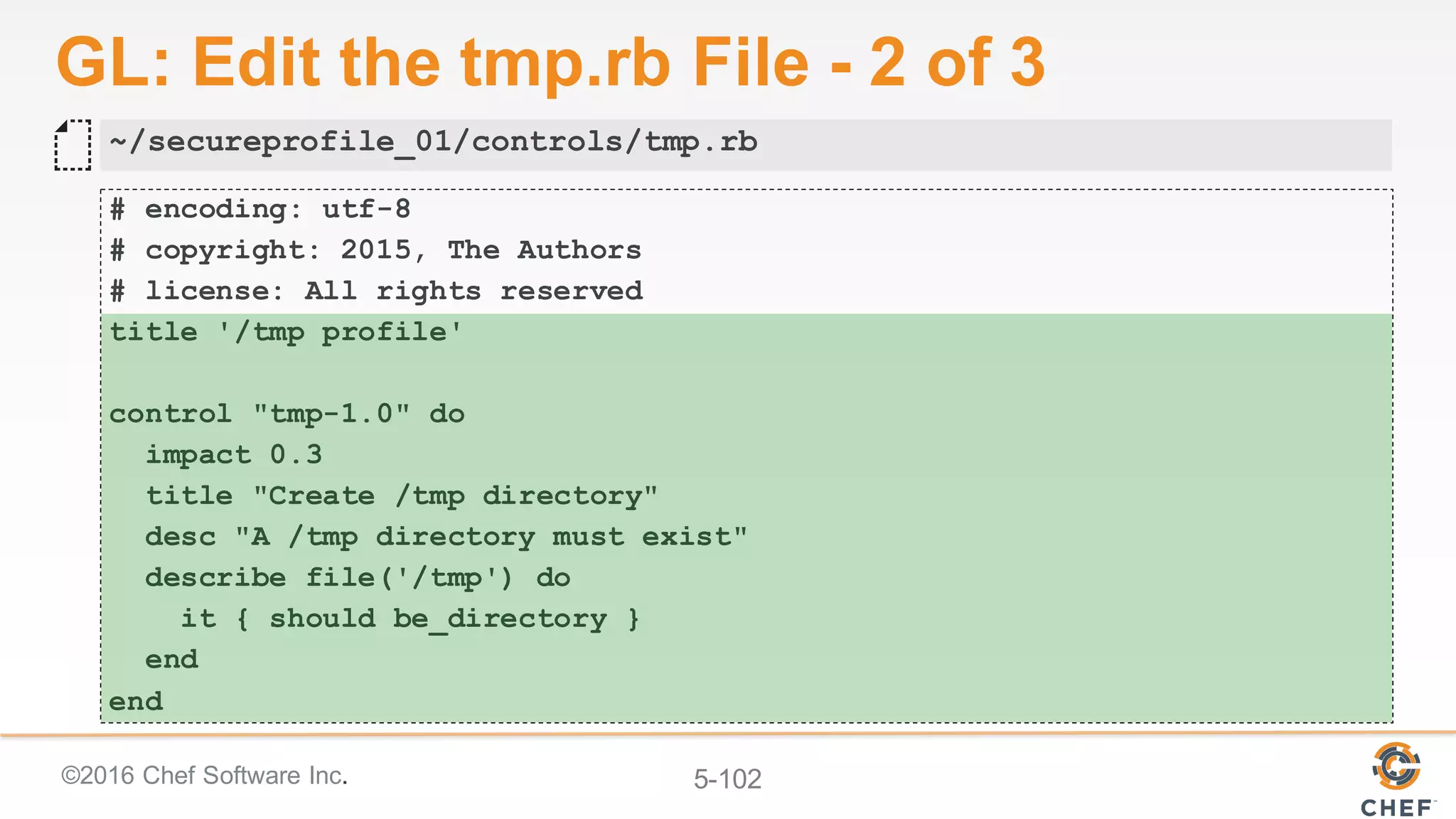


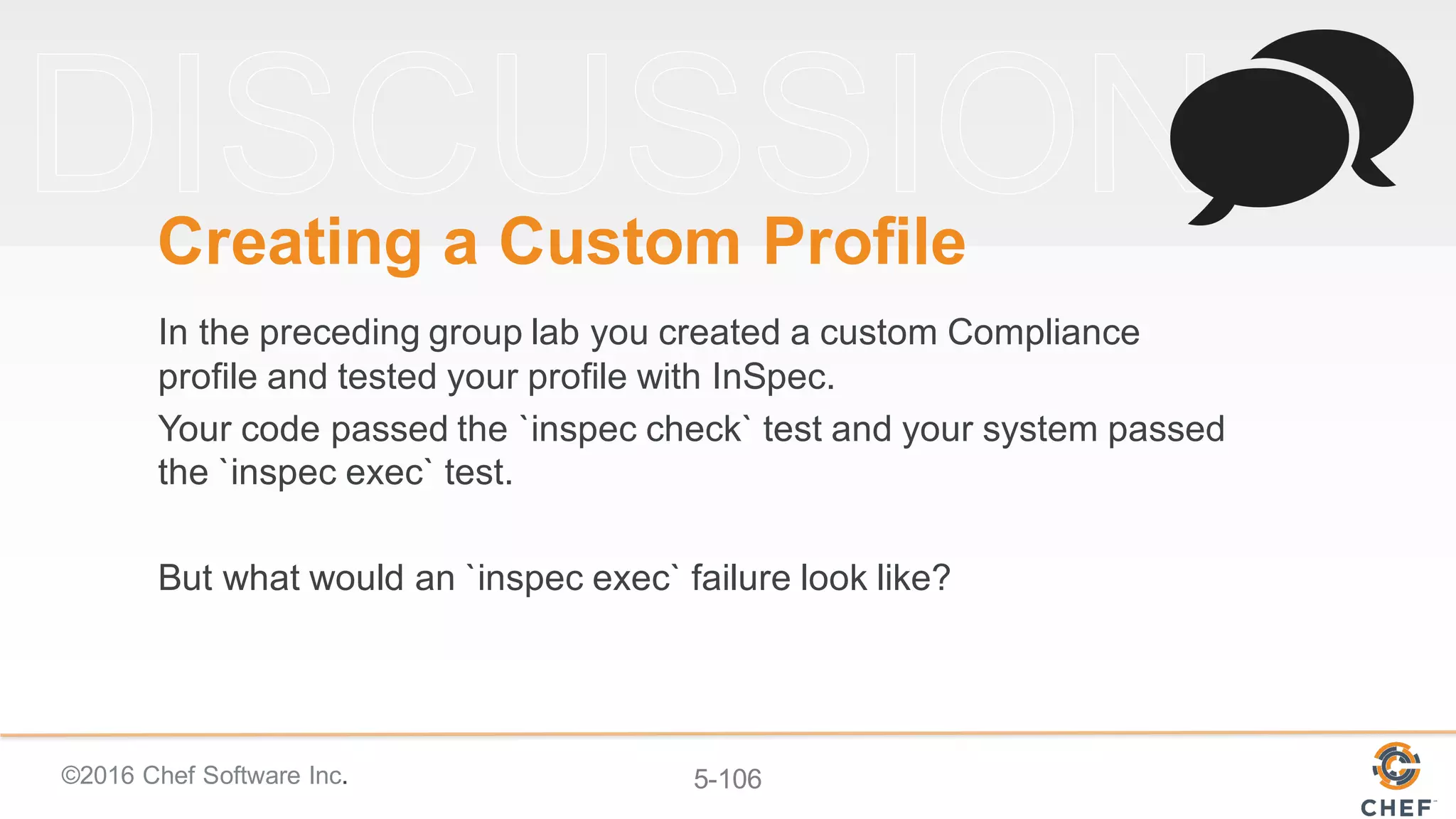


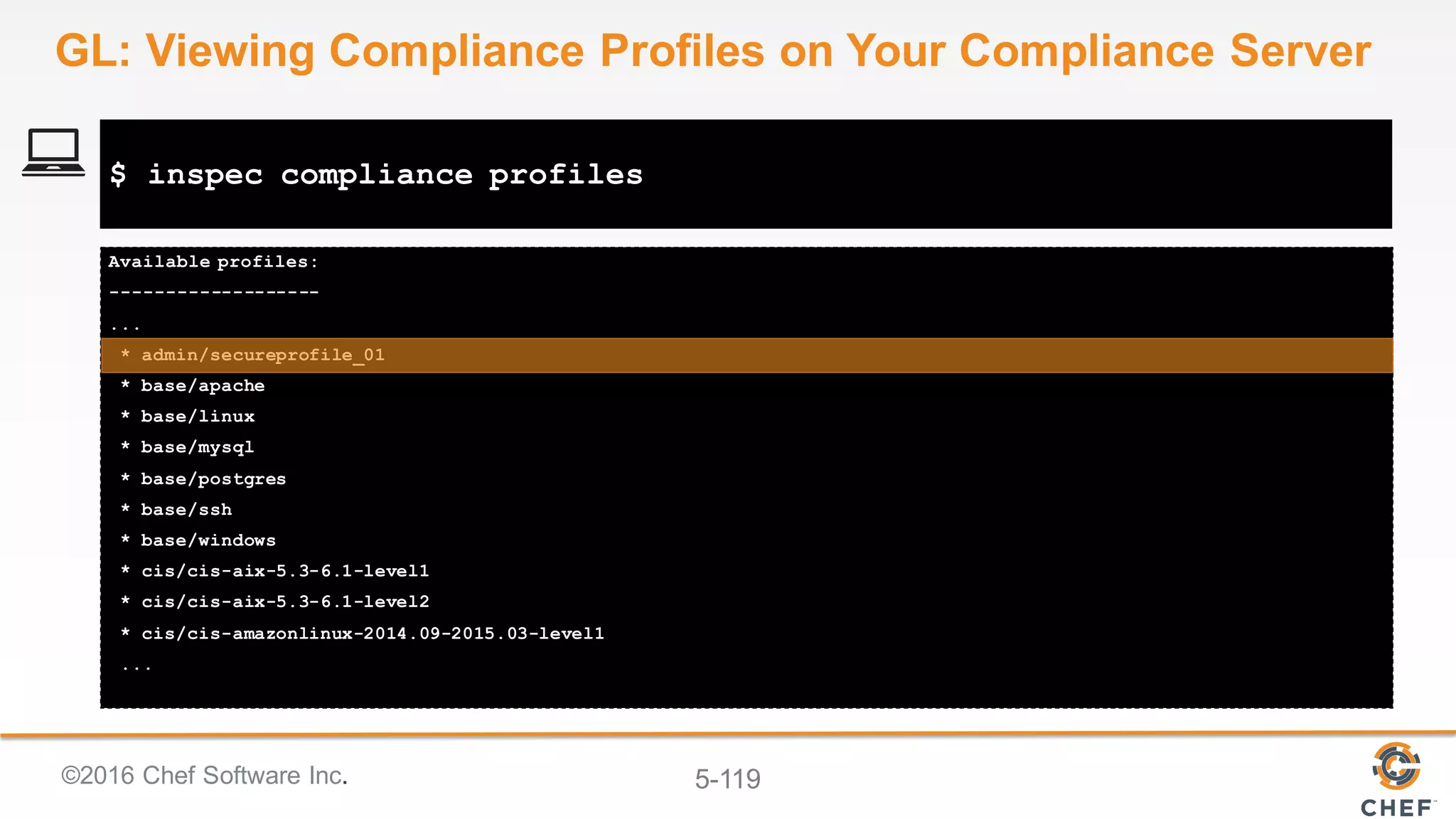
![©2016 Chef Software Inc. 5-112
Commands:
inspec compliance exec PROFILE # executes a Chef Compliance profile
inspec compliance help [COMMAND] # Describe subcommands or one specific subcommand
inspec compliance login SERVER # Log in to a Chef Compliance SERVER
inspec compliance logout # user logout from Chef Compliance
inspec compliance profiles # list all available profiles in Chef Compliance
inspec compliance upload PATH # uploads a local profile to Chef Compliance
inspec compliance version # displays the version of the Chef Compliance server
$ inspec compliance help
GL: Using 'inspec compliance` Commands](https://image.slidesharecdn.com/nikepopupcomplianceworkshop-160728212245/75/Nike-popup-compliance-workshop-112-2048.jpg)


![©2016 Chef Software Inc. 5-115
Your server supports --user and --password only
Successfully authenticated
[chef@ip-172-31-9-142 ~]$
$ inspec compliance login https://FQDN --user admin --insecure --
refresh_token 'TOKEN'
GL: Logging in to Your Compliance Server](https://image.slidesharecdn.com/nikepopupcomplianceworkshop-160728212245/75/Nike-popup-compliance-workshop-115-2048.jpg)


![©2016 Chef Software Inc. 5-118
I, [2016-06-07T19:18:53.543295 #12681] INFO -- : Checking profile in secureprofile_01
I, [2016-06-07T19:18:53.543448 #12681] INFO -- : Metadata OK.
I, [2016-06-07T19:18:53.666594 #12681] INFO -- : Found 3 controls.
I, [2016-06-07T19:18:53.666721 #12681] INFO -- : Control definitions OK.
Profile is valid
Generate temporary profile archive at /tmp/secureprofile_0120160607-12681-1jpozwr.tar.gz
I, [2016-06-07T19:18:53.761495 #12681] INFO -- : Generate archive
/tmp/secureprofile_0120160607-12681-1jpozwr.tar.gz.
I, [2016-06-07T19:18:53.775046 #12681] INFO -- : Finished archive generation.
Start upload to admin/secureprofile_01
Uploading to Chef Compliance
Successfully uploaded profile
$ inspec compliance upload secureprofile_01
GL: Uploading Your Custom Profile](https://image.slidesharecdn.com/nikepopupcomplianceworkshop-160728212245/75/Nike-popup-compliance-workshop-118-2048.jpg)


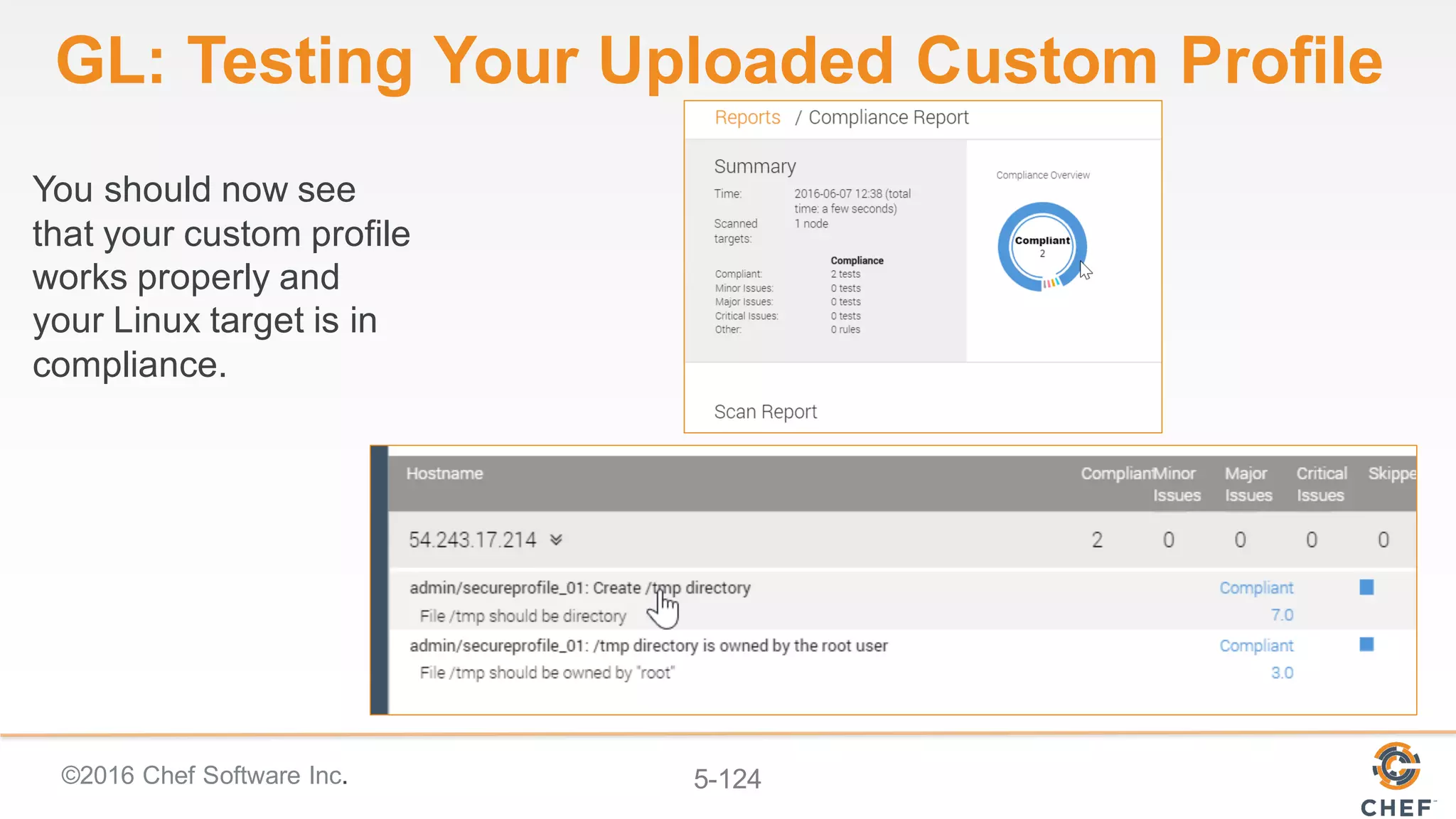









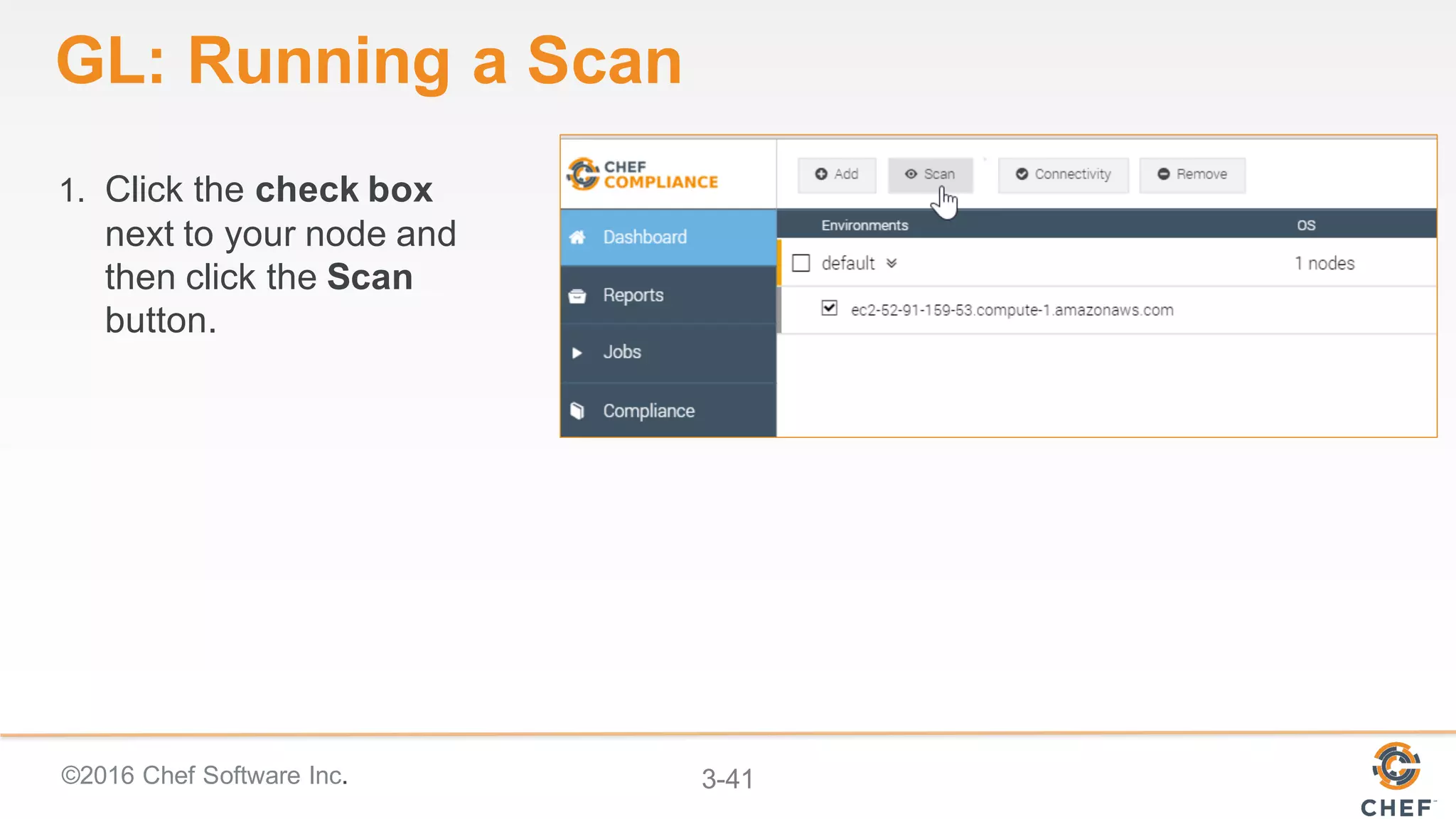
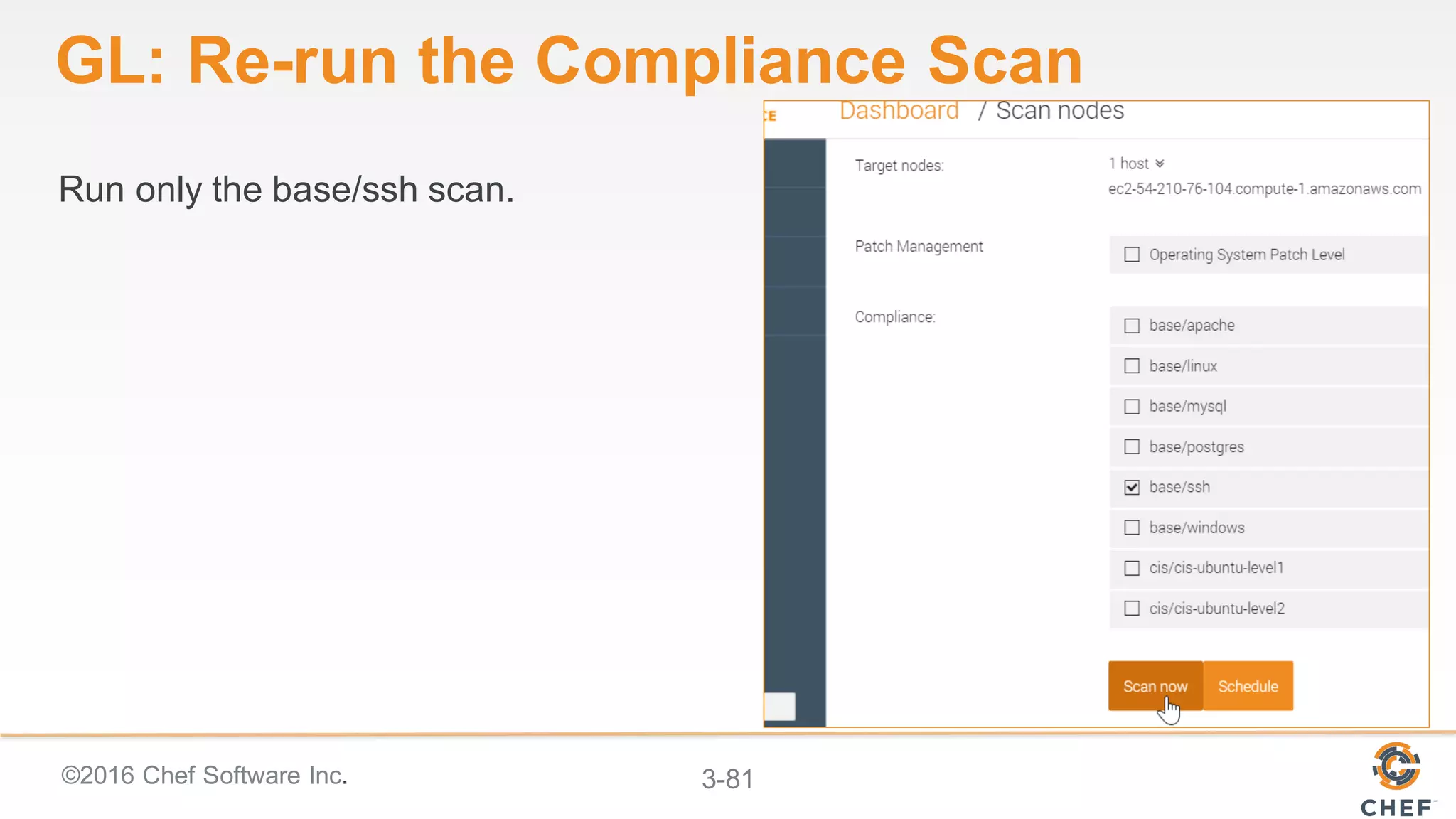
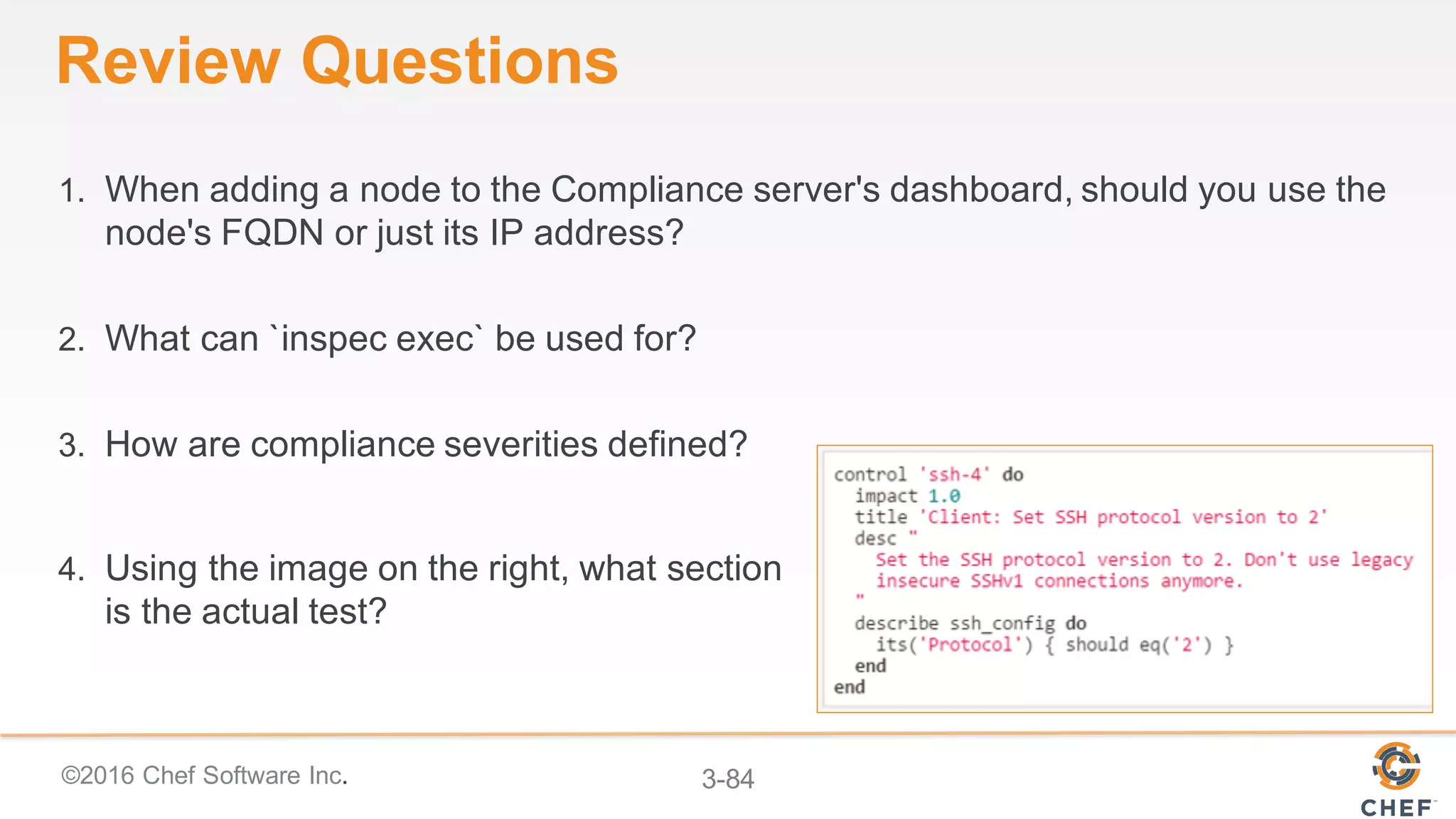
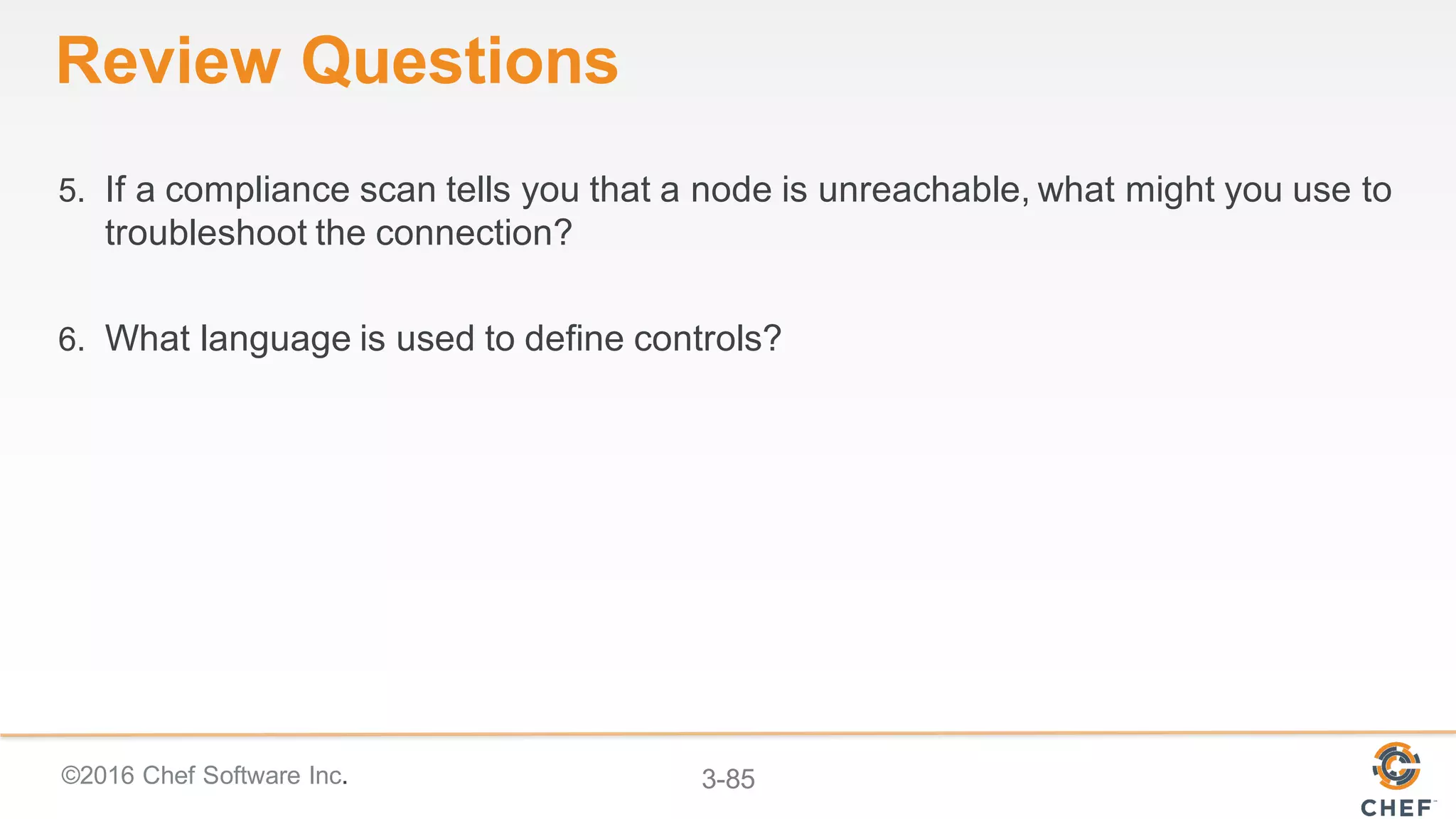
Here are the steps to run a compliance scan: 1. Click the checkbox next to your node. 2. Select the "cis-3.1" profile from the dropdown menu. 3. Click the "Scan Now" button. 4. The scan will run and you'll see the status change to "Scanning". 5. Once complete, the status will change to "Compliant" or "Non-Compliant" and you can view the detailed results and any failures/warnings. Let me know if you have any other questions!


![Vibe Coding vs. Spec-Driven Development [Free Meetup]](https://cdn.slidesharecdn.com/ss_thumbnails/vibecodingvsspecdrivendevelopment-251209105622-43f455e7-thumbnail.jpg?width=640&height=640&fit=bounds)


